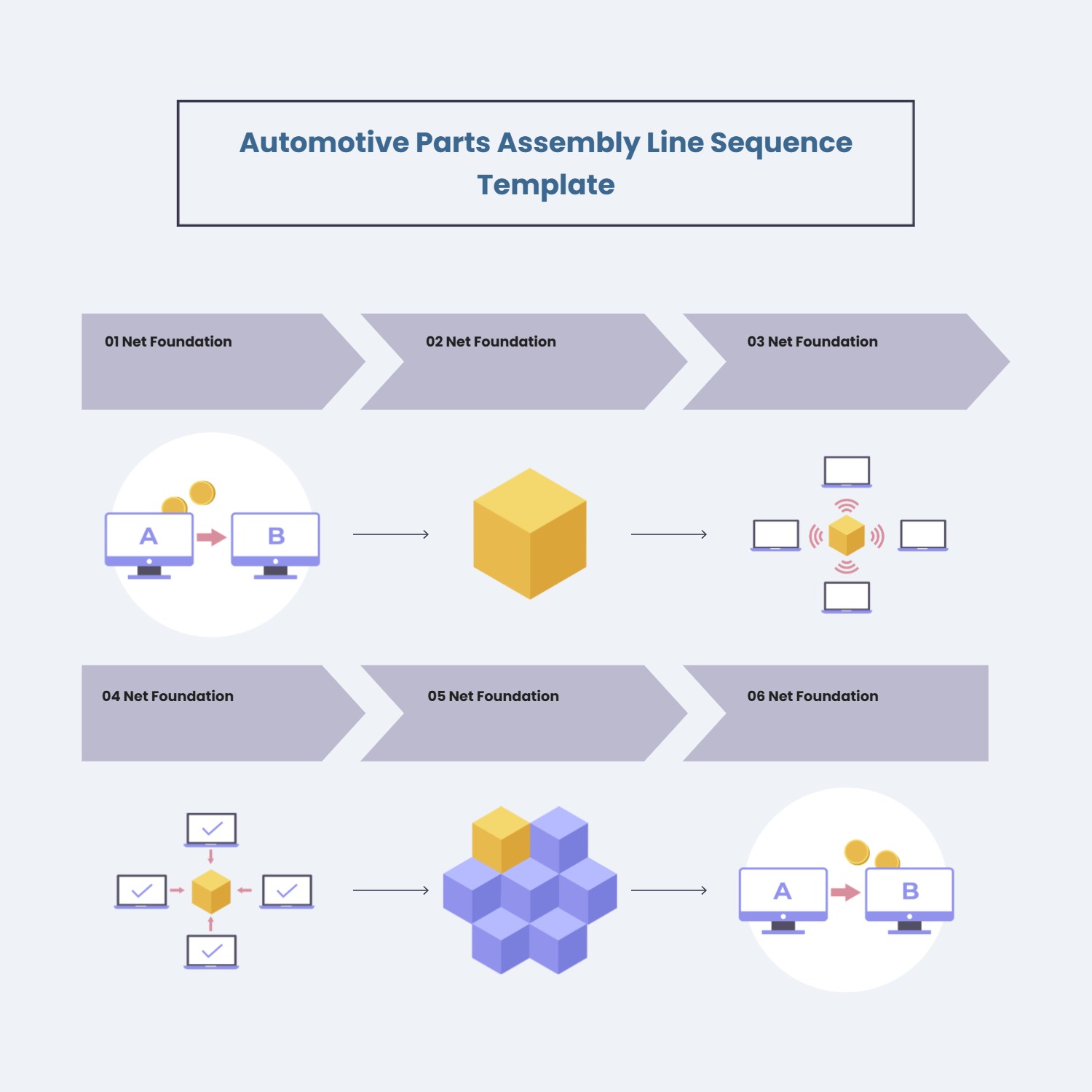
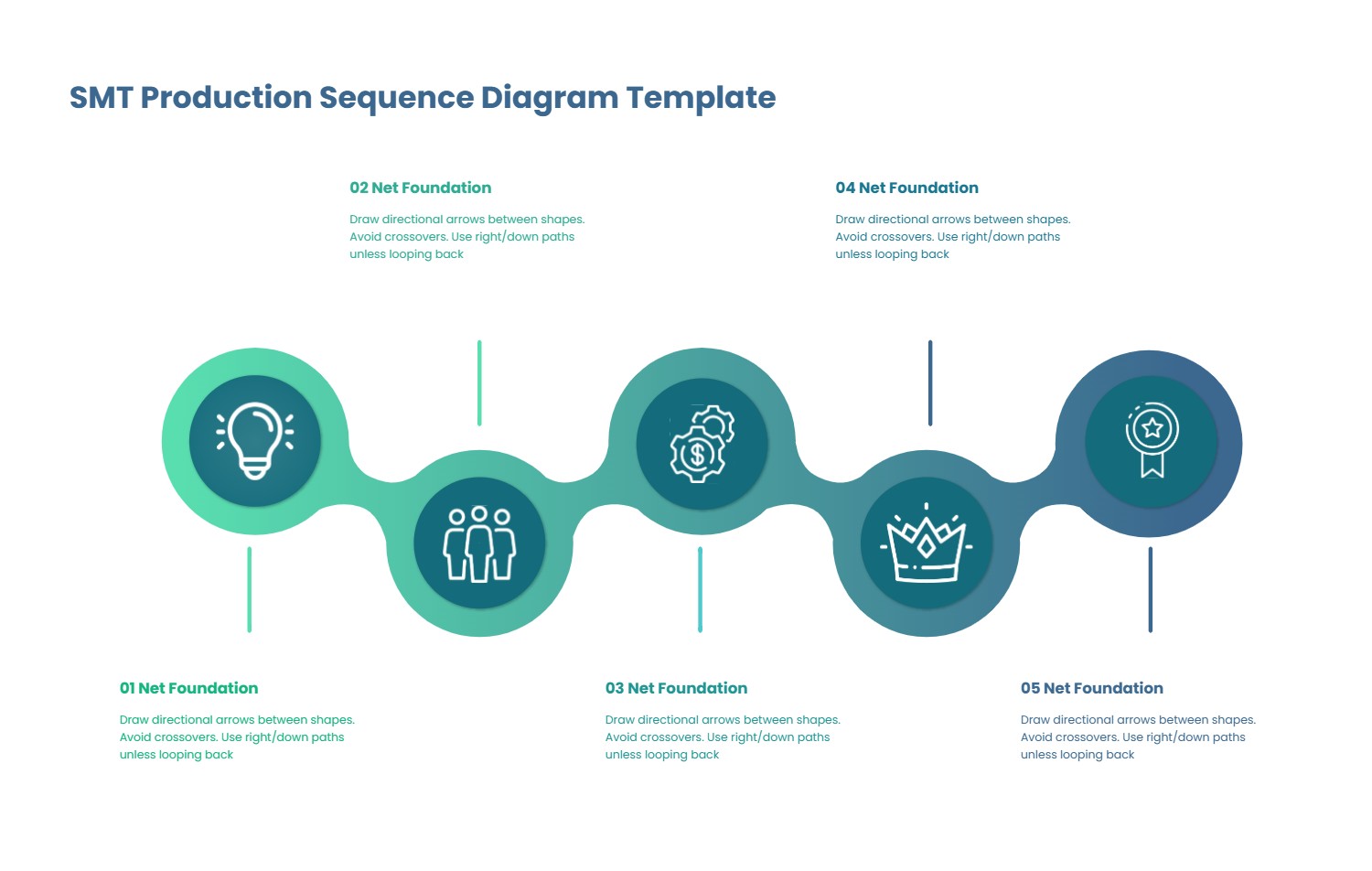
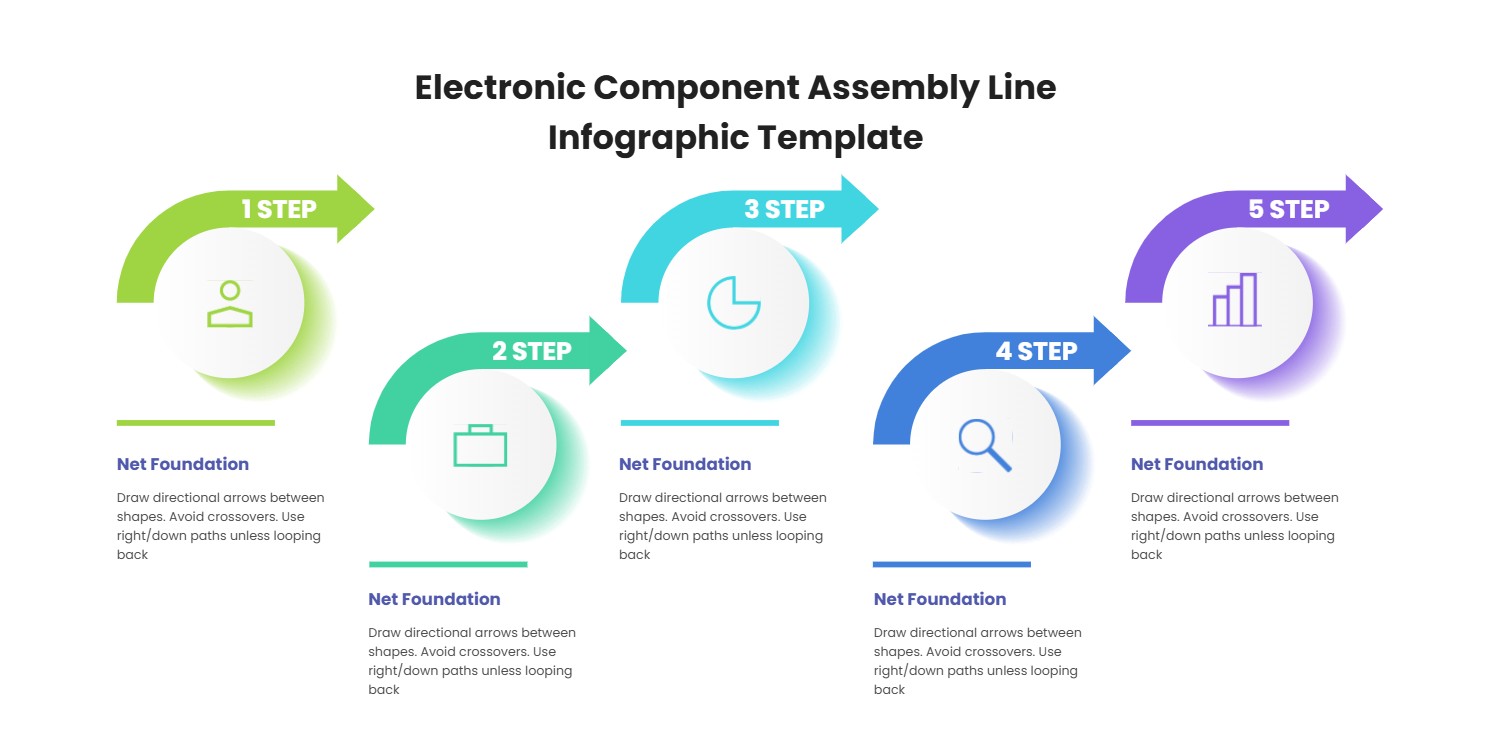
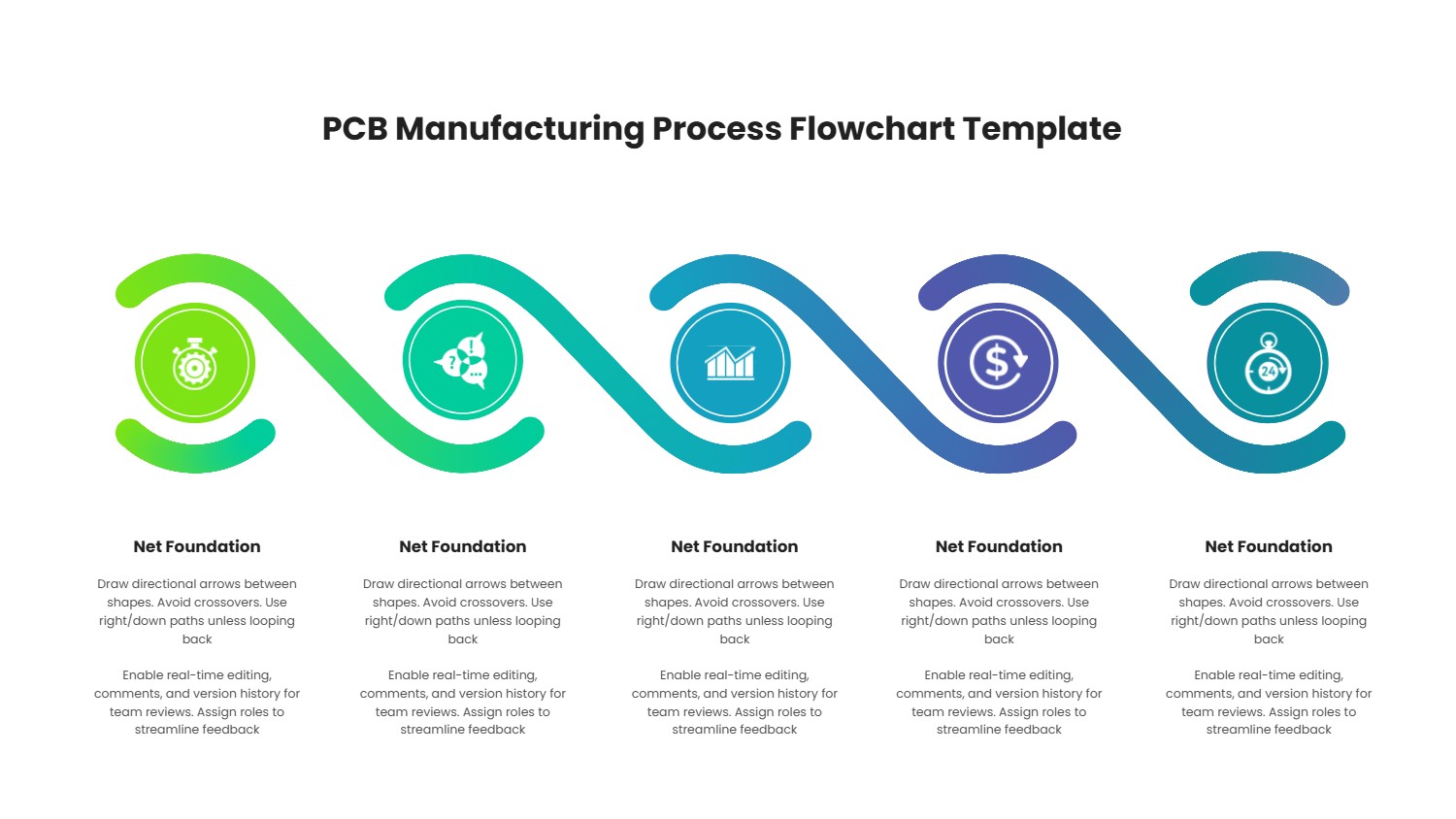
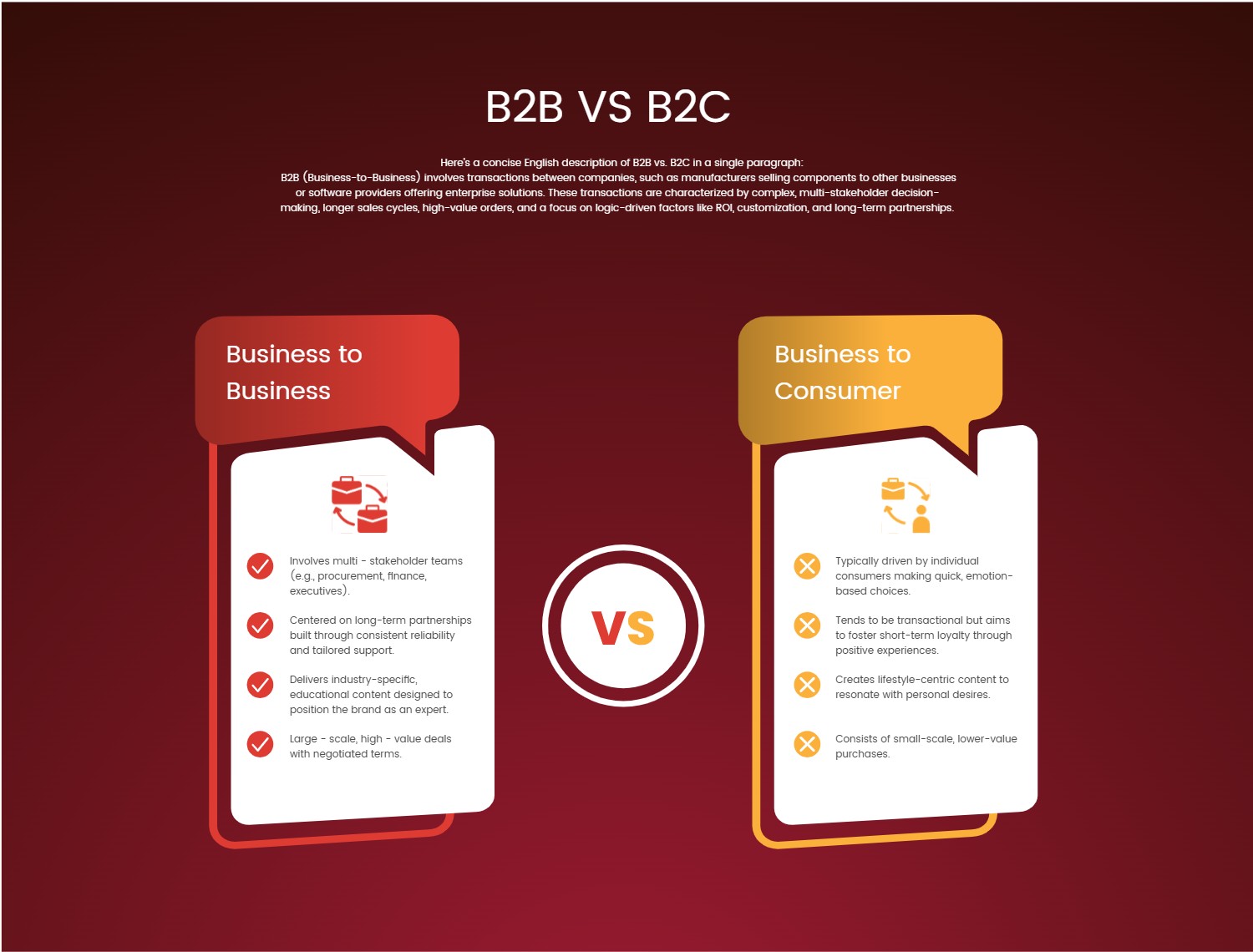
Software Design Document Template for Clear PPT Infographics
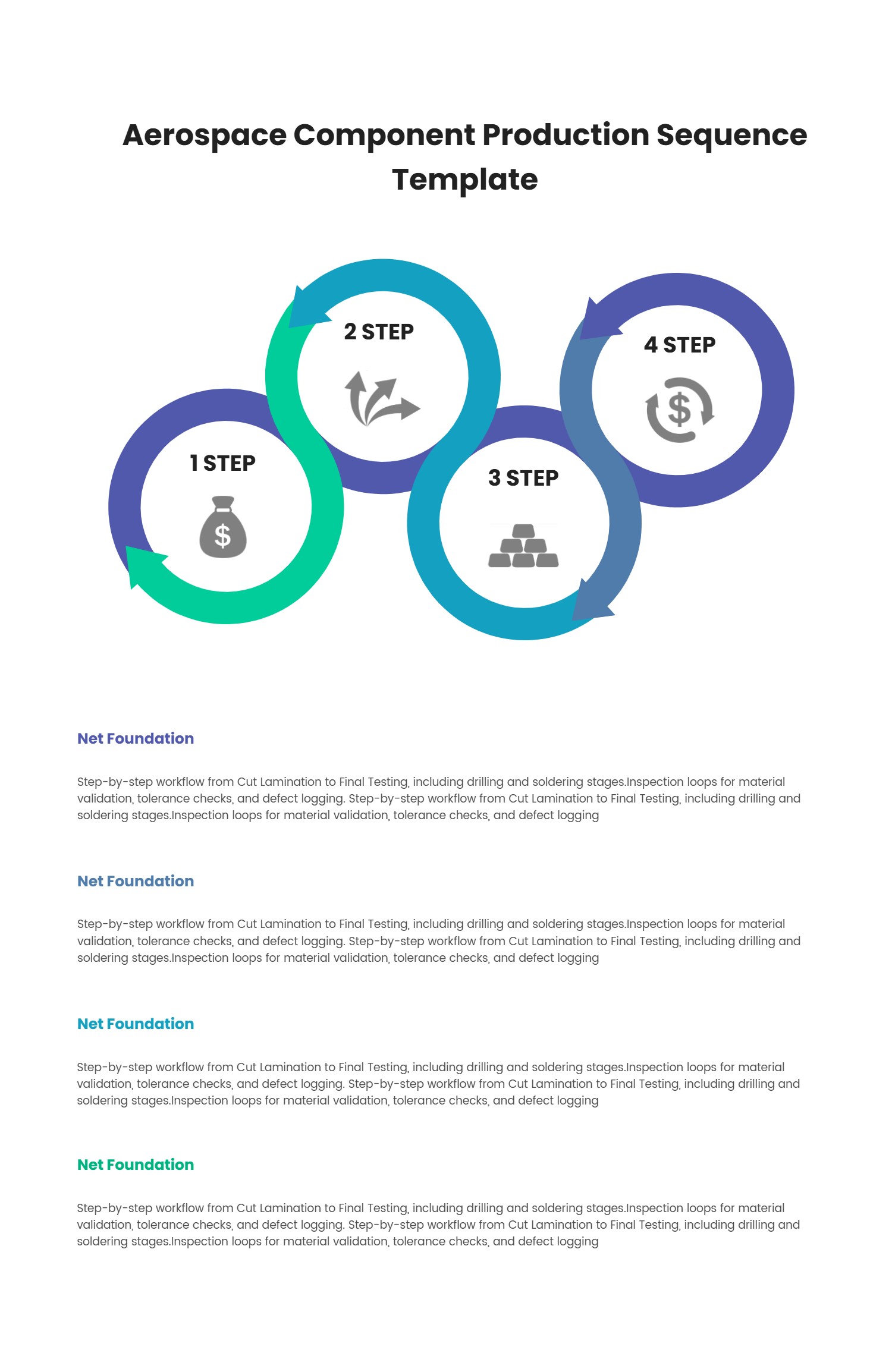
What is Software Design Document Template Infographic
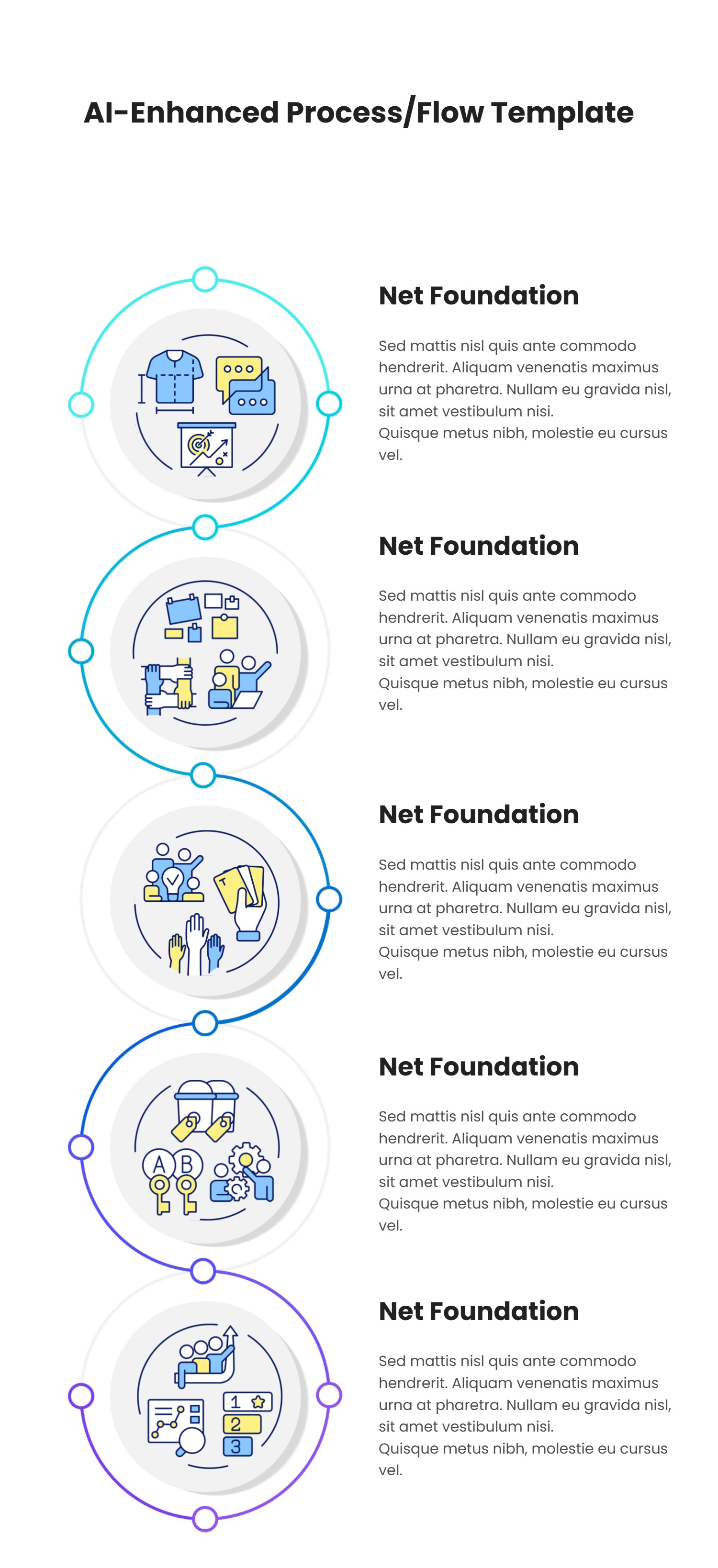
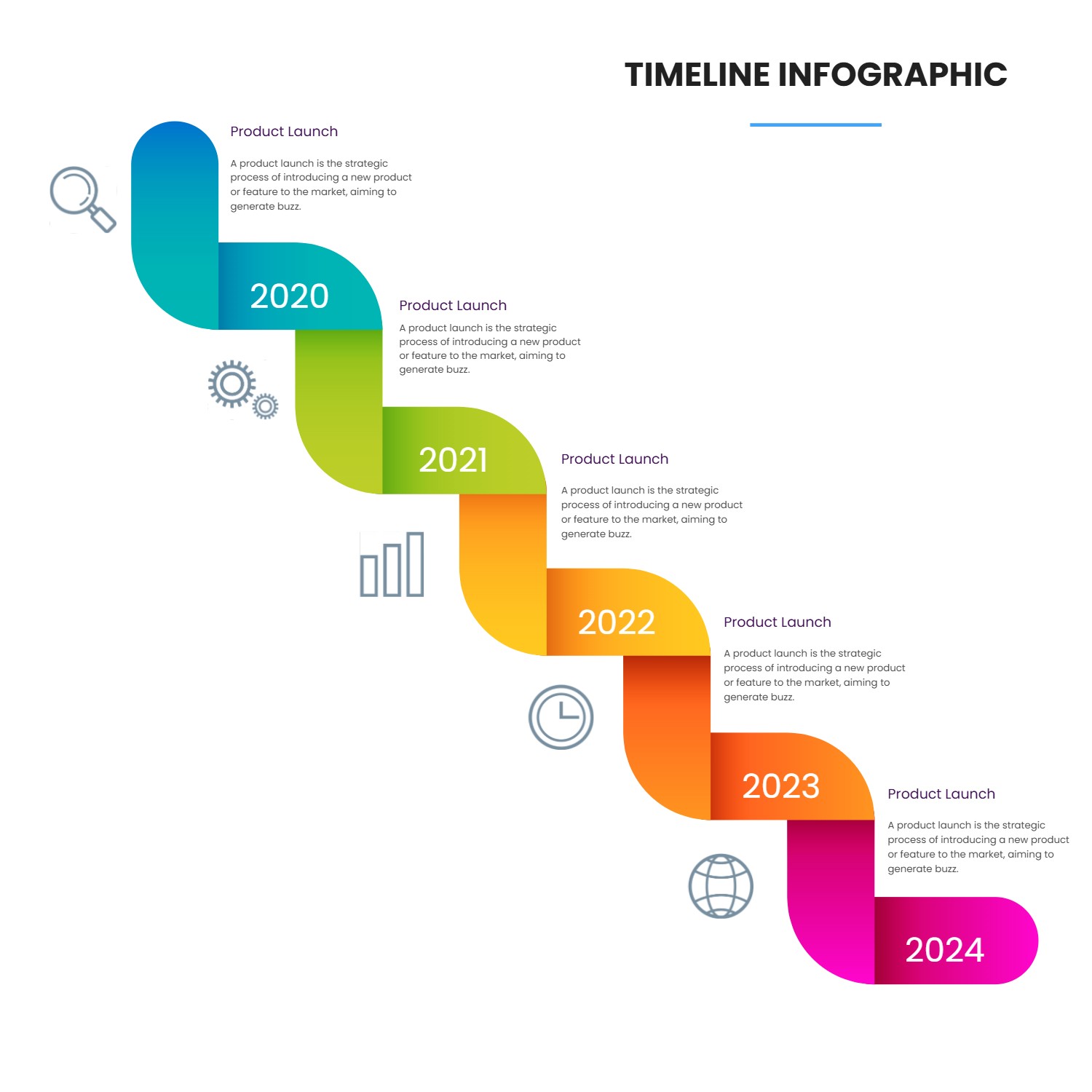
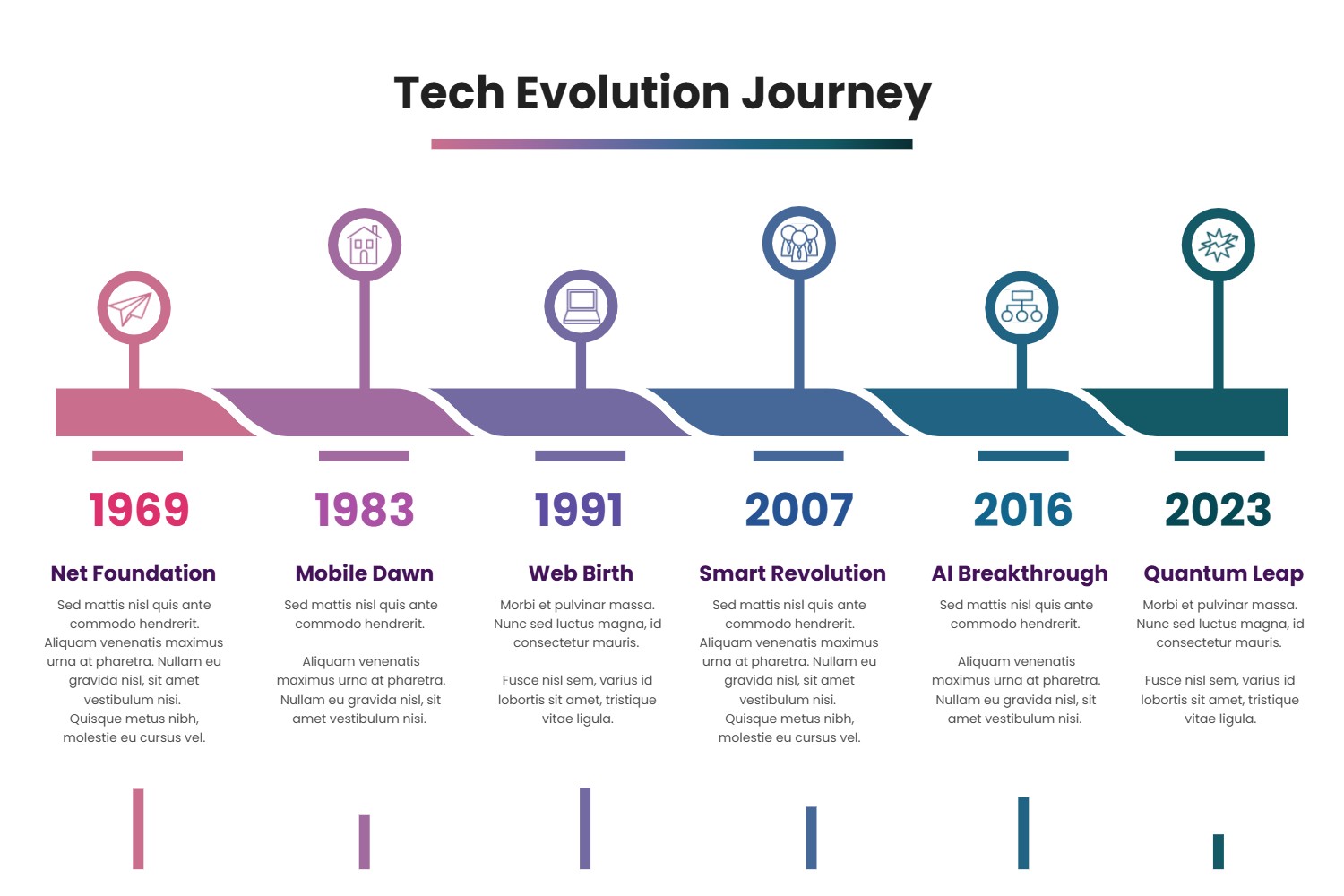
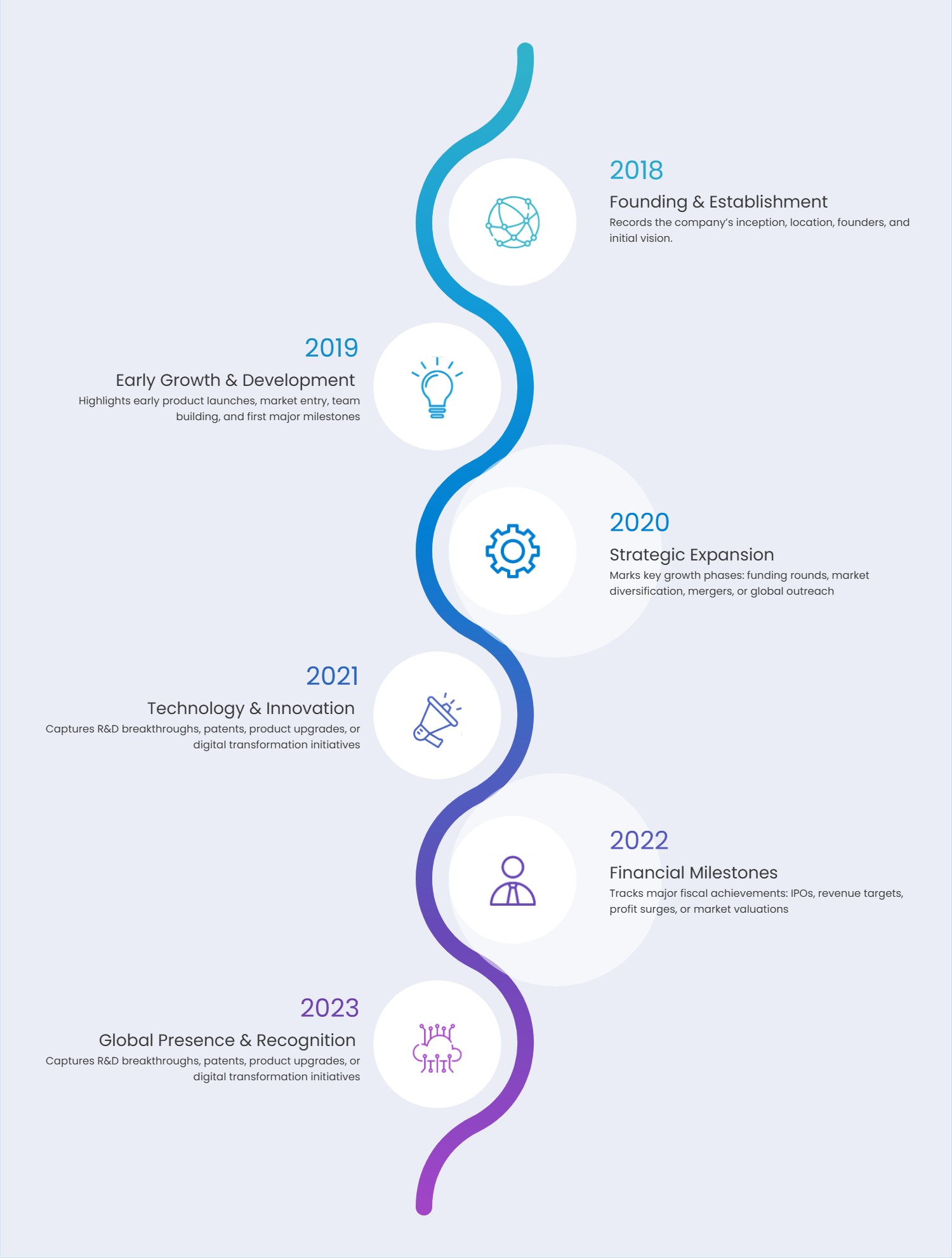
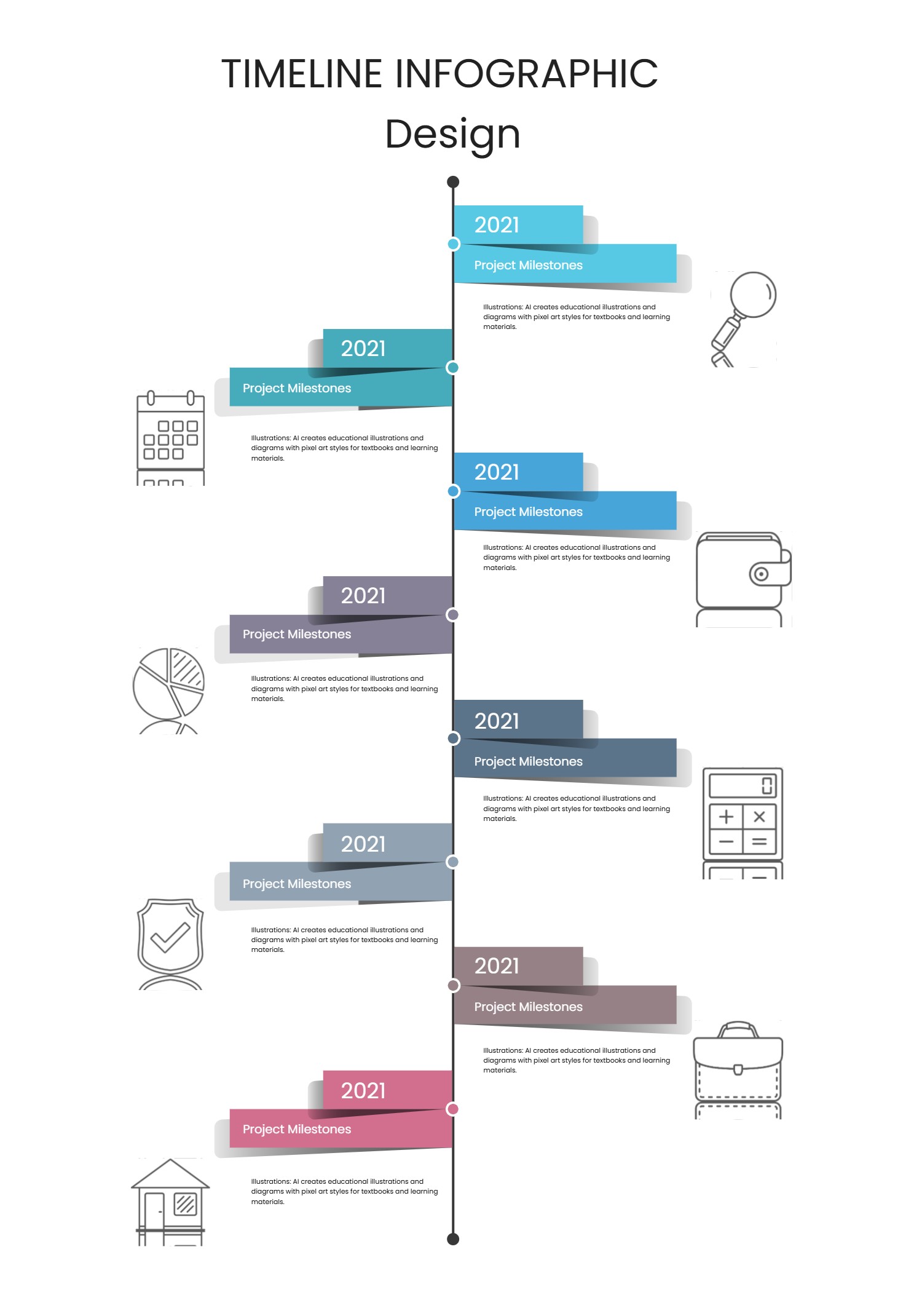
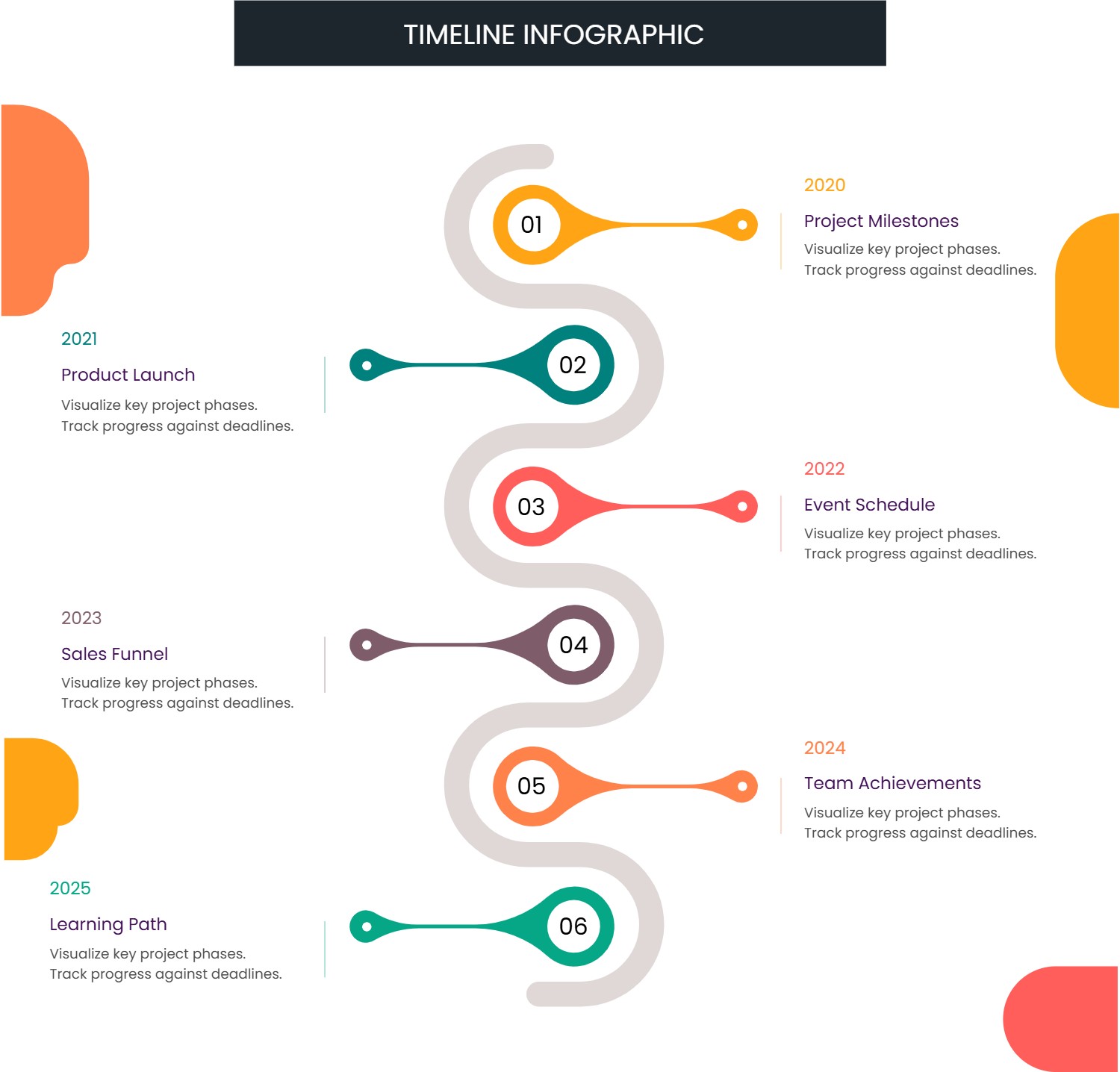
A software design document template infographic is a ready layout that helps you explain how a software idea will work. It gives you clear spaces for goals, users, screens, and simple steps. The software design document template turns complex notes into a clean visual story. It can show what the product does, what problem it solves, and how people move from one screen to another. This makes the plan easy to share with a team or a client. The infographic style keeps the language plain and the structure easy to follow.
When to Use Software Design Document Template Infographic
Use a software design document template infographic when you start a new product, update a feature, or prepare a short proposal. It is helpful for school projects, small teams, and solo makers who want to keep the plan organized. It also works when you need to explain a change to people who are not technical. The template lets you show tasks, user needs, and simple rules without long pages of text. It is also useful for meetings where you need quick feedback.
How to Use the Software Design Document Template Infographic
On the home page, open the AI creation tool and choose the software design document template that fits your goal. Enter a prompt that names the product, the target users, and the main screens or steps. The tool fills the infographic with clear headings and short sentences. You can edit the labels, add or remove sections, and adjust colors to match your project. Keep the text short and direct so the software design document template stays easy to read. This creates a plan that can be shared in PPT or as a web image.
Download Assets for the Software Design Document Template
Click the download button and an online editor opens. Use the save button to choose PPT, PNG, or SVG. You can edit the layout, update icons, and check spacing before you save. If you need to show a longer flow, add extra blocks and keep the same style. Download the file and share it with your team or teacher.
FAQ
Q: Is the software design document template only for large teams?
A: No, it works for small teams and solo projects.
Q: Can I use simple words instead of technical terms?
A: Yes, plain language is encouraged for clarity.
Q: Can I include screen names and user steps?
A: Yes, the template has space for screens and actions.
Q: Is the software design document template good for a quick meeting?
A: Yes, it keeps the plan short and easy to scan.
Q: Can I export to PPT for a presentation?
A: Yes, PPT is available in the download options.
Q: Can I update the template later as the plan changes?
A: Yes, you can revise and save new versions.