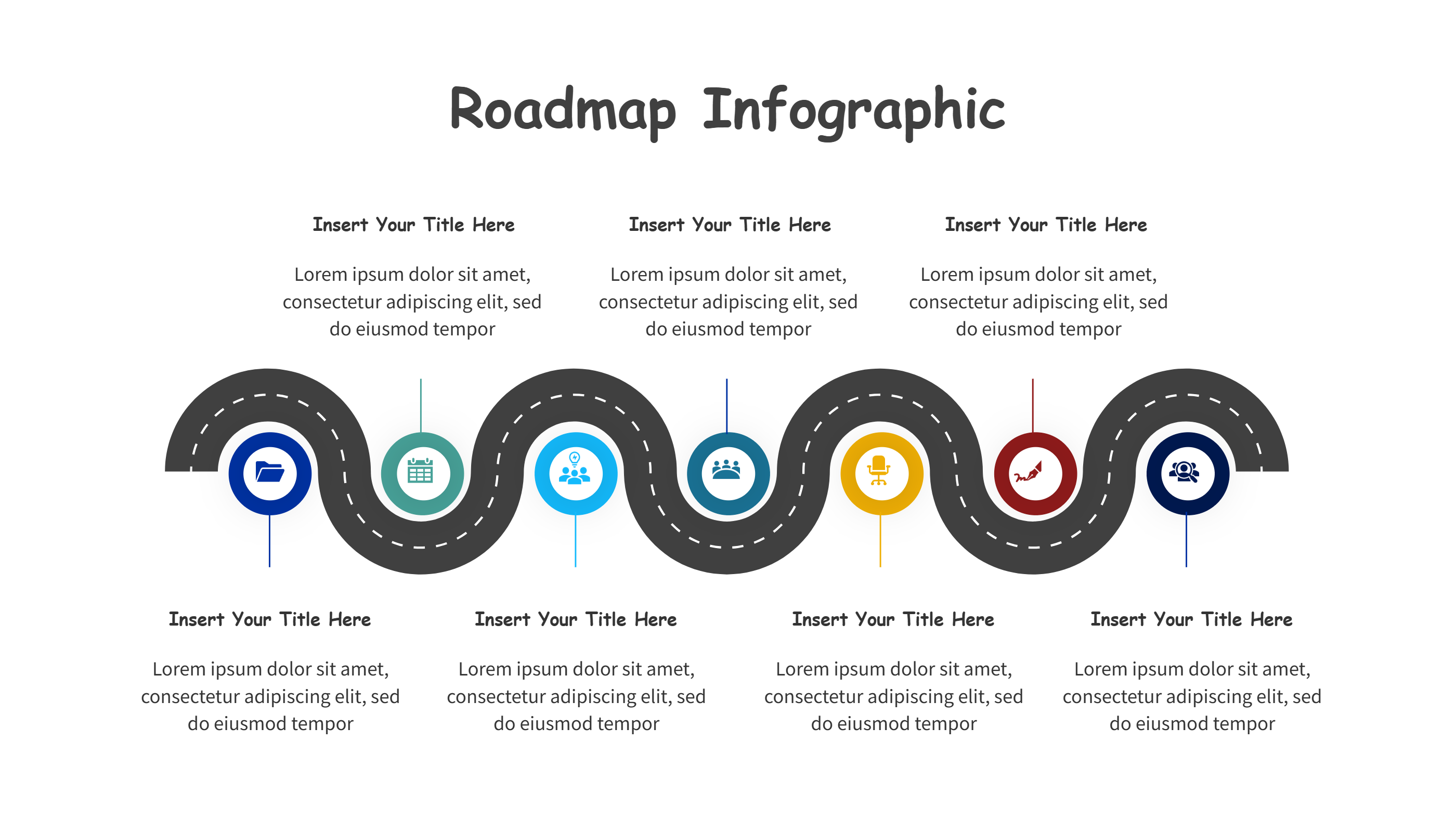
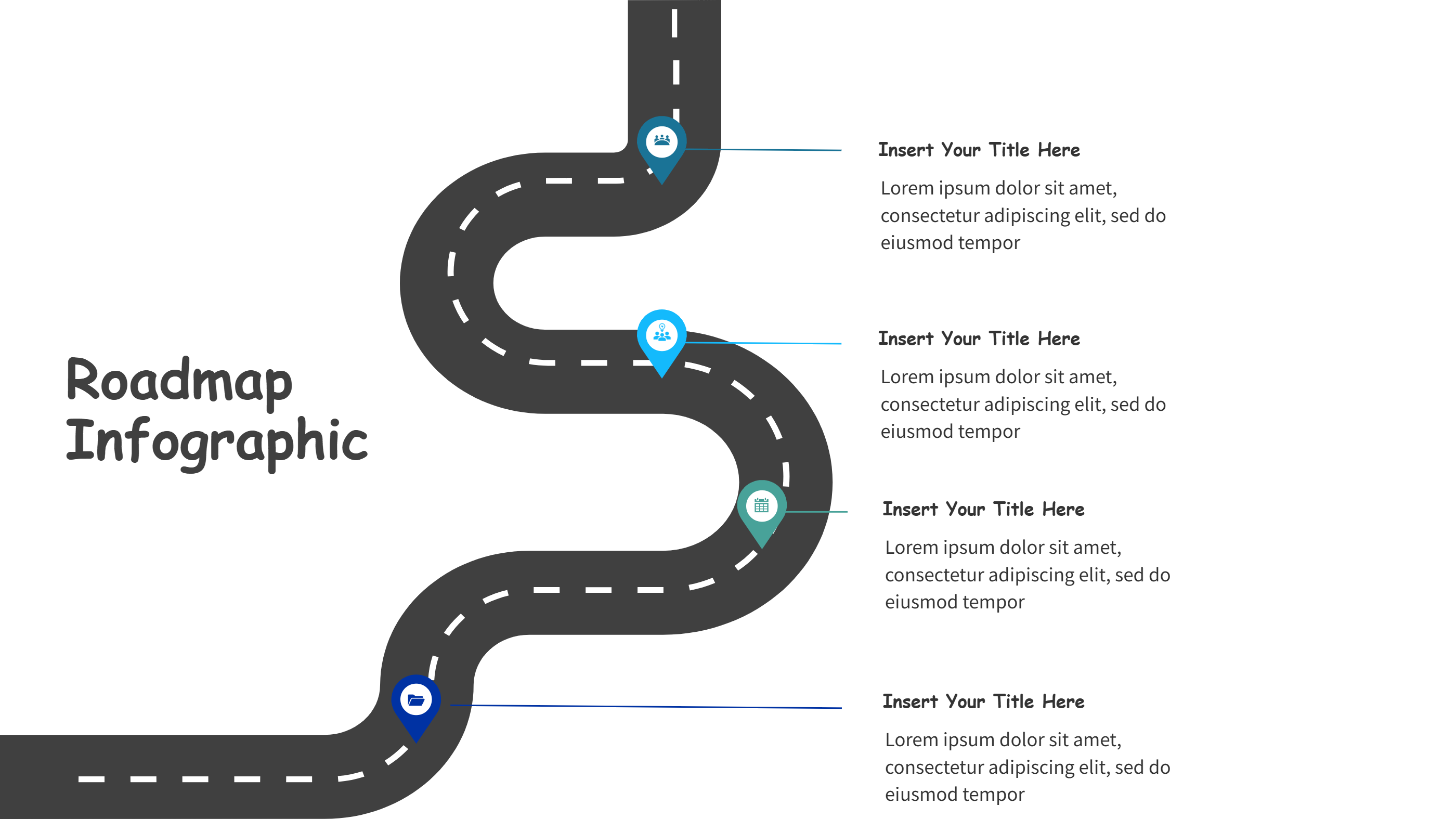
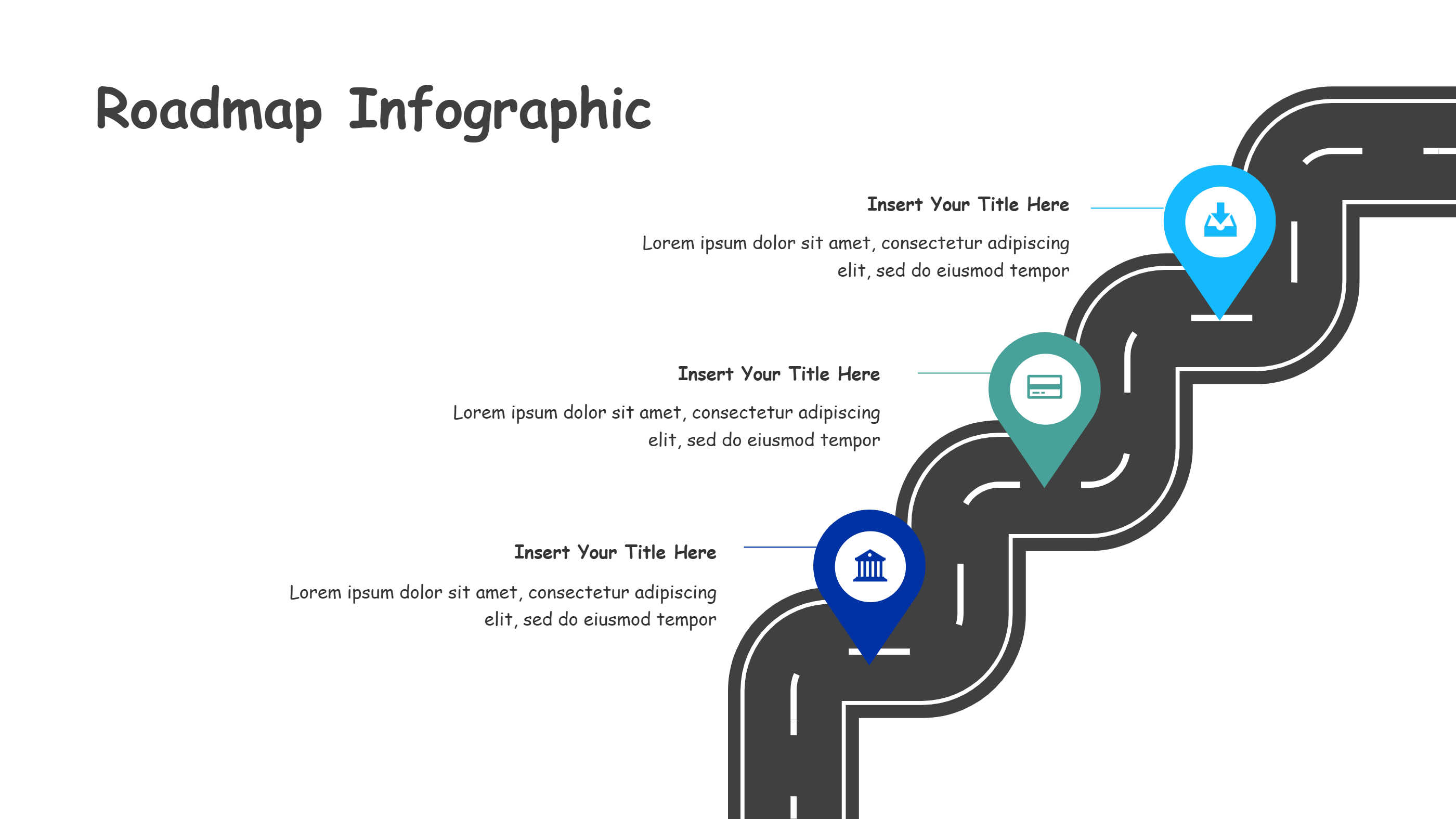
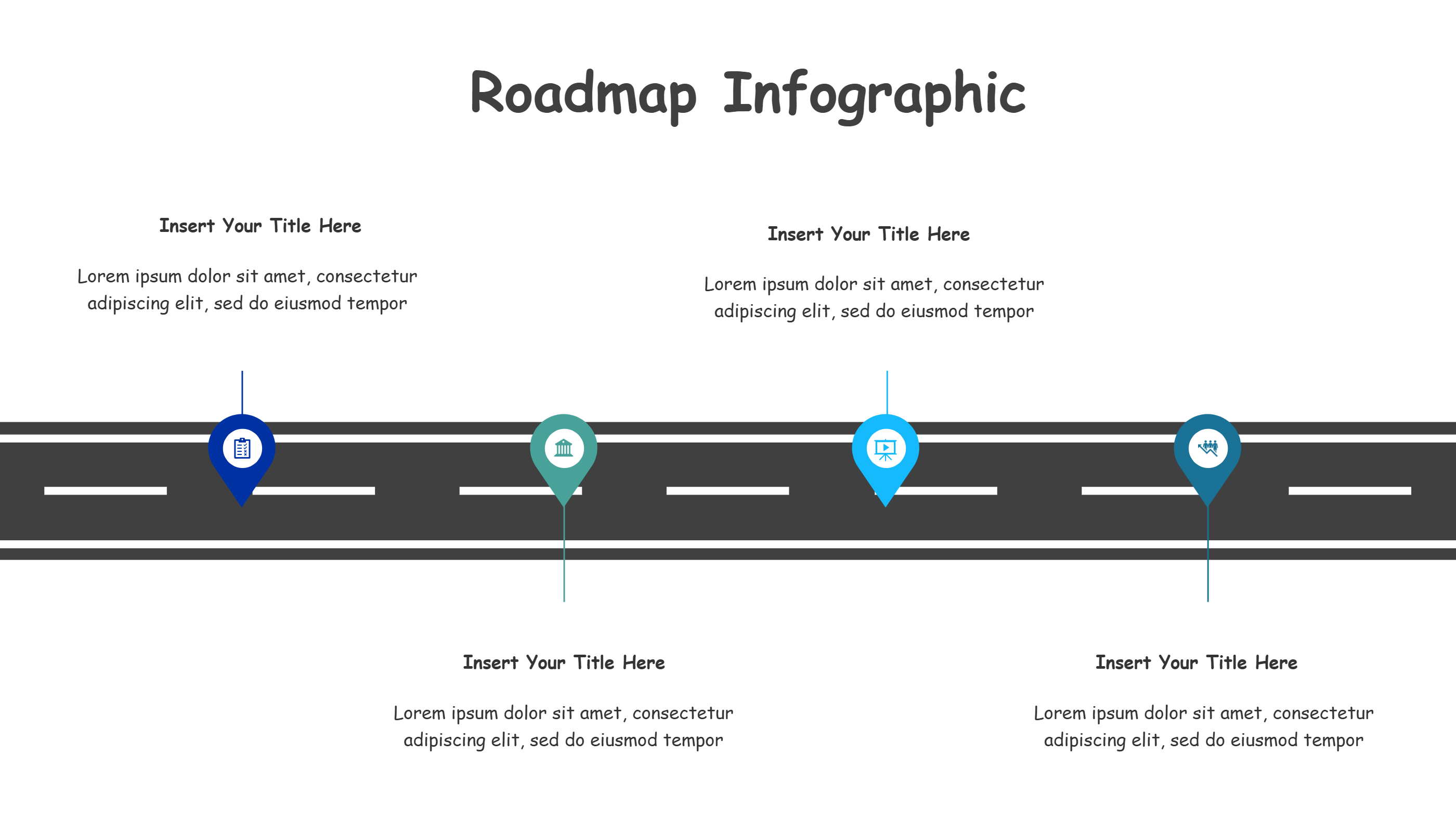
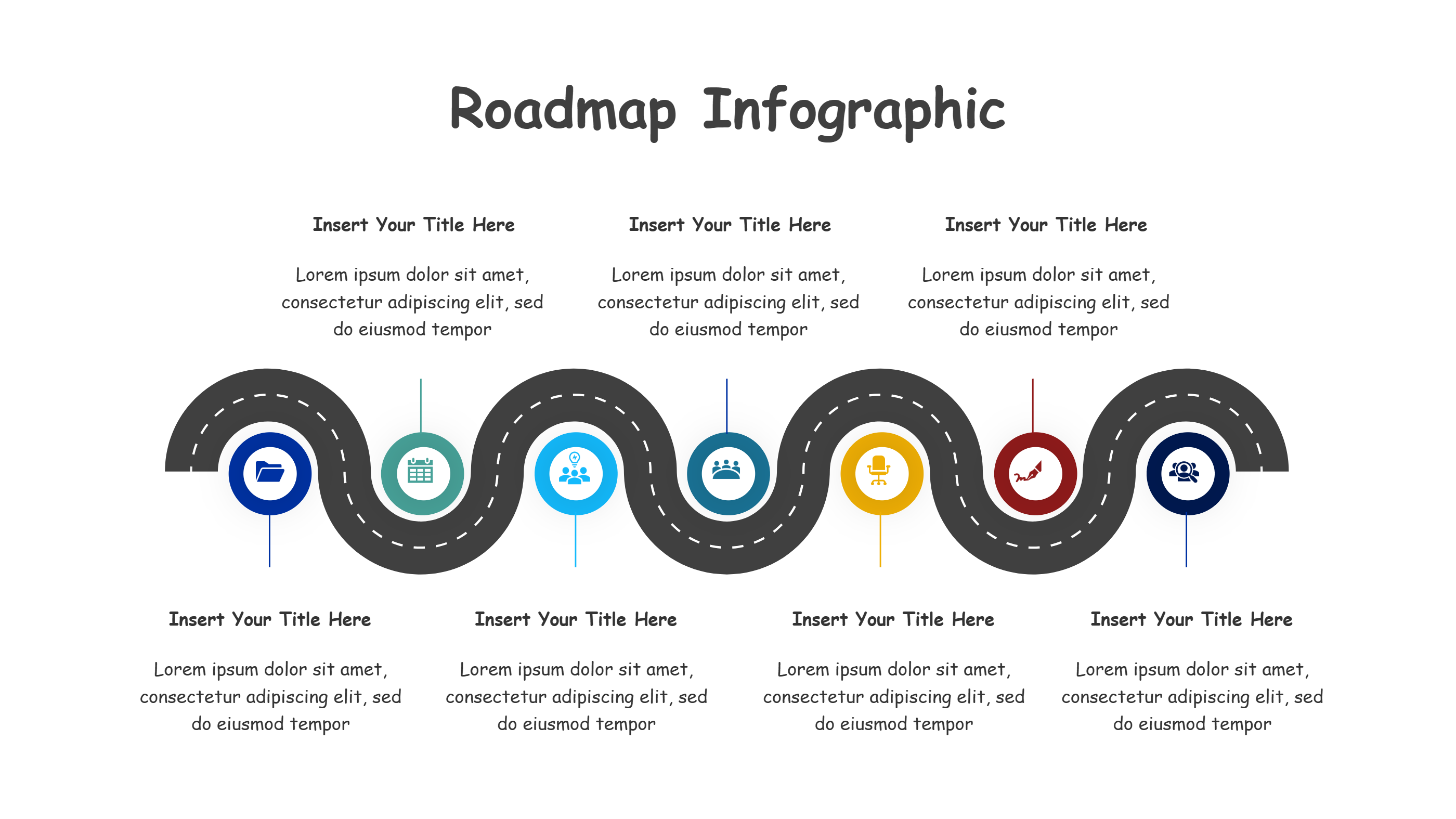
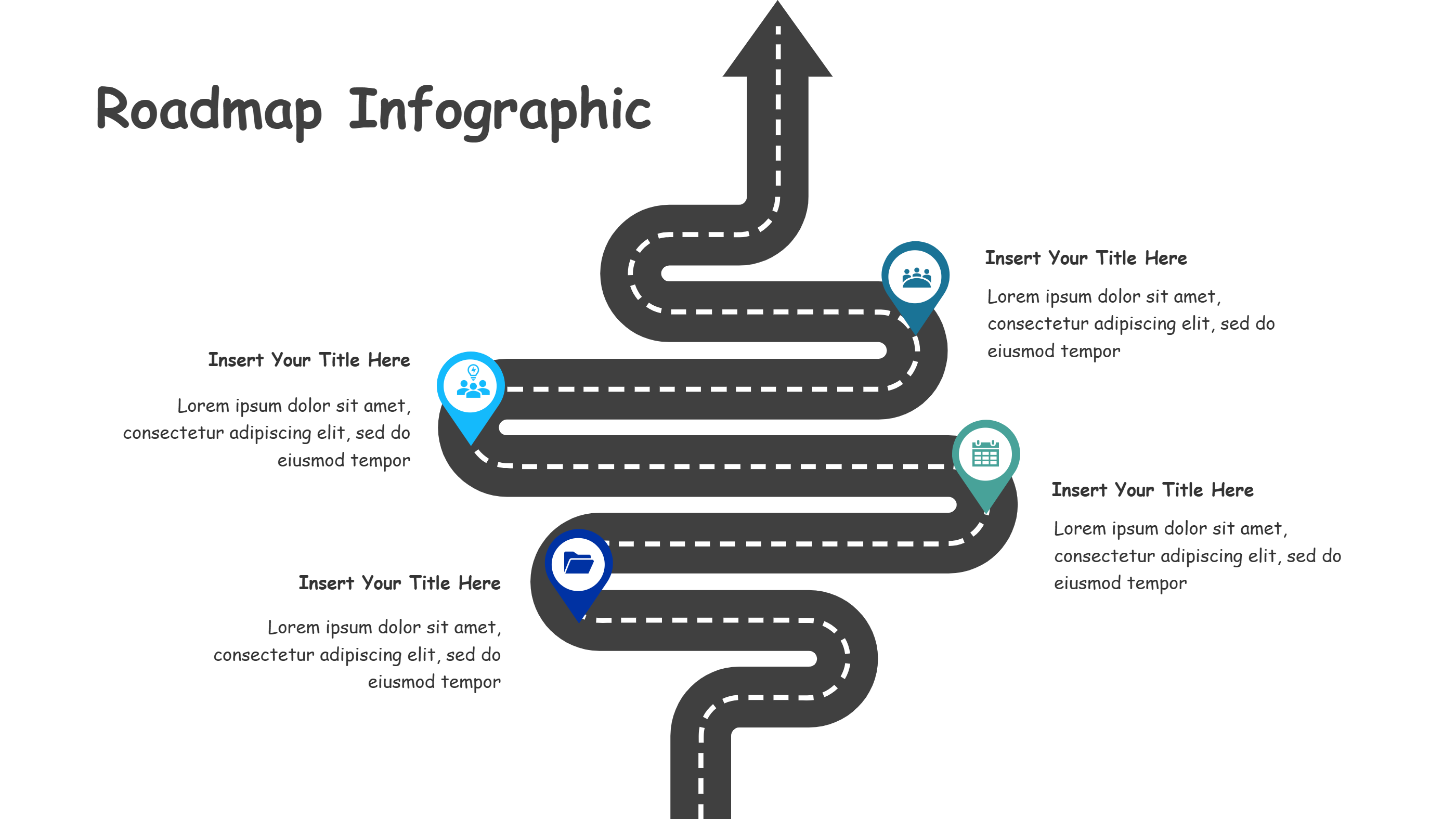
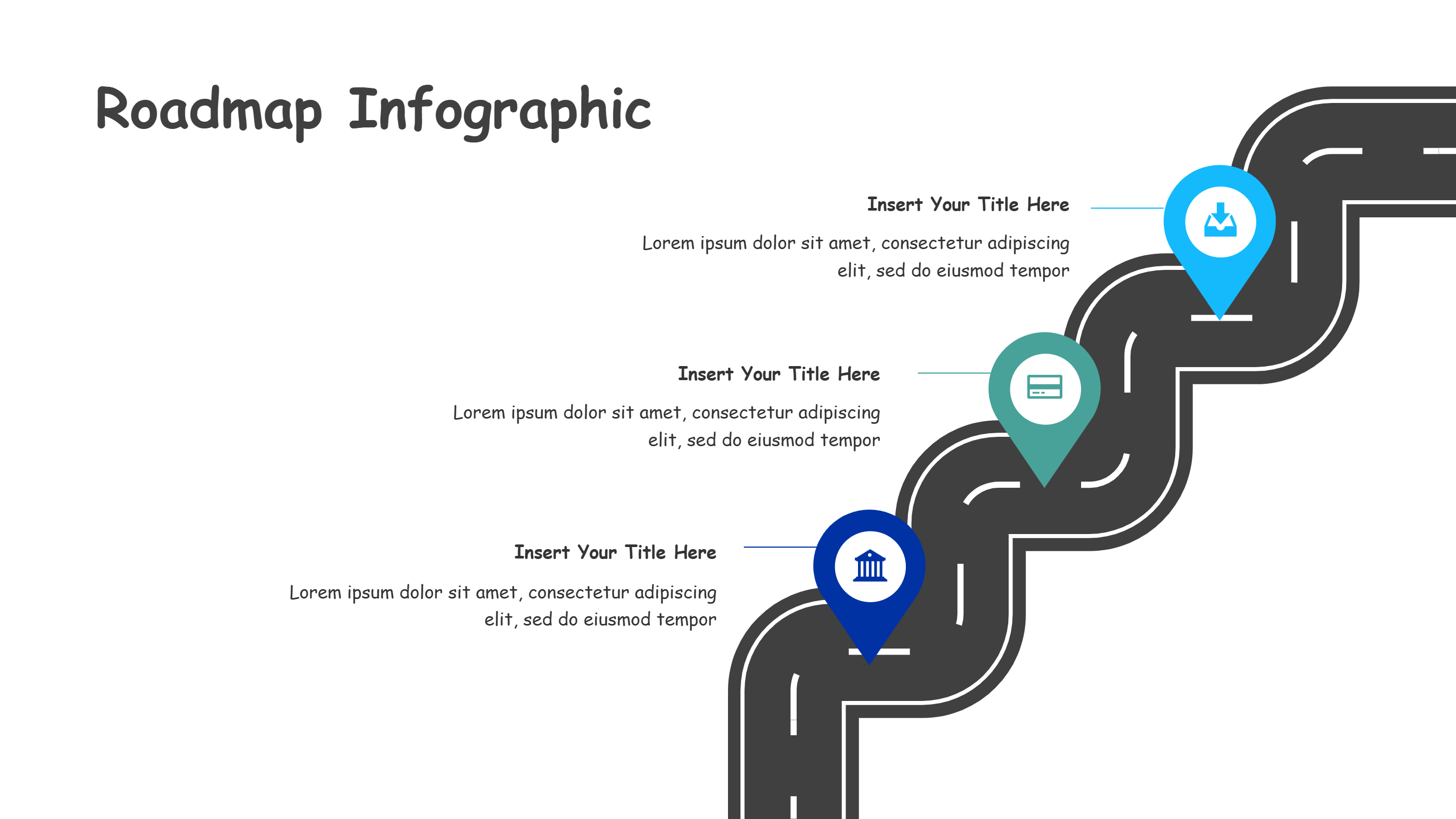
Cover Page Template for Modern PPT Infographics
What is Cover Page Template Infographic
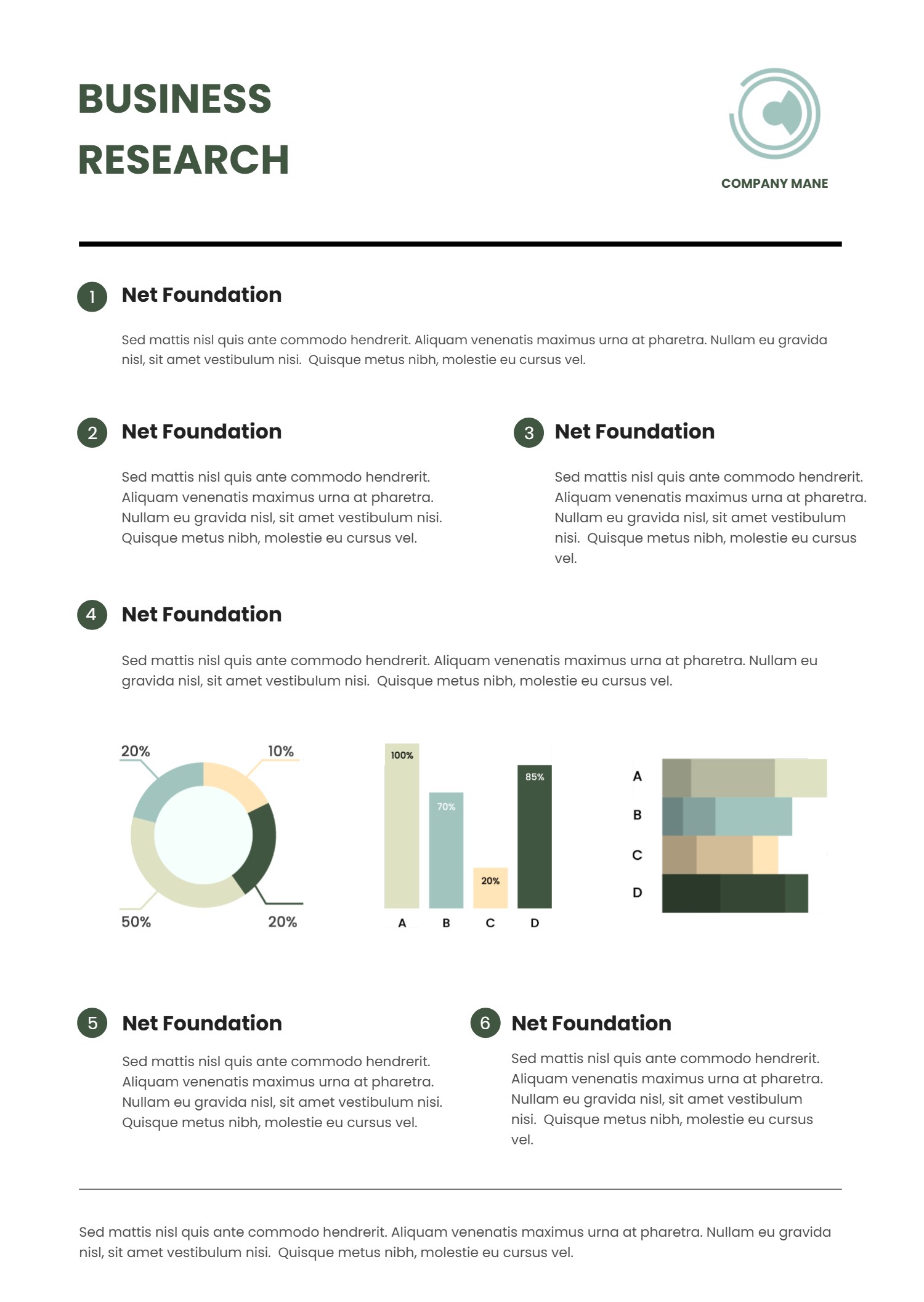
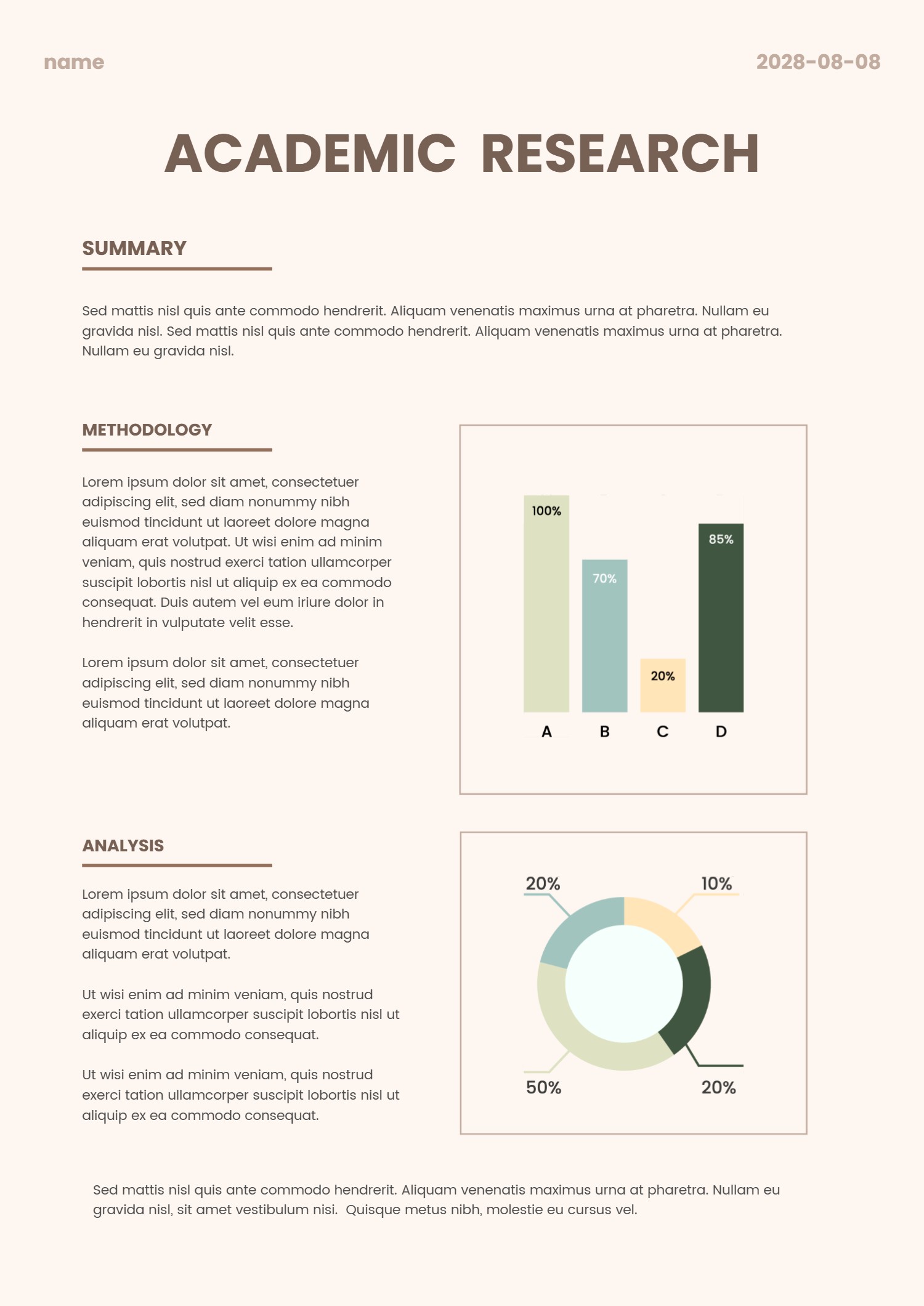
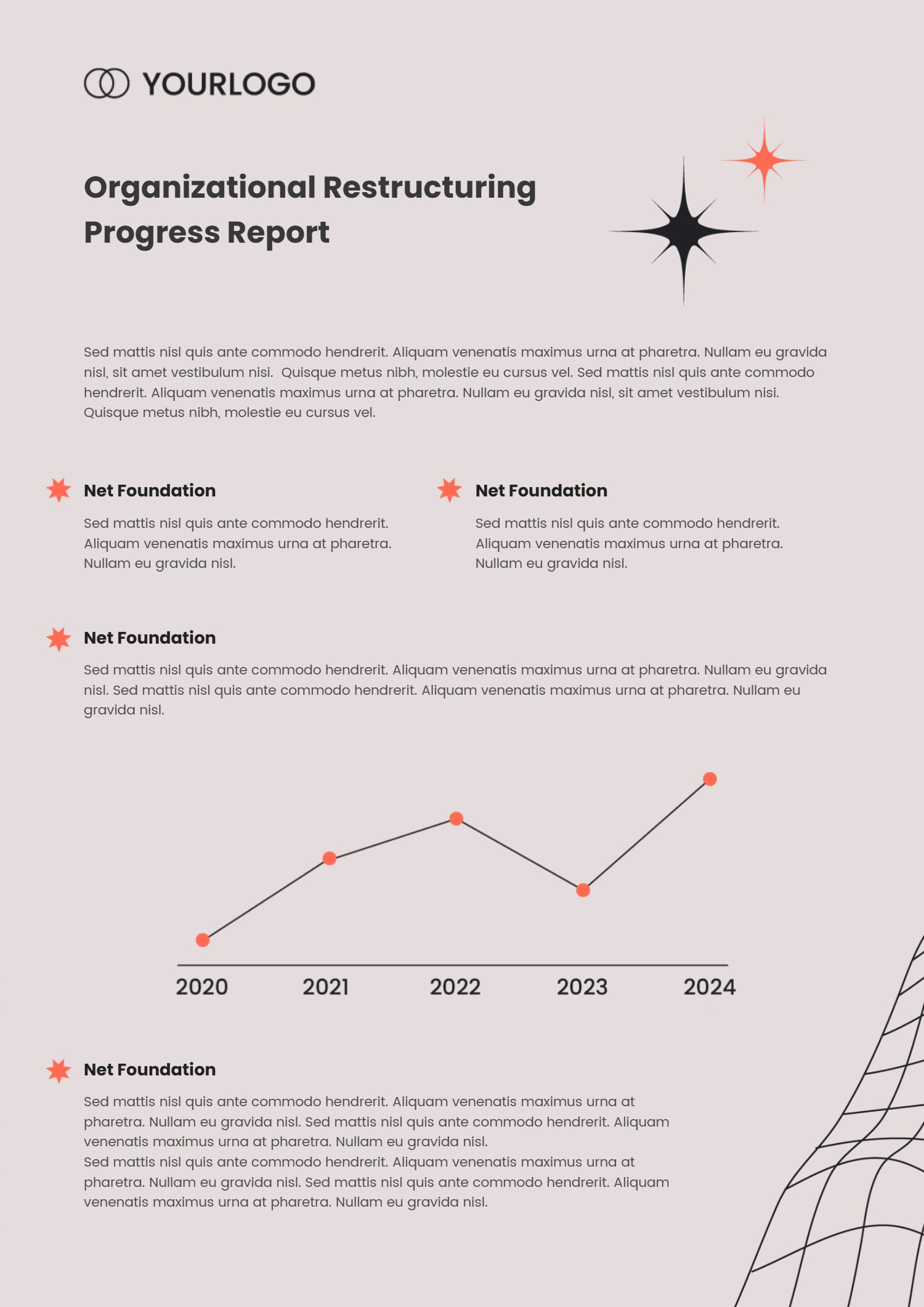
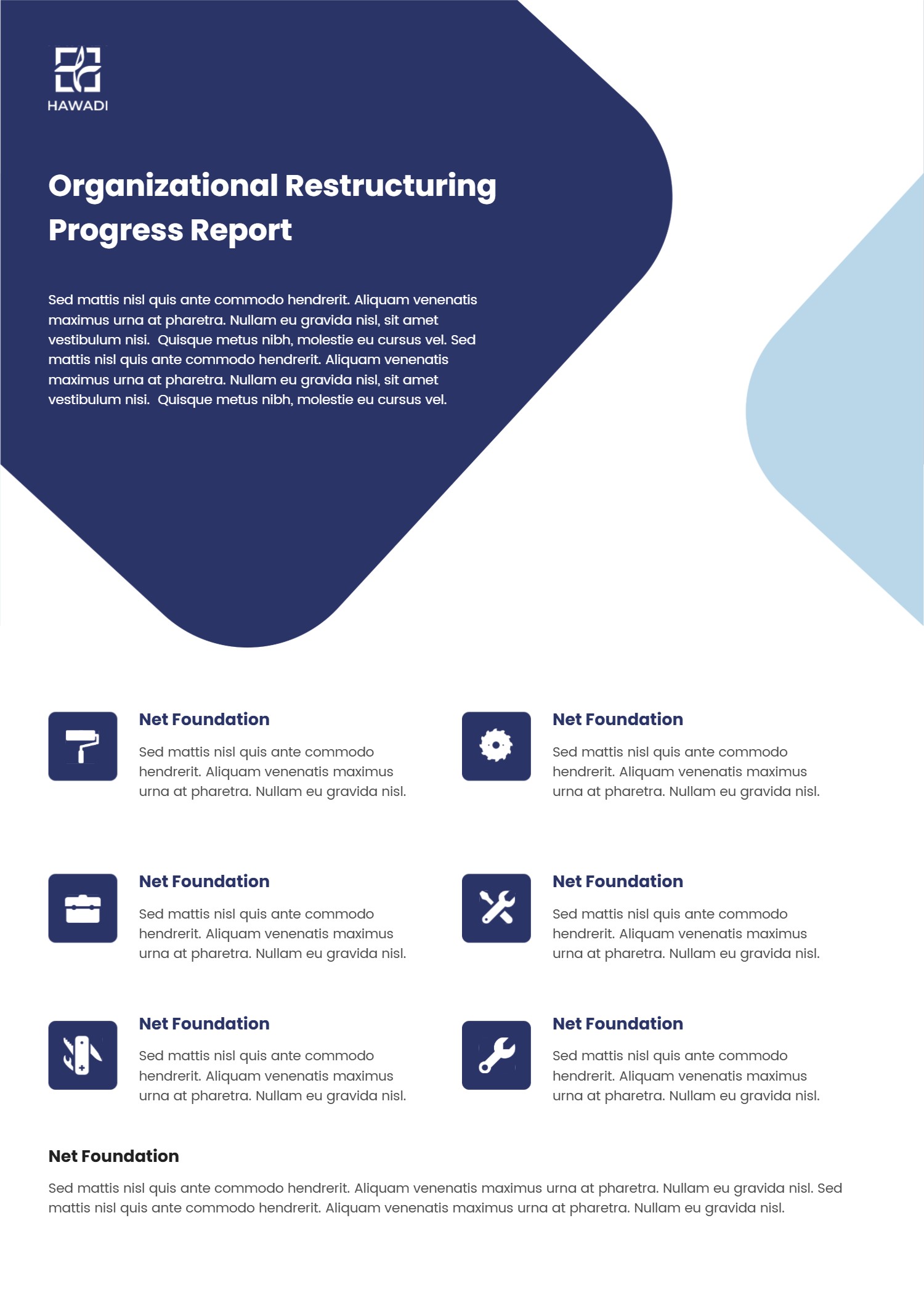
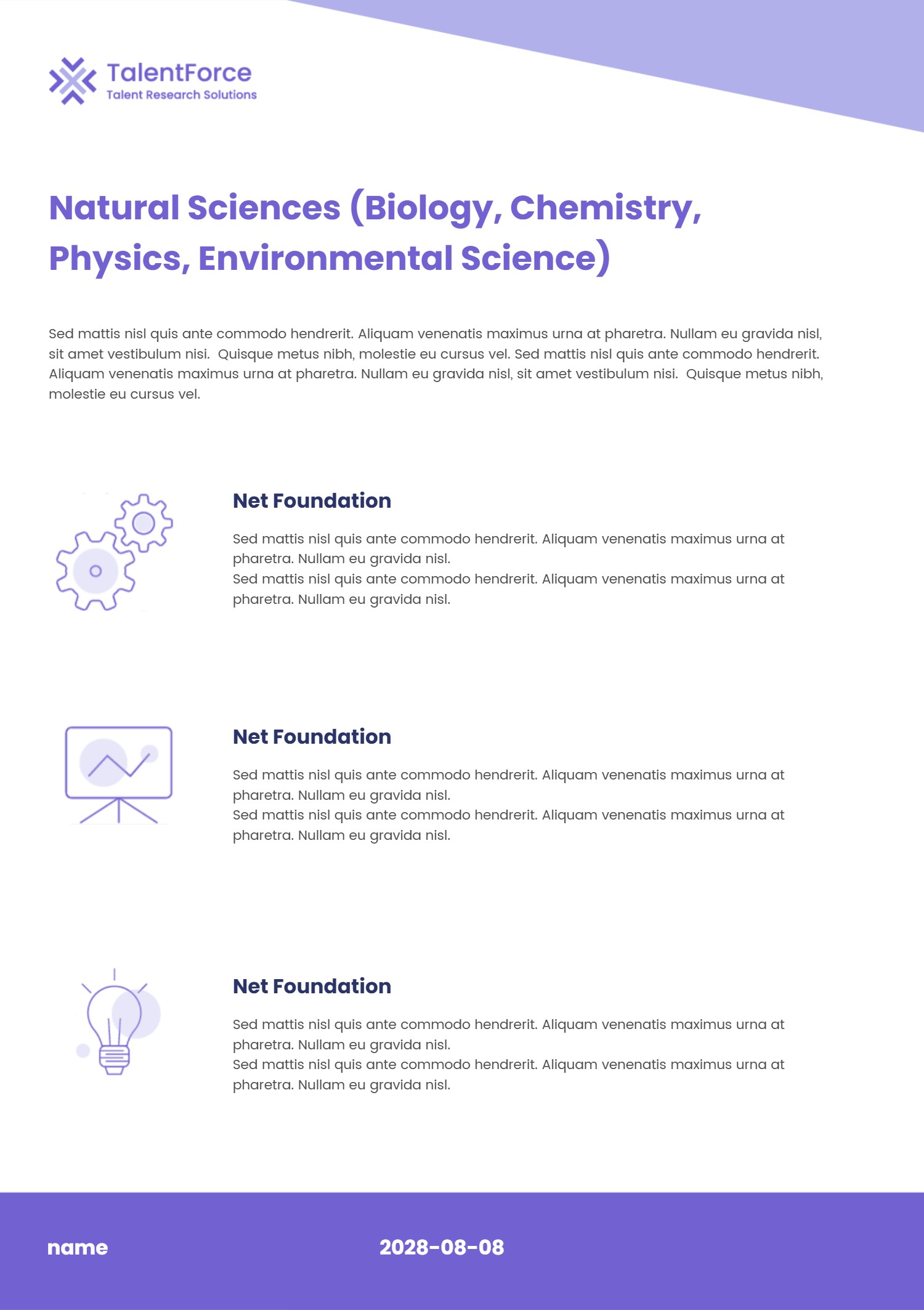
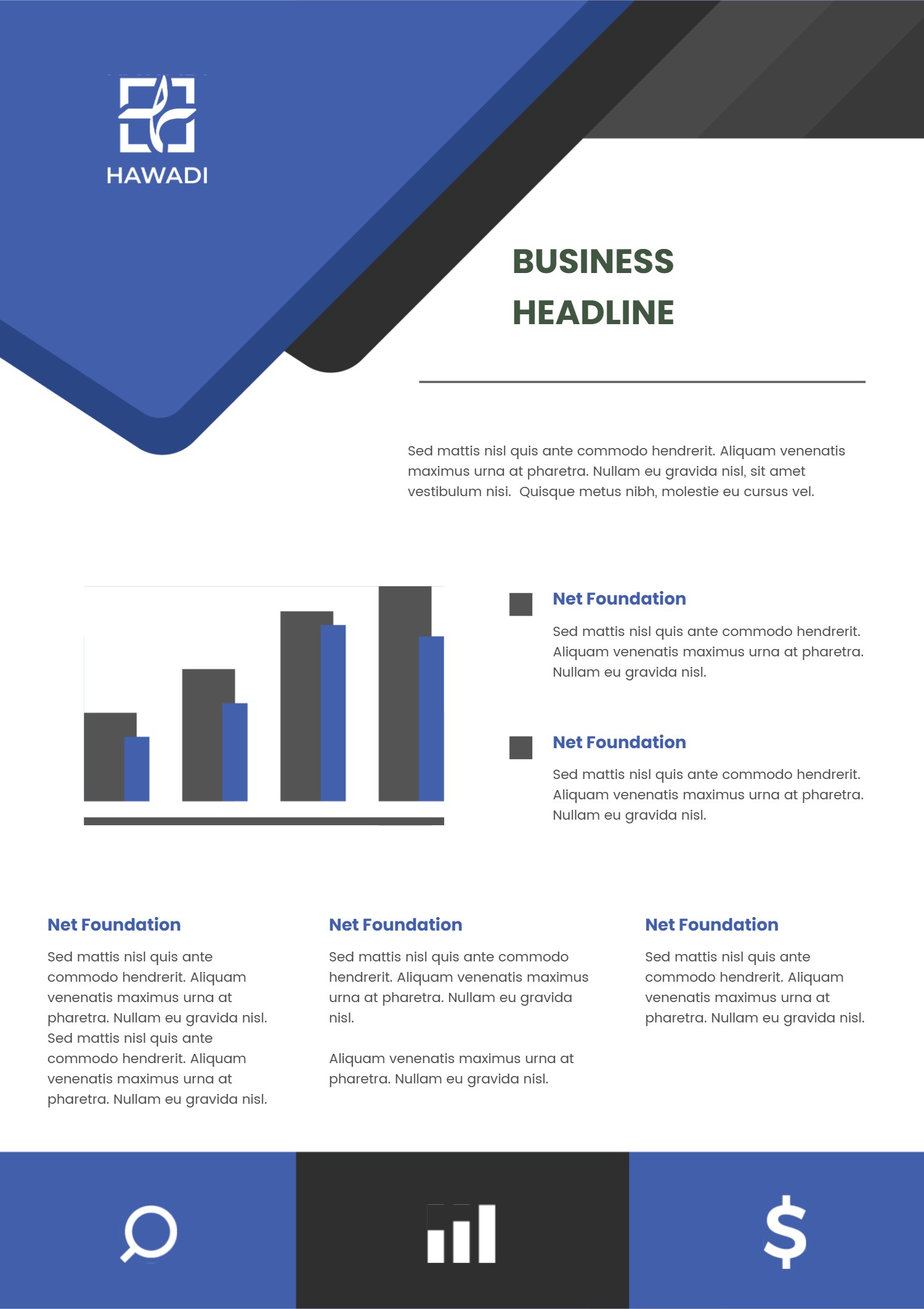
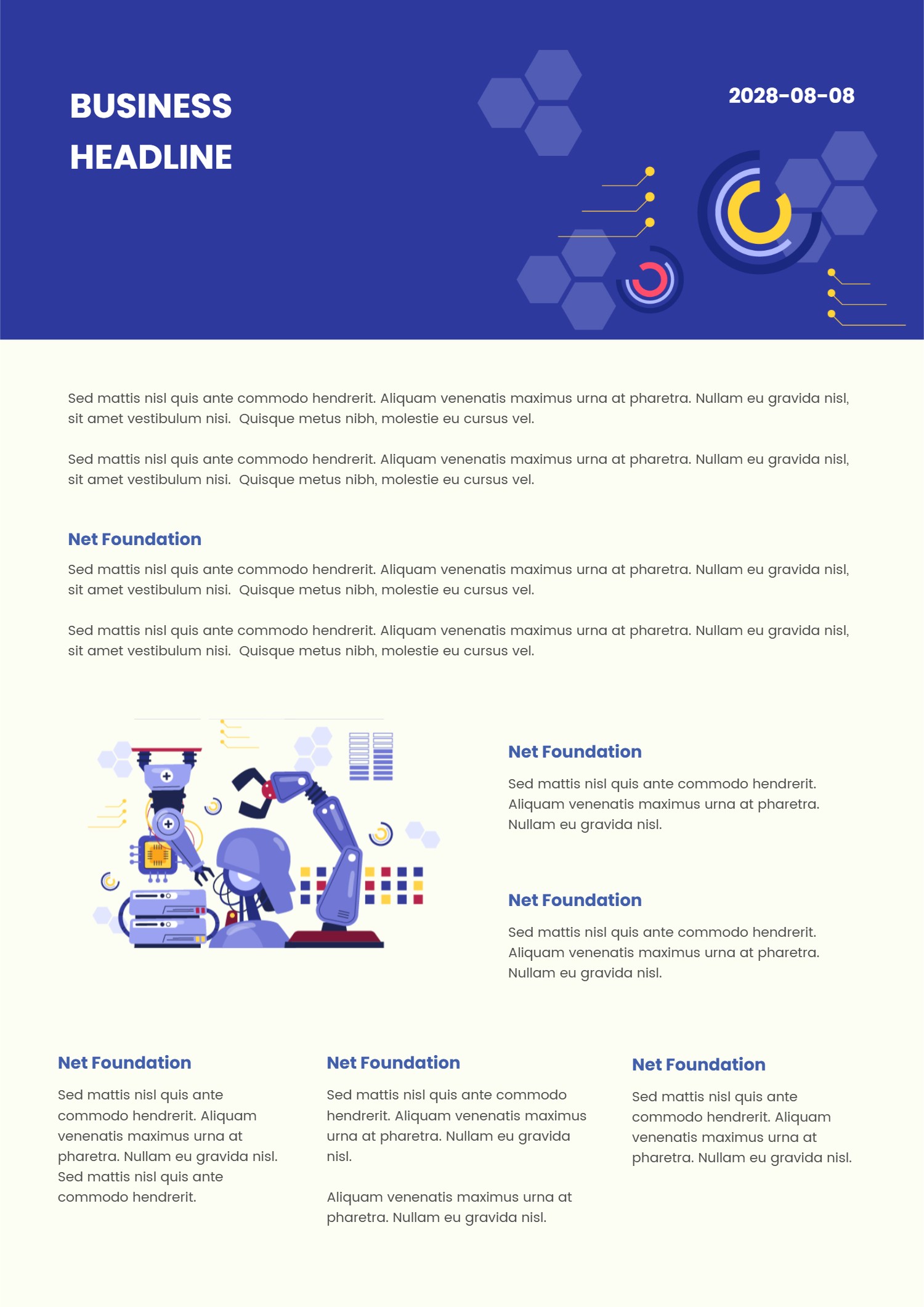
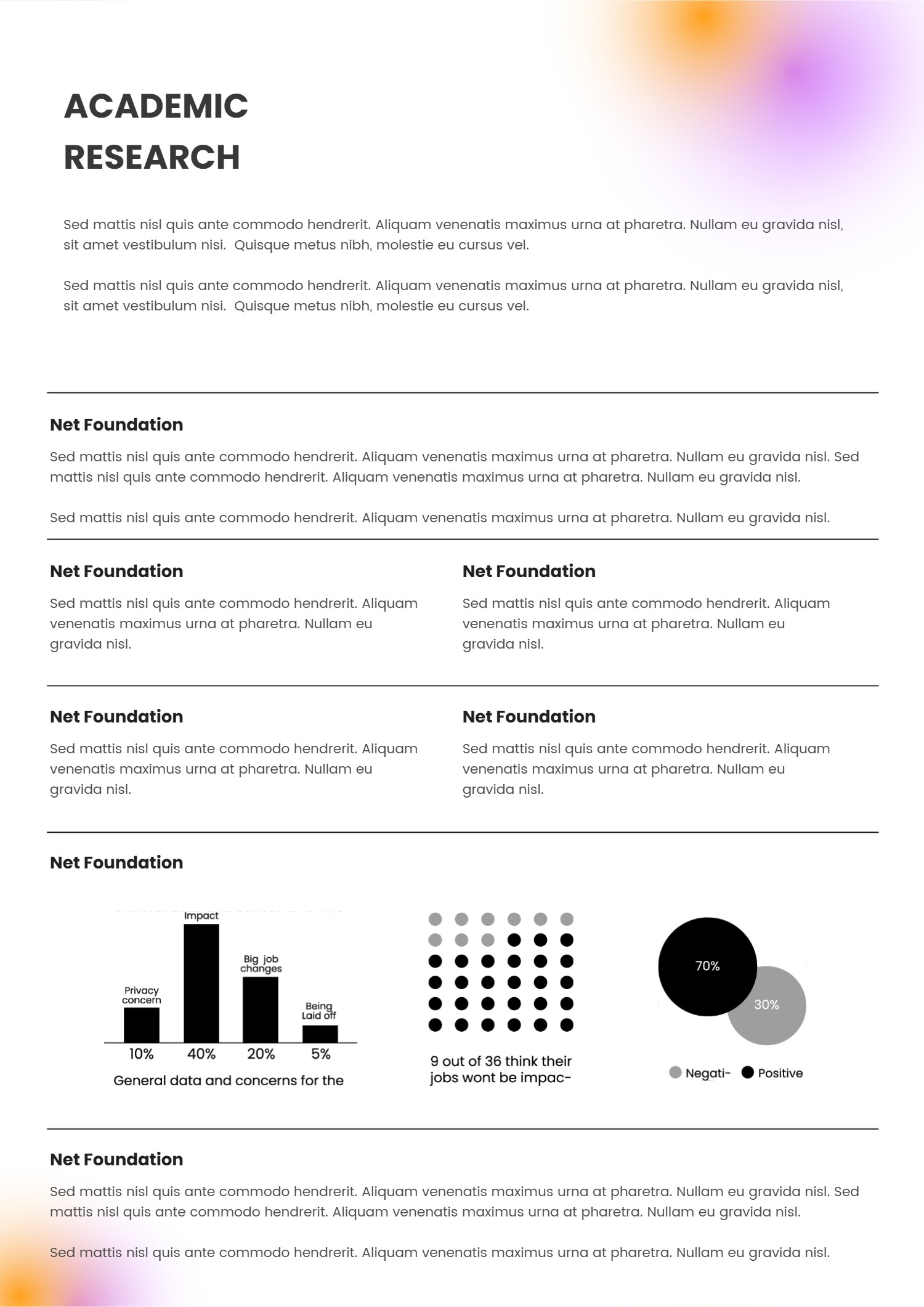
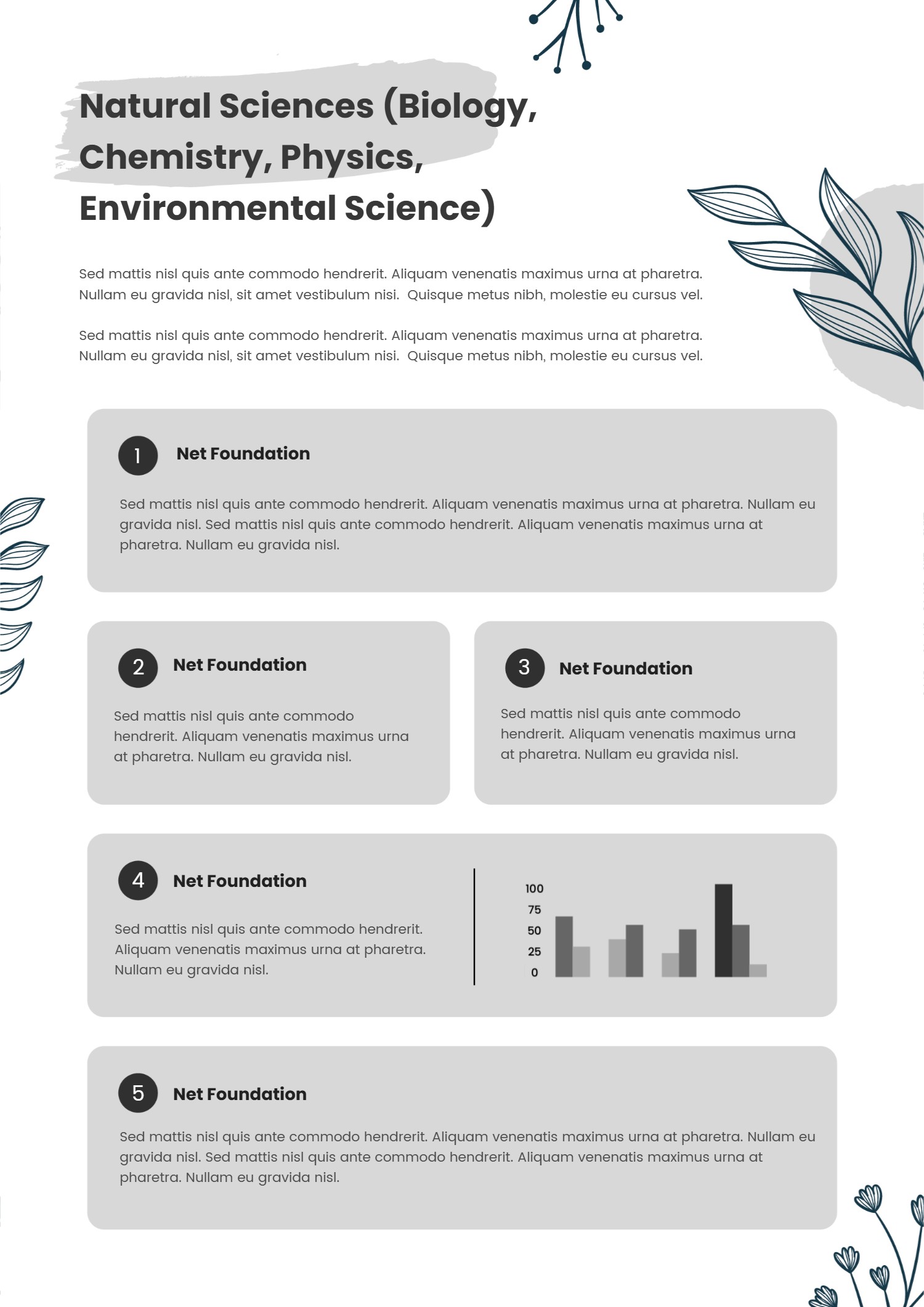
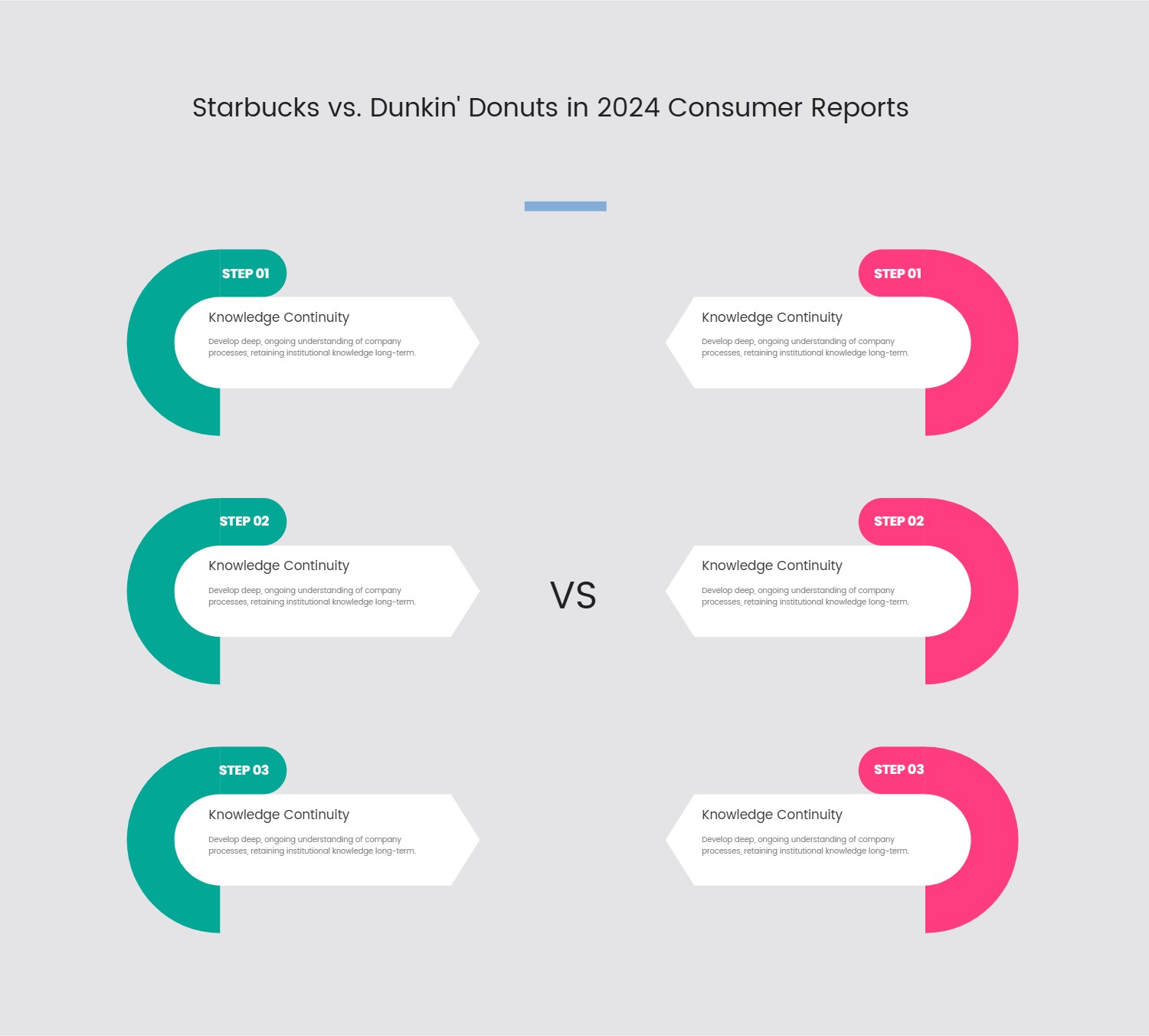
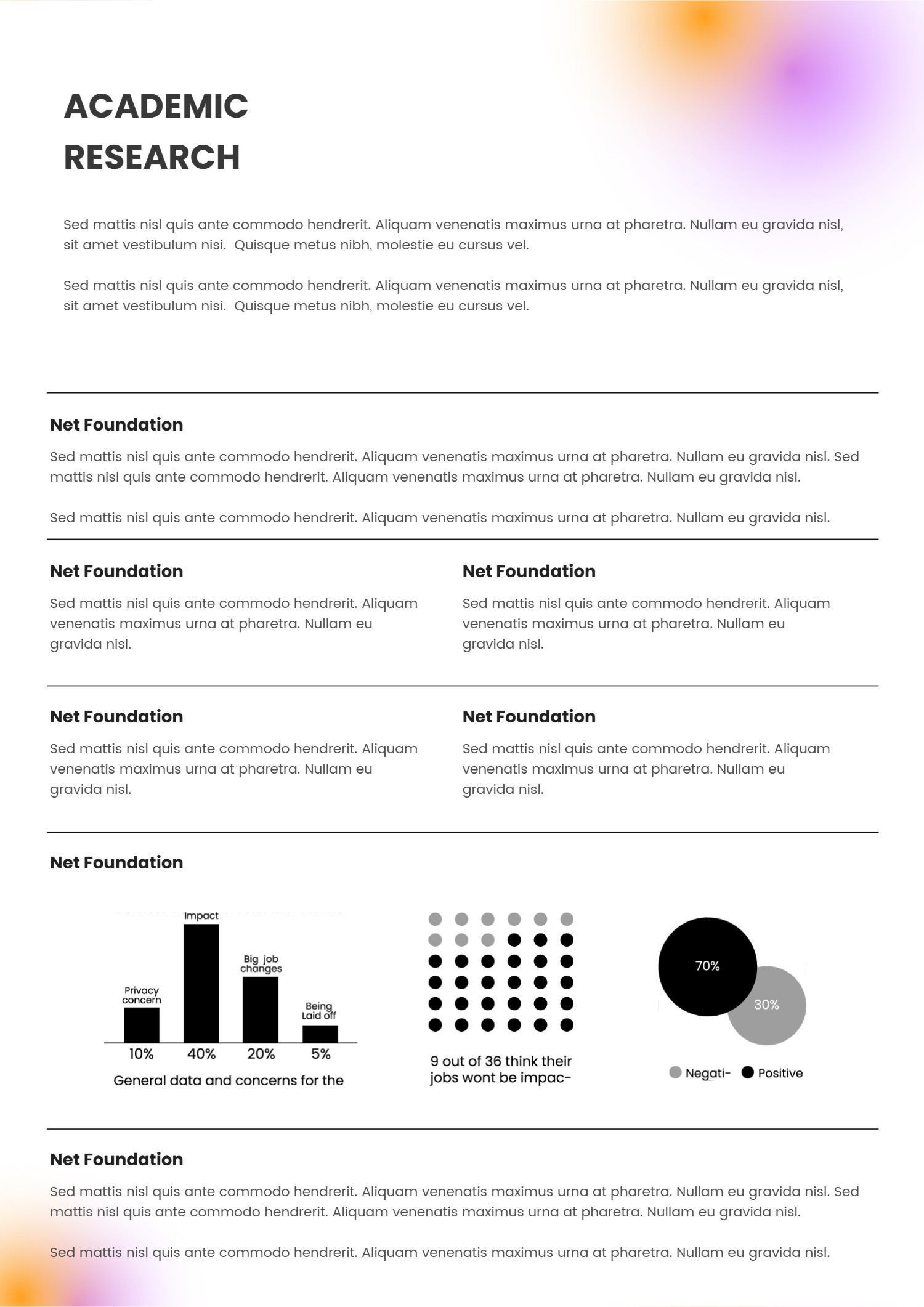
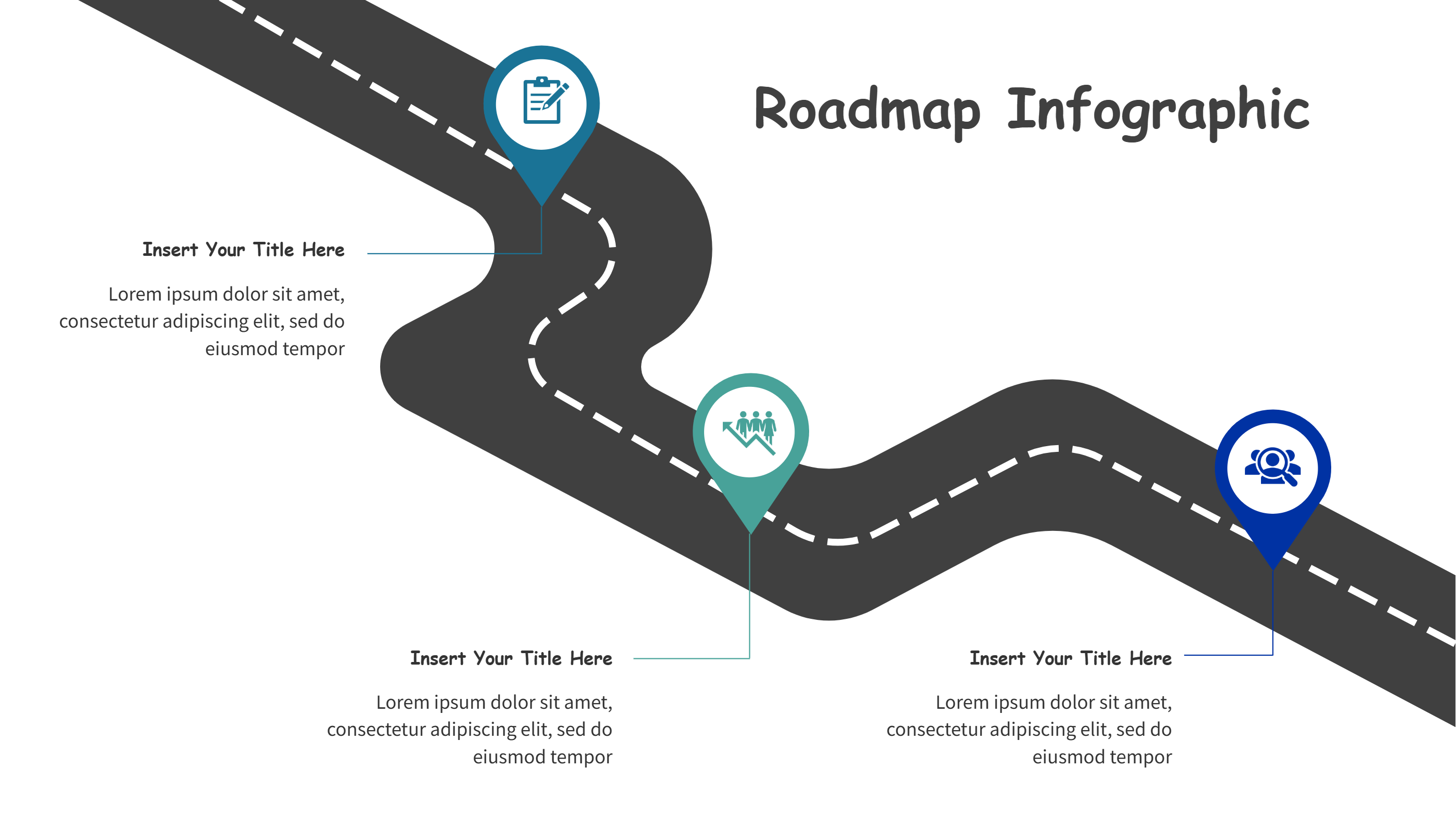
A cover page template infographic is a ready layout that helps you present a clear front page for a slide deck. It gives space for a title, a short subtitle, and a quick message about the theme. It can include room for a logo, a date, or a simple image. This kind of cover page template makes a clean start for a PPT or a short infographic. It sets the tone and makes the audience feel oriented before they read details. A good cover page template infographic keeps the focus on the main idea and avoids clutter. It also keeps spacing and alignment balanced so the page looks calm and organized.
When to Use Cover Page Template Infographic
Use a cover page template infographic when you need a strong opening for a report, a class project, or a client pitch. It is useful for business updates, learning materials, and event guides. It also works for a personal portfolio, a proposal, or a team handbook. If you want the opening slide to look polished without spending time on layout, a cover page template is a safe choice. It helps when you share files in PPT, PDF, or on a web page and want a consistent look across pages. It is also helpful when many people edit one deck and need a shared style.
How to Use the Cover Page Template Infographic
On the home page, open the AI creation tool and choose the cover page template that fits your topic. Enter a short prompt that describes your theme and the tool will fill the text and visual elements in the infographic. You can adjust the title, add a subtitle, and swap the colors to match your brand or class style. You can also change the logo area and add a small icon or image. Keep the words short so the cover page template stays clean and easy to scan. This makes the opening slide feel friendly and clear for any audience.
Download Assets for the Cover Page Template
Click the download button to open an online editor for the template. Use the save button to pick a format like PPT, PNG, or SVG. You can edit the text, adjust colors, or replace icons before you save. If you need a different size, you can update the canvas and check the spacing. When you are ready, download the file and share it with your team or class. This process keeps the cover page template flexible for different needs and file types.
FAQ
Q: Can I use the cover page template for a school project?
A: Yes, it works well for school reports and class slides.
Q: Do I need design skills to edit the cover page template?
A: No, the layout is ready and the editor is simple to use.
Q: Can I change the colors and fonts to match my brand?
A: Yes, you can customize colors and fonts in the editor.
Q: Is this cover page template suitable for PPT files?
A: Yes, you can save it as a PPT and present it right away.
Q: Can I reuse the cover page template for other topics?
A: Yes, update the text and reuse the layout many times.
Q: Will the cover page template look good on a printed handout?
A: Yes, the clean spacing keeps it clear in print.