Trip Itinerary Template for Google Sheets and PPT Infographics
What is Trip Itinerary Template Google Sheets Infographic
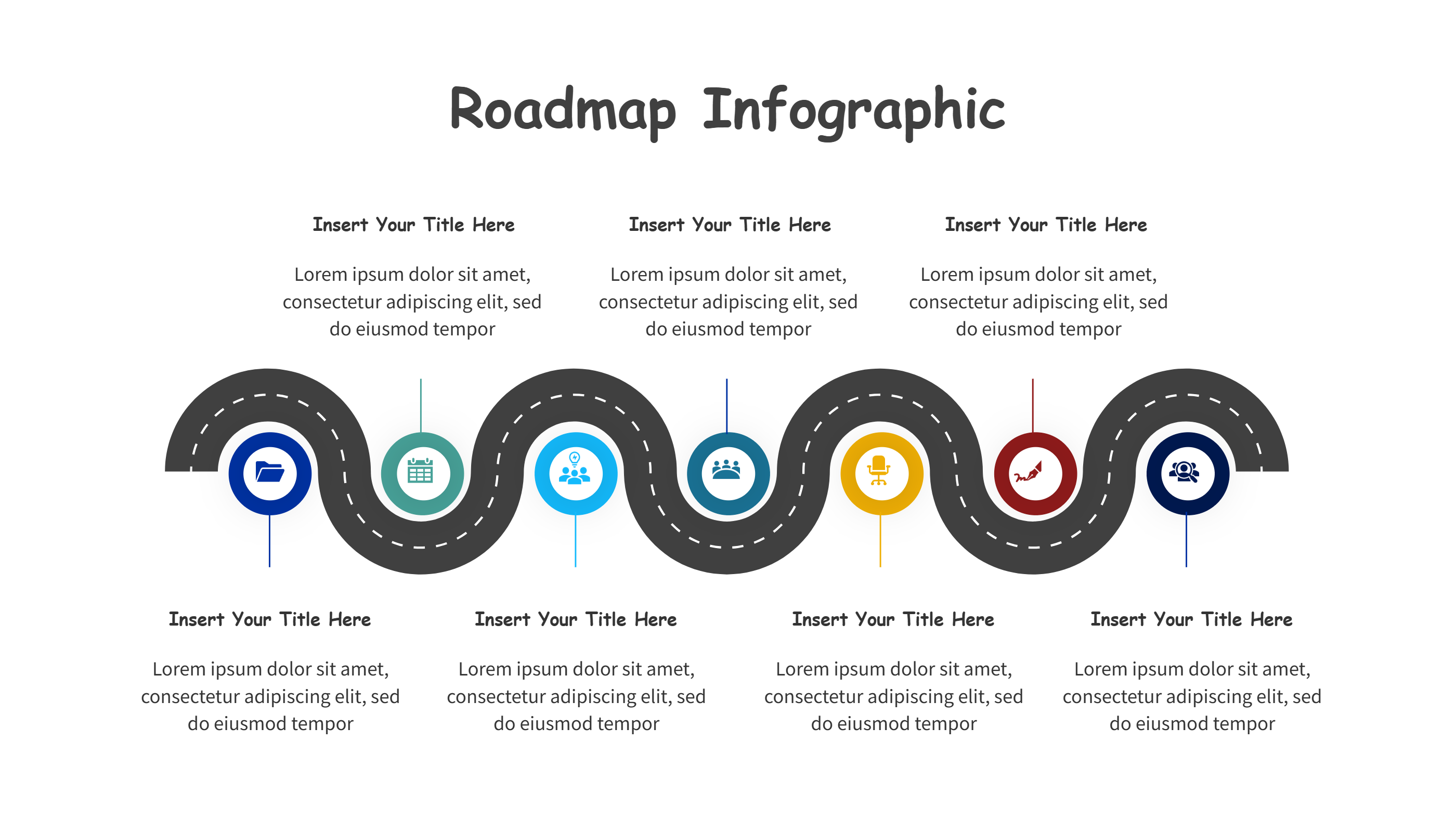
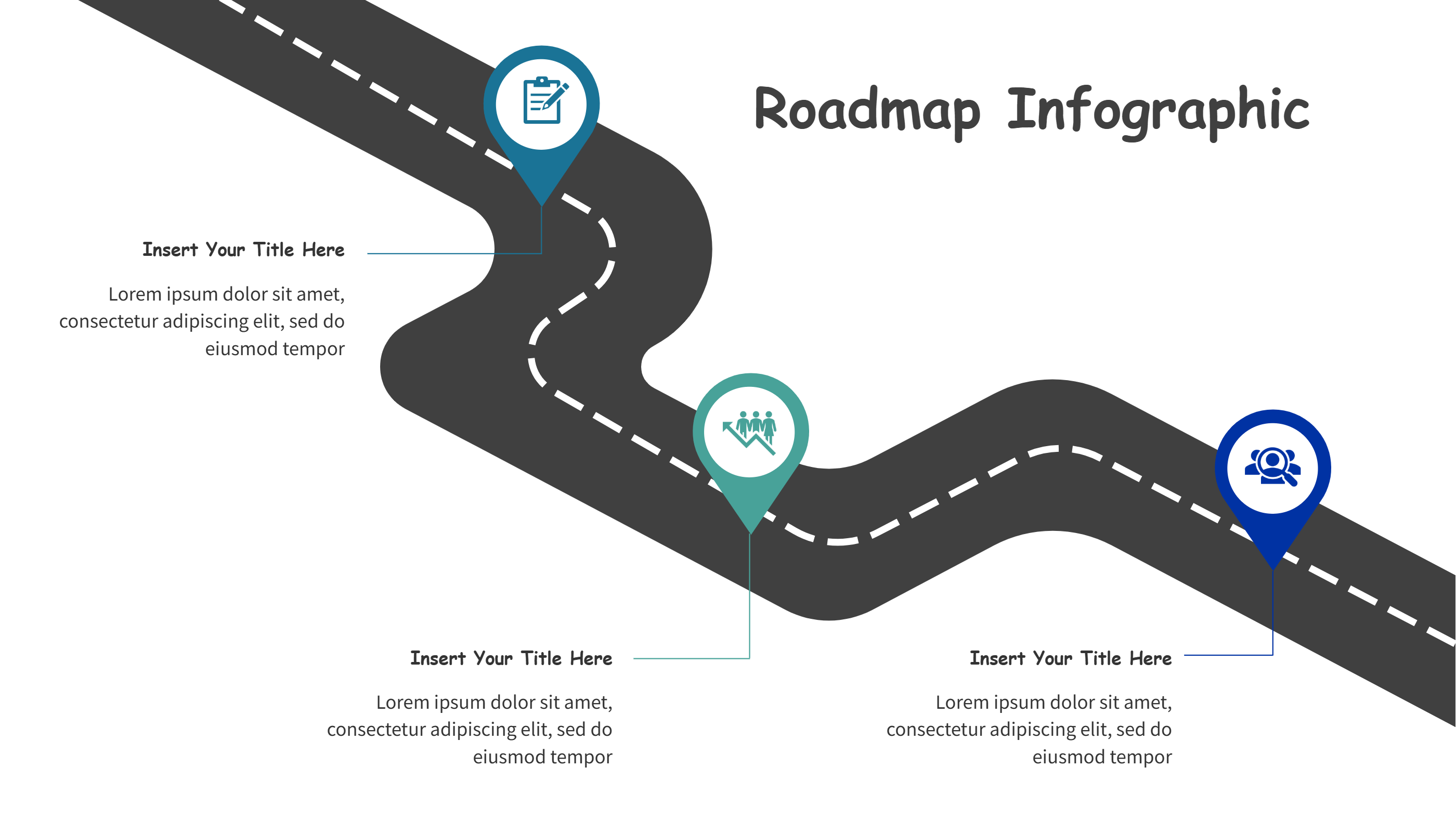
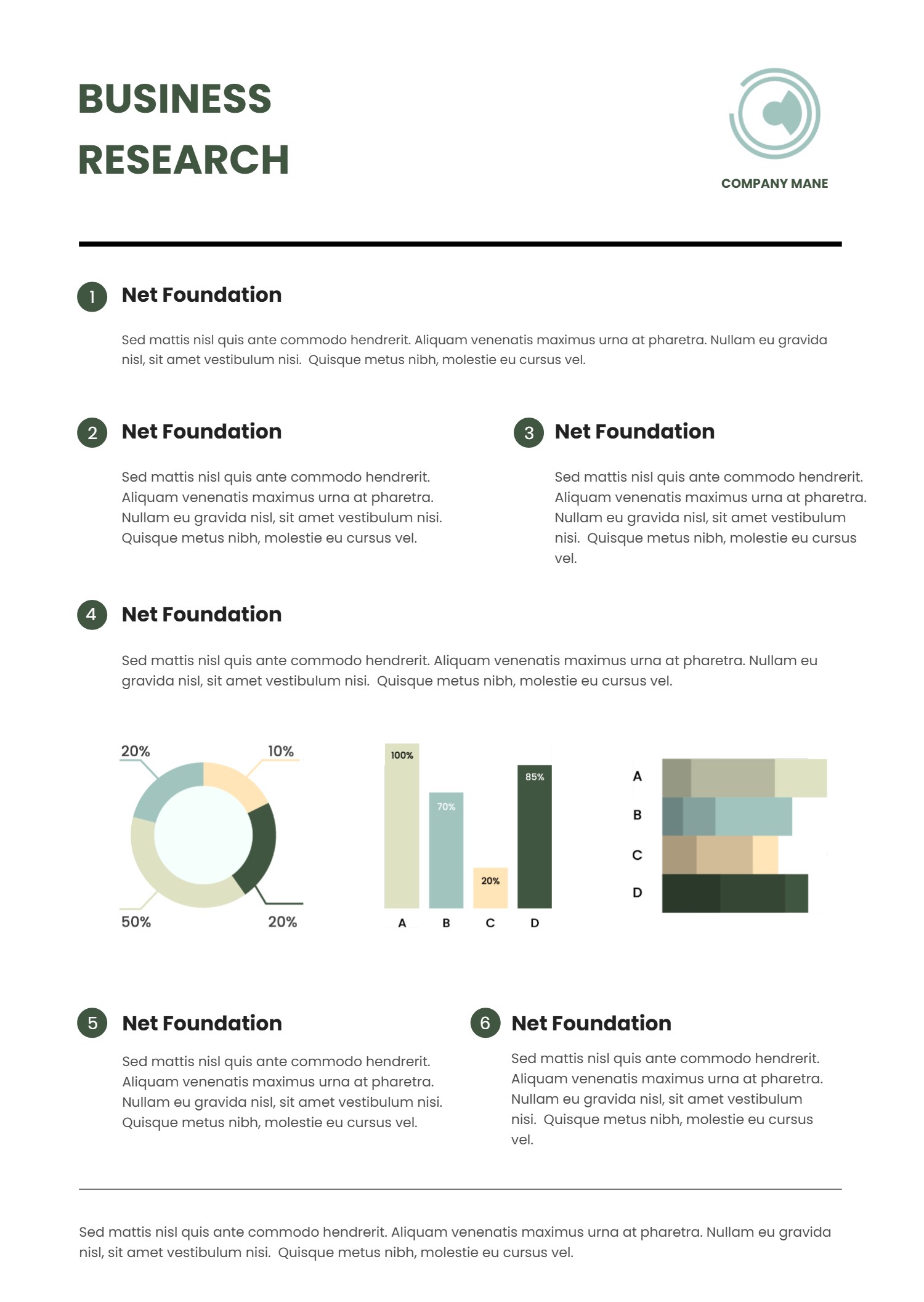
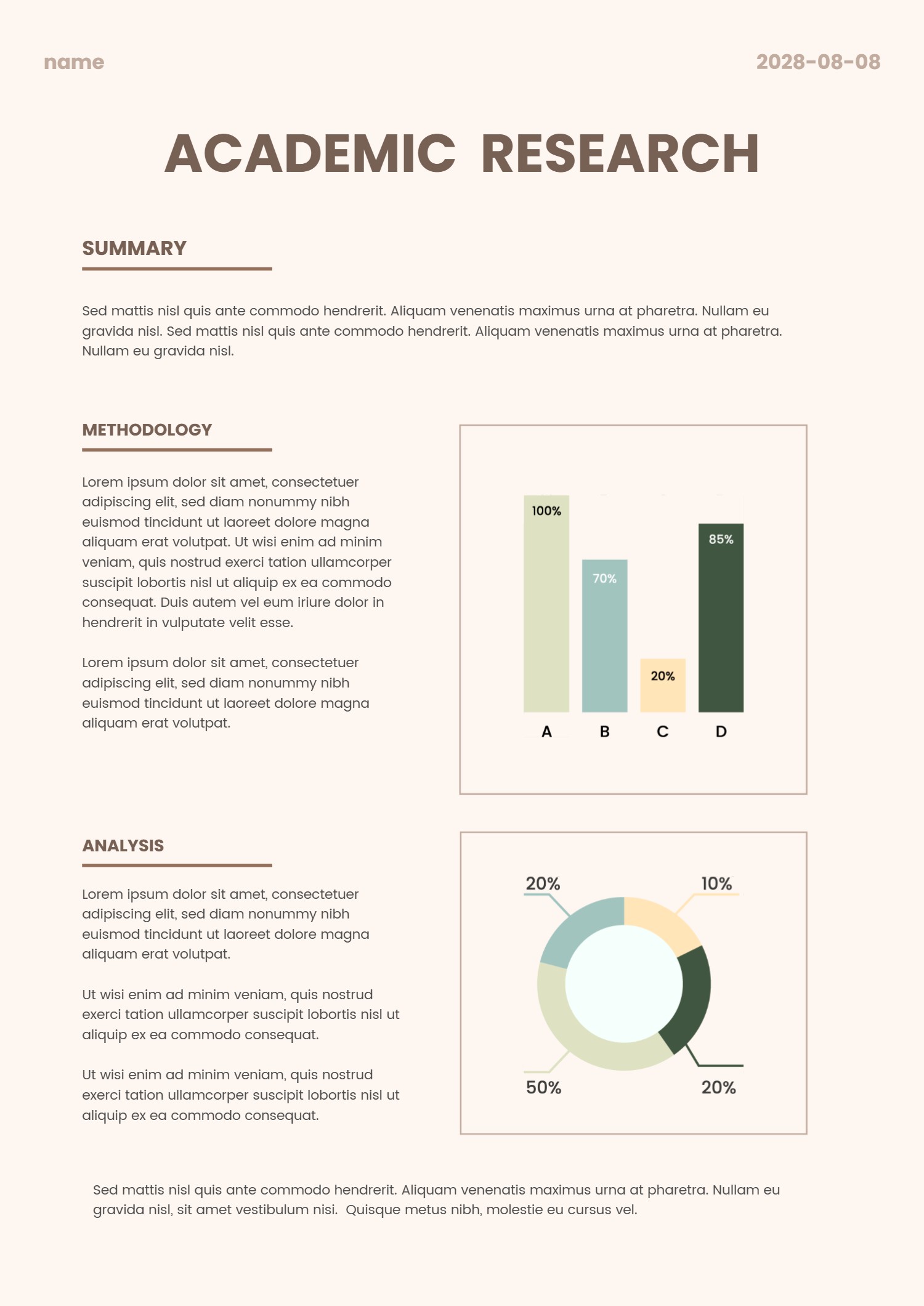
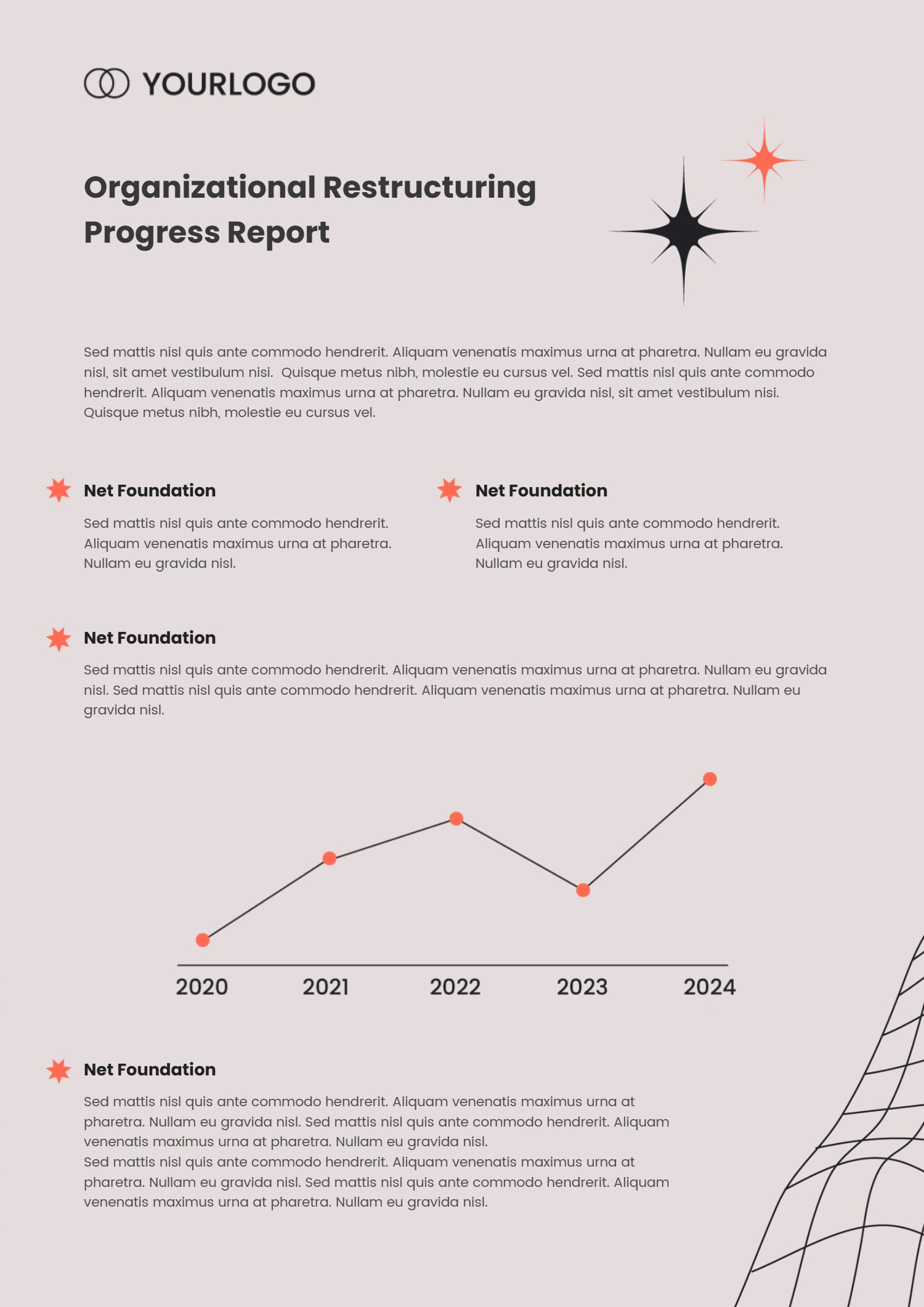
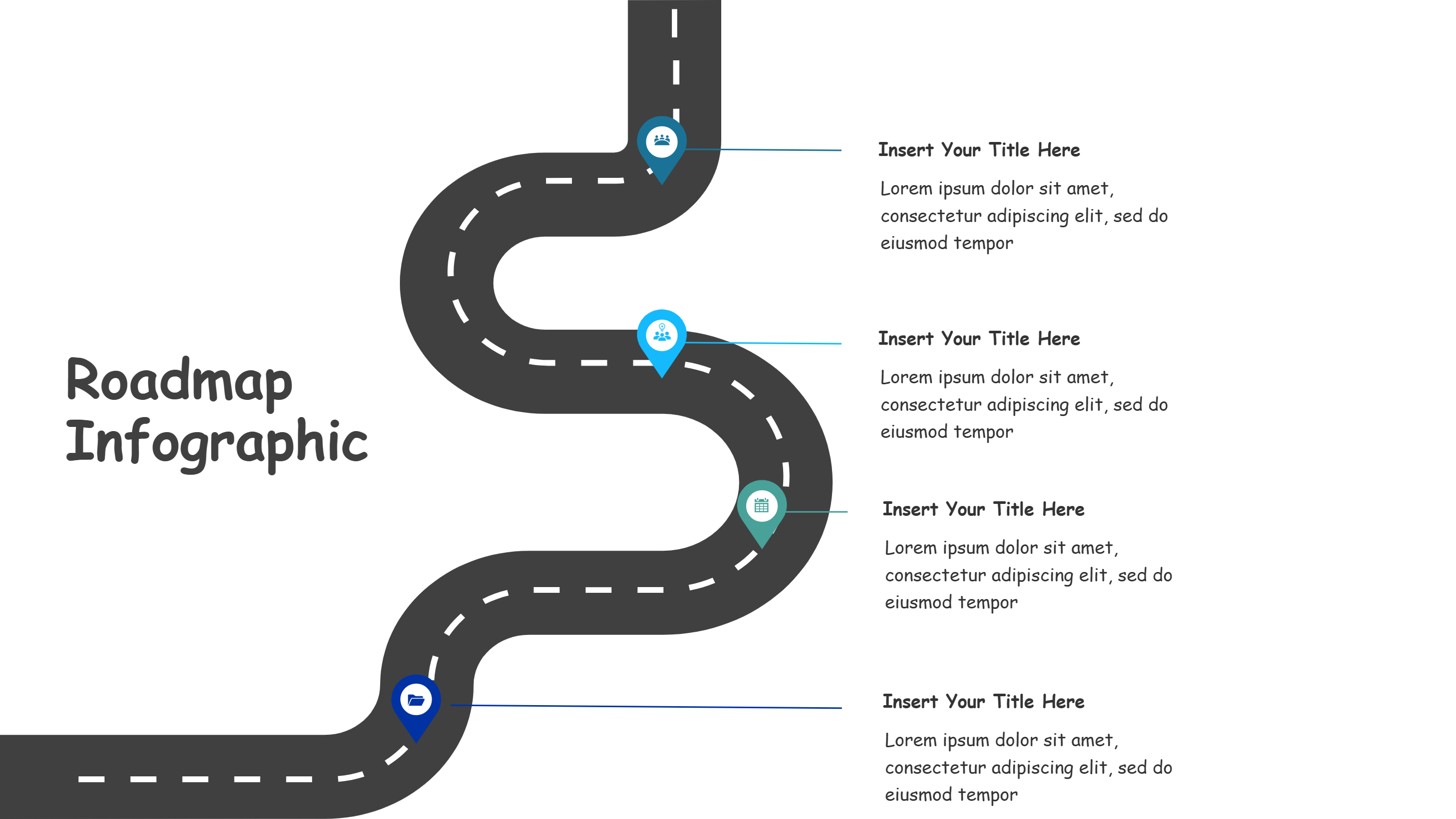
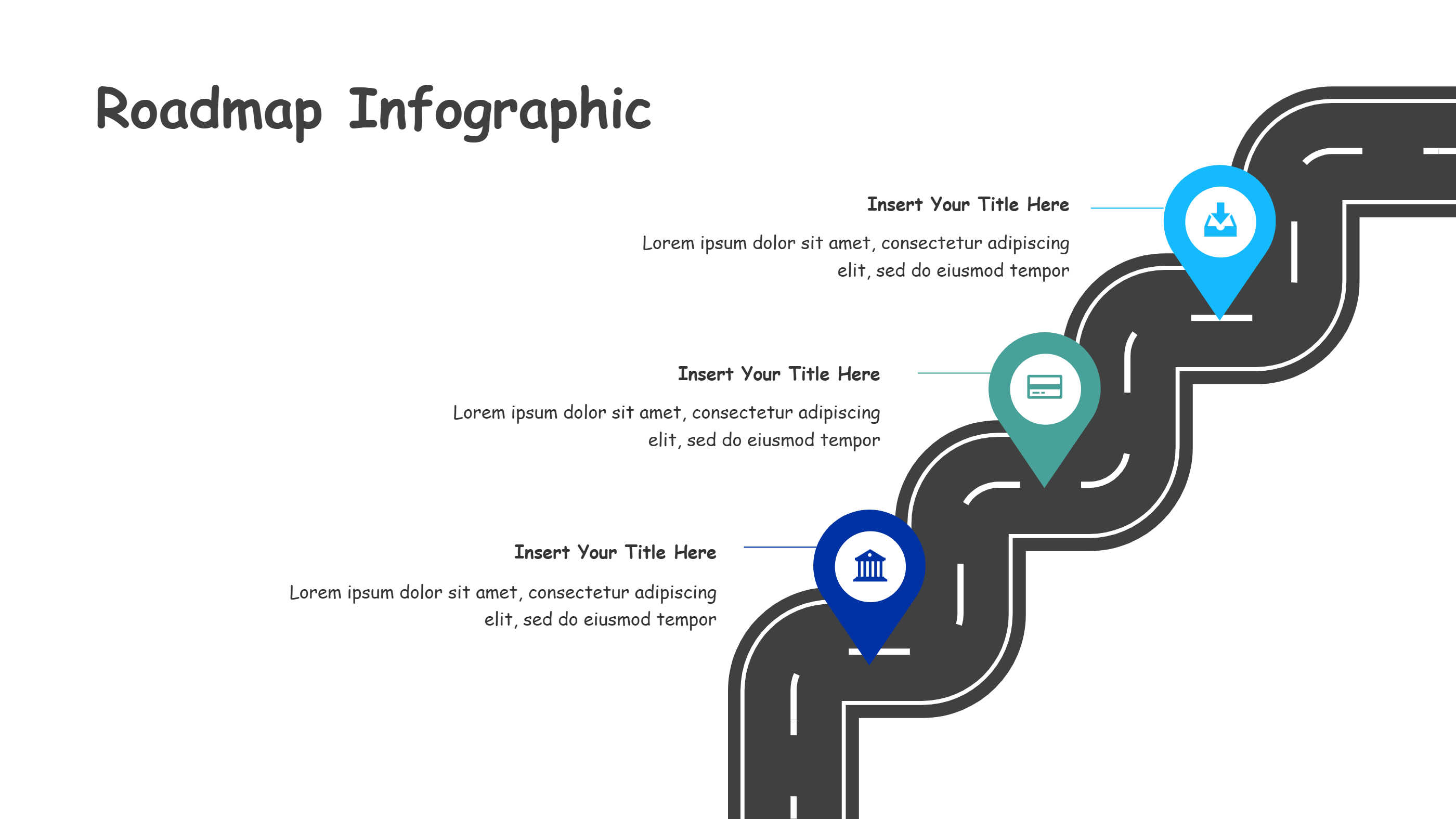
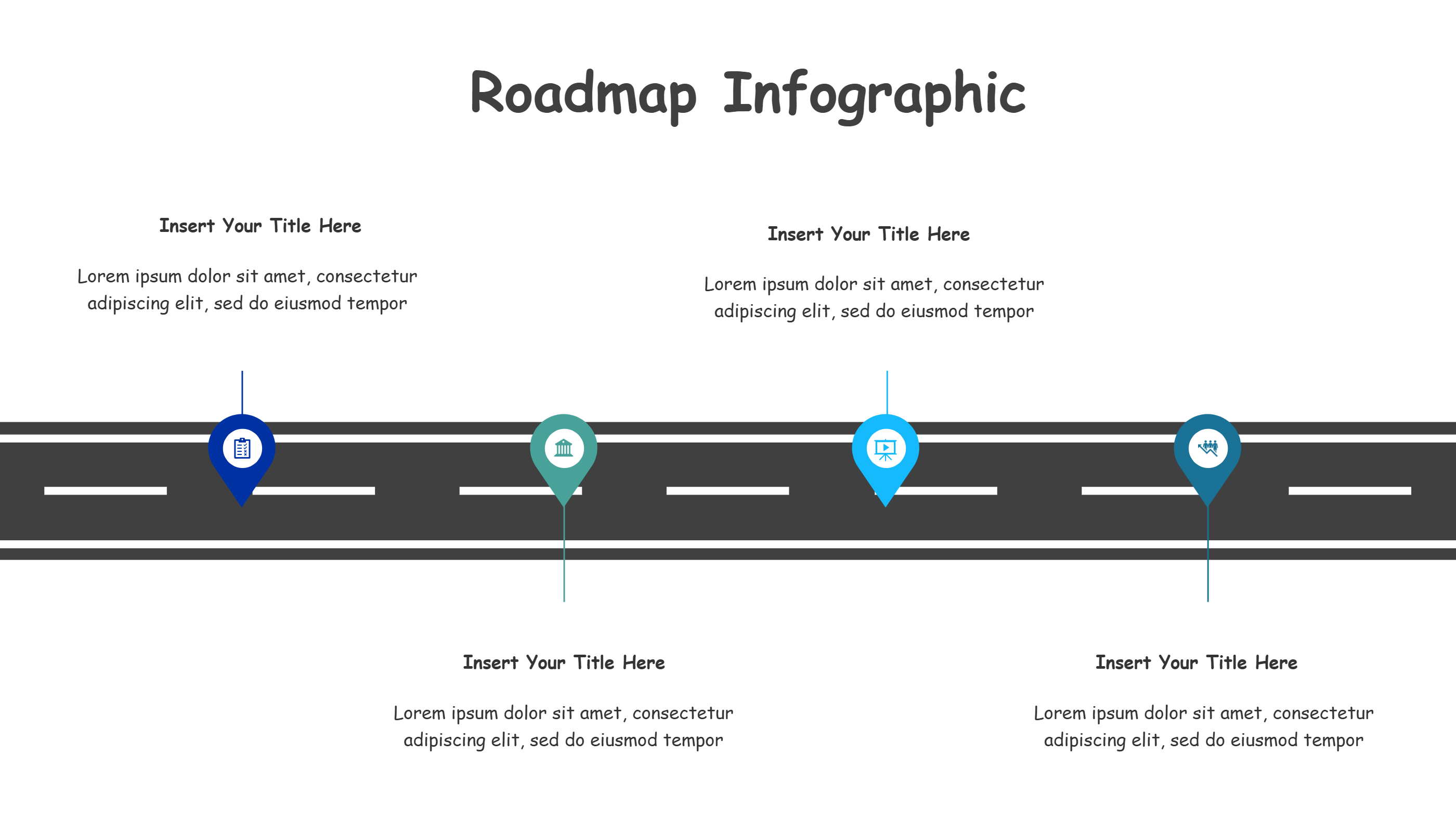
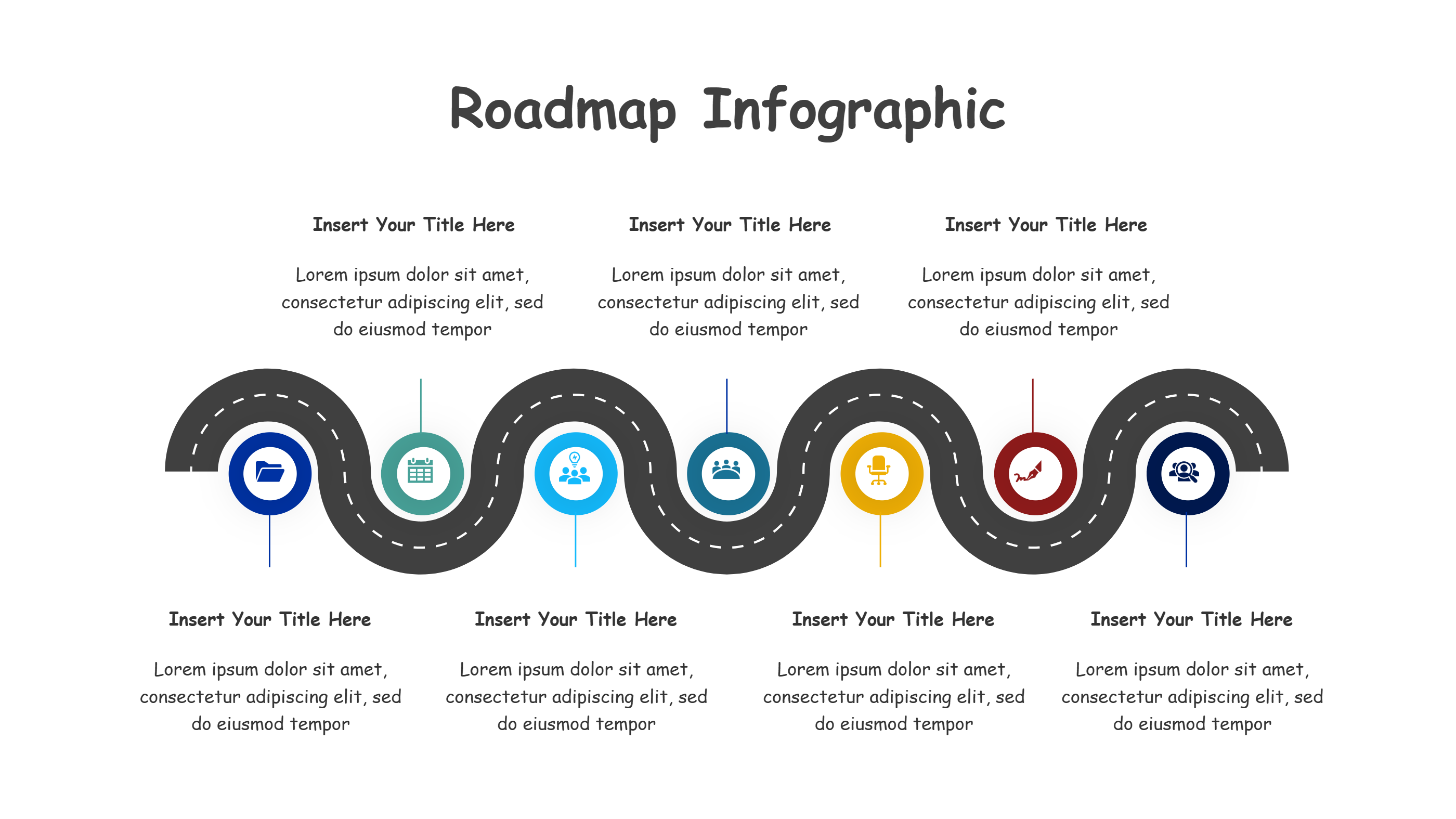
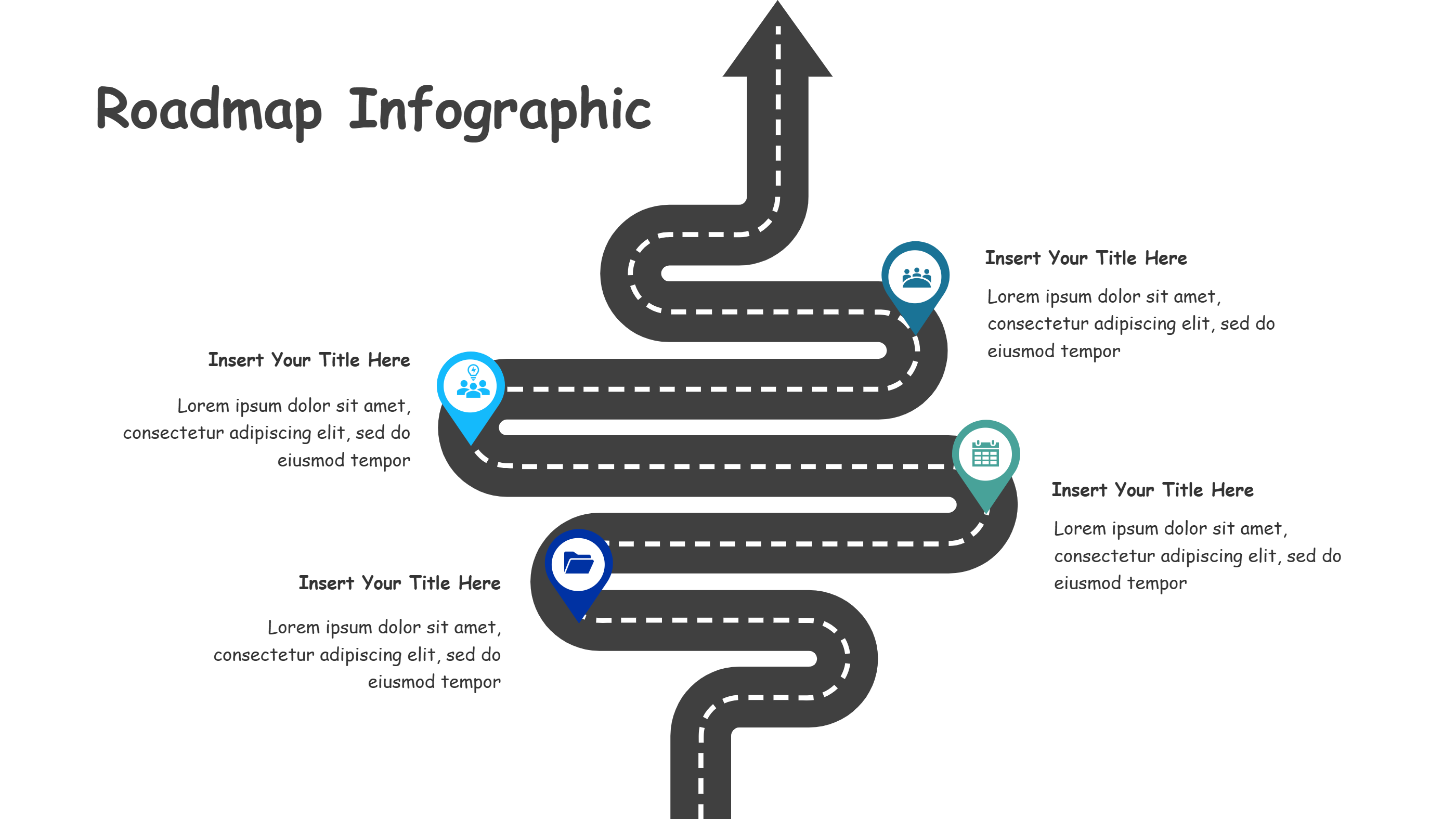
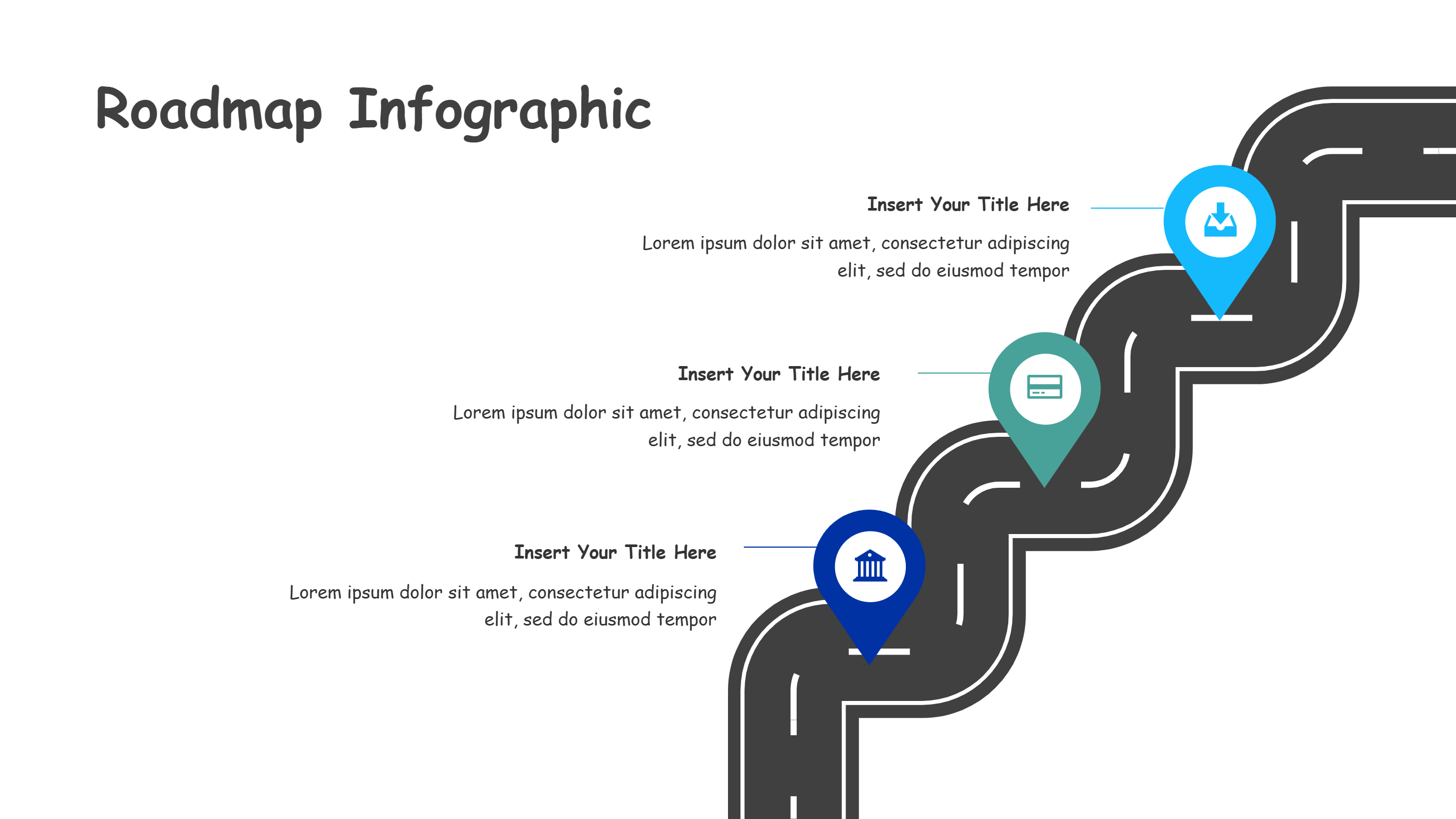
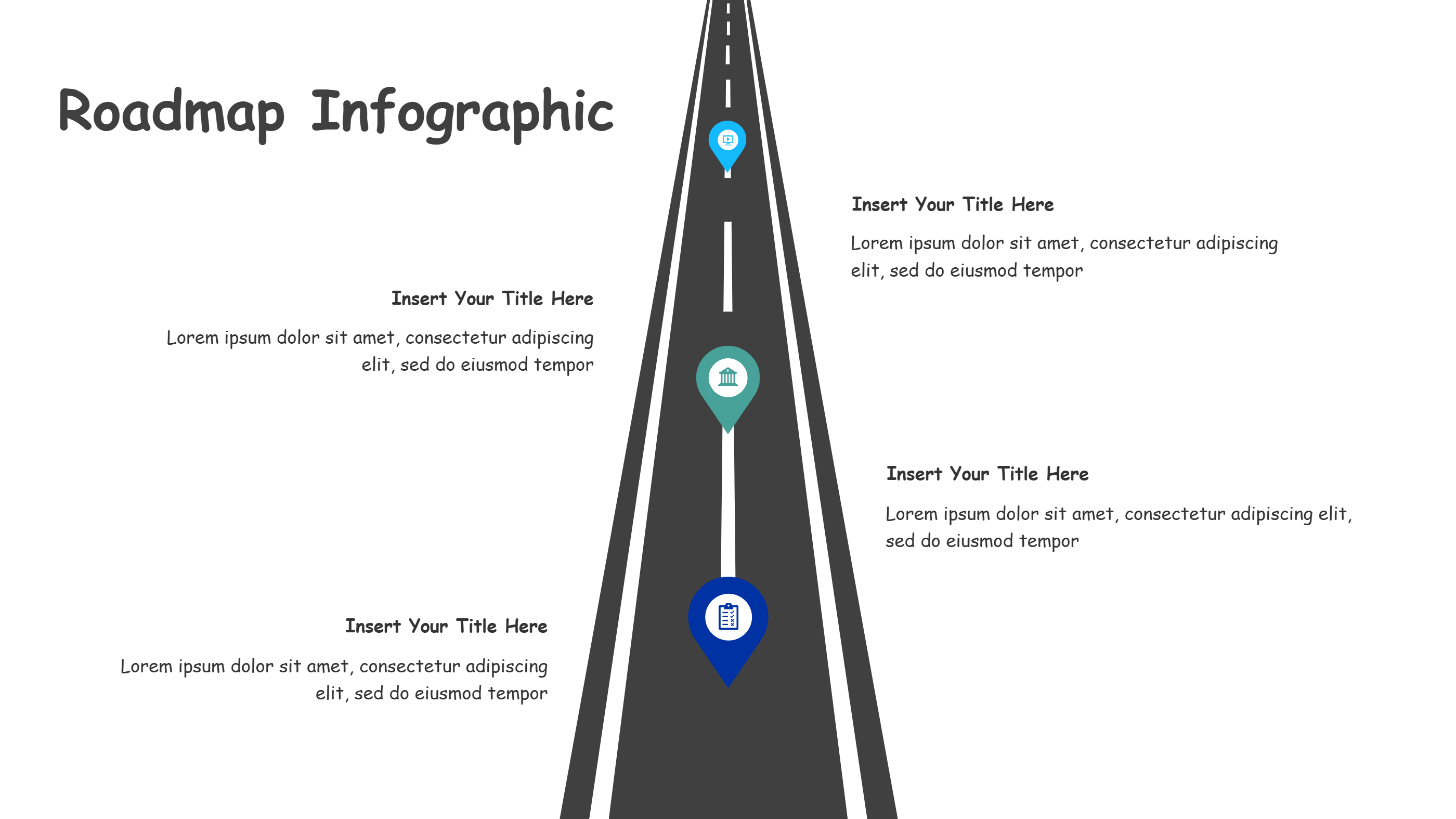
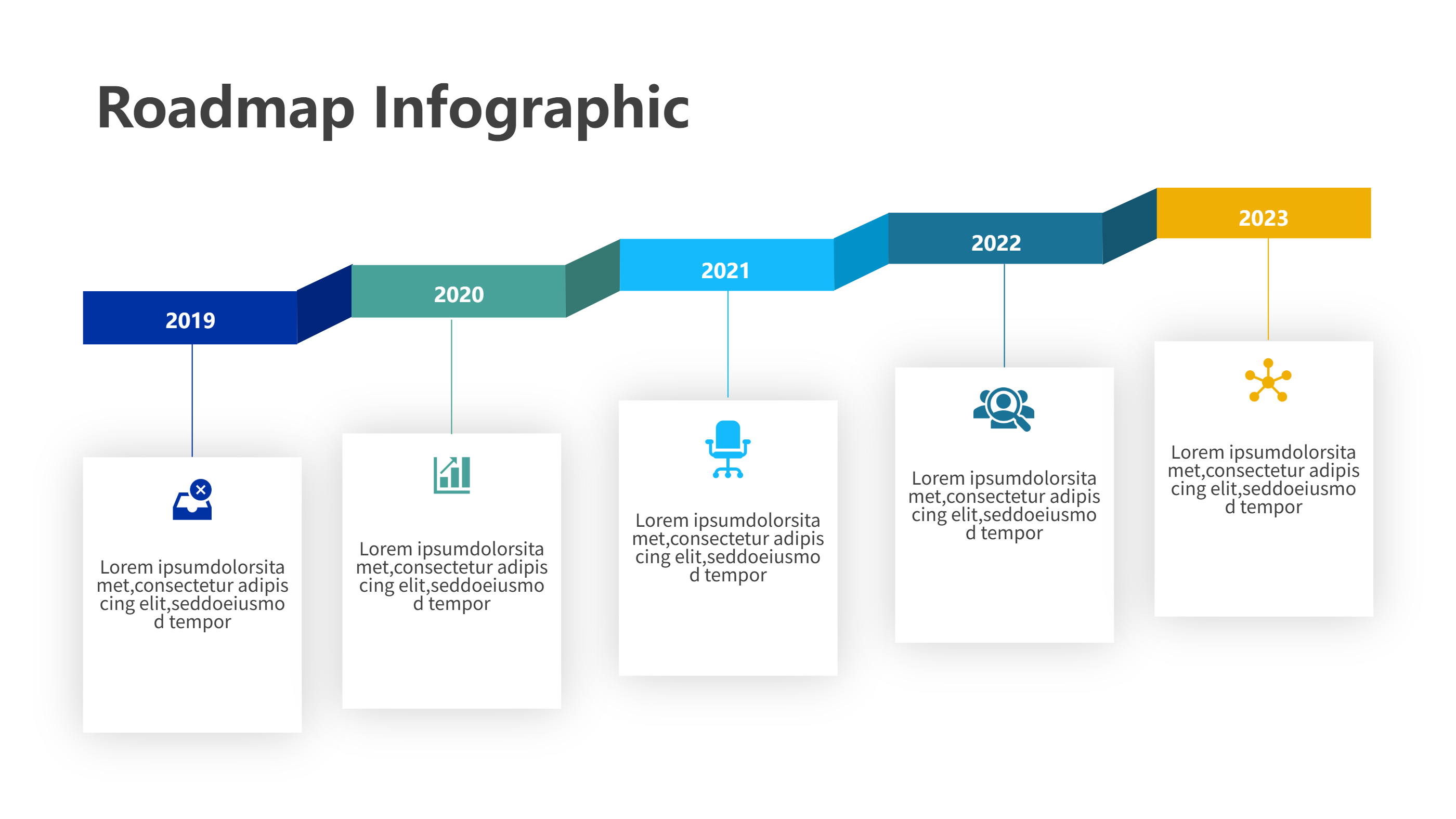
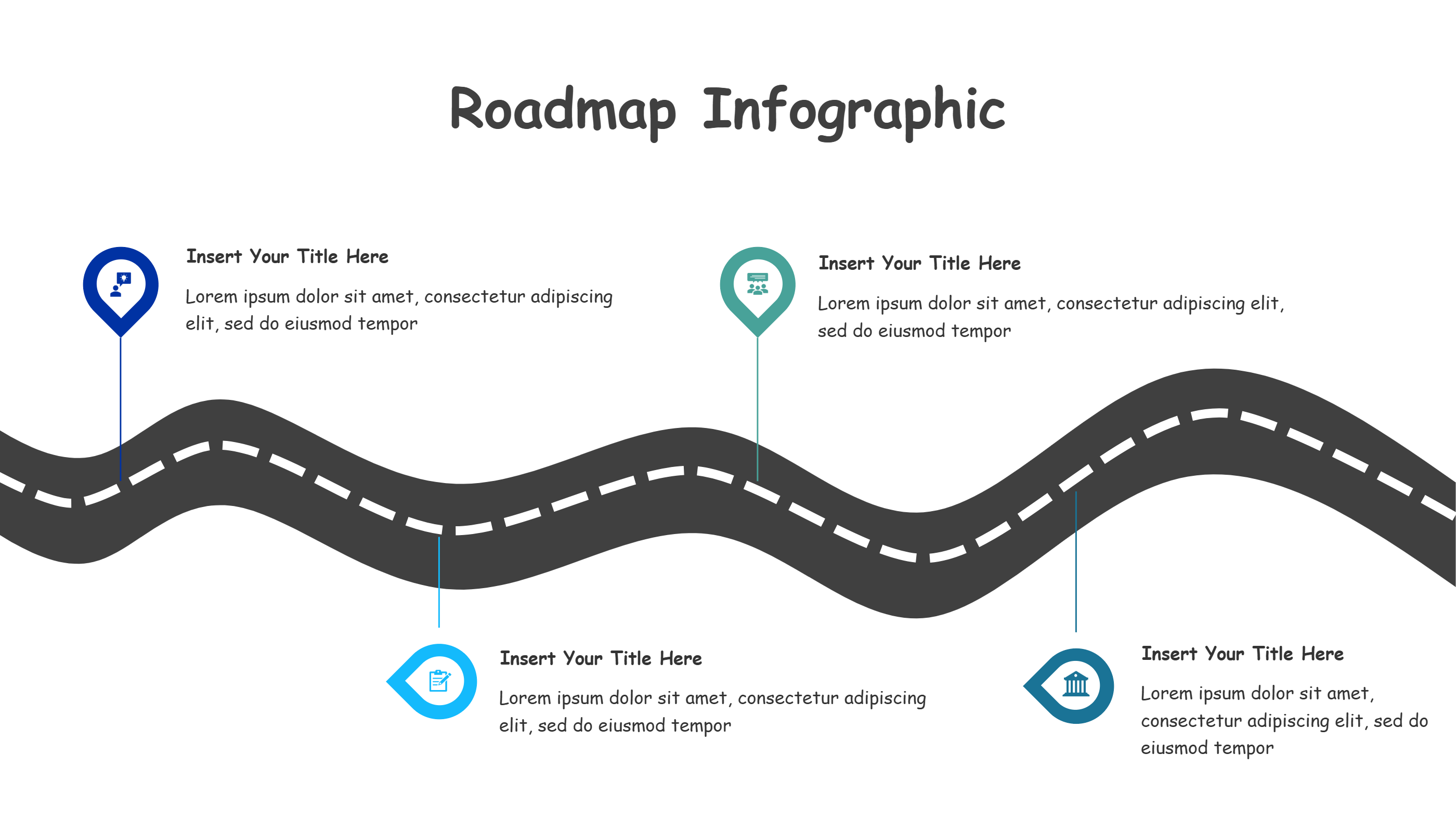
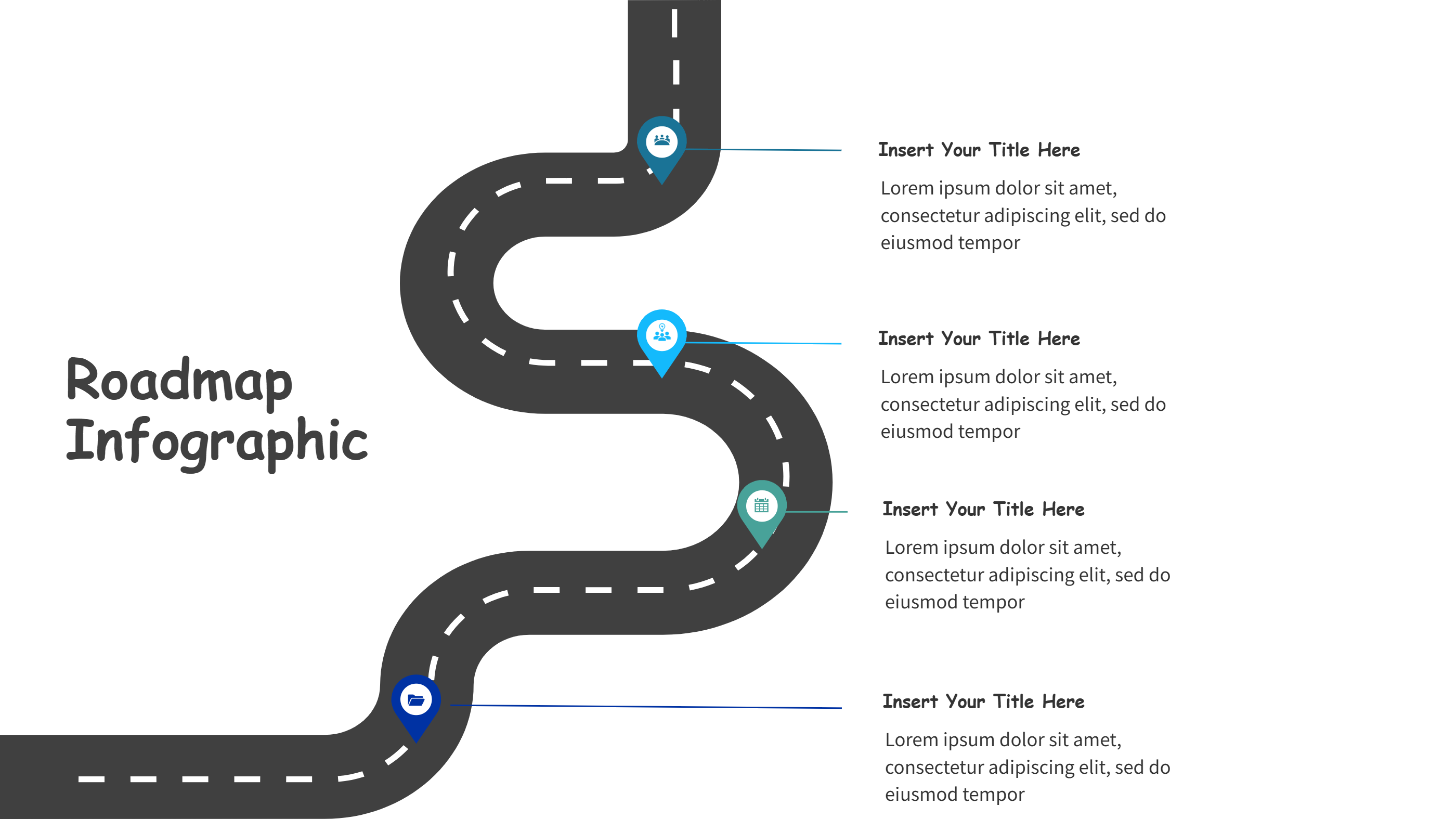
A trip itinerary template Google Sheets infographic is a ready layout that helps you map a journey in a clear visual way. It turns dates, times, and places into a simple path that people can follow. The trip itinerary template can show where to go, how long to stay, and what to bring. It is useful when you want a clean summary instead of a long list. The infographic style makes the plan easy to share in a PPT or as an image. It also helps keep the travel schedule calm and easy to scan.
When to Use Trip Itinerary Template Google Sheets Infographic
Use a trip itinerary template Google Sheets infographic for family vacations, school trips, team offsites, or weekend getaways. It can also be used for event schedules, city tours, or a day plan for a conference. The template is great when many people need the same plan and you want fewer questions. It keeps the timeline clear and helps everyone know the next stop. It is also handy when you need a quick plan for a budget trip or a short visit.
How to Use the Trip Itinerary Template Google Sheets Infographic
On the home page, open the AI creation tool and pick the trip itinerary template Google Sheets option that fits your route. Enter a prompt with the destination, dates, and key stops. The tool fills the infographic with a clean route line and short labels. You can adjust times, rename stops, and add small notes about tickets or meeting points. Keep each label short so the trip itinerary template stays clear on one slide. This makes it easy to move the plan into Google Sheets or a PPT deck.
Download Assets for the Trip Itinerary Template
Click the download button and an online editor will open. Use the save button to choose PPT, PNG, or SVG. You can edit colors, swap icons, or change the order of stops before saving. If you need a shareable file, export to PPT and send it to the group. If you need a quick image, save as PNG. This keeps the trip itinerary template flexible for travel updates.
FAQ
Q: Can I use the trip itinerary template for a one day plan?
A: Yes, it works for a single day or a longer trip.
Q: Does the template fit Google Sheets planning?
A: Yes, you can copy the plan into Google Sheets after outlining it.
Q: Can I add times and meeting points?
A: Yes, add short labels for times and places.
Q: Is the trip itinerary template good for group travel?
A: Yes, it keeps everyone on the same schedule.
Q: Can I change the route order if plans change?
A: Yes, you can edit the stops and save a new version.
Q: Can I download the itinerary as a PPT slide?
A: Yes, PPT is one of the export formats.