Direction Arrow Roadmap Infographic for DaVinci Resolve
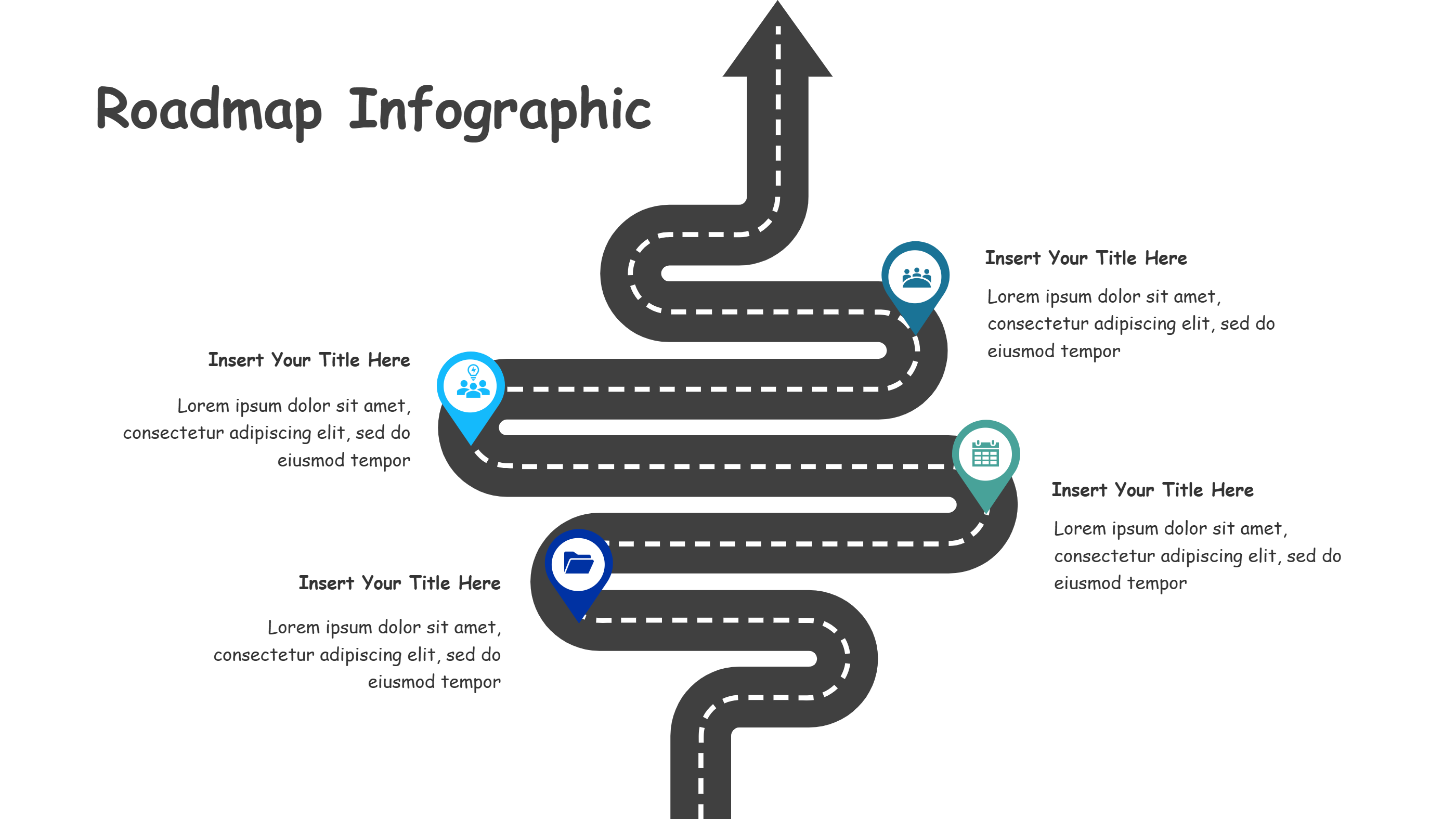
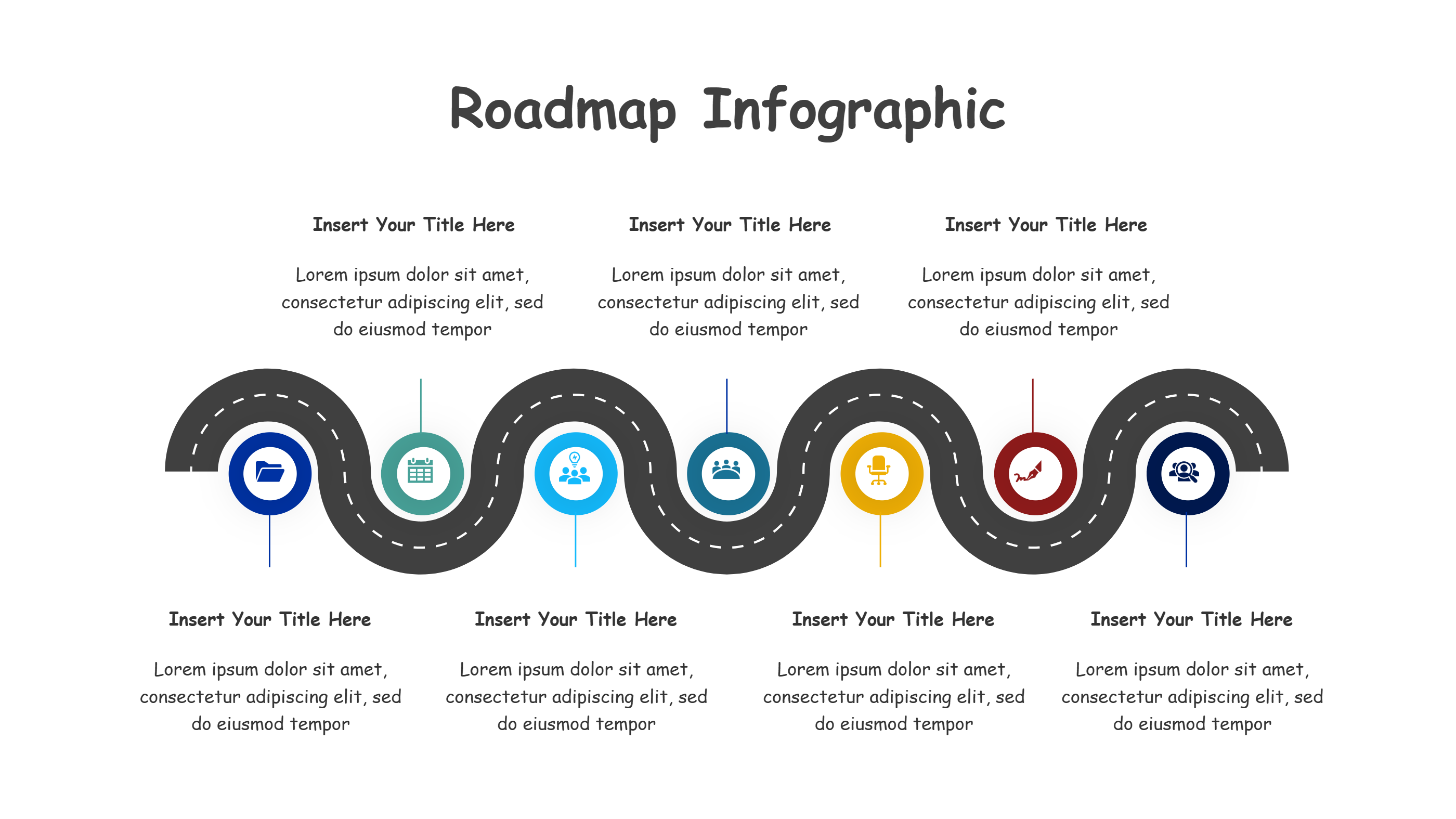
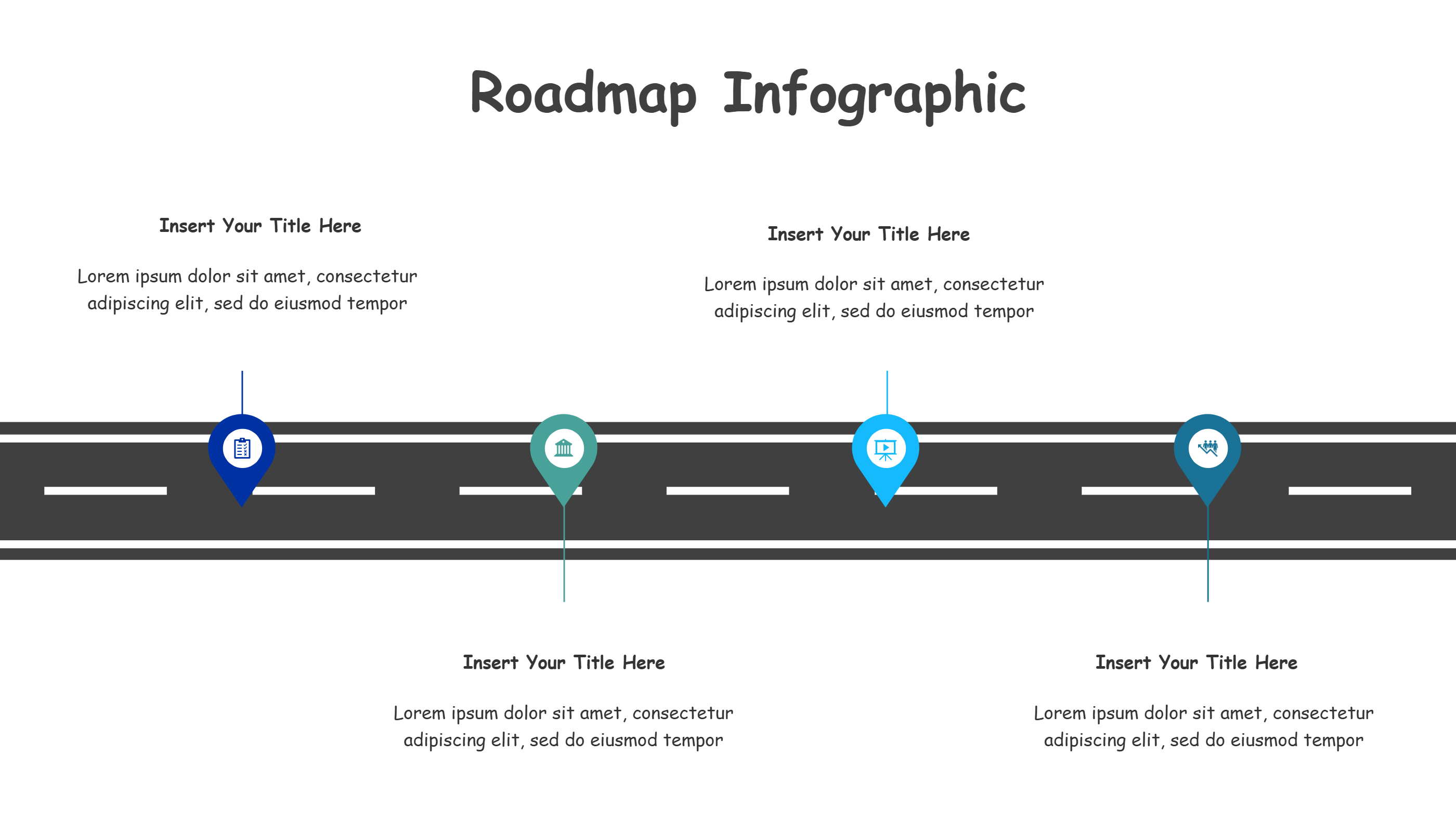
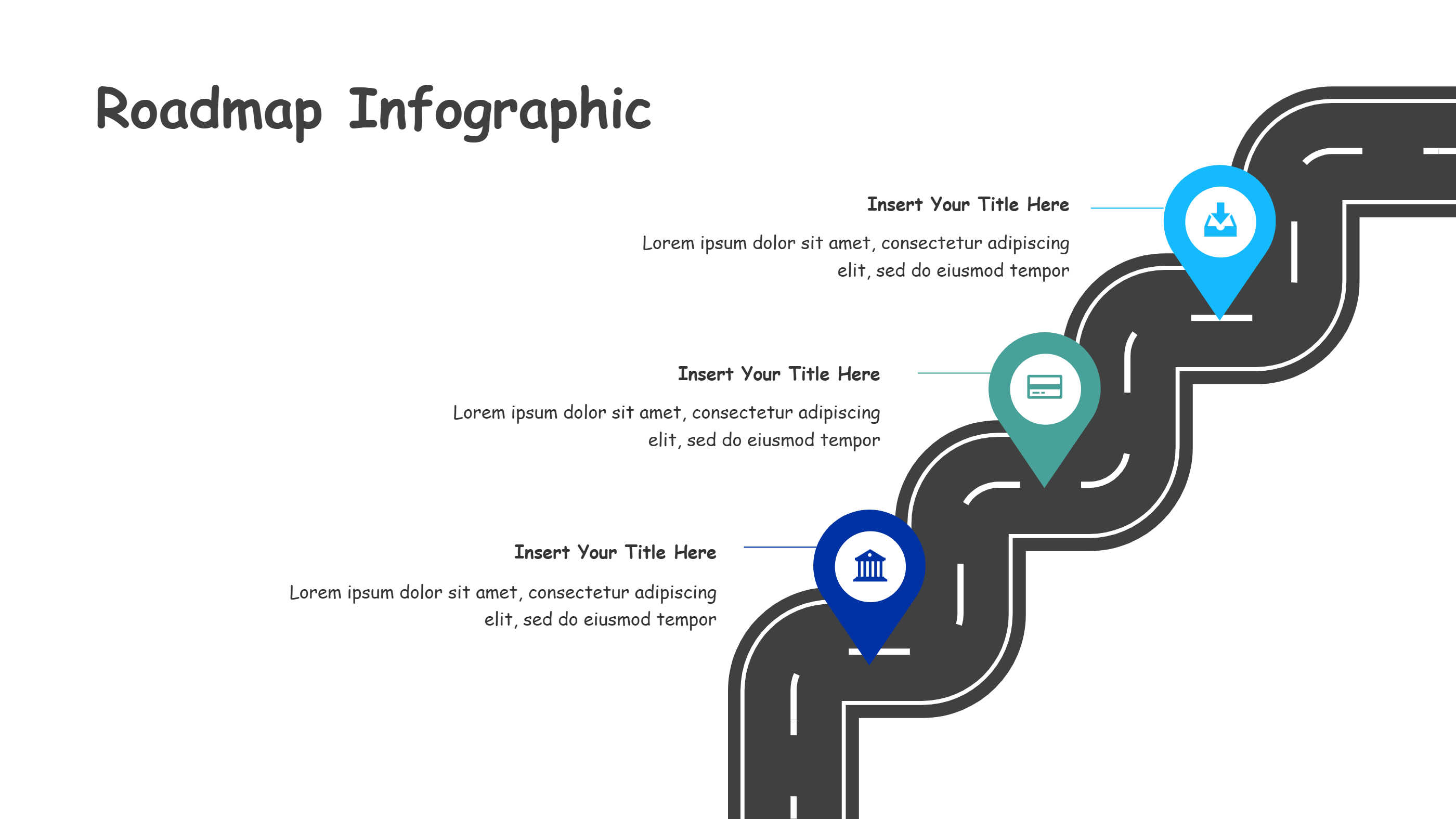
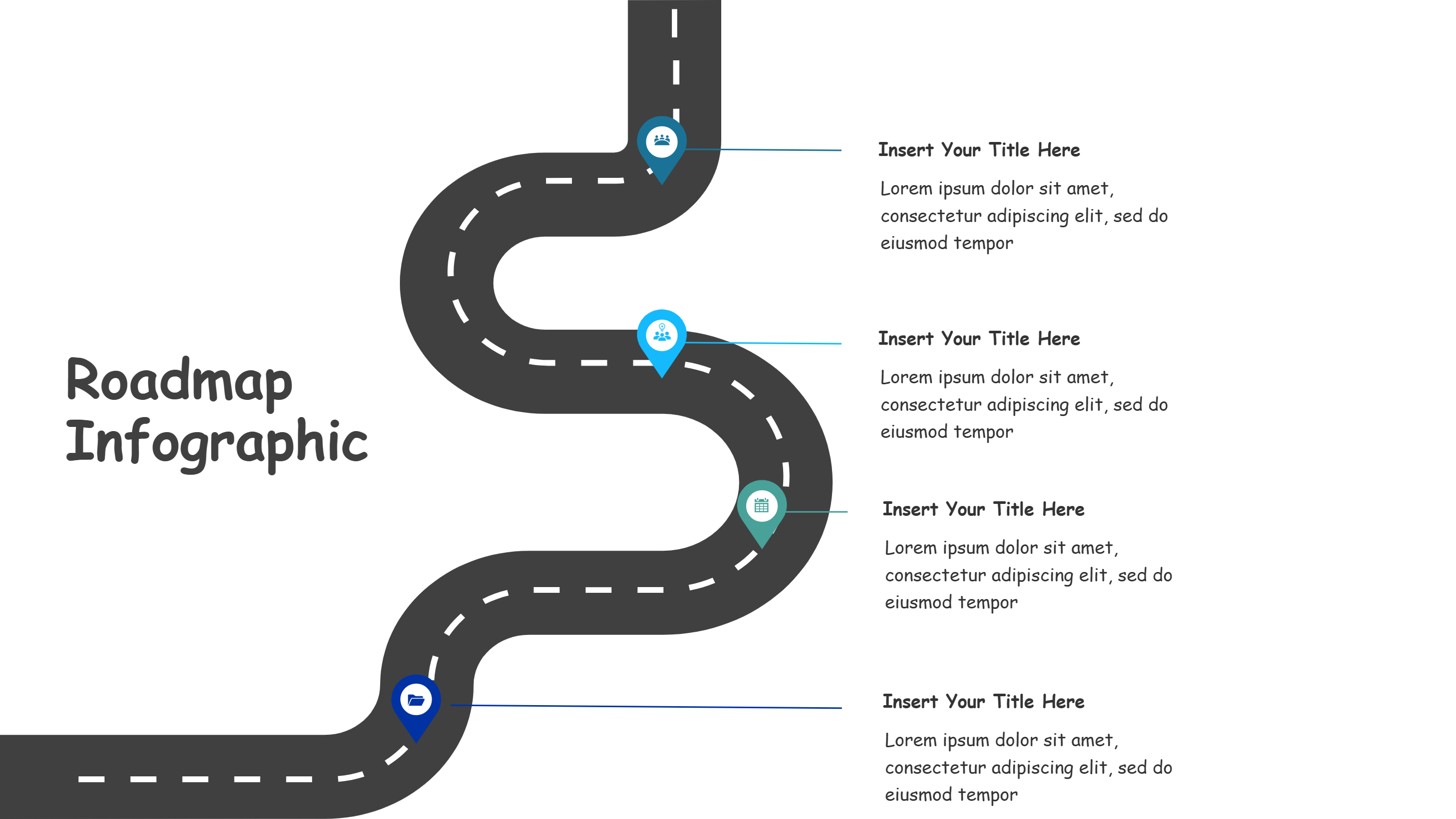
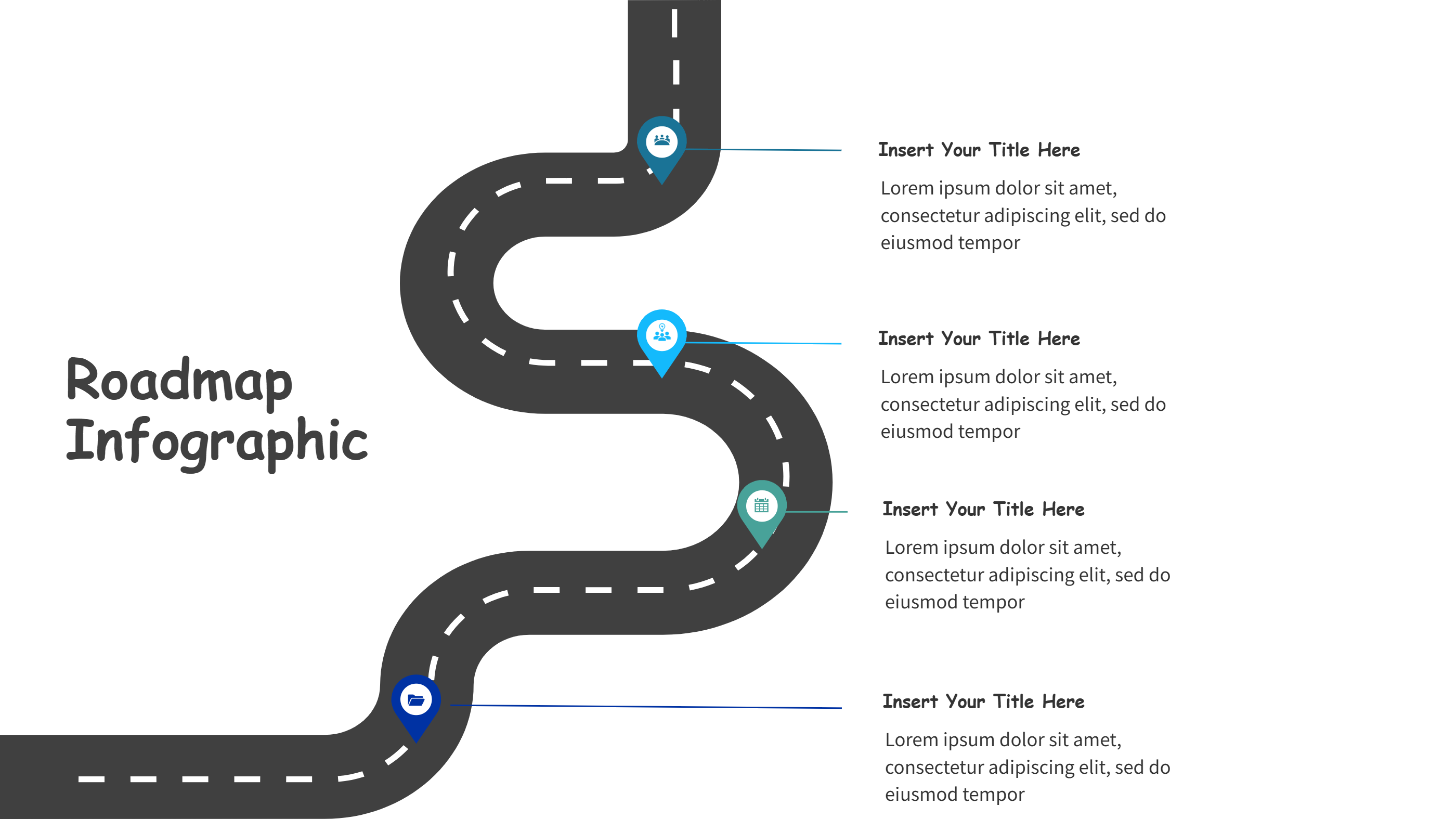
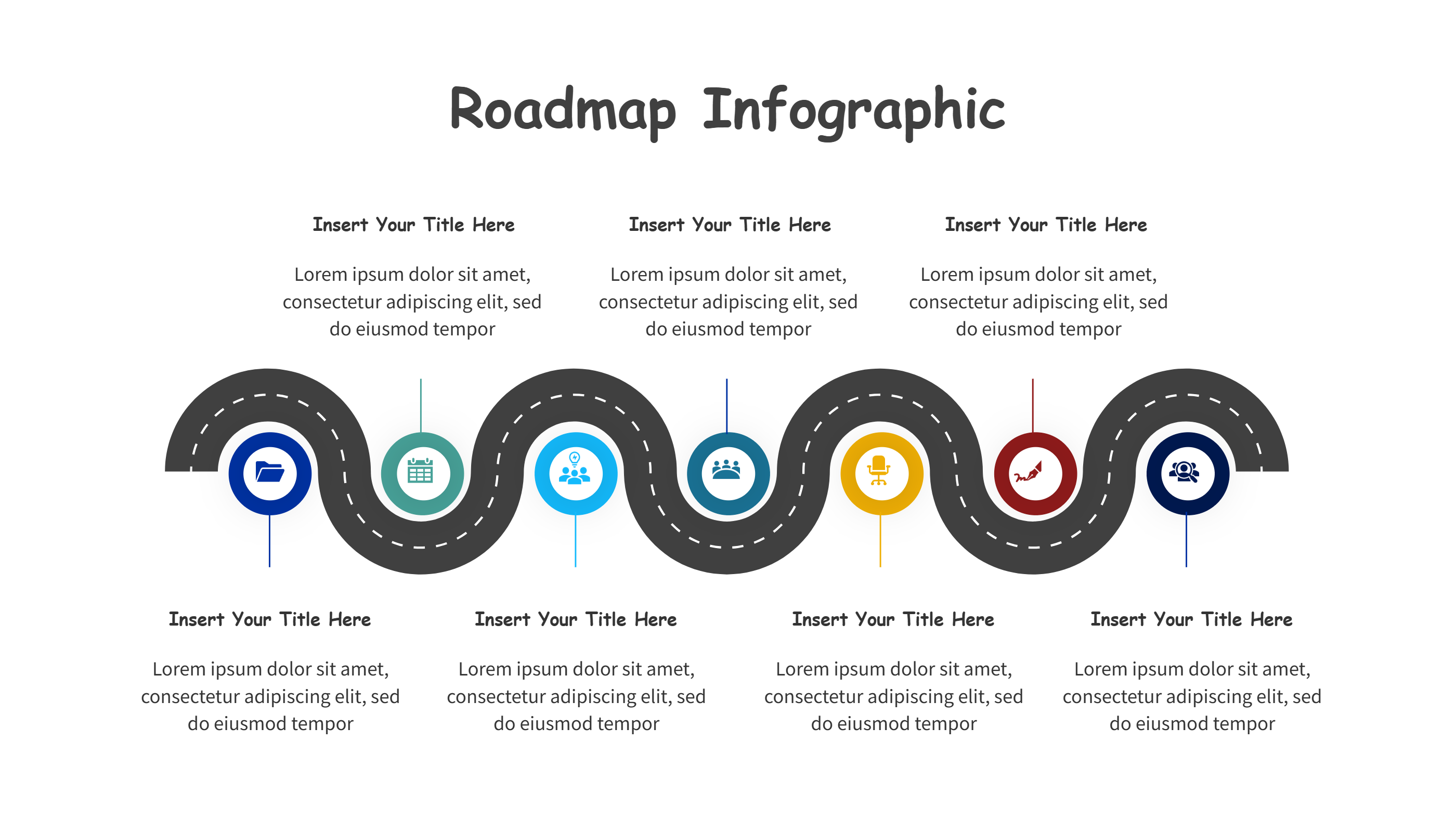
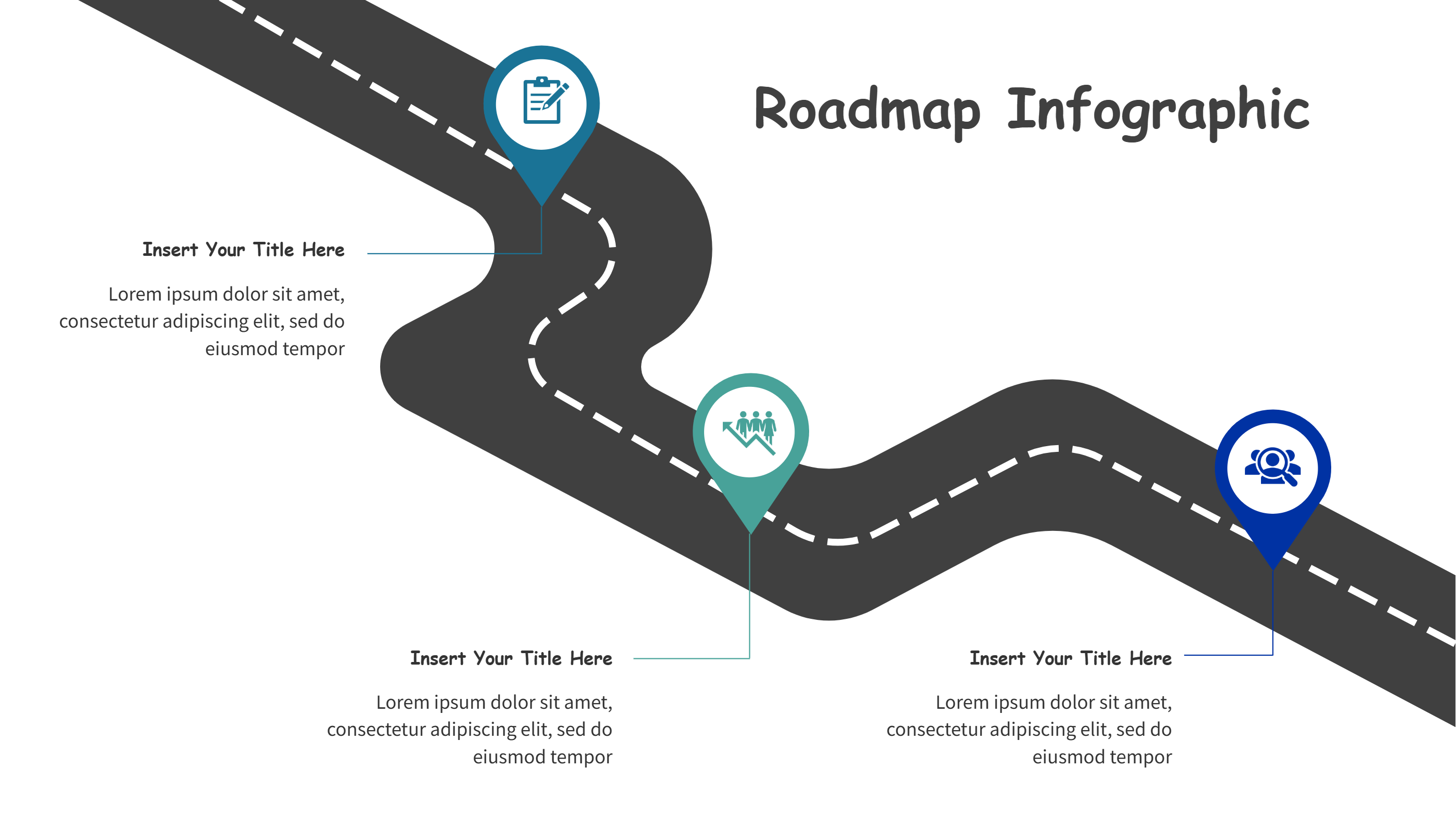
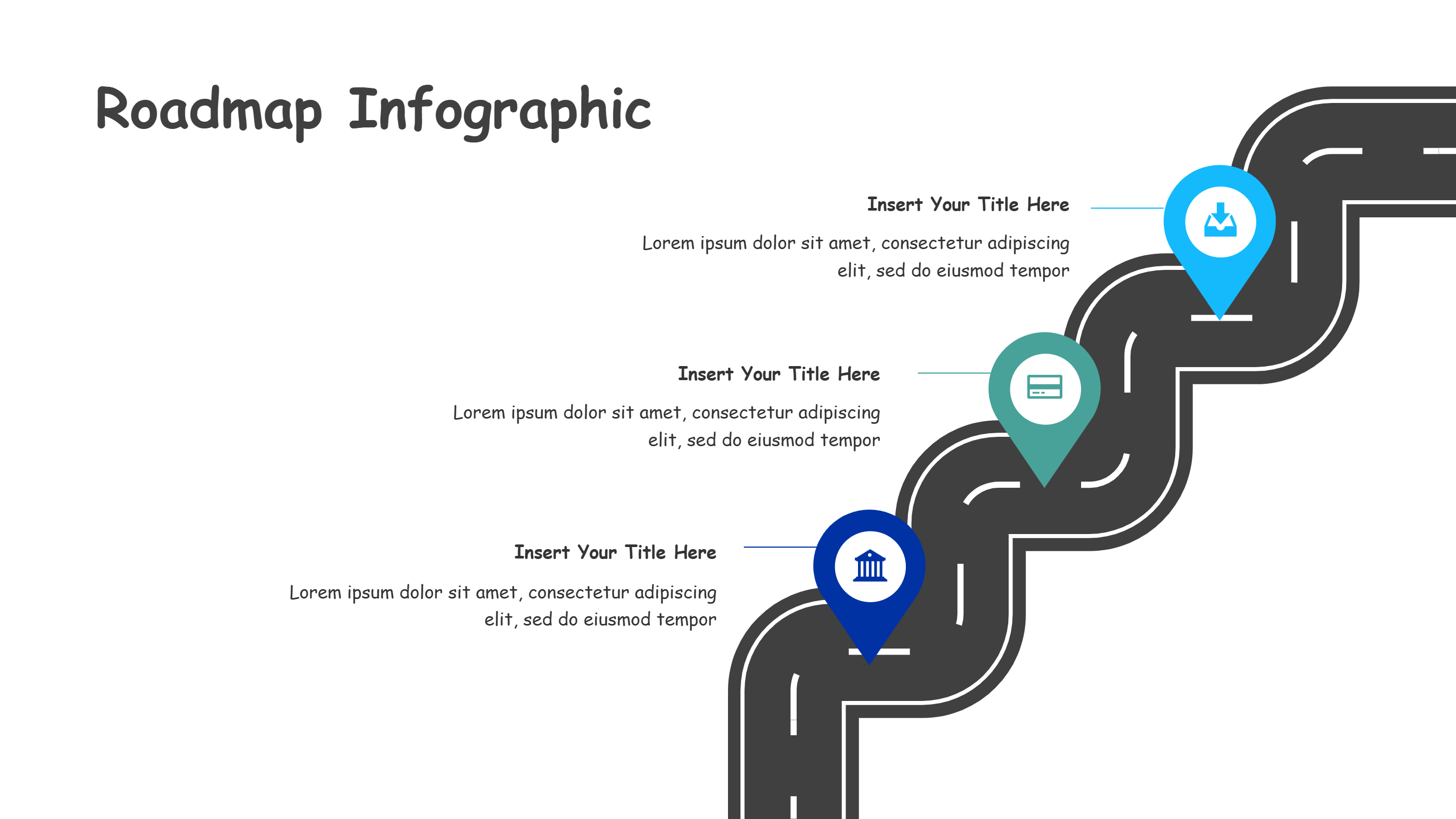
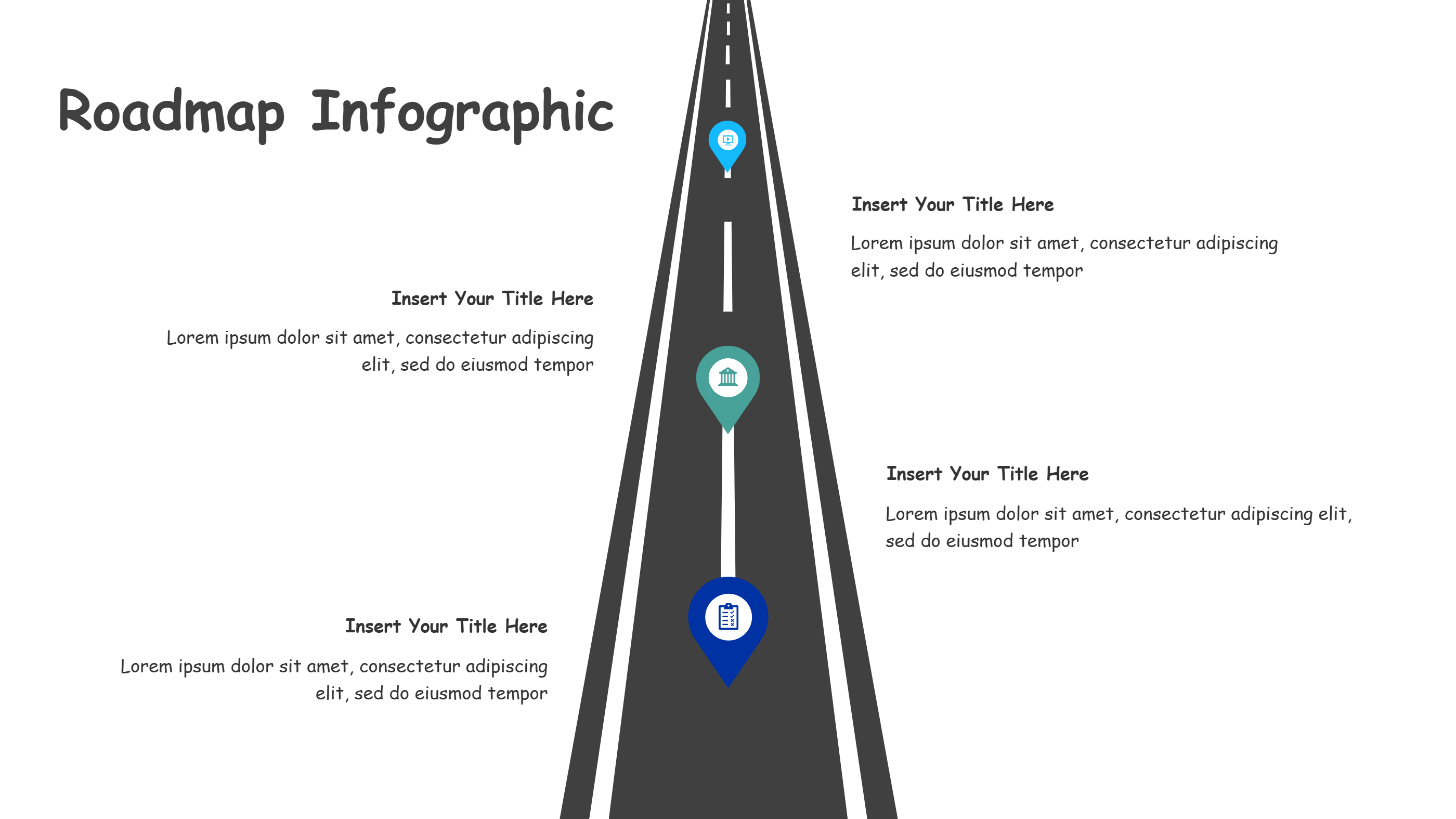
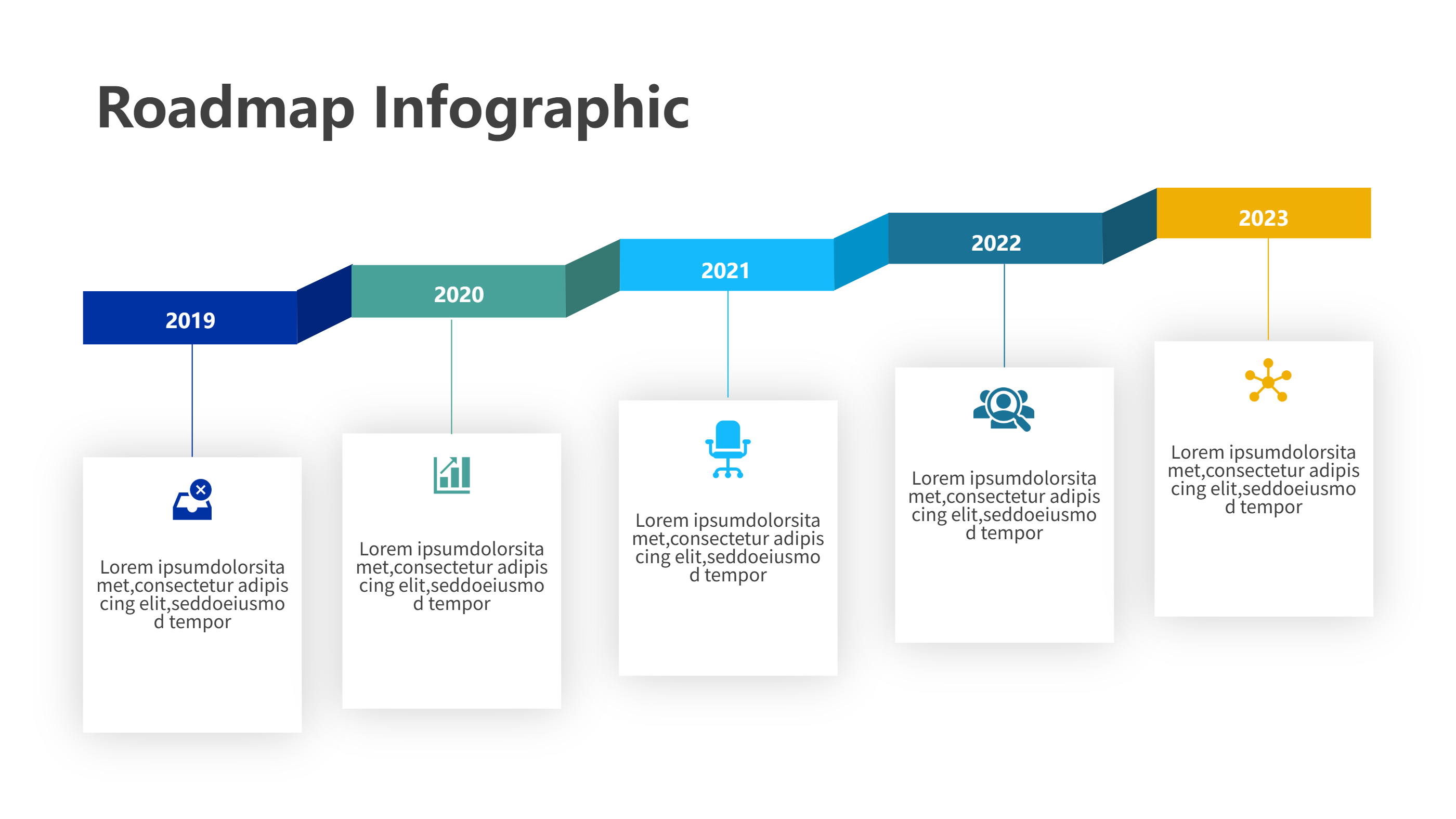
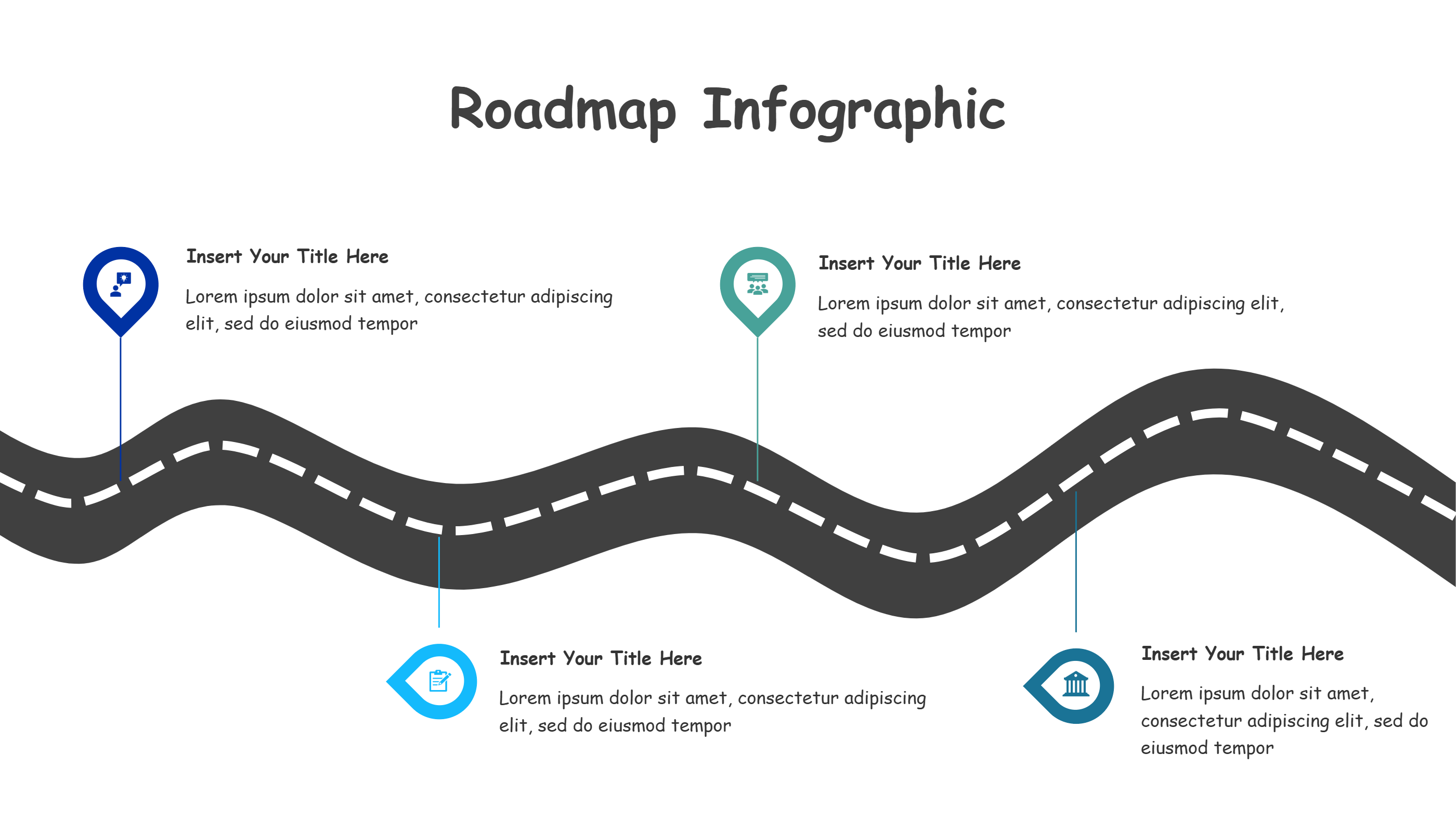
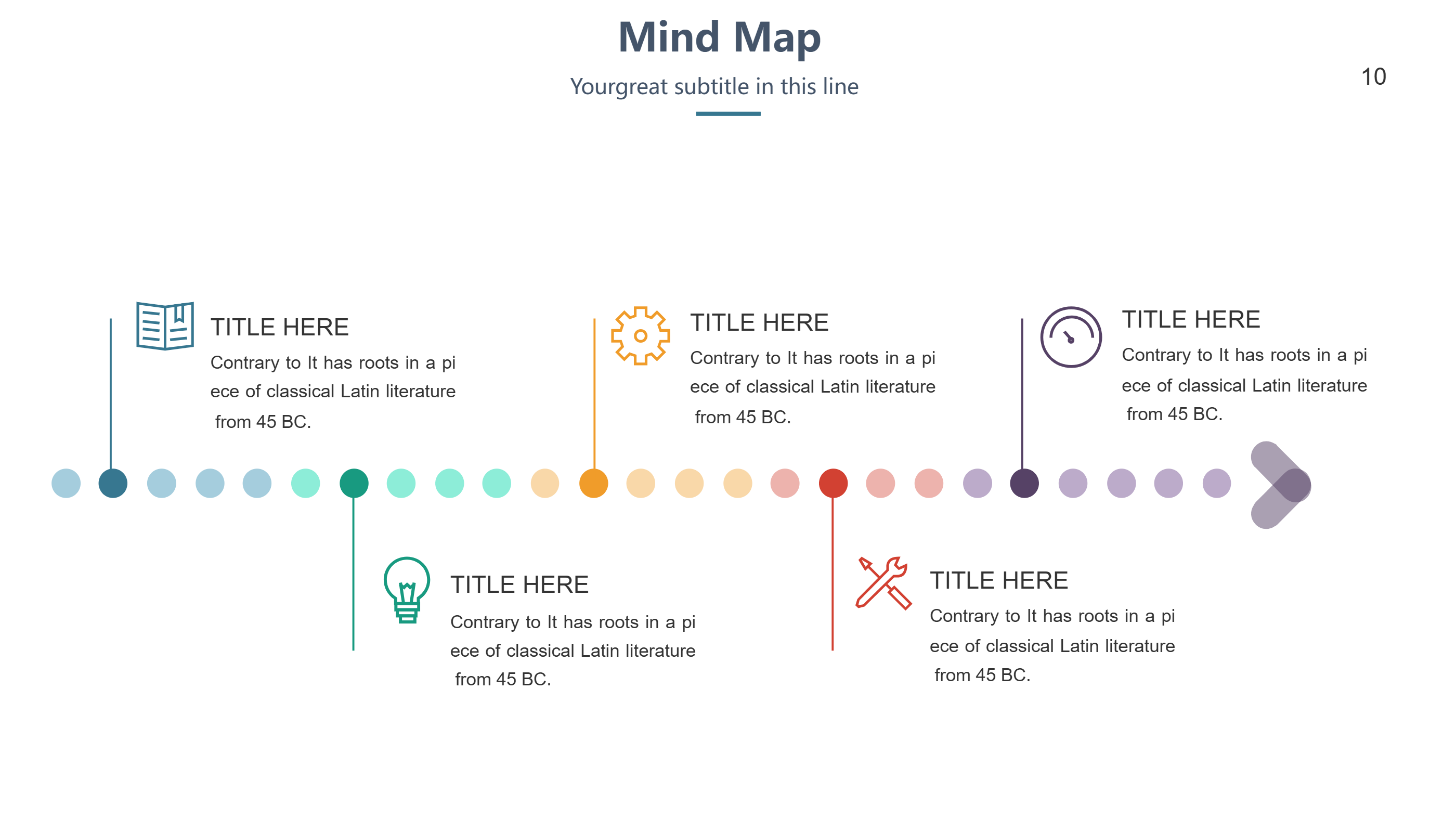
This direction arrow roadmap infographic template for DaVinci Resolve gives you a clear path that moves left to right with energy. A curved road and a sharp arrow head keep the audience focused on forward motion. Five callout spots along the path give you room for short labels, owners, and quick notes. Use it to explain an editing route, a client review path, or a customer onboarding journey without heavy text. The bright pins draw the eye and make every step feel intentional and easy to remember.
Keep sentences short so teams and clients understand the flow in seconds. Swap colors to match a brand or to signal priority. Add small icons for cutting, color, audio, or delivery to help new editors see the process. The smooth layout exports cleanly for slides, social posts, or training sheets and keeps clarity on mobile screens.
You can adapt the arrow for roadmaps, support directions, or event guides. The simple shapes leave space for numbers or dates if you want timing in the view. Because the layout is flexible, you can remove or add stops without breaking the design.
Open the AI creation tool on the homepage, choose this template, and type your prompt to generate the infographic right away. This roadmap keeps direction obvious, saves design time, and helps every DaVinci Resolve viewer know the next step at a glance.