DaVinci Resolve Route Infographics Template
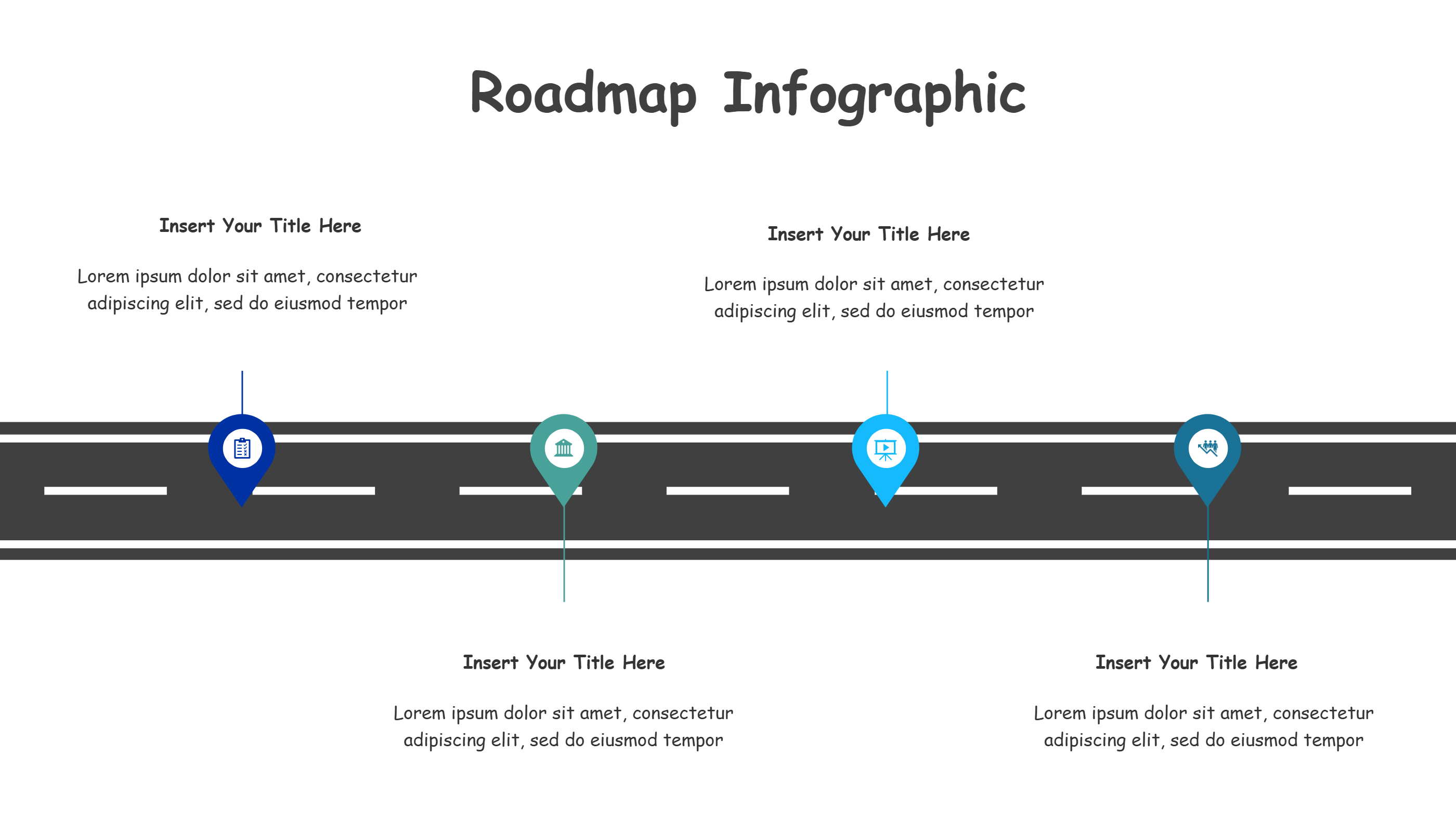
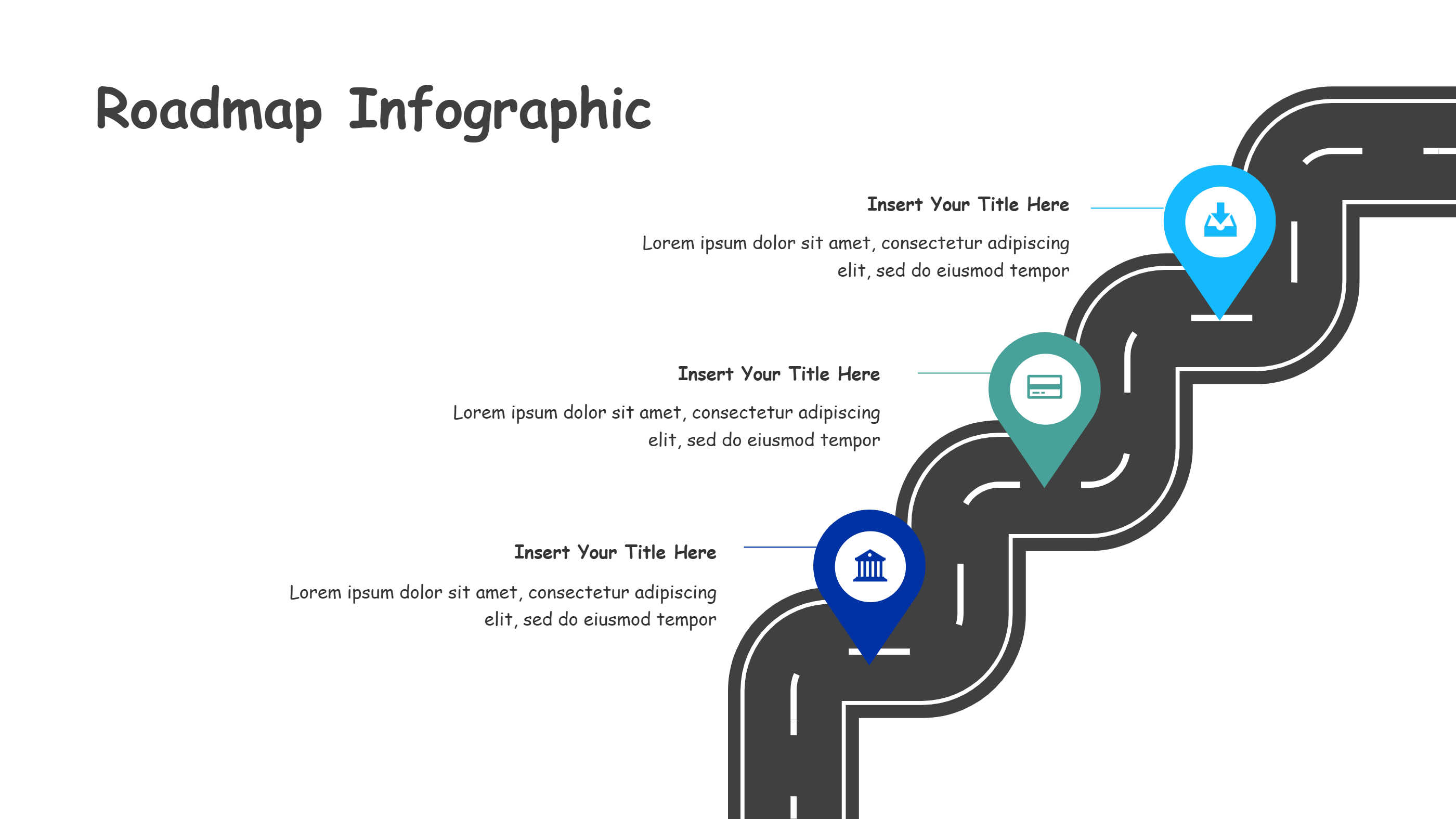
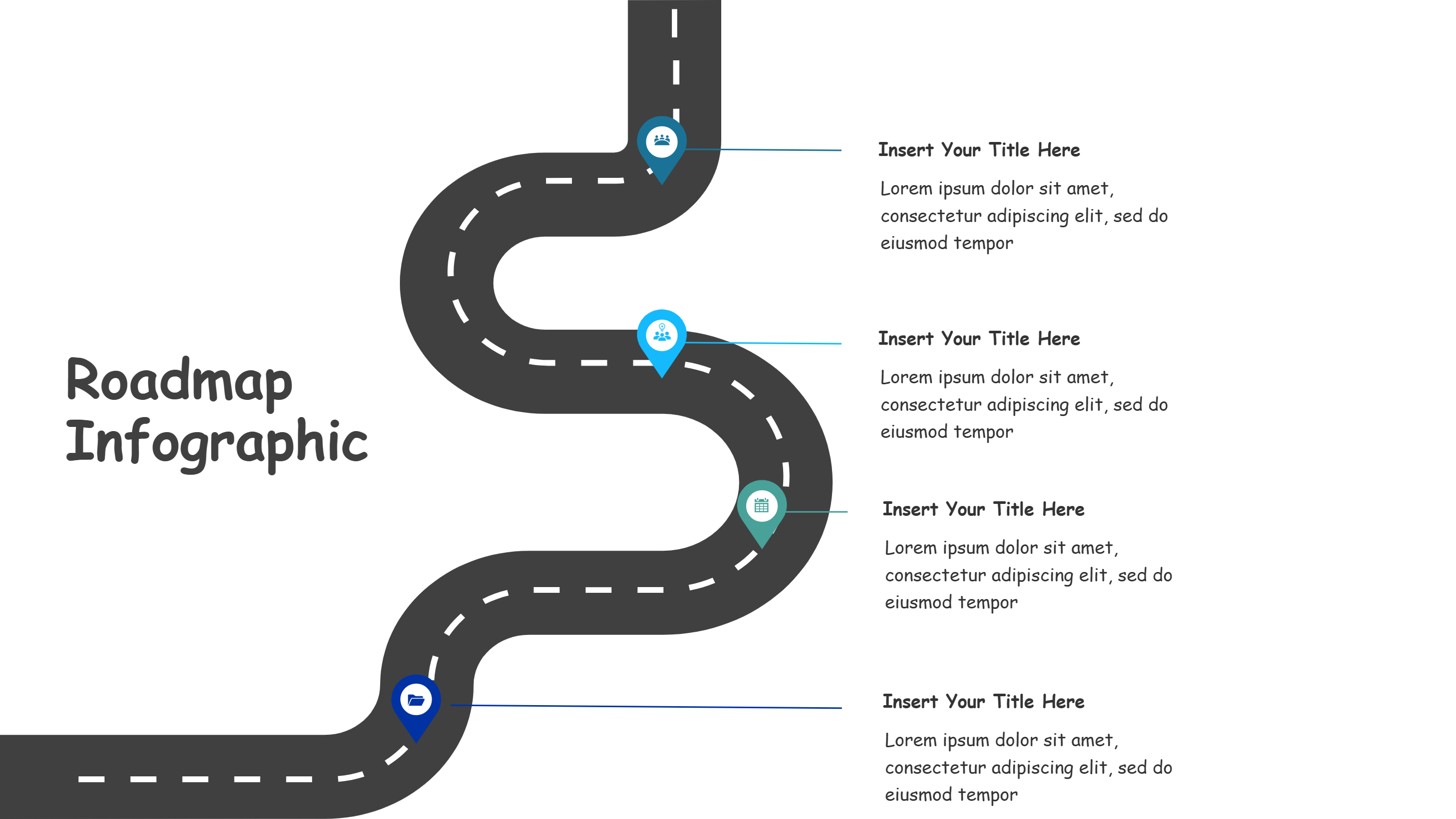
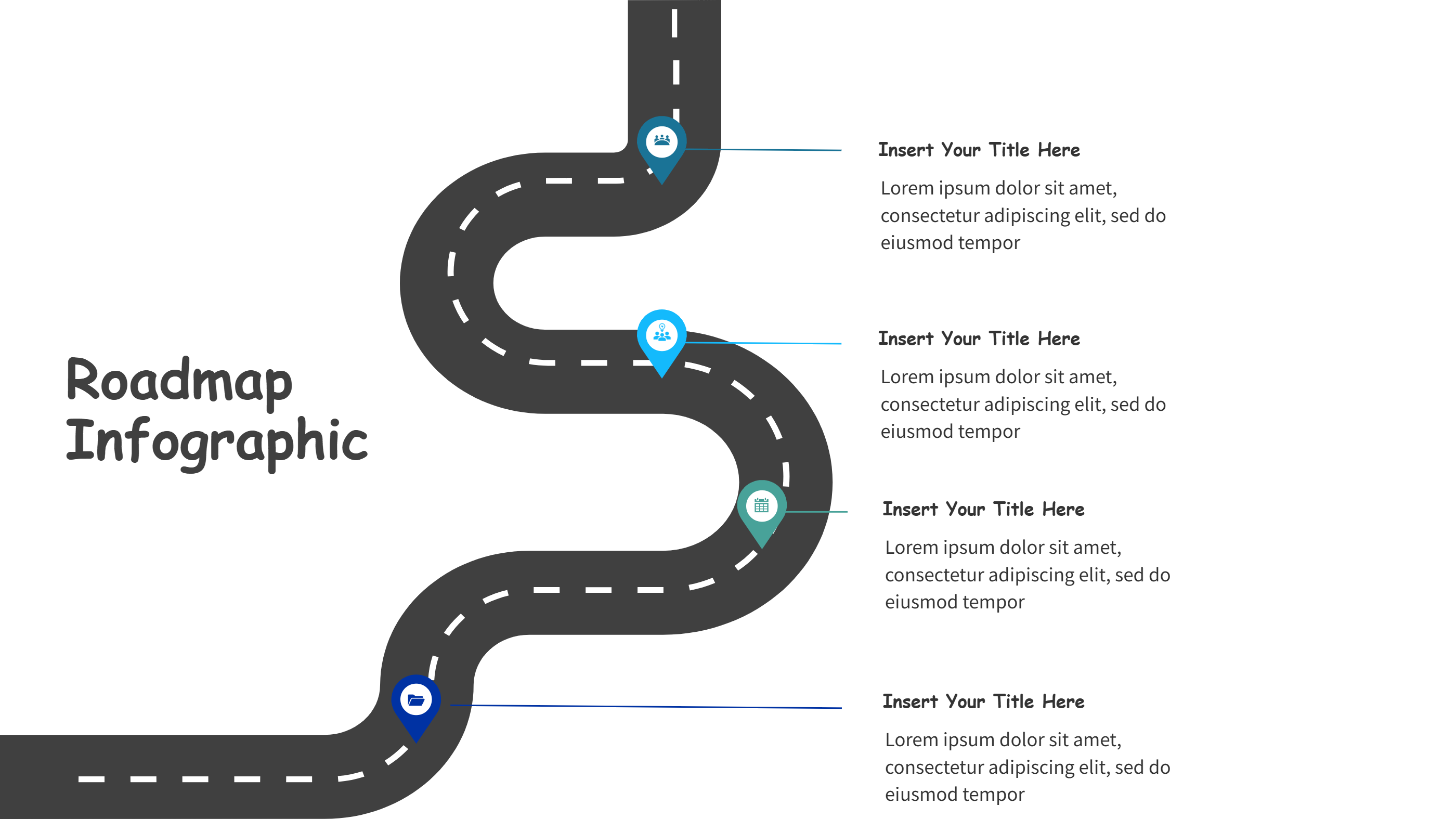
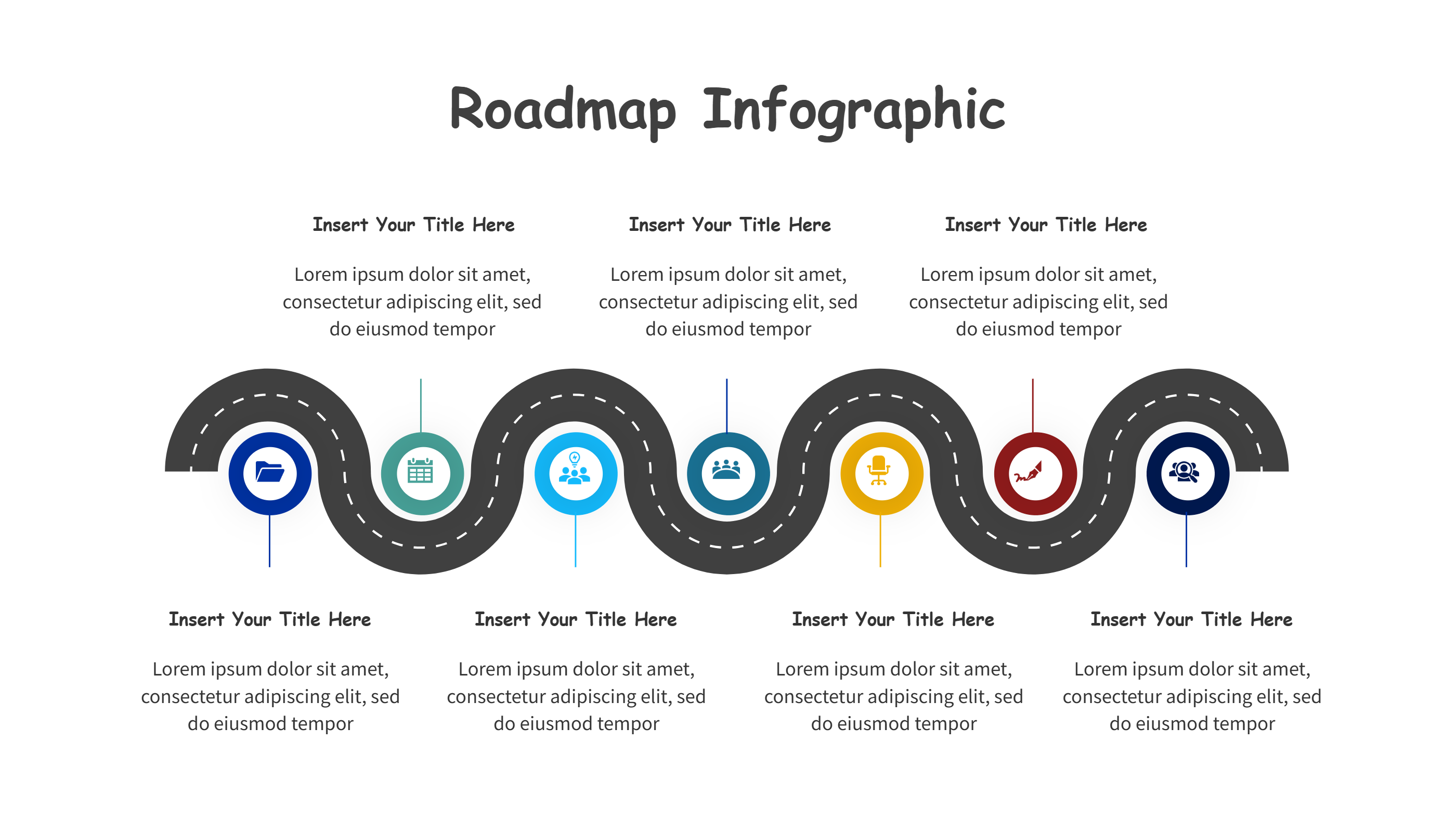
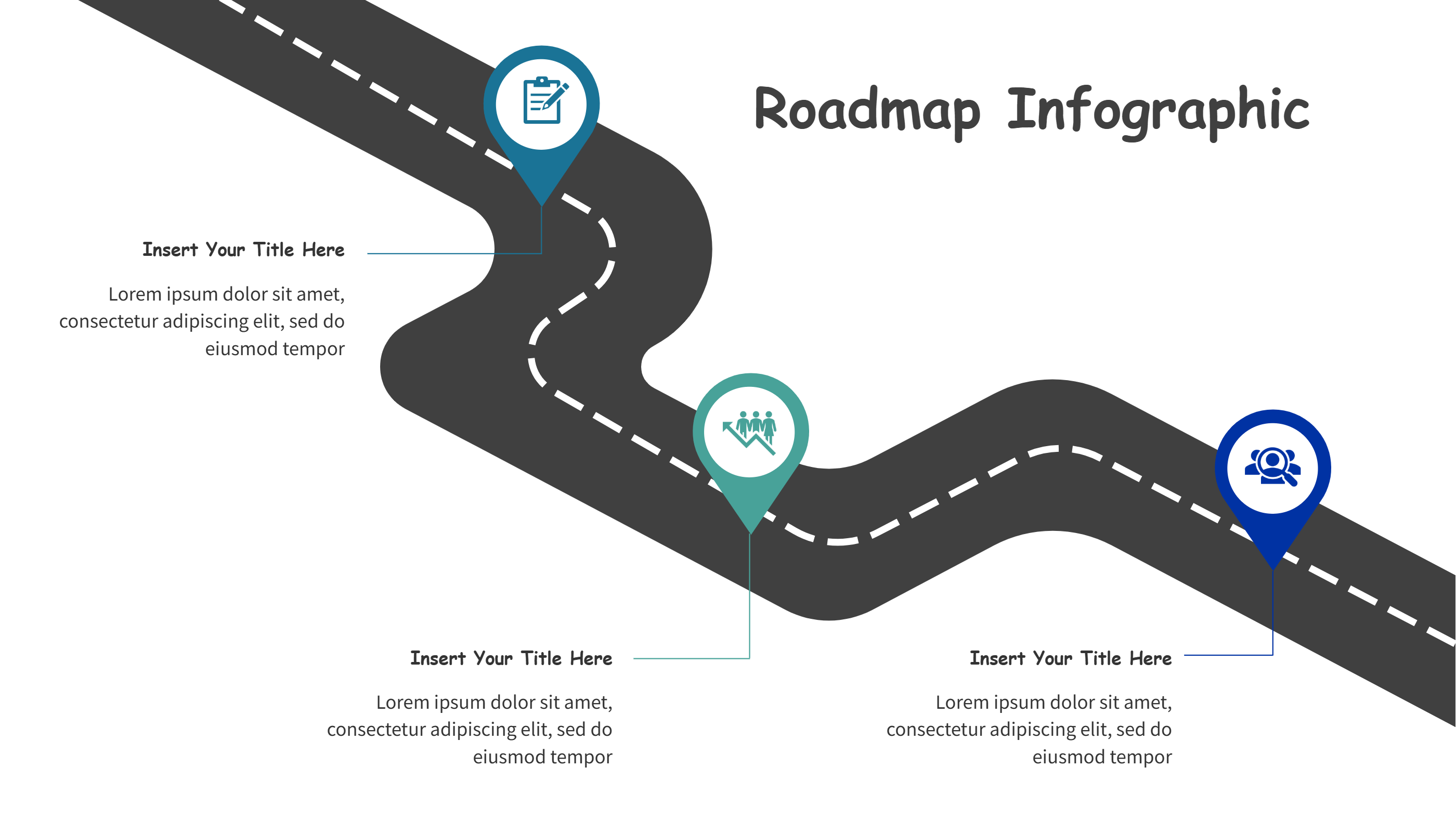
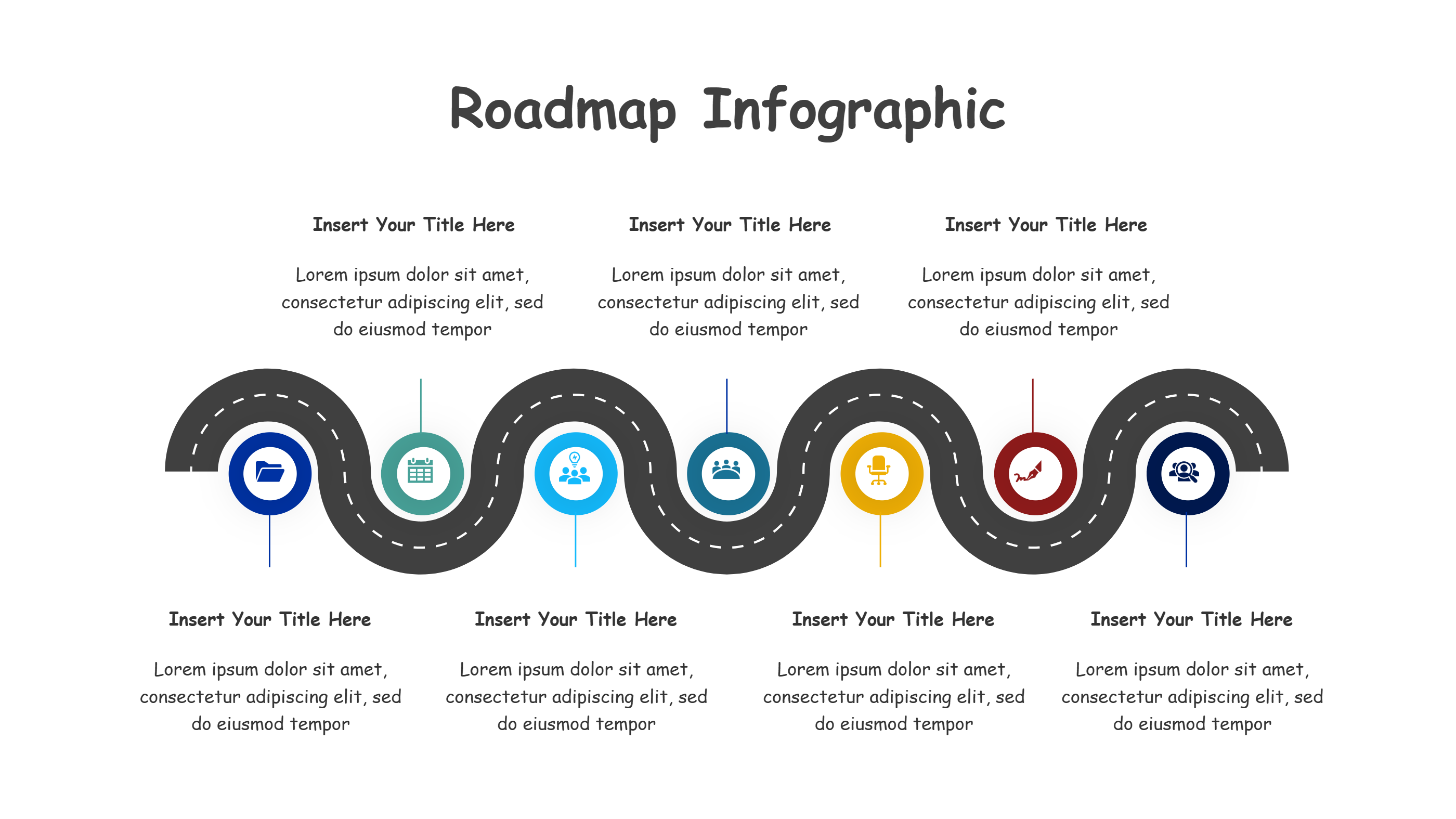
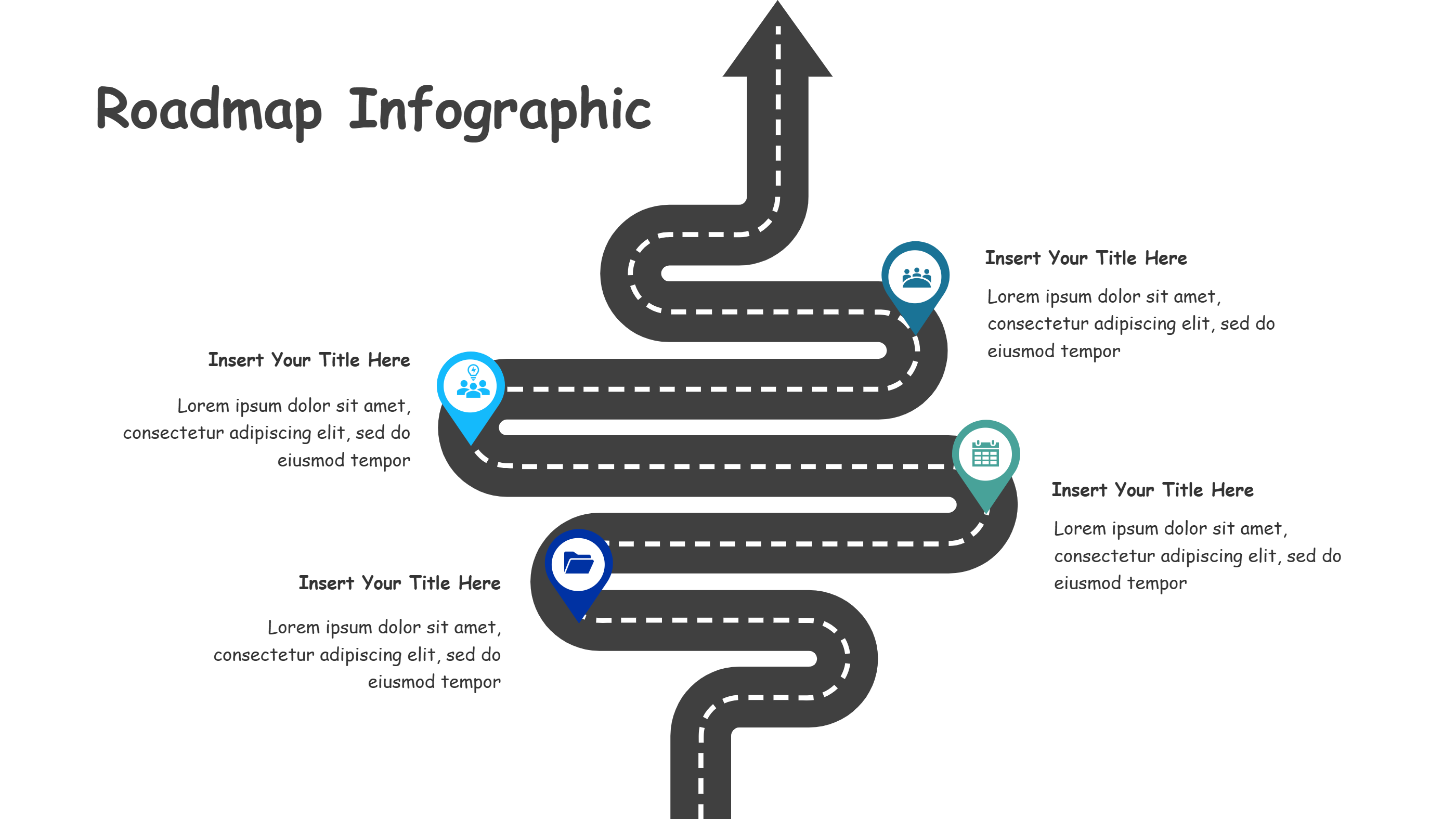
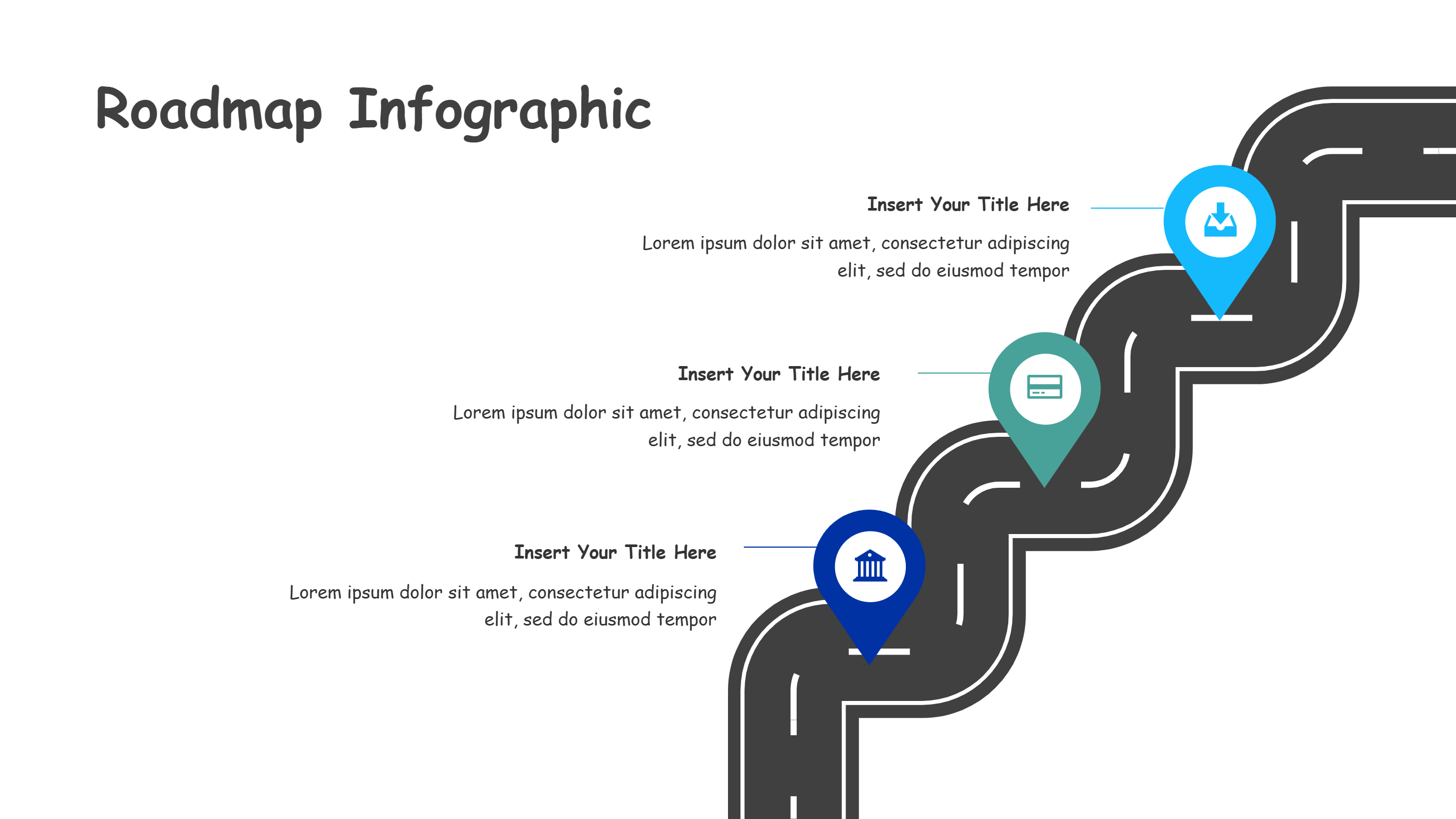
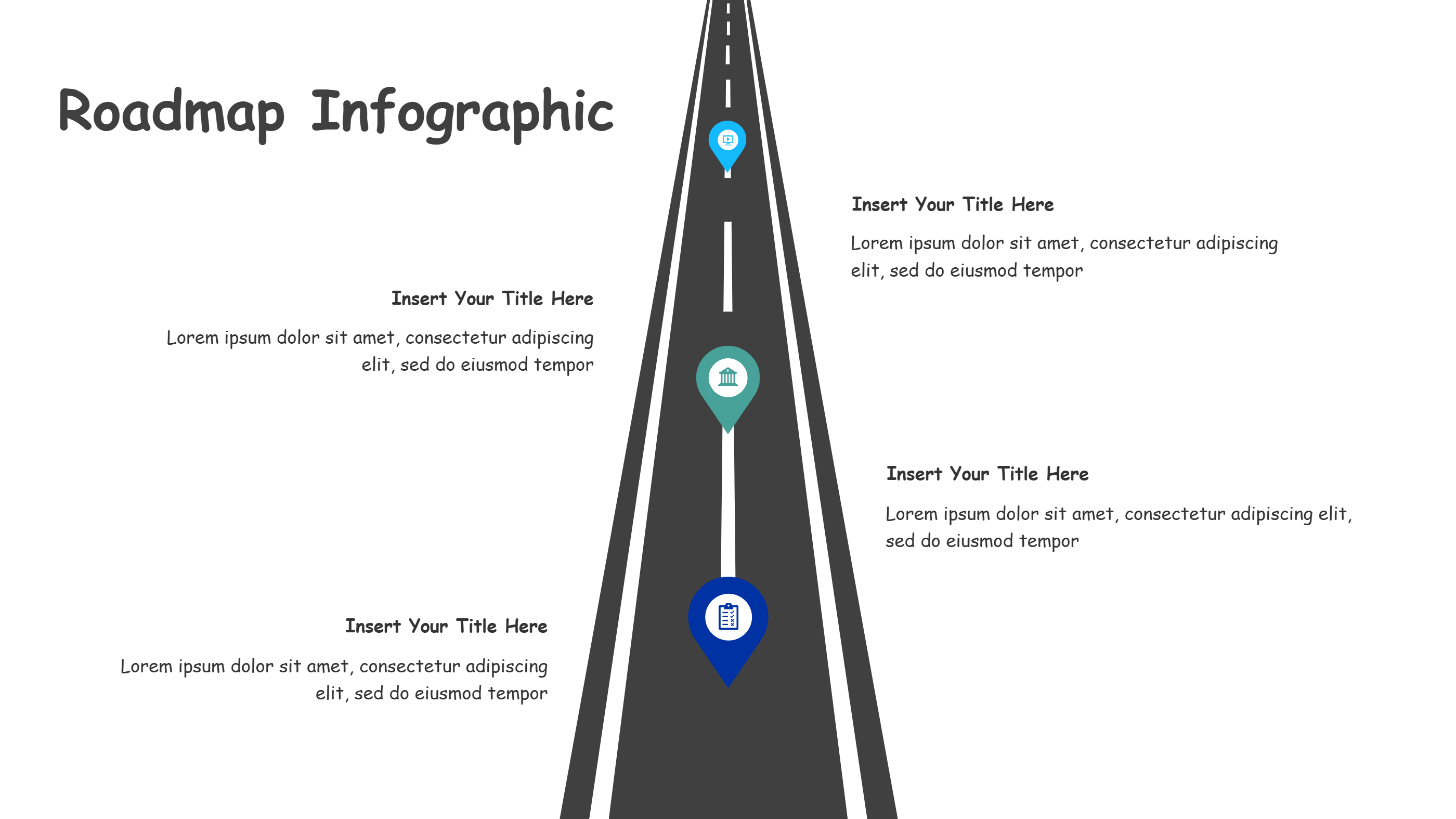
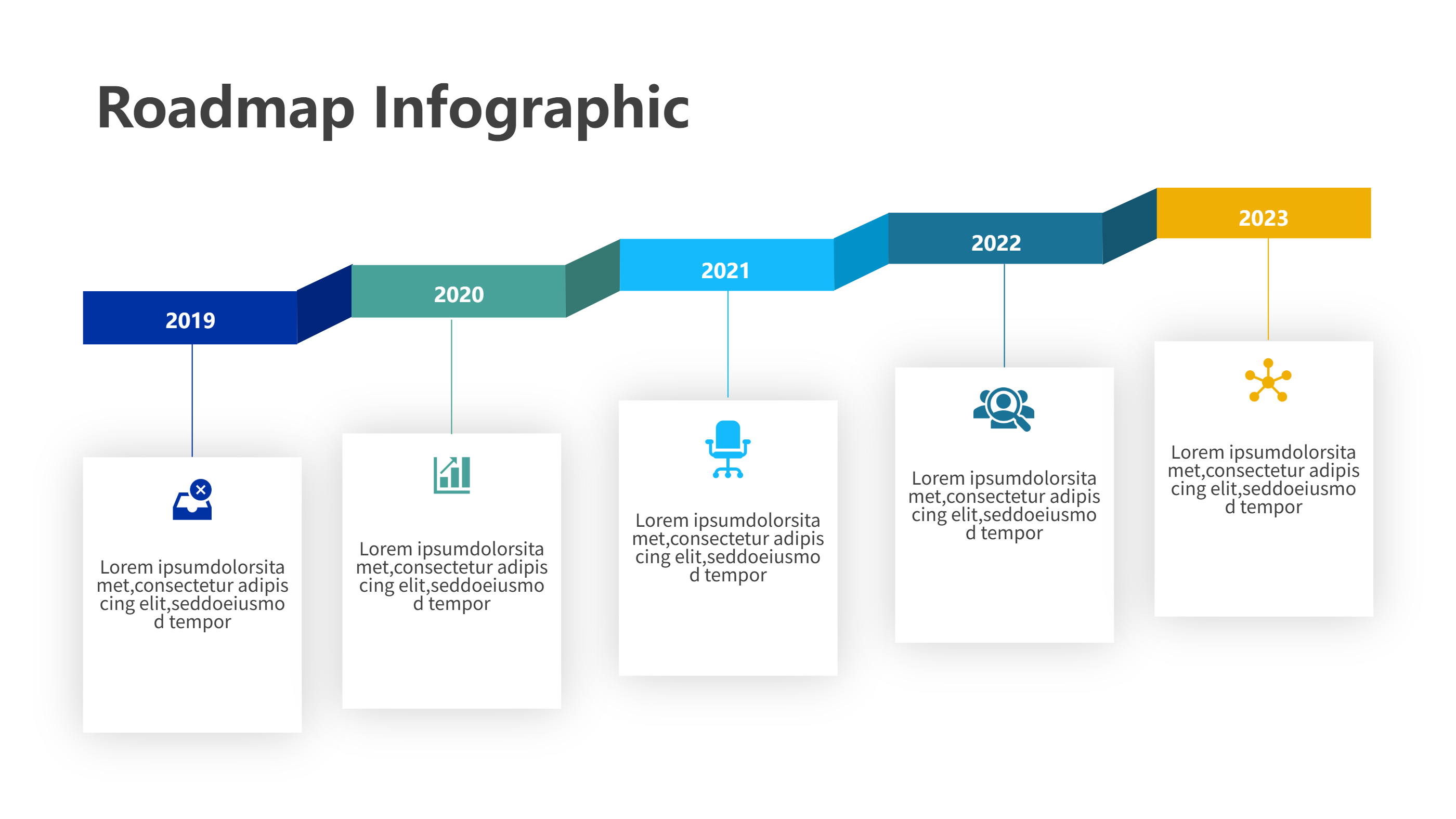
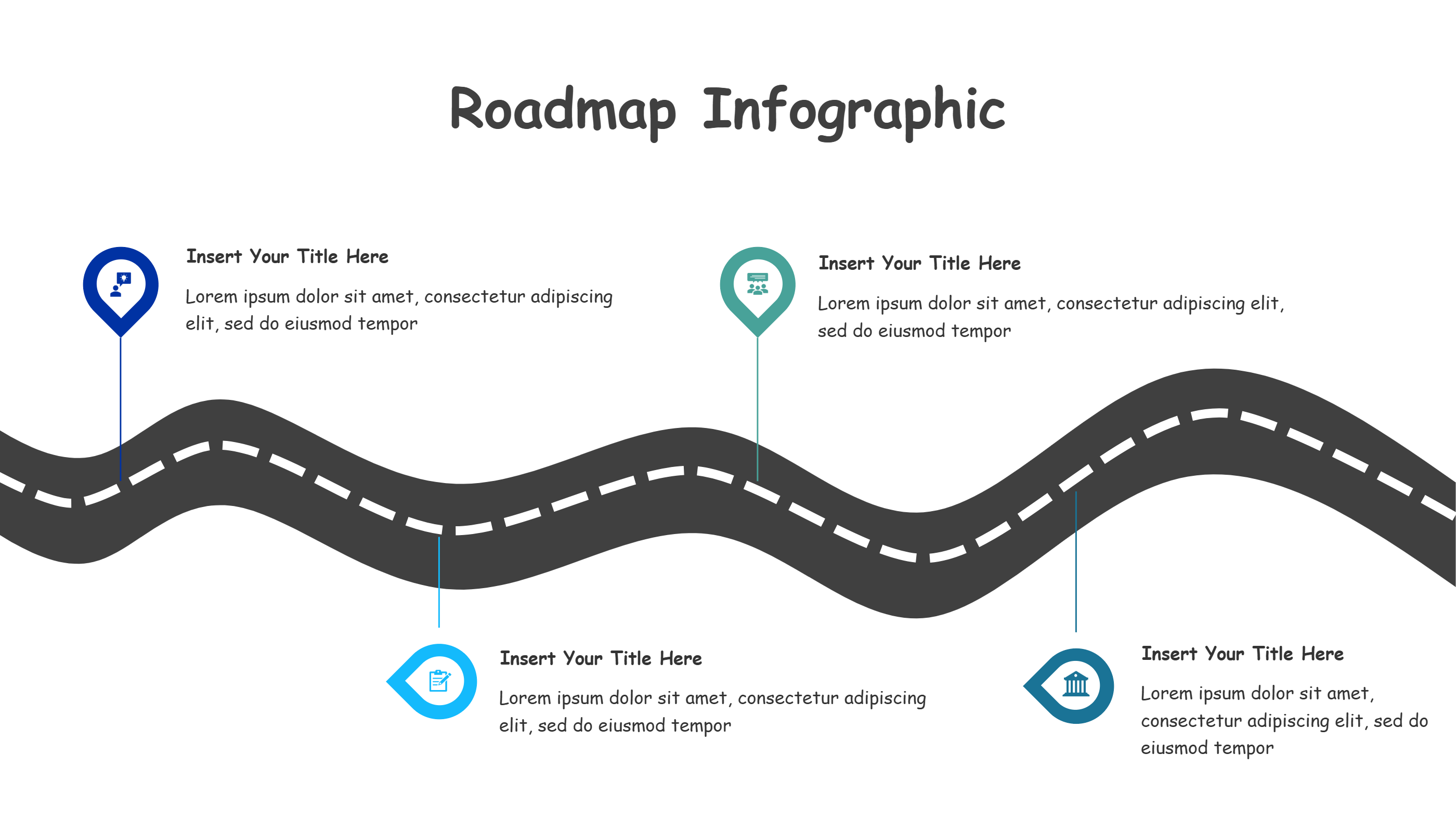
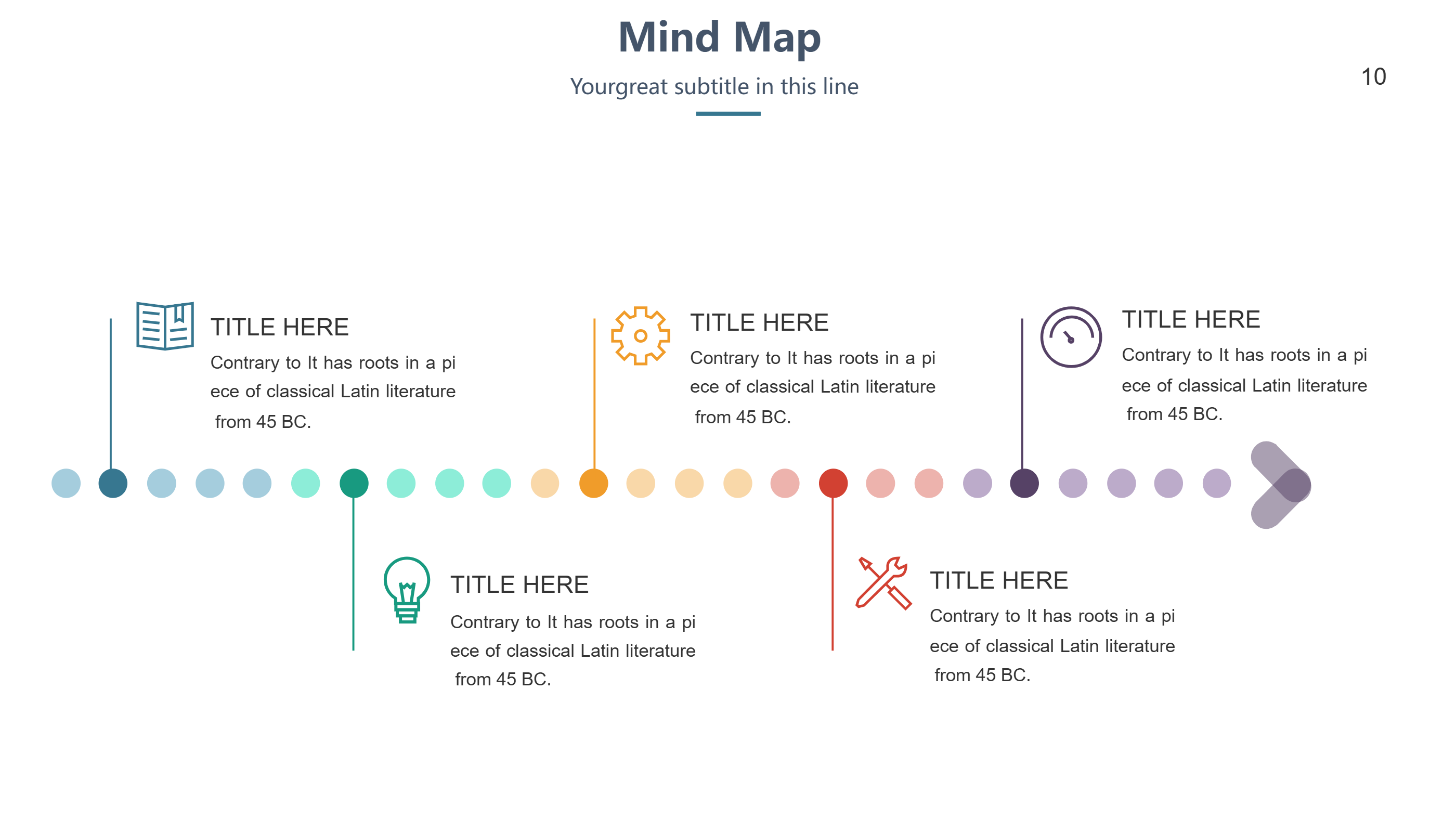
This route infographic template is made for DaVinci Resolve users who need to show a project path in a straight, simple line. Five colored pins sit on the route with matching text blocks above and below, giving you space for steps, owners, and small hints. Use it to present edit stages, review loops, export steps, delivery handoffs, or social versions without overloading the viewer. The even spacing keeps the eye calm and moving forward.
Write short labels like cut, color, sound, export, share. Keep each note under one sentence so anyone can grasp it fast. Swap colors to match brand guides or to signal status like planned, in progress, and done. Add light icons to show tool use, feedback, or handoff. The flat line style exports cleanly for decks, one-page briefs, or update posts.
You can stretch or shrink the route by adding or removing pins while keeping the balance of the design. The clean shapes leave room for dates, links, or task counts when you need them. Because the template is quiet, it works well for training new editors or aligning with clients.
Open the AI creation tool on the homepage, pick this template, and type a short prompt to generate the infographic. This DaVinci Resolve route graphic gives you a clear map, reduces confusion, and makes it easy to share what happens next.