DaVinci Resolve Social Media Video Infographic Template
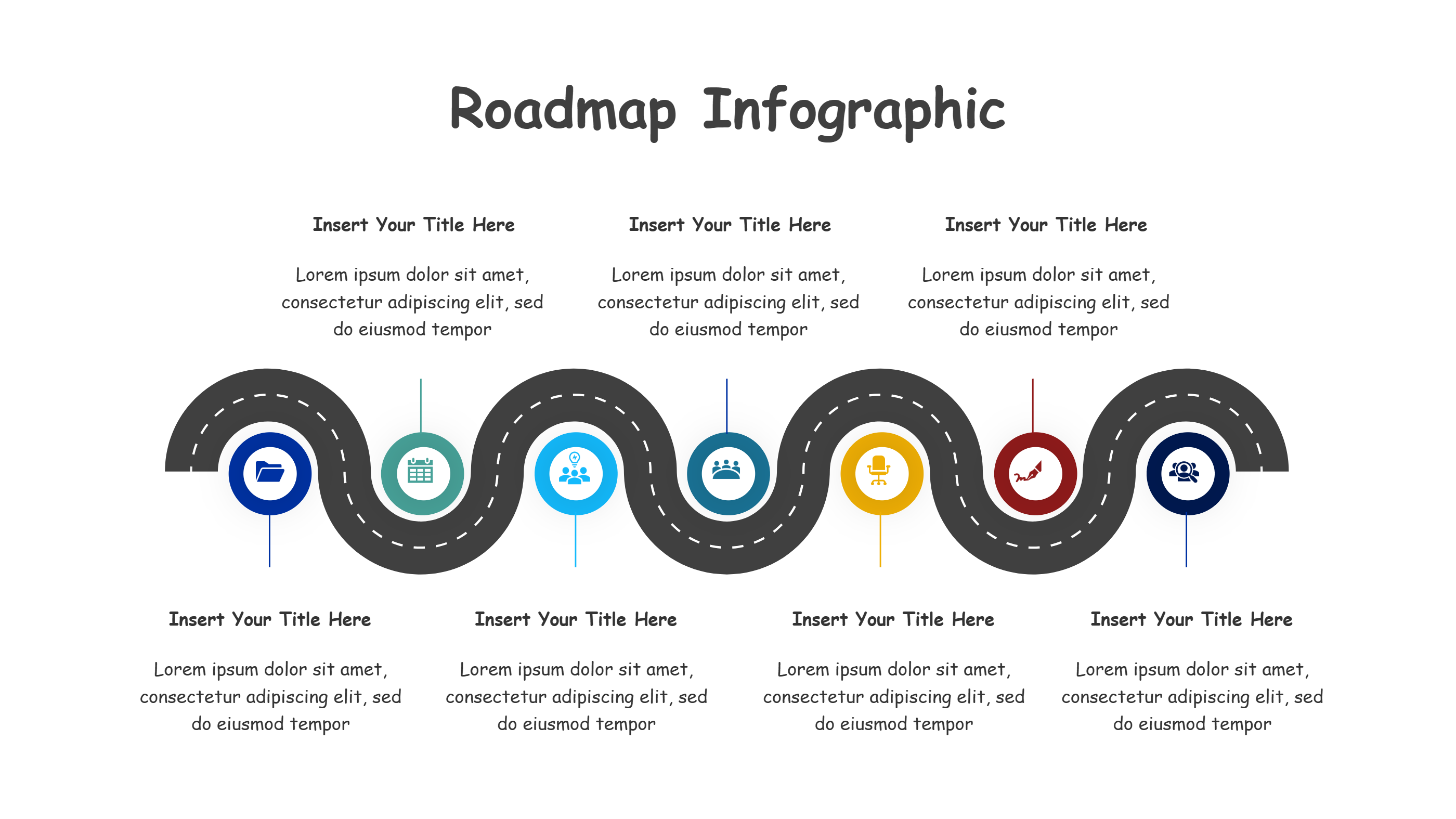
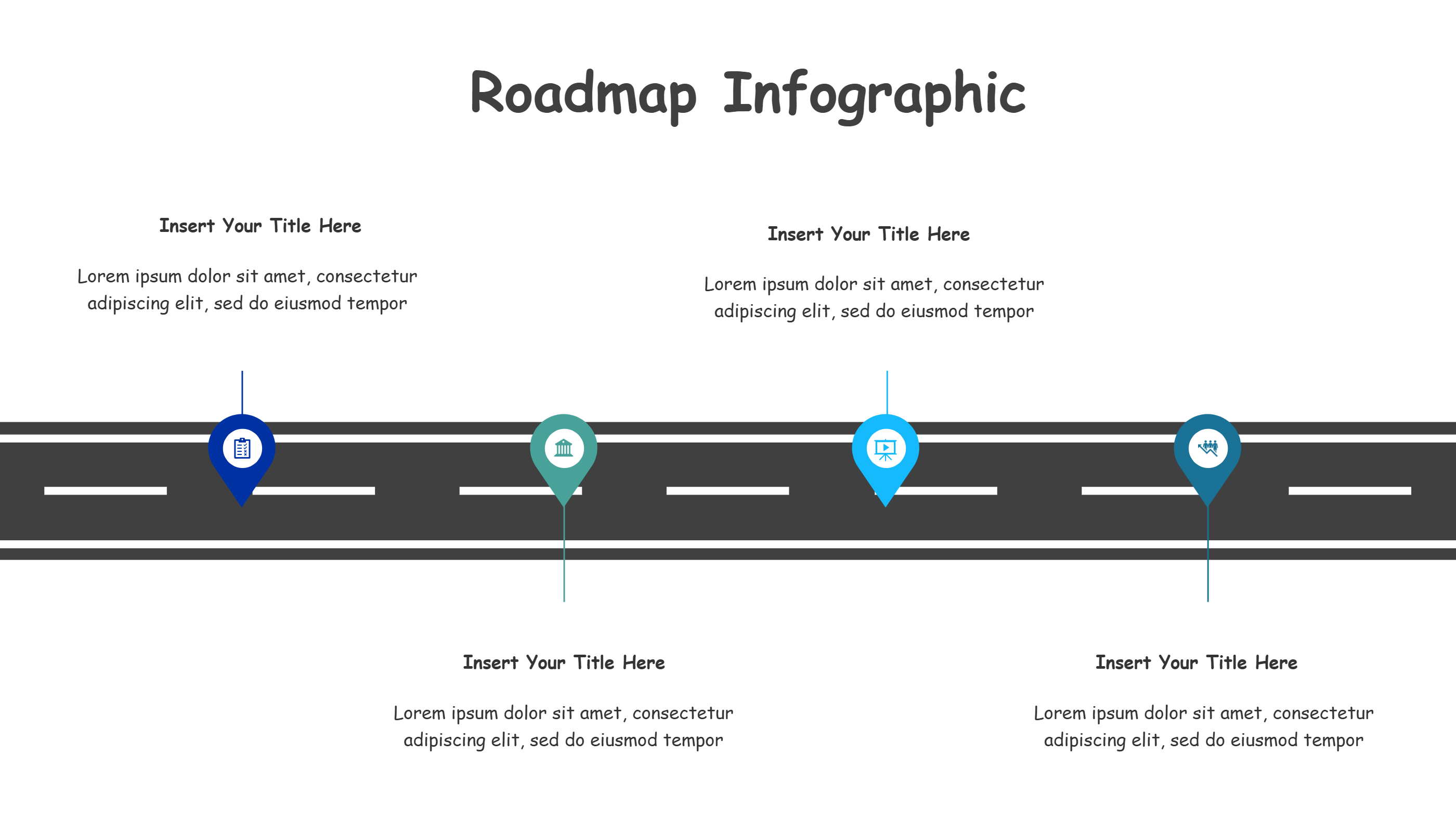
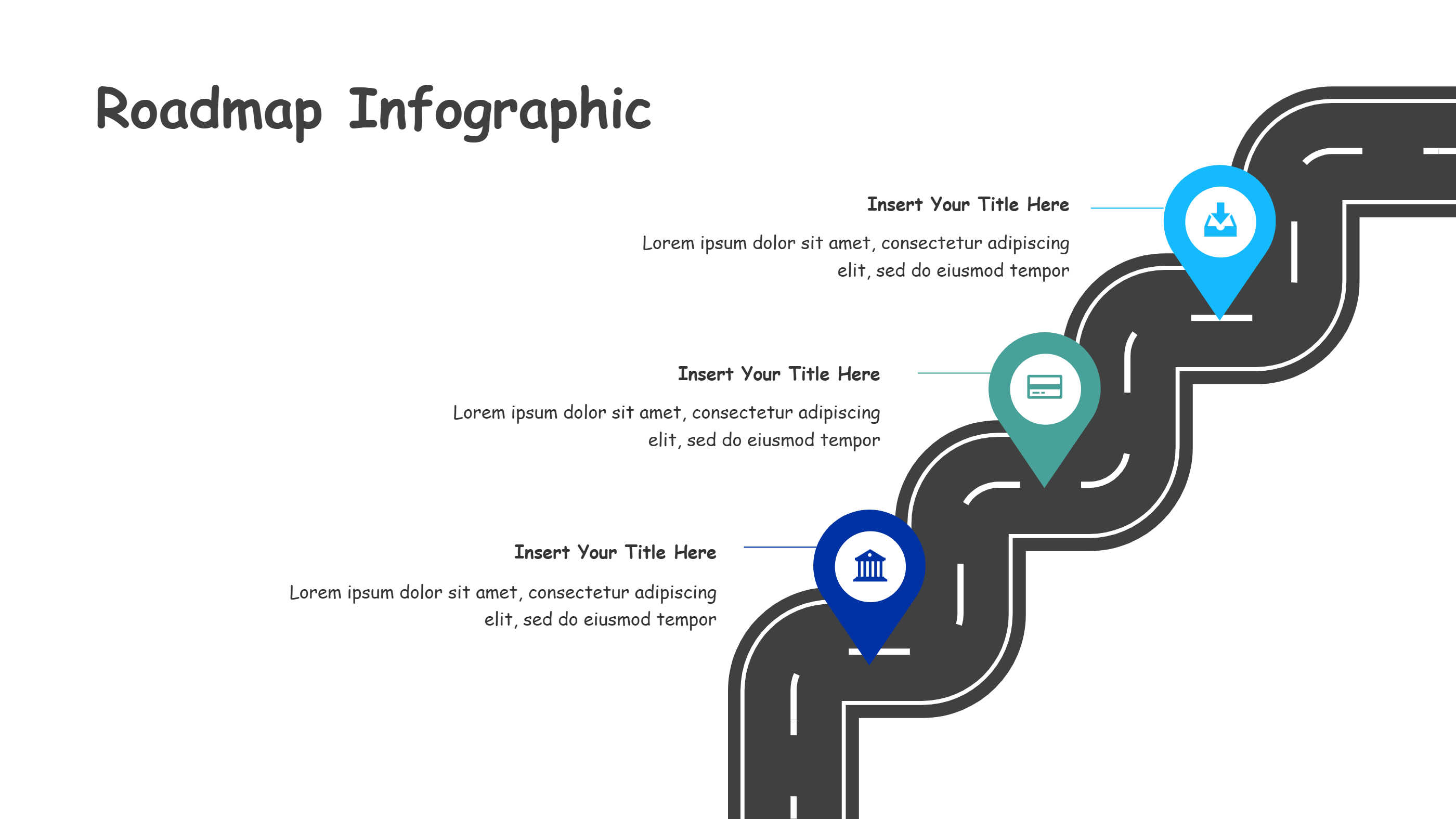
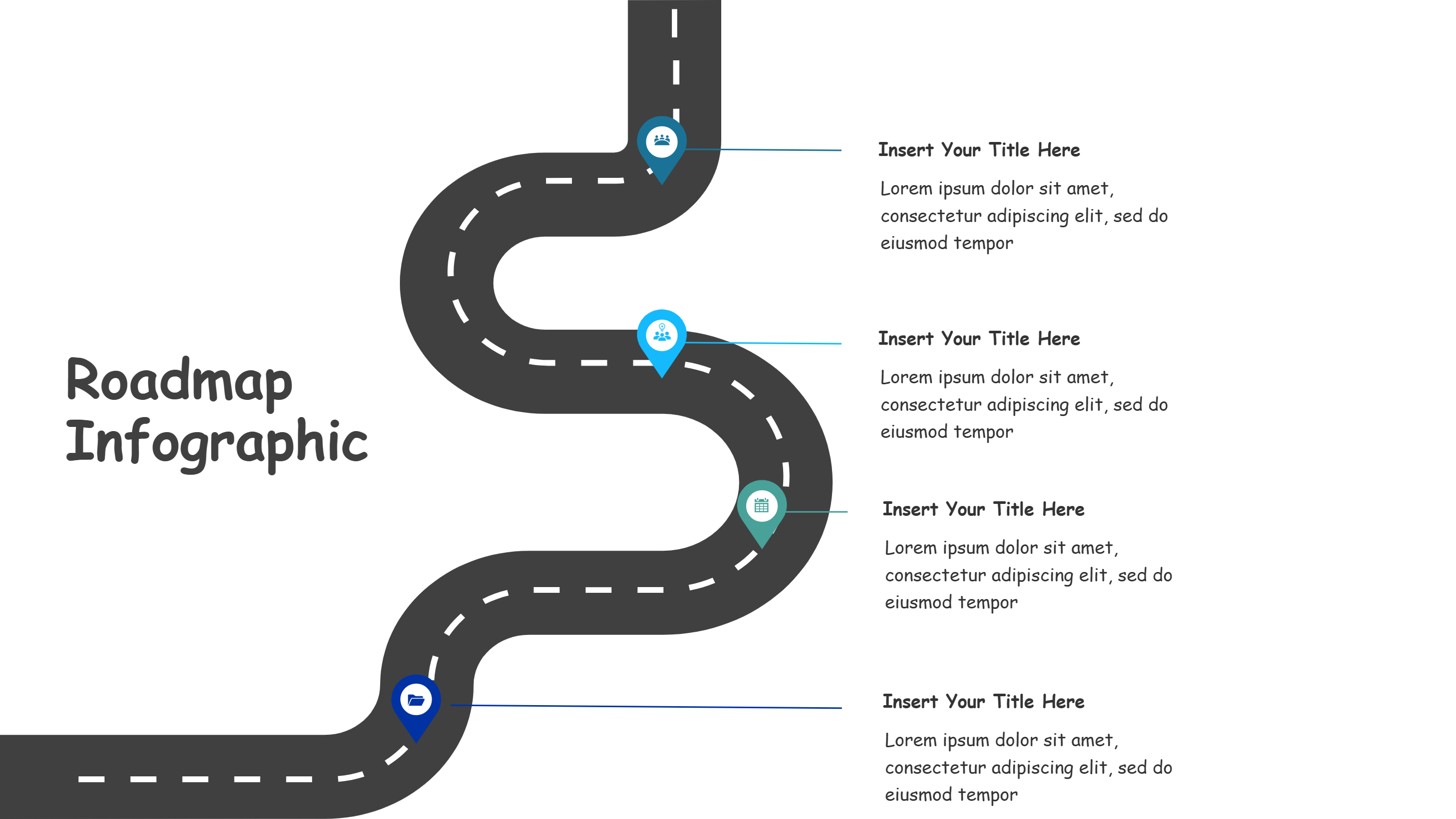
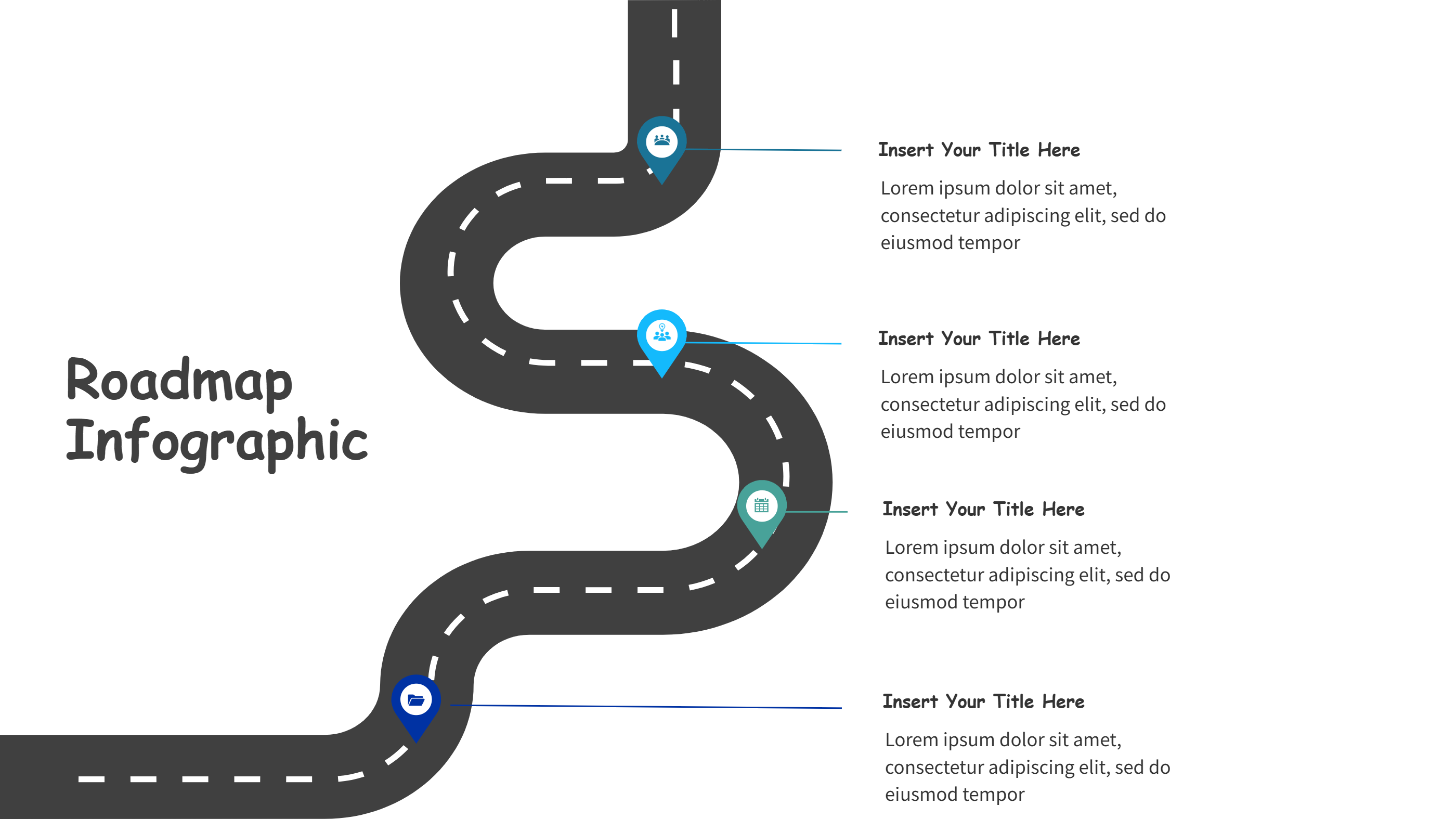
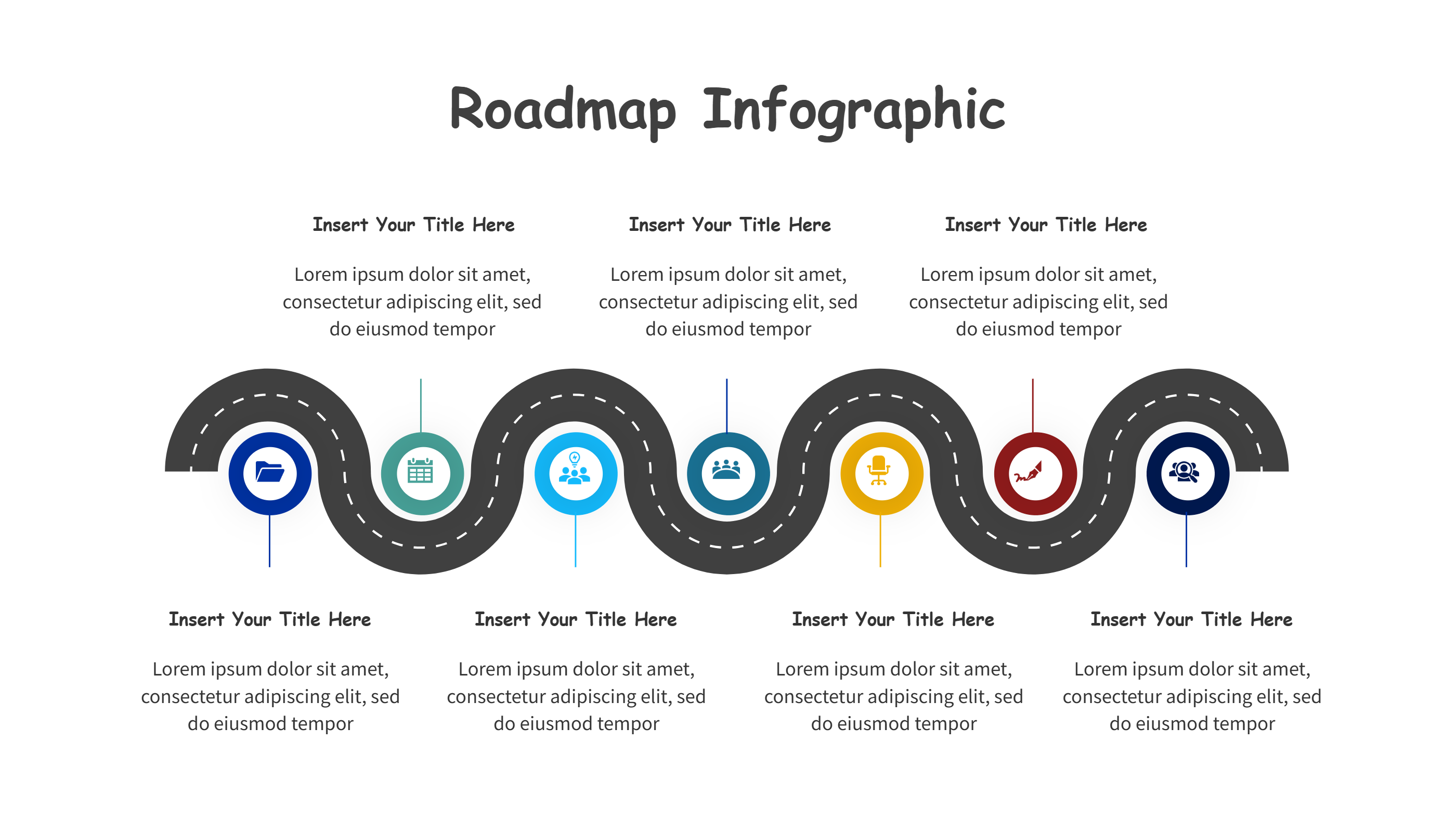
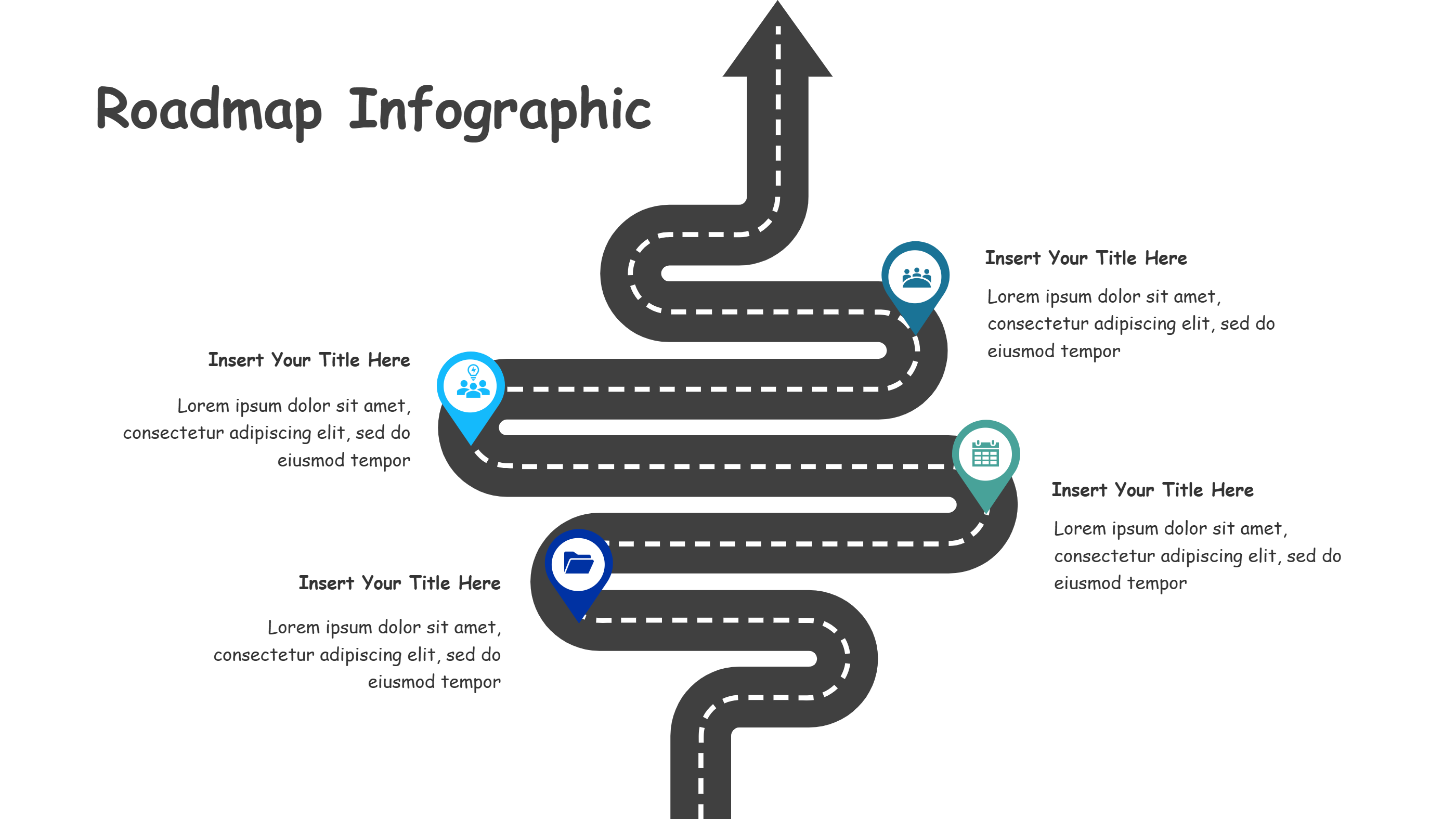
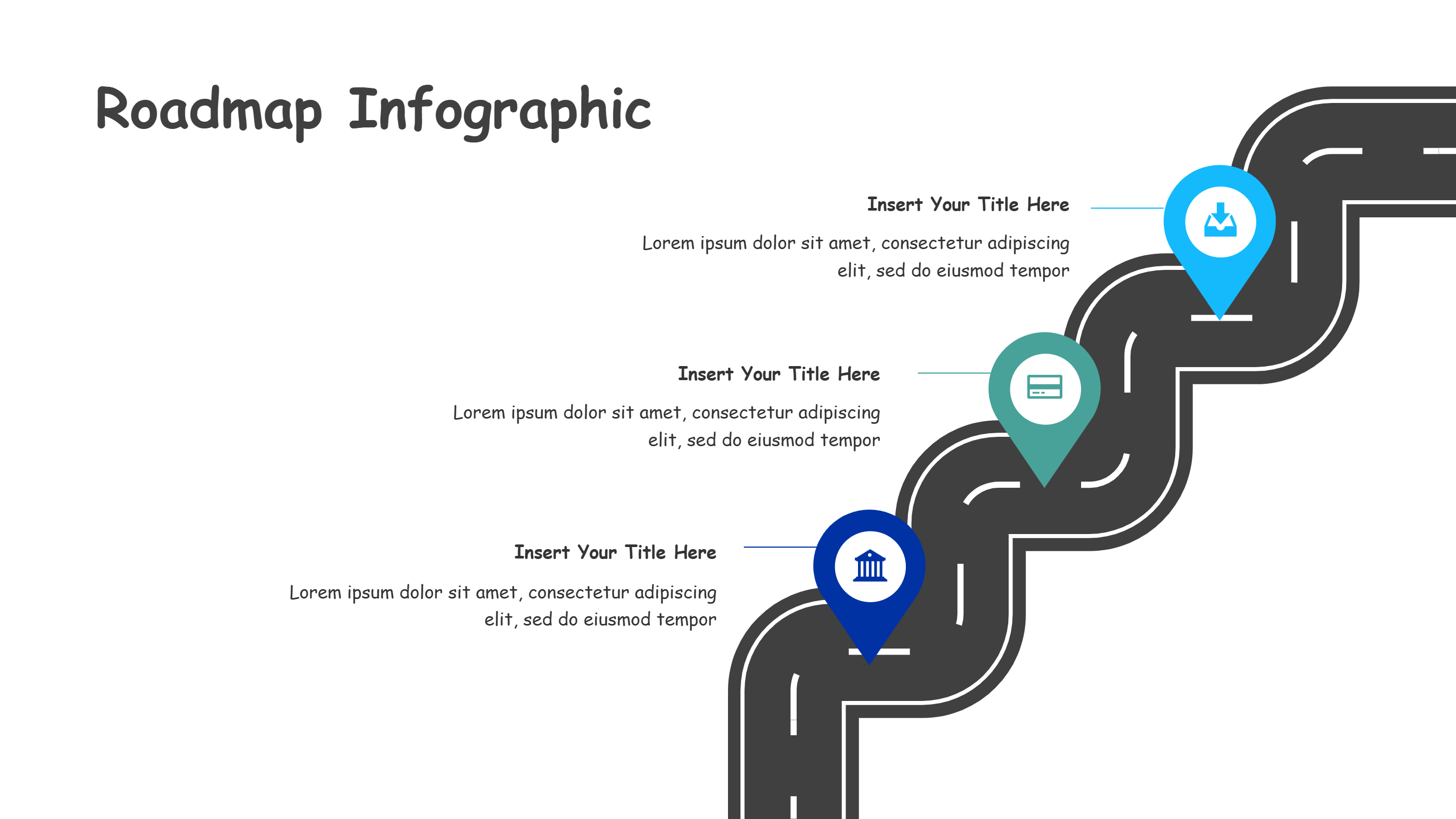
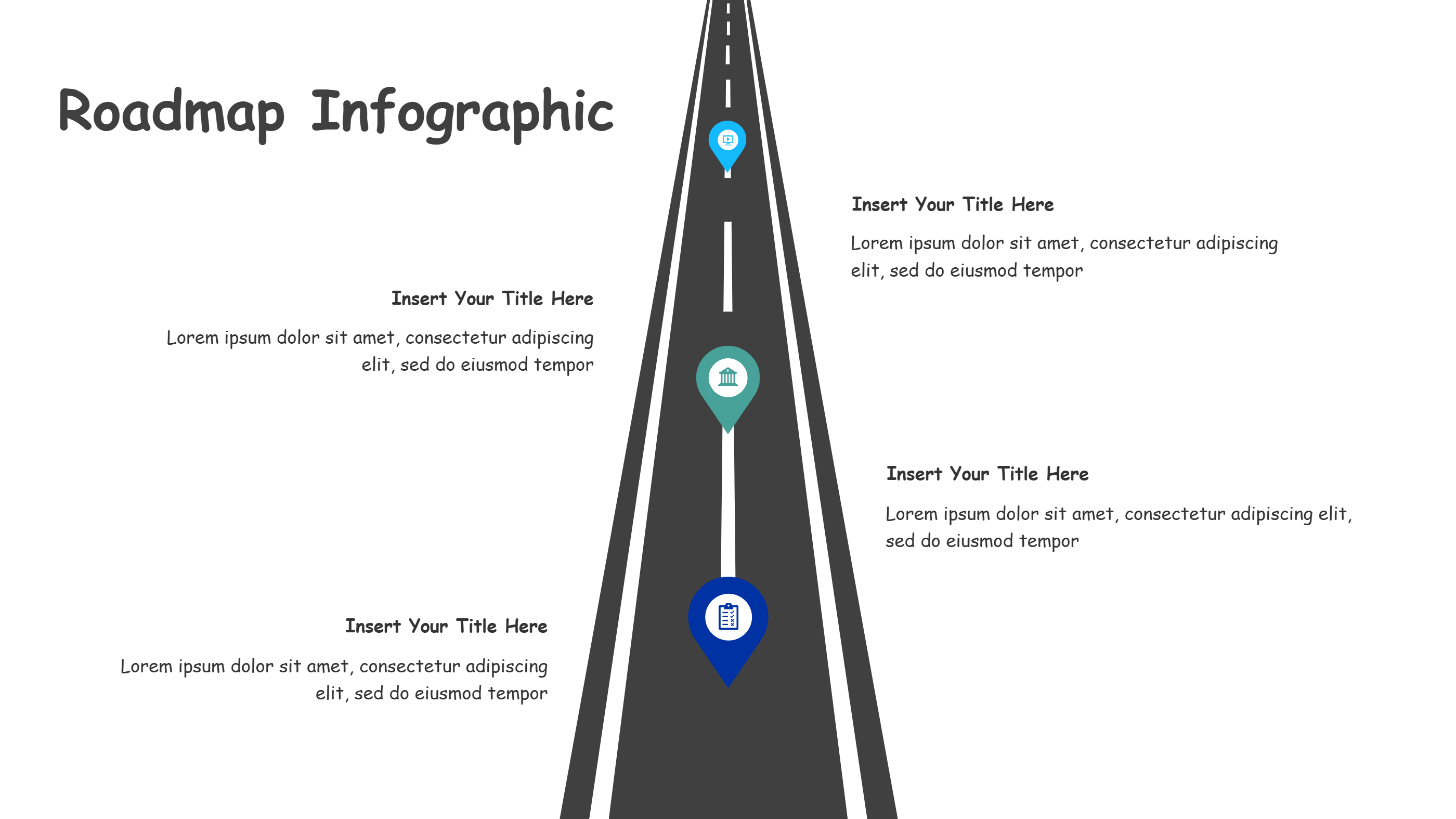
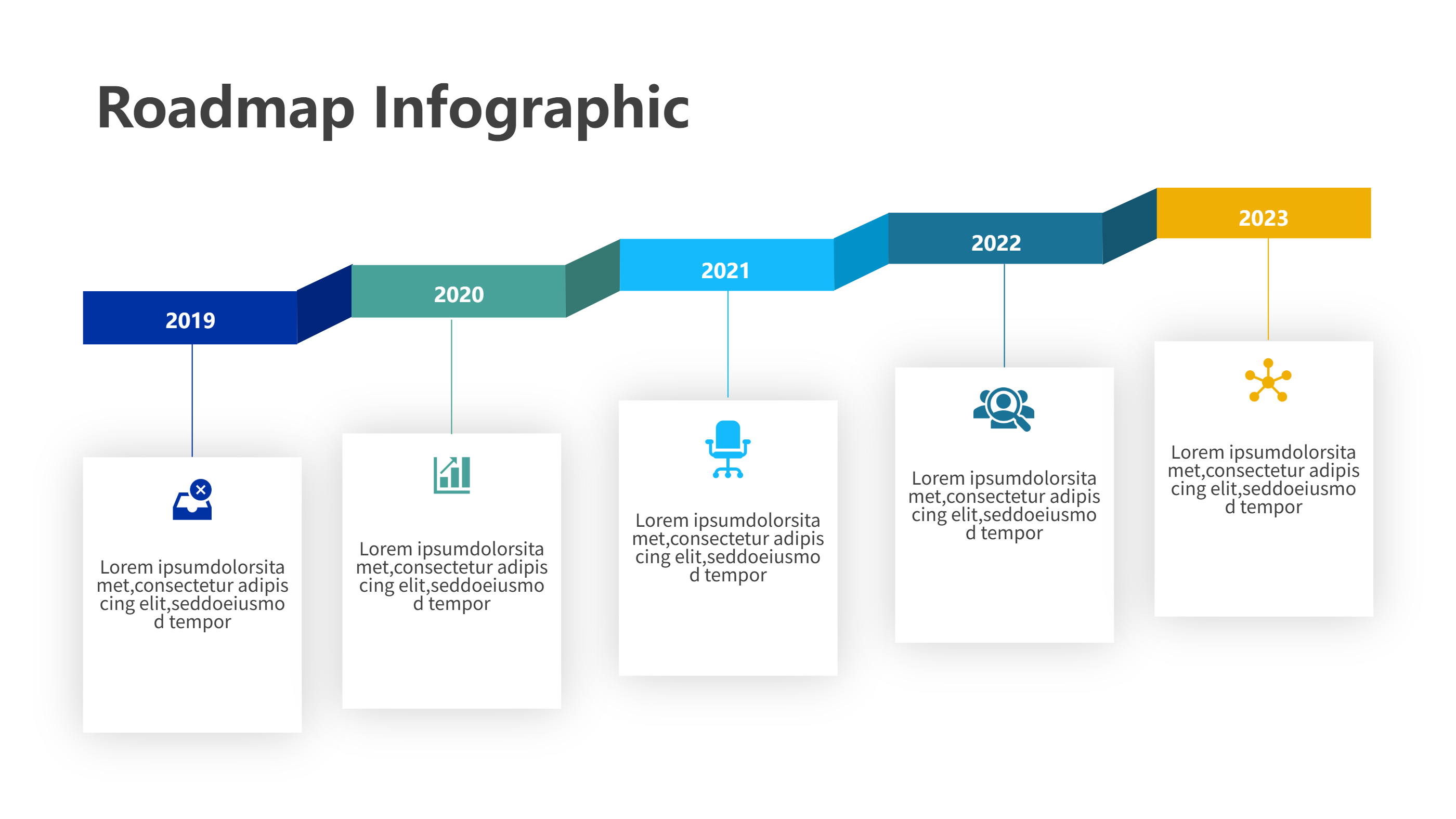
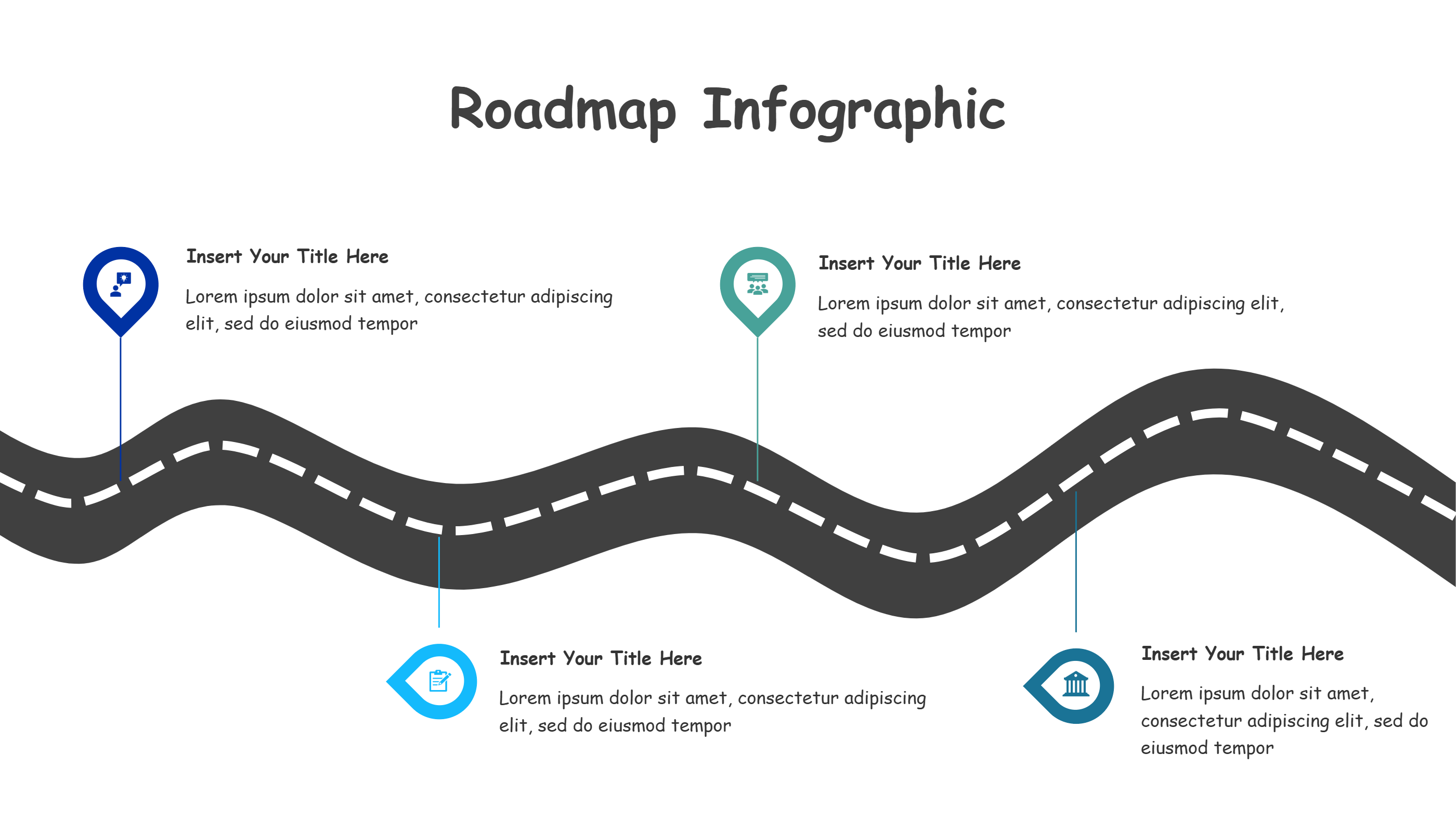
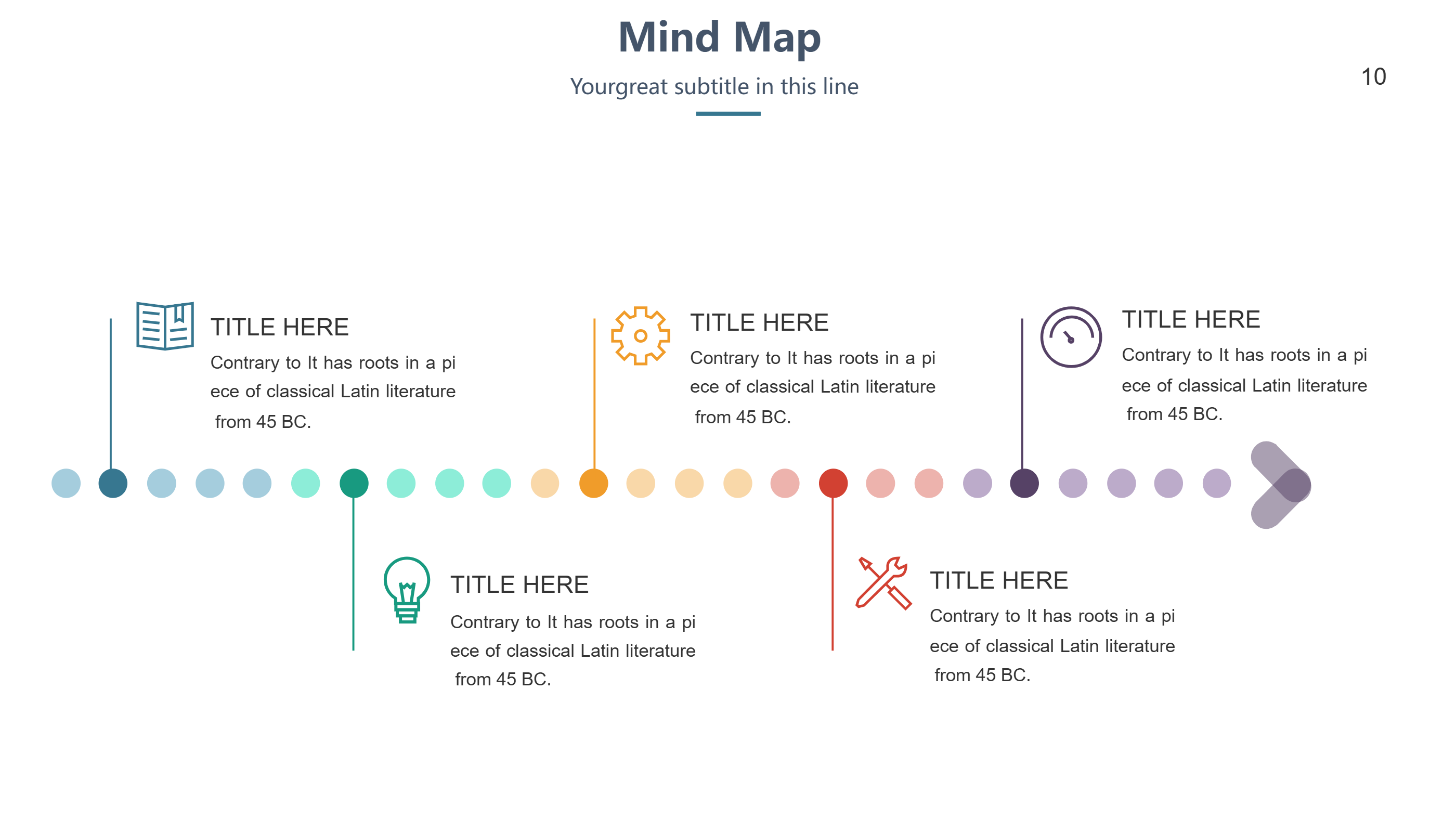
This wave road infographic template suits social media video guides made in DaVinci Resolve. It curves across the page with seven markers that hold short notes, keeping movement visible even in a still frame. Use it to outline a vertical video plan, a storyboard, a posting rhythm, or a channel growth path. The wave keeps the flow lively, and the pins make each step stand out for quick reading on mobile.
Keep copy brief so viewers on phones or tablets can read it fast. Swap colors to match platform themes like blue for one channel and purple for another. Add light icons for filming, editing, music, captions, posting, community, and stats to match each stop. The open spacing leaves room for callouts without looking crowded or busy.
You can shorten the path by hiding pins or stretch it for longer series without harming the shape. The design exports cleanly for stories, feed posts, or training slides because it avoids small text and dense detail. It also works for email tips or quick start guides for new creators.
Open the AI creation tool on the homepage, select this template, and type your prompt to generate the infographic. This DaVinci Resolve social video template gives you a flowing path, keeps seven steps organized, and helps you publish clear visuals without extra design time.
If you don't want to use AI to generate a fresh timeline for your PPT, you can download this template directly for free, just click the down load button, then it will open a PPT eidtor and just click the download button for PPT.
#Timeline #PPTTemplate