Travel Itinerary Timeline Infographic Template for Google Sheets
What is Travel Itinerary Infographic
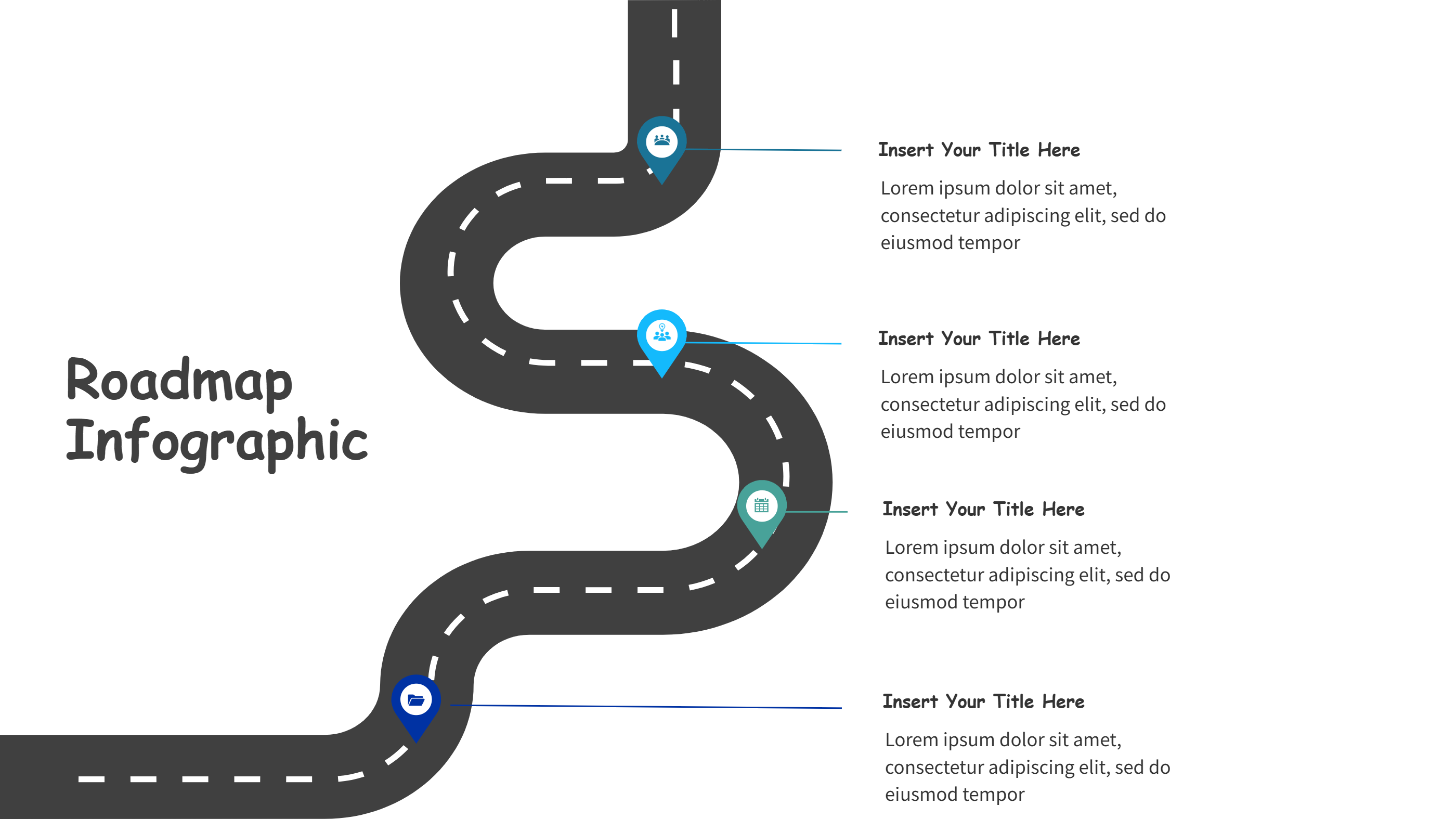
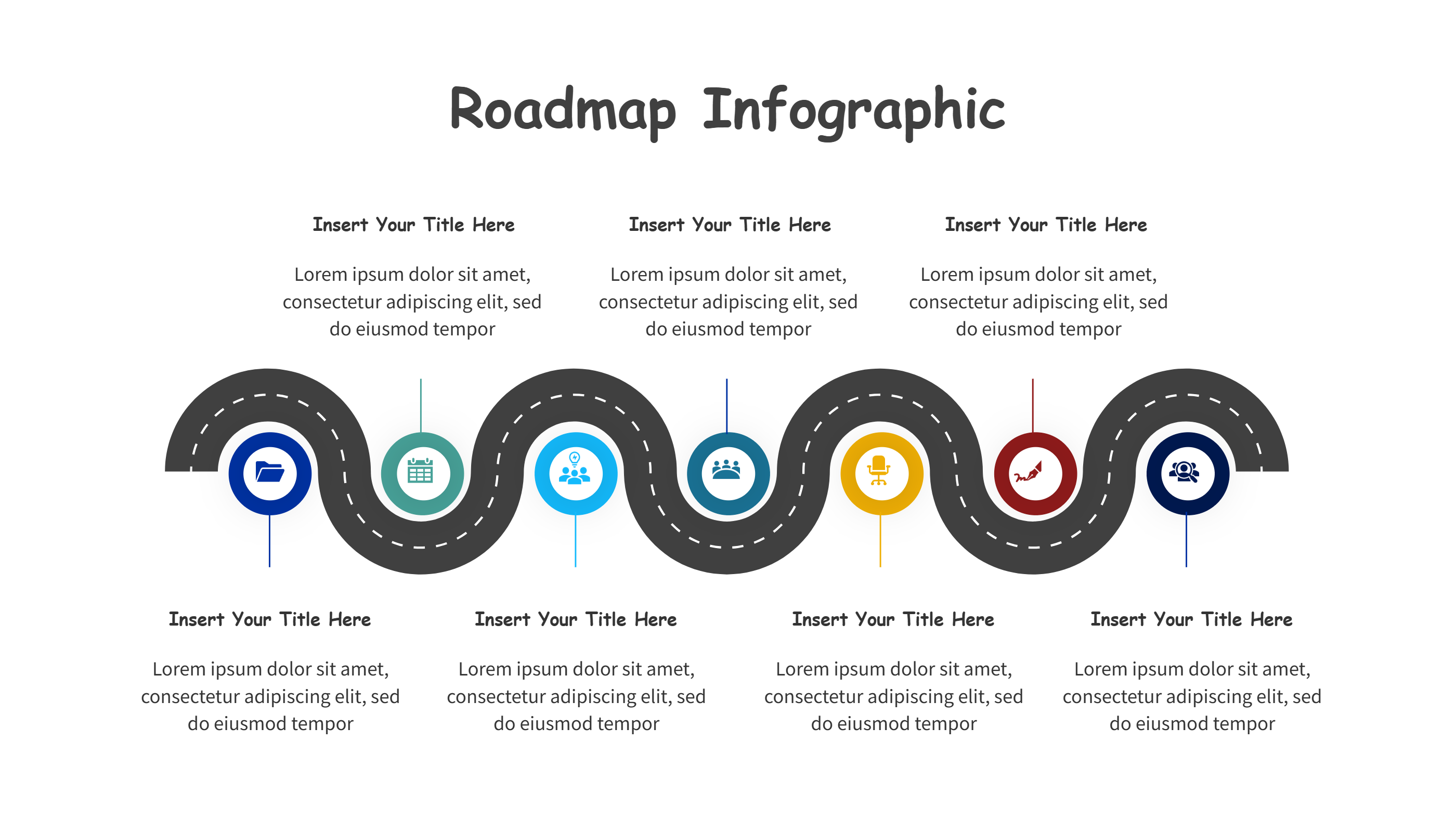
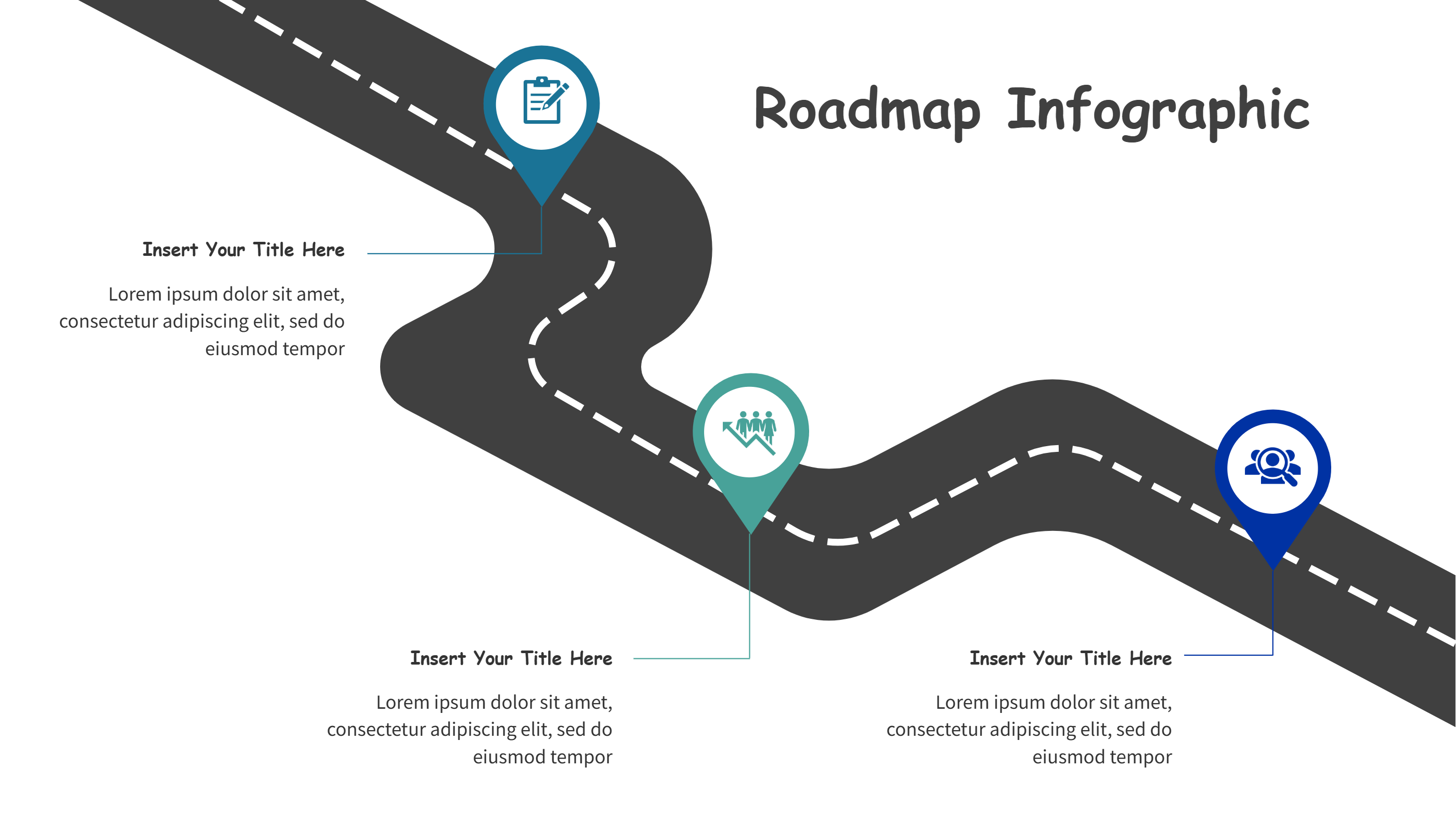
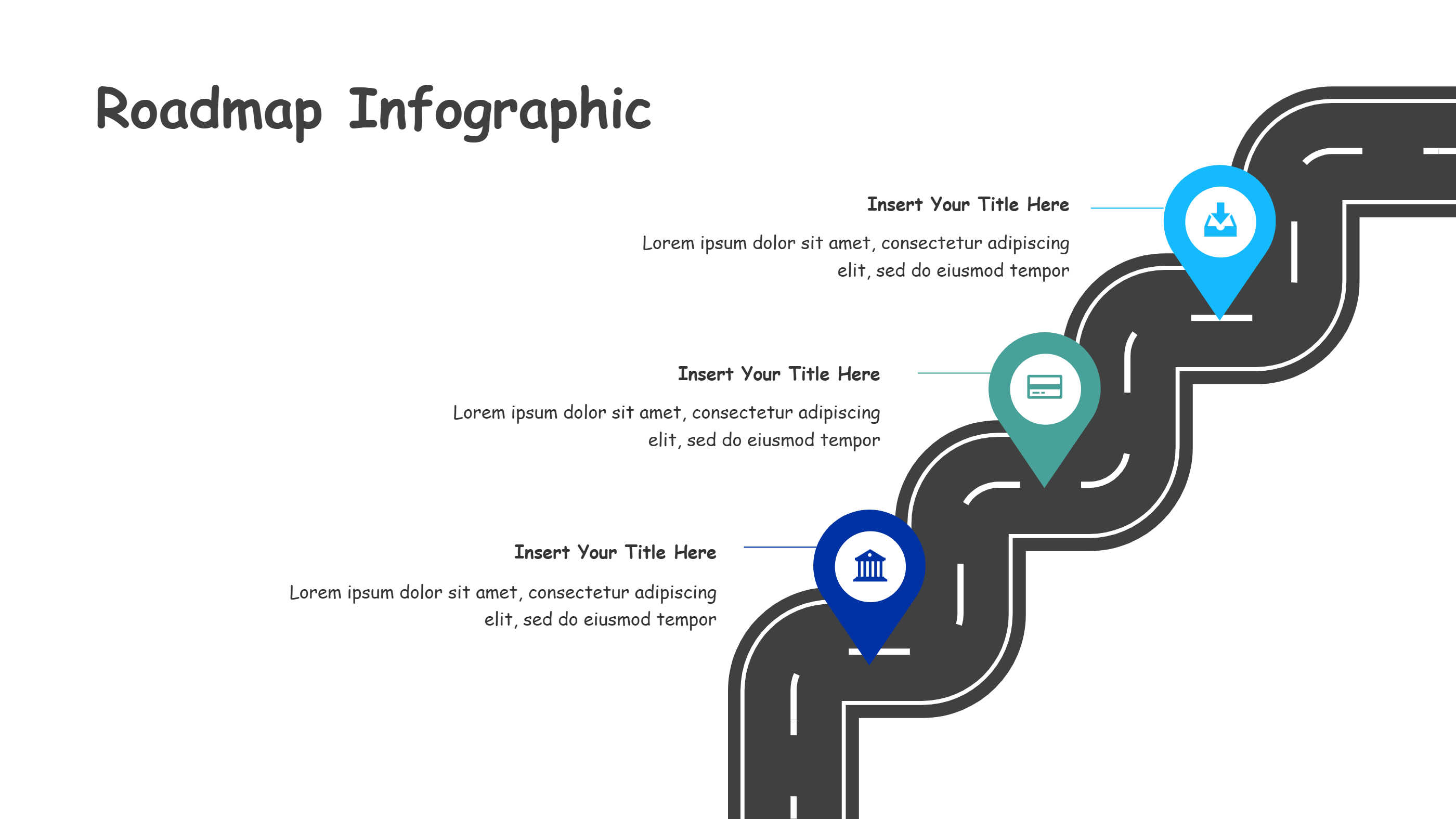
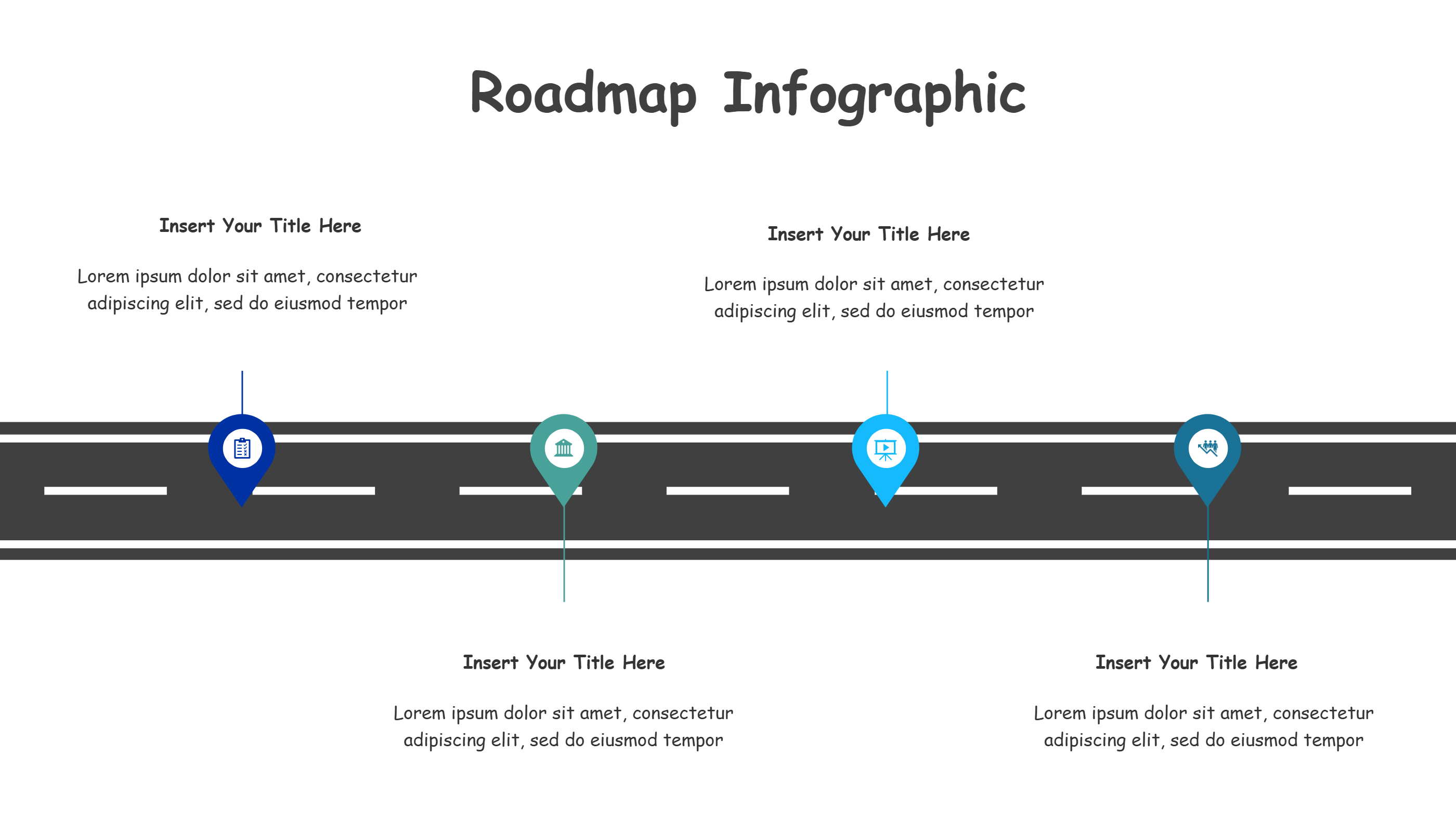
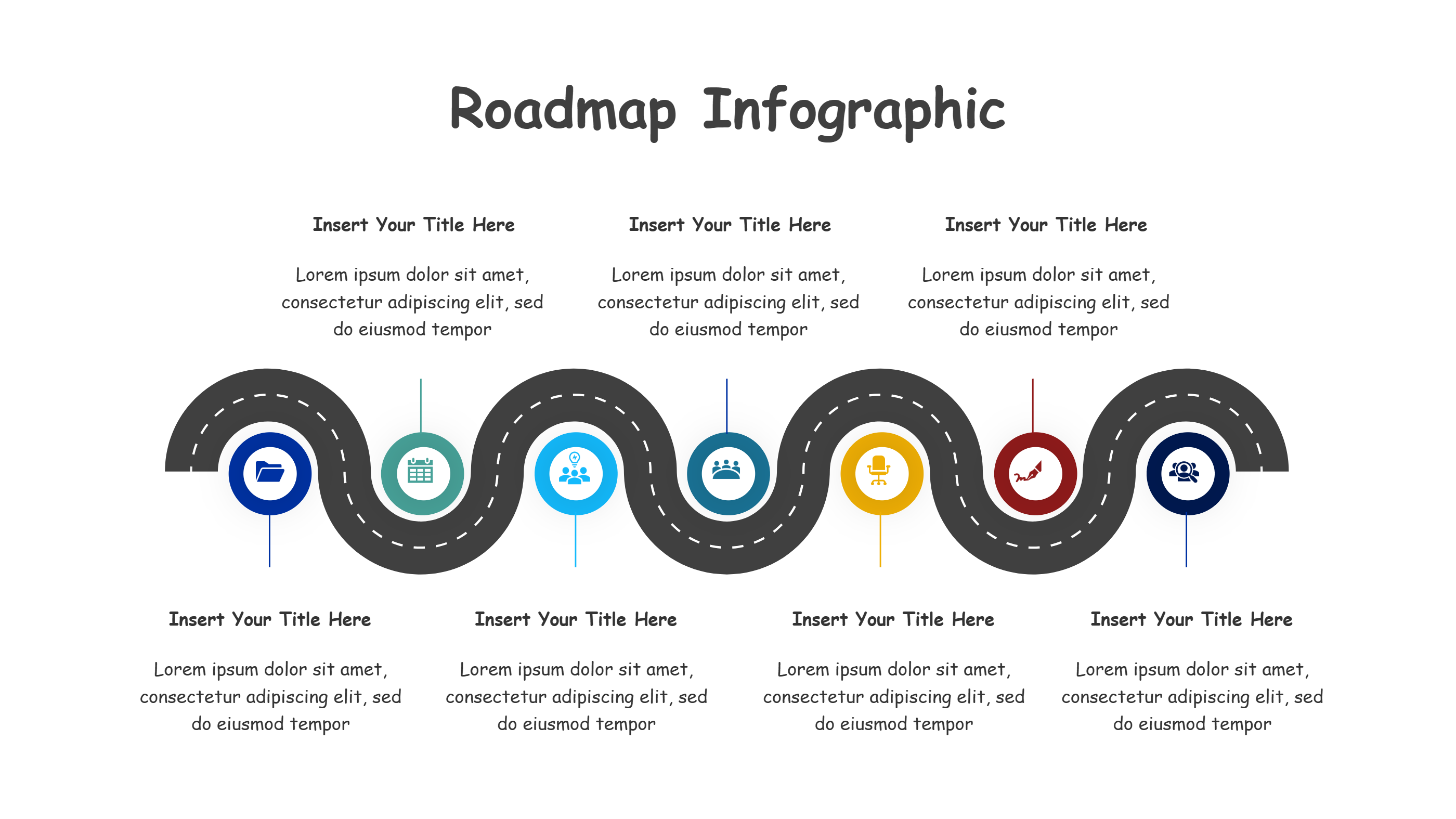
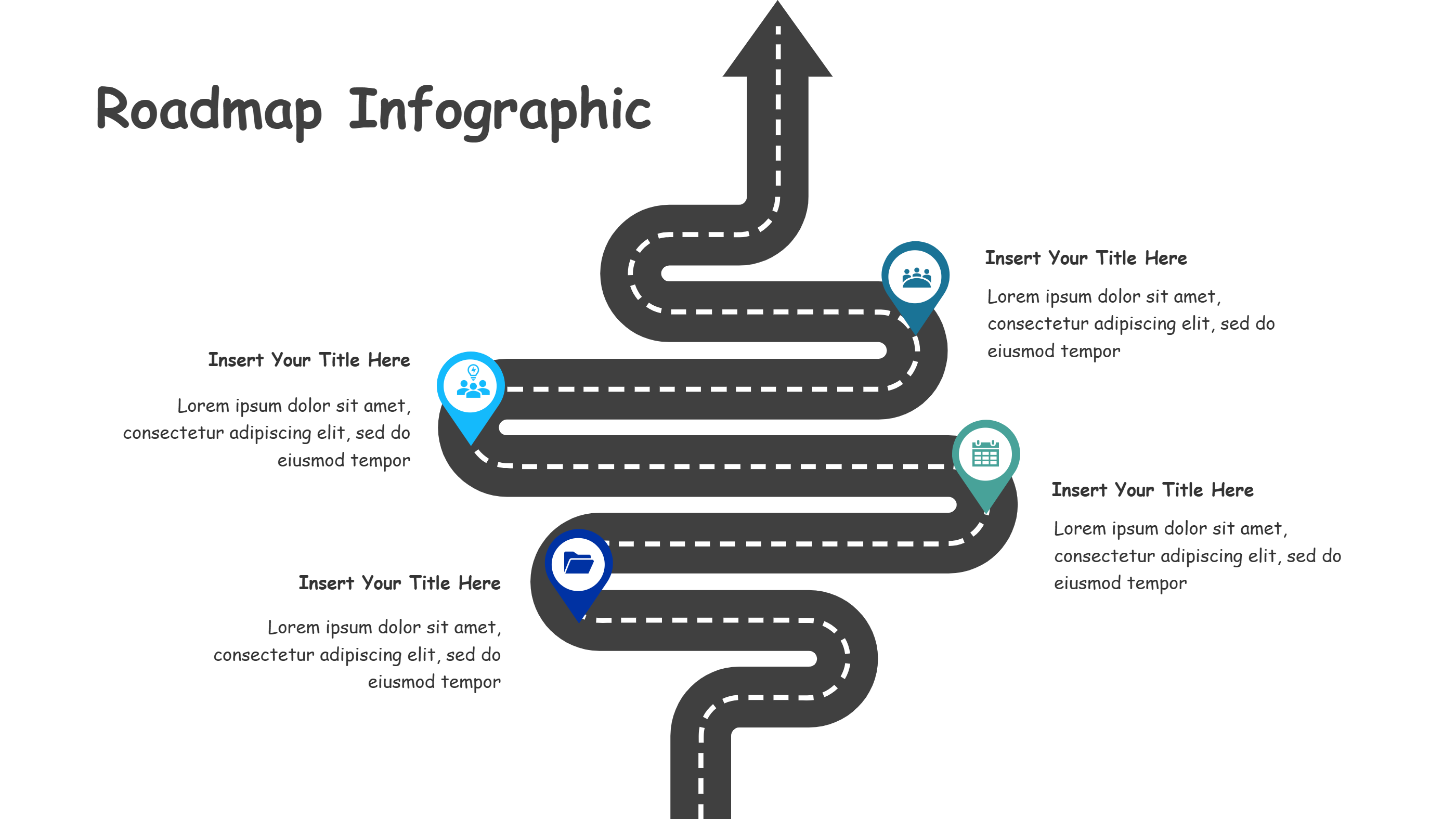
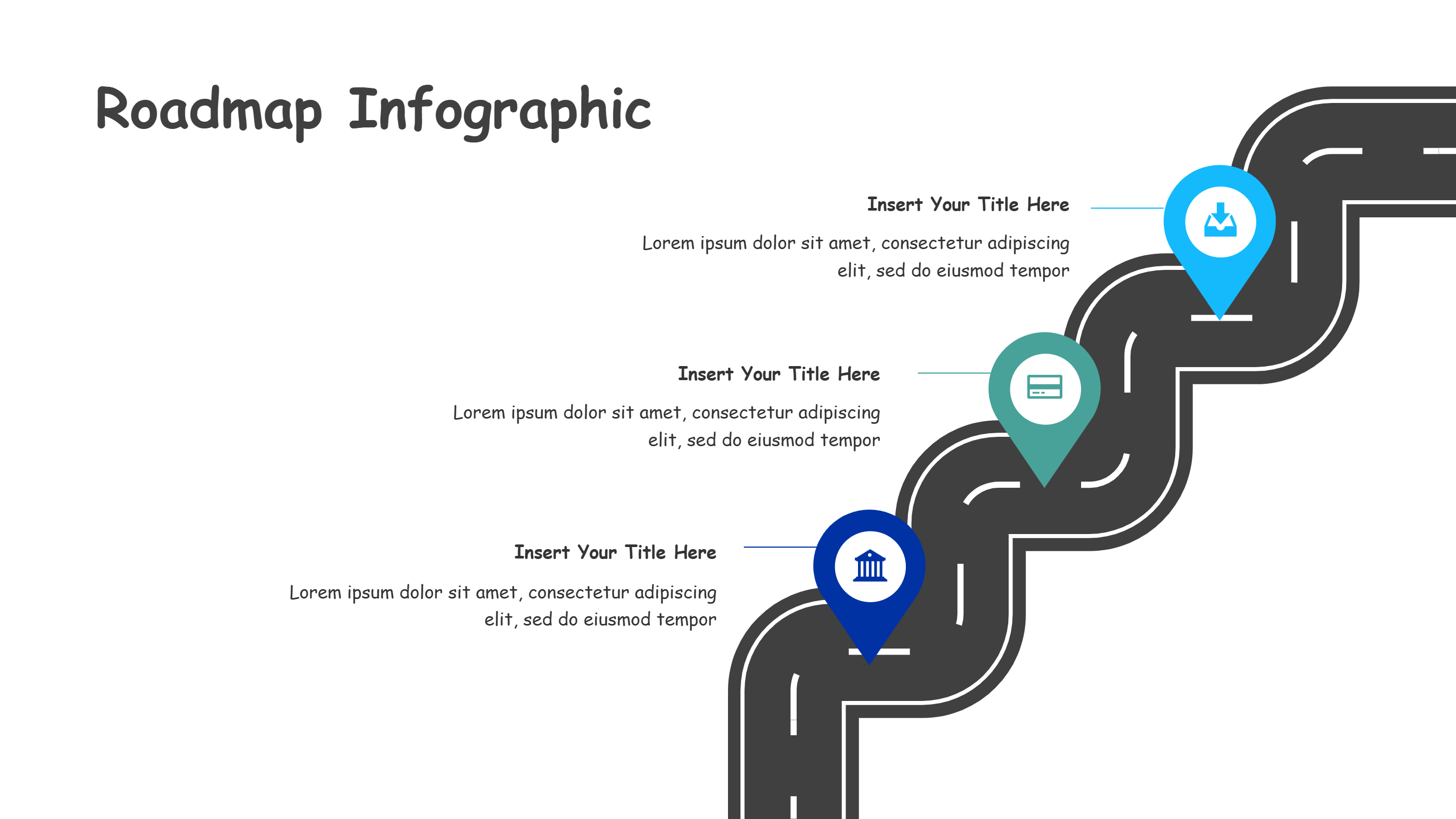
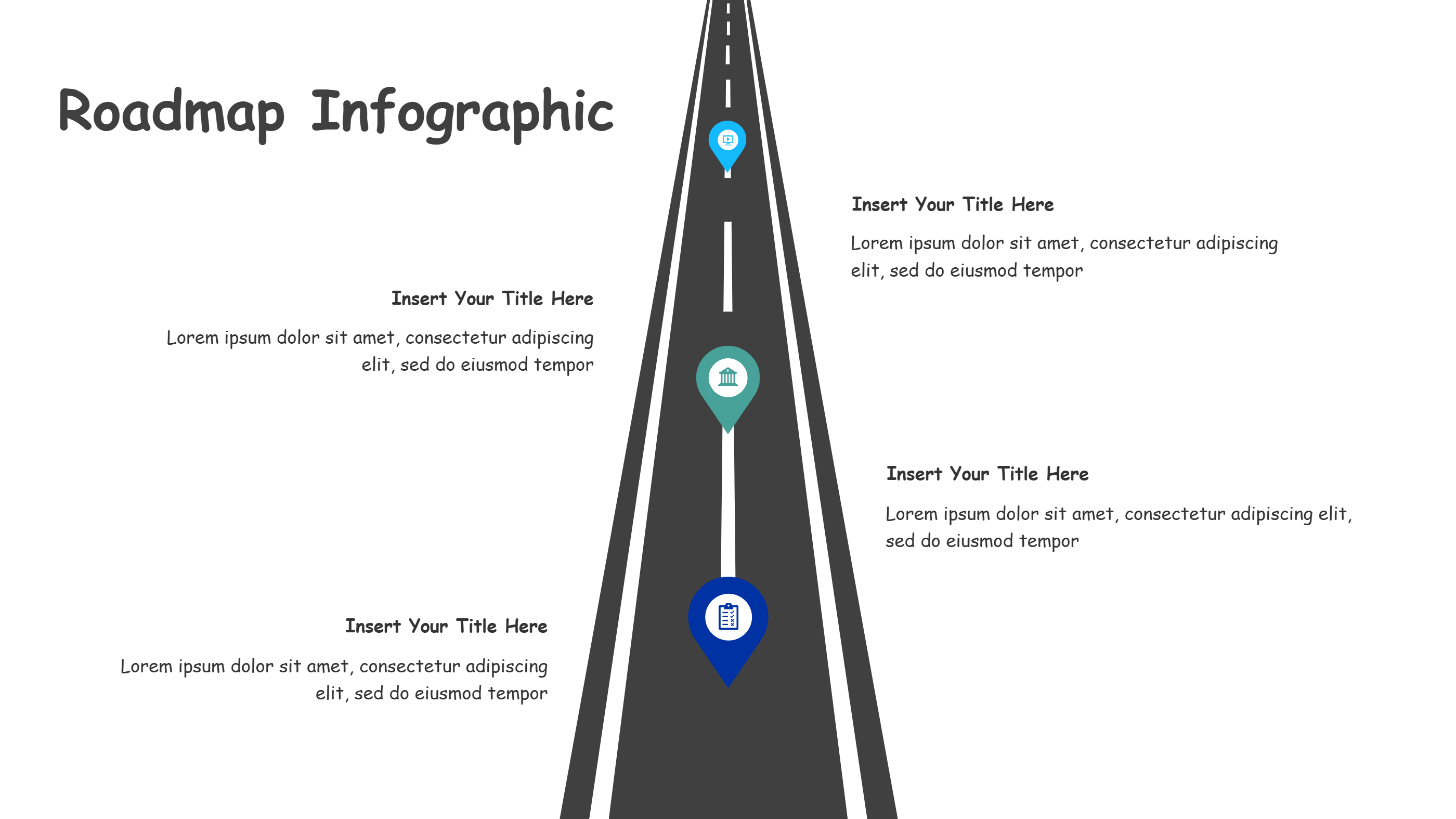
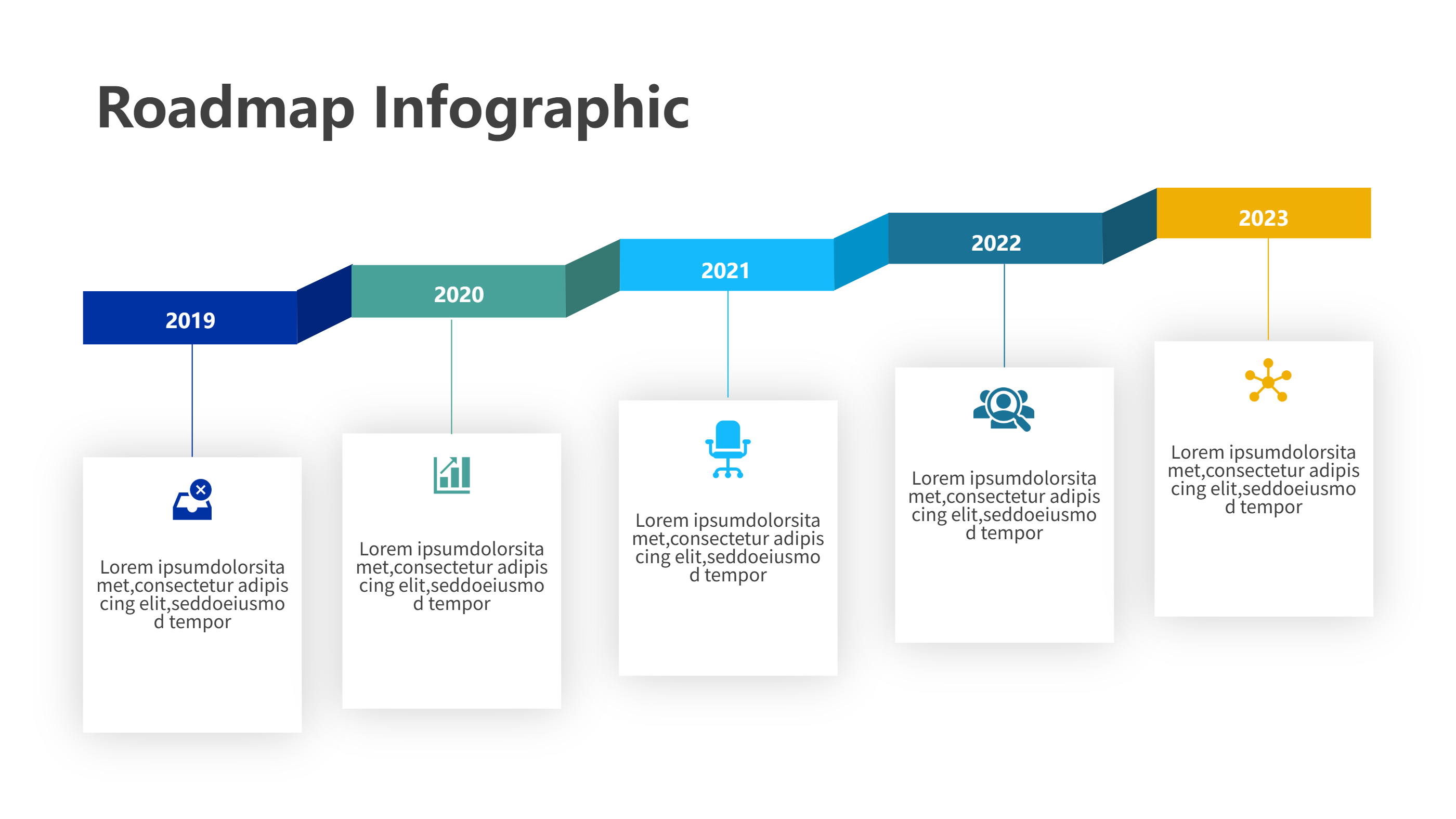
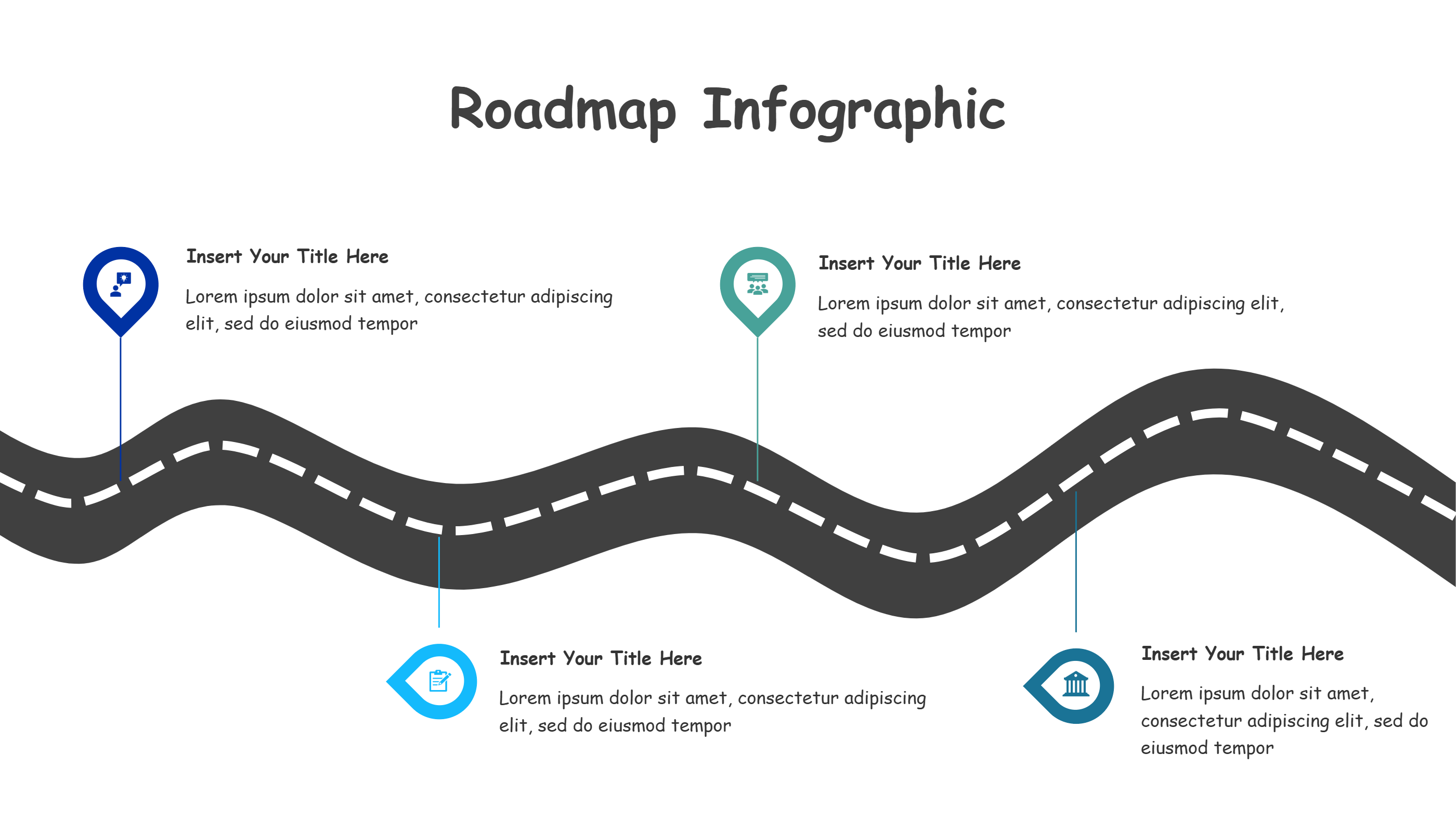
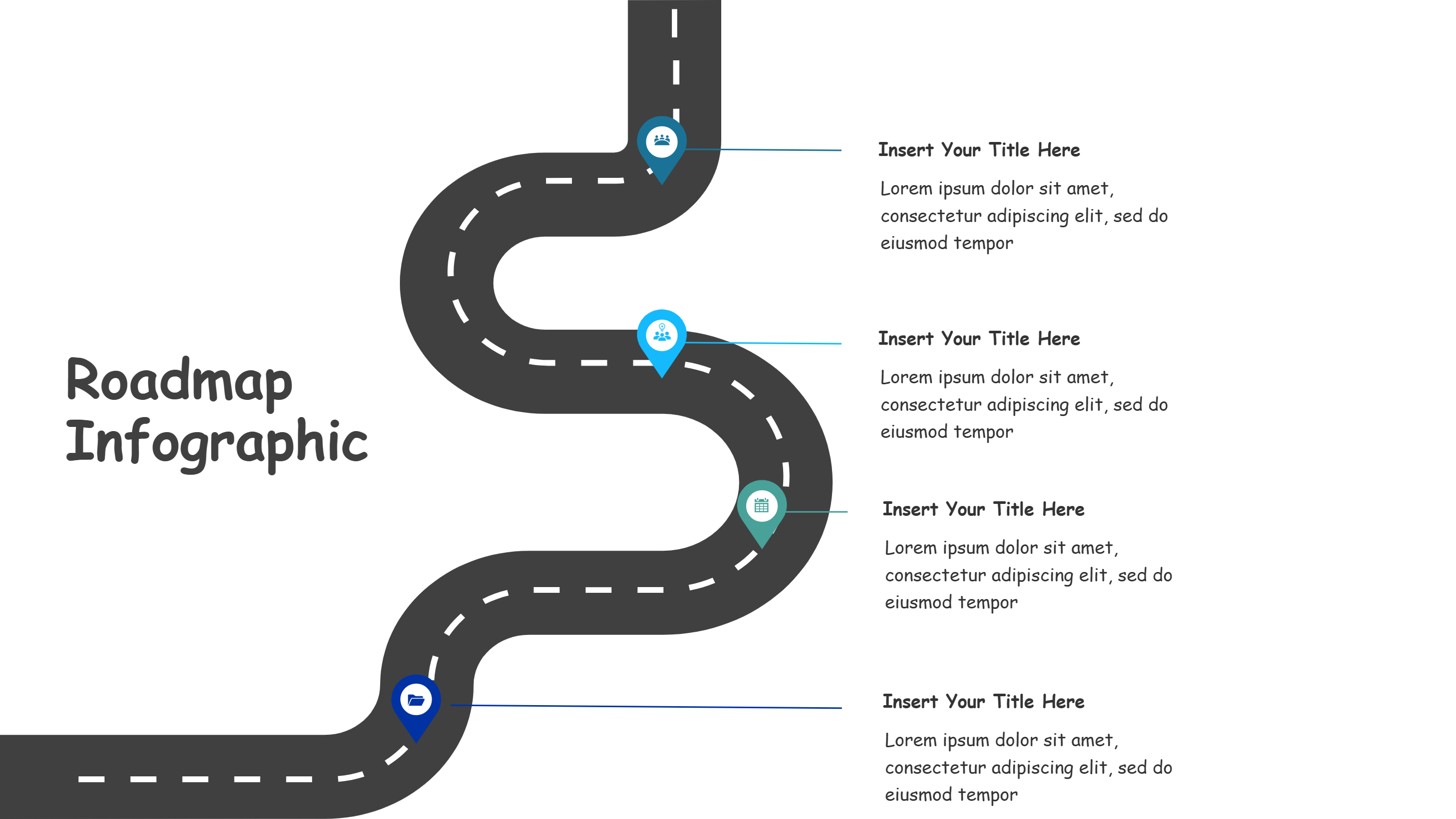
A travel itinerary infographic is a visual layout that shows a trip plan in one view. It turns a travel itinerary template into a clear path of stops and times. Short labels and icons keep the plan easy to scan. The layout works well for slides, web pages, or a quick handout. It helps travelers see the route and the main activities at a glance. This format is friendly for group trips and family travel. It keeps the plan light and easy to follow.
This template style keeps a calm balance between text and space. It helps the reader focus on key points without feeling lost. You can place the main trip days along a path and add short notes. The design supports hotel, food, and activity notes with small icons. It is easy to update when a stop changes or a new idea appears. The layout stays clean even with several stops.
When to Use Travel Itinerary Timeline Infographic
Use a travel itinerary timeline infographic when you need a simple plan for a trip. It works well for a weekend visit, a school tour, or a family holiday. The path layout shows the order of stops without heavy text. It helps a group stay on the same page. It also fits a Google Sheets travel itinerary template when you want to move data into a visual plan. The template keeps the trip clear and easy to share.
Download and Edit the Template
Click the download button and an online editor opens in a new tab. You can change the text, colors, icons, and blocks to match your content. Add or remove items to fit your story. When the layout looks right, click the save button. Choose PPT, PNG, or SVG when you download the file. You can keep a slide copy or share a clean image with your team.
How to Use Travel Itinerary Template
On the home page, open the AI generator and select the Travel Itinerary Template template. Write a short prompt that explains the labels and the order you need. The tool builds the infographic in the same layout style. Edit any block to match your content and save the result.
Examples of Travel Itinerary AI Prompt Usage
Example 1:
A travel itinerary infographic for a weekend city visit. Show each day on a looping path with stops for food, museum, and park. Add small icons for each stop and keep the labels short.
Example 2:
A trip plan layout for a family beach holiday. Show travel, check in, beach time, and local food in a gentle timeline. Keep the color light and the text easy to scan.
Recommended Similar Infographic Templates
Related Template 1: Trip Itinerary Template for Google Sheets and PPT Infographics
Related Template 2: Winding Four-Stop Journey
Related Template 3: Tech Evolution Journey Timeline Infographic Template
Related Template 4: DaVinci Resolve Route Infographics Template
FAQs
Q: Can I add more stops to the itinerary?
A: Yes. You can add more points on the path.
Q: Is this template good for group travel?
A: Yes. It shows a shared plan in one view.
Q: Can I copy data from Google Sheets?
A: Yes. You can paste text from Google Sheets into the blocks.
Q: Does it work for one day trips?
A: Yes. Short trips fit well in the layout.
Q: Can I download as SVG for printing?
A: Yes. SVG download is supported.