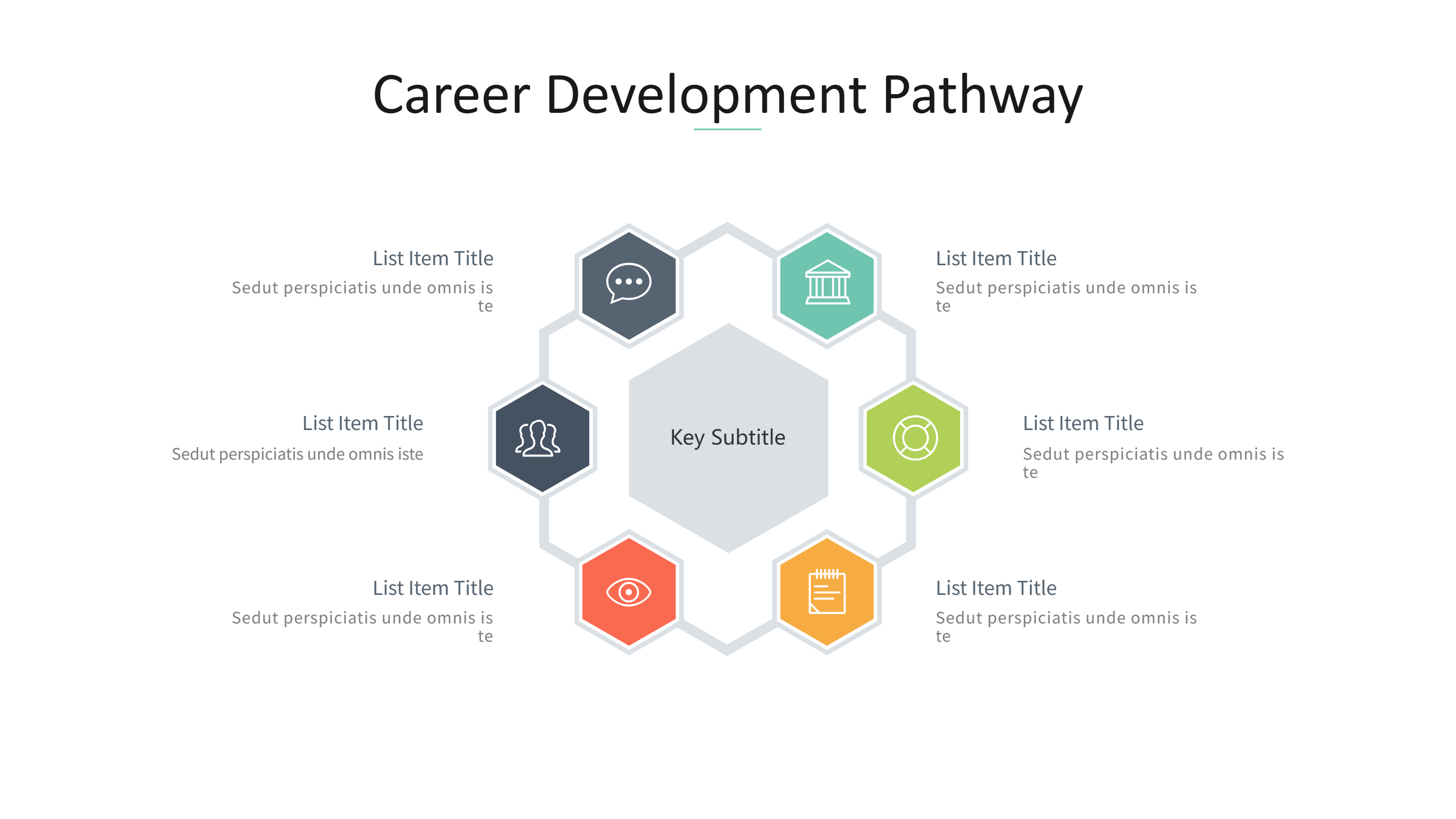
Journal Club Presentation Template for Clear Research Discussion

What is Journal Club Presentation Template Infographic
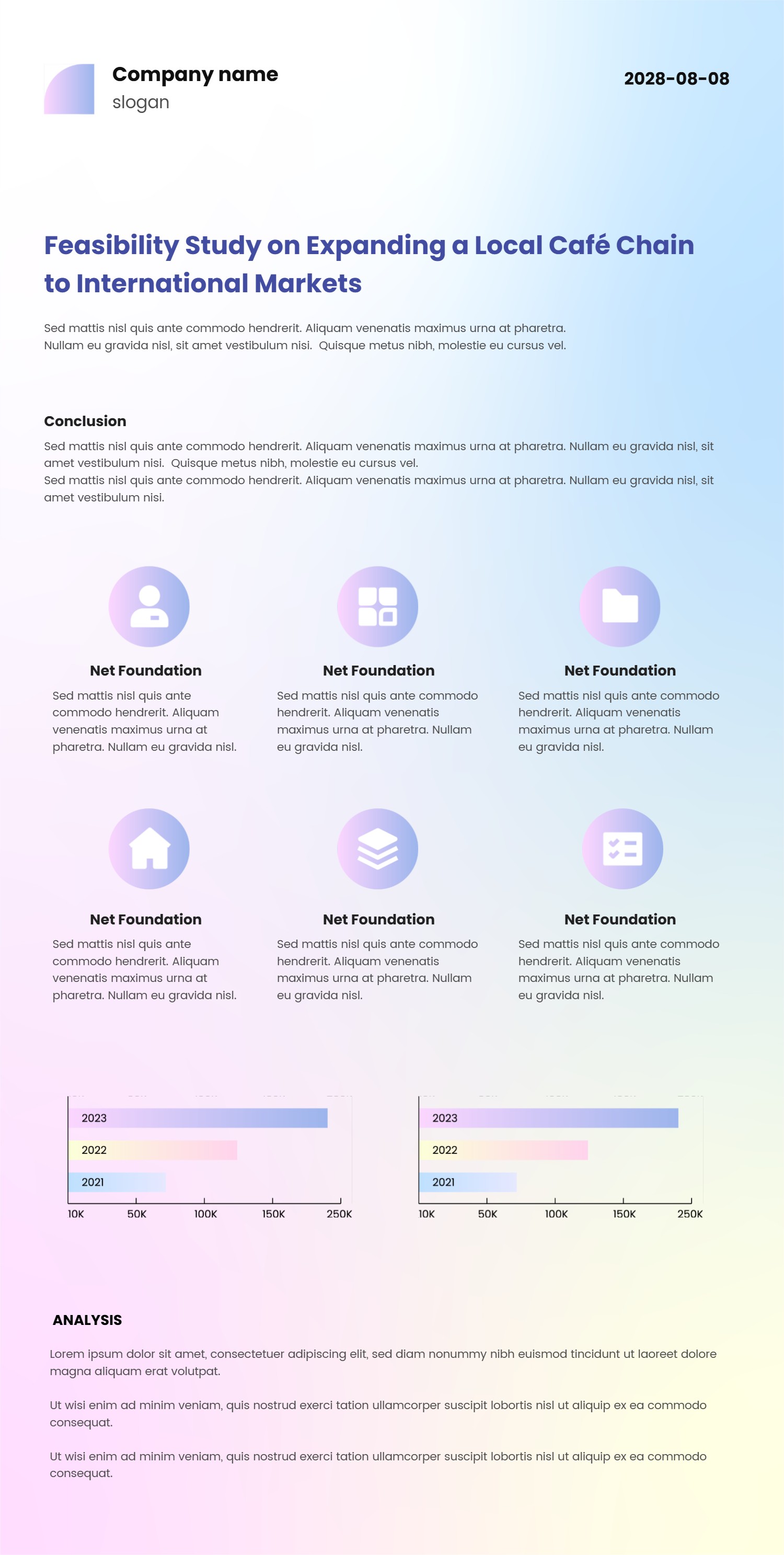
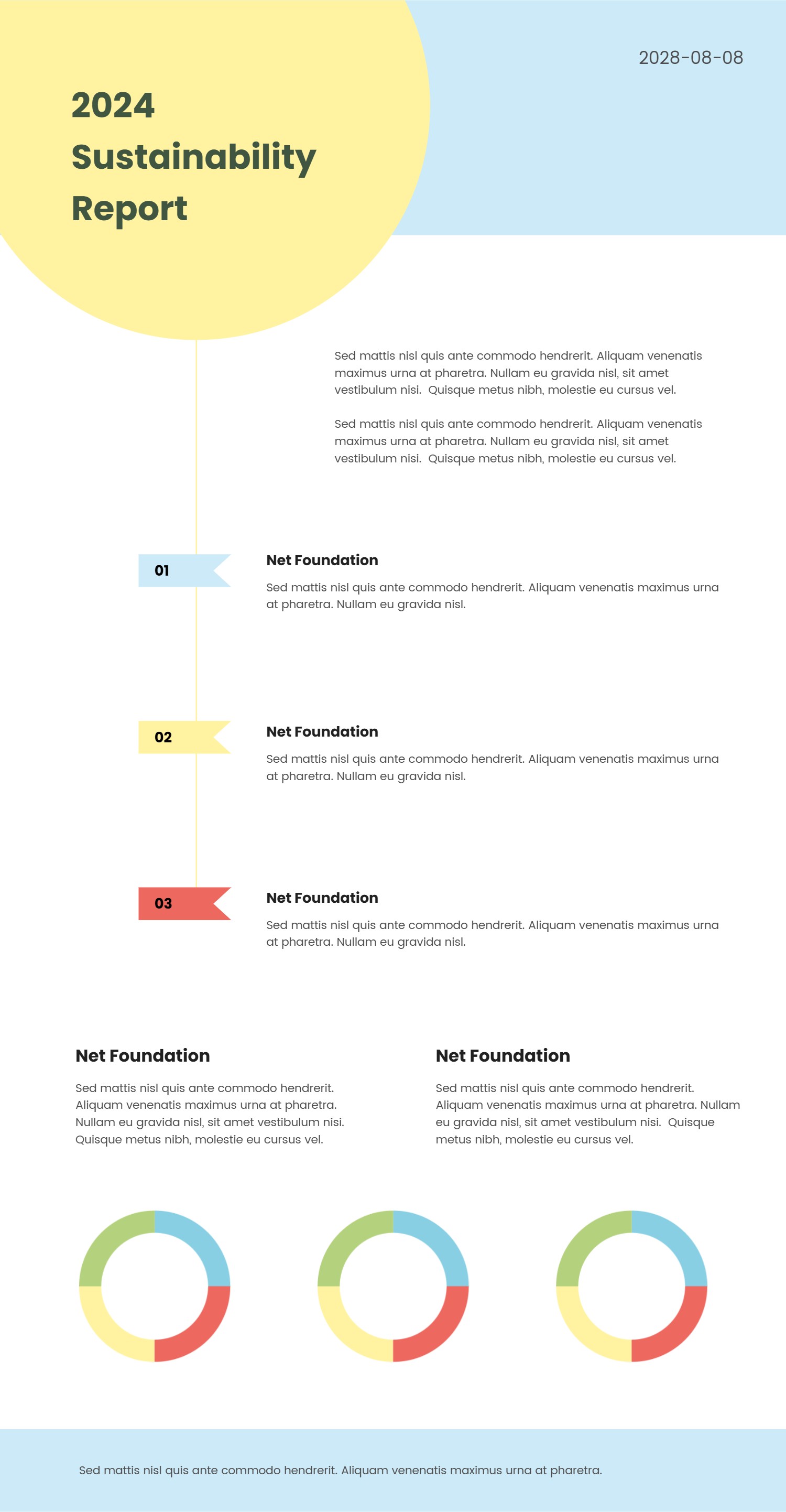
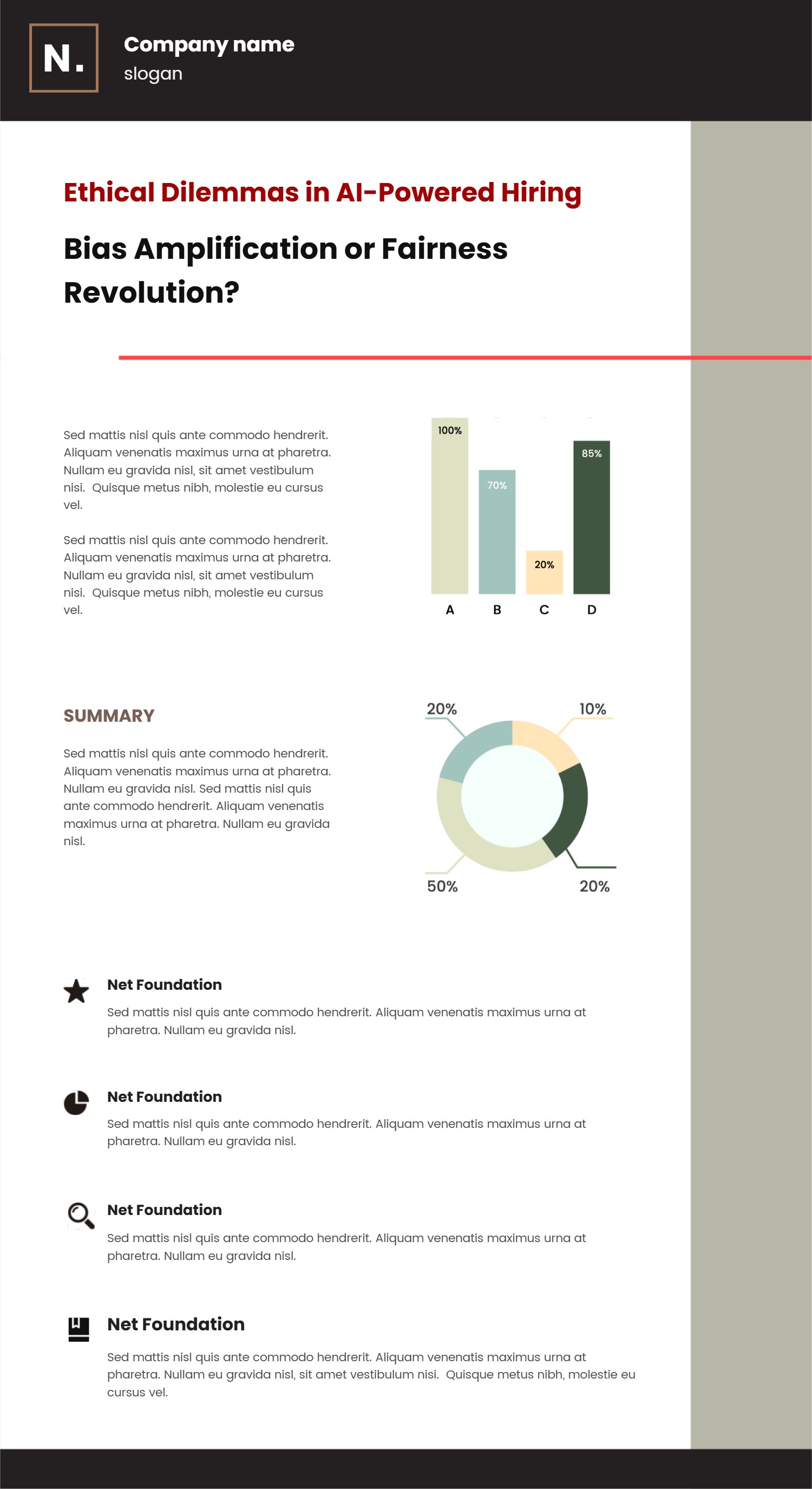
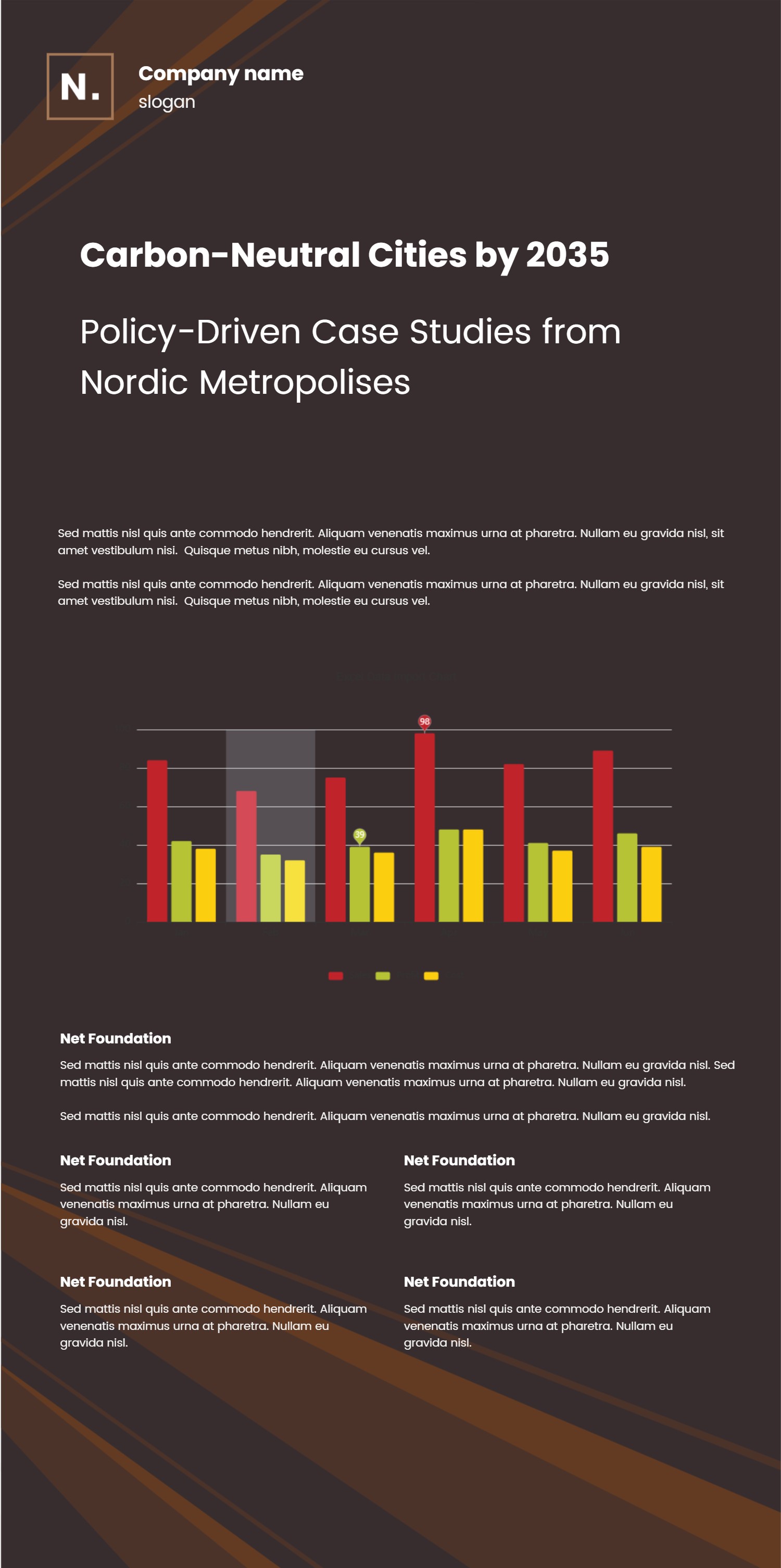
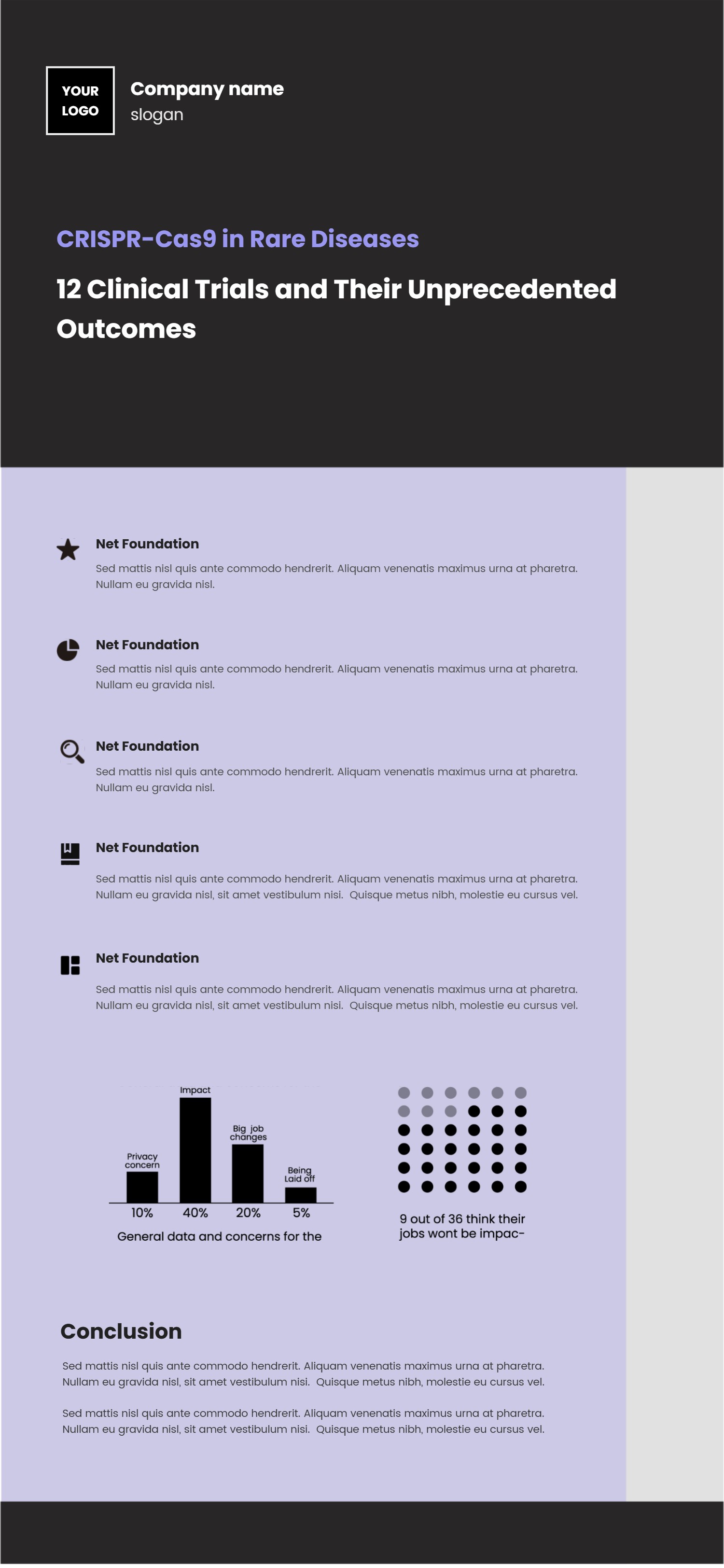
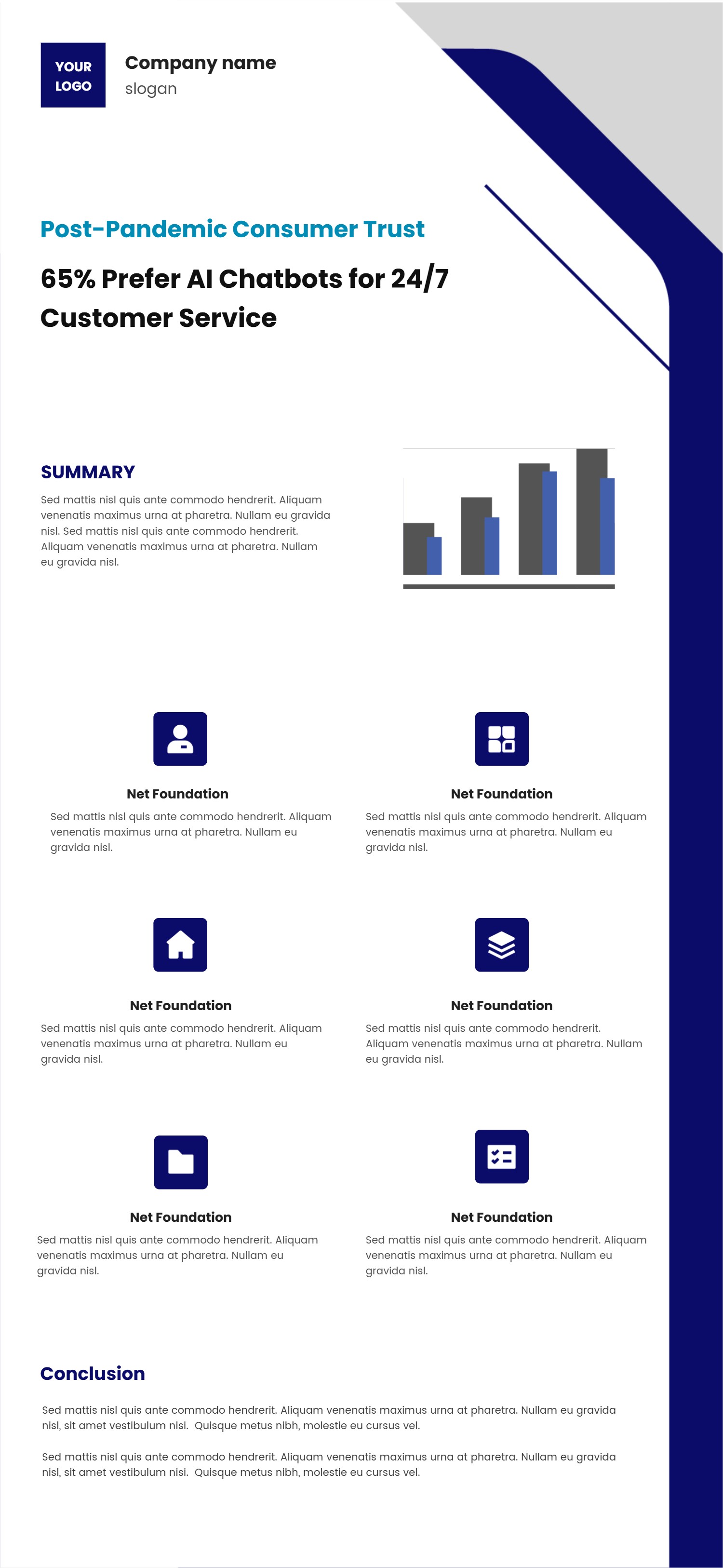
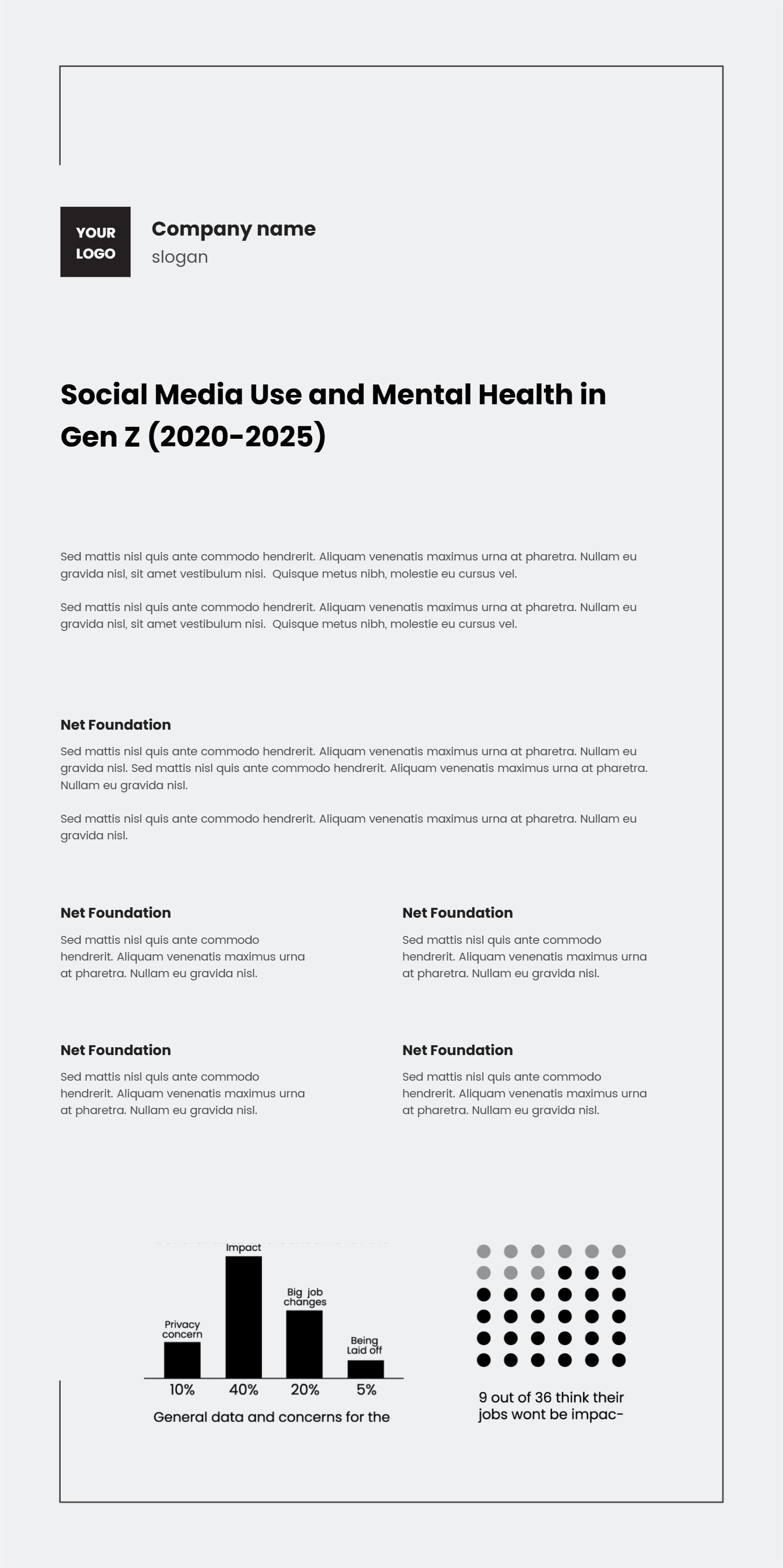
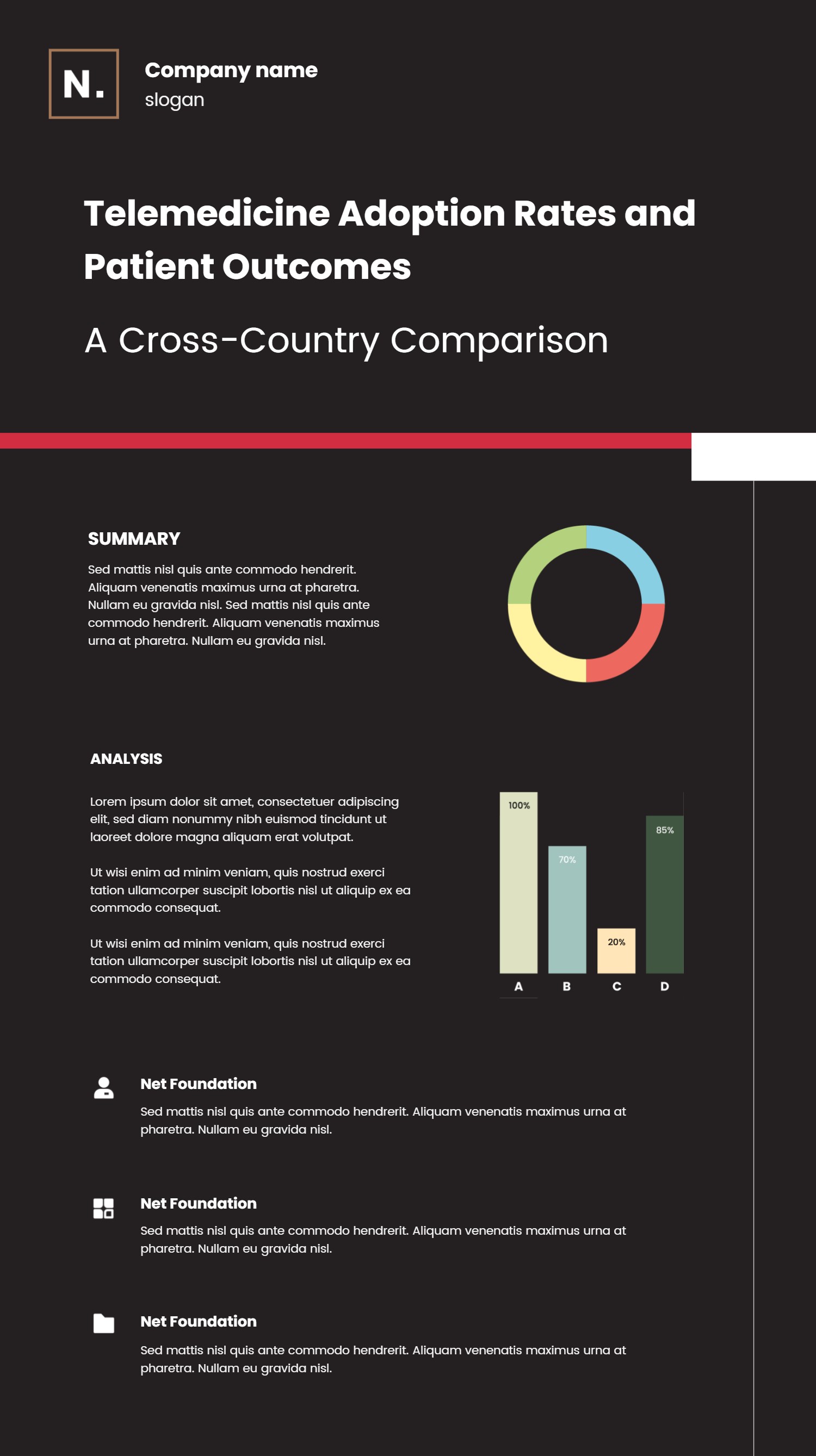
A journal club presentation template infographic is a slide layout for sharing a research paper in a clear way. It organizes the paper goal, key question, study steps, results, and takeaways in short sections. It keeps the discussion focused and helps the group follow along. The layout uses simple blocks, labels, and icons so the audience can read it fast.
This template is useful for students, educators, and small research teams. It can show the background, the sample details, and the main results without long text. It can also show a simple timeline or a flow of the study. The design keeps the tone calm and professional, while the wording stays simple and easy to follow.
When to Use Journal Club Presentation Template Infographic
Use this infographic when you need to present a paper in a group meeting. It is helpful for weekly journal clubs, classroom reviews, and lab updates. It gives a clear view of the key points and supports open discussion. It is also good for sharing a quick summary with people who could not attend the meeting.
It also works when you want to compare two studies. You can place key points side by side and highlight the main differences. It supports a short talk or a longer discussion. It is easy to update when new data arrives. The layout keeps the focus on the core message.
Download and Edit the Template
Click the download button and an online editor opens in a new page. You can edit the title, section labels, and short notes. You can adjust colors, icons, and the number of blocks. Use the save button when you are done. Choose PPT, PNG, or SVG as the export format. The steps stay the same even if the wording is different.
How to Use Journal Club Presentation Template for Clear Research Discussion
Open the AI generator on the home page and choose the journal club template. Enter a short prompt that describes the paper topic, the key question, and the main results. The tool creates an infographic that follows the layout. You can edit the result and adjust text to match your study. The meaning stays the same, even if your wording changes.
Examples of Journal Club Presentation Template AI Prompt Usage
Example 1:
A journal club slide that summarizes a study on sleep and focus. Show the goal, the participant group, three main findings, and a short takeaway for discussion.
Example 2:
A clean research summary for a public health paper. Include the problem, the approach, the main result, and one chart that shows the change over time.
Example 3:
A lab study overview that highlights the key question, the setup, the main result, and two practical notes for real world use.
Recommended Similar Infographic Templates
Related Template 1: Project Research Infographics
Related Template 2: Academic Research Report Template
Related Template 3: Business Research Report Template with Charts and Numbered Sections
Related Template 4: Medical Case Report Timeline Graphic Template
Related Template 5: Notion Case Study Template for Clear PPT Infographic Stories
FAQs
Q: Can I use this template for a small study discussion?
A: Yes, it works for small groups and short sessions.
Q: Can I include a simple chart in the layout?
A: Yes, the template supports charts and short captions.
Q: Is this suitable for a class presentation?
A: Yes, the layout is clear and easy to follow in class.
Q: Can I update the slide when new data appears?
A: Yes, the blocks are easy to edit and replace.
Q: Can I export the presentation as a PNG or PDF?
A: Yes, you can export to PNG or PDF from the editor.