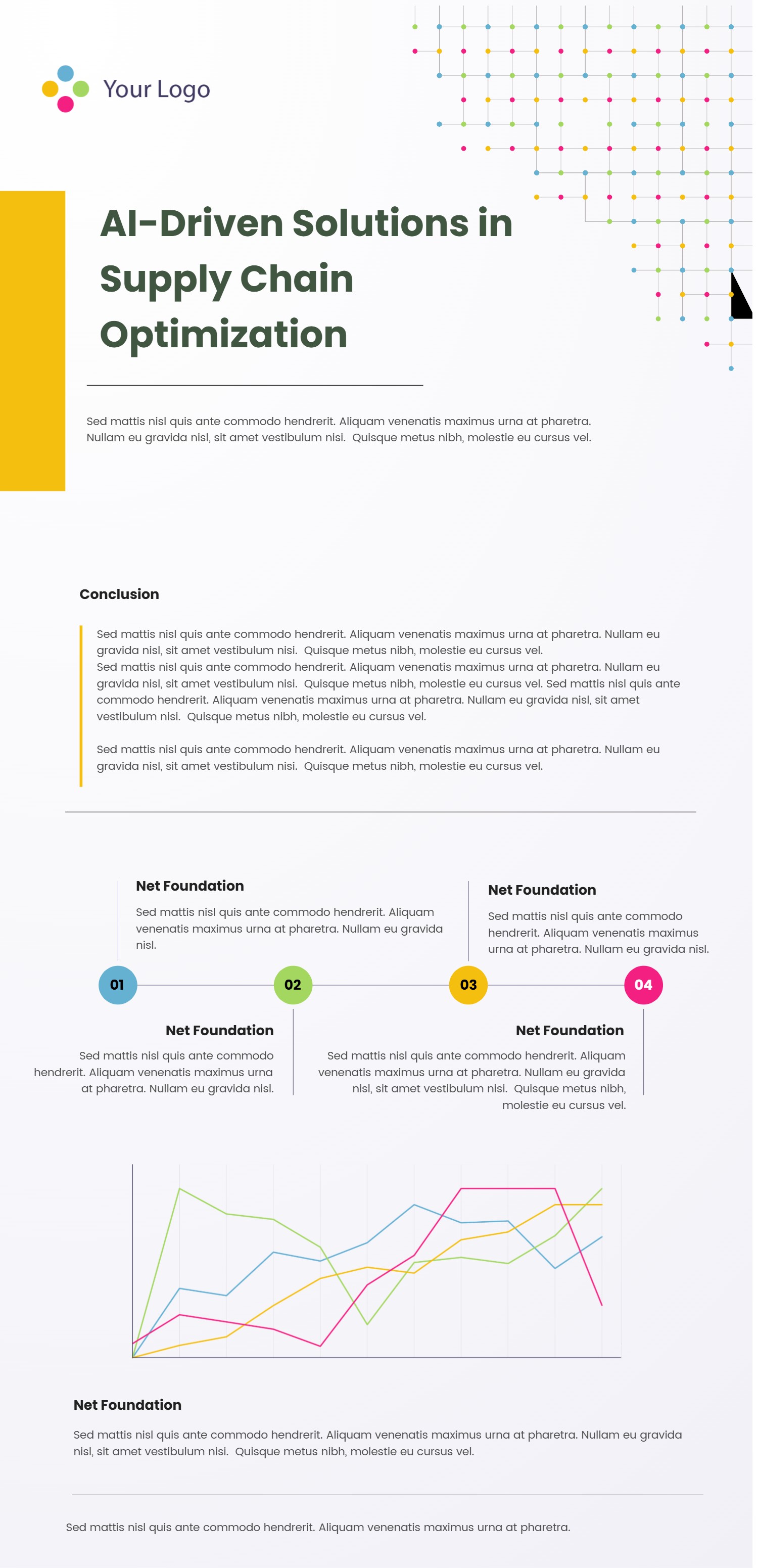
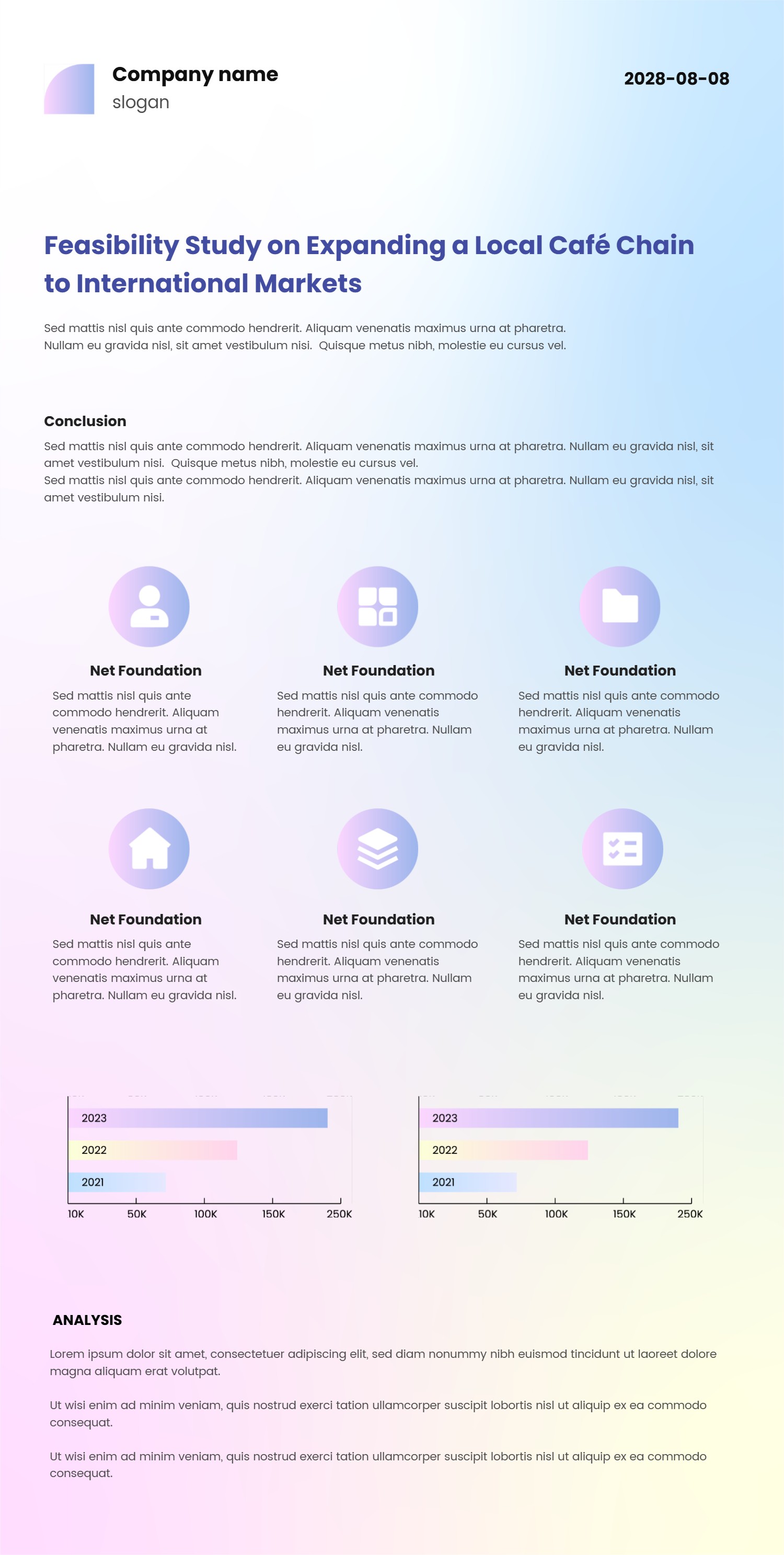
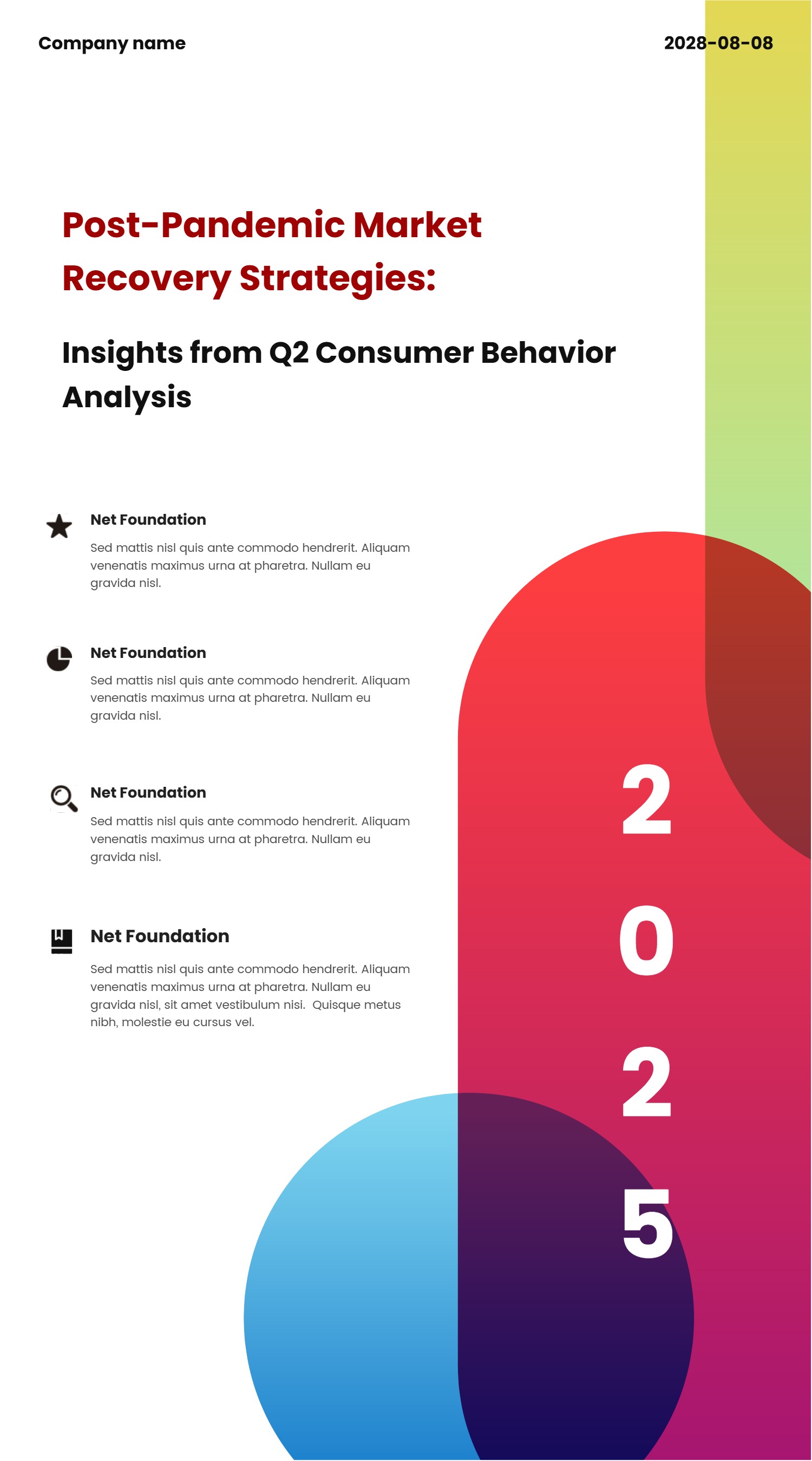
Notion Case Study Template for Clear PPT Infographic Stories
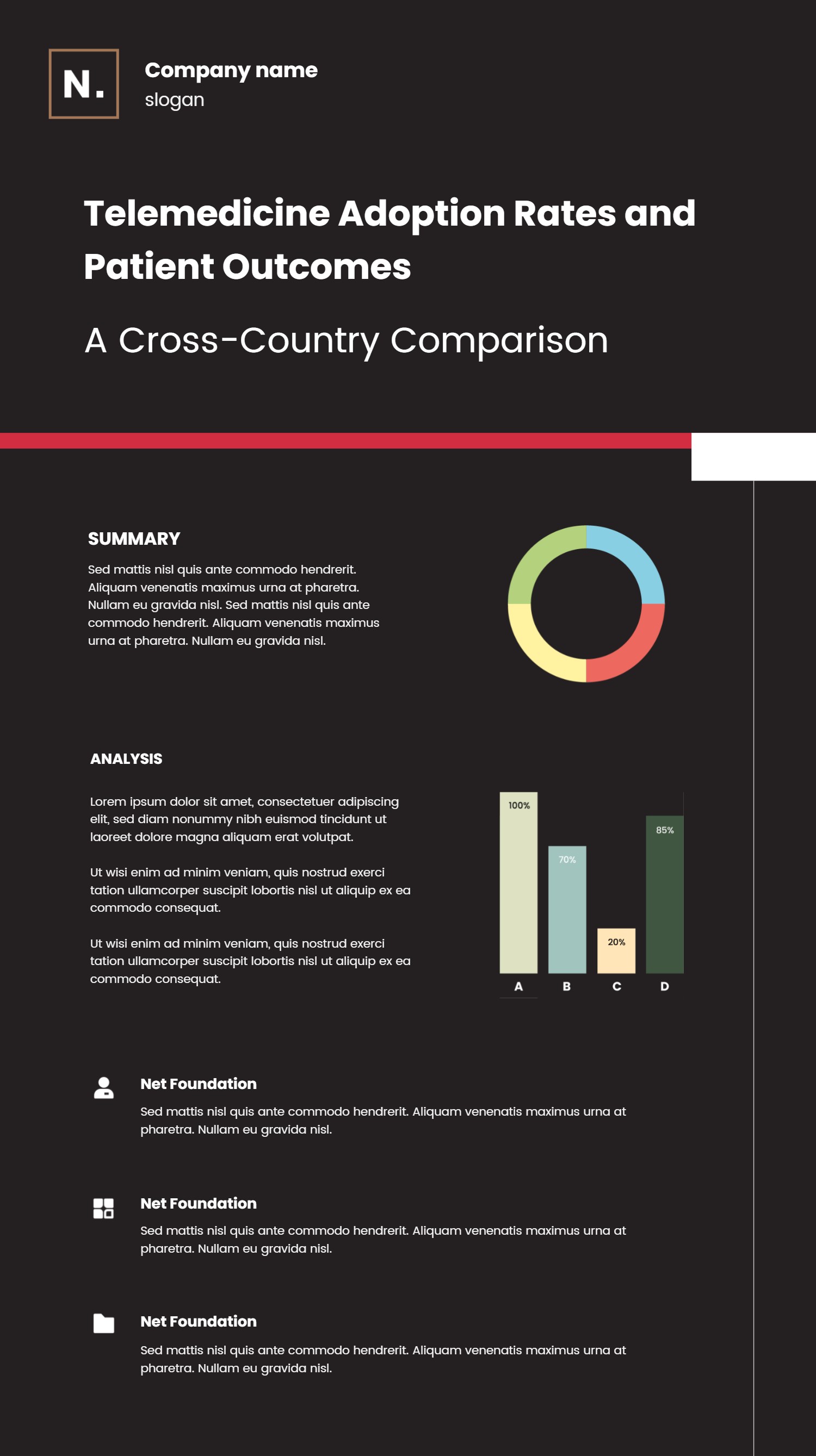
What is Notion Case Study Template Infographic
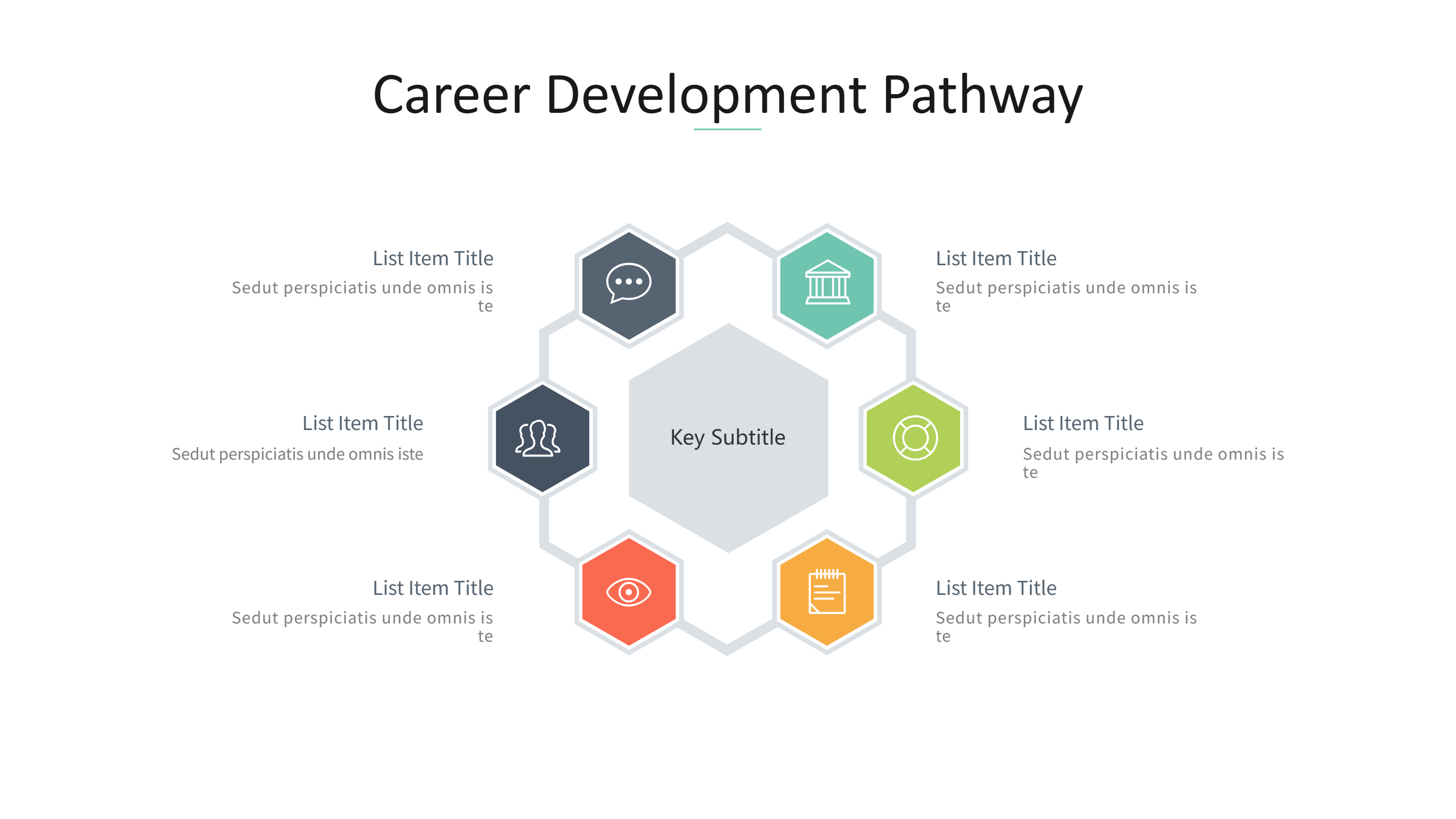
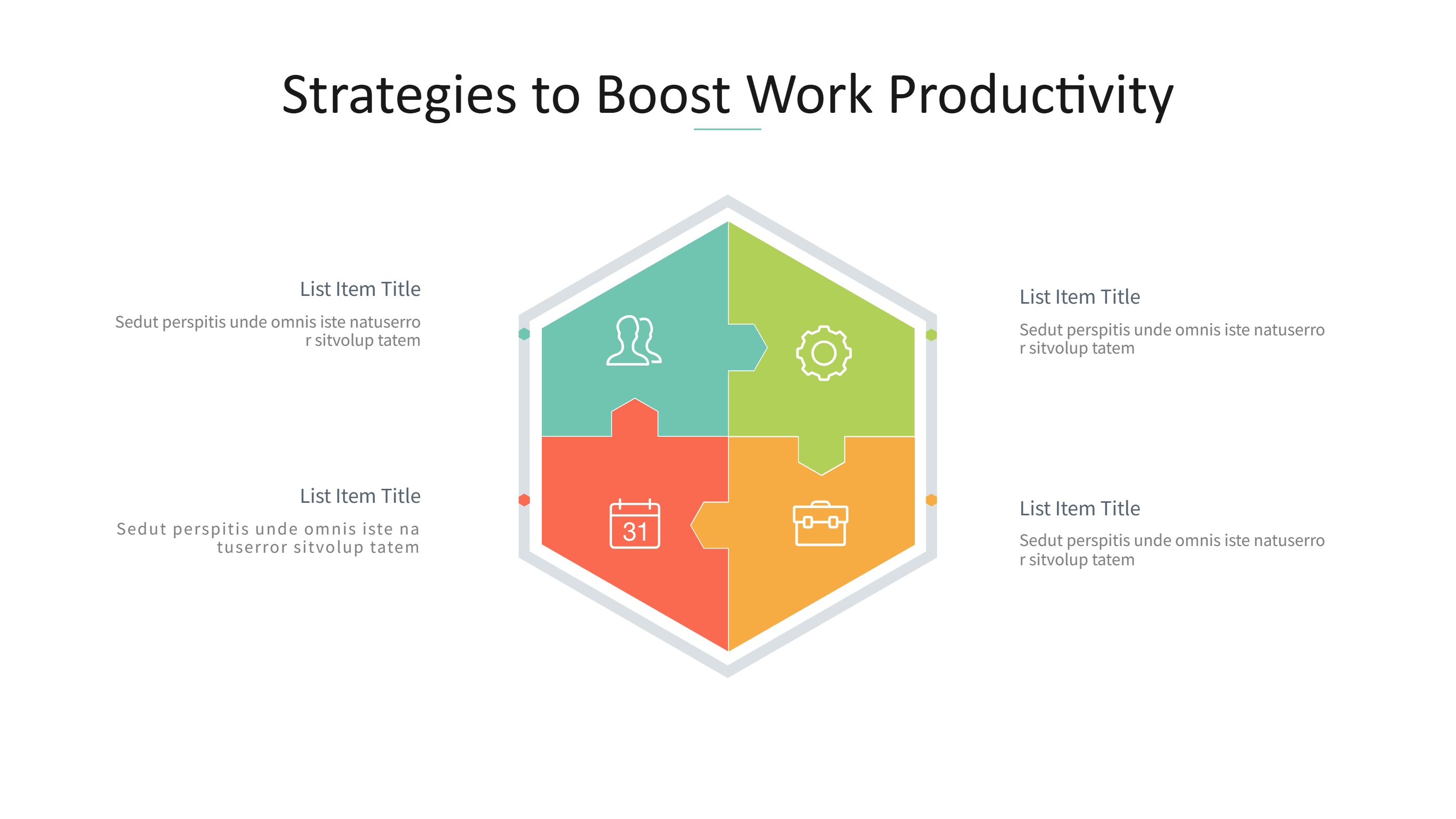
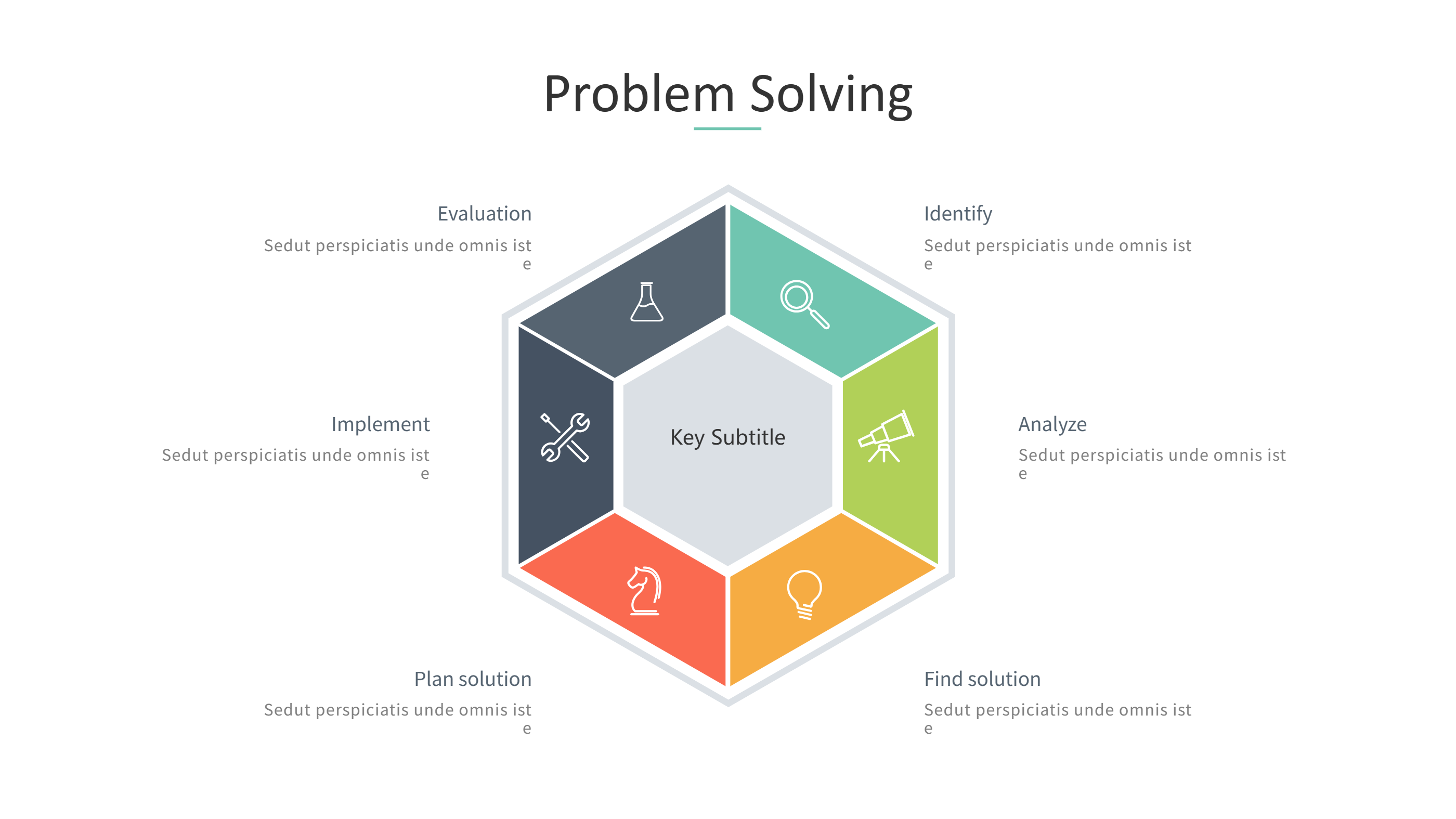
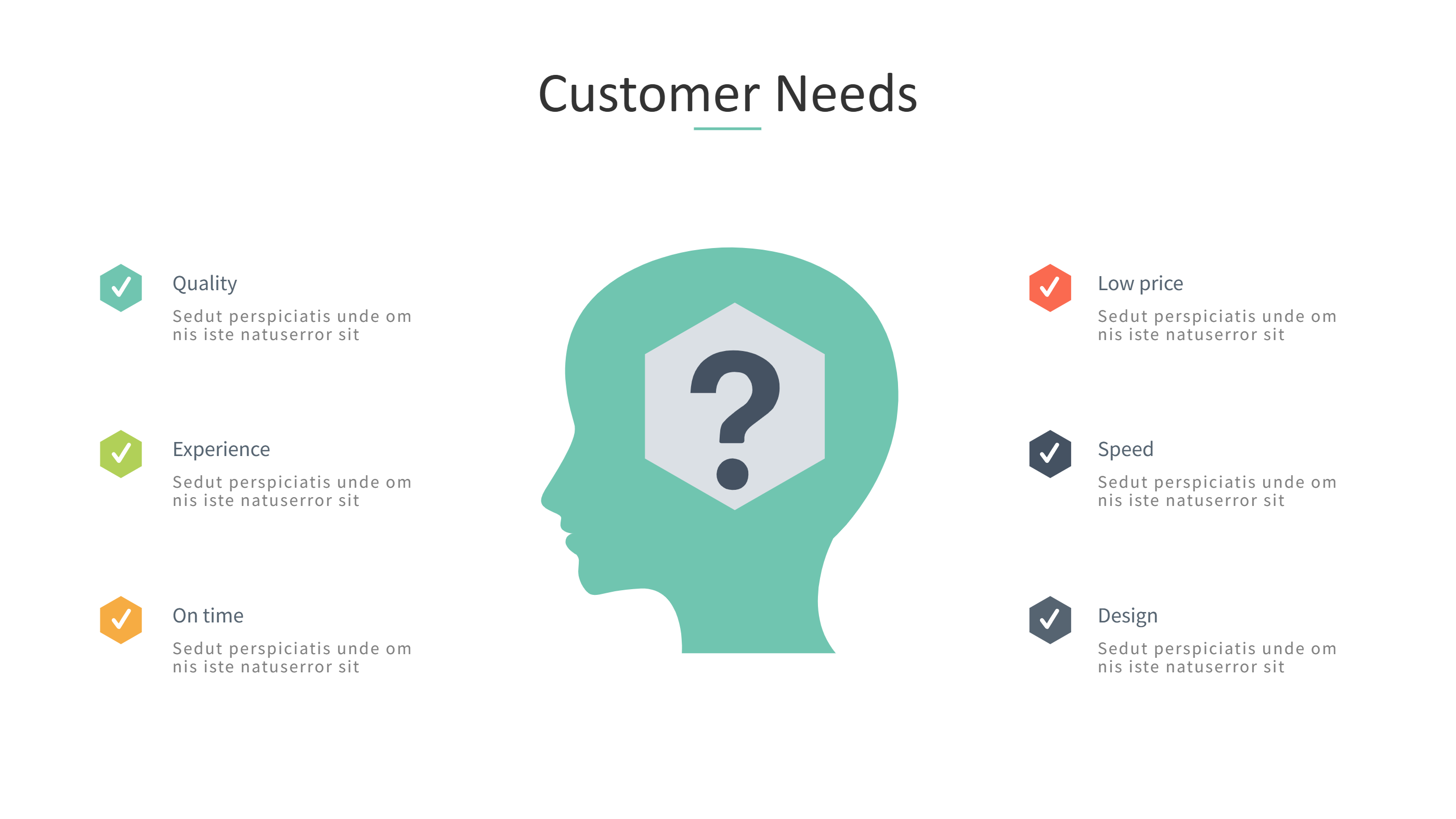
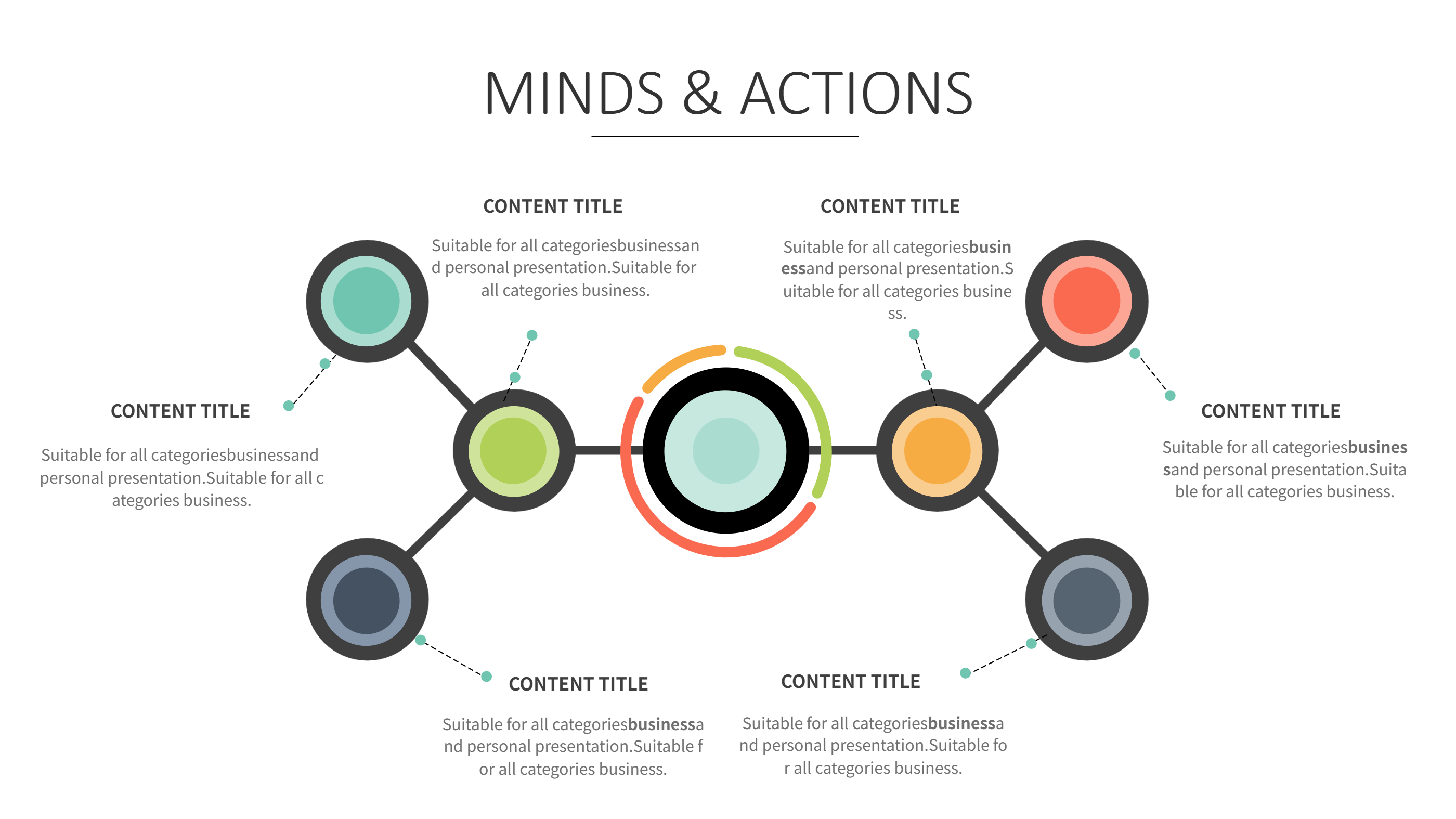
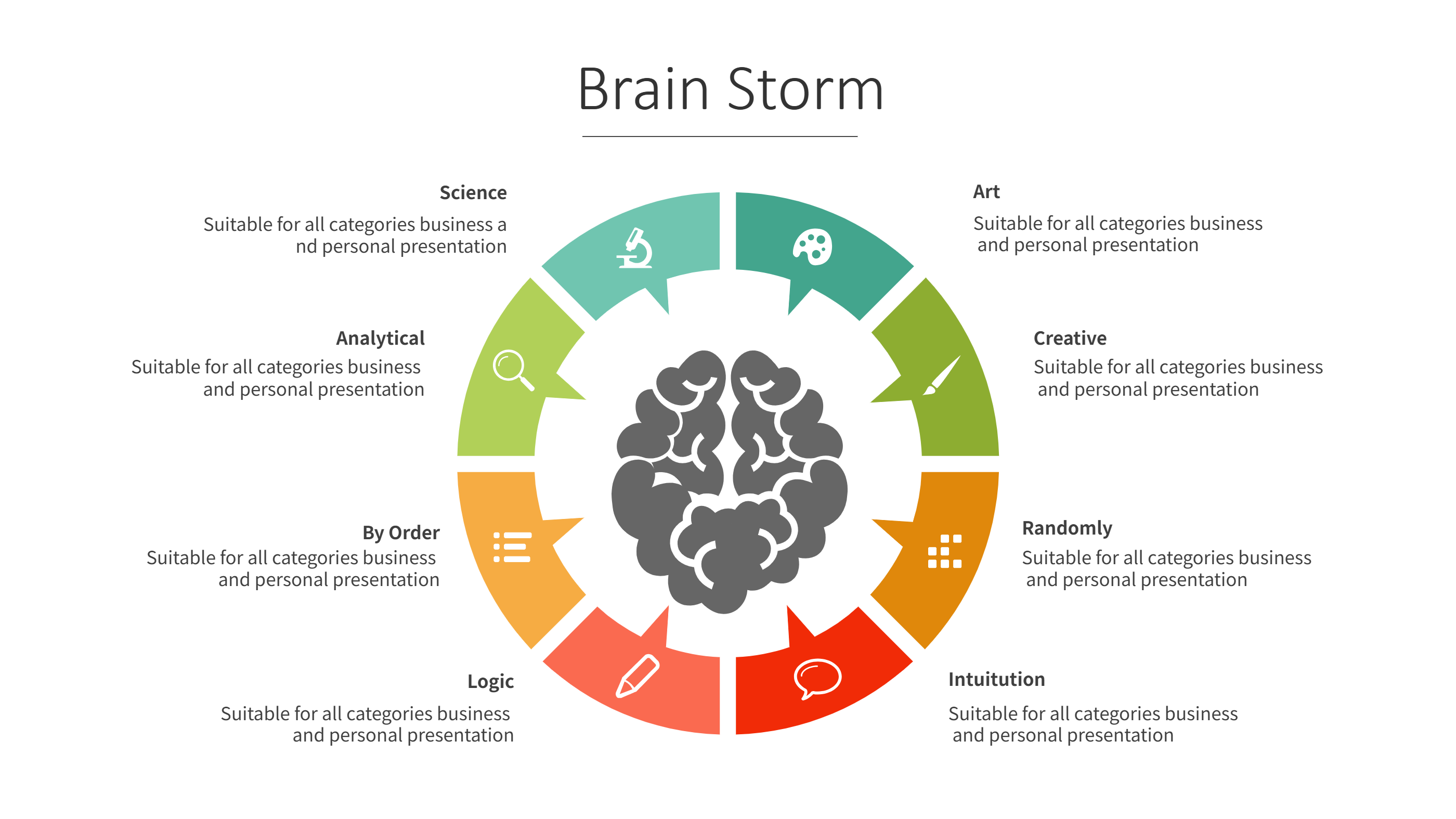
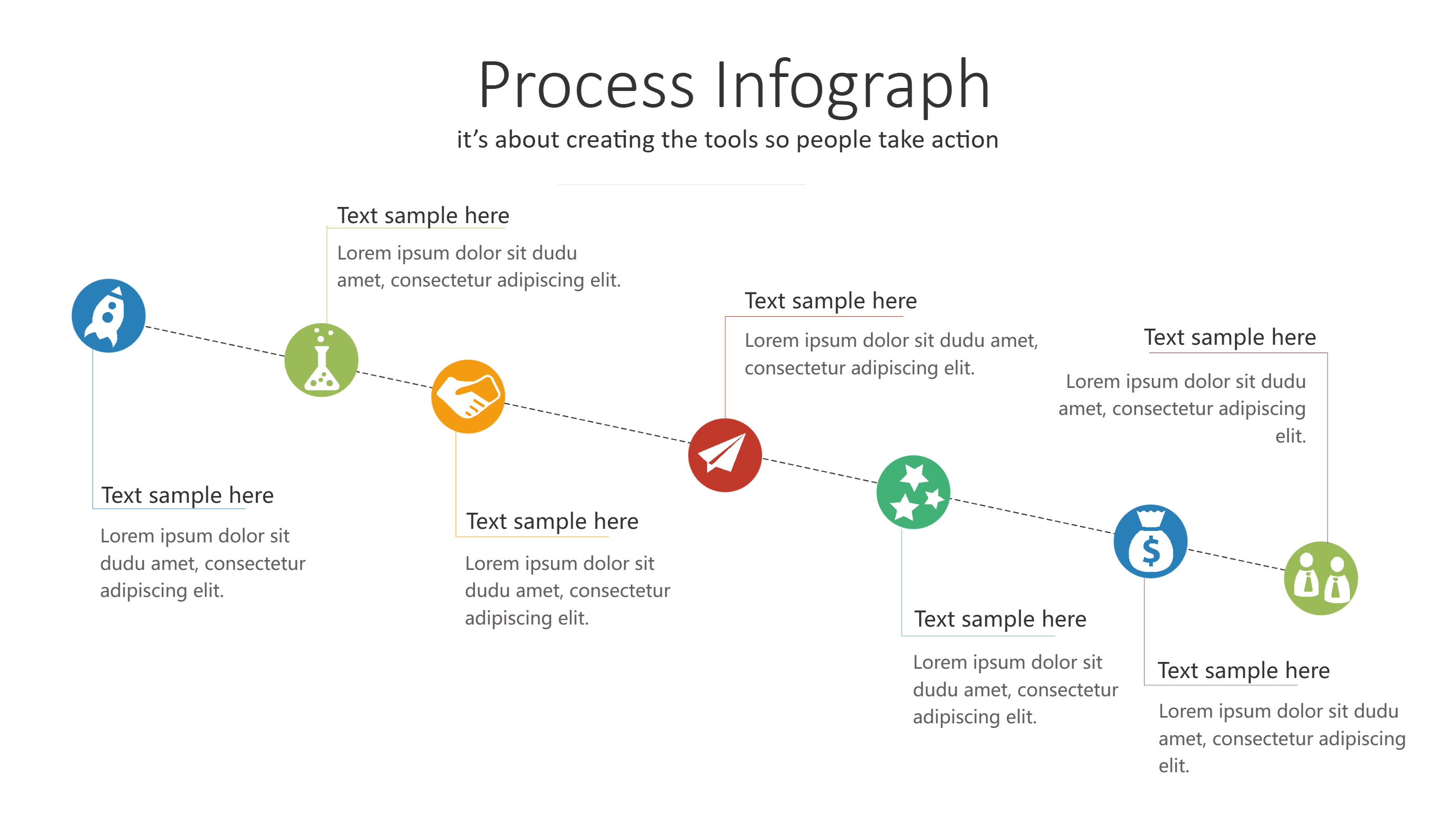
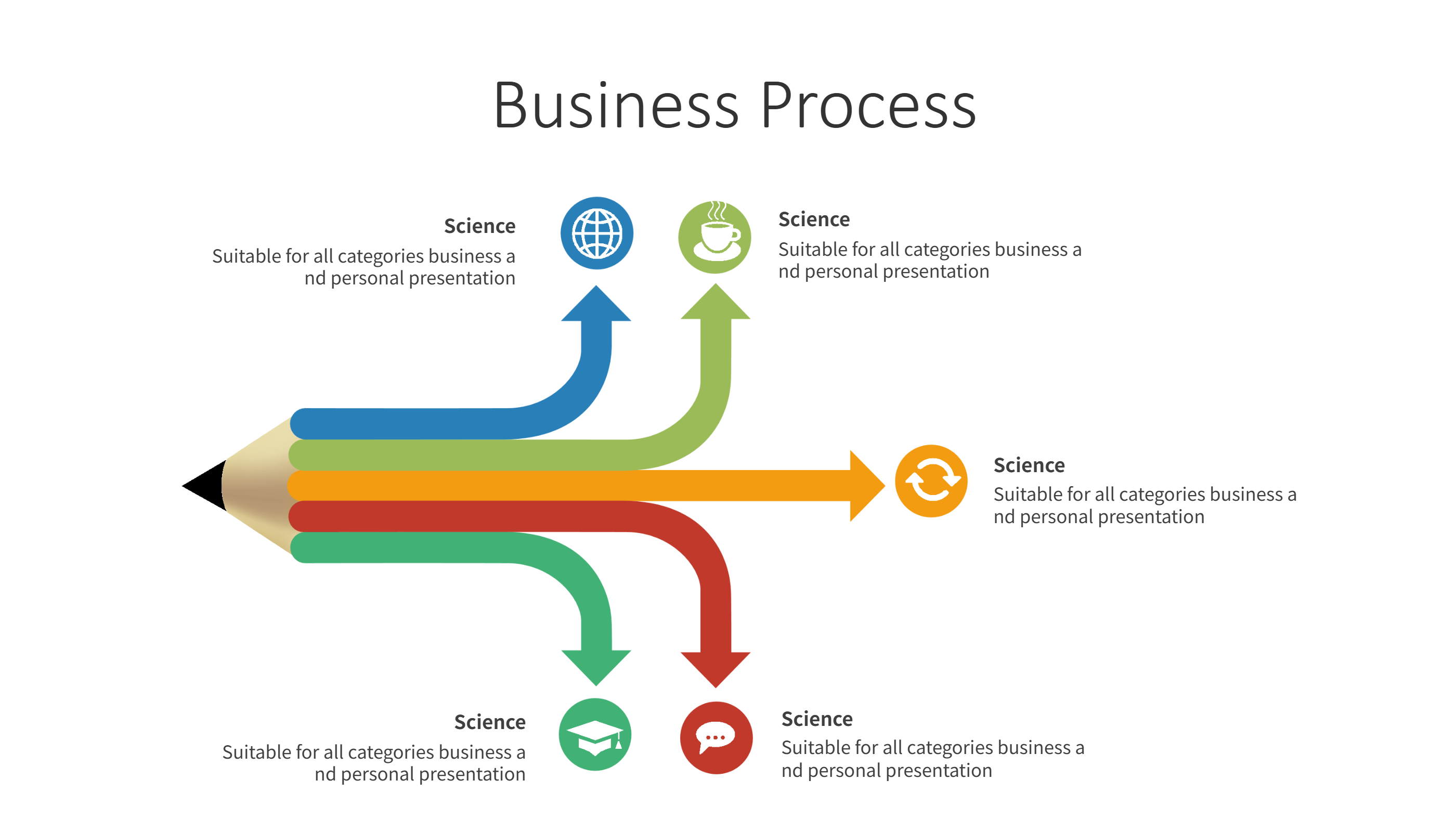
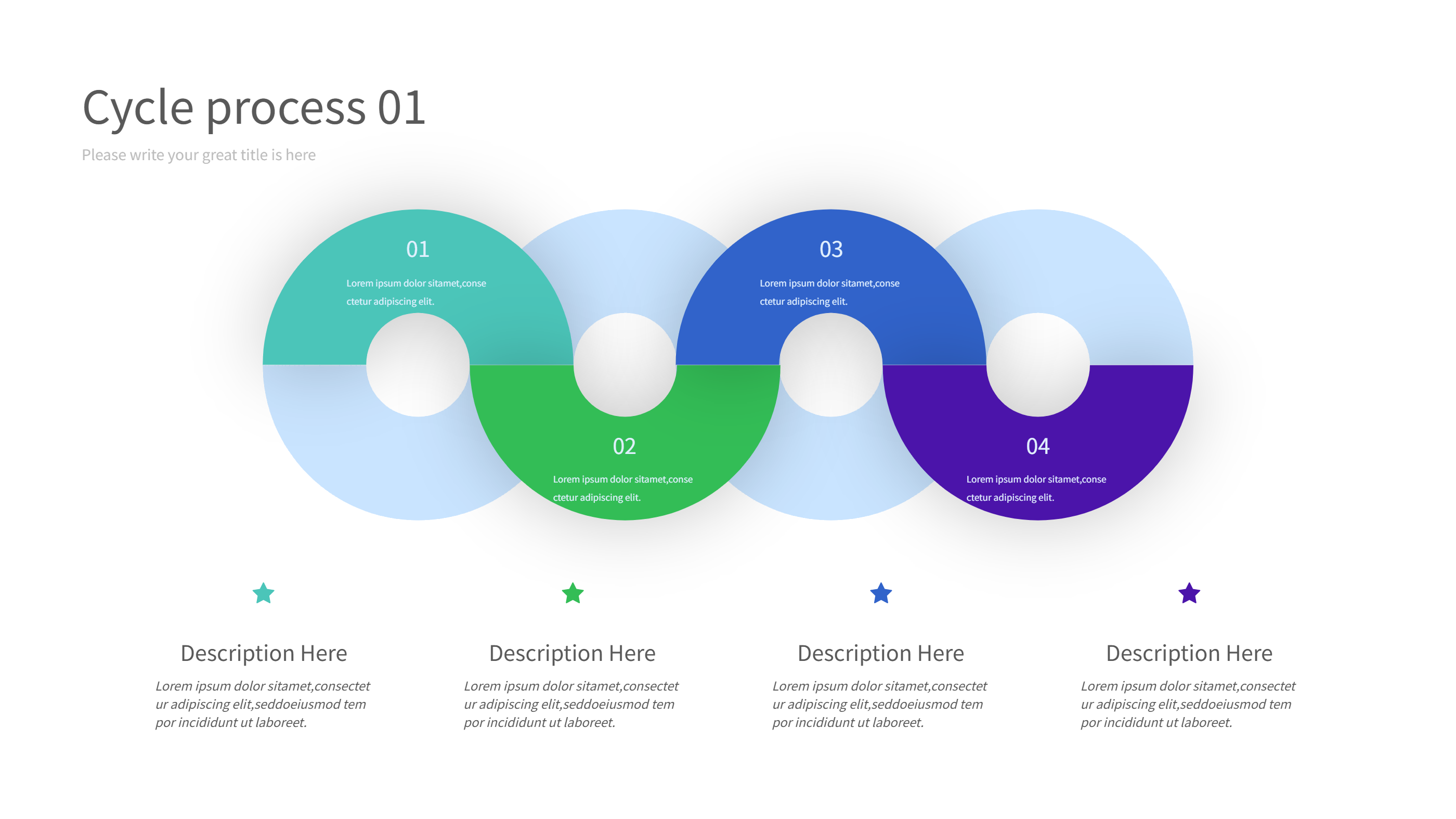
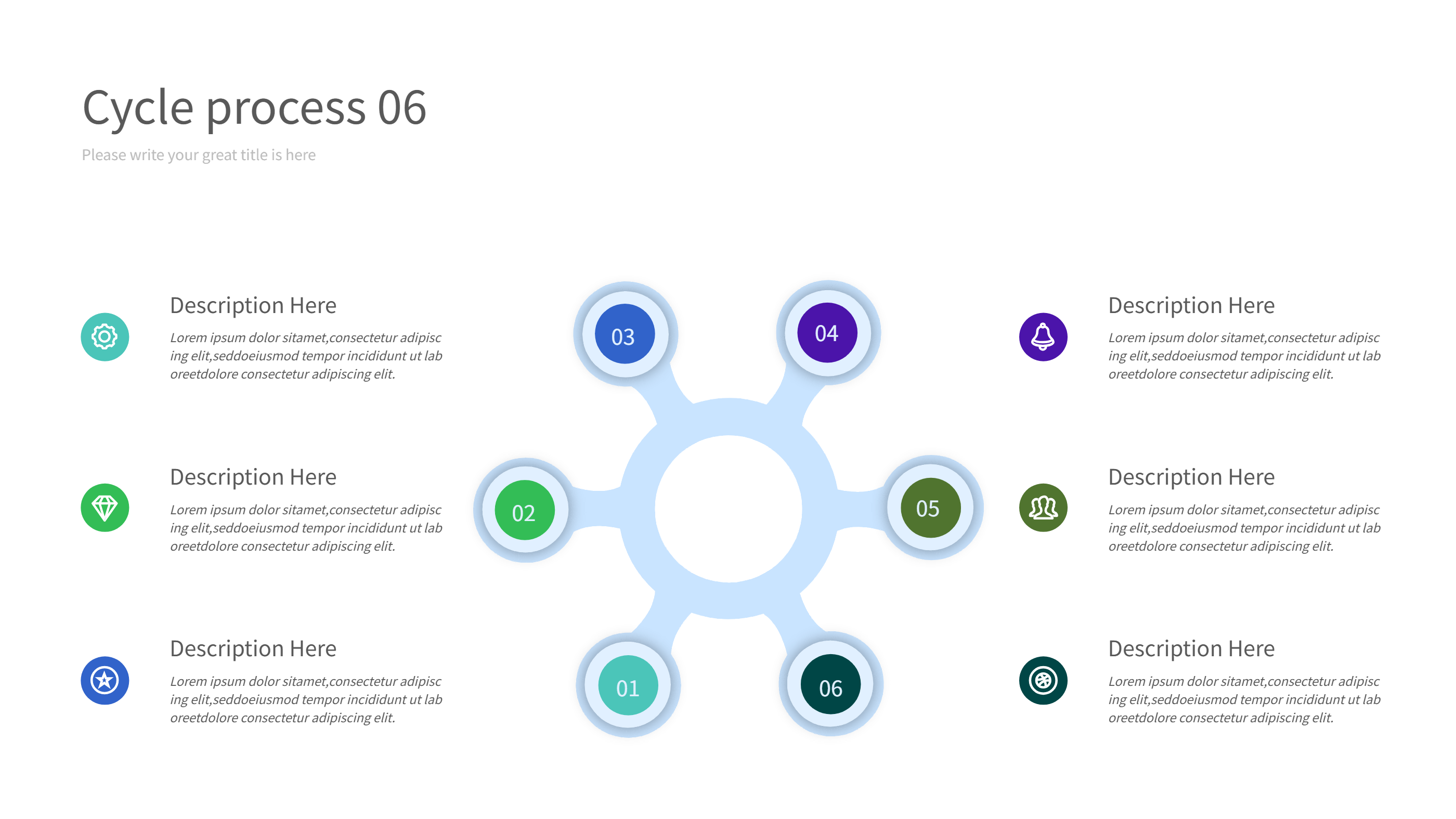
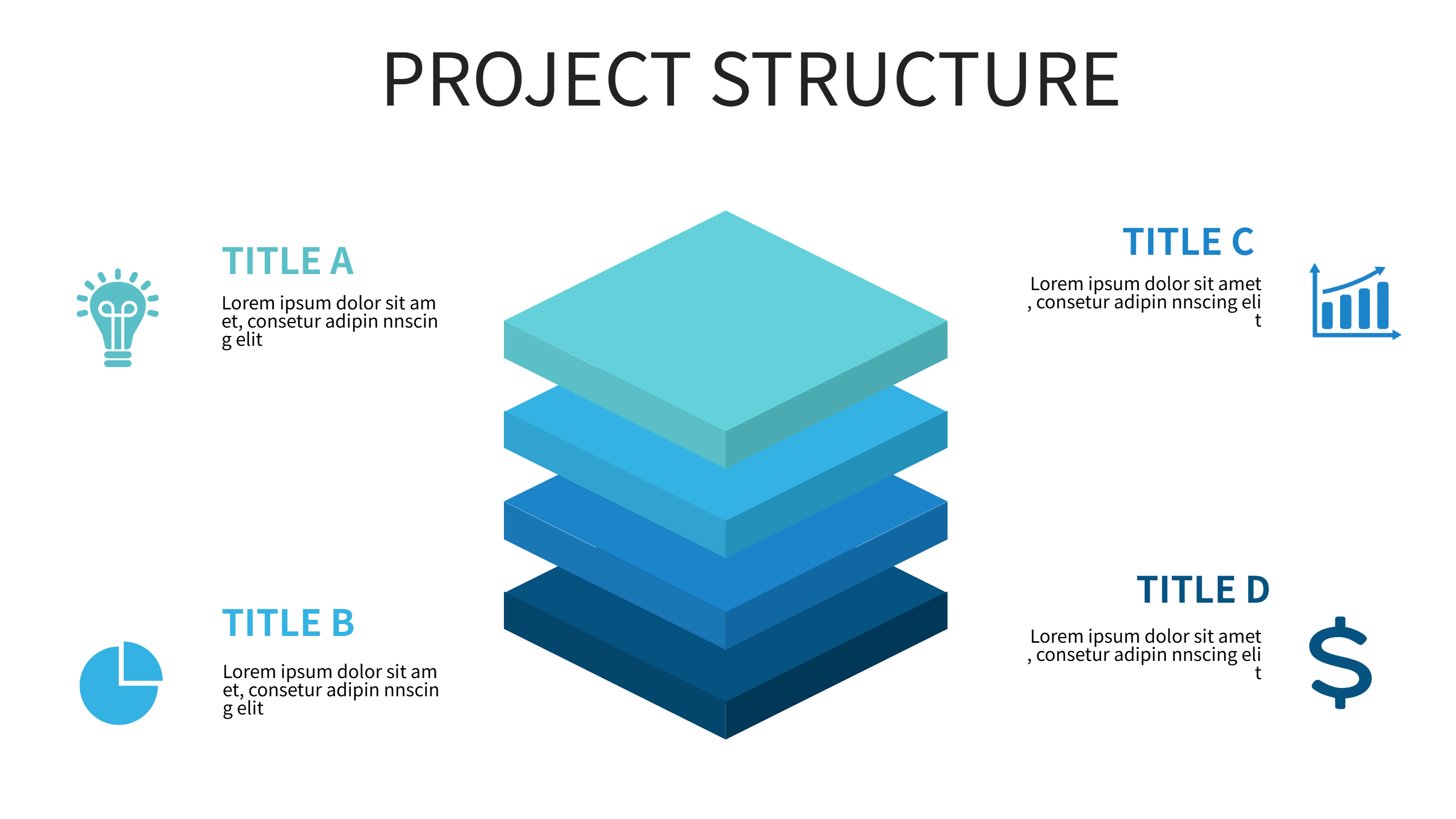
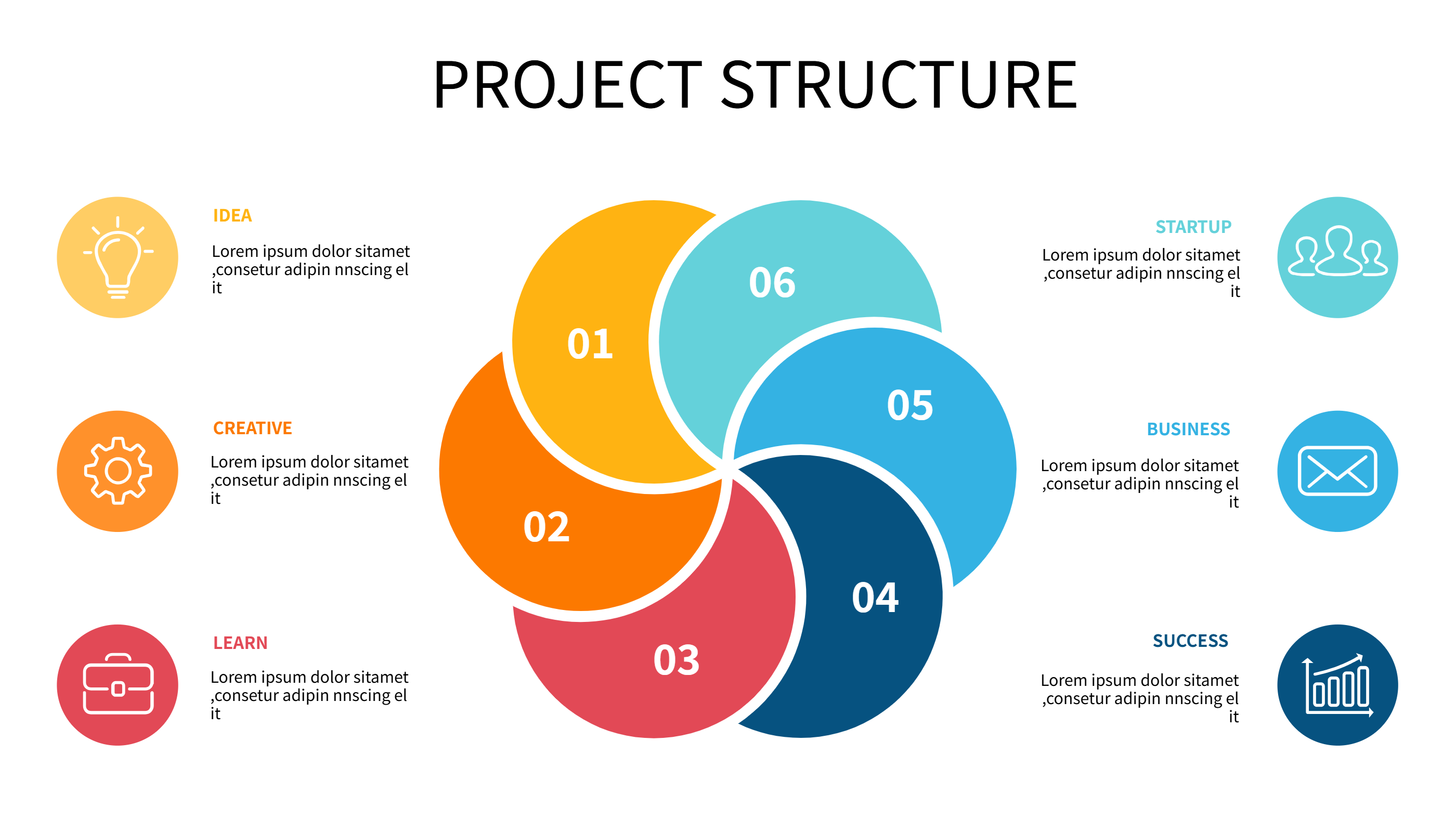
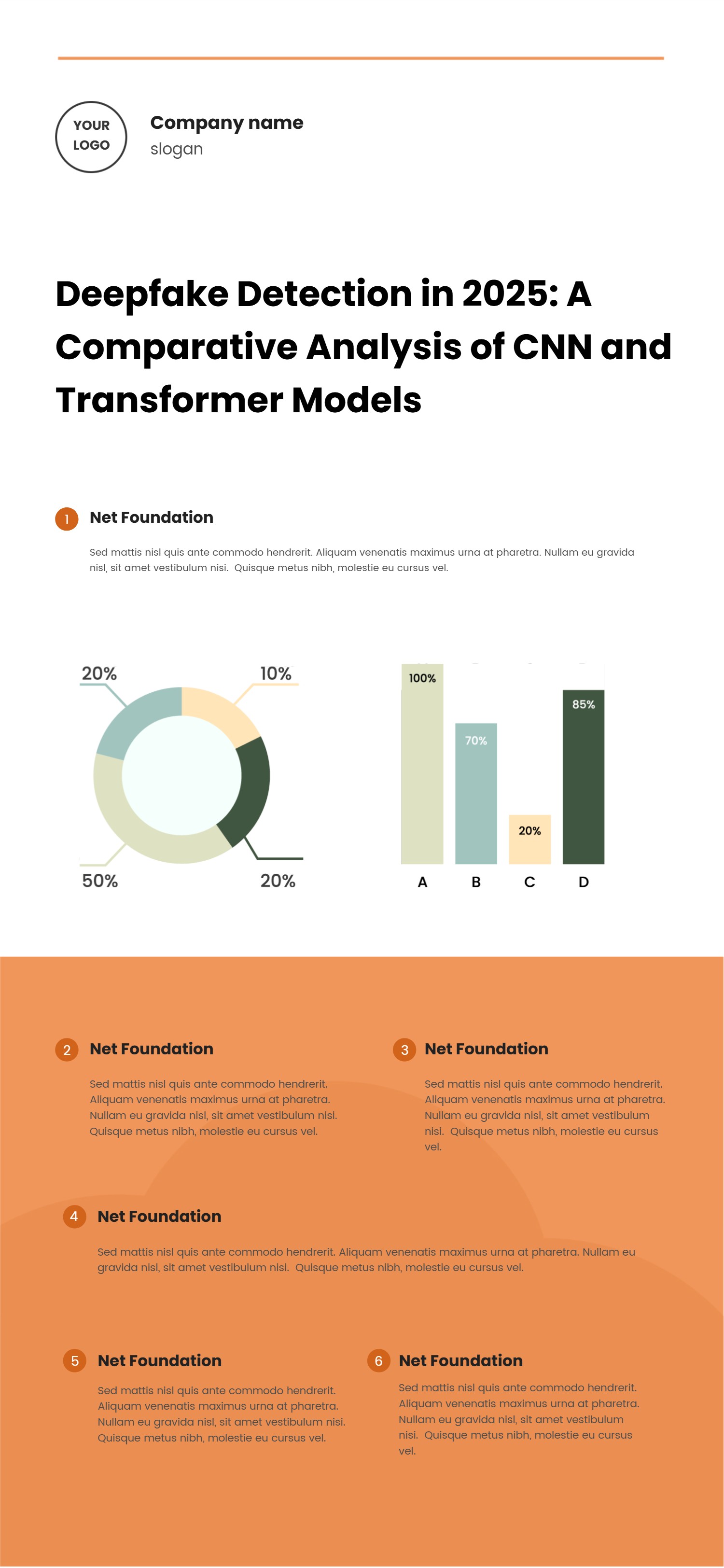
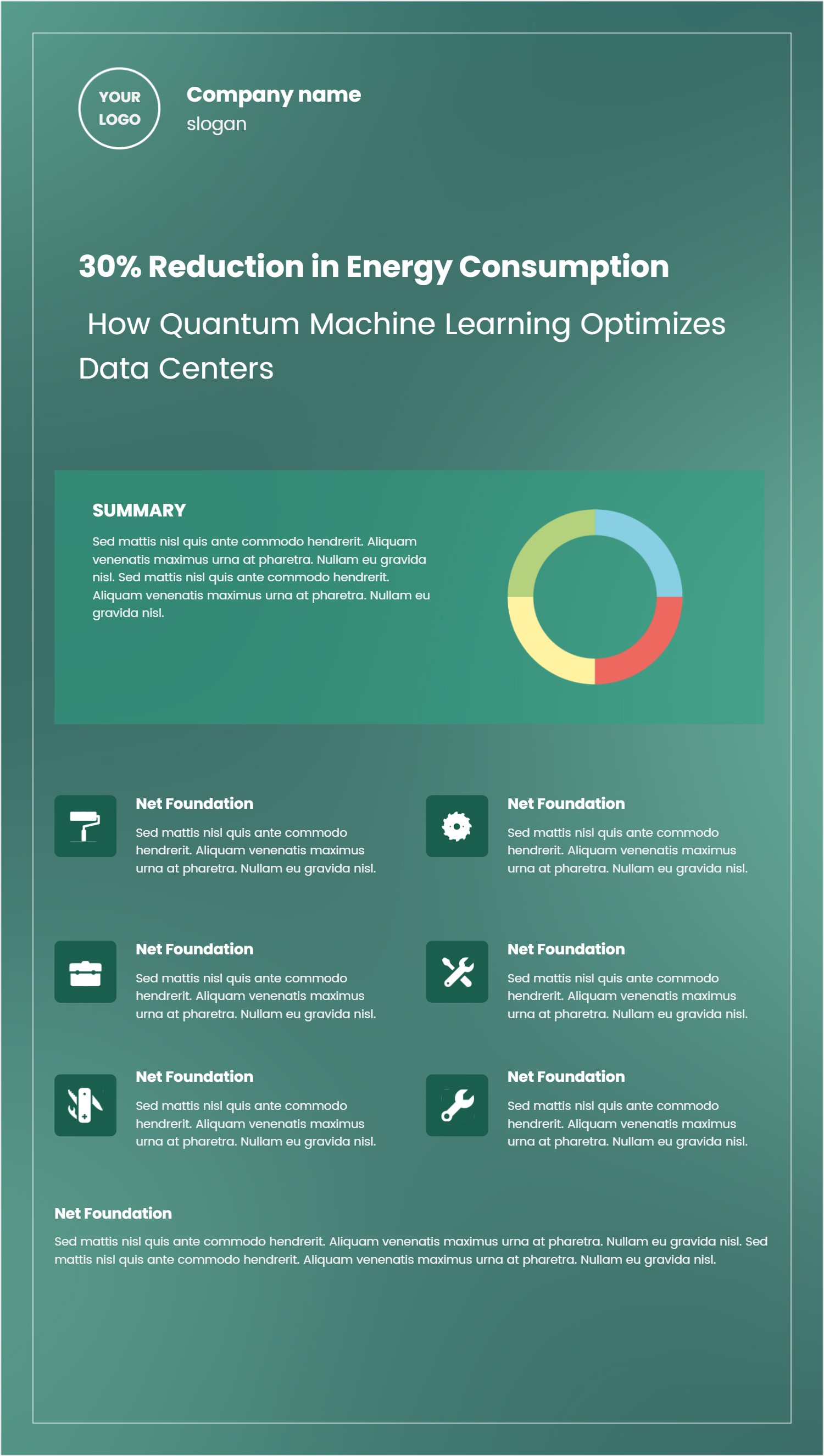
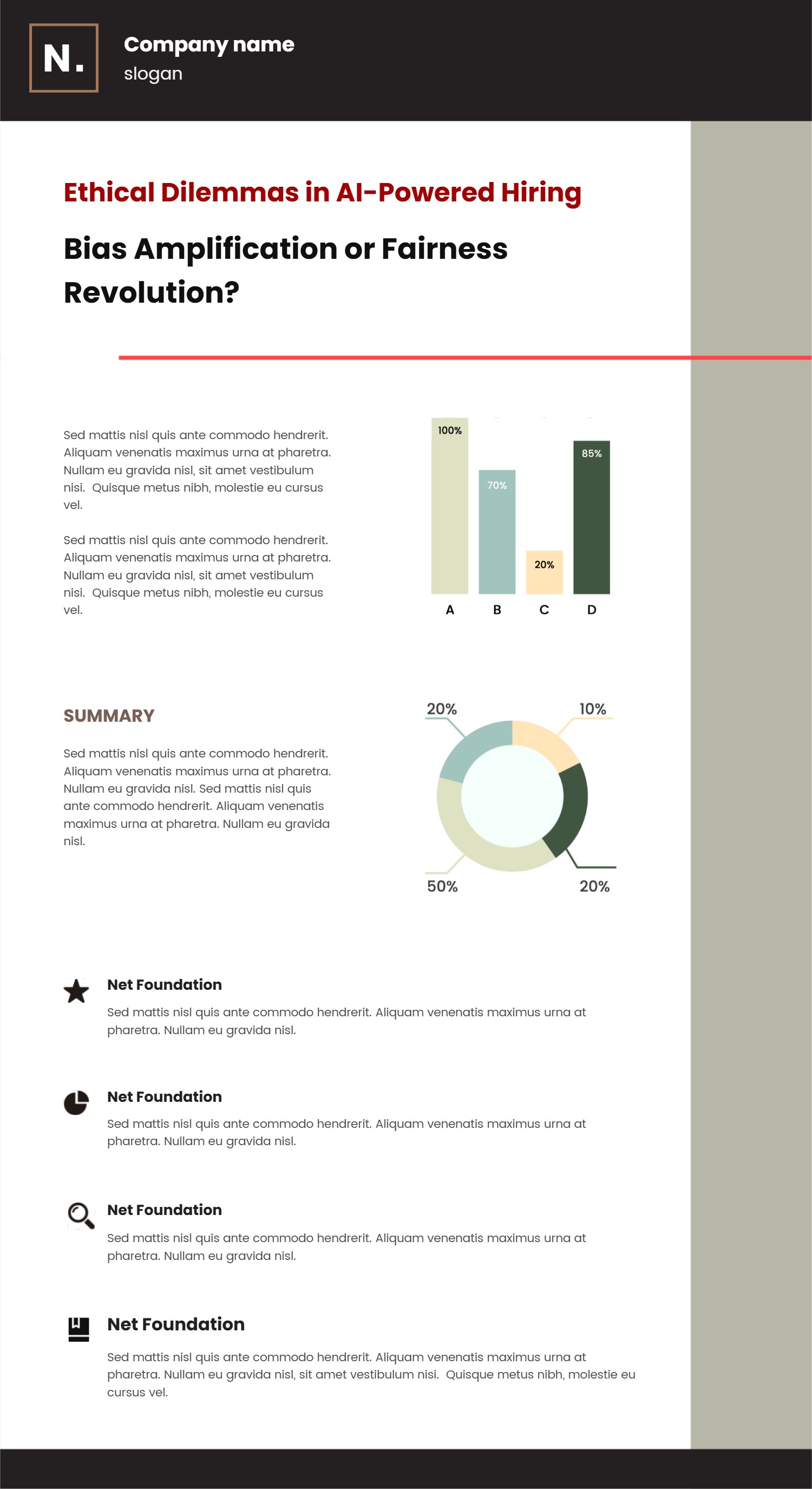
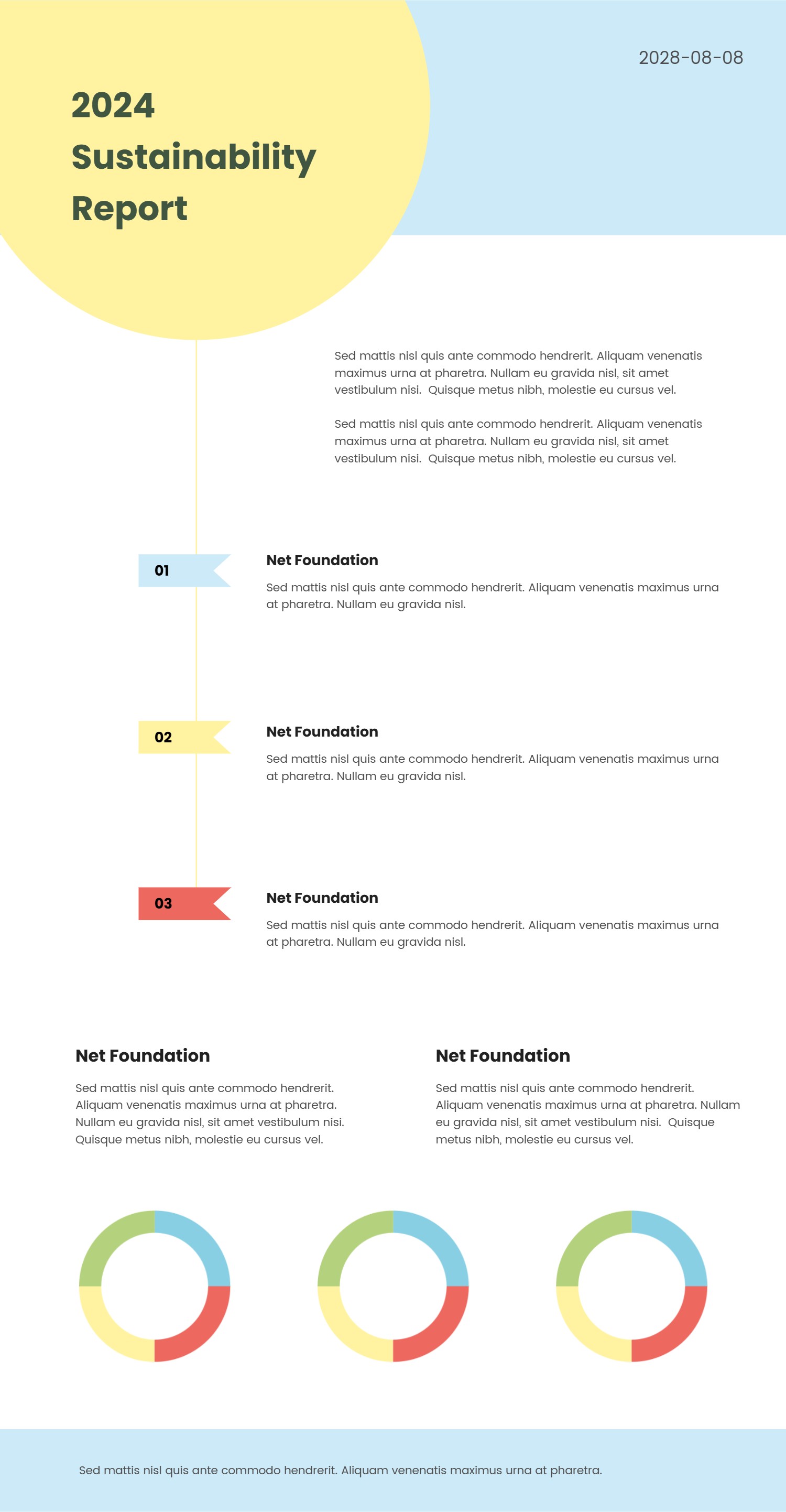
A Notion case study template infographic is a simple layout that turns a project into a clear story. It shows the problem, the goal, the work, and the result in a clean order. The blocks give each idea its own space, so readers do not feel lost. The tone is friendly and easy to scan. You can use it to explain a client task, a school project, or a small business win. It keeps the Notion case study template style while making the page look like a neat infographic.
When to Use Notion Case Study Template Infographic
Use it when you need to explain what happened and why it mattered. It is good for team updates, portfolio pages, simple reports, and product notes. It also works for interviews or sales pages where a quick story helps trust. If you have numbers, you can add small charts, but keep it light. The format fits a short read and helps people remember the key points. It is also helpful when you want to compare before and after in a single view.
How to Use the Notion Case Study Template with AI
On the homepage open the AI generation tool. Choose the Notion case study template layout. Type a short prompt with your topic, goal, and result. The tool fills the titles and text in a clean order. Read the draft and edit any words that feel too long. You can also swap icons or colors to match your brand. Save the version that reads like a clear story.
How to Download and Edit the Notion Case Study Assets
Click the download button on the page. An online editor opens with your infographic ready to adjust. You can change text, move blocks, and update colors with simple clicks. When the layout looks right, press save and pick PPT, PNG, or SVG. You can also keep editing later and download again. This makes it easy to share the case study in many places.
FAQ
Q: Can I use the Notion case study template for a small project?
A: Yes, it works well for short projects and simple results.
Q: Do I need design skills to edit this infographic?
A: No, the editor is simple and you can drag and type.
Q: How long should the story be in the case study?
A: Keep it short and focus on the problem, action, and result.
Q: Can I use this template for a client proposal?
A: Yes, it helps a client see the value in a quick view.
Q: Will the file work for PPT slides?
A: Yes, you can download as PPT and present it right away.