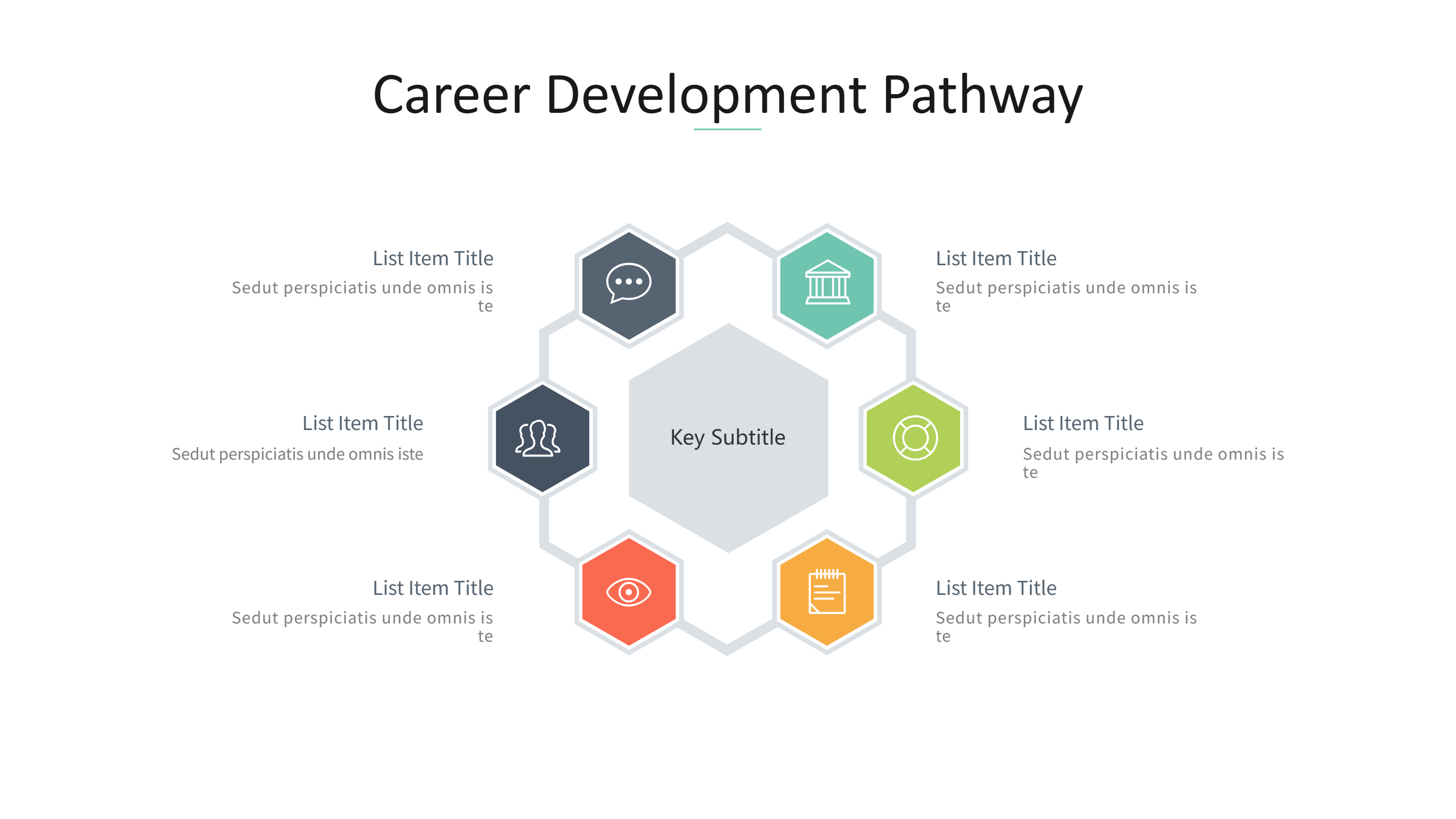
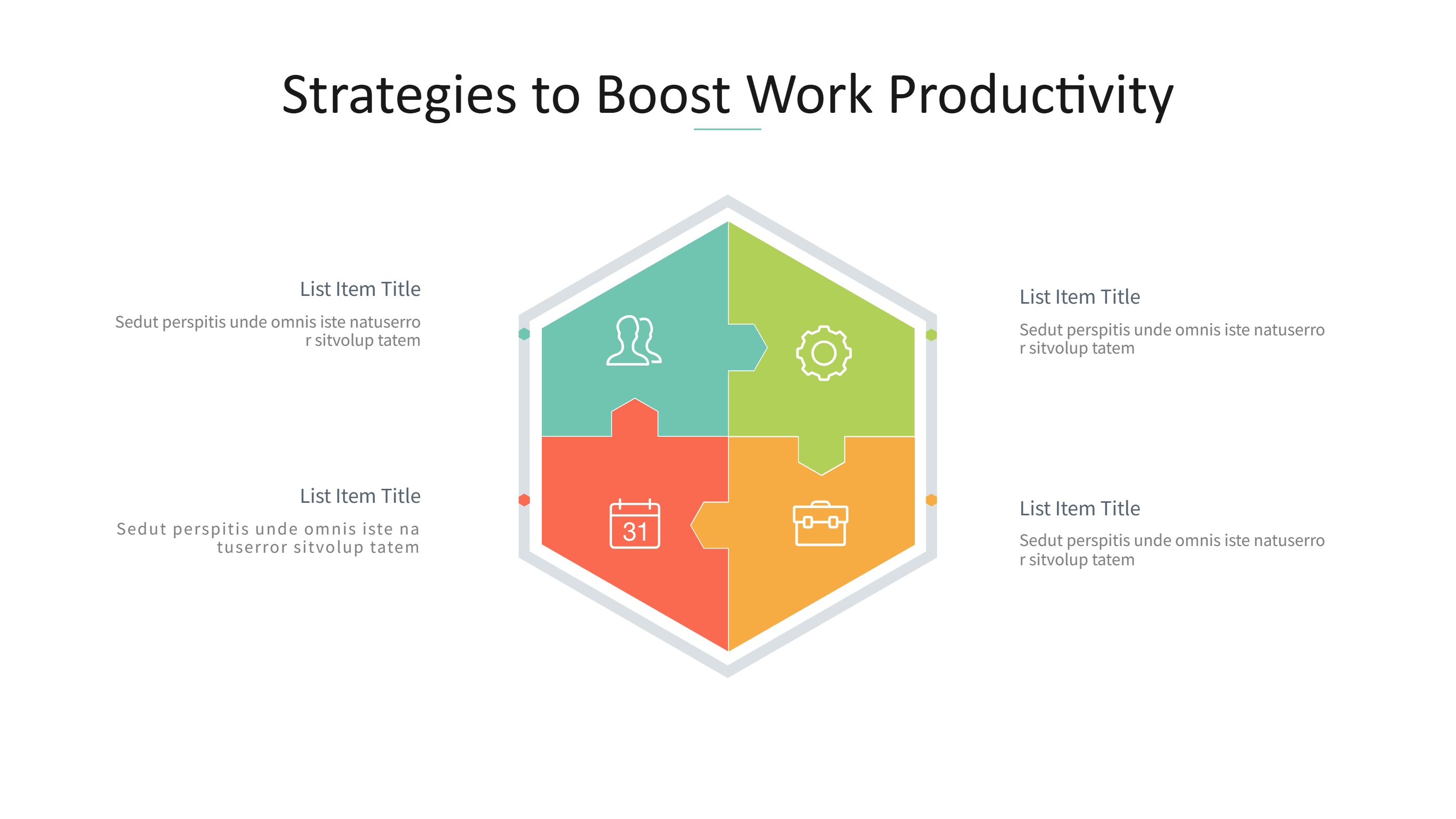
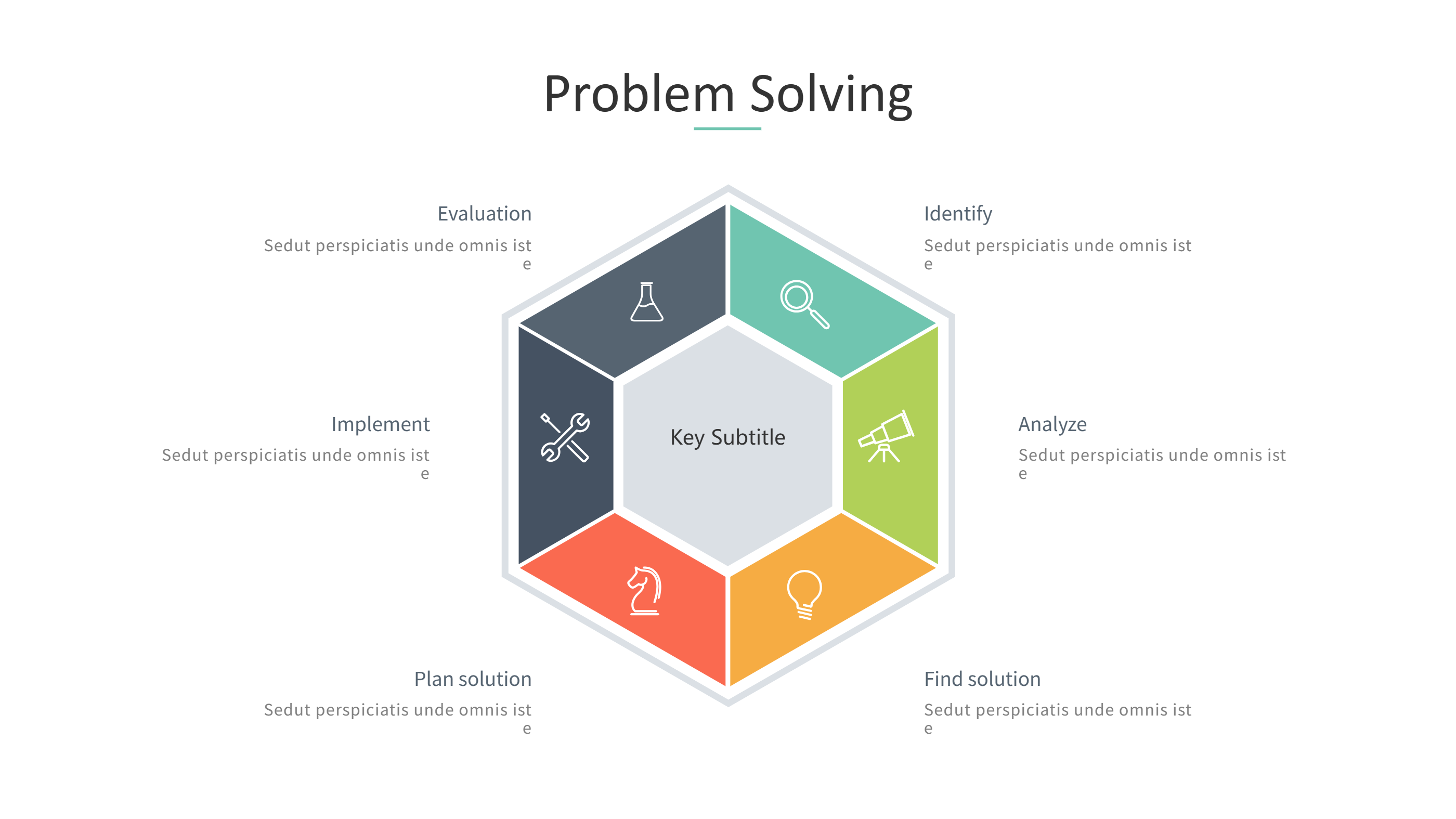
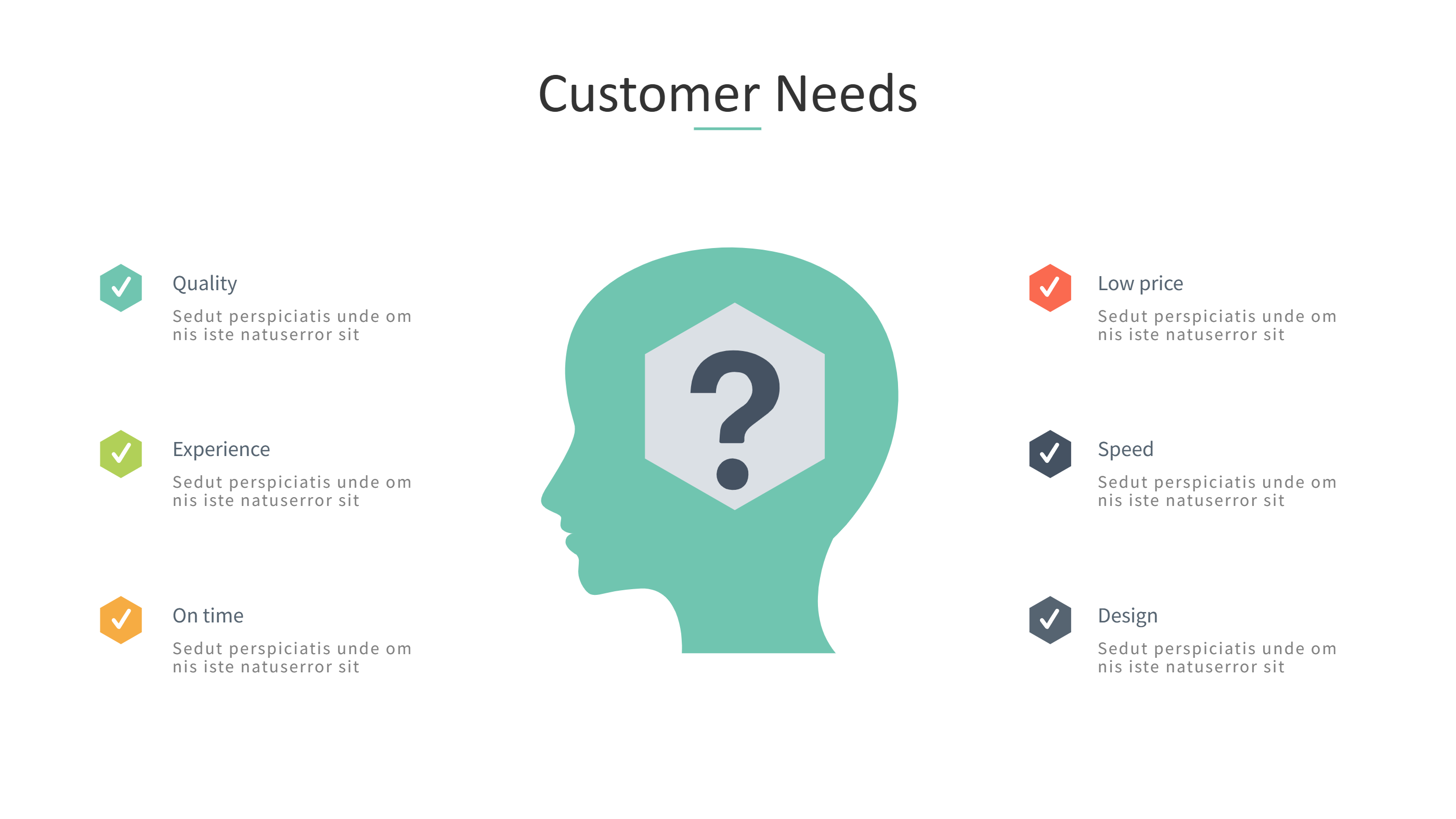
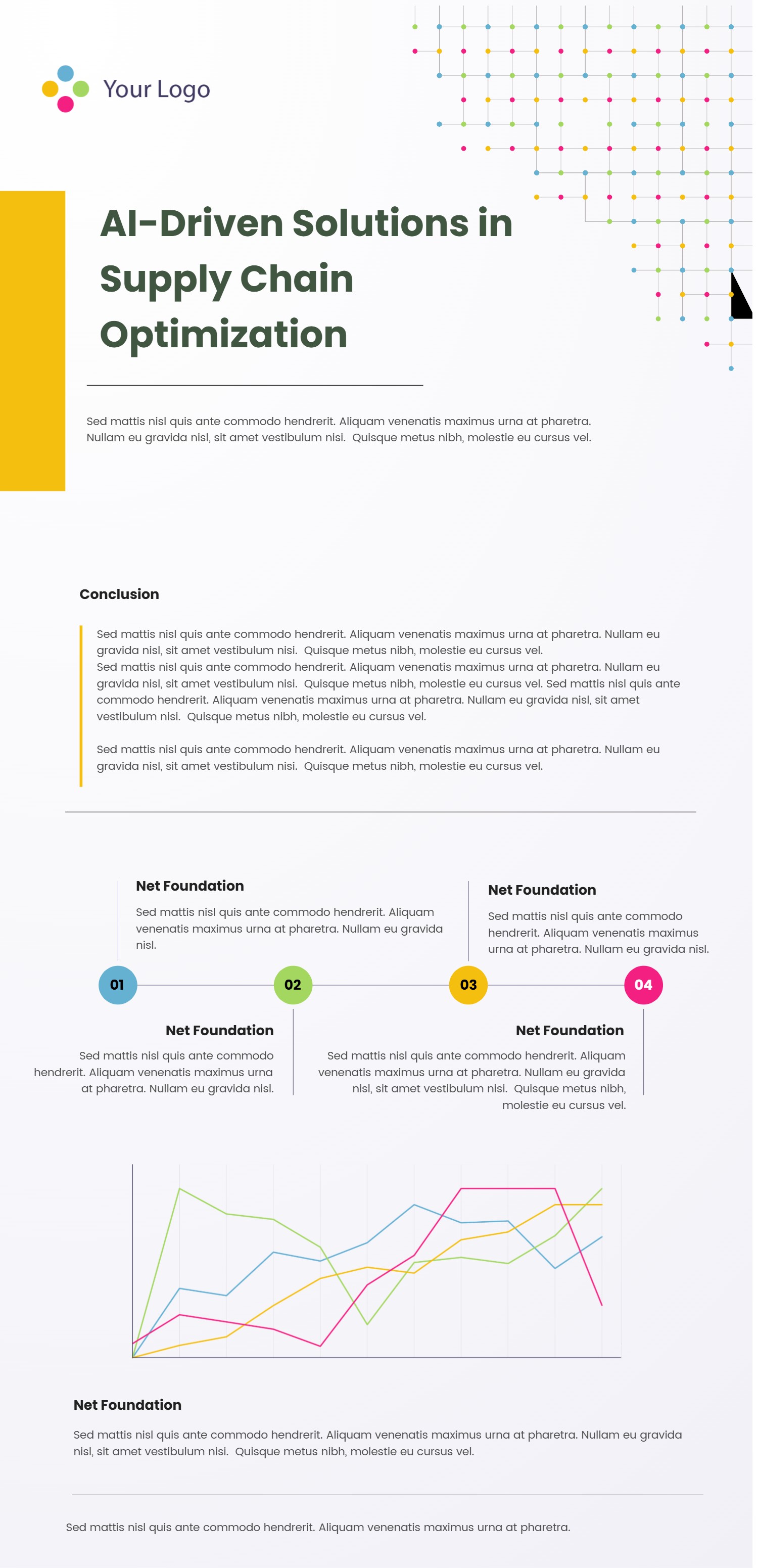
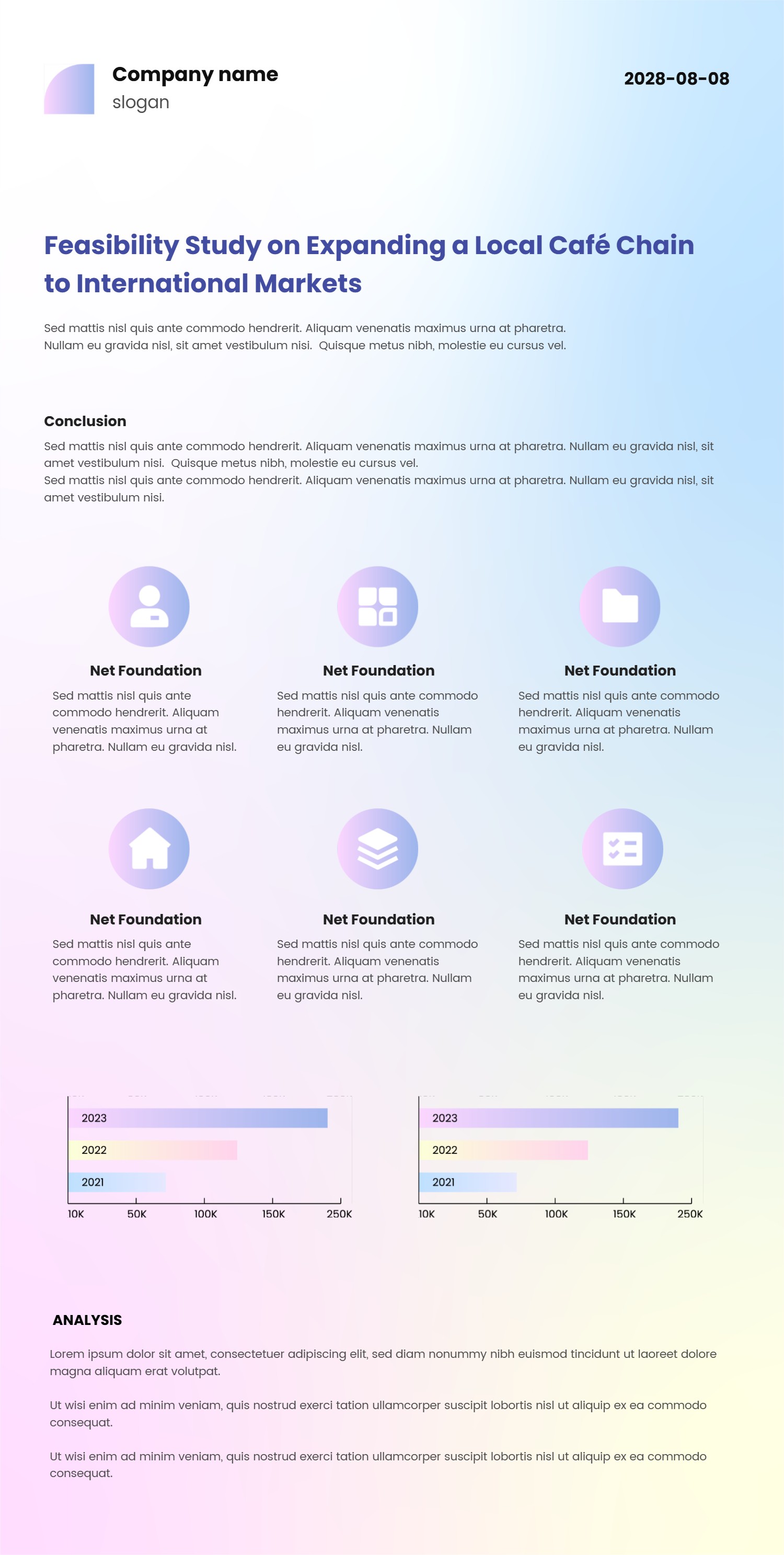
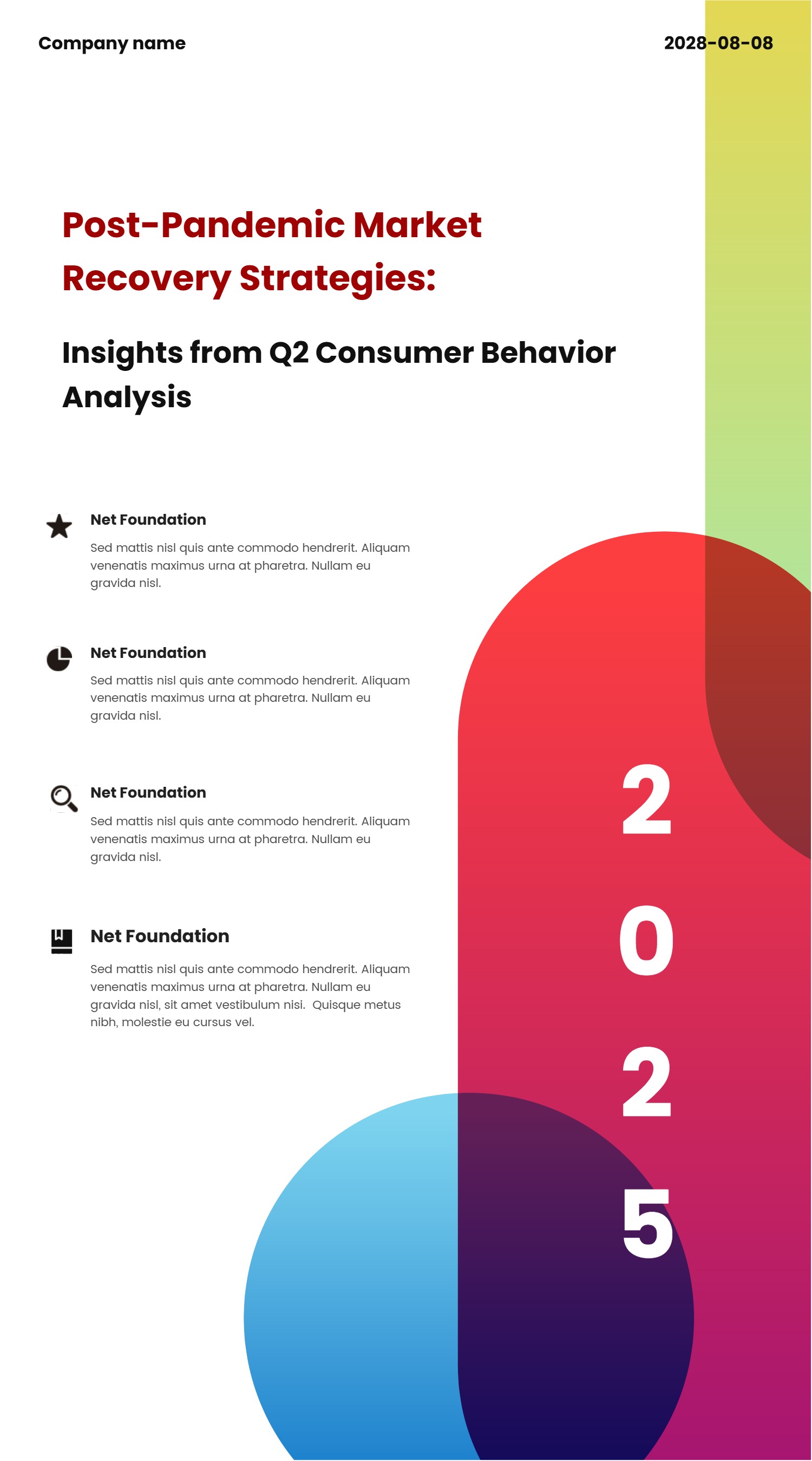
Morph Animation PowerPoint Template for Motion Style Slides
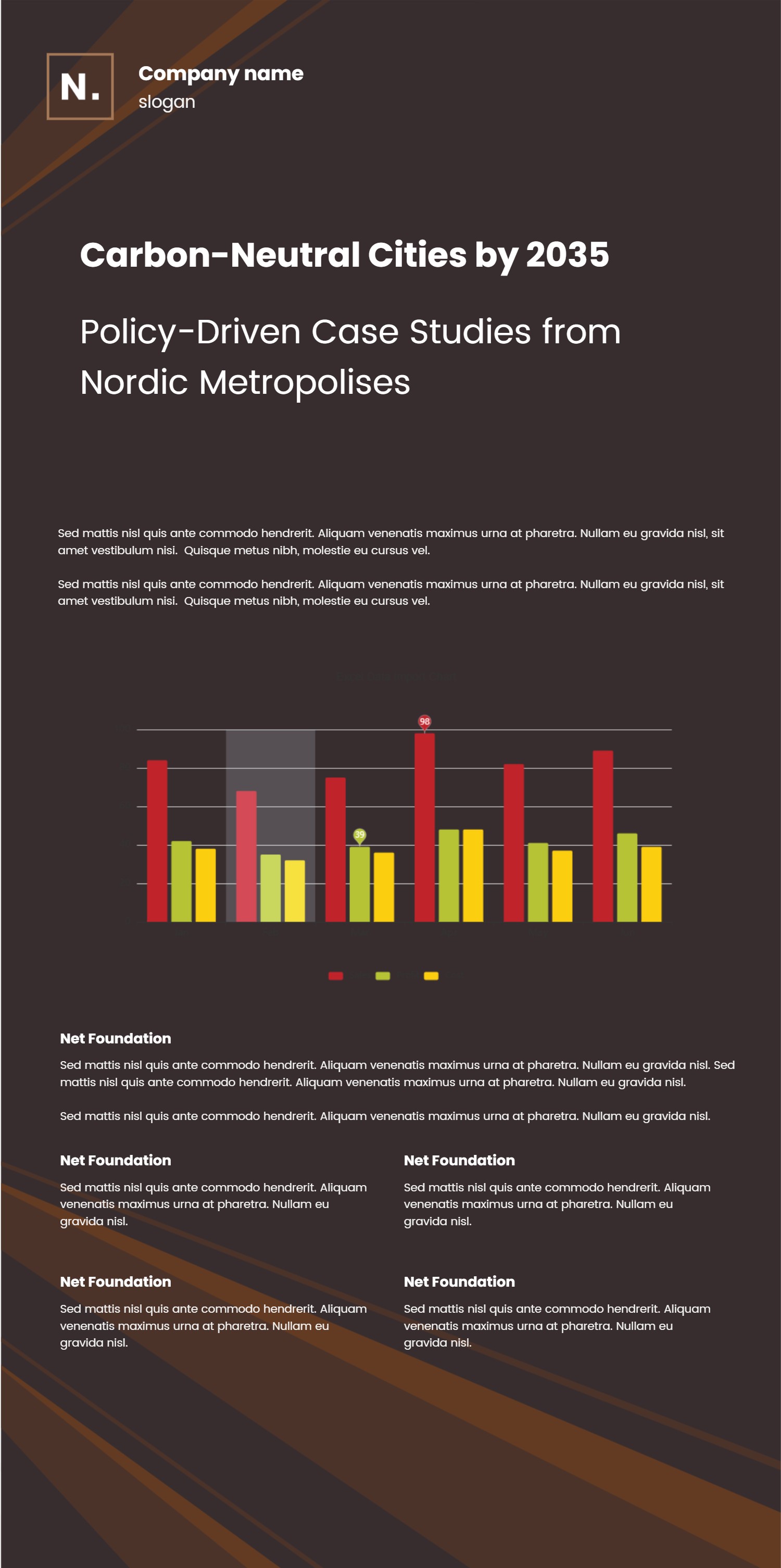
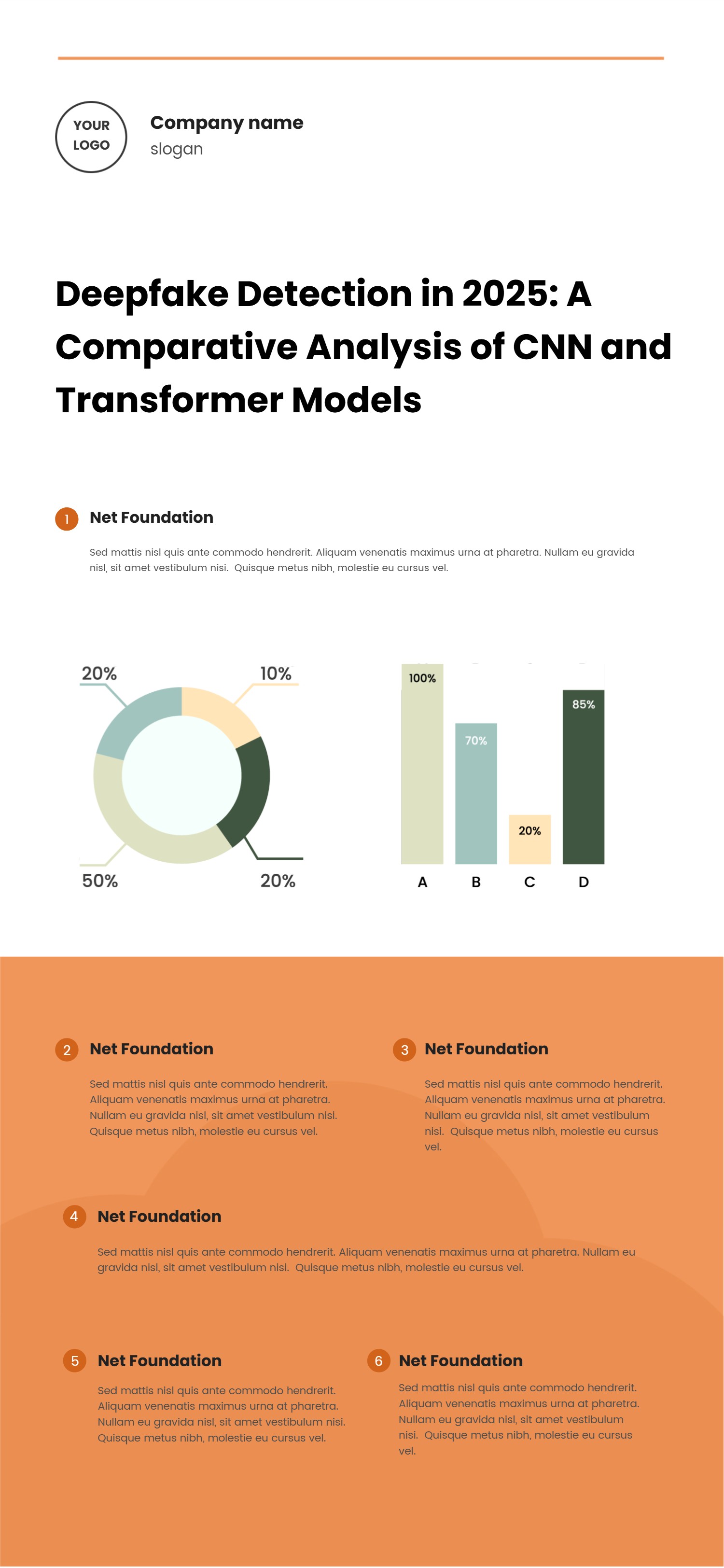
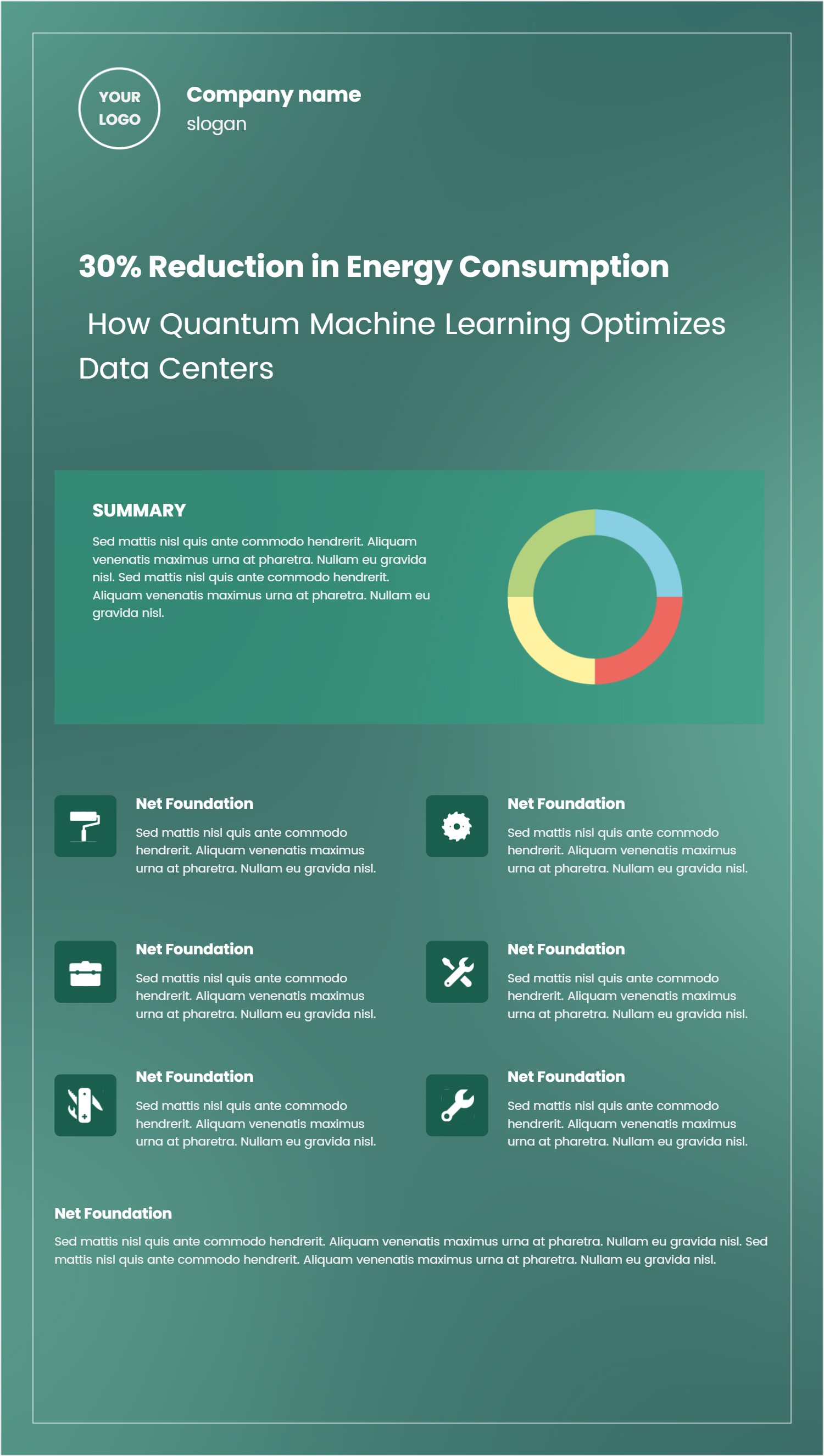
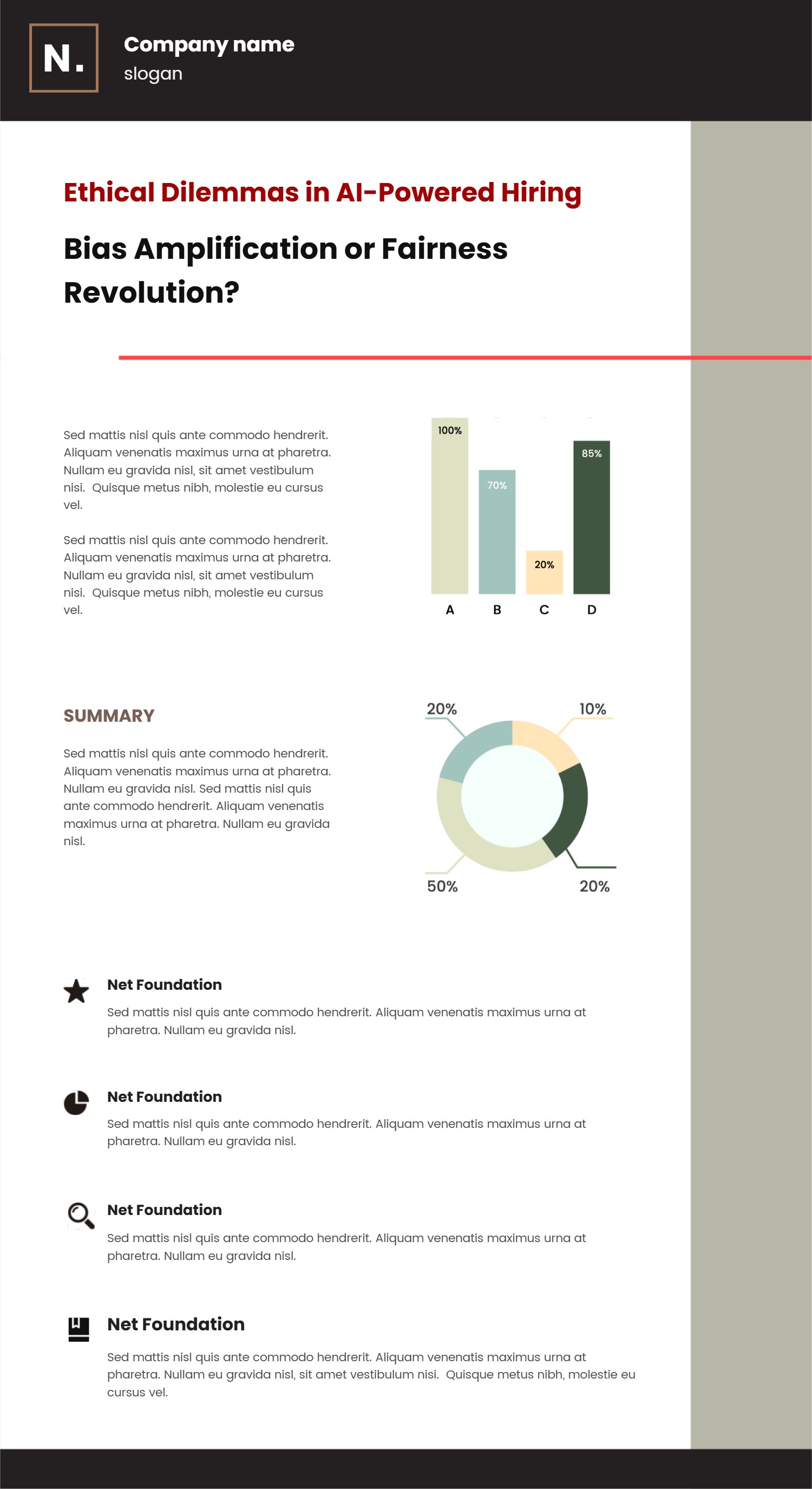
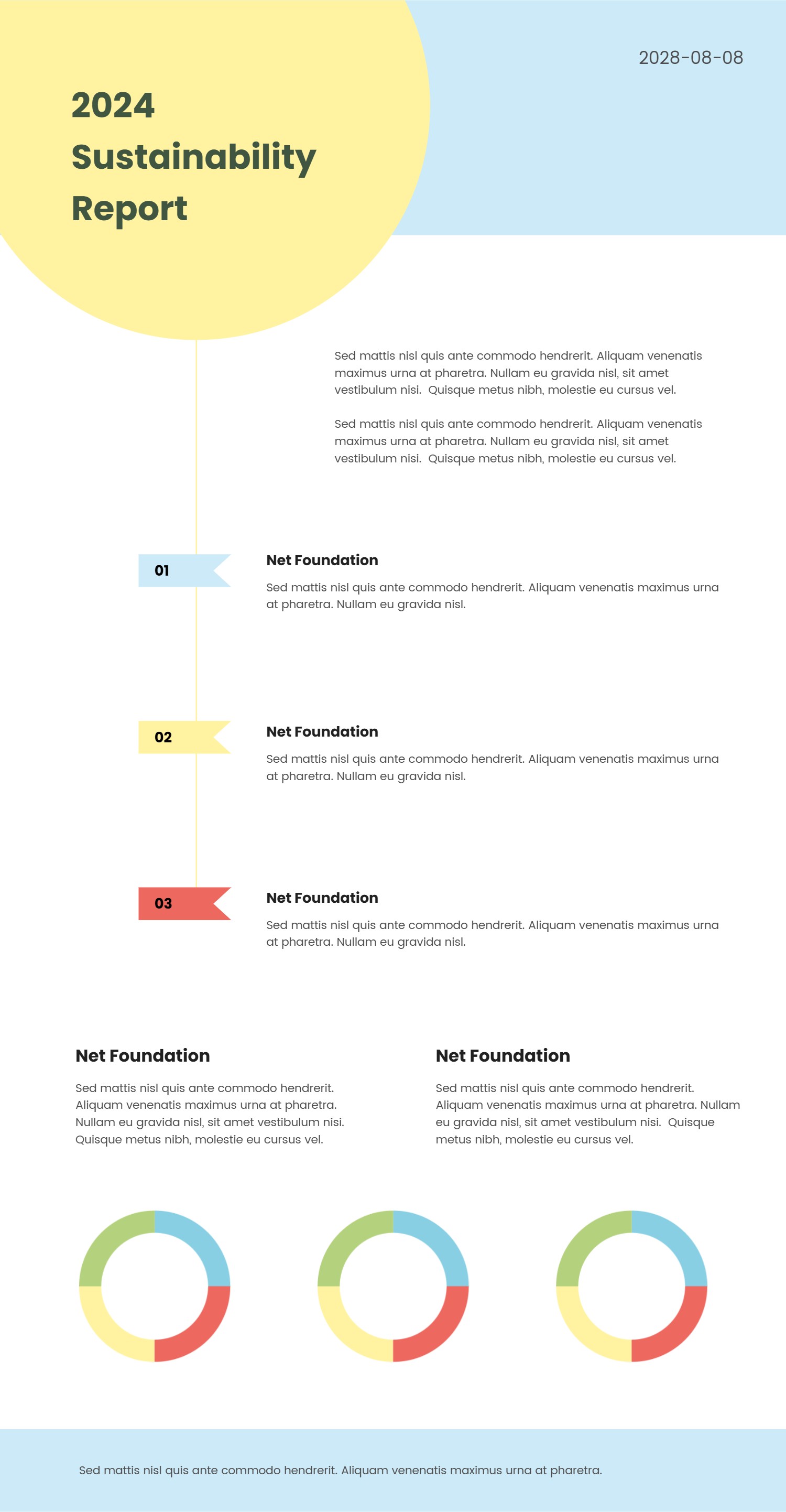
What is Morph Animation PowerPoint Template Infographic
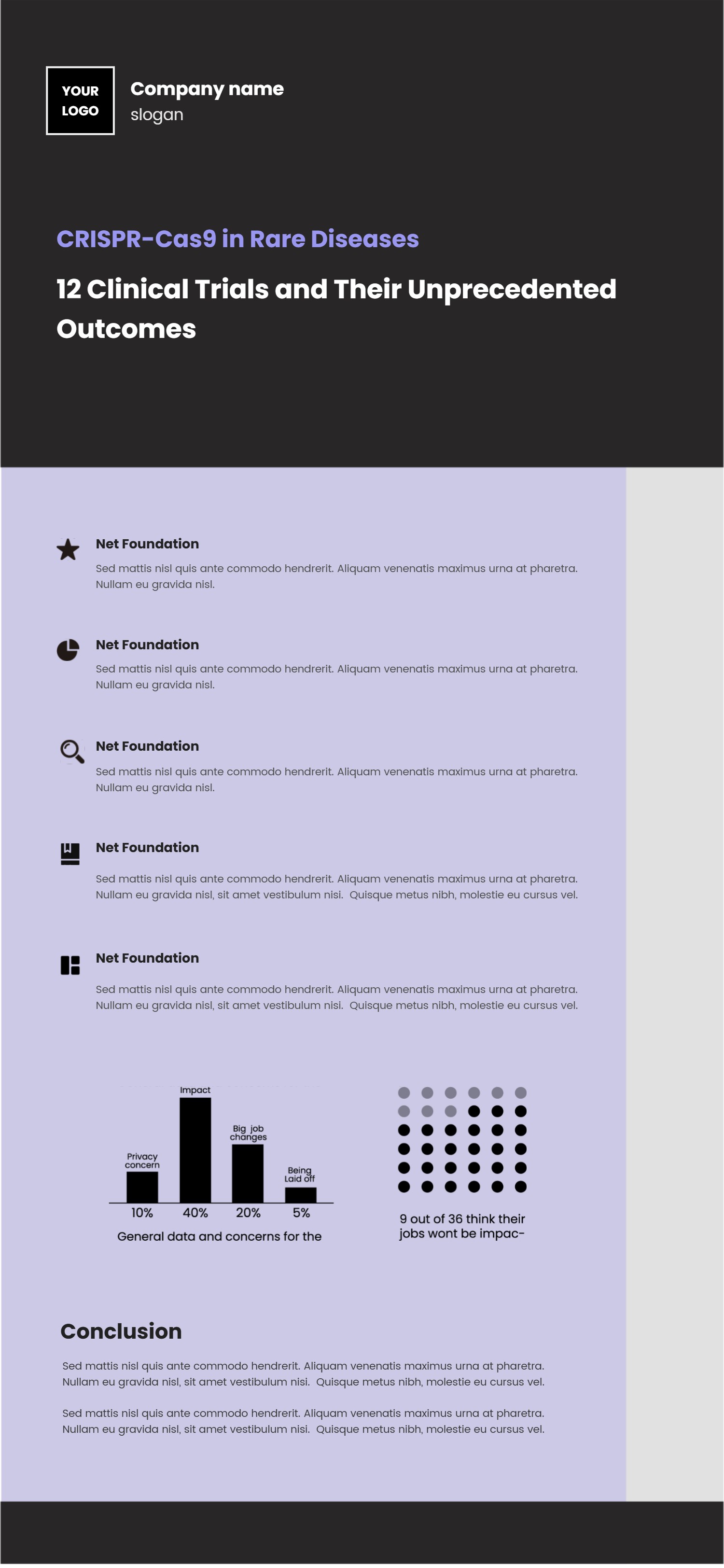
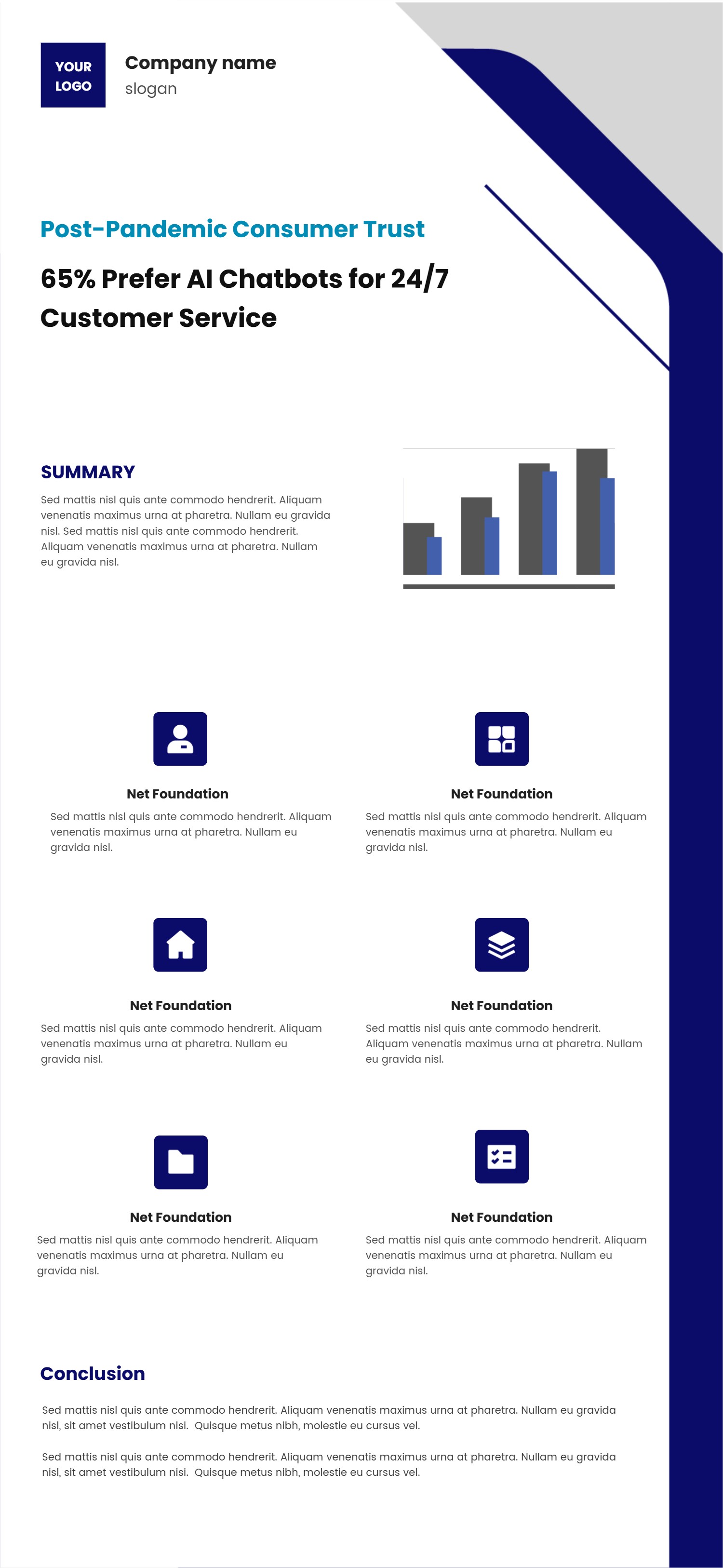
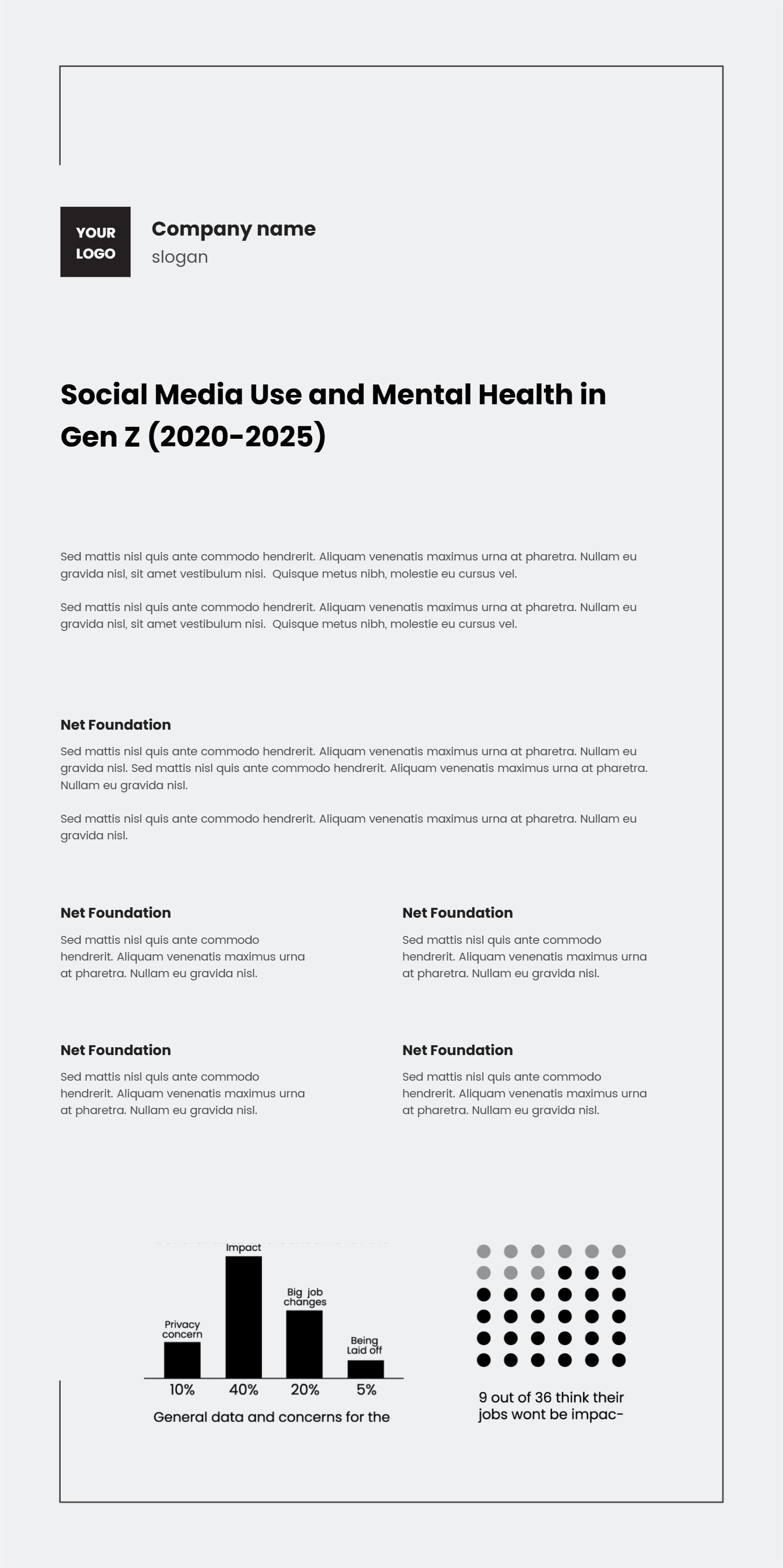
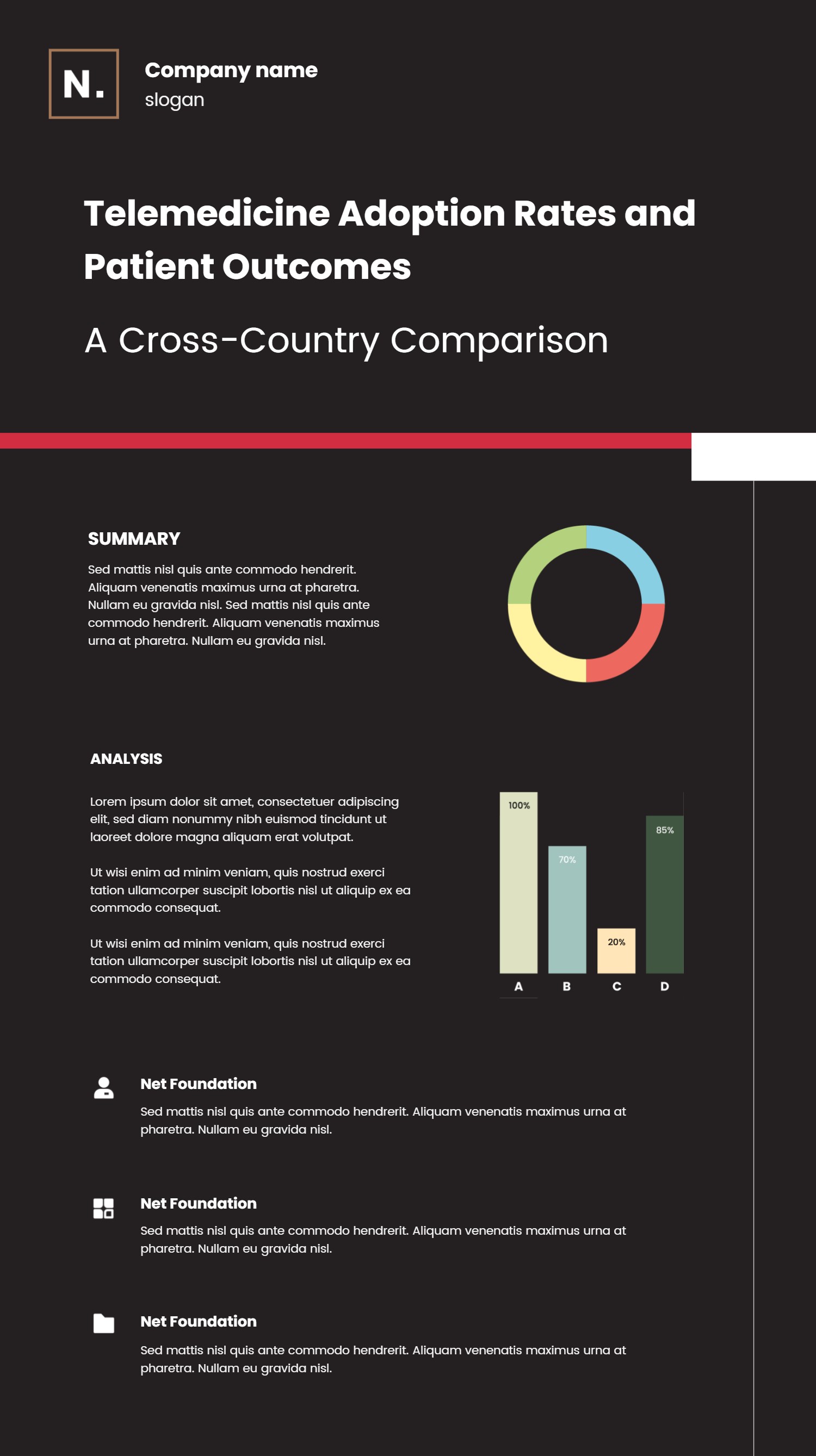
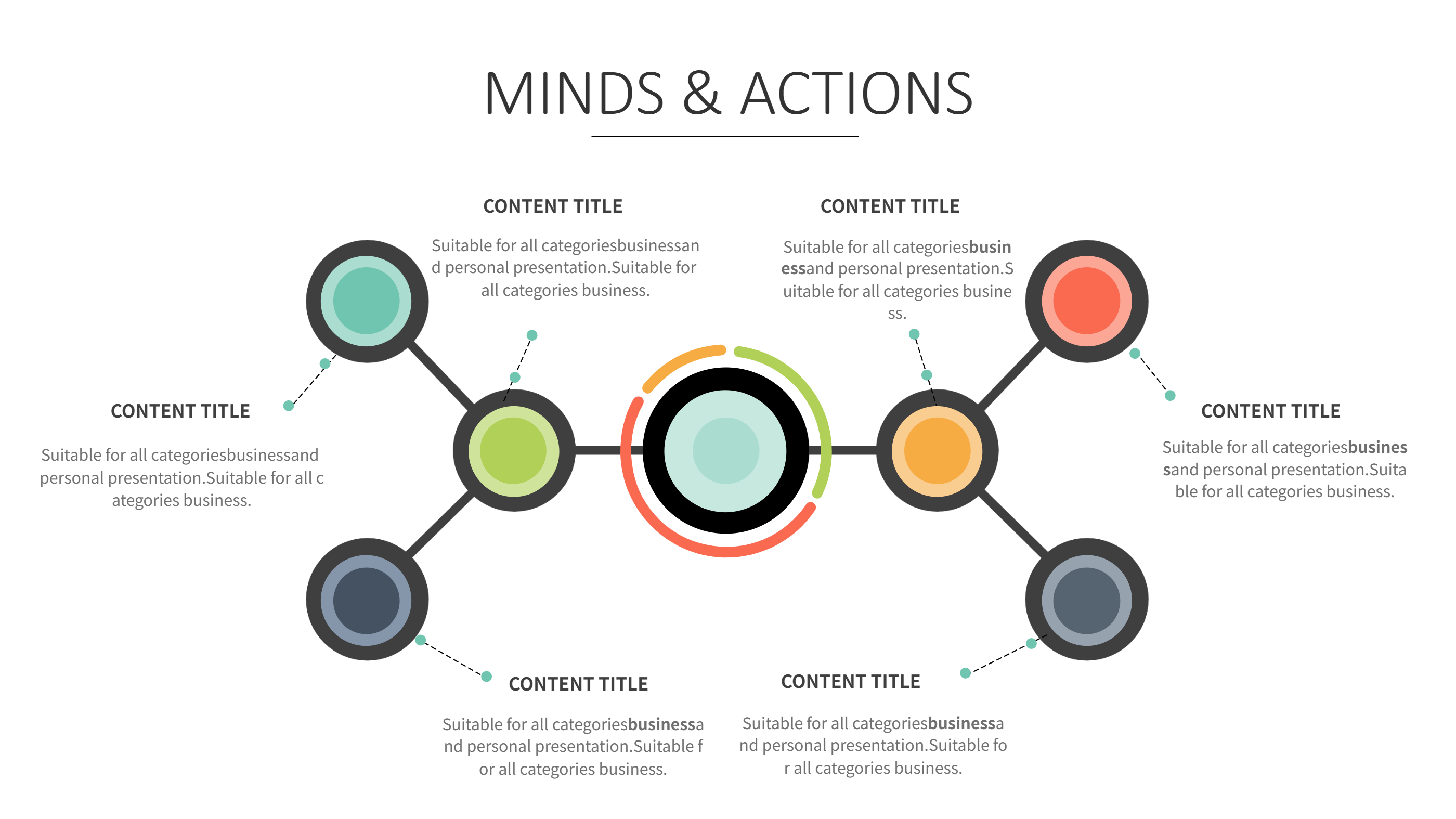
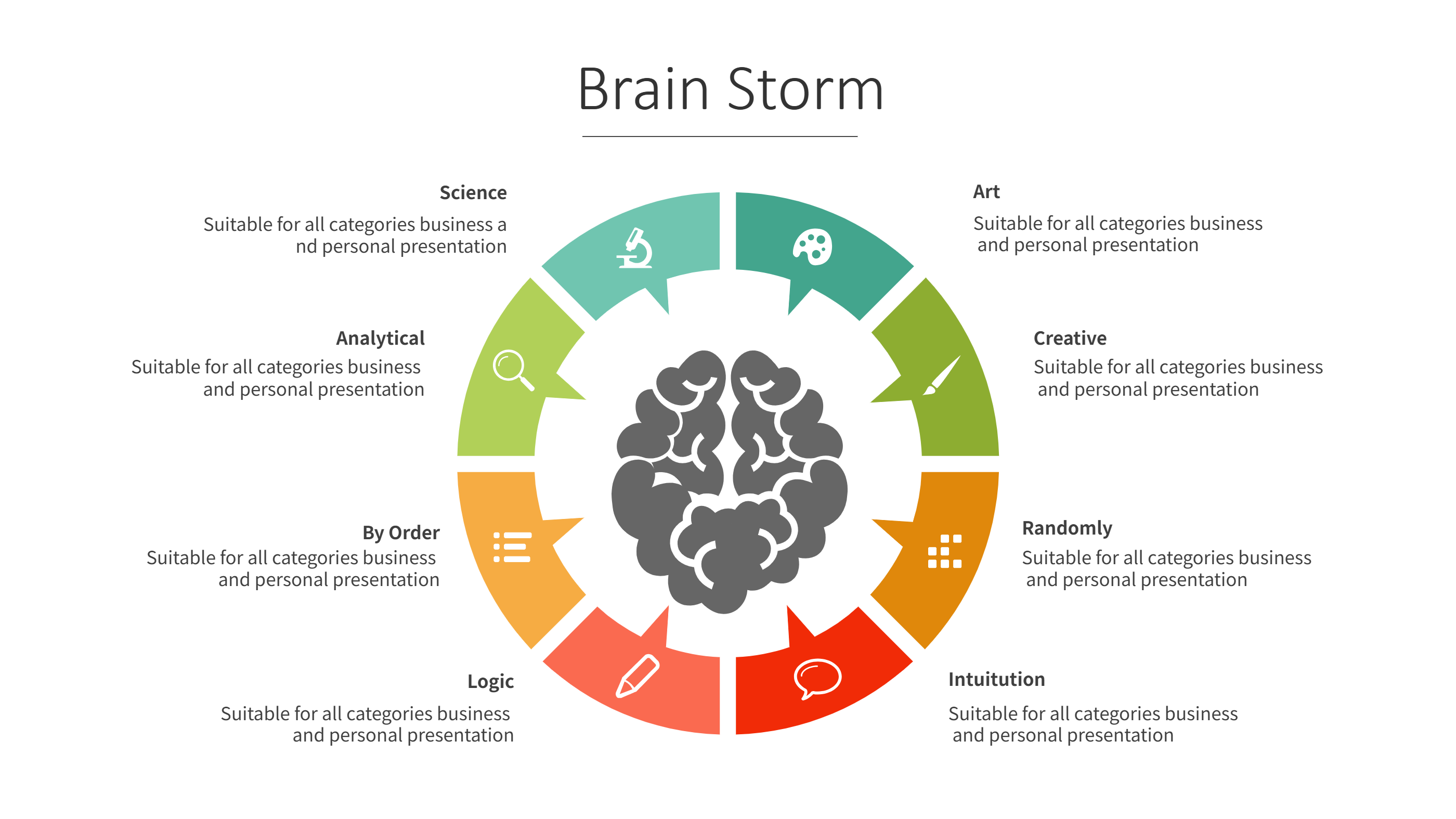
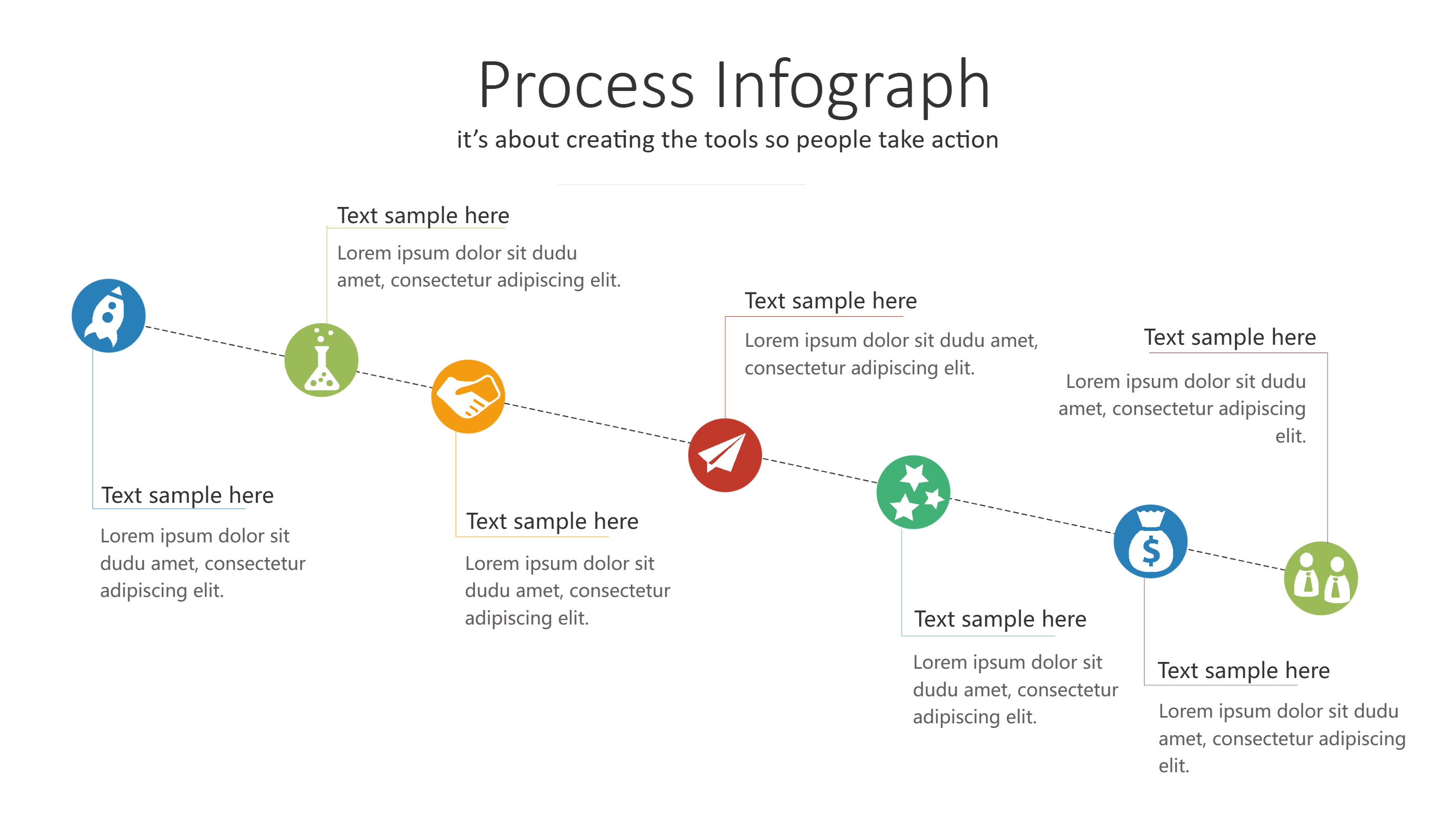
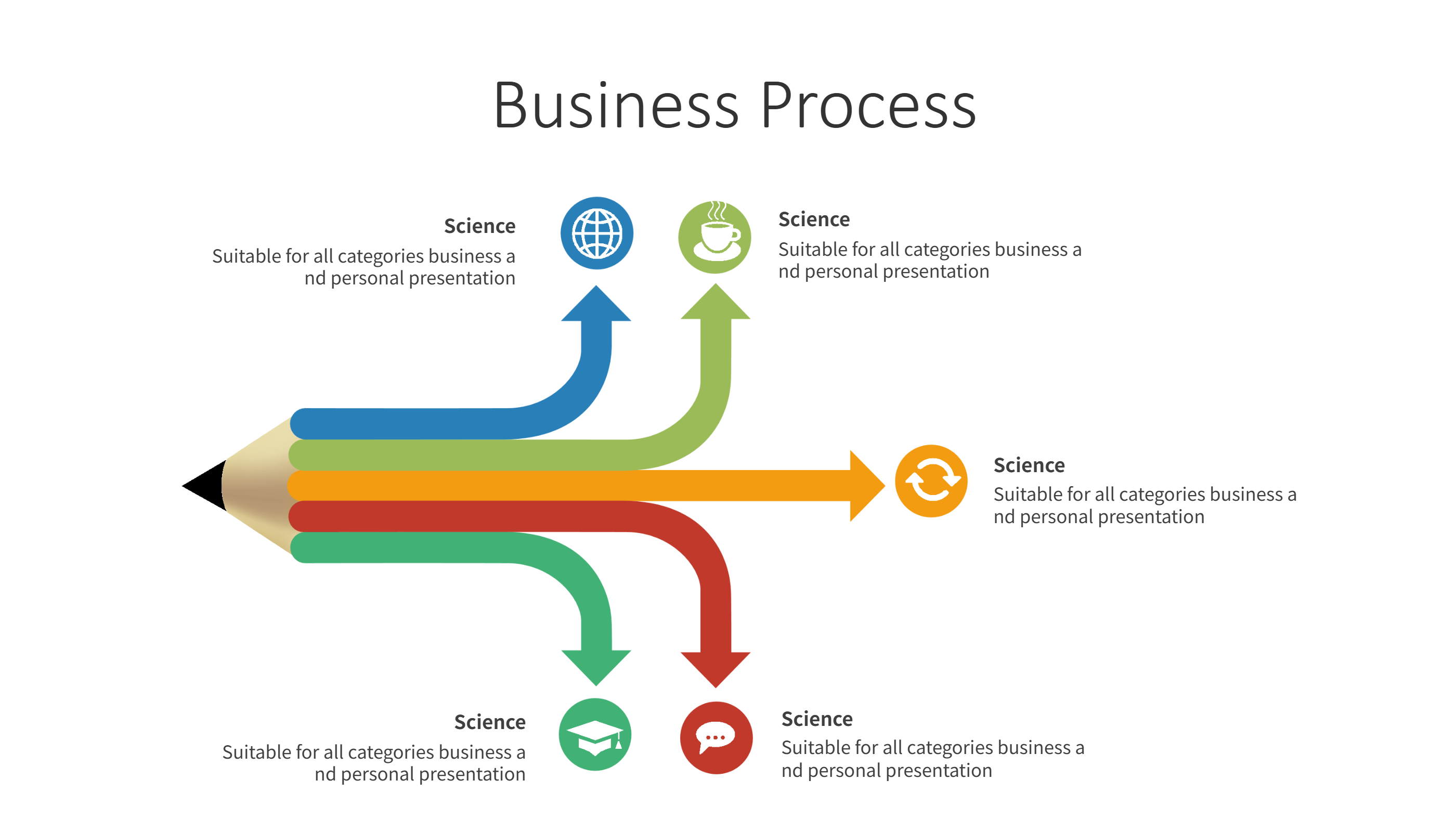
A morph animation PowerPoint template infographic is a layout built for smooth motion between slides. It uses clear shapes, short labels, and a dark style that feels modern. The layout helps a story move from one point to the next with a steady flow. It keeps the content clear while the motion adds energy.
This template works for short updates, news style summaries, and data highlights. It can show a timeline, a simple chart, or a short list of key points. It keeps the focus on the message and avoids heavy text. The design is easy to follow even on a small screen.
When to Use Animated Infographic Template
Use this infographic when you want a strong visual style and smooth movement. It is useful for video clips, social posts, and short presentations. The dark theme helps bright colors stand out. It also works for teams that want a clean and bold look.
It is also helpful when you need to share a quick story with impact. A short animated slide can keep attention without long text. The format keeps each point clear and easy to read. It supports both business and creative topics.
Download and Edit the Template
Click the download button and an online editor opens in a new page. You can edit titles, labels, and small chart values. You can adjust colors and icons to match your brand. Use the save button when you are done. Choose PPT, PNG, or SVG as the export format. The steps stay the same even if the wording is different.
How to Use Morph Animation PowerPoint Template for Motion Style Slides
Open the AI generator on the home page and choose the animated infographic template. Enter a short prompt that describes the topic, key points, and the order of slides. The tool creates an infographic that follows the layout. You can edit the result and adjust text to match your story. The meaning stays the same, even if your wording changes.
Examples of Morph Animation PowerPoint Template AI Prompt Usage
Example 1:
A short news update with three key points and one simple chart. Use a dark background and bright accent colors for each point.
Example 2:
A product highlight slide with one main feature, two supporting notes, and a clean icon set. Keep text short and bold.
Example 3:
A mini timeline that shows four milestones with smooth movement between each stage. Use clear labels and small icons.
Recommended Similar Infographic Templates
Related Template 1: After Effects Animated Infographics Timeline Template
Related Template 2: Free Motivational History Timeline Slideshow AE Template Download
Related Template 3: Infographics Final Cut Pro Download Steps Timeline
Related Template 4: Premiere Pro MOGRT Infographic Charts Template
FAQs
Q: Can I use this template for a short video clip?
A: Yes, it works well for short motion slides.
Q: Can I switch the dark theme to a light theme?
A: Yes, colors and background can be edited.
Q: Is this template good for data highlights?
A: Yes, simple charts and key points fit well.
Q: Can I keep motion subtle and calm?
A: Yes, you can keep the design simple and steady.
Q: Can I export the slide as a PNG for sharing?
A: Yes, PNG and SVG export are supported.