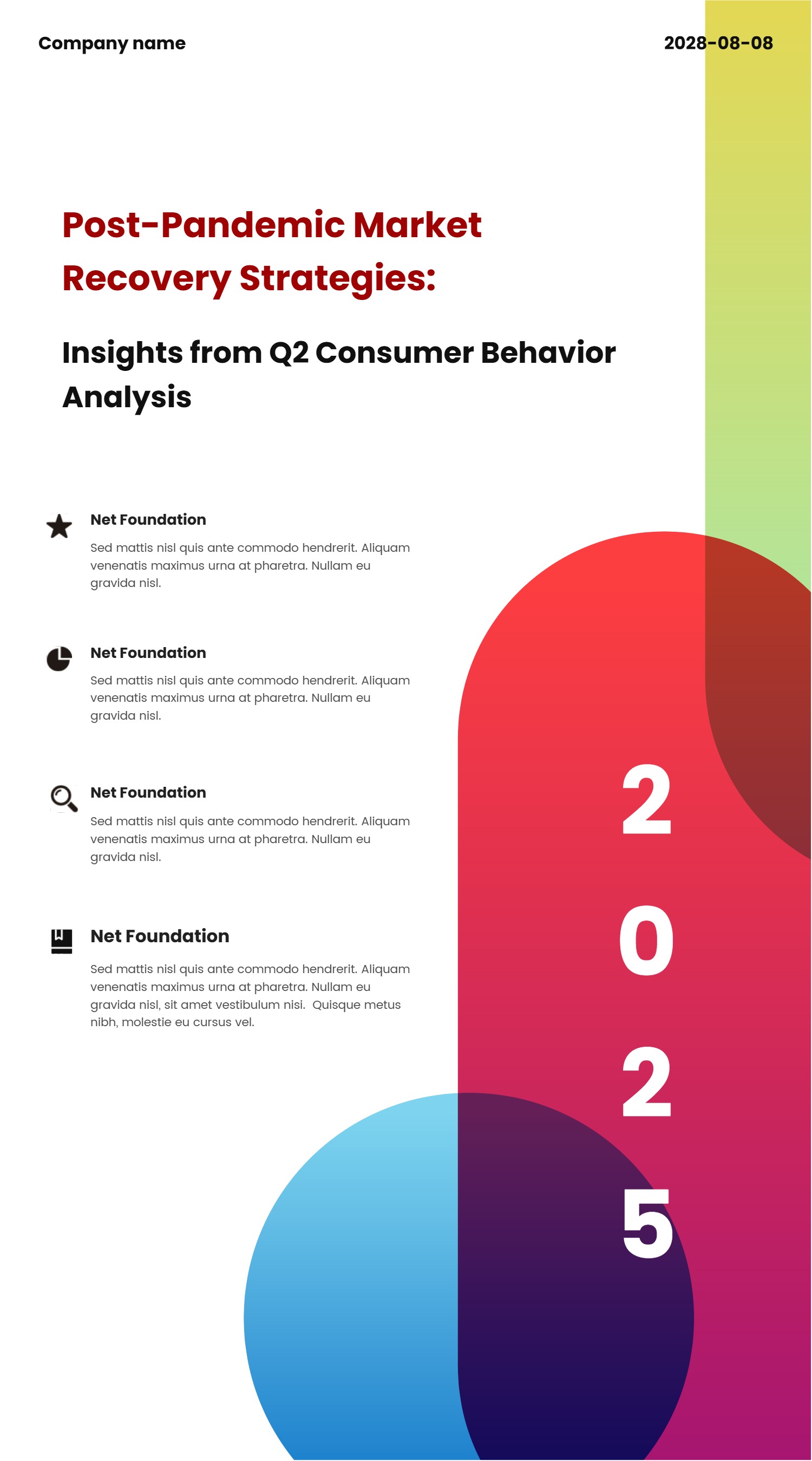
UX Case Study Template for Clear Research Stories
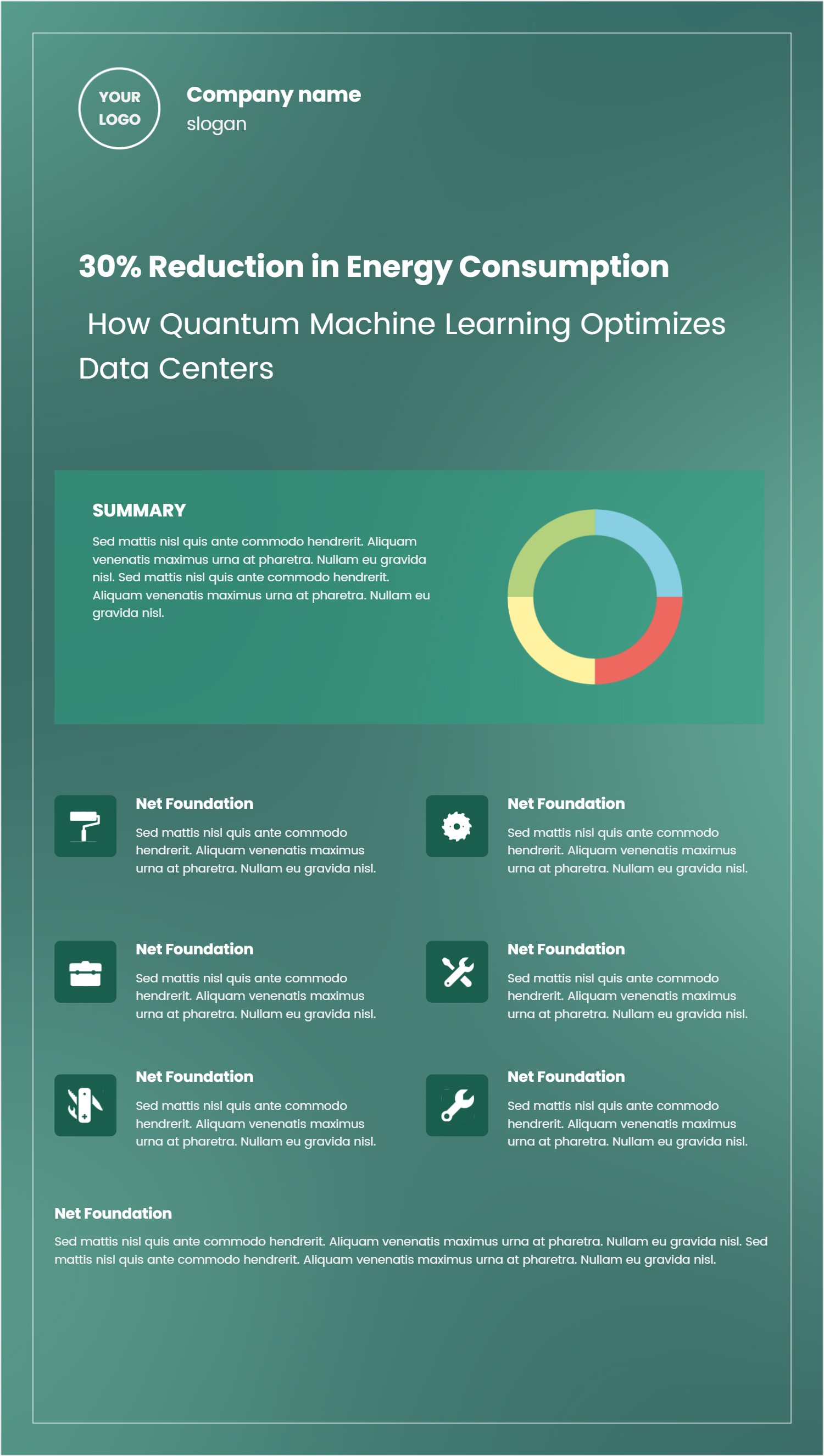
What is UX Case Study Template Infographic
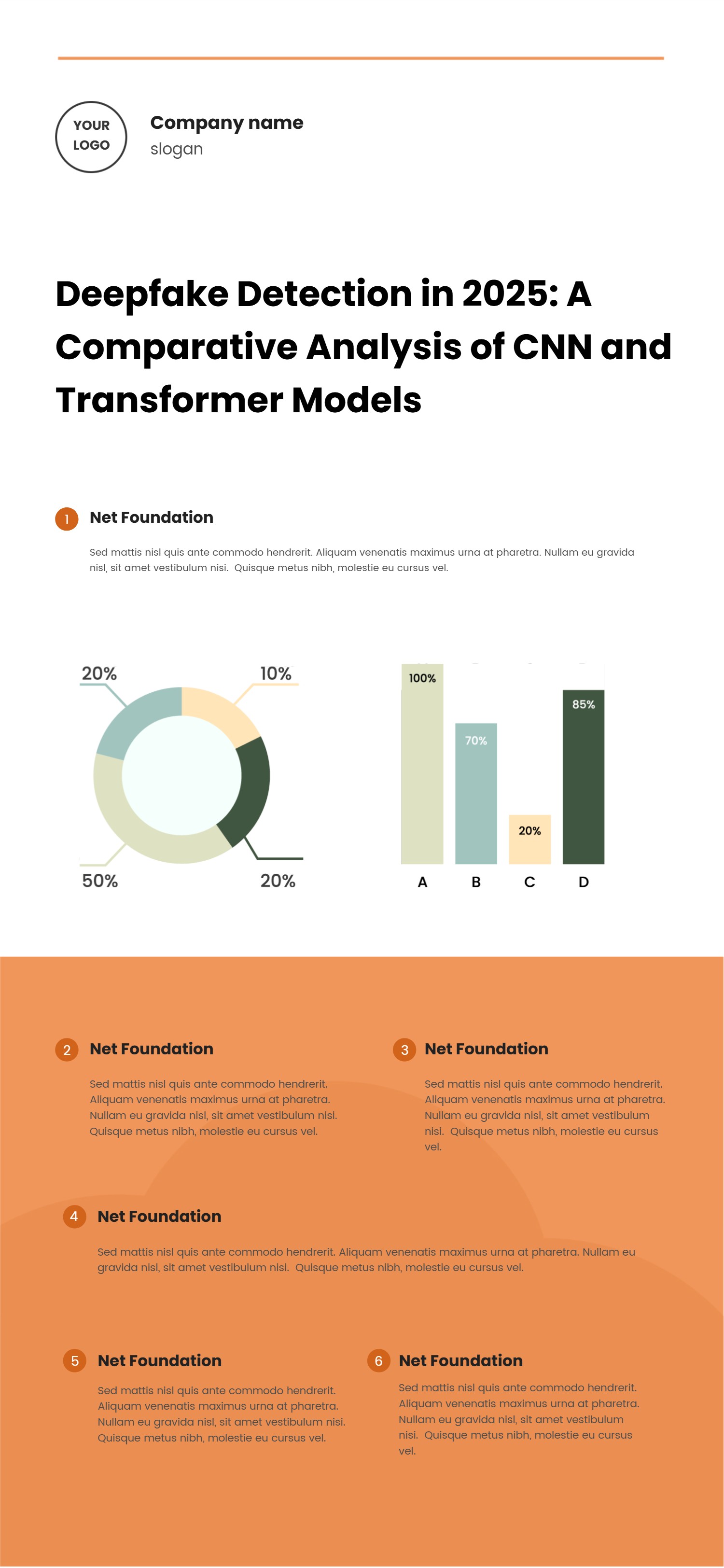
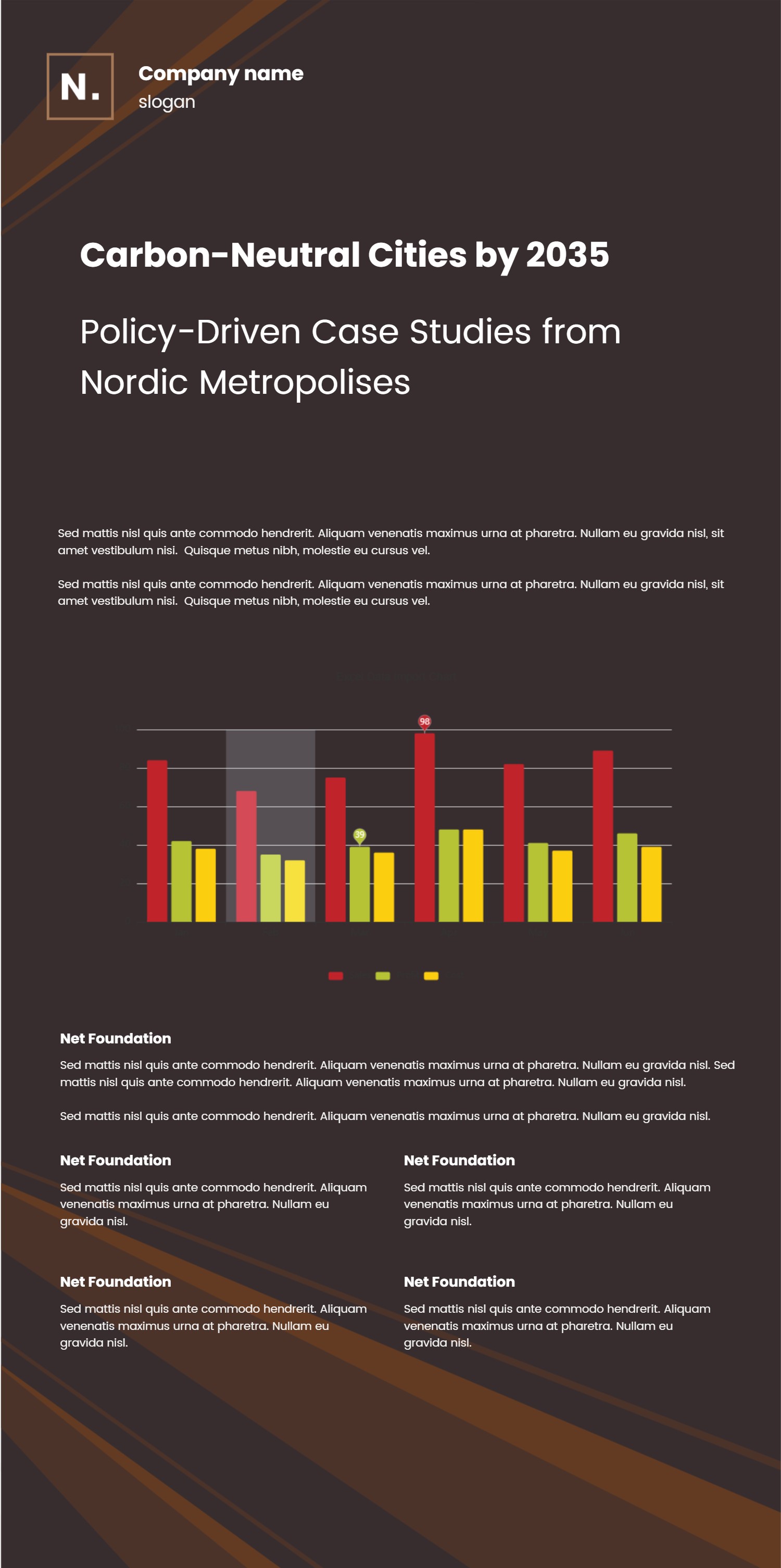
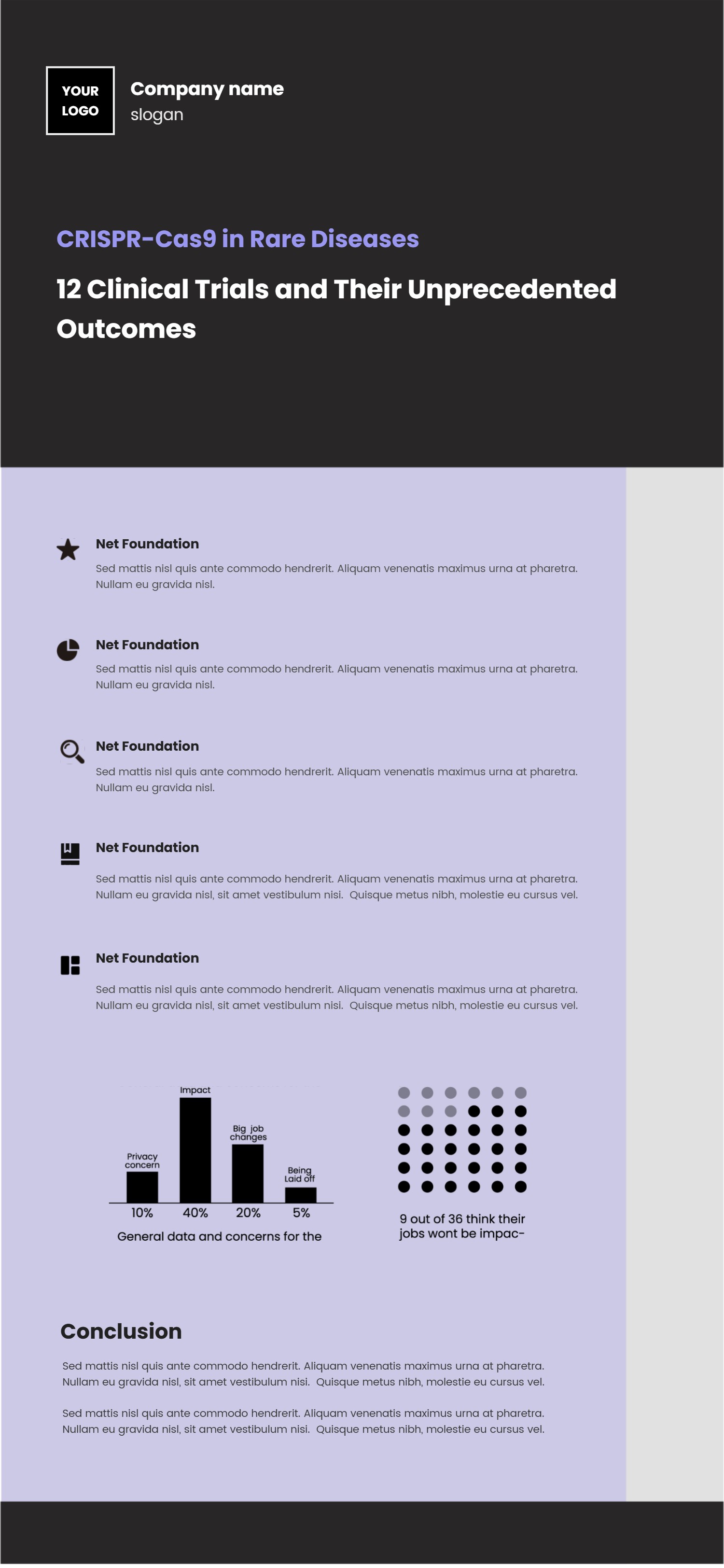
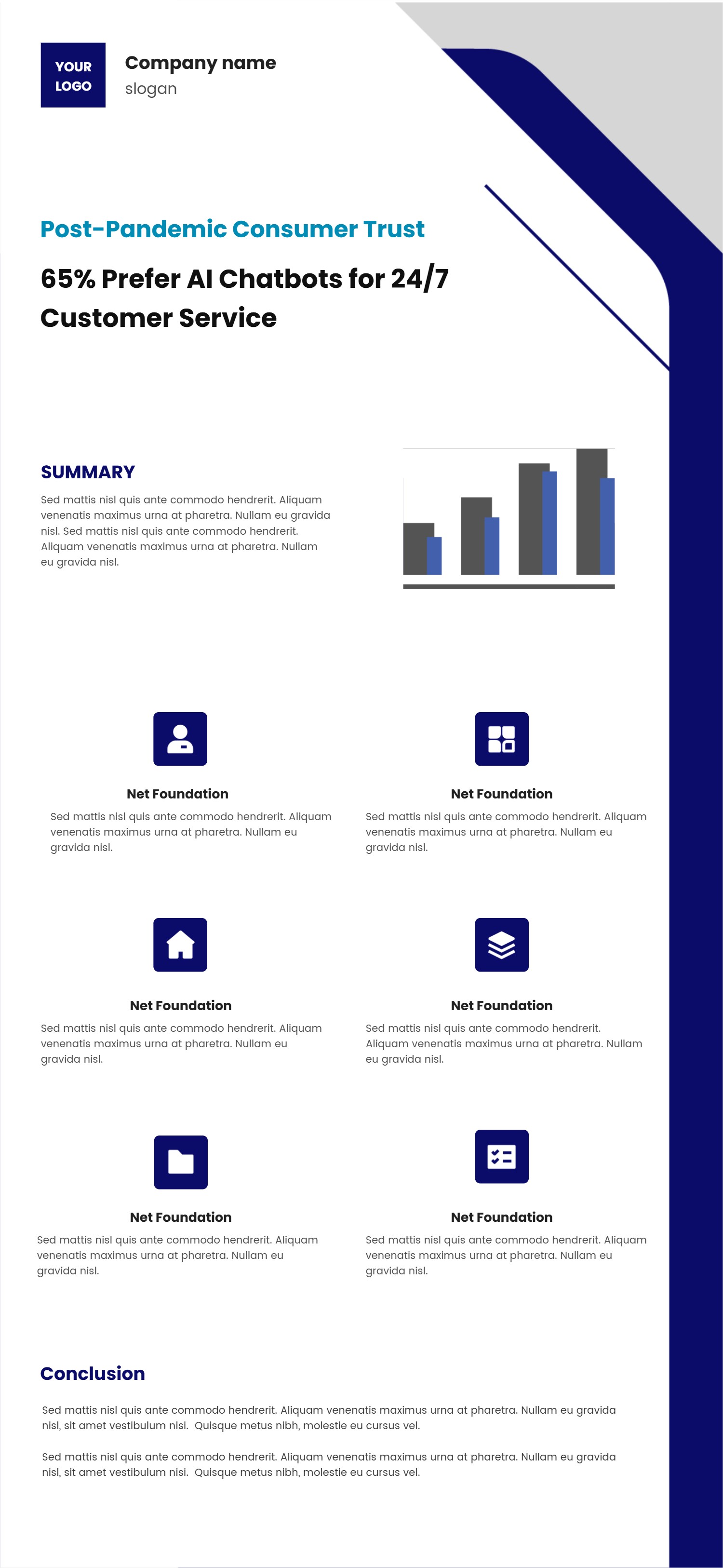
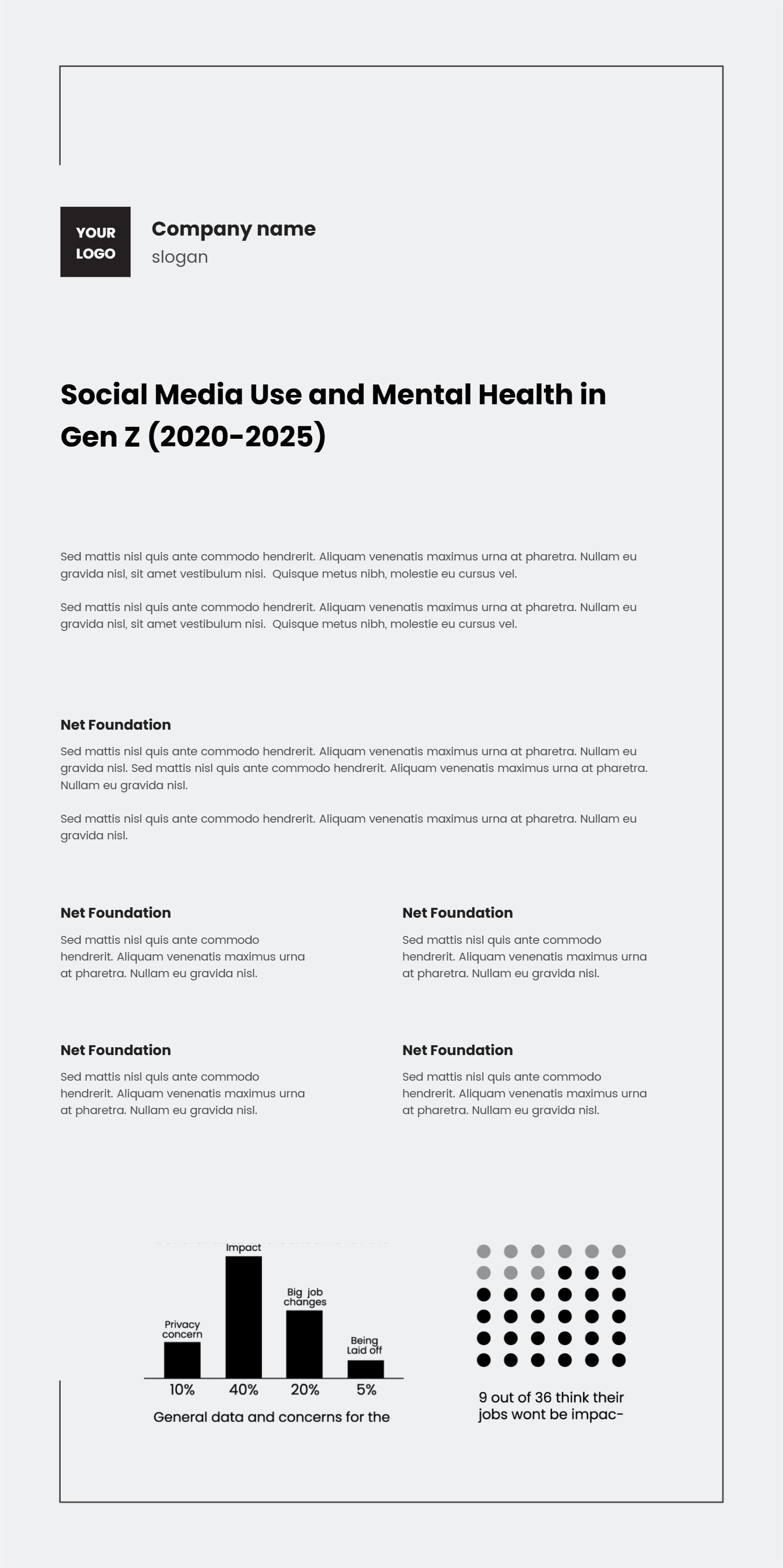
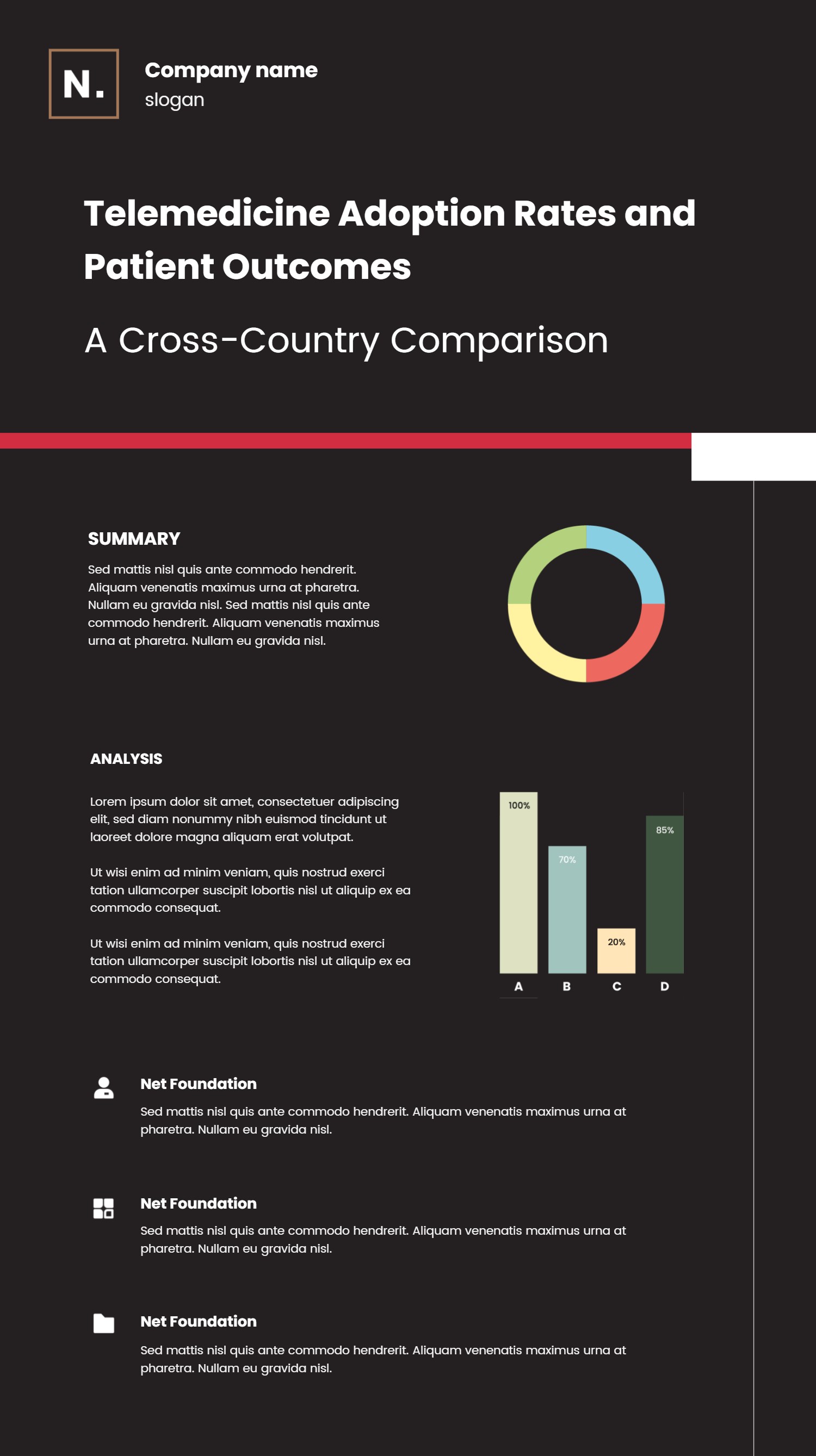
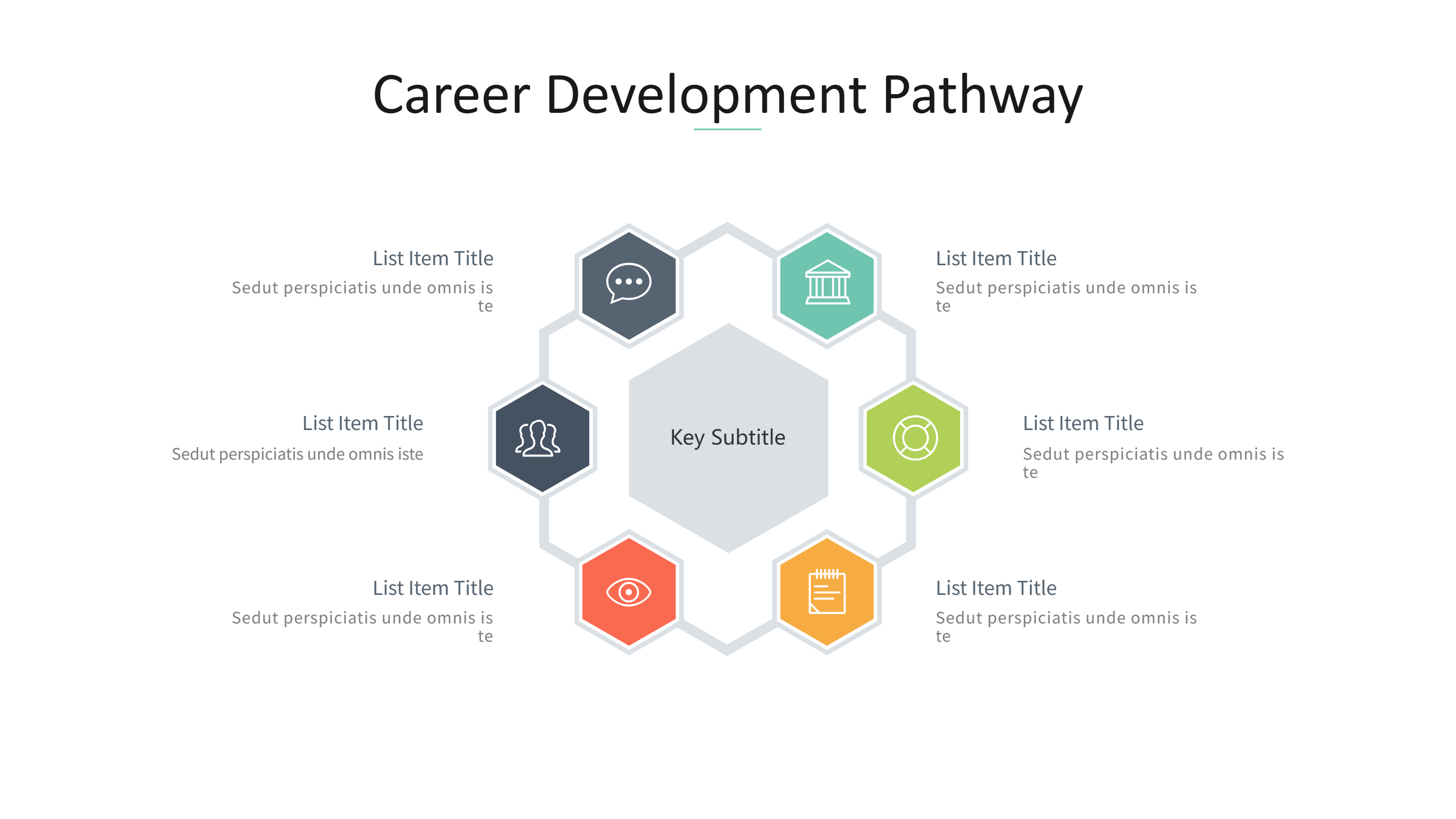
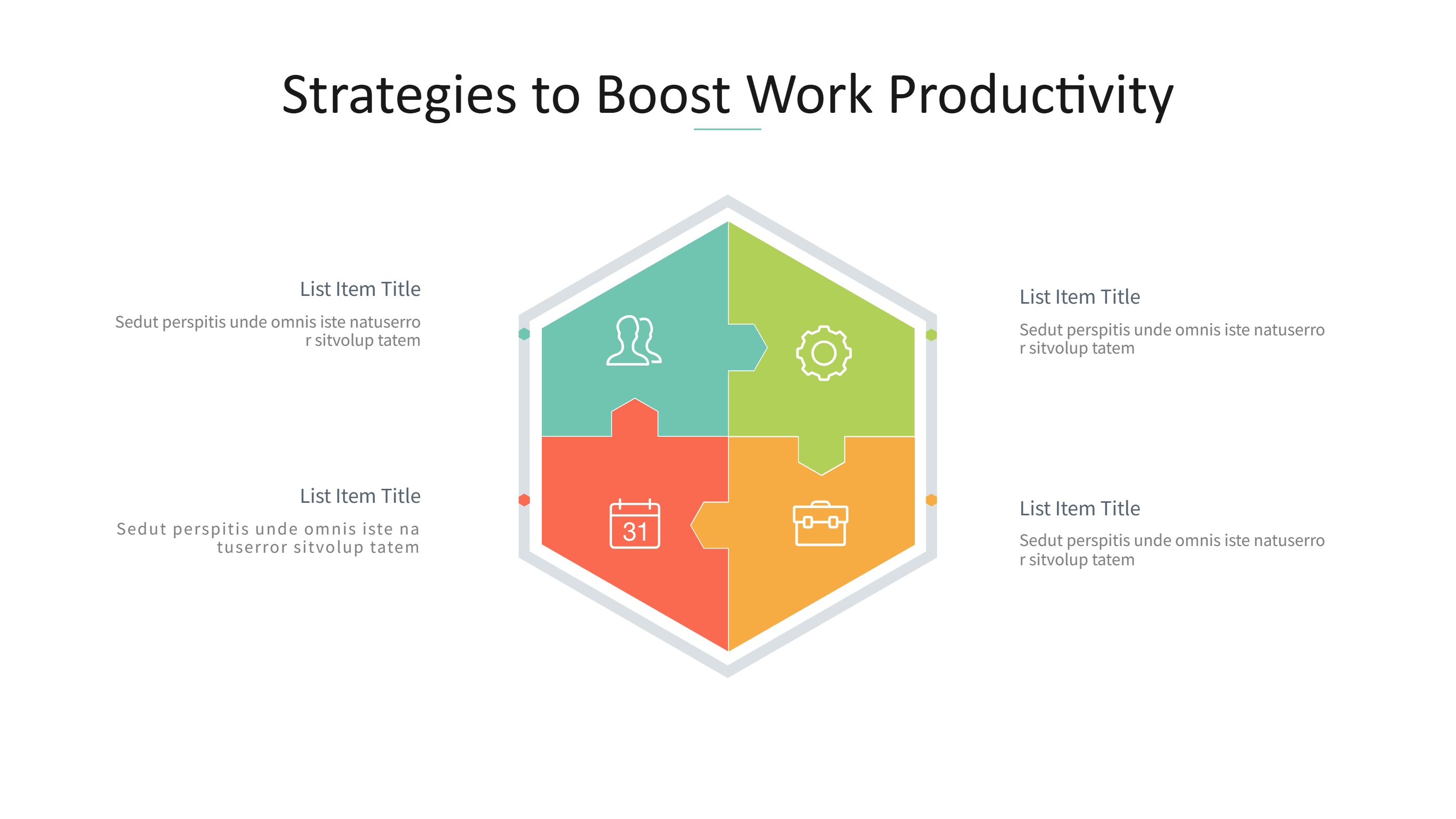
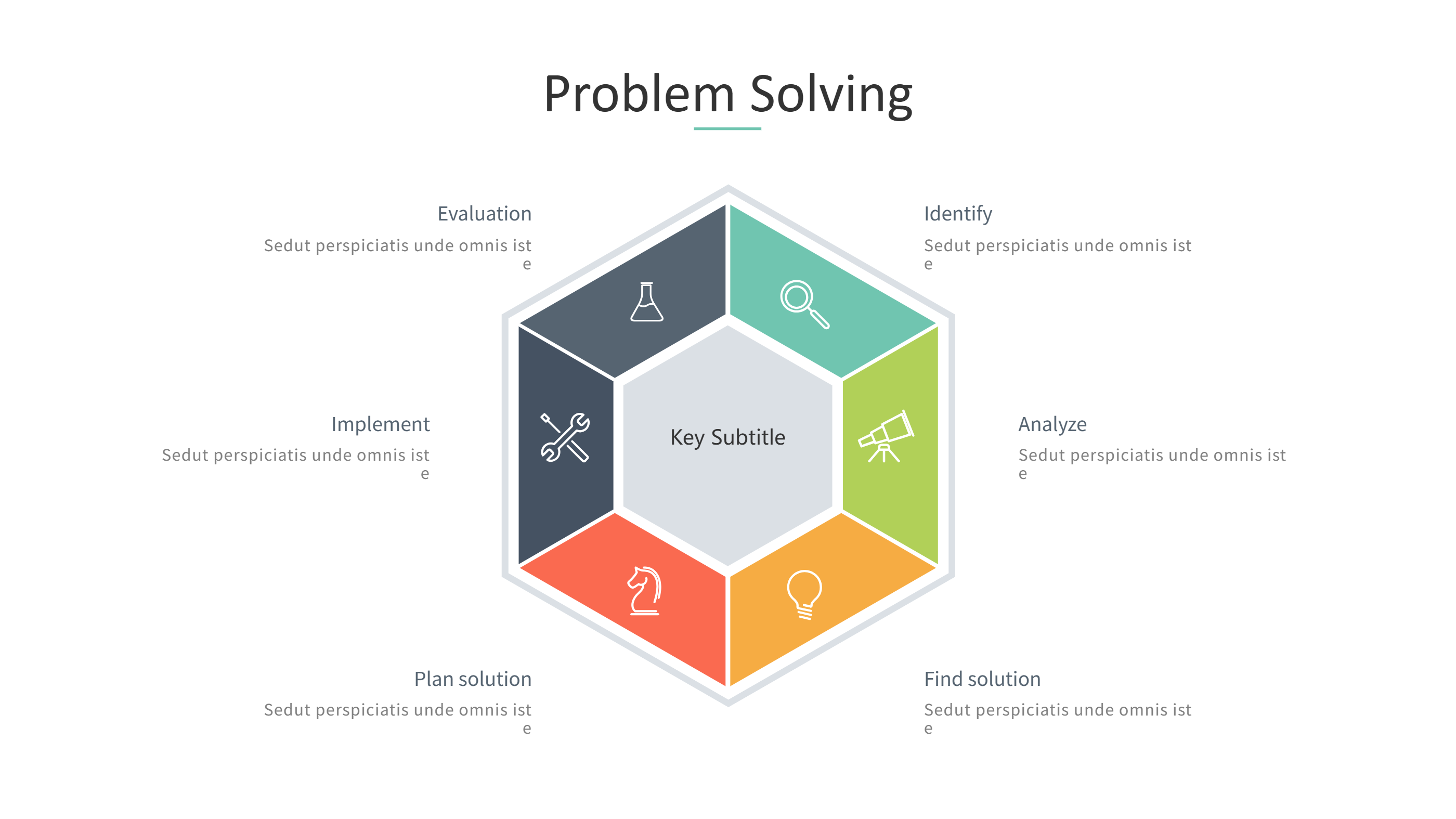
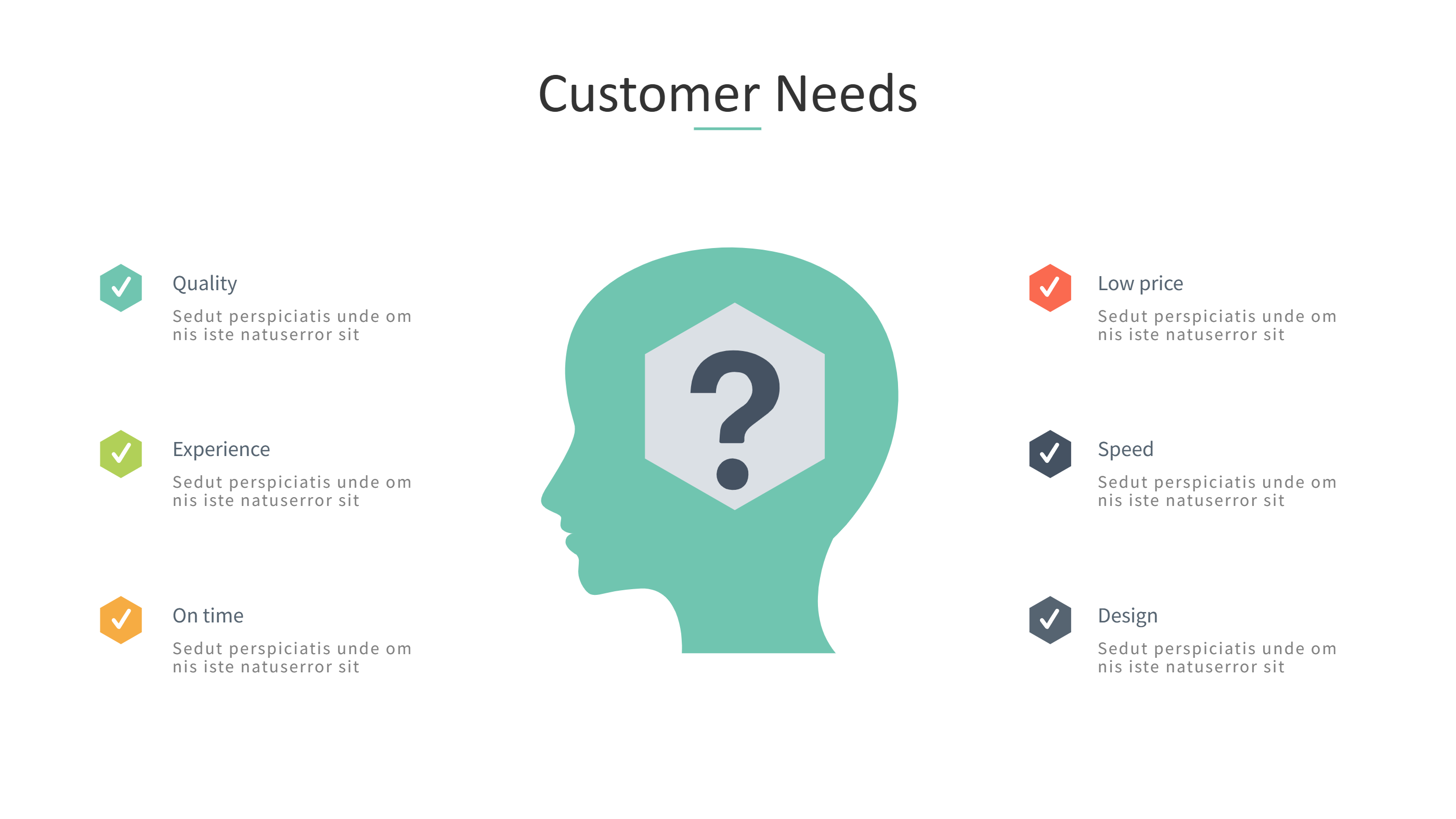
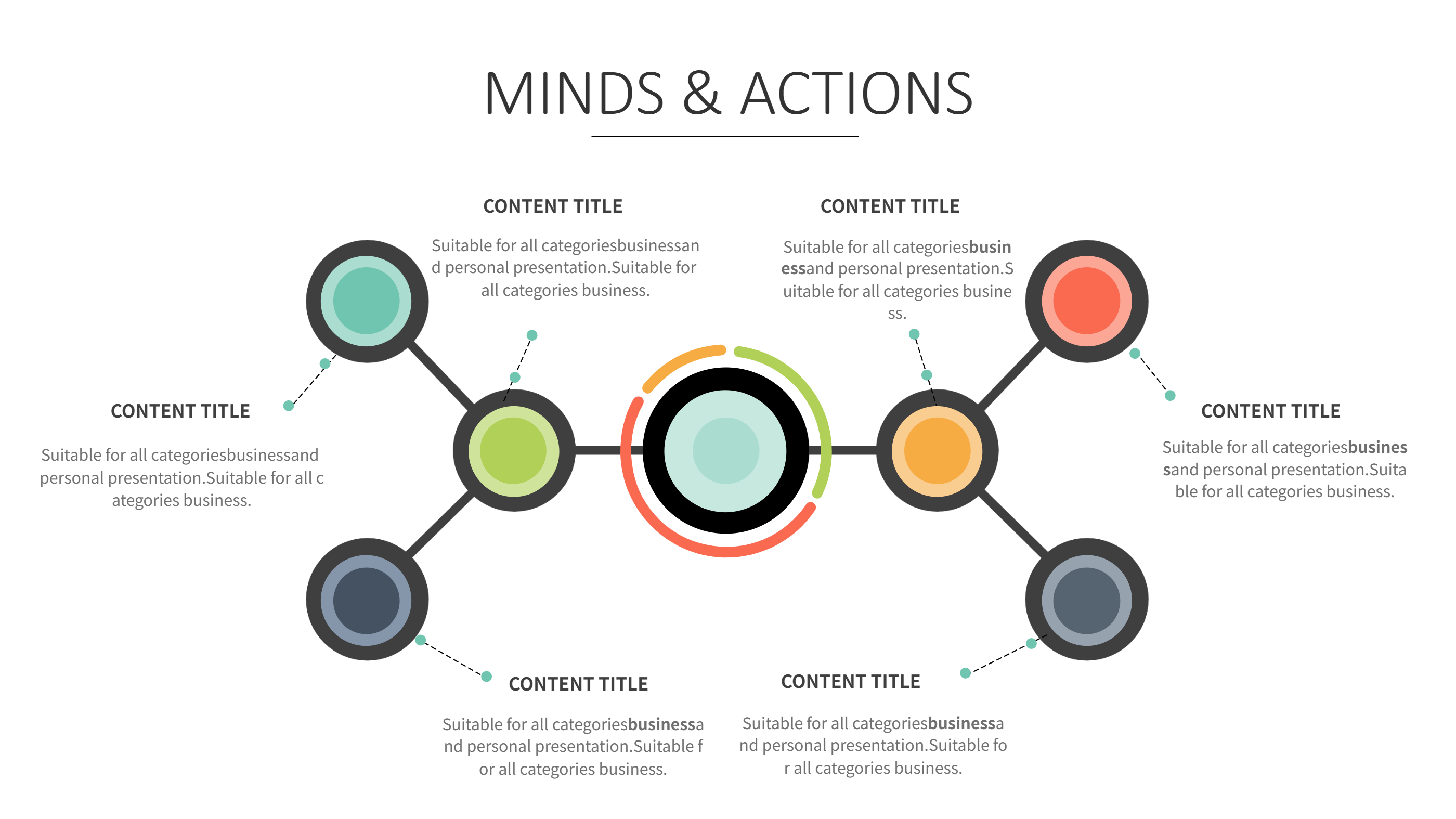
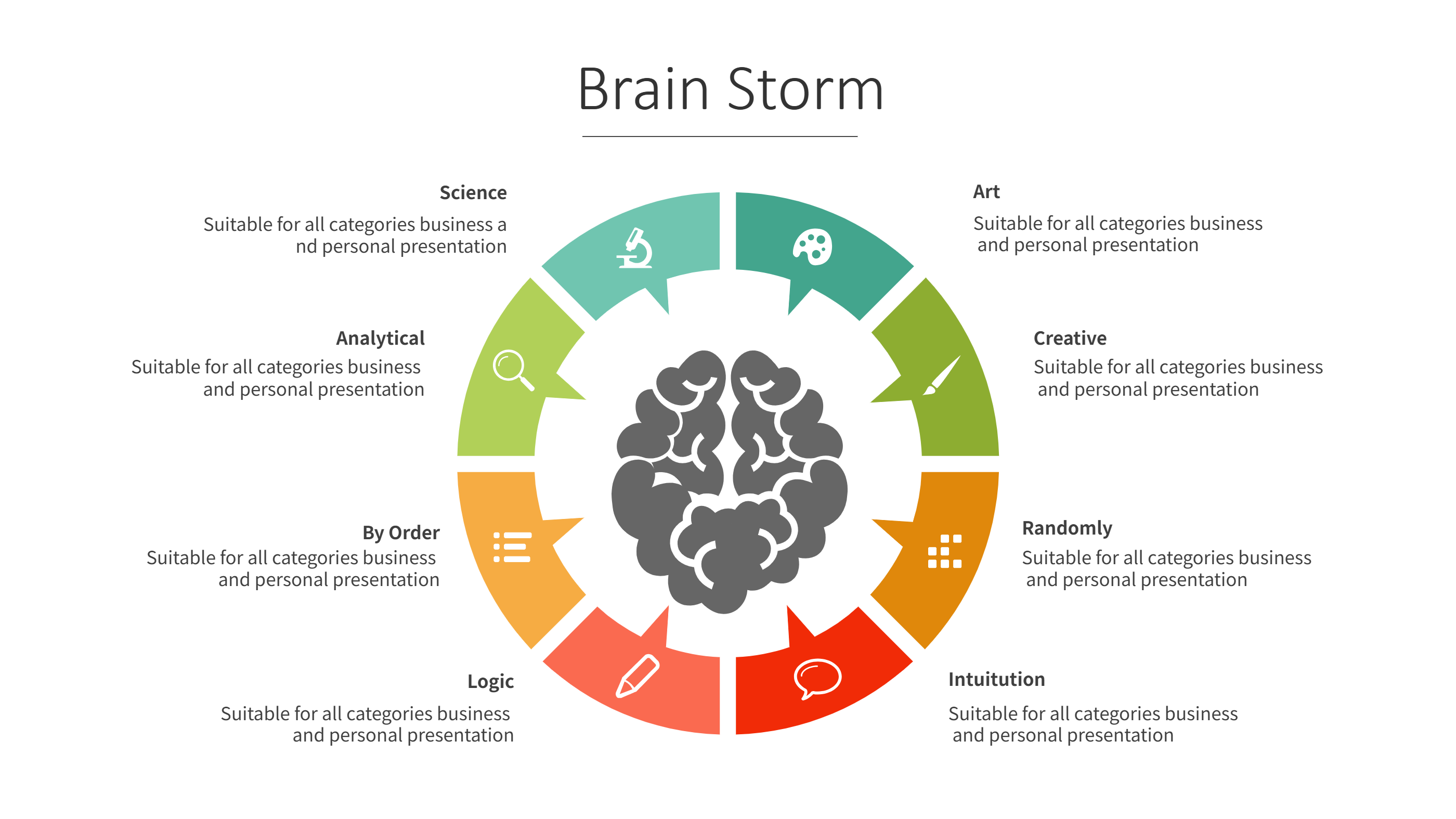
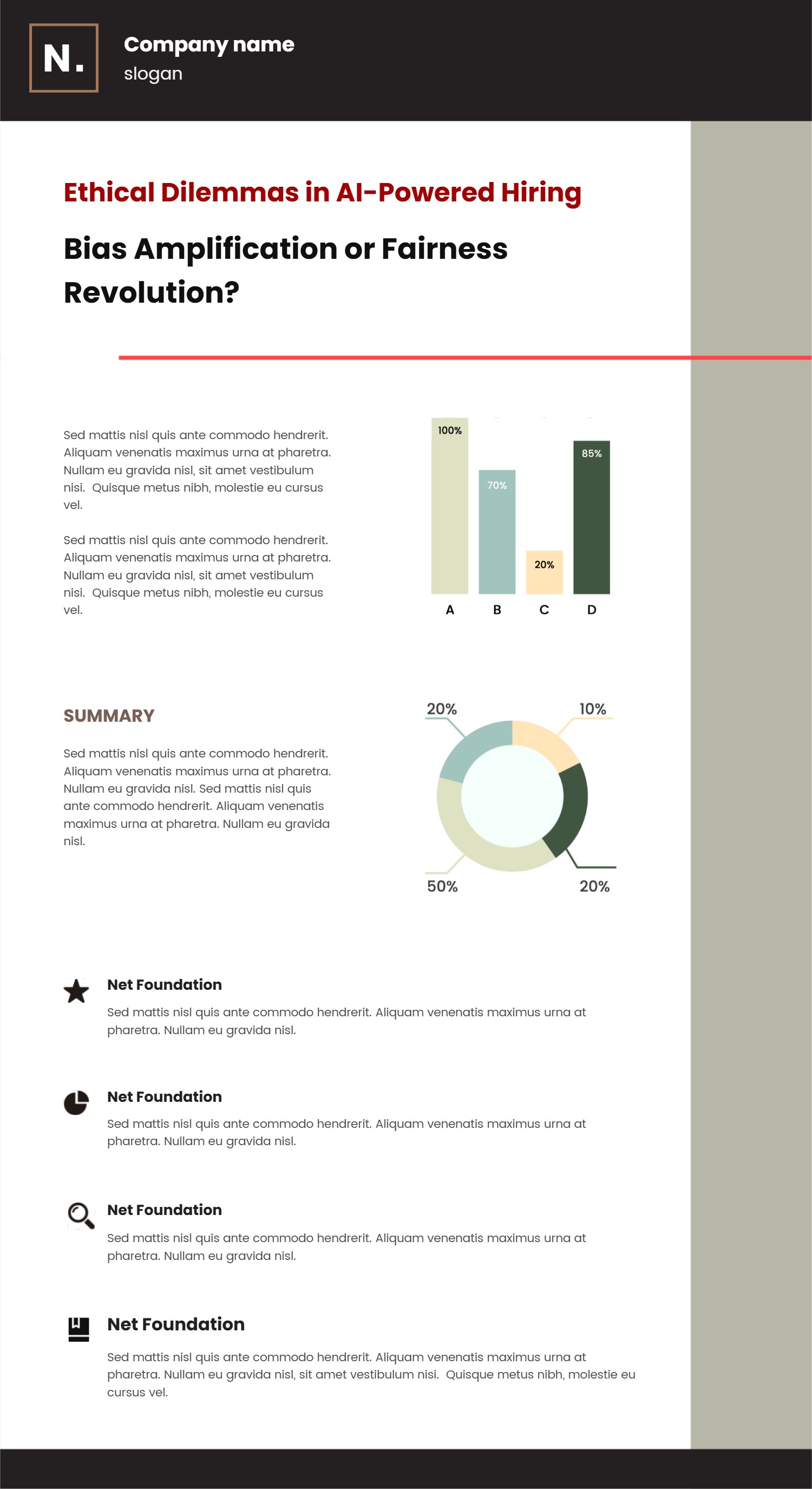
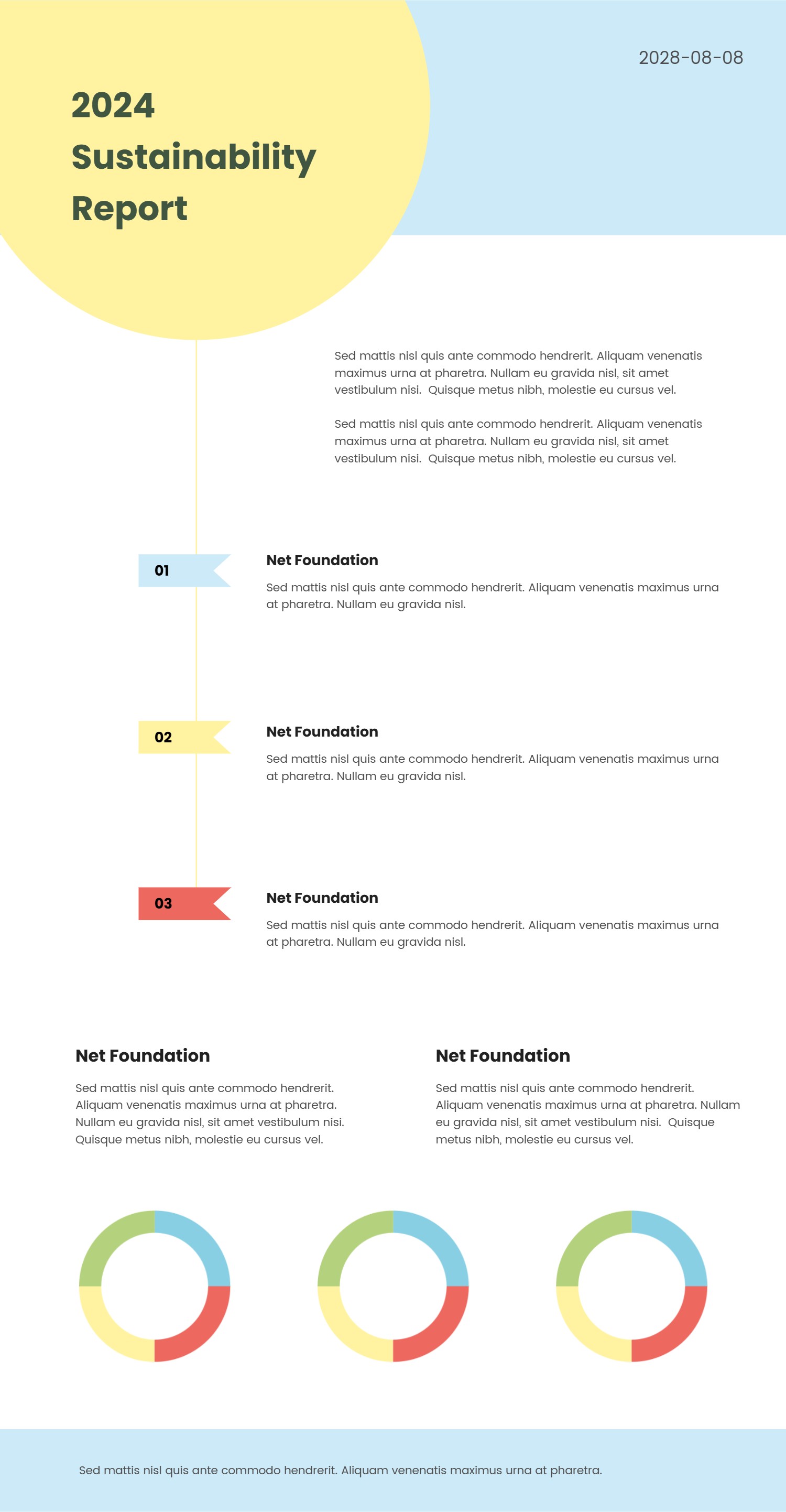
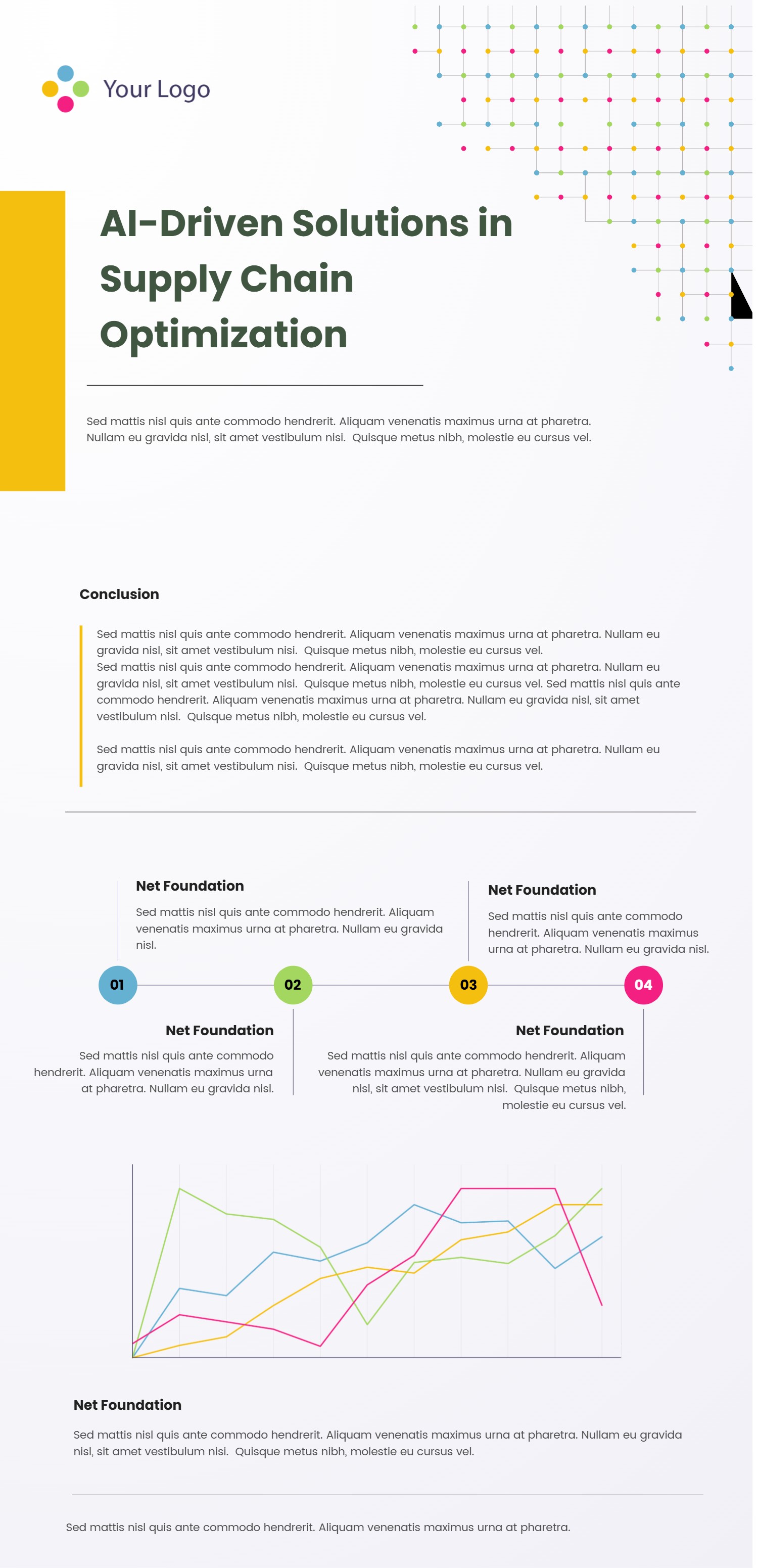
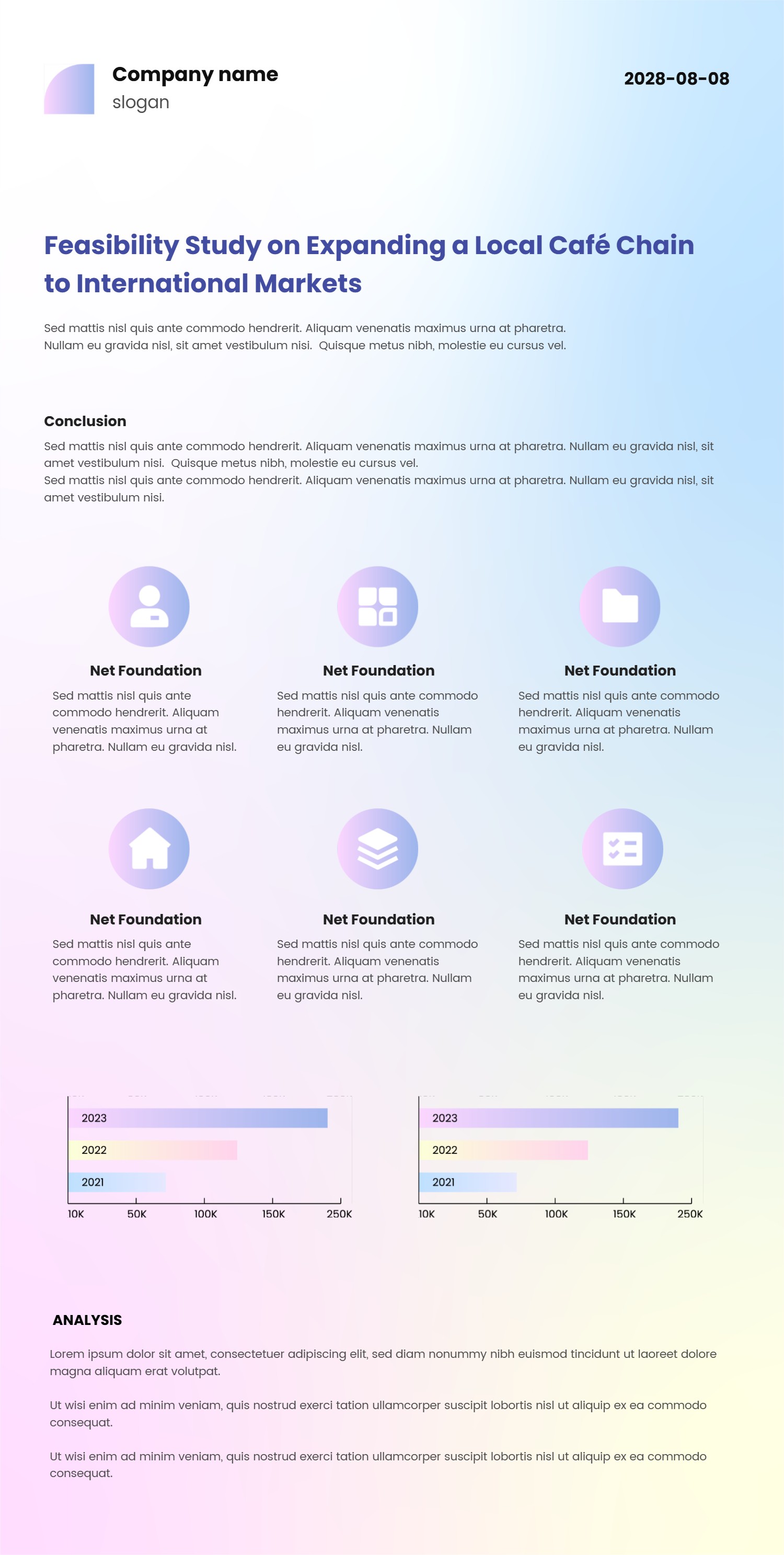
A UX case study template infographic is a slide layout that tells a product or service story in a clear way. It organizes the goal, the people needs, the work steps, and the results into short blocks. The layout keeps the story simple so people can follow it fast. It is a template page, not a long report.
This template is useful for designers, students, and teams who need to share work. It can show the problem, the idea, and the outcome in one view. It can also include short quotes, simple charts, or a small before and after view. The tone stays clear and easy to read.
When to Use Case Study Infographic
Use this infographic when you need to present a user experience story to a group. It is helpful for interviews, team reviews, and class projects. A case study layout keeps the focus on the key points and reduces long explanations. It helps people understand the value of the work at a glance.
It also works when you need a quick summary for a portfolio. You can show the goal, the steps, and the result in one slide. It is easy to update when new results arrive. The format keeps the story clear for any audience.
Download and Edit the Template
Click the download button and an online editor opens in a new page. You can edit titles, short notes, and section labels. You can adjust colors and icons to match your style. Use the save button when you are done. Choose PPT, PNG, or SVG as the export format. The steps stay the same even if the wording is different.
How to Use UX Case Study Template for Clear Research Stories
Open the AI generator on the home page and choose the case study template. Enter a short prompt that describes the goal, the people you studied, and the main results. The tool creates an infographic that follows the layout. You can edit the result and adjust text to match your story. The meaning stays the same, even if your wording changes.
Examples of UX Case Study Template AI Prompt Usage
Example 1:
A case study summary for a mobile app update. Show the goal, three user pain points, the design changes, and a short result note.
Example 2:
A service redesign story for a clinic check in flow. Include the problem, the new steps, and a simple before and after view.
Example 3:
A class project case study for a library website. Show the research goal, the key findings, and the final screen idea.
Recommended Similar Infographic Templates
Related Template 1: Notion Case Study Template for Clear PPT Infographic Stories
Related Template 2: Project Research Infographics
Related Template 3: Business Research Report Template with Charts and Numbered Sections
Related Template 4: Academic Research Report Template
FAQs
Q: Can I use this template for a portfolio slide?
A: Yes, it gives a clear one page summary.
Q: Can I include a simple chart or quote?
A: Yes, short visuals fit well in the layout.
Q: Is this template good for a team review?
A: Yes, it keeps the story focused and easy to discuss.
Q: Can I show results without long text?
A: Yes, use short labels and simple numbers.
Q: Can I export the slide as a PNG?
A: Yes, PNG export is available in the editor.