Leaderboard Template for Ranking and Team Scores
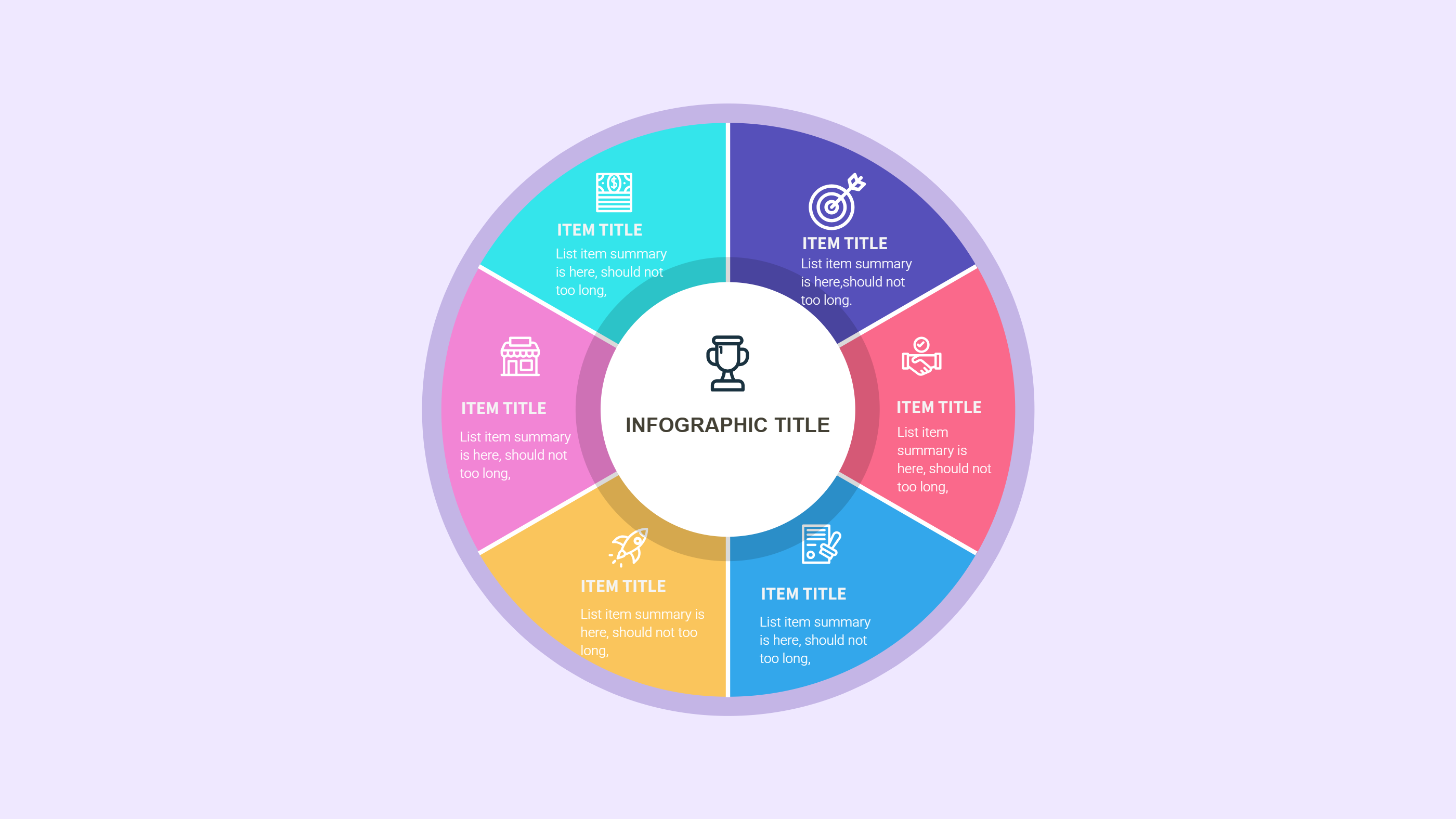
What is Leaderboard Template Infographic
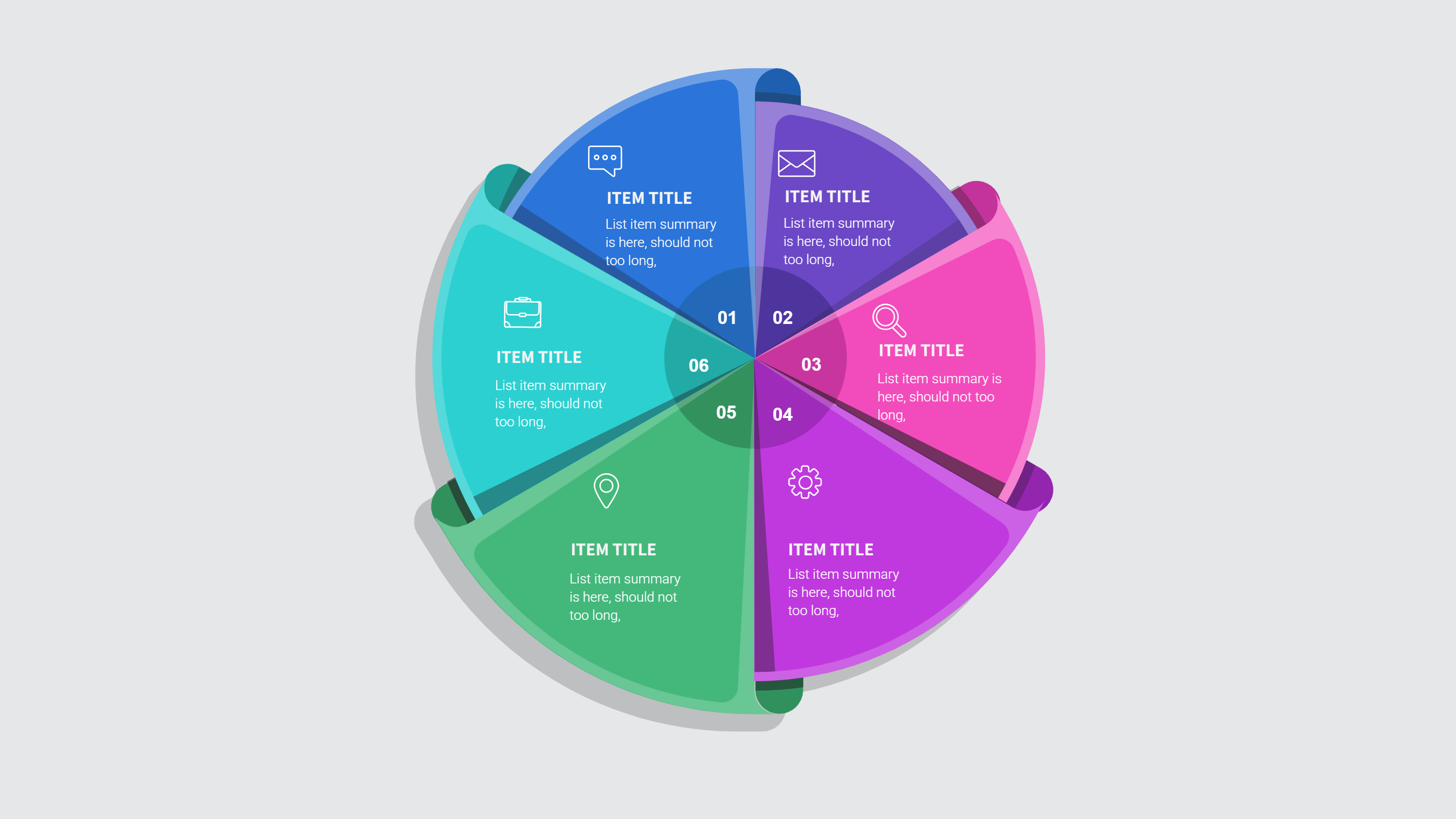
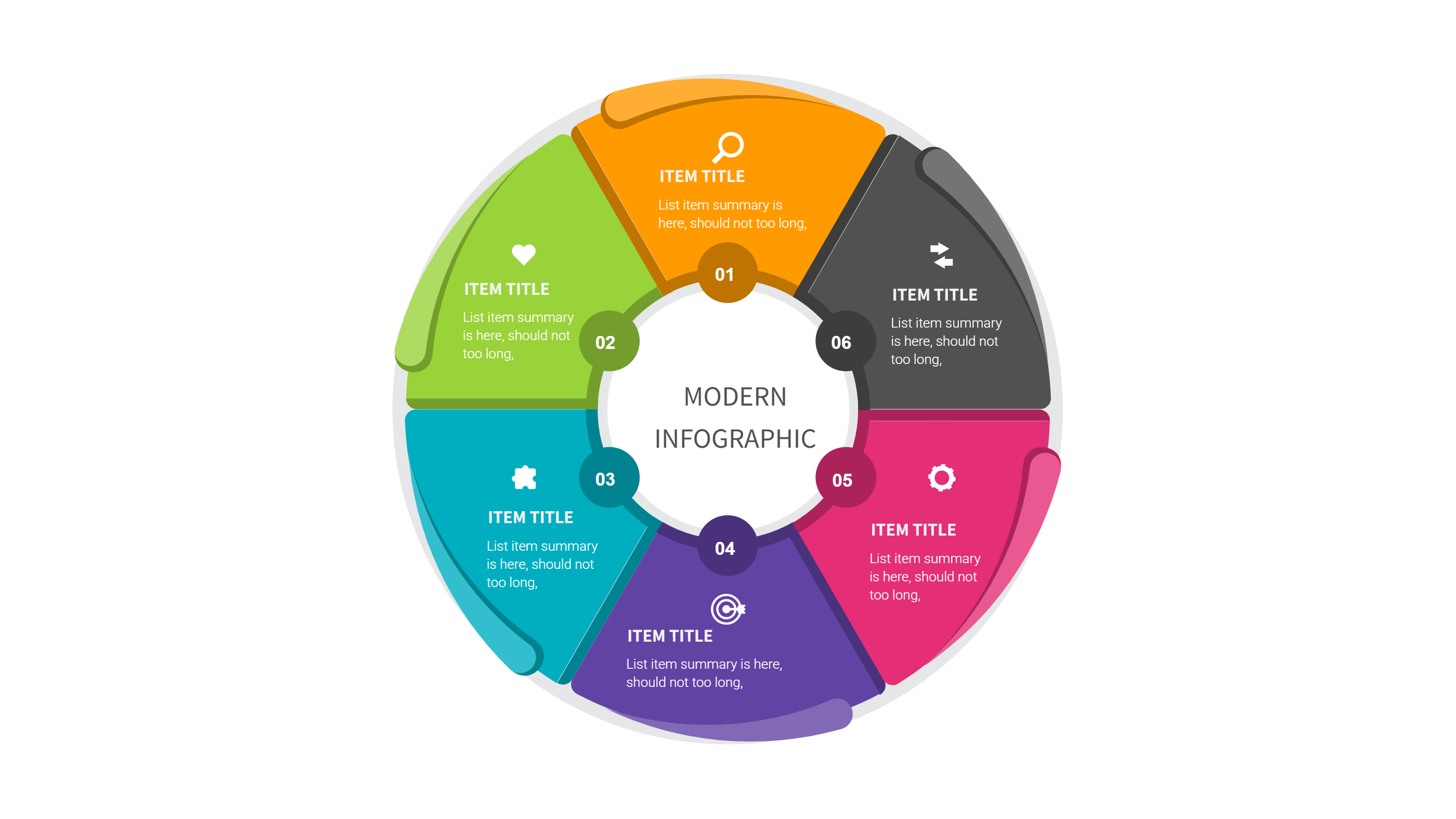
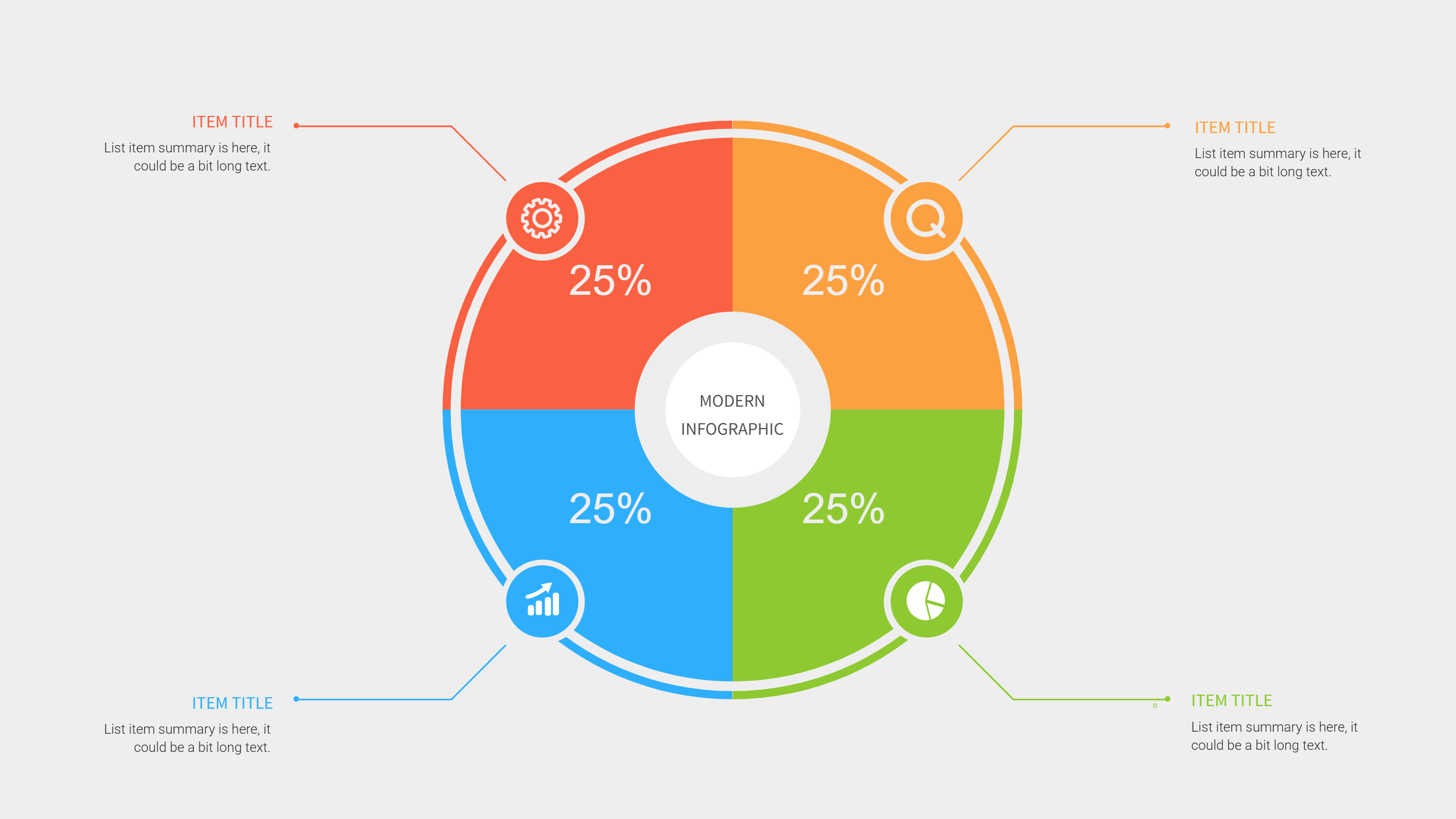
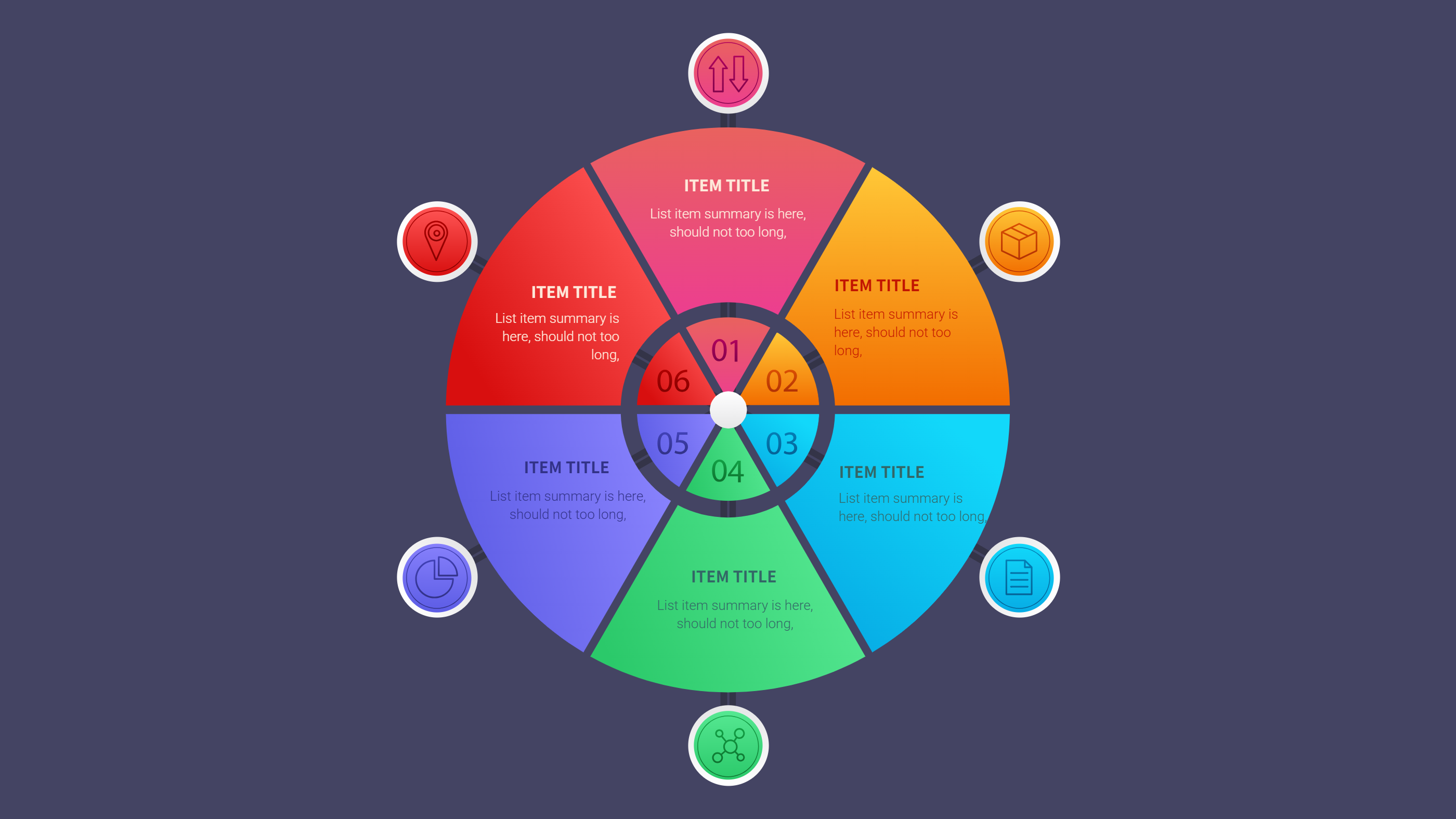
A leaderboard template infographic is a clear layout that shows rankings and scores. It lists teams or players in order with simple score values. The layout keeps the ranking easy to read and easy to share. It helps people see who is leading without extra text.
This template works for contests, team challenges, and classroom games. It can show points, badges, and short notes for each entry. It can also include a time frame and a short rule line. The design stays clean so the ranking stands out. It can also show weekly movement with a short change note. It is clear on small screens.
When to Use Trophy Goals Achievement Infographic
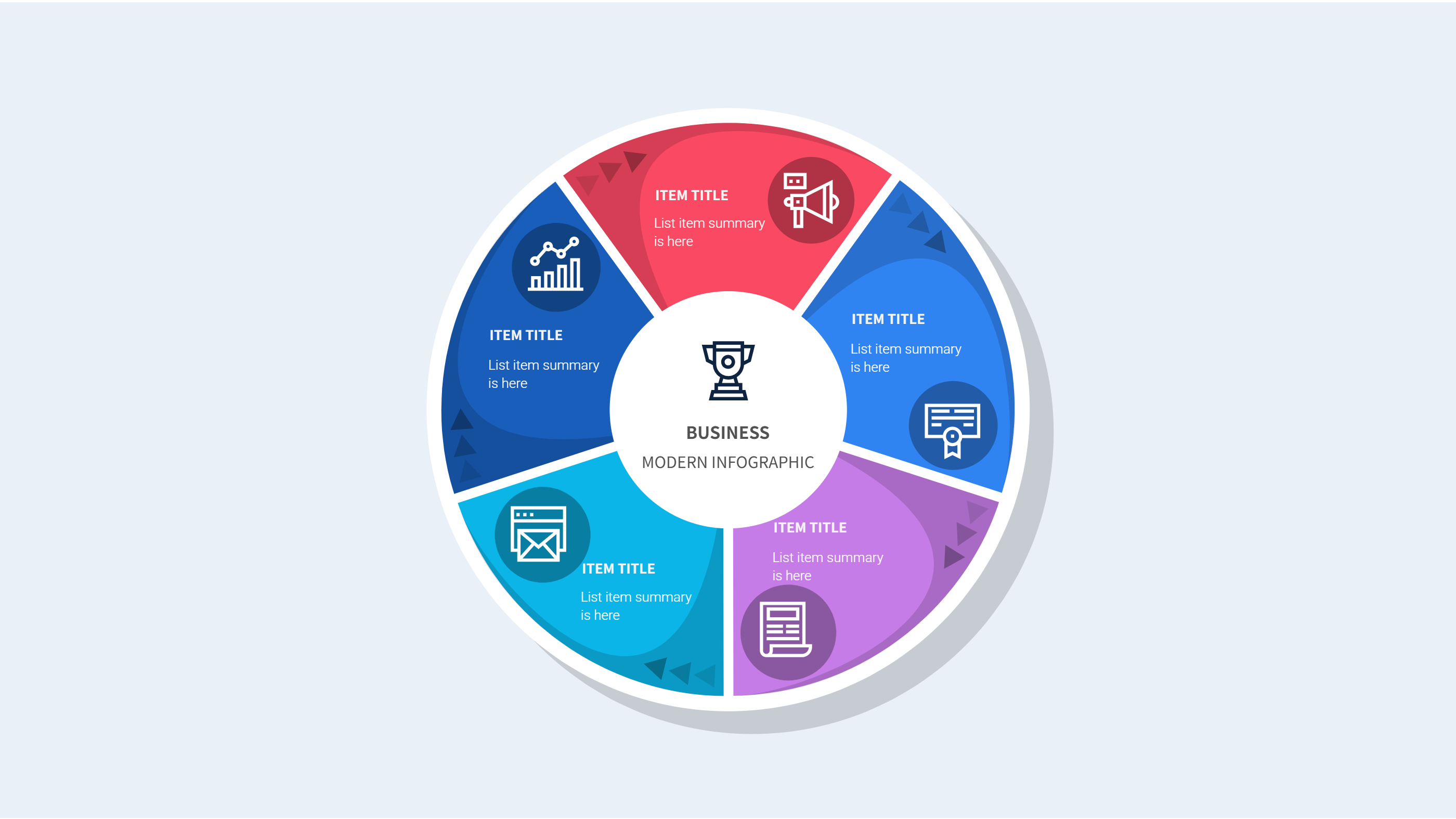
Use this infographic when you want a fun and clear ranking view. A trophy goals achievement layout makes the top places easy to see. It is useful for events, sales contests, and group challenges. It helps keep motivation high and progress visible.
It also works for weekly updates. You can update scores and keep the order clear. It is easy to share in a group chat or on a slide. The format keeps attention on the top results.
Download and Edit the Template
Click the download button and an online editor opens in a new page. You can edit names, scores, and small notes. You can adjust colors and icons to match your event theme. Use the save button when you are done. Choose PPT, PNG, or SVG as the export format. The steps stay the same even if the wording is different.
How to Use Leaderboard Template for Ranking and Team Scores
Open the AI generator on the home page and choose the leaderboard template. Enter a short prompt that lists the teams, score values, and the time period. The tool creates an infographic that follows the layout. You can edit the result and adjust text to match your scores. The meaning stays the same, even if your wording changes.
Examples of Leaderboard Template AI Prompt Usage
Example 1:
A weekly sales leaderboard with five team names, points, and a short note for the top team. Use a trophy icon for top place.
Example 2:
A classroom quiz leaderboard with student names, total points, and a bonus note for perfect scores. Keep labels short and clear.
Example 3:
A fitness challenge leaderboard that ranks steps for the week and shows totals for each participant.
Recommended Similar Infographic Templates
Related Template 1: Balanced Scorecard Template for Simple PPT Scoreboard
Related Template 2: 4 Steps to Achieve Your Goals: Making Every Step Count
Related Template 3: 5 Steps to Achieve Corporate Goals
Related Template 4: 6 Steps to Achieve Corporate Goals with Teamwork
FAQs
Q: Can I use this leaderboard for a small group?
A: Yes, it works for any group size.
Q: Can I add a short note for top results?
A: Yes, add a brief note under the score.
Q: Is this template good for weekly updates?
A: Yes, it is easy to refresh with new scores.
Q: Can I change colors to match a team theme?
A: Yes, colors are easy to edit in the editor.
Q: Can I export the leaderboard as an image?
A: Yes, PNG and SVG export are supported.