Pokemon Infographic Rainbow Options Template
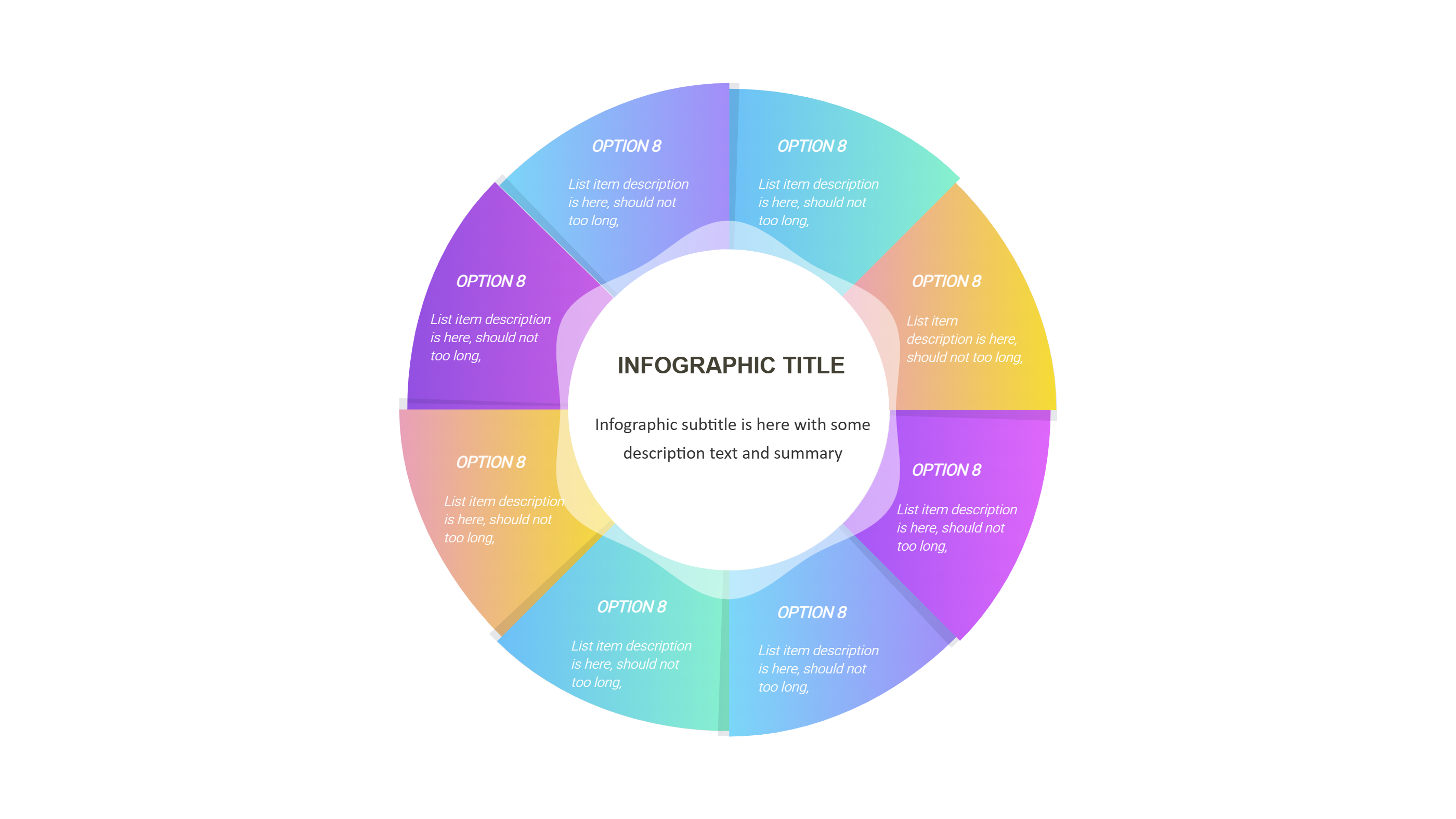
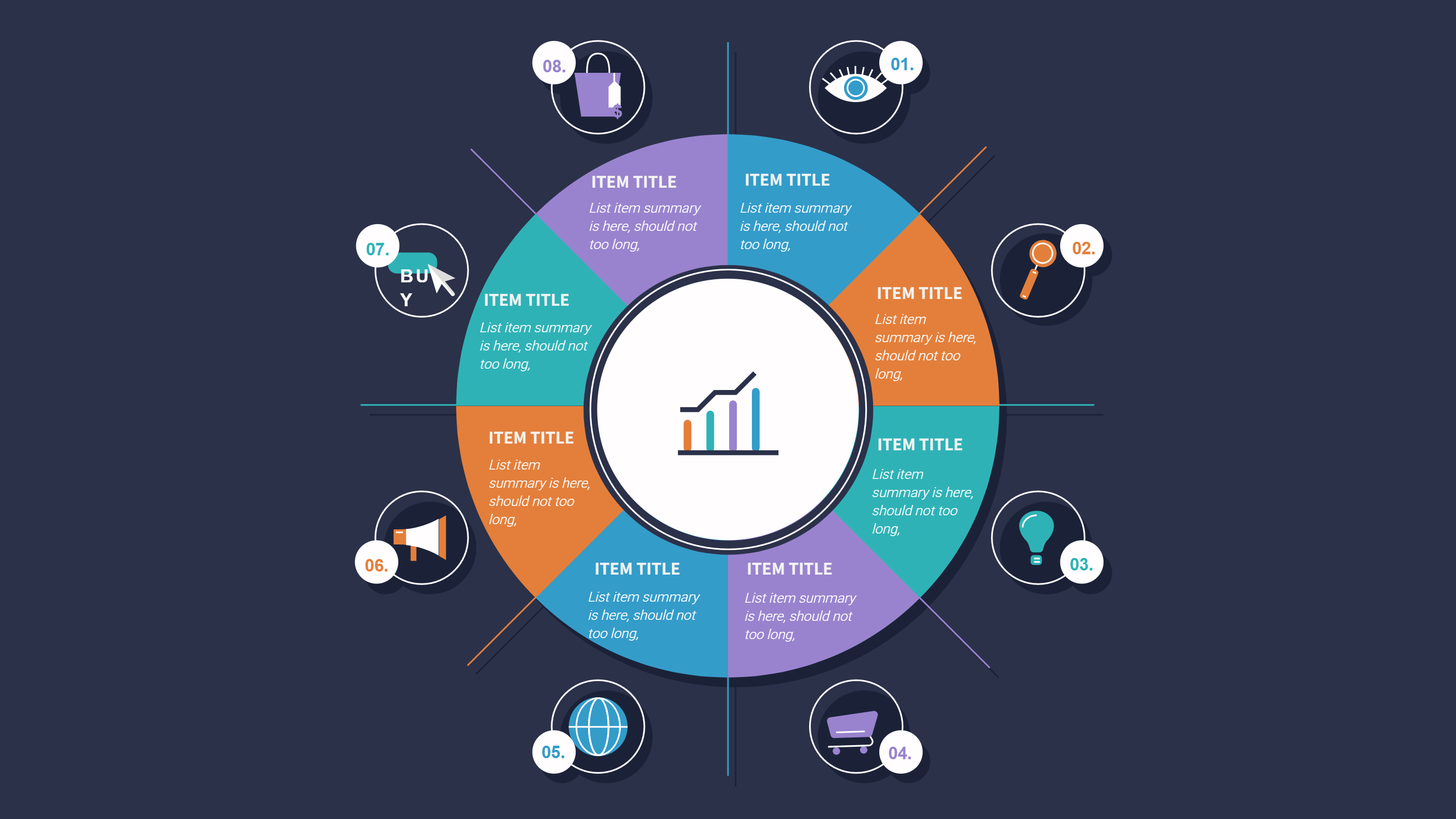
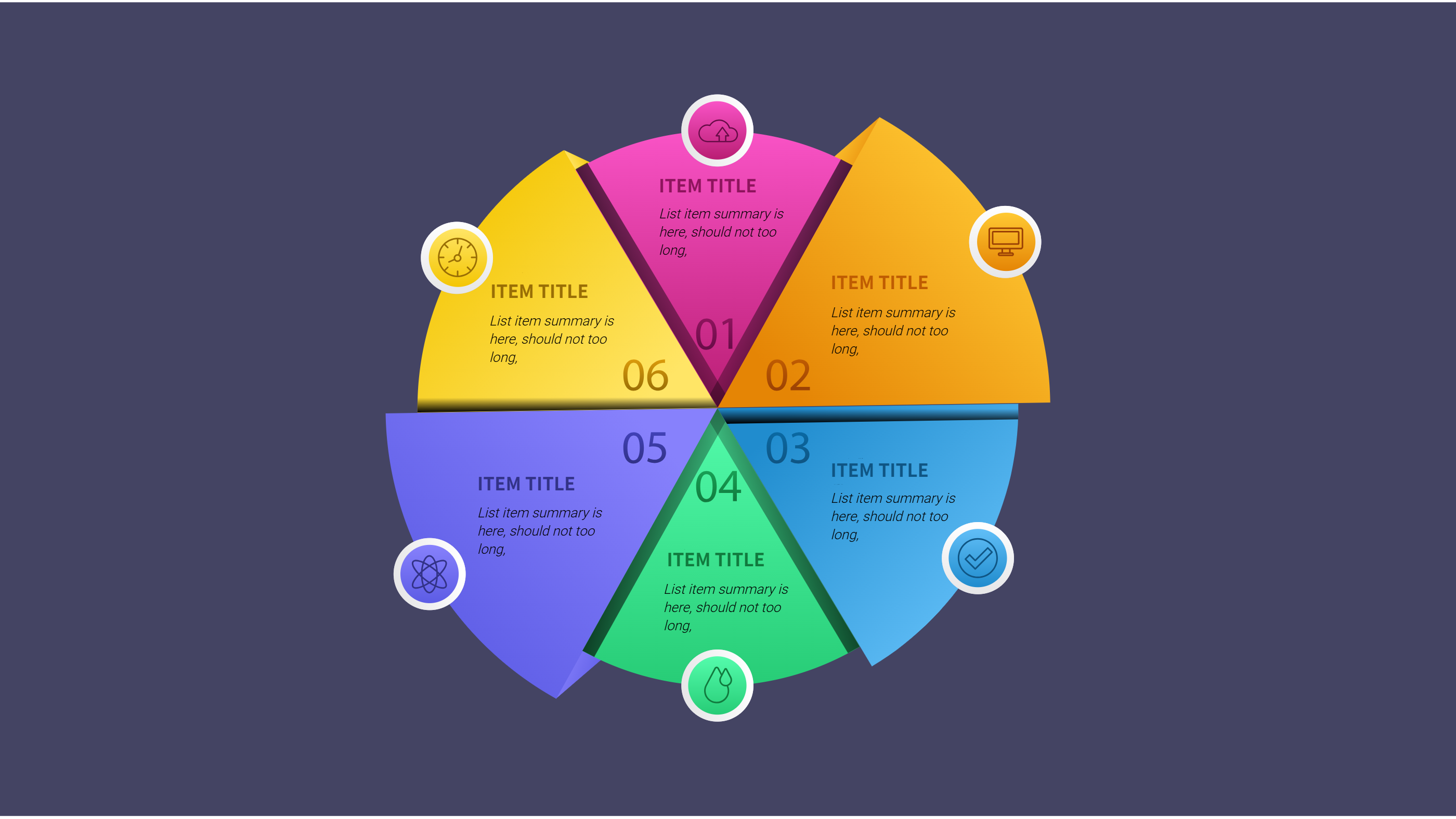
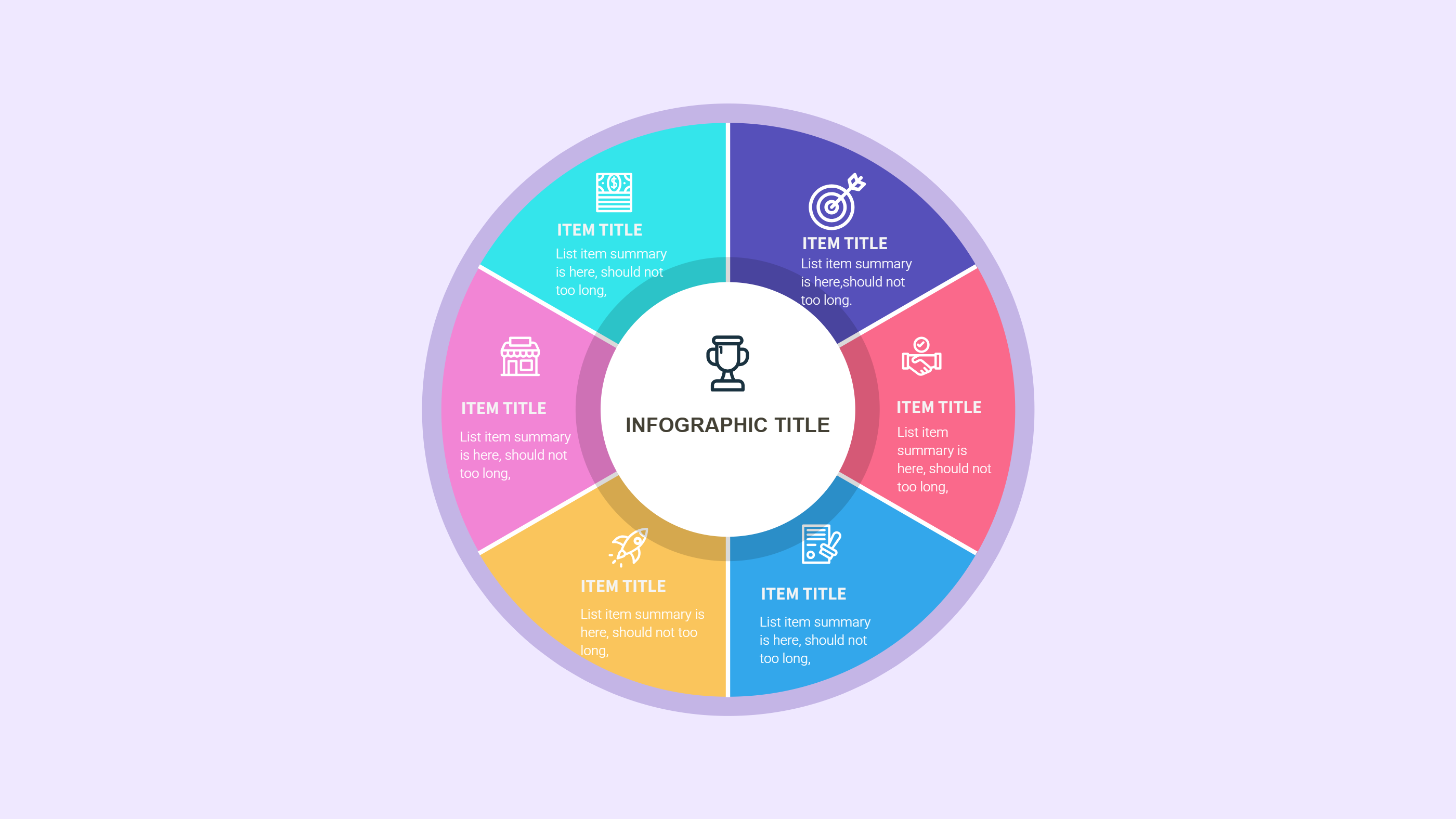
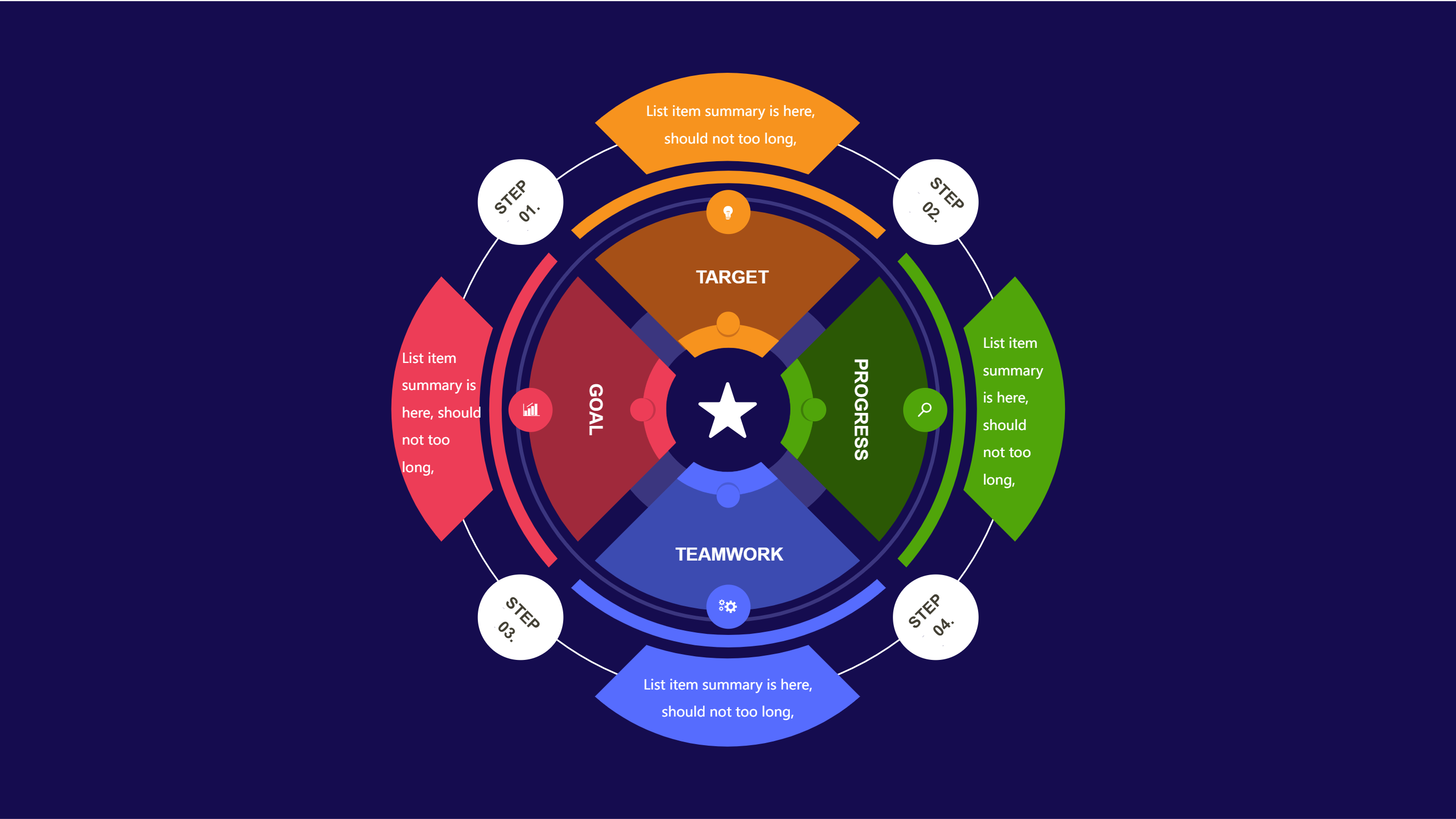
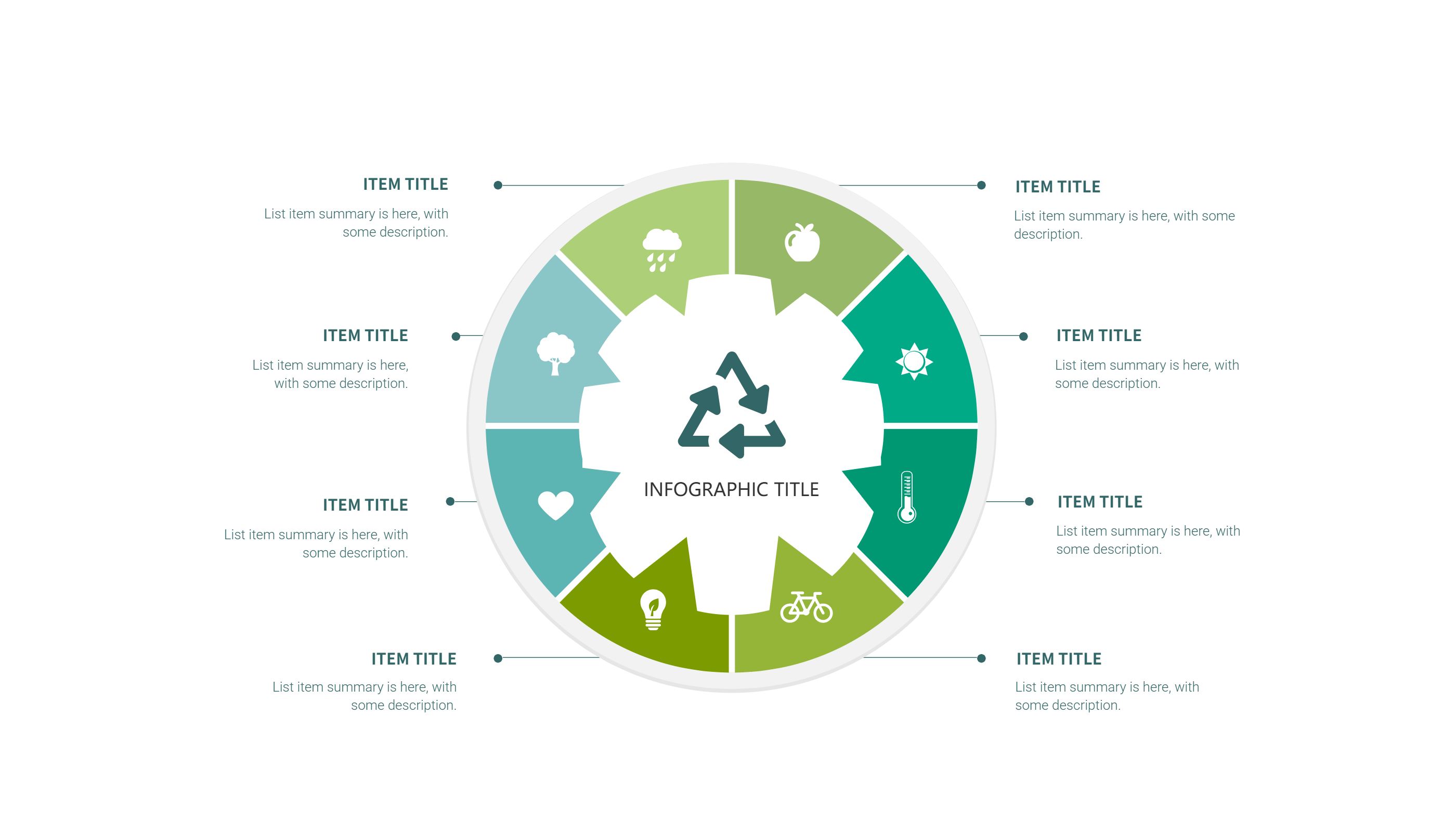
This Pokemon infographic template uses a rainbow wheel with eight sections to tell a clear story about teams, types, or regions. Each wedge has space for a title, a tiny icon, and a short sentence. The bright colors feel playful while the layout stays neat for guides, fan posts, or classroom handouts.
Use it to show type matchups, gym badges, starter choices, or favorite legendary picks. Assign one wedge to strengths and another to weaknesses. Add quick stats like HP focus, speed focus, or support role. Because the copy stays short, even new players can read it without looking up terms.
You can also map a travel route by labeling each section with a city and a key Pokemon seen there. Add friendly tips such as carry potions, watch status effects, or save before a battle. The Pokemon infographic keeps the fun tone while still giving clear direction.
To generate it fast, open the AI generation tool on the home page, choose this Pokemon infographic template, enter a prompt with your eight labels, colors, and game theme, and the tool will create the graphic for you.
Share it on forums, Discord channels, or study guides. Swap icons to match Pokeballs, berries, or type emblems. If you run events, use the wheel to show brackets or prize paths. The balanced spacing keeps the graphic readable on mobile and print alike. Add a short training reminder about resting your team and stocking status items before a gym battle. Mention safe play rules if kids share the Pokemon infographic in class or at events.