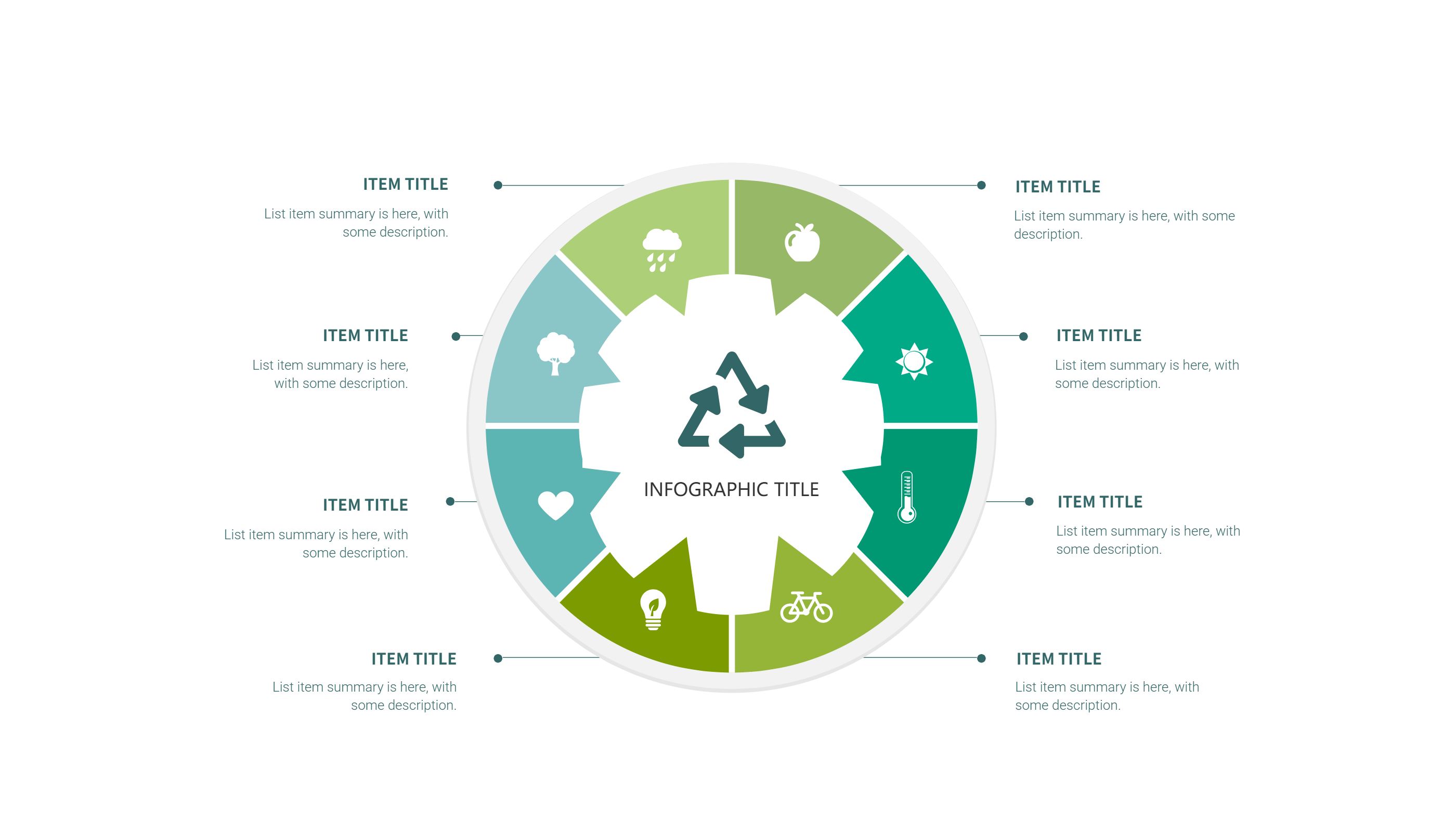
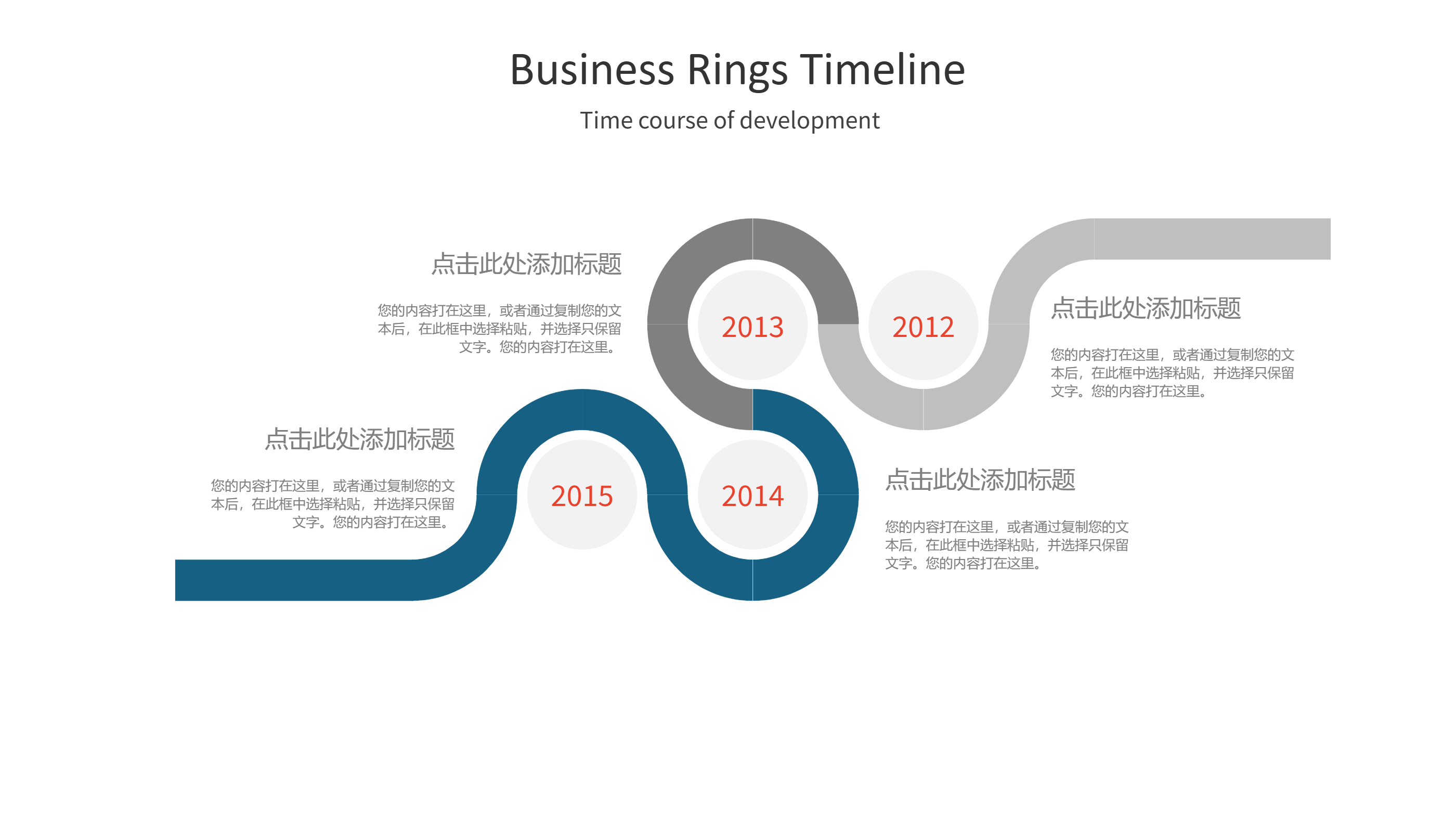
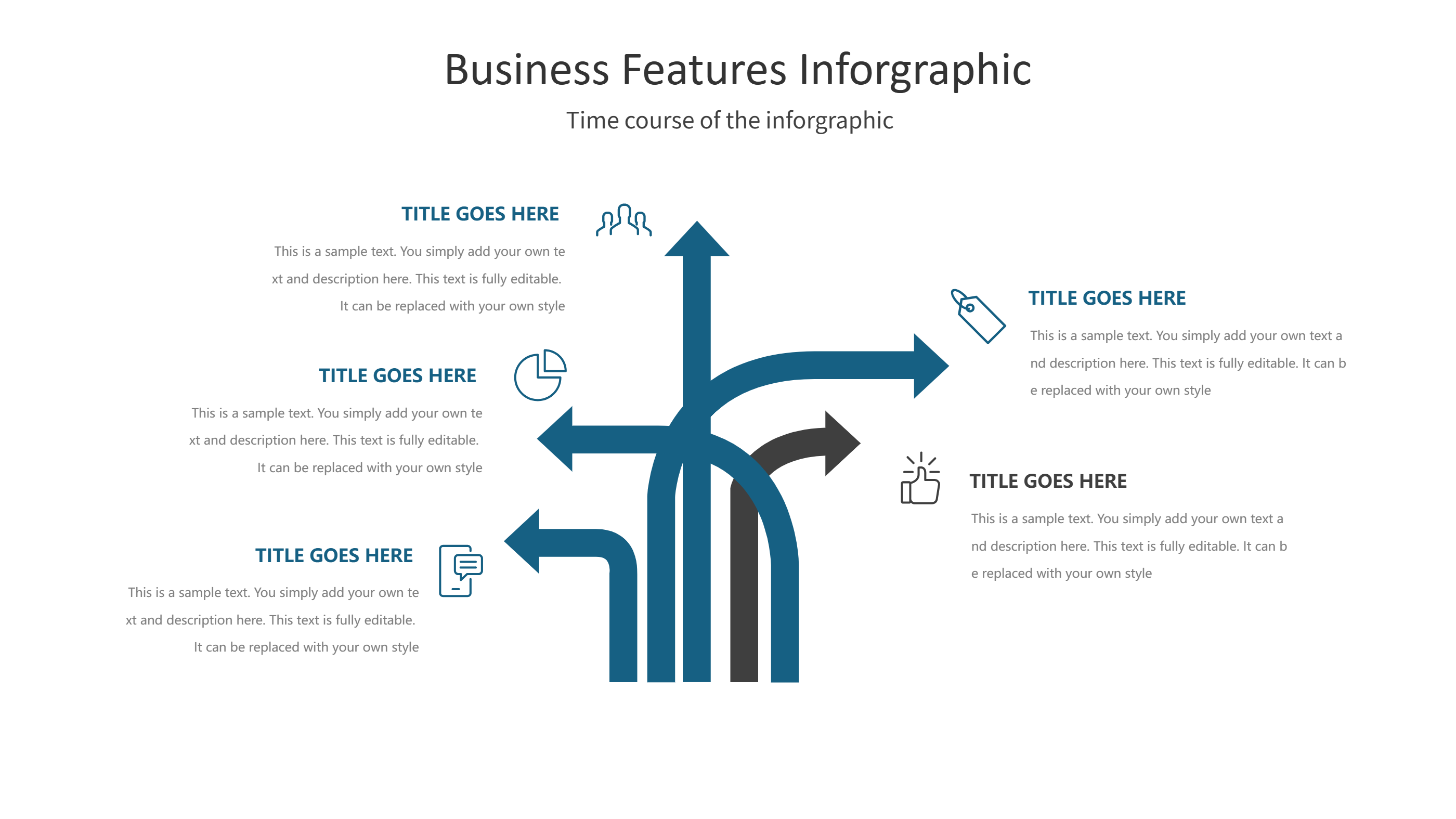
Figma Portfolio Template for Clean PPT Infographic Highlights
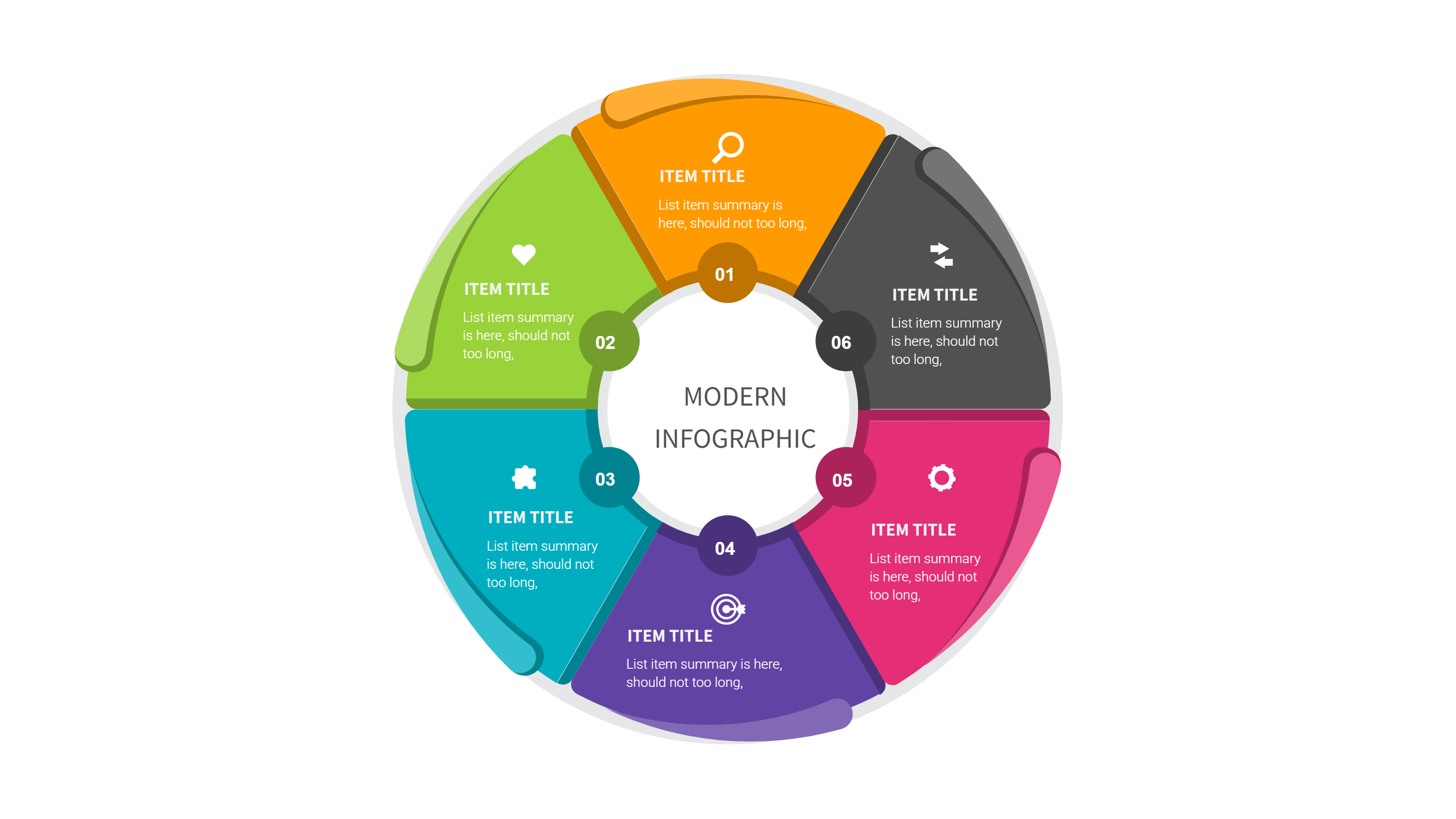
What is Figma Portfolio Template Infographic
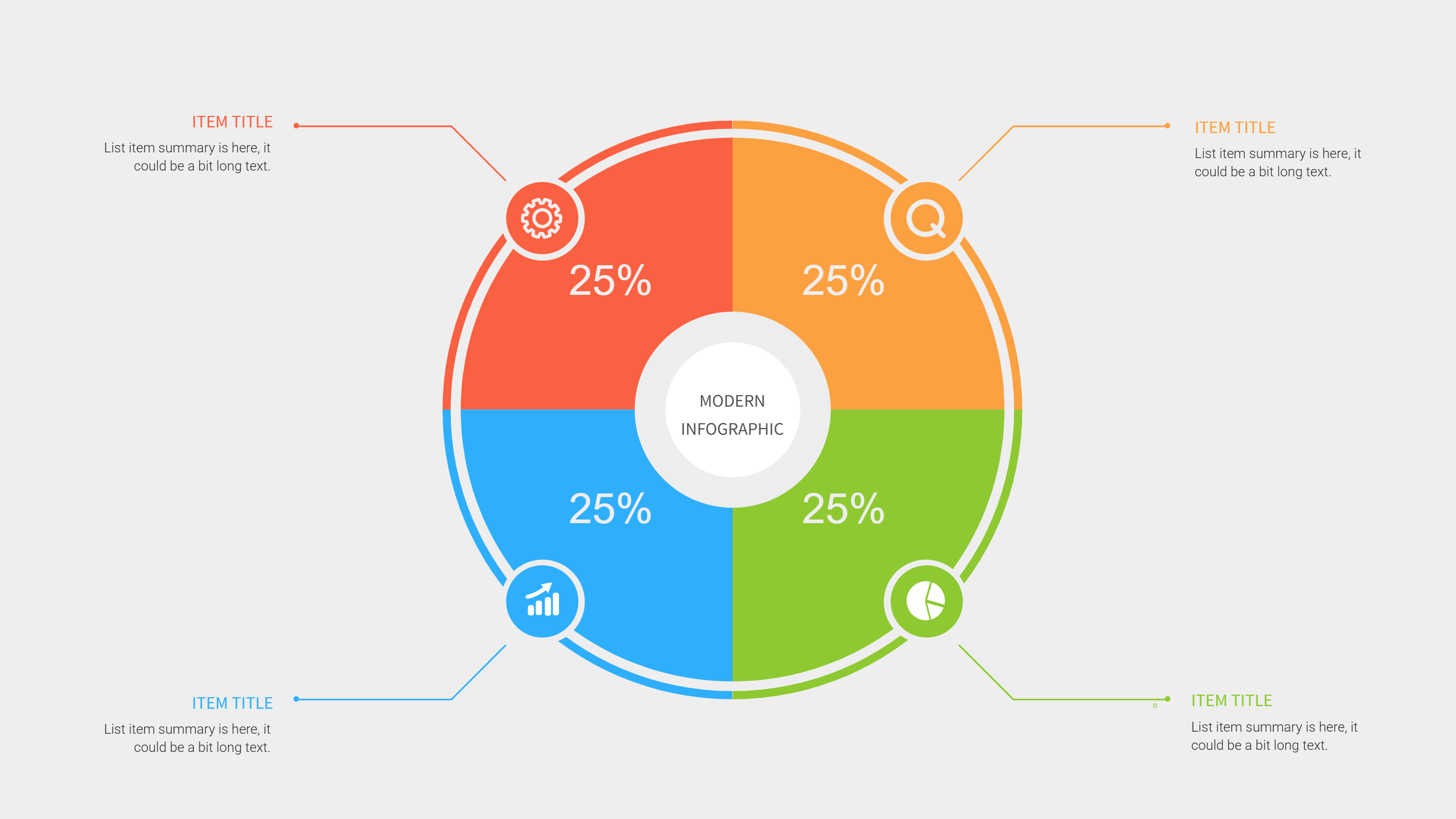
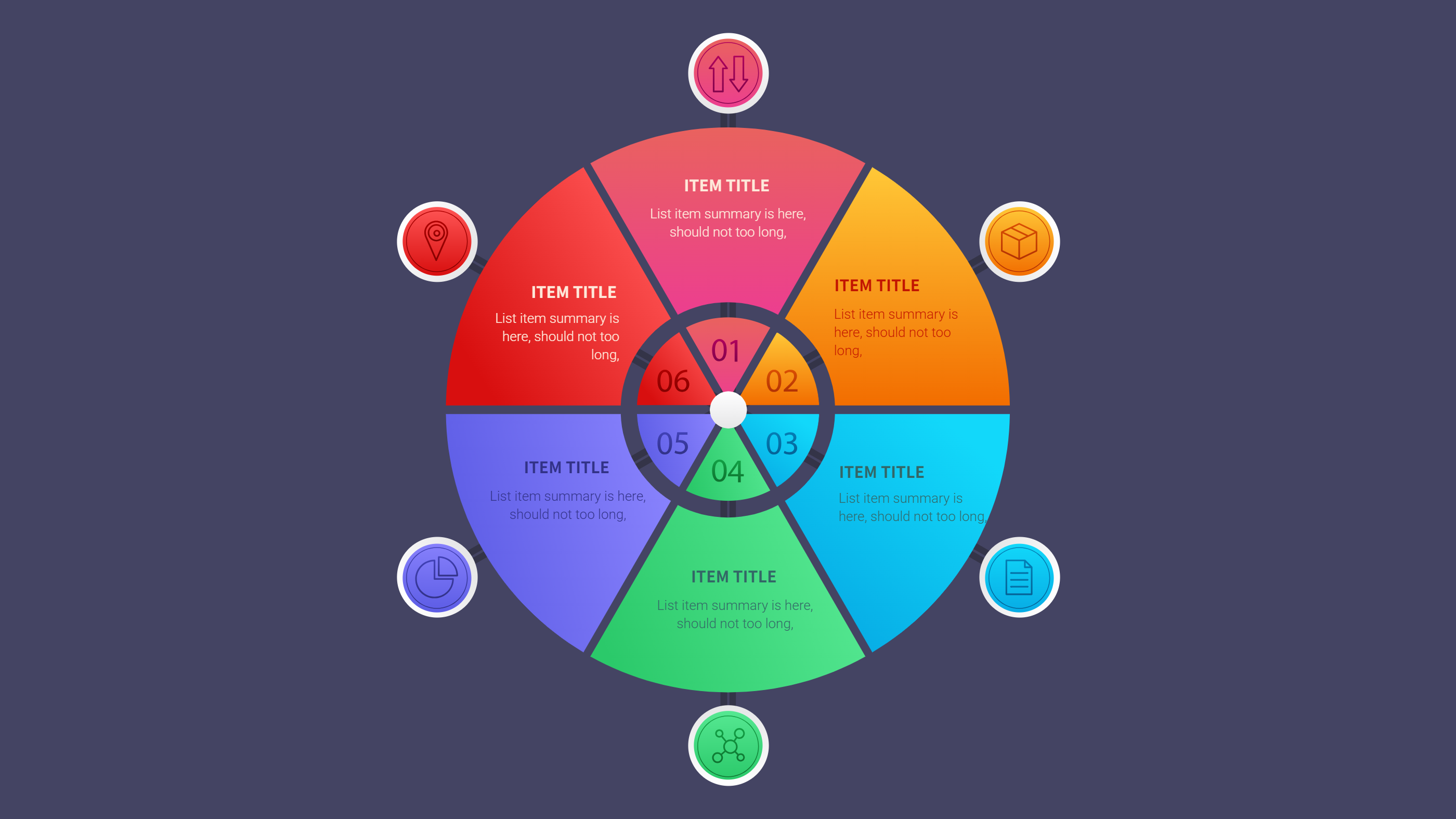
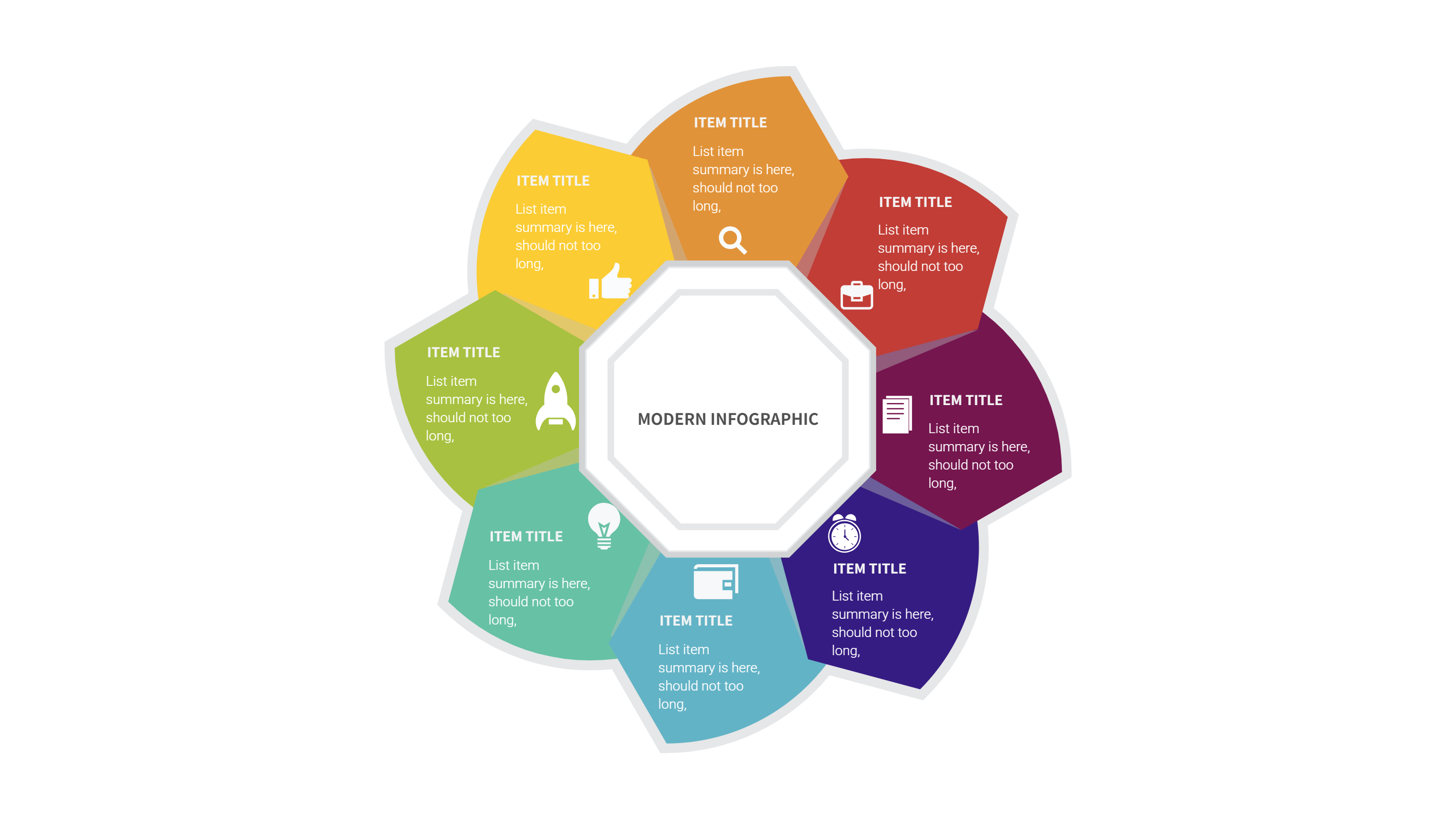
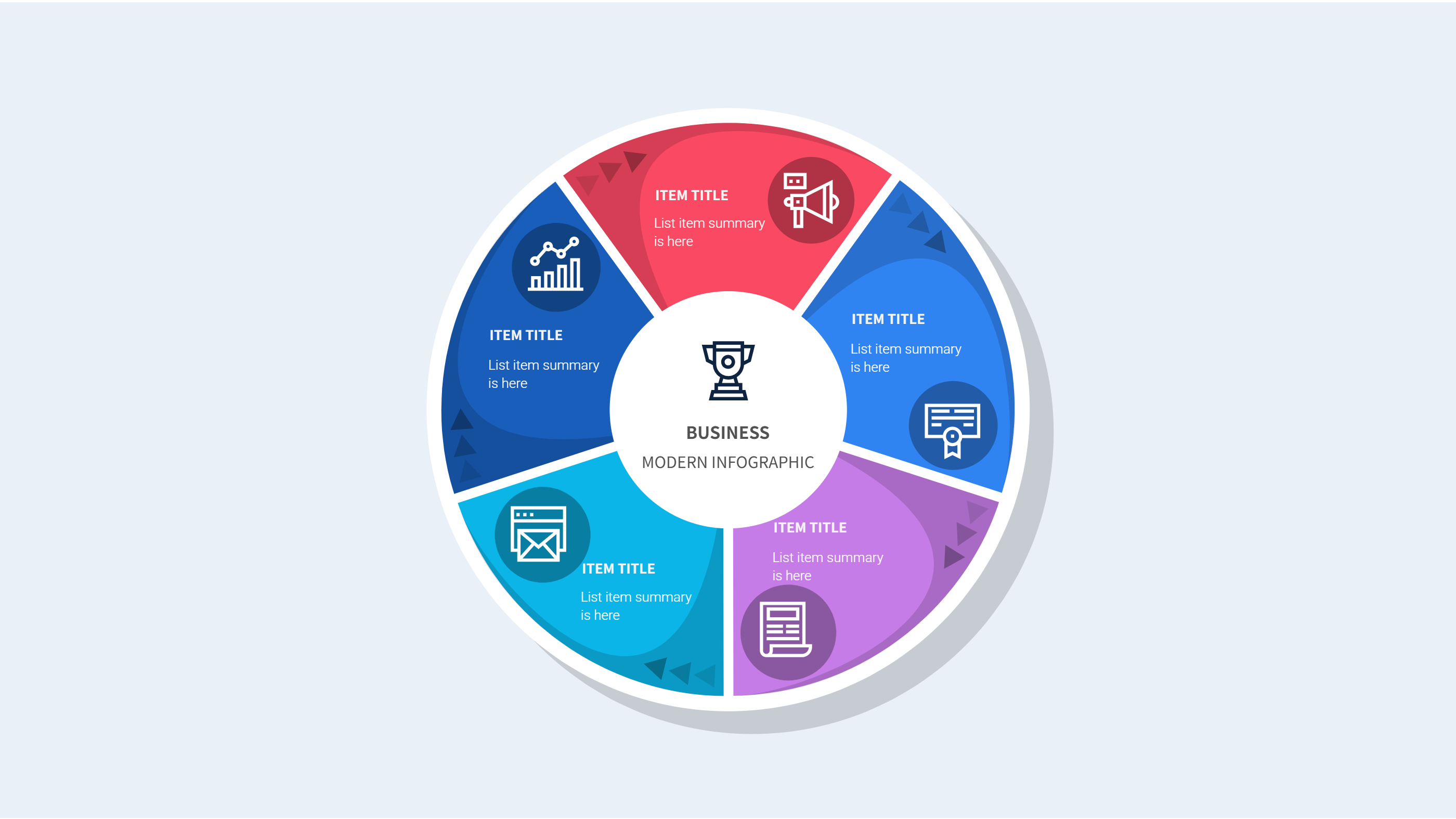
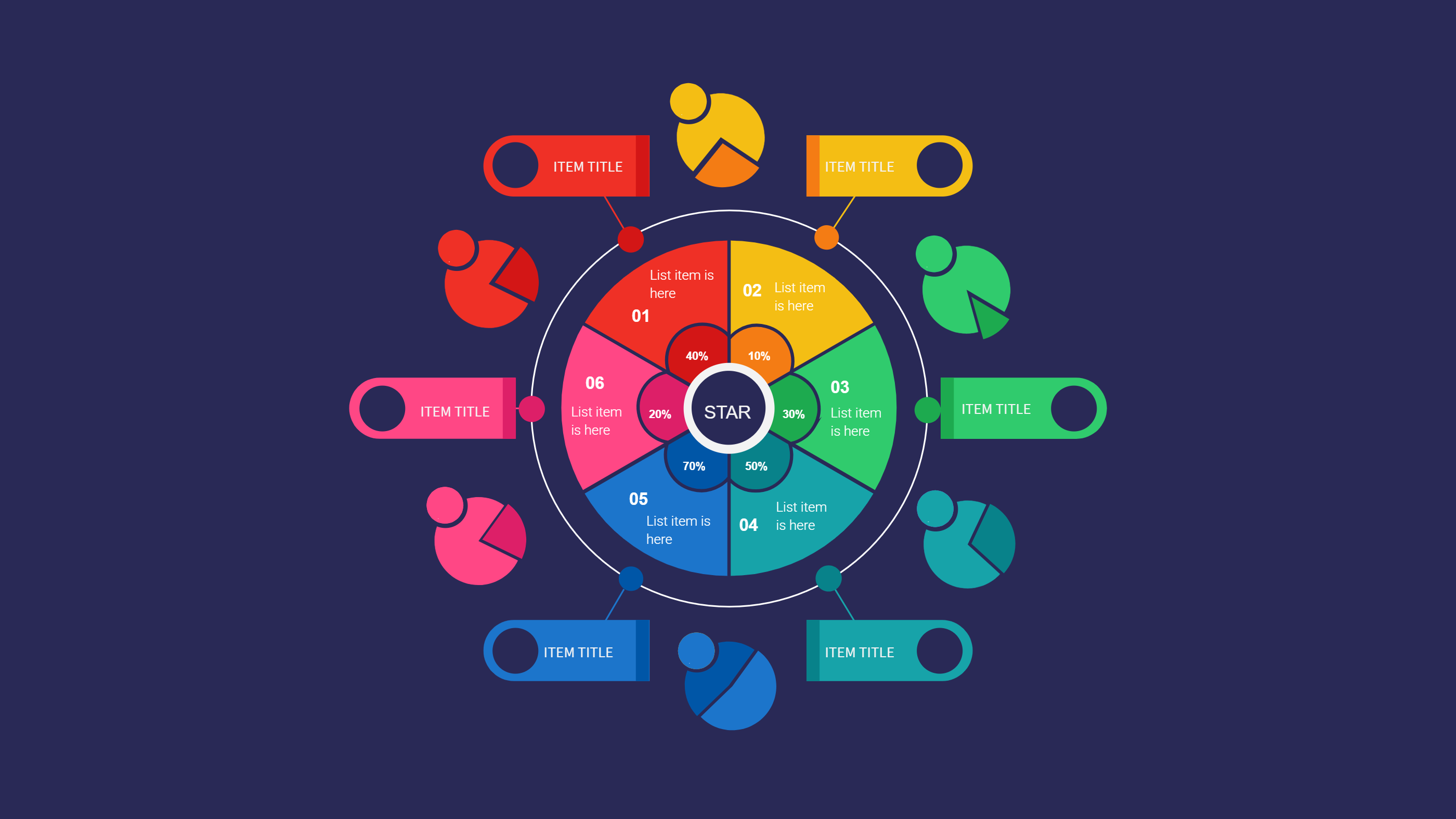
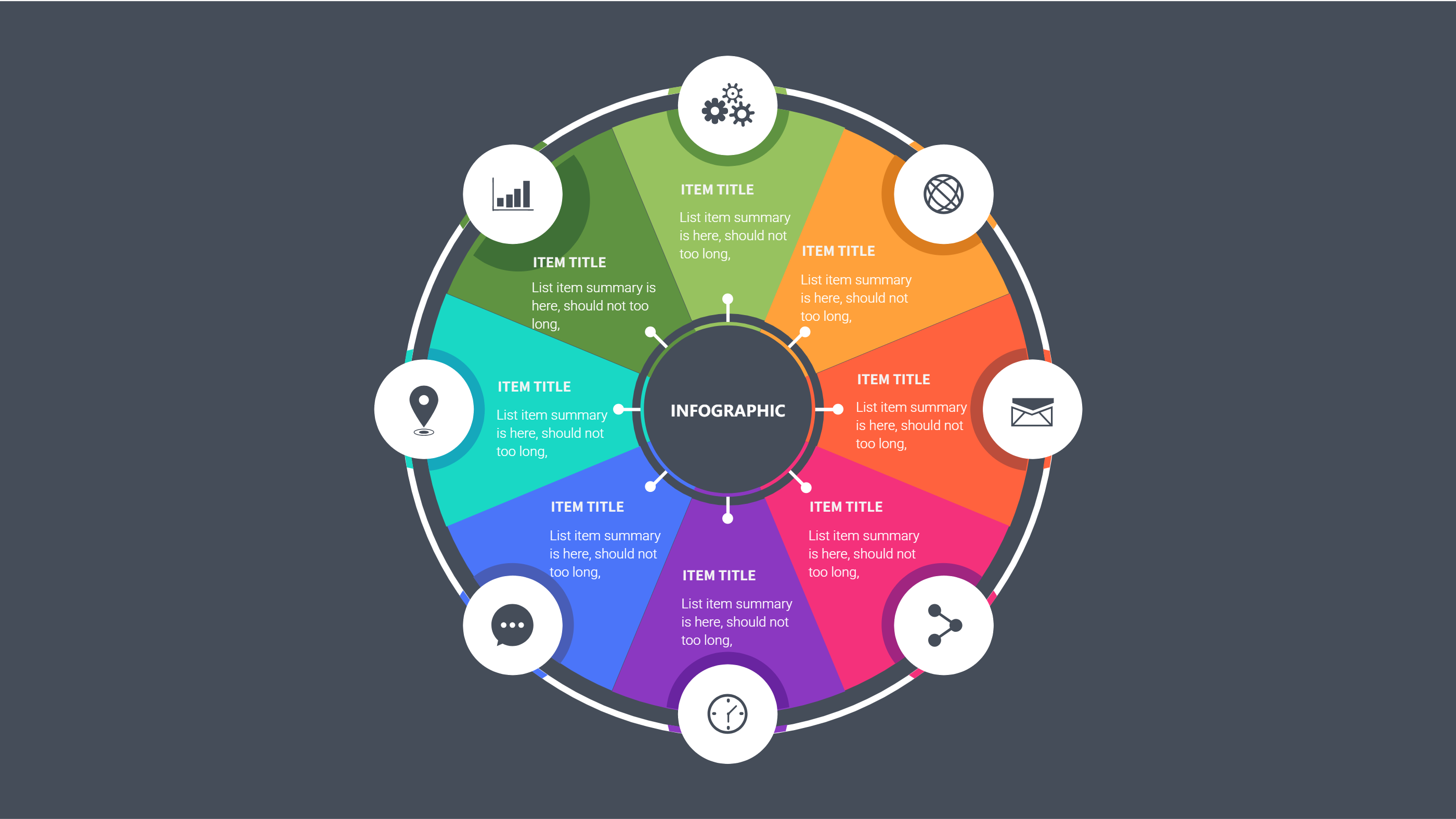
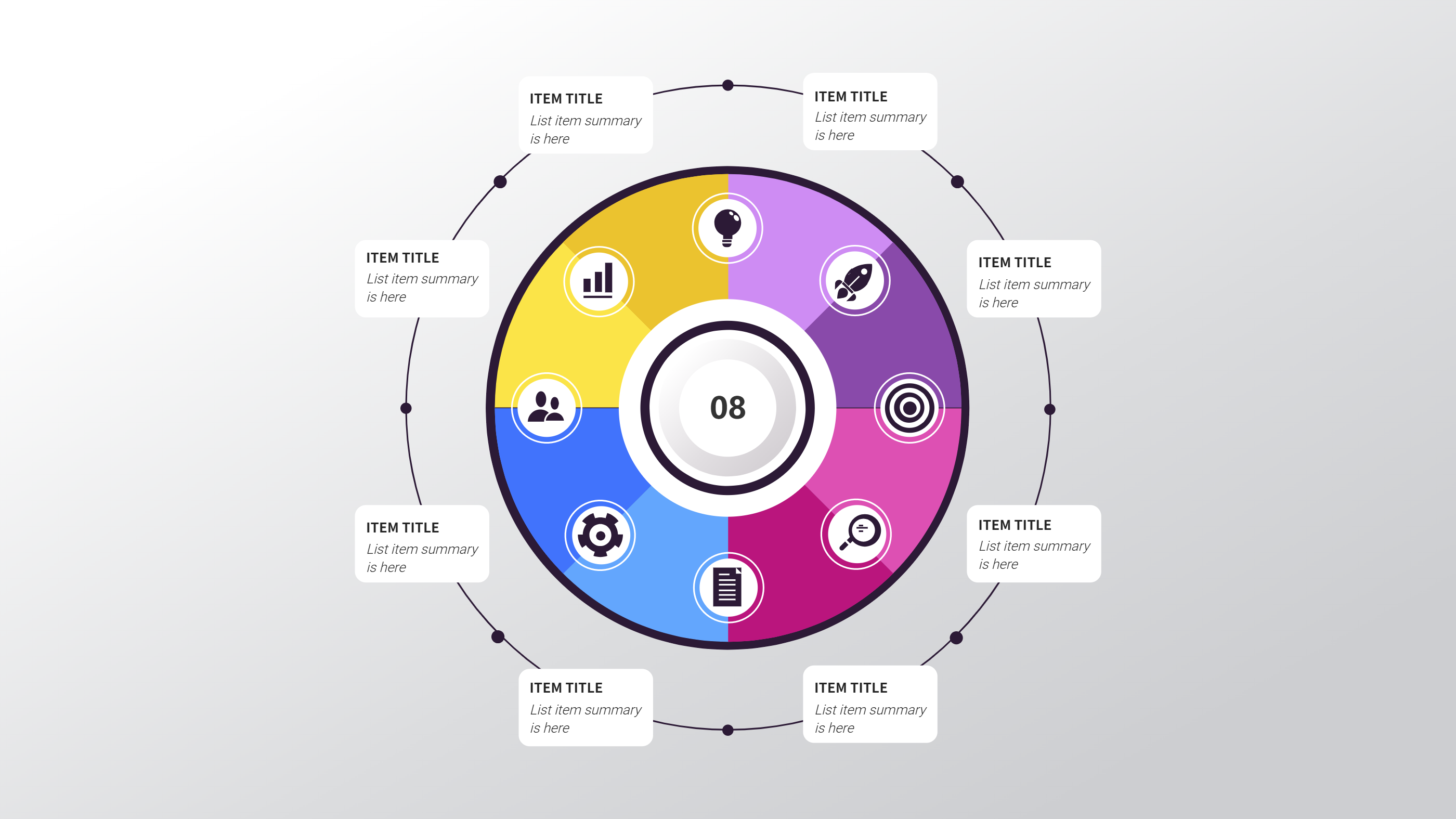
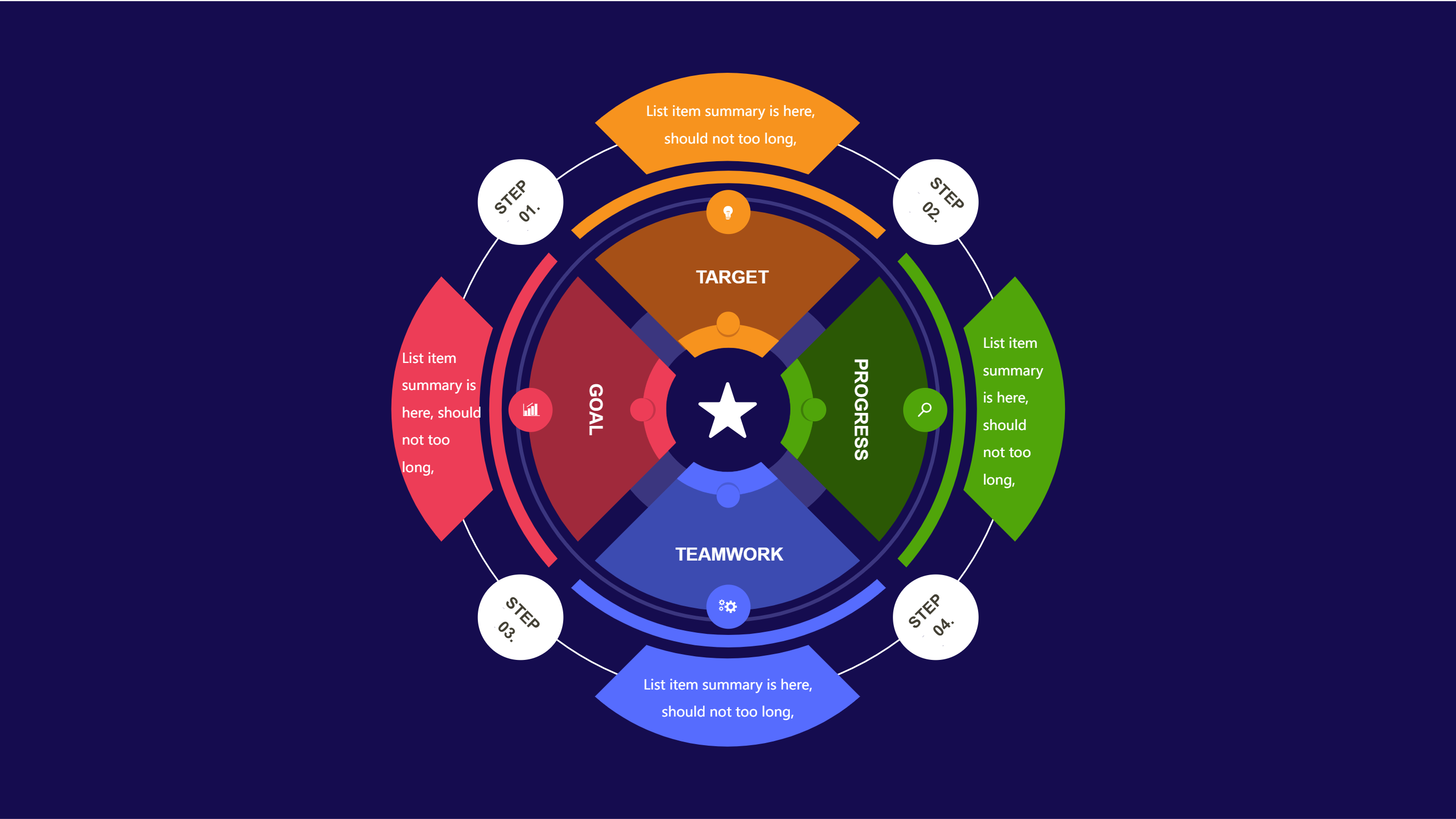
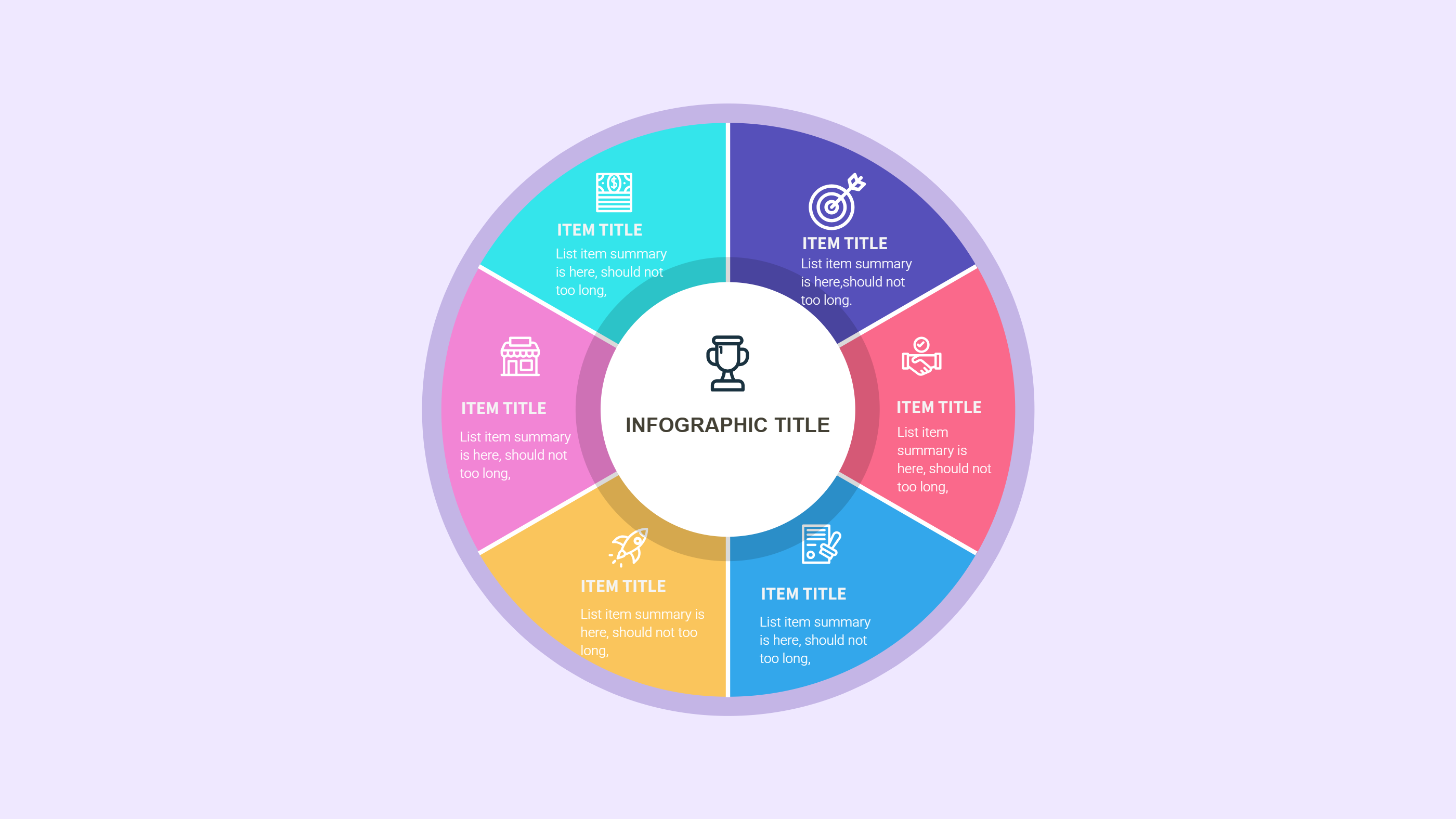
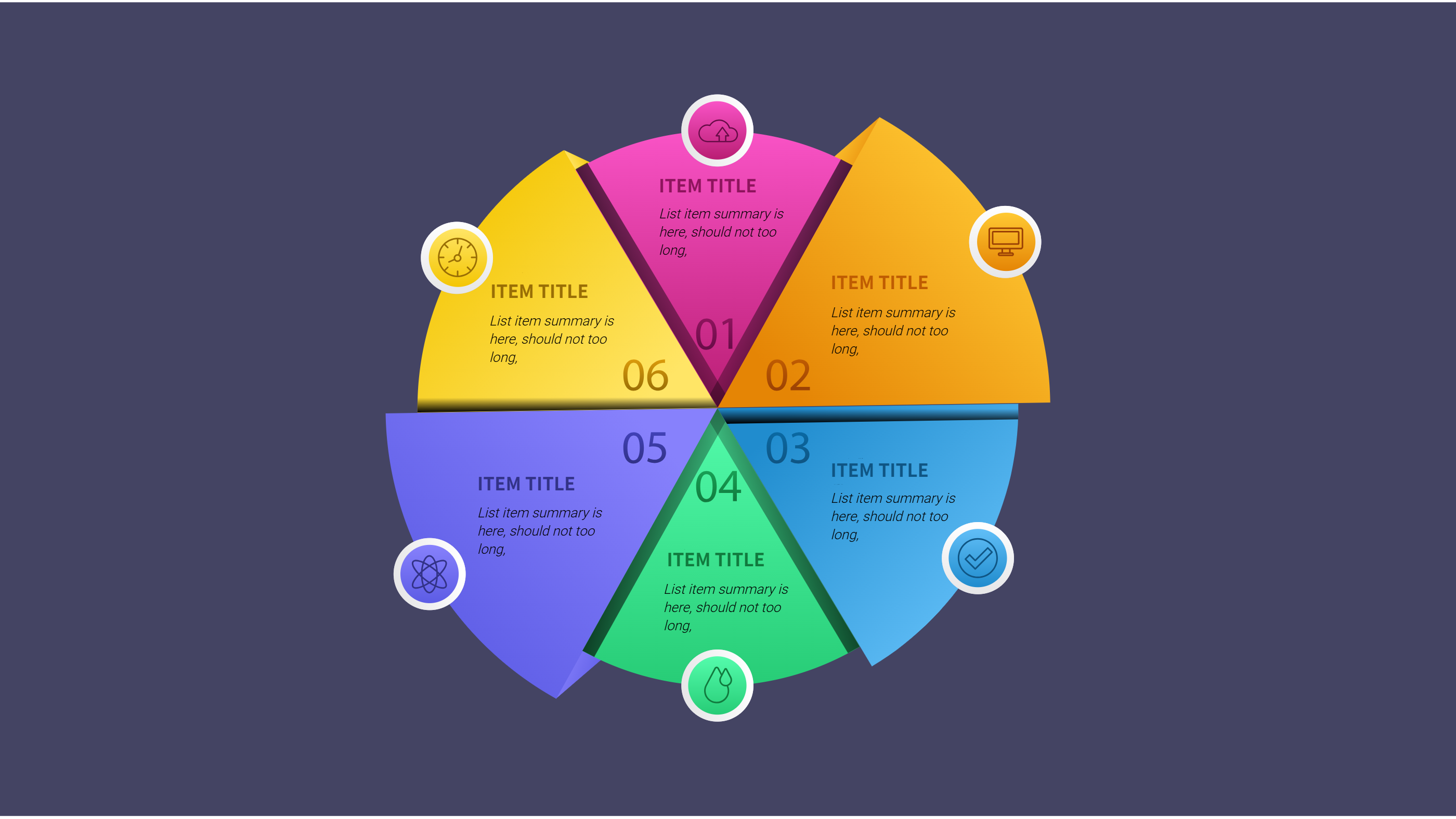
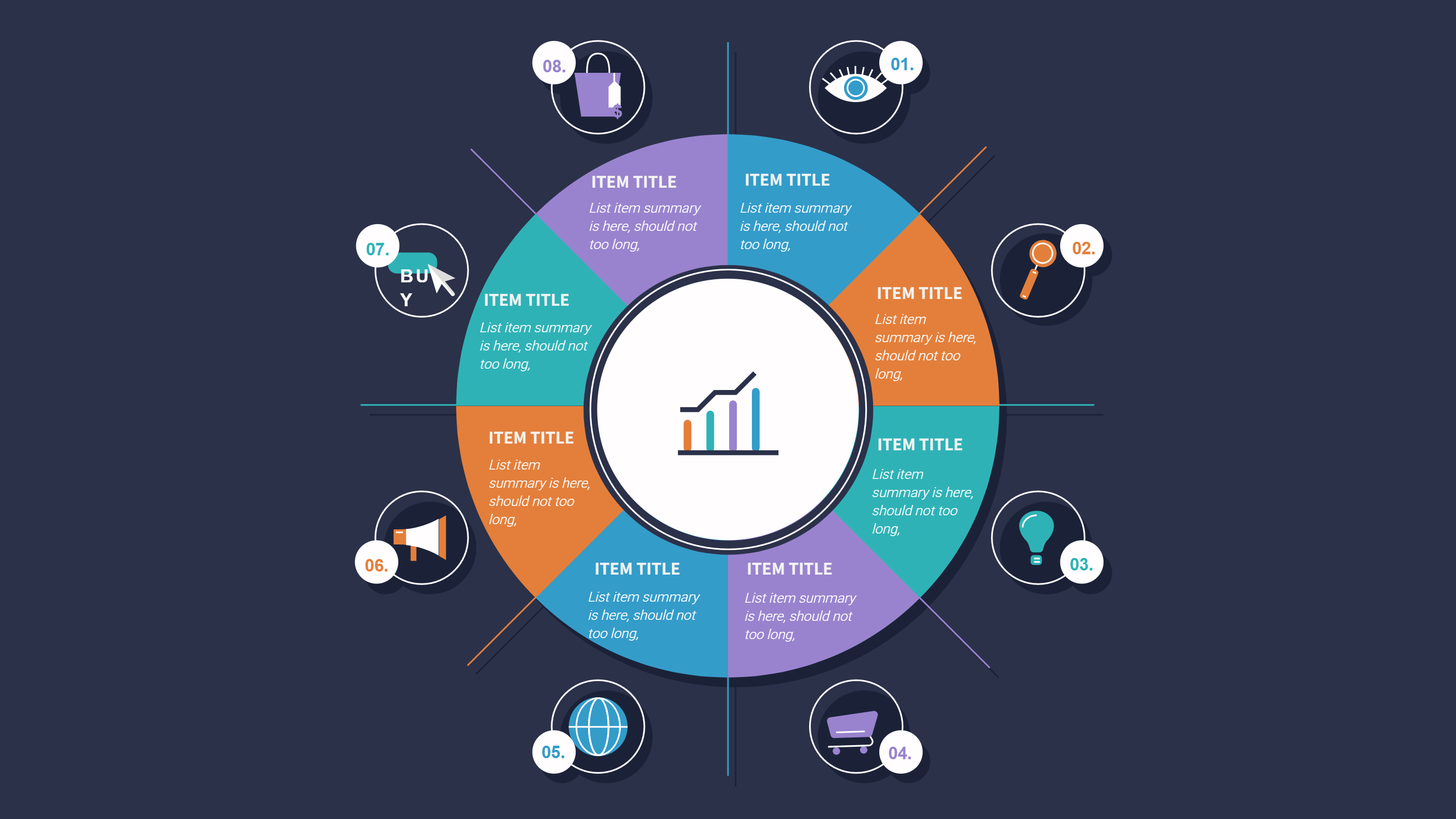
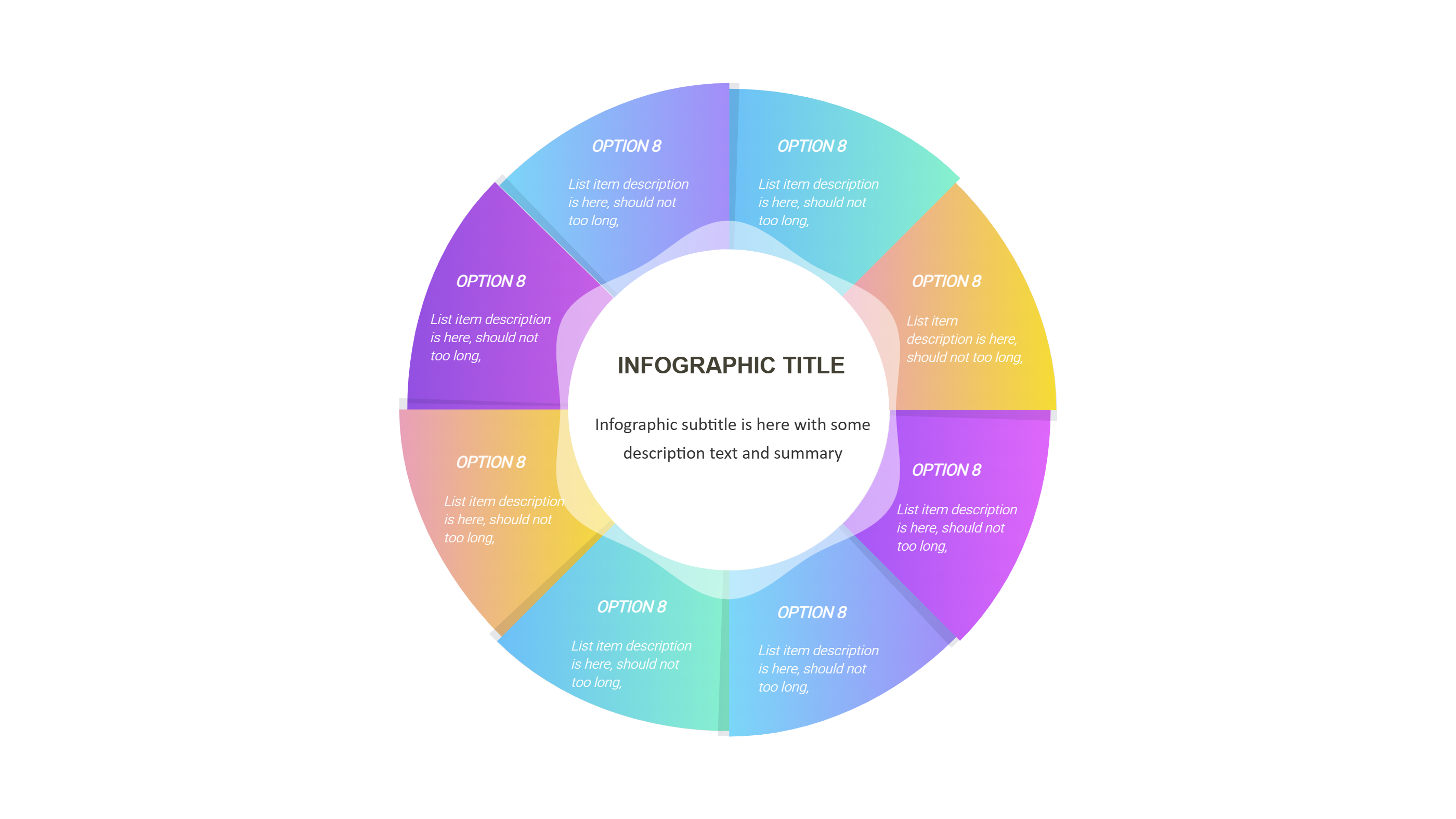
A Figma portfolio template infographic is a clean page that shows project highlights in a tidy layout. It turns a set of portfolio pieces into blocks with a title, a short goal, and a clear result. The reader can scan each block in seconds. The layout keeps the focus on the work, not long text. It fits design, product, and freelance work with ease. The goal is to share your value with a quick visual story.
This template uses simple sections, short labels, and calm spacing. Each project can show a role, tools, and a simple outcome. You can add a short note about the problem and the change you made. The design stays balanced so the page feels light. A Figma portfolio template infographic is easy to read on screen or in a slide deck. It also works as a single page summary for a meeting.
When to Use Figma Portfolio Template Infographic
Use a Figma portfolio template infographic when you need to introduce your work fast. It is helpful for client calls, team reviews, or job applications. A short visual view saves time and keeps attention on the main points. It is also useful when you need a simple update on several projects at once. The layout supports quick comparison without long explanations.
This format works well for a clean PPT overview. It helps when the audience is new to your work and wants a clear snapshot. It is also useful for sharing progress at the end of a sprint or a project cycle. The template keeps your highlights consistent across slides. It is a good choice for a one page portfolio handout or an intro slide at the start of a presentation.
How to Use Figma Portfolio Template for Clean PPT Infographic Highlights
Open the AI tool on the home page and choose the Figma portfolio template. Write a short prompt with your project type, role, and the key result you want to show. The tool creates a draft infographic with labeled blocks and short text. Read the draft and adjust the words to match your voice. Keep each line short so the layout stays clear.
You can add simple icons or numbers if they support the message. Use calm colors so the work stays at the center. Save a copy for different audiences. Make a version for interviews and another for team updates.
Download and Edit the Template
Click the download button to open the online editor. You can replace the sample text, adjust colors, and move elements with simple controls. Keep spacing even so each project block feels calm. When you finish, click save and choose a format such as PPT, PNG, or SVG. The file is ready for slides or sharing.
You can keep a base version for regular updates. Duplicate the file when you add new projects or change results. A consistent layout makes your portfolio feel stable and easy to follow. The editor lets you refine the look without special skills.
Examples of Figma Portfolio Template AI Prompt Usage
Example 1:
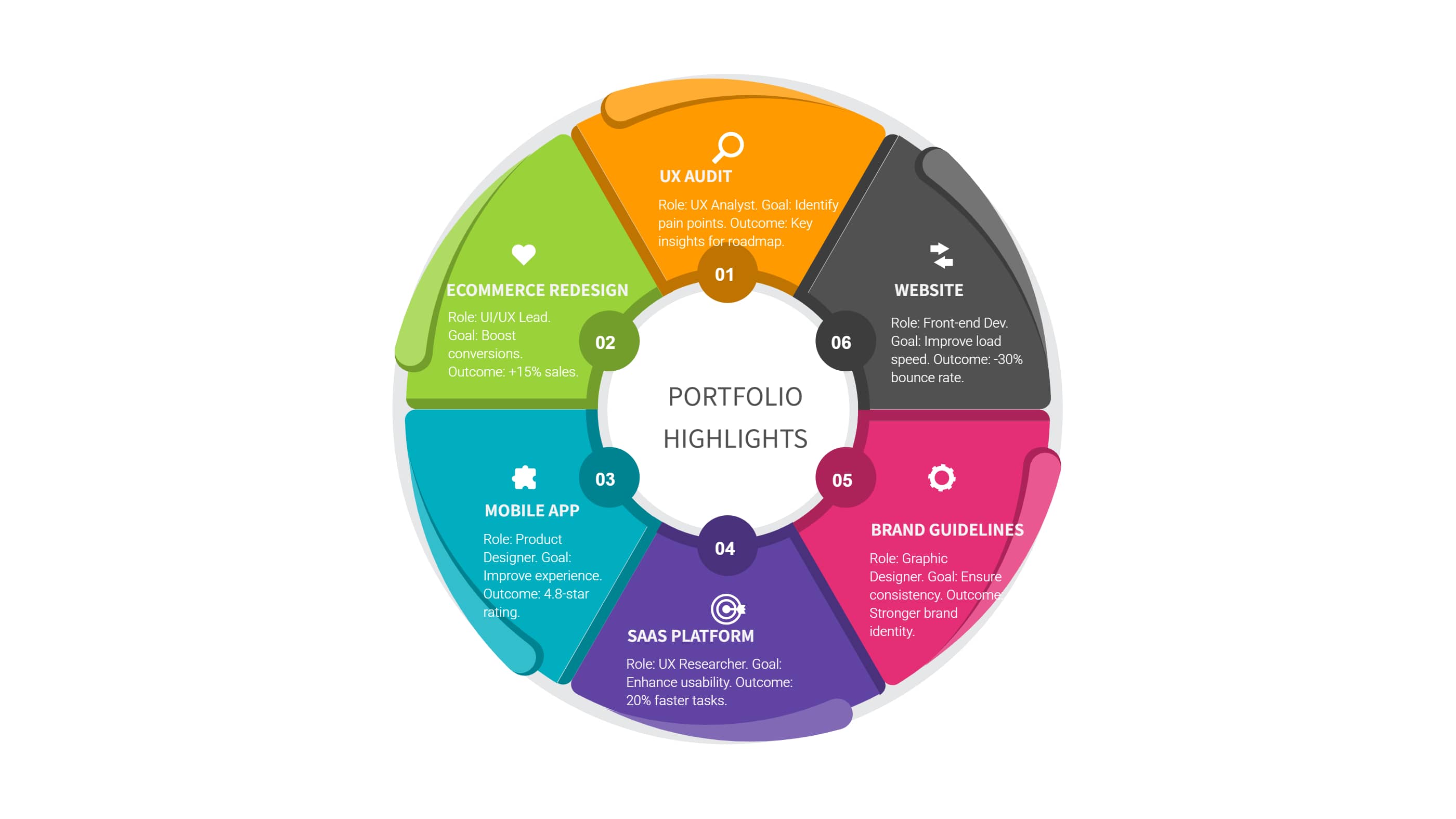
Make a portfolio infographic for a product designer with some case highlights. Show problem, change, and result in short phrases. Add a small metric for each result. Use a light background and dark text for contrast.
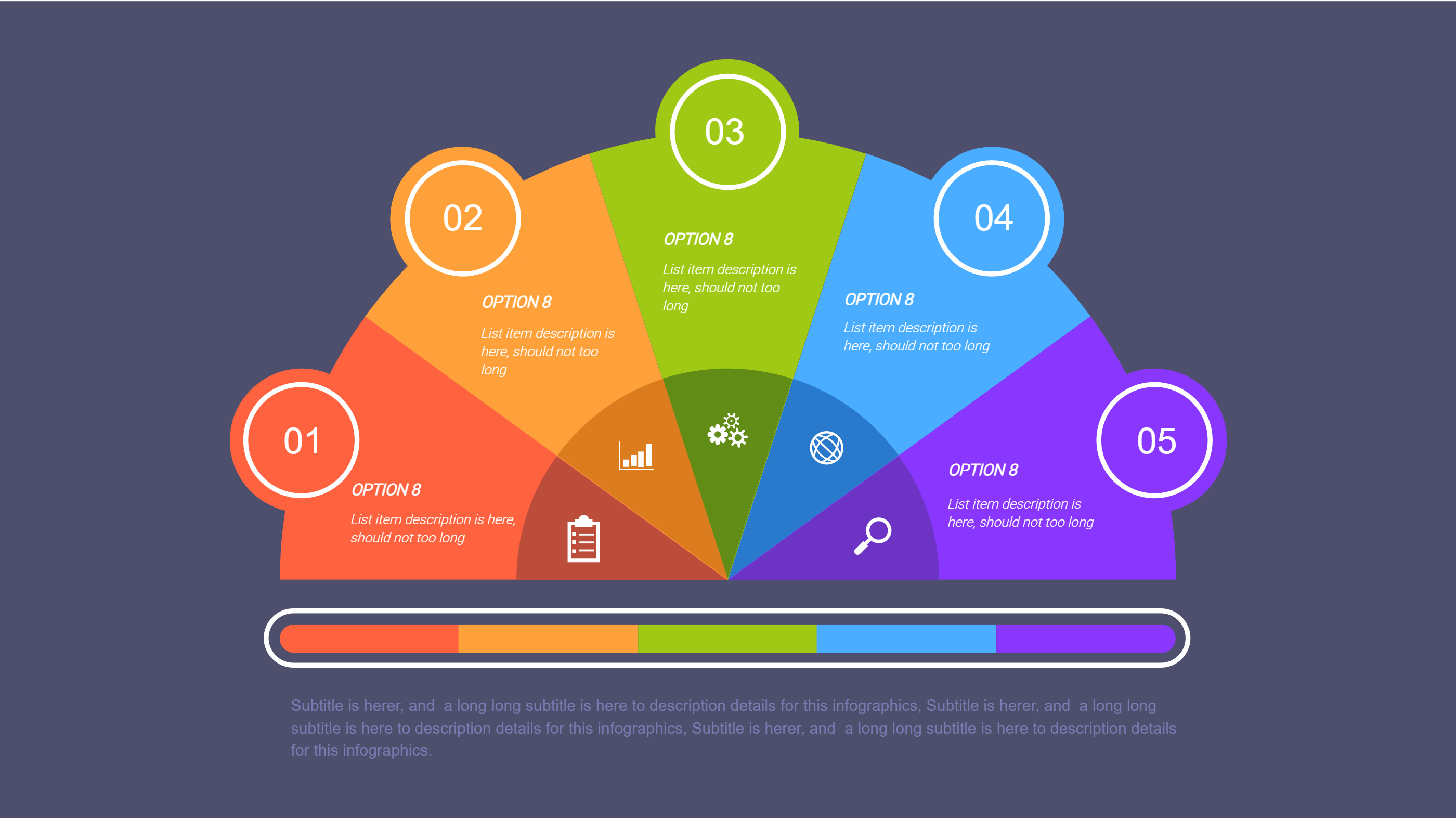
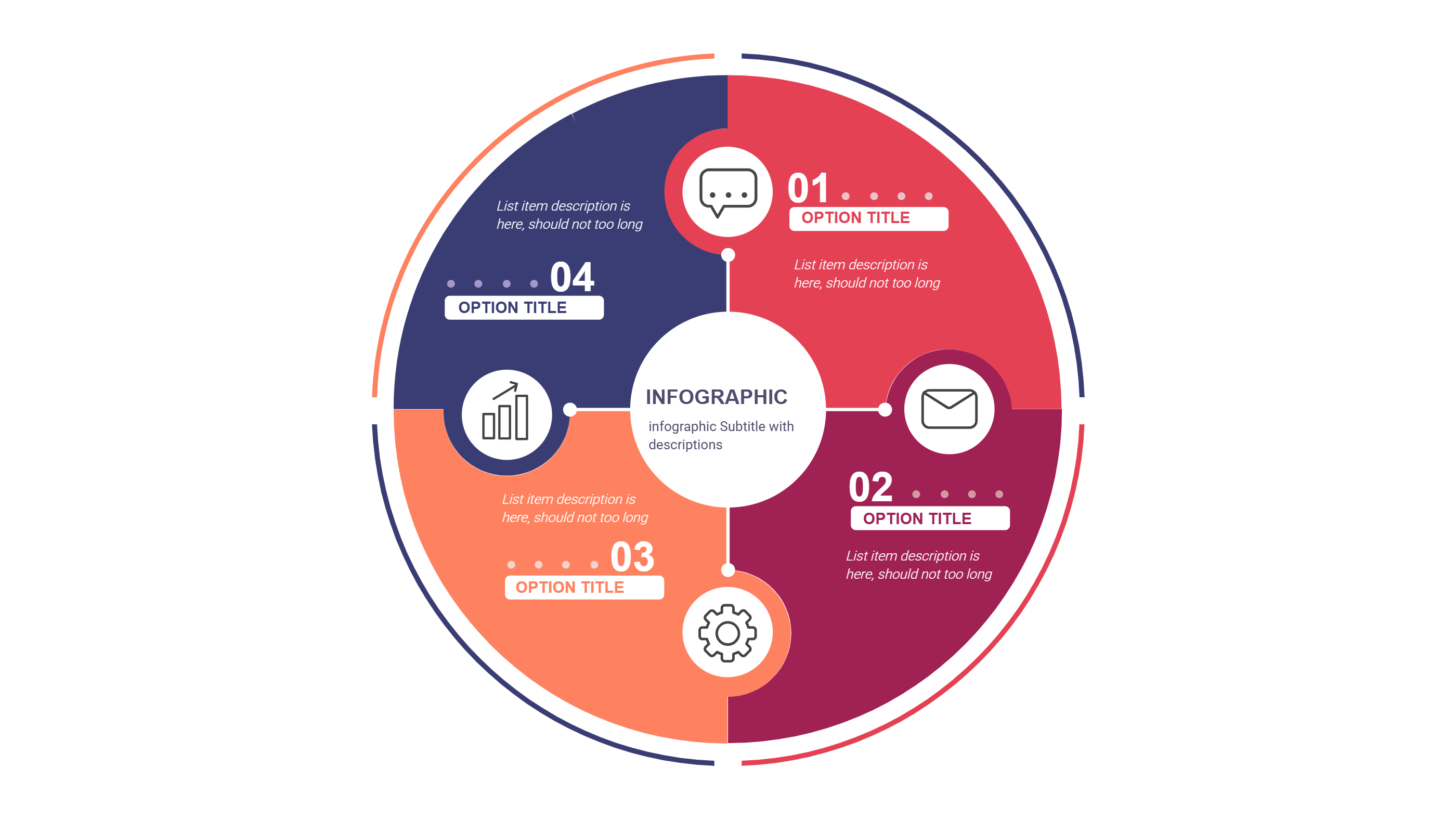
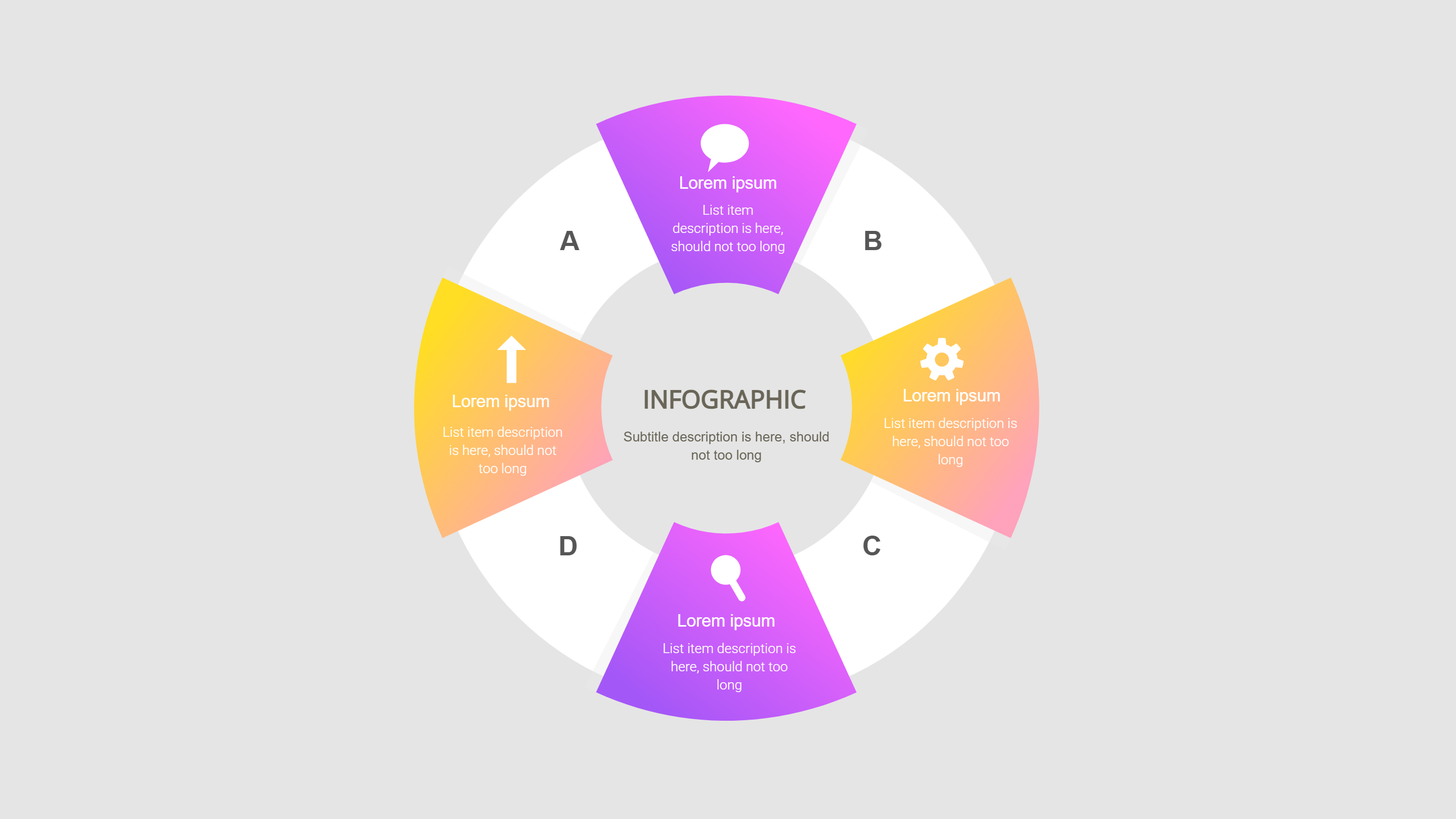
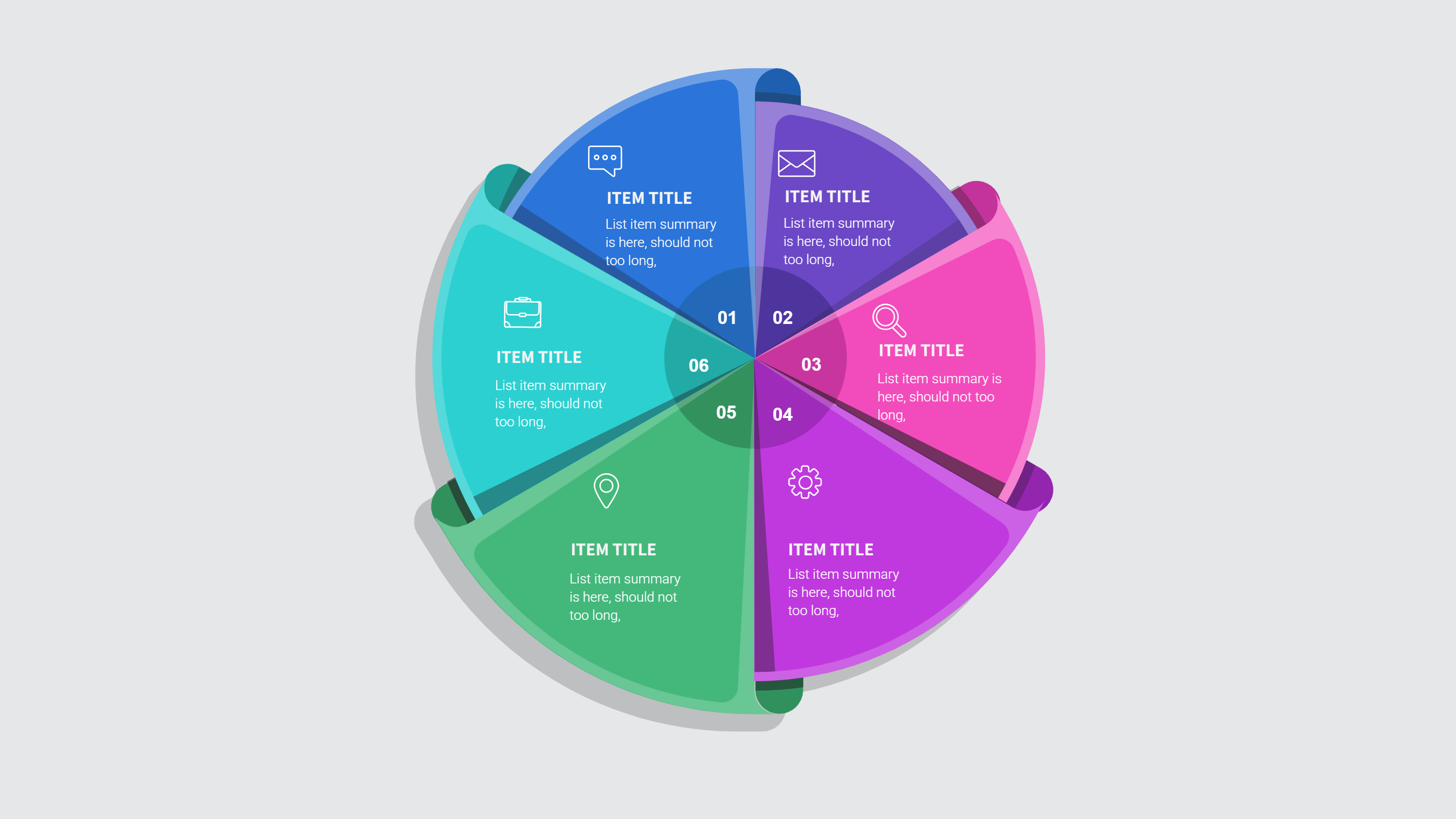
Example Infographic Image
Recommended Similar Infographic Templates
Related Template 1: Essentials Multipurpose Keynote Presentation Template
Related Template 2: Business Report and Presentation Template
Related Template 3: Abstract Business Report Template
Related Template 4: Project Research Infographics
FAQs
Q: Can I use this for non design projects?
A: Yes, it works for any project summary with clear results.
Q: How many projects fit well on one page?
A: Three to six blocks keeps the page easy to read.
Q: Do I need to add long descriptions?
A: No, short notes are enough for quick scanning.
Q: Can I use it in a PPT deck?
A: Yes, the layout is made for clean PPT slides.
Q: Is this useful for client updates?
A: Yes, it gives clients a quick view of progress.