PowerPoint Timeline Template Free Rings Layout
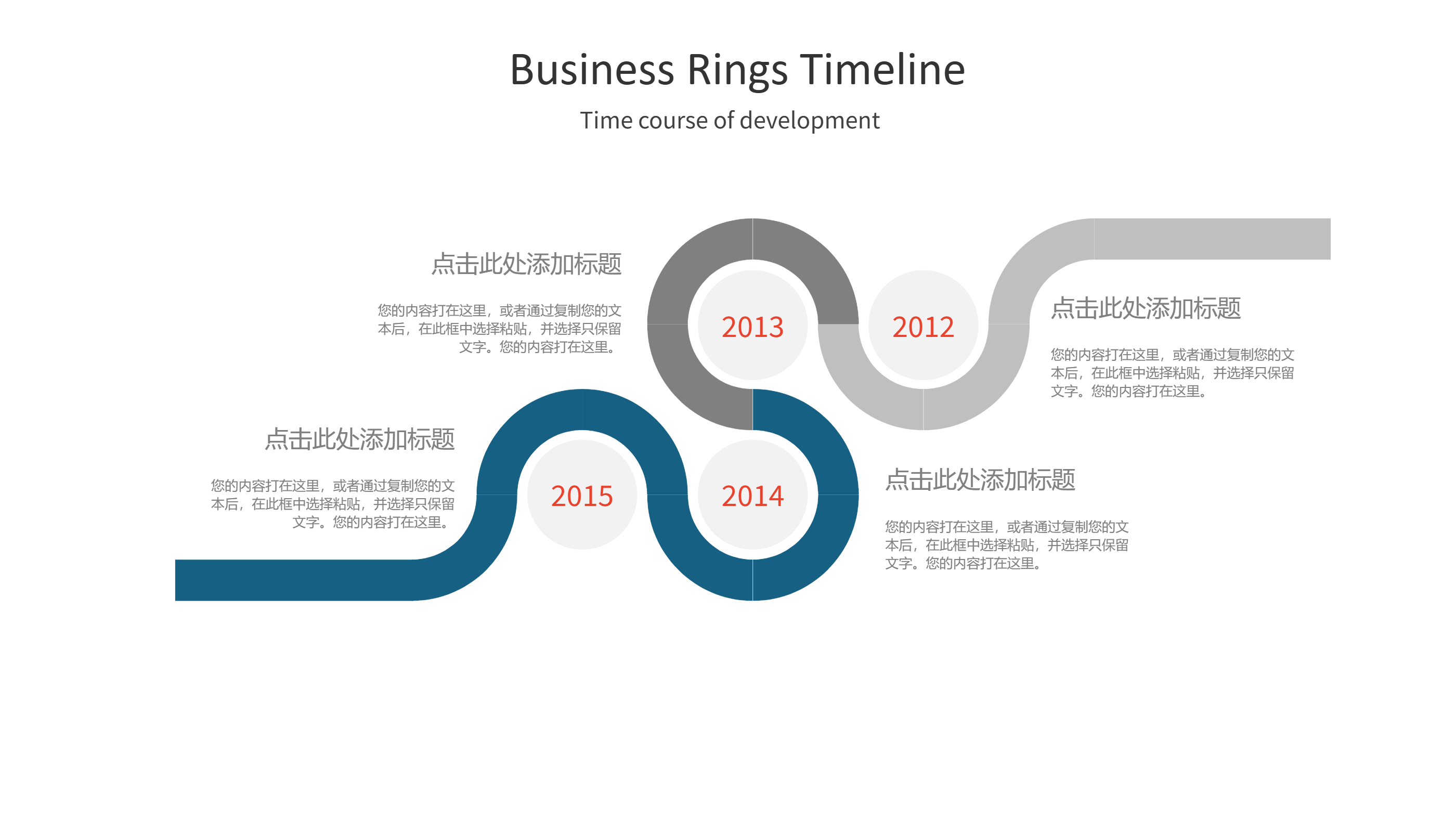
What is PowerPoint Timeline Template Infographic
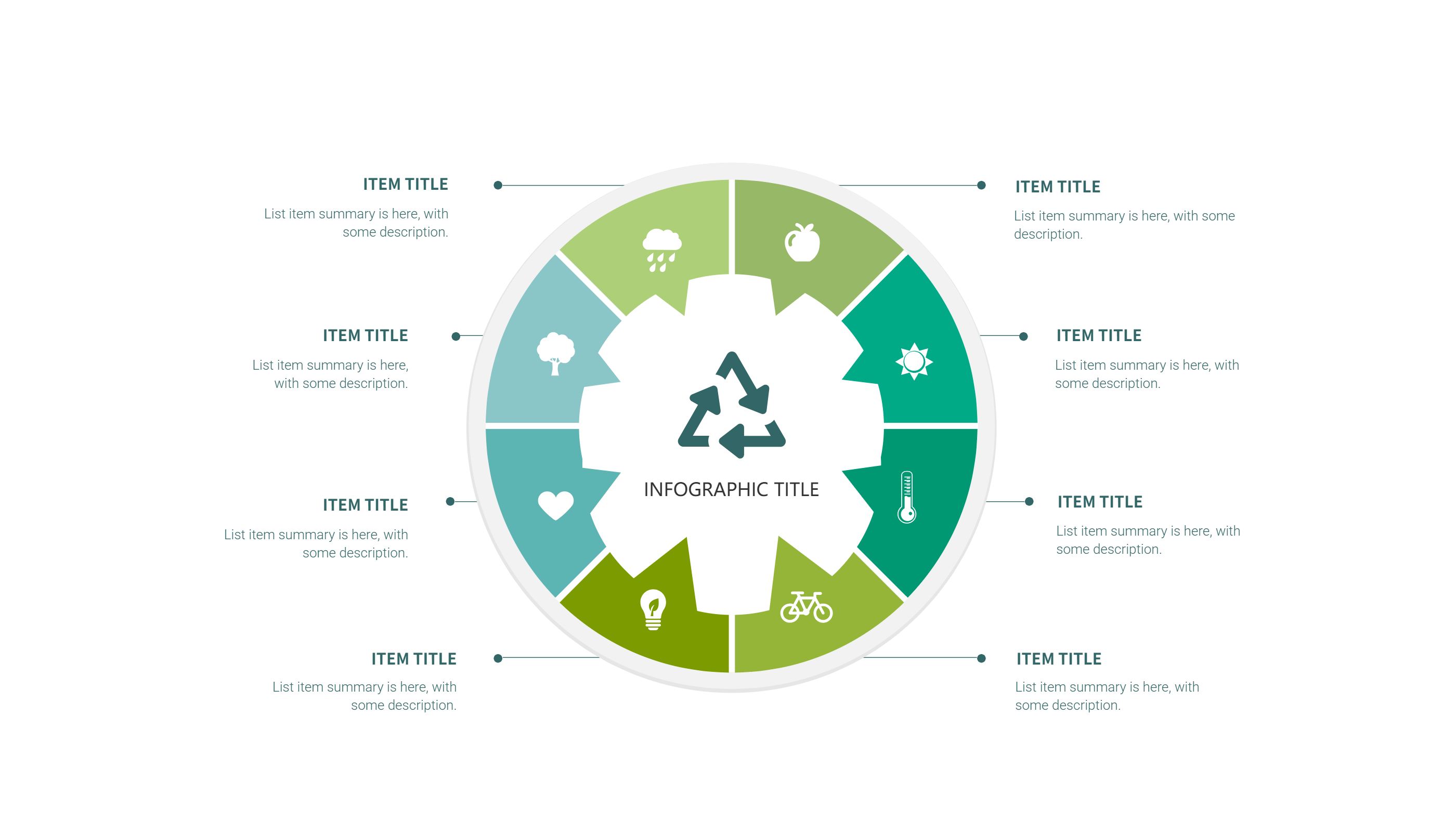
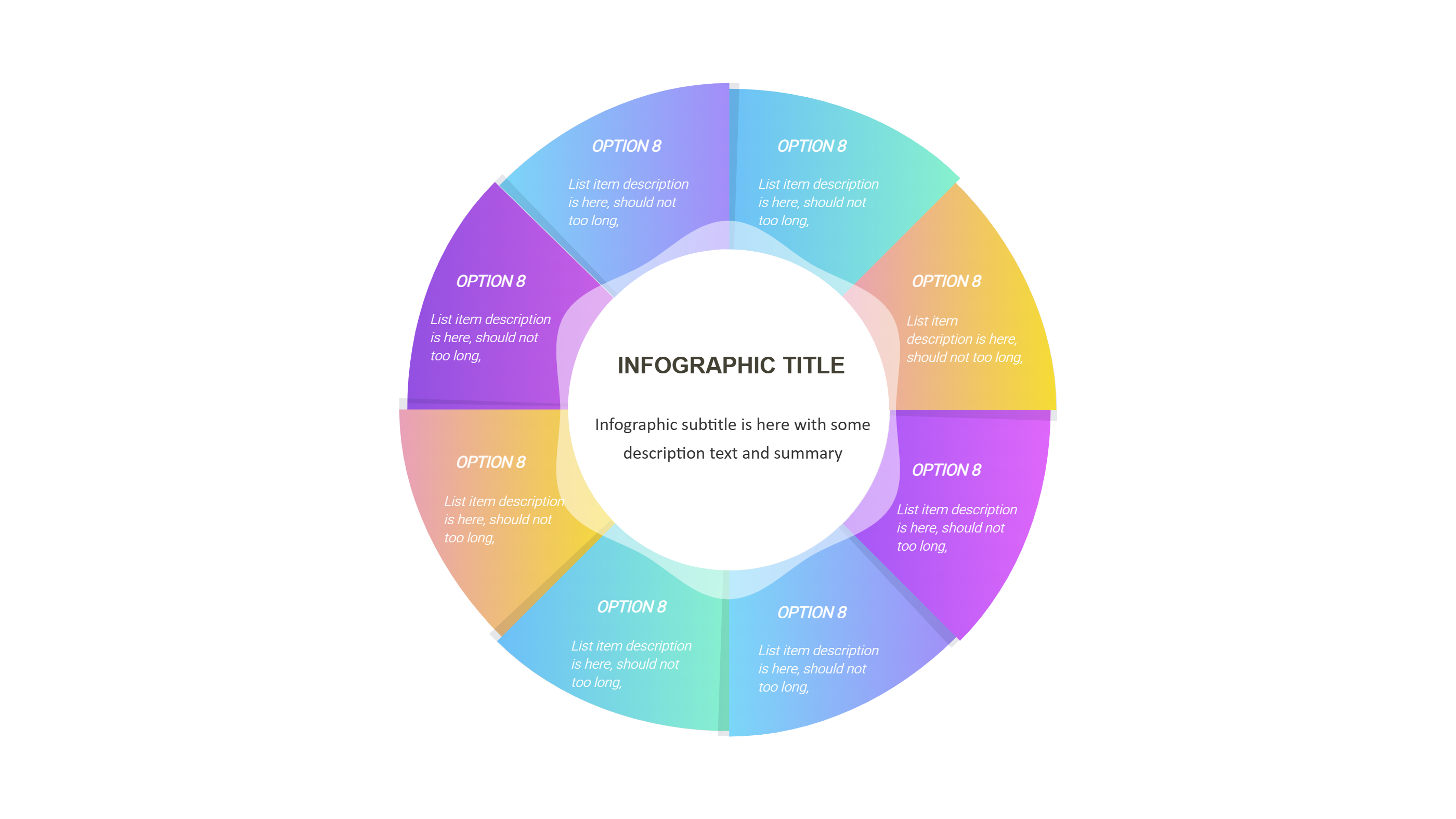
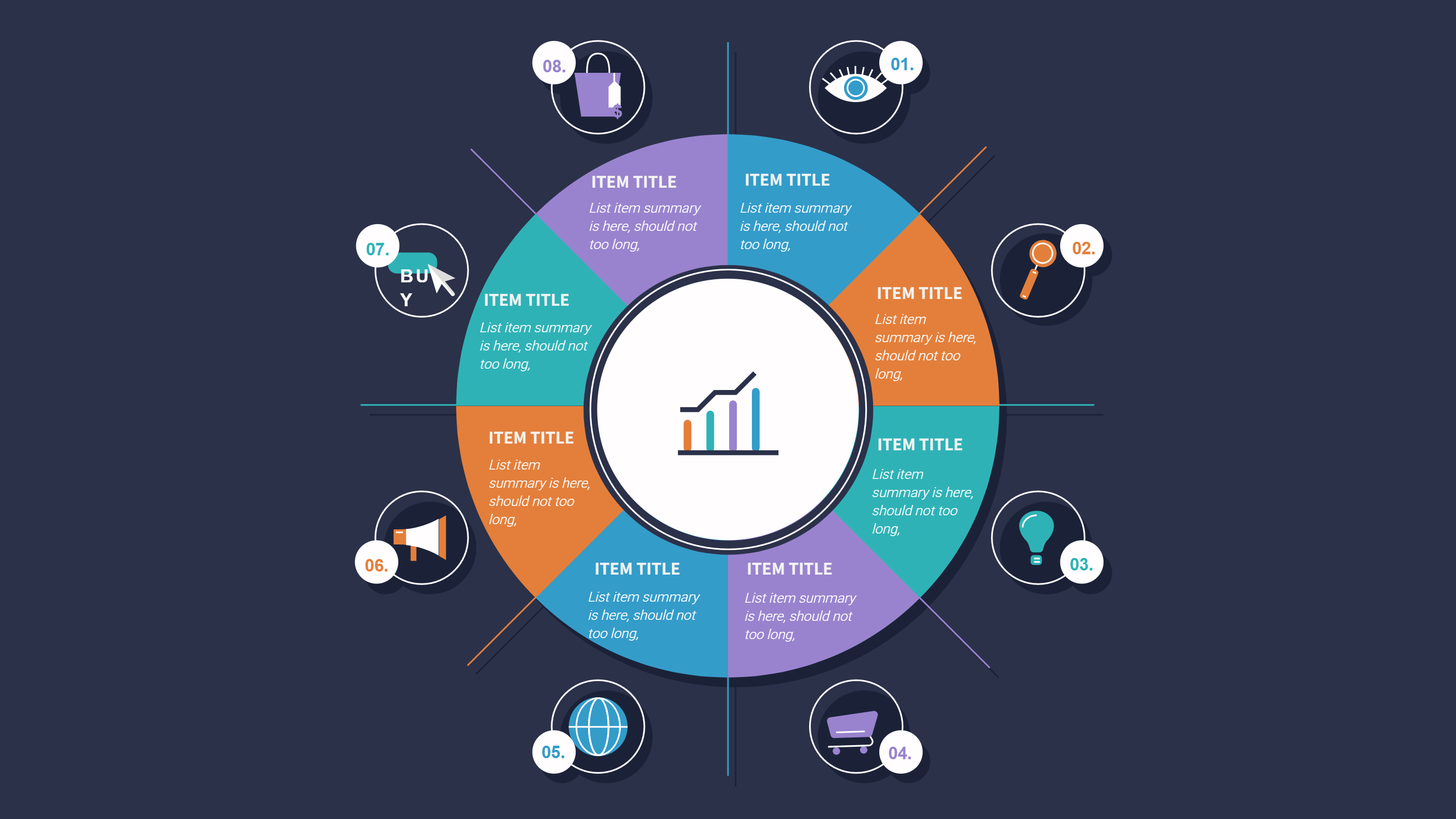
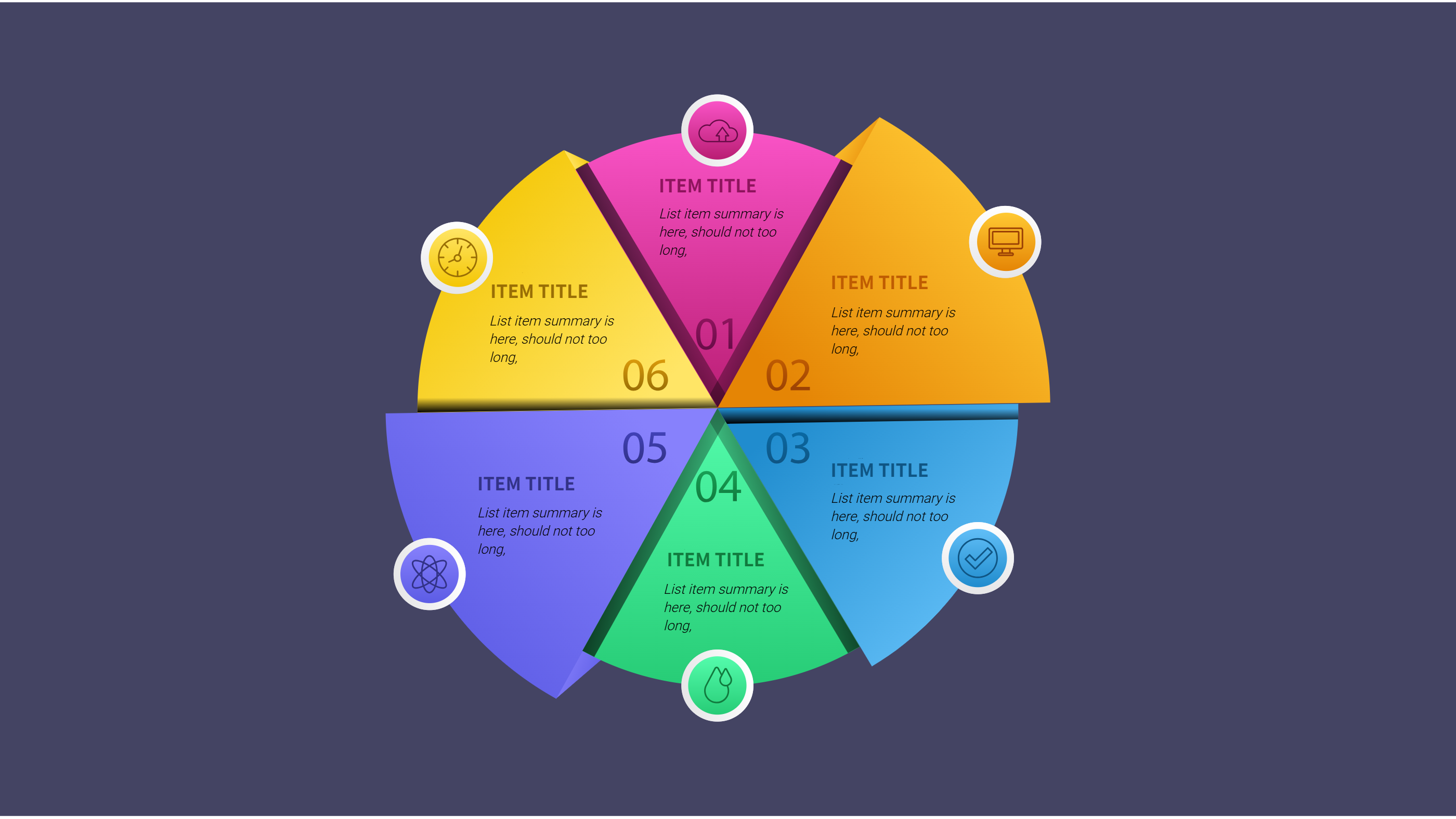
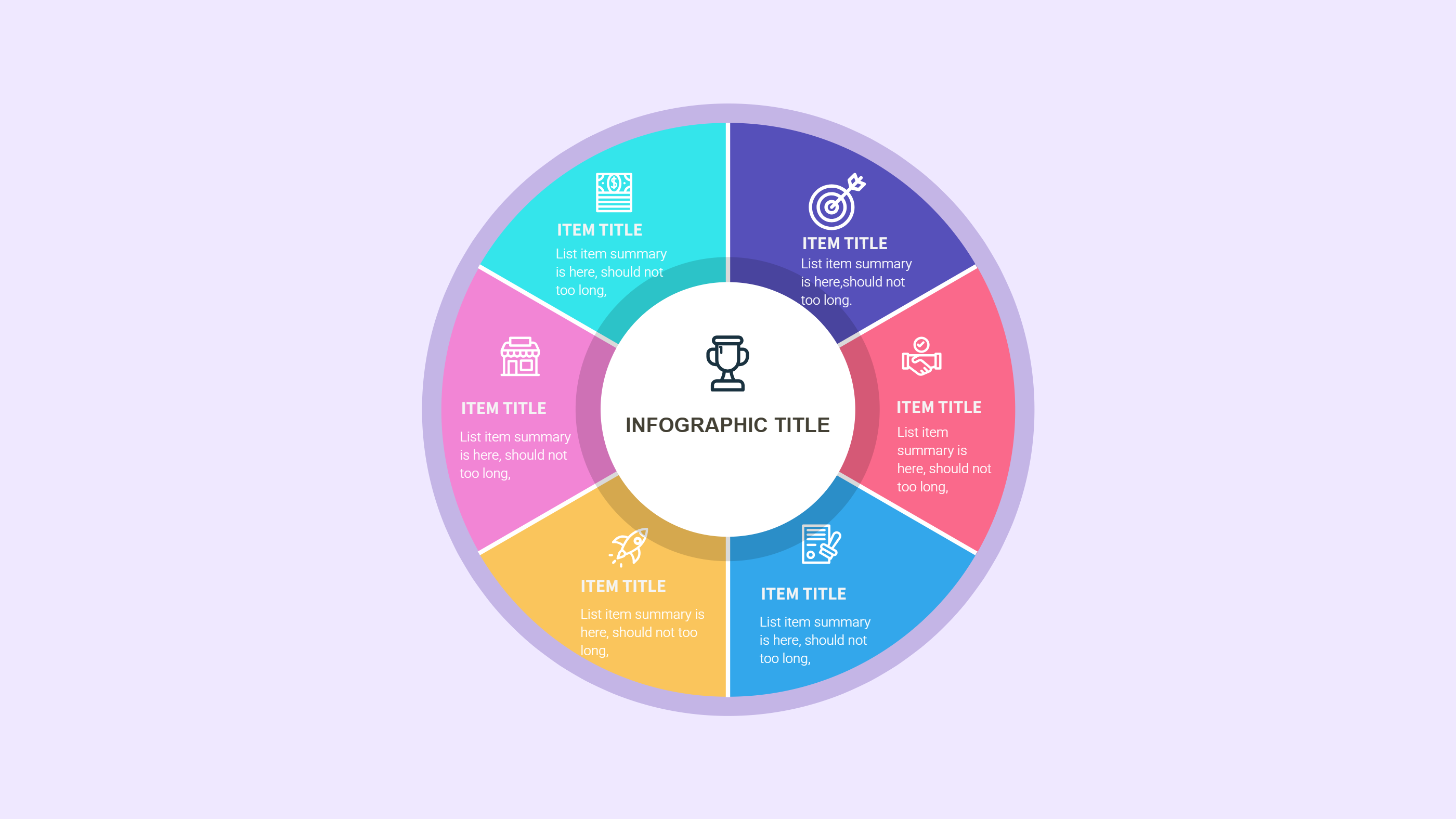
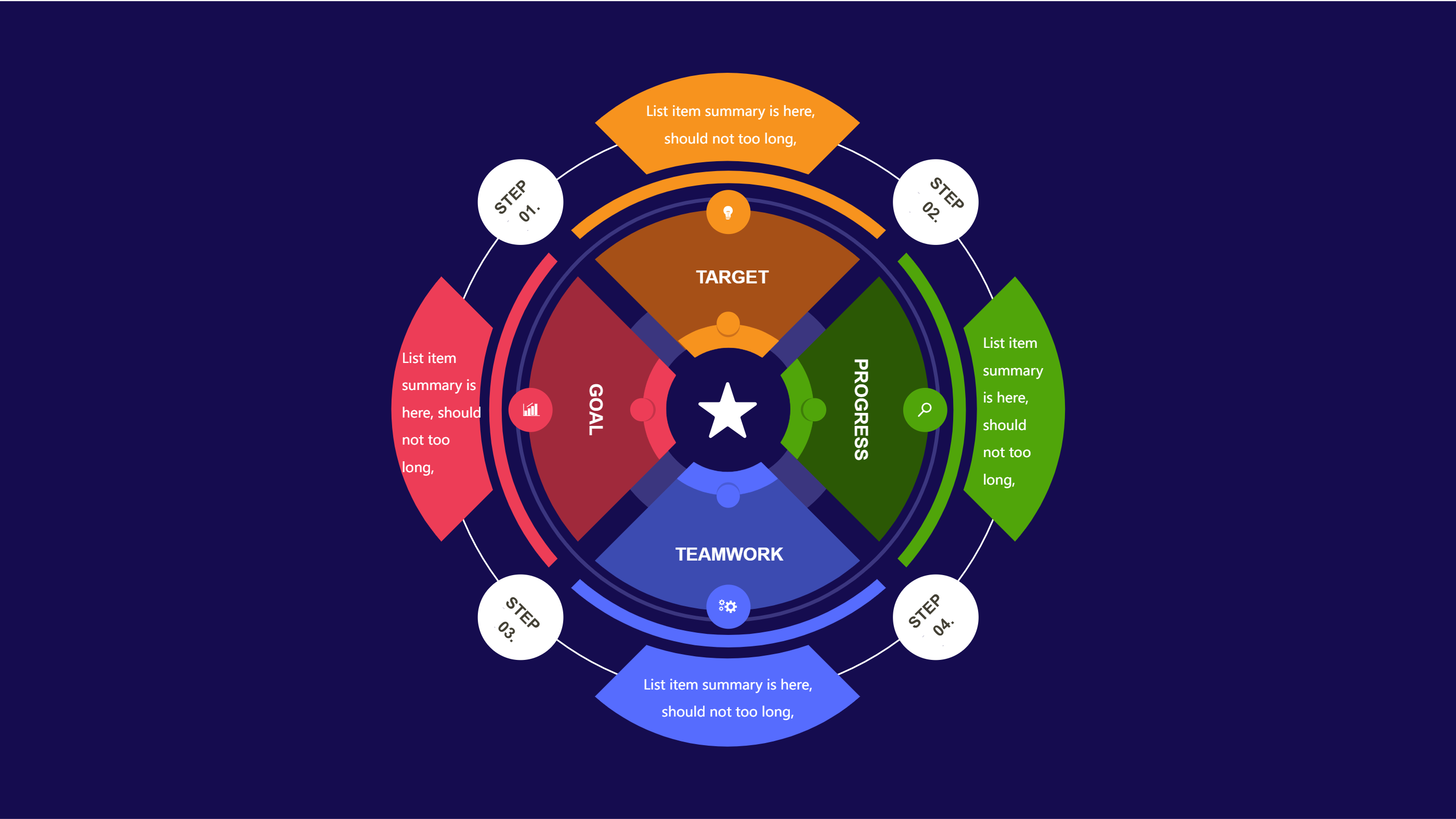
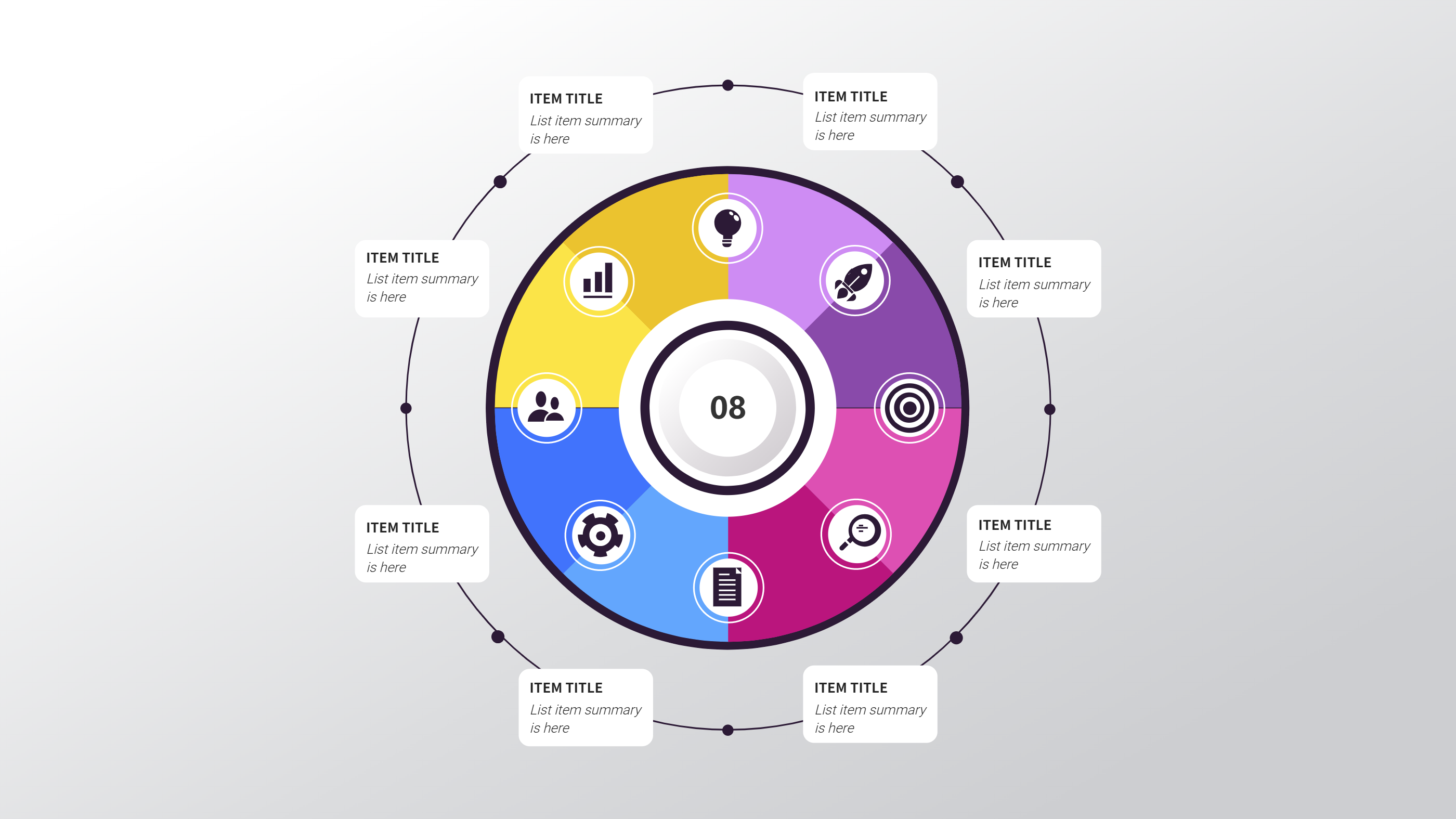
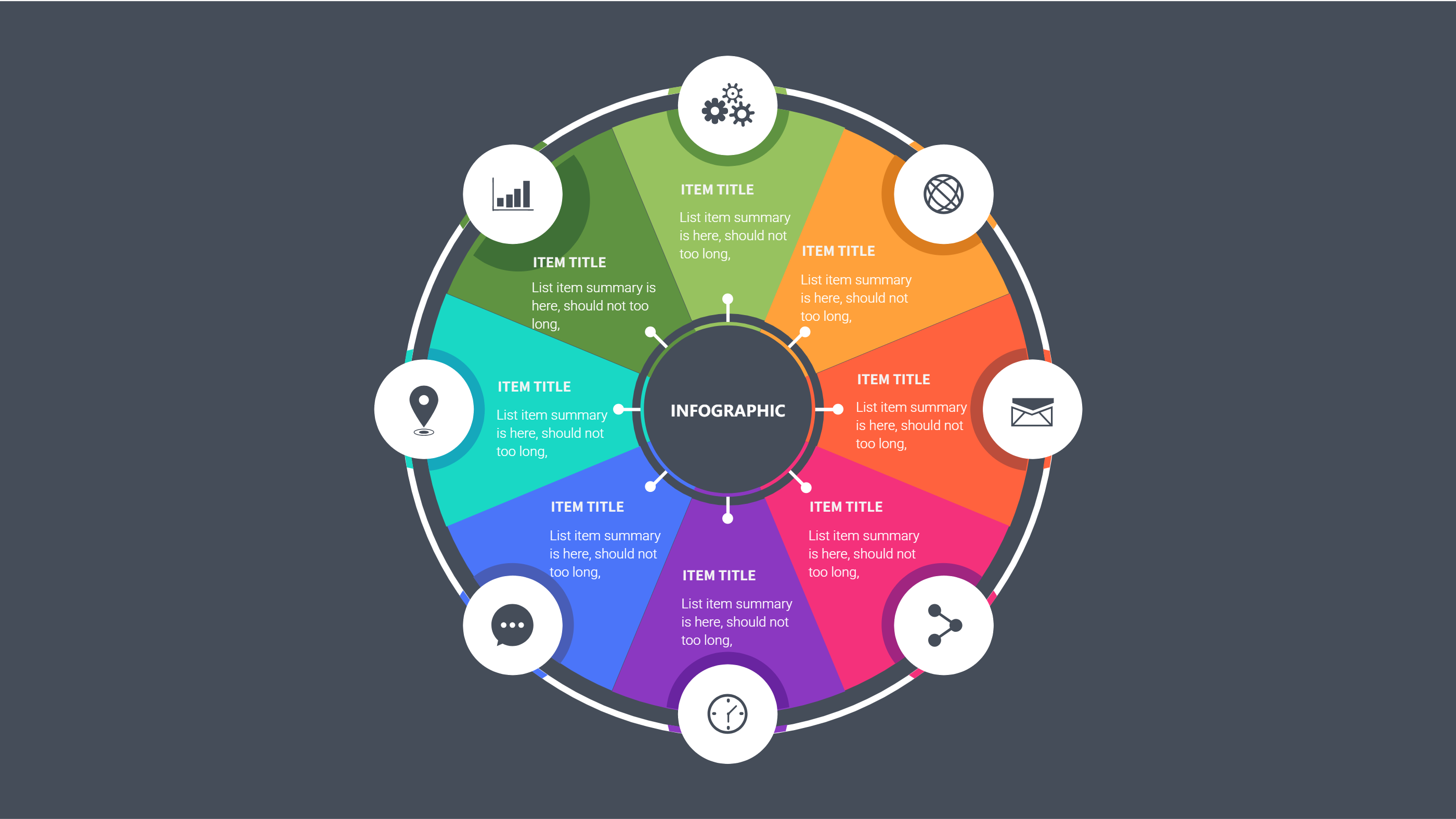
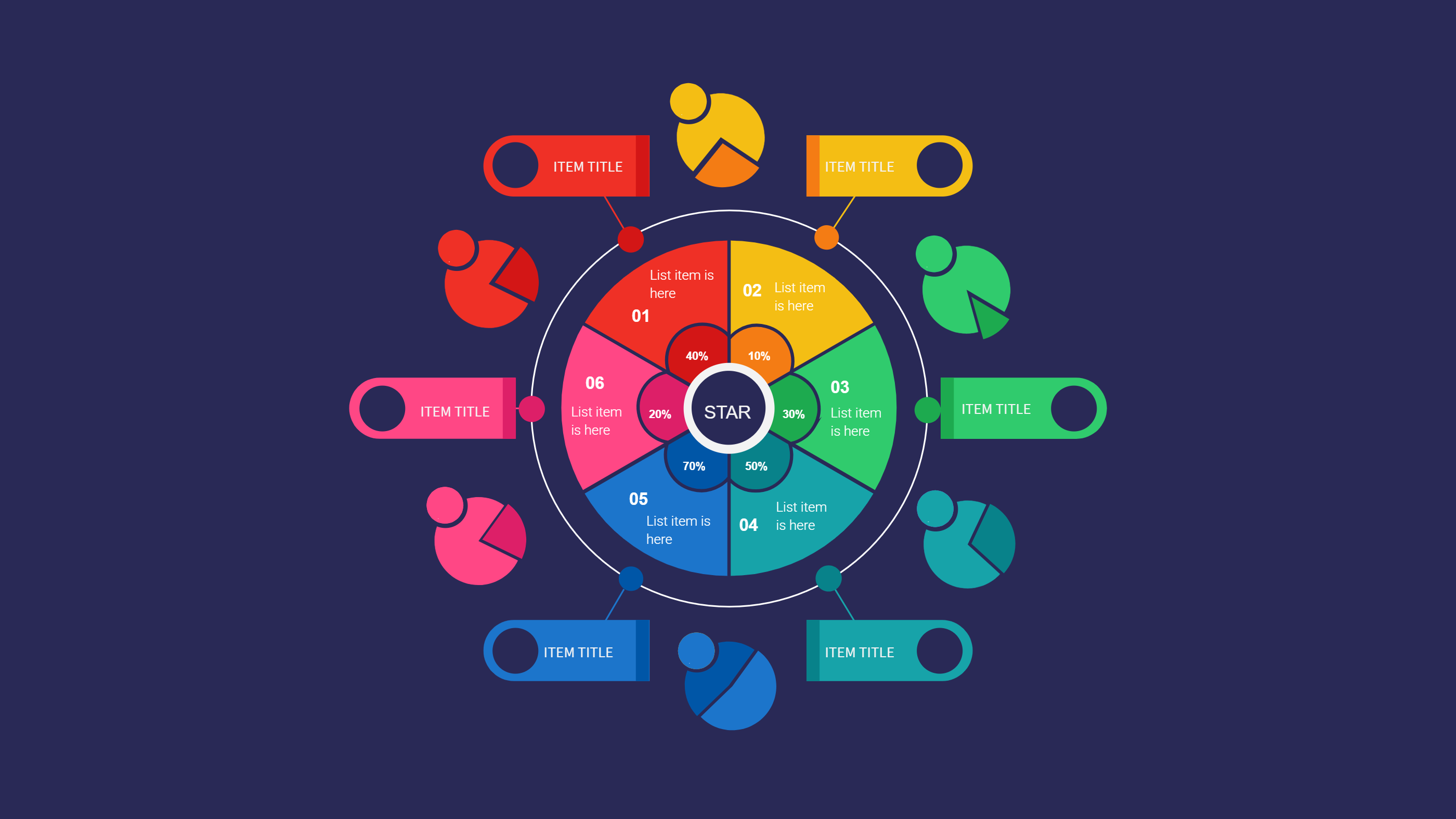
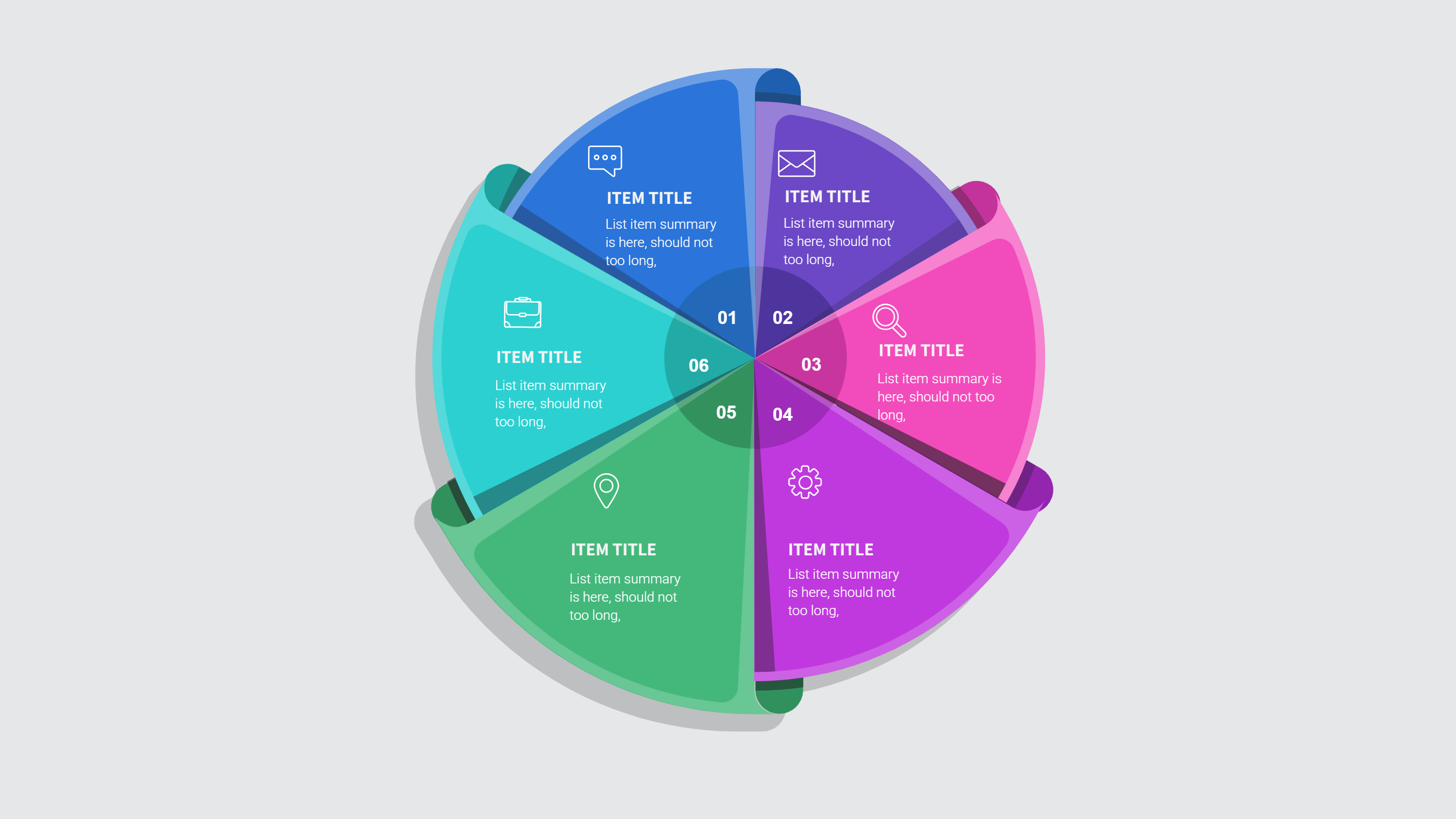
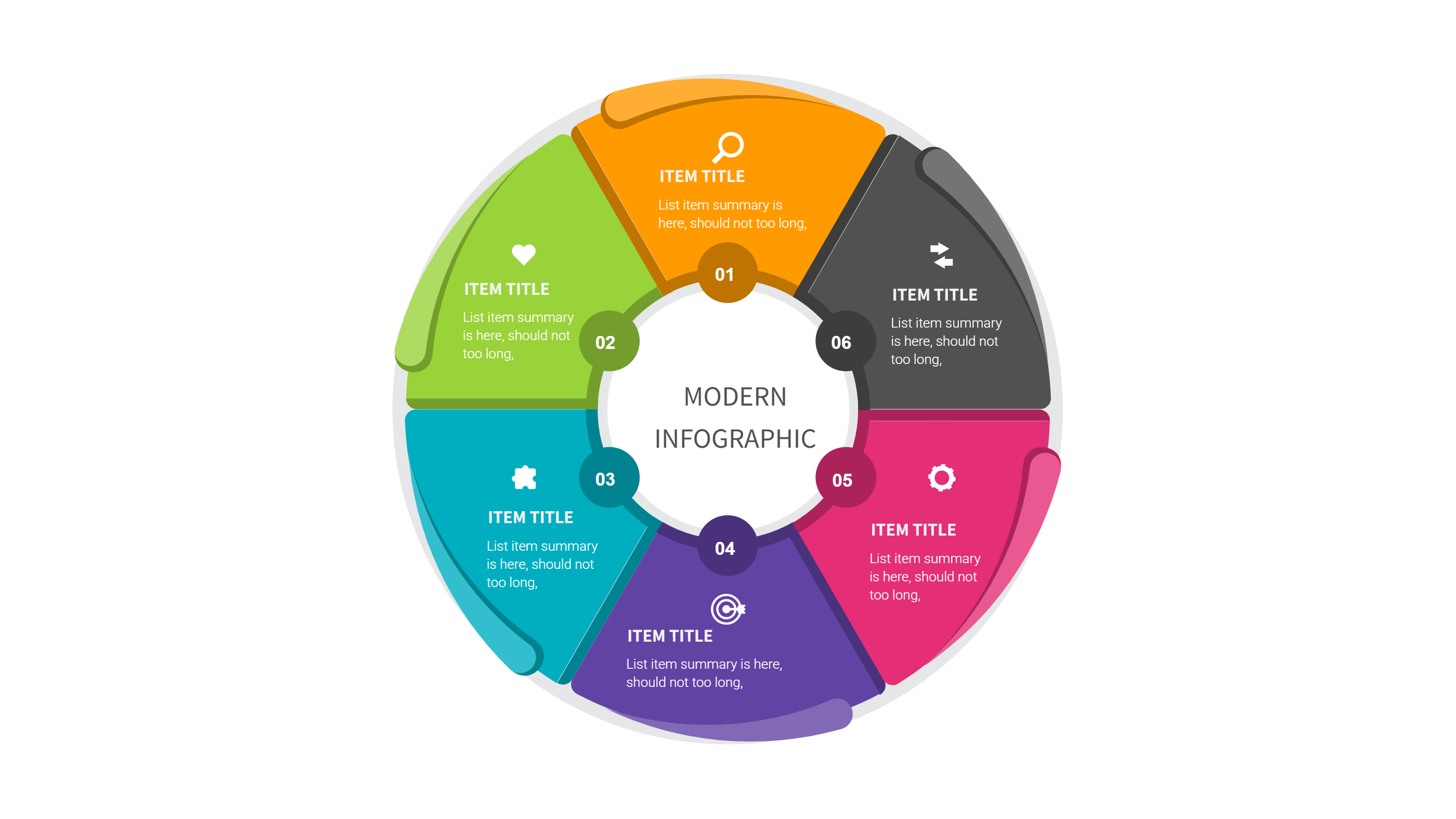
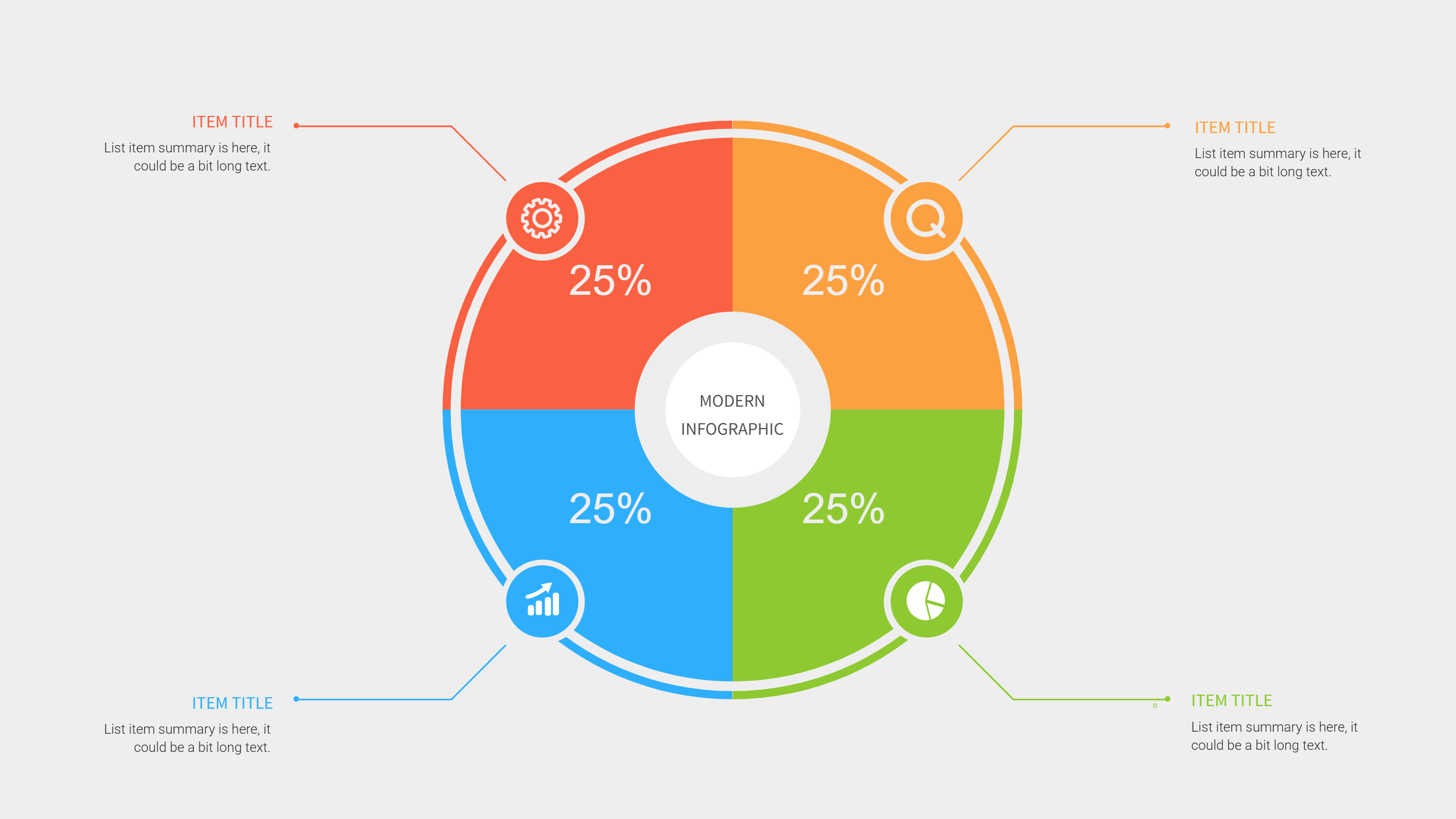
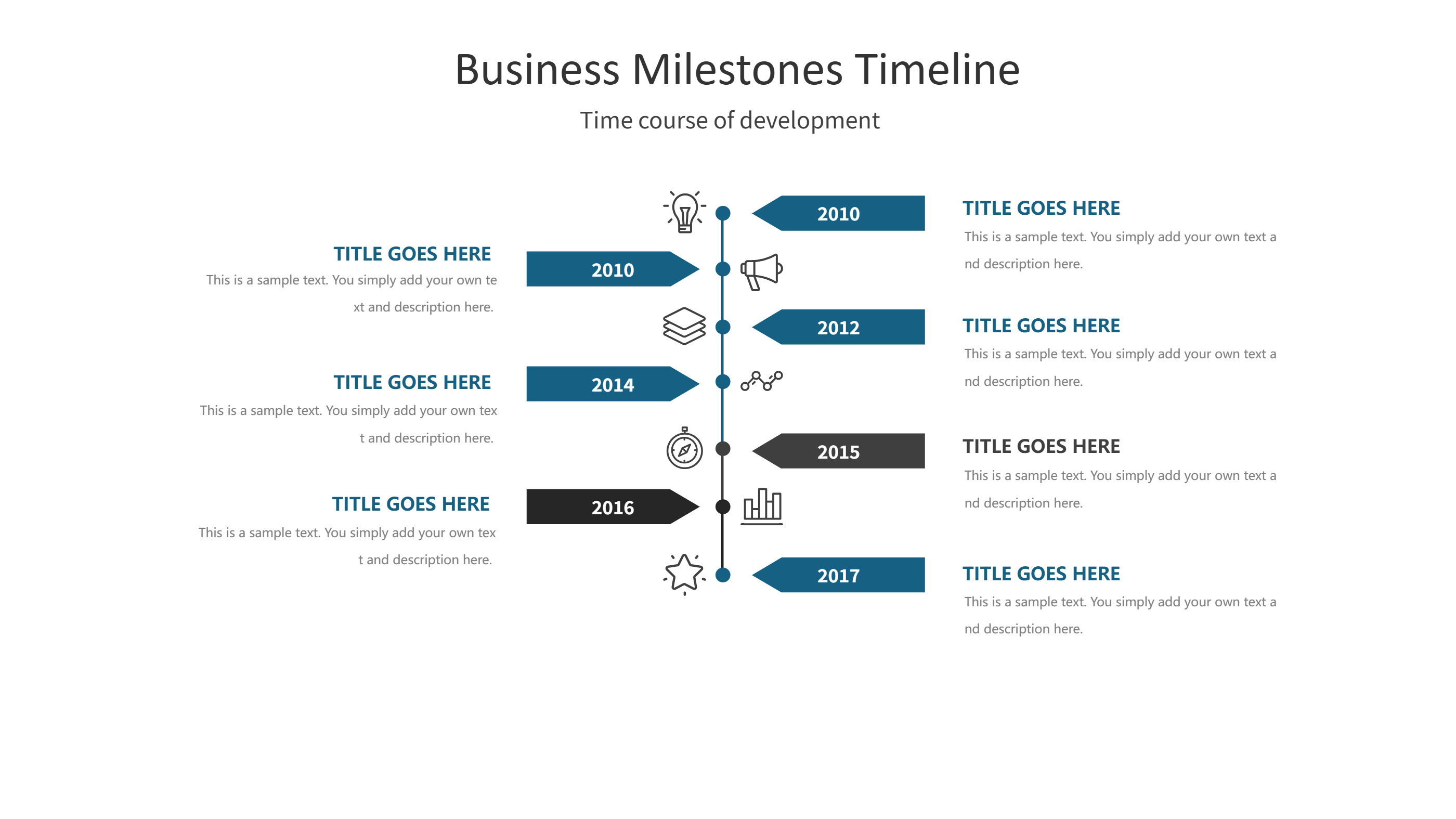
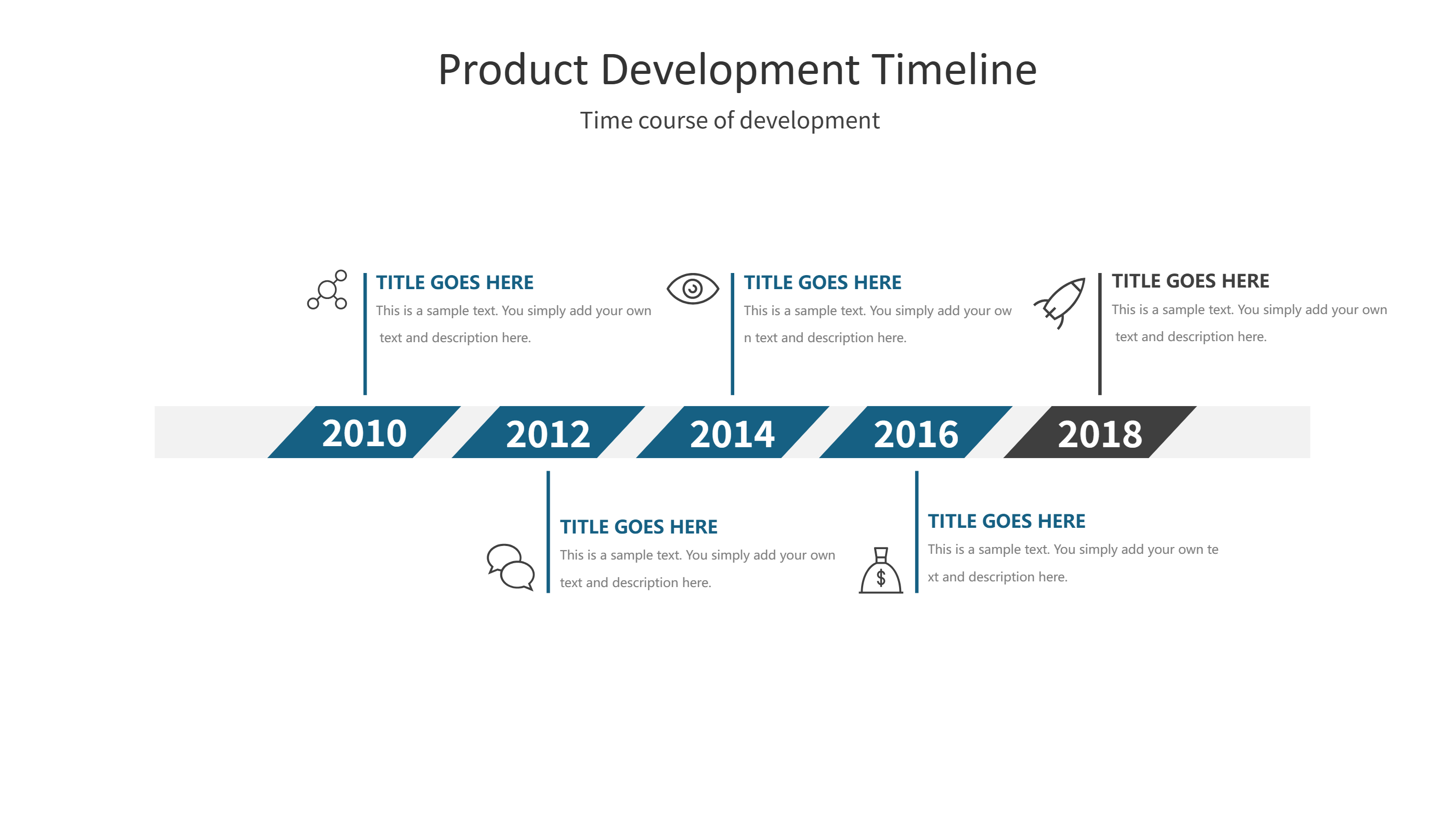
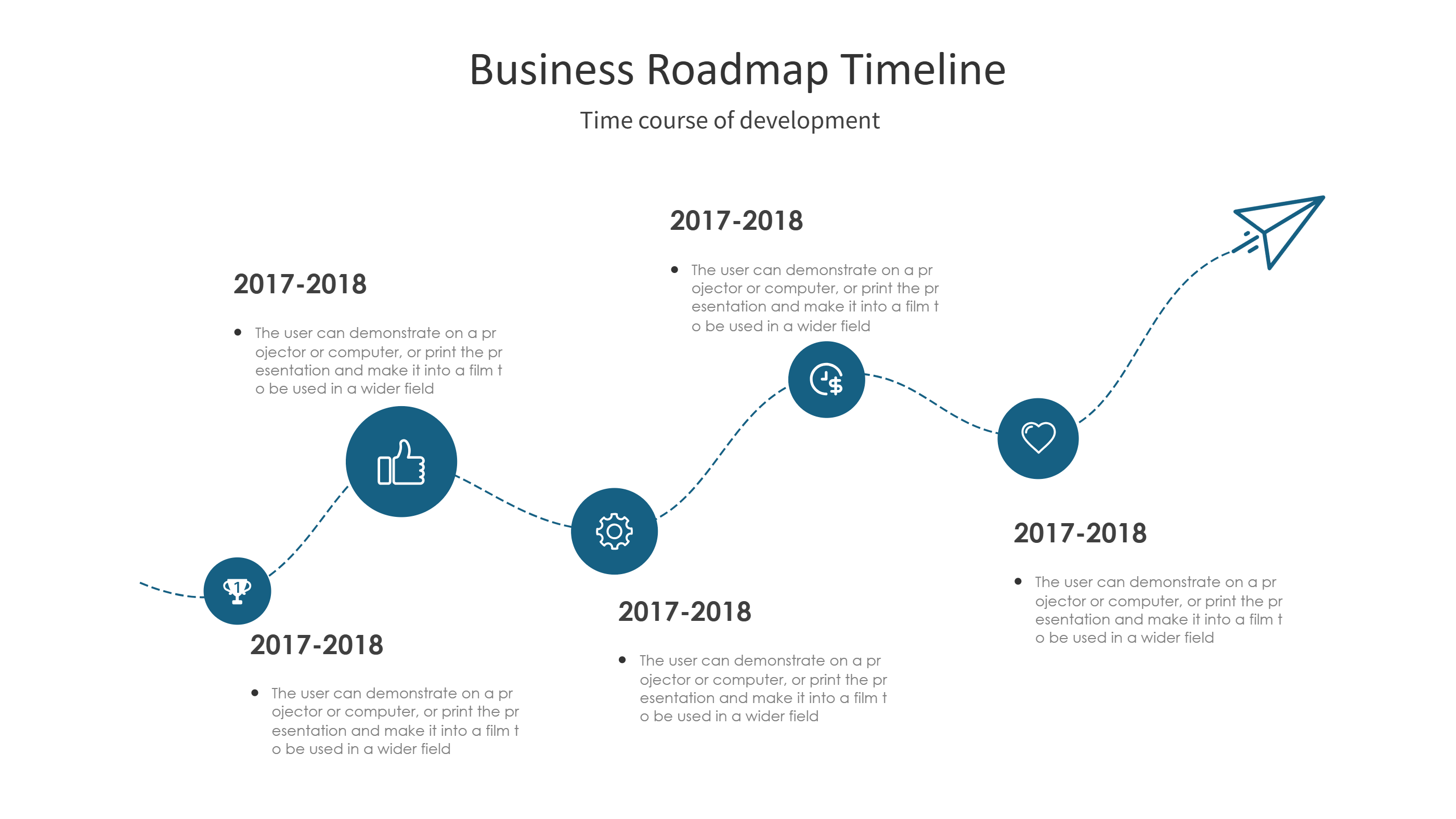
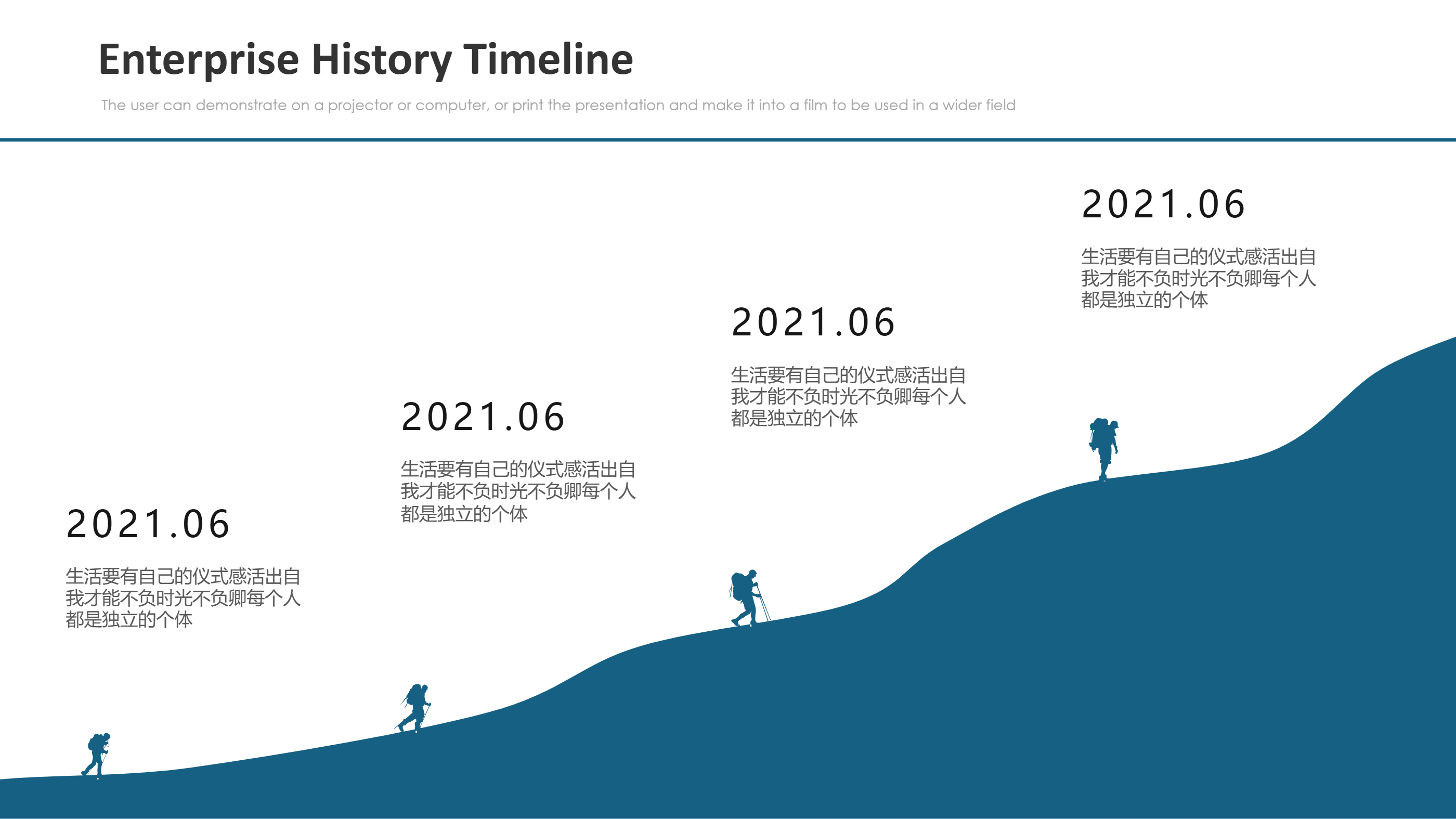
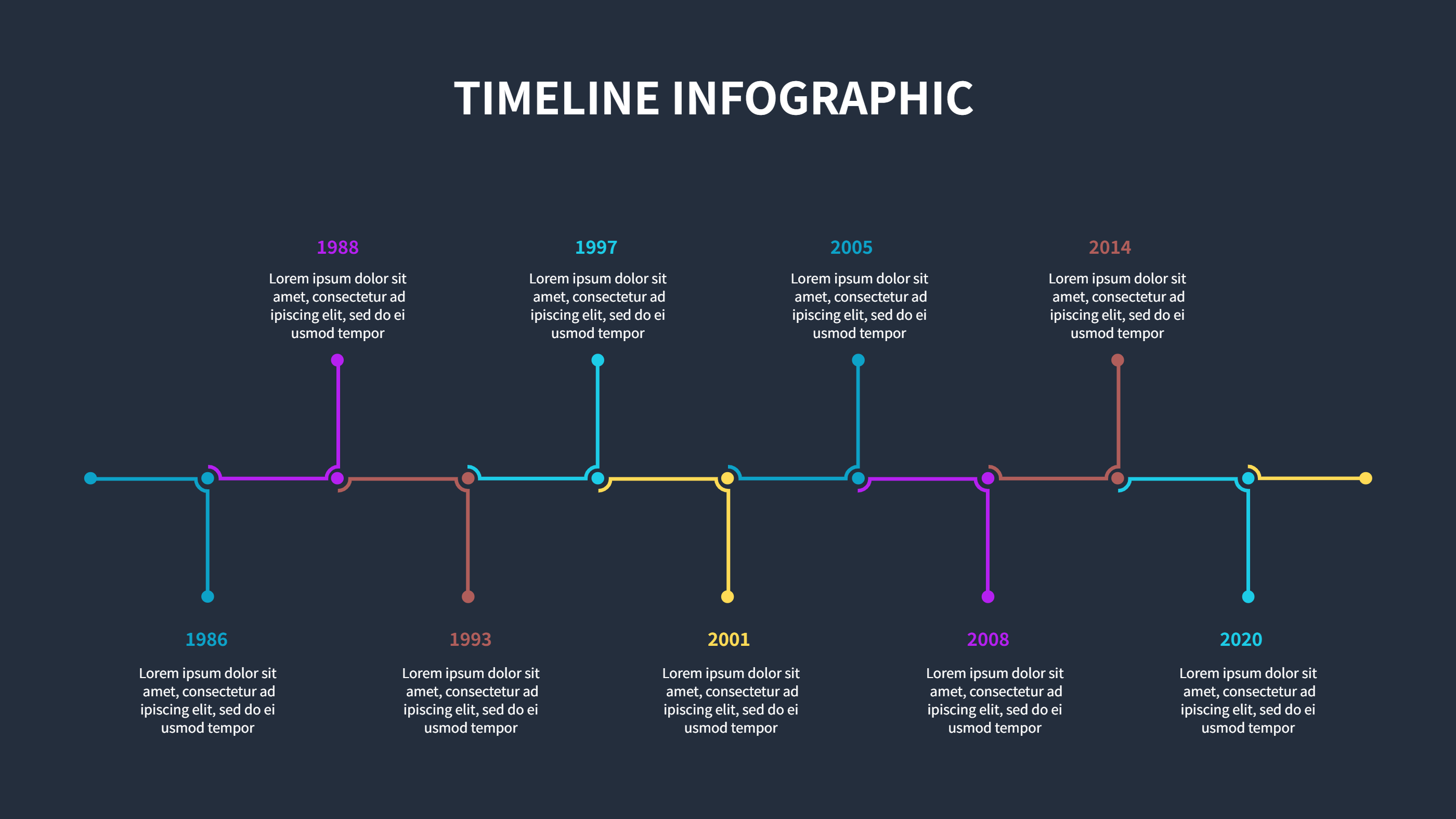
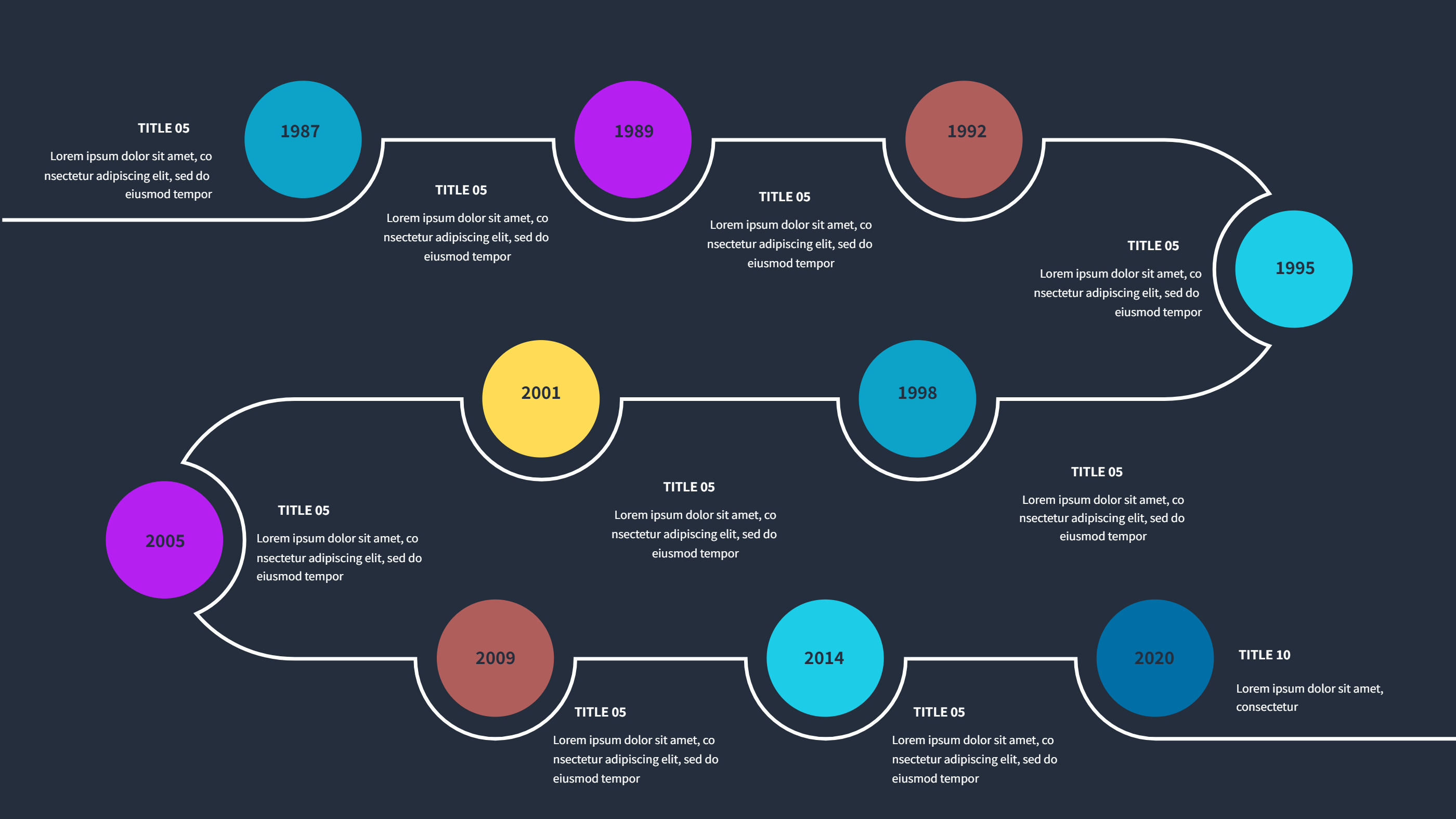
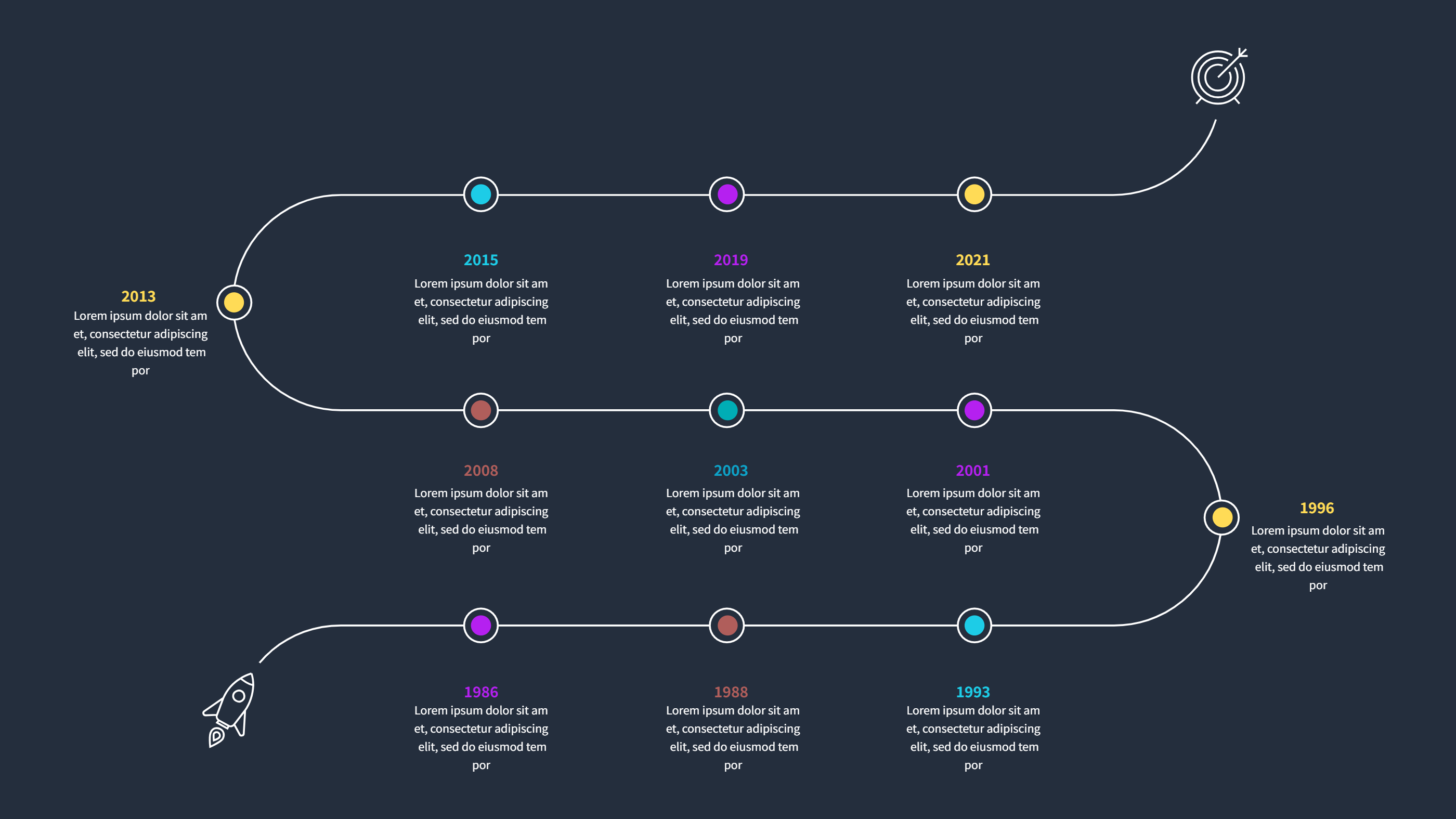
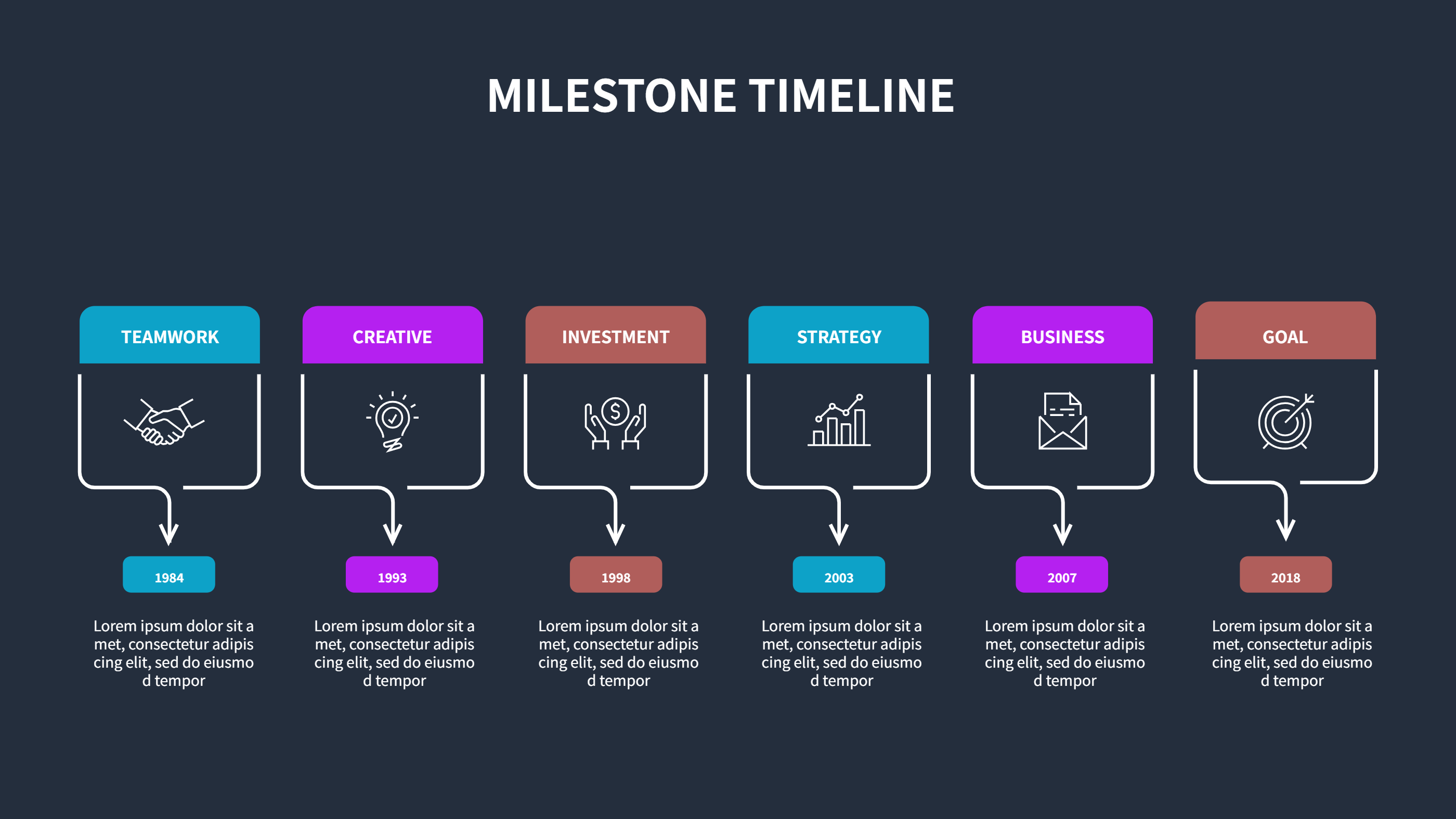
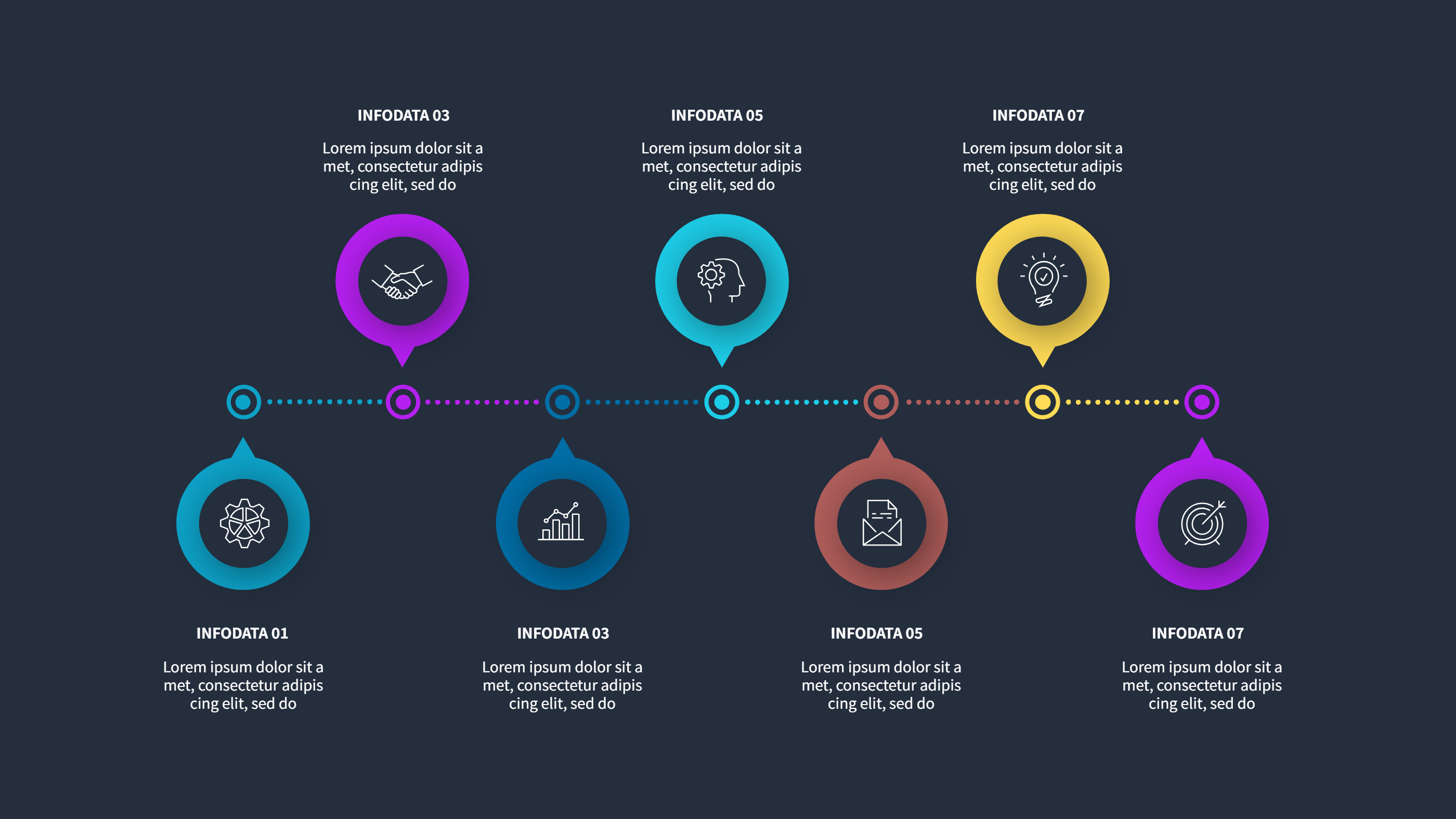
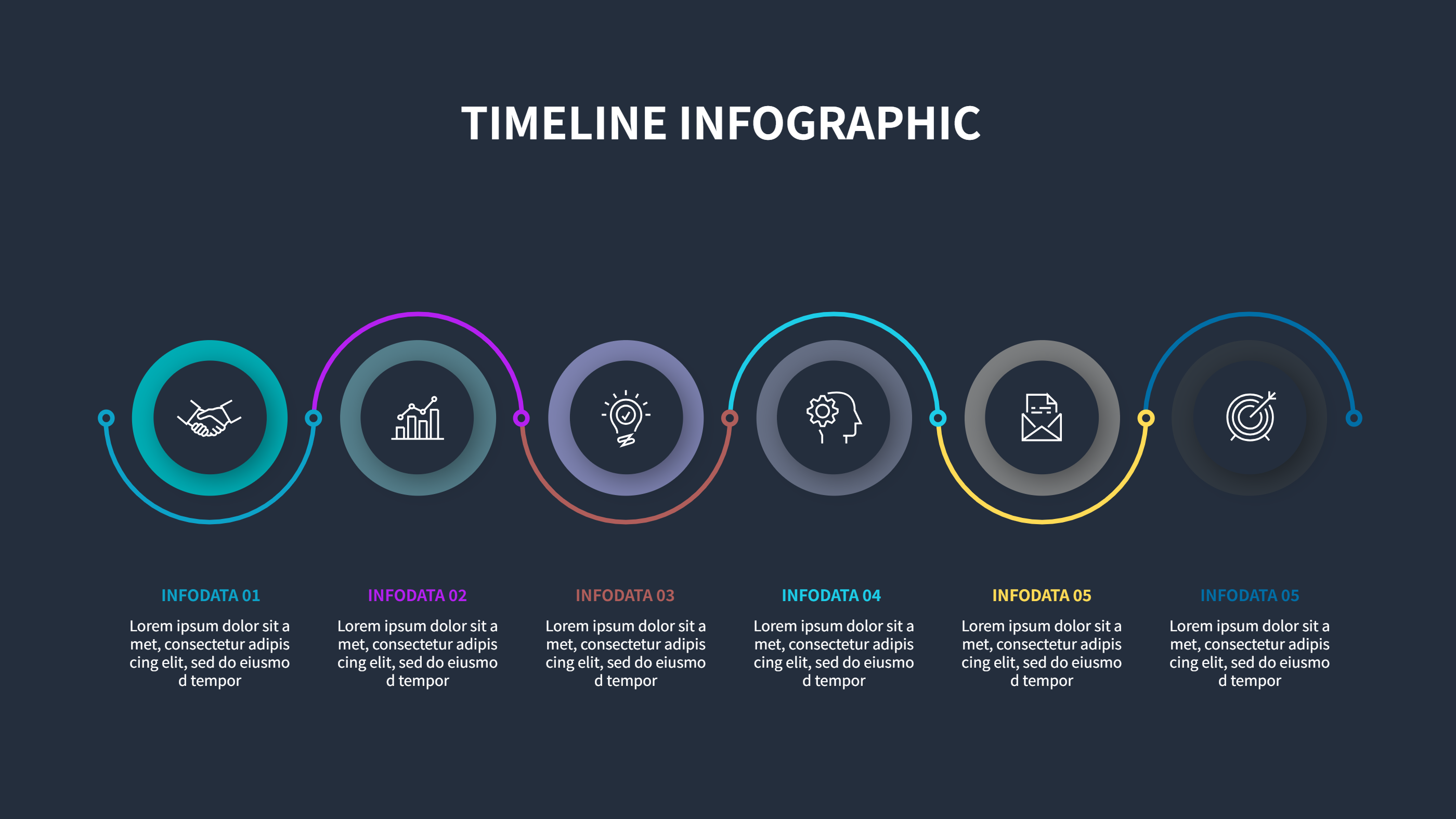
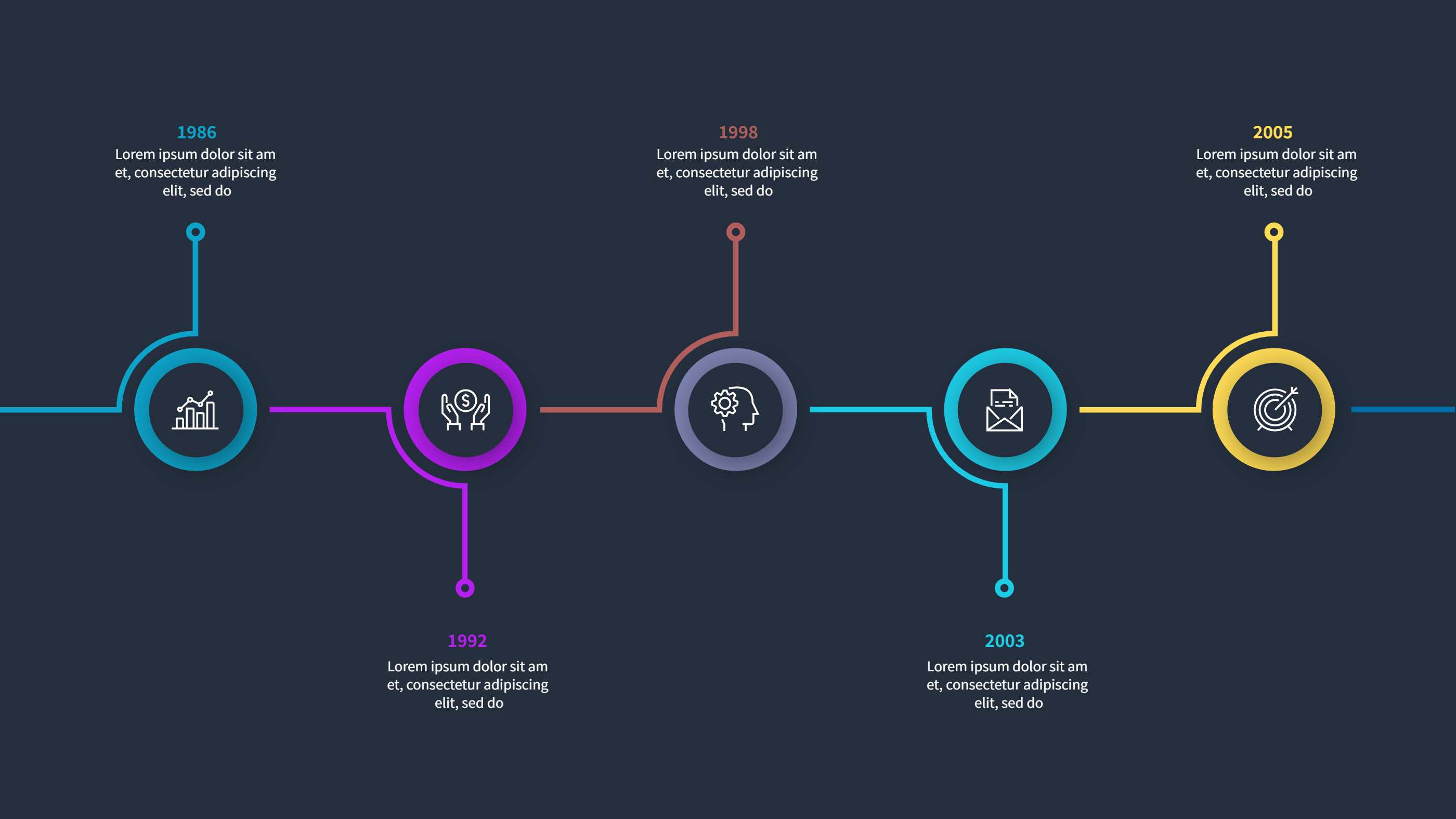
This infographic explains a PowerPoint timeline template free rings layout in a clear and friendly way. It shows a small set of rings, each ring holding a date and a short label. The circles guide the eye across the timeline so the order feels natural. The text stays short so the slide is easy to read on screen or on paper. It is made for people who want a simple timeline without heavy terms.
When to Use PowerPoint Timeline Template Infographic
Use this template when you want to present a plan in a meeting, a class, or a project update. The rings layout works well for four to six key dates, product releases, event steps, or study schedules. If you need a PowerPoint timeline template free to share progress, this format keeps it neat and calm. It also works for quick social posts or one page summaries where space is limited.
How to Use the AI Generator
Open the AI generator on the homepage, choose the rings timeline template, and type your prompt in plain words. The tool places your dates and labels inside the rings and keeps the spacing even. You can adjust colors to match your brand or use soft tones for a clean look. If a step is too long, shorten the label and move extra details to a note area.
Download and Edit Options
Click the download button and the online editor will open. Save the design as PPT, PNG, or SVG, depending on how you plan to share it. You can move rings, change text size, or add icons for each step. The editor keeps the circle layout aligned so the timeline stays tidy. After edits, download the file again and share it as a slide, image, or print.
FAQ
Q: Can I use this PowerPoint timeline template free for a class project?
A: Yes, it is easy to read and works well for school plans or group tasks.
Q: How many rings should I use?
A: Use only the number of key dates you need so the slide does not feel crowded.
Q: Can I add a short note under each ring?
A: Yes, add one short line to explain the step without making it too long.
Q: Can I match the colors to my team style?
A: Yes, change the ring colors and text in the editor to fit your theme.
Q: Will the download stay clear on mobile?
A: Yes, PNG and SVG exports keep the rings and labels sharp on small screens.