Project Timeline Template Excel Free Download
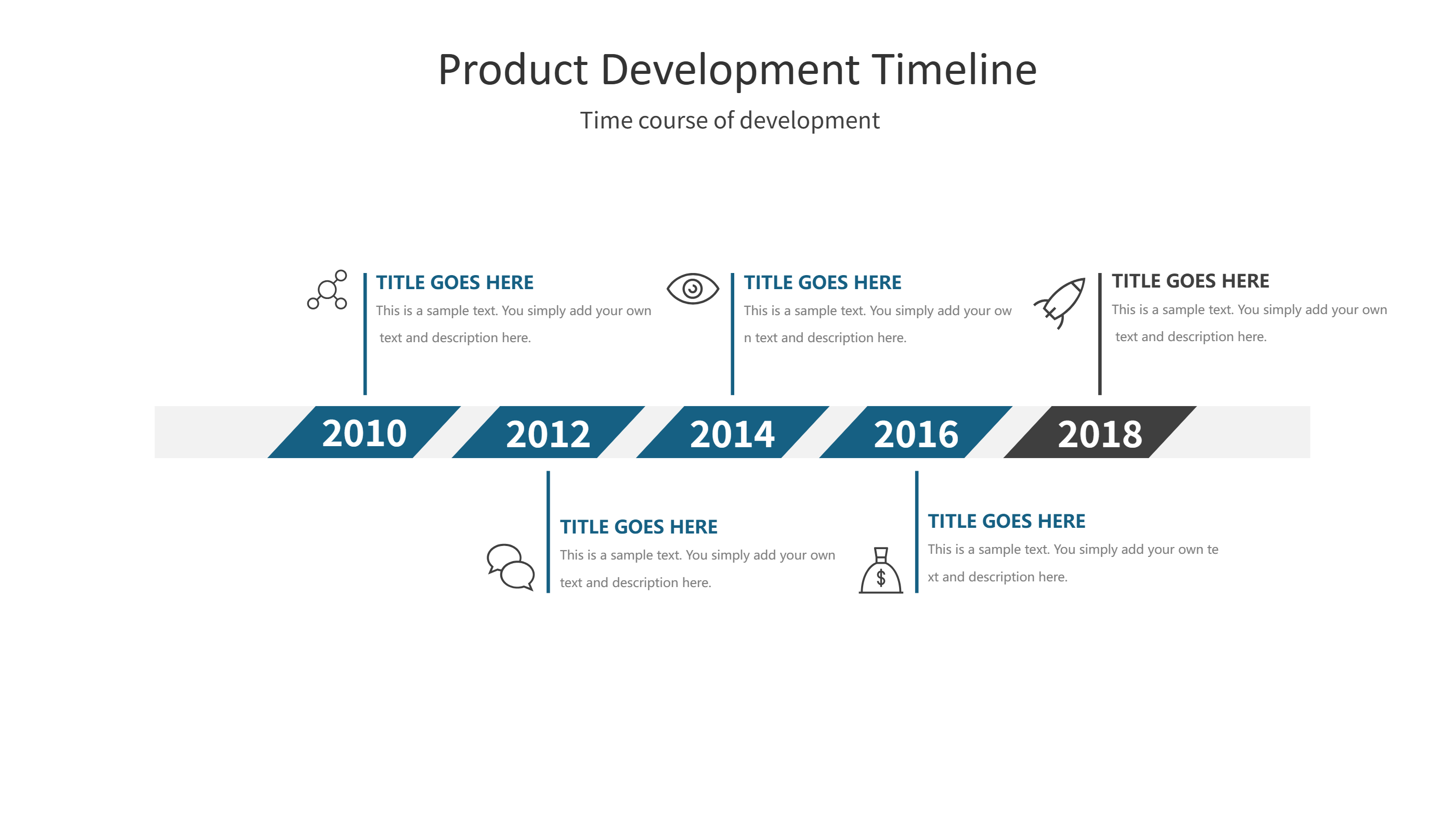
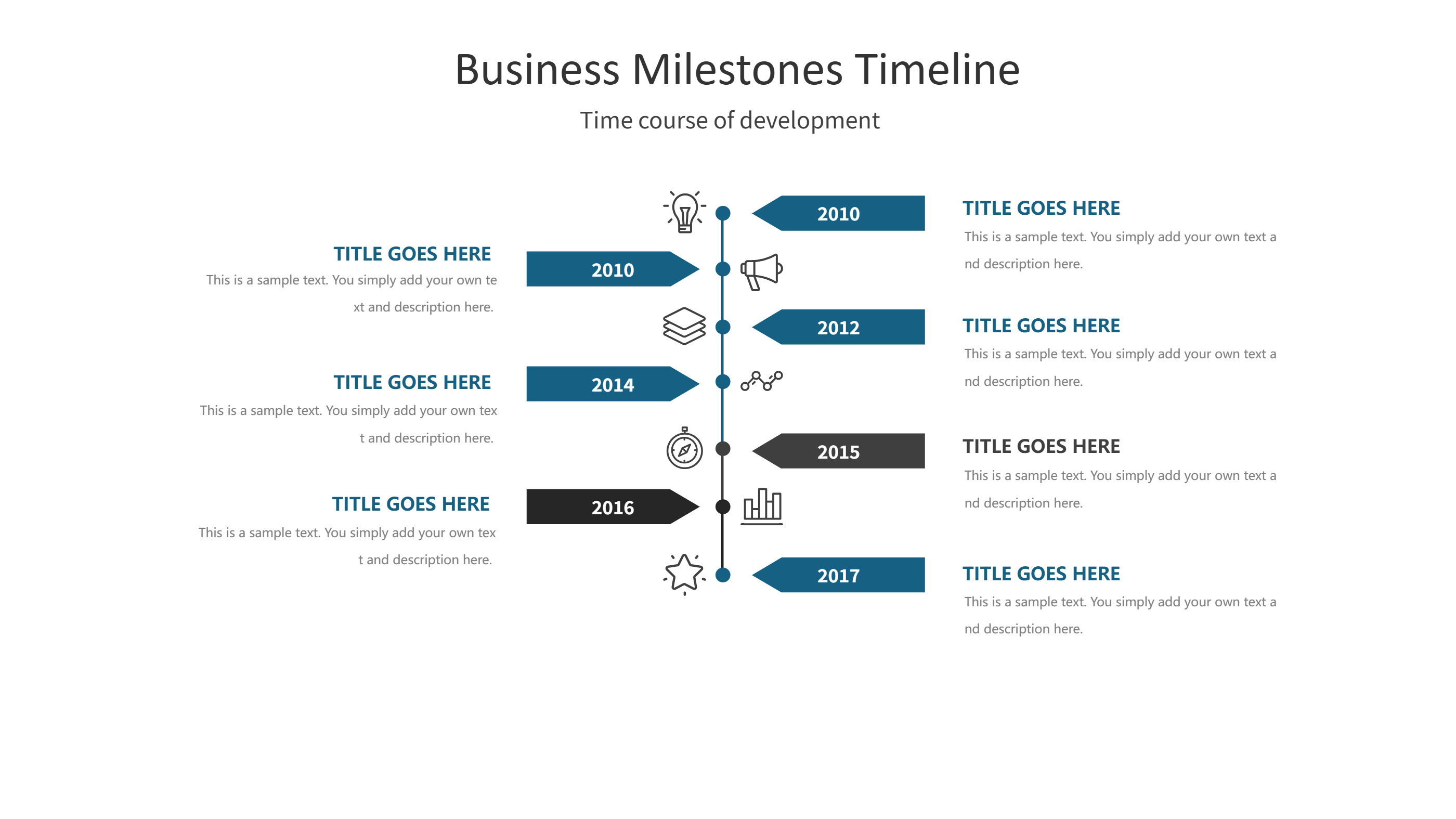
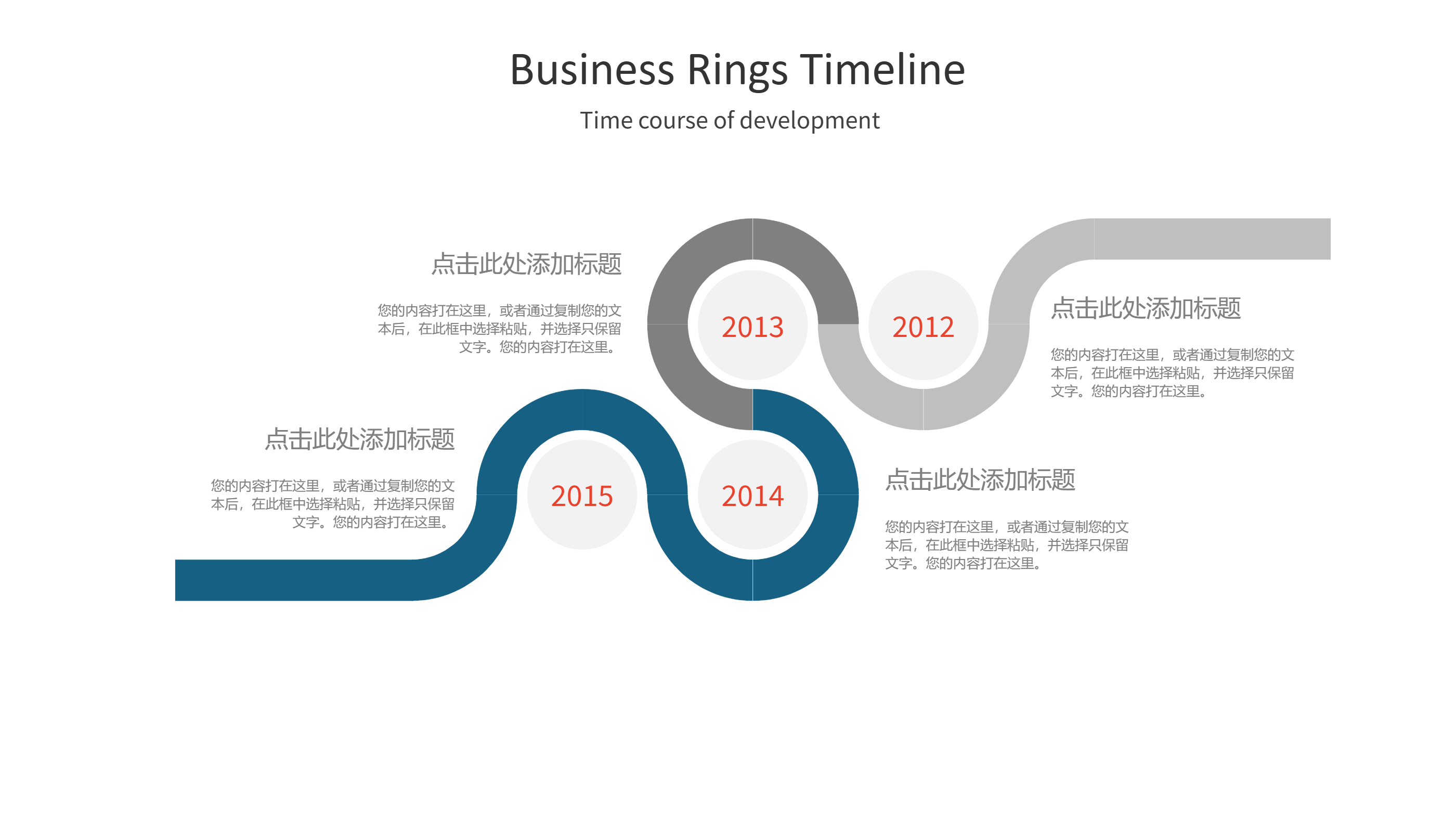
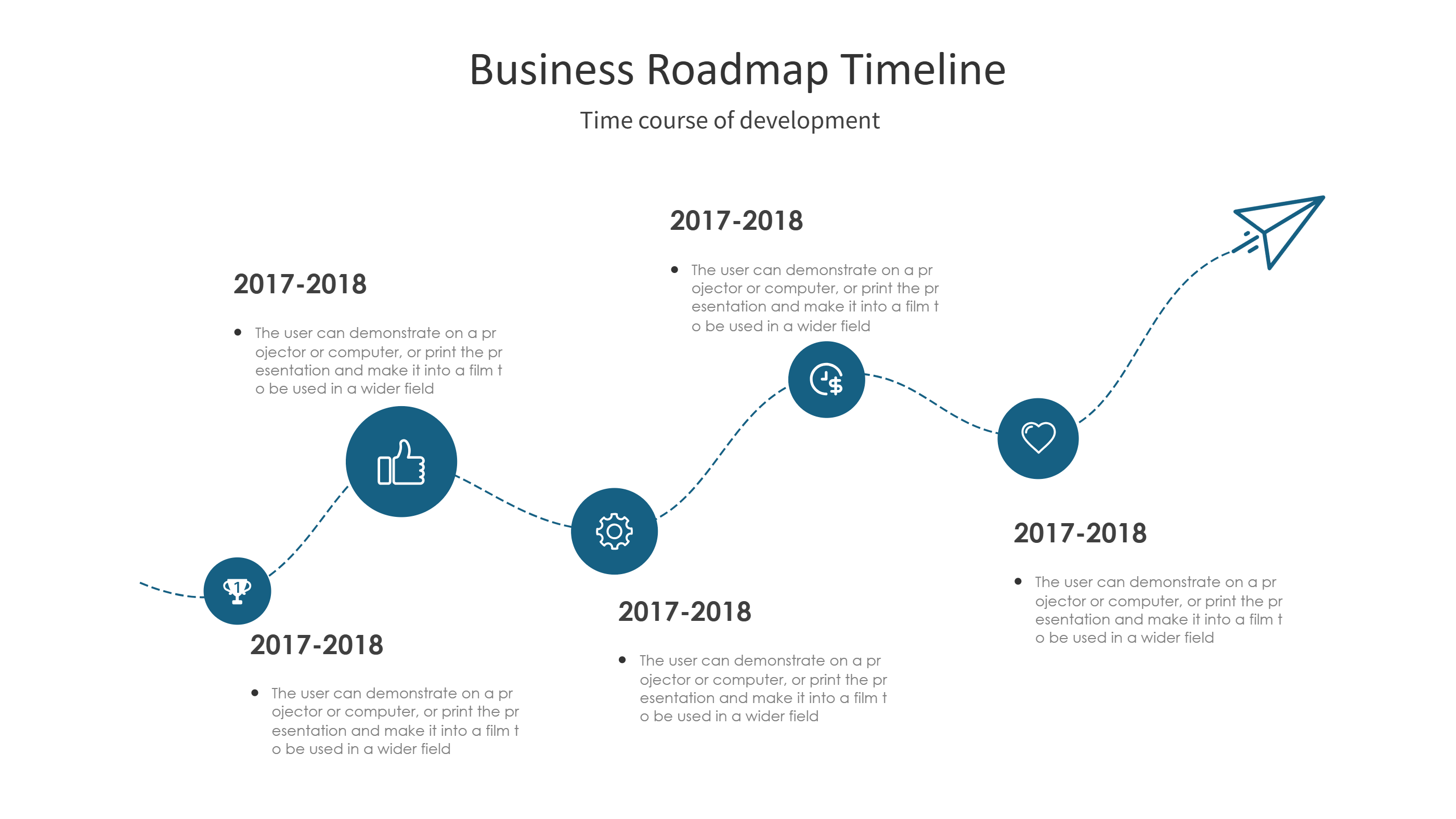
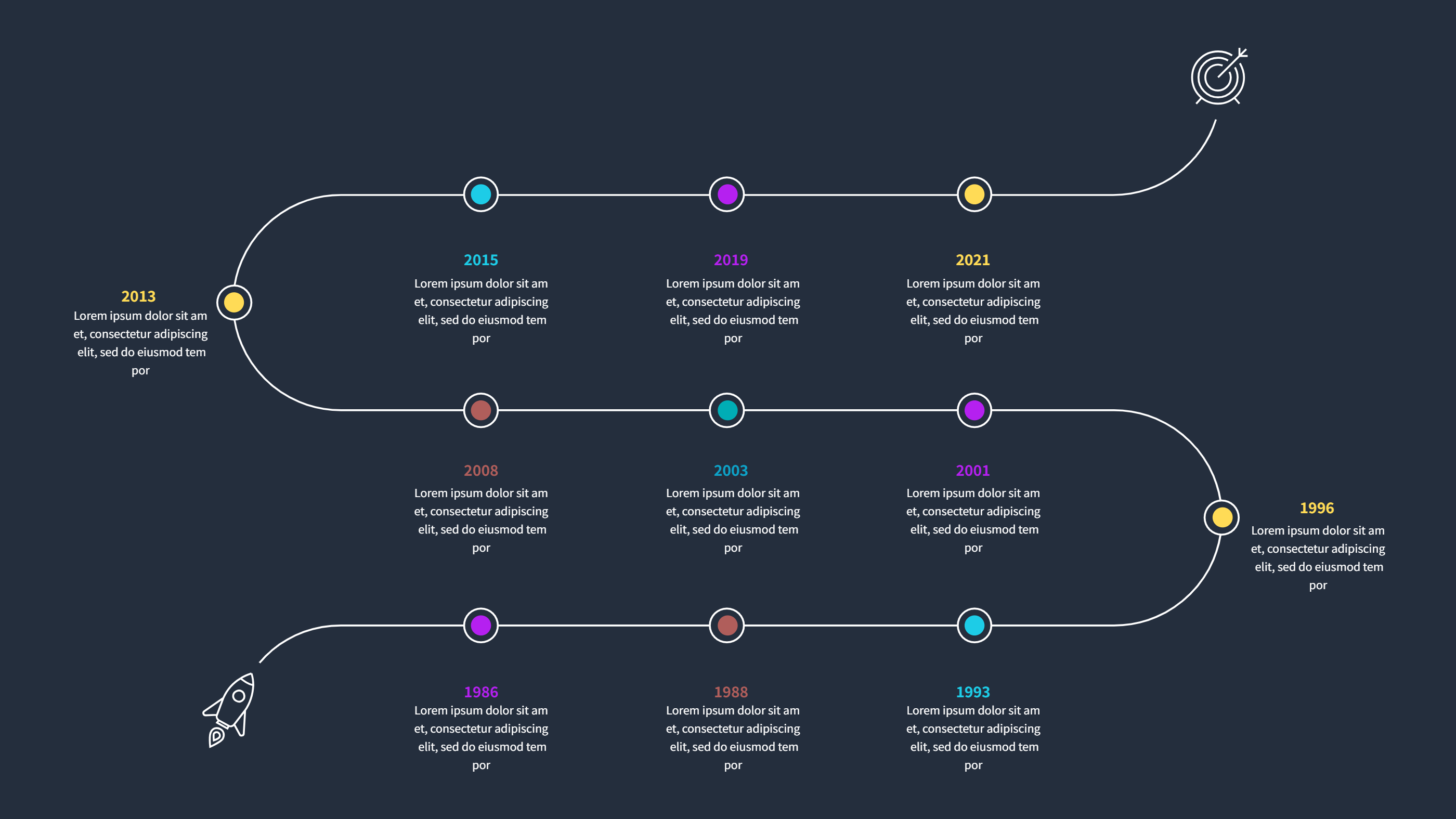
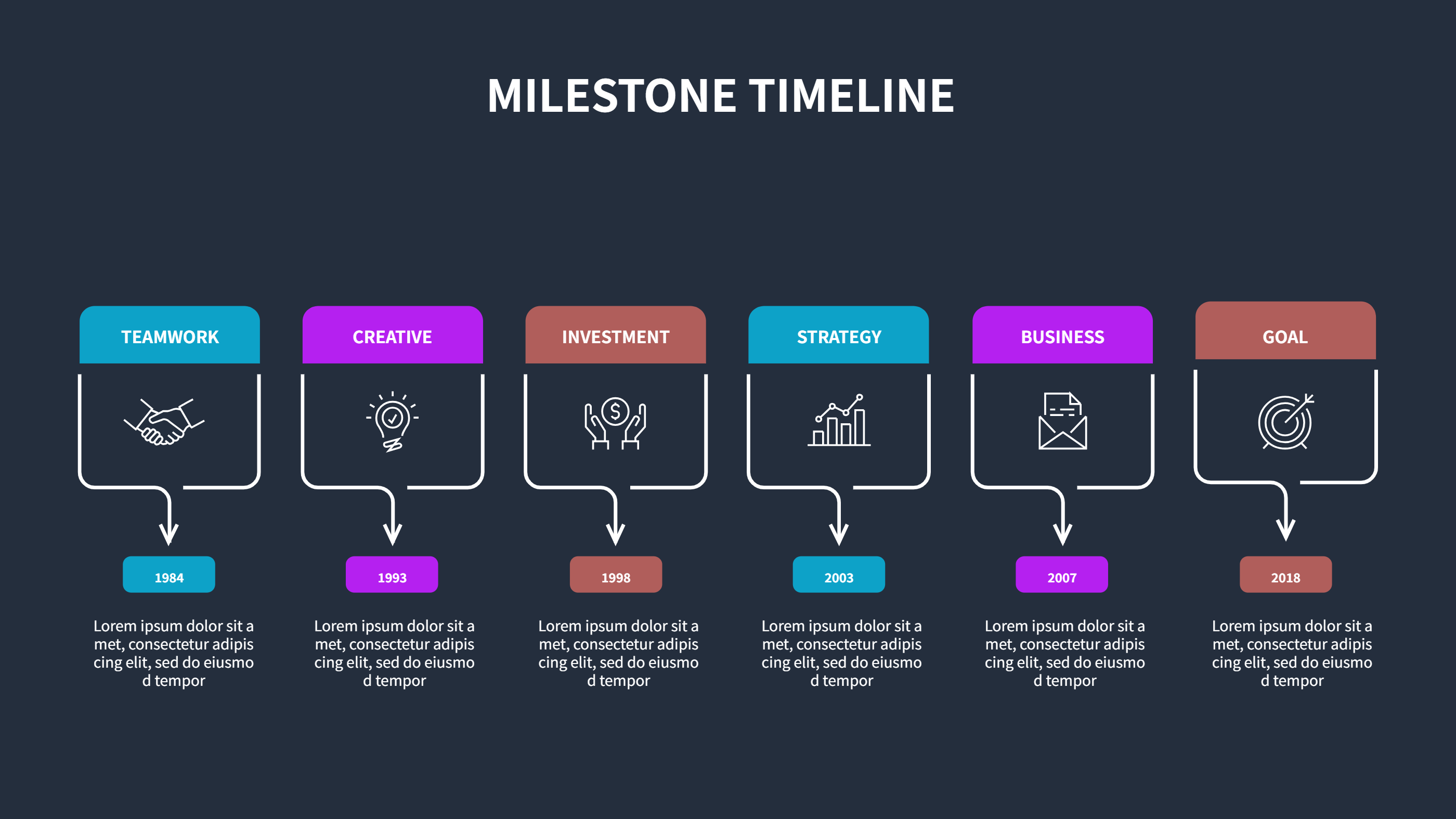
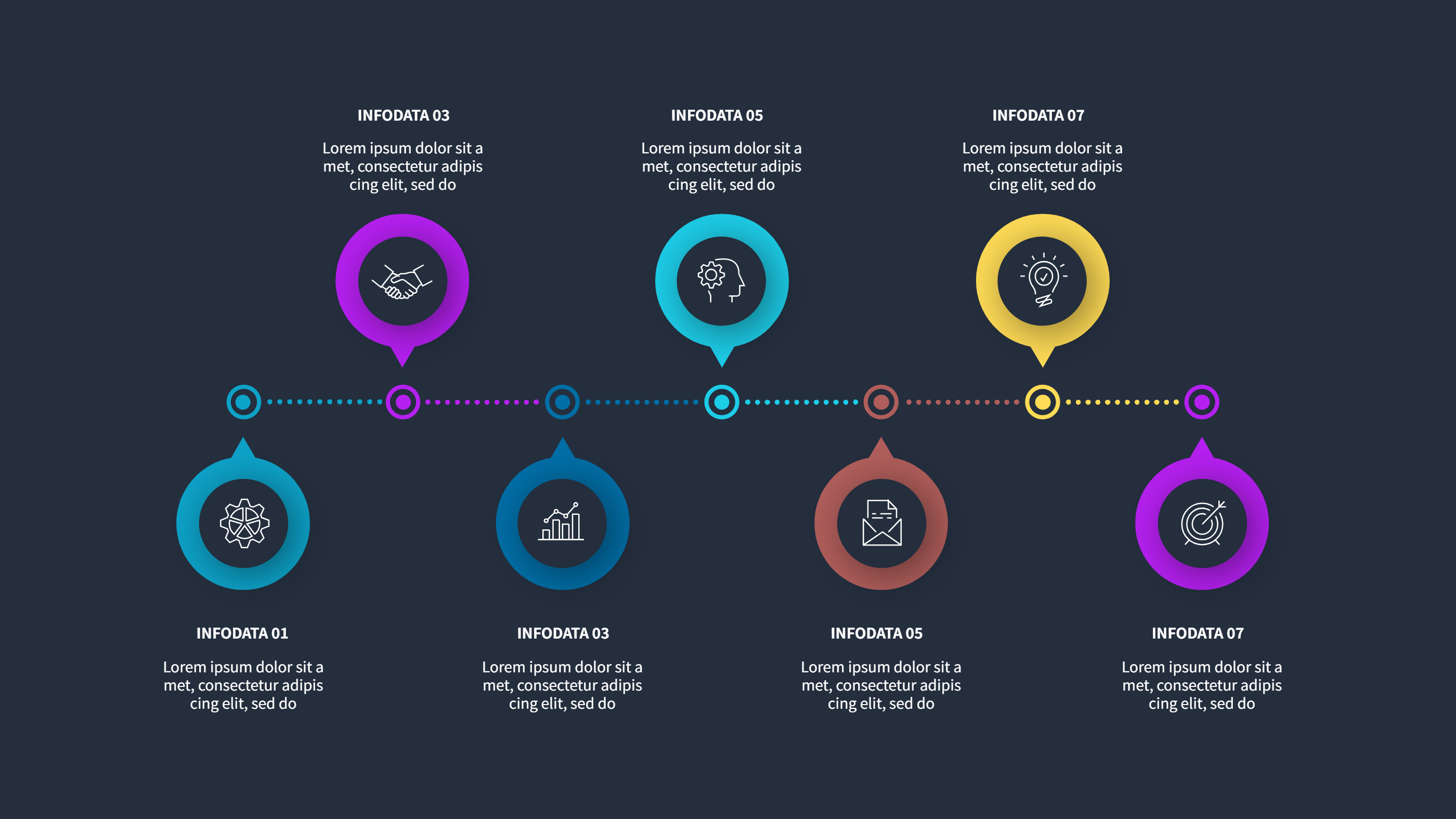
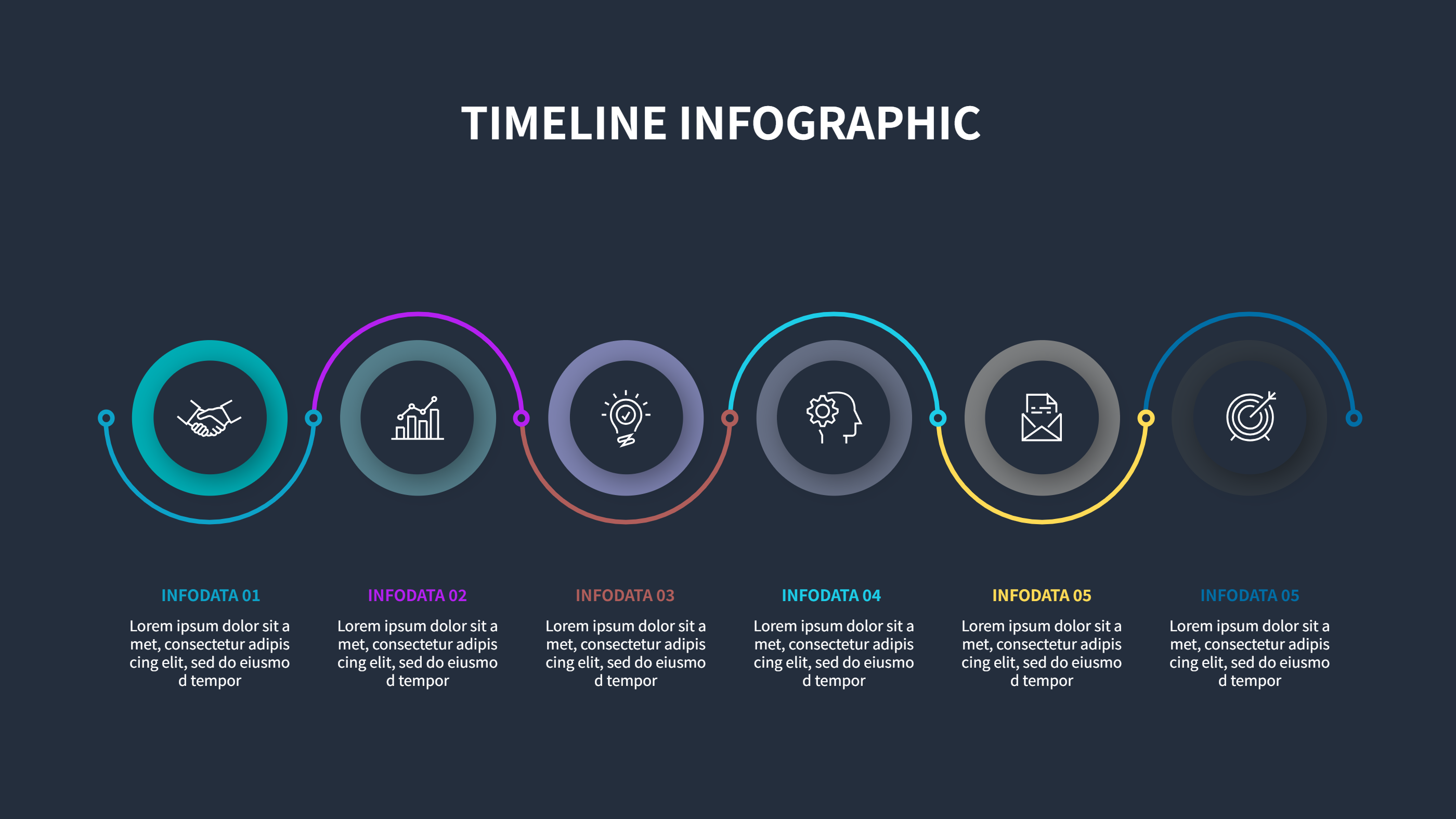
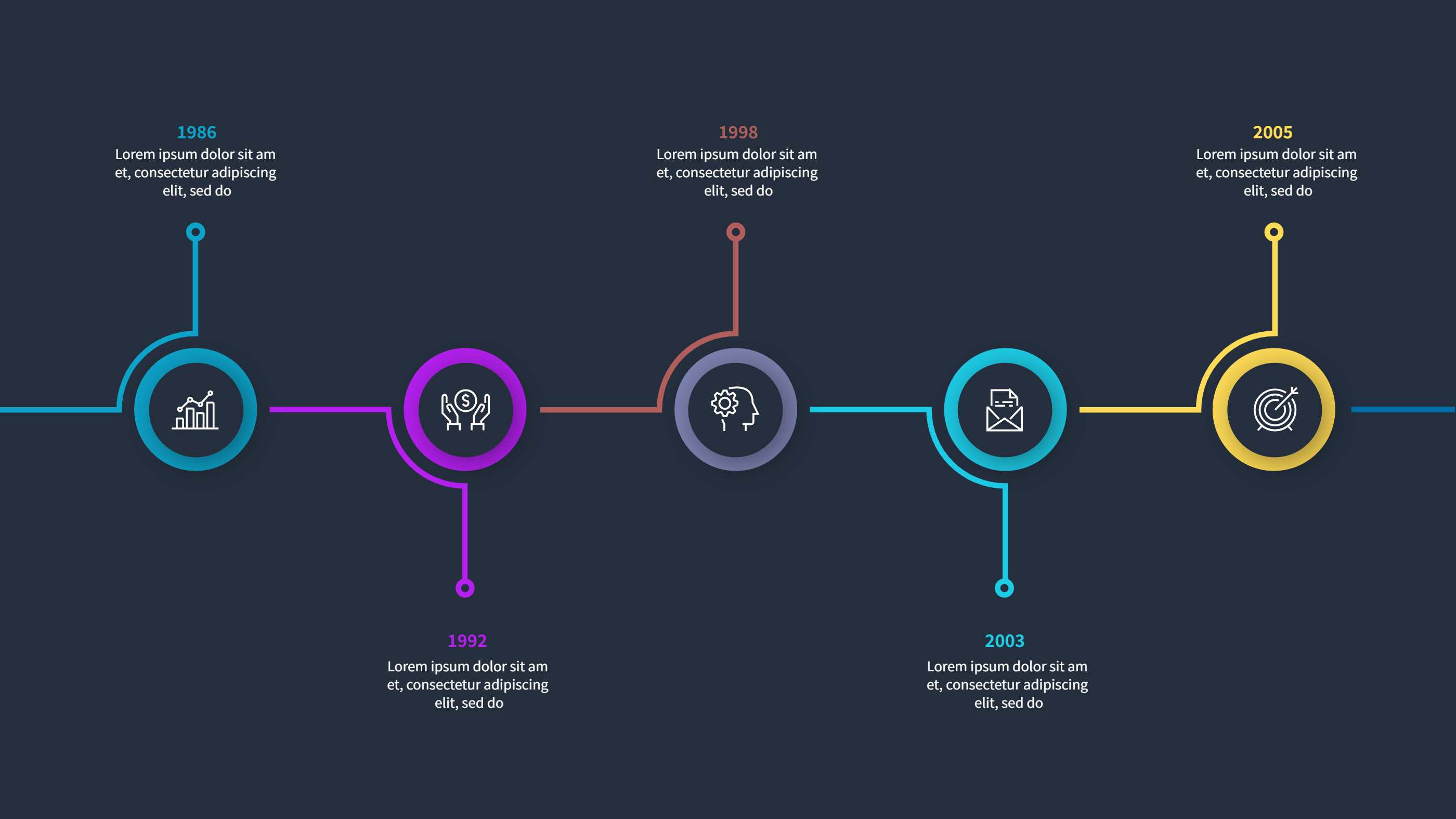
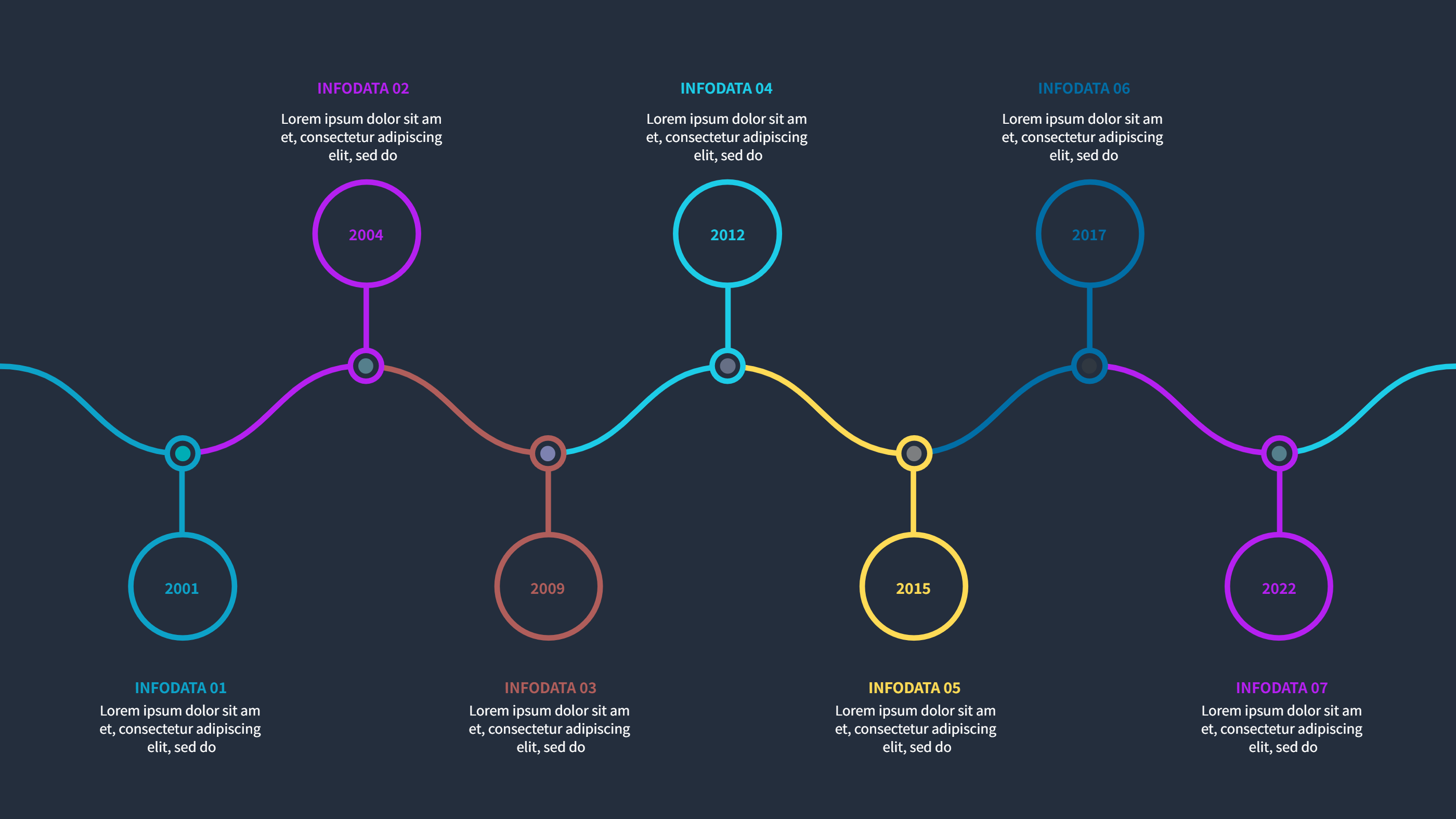
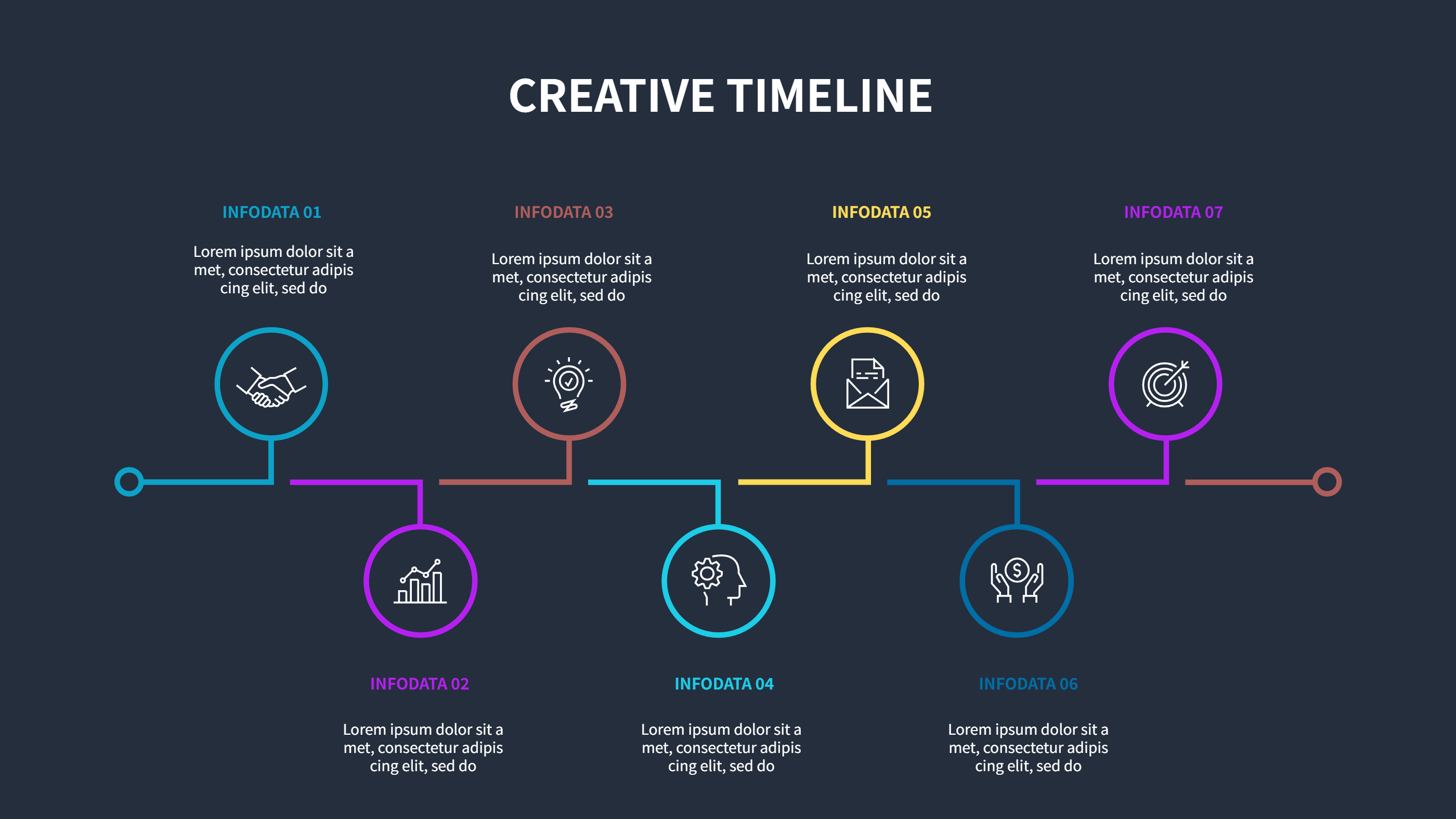
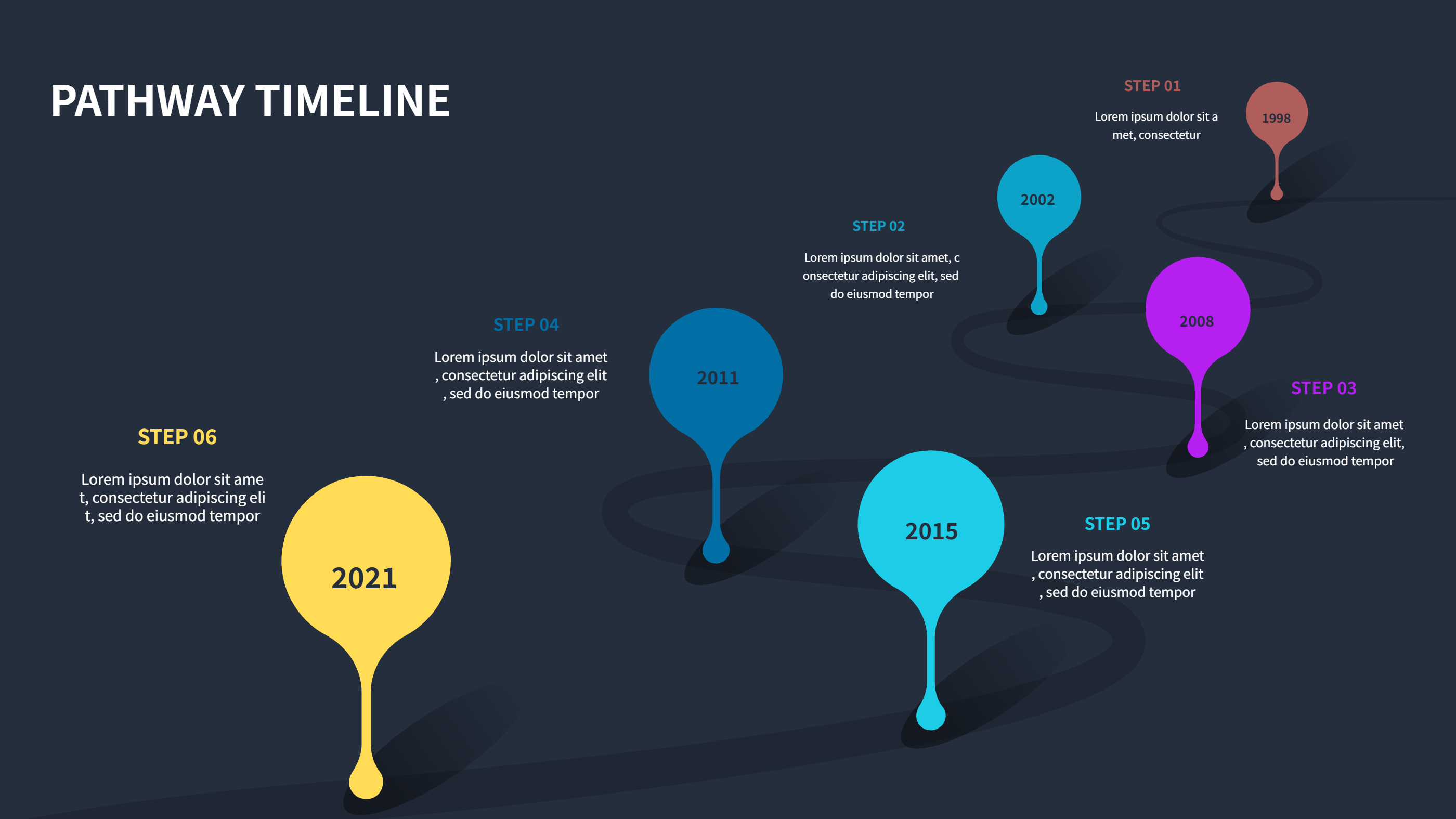
This five-stop development timeline works well as a free download for teams that track plans in Excel but want a clean visual summary. The horizontal flow shows each milestone with a short label and a matching paragraph, making it easy to capture goals, approvals, builds, tests, and launches. The blue styling keeps it professional for client decks, sprint reviews, or internal check-ins. Replace placeholder dates with your real months or quarters, and you can mirror the same sequence in your spreadsheet so both views stay aligned. You can highlight owners, dependencies, or budget notes in the text area without overwhelming the layout. It also adapts to product rollouts, feature drops, or academic project phases because the spacing is generous and easy to scan on screen or print. If you plan to sync it with a tracker, keep wording brief so updates stay fast. For teams that share slides, this format drops straight into PowerPoint while keeping the same structure you maintain in Excel. Add a small legend if you need to show status colors or risks along the path. To create a fresh version, go to the site home, open the AI generator, pick this timeline template, type a prompt that lists your phases, deadlines, and tone, and generate the infographic for immediate download.