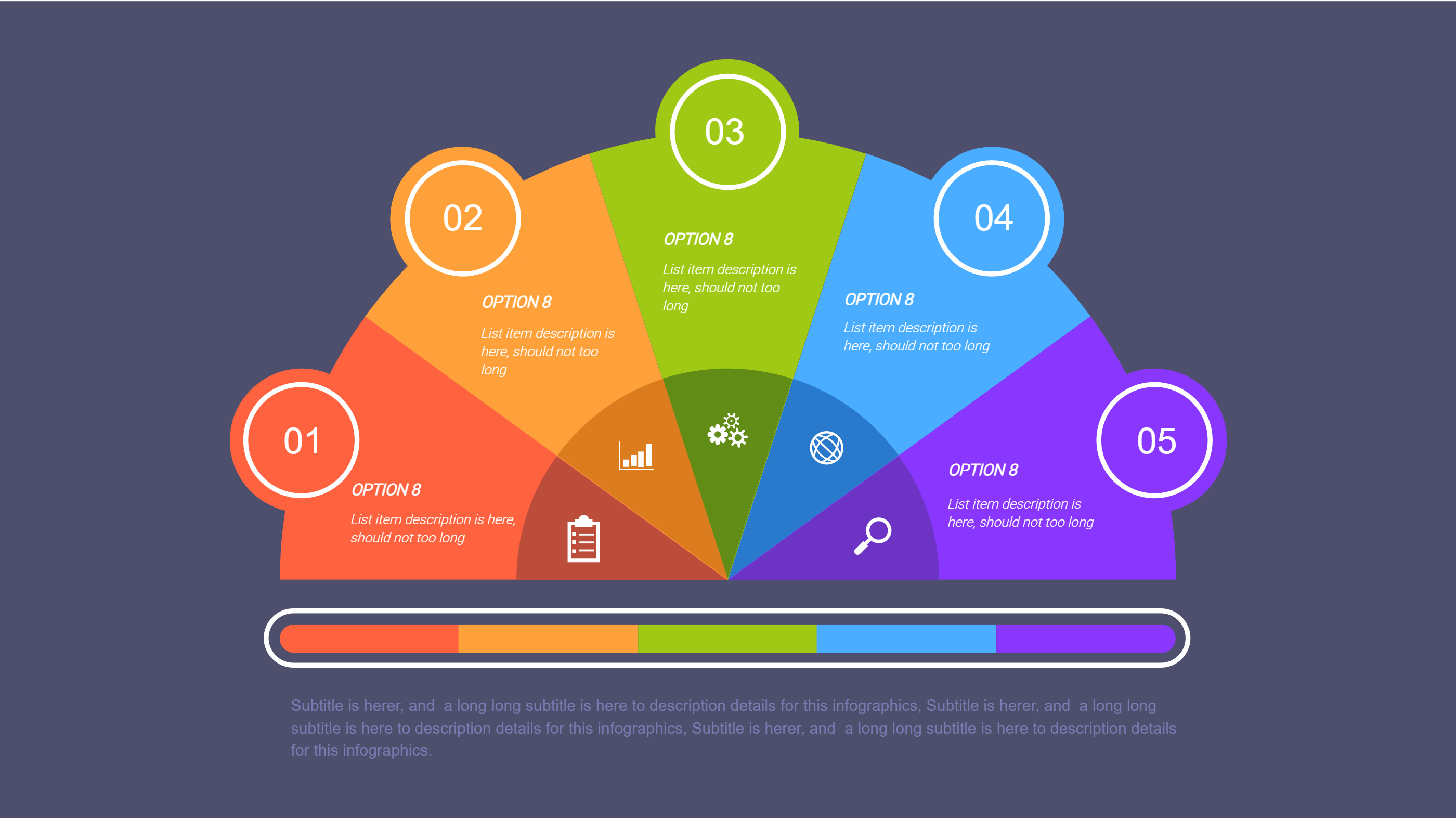
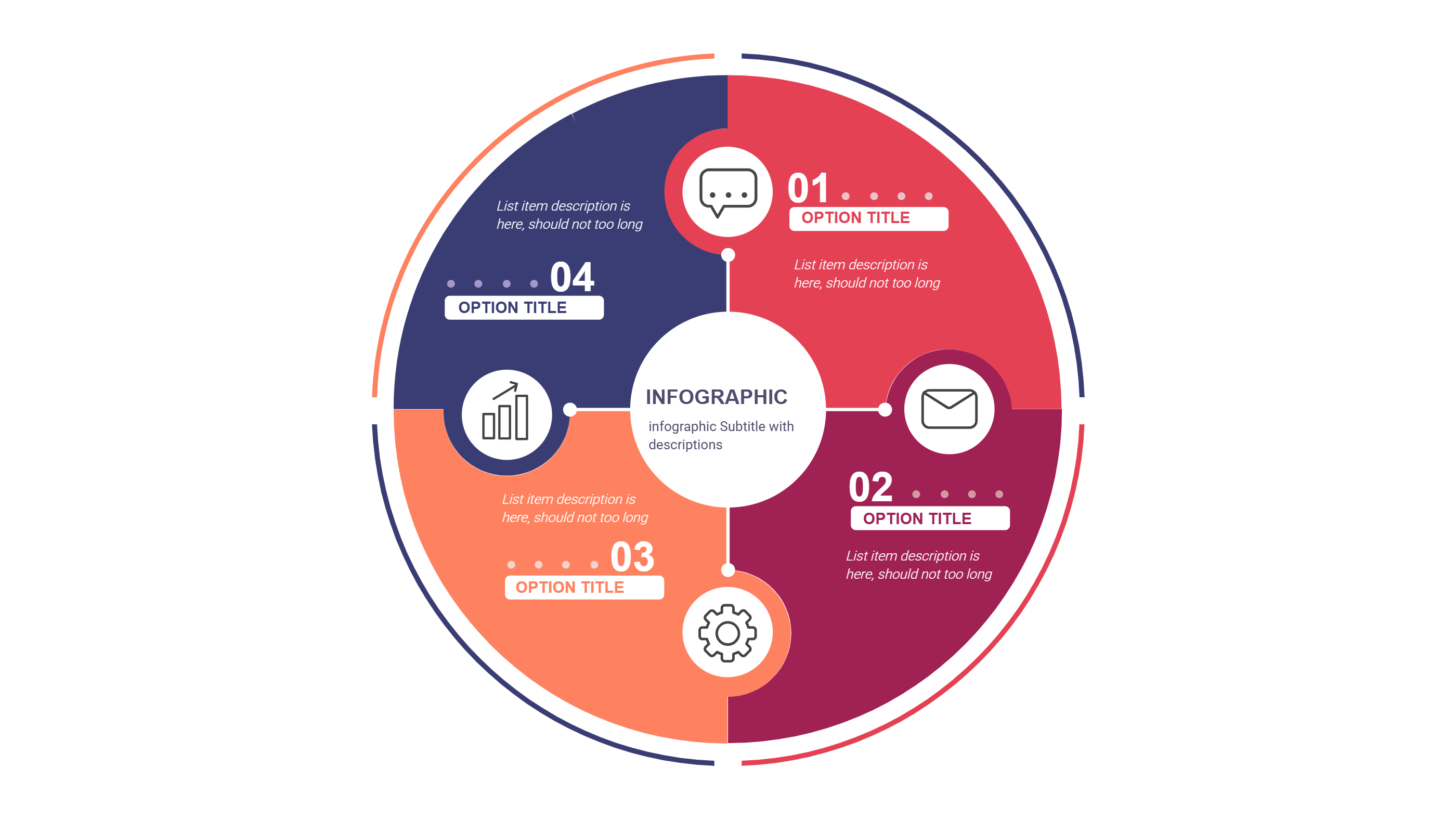
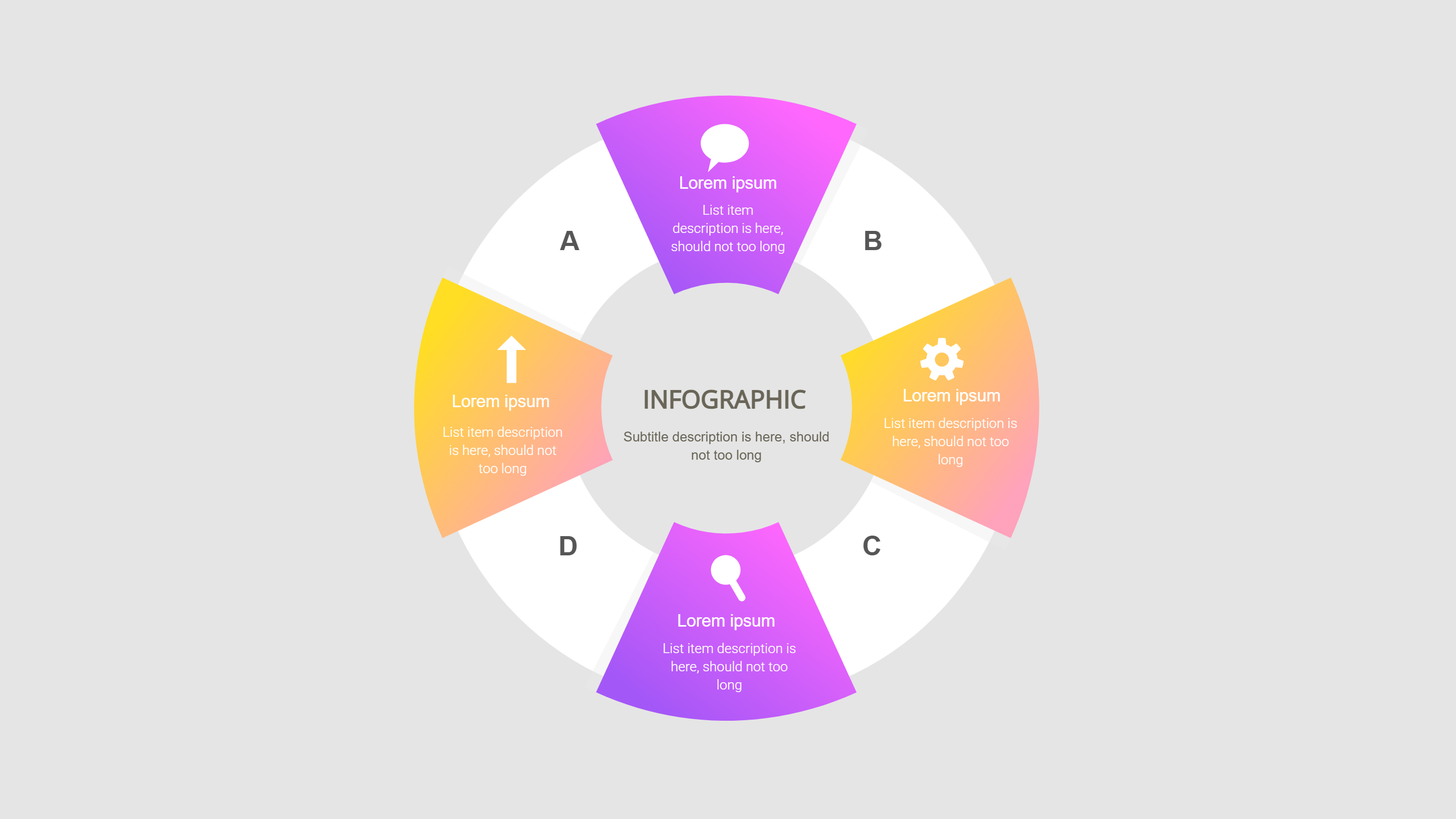
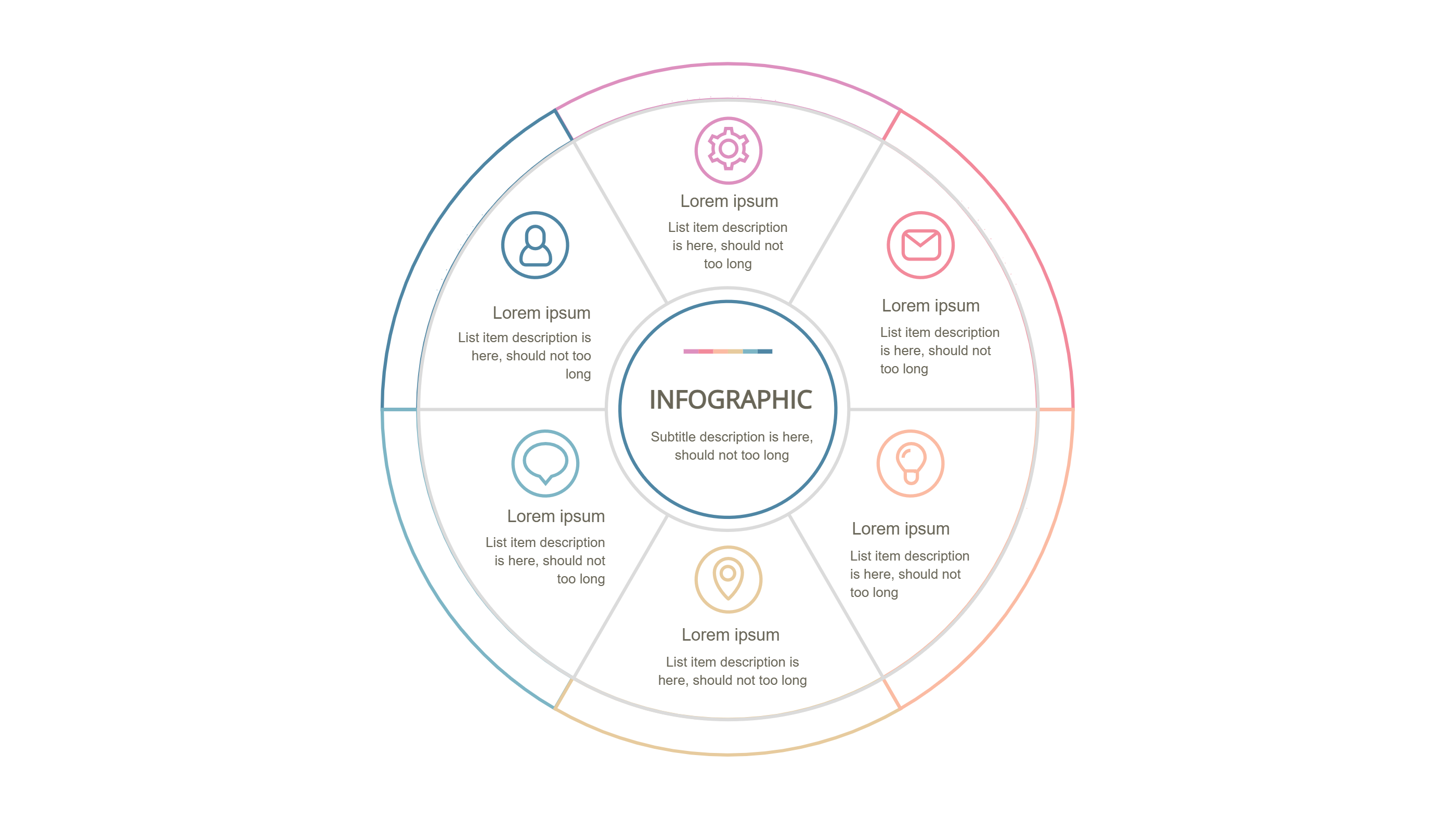
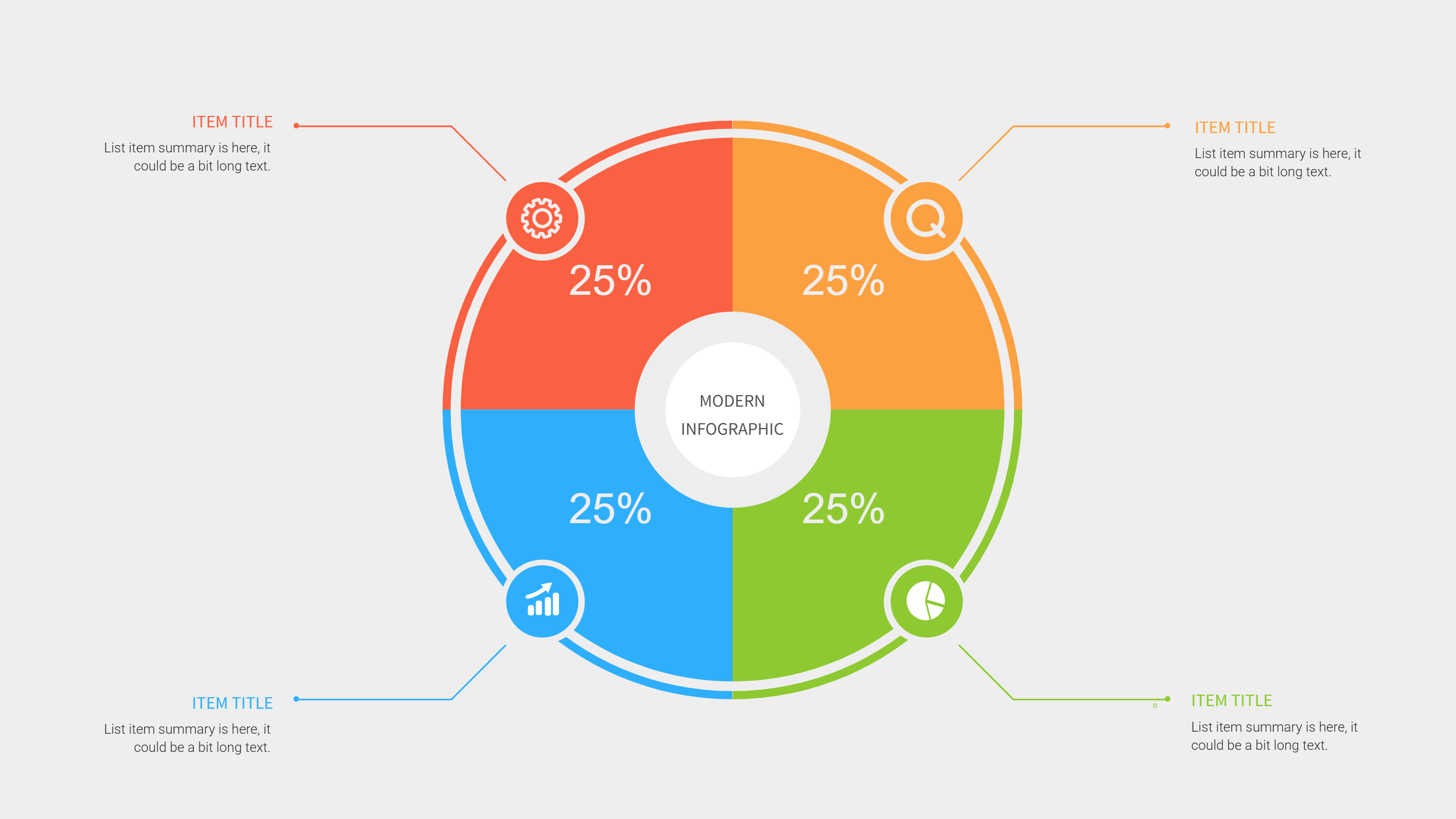
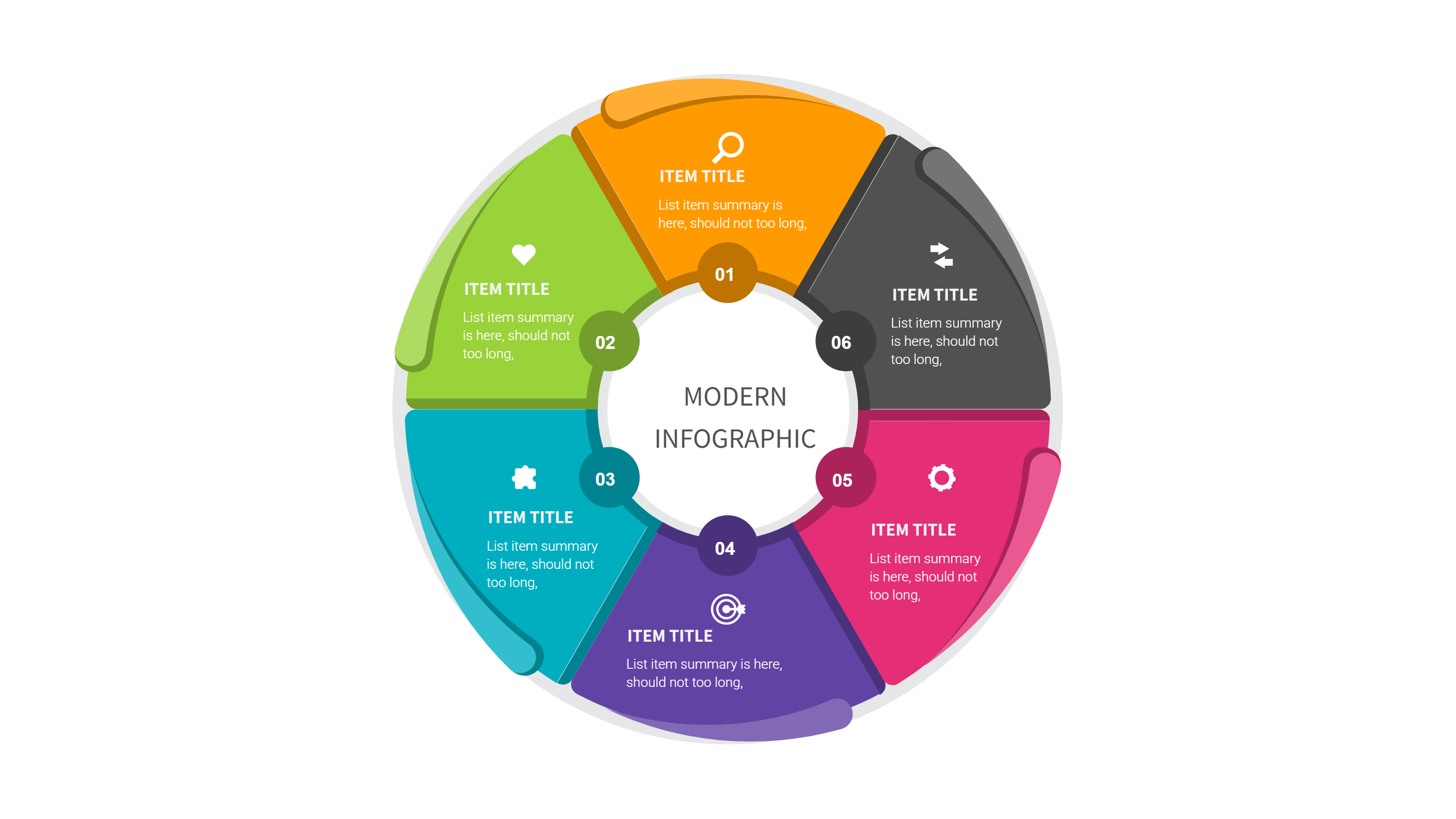
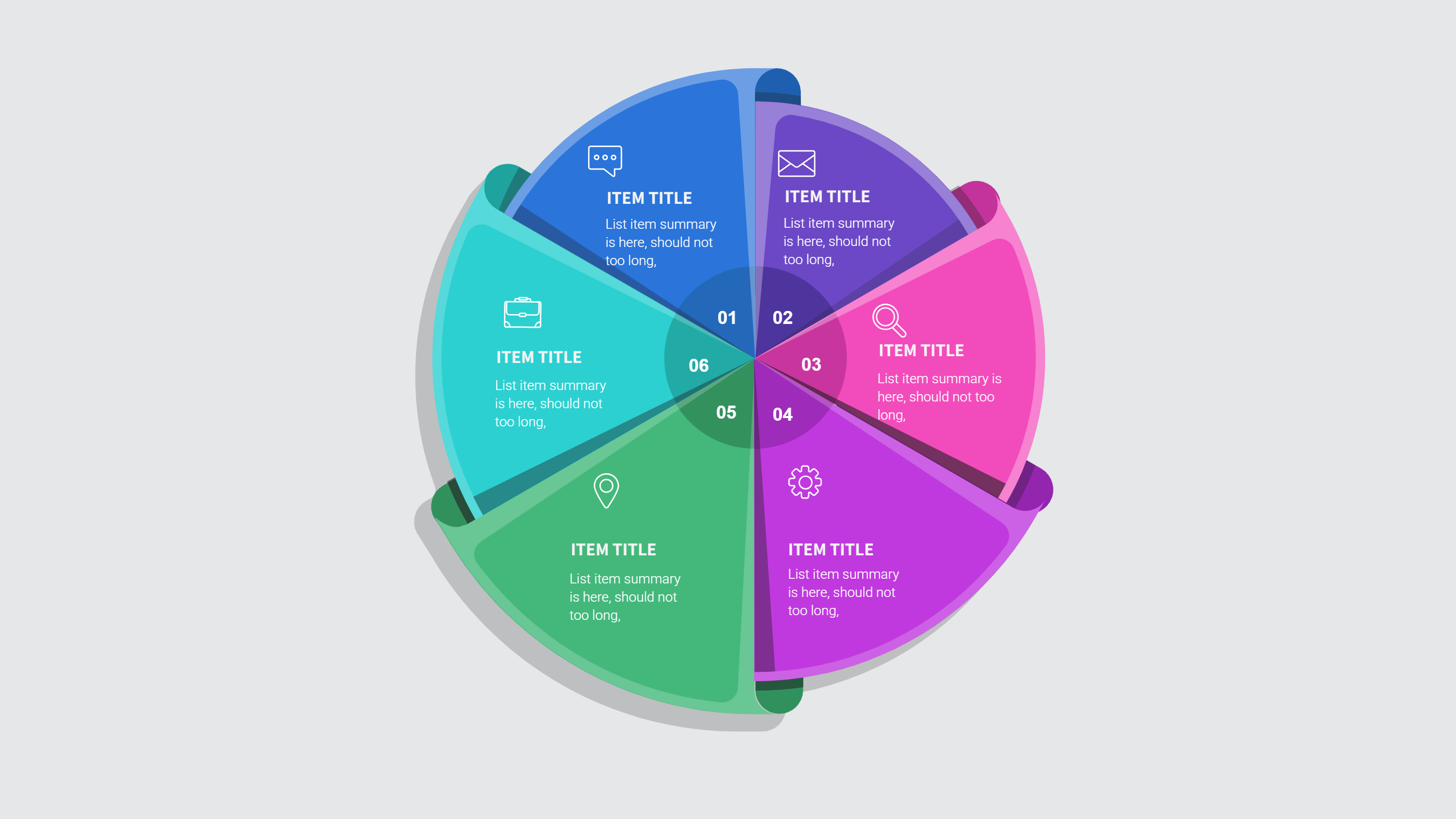
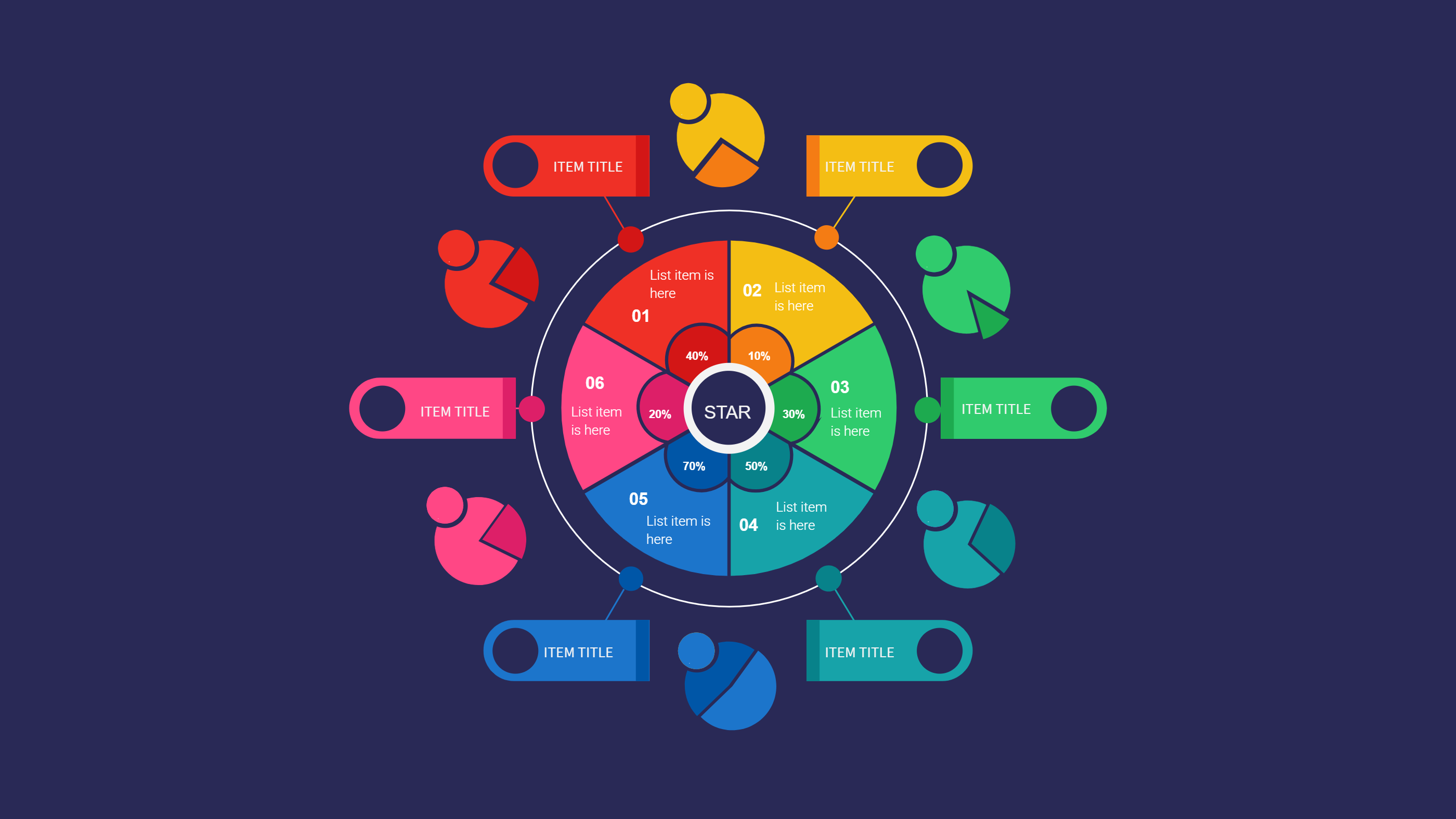
Brand Guidelines Template Figma for Clear Visual Rules
Size
Landscape
Color
Gray
Industry
Arts
Style
Modern
What is Brand Guidelines Template Figma Infographic
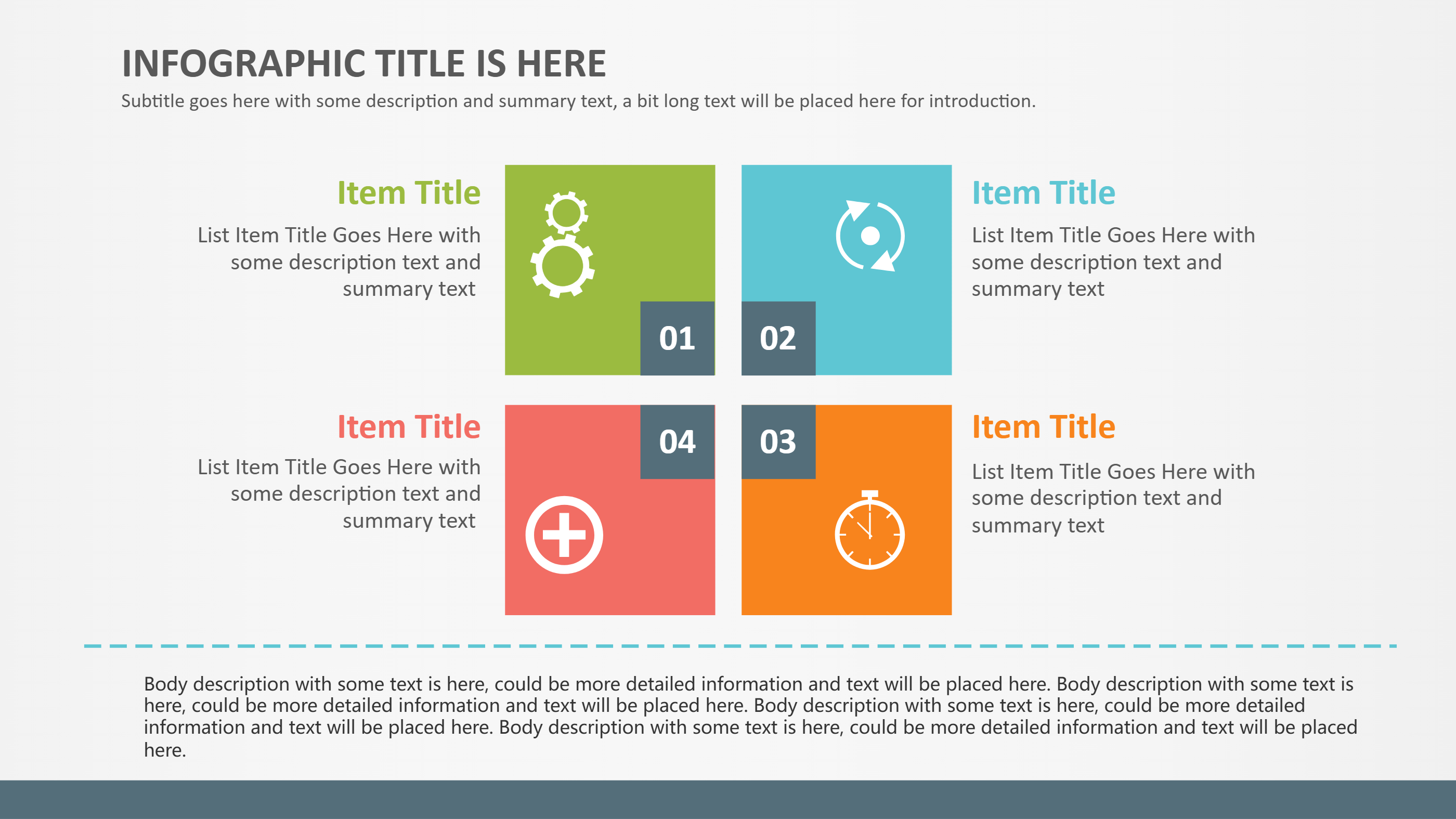
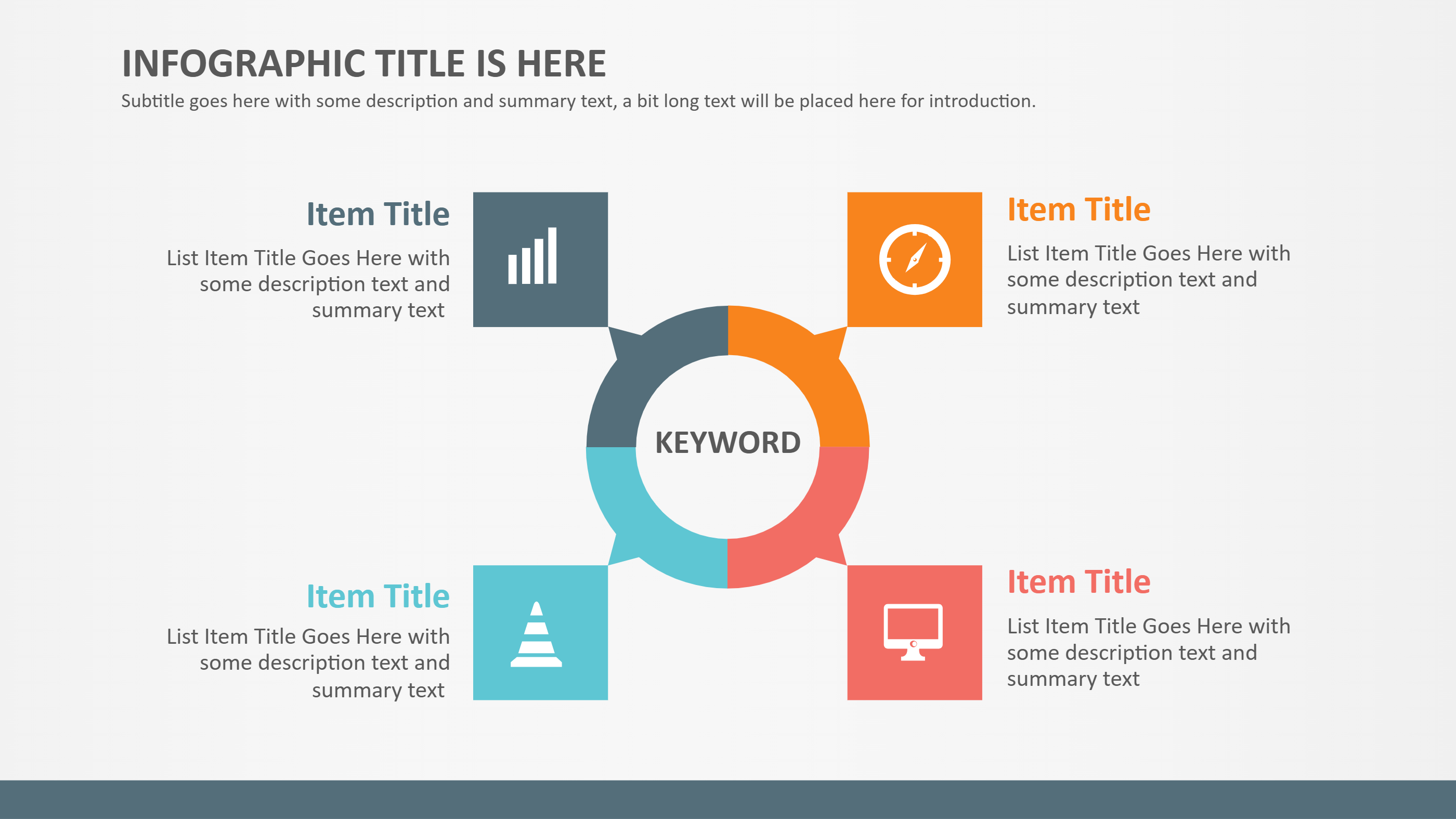
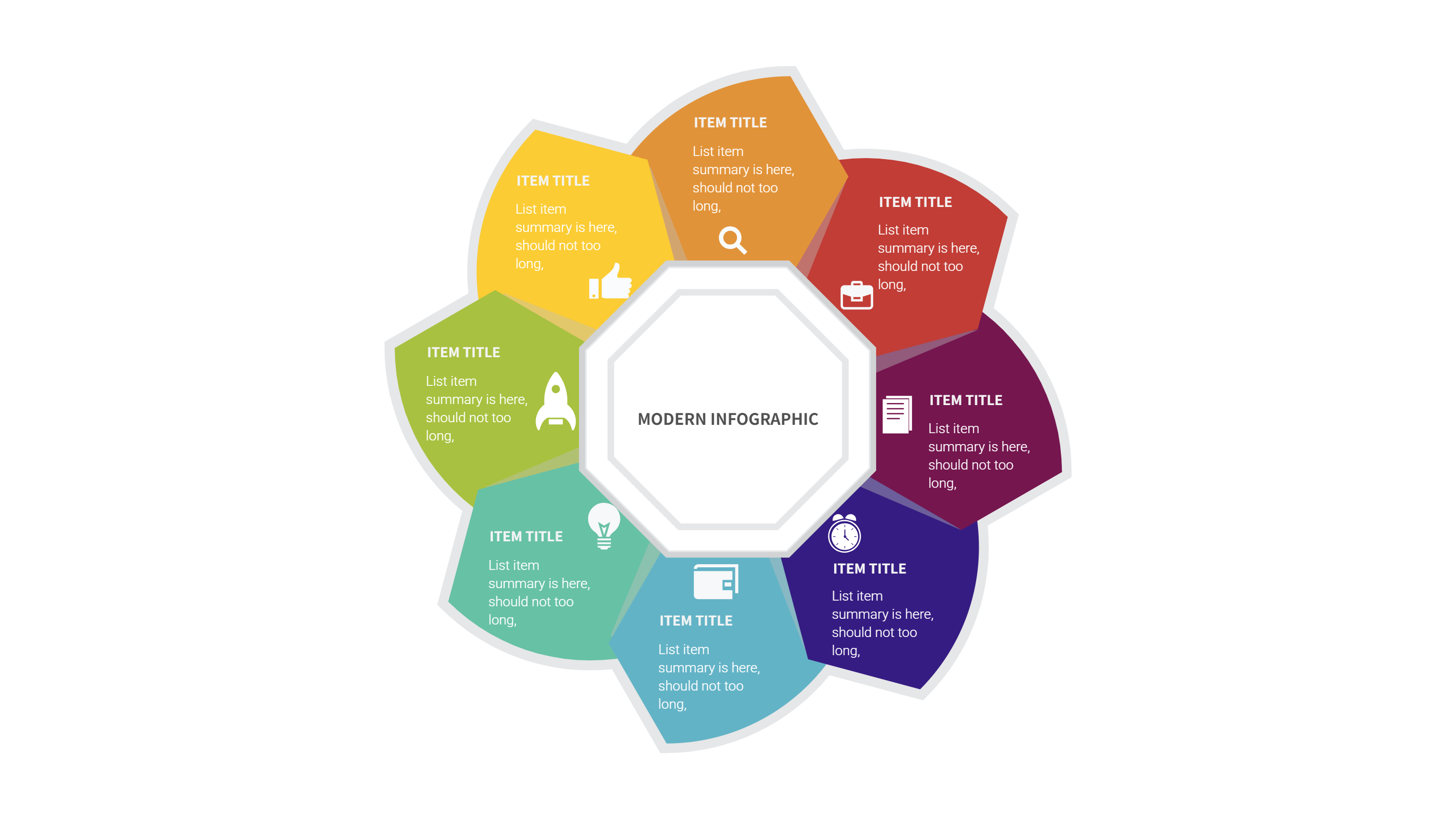
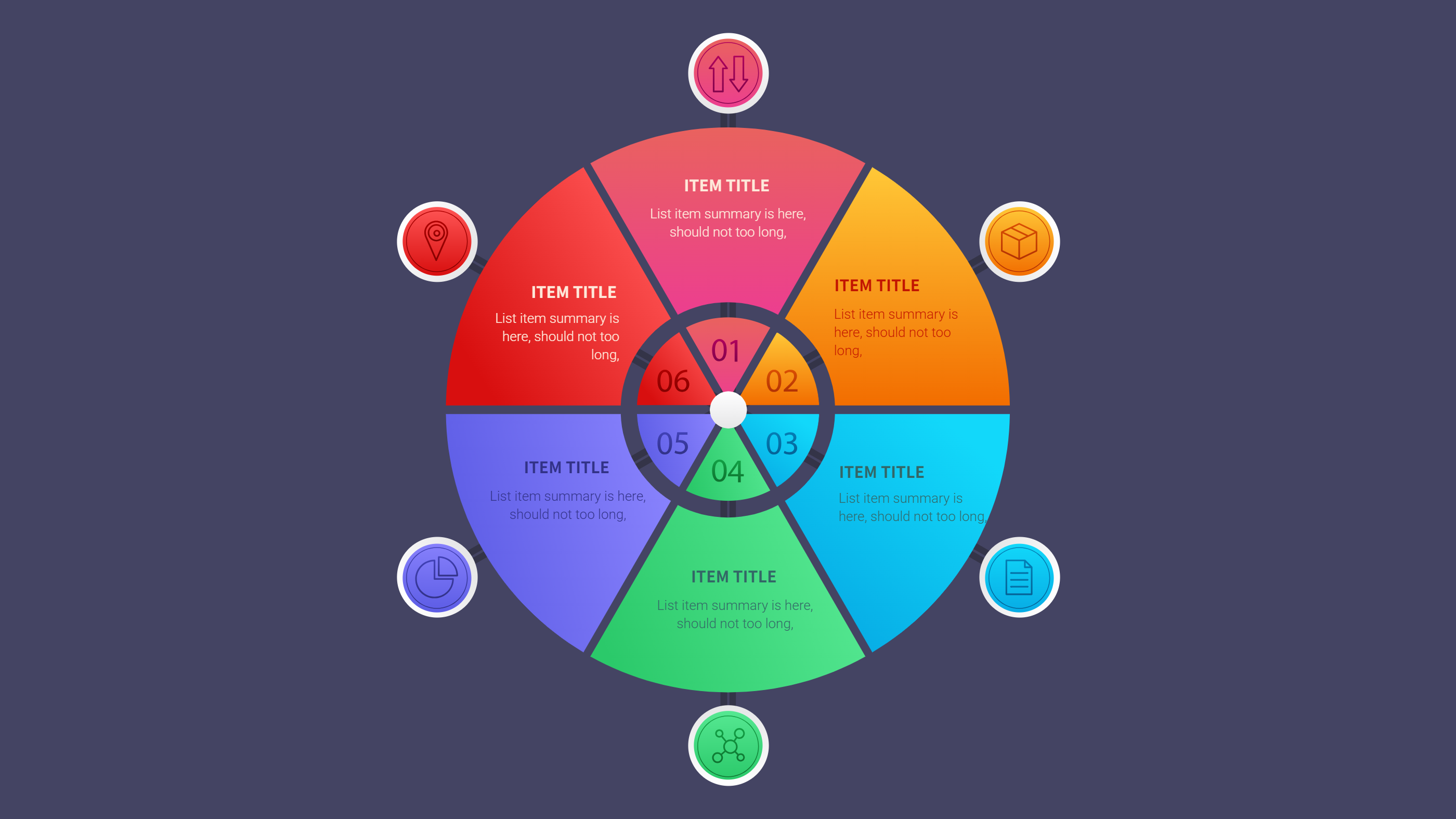
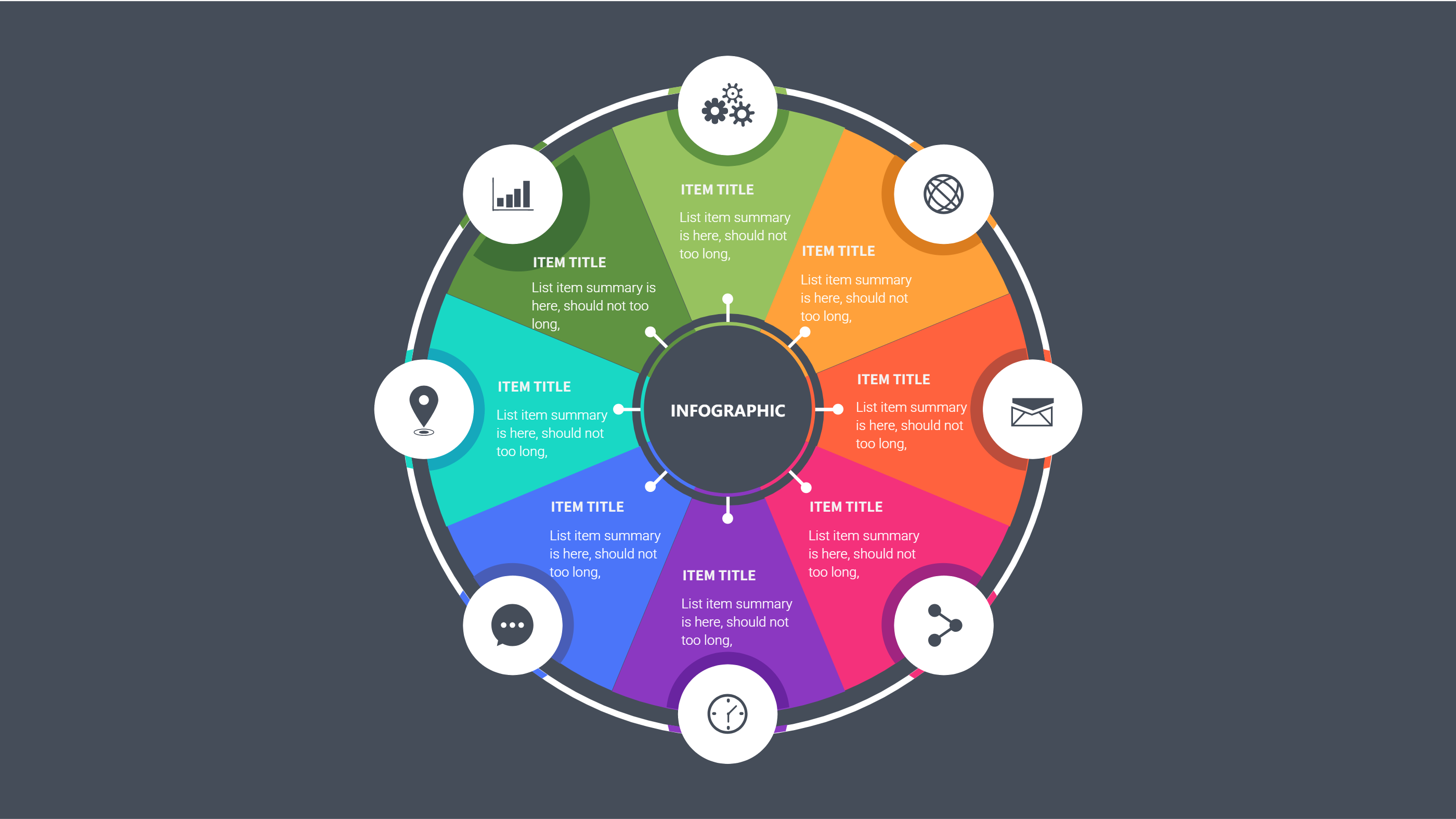
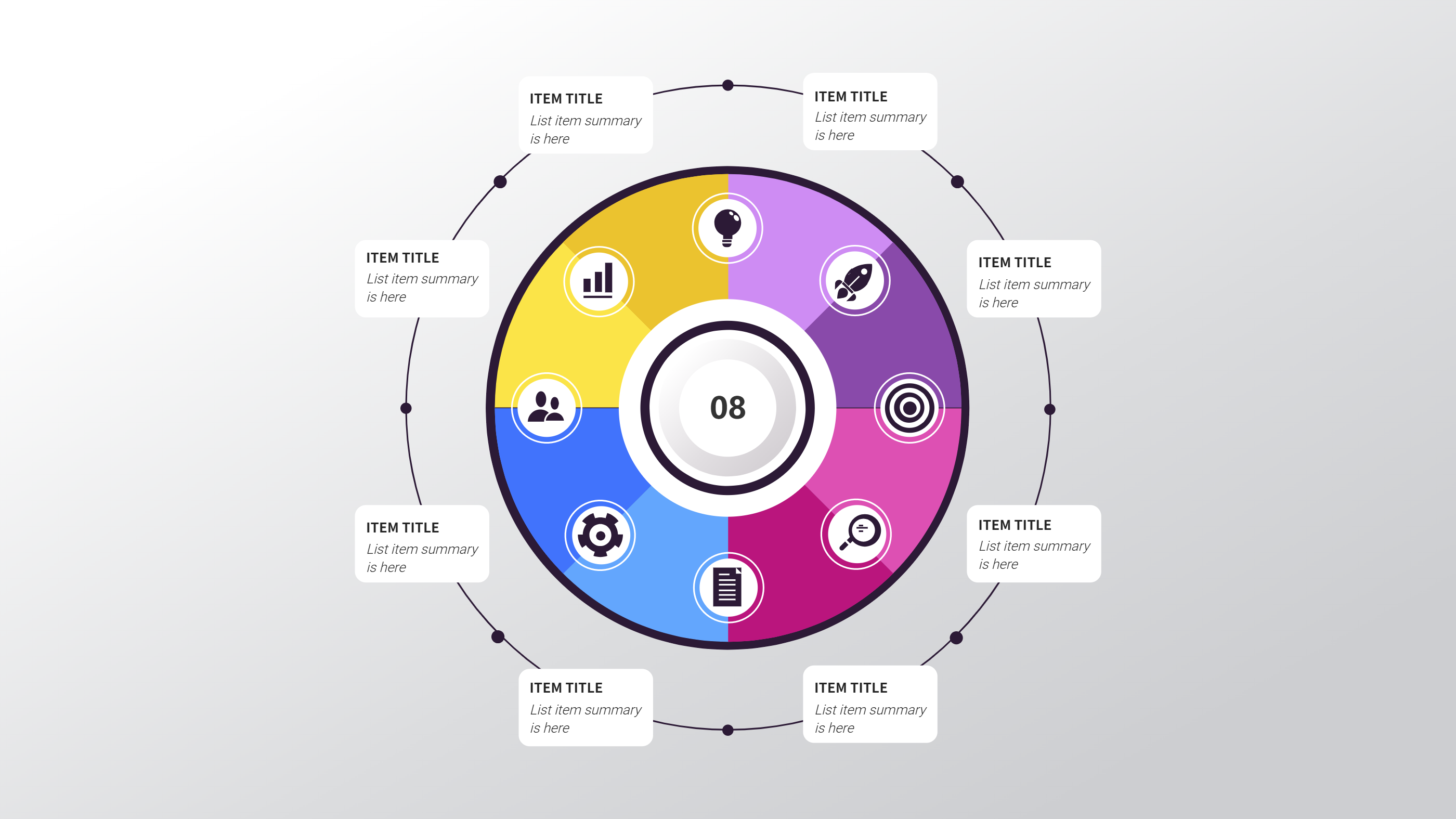
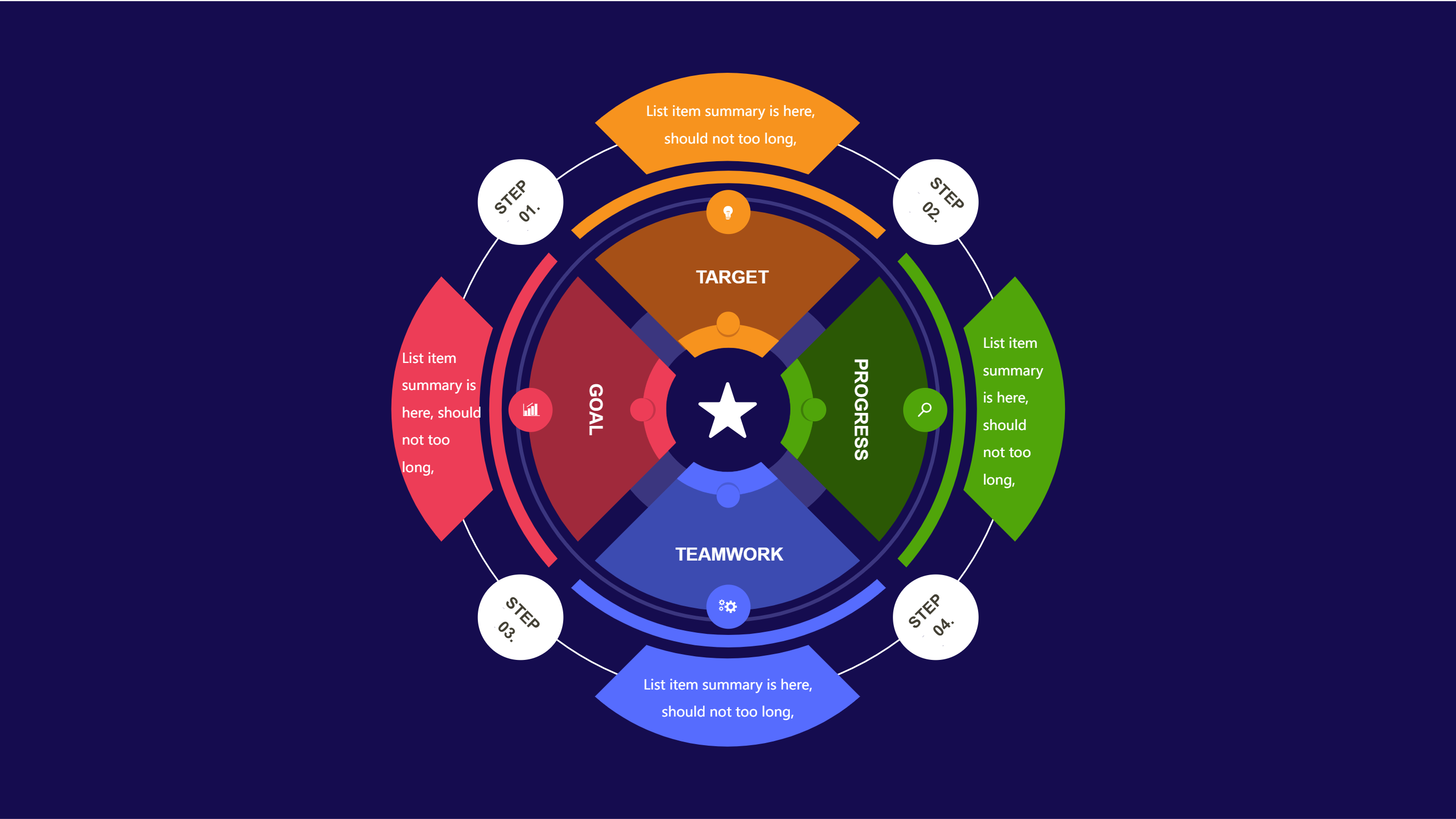
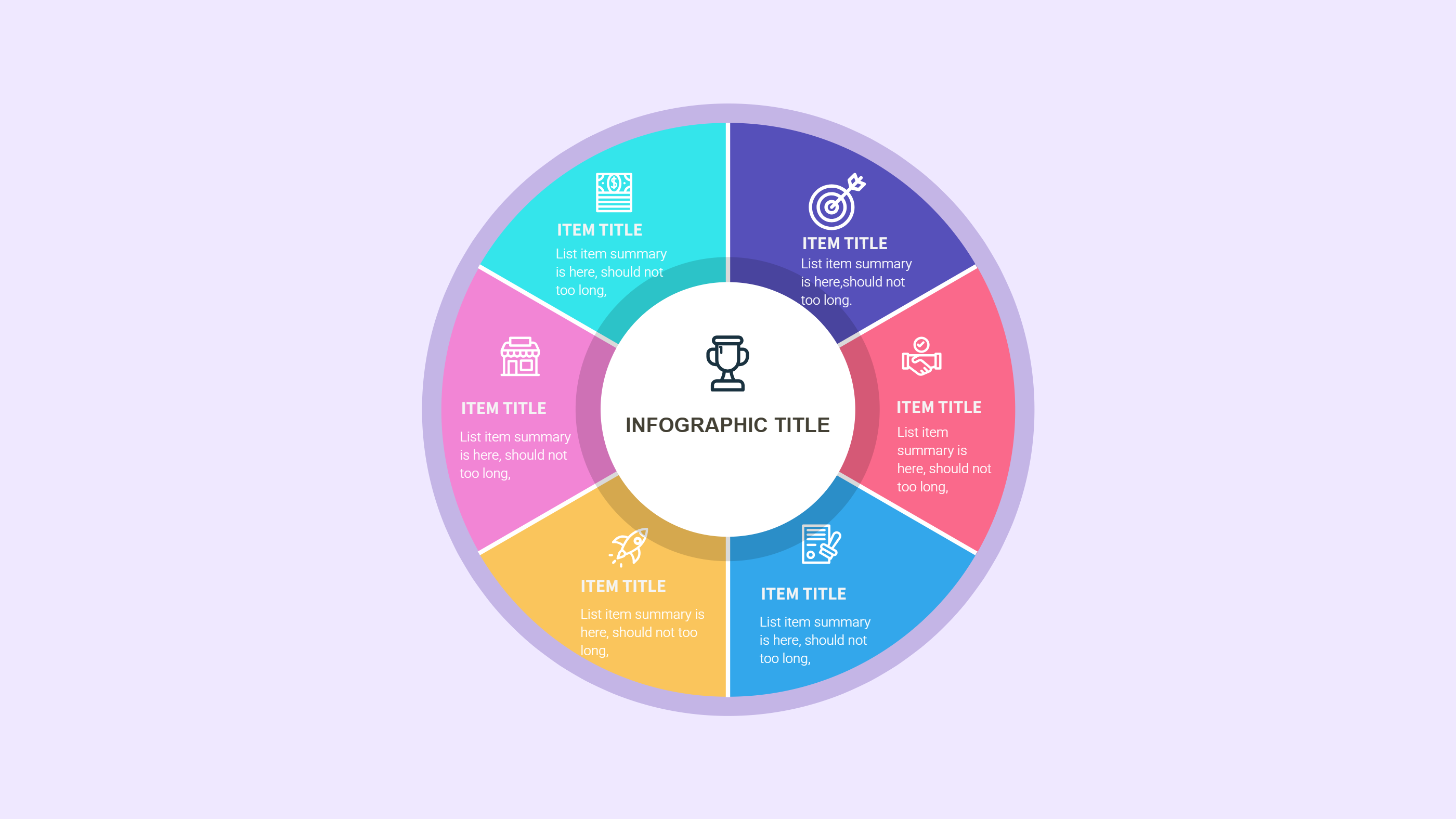
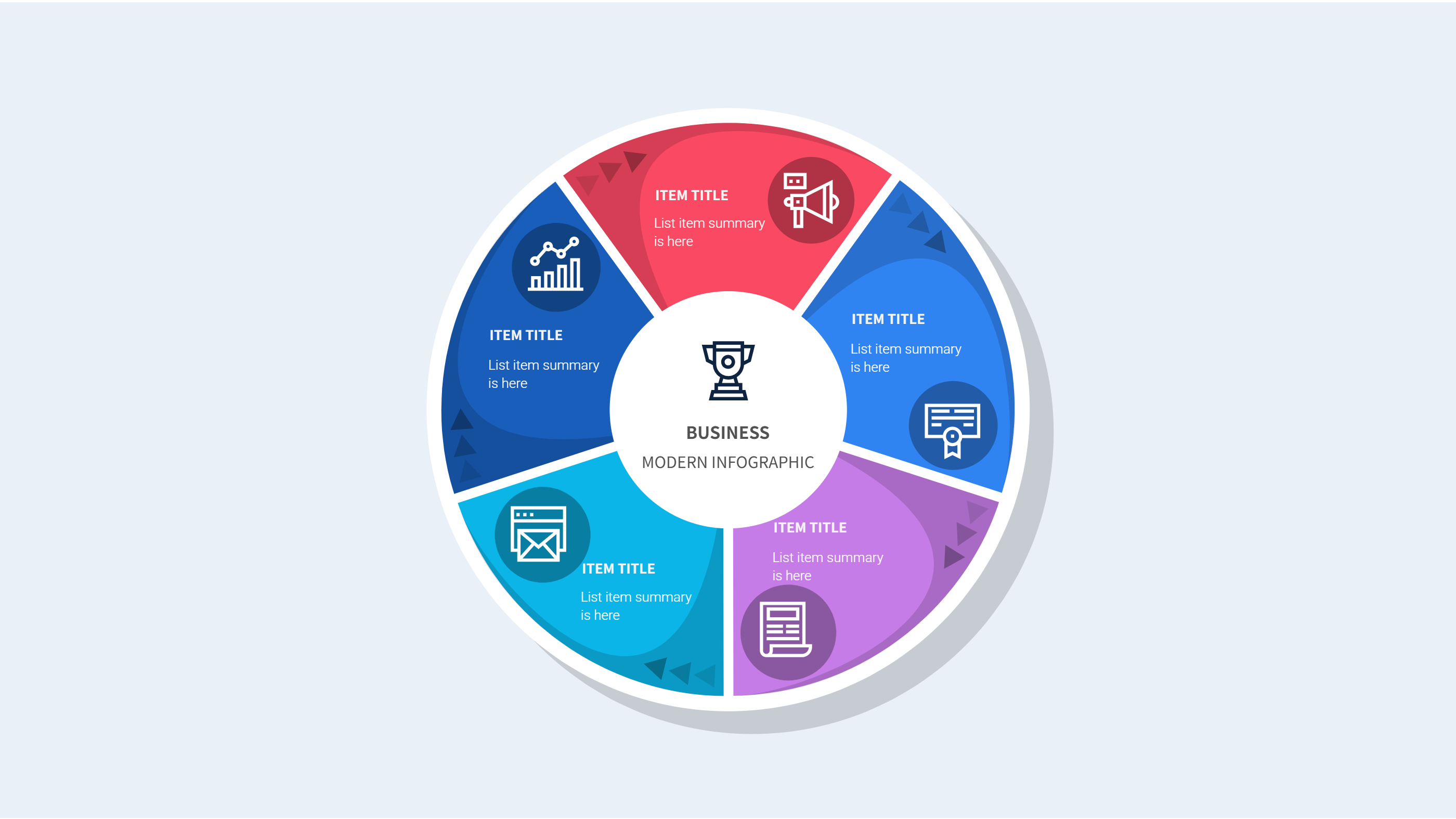
A brand guidelines template Figma infographic is a clear page that shows the visual rules of a brand. It gathers logo use, color choices, font style, and image tone into a single view. The layout keeps each rule short and easy to scan. It helps a team follow the same look across slides, posts, and documents. It is made for quick reference, not long reading.
This template works for new brands and for teams that are updating their style. It can show primary and secondary colors, spacing rules, and simple do and do not notes. It can also include brand voice tips and example layouts. The design keeps the rules clear so anyone can follow them without a long guide.
When to Use Company Profile About Us Infographic
Use this infographic when you want a short brand overview that fits on one page. A company profile about us layout works well for sharing brand basics with new staff or partners. It is useful for a slide deck, a pitch, or a quick brand review. The layout makes it easy to explain who you are and how you should look.
It also works when you need a brand snapshot for a client or agency. You can show the core visuals and a short brand story in one place. It is easy to update when a logo or color set changes. The format keeps the message clear and consistent.
Download and Edit the Template
Click the download button and an online editor opens in a new page. You can edit the color chips, font names, and short labels. You can adjust icons, spacing, and example blocks. Use the save button when you are done. Choose PPT, PNG, or SVG as the export format. The steps stay the same even if the wording is different.
How to Use Brand Guidelines Template Figma for Clear Visual Rules
Open the AI generator on the home page and choose the brand guidelines template. Enter a short prompt that lists the brand name, main colors, font style, and logo notes. The tool creates an infographic that follows the layout. You can edit the result and adjust text to match your brand. The meaning stays the same, even if your wording changes.
Examples of Brand Guidelines Template Figma AI Prompt Usage
Example 1:
A one page brand guide for a local cafe. Show the logo clear space rule, two primary colors, one accent color, and a short note about friendly tone.
Example 2:
A clean brand rules page for a fitness studio. Include font choices for headlines and body text, three brand colors, and a small icon set style note.
Example 3:
A quick brand overview for a tech startup. Show logo use on light and dark backgrounds, a simple color palette, and one short brand promise line.
Example Infographic Image
[Example Image Placeholder, image will be added manually]
Recommended Similar Infographic Templates
Related Template 1: Business Report and Presentation Template
Related Template 2: Abstract Business Report Template
Related Template 3: Minimalist Business Report Template with Icon-Based Sections
Related Template 4: Social Media Marketing Infographic Strategy Wheel
FAQs
Q: Can I use this template for a small team brand guide?
A: Yes, it keeps the key rules short and easy to share.
Q: Can I add examples of logo use on dark backgrounds?
A: Yes, add a small block with light and dark logo versions.
Q: Is this template useful for a client handoff?
A: Yes, it gives a quick view of the brand look and feel.
Q: Can I change the layout for more colors or fonts?
A: Yes, you can add or remove blocks as needed.
Q: Can I export the brand guide as an image?
A: Yes, export to PNG or SVG for easy sharing.