Google Sheet Workout Template for Weekly Training Plans
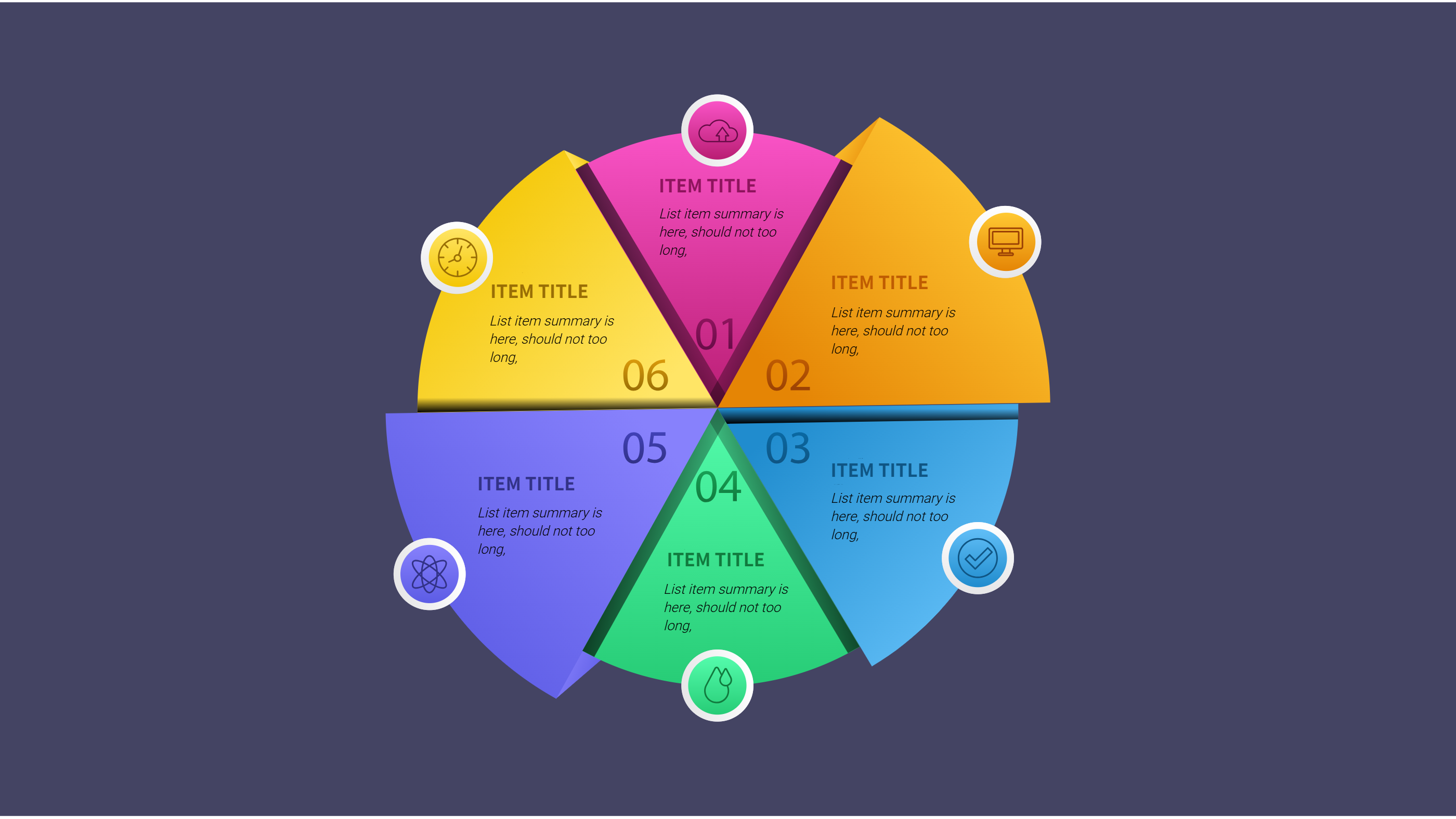
What is Google Sheet Workout Template Infographic
A Google sheet workout template infographic is a clear plan that shows training sessions in a simple layout. It can list days, workouts, and short notes for each session. The view helps people see the full week without long tables. It keeps the plan easy to follow and easy to update.
This template works for gym plans, home workouts, and team training. It can show sets, reps, and rest times in short labels. It can also include a goal note and a simple progress check. The design stays clean so the plan is simple to read.
When to Use Six Initiative Steps Overview Infographic
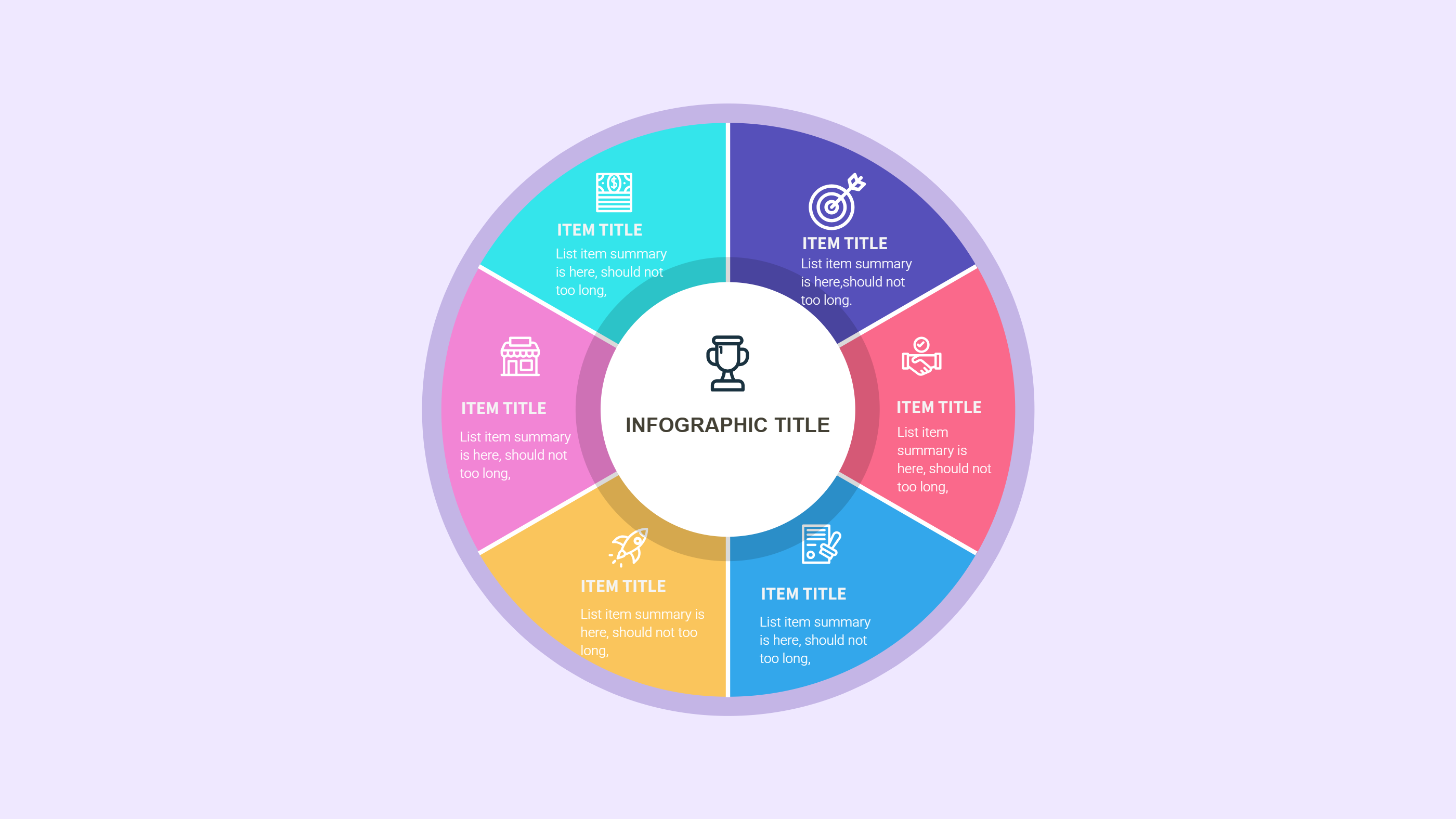
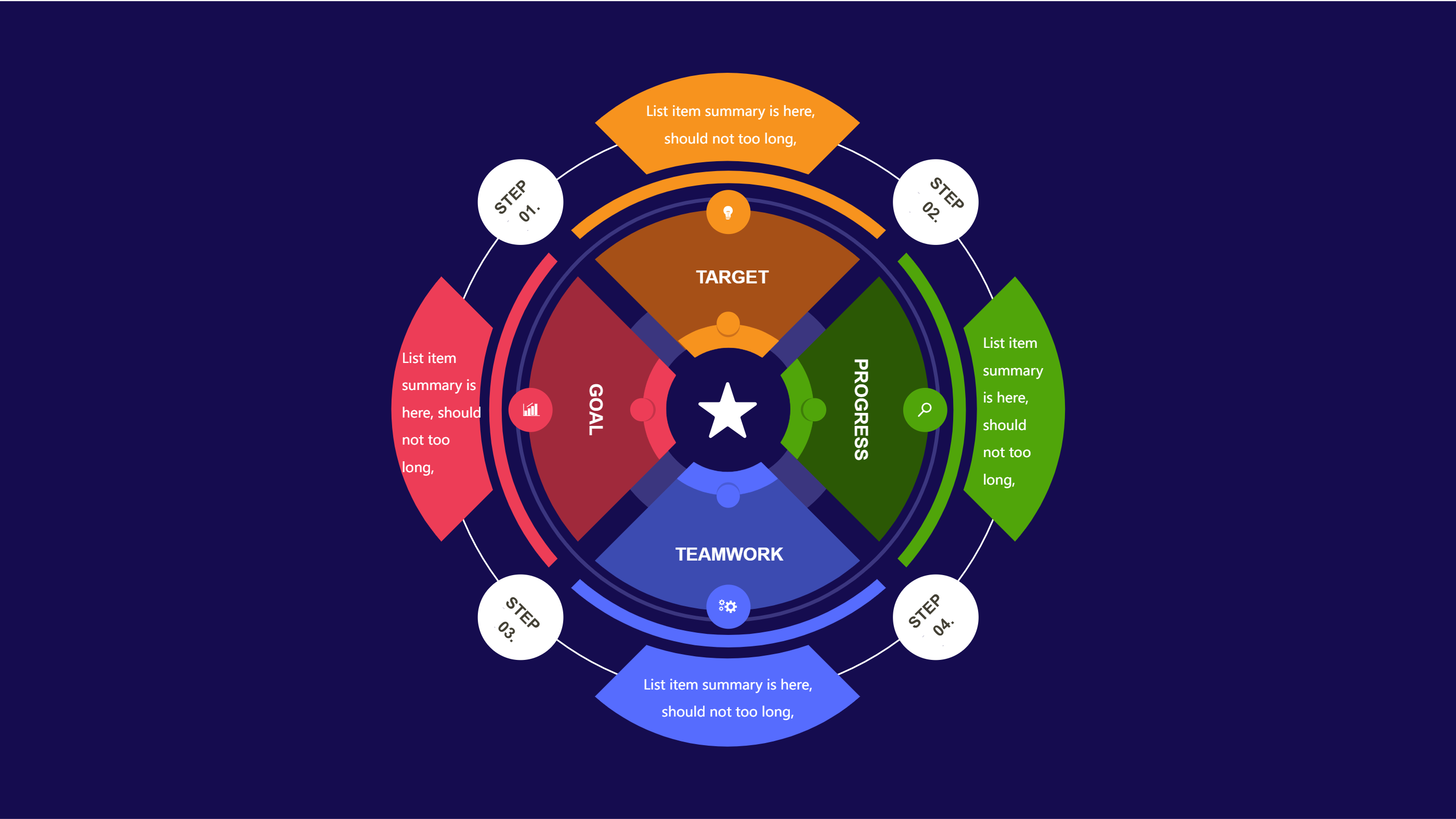
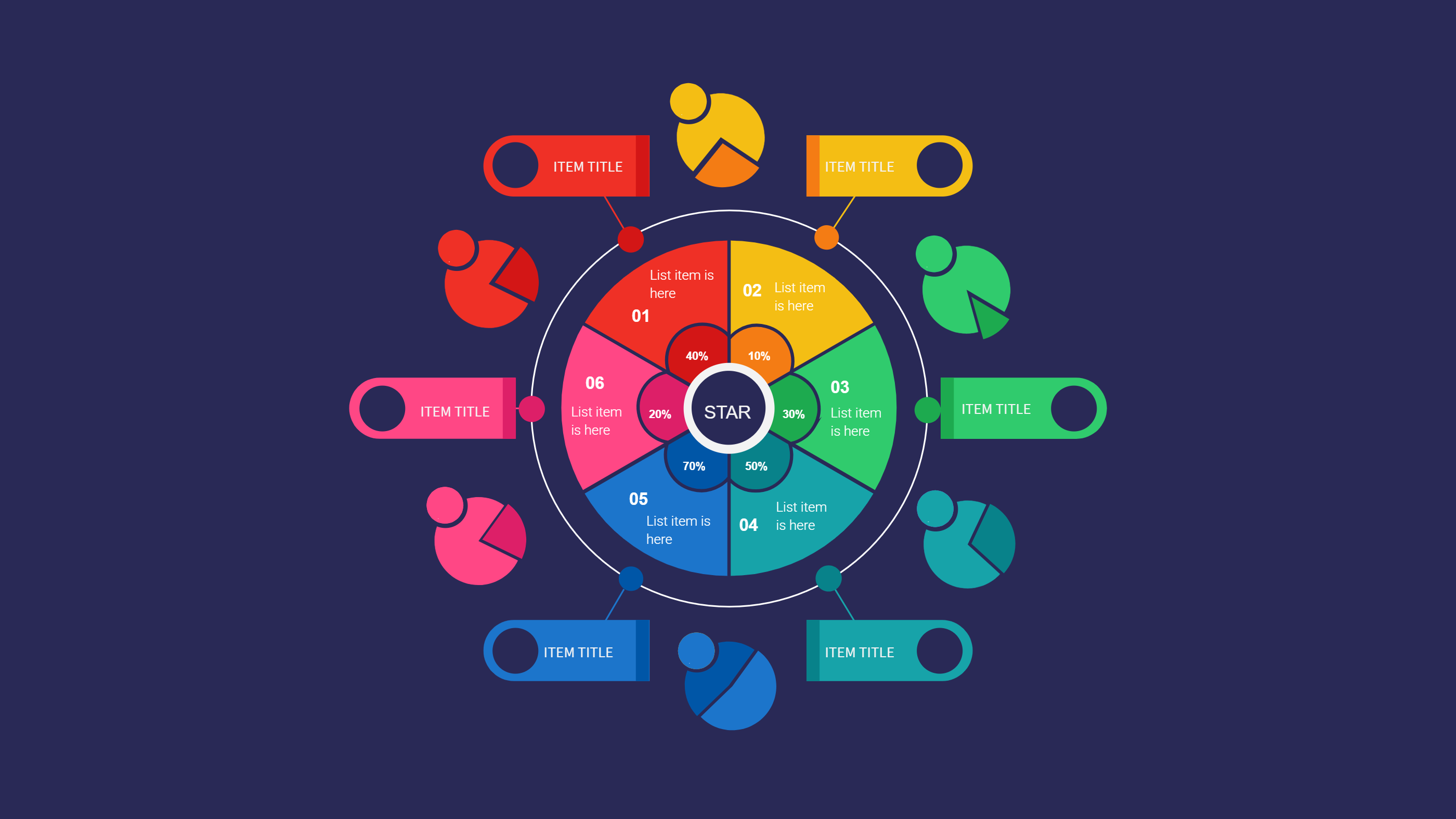
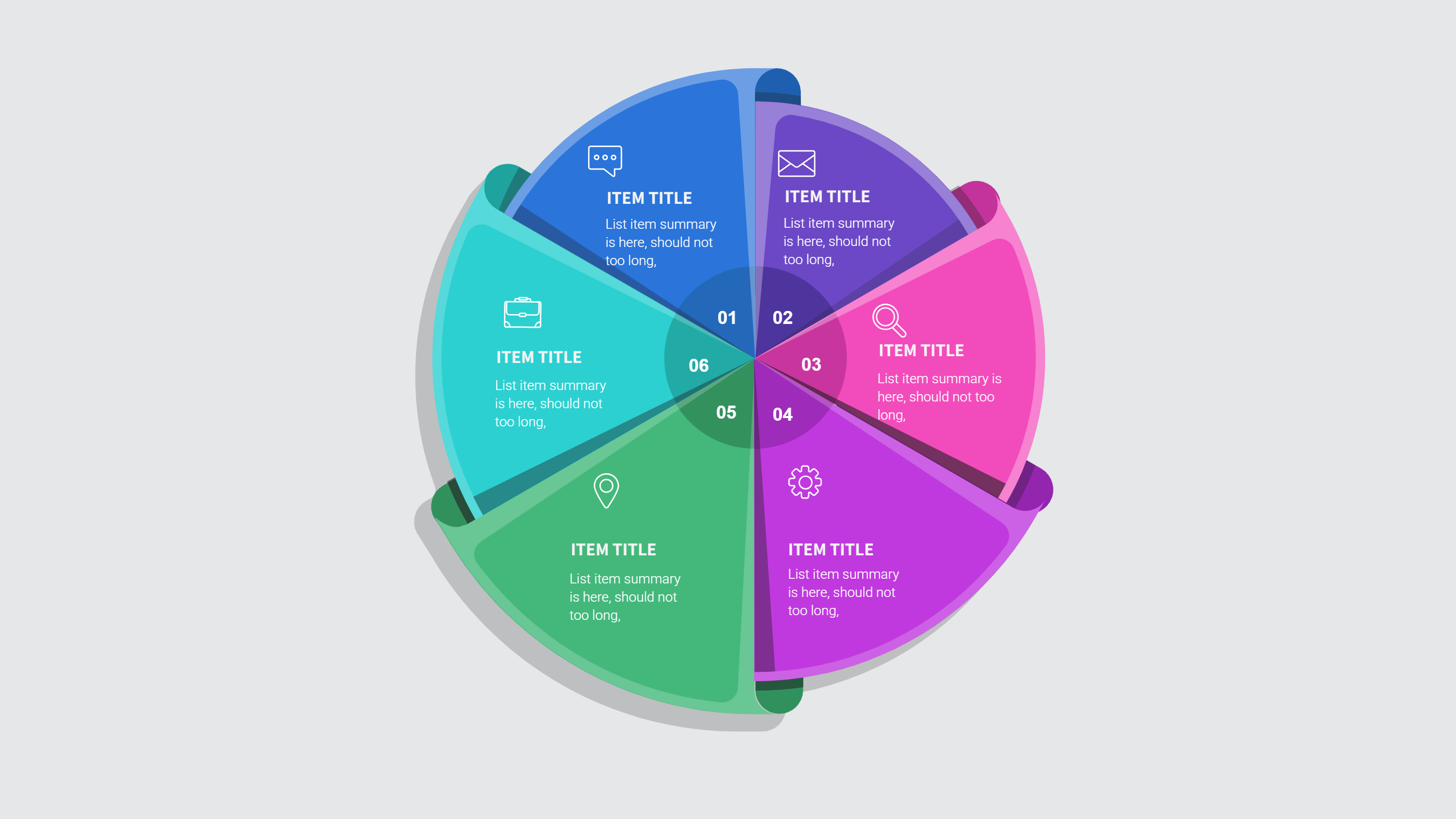
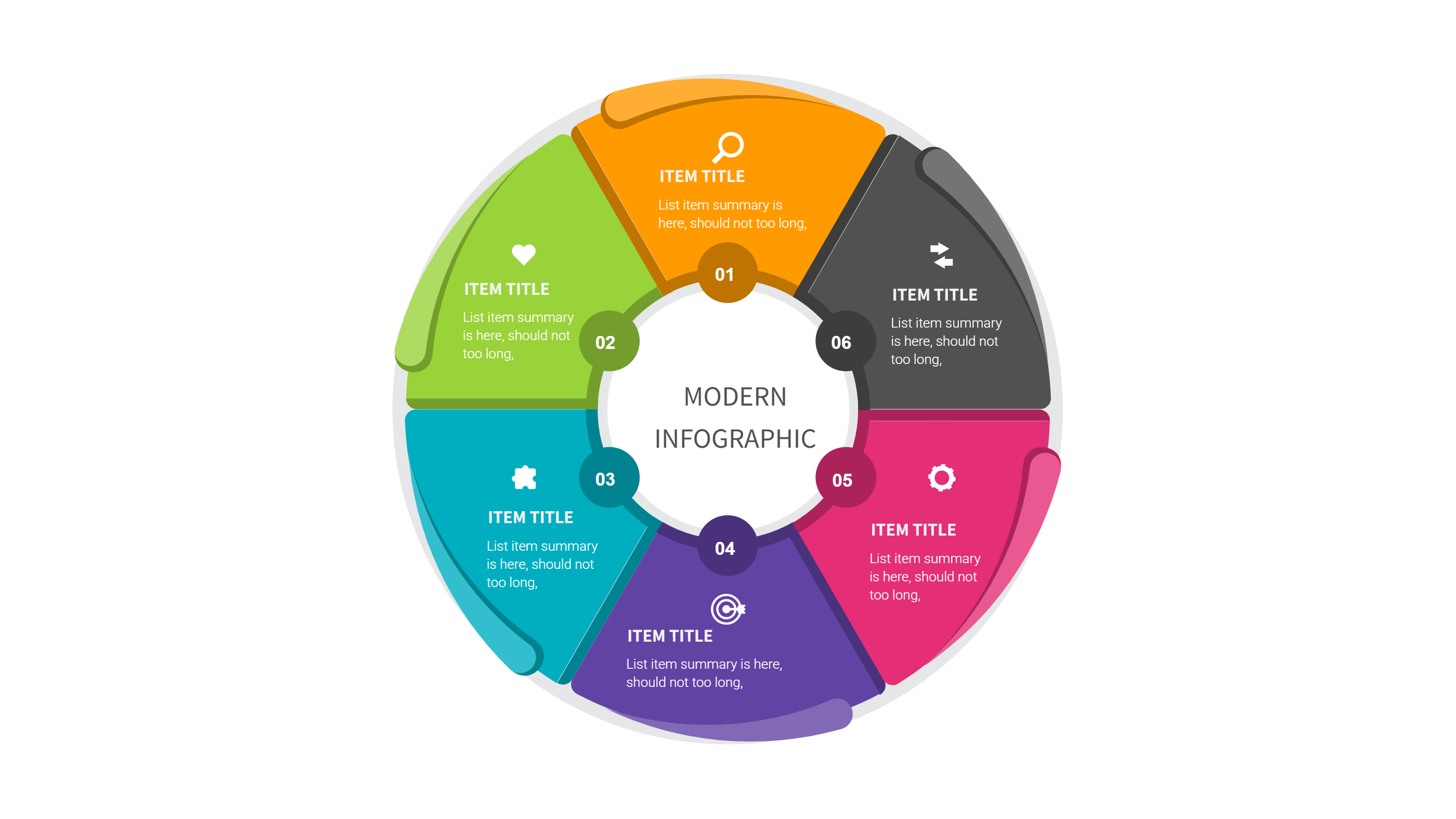
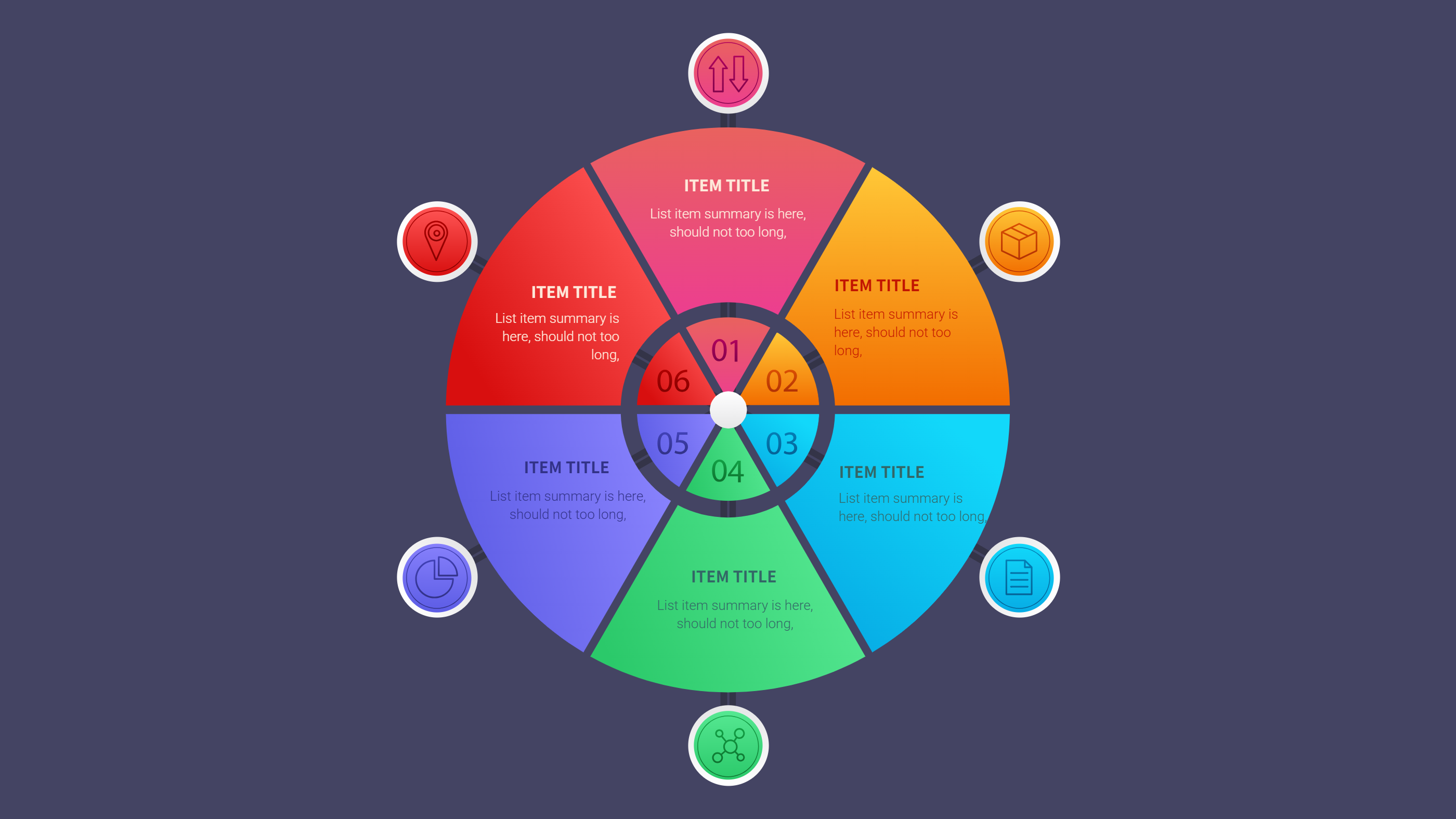
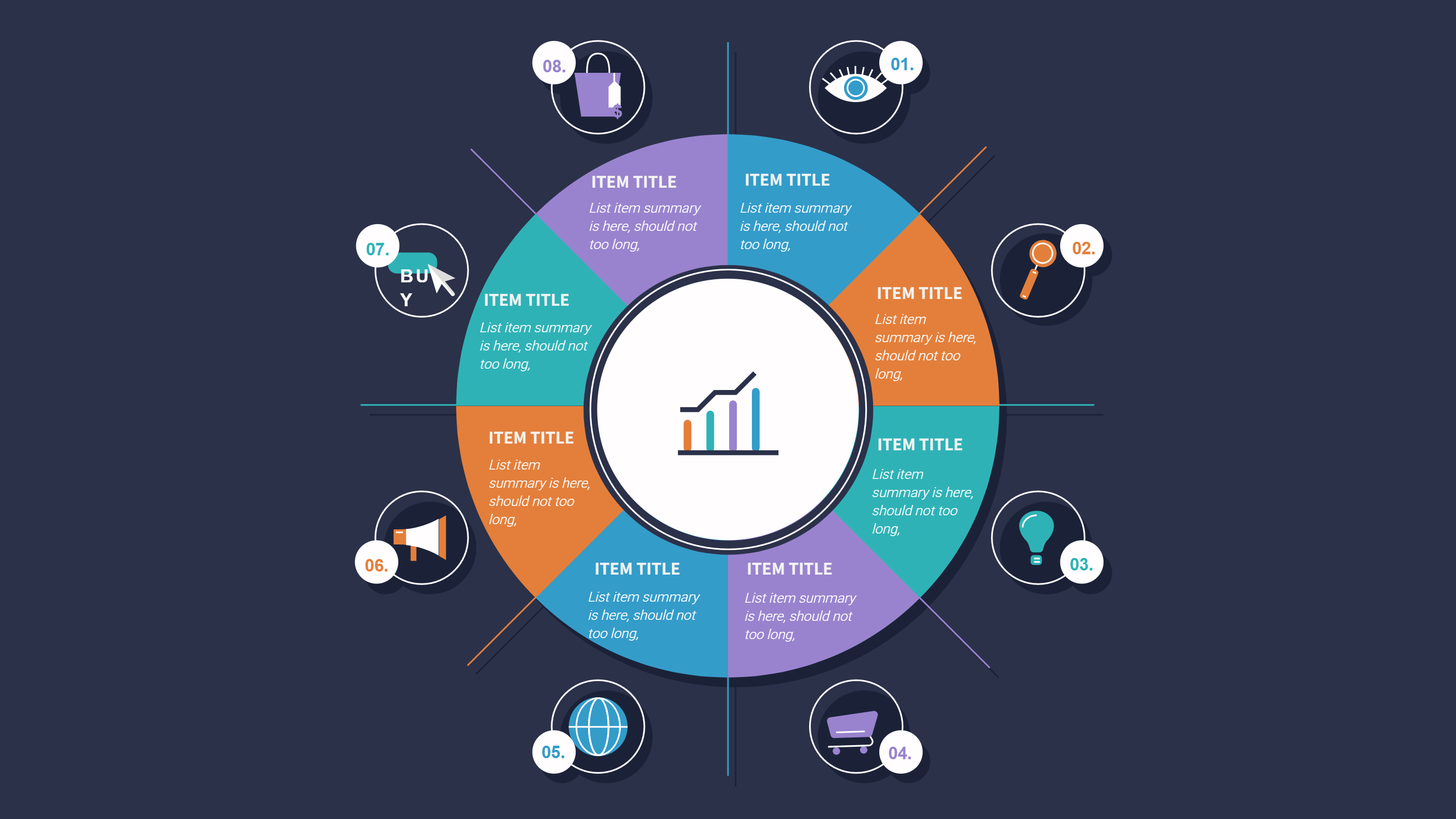
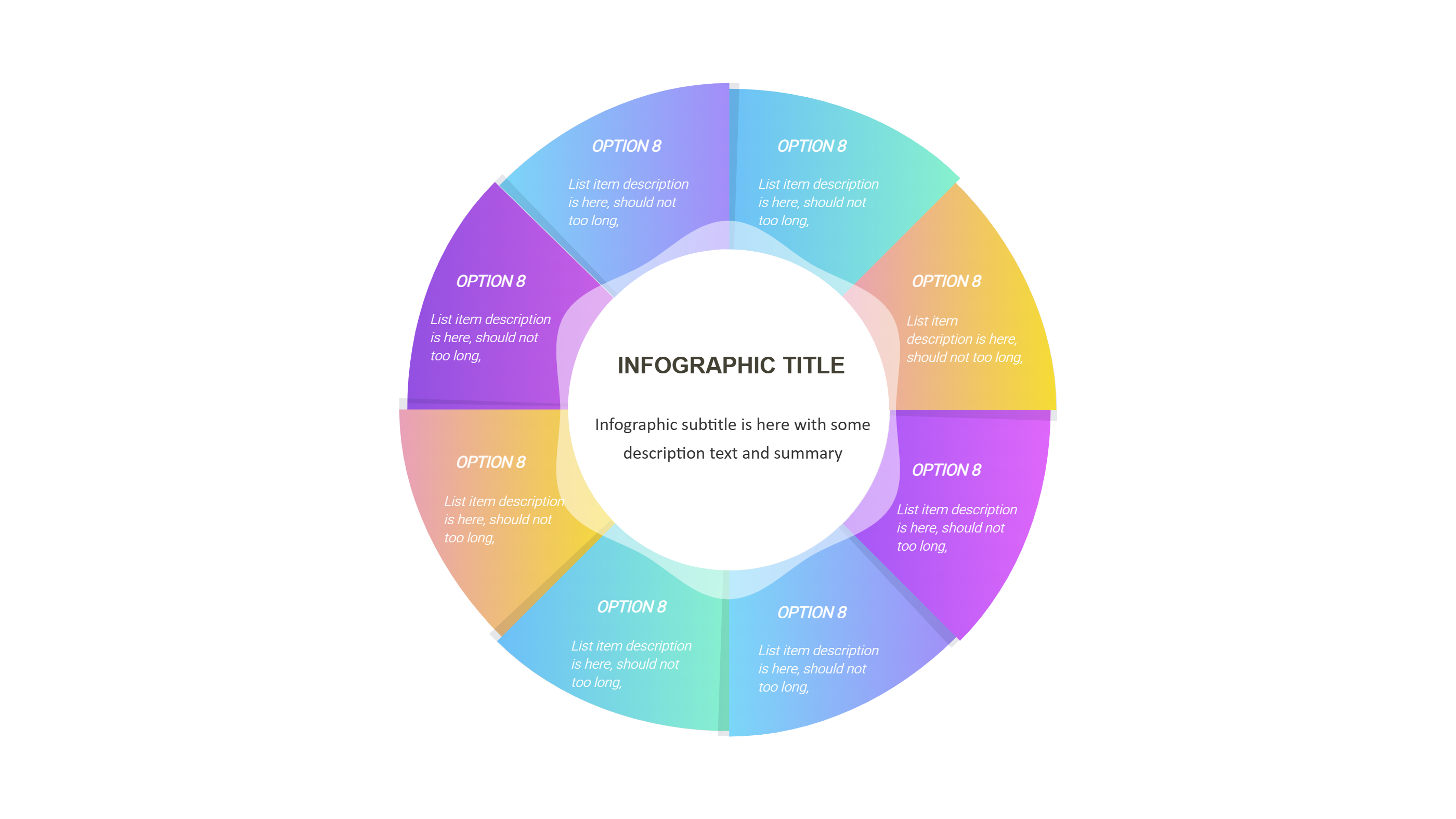
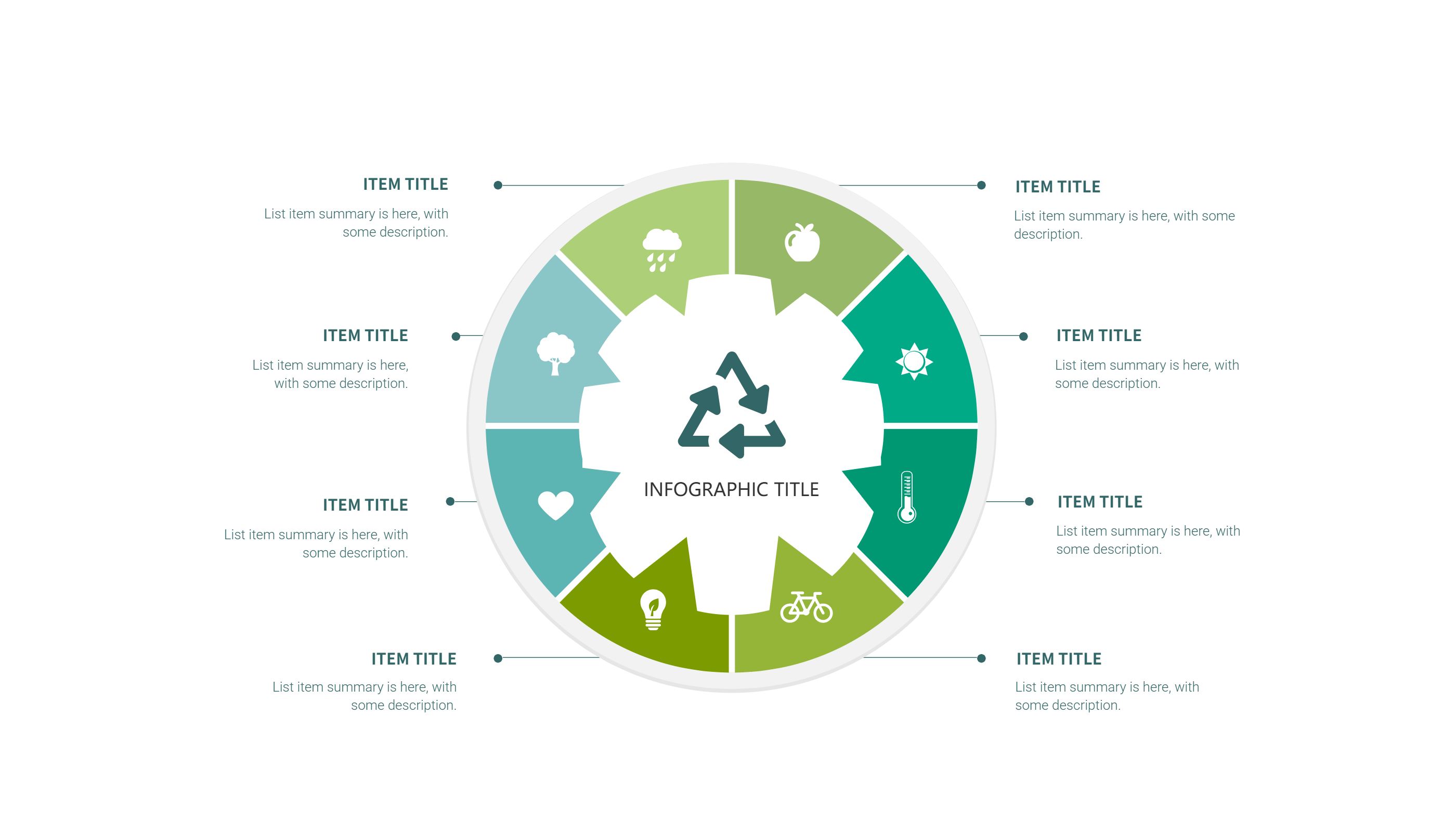
Use this infographic when you want a step based view of weekly training. A six initiative steps layout keeps each day or step in a clear block. It is useful for beginner plans, strength routines, or cardio schedules. It helps keep the week organized and easy to scan.
It also works when you want to show a small change from week to week. You can update one step without changing the full layout. It is easy to share with a coach or workout partner. The format keeps the plan clear for any level.
Download and Edit the Template
Click the download button and an online editor opens in a new page. You can edit day labels, exercise names, and short notes. You can adjust colors and icons to fit your style. Use the save button when you are done. Choose PPT, PNG, or SVG as the export format. The steps stay the same even if the wording is different.
How to Use Google Sheet Workout Template for Weekly Training Plans
Open the AI generator on the home page and choose the workout plan template. Enter a short prompt that lists the training days, the workout focus, and any key notes. The tool creates an infographic that follows the layout. You can edit the result and adjust text to match your plan. The meaning stays the same, even if your wording changes.
Examples of Google Sheet Workout Template AI Prompt Usage
Example 1:
A weekly workout plan with five training days that include strength, cardio, and mobility. Add short notes for warm up and cool down.
Example 2:
A home workout schedule with three sessions per week. Show each session focus and a short list of main exercises.
Example 3:
A beginner training plan with six short workouts for the week. Include simple goals like time or sets for each day.
Recommended Similar Infographic Templates
Related Template 1: Fitness Workouts
Related Template 2: Notion Workout Template for Weekly Training Plan
Related Template 3: 4 Steps to Achieve Your Goals: Making Every Step Count
Related Template 4: Health Tips for Fruits and Vegetables-6 steps
FAQs
Q: Can I use this template for a short weekly plan?
A: Yes, it works for three to six sessions a week.
Q: Can I include rest days in the layout?
A: Yes, add a short rest label where needed.
Q: Is this template good for sharing with a coach?
A: Yes, it shows the plan in a clear weekly view.
Q: Can I add notes for warm up and cool down?
A: Yes, add short notes under each session.
Q: Can I export the plan as a PNG?
A: Yes, PNG and SVG export are available.