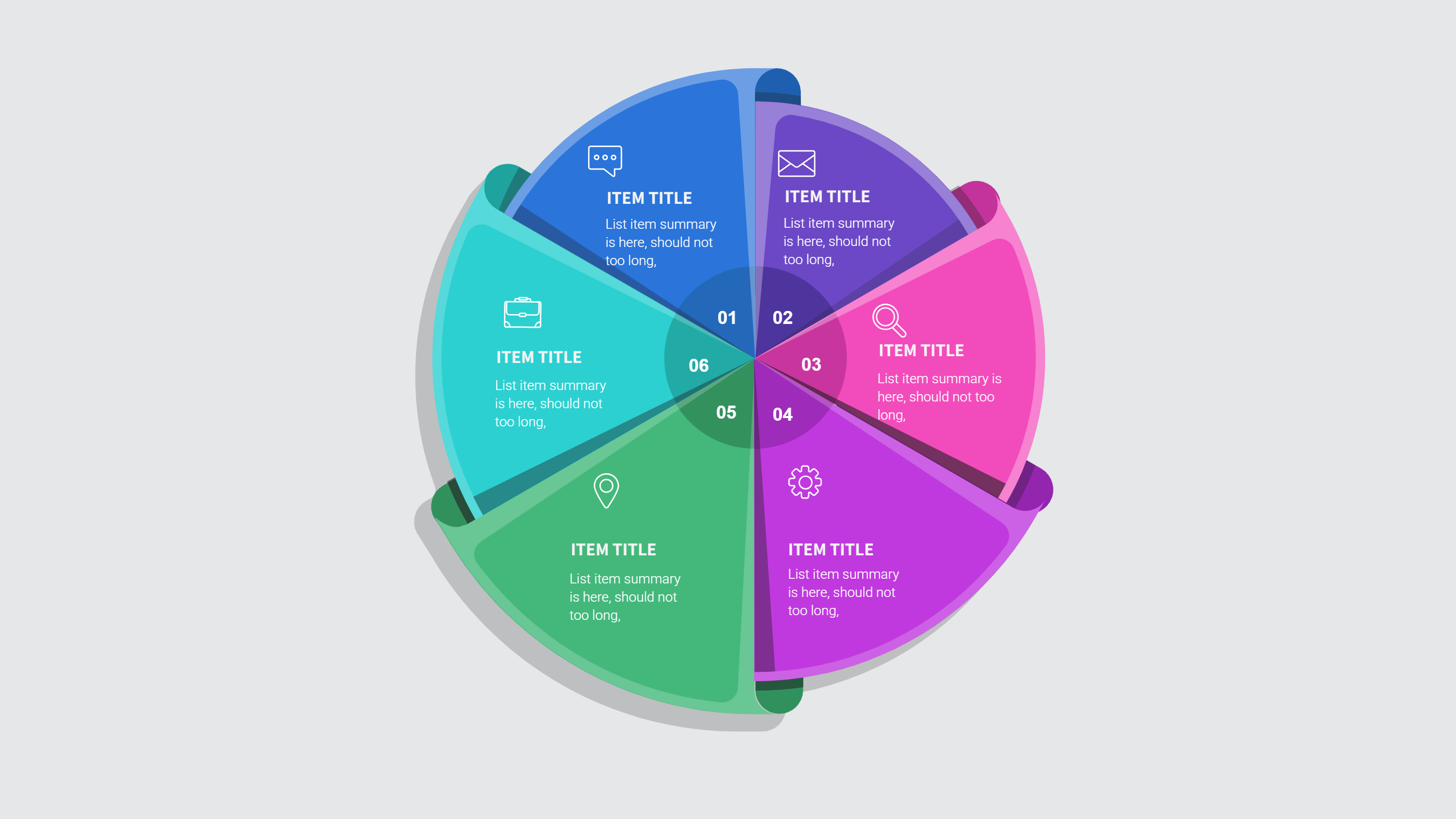
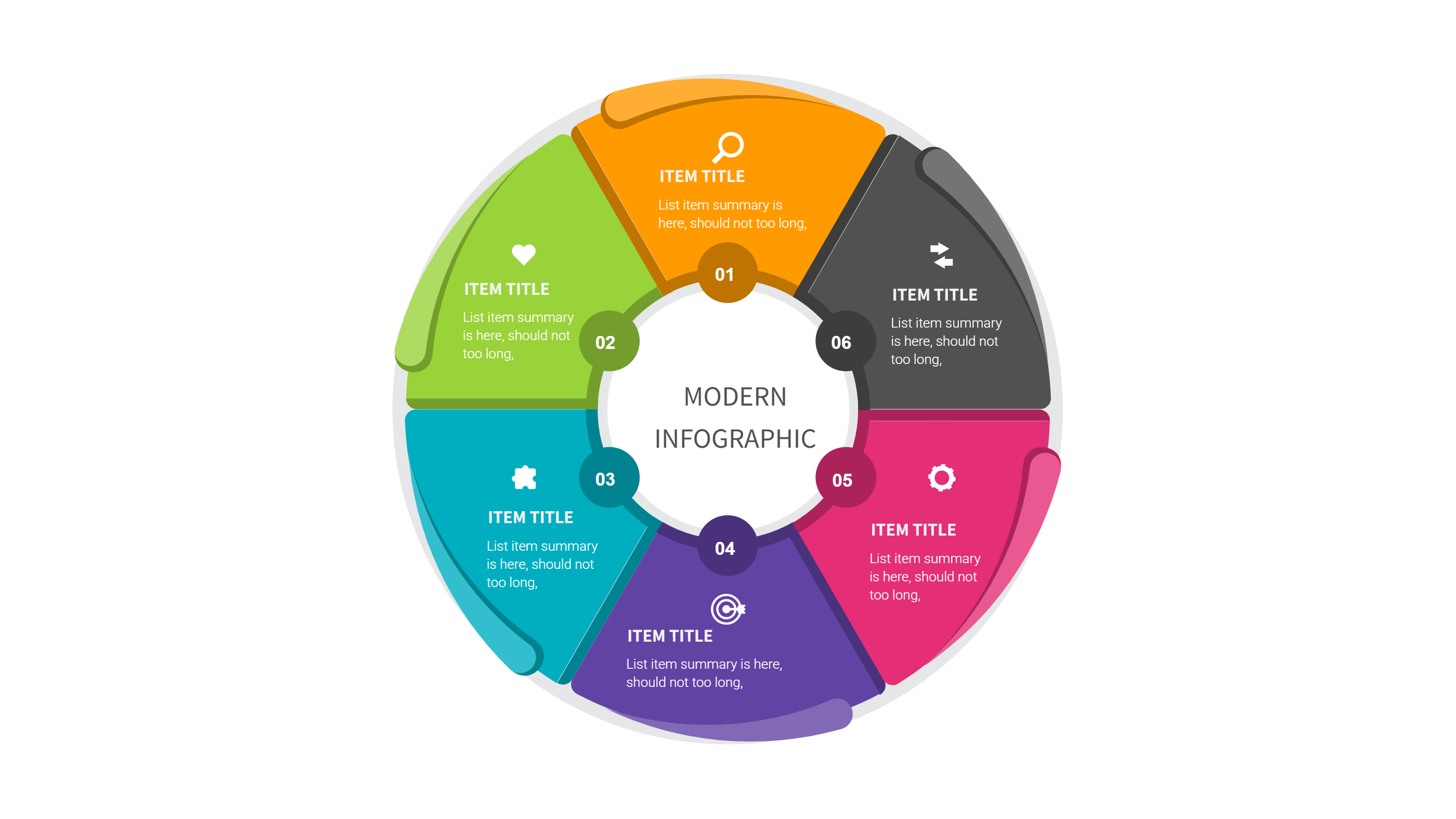
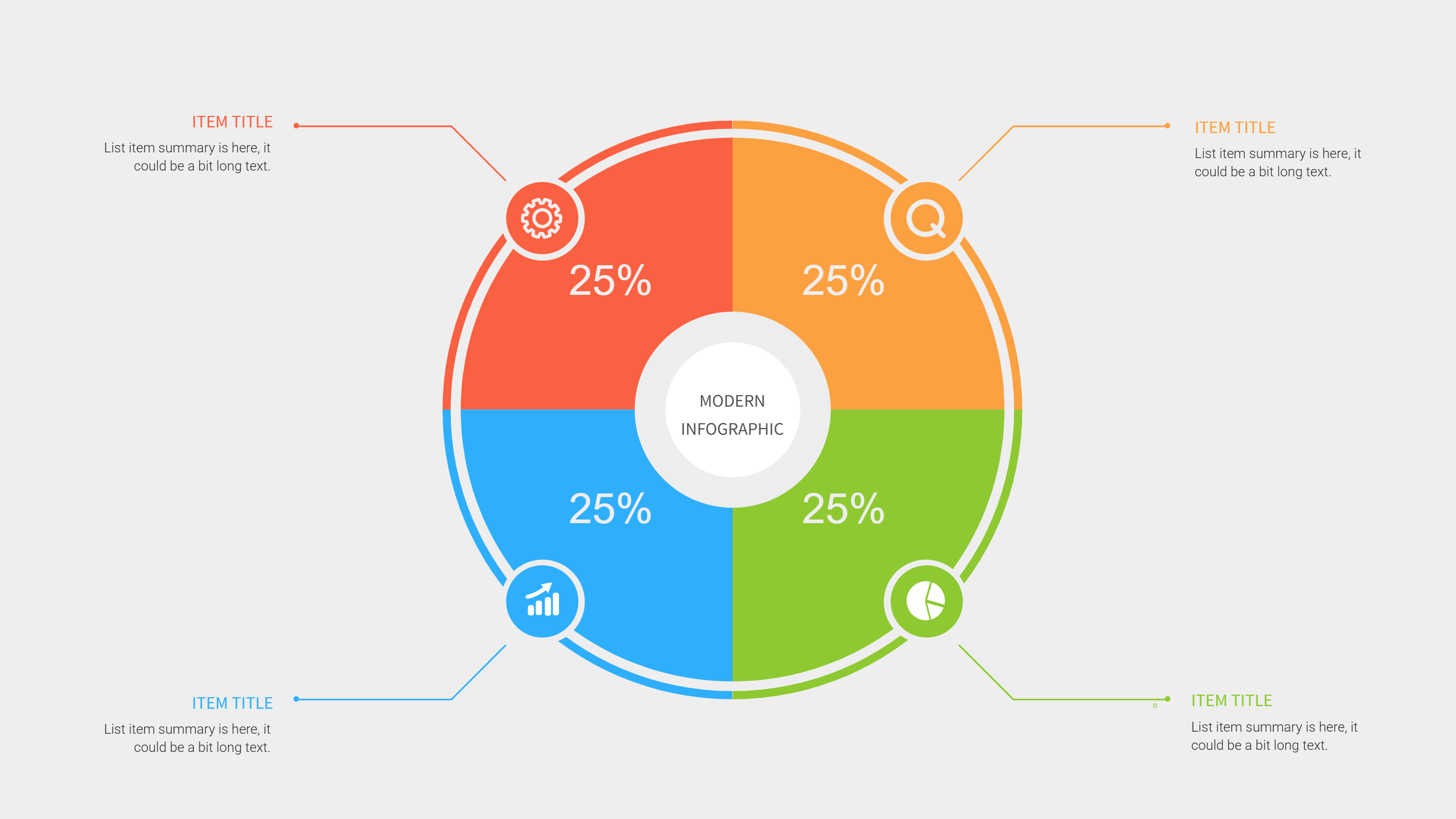
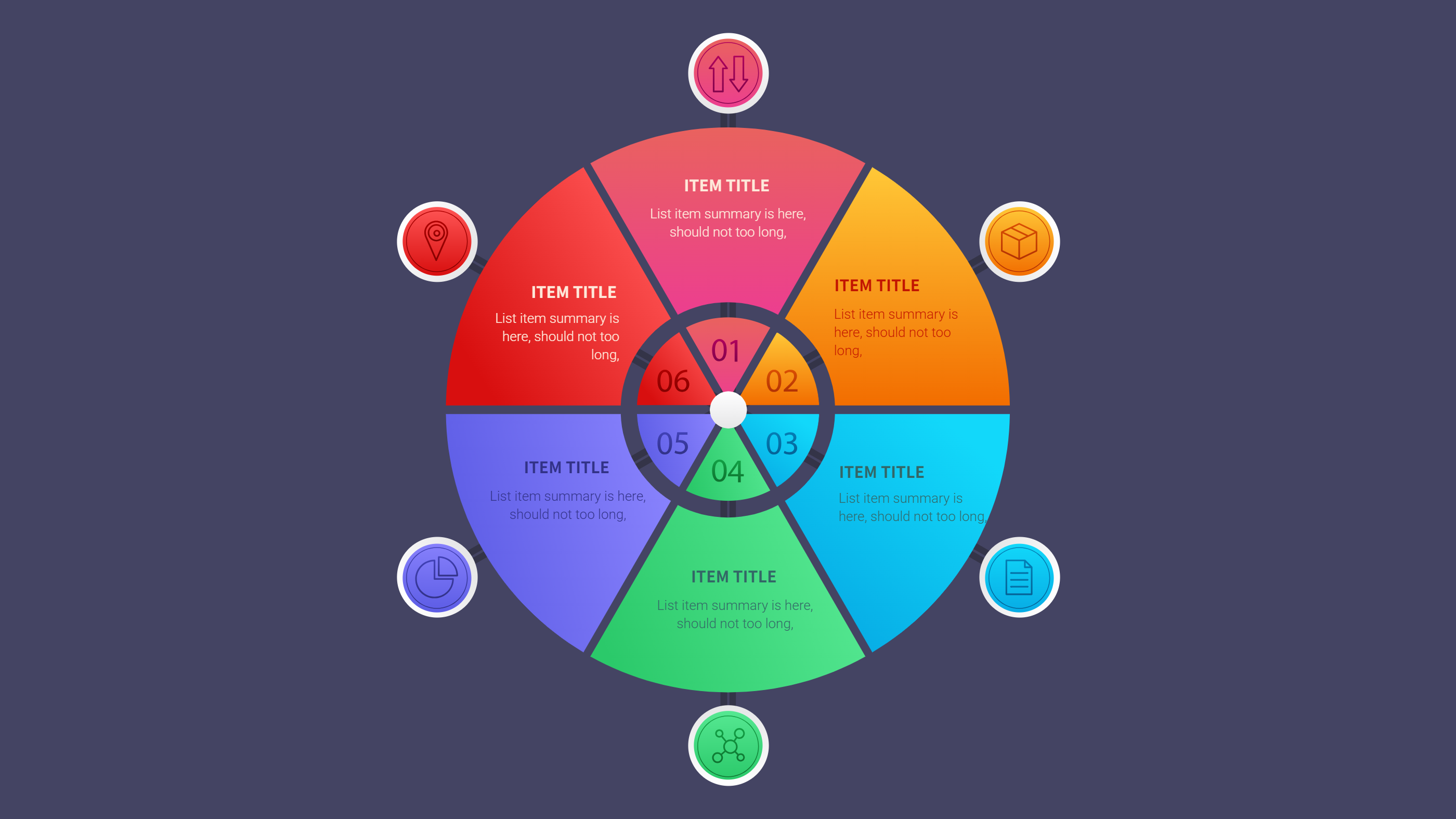
Free Bookkeeping Template for Google Sheets and PPT
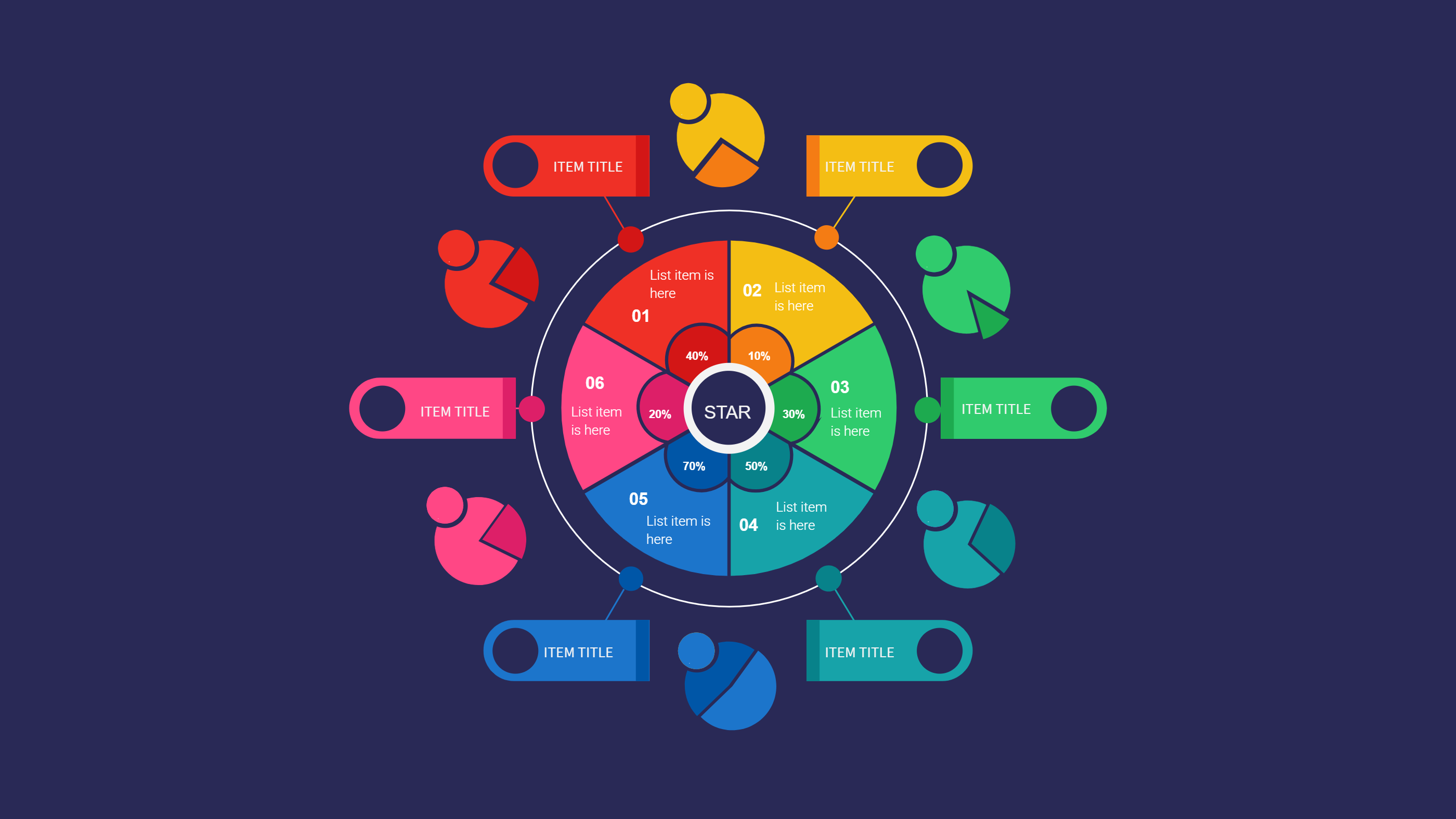
What is Free Bookkeeping Template Google Sheets Infographic
A free bookkeeping template Google Sheets infographic is a simple way to track money in and money out. It turns a sheet into a visual page with clear rows and labels. Each section can hold income, spending, and short notes. The layout keeps the numbers easy to read without long text. It works well for a PPT slide and a small screen. This template helps people see totals and trends at a glance. It is a clean way to keep a record without extra detail.
When to Use Free Bookkeeping Template Google Sheets Infographic
Use this free bookkeeping template when you need a quick view of monthly money flow. It fits small business tracking, side projects, and home budgets. It is useful for group funds and class activities. The clear grid helps you spot changes and keep notes short. It is also good for weekly check ins and simple reports. The layout keeps the focus on key totals and avoids clutter. It is a good choice for a simple PPT update.
How to Use Free Bookkeeping Template for Google Sheets and PPT
On the home page, open the AI generation tool. Choose the bookkeeping template from the list. Enter a short prompt with your income and spending labels. The tool builds the infographic in the same layout and style. Review the labels and keep them brief. Adjust colors to make the sections easy to read. Save the result when it looks right. This gives you a ready slide that you can present or edit.
Download and Edit the Template
Click the download button to open the online editor. Replace the sample labels with your own categories. Keep each label short so the table stays clear. You can add small notes for due dates or reminders. Adjust colors to match your brand or personal style. Click the save button when you finish. Choose PPT, PNG, or SVG for the file format you need. Download the file and reuse it each month.
Examples of Free Bookkeeping Template Google Sheets AI Prompt Usage
Example 1:
Create a bookkeeping summary for a small shop. Include income, rent, supplies, and savings. Use a clean grid with short labels for a PPT slide.
Example 2:
Make a monthly budget tracker for a family. Show pay, bills, groceries, and goals. Keep the layout simple and easy to read.
Example 3:
Design a bookkeeping sheet for a school club. Track dues, event costs, and cash on hand. Use calm colors and short notes.
Recommended Similar Infographic Templates
Related Template 1: Notion Monthly Budget Template Infographic for Simple Spending Plans
Related Template 2: Finance Market Share Piechart Infographic Template
Related Template 3: Business Report and Presentation Template
Related Template 4: Minimalist Business Report Template with Icon-Based Sections
FAQs
Q: Can I track only a few categories?
A: Yes, keep the list short to make it easy to read.
Q: Can I use this for a home budget?
A: Yes, the template works well for home or small group use.
Q: Can I add notes for payment dates?
A: Yes, add short notes under each category as needed.
Q: Does this work for weekly updates?
A: Yes, you can update it weekly or monthly.
Q: Can I export the file as PNG or SVG?
A: Yes, you can download PPT, PNG, or SVG from the editor.