Public Health Inspection Schedule Template for Clear Timeline Planning
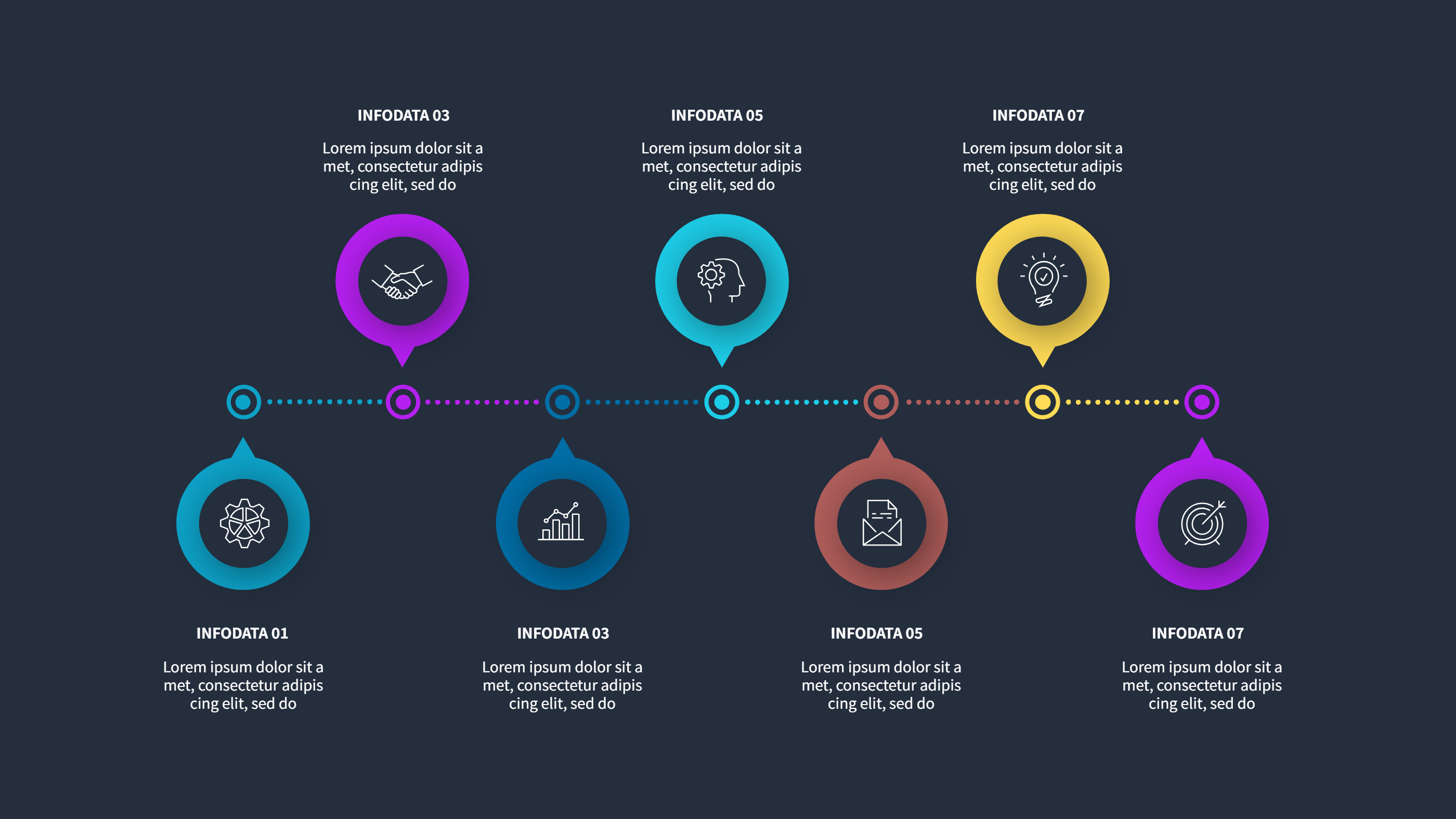
What is Public Health Inspection Schedule Template Infographic
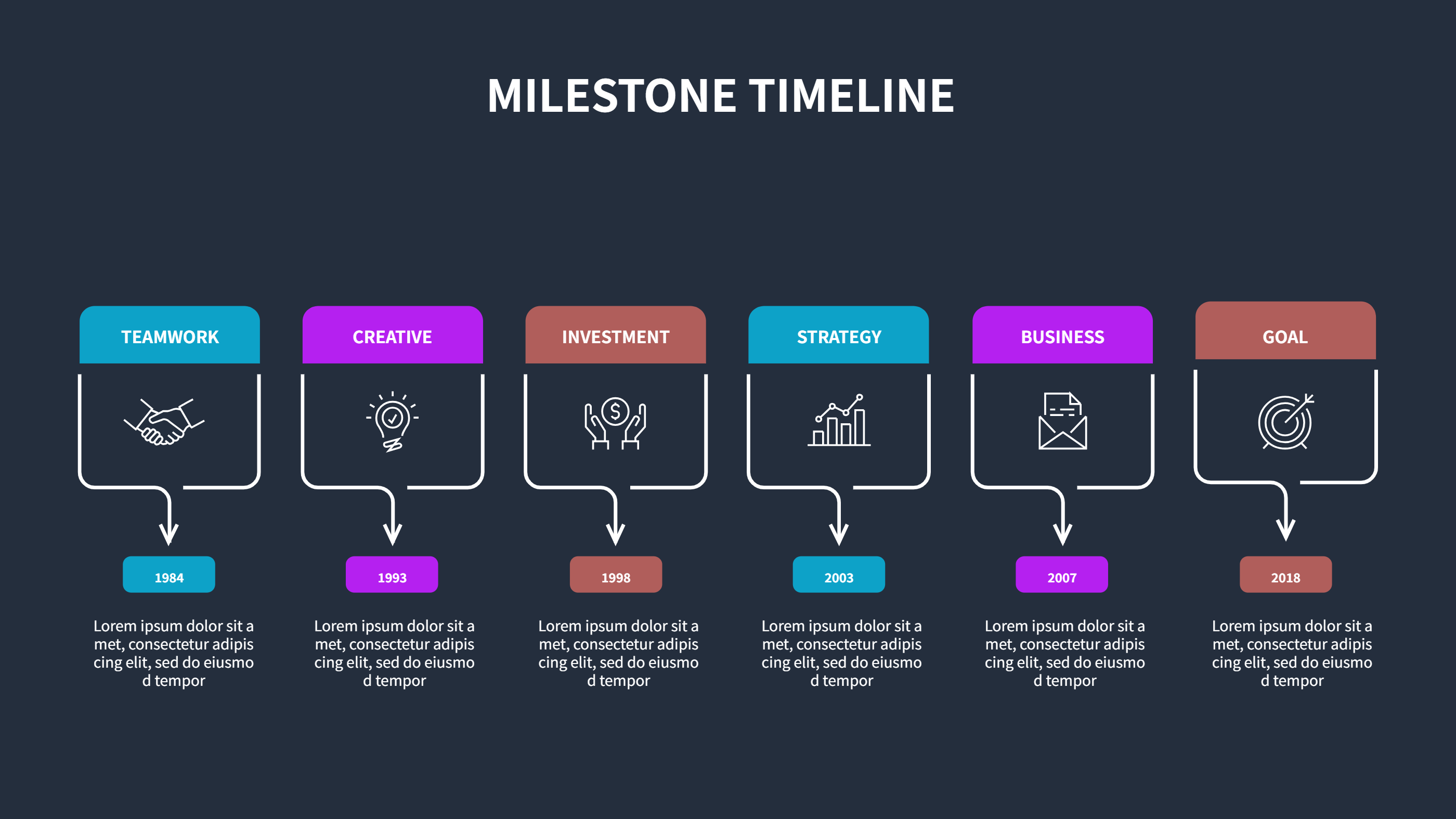
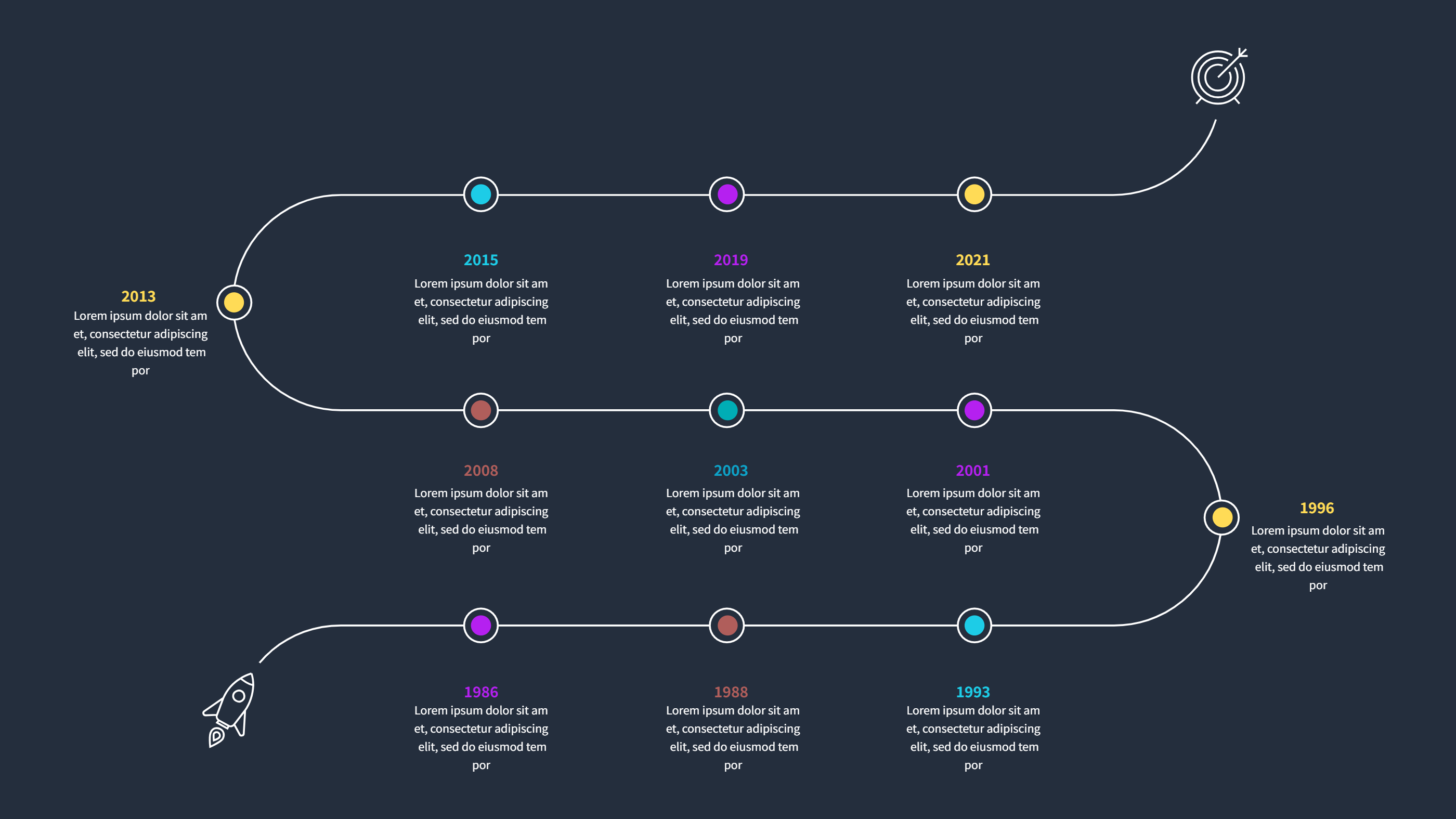
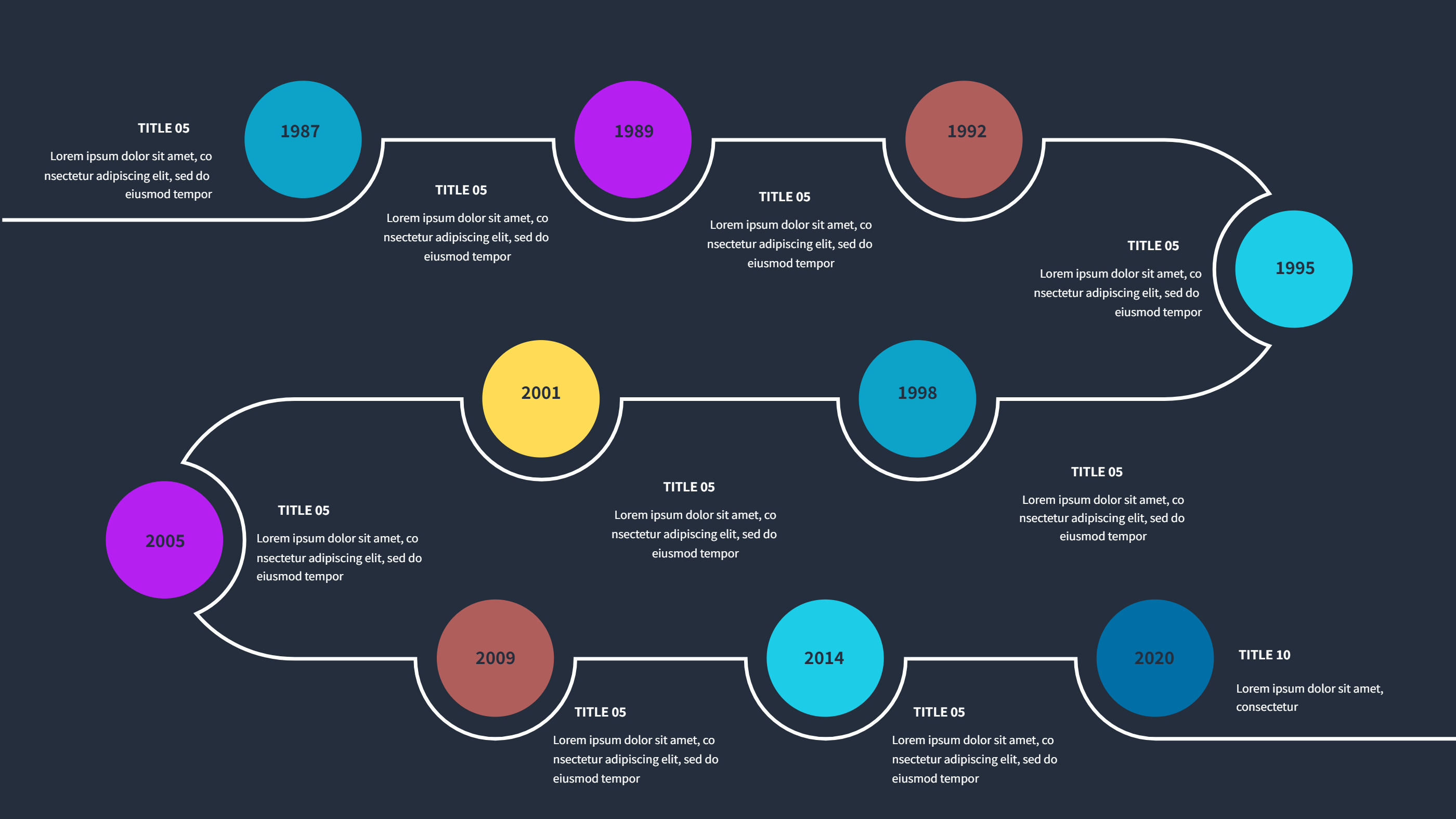
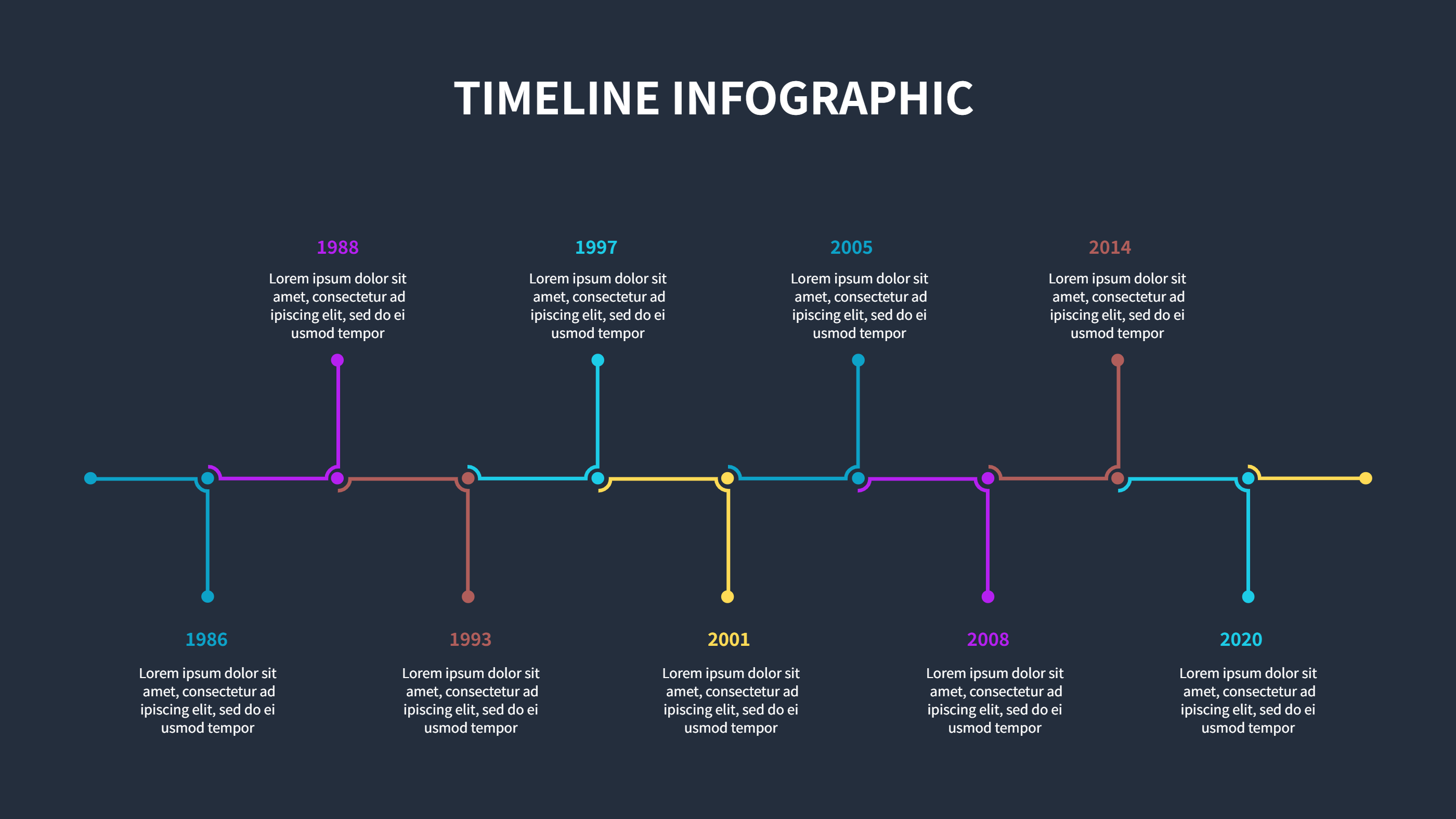
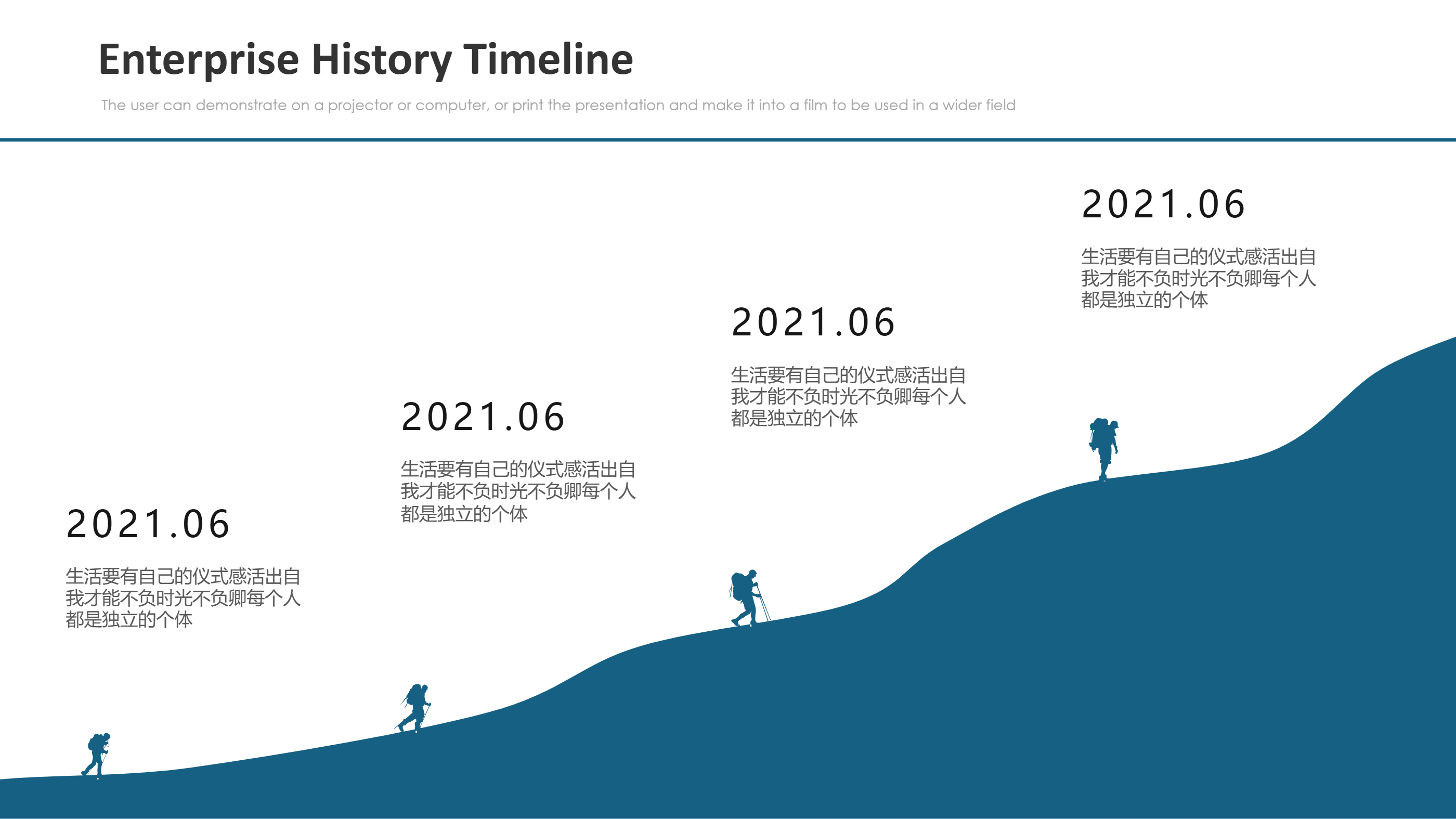
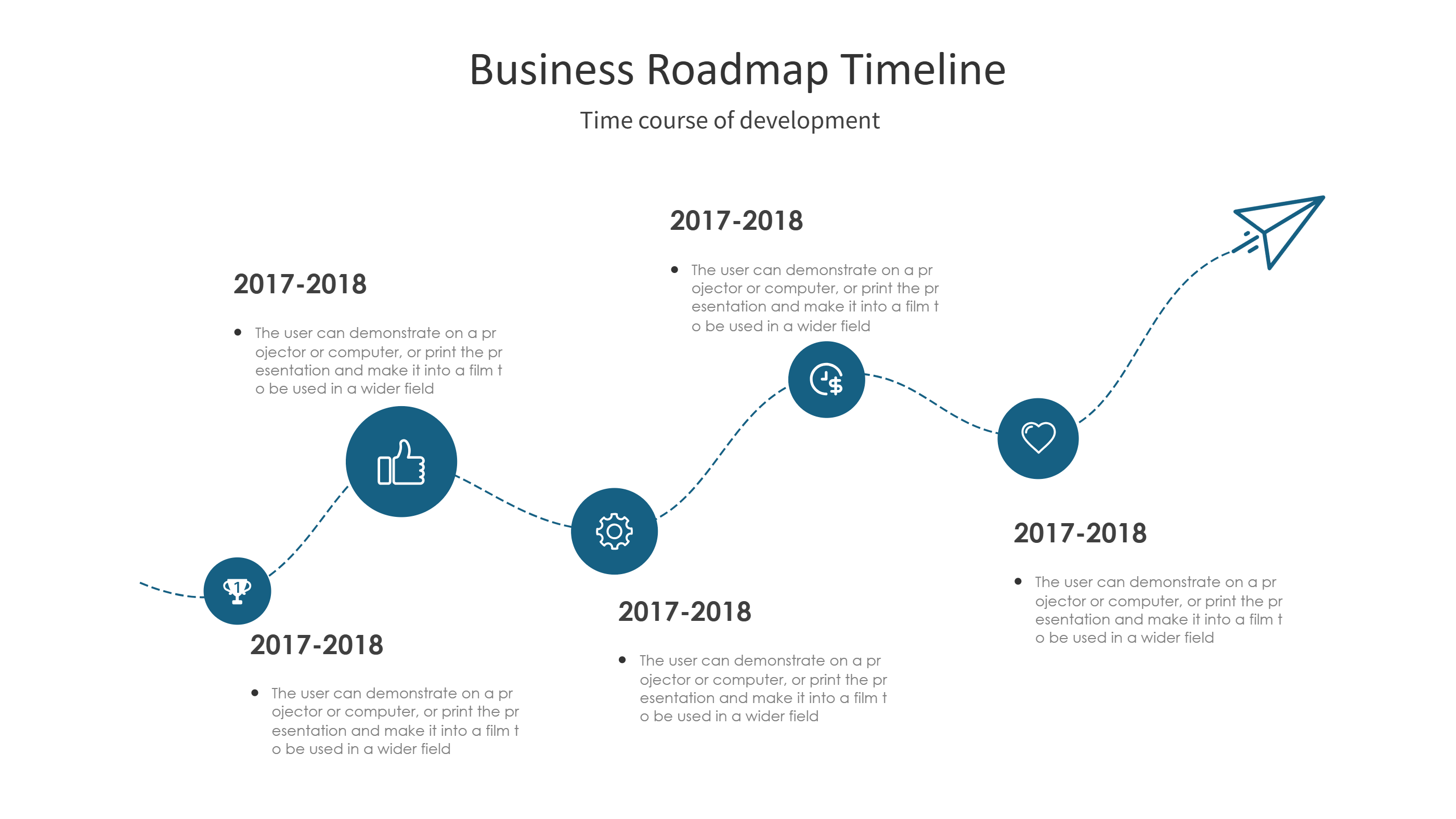
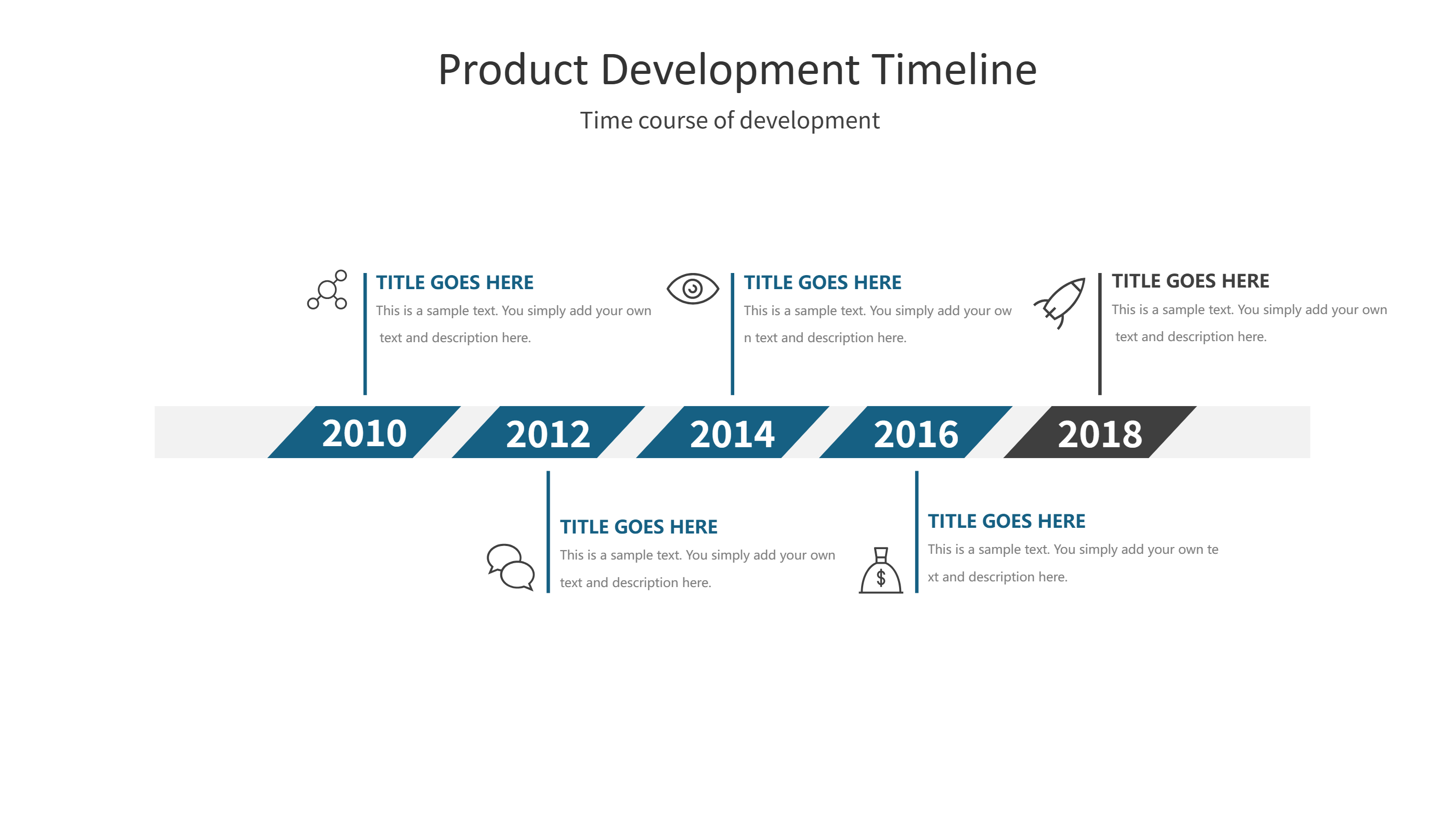
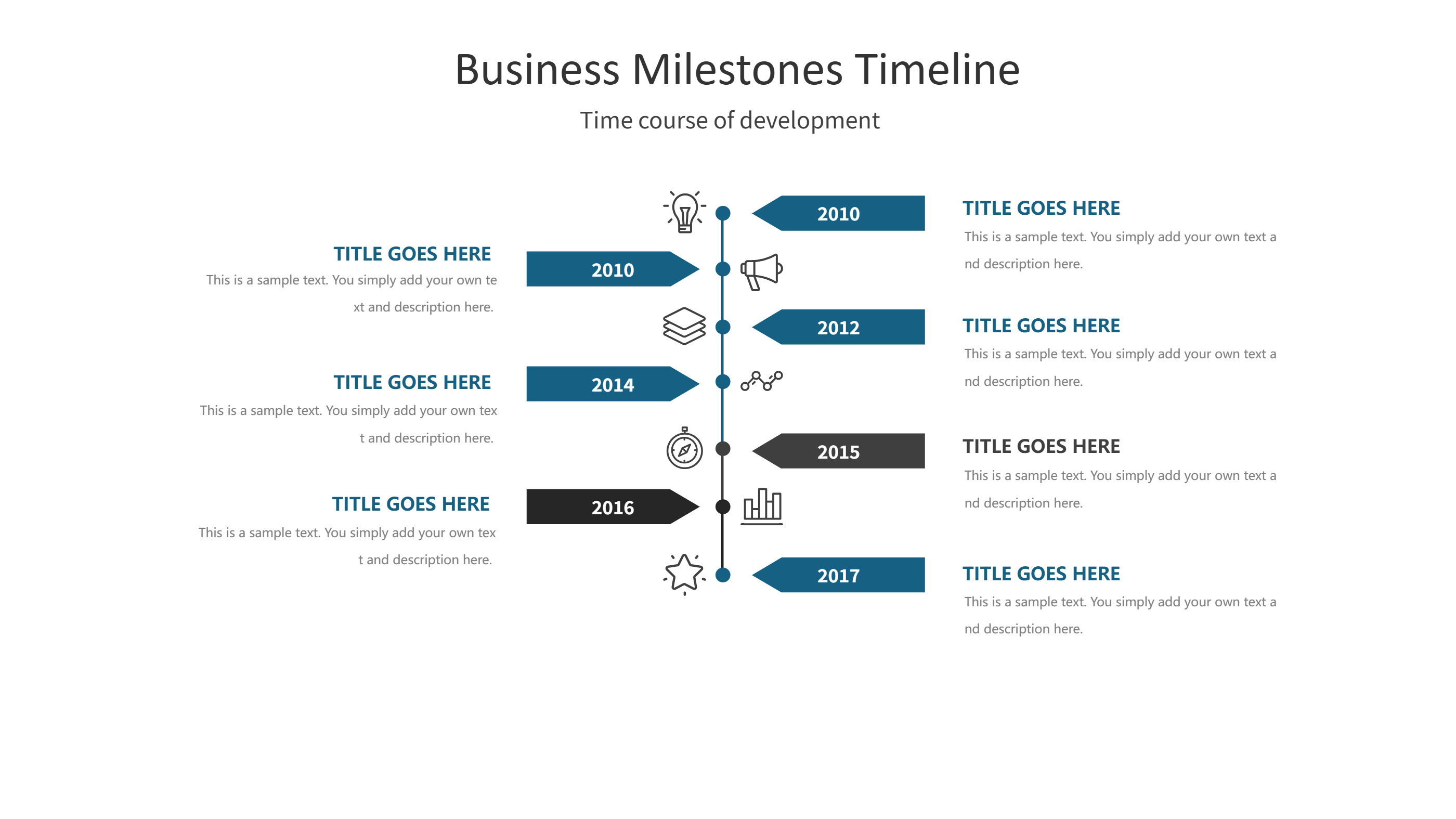
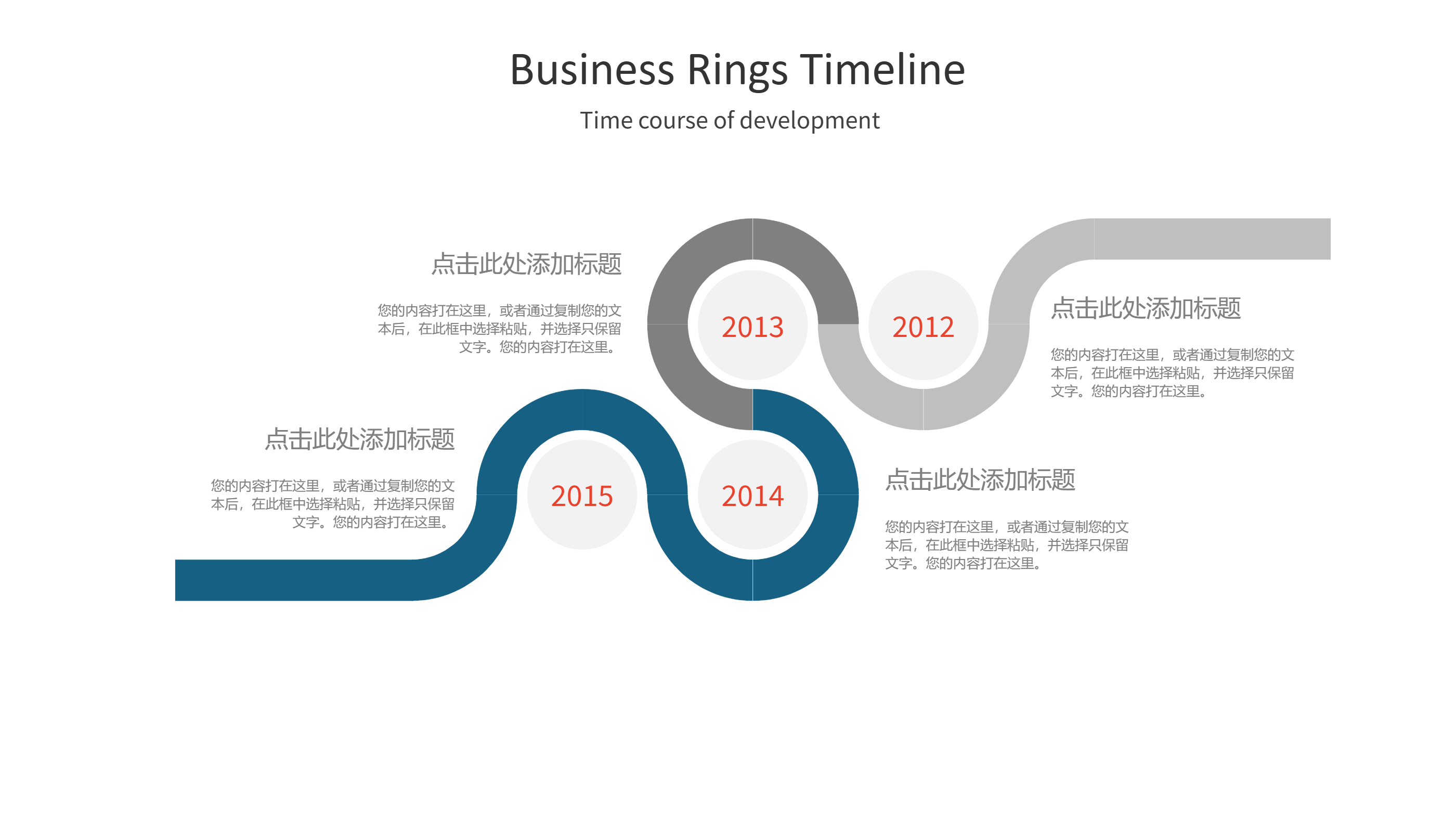
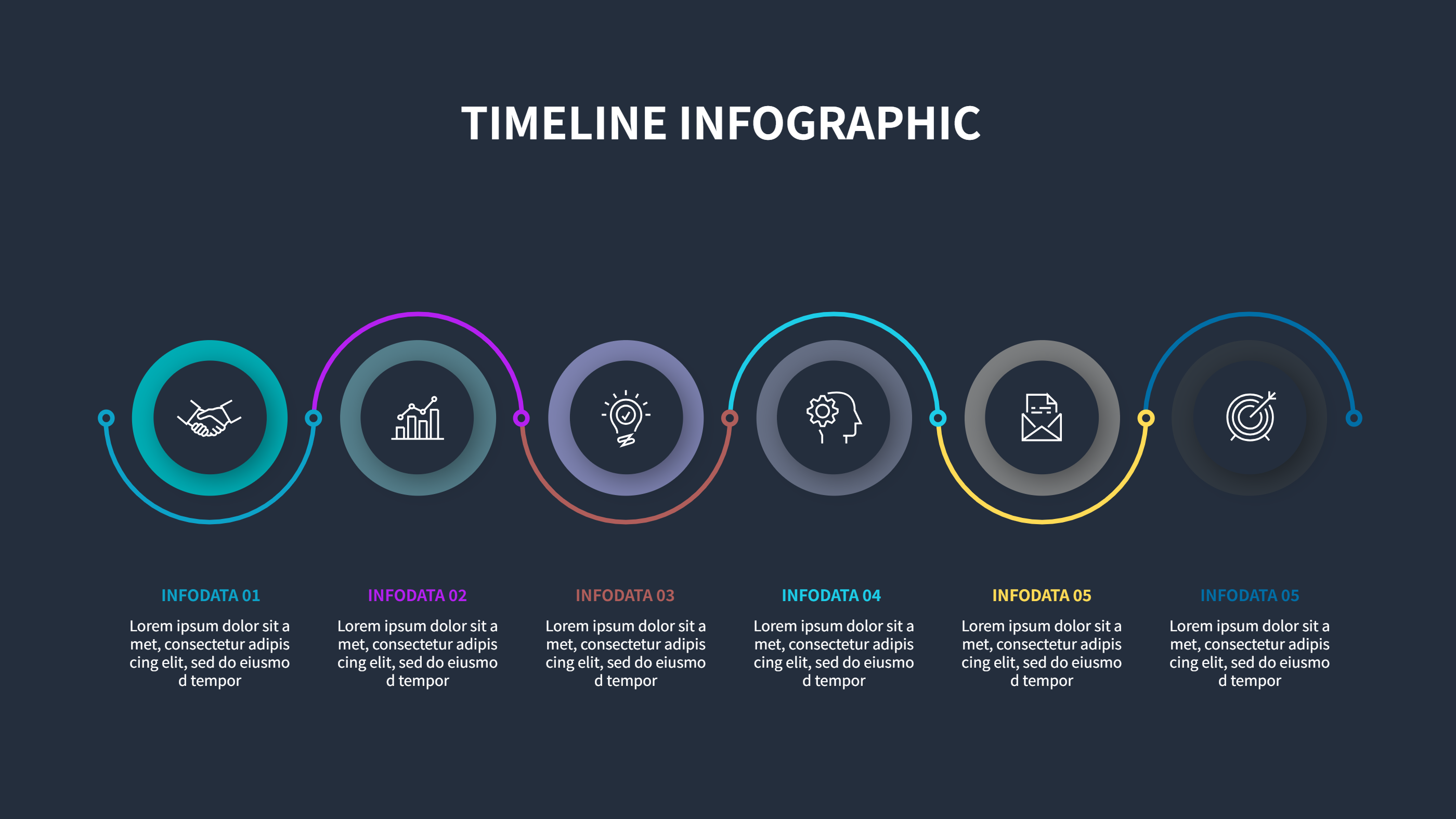
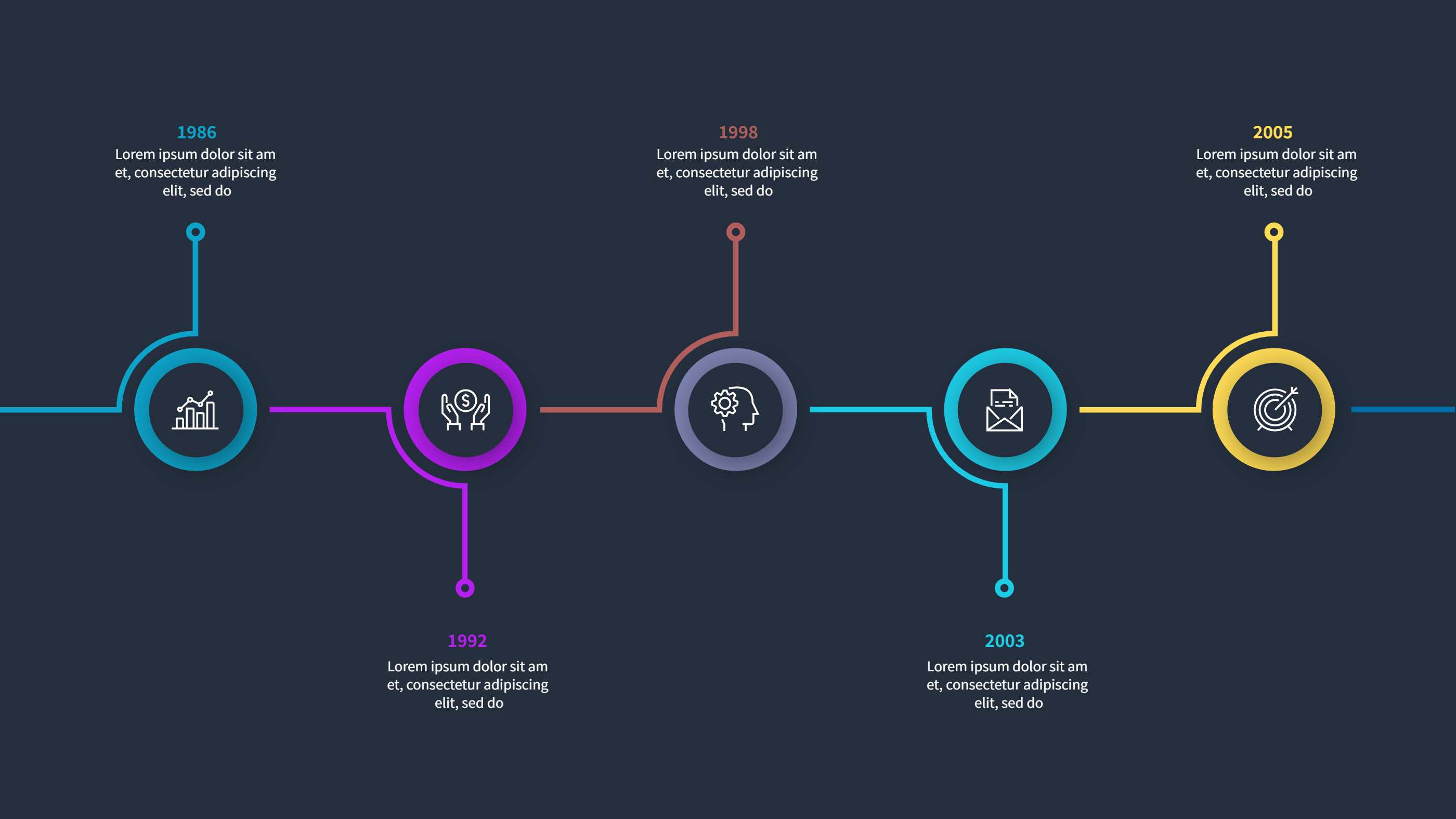
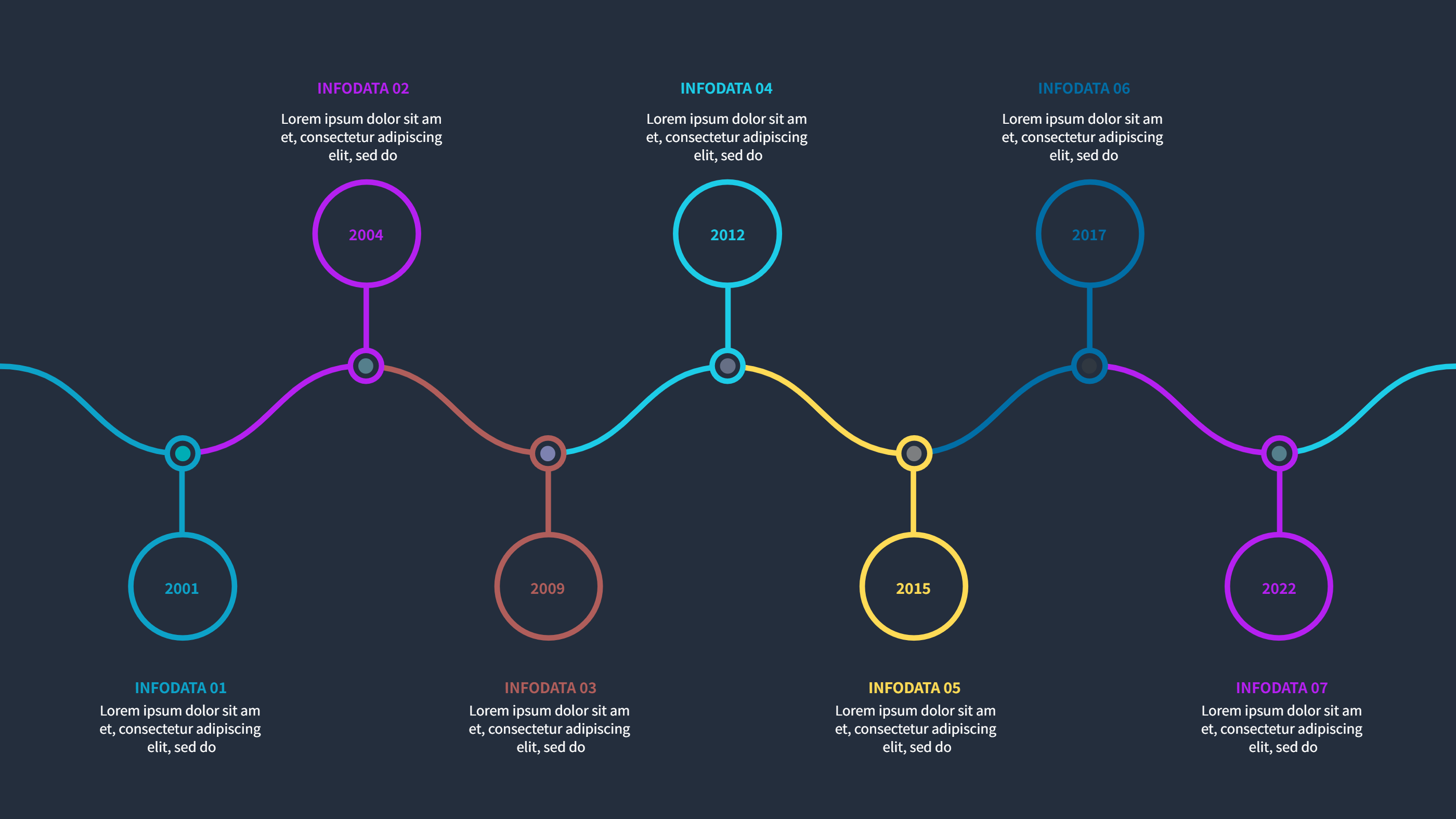
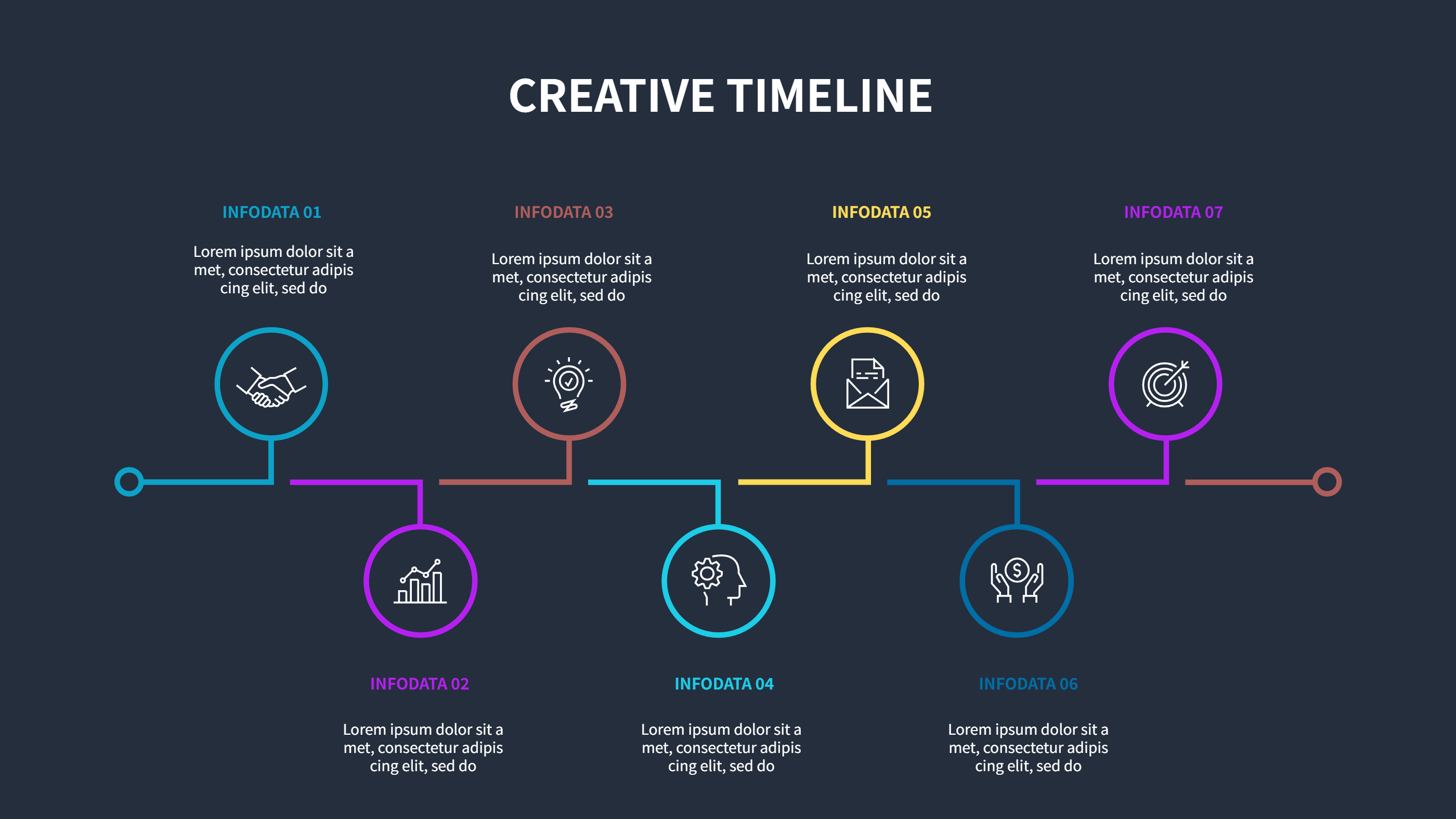
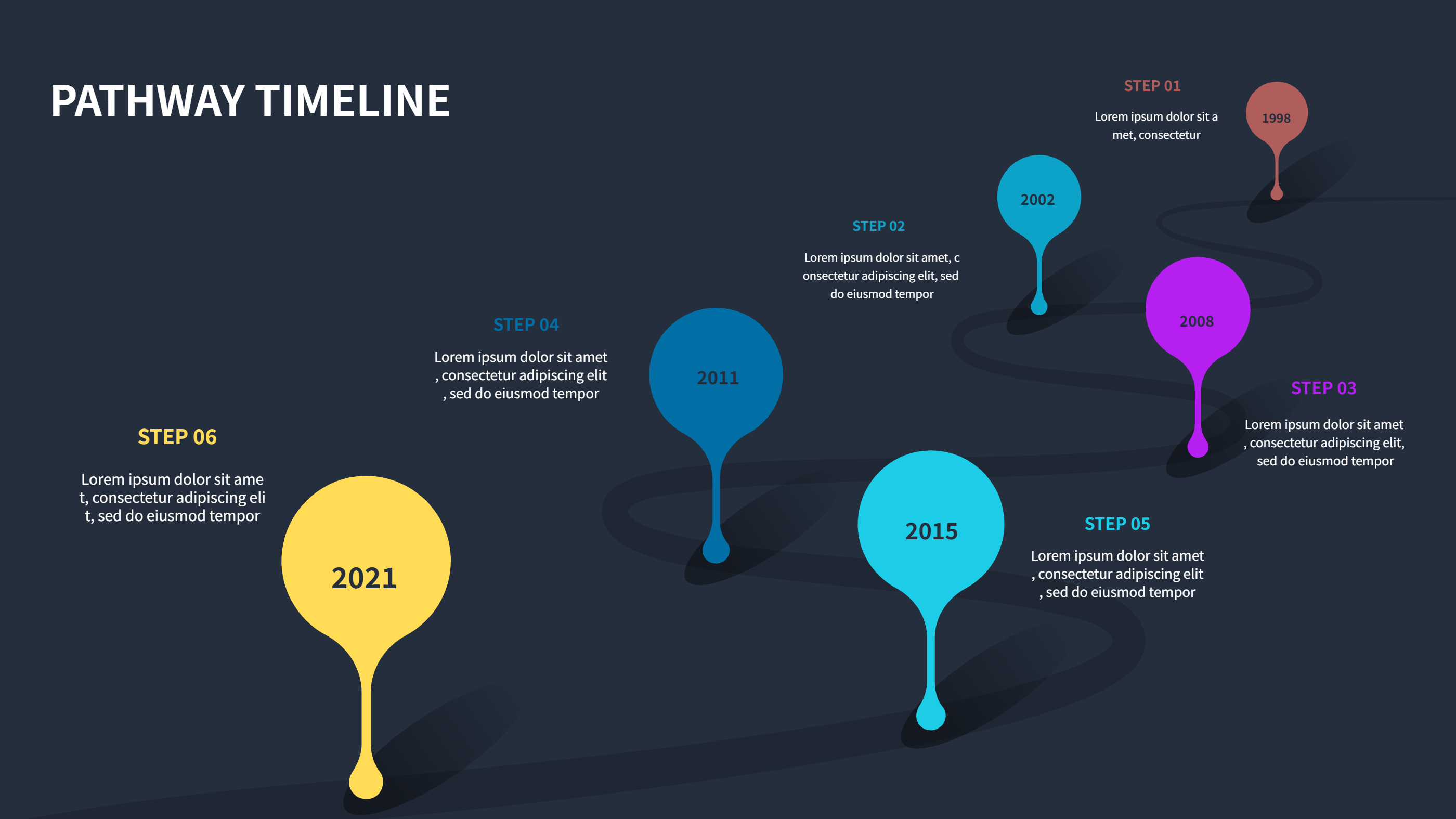
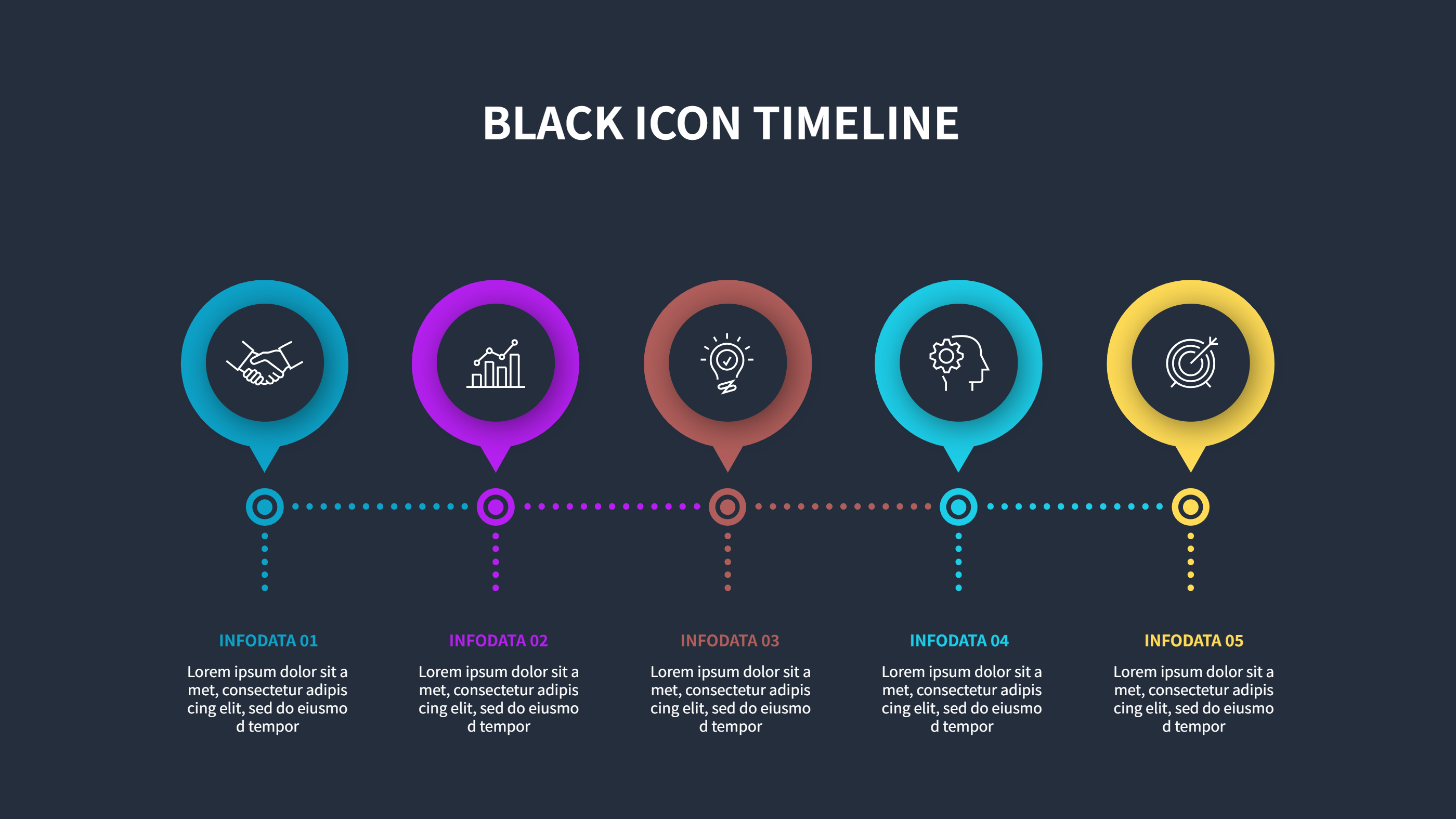
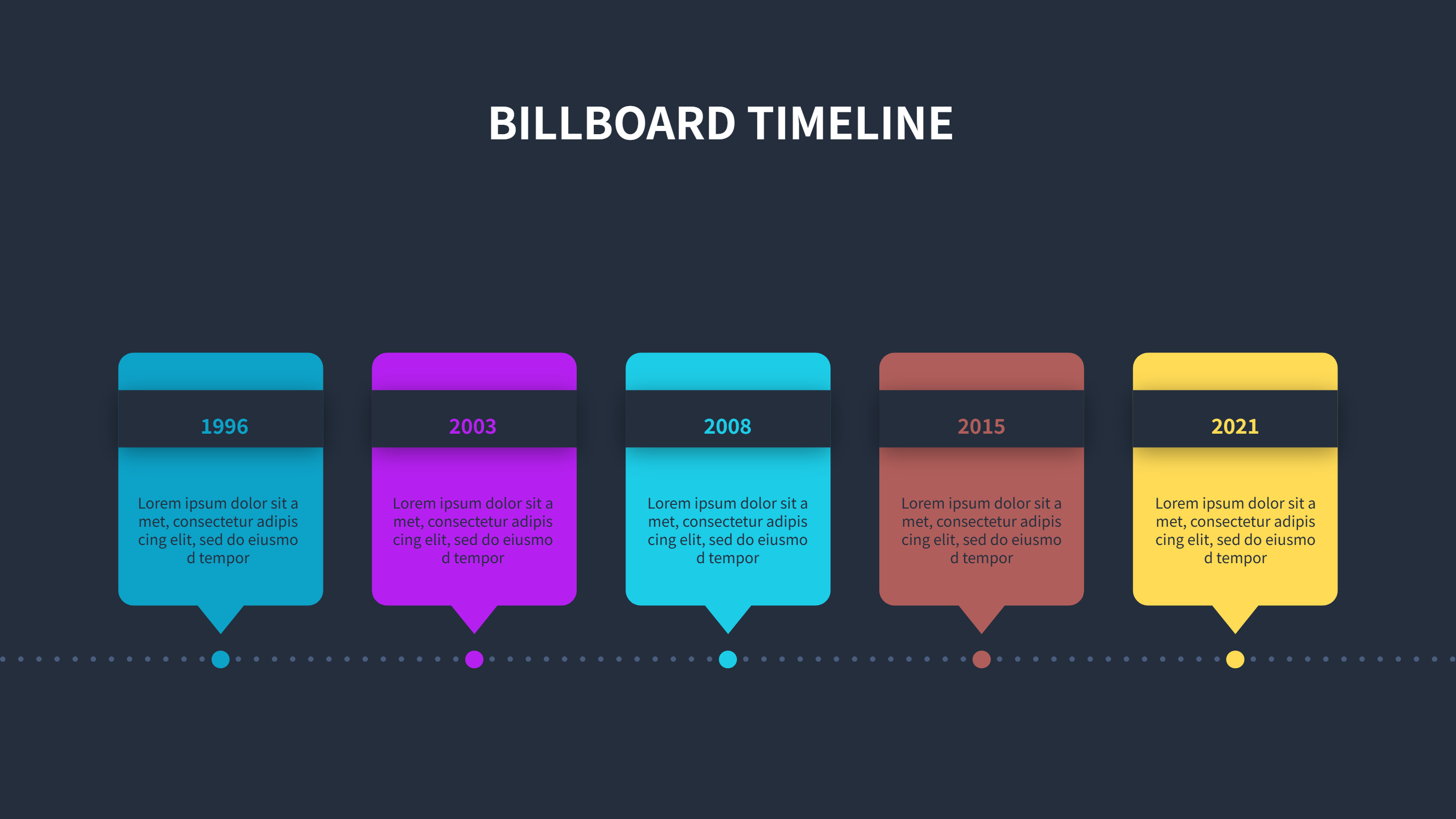
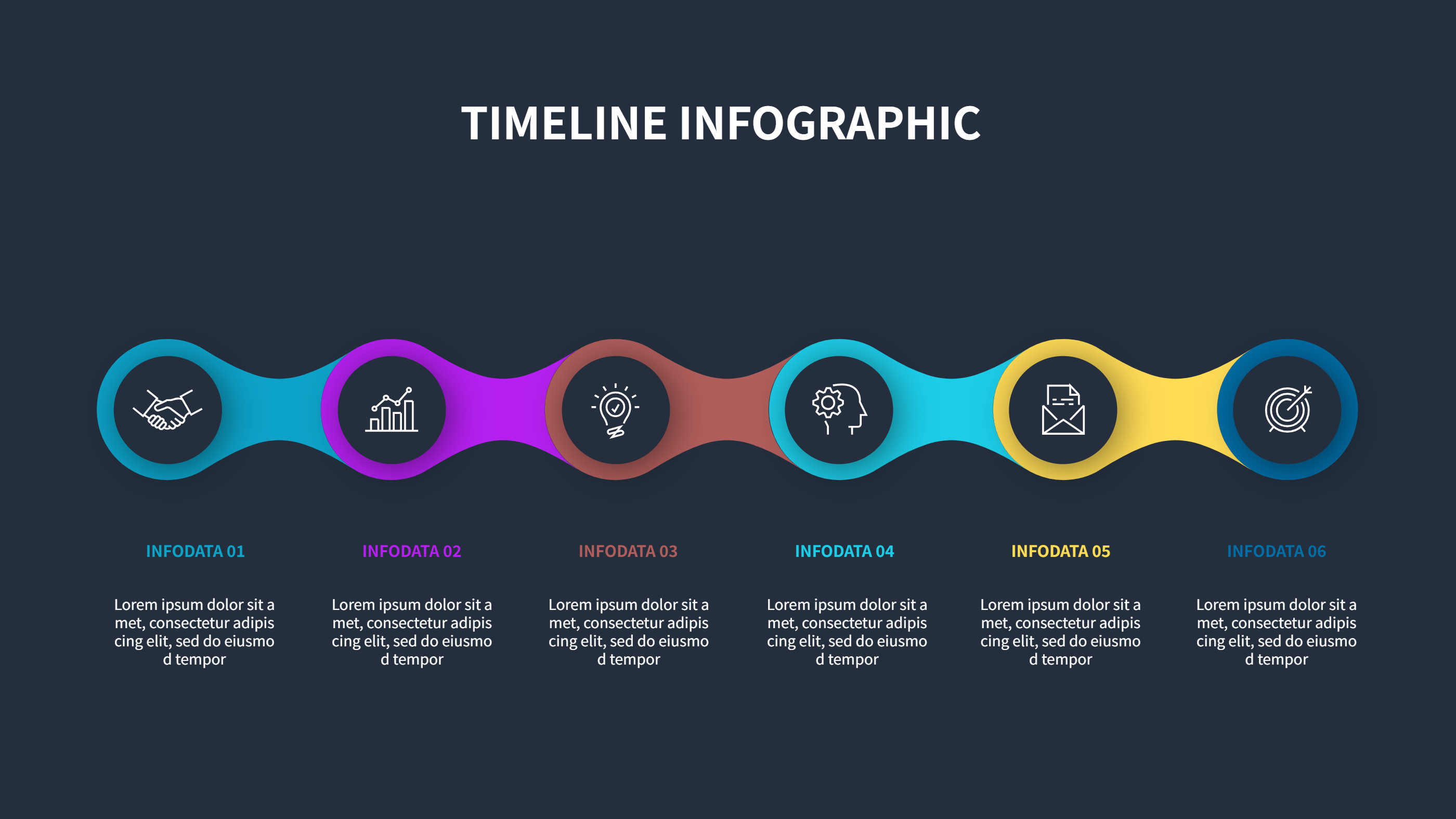
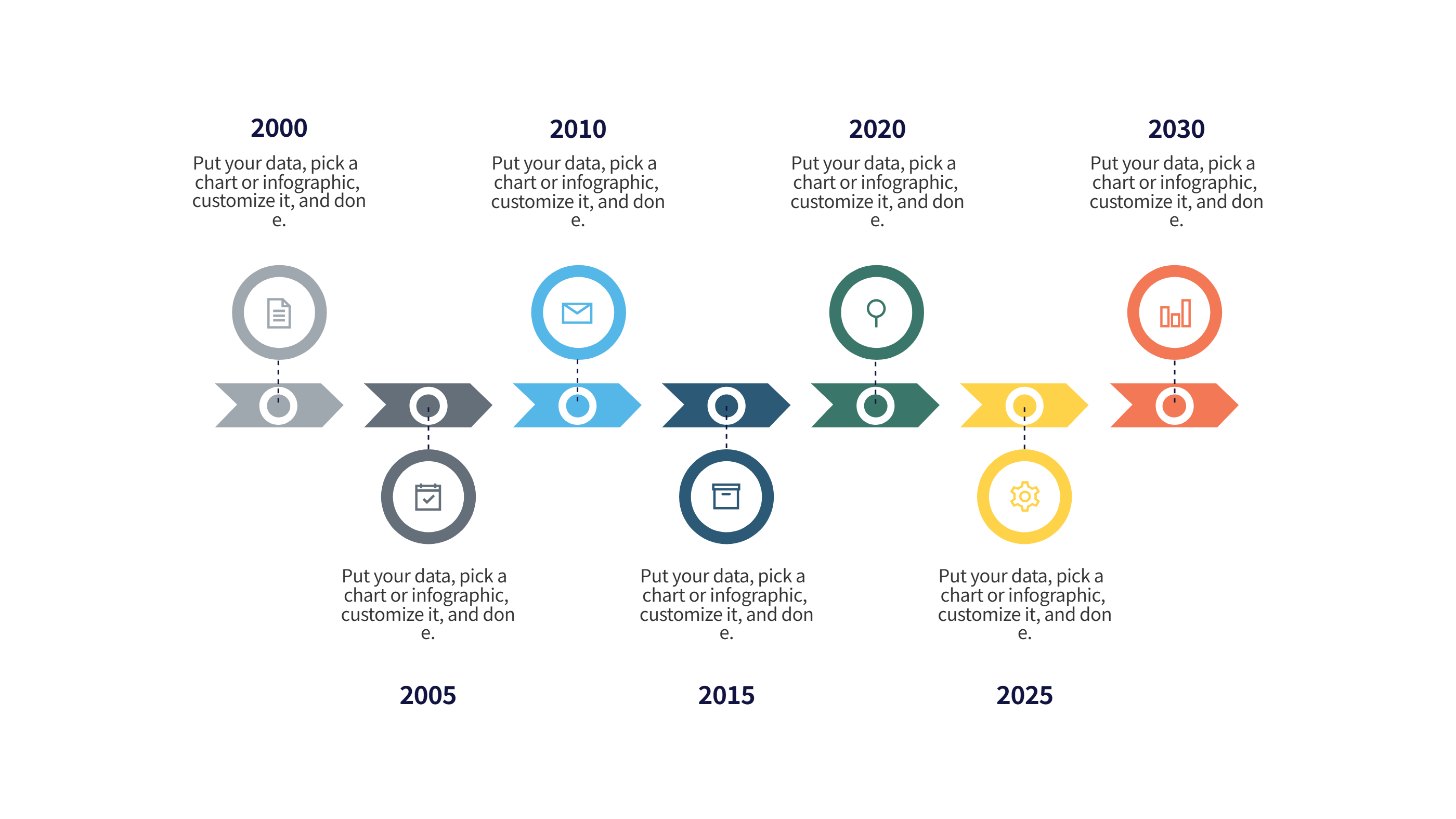
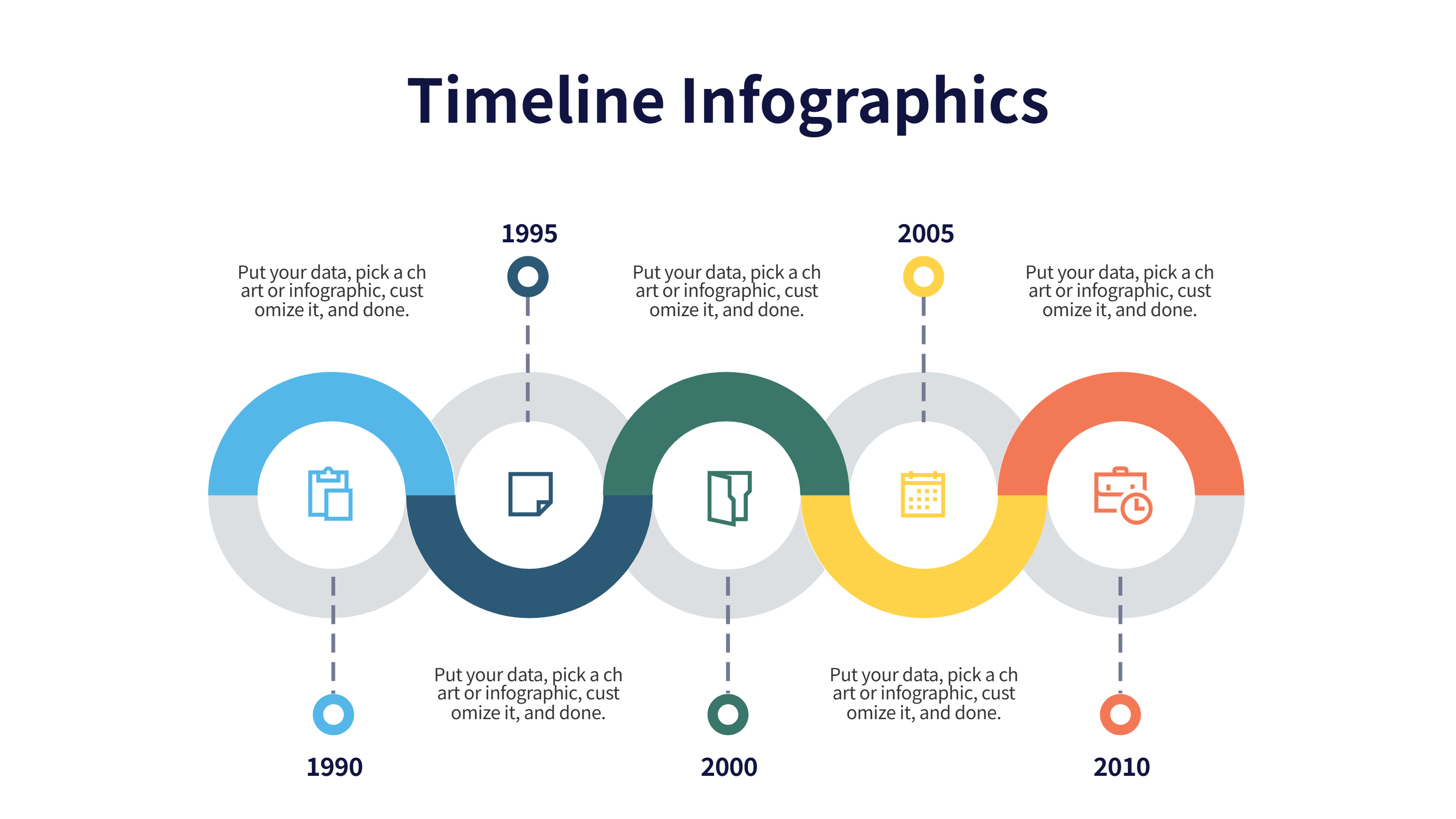
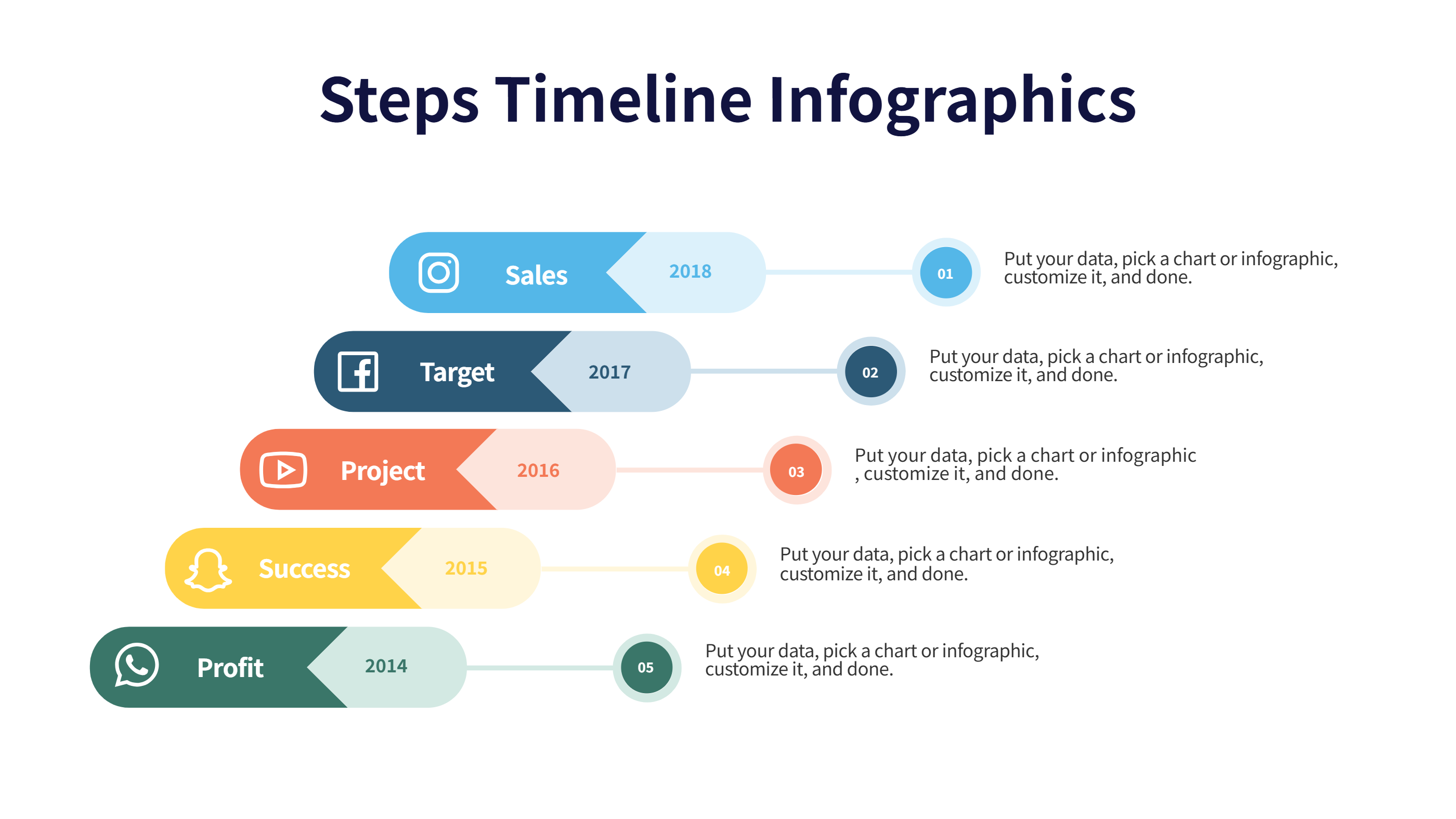
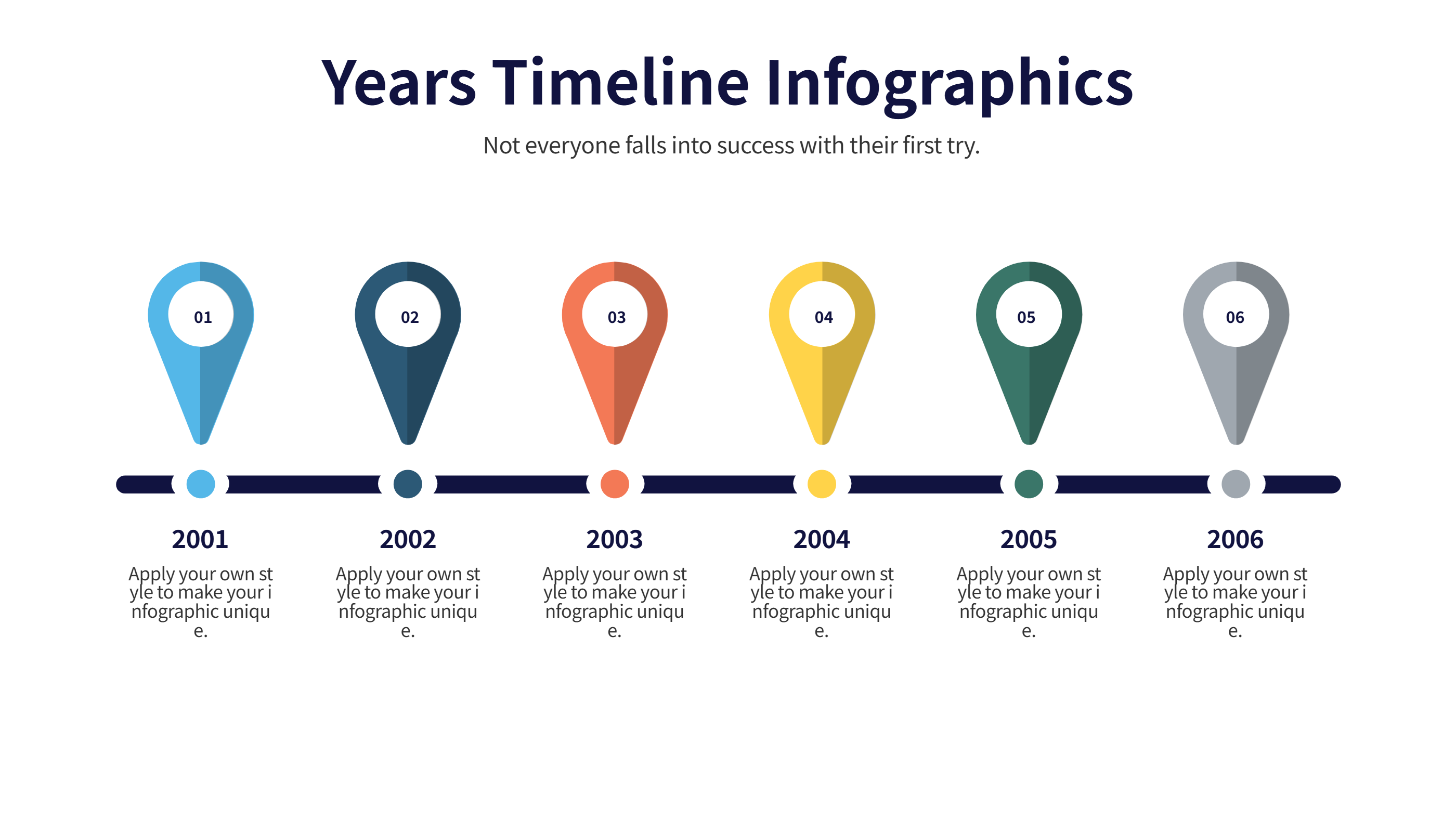
A public health inspection schedule template infographic is a clear page that shows when and where inspections happen. It uses a timeline layout with blocks for dates, places, and short notes. The view keeps the plan in one place and helps a team act on time. It is easy to scan and easy to share.
This template can cover restaurants, clinics, schools, or community spaces. It can list inspectors, visit windows, and follow up tasks in a simple way. It can show routine checks and urgent checks without long text. The layout keeps the message plain and readable for any team member.
When to Use Gantt Chart Timeline Infographic
Use this infographic when you need to plan many visits across a month or a quarter. It is useful for city teams, campus staff, or event planners who need clear due dates. A Gantt chart timeline view shows overlap, gaps, and busy days. It helps you balance travel time and staff hours with a clear view.
It also works when rules change or new sites are added. You can adjust one block and the rest of the schedule stays clear. It is good for sharing with partners or for posting in a work room. It keeps the schedule in plain language so anyone can follow it with ease.
Download and Edit the Template
Click the download button and an online editor opens in a new page. You can edit the dates, site names, and short notes. You can adjust colors and icons to match your team style. Use the save button when you are done. Choose PPT, PNG, or SVG as the export format. The steps stay the same even if the wording is different.
How to Use Public Health Inspection Schedule Template for Clear Timeline Planning
Open the AI generator on the home page and choose the timeline schedule template. Enter a short prompt that lists the inspection sites, the date range, and any key checks. The tool creates an infographic that follows the layout. You can edit the result and adjust text to match your plan. The meaning stays the same, even if your wording changes.
Examples of Public Health Inspection Schedule Template AI Prompt Usage
Example 1:
A monthly inspection plan for five schools with visit windows and simple notes on focus areas like kitchens, restrooms, and water stations. Use a clean timeline with one row per site.
Example 2:
A two week schedule for restaurant inspections in three districts. Show the date range, inspector names, and short status notes for follow up visits.
Example 3:
A community health inspection calendar for public parks with weekly checks. Include a short list of safety checks and a note on equipment condition.
Recommended Similar Infographic Templates
Related Template 1: Timeline Agenda: Managing Tasks and Deadlines
Related Template 2: Timeline Infographic Template for Project Milestones and Event Schedules
Related Template 3: Project Timeline Excel Template Free
Related Template 4: Timeline Template Design for Clear Milestones
FAQs
Q: Can I use this schedule for weekly inspections?
A: Yes, the timeline blocks can be set to any week range.
Q: Can I add inspector names to each visit?
A: Yes, each block can include a short name label.
Q: Is this template easy to share with a team?
A: Yes, it works well as a slide or a printed page.
Q: Can I mark urgent visits in a different color?
A: Yes, color changes are simple in the editor.
Q: Can I export the plan as a PDF or image?
A: Yes, you can export to PPT, PNG, or SVG.