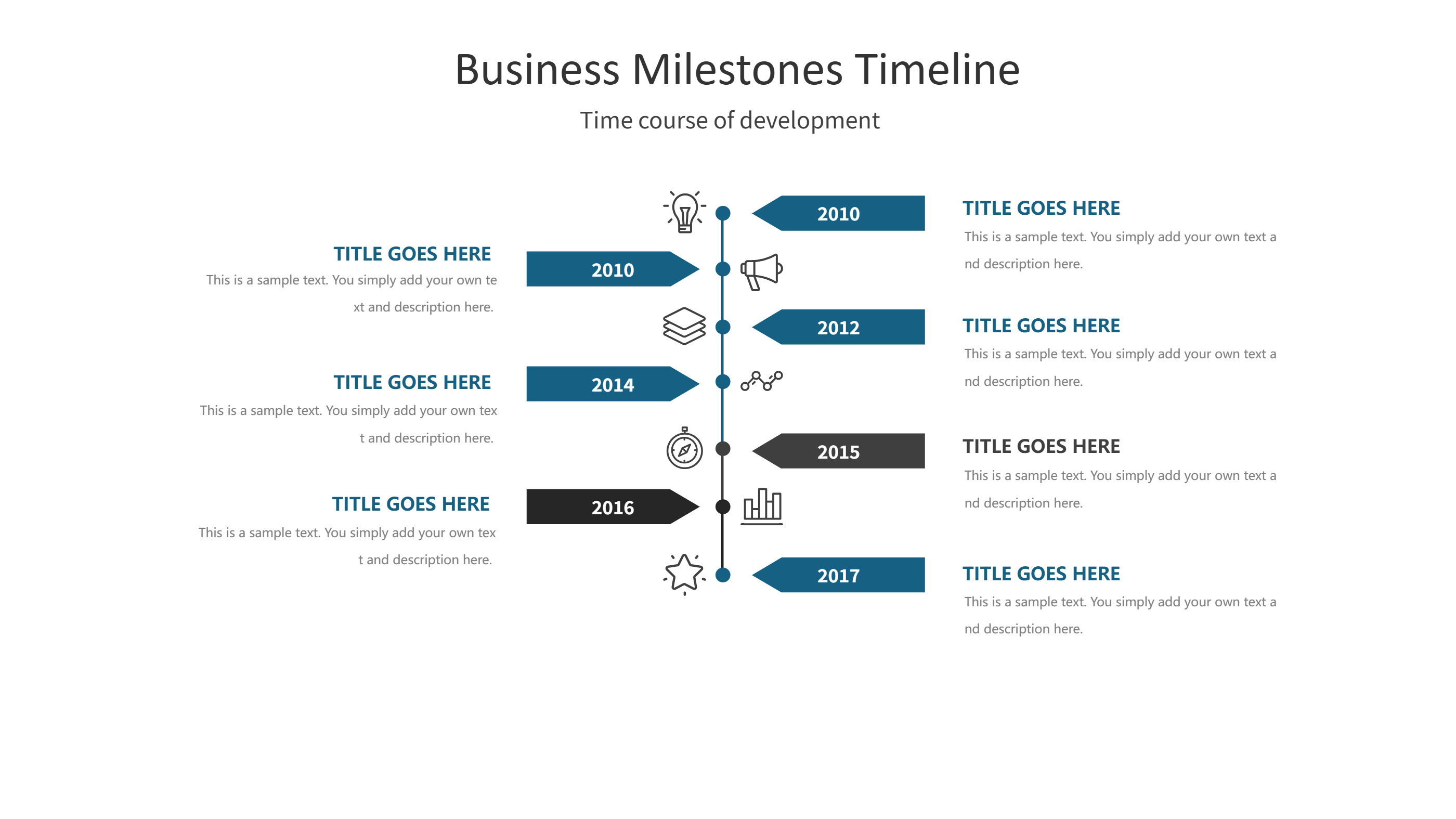
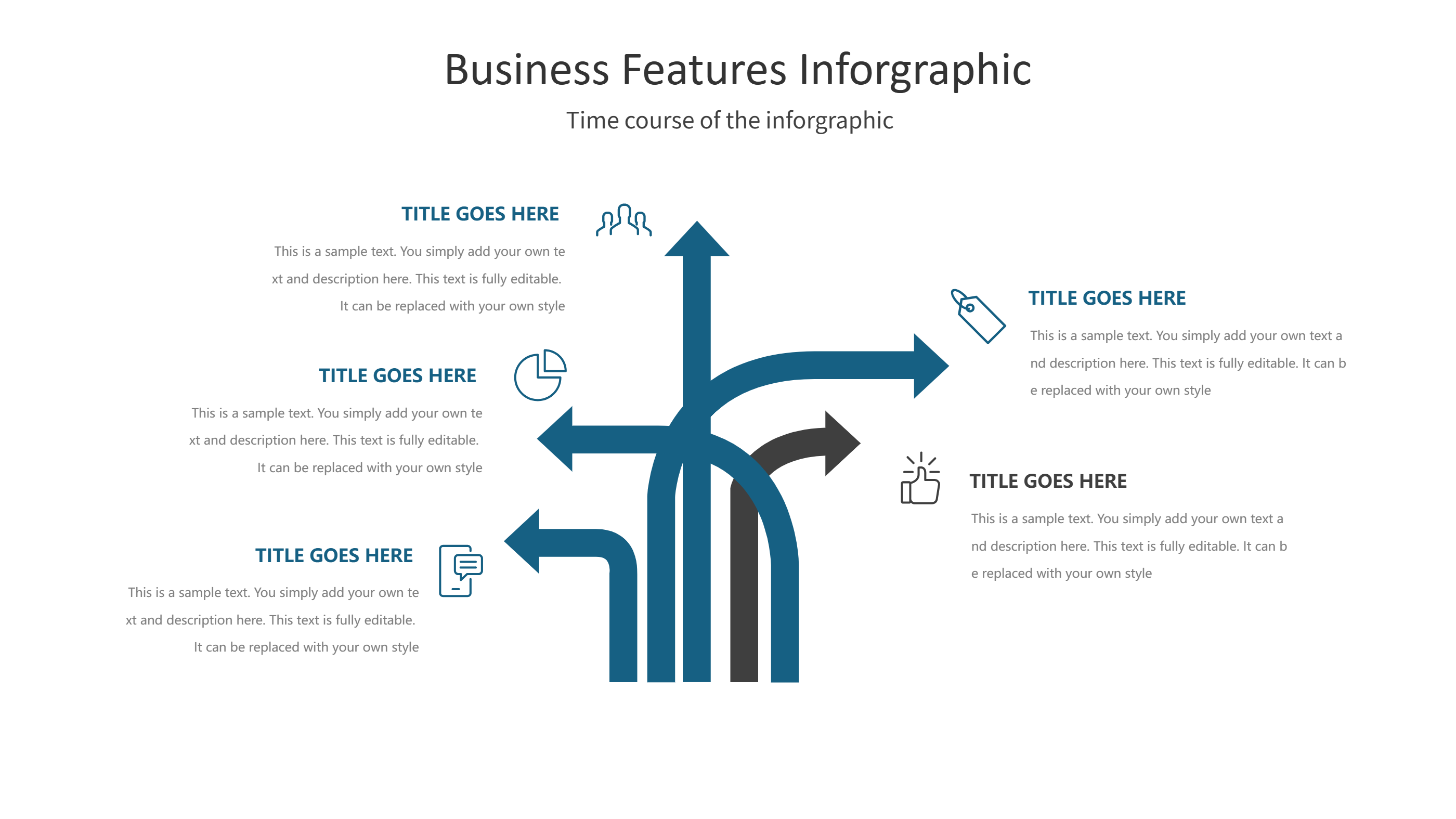
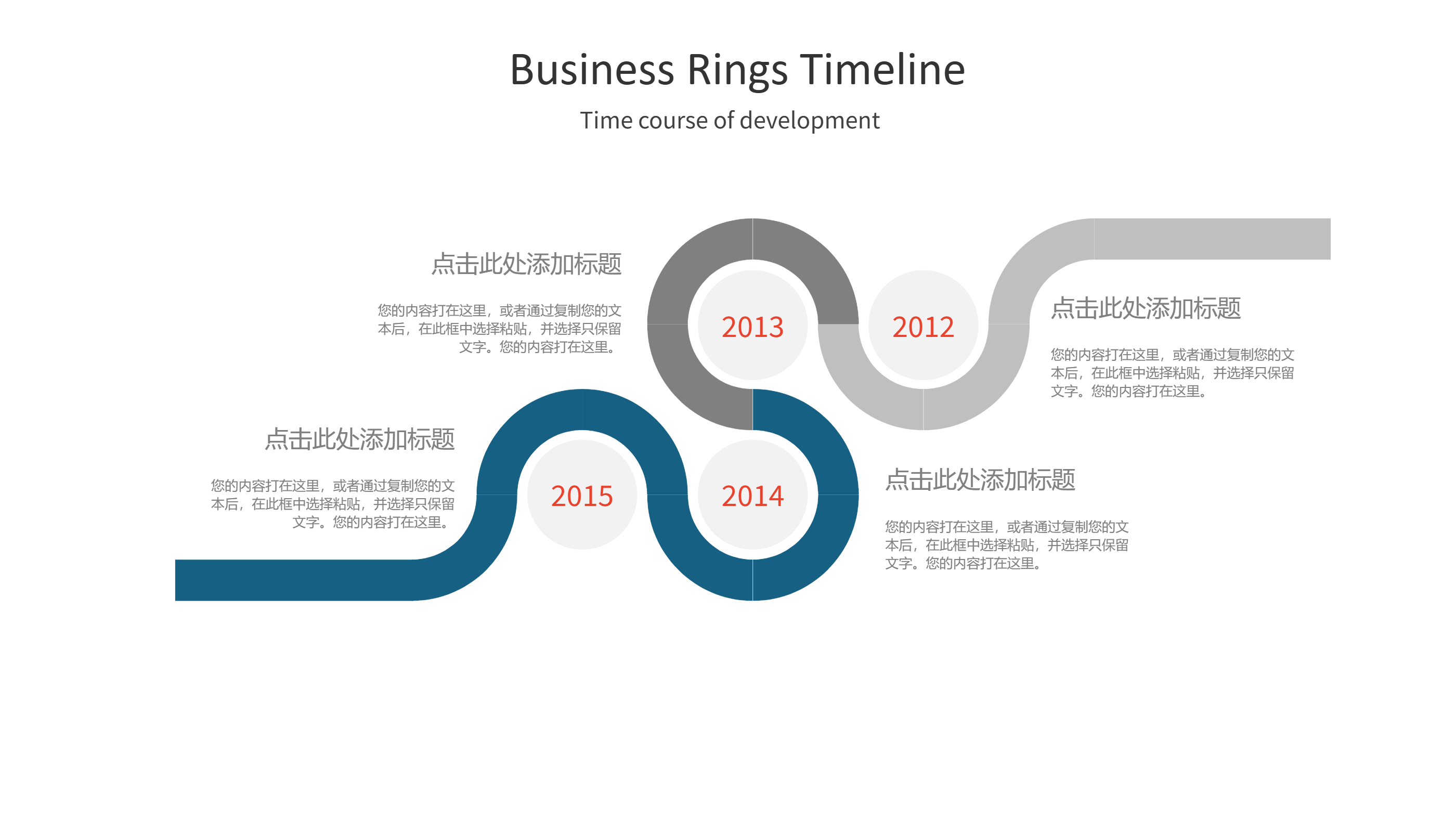
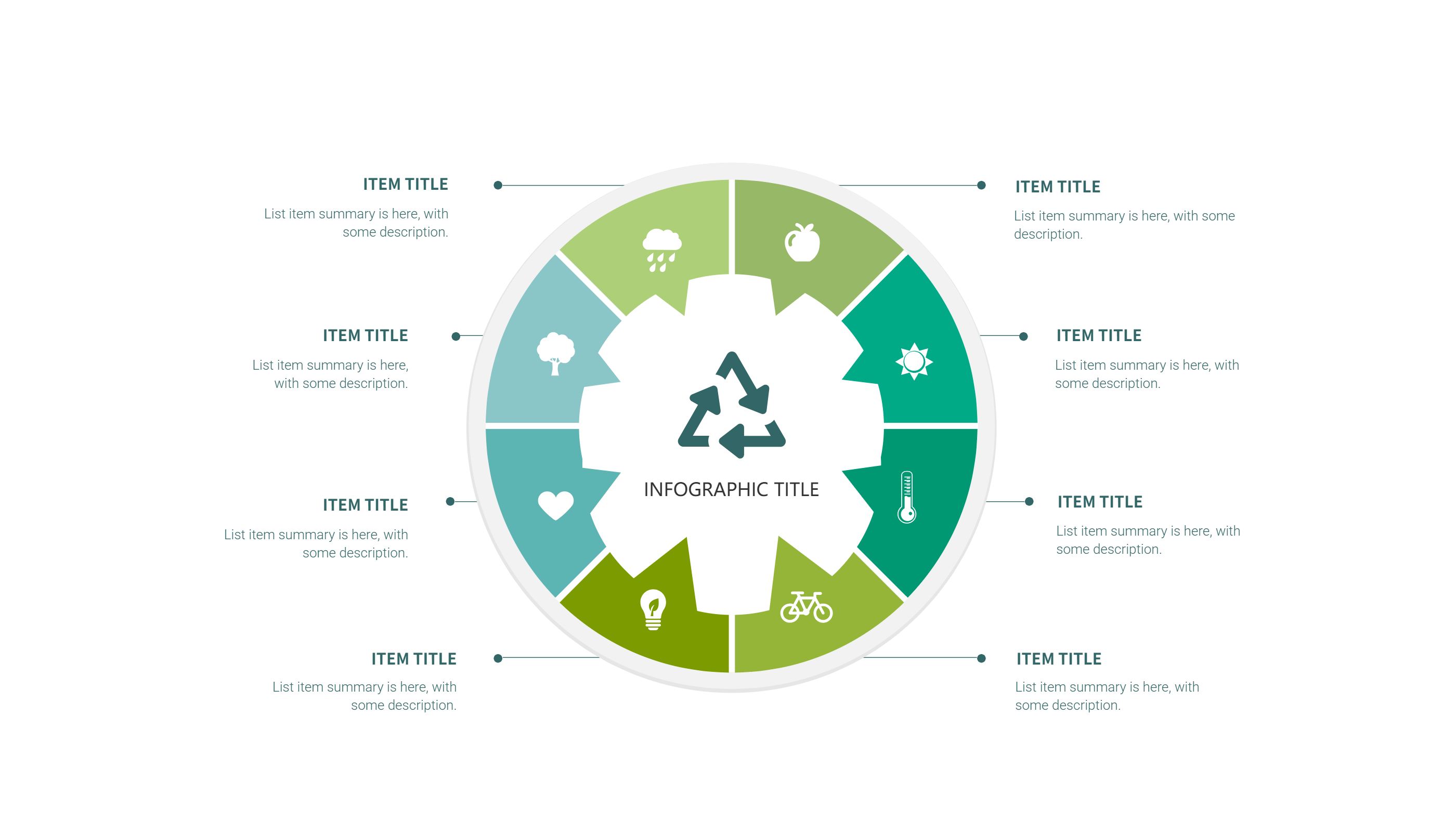
Timeline Infographics Template for PPT
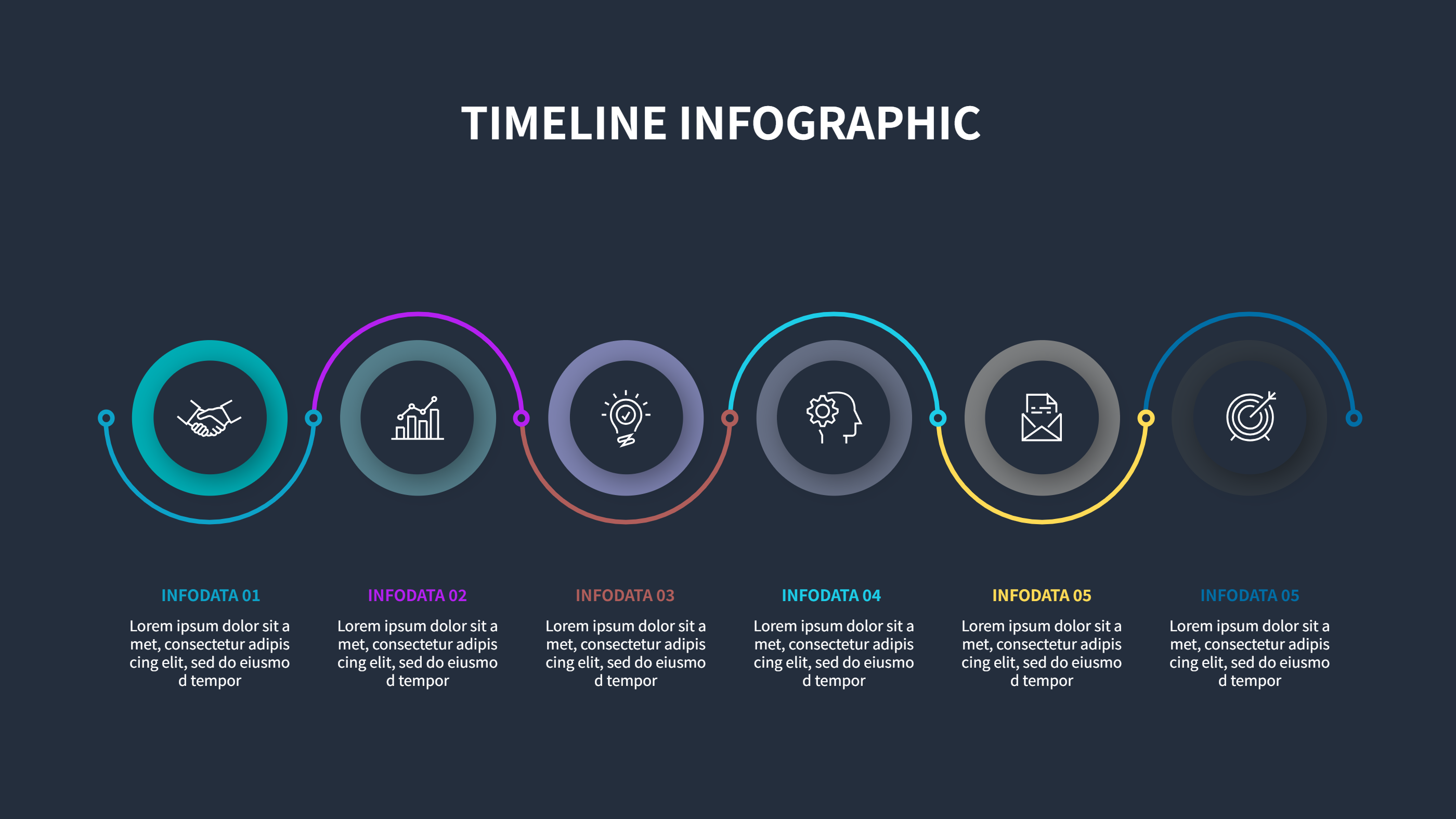
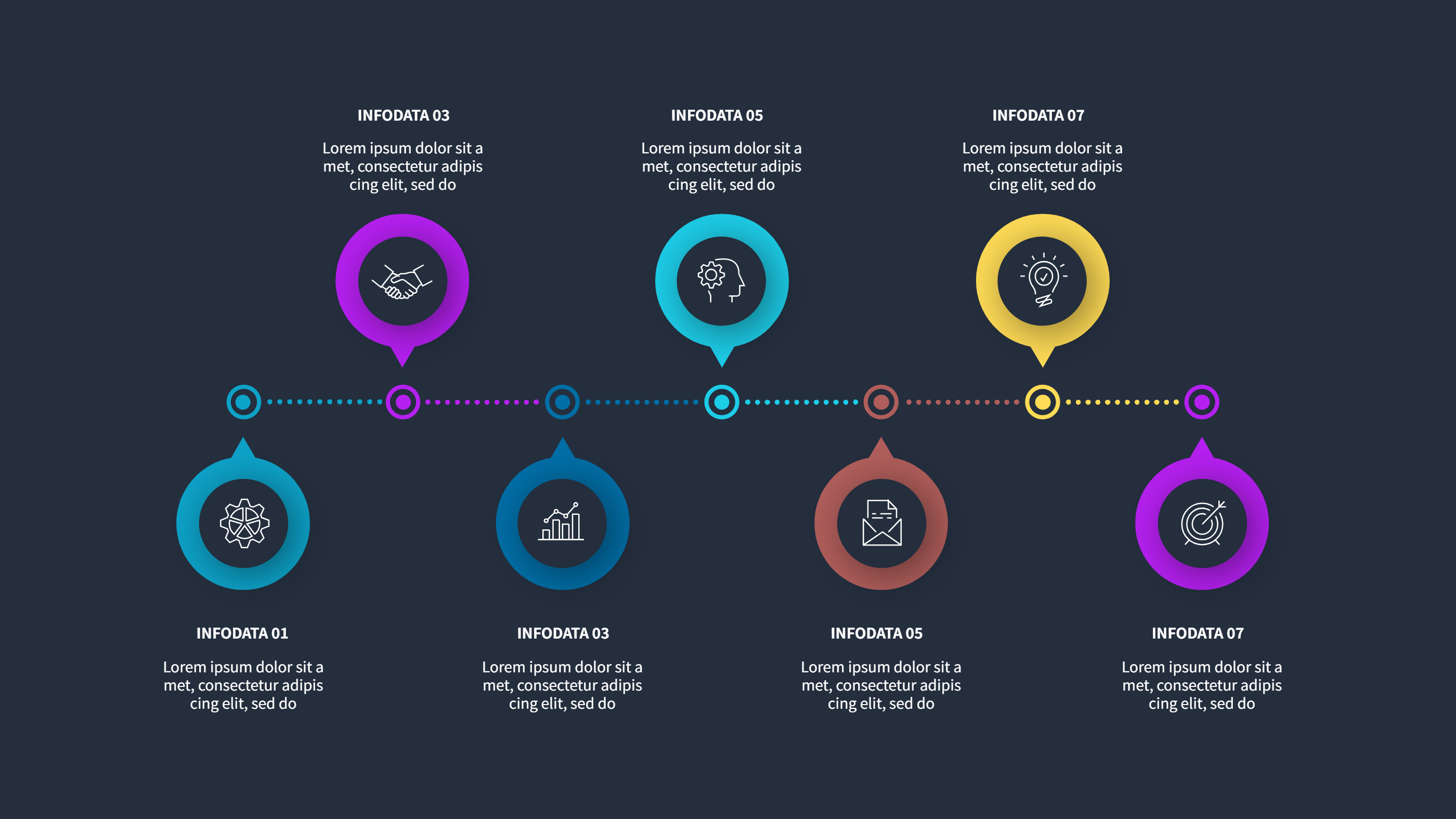
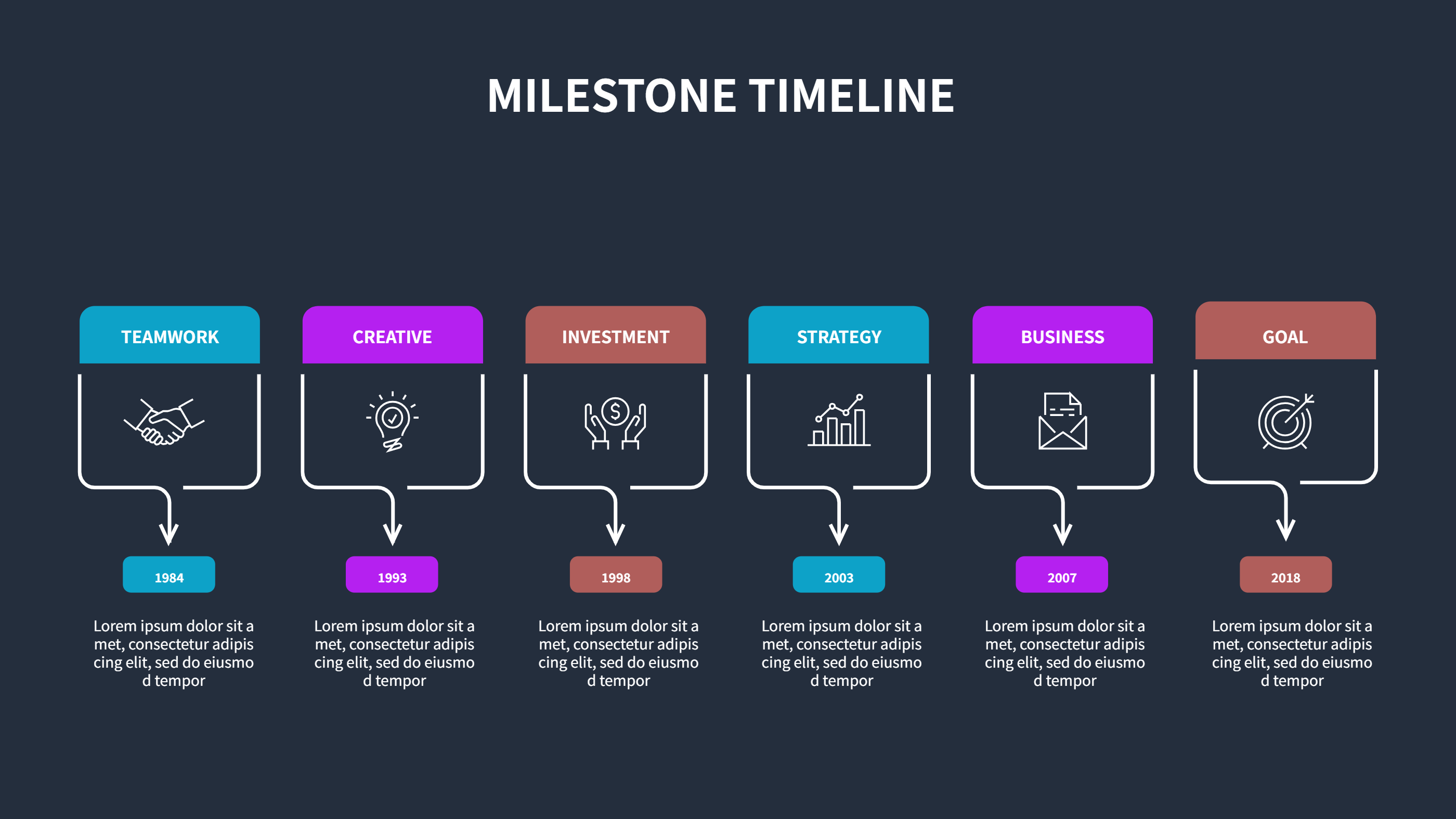
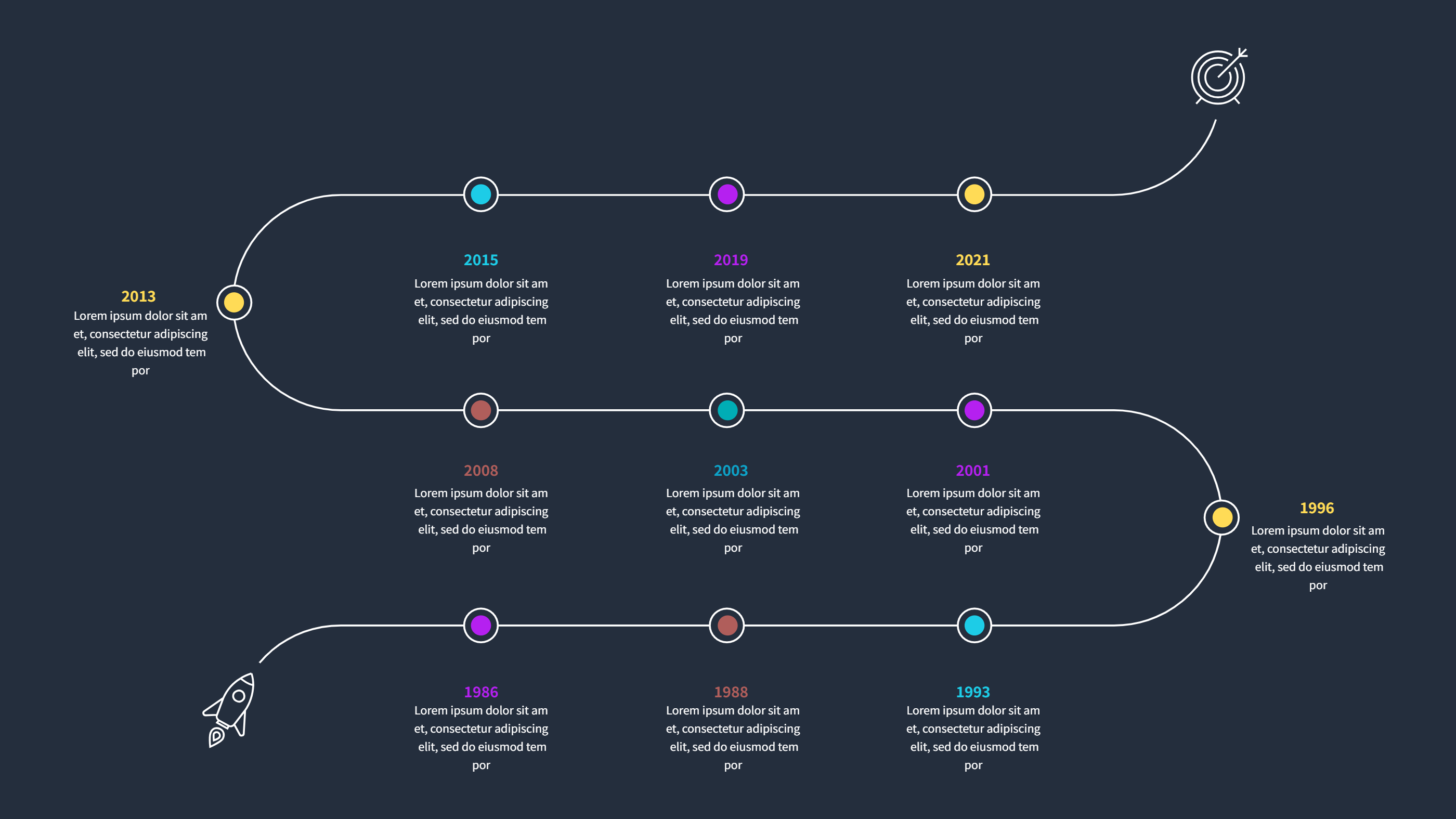
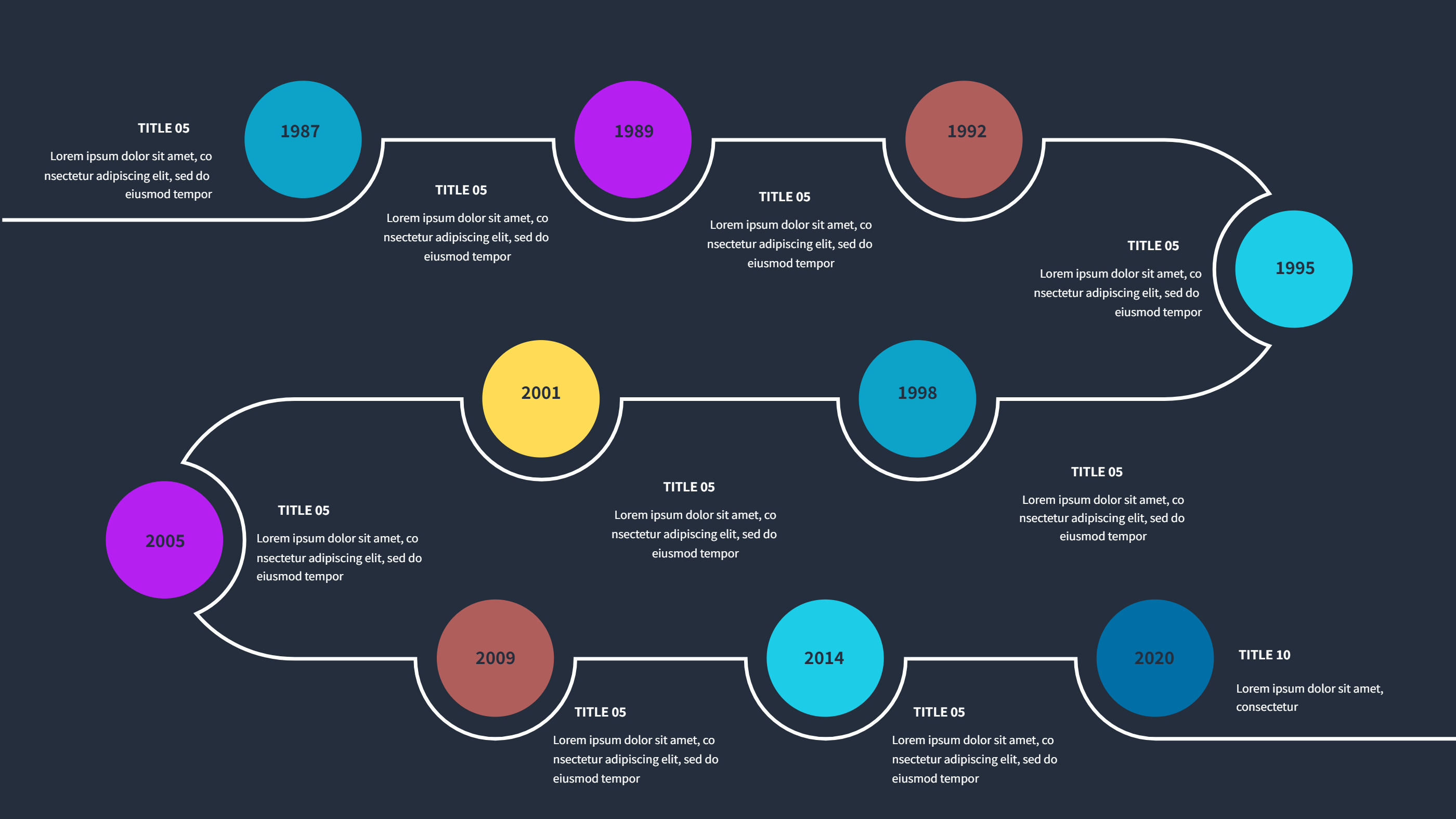
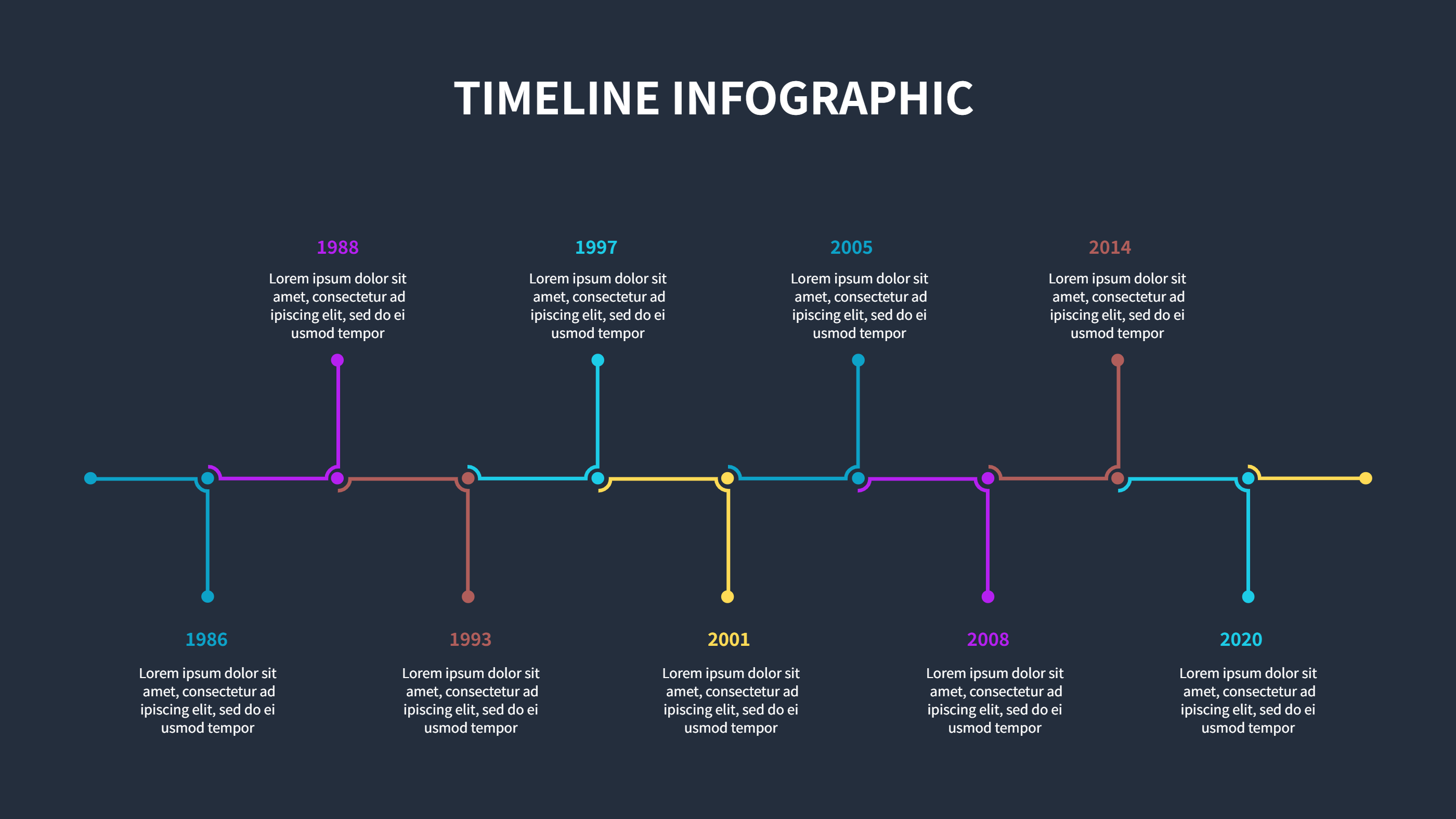
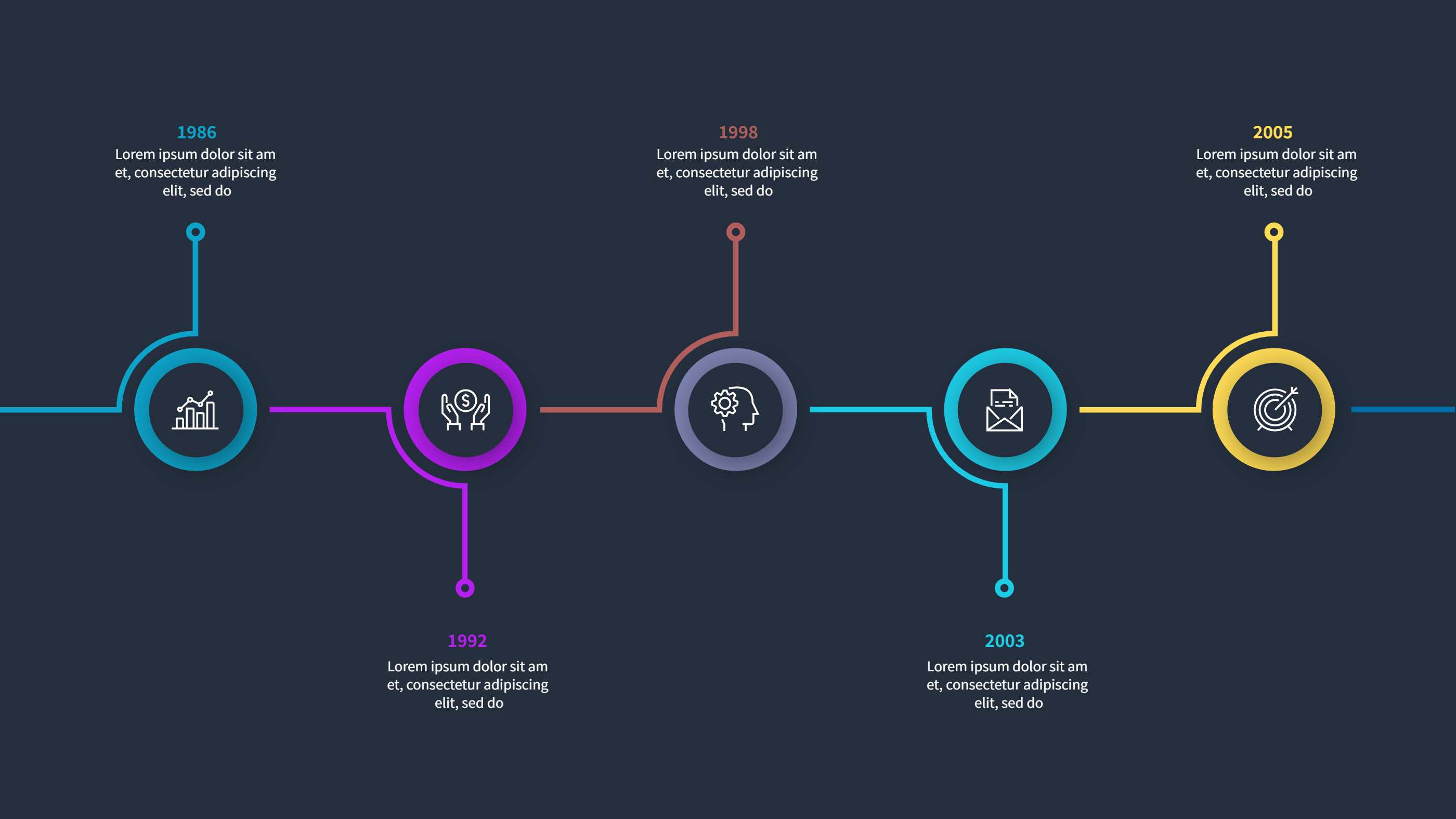
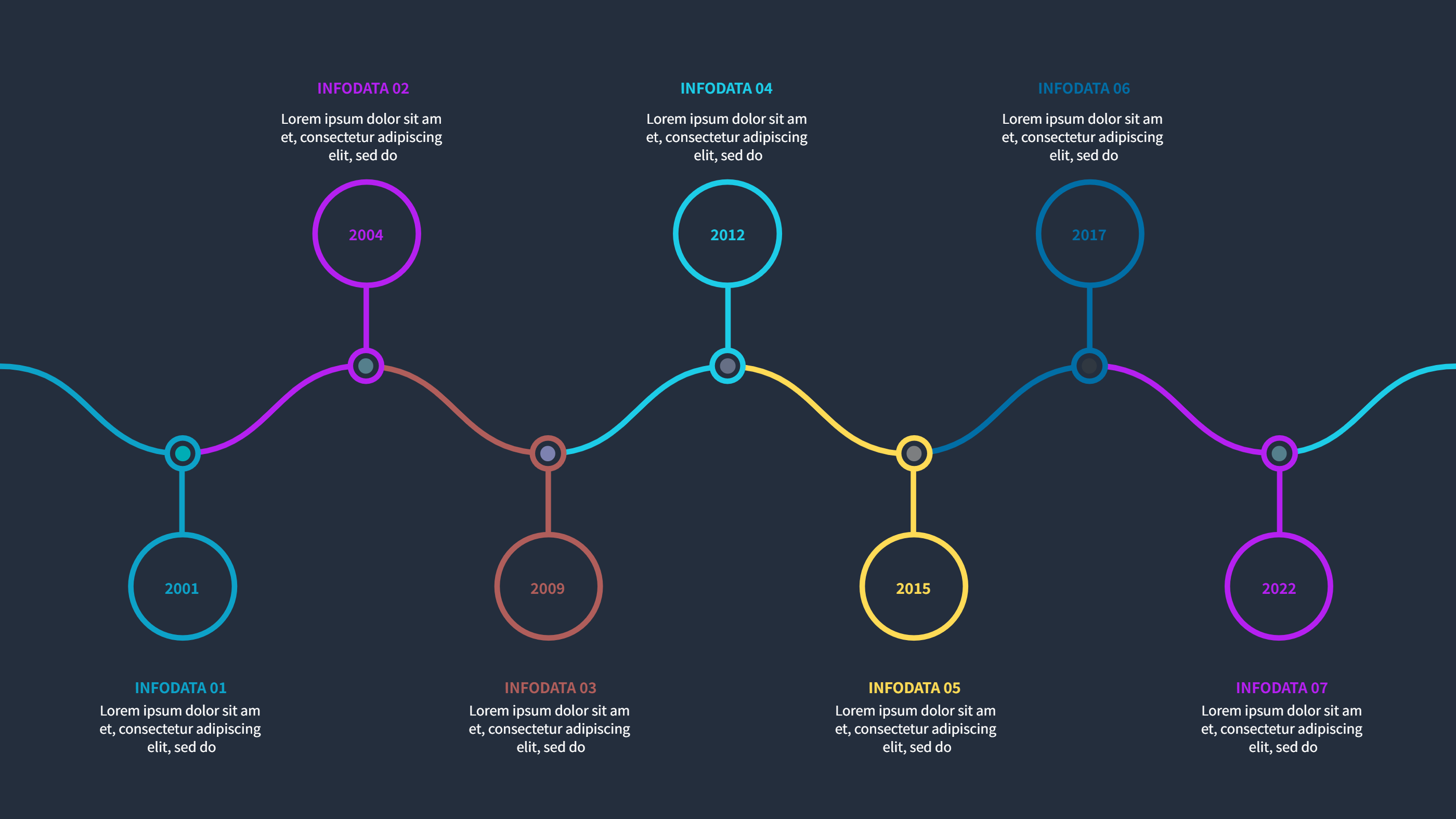
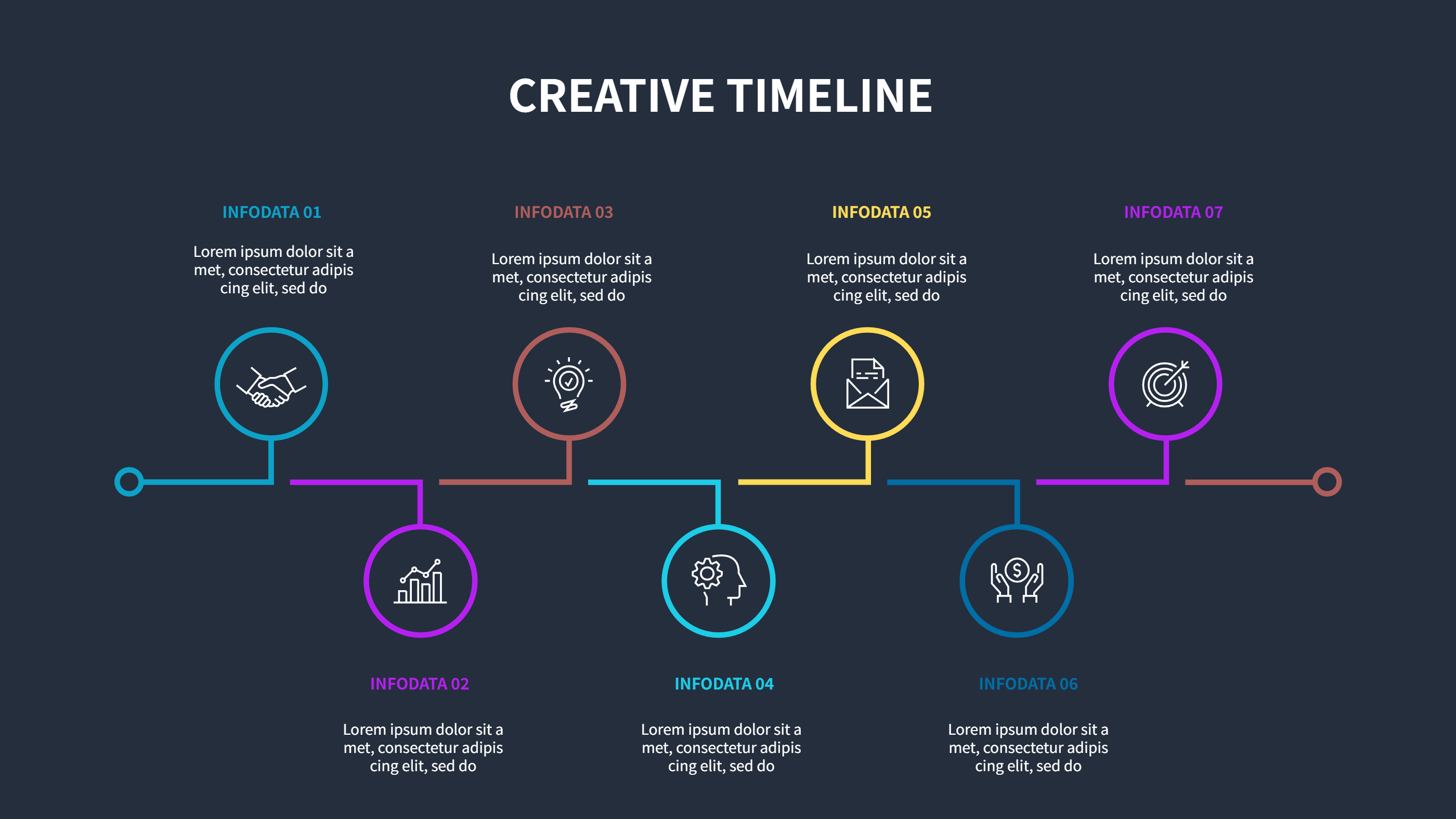
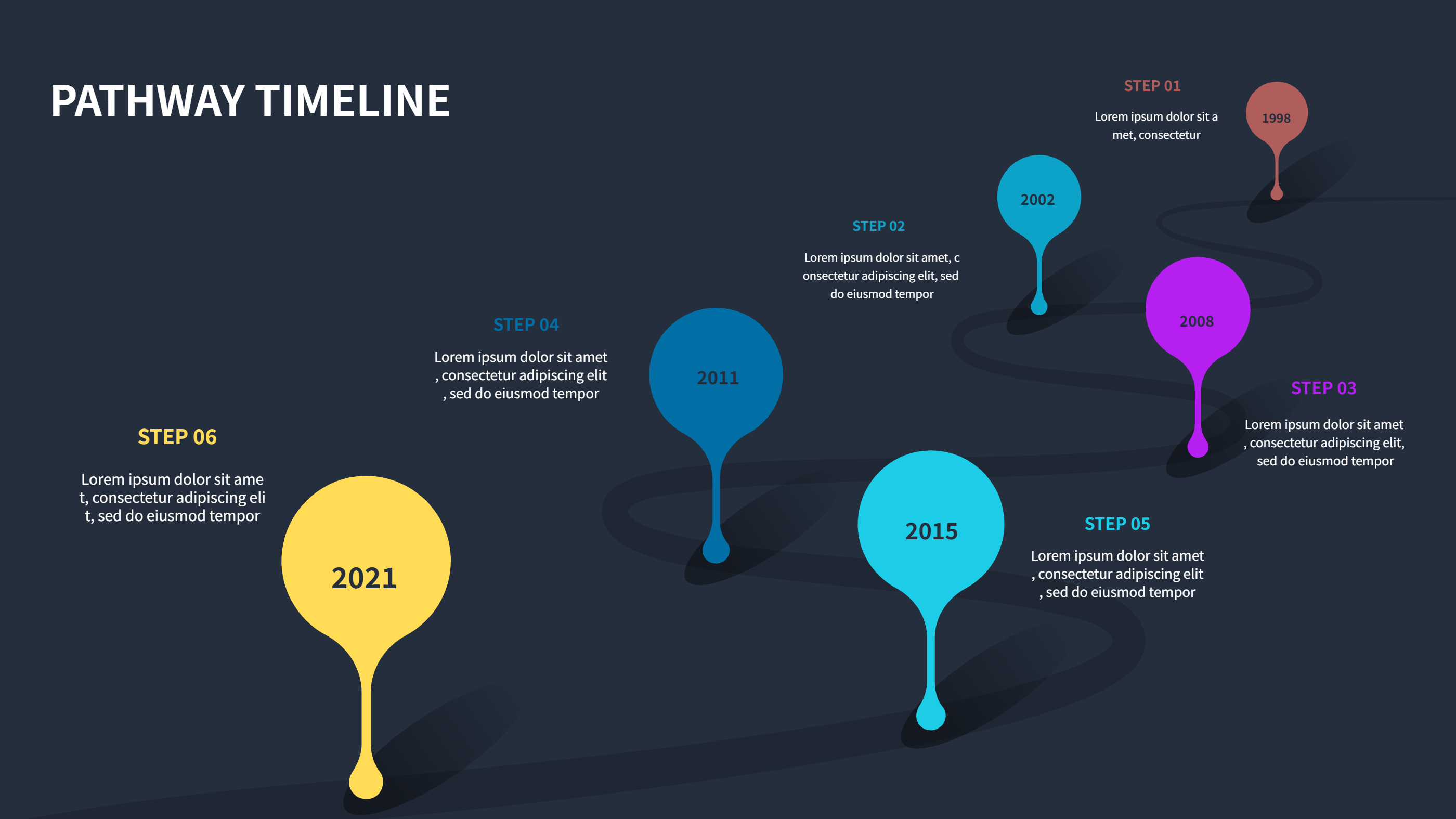
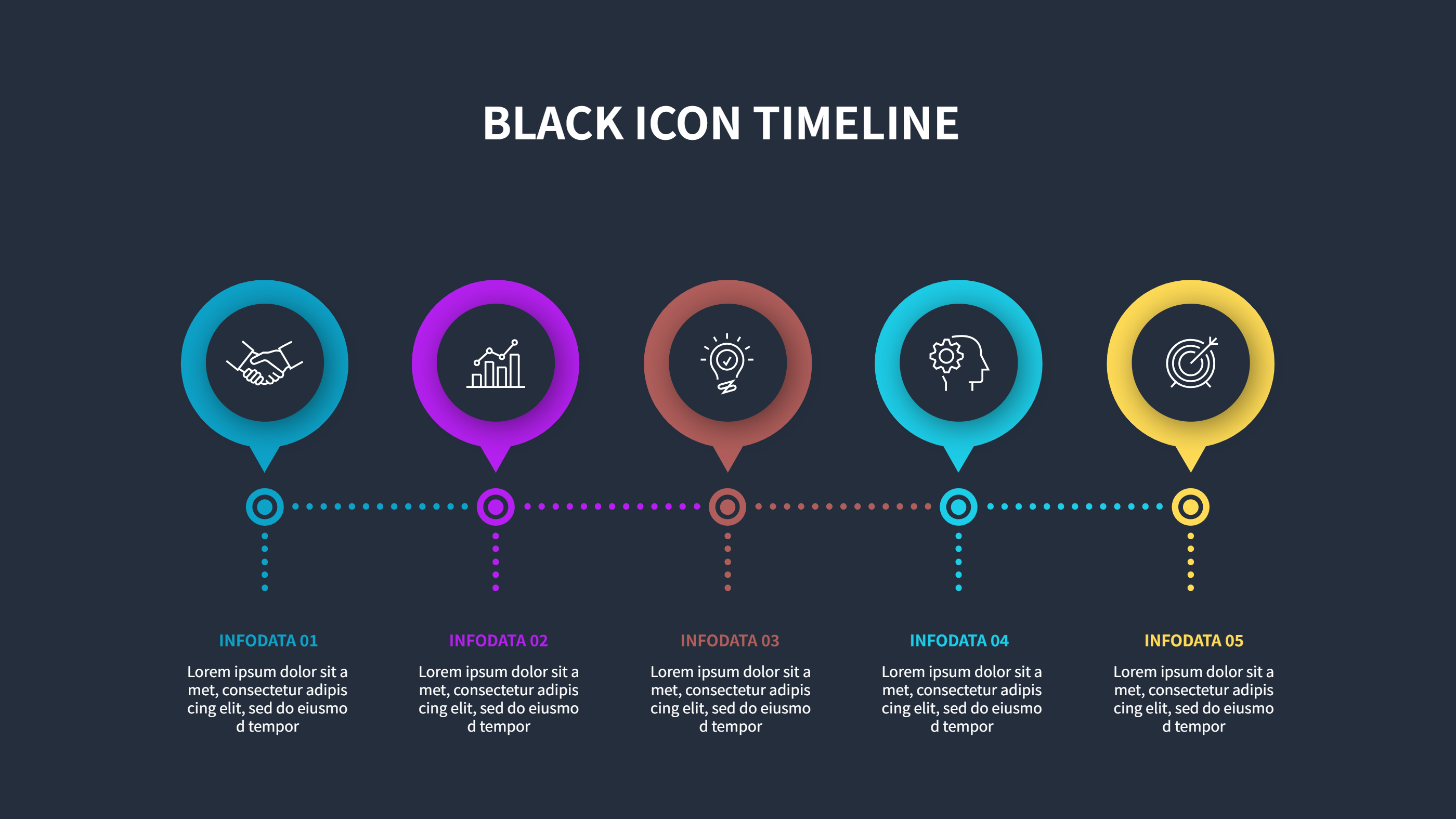
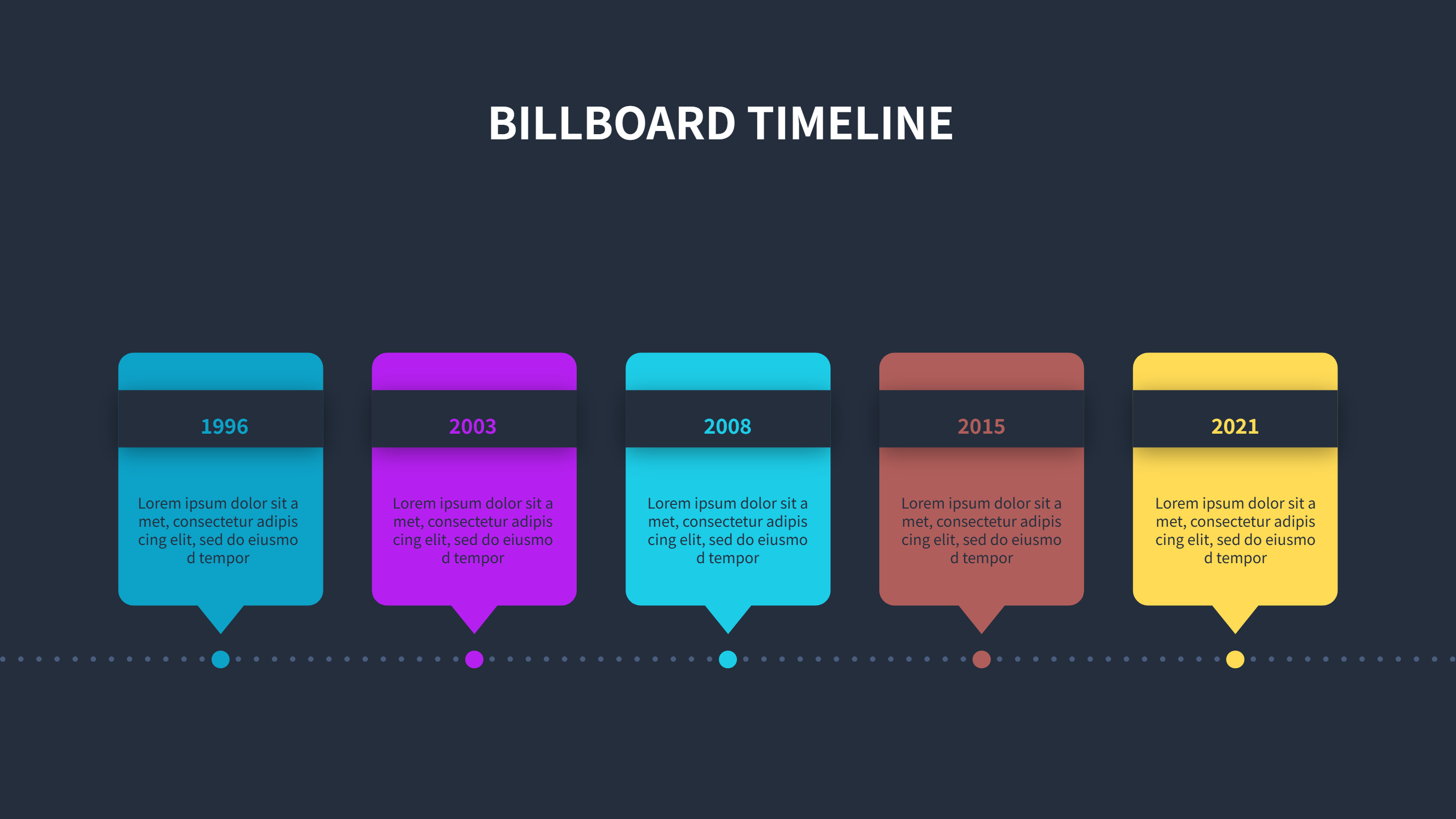
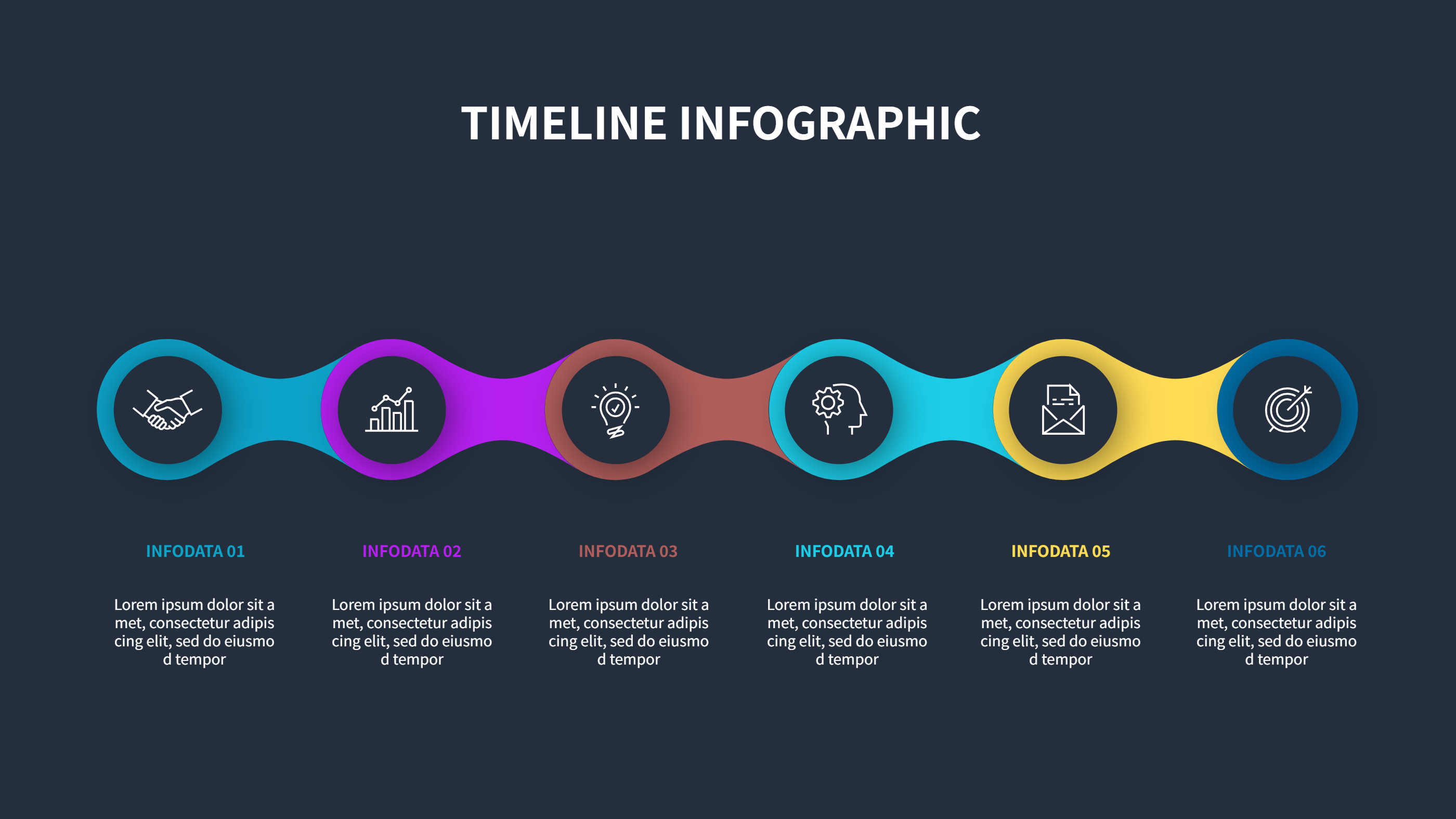
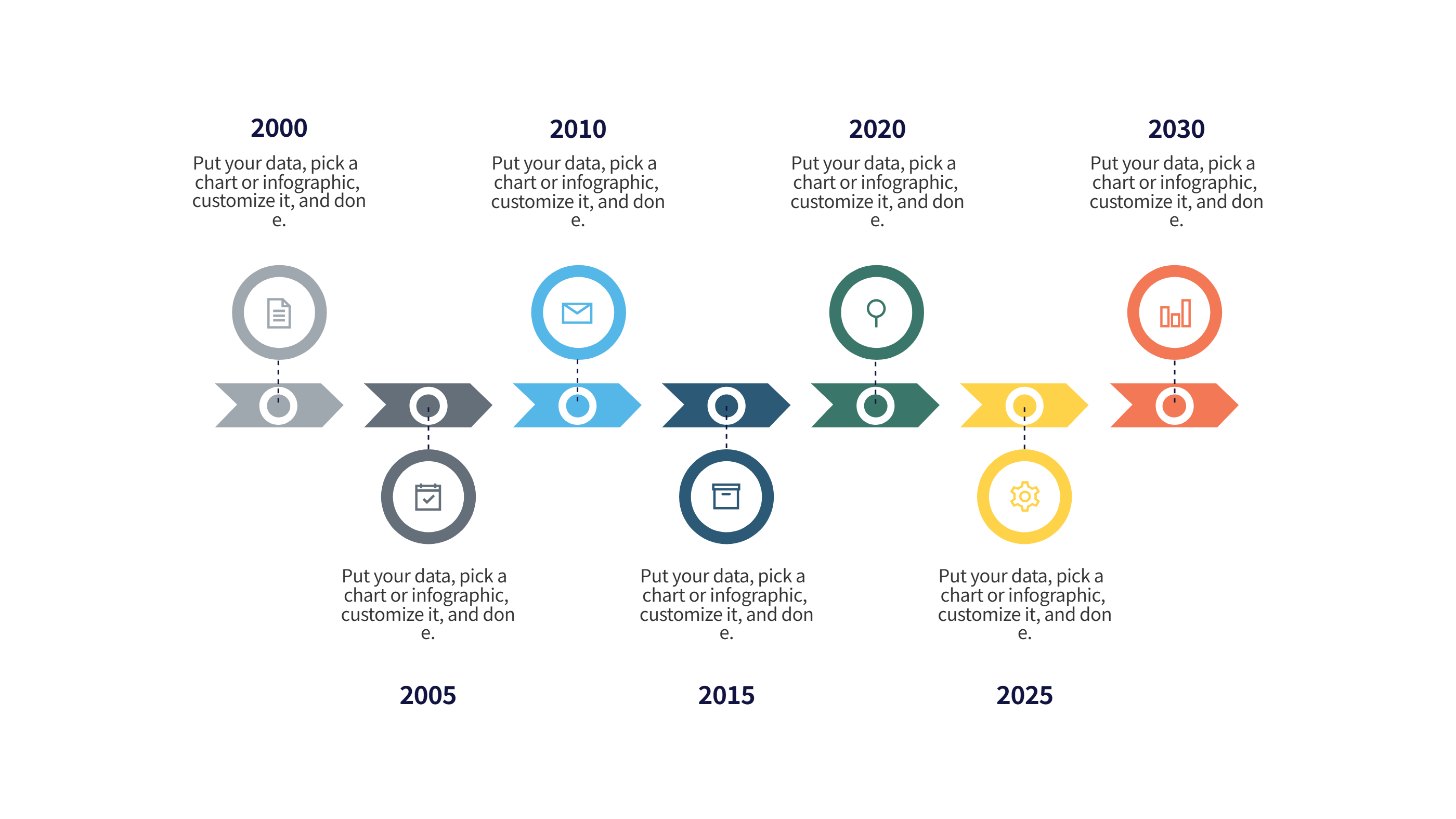
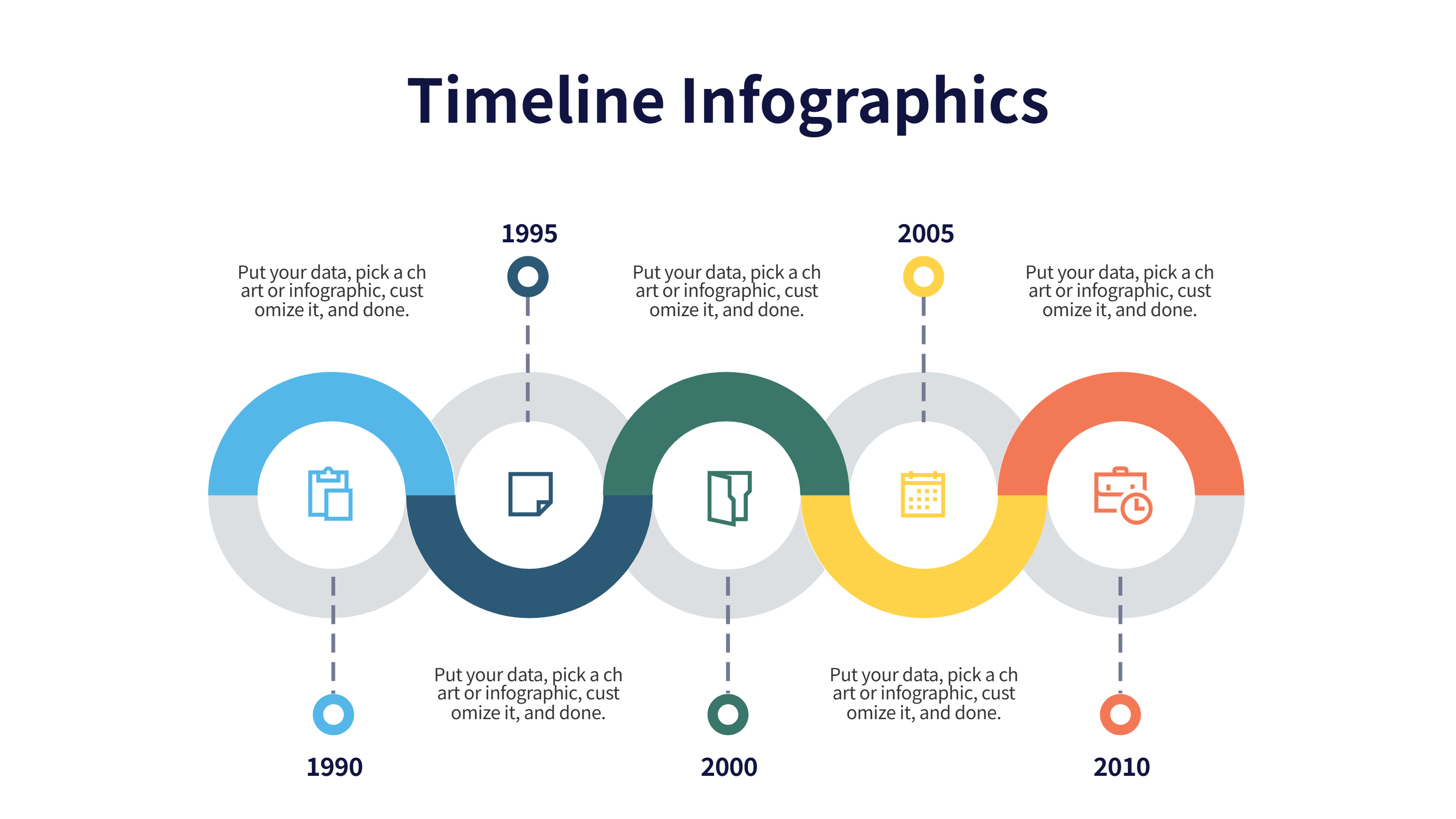
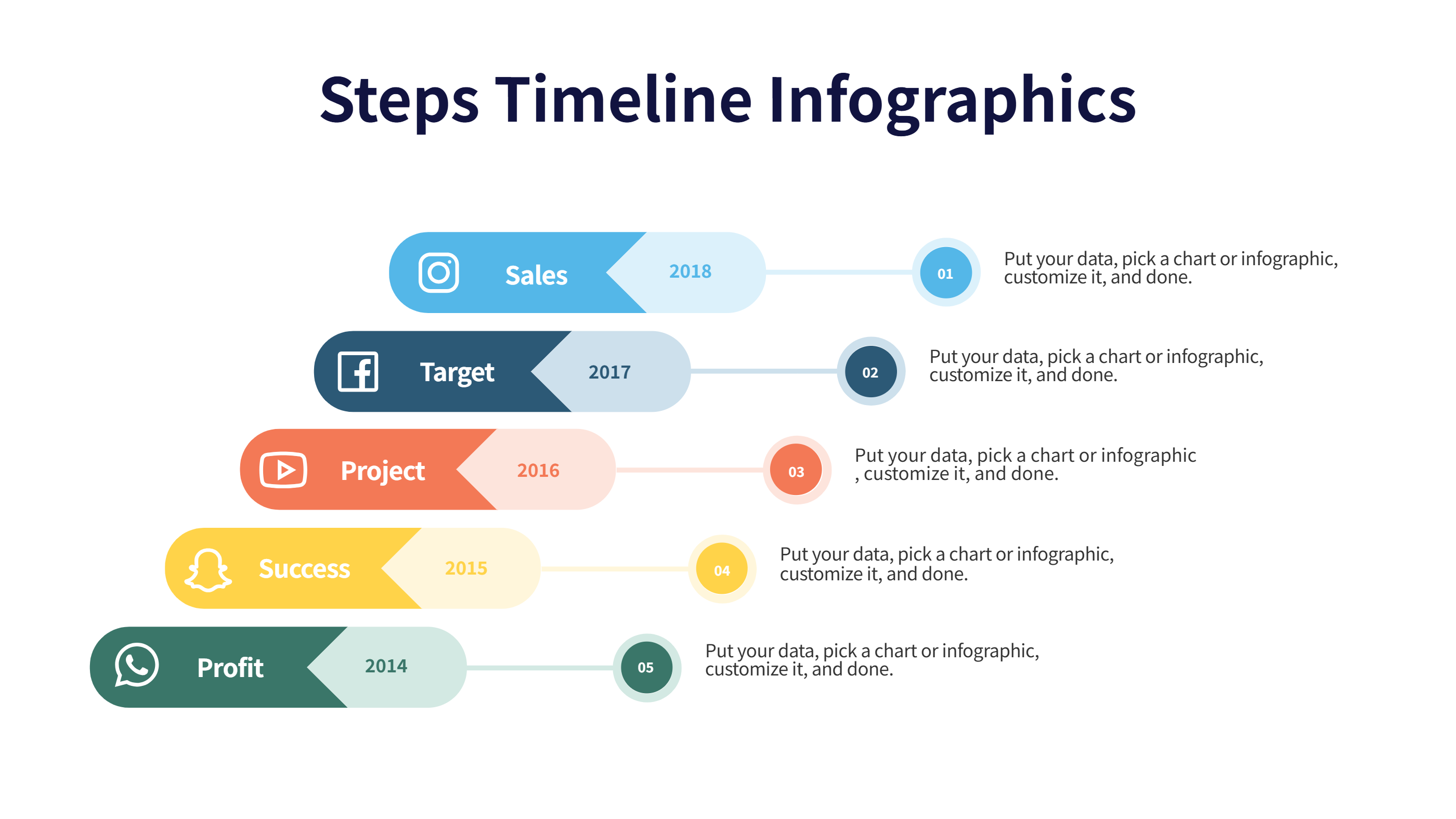
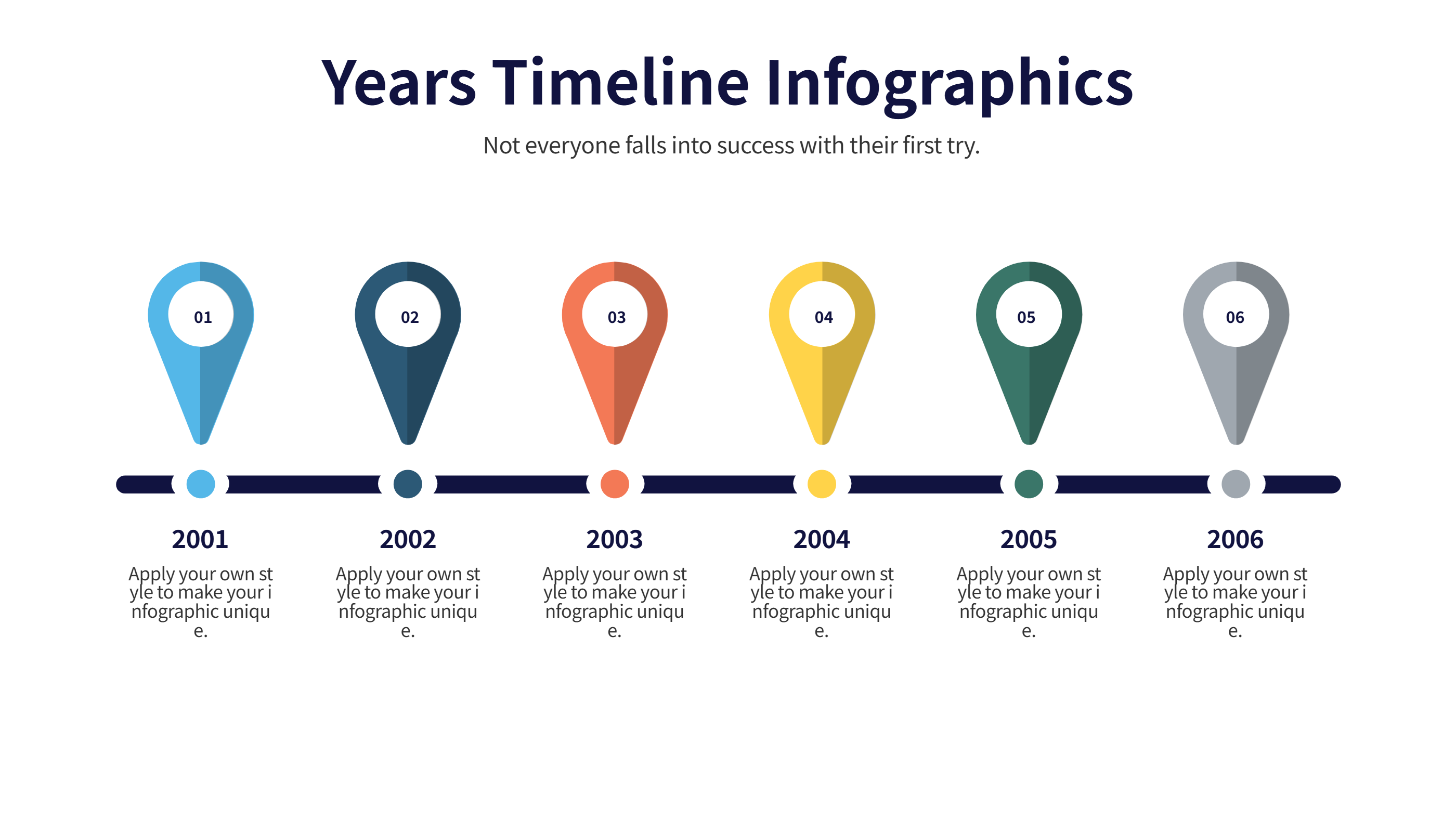
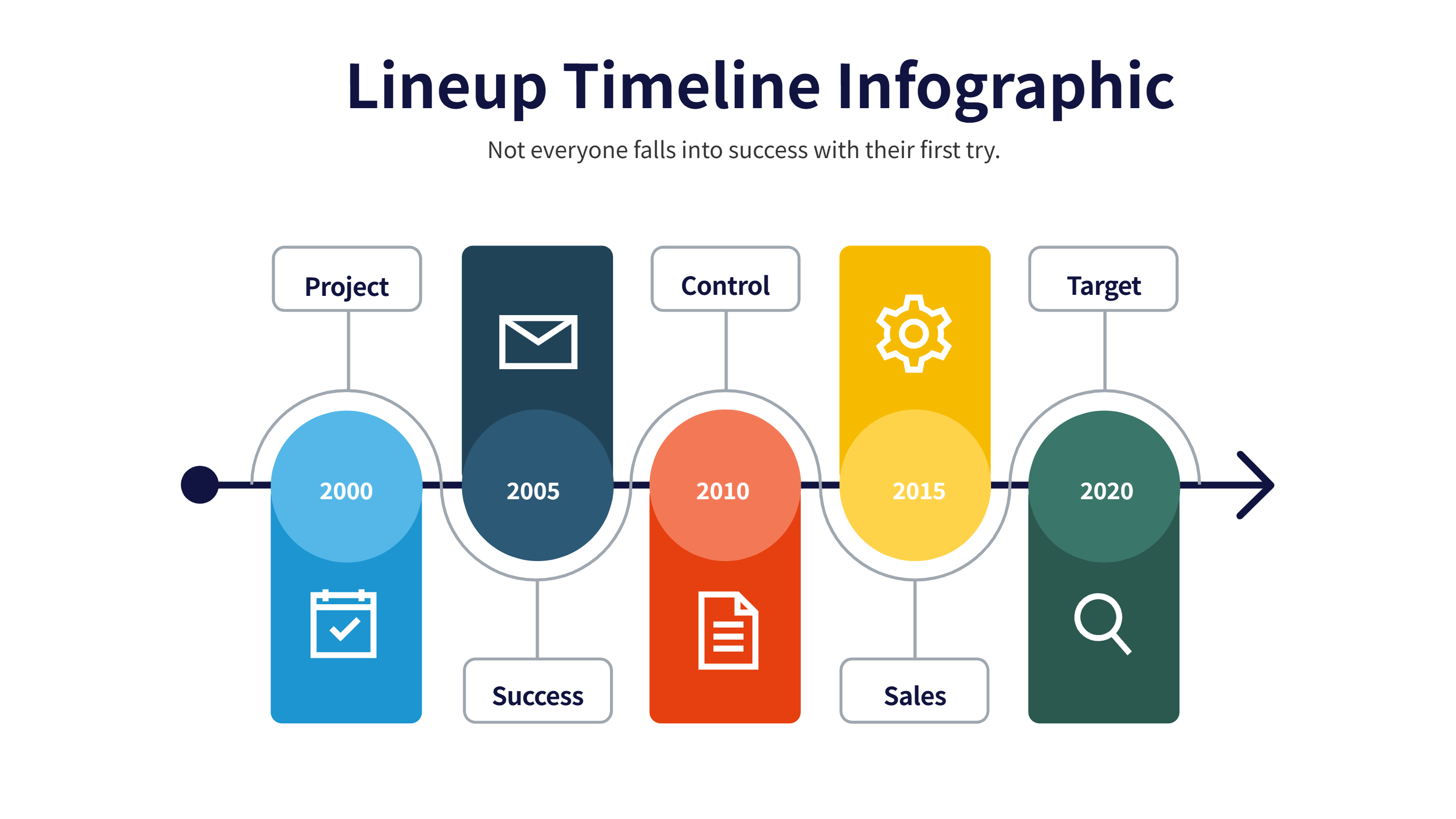
This timeline infographics template for PPT links circular hubs with smooth curves across a dark background. It works for project phases, customer journeys, or growth stories where you want a continuous feel. Each hub has room for a short title and a brief note, keeping the line tidy for presentations.
Use bright colors on the hubs to signal status, owner, or risk level. Keep labels to a few words and notes to one sentence so the text stays sharp on slides. The arcs guide the eye, helping viewers follow the path without extra arrows. Swap icons to match the type of step, like research, design, build, launch, or review. You can add small percentages or dates under each hub if you need more detail.
Export the slide to images or PDFs for quick sharing. Keep contrasts high for projection rooms and recordings. The layout holds up when you add or remove a step because spacing is balanced along the path. It also prints well for leave-behind packets thanks to the simple shapes and clear spacing.
Open the AI creation tool on the homepage, choose this template, and enter your prompt to generate the infographic. This PPT timeline keeps the flow smooth, speeds up deck building, and lets your audience understand the sequence fast.