PowerPoint Vertical Timeline Template
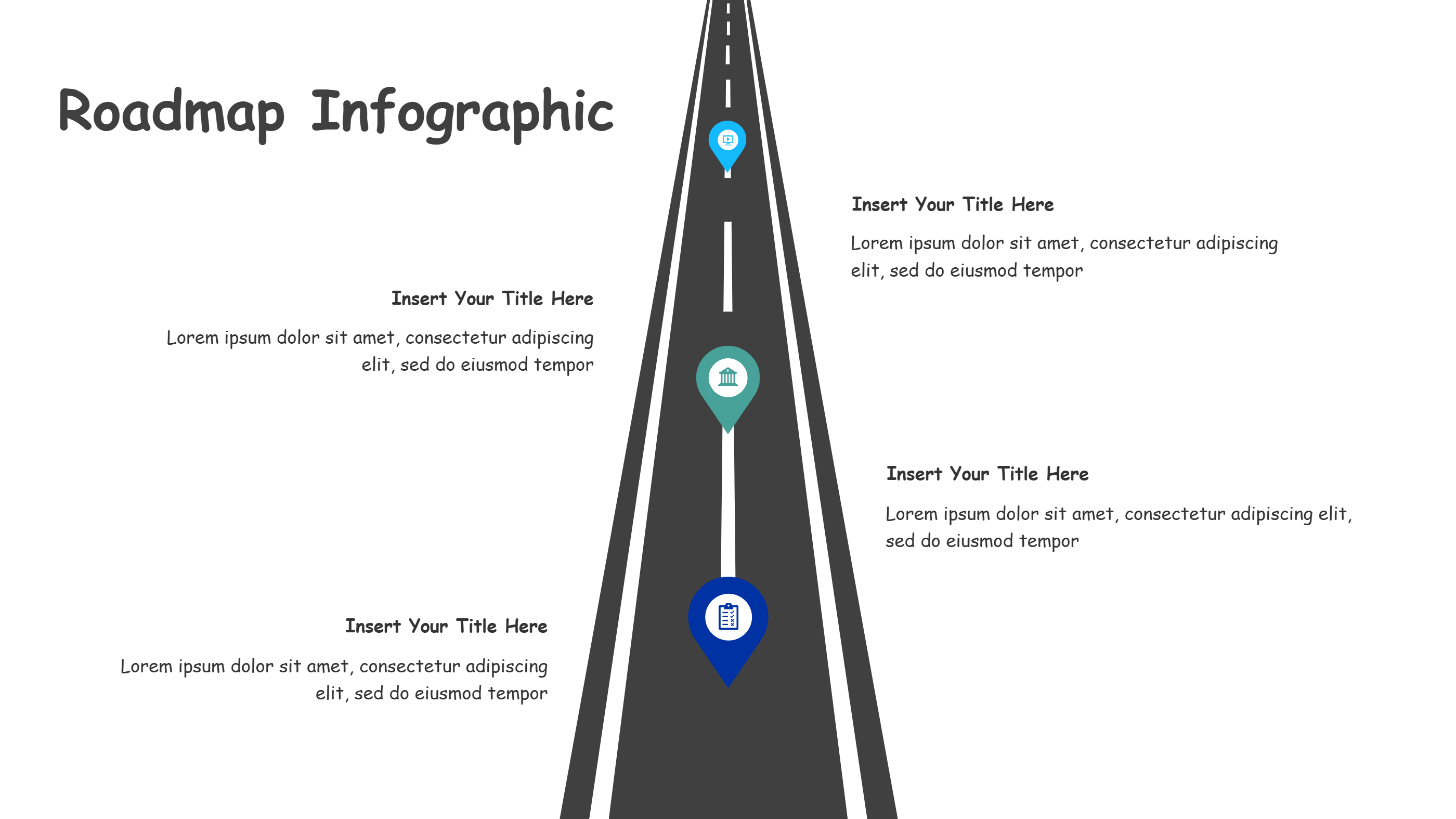
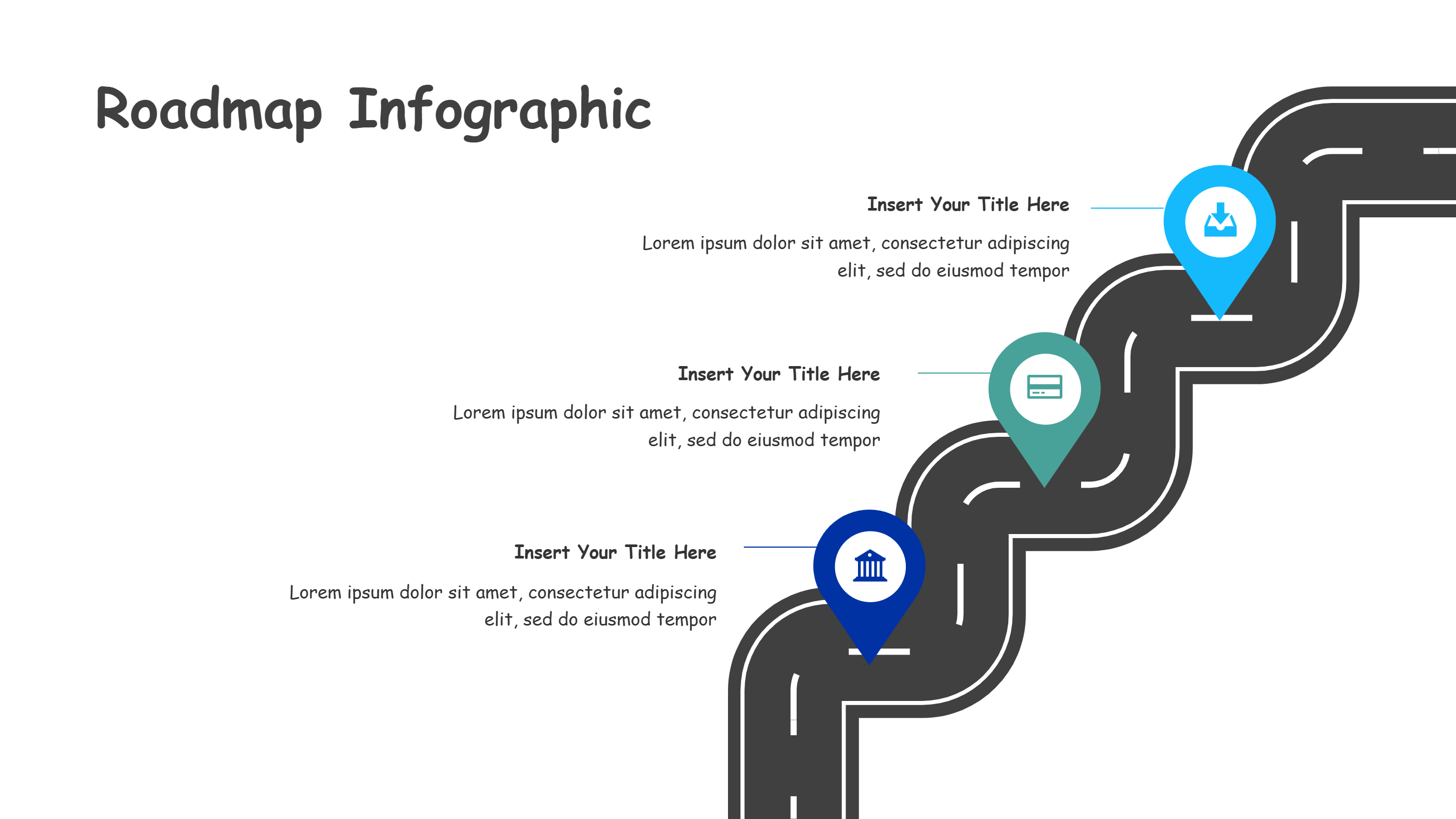
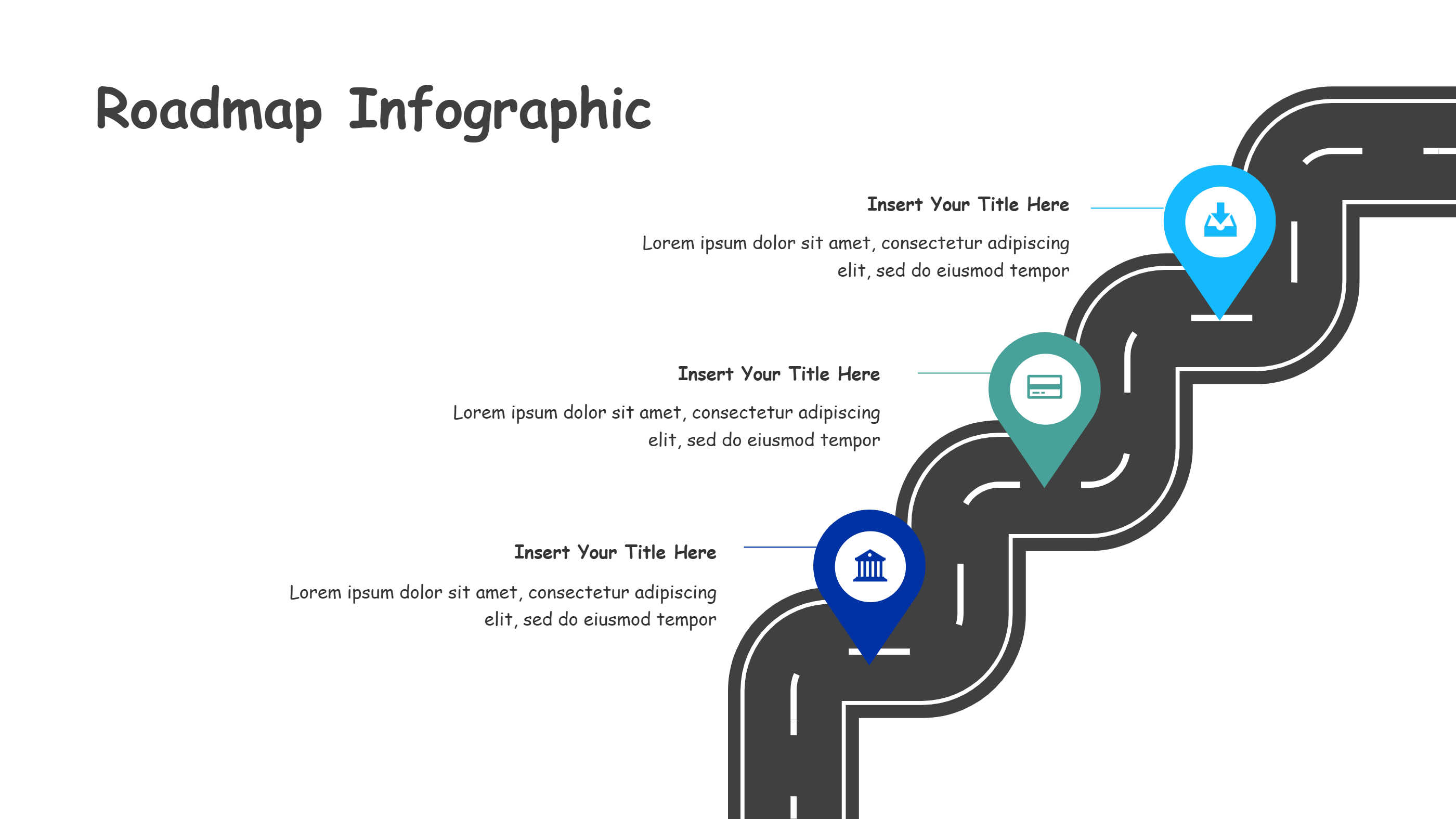
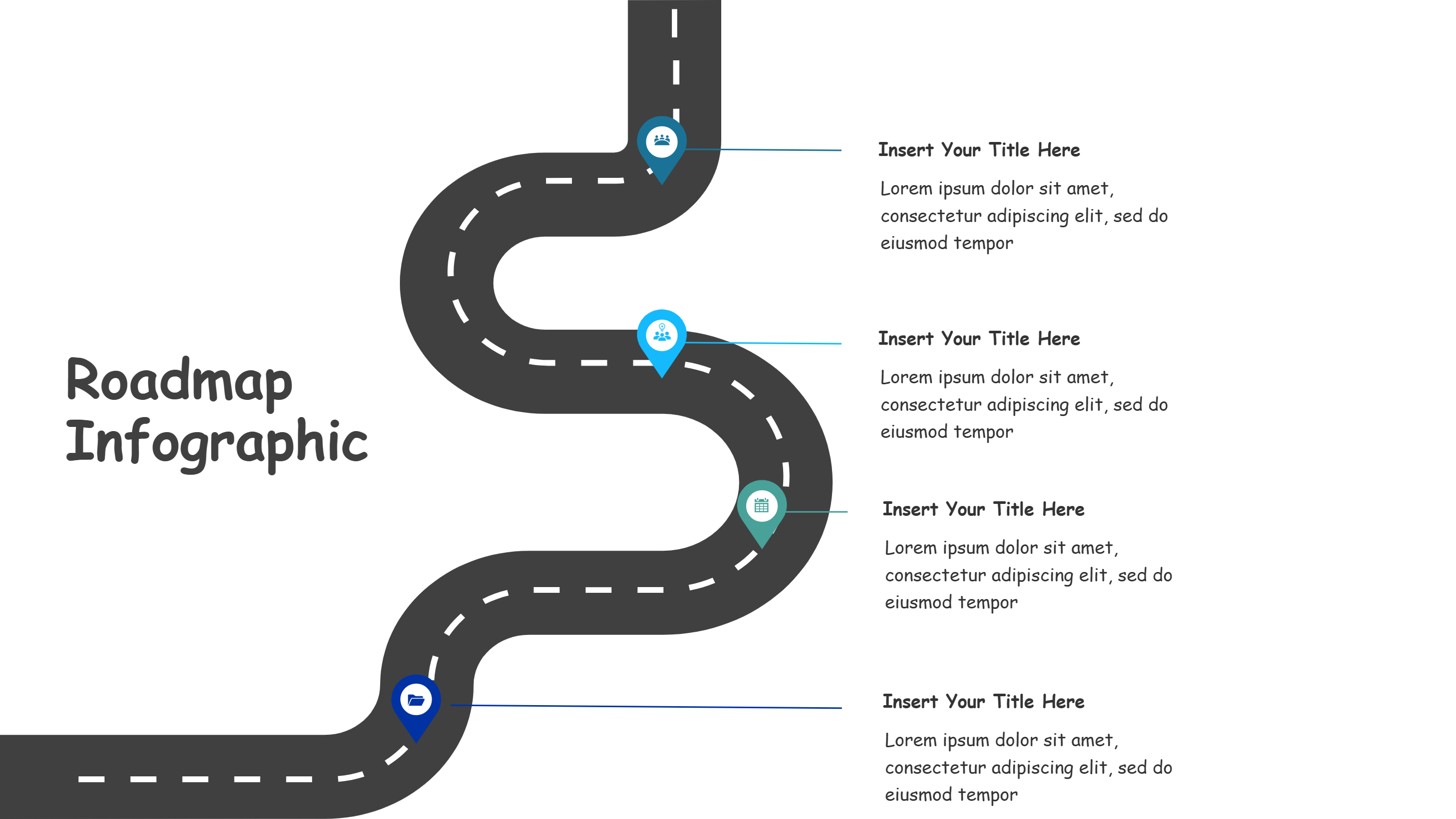
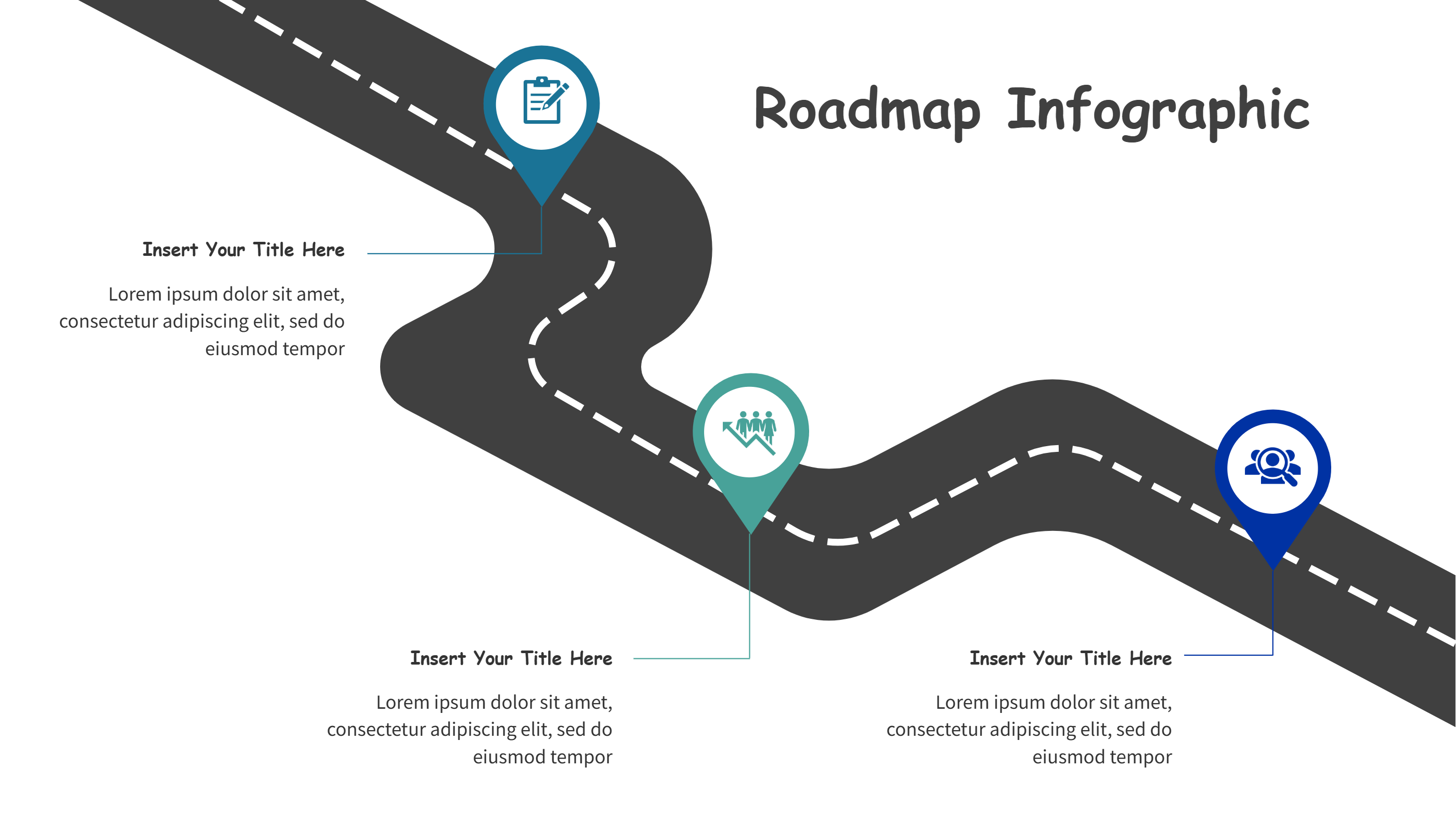
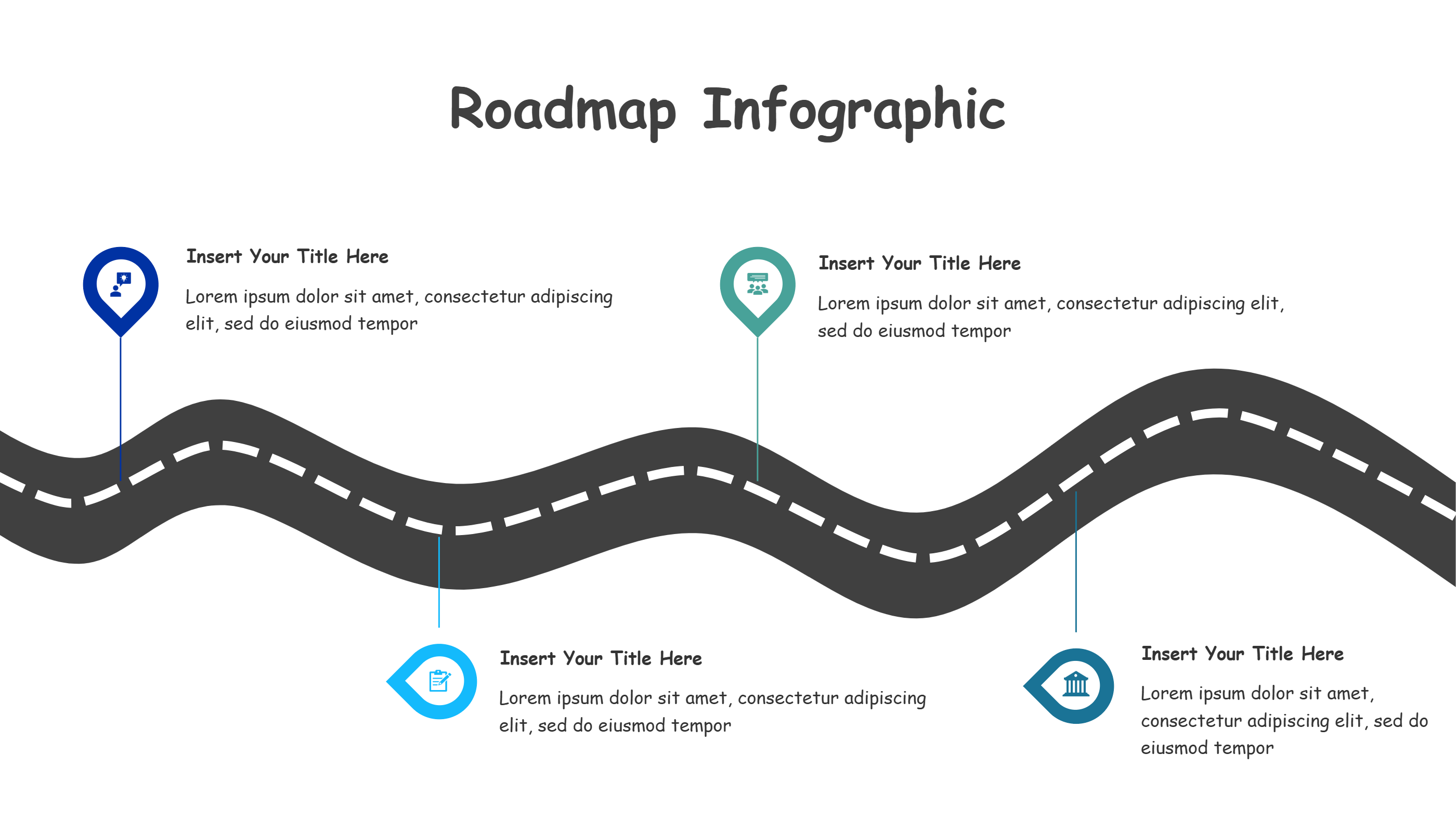
This PowerPoint vertical timeline template stacks three destination pins along a tall strip, giving you a simple way to show a sequence with limited horizontal space. Text blocks sit on both sides so you can add short notes without crowding the path. Use it for onboarding steps, phased rollouts, or tiered milestones when you need a clean, upright layout.
Keep each label brief and write in plain language. Add dates or owners beside each pin to keep readers oriented. Color the pins to mark priority or status, and use small icons if you want to hint at the type of task. The vertical form fits mobile screens and narrow slides, making it handy for single-column presentations or sidebars. You can layer light backgrounds to match your brand colors.
You can extend the strip with more pins or trim it to two steps without breaking the design. Export it as an image for handouts or dashboards if you prefer a quick share. The centered line keeps the story straight even when you adjust spacing. It also works in printed guides when you need a short process overview.
Open the AI creation tool on the homepage, choose this template, and enter your prompt to generate the infographic. This vertical timeline keeps steps clear in tight layouts, saves design time, and helps audiences follow progress at a glance.