PowerPoint Concept Map Hexagon Infographic Template

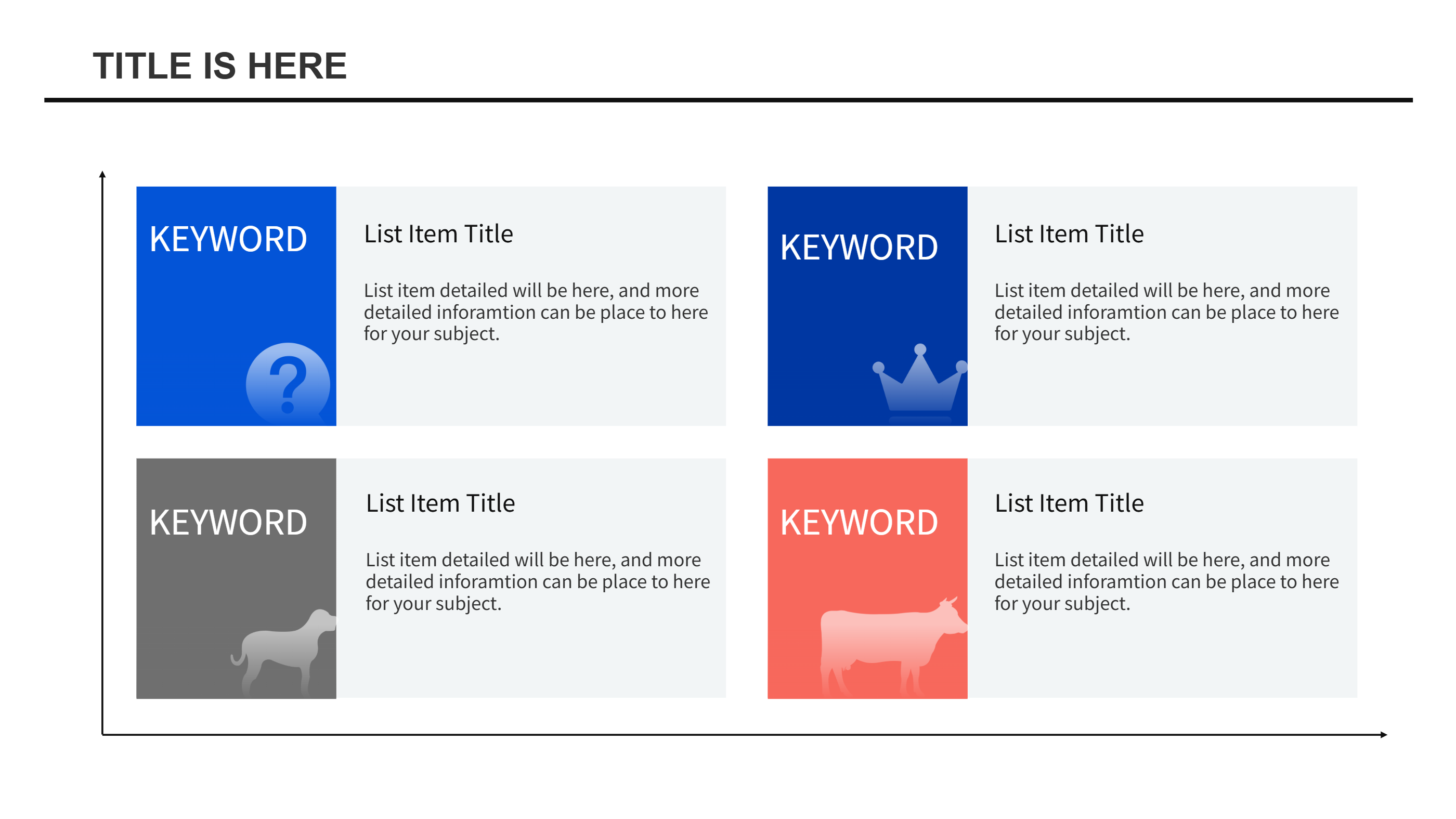
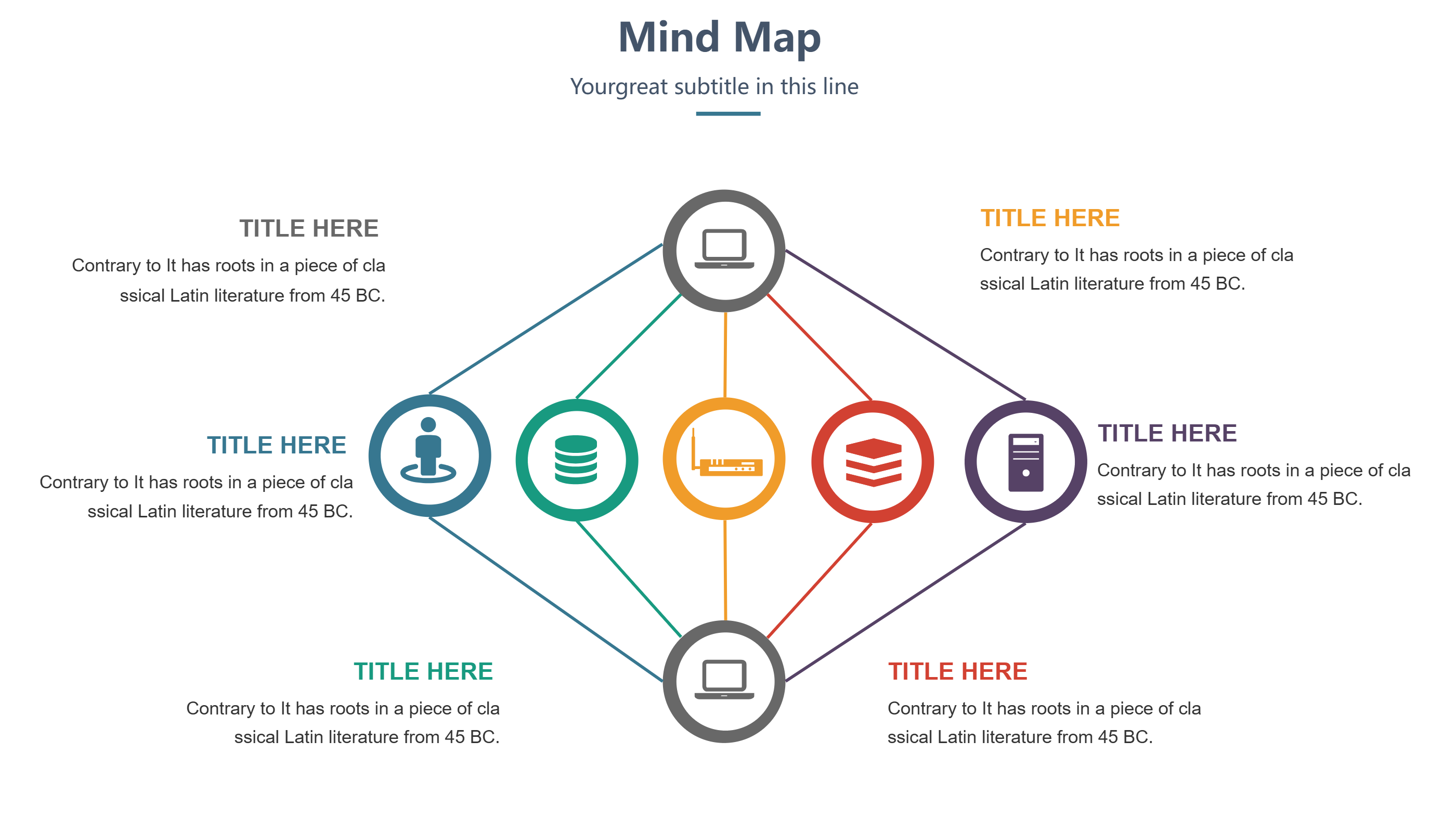
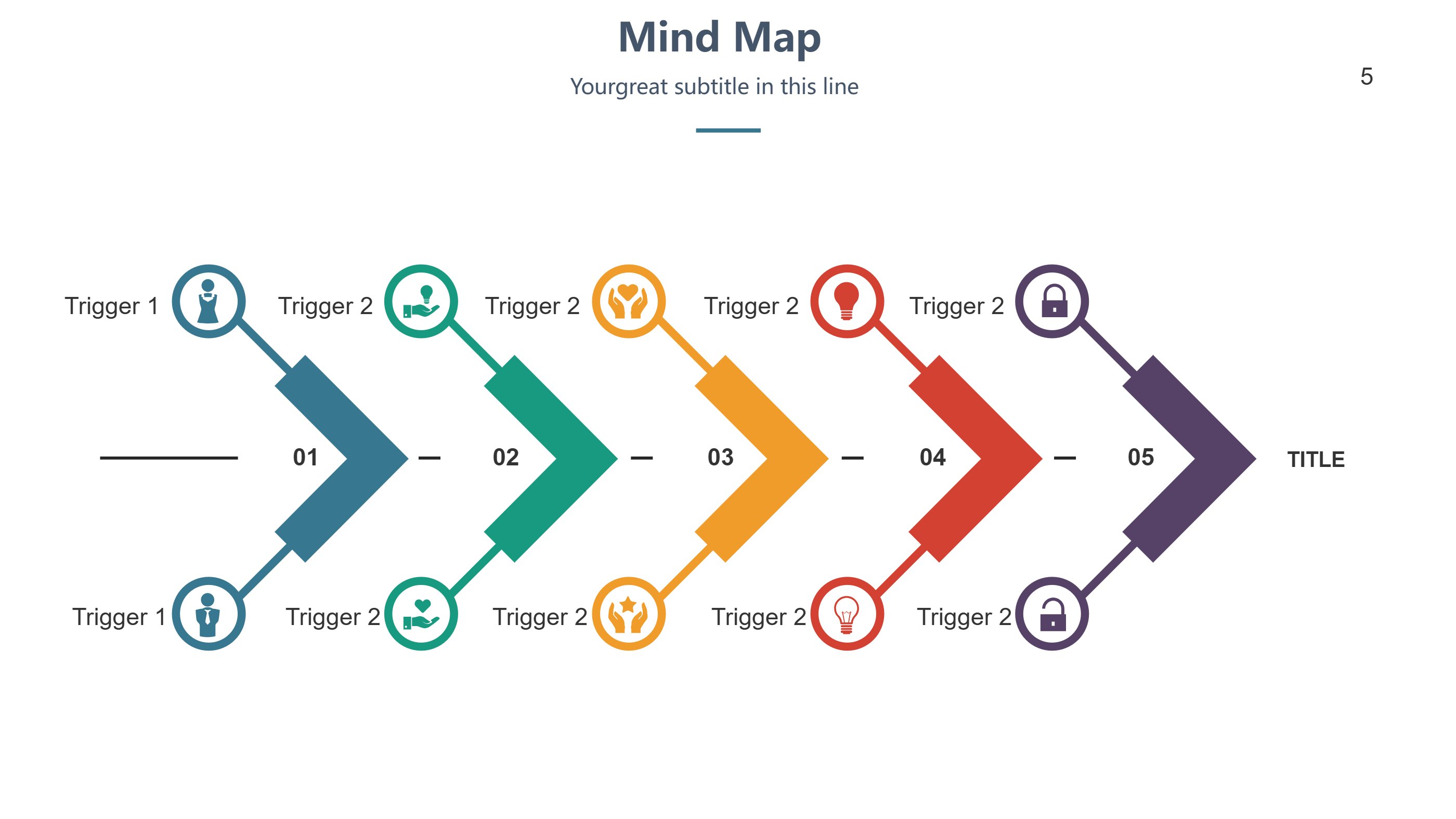
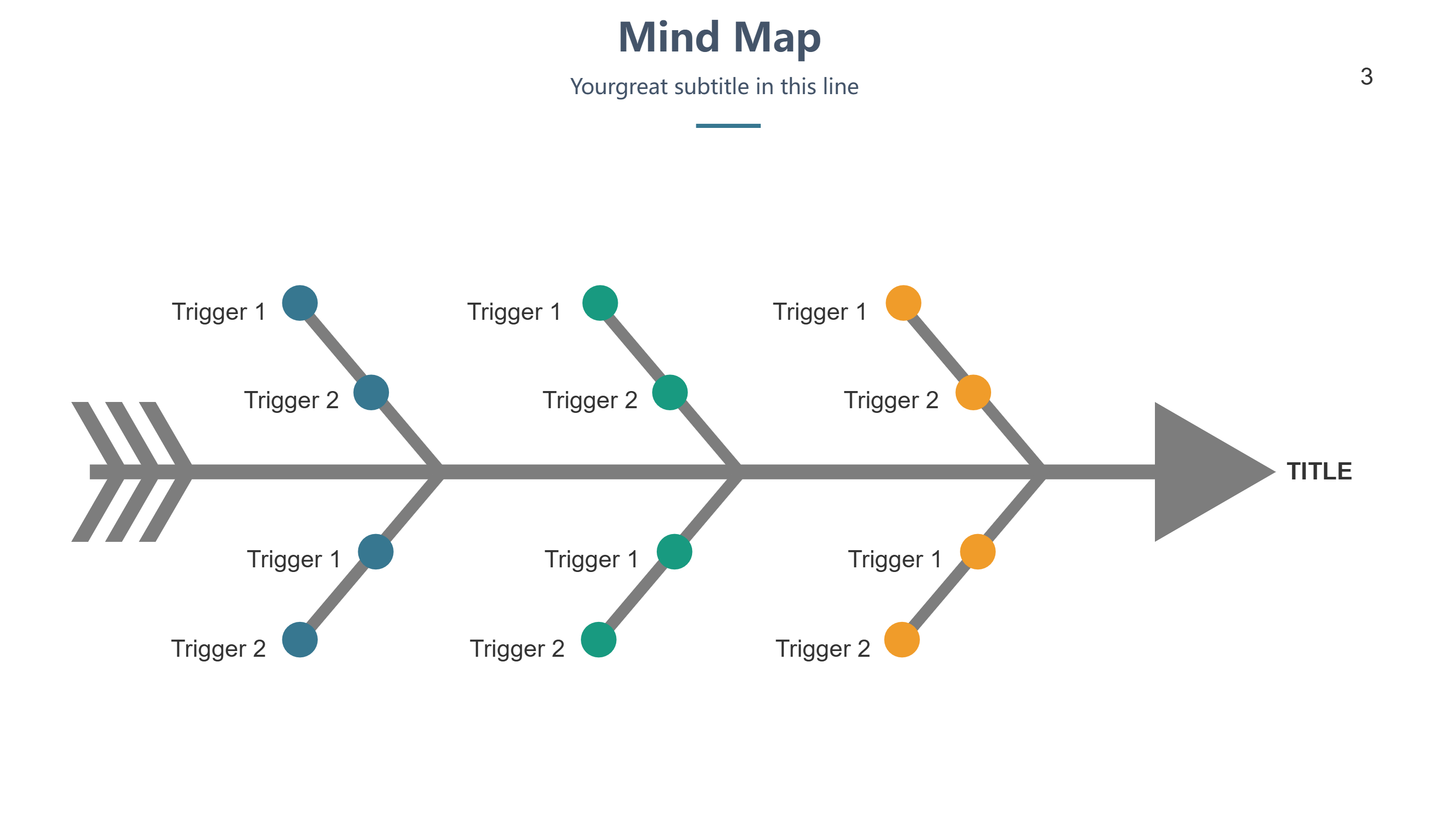
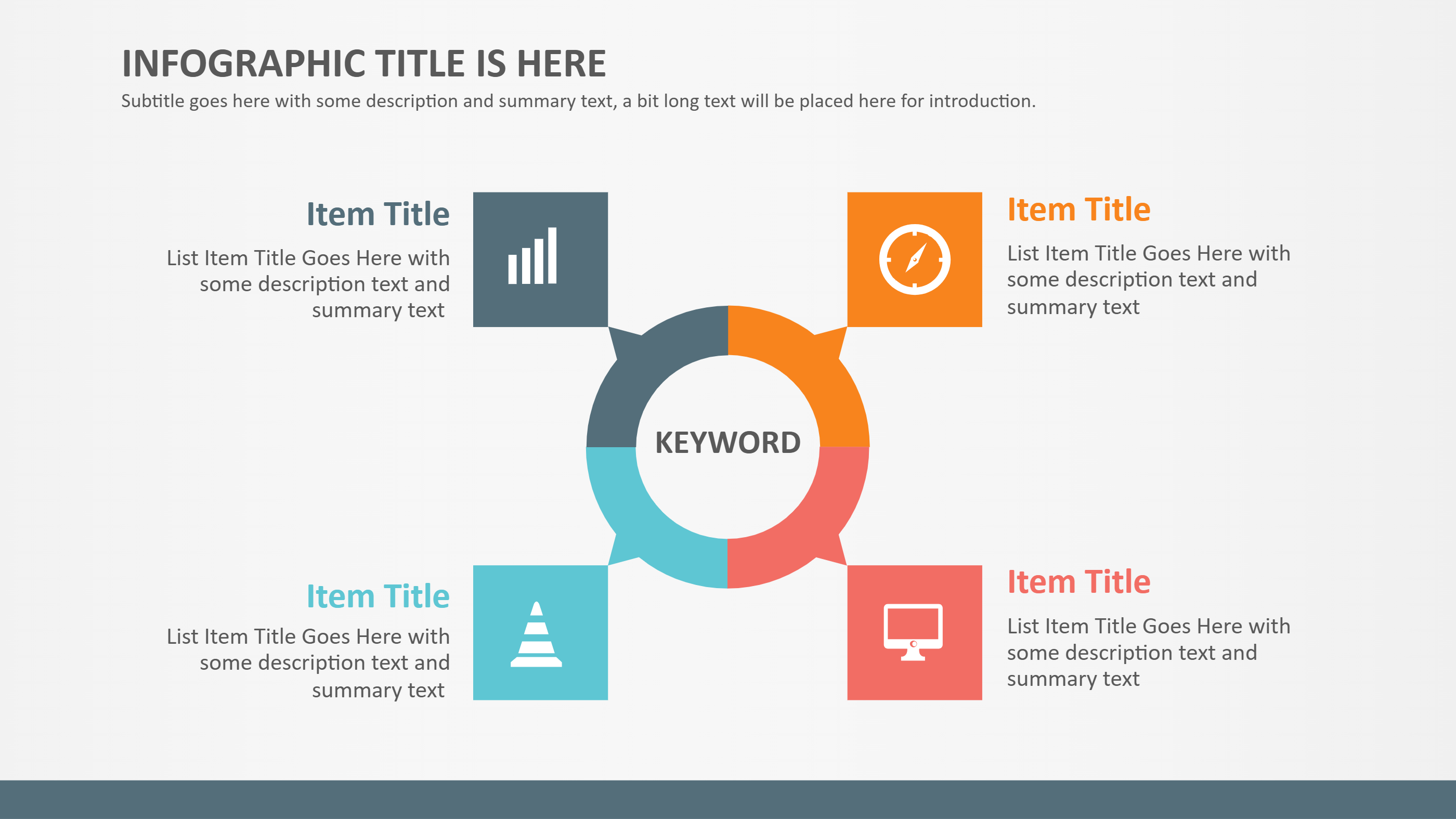
This concept map hexagon infographic is built for PowerPoint teams who need to present one big idea with four clear supports. A centered hexagon holds the main topic, and four surrounding callouts give equal space for related themes, questions, or actions. The tidy layout keeps focus on the core concept while balancing the branches so none feel hidden. Simple shapes and short labels prevent clutter, letting viewers understand the map in seconds.
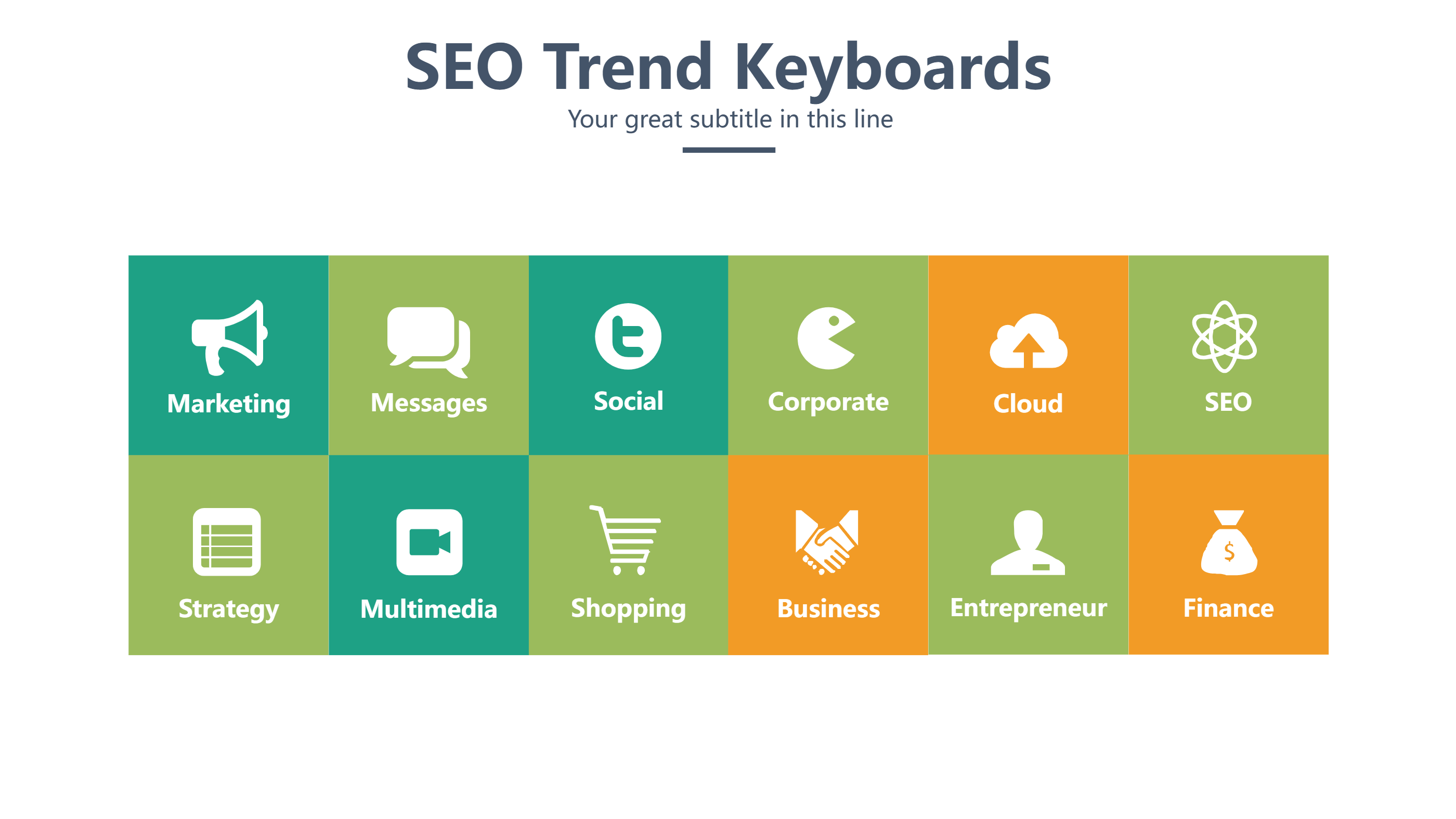
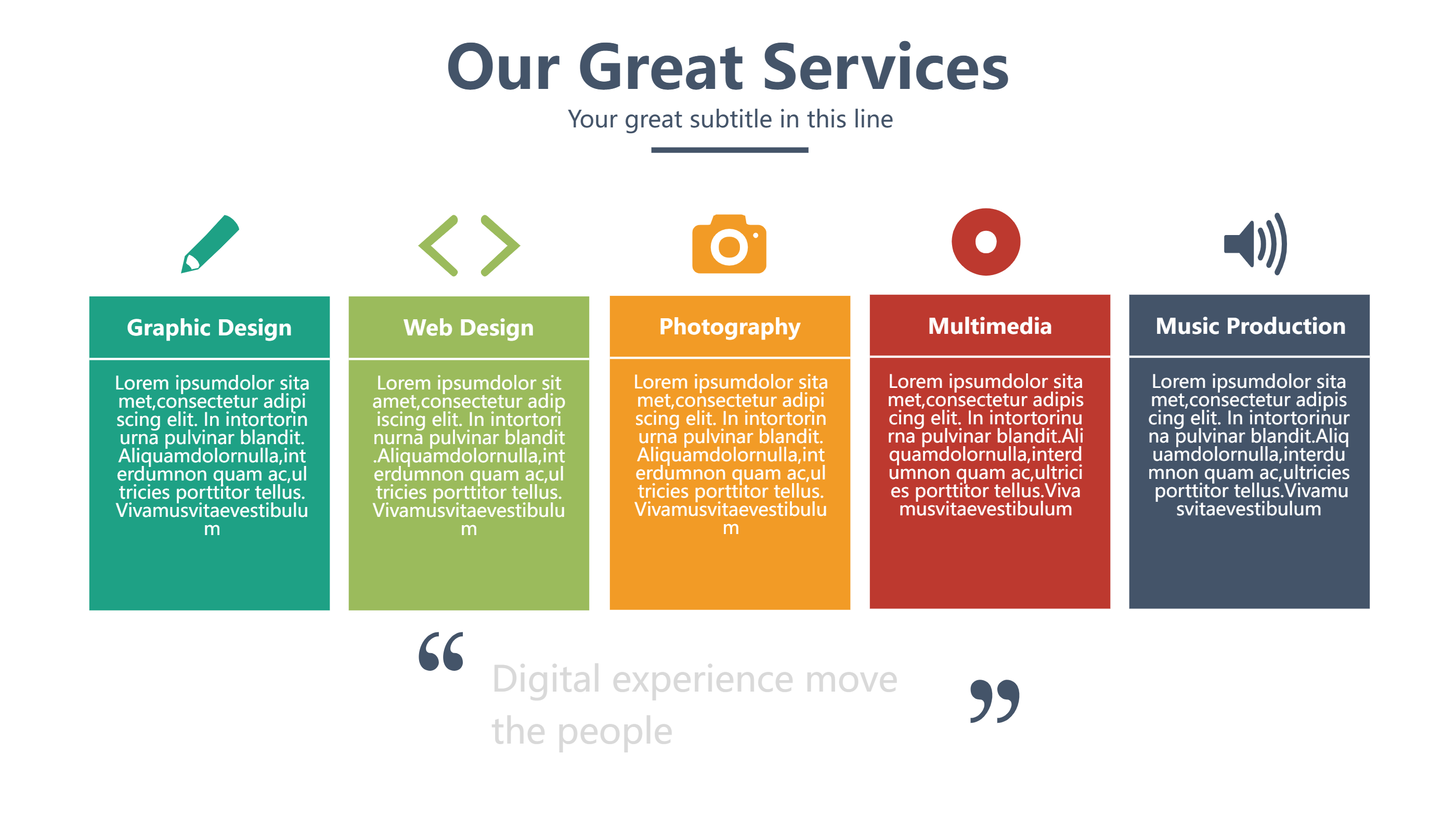
Use it for lesson plans, product pillars, research findings, or campaign drivers. Swap colors to group ideas, or keep a single color for a calm look. Add small icons to signal each branch without heavy detail. The spacing leaves room for keywords, mini instructions, or links, making it ideal for classroom slides, workshop decks, or team briefings.
You can reuse the map by swapping the center and side text for new topics. The symmetry keeps slides neat when you copy it across a presentation. Because the design avoids dense text, it is friendly for screen sharing and printed handouts.
Open the AI creation tool on the homepage, select this template, and enter your prompt to generate the concept map. This PowerPoint-ready hexagon layout keeps the main idea obvious, highlights four supports, and helps teams align fast on the plan.