Infographics Templates for DaVinci Resolve Curved Roadmap
What is DaVinci Resolve Curved Roadmap Infographic
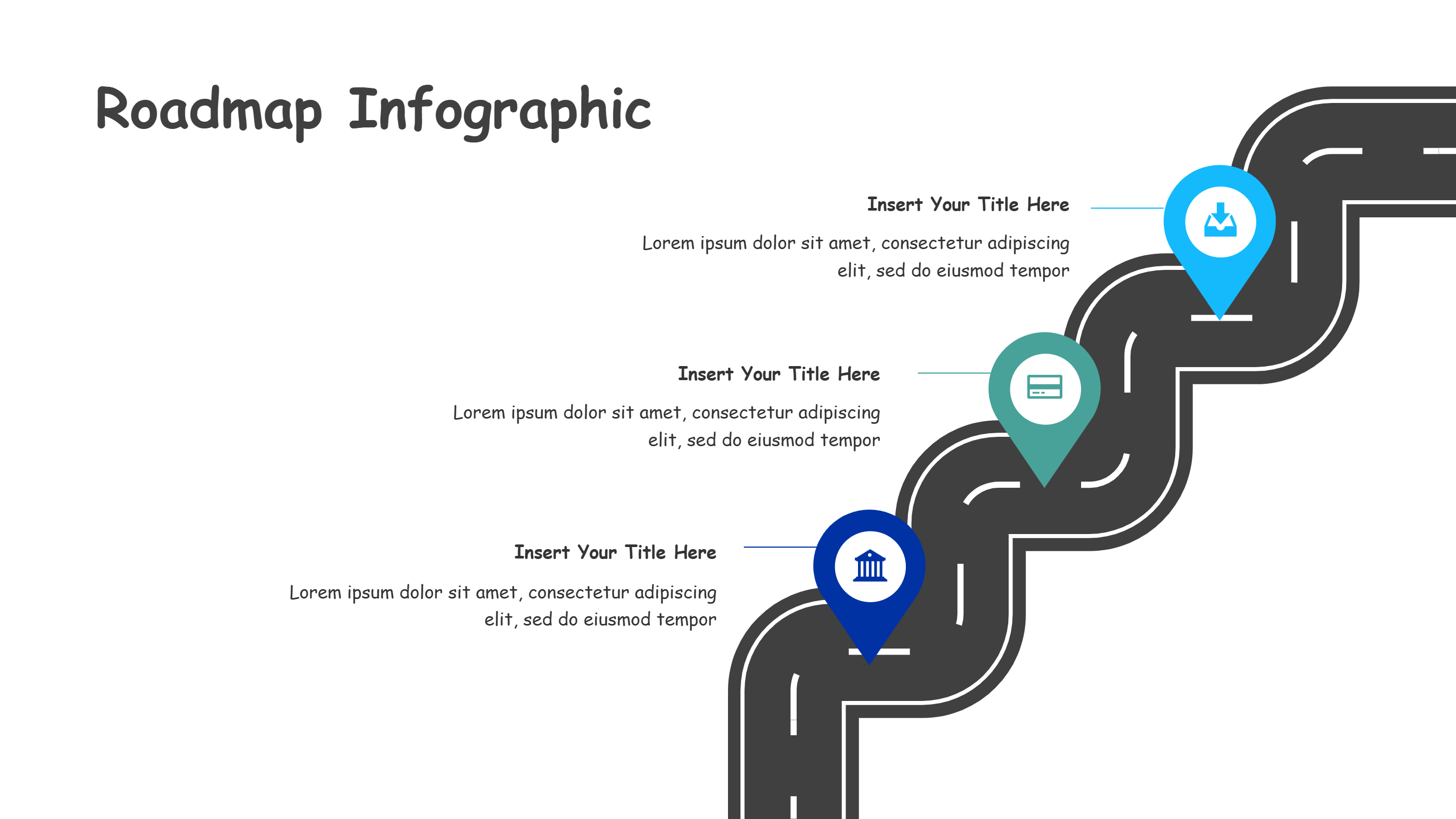
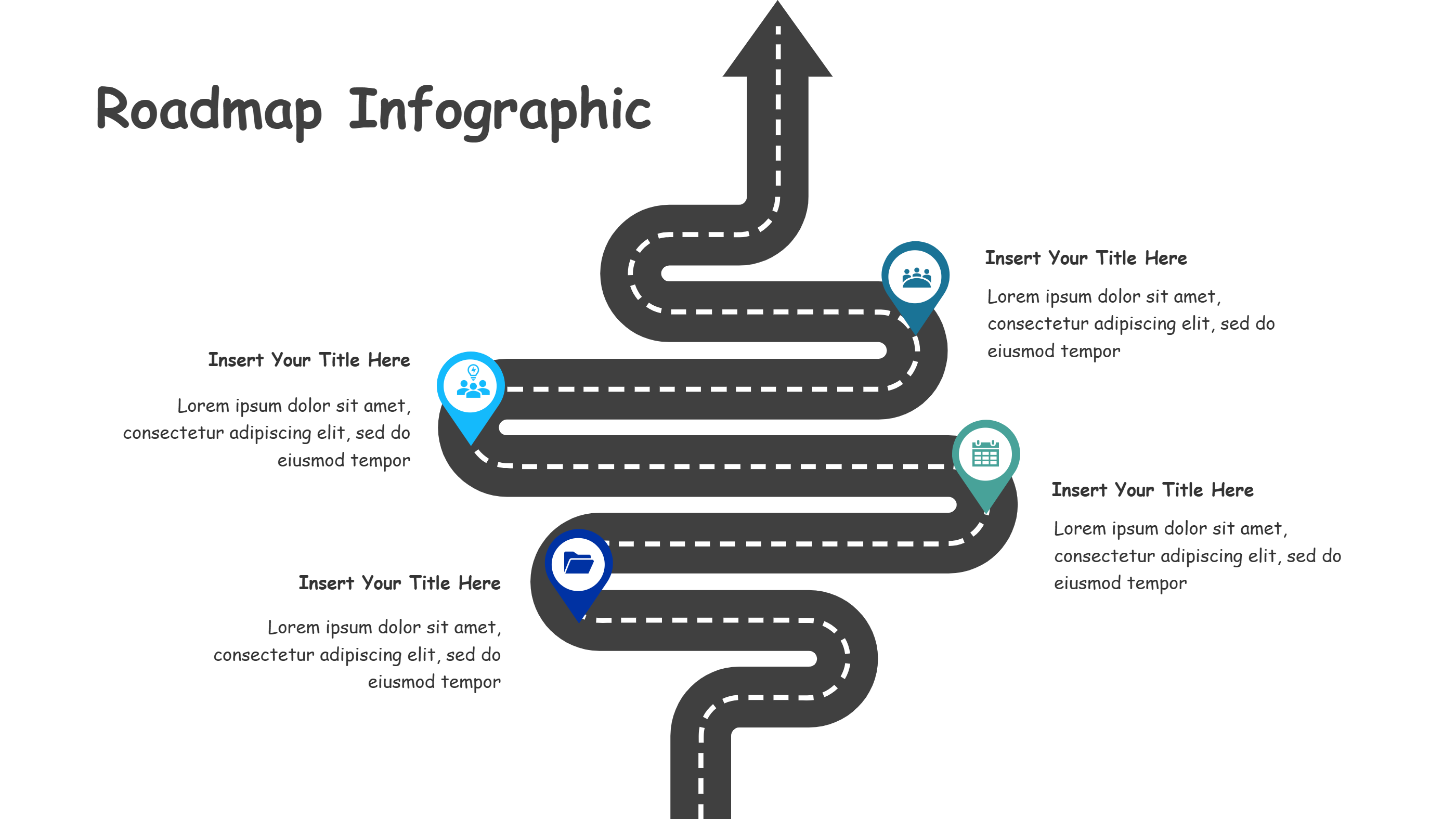
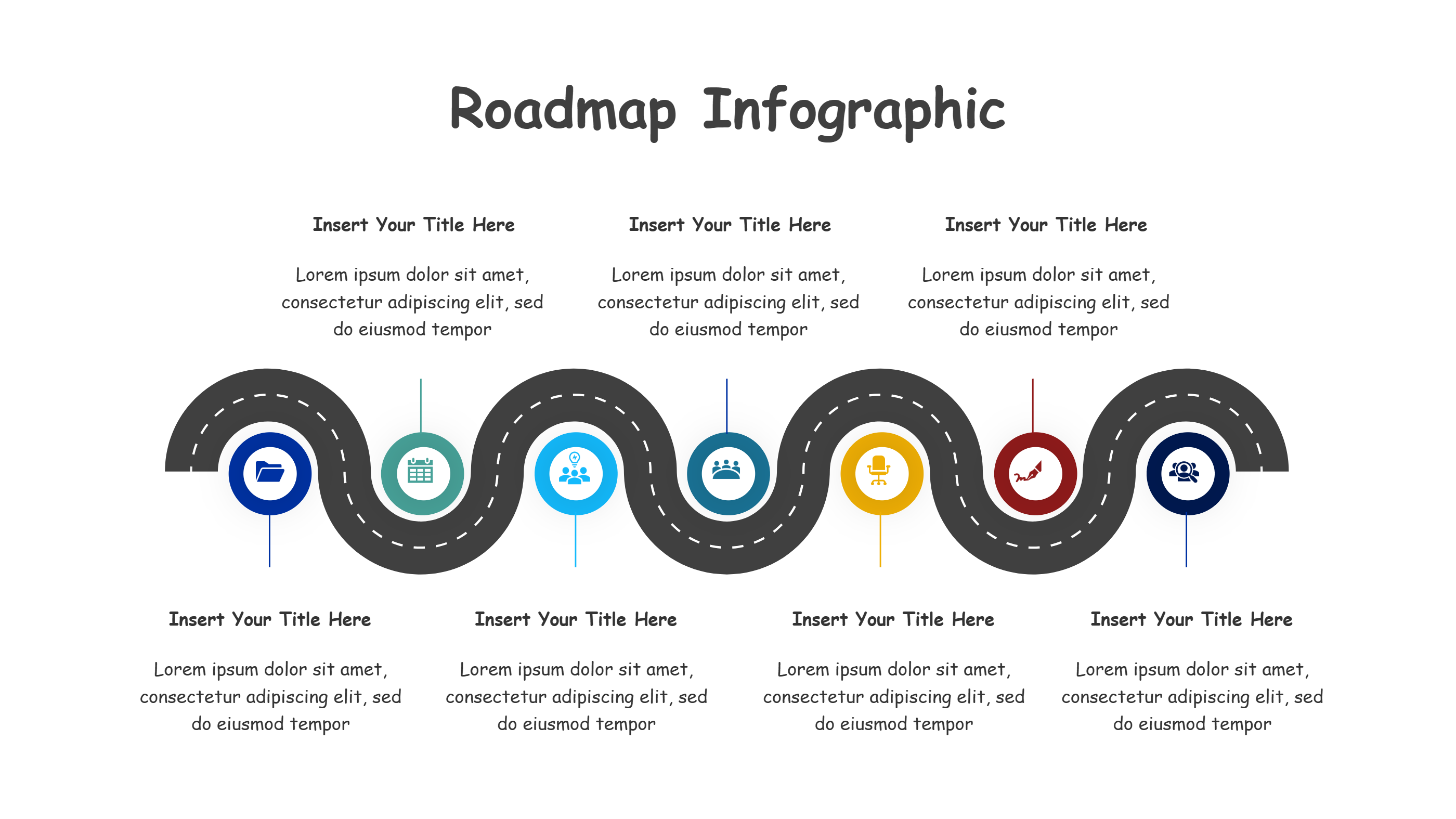
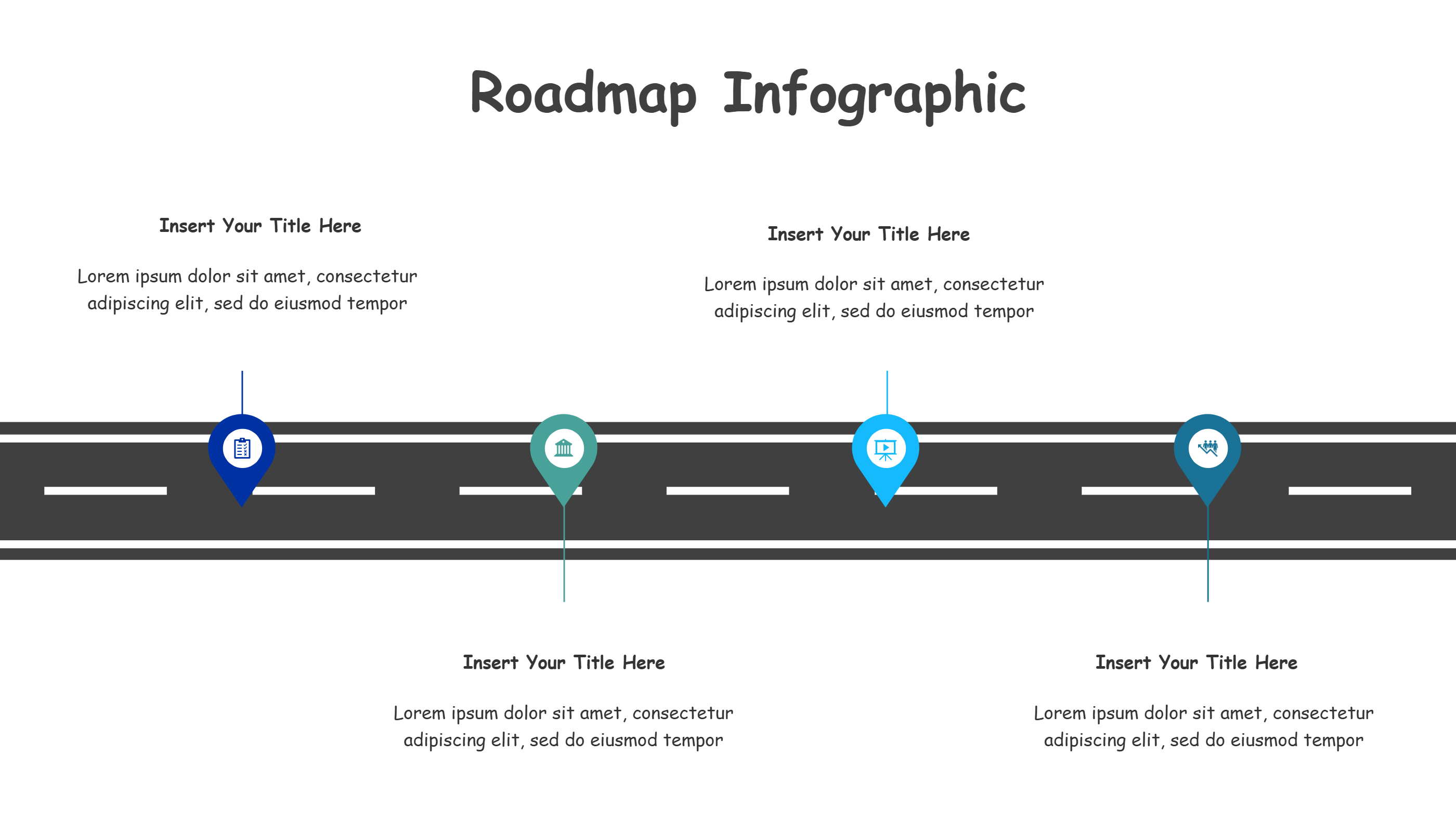
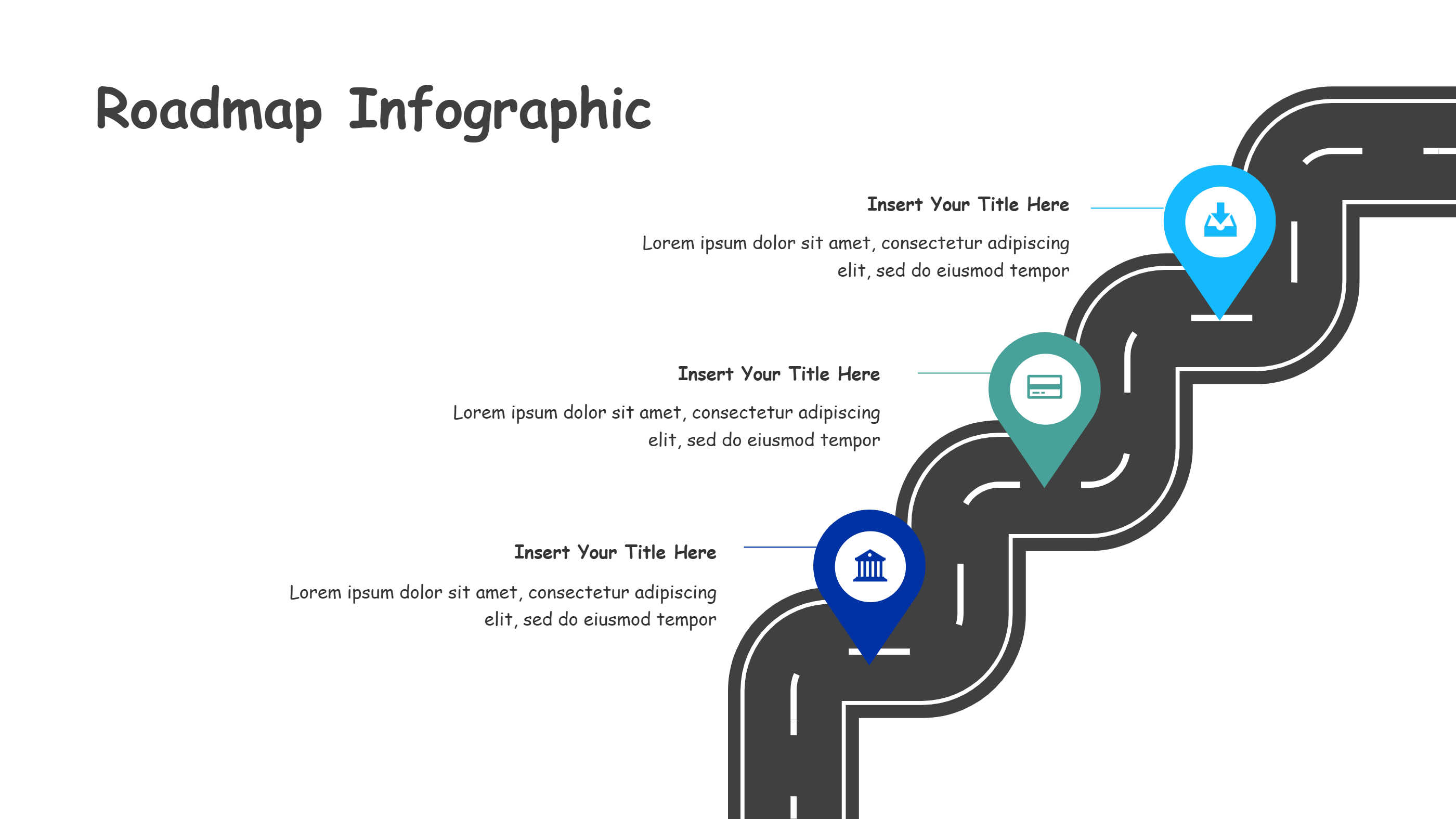
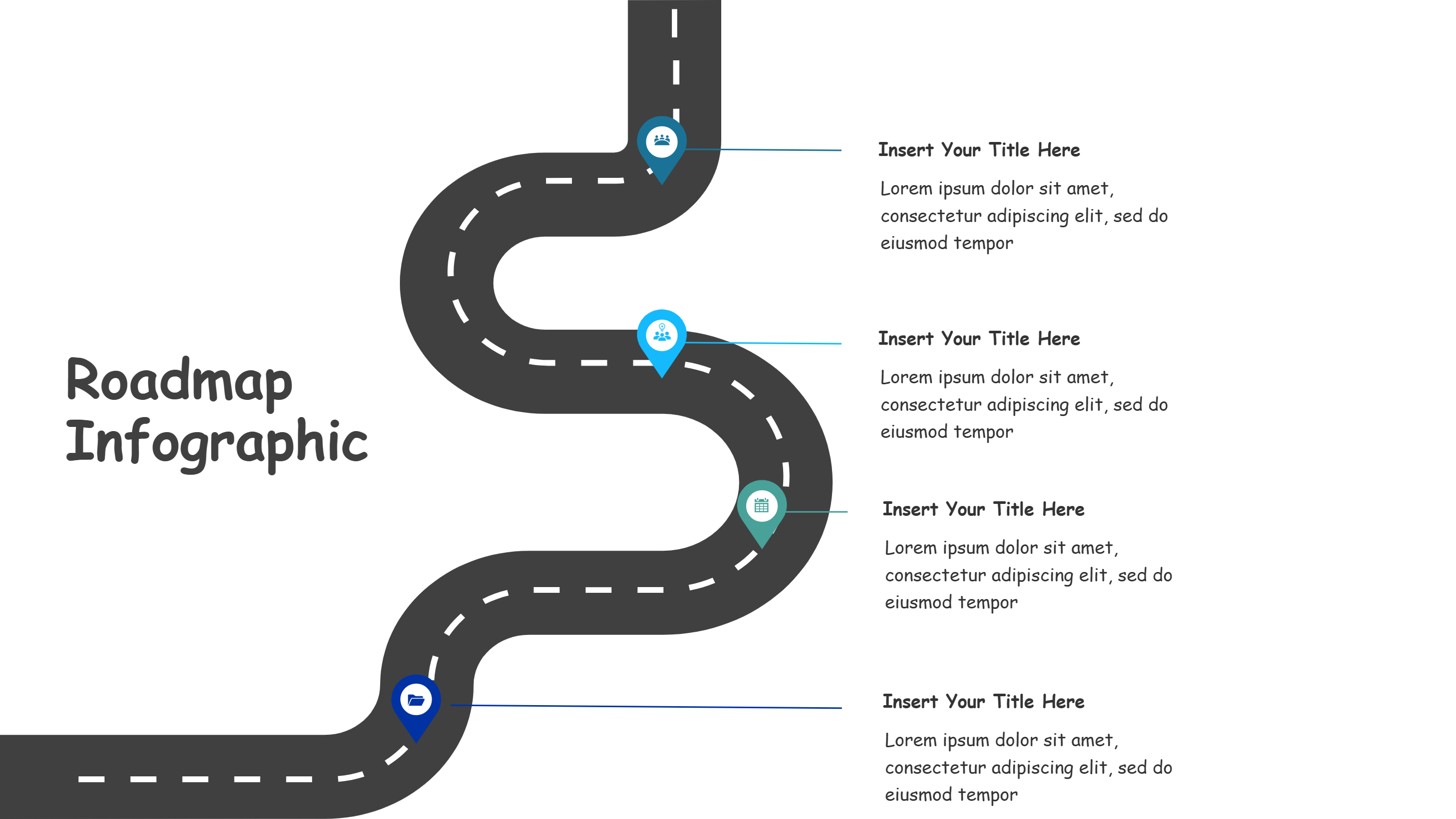
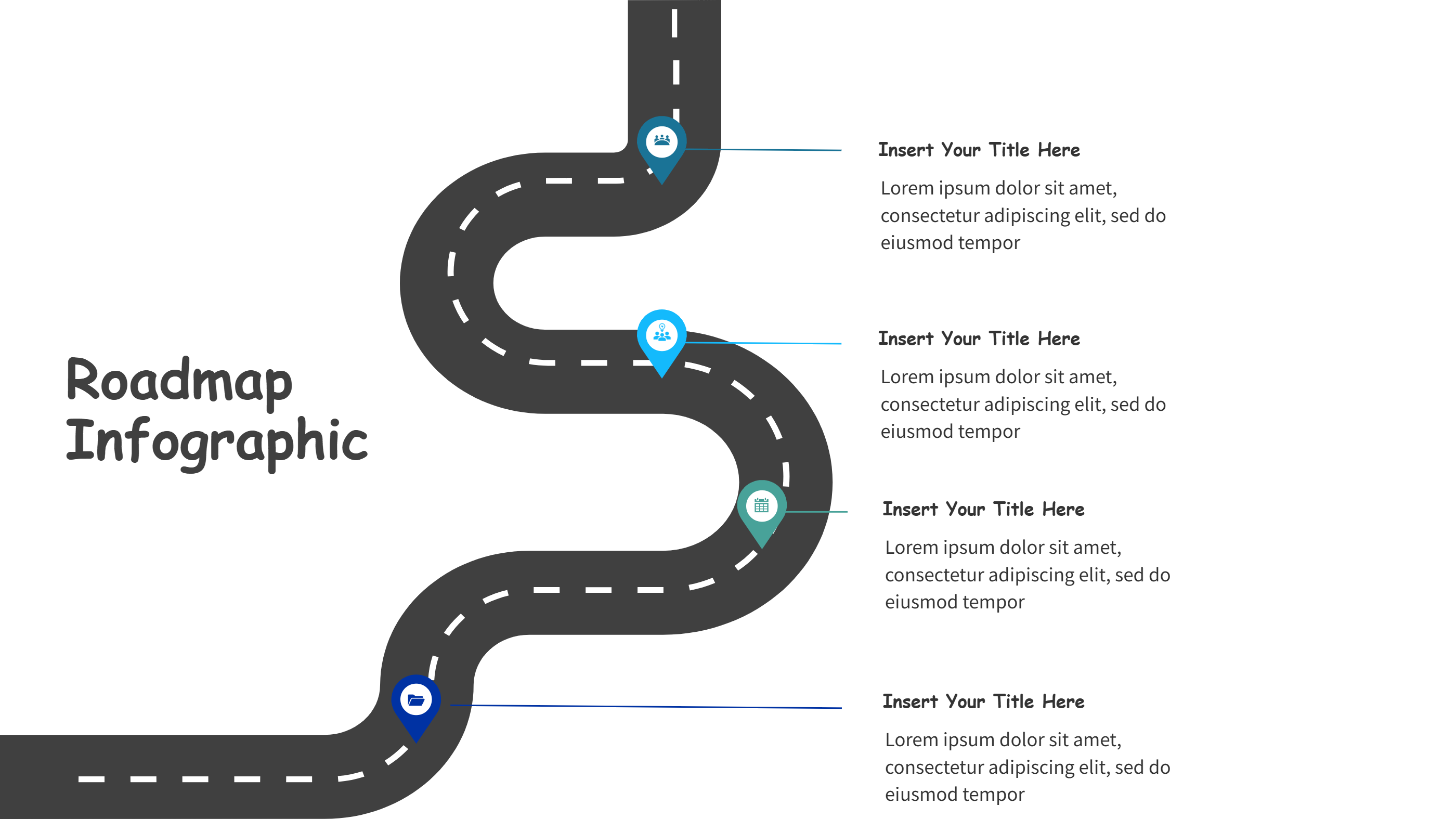
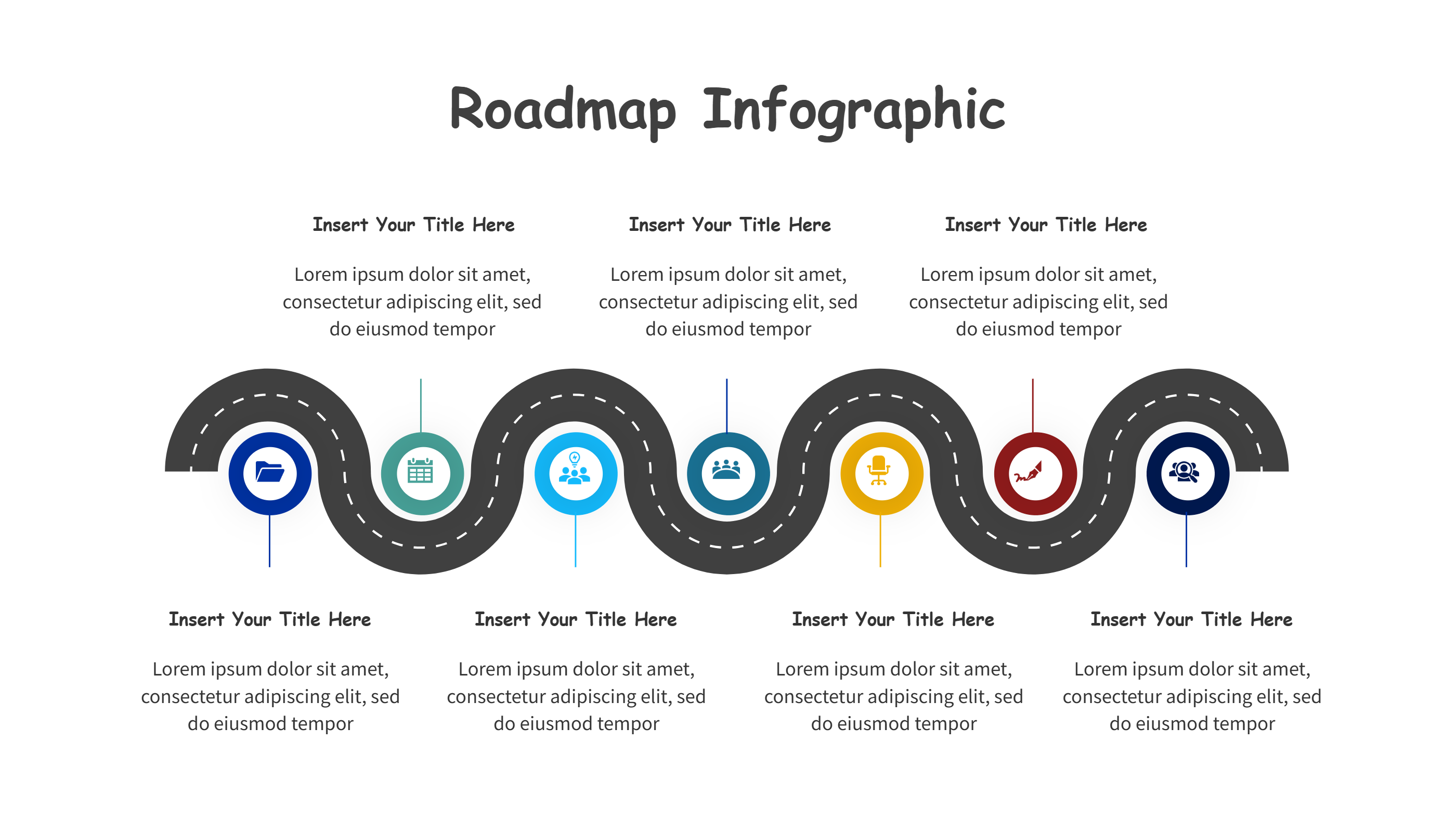
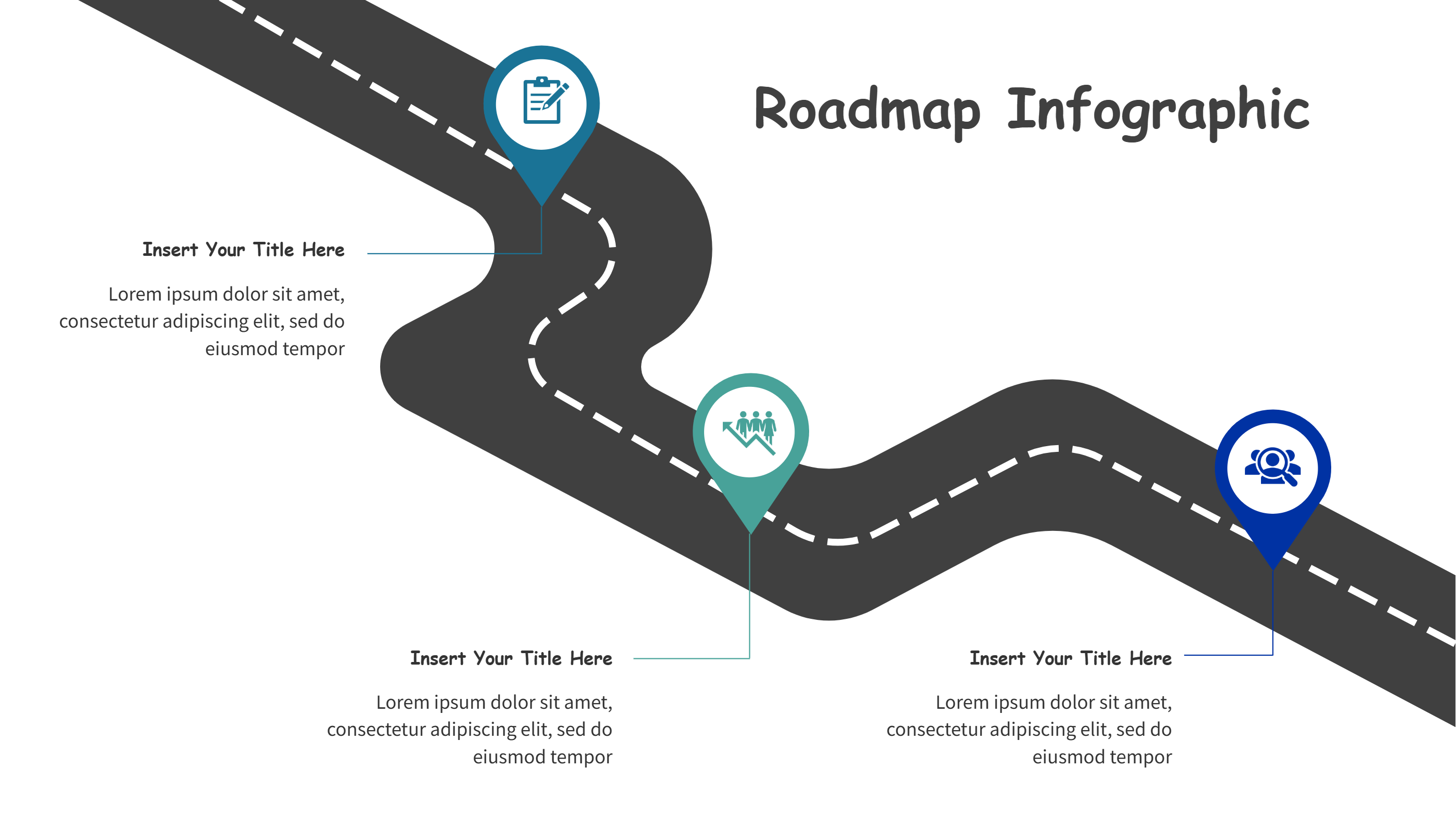
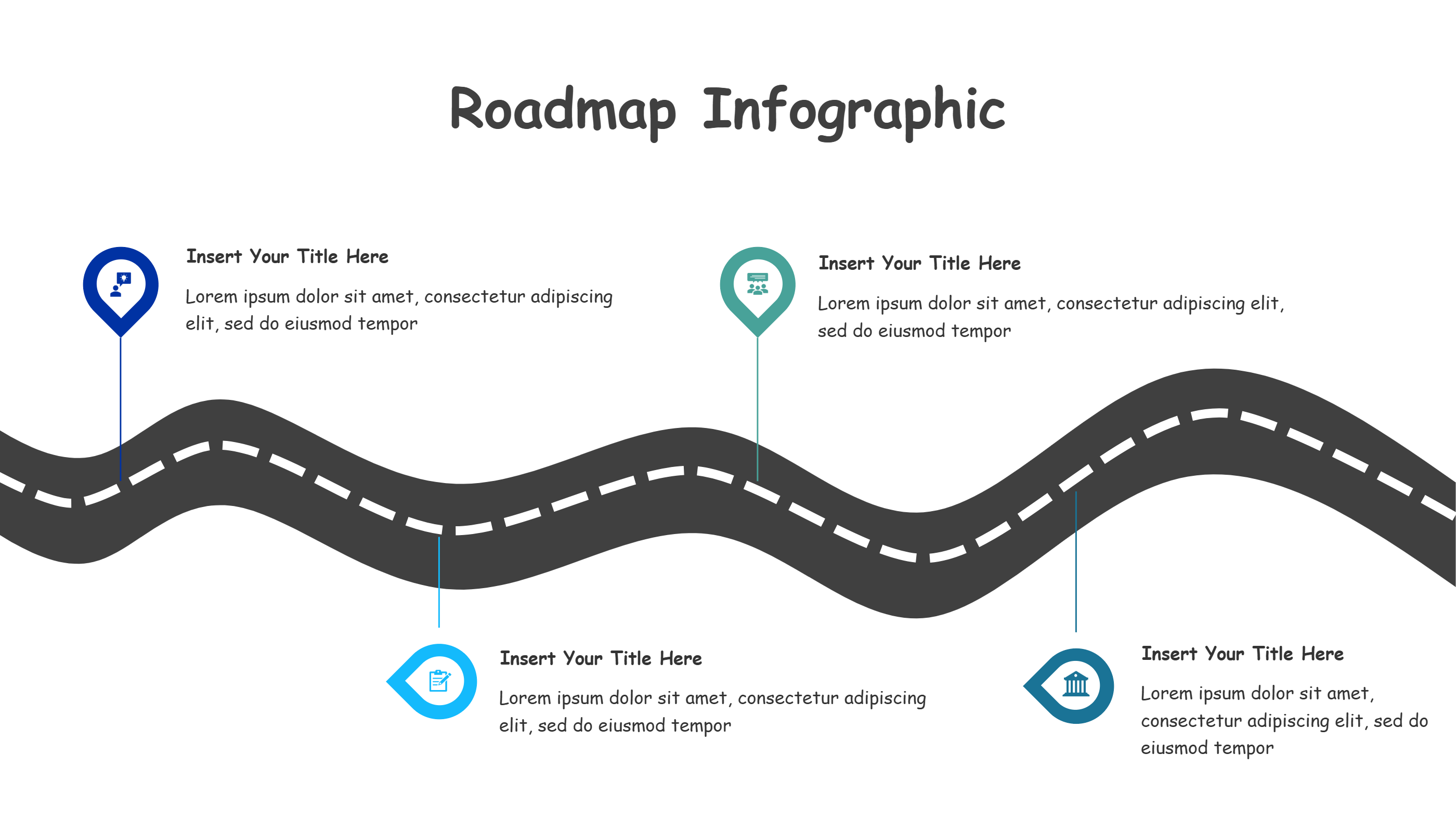
A DaVinci Resolve curved roadmap infographic is a simple visual path that shows steps across a project. The road is curved, so the flow feels natural and easy to follow. Each stop has space for a short label and a brief note. This helps a viewer understand the process fast without a long list. The layout stays clean and balanced, so it works well on a PPT slide. It also fits a small screen because the text is short. You can use the callouts to show tasks, owners, or goals. The curved path keeps attention moving and helps the audience see progress at a glance. This template is a calm way to explain a workflow without clutter.
When to Use DaVinci Resolve Curved Roadmap Infographic
Use this DaVinci Resolve curved roadmap when you need to show a clear plan for an edit. It works for team handoffs, client reviews, and class demos. It is useful for short project updates and studio check ins. You can show a flow from setup to delivery without heavy text. The curved path fits training sessions, onboarding, and step by step guides. It is also a good choice when you want a visual that feels creative but stays easy to read. The layout works for PPT slides, handouts, and shared notes. Use it when you want to keep focus on the main steps and avoid extra detail.
How to Use Infographics Templates for DaVinci Resolve Curved Roadmap
On the home page, open the AI generation tool. Choose the DaVinci Resolve curved roadmap template from the list. Enter a short prompt that names your project and the key steps you want to show. The tool builds the infographic in the same layout and style. Review the labels and keep them brief. Adjust colors and icons to match your topic. Save the result when it looks right. This gives you a ready slide that you can present or edit.
Download and Edit the Template
Click the download button to open the online editor. Replace the sample text with your own steps. Keep each stop short so the path stays clear. You can change the order to match your flow. Adjust colors to match your brand or to group related ideas. Click the save button when you finish. Choose PPT, PNG, or SVG for the file format you need. Download the file and share it with your team or client.
Examples of DaVinci Resolve Curved Roadmap AI Prompt Usage
Example 1:
Create a curved roadmap for a short film edit. Use four stops for prep, rough cut, review, and final delivery. Keep labels short and clear for a PPT slide.
Example 2:
Make a DaVinci Resolve workflow roadmap for a marketing video. Show steps from footage check to color, sound, and export. Use simple callouts and calm colors.
Example 3:
Design a curved path infographic for a class demo. List the key steps for editing a clip and sharing it with a team. Keep the wording easy for beginners.
Recommended Similar Infographic Templates
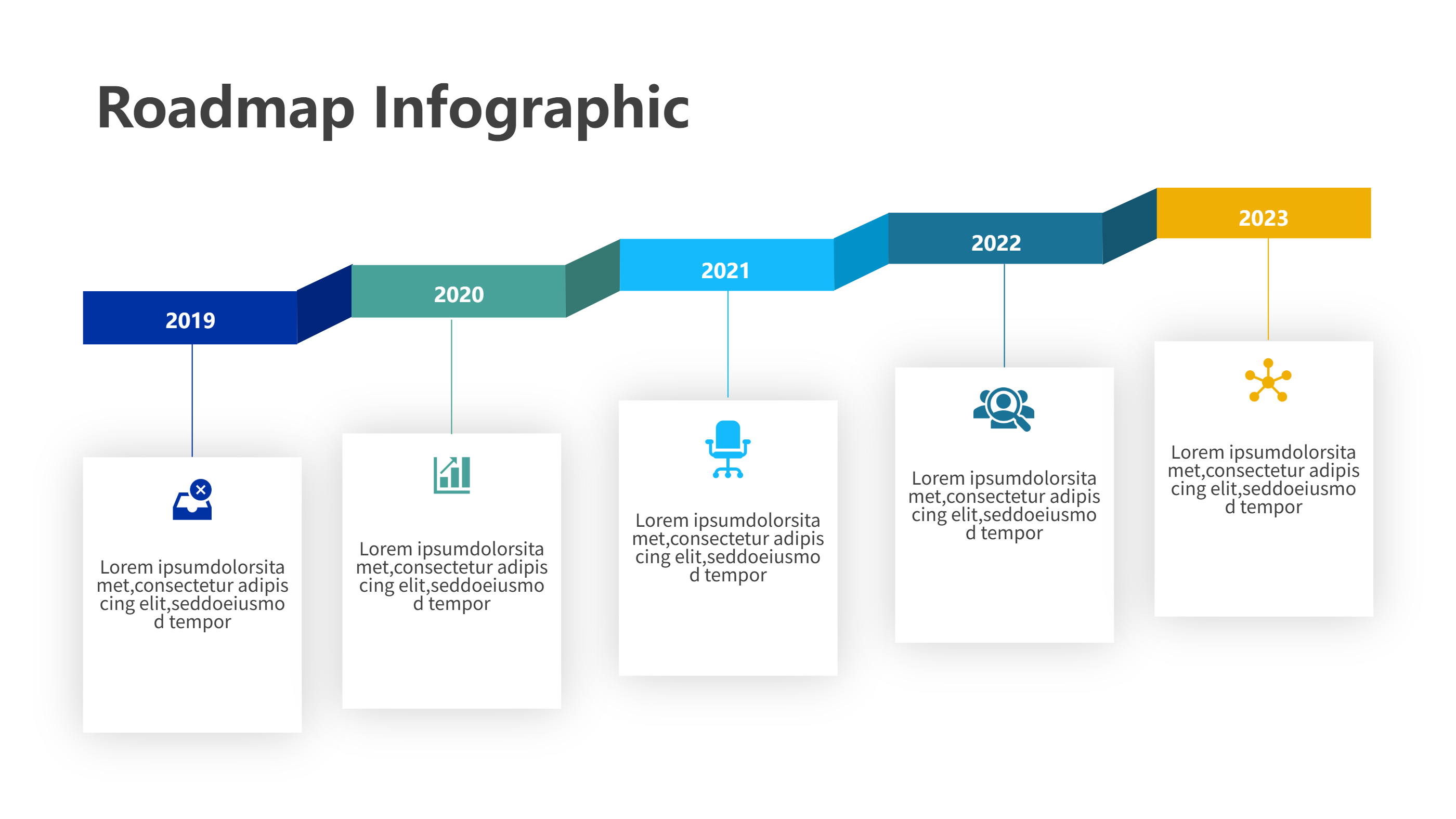
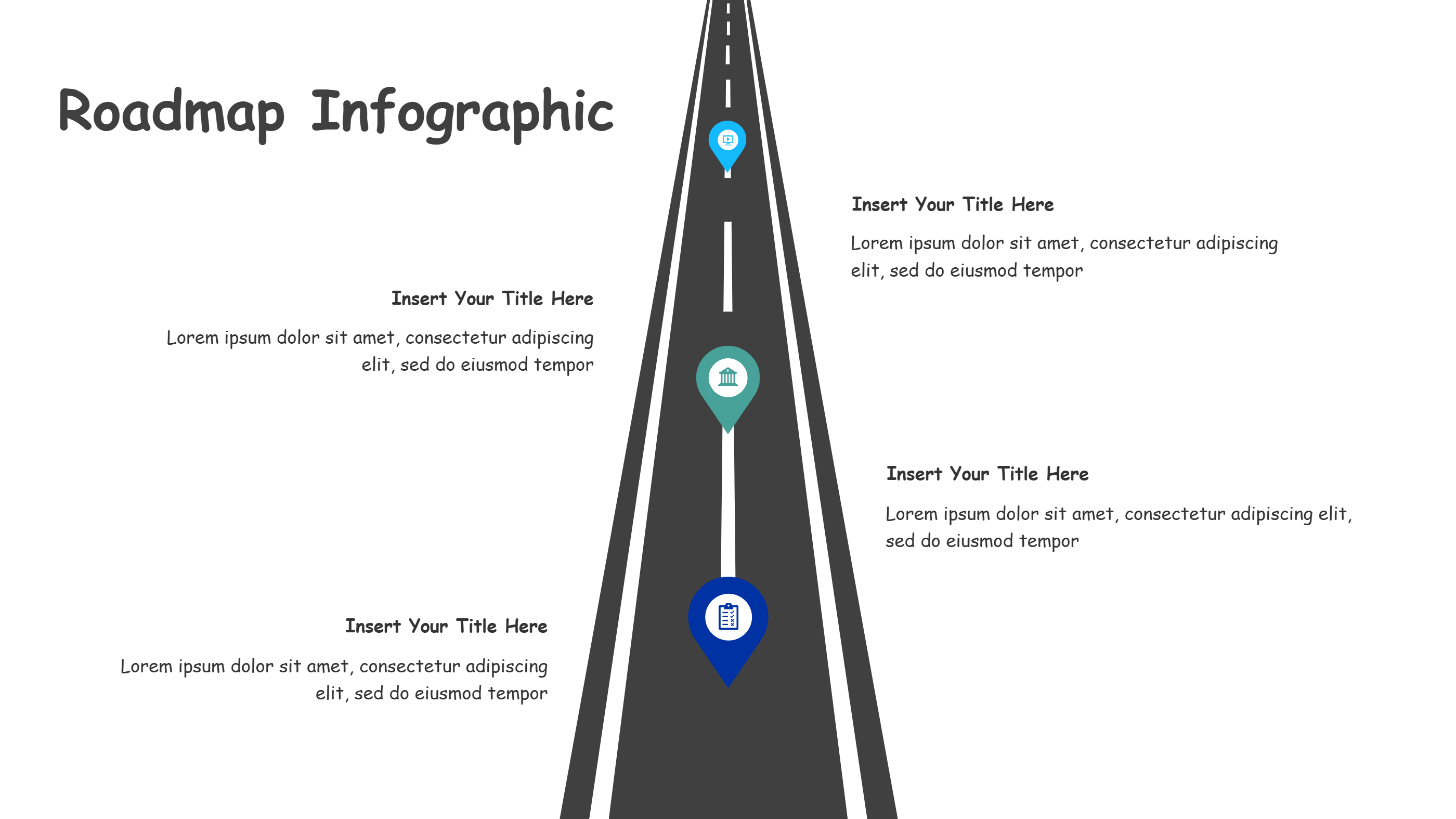
Related Template 1: Direction Arrow Roadmap Infographic for DaVinci Resolve
Related Template 2: Timeline Template Aesthetic Business Roadmap
Related Template 3: PowerPoint Vertical Timeline Template
Related Template 4: Timeline Infographics Template for PPT
FAQs
Q: Is this curved roadmap template easy to edit?
A: Yes, you can replace the labels and notes in the online editor.
Q: Can I use this for client reviews?
A: Yes, the roadmap is clear and works well for review updates.
Q: Can I change the colors to match my brand?
A: Yes, you can adjust colors and icons to fit your style.
Q: Can I use this in training sessions?
A: Yes, the short labels make it easy for learners to follow.
Q: Can I export the file as PNG or SVG?
A: Yes, you can download PPT, PNG, or SVG from the editor.