ChatGPT Prompts for Infographics Reddit Brainstorm Template
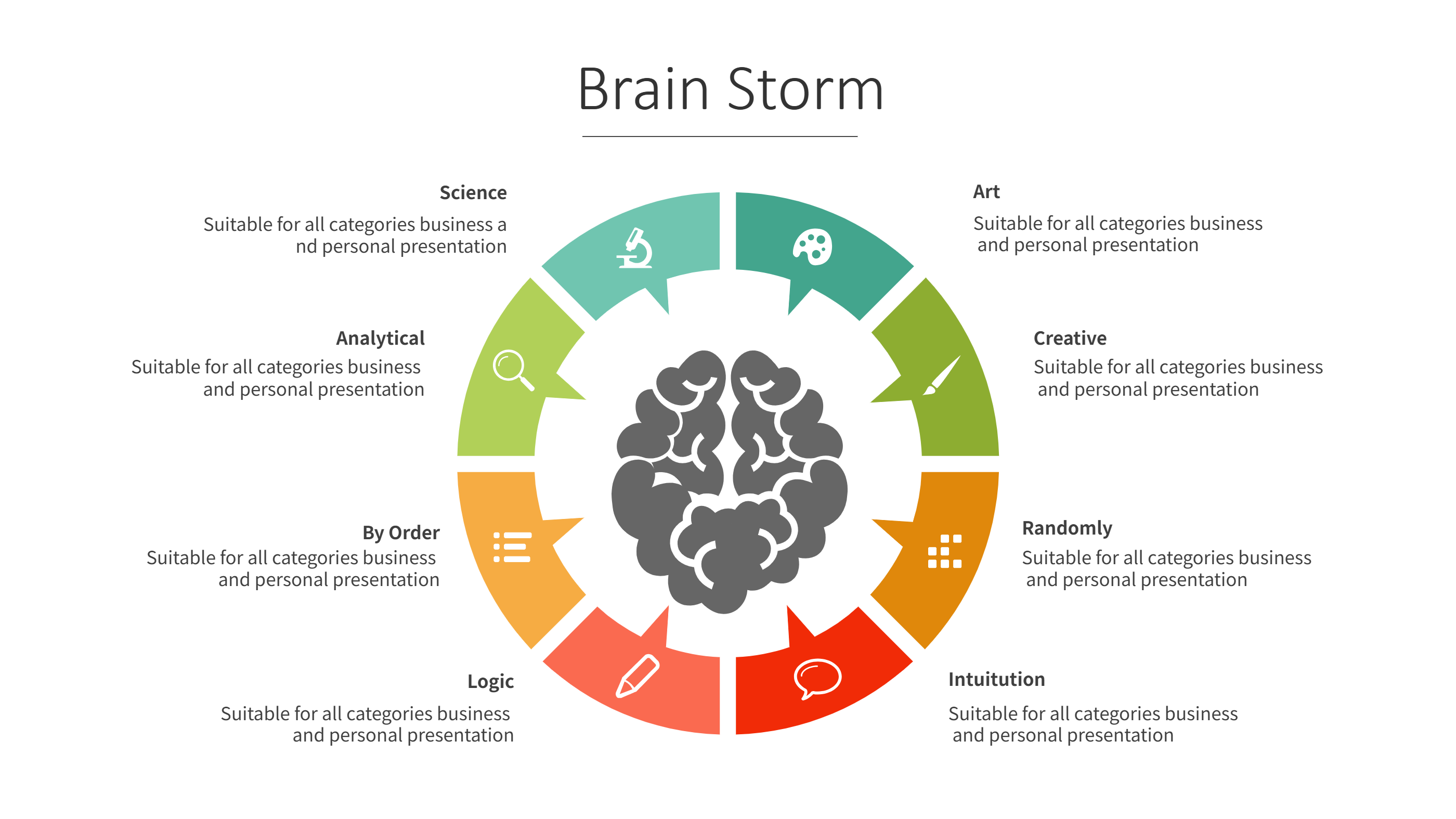
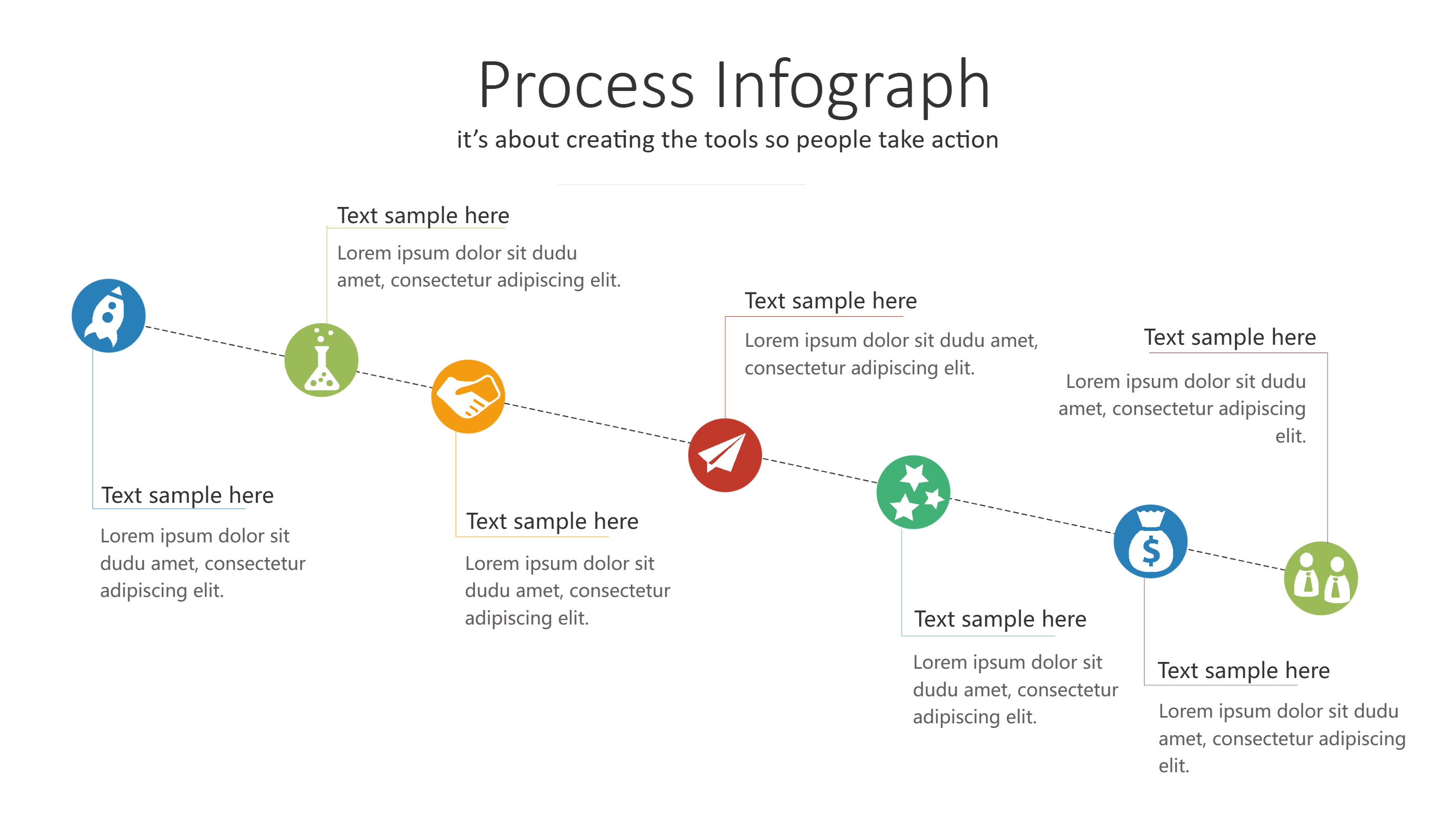
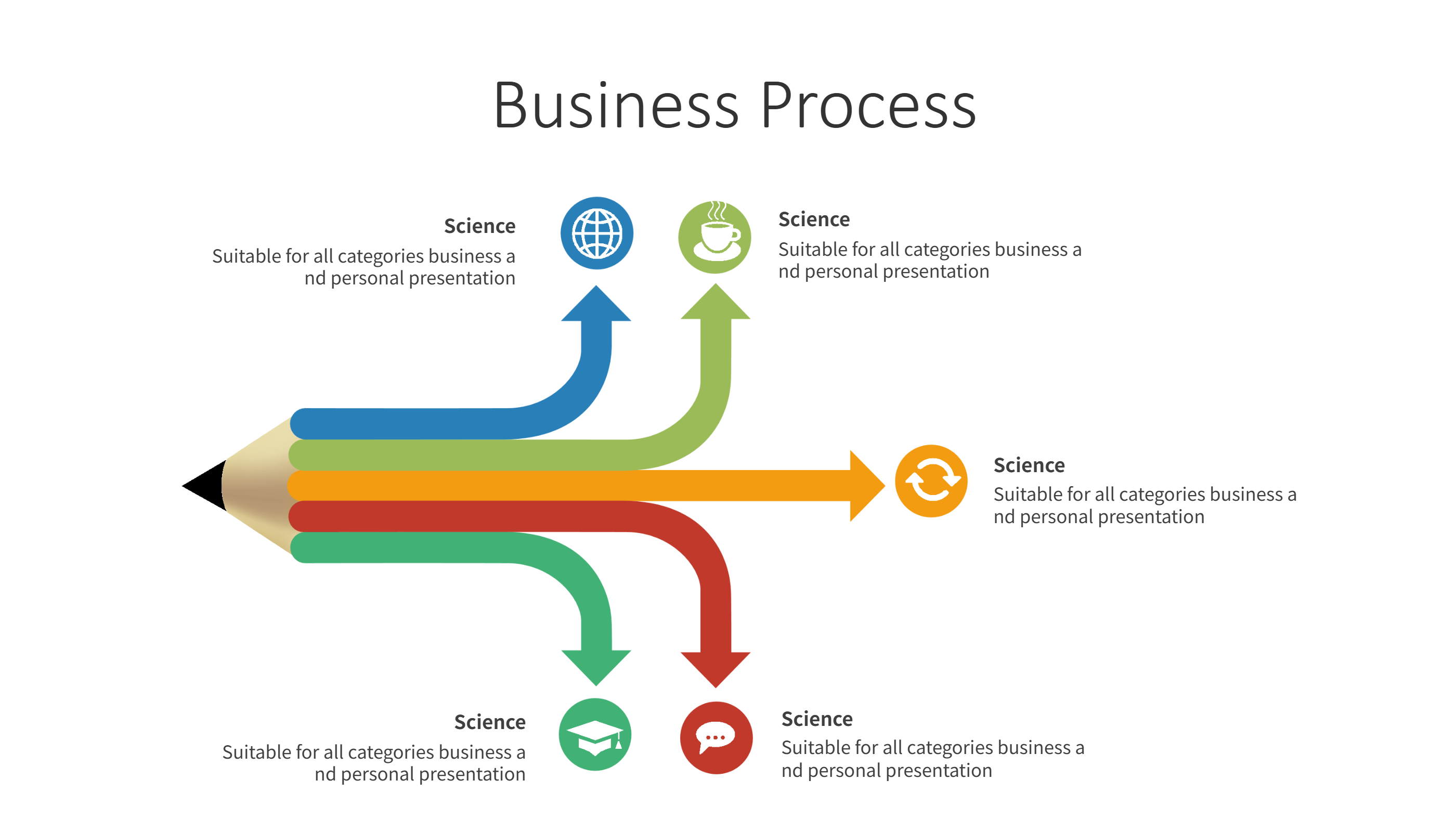
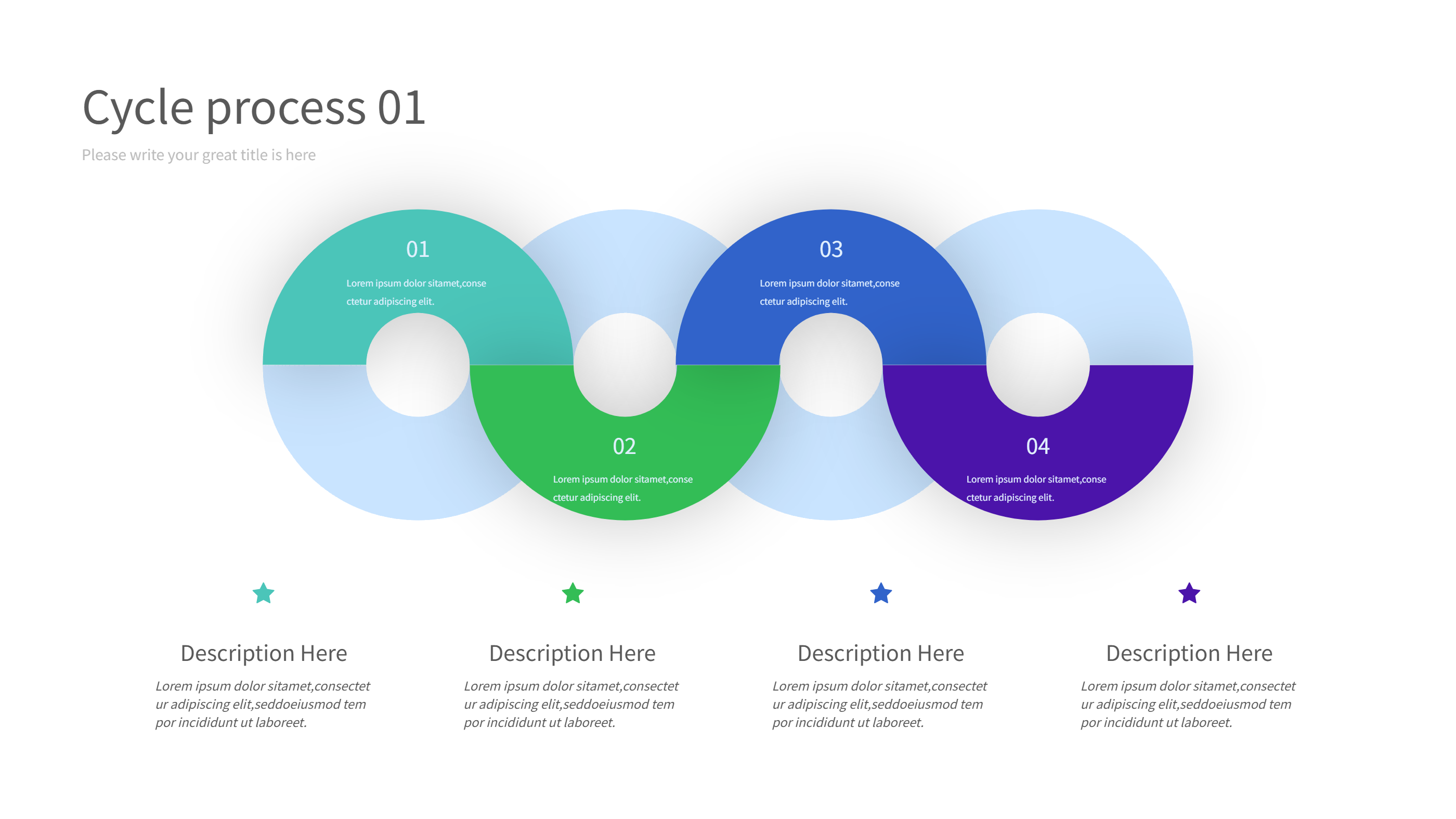
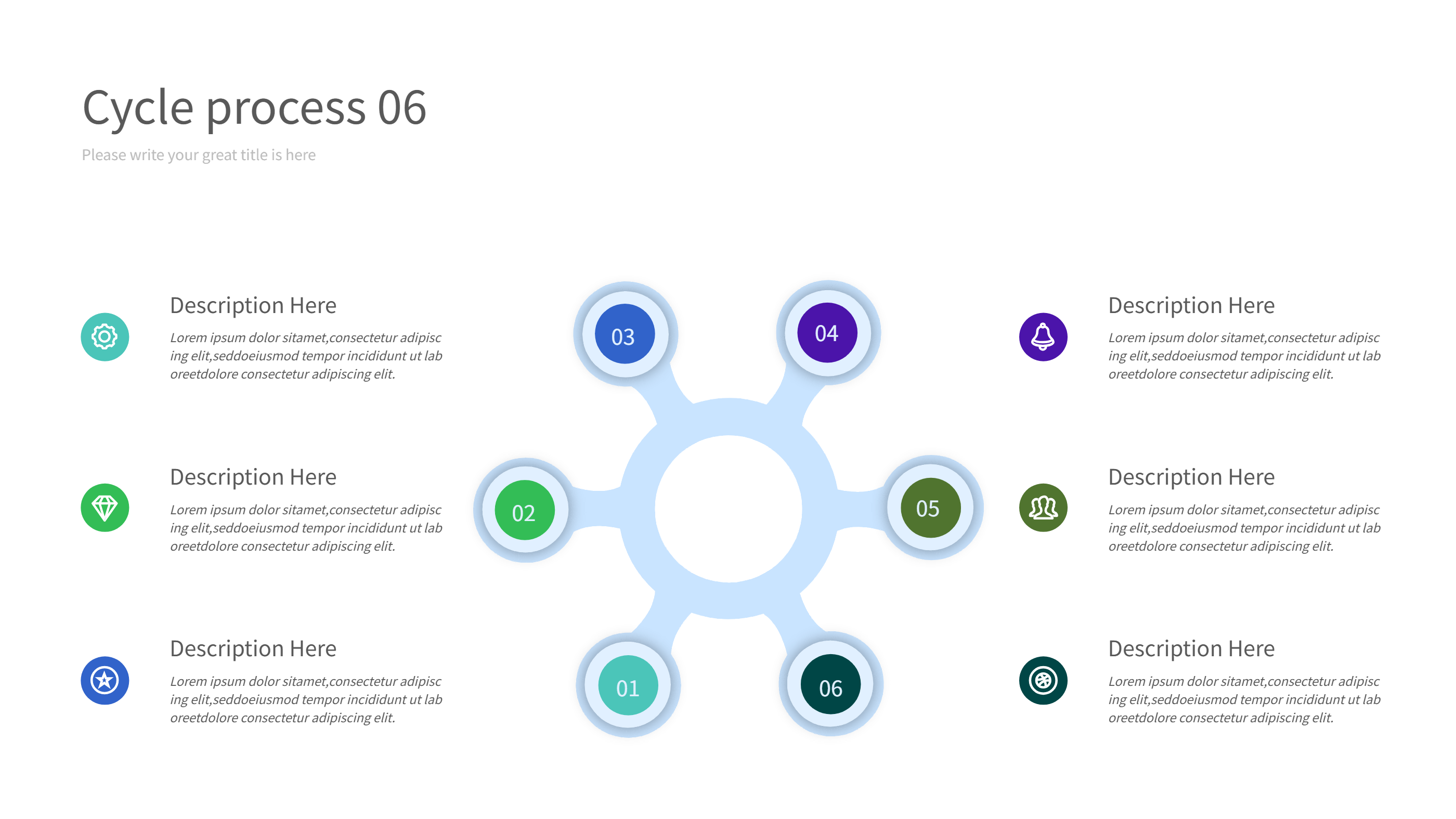
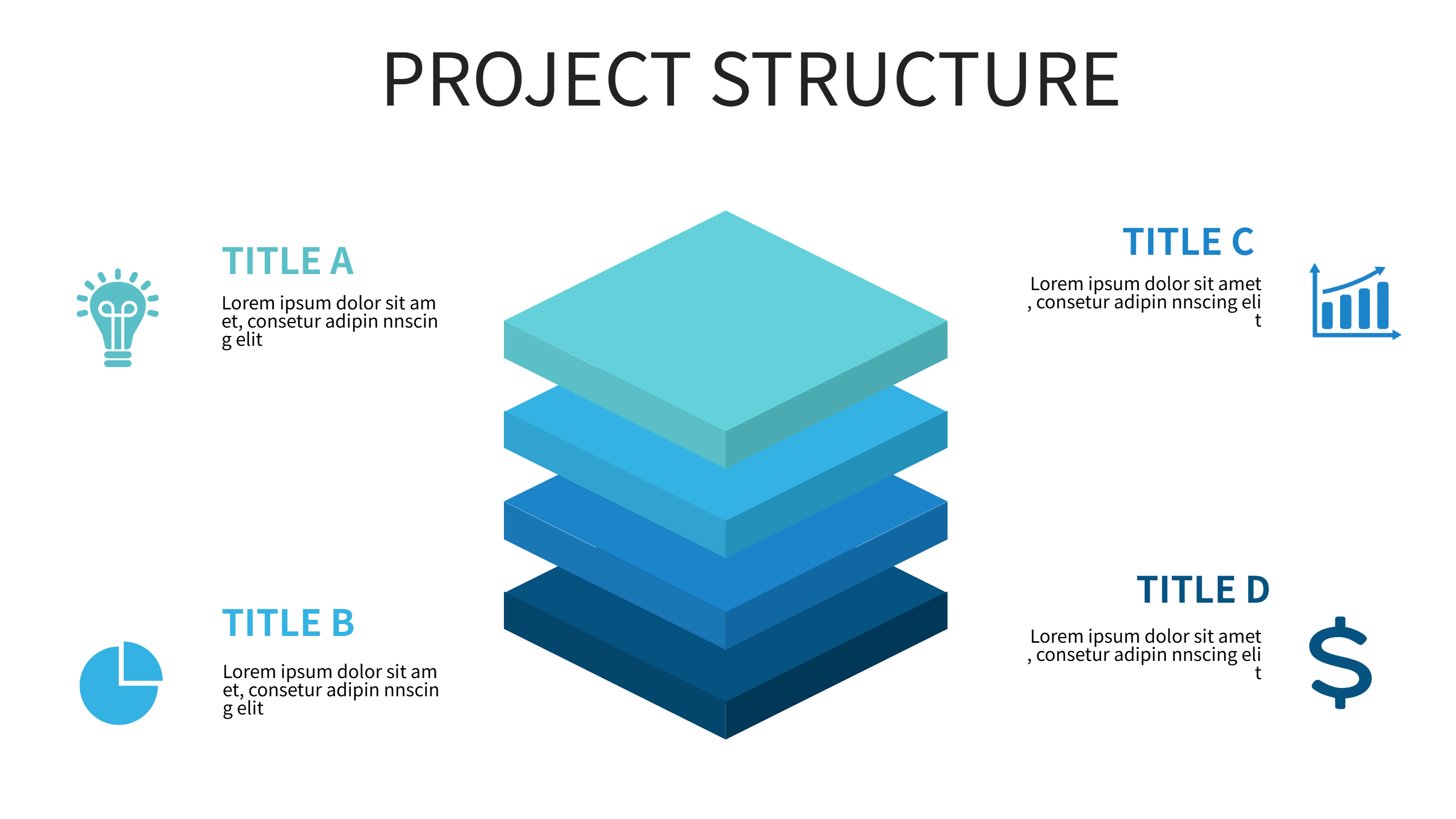
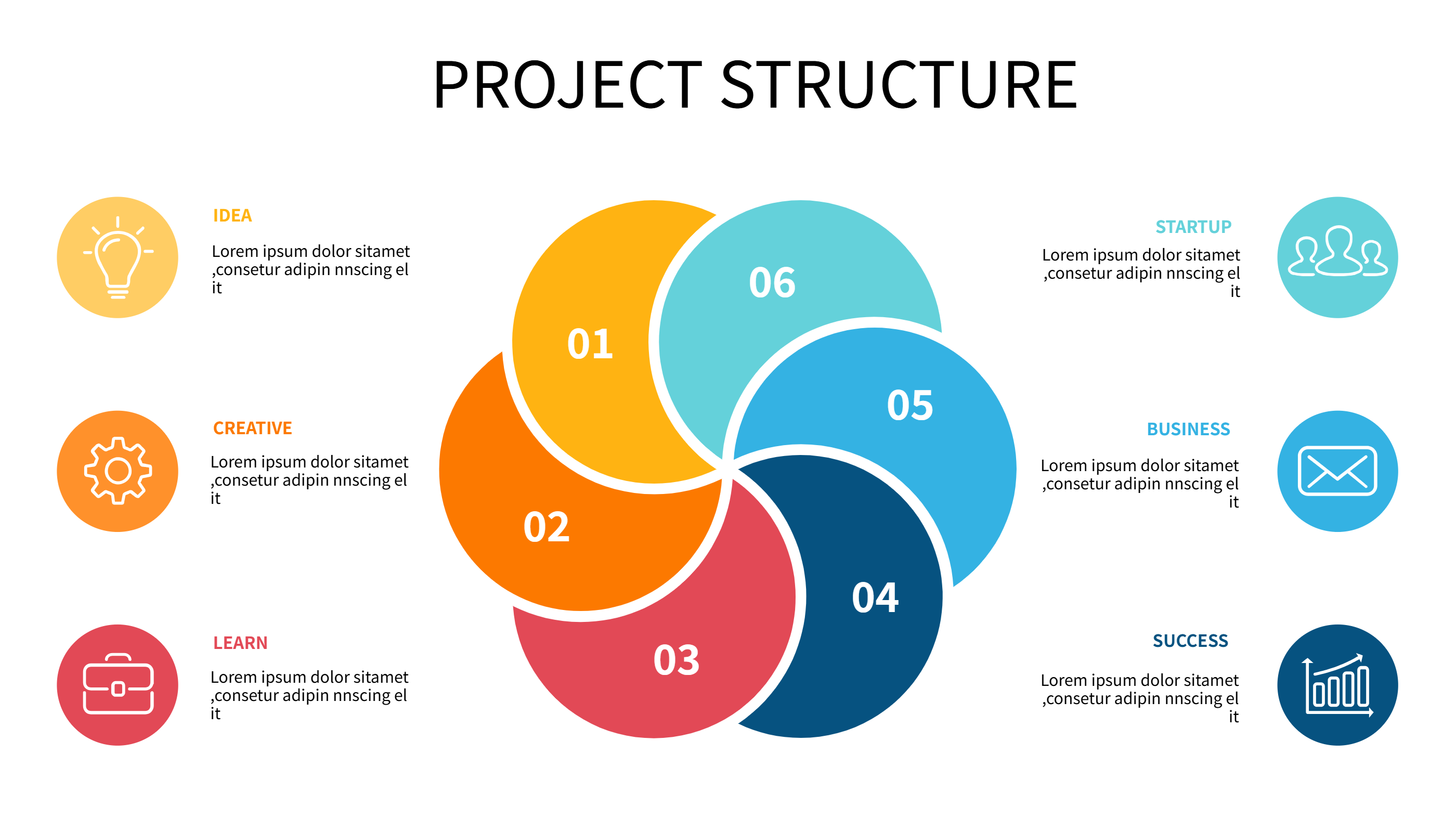
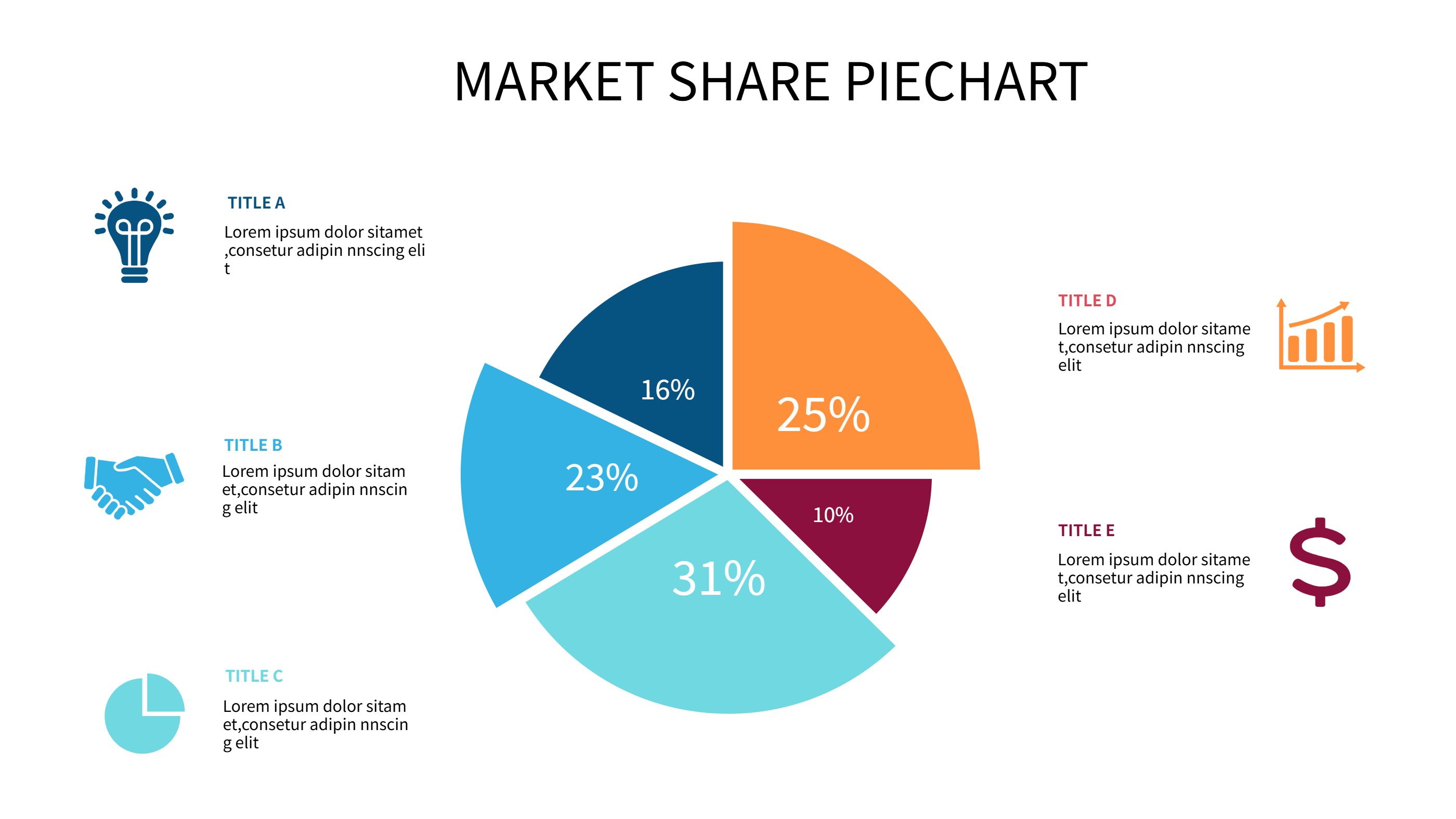
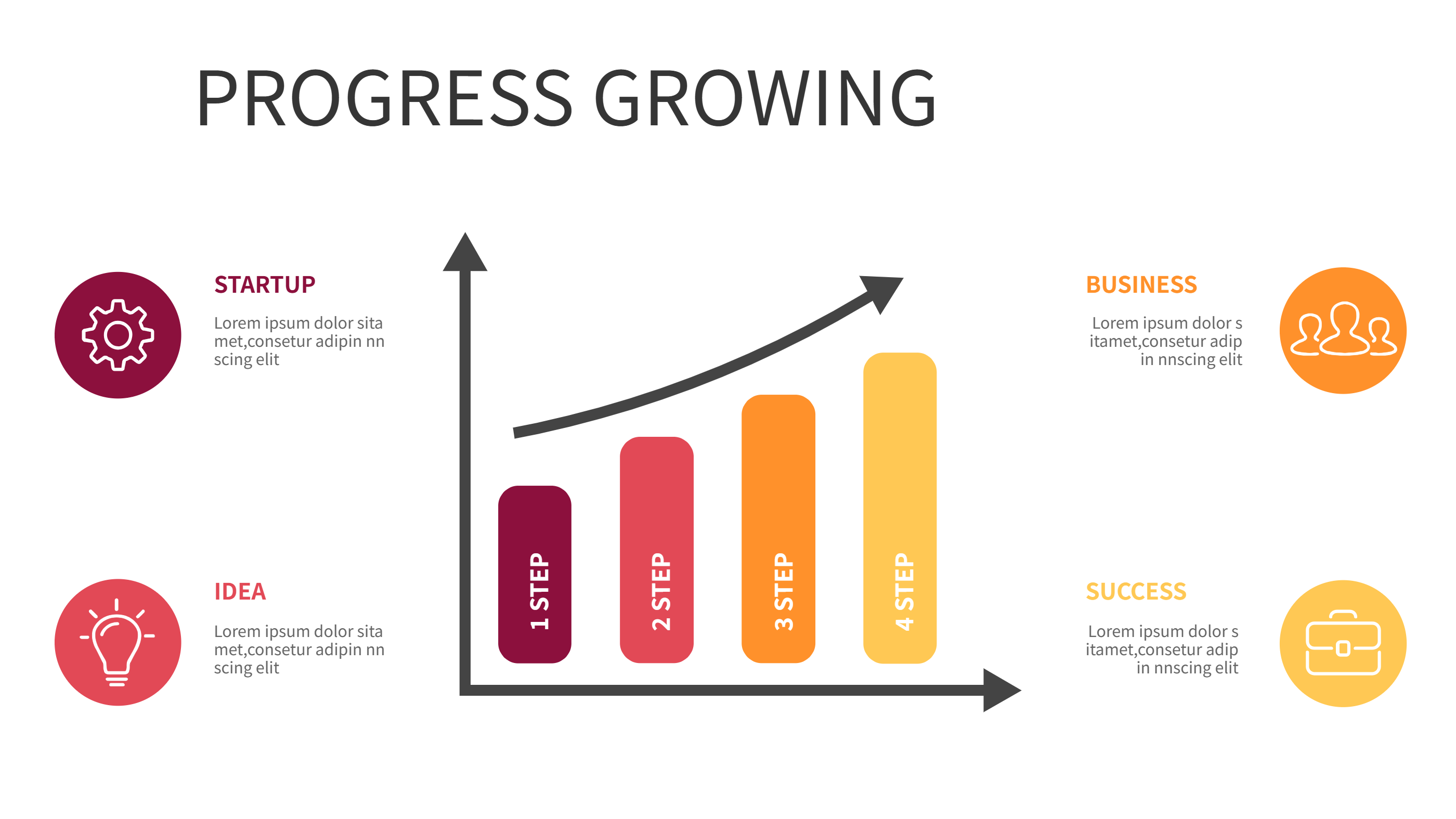
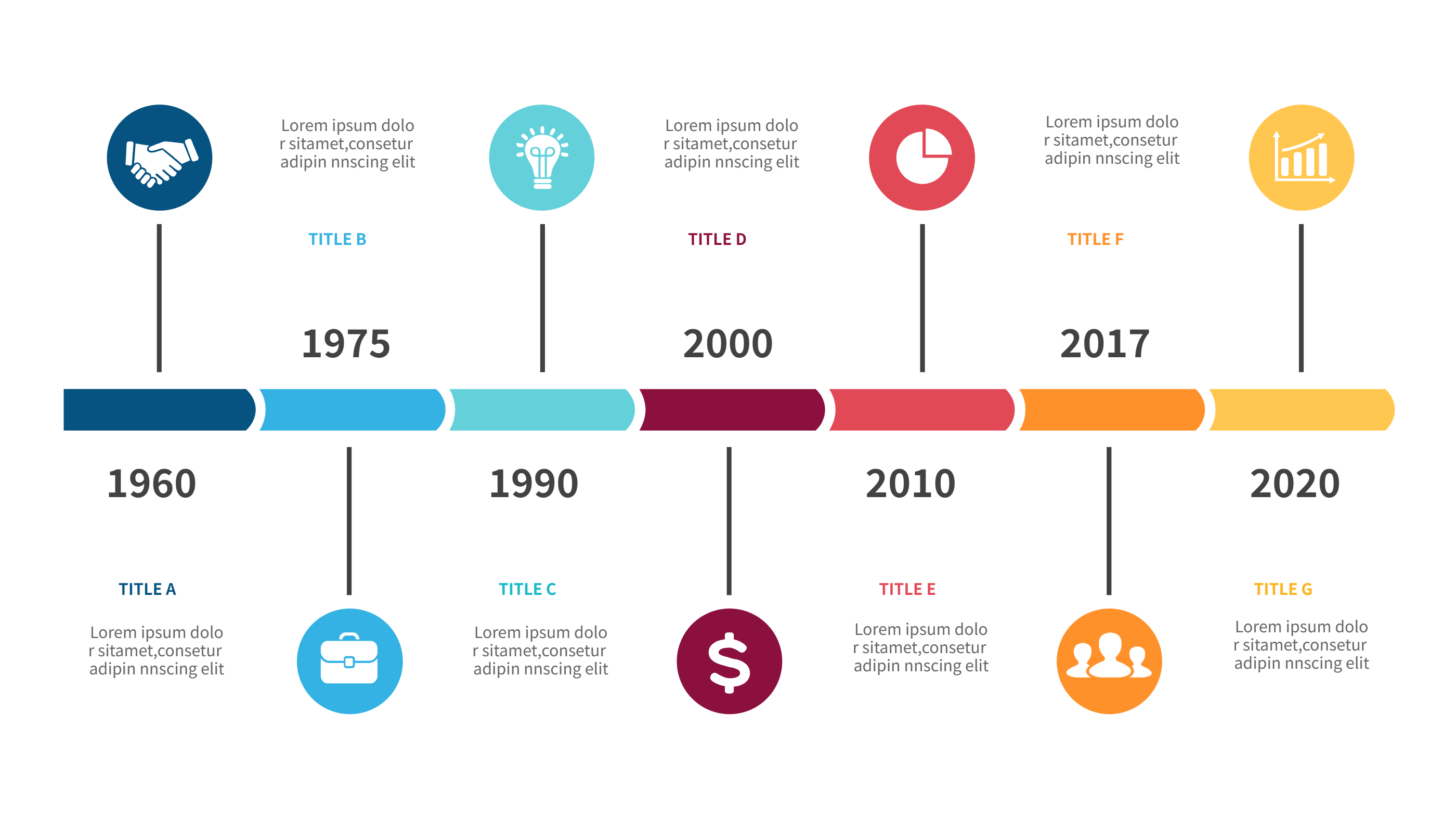
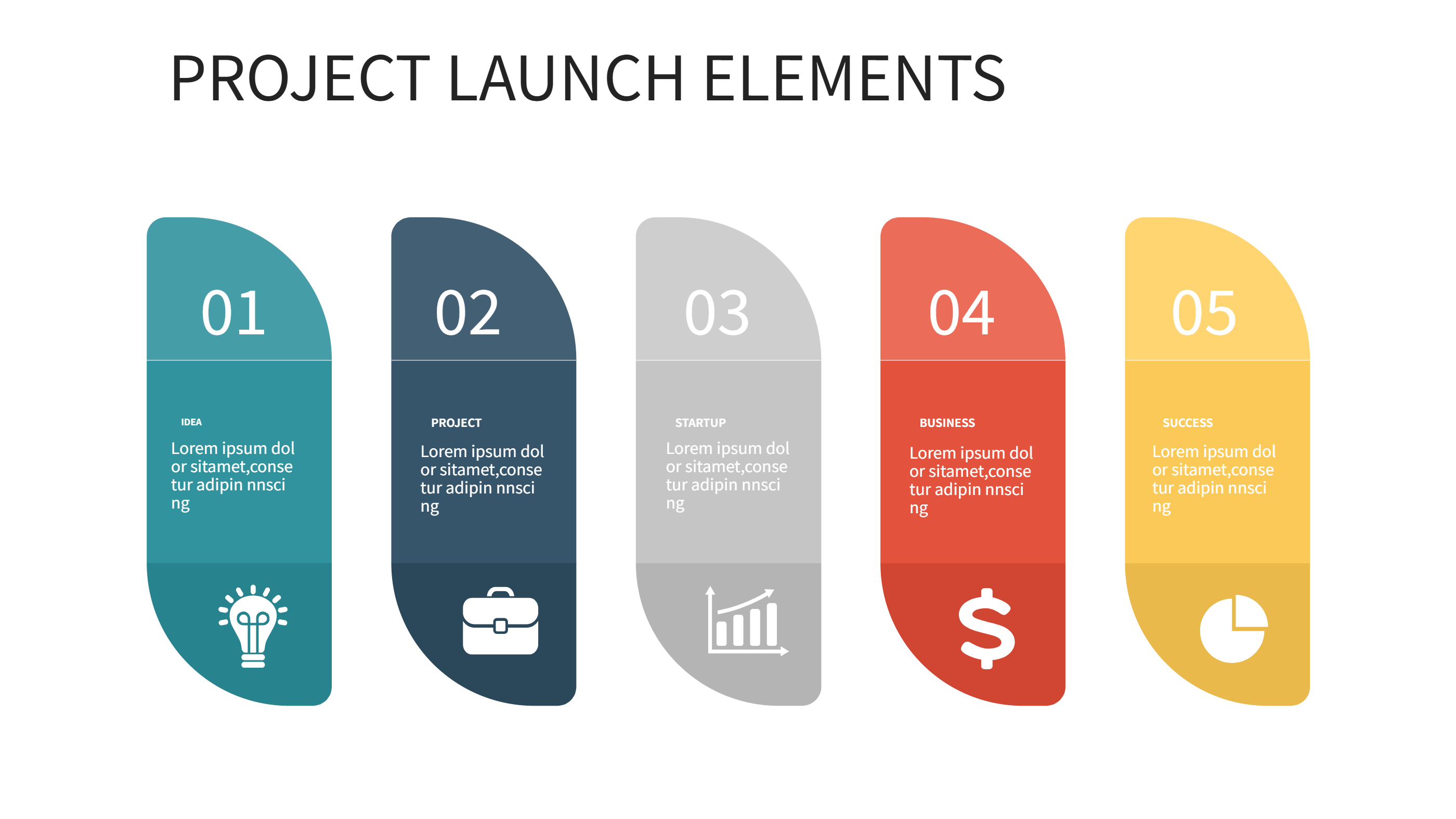
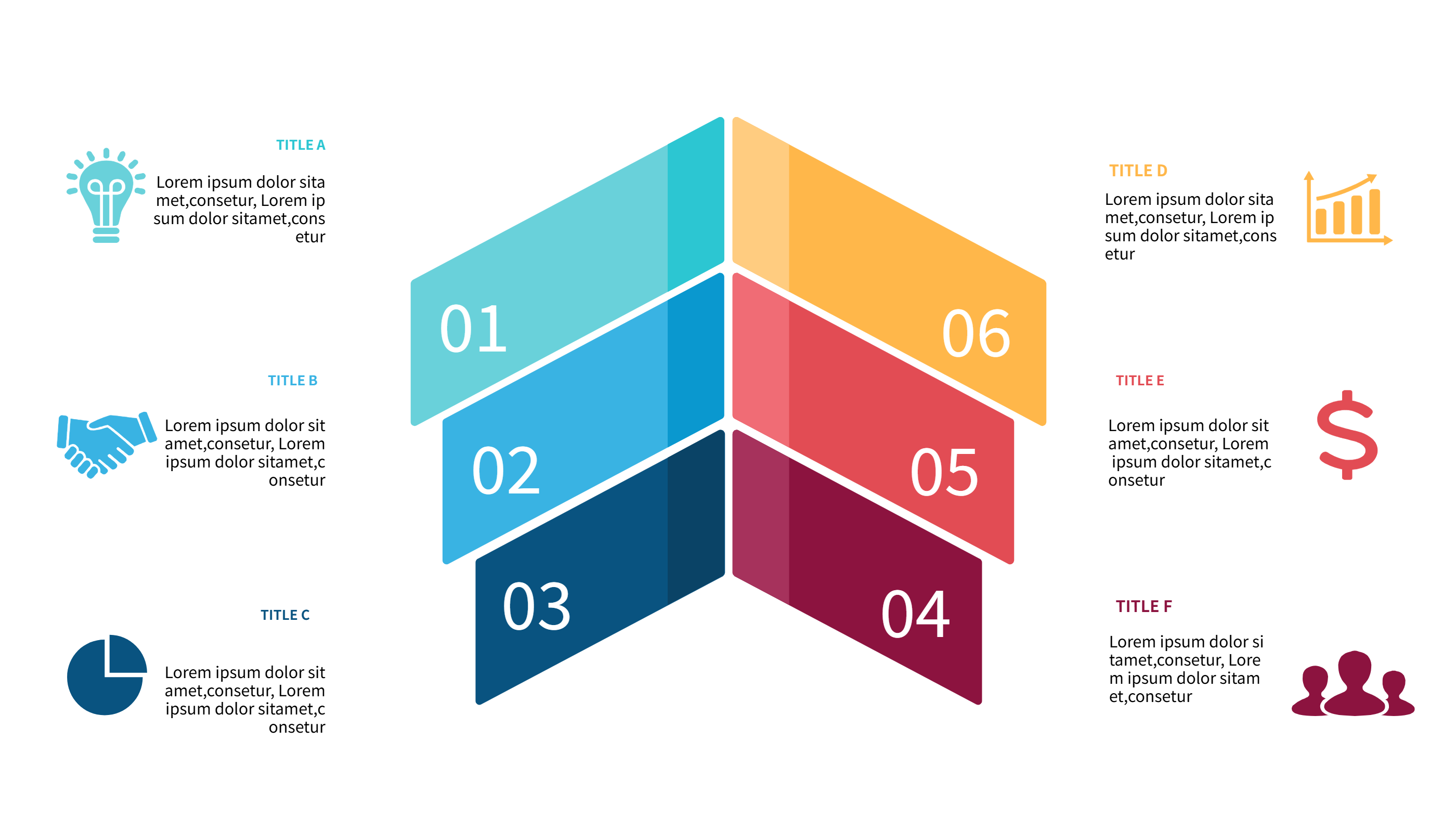
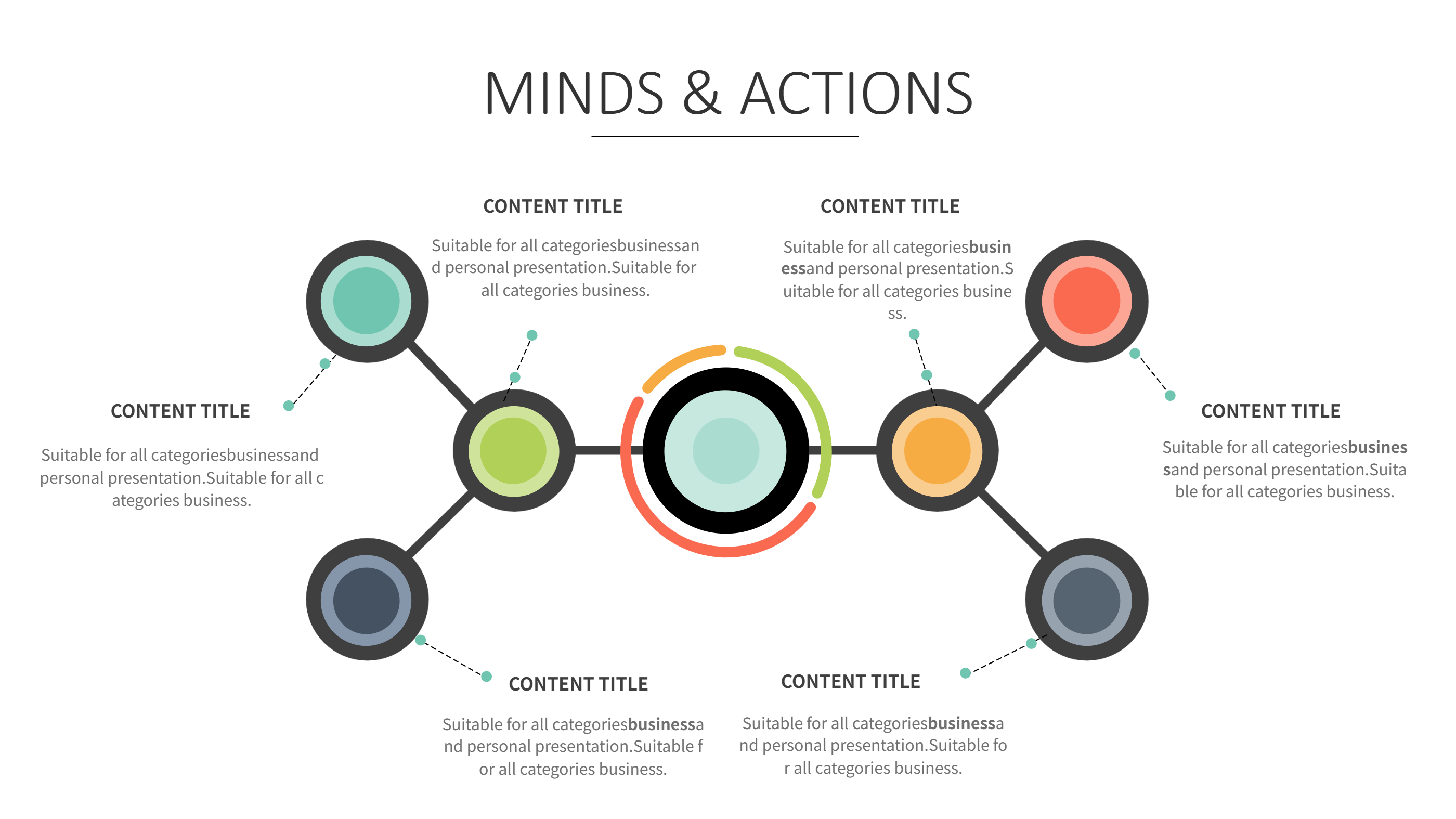
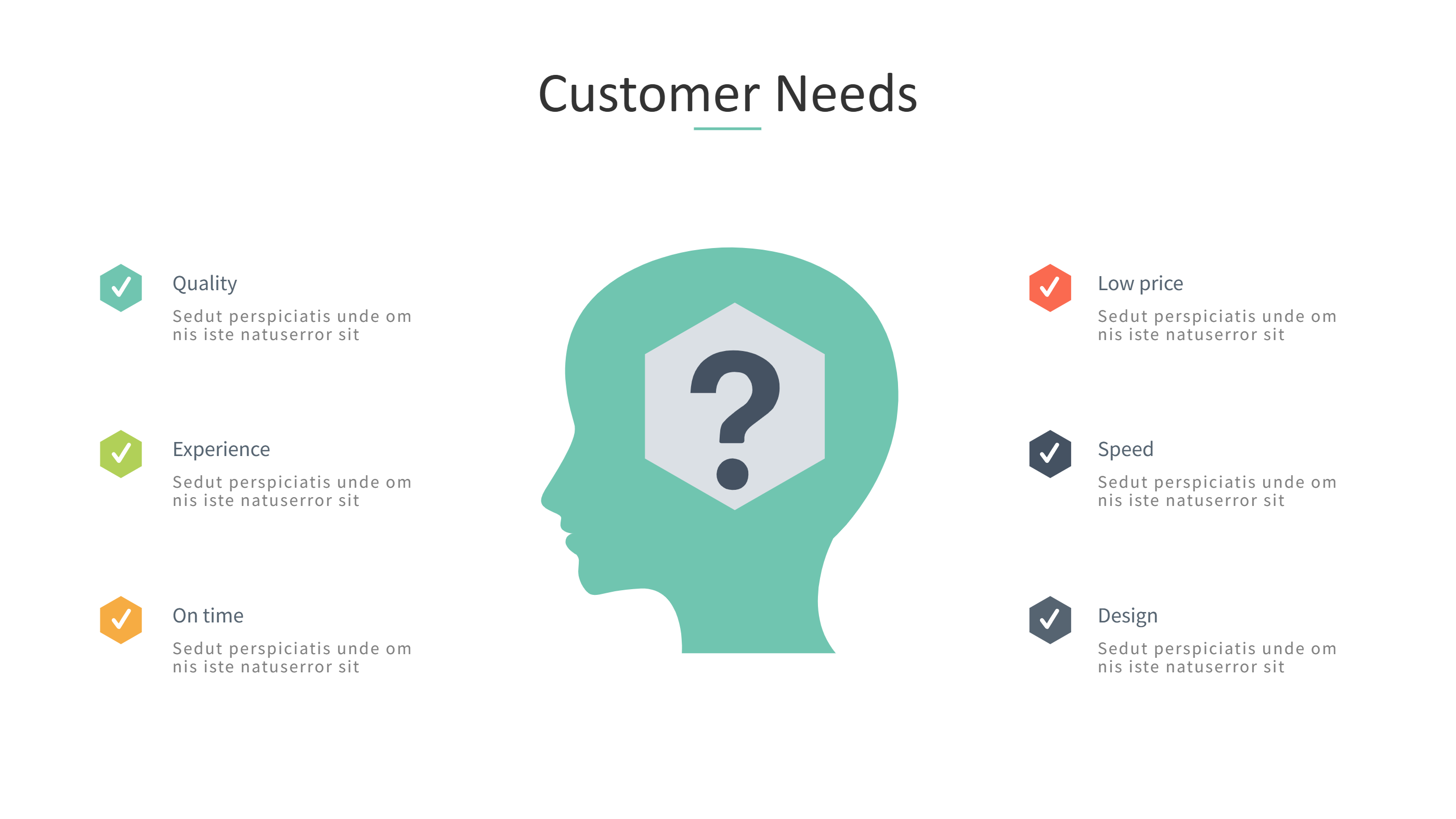
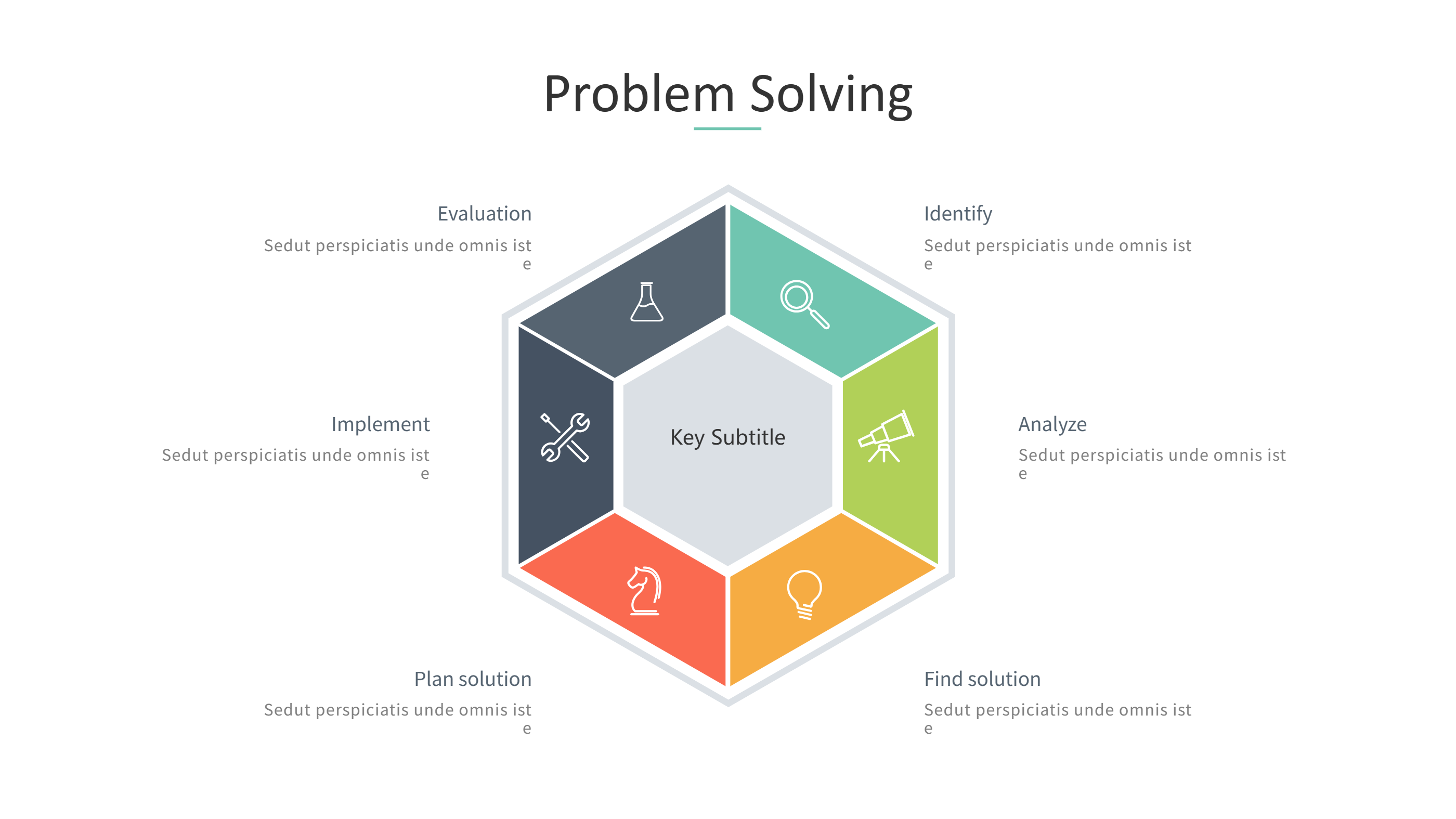
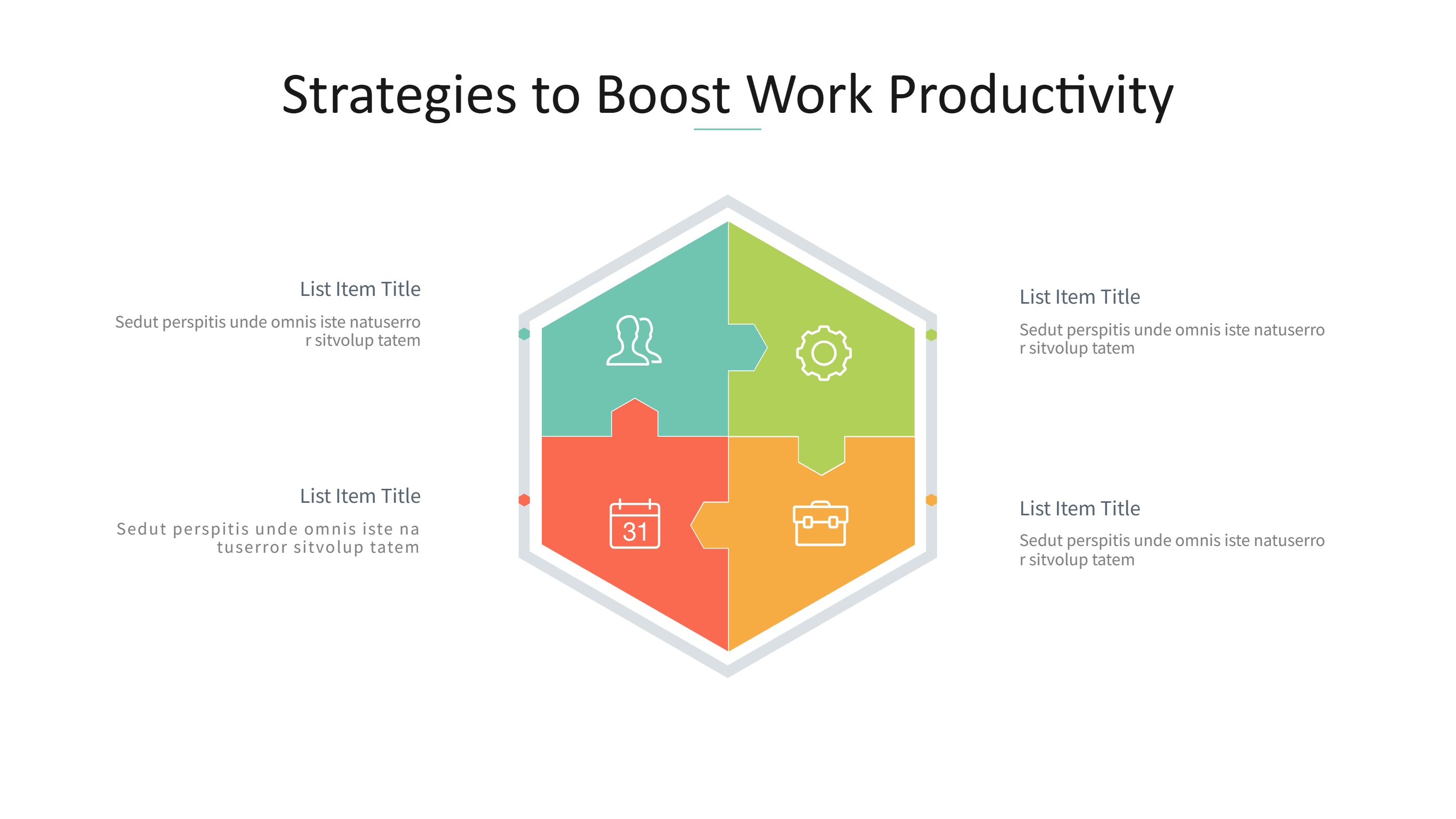
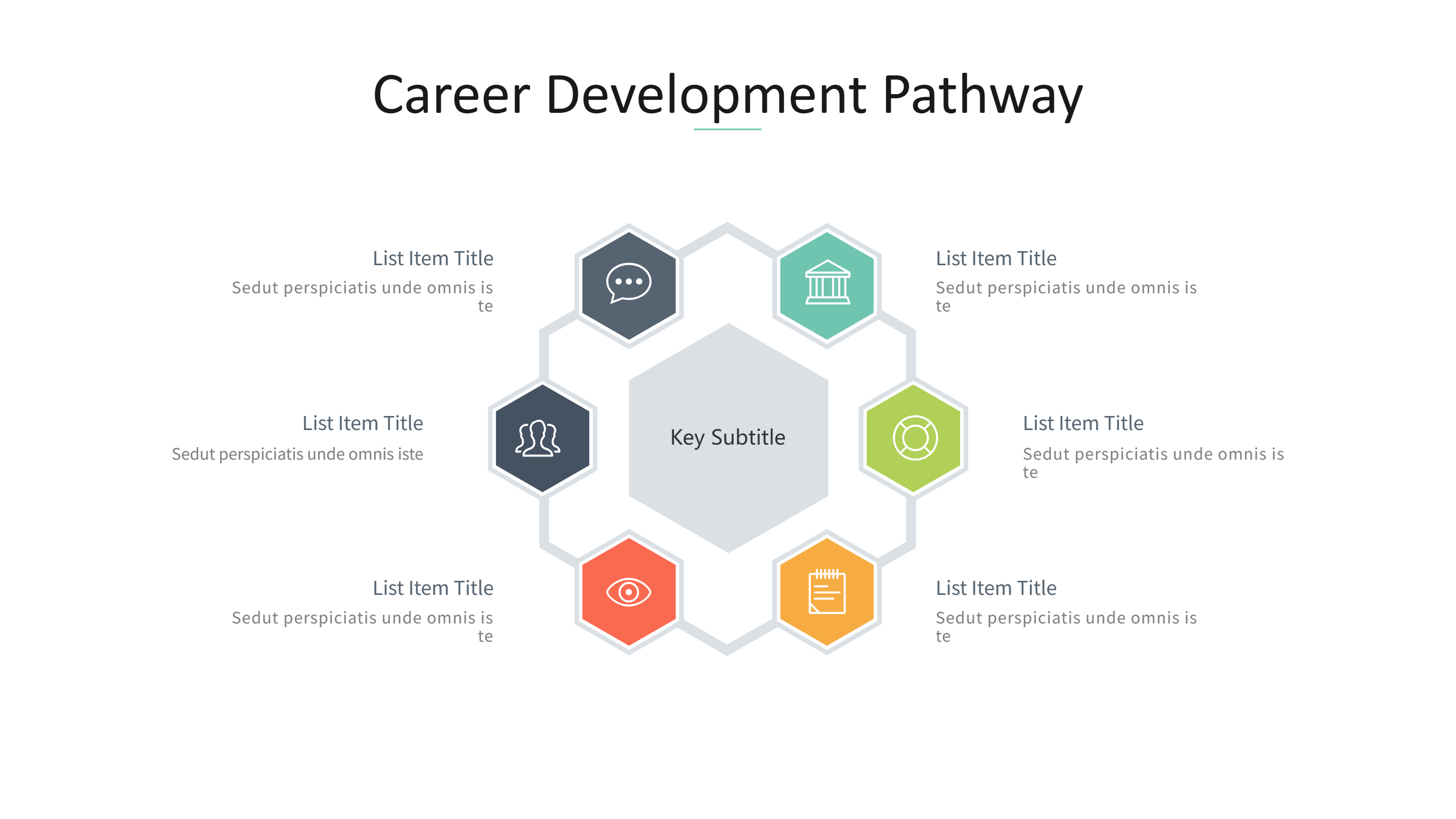
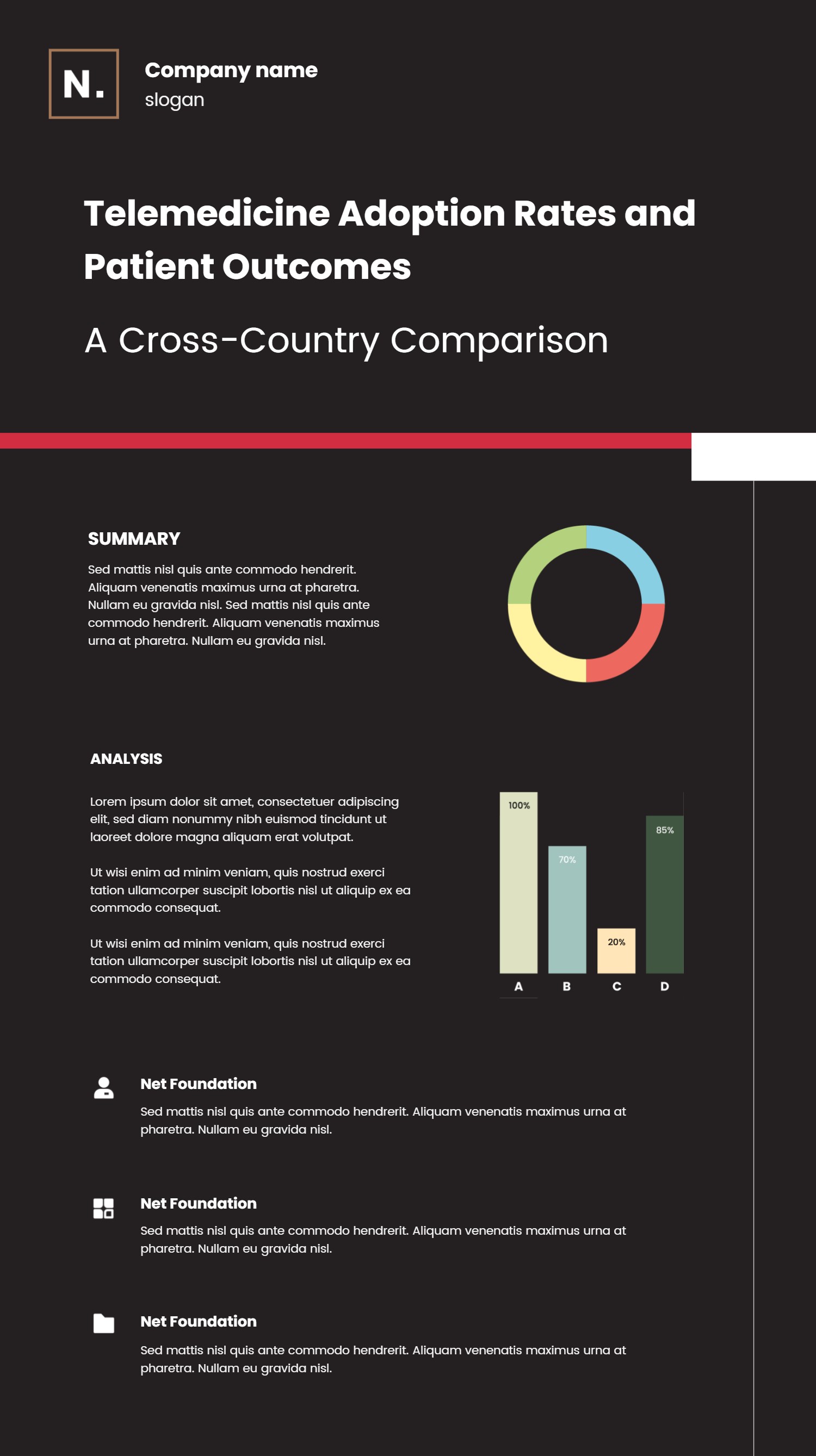
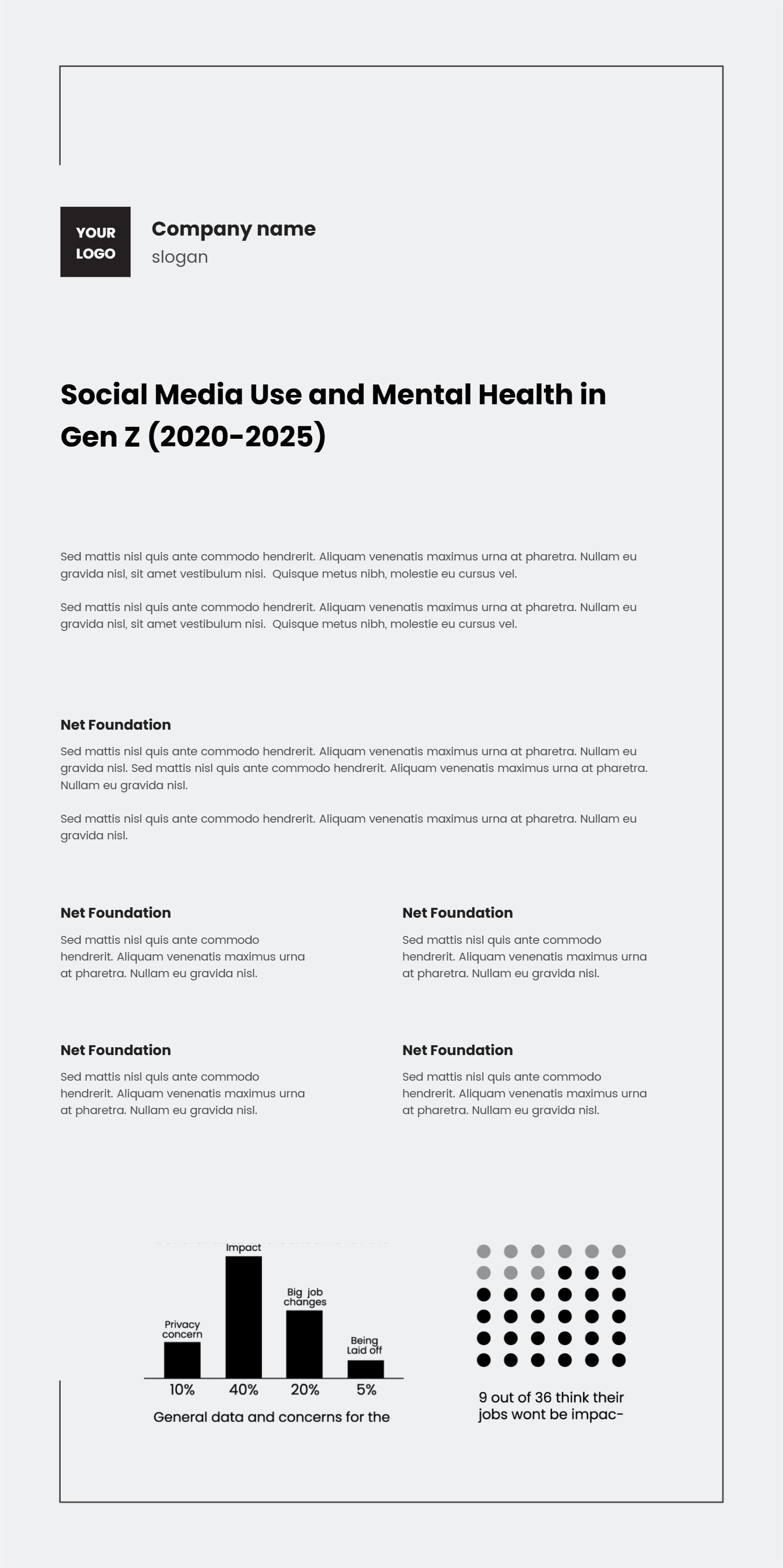
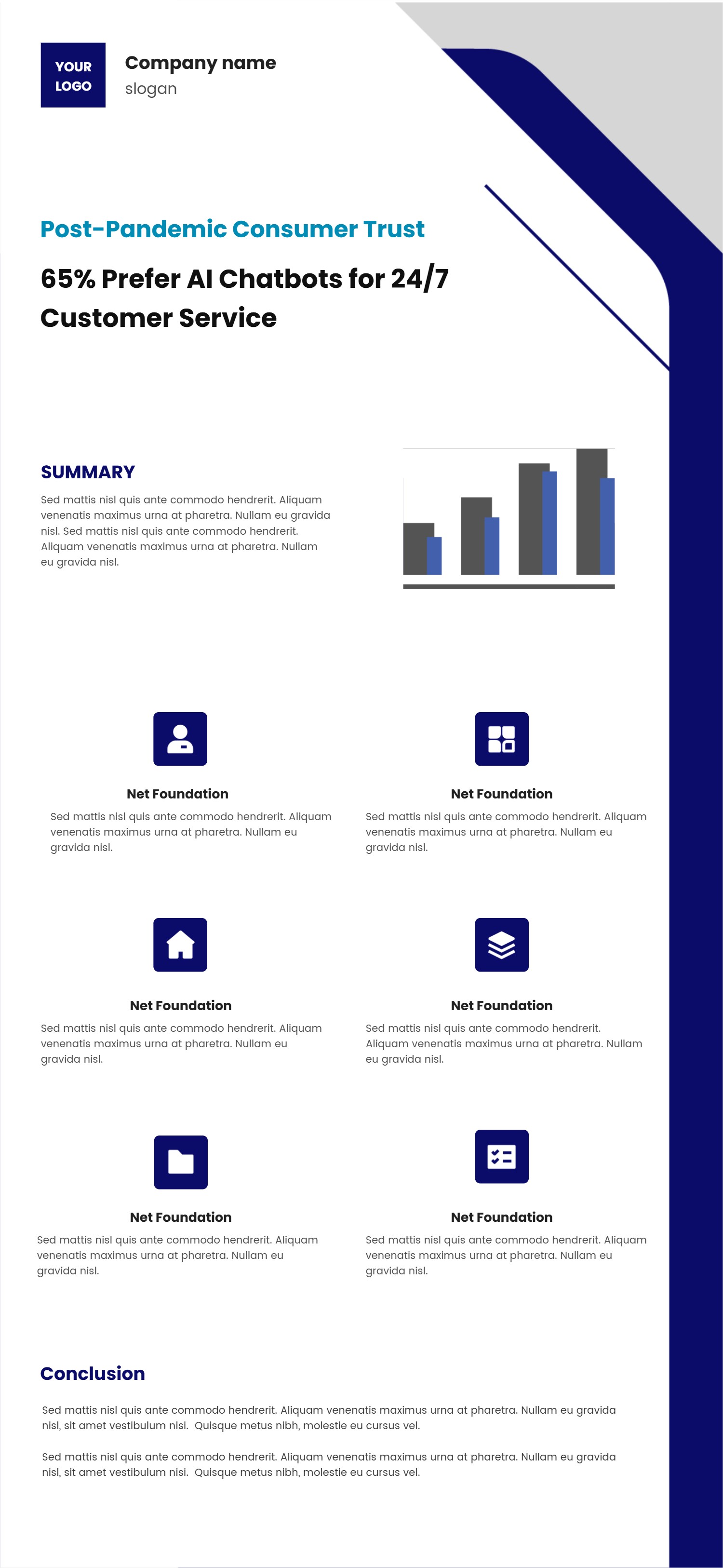
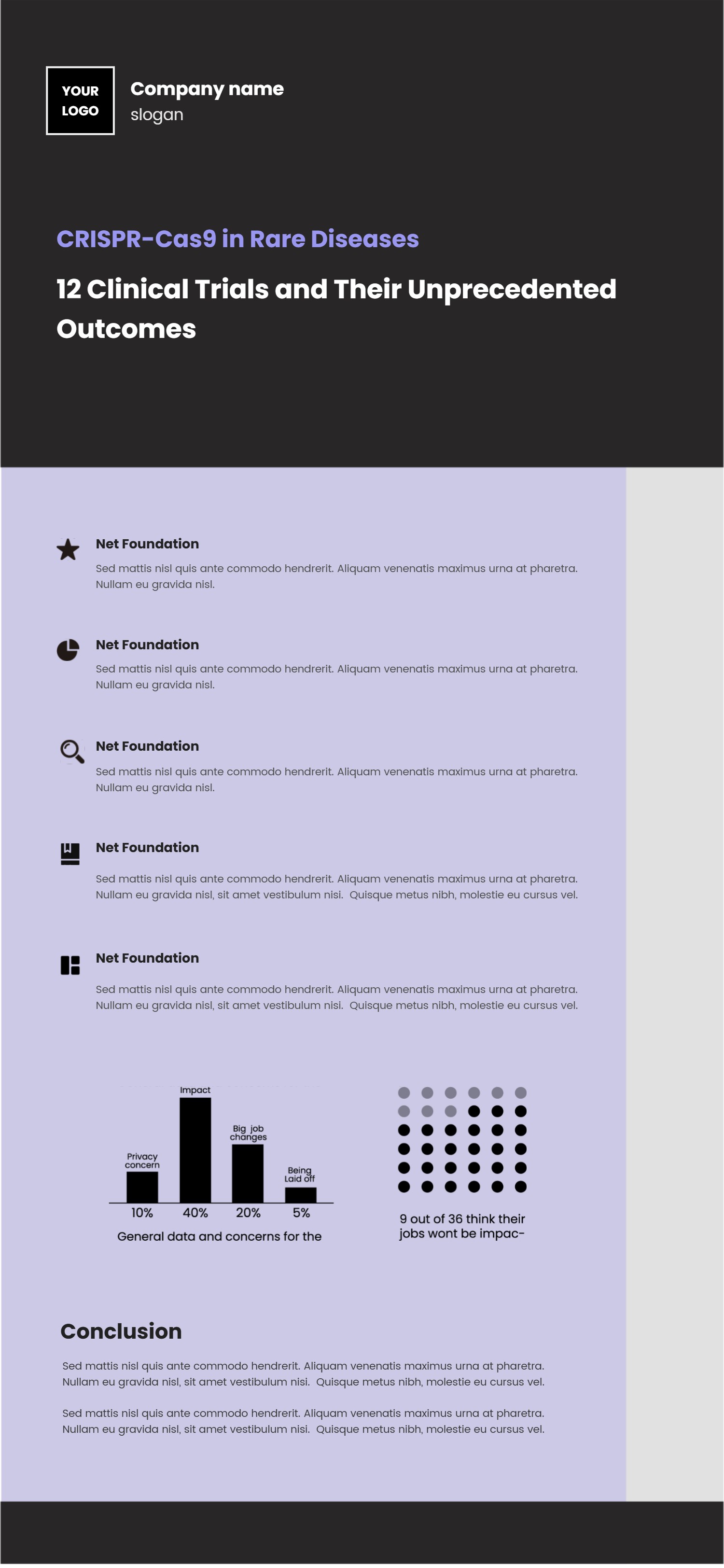
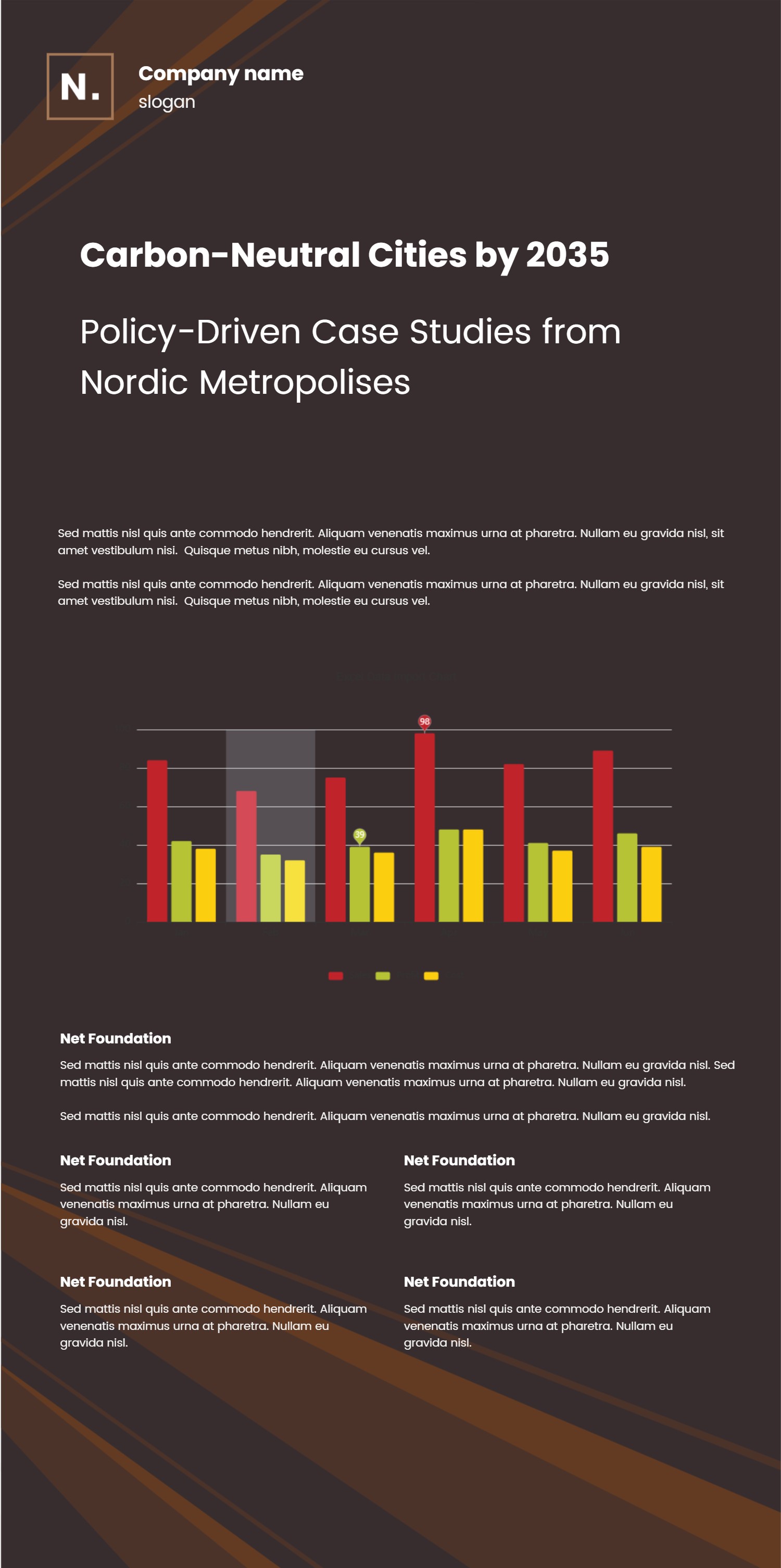
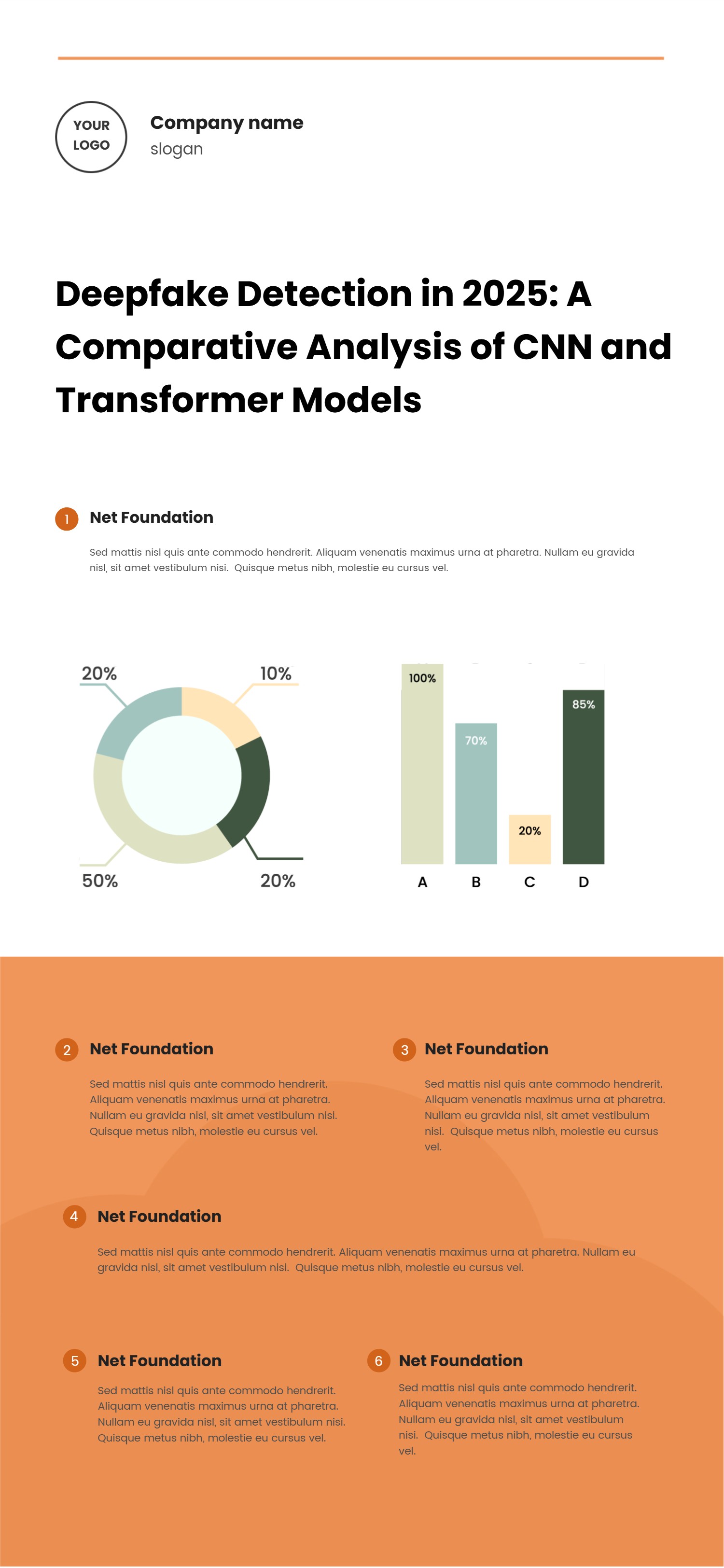
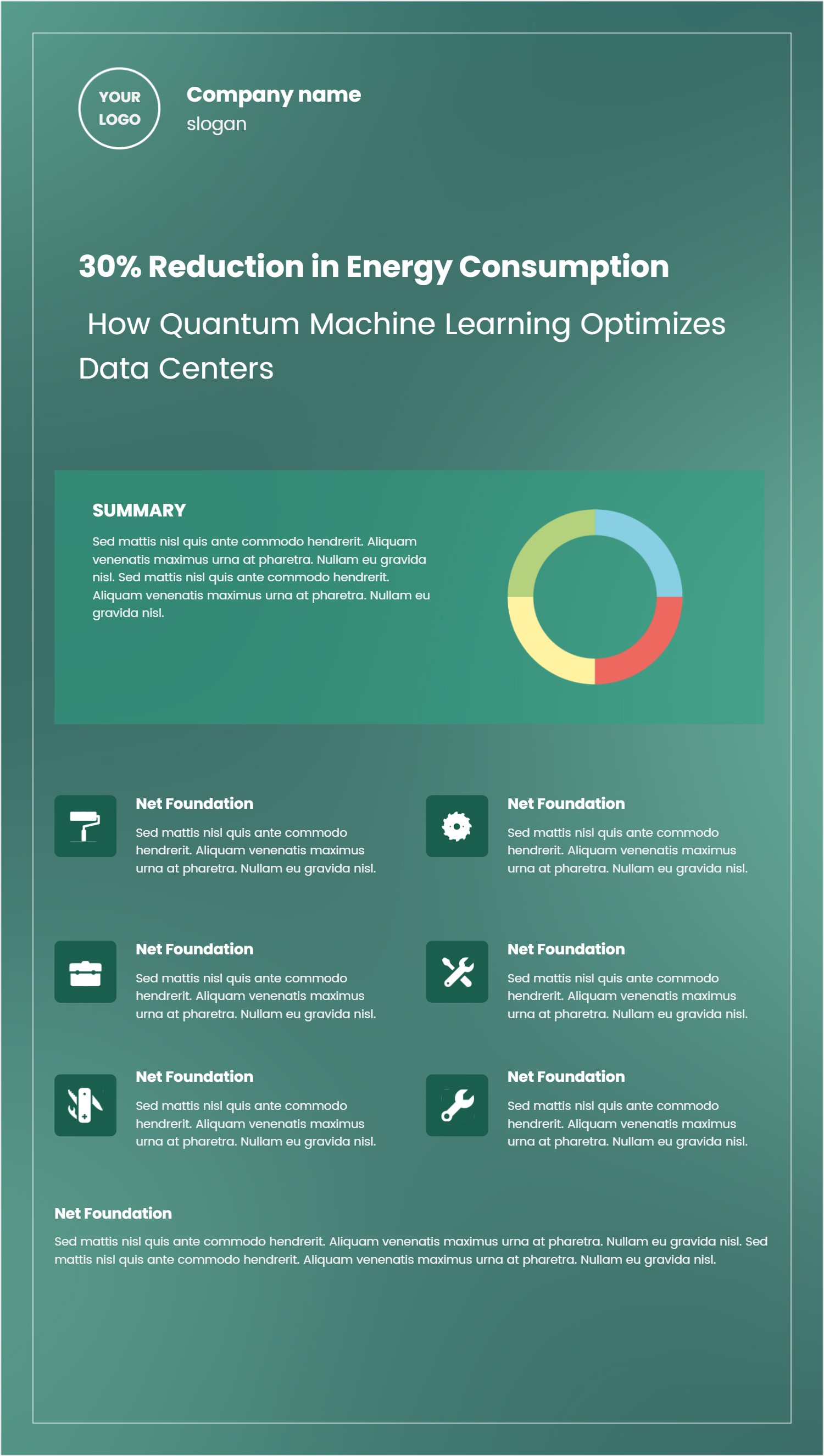
Use this brainstorm template to collect ChatGPT prompts for infographics you find on Reddit. The layout splits ideas into tidy columns, so you can sort prompts by topic, tone, or output style. It keeps the text short, making it easy to skim and test ideas fast.
Create sections for data-heavy prompts, storytelling prompts, and playful prompts. Add a small note under each one about what to feed ChatGPT, such as numbers, target audience, or desired vibe. Because the wording is simple, new team members can jump in without training.
Highlight helpful Reddit tips like sharing context, avoiding sensitive data, and asking for clear visual cues. Add icons for graphs, timelines, maps, and lists. The design works for community managers, designers, and marketers who want to build an infographic prompt bank without cluttered documents.
To generate it fast, open the AI generation tool on the home page, choose this brainstorm template, enter a prompt with your categories, sample lines, and color style, and the tool will output the infographic ready to use.
Keep updating the board as you test prompts. Mark which prompts led to strong infographics and which need edits. Share the graphic in team chats so everyone can see fresh ideas. The calm layout keeps focus on clear, repeatable prompt writing. Keep a small section for attribution notes so you remember which Reddit threads sparked each prompt. Add a reminder to test prompts in low-stakes drafts before publishing a final infographic. Mention community rules so posts stay respectful and avoid spam.