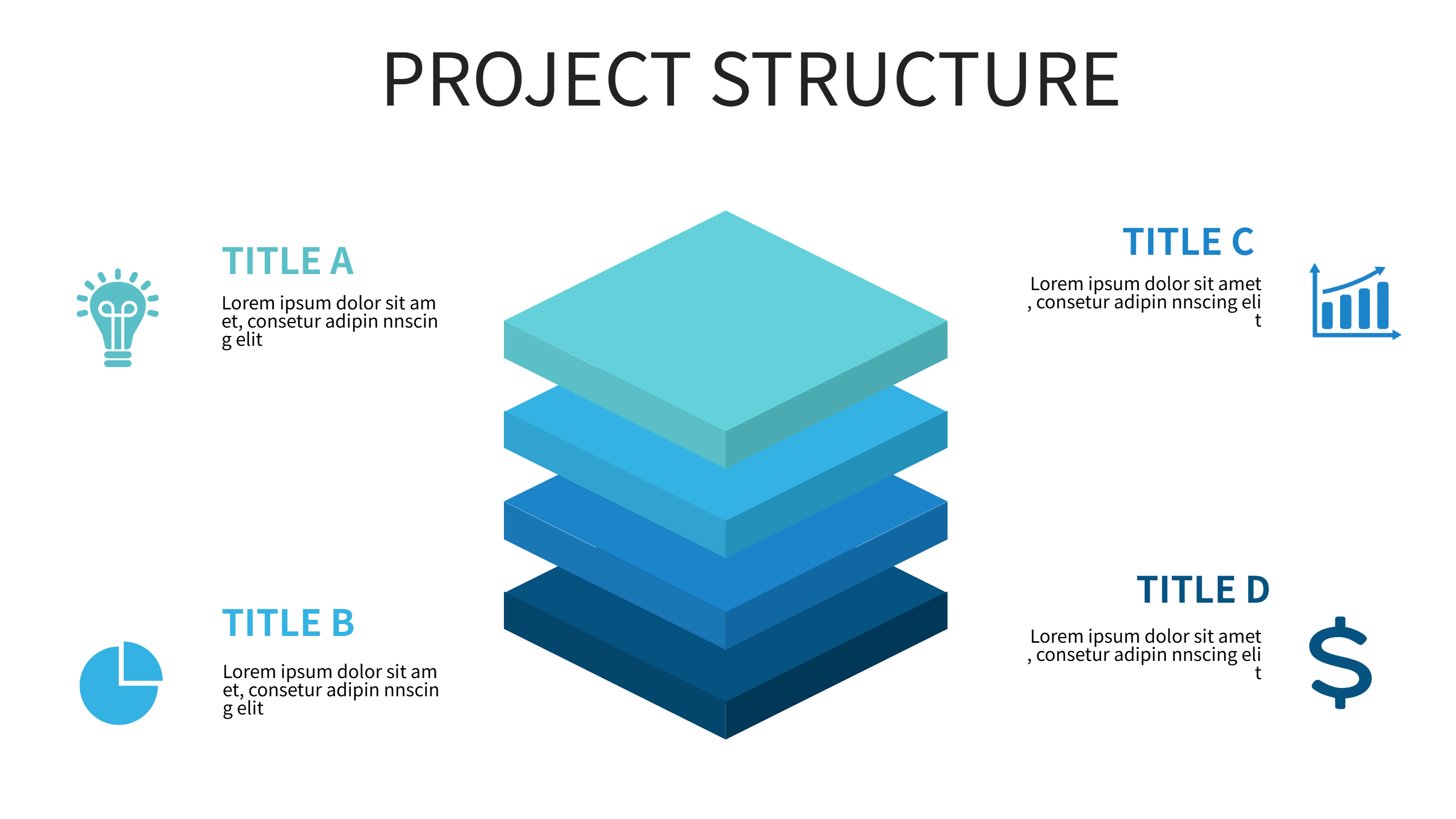
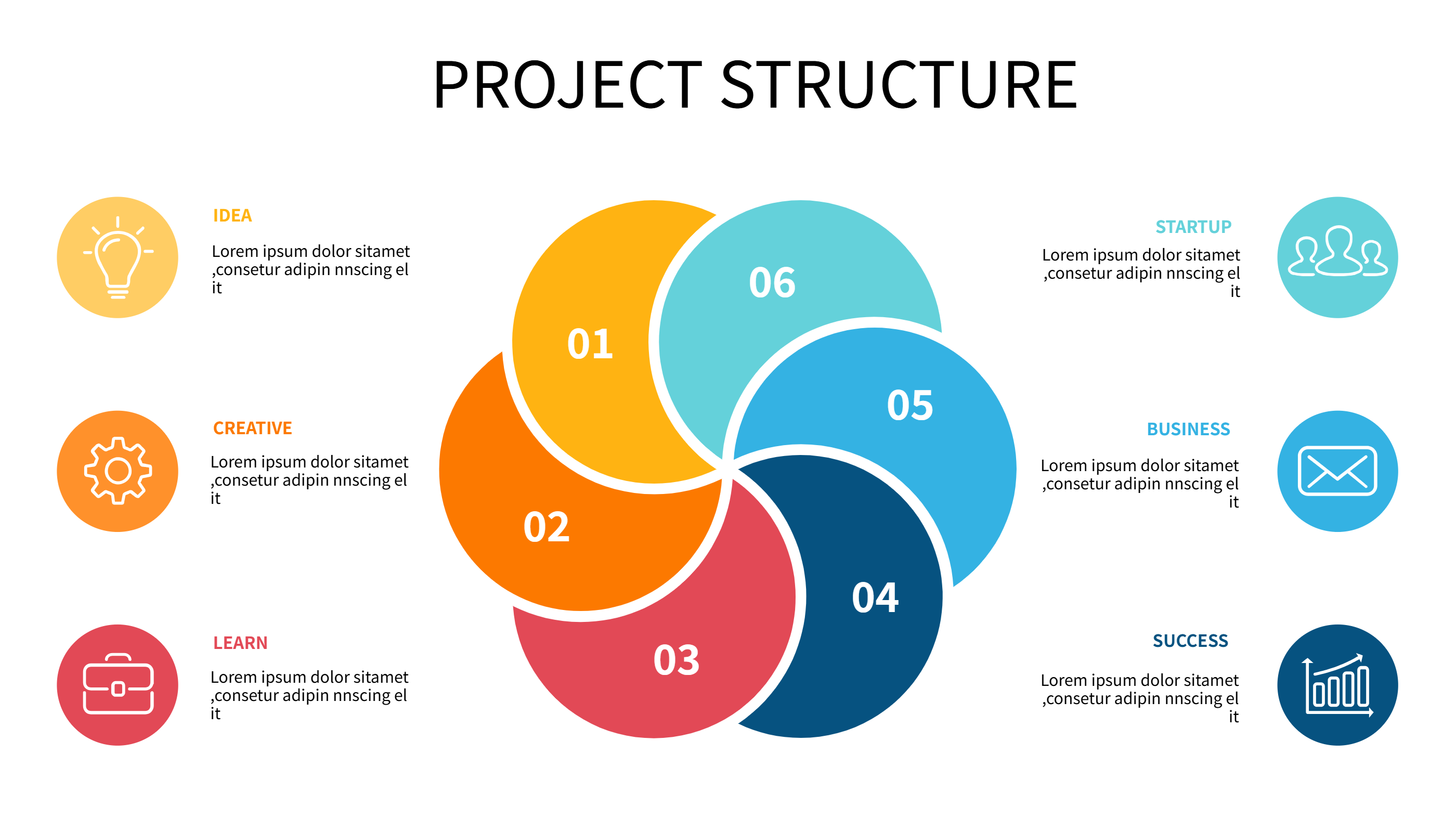
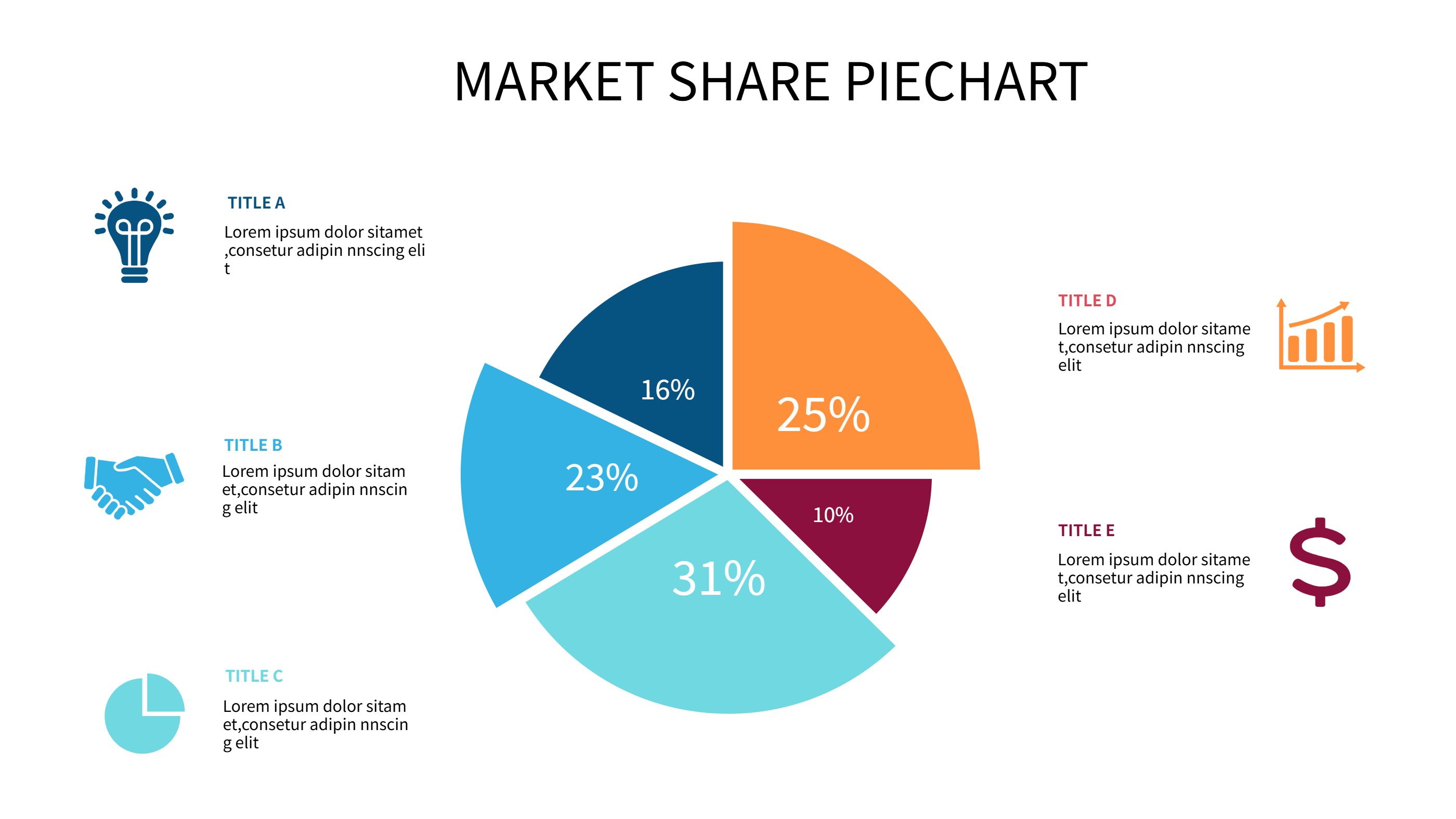
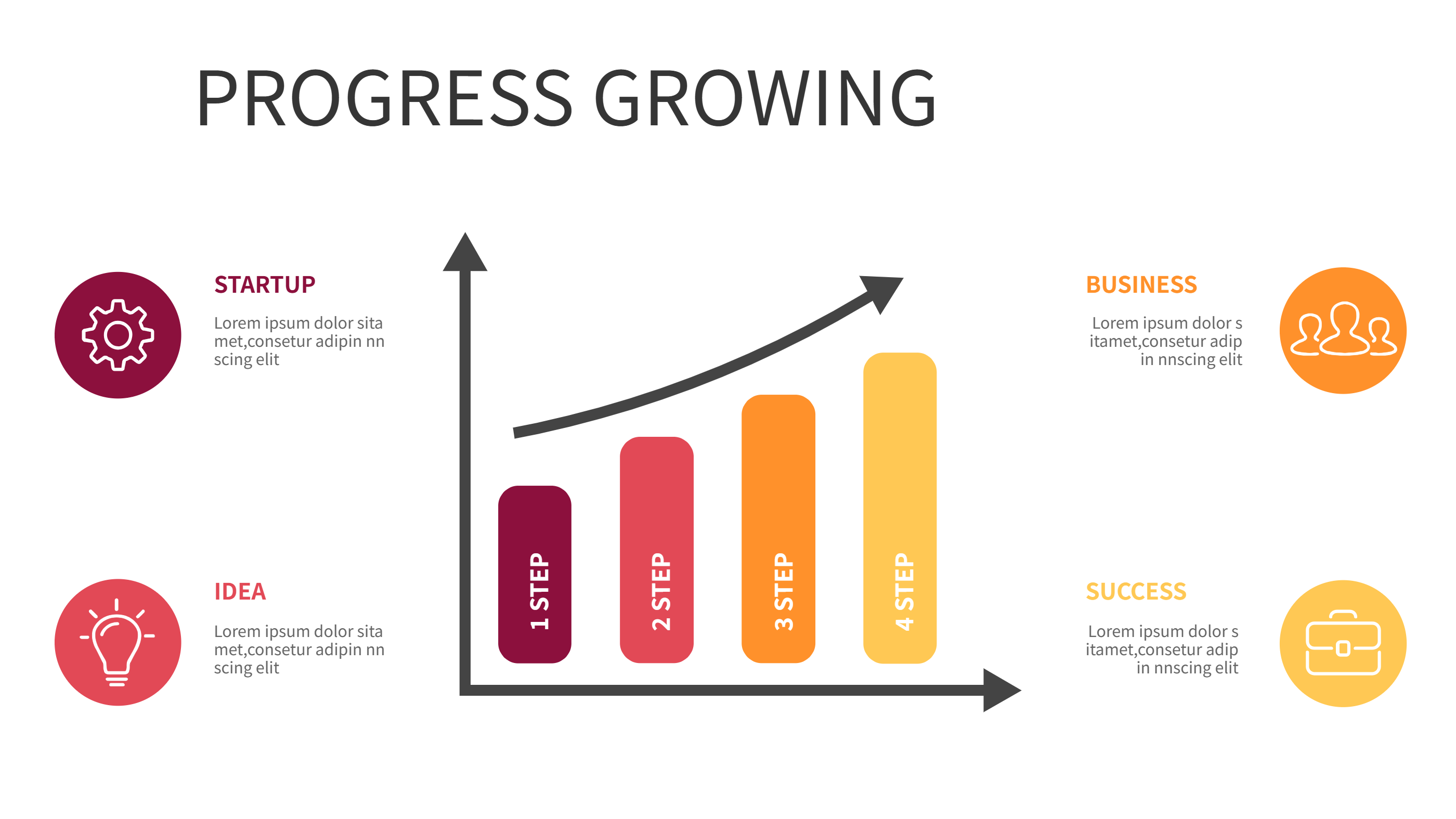
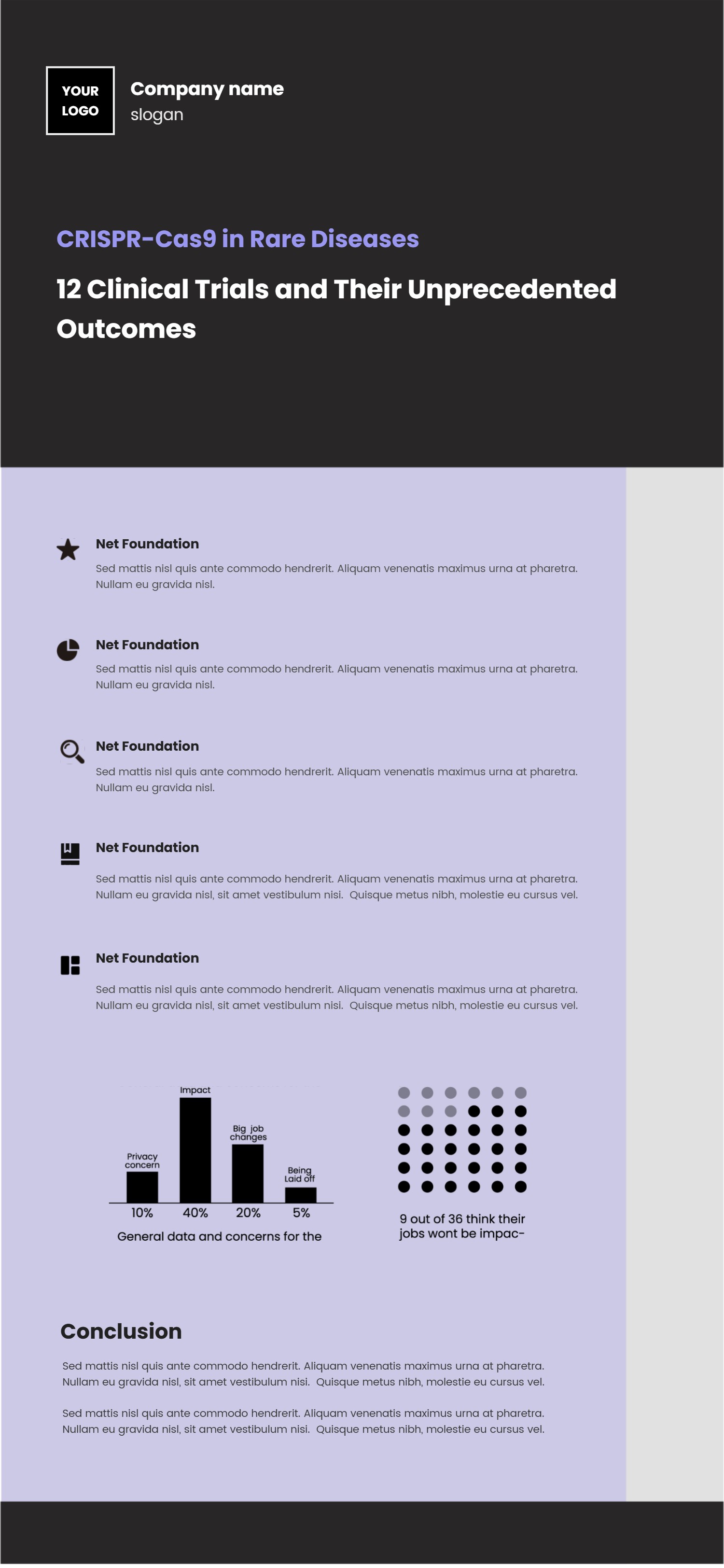
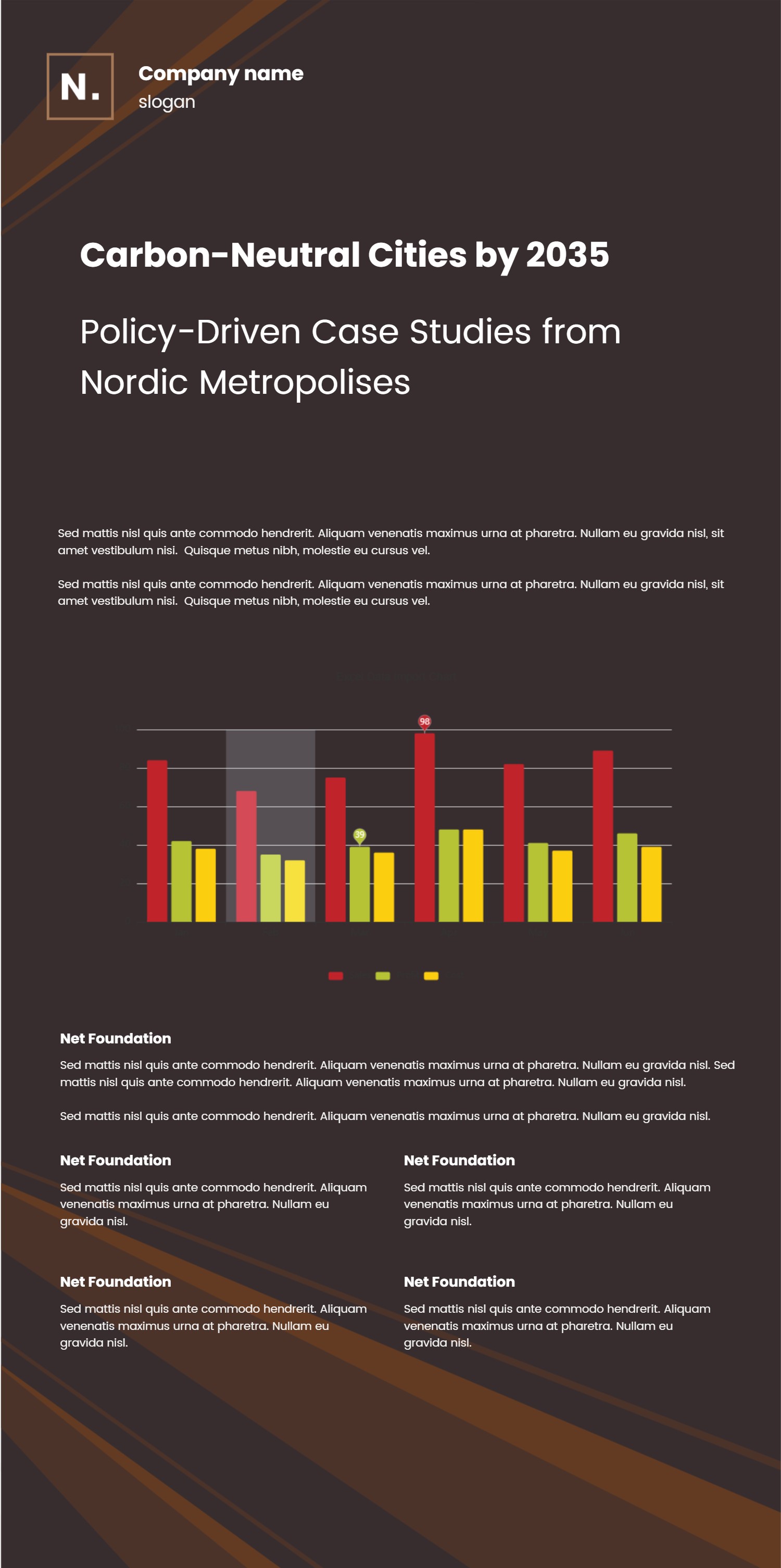
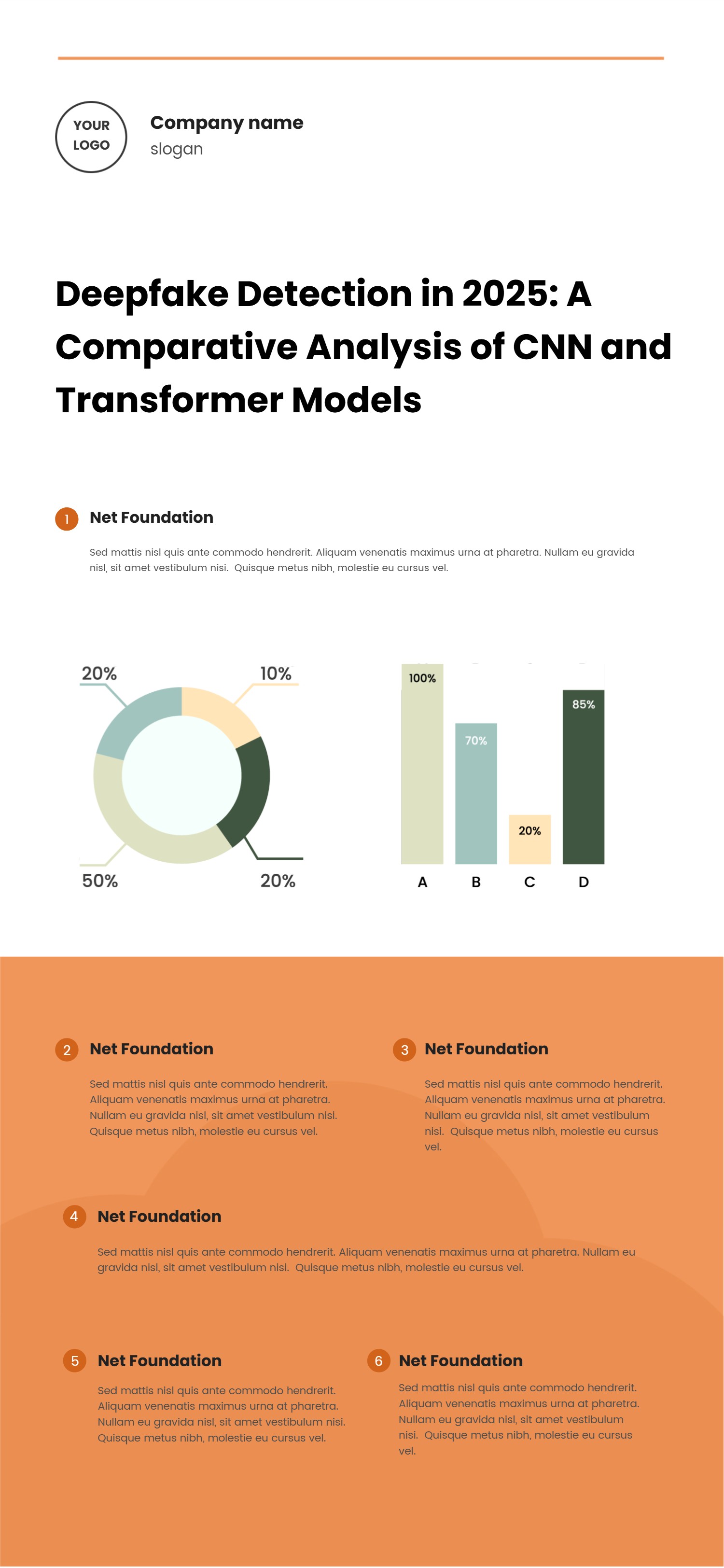
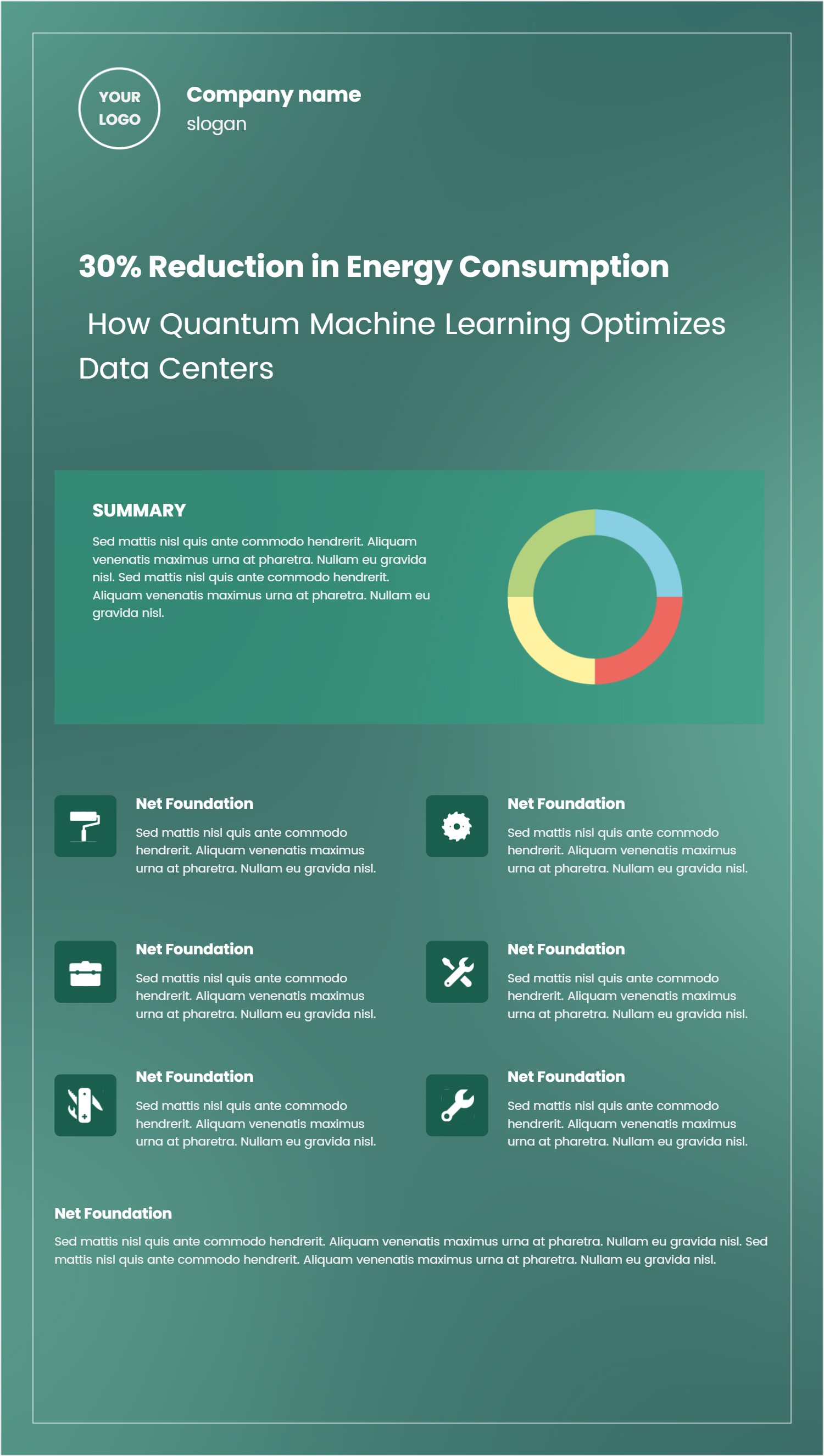
Google Sheets Habit Tracker Template for Simple PPT Infographic Plans
Size
Landscape
Color
Gray
Industry
Arts
Style
Modern
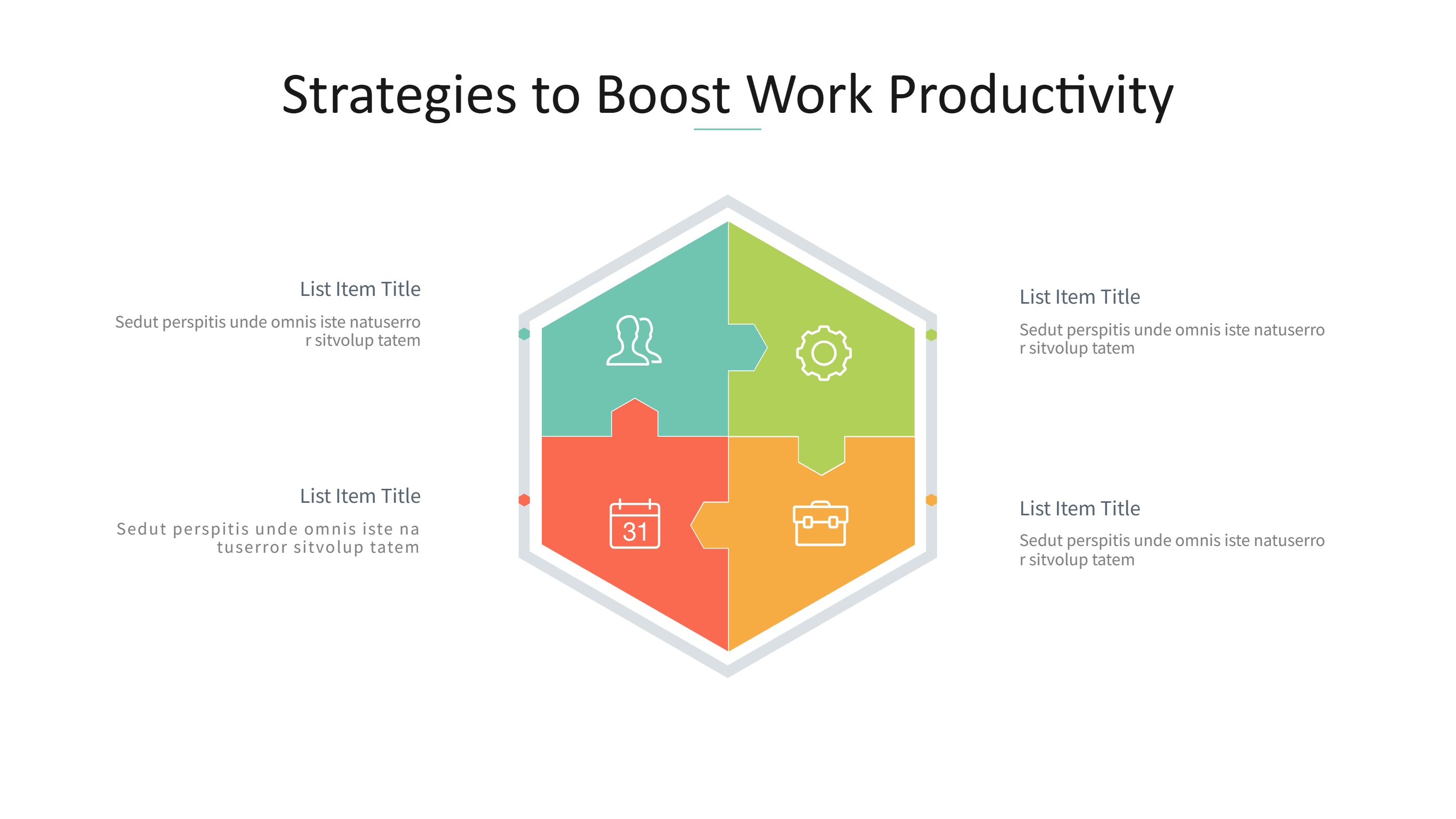
What is Google Sheets Habit Tracker Template Infographic
A Google Sheets habit tracker template infographic is a clean way to show daily habits in a simple grid. It turns a tracker into a visual page that is easy to read. Each block can hold a habit name, a short note, and daily marks. The layout keeps goals visible without heavy text. It fits a PPT slide and looks clear on a small screen. You can track habits like water, sleep, reading, or exercise. The design stays calm and tidy, so it is easy to follow. This template helps people focus on progress and stay consistent. It also makes routine tracking feel more friendly and less like a spreadsheet.
When to Use Google Sheets Habit Tracker Template Infographic
Use this habit tracker when you want a simple view of routine progress. It works for personal goals, study plans, and small team challenges. It is also useful for classes, clubs, and wellness groups. The visual layout helps you spot patterns at a glance. It can be shared in a group chat, a report, or a PPT deck. The tracker works well for weekly or monthly check ins. It is a good choice when you need a clear plan that stays easy to update. It also fits goal reviews where you want a quick summary.
How to Use Google Sheets Habit Tracker Template for Simple PPT Infographic Plans
On the home page, open the AI generation tool. Choose the Google Sheets habit tracker template from the list. Enter a short prompt with your habits and the time span. The tool builds the infographic in the same layout and style. Review the labels and keep them brief. Adjust colors to match your style and keep the grid easy to read. Save the result when it looks right. This gives you a ready slide that you can present or edit.
Download and Edit the Template
Click the download button to open the online editor. Replace the sample habit names with your own list. Keep the labels short so the grid stays clear. You can add small notes for targets or reminders. Adjust colors if you want a calm or bright look. Click the save button when you finish. Choose PPT, PNG, or SVG for the file format you need. Download the file and reuse it for new goals.
Examples of Google Sheets Habit Tracker AI Prompt Usage
Example 1:
Create a habit tracker for a monthly wellness plan. Include water, sleep, steps, and reading. Use a clean grid with short labels that fits a PPT slide.
Example 2:
Make a study habit tracker for a four week exam prep plan. Add daily study, review notes, and practice questions. Keep the layout simple and easy to scan.
Example 3:
Design a habit tracker for a team challenge. Track daily stretch breaks, focus blocks, and end of day review. Use calm colors and clear labels.
Example Infographic Image
[Example Image Placeholder: Image will be added manually]
Recommended Similar Infographic Templates
Related Template 1: Daily Habit Tracker Template for Simple PPT Infographics
Related Template 2: To do list with ice cream theme Planner
Related Template 3: Notion Monthly Budget Template Infographic for Simple Spending Plans
Related Template 4: Song Structure Template for Music Planning PPT Infographics
FAQs
Q: Can I track only a few habits?
A: Yes, you can keep the grid small and focused on the habits that matter.
Q: Can I update the tracker each month?
A: Yes, you can edit and save a new version whenever your goals change.
Q: Can I use this for a family plan?
A: Yes, the simple labels make it easy for shared goals.
Q: Can I add notes under each habit?
A: Yes, you can add a short note or target under each habit block.
Q: Can I export the tracker as PNG or SVG?
A: Yes, you can download PPT, PNG, or SVG from the editor.