Free Fishbone Diagram Template Word for Cause Analysis
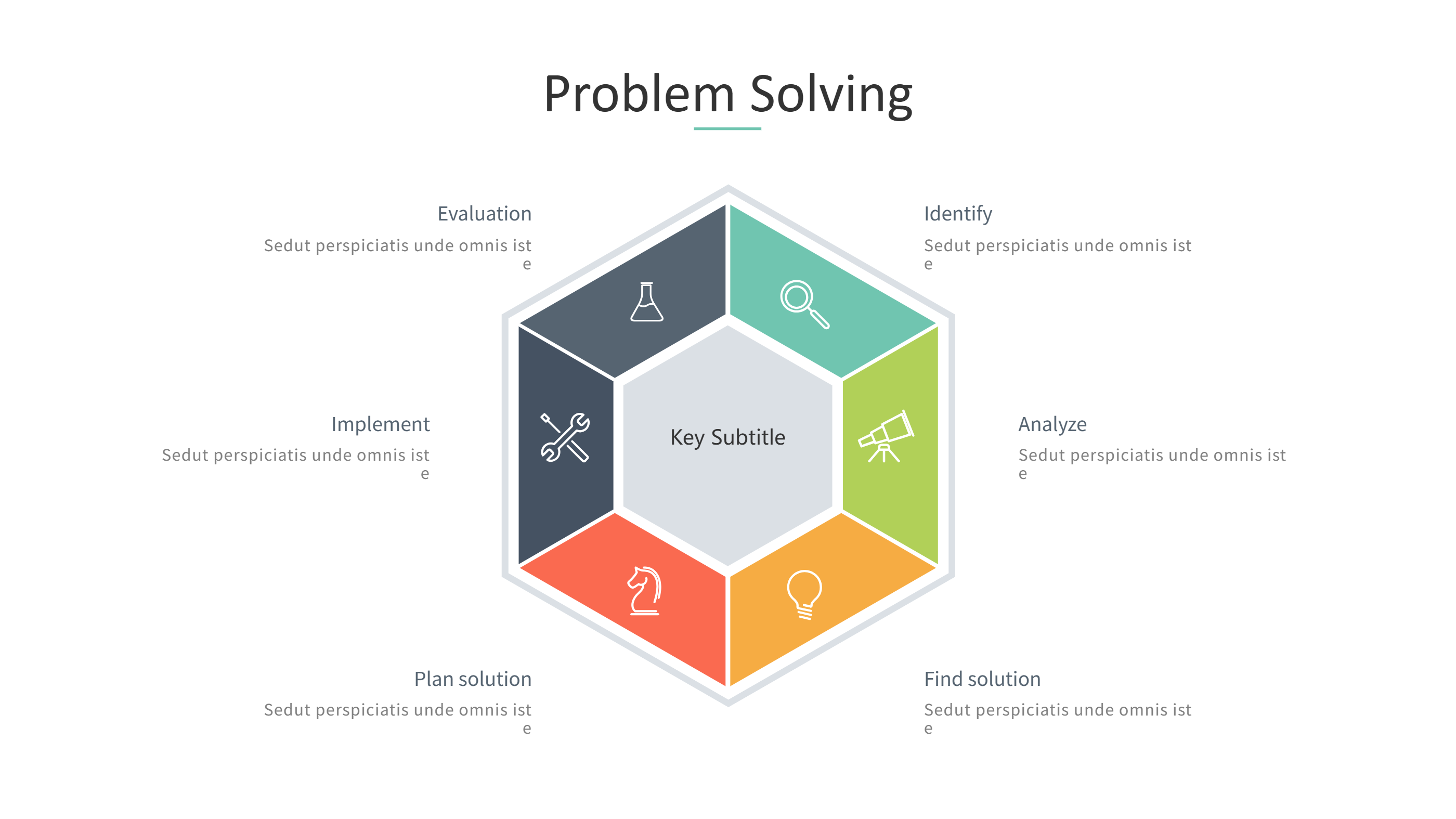
What is Free Fishbone Diagram Template Word Infographic
A free fishbone diagram template Word infographic is a simple layout that shows a cause map. It places the main problem at one end and groups causes along the spine. The view helps teams see how many small causes connect to one issue. It keeps the analysis short and easy to follow.
This template works for quality checks, service reviews, and team meetings. It can show causes like people, tools, steps, and environment in simple branches. It keeps labels short so the map stays clear. The design helps a team agree on what to fix. The diagram can also show quick actions near each branch. This keeps the next steps visible for the team.
When to Use Problem Solving Infographic
Use this infographic when you need a simple root cause view. A problem solving layout helps people list causes without long text. It is useful for project delays, service issues, or process errors. It helps teams focus on the most likely causes.
It also works for group workshops. You can add ideas fast and keep the board easy to read. It is easy to update after a meeting. The format keeps the focus on clear causes and actions.
Download and Edit the Template
Click the download button and an online editor opens in a new page. You can edit the problem label and each cause branch. You can adjust colors and icons to match your team style. Use the save button when you are done. Choose PPT, PNG, or SVG as the export format. The steps stay the same even if the wording is different.
How to Use Free Fishbone Diagram Template Word for Cause Analysis
Open the AI generator on the home page and choose the fishbone style template. Enter a short prompt that names the problem and lists main cause groups. The tool creates an infographic that follows the layout. You can edit the result and adjust text to match your findings. The meaning stays the same, even if your wording changes.
Examples of Free Fishbone Diagram Template Word AI Prompt Usage
Example 1:
A fishbone diagram for late deliveries with cause groups for people, tools, planning, and suppliers. Add short notes for each branch.
Example 2:
A cause map for customer complaints in a cafe. Use branches for service, menu, wait time, and environment. Keep labels short.
Example 3:
A quality issue diagram for a product defect. Include branches for materials, steps, storage, and checks with simple notes.
Recommended Similar Infographic Templates
Related Template 1: The root cause of obesity
Related Template 2: Modern Methods for Data Analysis
Related Template 3: 5 Business & Market Analysis
FAQs
Q: Can I use this template for a simple team review?
A: Yes, it is clear and easy for group sessions.
Q: Can I add more cause branches?
A: Yes, you can add extra branches as needed.
Q: Is this suitable for a process issue review?
A: Yes, it helps list causes and focus on fixes.
Q: Can I use short labels instead of long notes?
A: Yes, short labels keep the diagram clear.
Q: Can I export the diagram as an image?
A: Yes, PNG and SVG export are available.