Shorts Template Infographic for Quick Video Ideas
Size
Landscape
Color
Gray
Industry
Arts
Style
Modern
What is Shorts Template Infographic
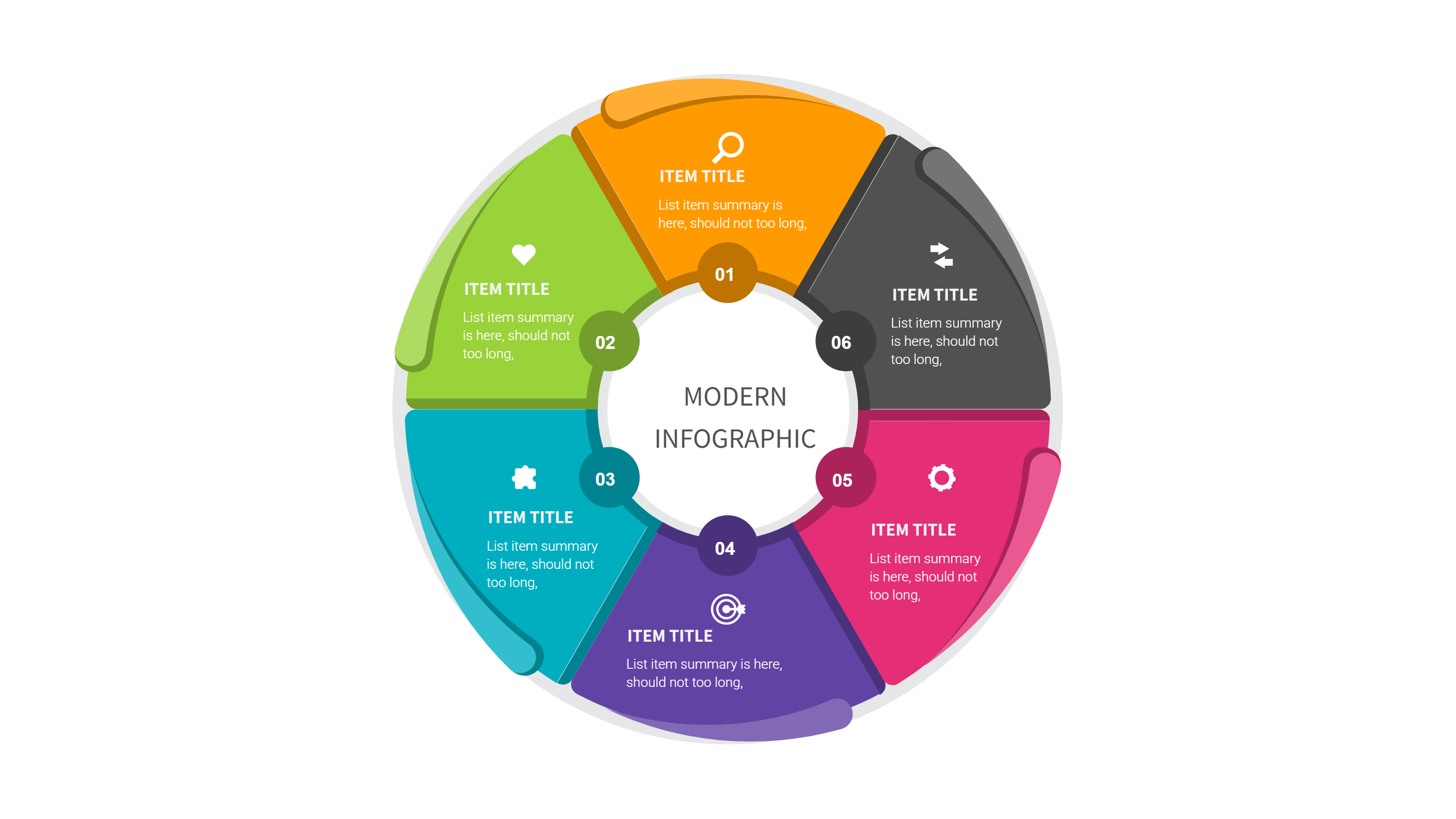
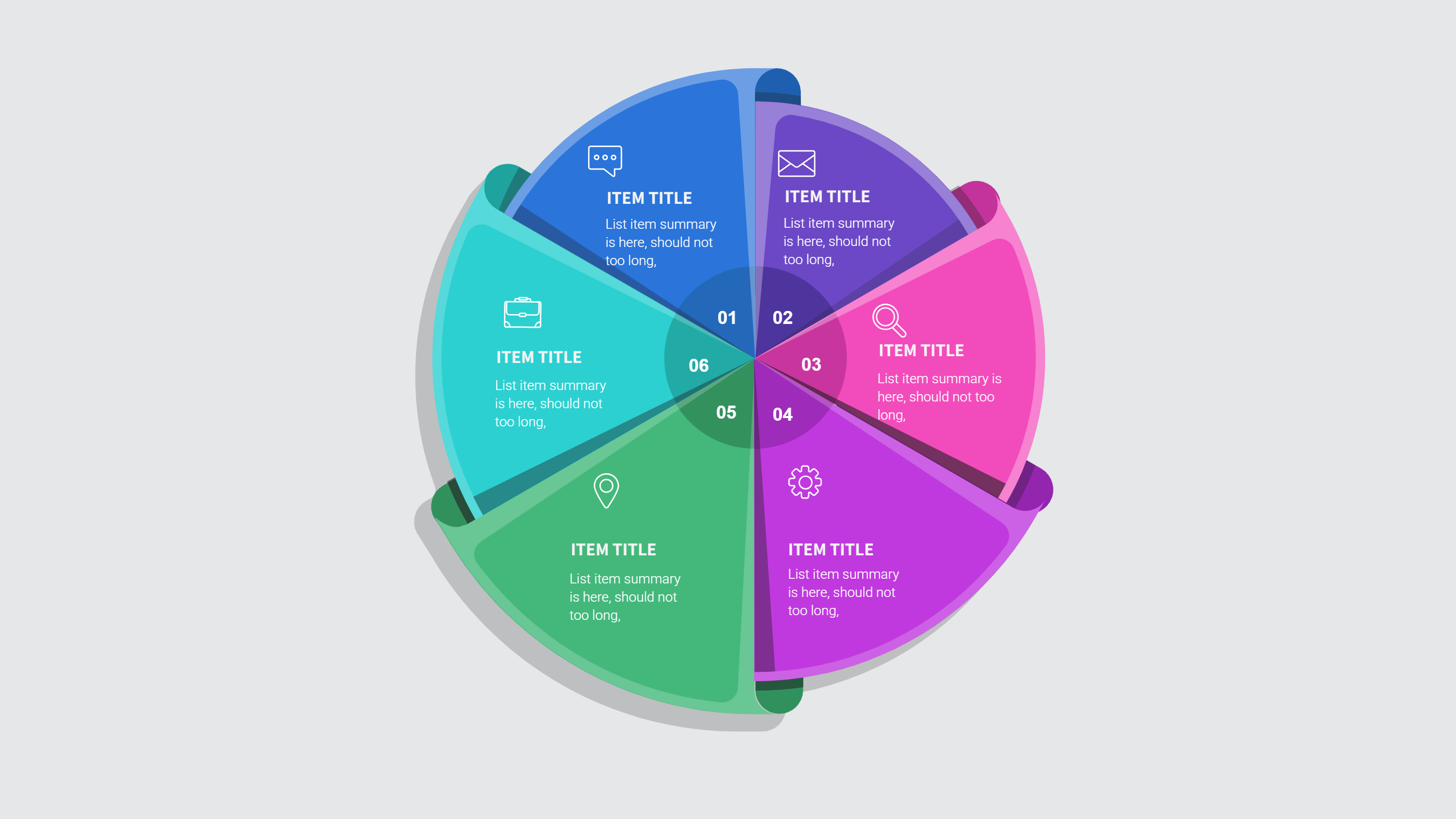
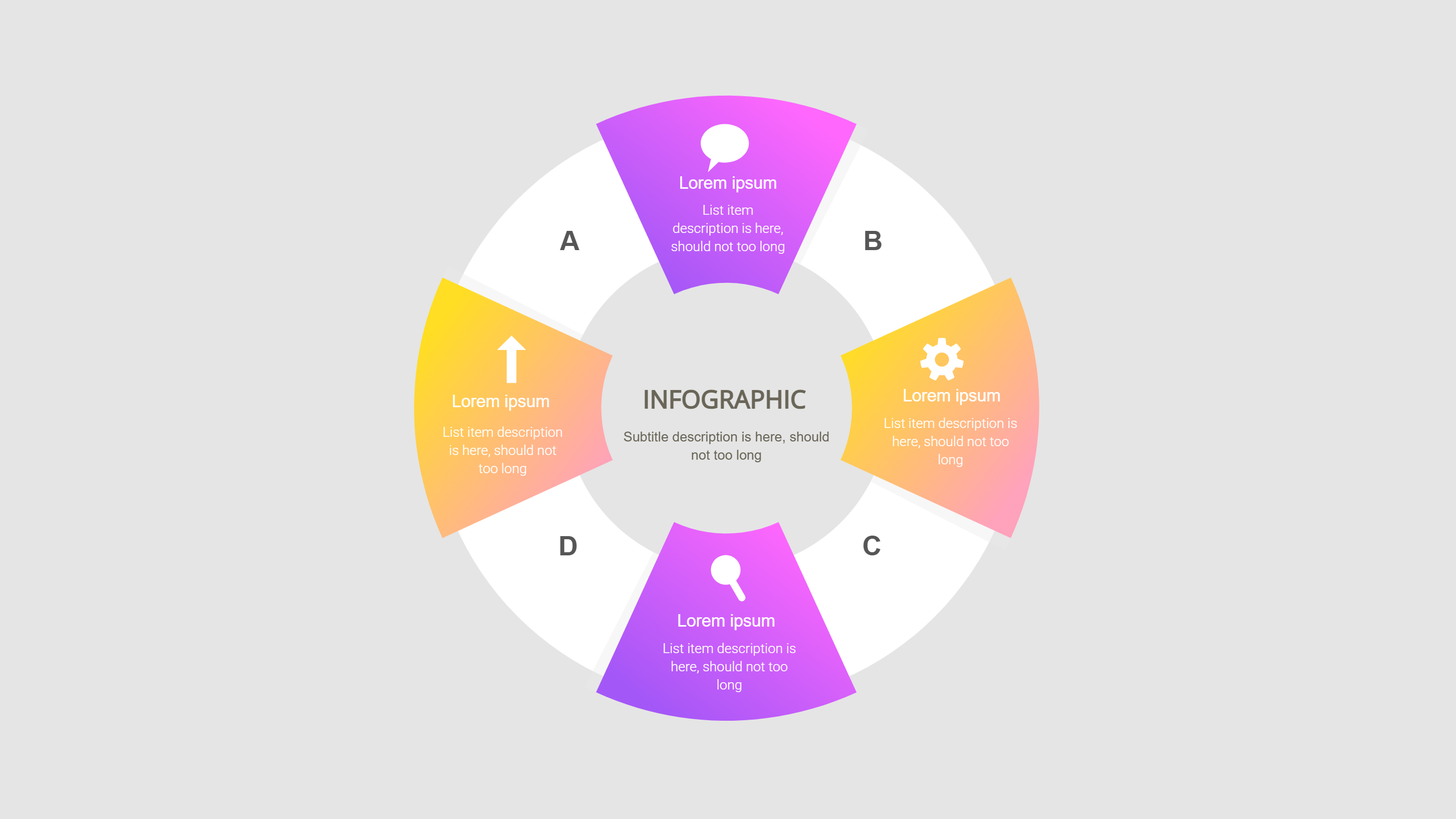
A Shorts template infographic is a simple visual guide for quick video ideas. It organizes the hook, main point, and closing message into clean blocks. This layout helps creators plan a short story without heavy text. It keeps focus on what the viewer should see and feel. The format is simple and easy to scan.
The infographic works well as a planning sheet. It can show a short title, key scene notes, and a call to action. A few icons can hint at mood and pace. The goal is to keep ideas tight and clear. A Shorts template infographic helps you move from idea to outline fast.
When to Use Shorts Template Infographic
Use a Shorts template infographic when you want to plan many small videos in a week. It helps when you need consistency in style but want fresh topics. It is also useful for teams, since everyone can see the same structure. A simple layout keeps feedback short and clear.
This infographic is helpful before a shoot or before editing. It keeps the plan close and prevents extra steps. It is also good for quick reviews. You can compare a new idea with past ideas and spot repeats. That keeps the content varied and interesting.
How to Use This Infographic Template
Open the AI tool on the home page, pick the Shorts template, and write a short prompt with your idea and tone. The tool creates a draft infographic with labeled blocks. Review the text and adjust words to fit your voice.
Add timing notes like opening, middle, and close without long lines. Keep each block short. Use simple colors and icons so the layout feels clean. Save the draft and reuse it for more topics.
Download and Edit the Template
Click the download button to open the online editor. Replace the sample text with your own lines and swap icons if needed. Keep the layout wide and simple for easy reading on screen. Save the file and export it as PPT, PNG, or SVG.
You can keep a blank copy as a starter for new ideas. You can also share the file with a partner for quick review. A clean export makes it easy to drop into a slide deck or a team folder. The template stays ready for daily use.
Examples of Shorts Template Infographic
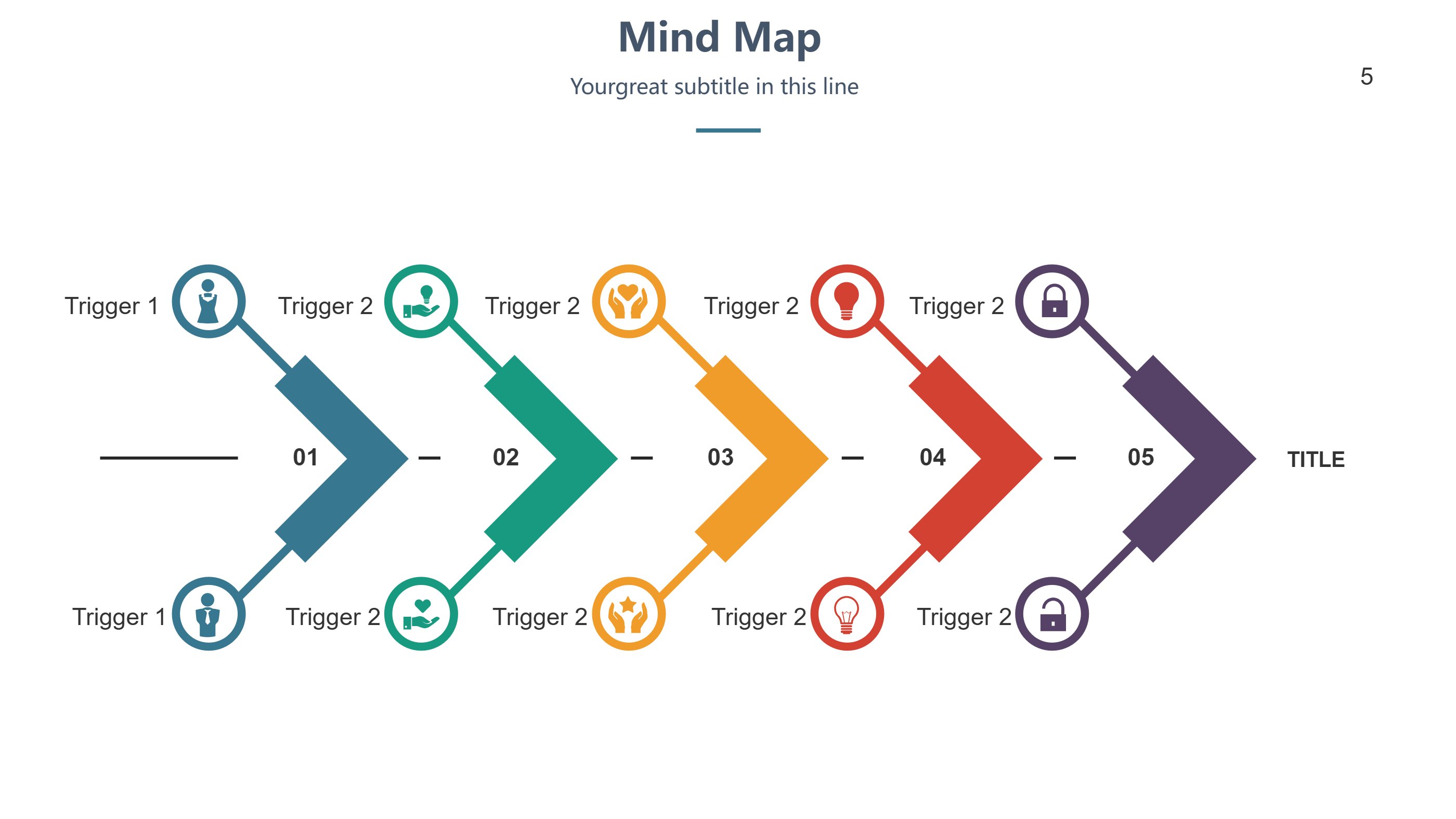
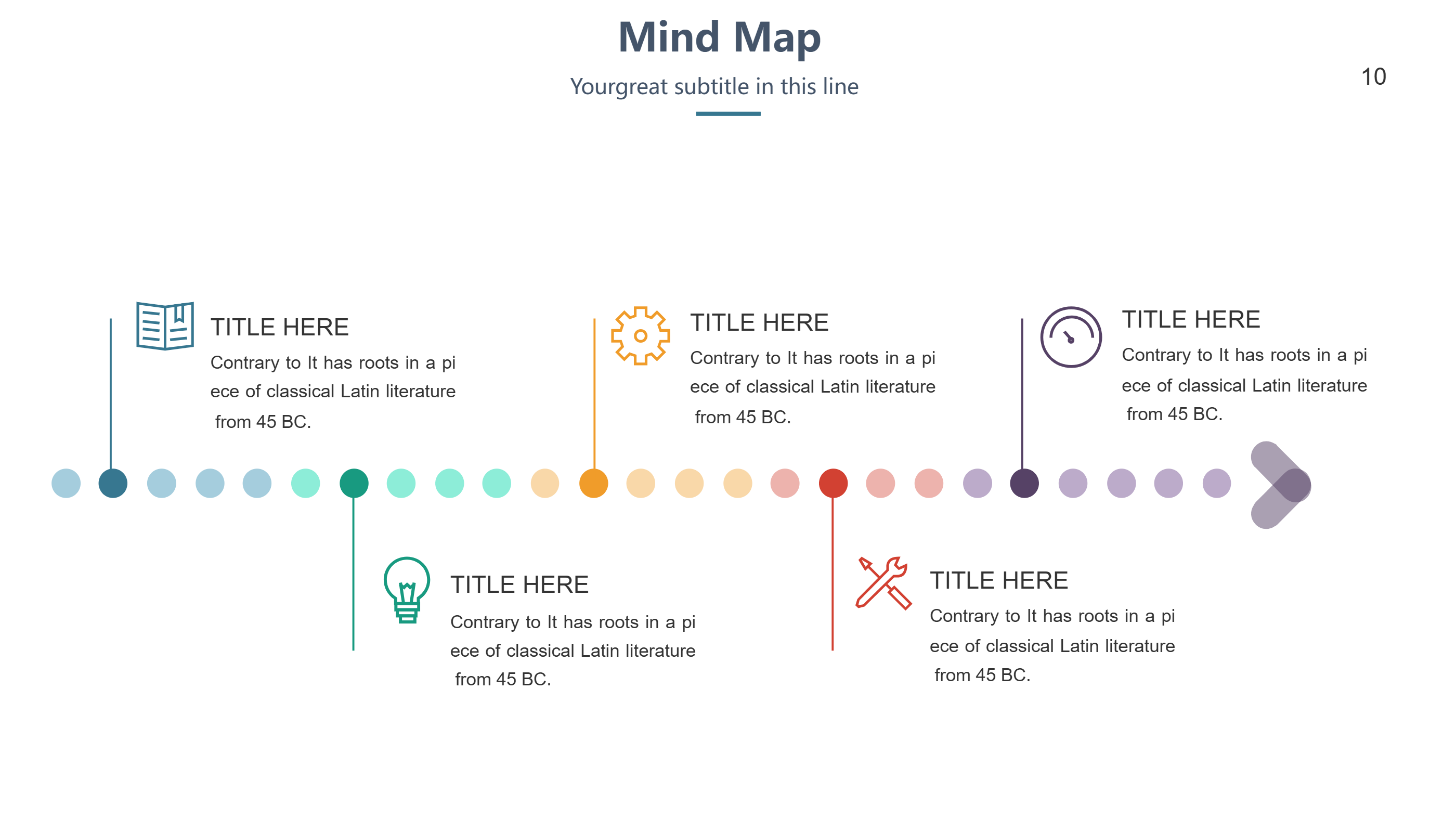
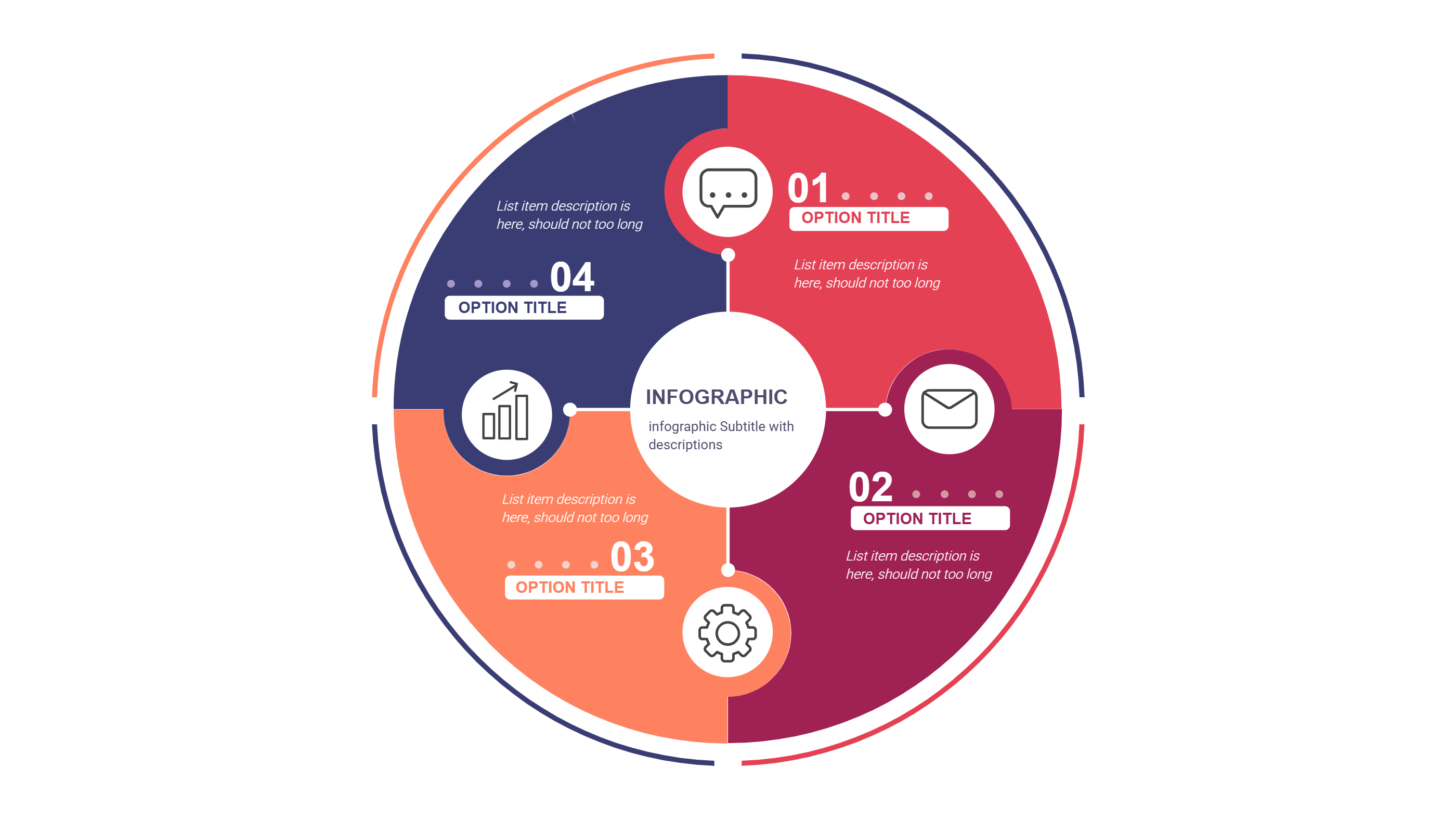
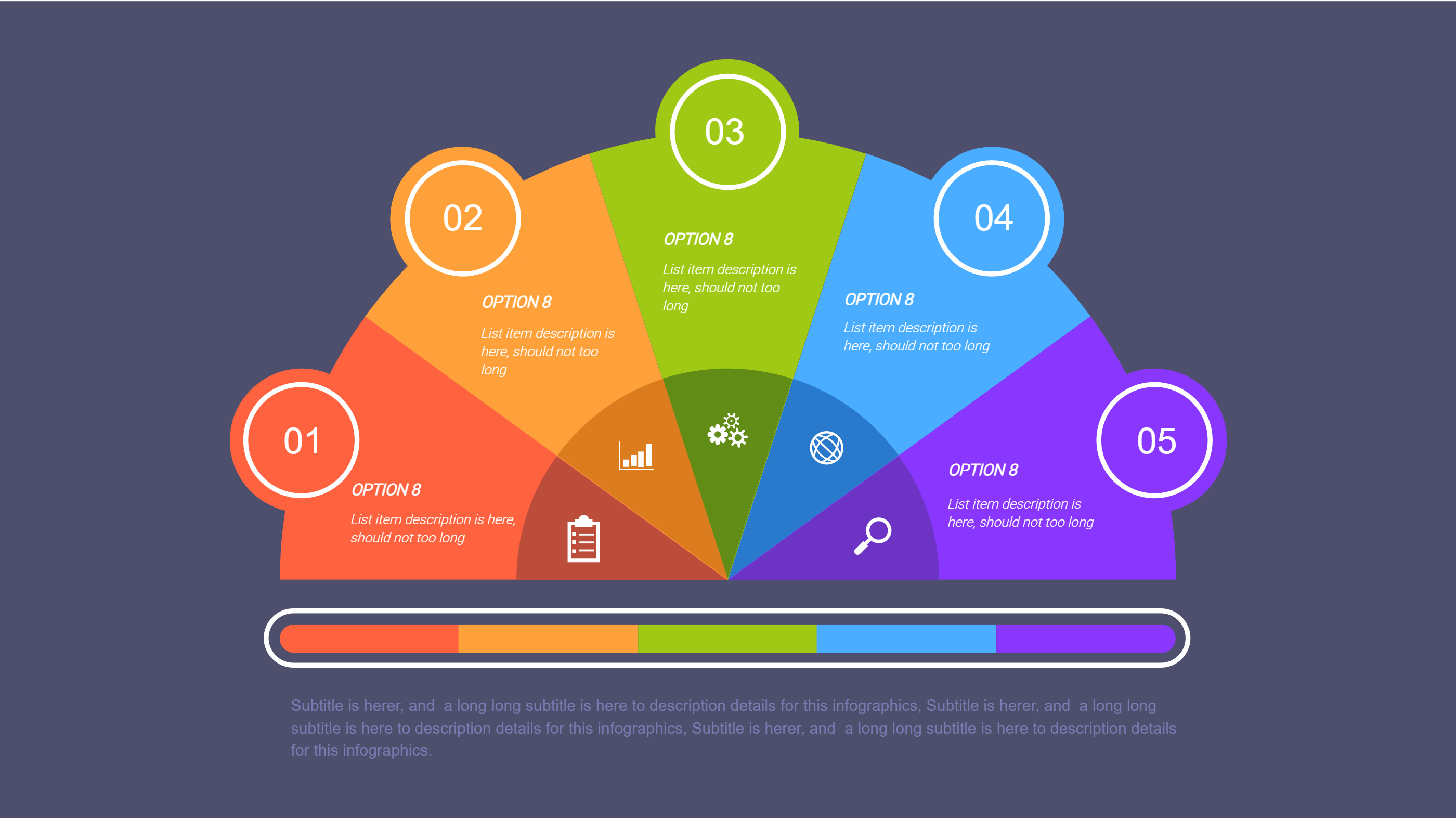
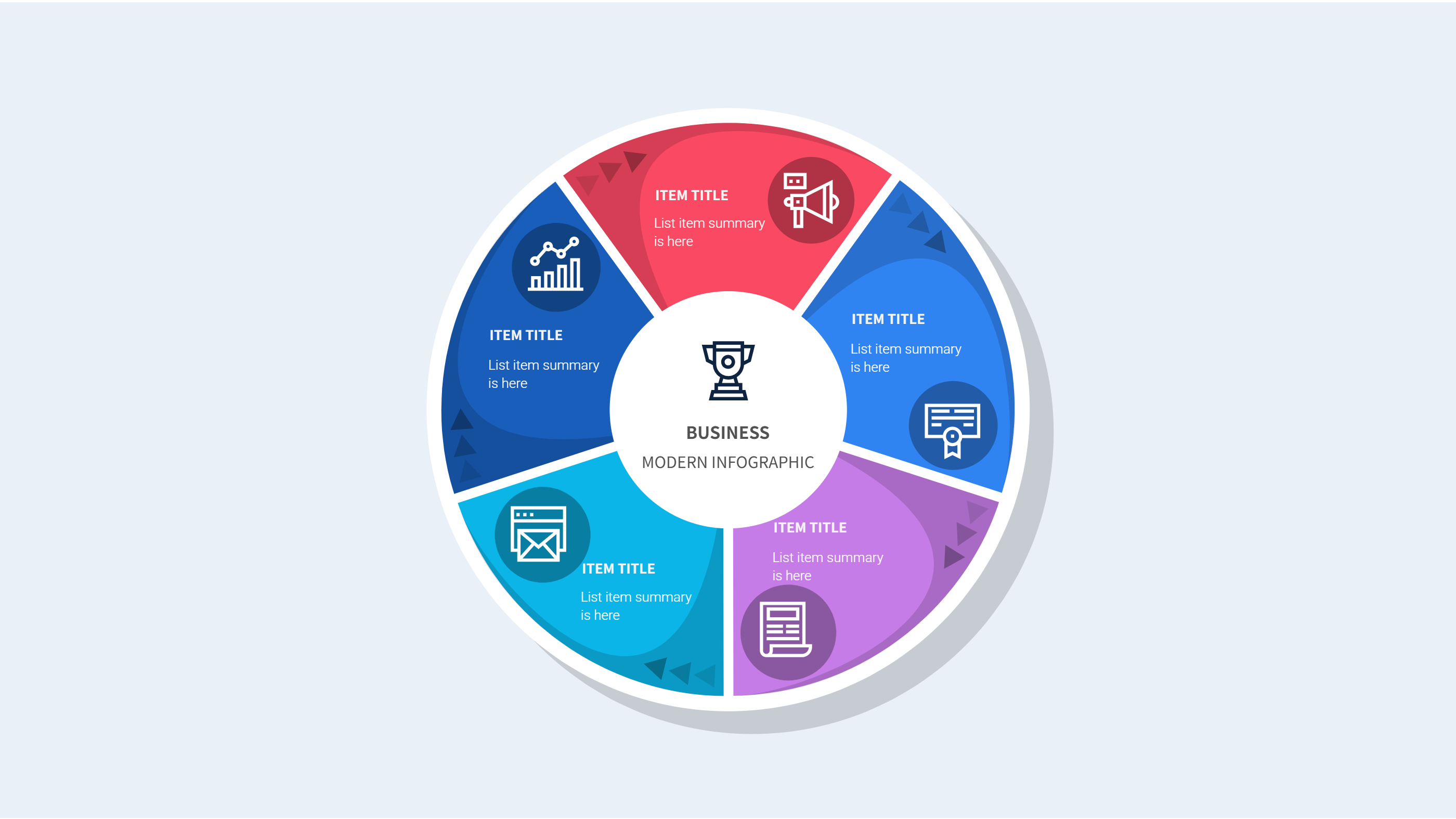
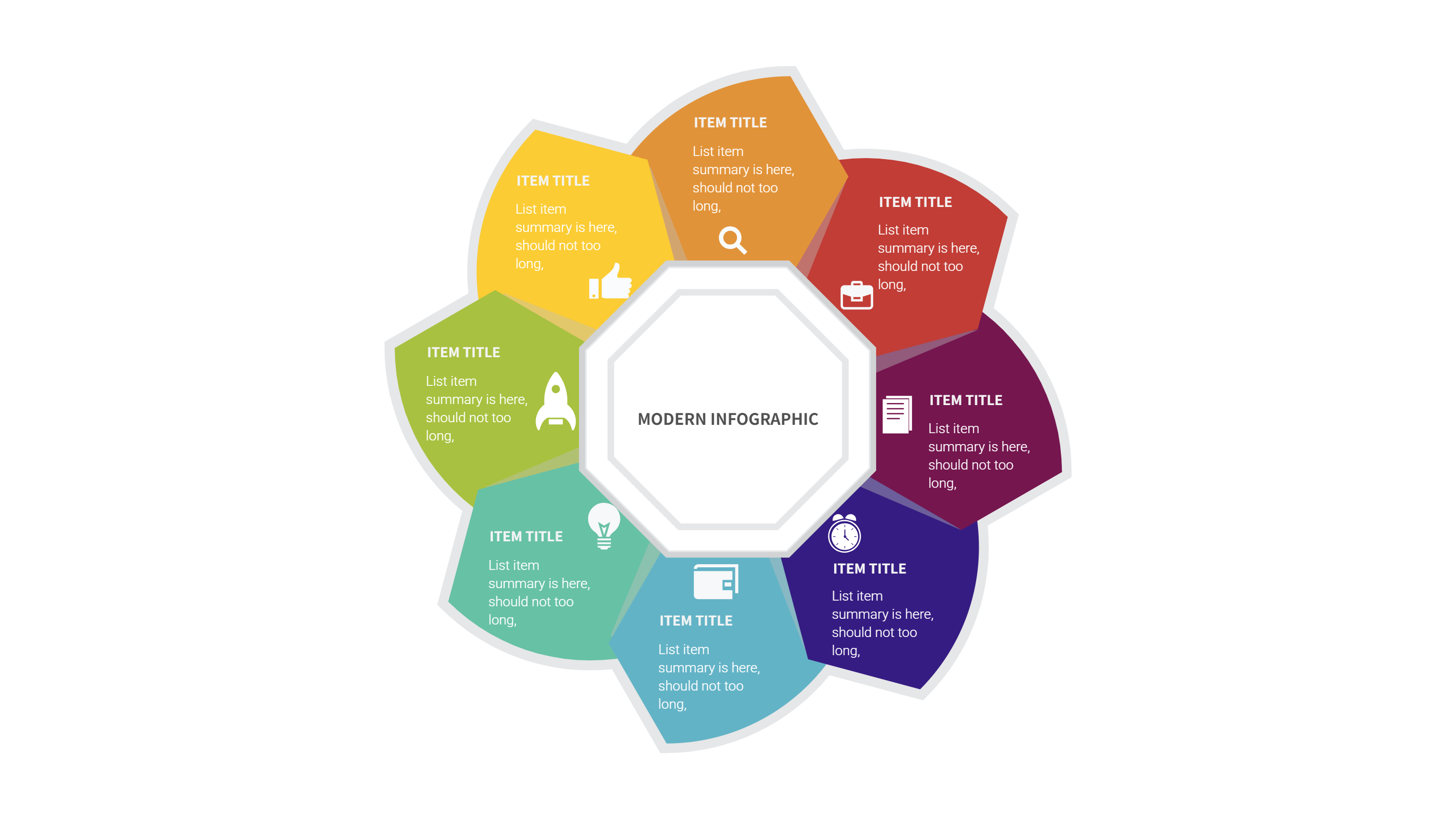
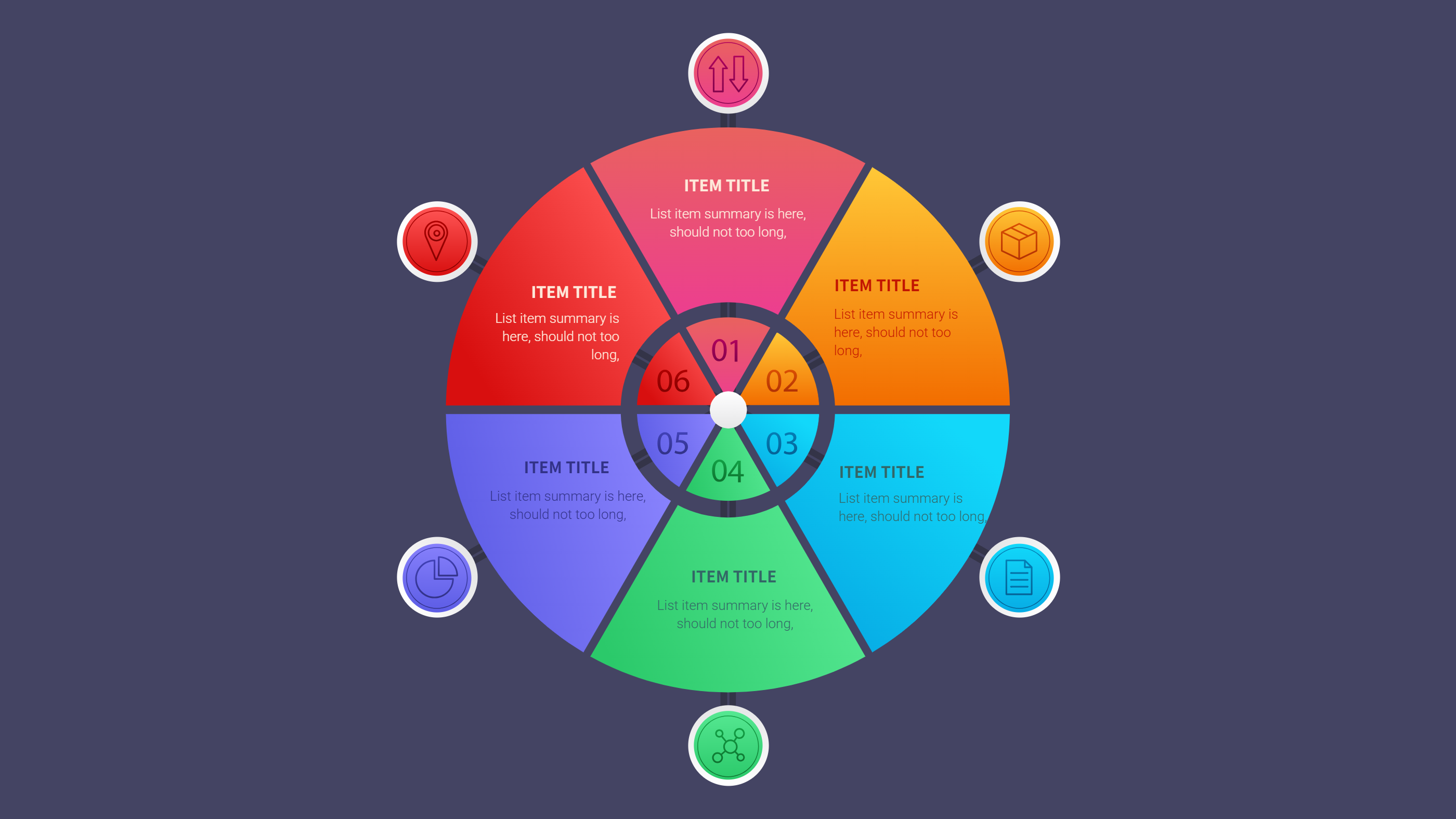
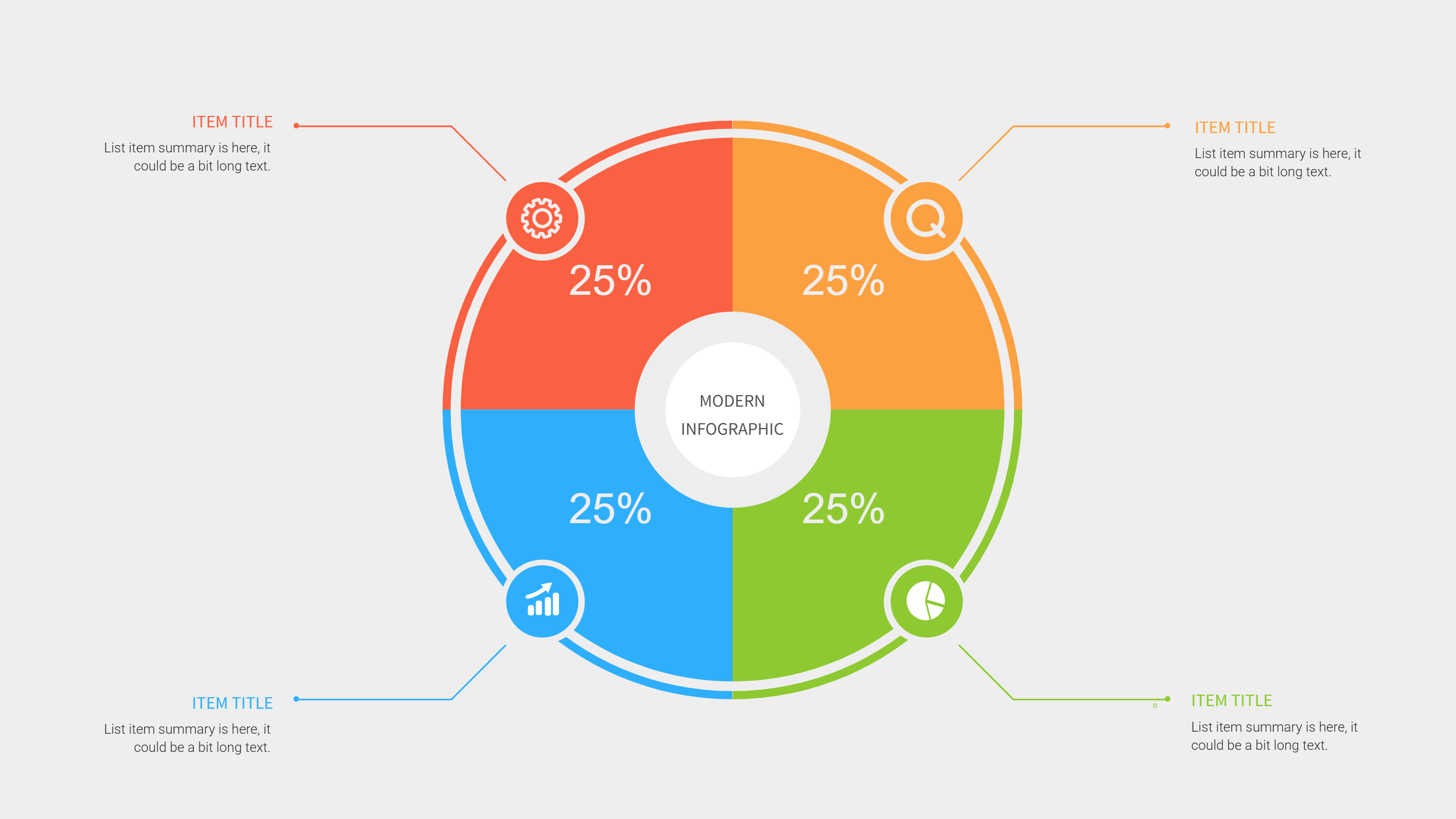
Example 1: A three block layout with a short hook at the top, a simple demo in the center, and a closing line at the bottom. Each block uses one line of text and one small icon. The layout leaves room for a quick visual cue like a product or a scene. Example 2: A vertical layout that lists a problem, a quick tip, and a clear result. The text is short and friendly. A small color bar marks each part so the viewer can follow the flow in seconds.
Example Image Placeholder
[Example Image Placeholder. Image will be added manually]
Recommended Similar Infographic Templates
Dance Challenges: https://infographai.net/sites/default/files/2024-12/Frame%2017%20%282%29.svg
Tutorials & How-To Videos: https://infographai.net/sites/default/files/2024-12/Frame%2014_0.svg
AI-Driven Content Creation: https://infographai.net/sites/default/files/2024-12/Frame%2013.svg
4 steps tutorial: https://infographai.net/sites/default/files/2024-12/phone%20steps%201%201%20%281%29.svg
FAQ
Q: Can I use this for product clips?
A: Yes, the structure fits product tips, demos, and quick updates.
Q: Do I need long scripts?
A: No, short lines work best in this layout.
Q: How many ideas can I keep on one page?
A: One idea per page keeps the message clear and focused.
Q: Can a team use the same template?
A: Yes, it keeps a shared style and saves time.
Q: Should I add timing notes?
A: Yes, short timing notes help keep the pace steady.