Infographic in Video Hub Layout Template
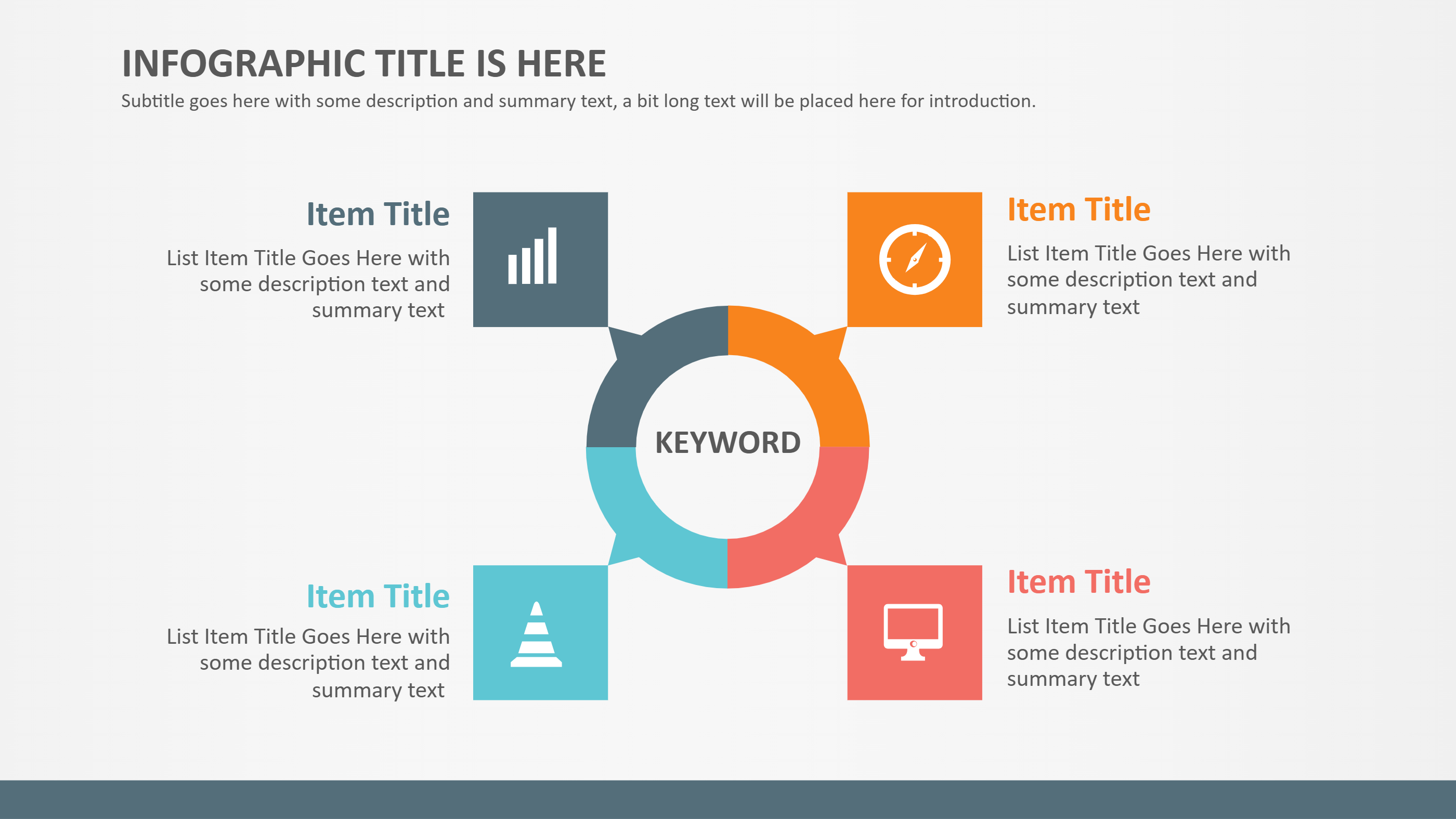
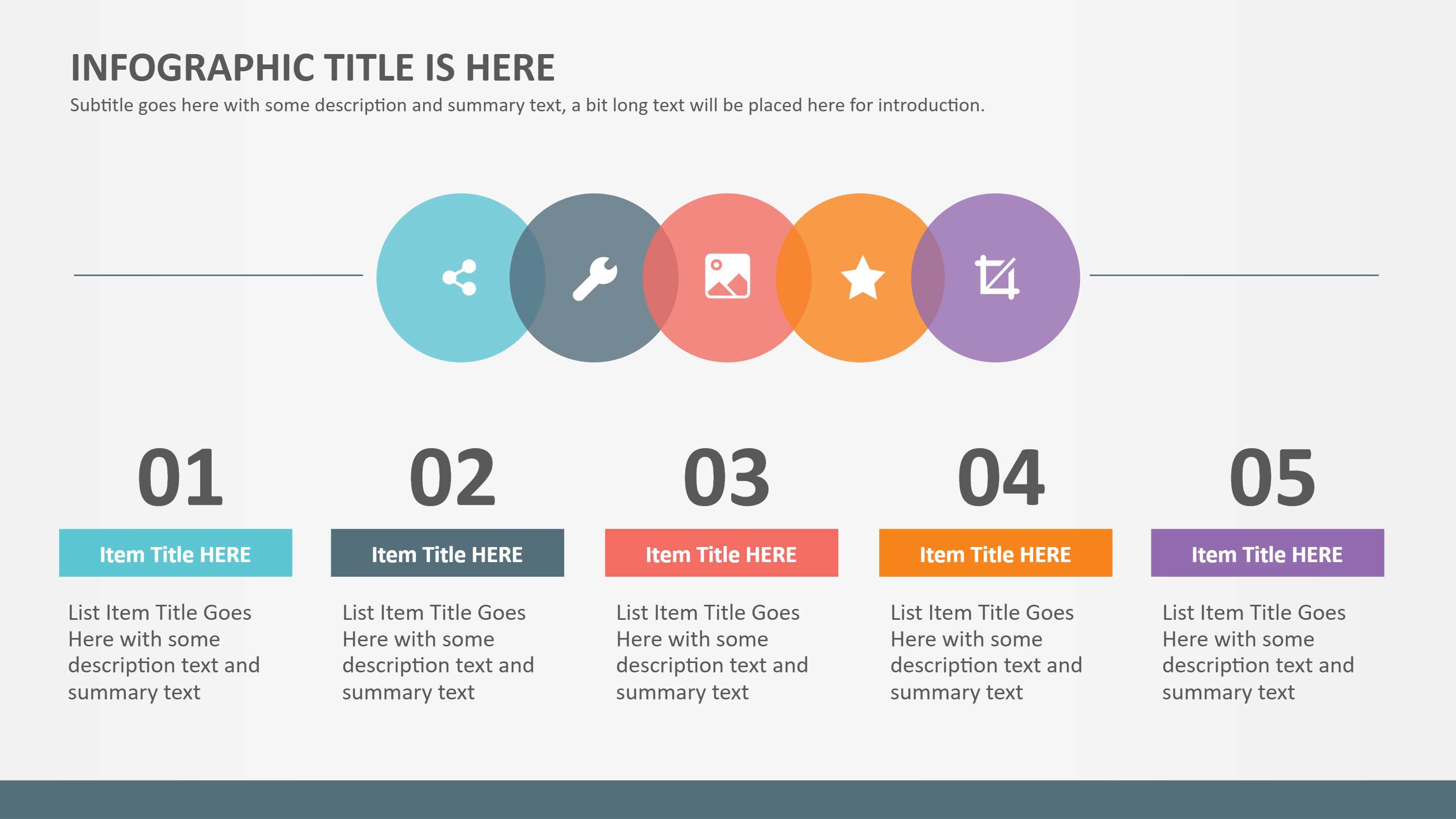
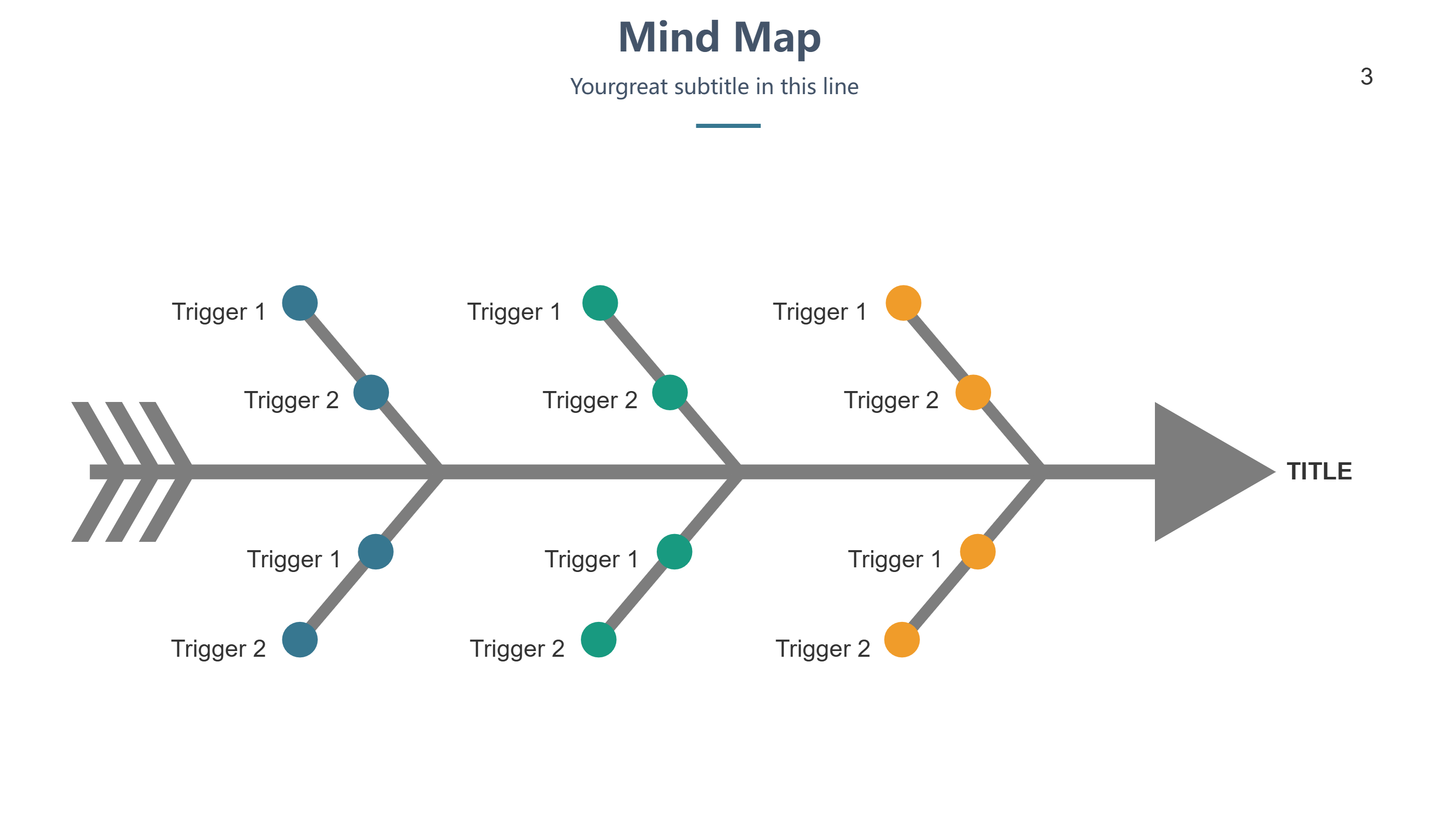
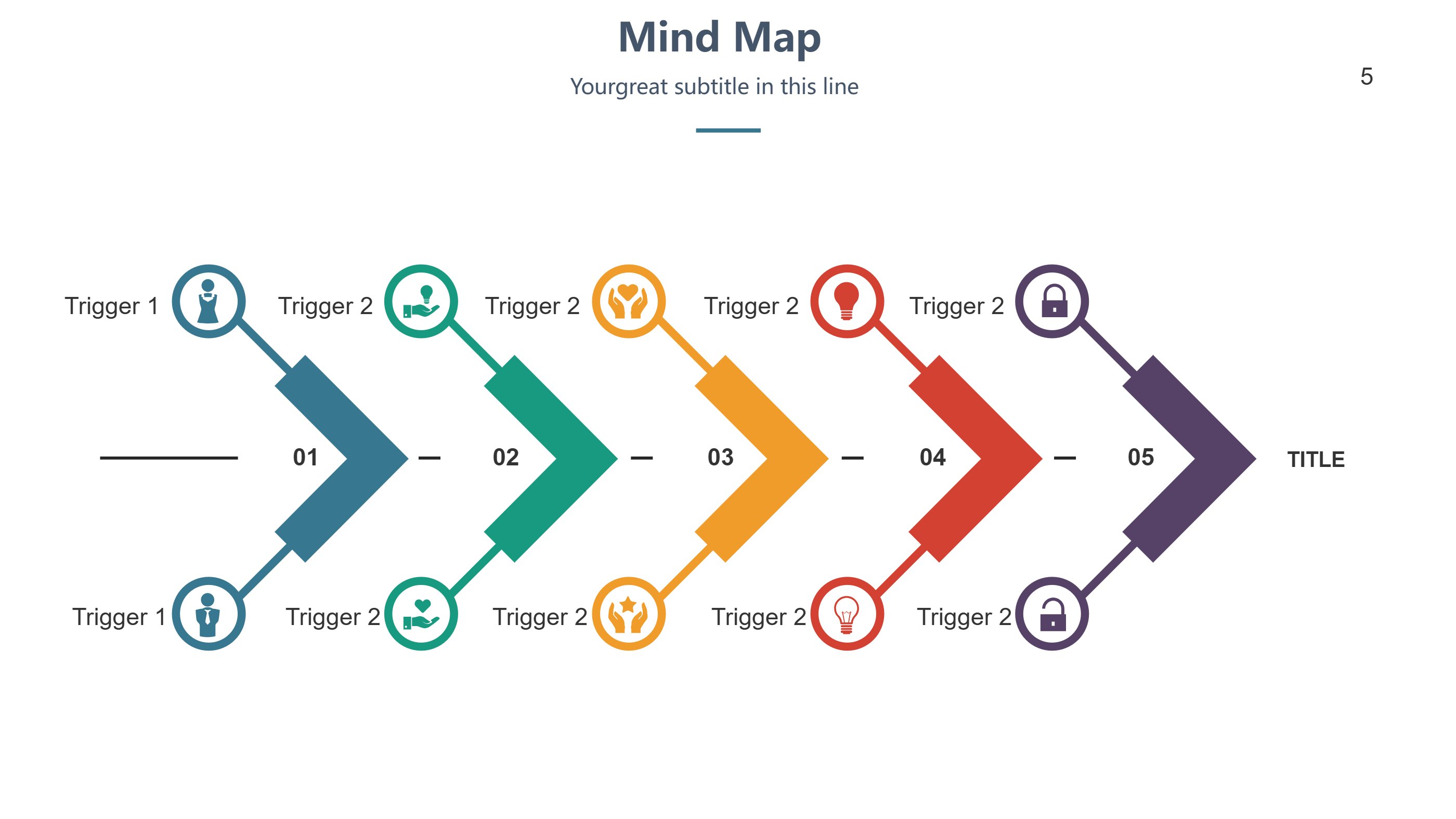
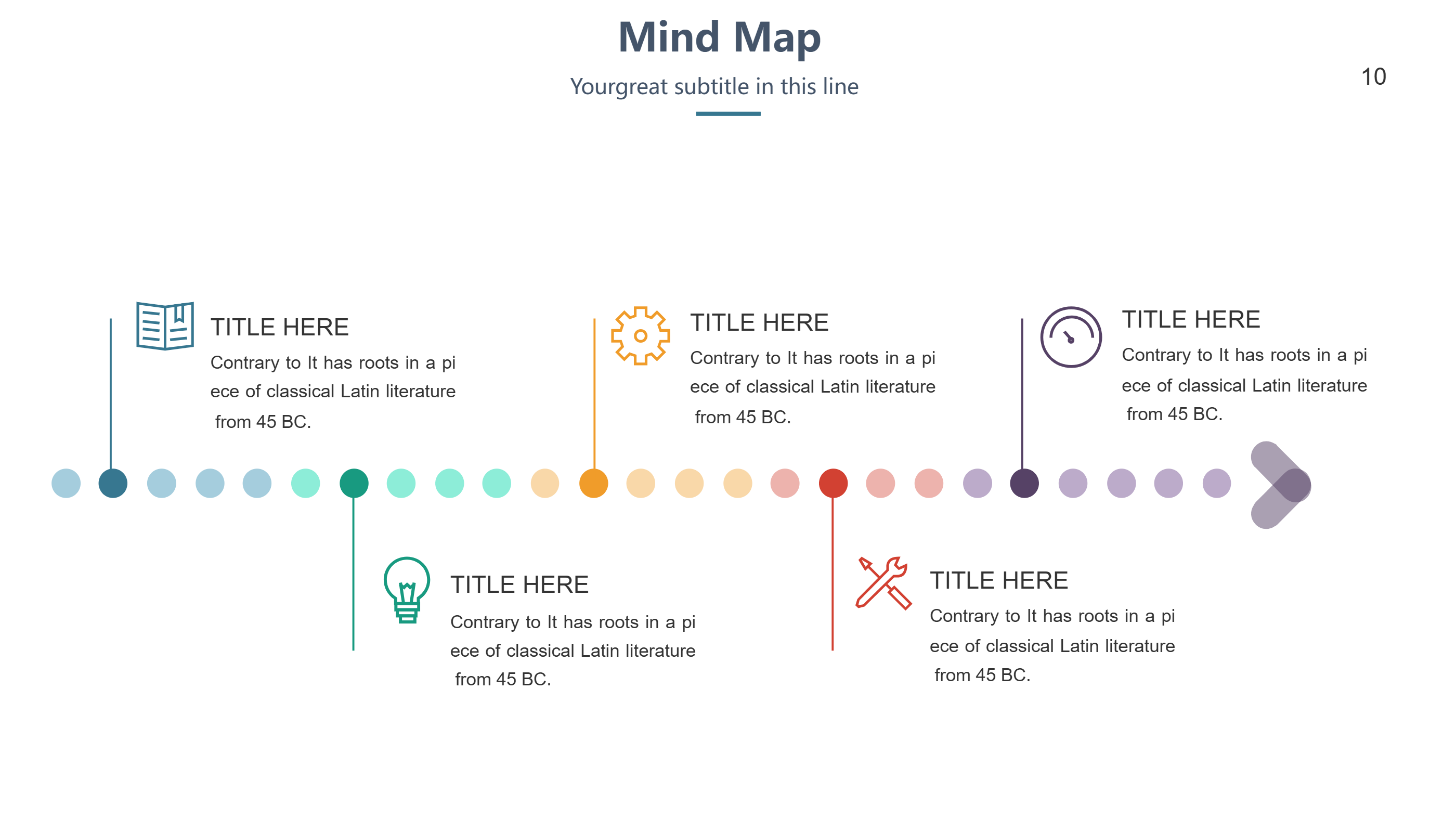
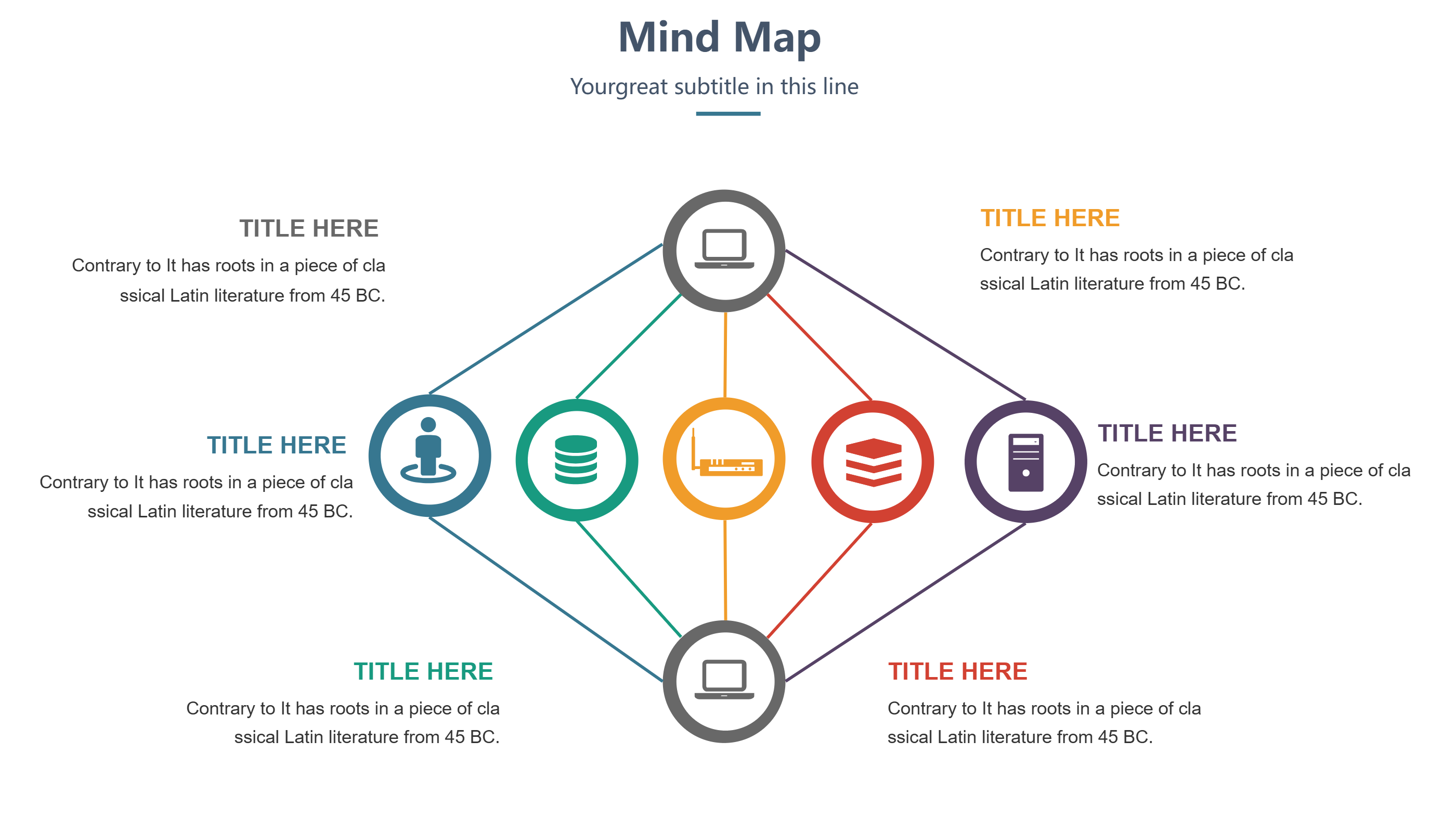
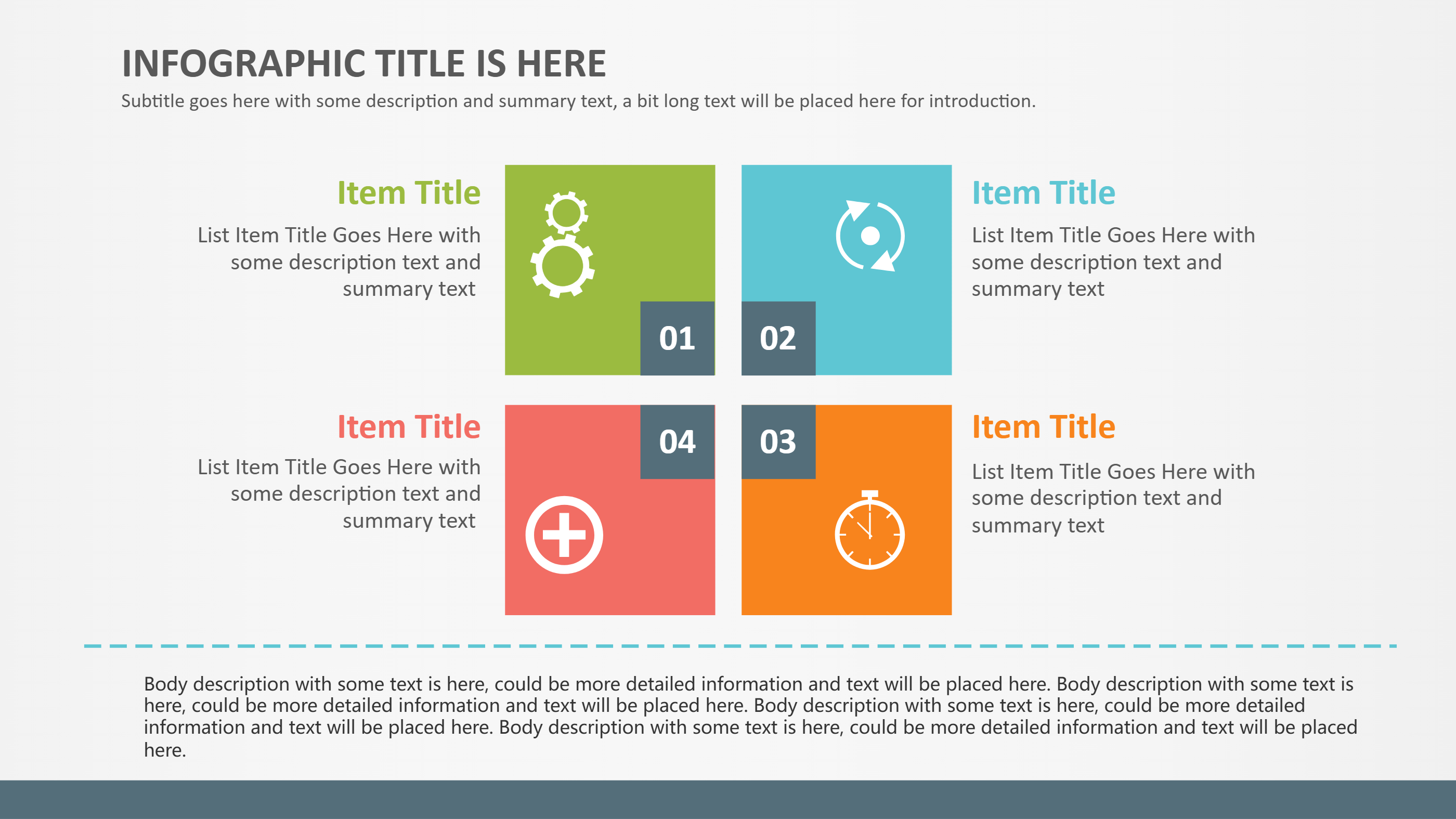
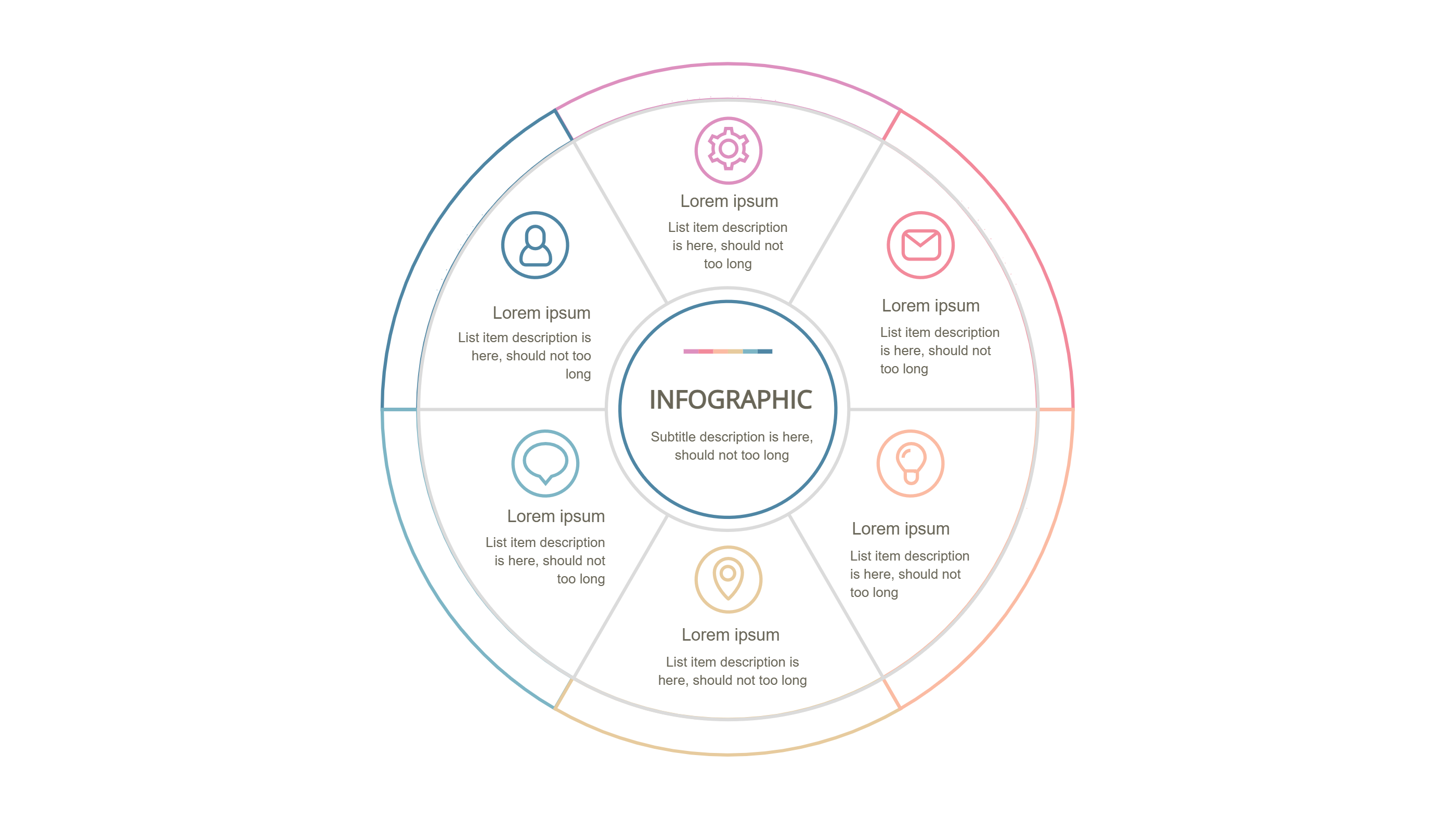
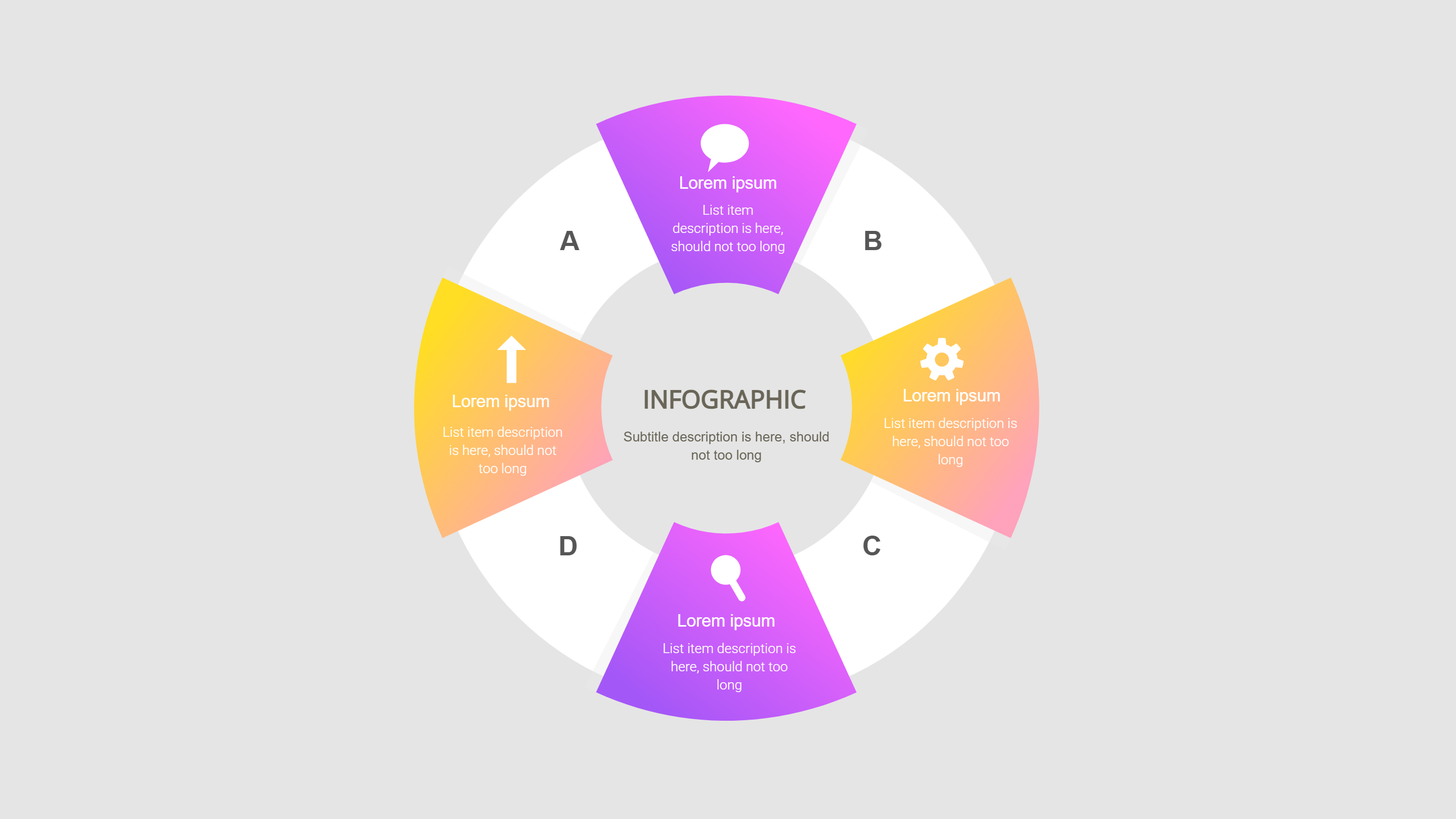
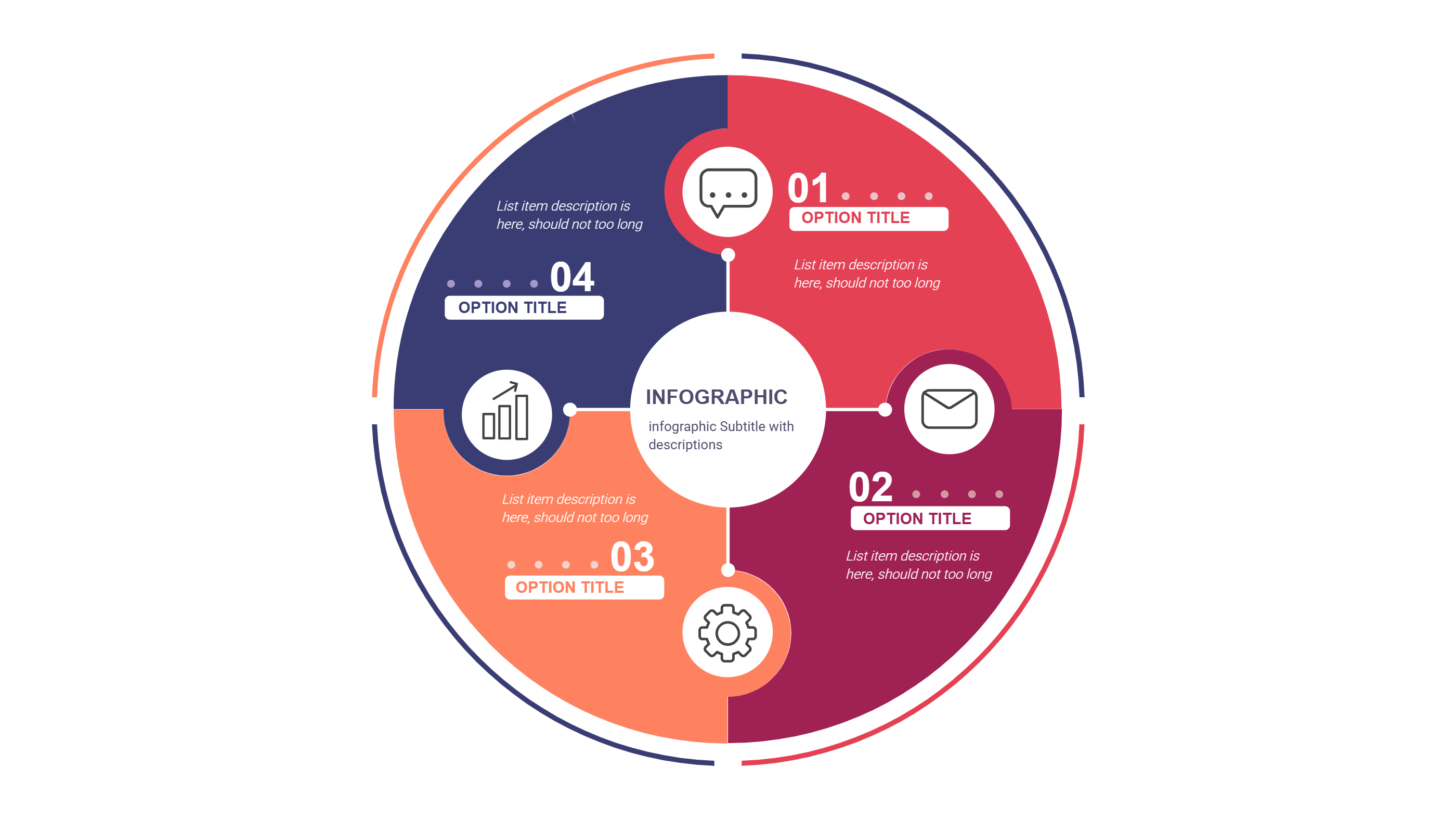
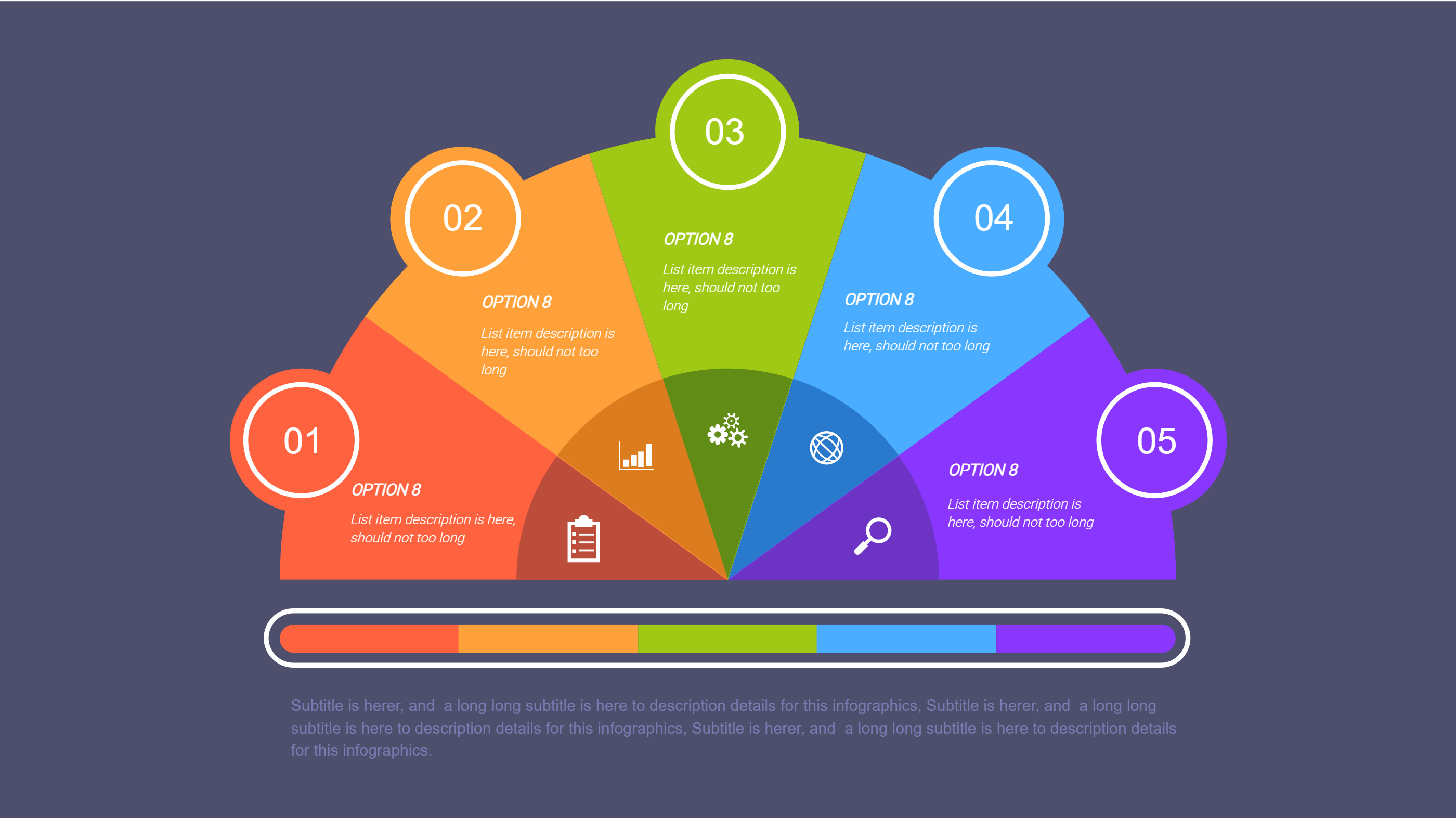
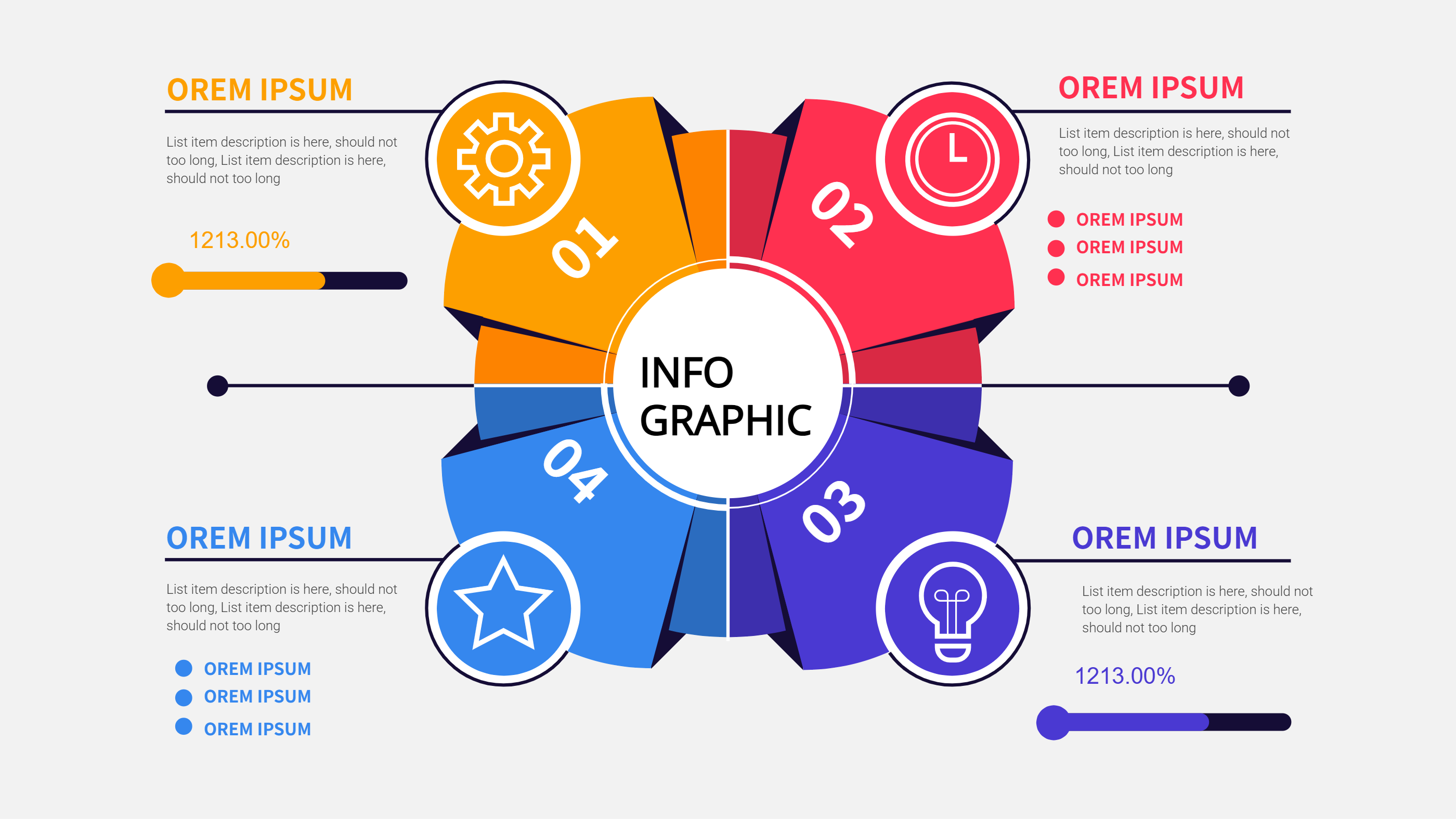
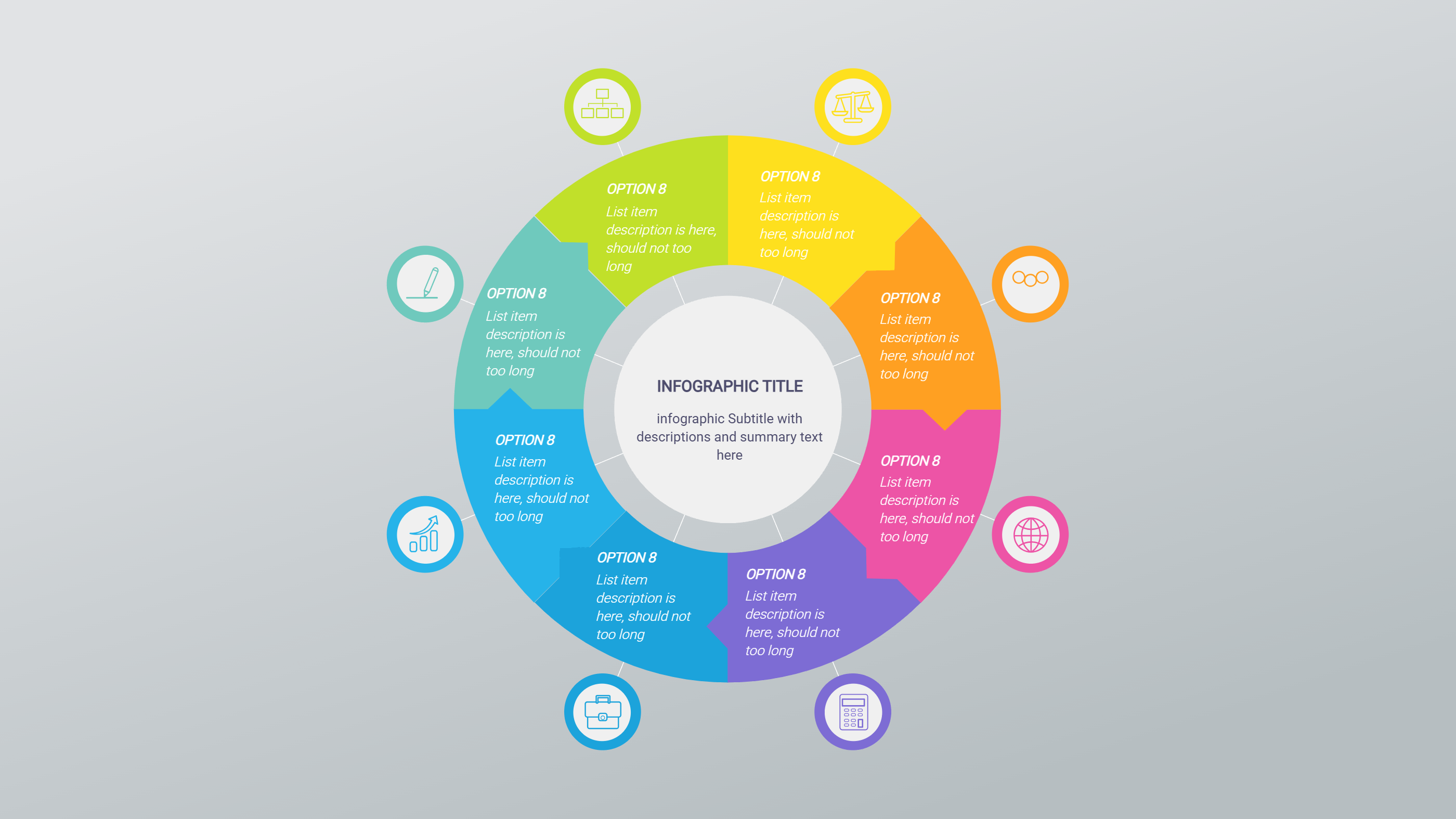
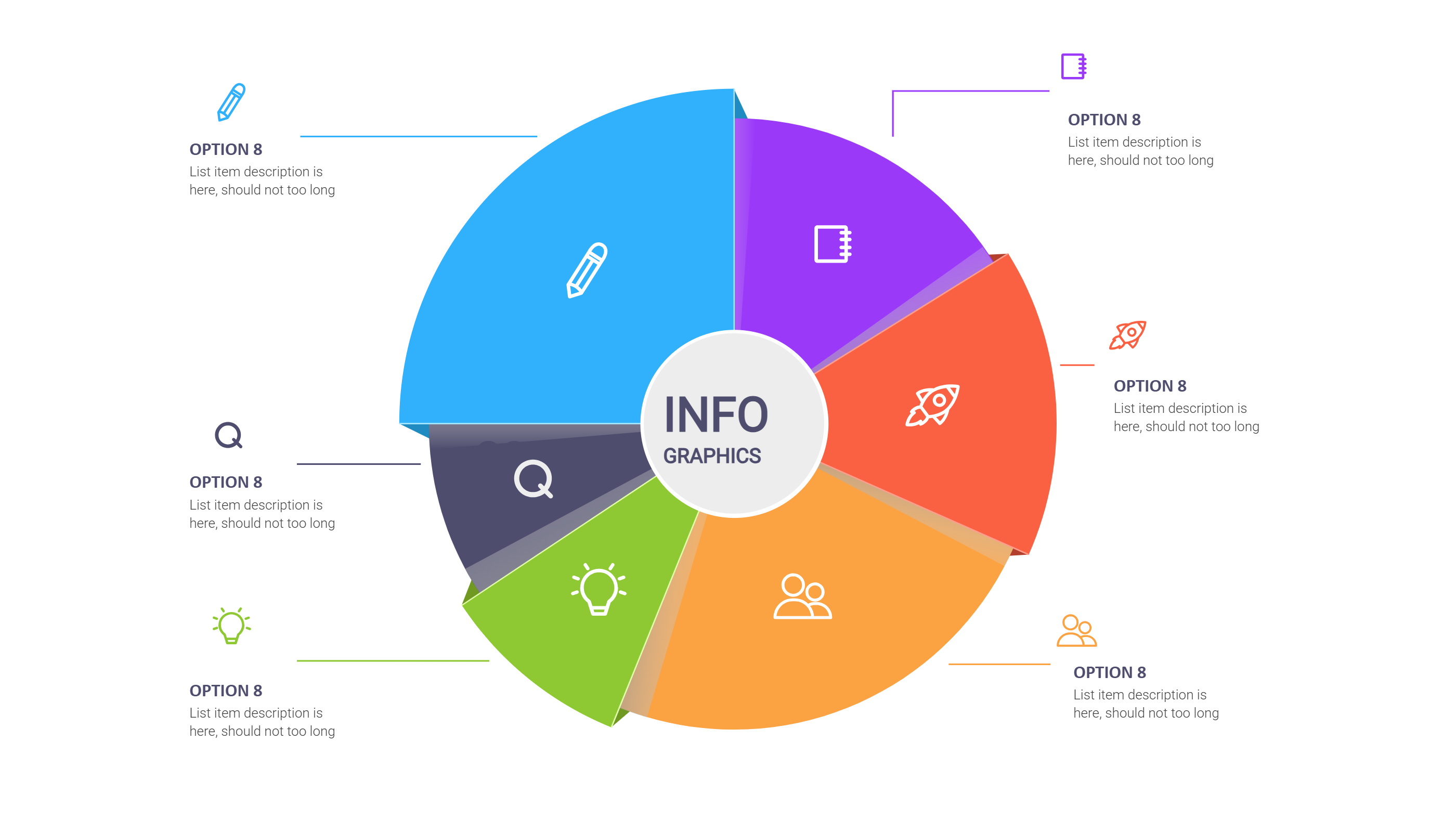
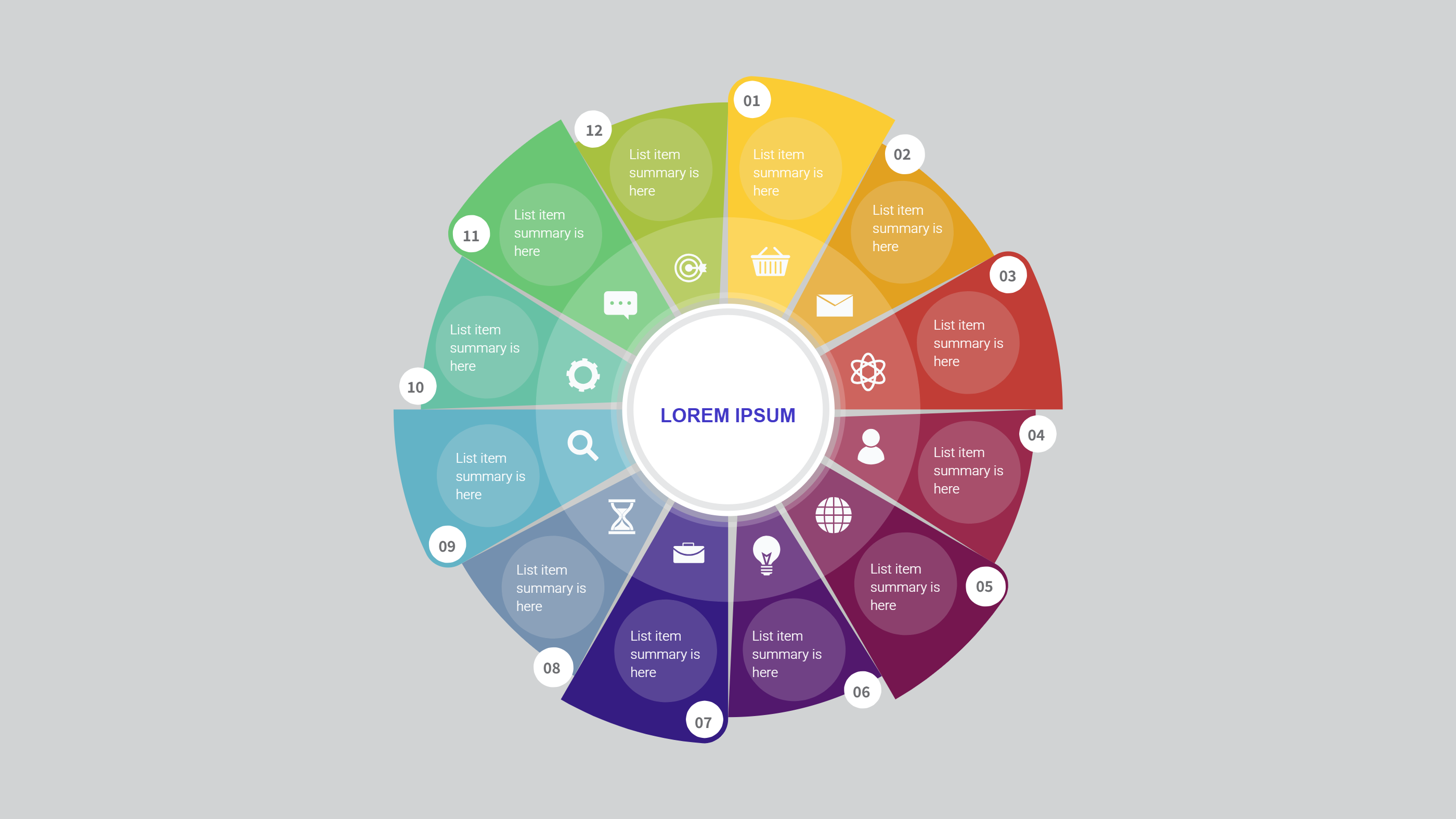
Use this infographic in video projects where one main idea links to four supporting scenes. The ringed hub layout places a central donut with four colored squares feeding into it. Each square can stand for a scene, stat, or callout that appears on screen. The simple shapes read well in motion graphics and on small screens.
Plan a video opener by placing the main headline in the center and four quick benefits around it. Use it for explainer videos, course intros, or product teasers. The clear structure helps viewers understand the flow before any narration. Add short phrases like script, shot, audio, and CTA so editors know what to animate.
Keep the wording short to avoid clutter. Swap colors to match your channel brand. Add subtle icons like play, sound, share, or time to guide timing. This infographic in video projects works with static slides, animated transitions, or overlays on footage. Because the text stays brief, viewers can read it without pausing.
To generate it fast, open the AI generation tool on the home page, choose this ringed hub template, enter a prompt with your main topic, four points, and video style, and the tool will produce the infographic ready for download.
Export the graphic as PNG for overlays or as a full slide for voiceovers. You can animate each square fading into the center to create a calm loop. Reuse the layout for project briefs, client approvals, and social previews so every stakeholder sees the same plan. Add a caption line for accessibility and mark where to pause for a clear call to action so editors time the beats well.