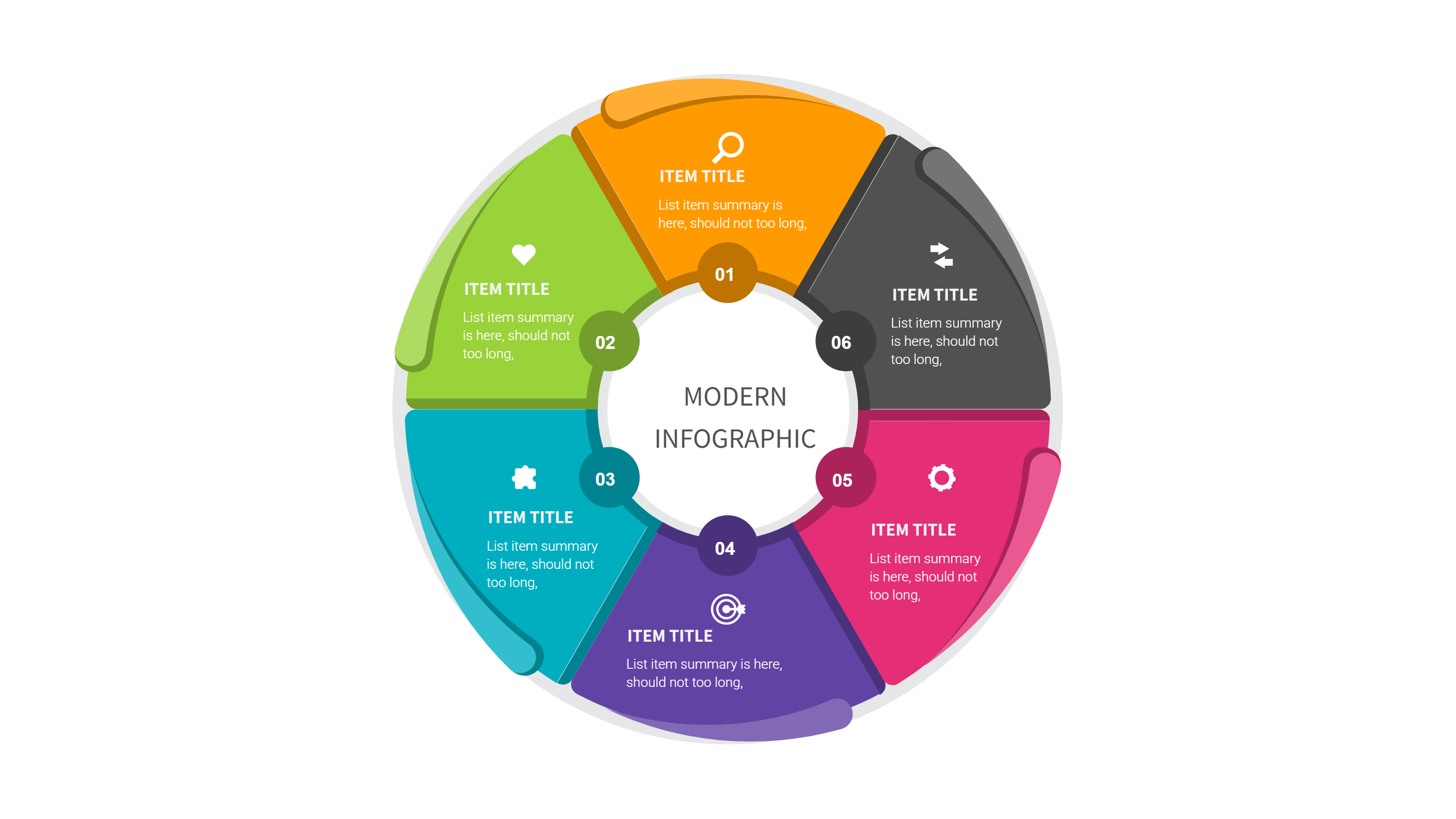
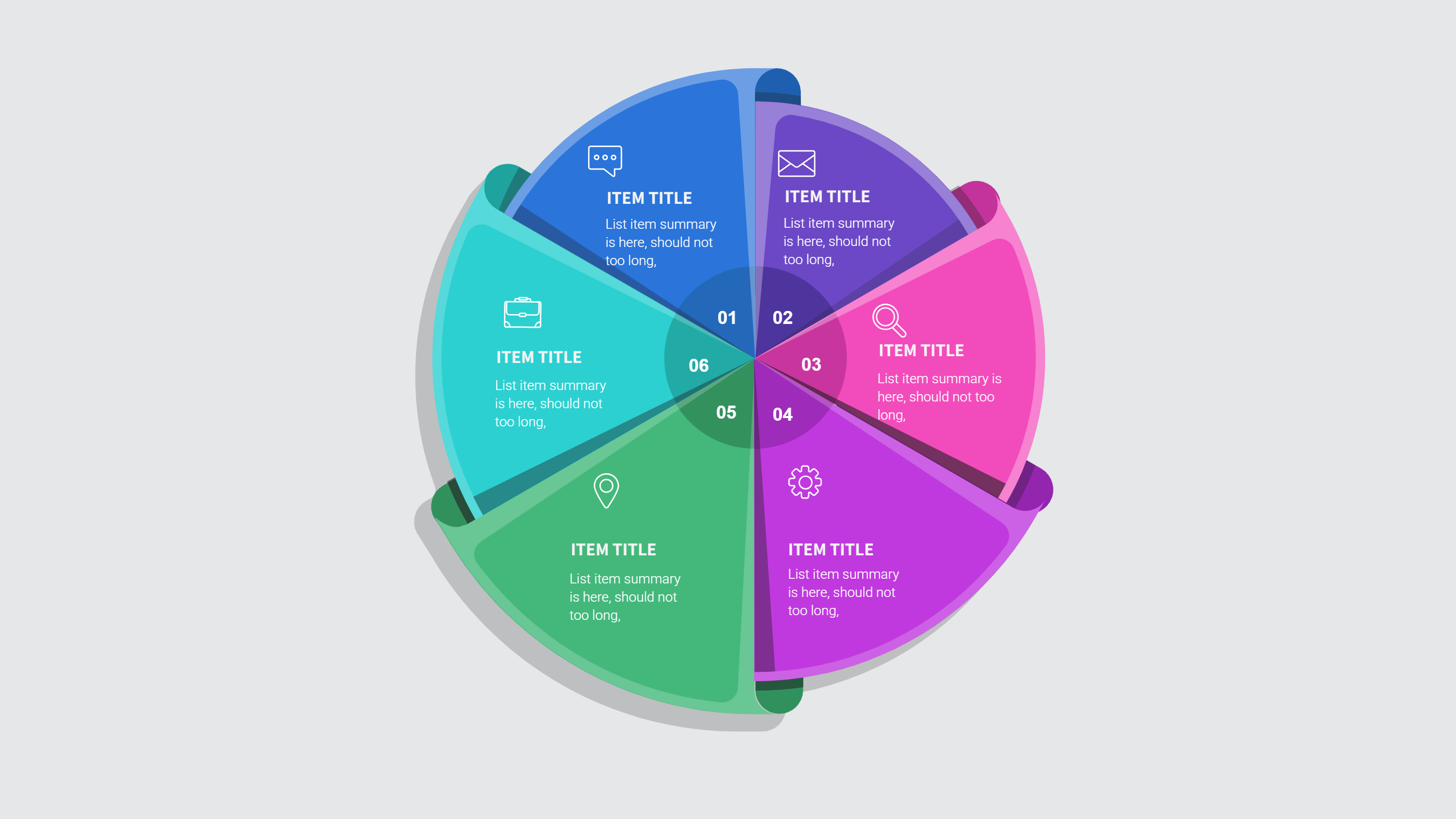
Circle Diagram Template for PPT Download
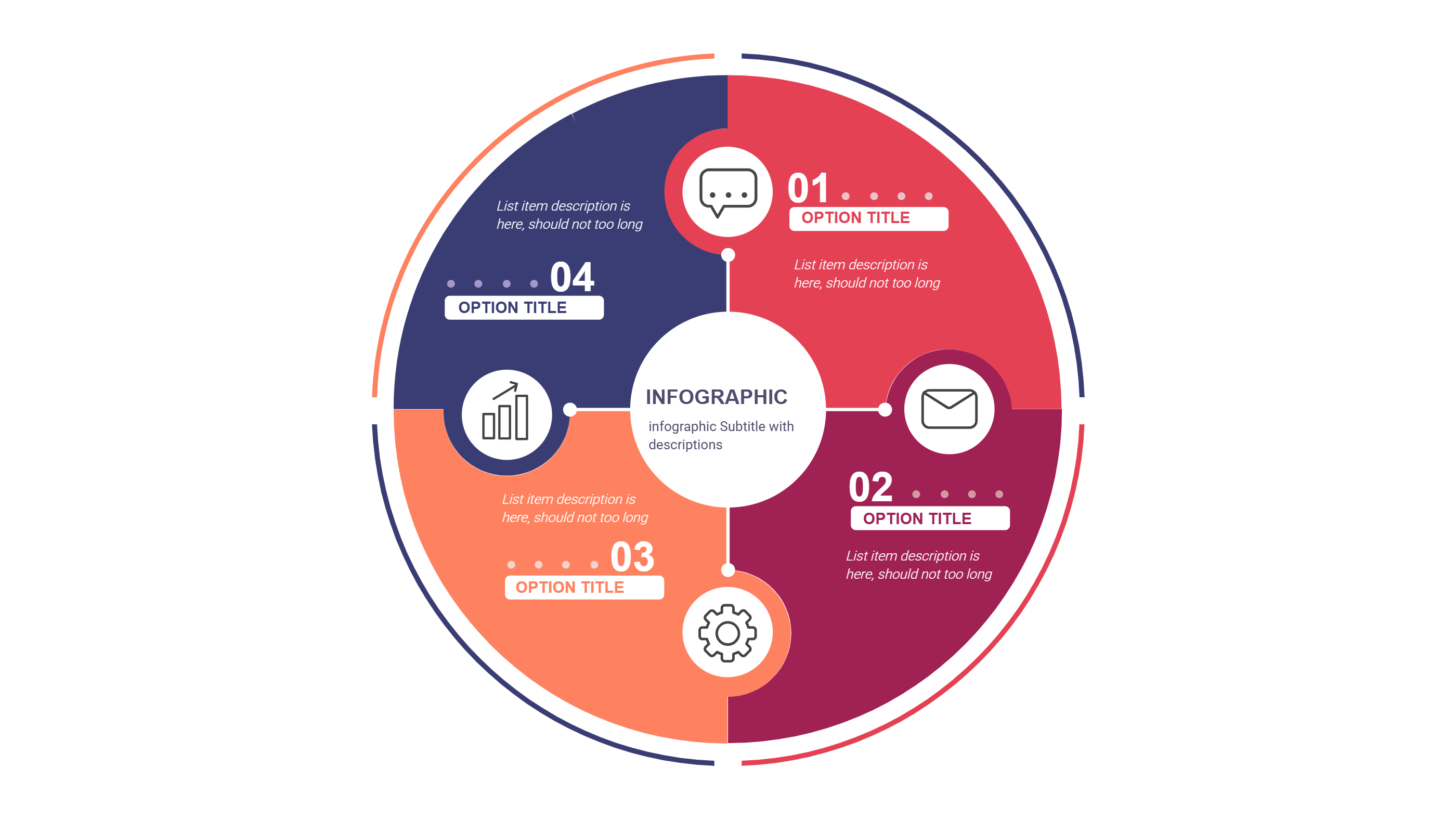
What is Circle Diagram Template Infographic
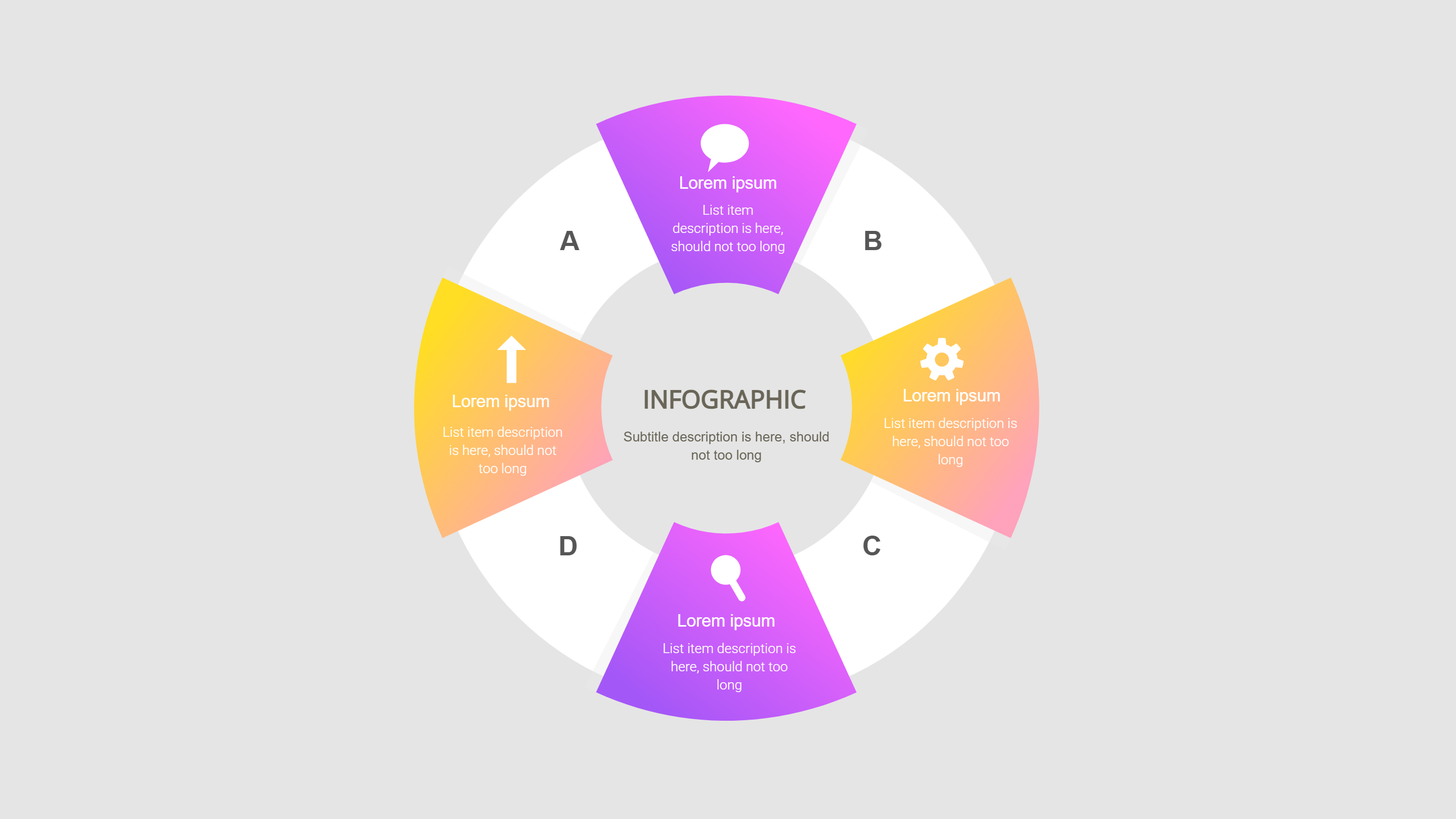
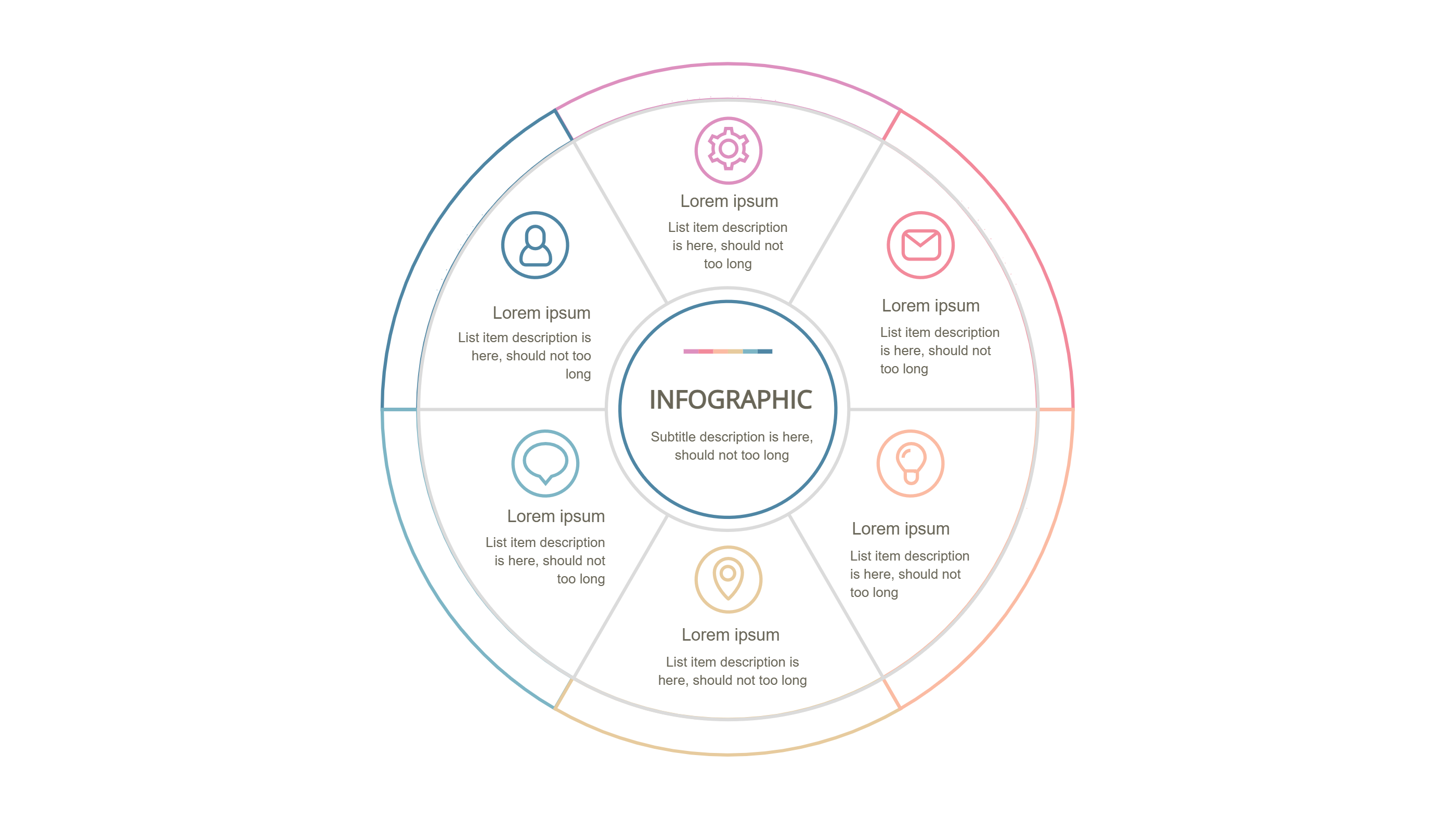
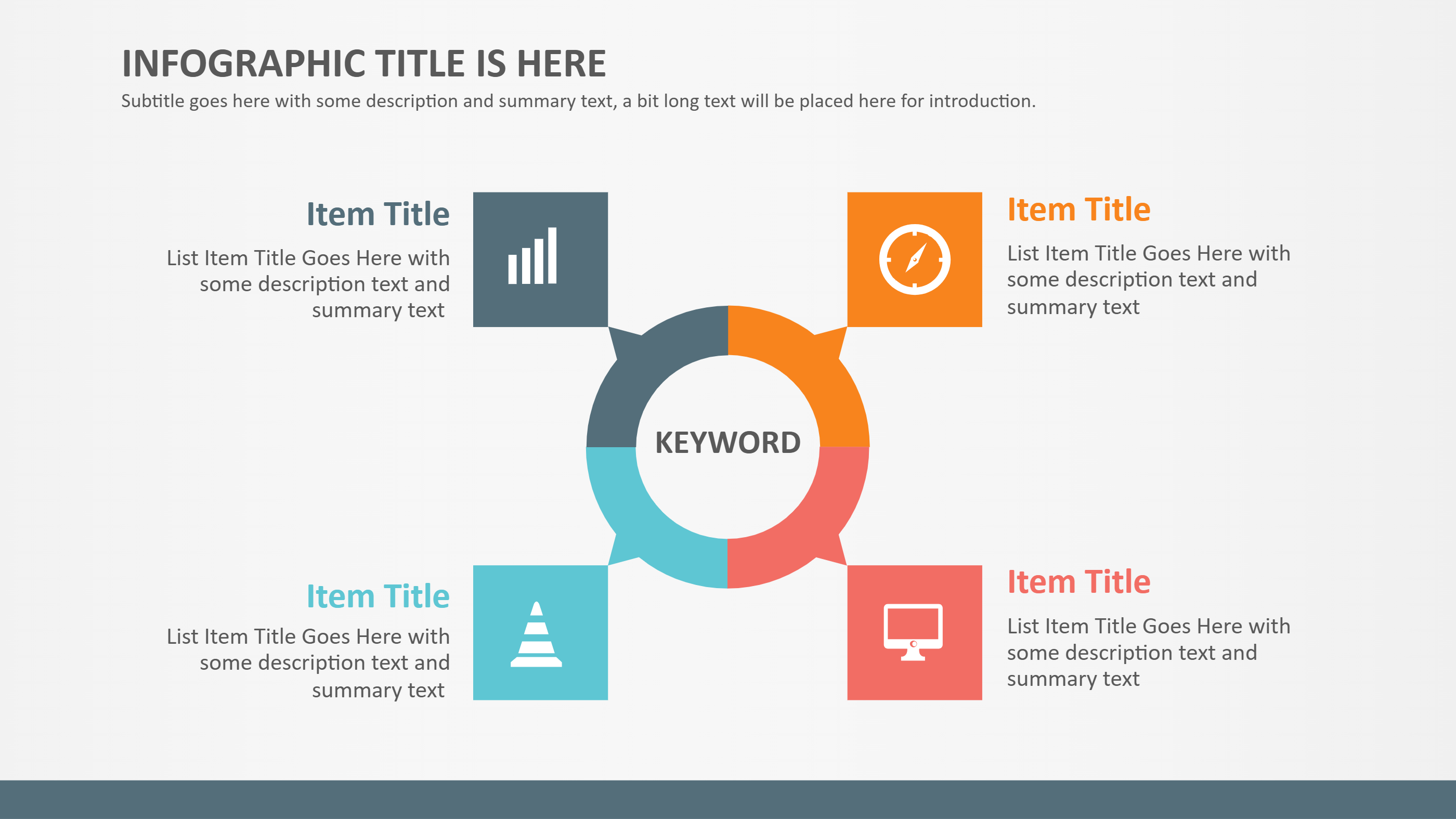
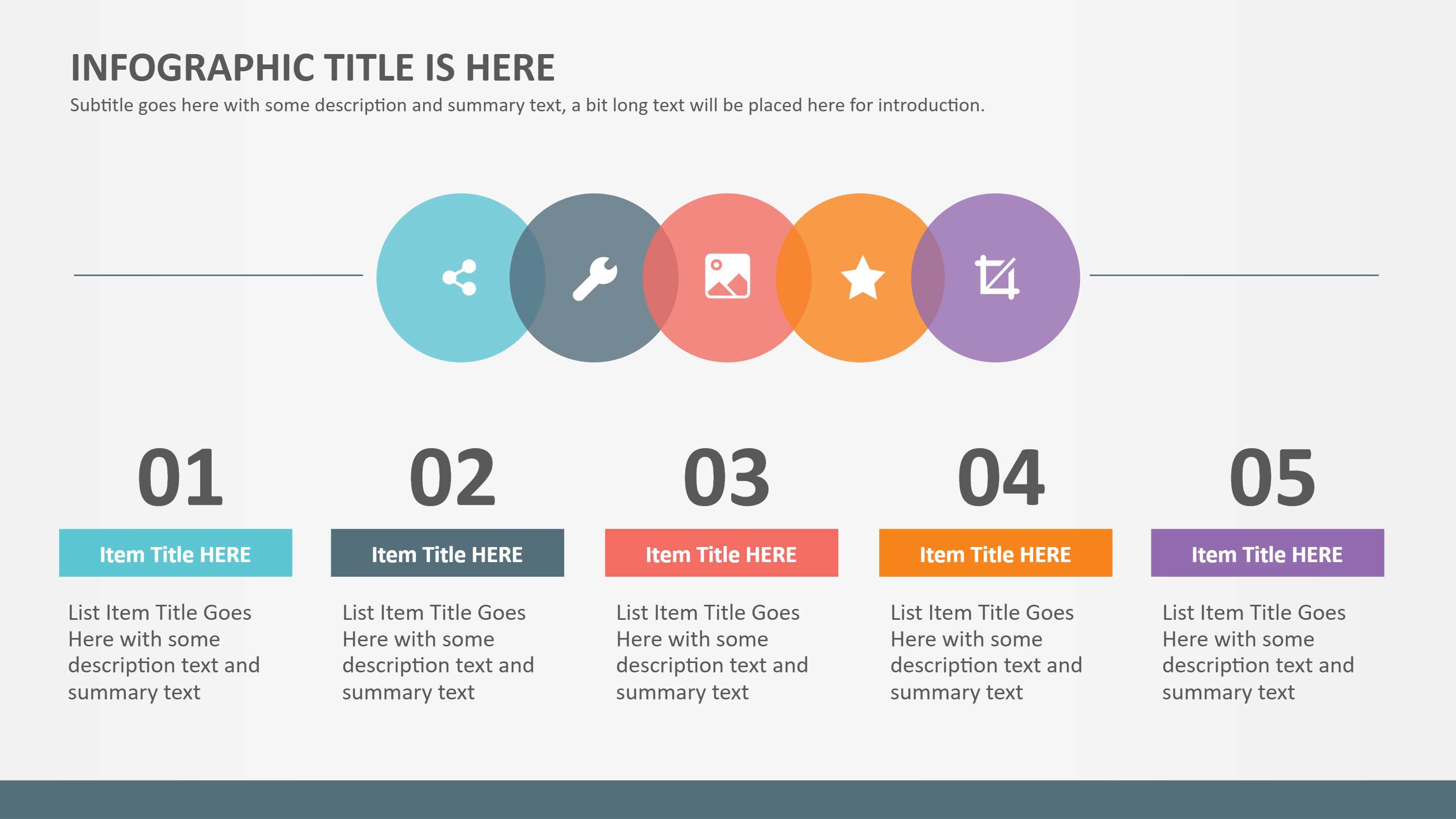
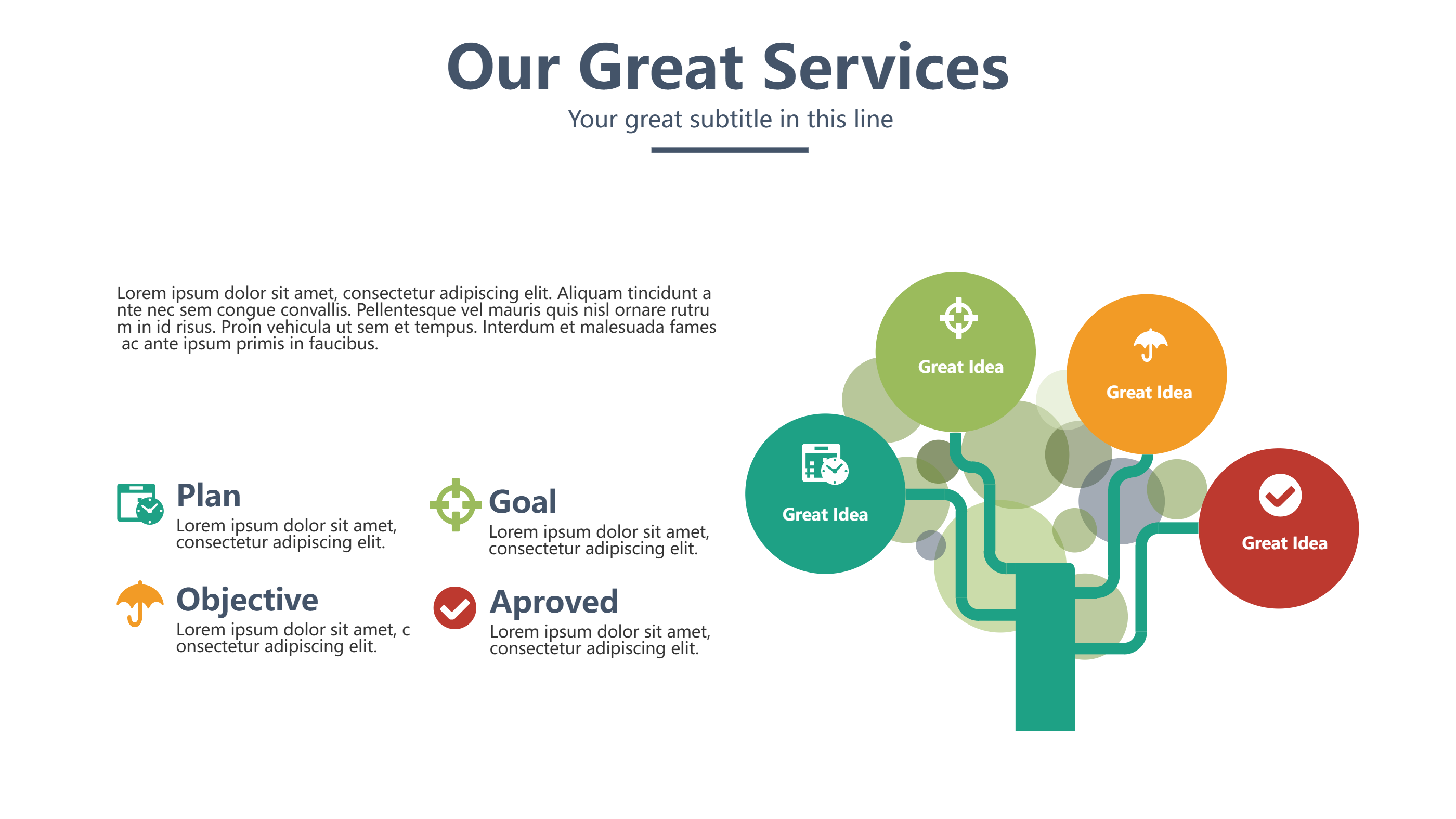
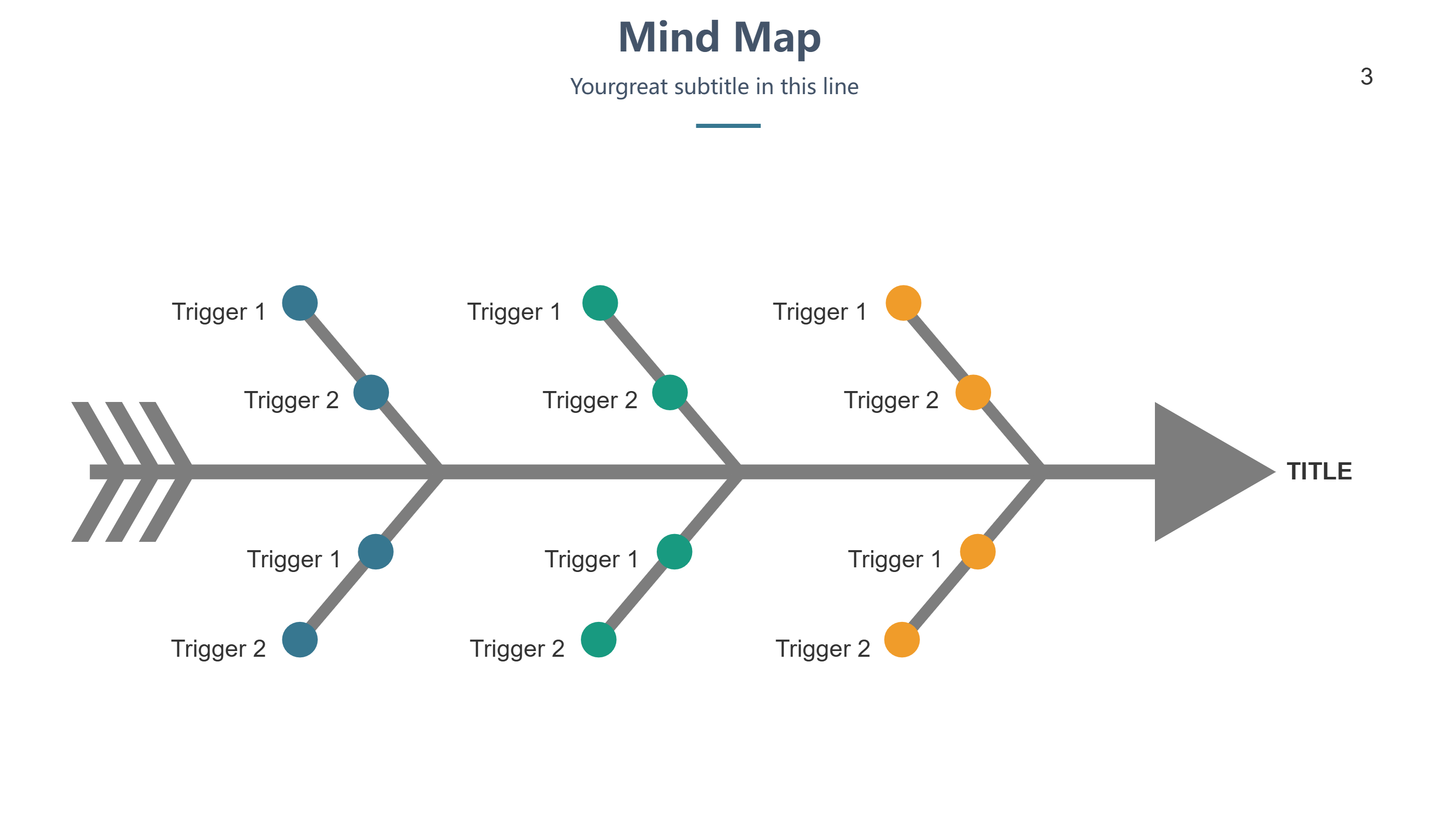
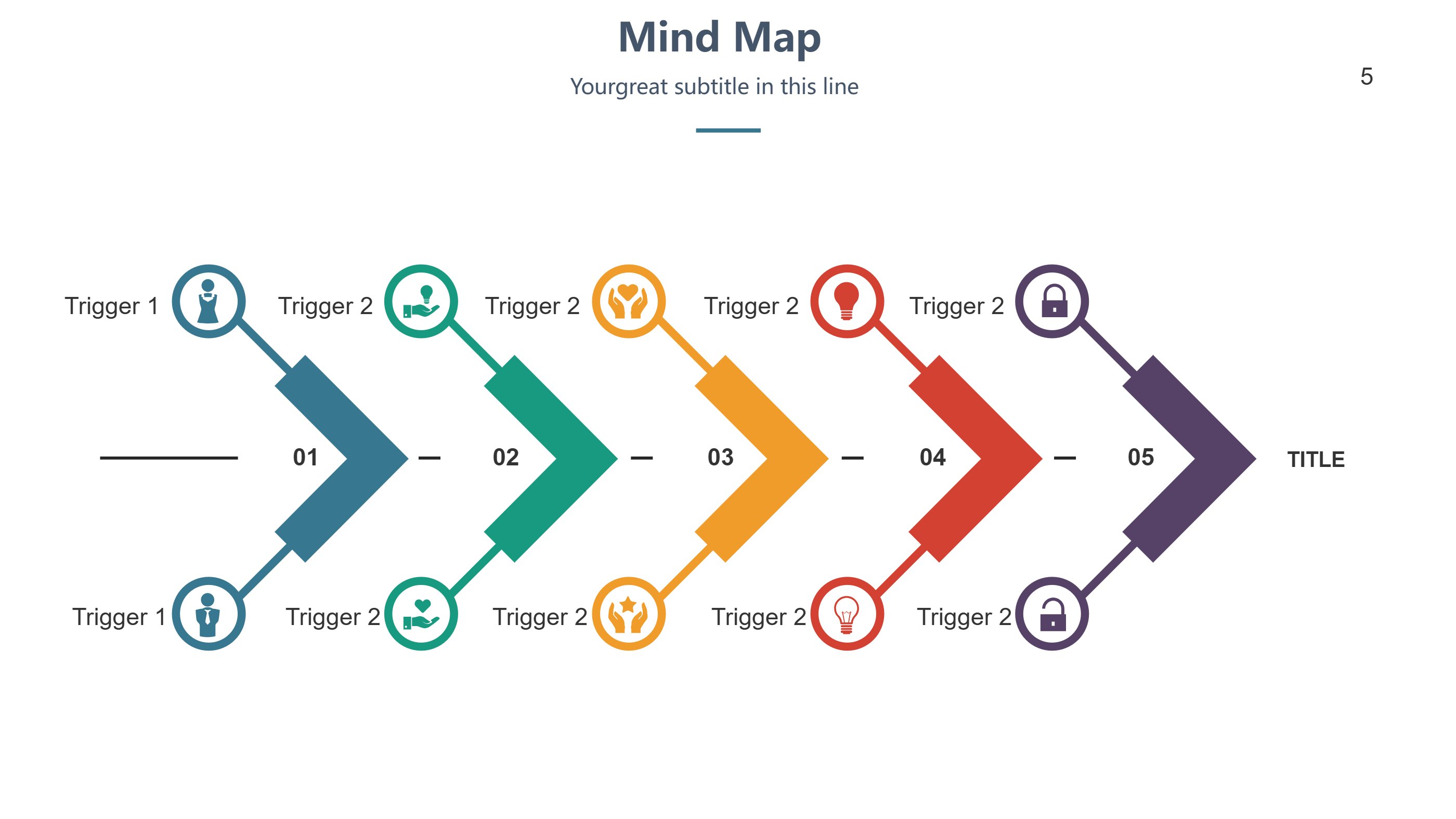
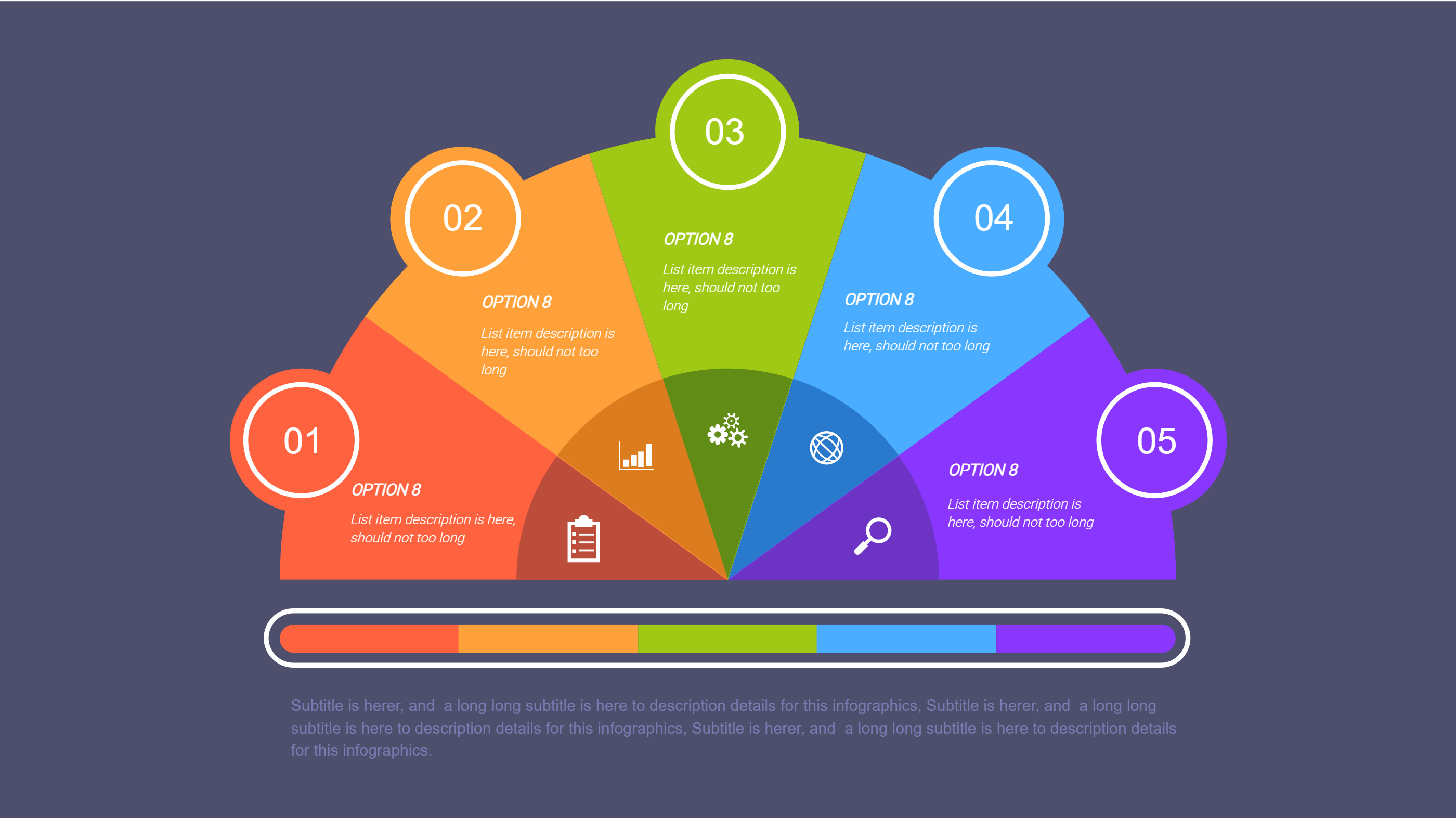
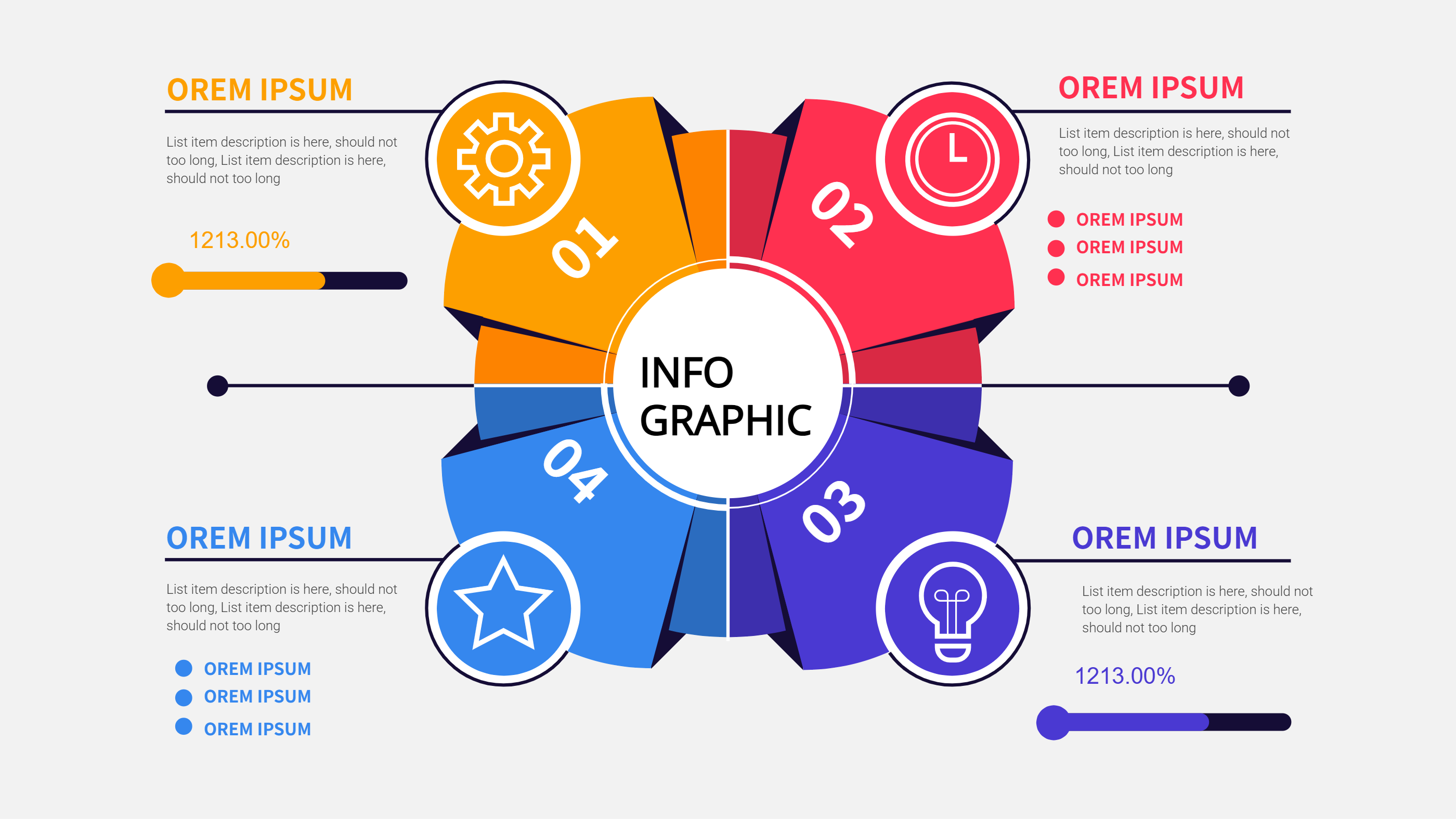
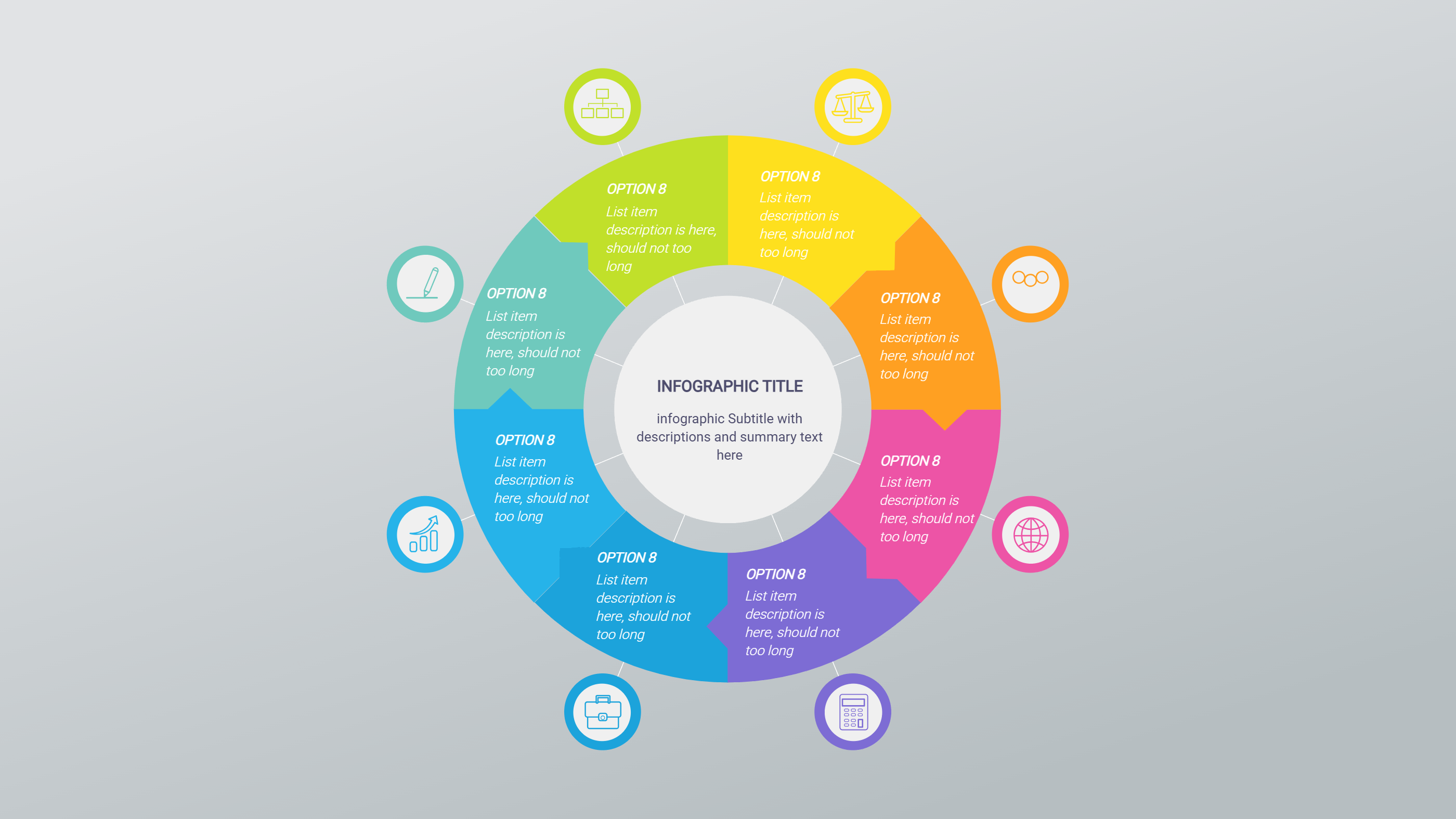
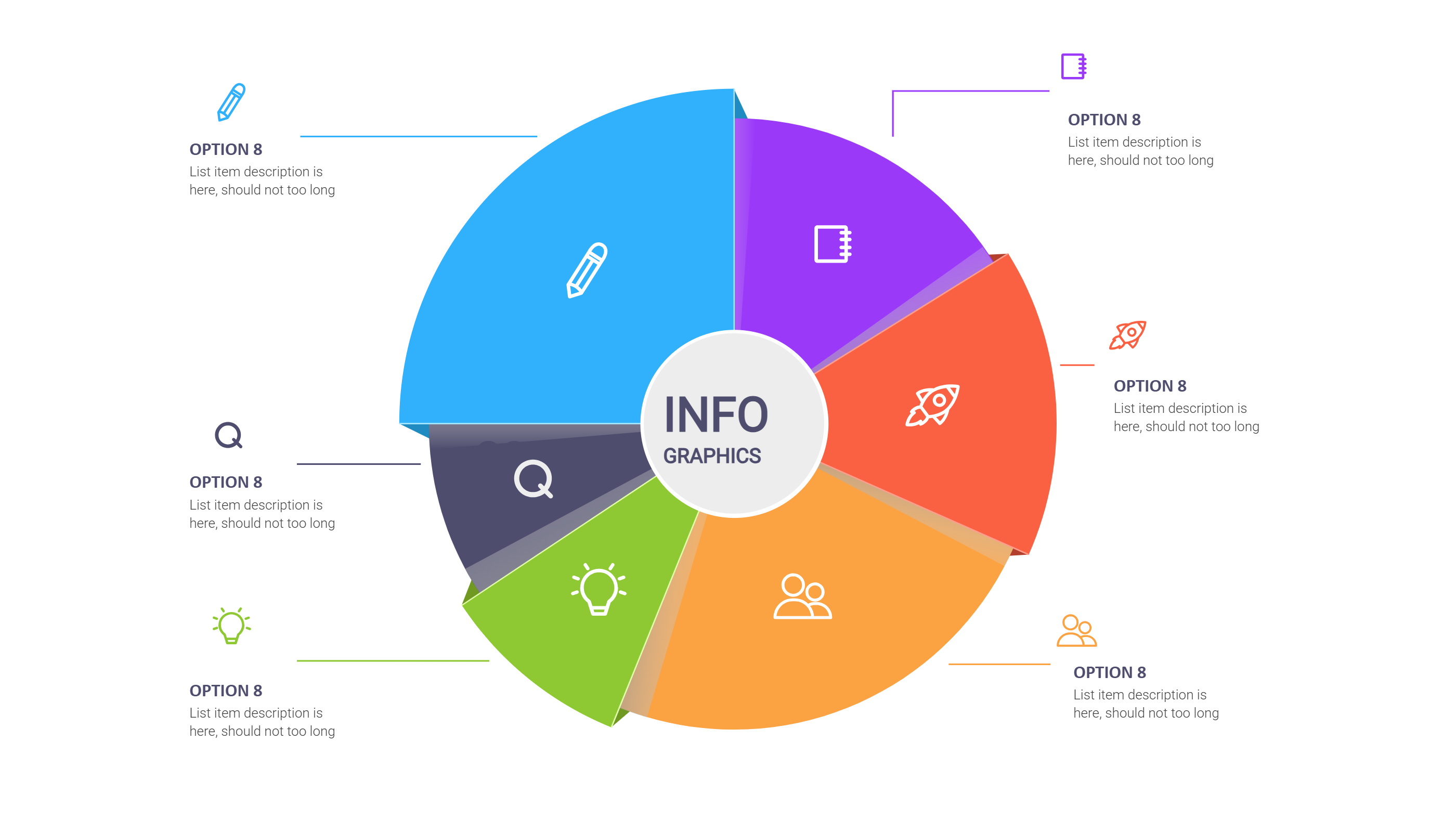
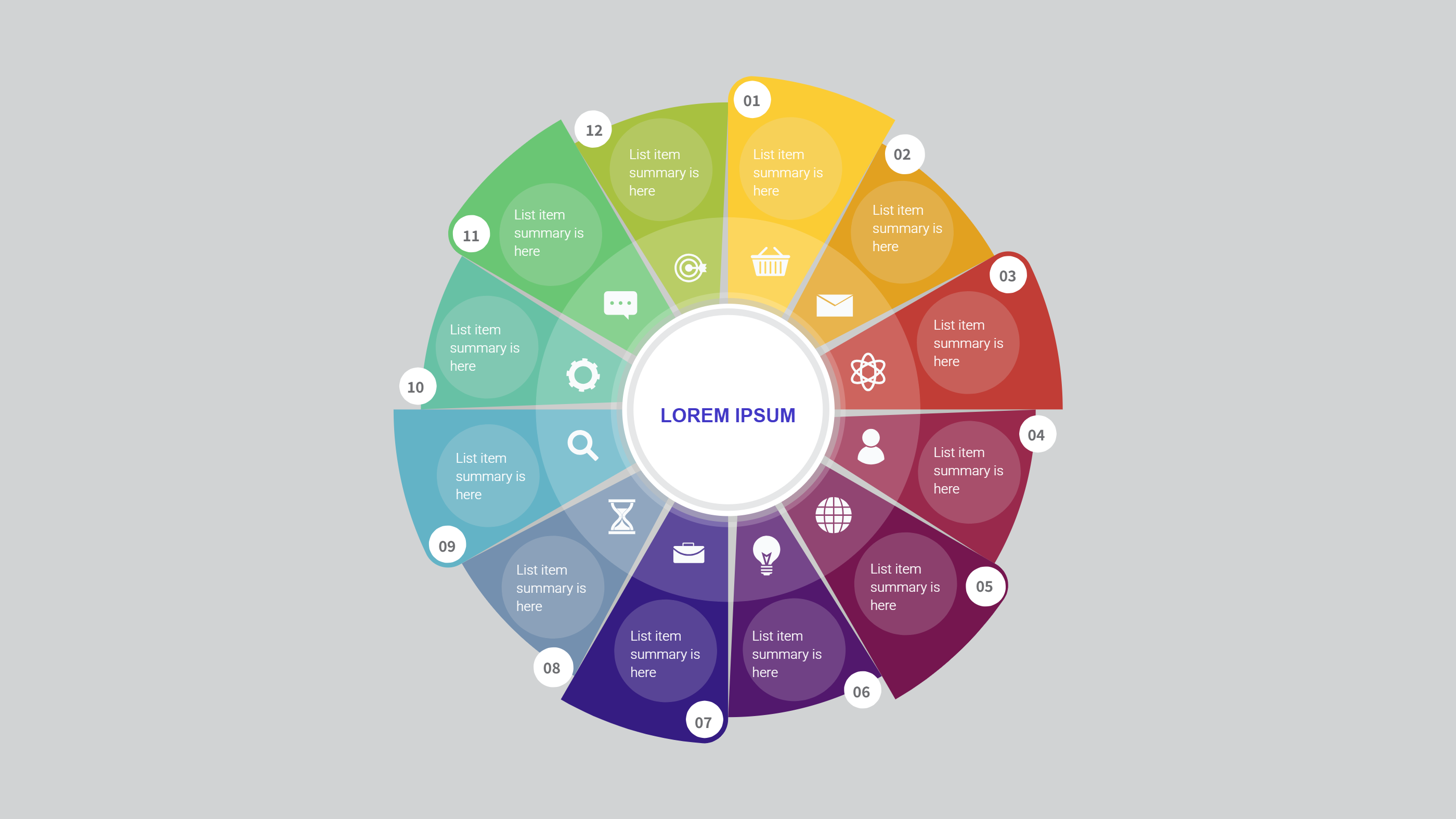
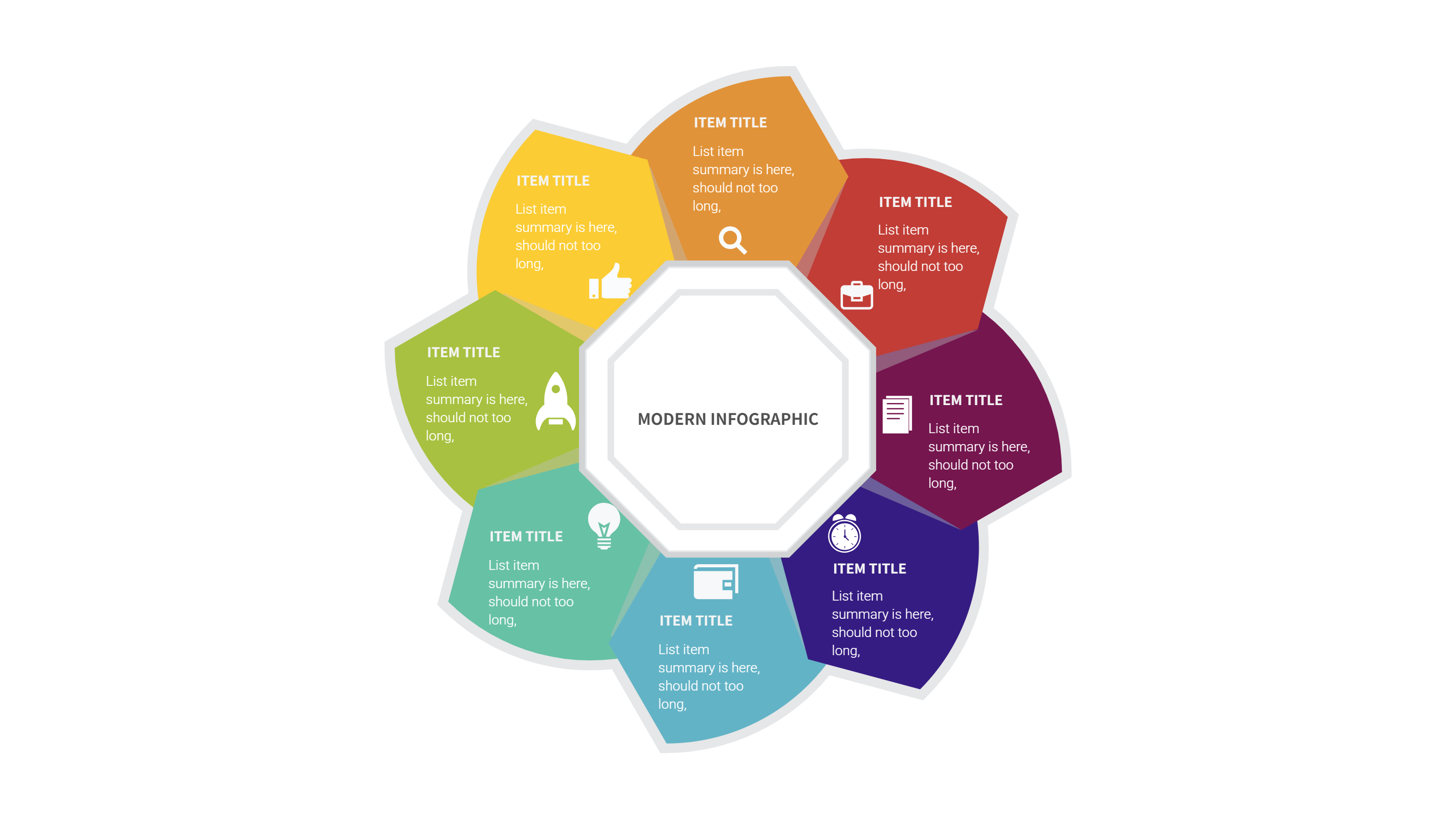
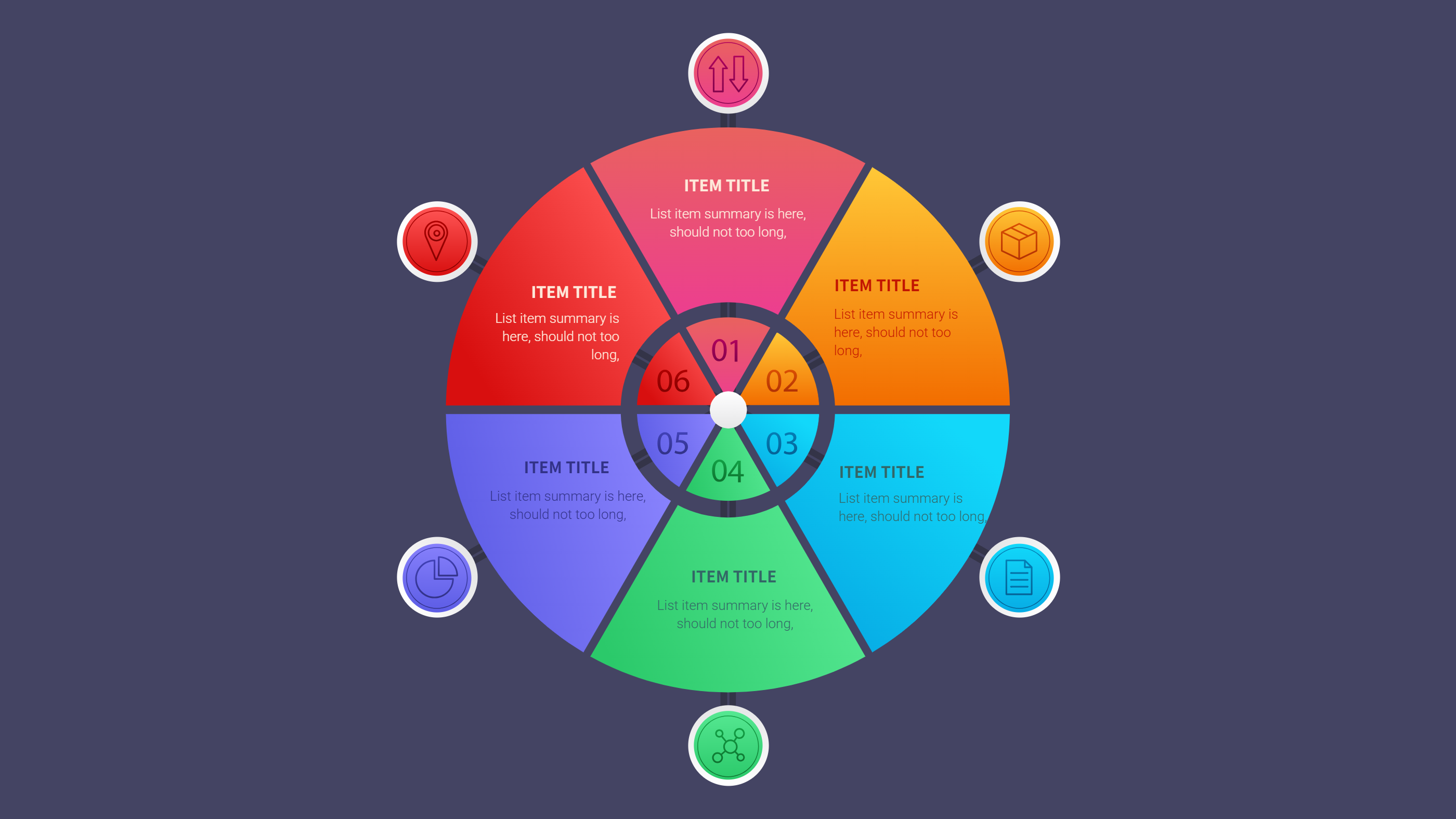
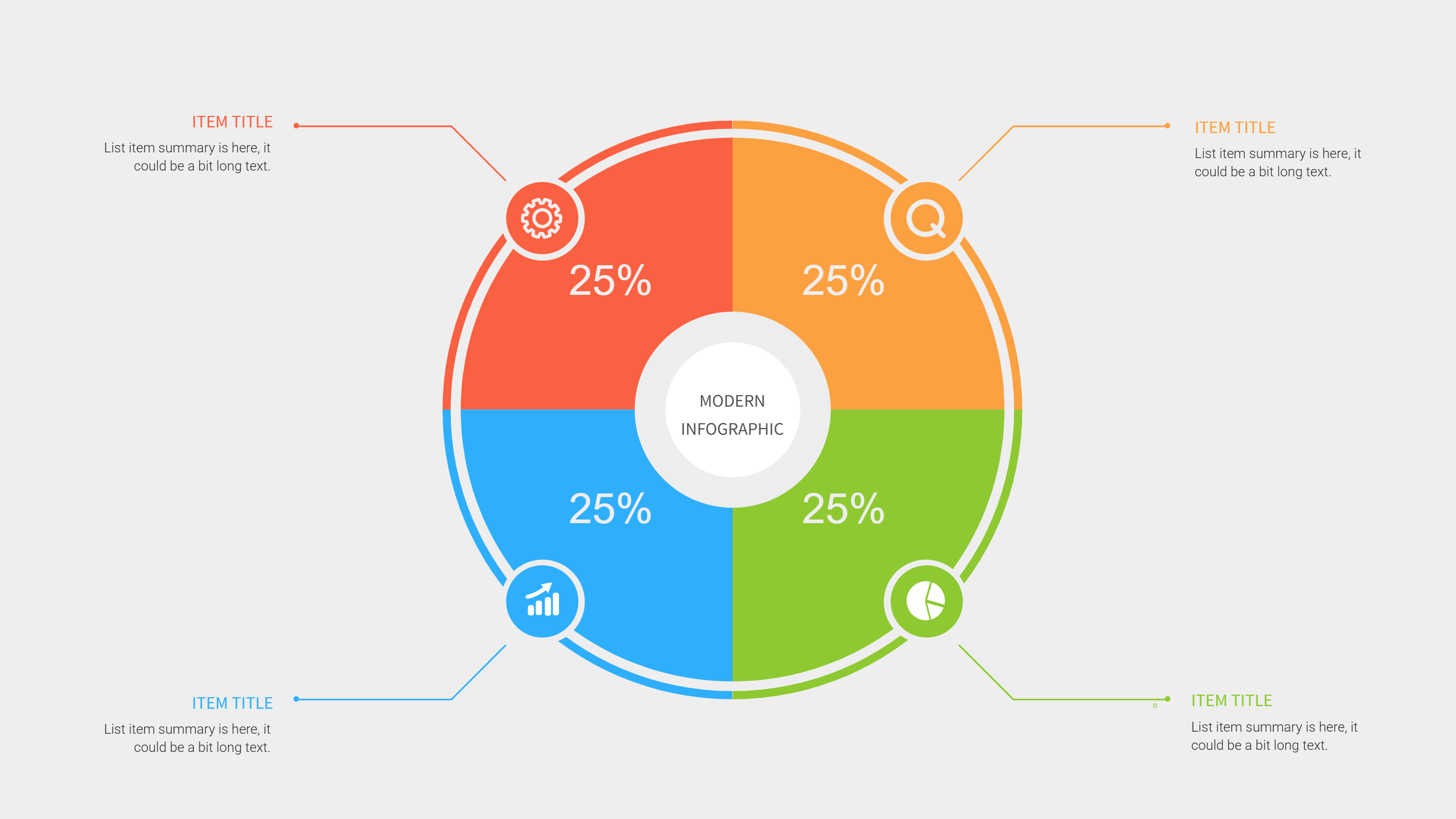
A circle diagram template infographic shows ideas in a round shape with clear parts. It helps people see how items relate to one main point. The circle layout keeps the PPT slide balanced and easy to scan. This circle diagram template is useful when you want a clean view without long text. You can name each part with a short label and keep the message simple.
When to Use Circle Diagram Template Infographic
Use a circle diagram template when you need to show steps, groups, or options in an even way. It works for roadmaps, team roles, product features, and learning plans. The round shape helps the eye move around the page and see all parts as equal. It is also good for quick summaries where you want a calm and tidy look. If you need a PPT download for a circle diagram, this layout fits well.
How to Use the AI Generator
Open the AI generator on the home page, choose the circle diagram template, and enter your prompt. You can include the topic name and the labels for each part. The tool builds the infographic in the circle format with your text. You can edit colors, icons, and labels to match your style. The result is a ready PPT slide that stays easy to read.
How to Download the Template Files
Click the download button and the online editor will appear. Make any changes you need and press the save button. Select PPT, PNG, or SVG for the file type and download it. The editor gives you a chance to adjust the diagram before you save. This keeps the download clean and useful for sharing.
FAQs
Q: Is the circle diagram template free to download?
A: Yes, you can get a free PPT download and edit the diagram in the editor.
Q: How many parts should the circle include?
A: Keep the number small and balanced so each part has enough space.
Q: Can I use the diagram for a business plan?
A: Yes, it works well for simple plans, steps, and team roles.
Q: Can I change the labels and icons?
A: Yes, you can update text and icons to match your topic.
Q: Can I export the diagram as an image?
A: Yes, you can save it as PNG or SVG if you need an image file.