Notion Monthly Budget Template Infographic for Simple Spending Plans

What is Notion Monthly Budget Template Infographic
A Notion monthly budget template infographic is a clean visual plan for a month of money choices. It turns a long list of numbers into simple blocks that show what comes in and what goes out. The layout uses clear labels for income, bills, daily spending, and savings. The goal is quick understanding at a glance. This format helps people who want a calm view of their month and a simple place to track changes.
The infographic keeps the Notion monthly budget template idea simple and friendly. You can show total income at the top, core costs in the middle, and flexible spending at the bottom. Color blocks help show which areas need care. Small notes can capture goals like saving for a trip or paying off a balance. A clean grid keeps the page tidy. The result feels easy to read and easy to update.
When to Use Monthly Budget Template Infographic
Use a monthly budget template infographic when you start a new month and want a fresh plan. It is also useful when income changes, bills rise, or new goals appear. It gives a quick reset and keeps attention on priorities. It works well for a person, a couple, or a shared home plan.
This kind of infographic is helpful for weekly check ins. You can compare planned spending with real spending and see gaps without stress. It also supports quick talks with a partner or a family member. A shared view keeps everyone on the same page and avoids confusion. It is a calm way to guide choices and keep goals in view.
How to Use This Infographic Template
Open the AI tool on the home page and choose the Notion monthly budget template. Enter a short prompt about your month and main cost areas. The tool creates a draft infographic with labels and sections. Review the text and adjust the names to match your plan.
Change the numbers to match your targets and add short notes for each area. Keep the words short so the layout stays clean. Use simple color choices that feel calm. Save a copy for your records, and update it as the month moves.
Download and Edit the Template
Click the download button to open the online editor. You can edit text, replace icons, and adjust colors without any special skills. Keep the layout simple so the data stays clear. When you are done, click save and choose a format like PPT, PNG, or SVG.
You can keep one version for printing and another for screen use. A clean export makes it easy to share with a partner or roommate. If you want a new month, copy the file and adjust the numbers. The template stays ready for the next cycle.
Examples of Usage for Prompts
Example 1:
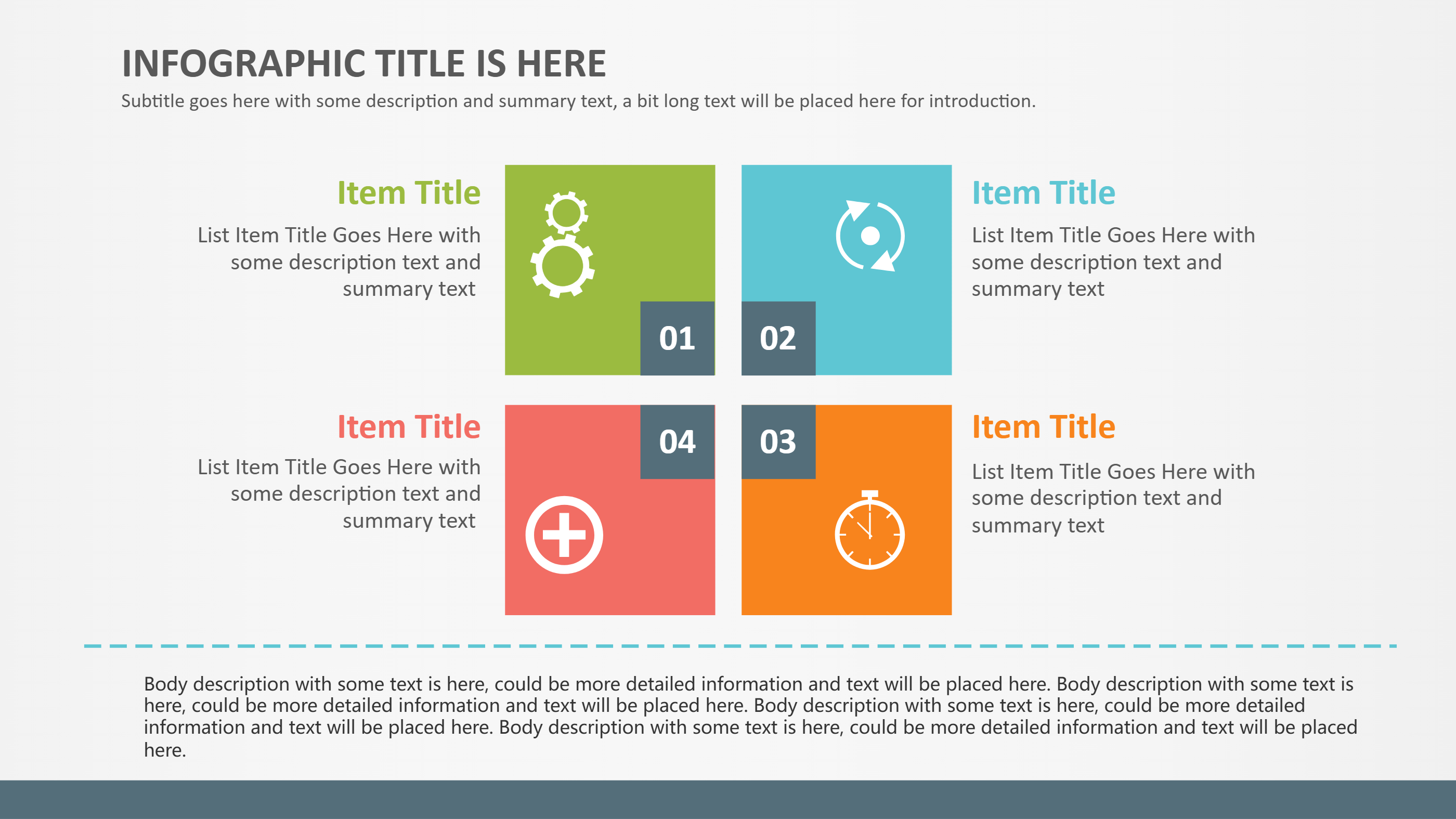
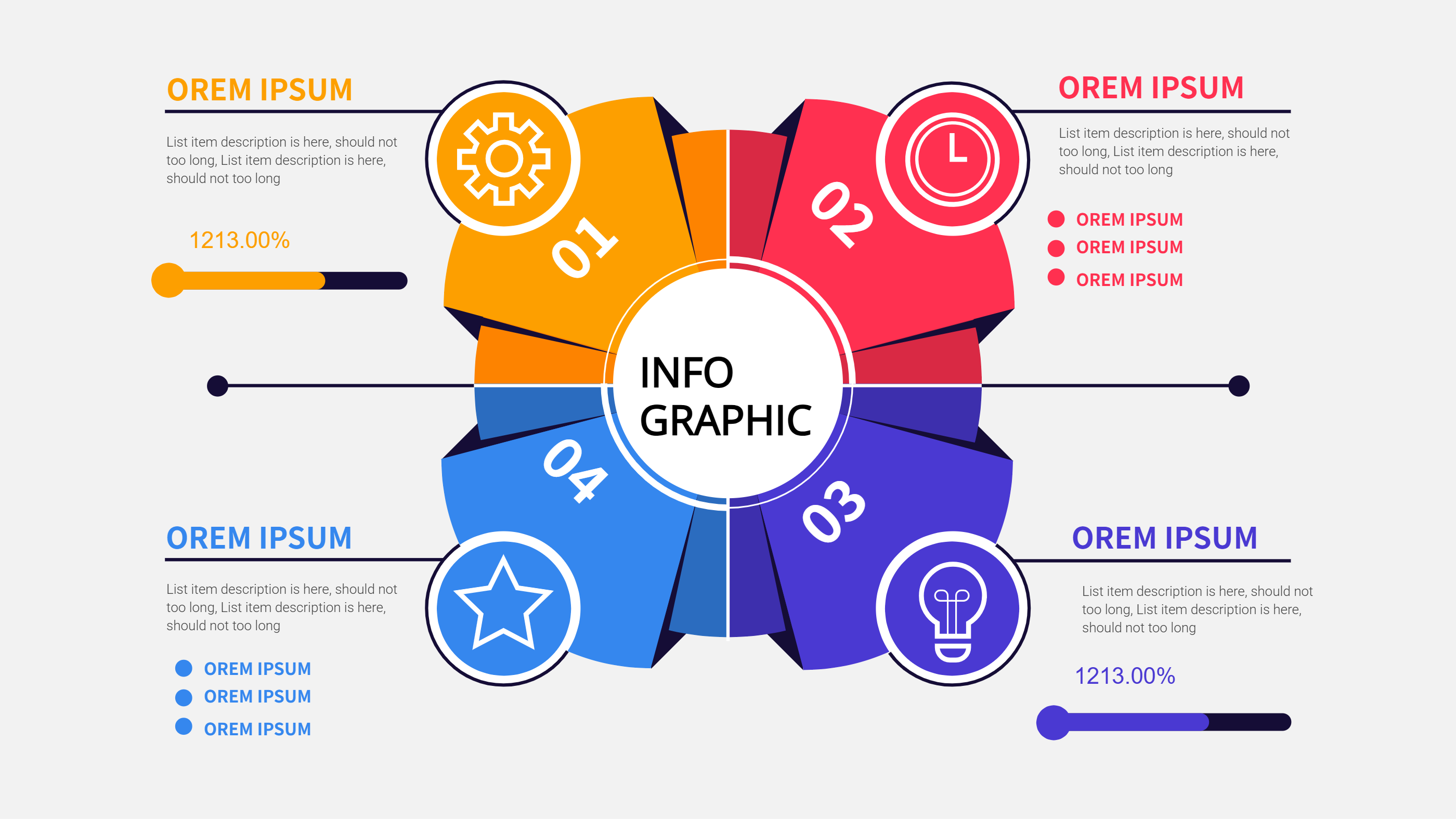
A simple grid that shows income at the top, four spending blocks in the center, and a savings box at the bottom. Each block uses a short label and one number. A small note explains a goal like a holiday fund. The layout uses soft colors and plenty of space for calm reading.
Example 2:
A side by side layout that compares planned spending and actual spending for the month. The left side lists the plan and the right side lists the real totals. A small callout shows the gap and a short note on what to adjust next month. The design uses clear icons for rent, food, and travel.
Example Image Placeholder
[Example Image Placeholder. Image will be added manually]
Recommended Similar Infographic Templates
Finance Investment Visualization
https://infographai.net/templates/finance-investment-visualization
5 Key Points to Revolutionize Finance
https://infographai.net/templates/5-key-points-revolutionize-finance
To do list with ice cream theme Planner:
https://infographai.net/templates/do-list-ice-cream-theme-planner
FAQ
Q: Can I use this infographic for a family budget?
A: Yes, it works well for shared plans and keeps roles clear.
Q: Do I need to add exact numbers?
A: No, you can use rough amounts until you feel ready for detail.
Q: Is this only for Notion users?
A: No, you can use the layout in any tool that supports text and shapes.
Q: How often should I update it?
A: A weekly update is enough for most people.
Q: Can I track goals like saving for a trip?
A: Yes, add a small note or a box for each goal.