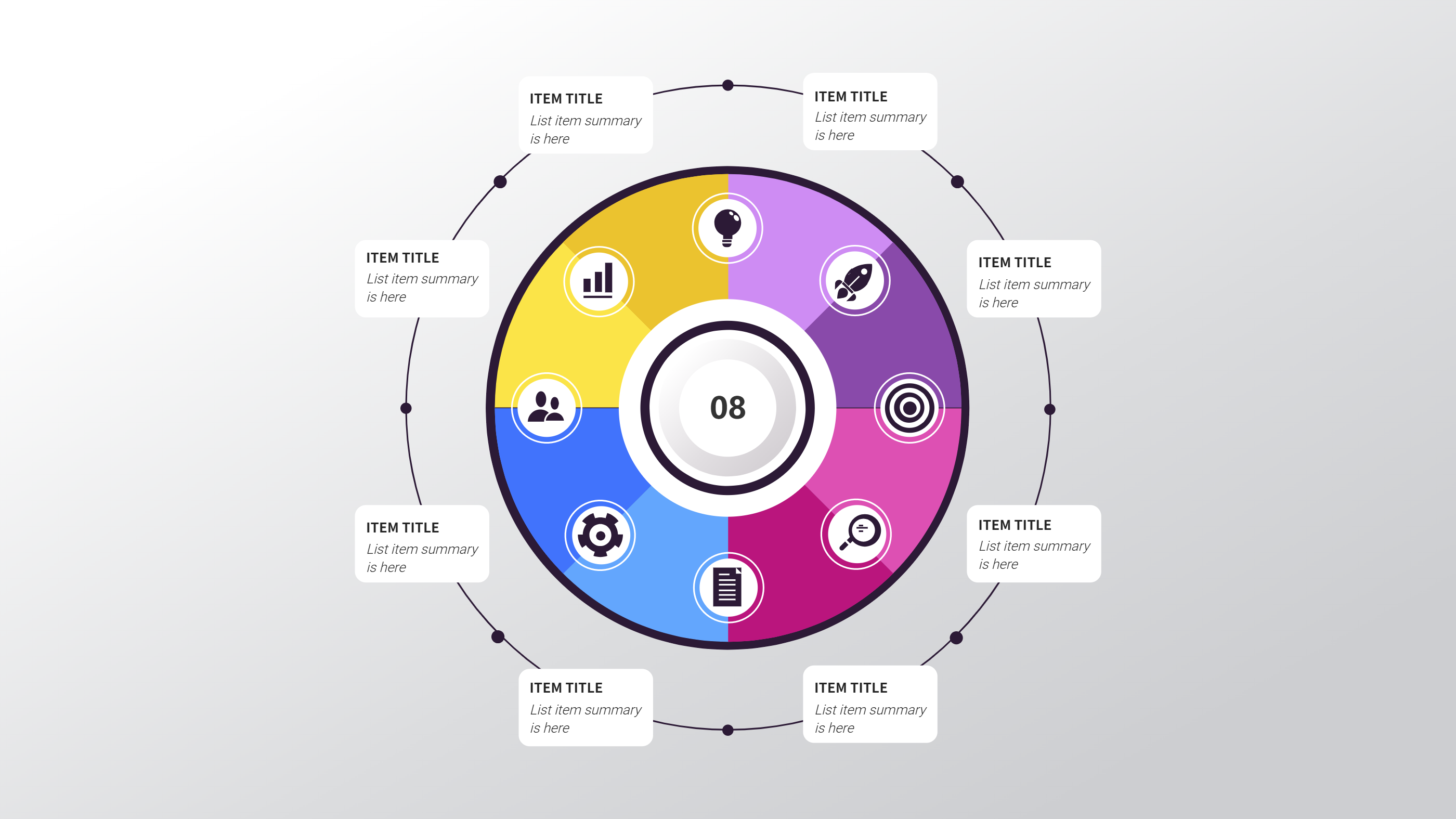
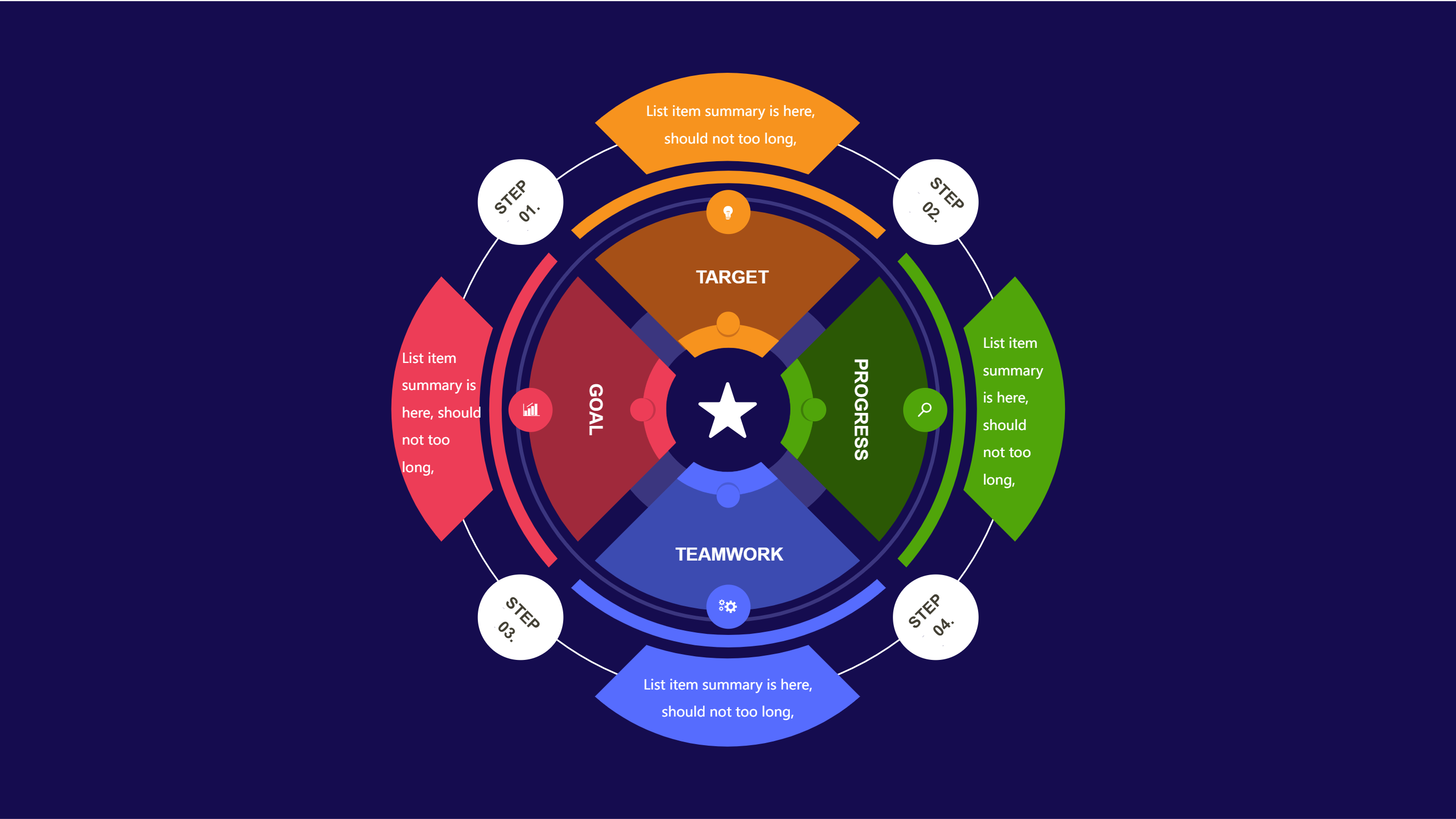
Budget Notion Template for Simple Category Tracking
Size
Landscape
Color
Gray
Industry
Arts
Style
Modern
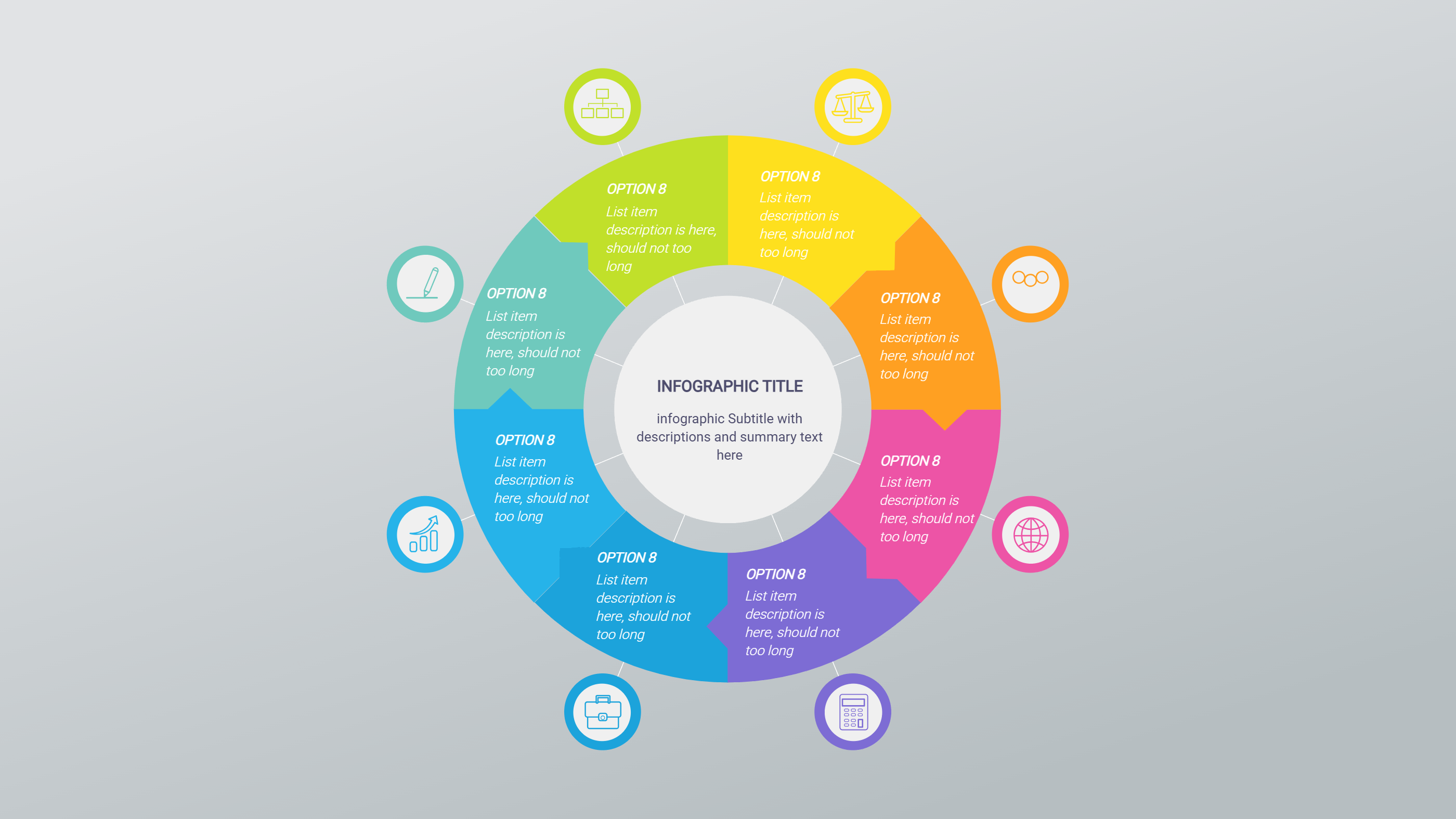
What is Budget Notion Template Infographic
A budget Notion template infographic is a one page view of income and spending. It uses short labels for categories and simple totals for the month. The layout keeps the key numbers clear and easy to scan. It helps people see where money goes without long tables.
This template can show categories like housing, food, transport, and savings. It can include short notes for goals or limits. It works for personal budgets, small teams, or club planning. The design stays clean so the categories stand out. It can also include a short note for a saving target and a simple reminder line for review dates.
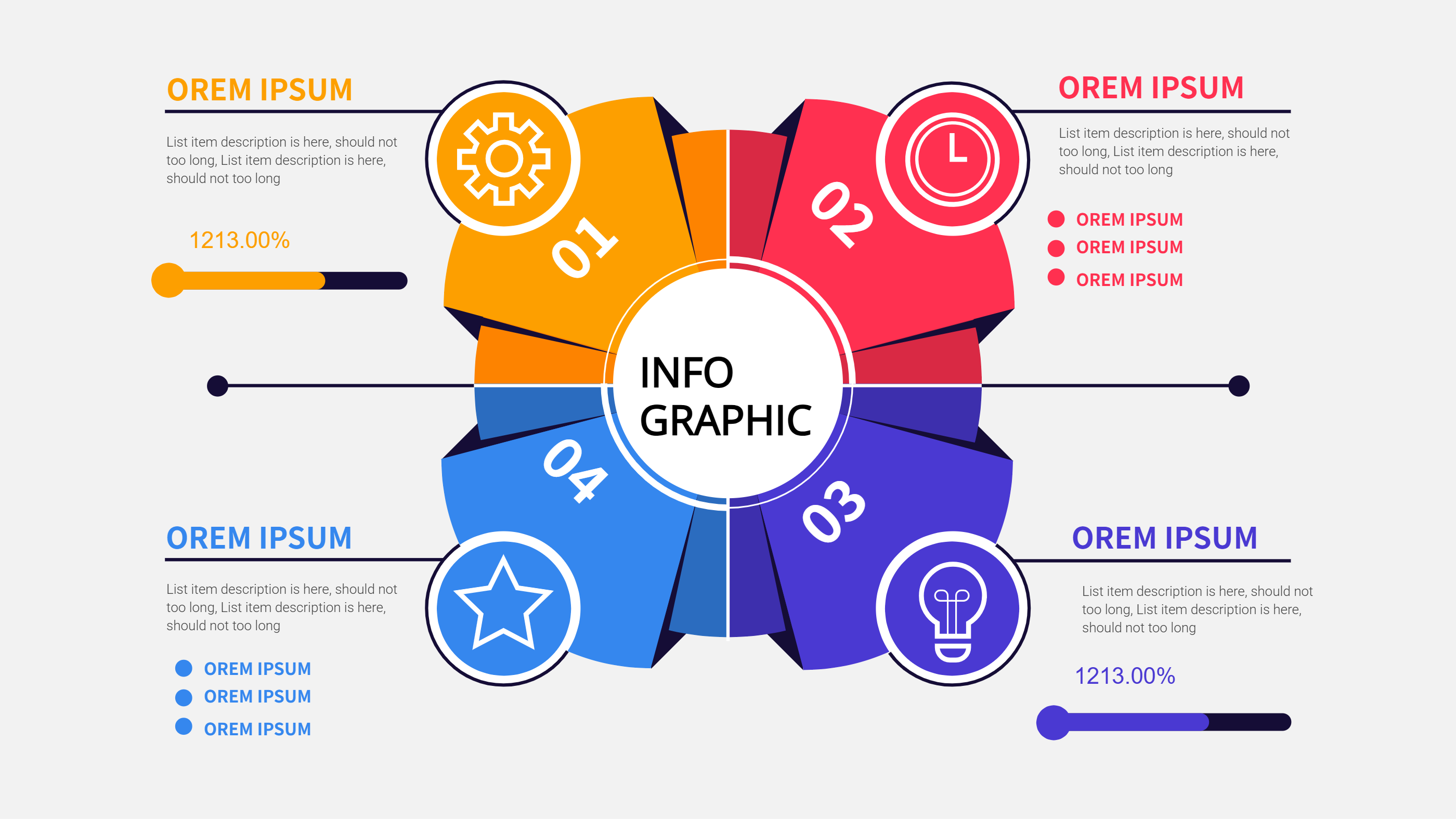
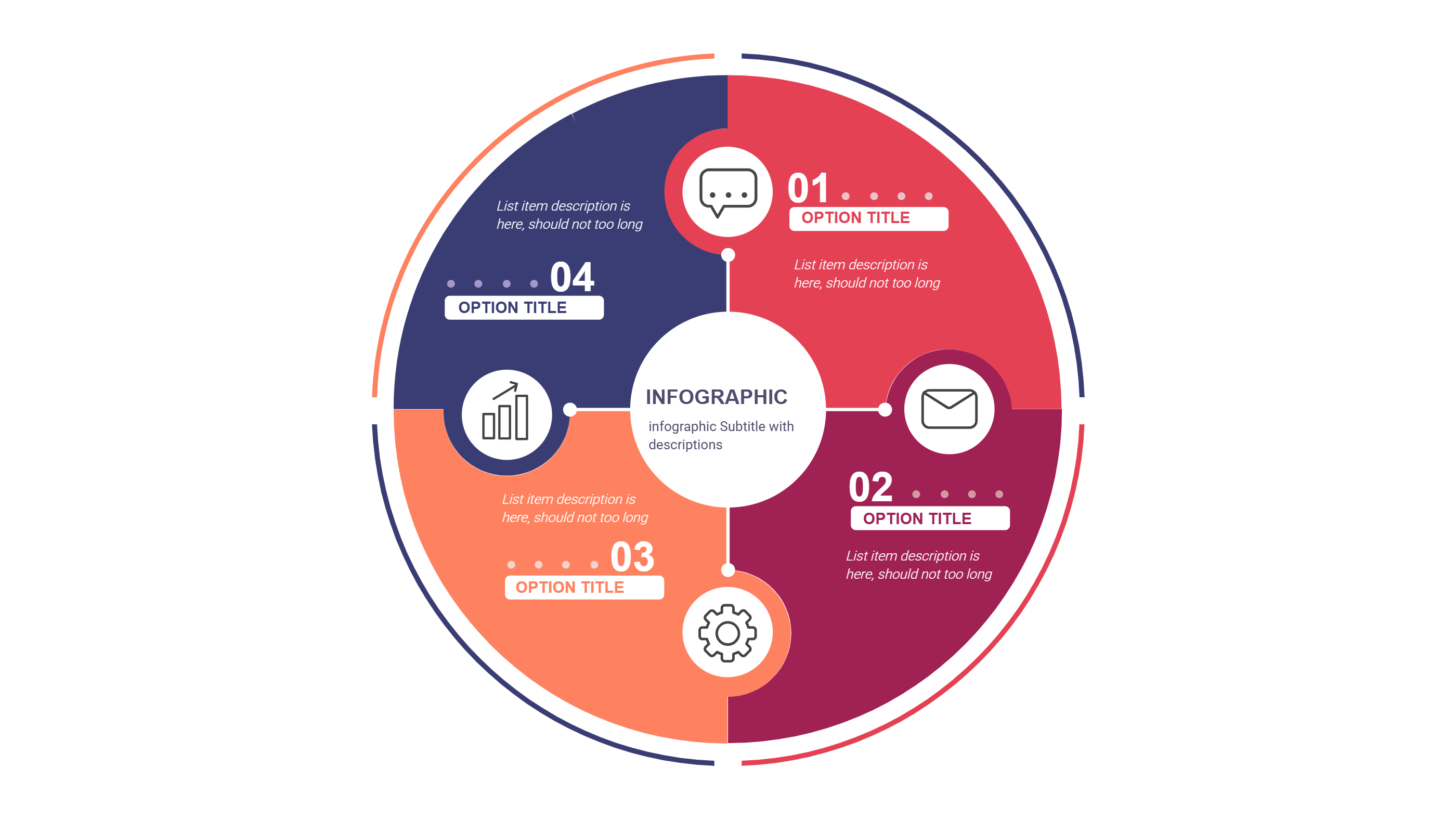
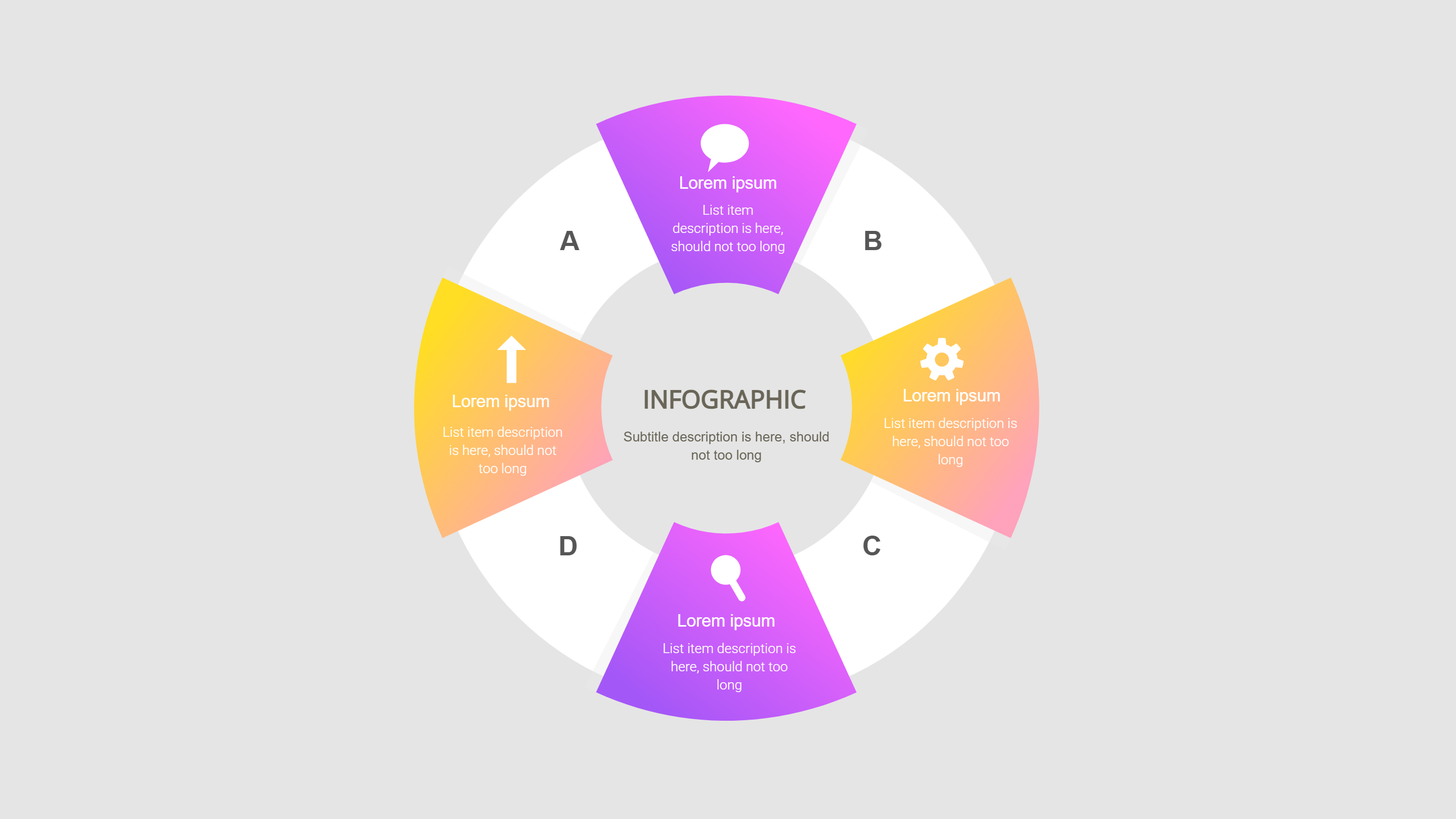
When to Use Ring Options Balanced Layout Infographic
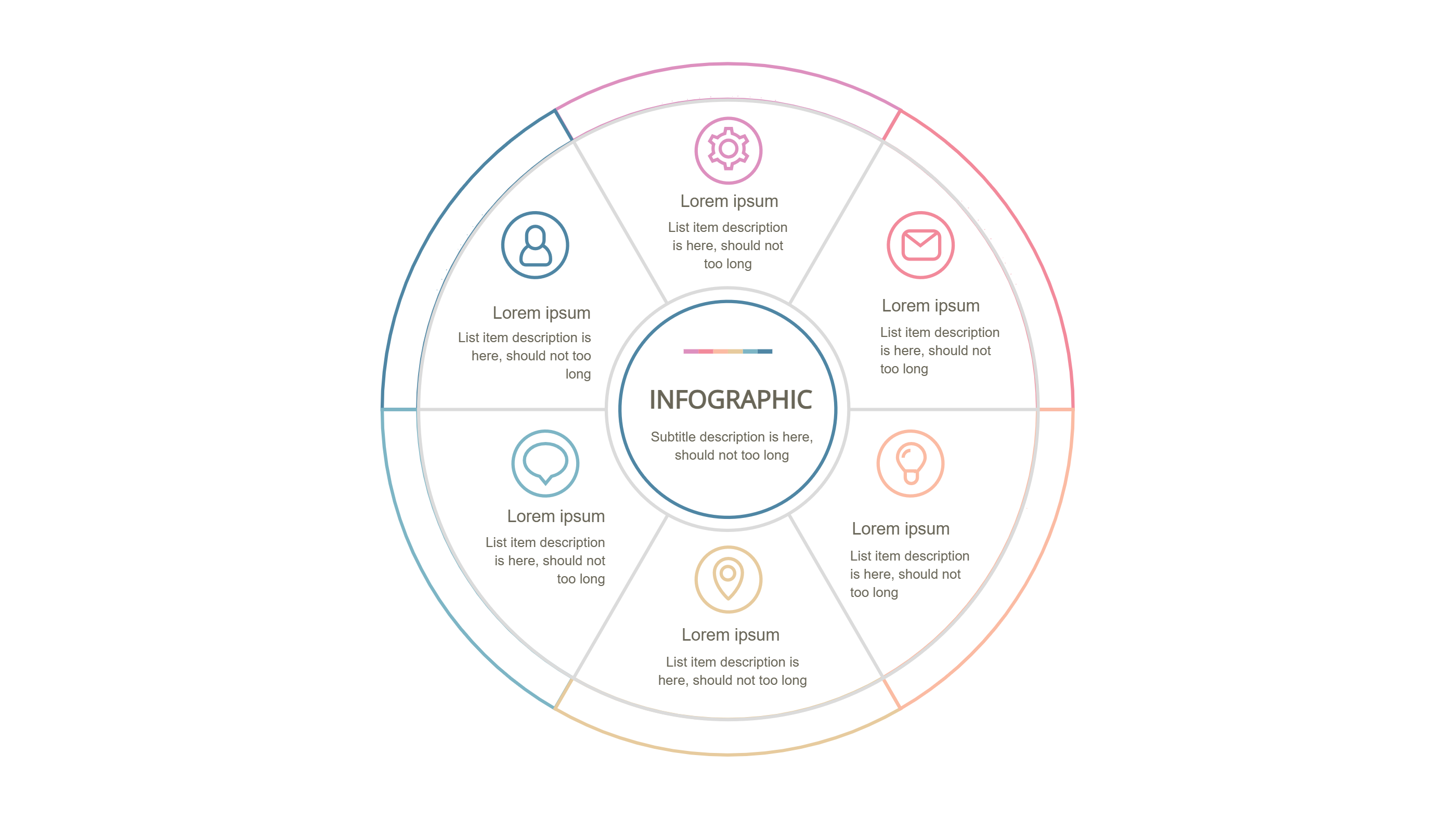
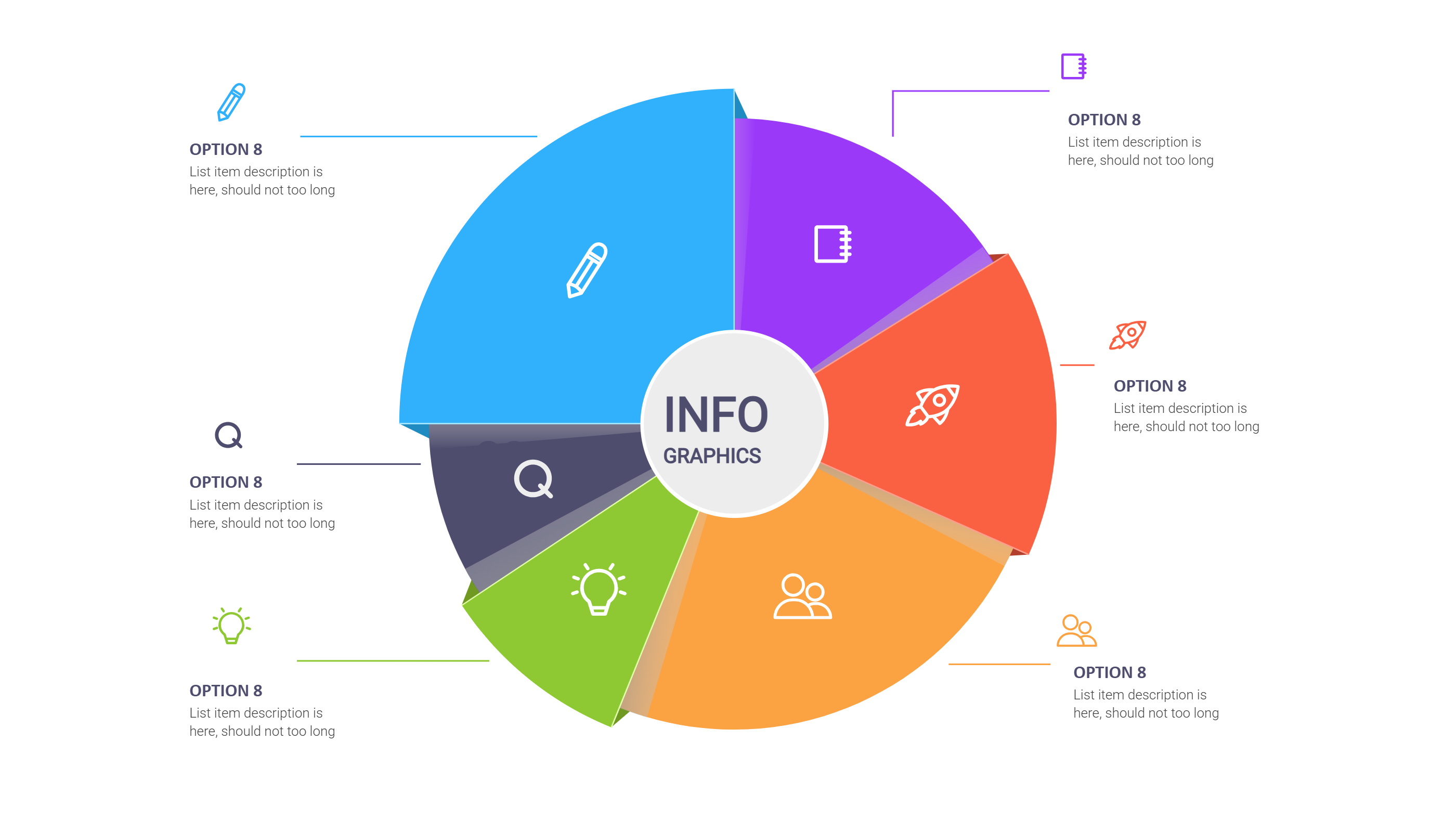
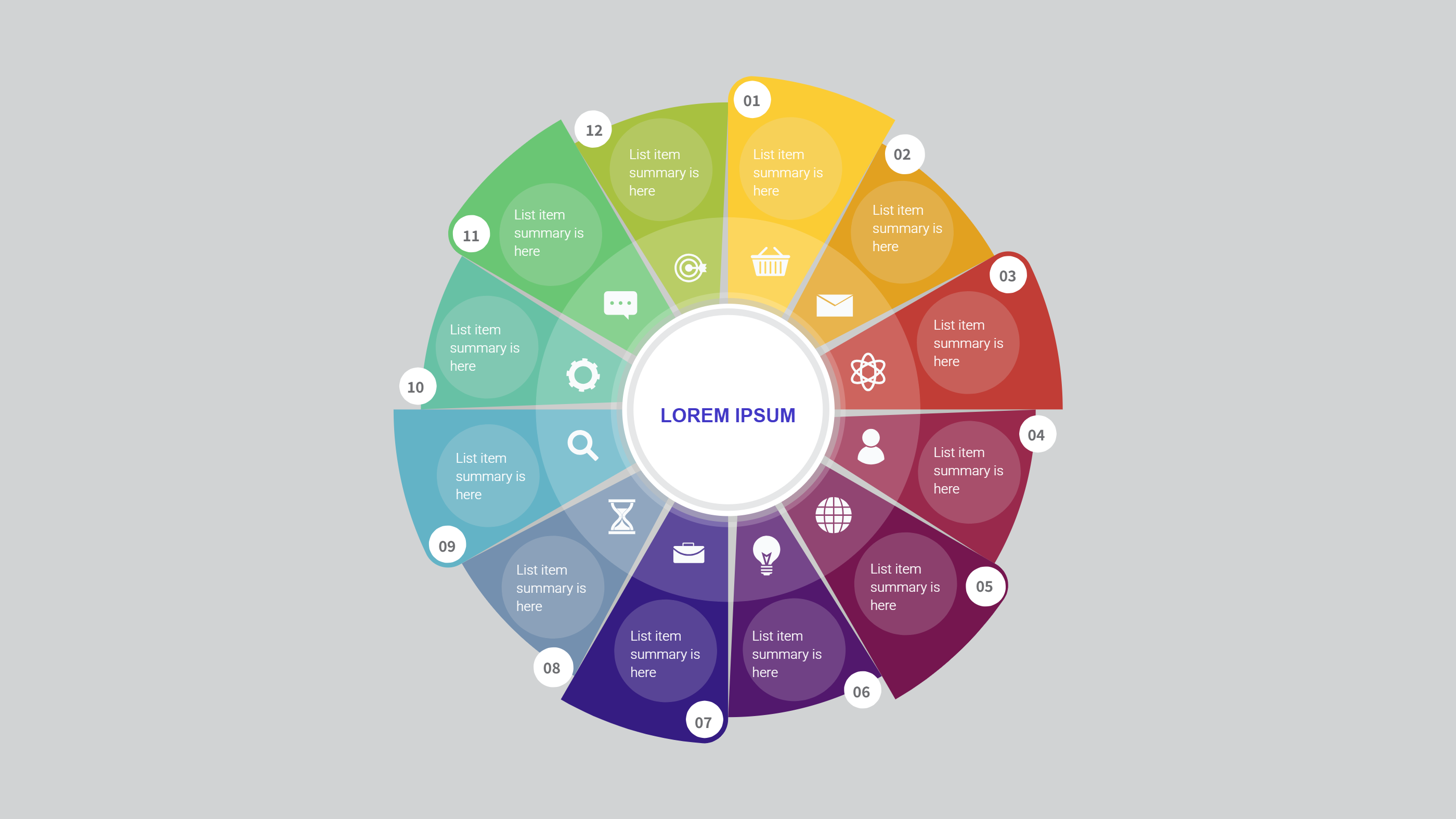
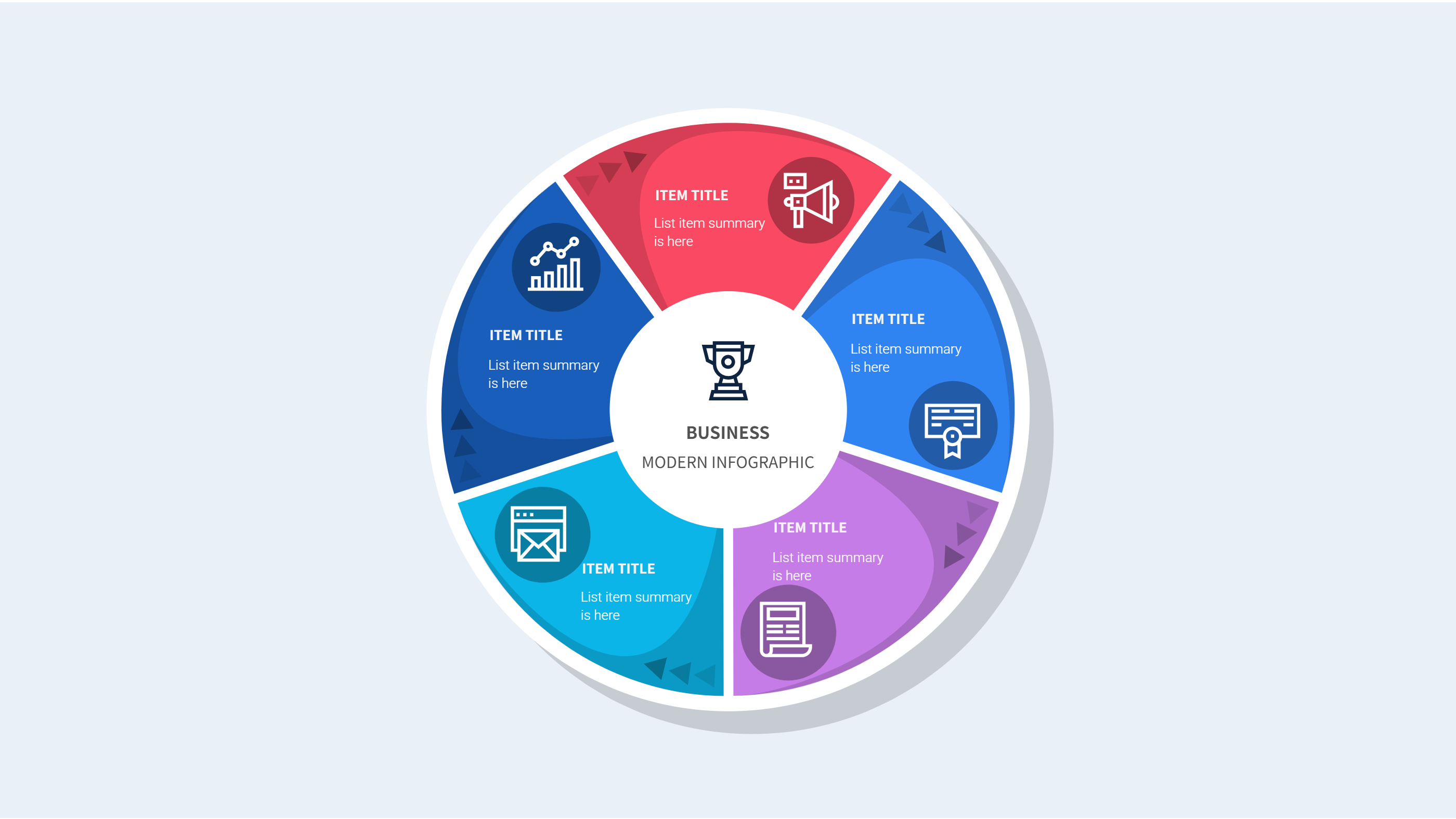
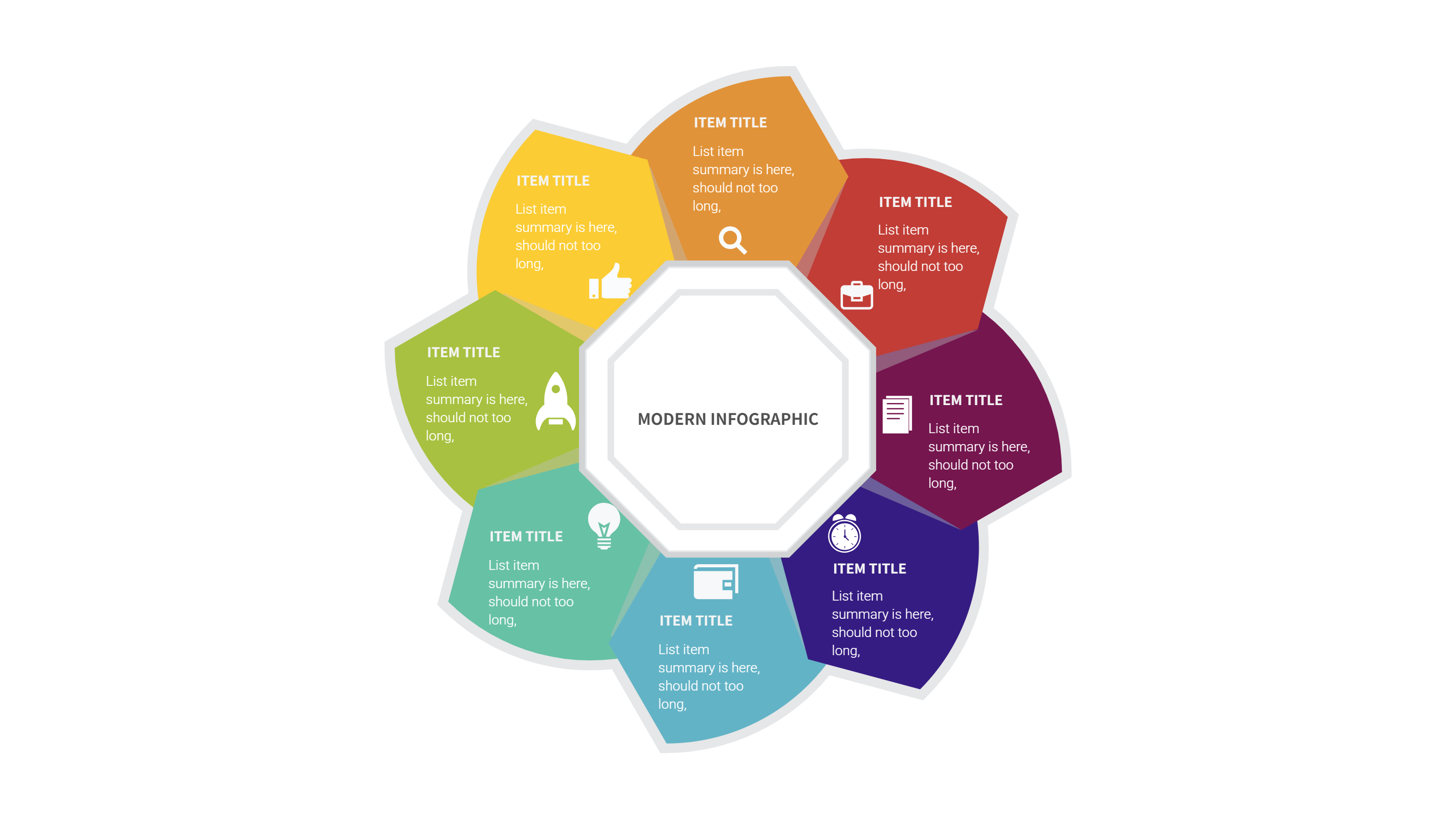
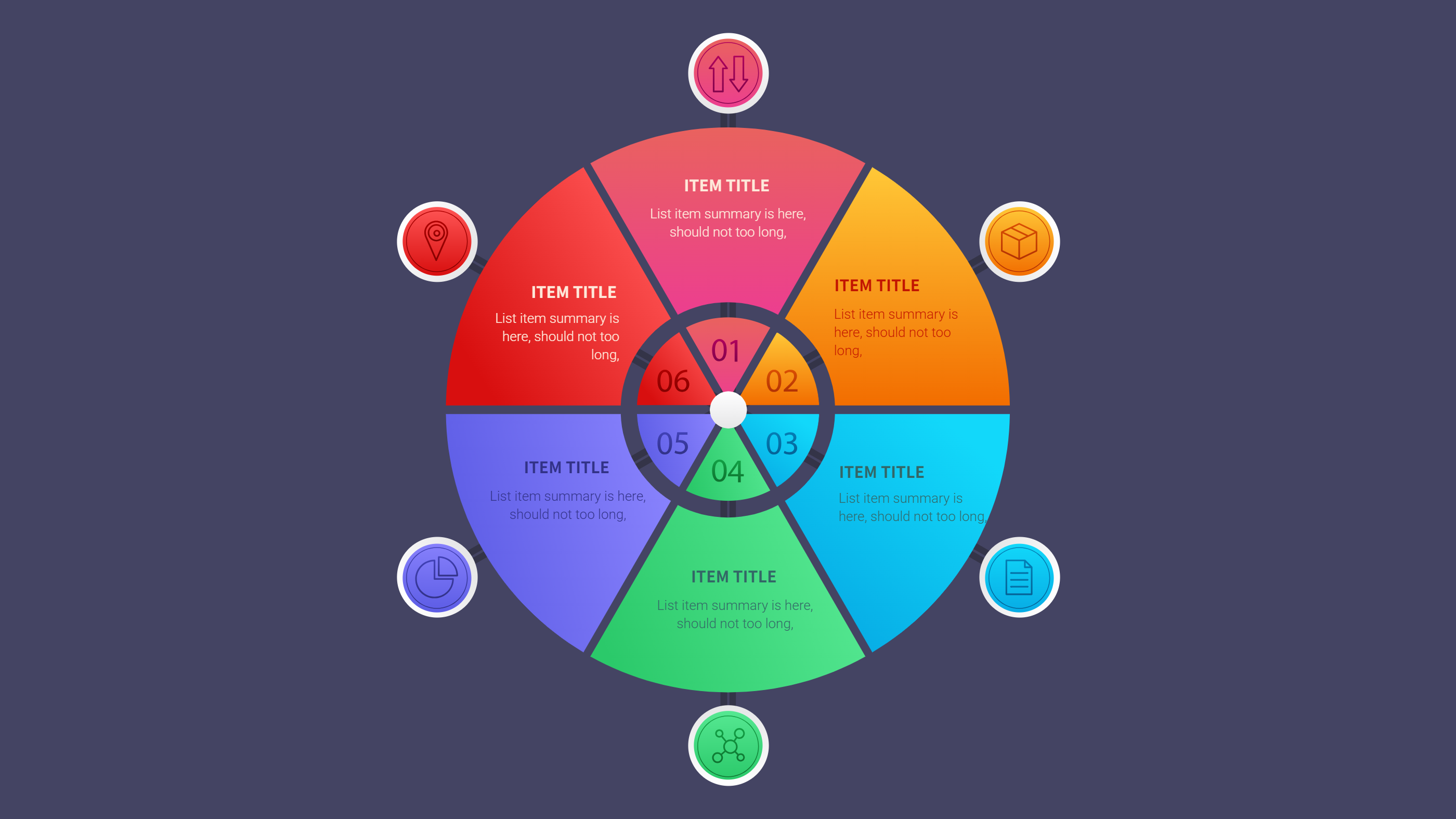
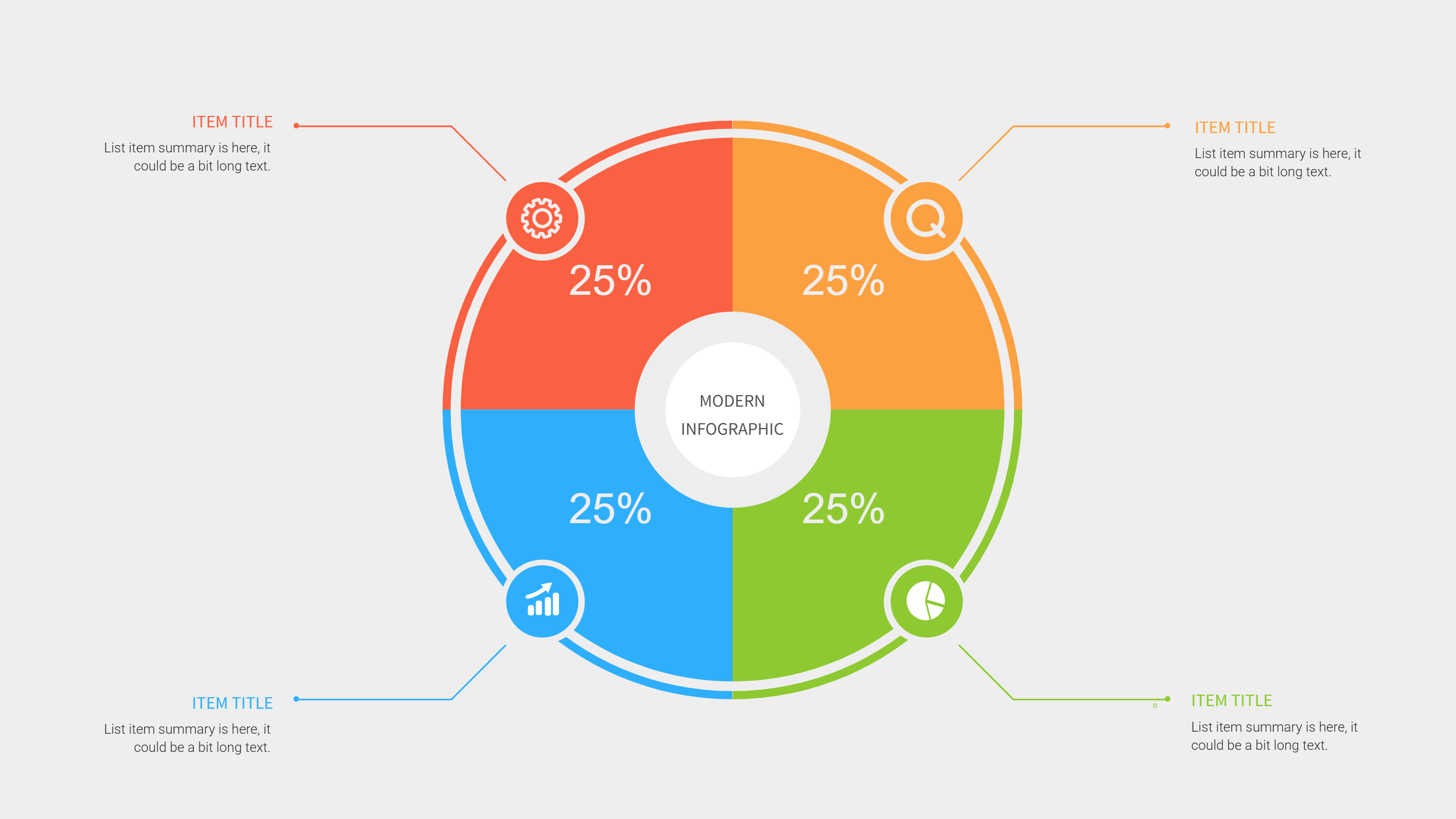
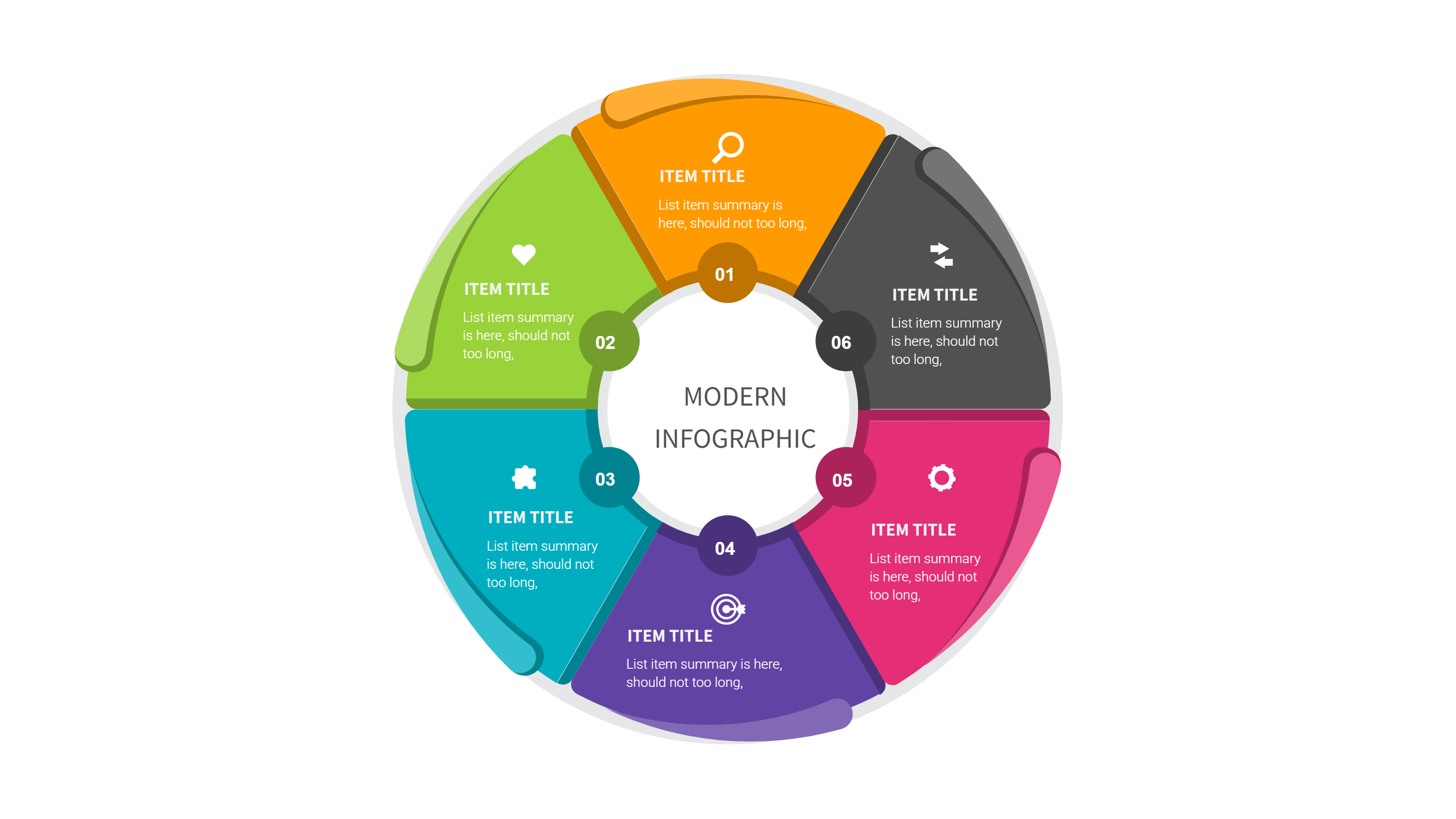
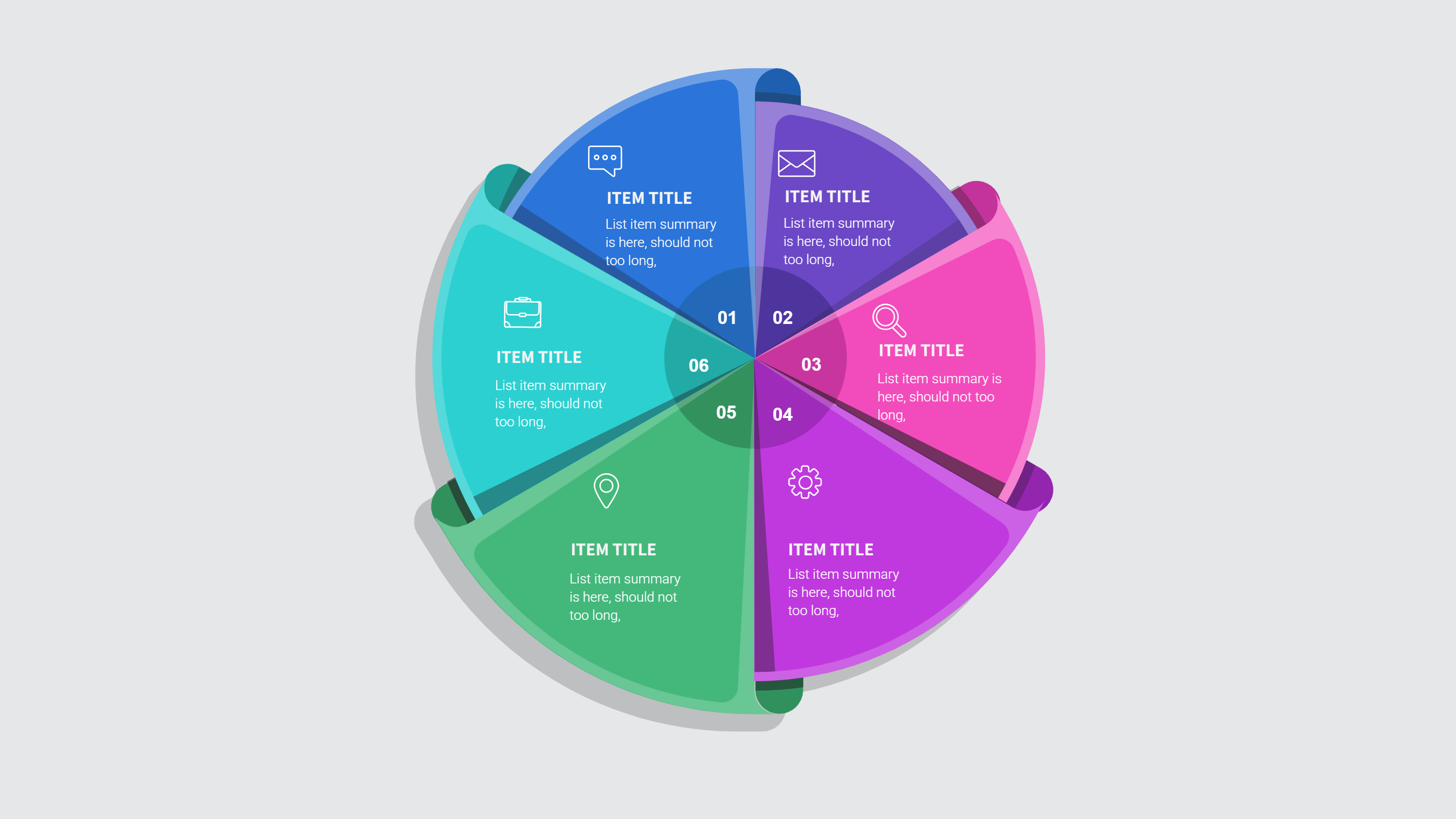
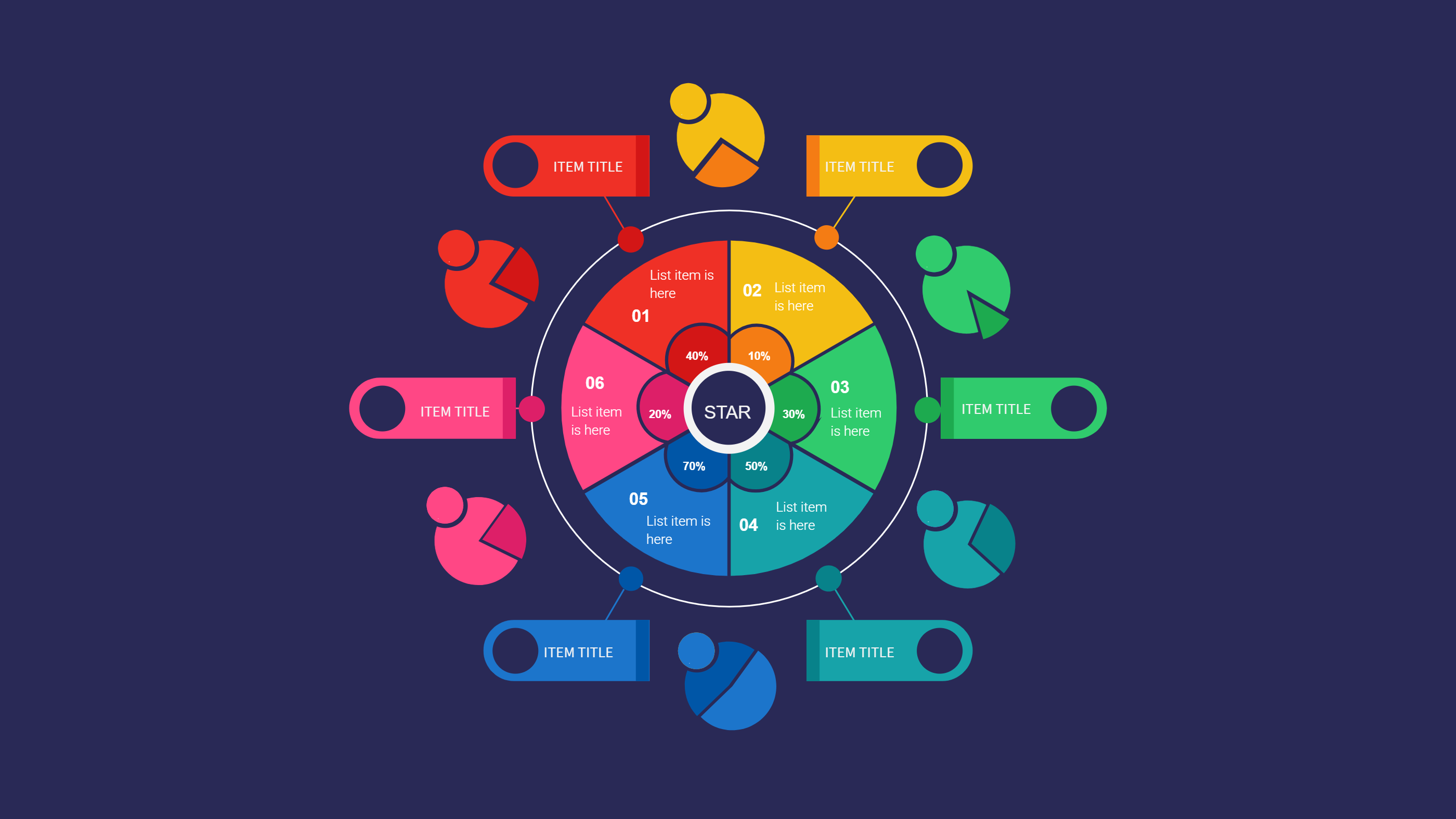
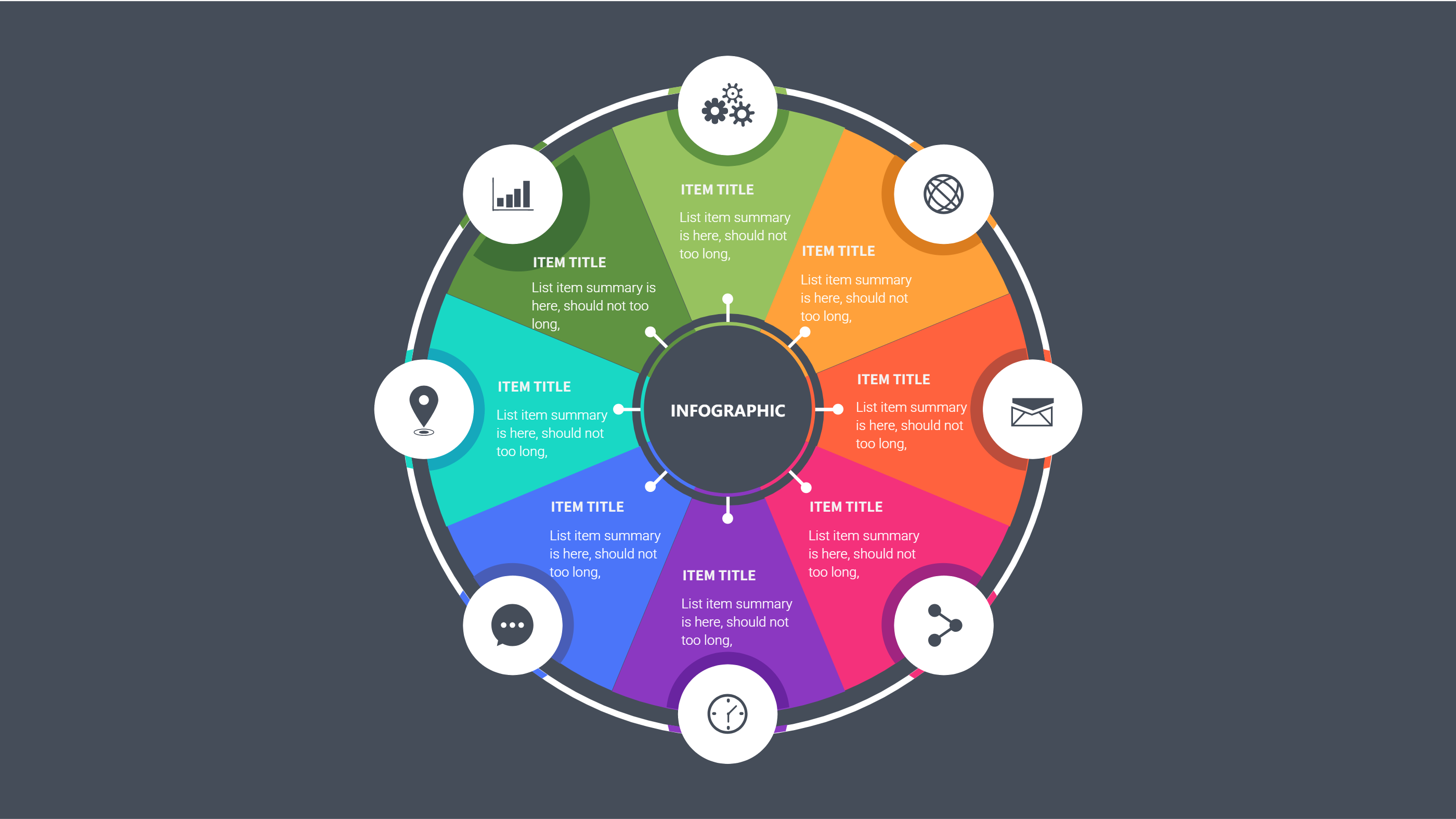
Use this infographic when you want to show budget shares by category. A ring options balanced layout makes the split easy to see at a glance. It helps compare which areas take the largest share and which are small. It is useful for monthly reviews or planning meetings.
It also works when you want to compare two months. You can show two rings side by side and keep the labels short. It is easy to update with new numbers. The format keeps the budget clear for any audience.
Download and Edit the Template
Click the download button and an online editor opens in a new page. You can edit category names, totals, and short notes. You can adjust colors and icons to match your style. Use the save button when you are done. Choose PPT, PNG, or SVG as the export format. The steps stay the same even if the wording is different.
How to Use Budget Notion Template for Simple Category Tracking
Open the AI generator on the home page and choose the budget template. Enter a short prompt that lists the categories, totals, and any savings goal. The tool creates an infographic that follows the layout. You can edit the result and adjust text to match your numbers. The meaning stays the same, even if your wording changes.
Examples of Budget Notion Template AI Prompt Usage
Example 1:
A monthly budget view with five categories such as housing, food, transport, health, and savings. Show totals and a short note for each category.
Example 2:
A student budget page with tuition, rent, groceries, books, and travel. Use a clean ring chart and short labels.
Example 3:
A small team budget summary that shows tools, marketing, staff, and events. Include a short note for the main cost area.
Example Infographic Image
[Example Image Placeholder, image will be added manually]
Recommended Similar Infographic Templates
Related Template 1: Notion Monthly Budget Template Infographic for Simple Spending Plans
Related Template 2: Finance Market Share Piechart Infographic Template
Related Template 3: Finance Investment Visualization
Related Template 4: Waffle Chart Design Template
FAQs
Q: Can I add more budget categories?
A: Yes, add or remove segments as needed.
Q: Can I use this for a household budget?
A: Yes, it works well for personal and family plans.
Q: Is this format good for a monthly review?
A: Yes, the ring view makes category shares easy to see.
Q: Can I edit the colors for each category?
A: Yes, colors are easy to change in the editor.
Q: Can I export the budget as a PDF or image?
A: Yes, export to PPT, PNG, or SVG.