Free Stakeholder Grid Template for PPT Download
What is Stakeholder Grid Template Infographic
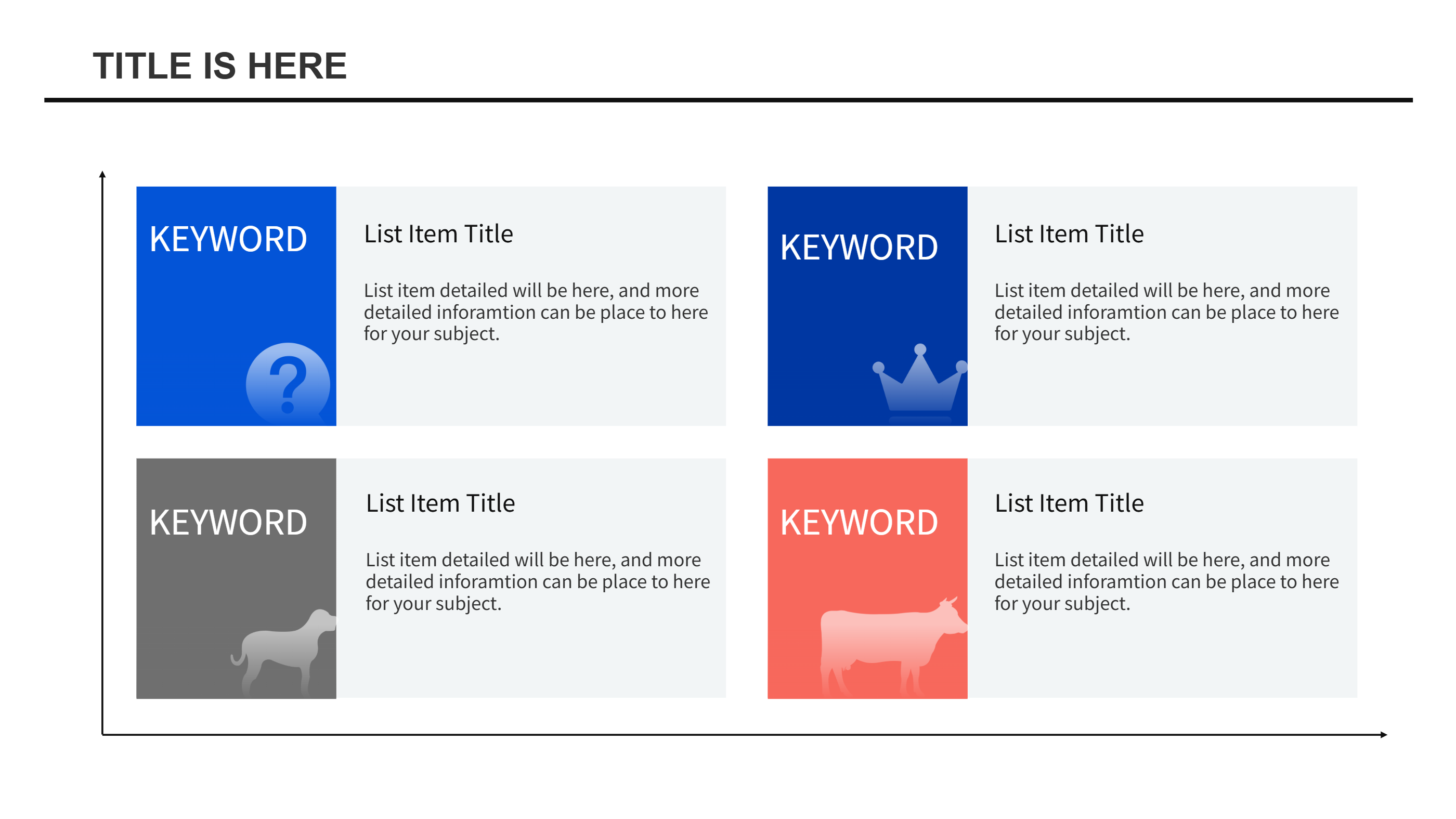
A stakeholder grid template infographic is a simple grid that places people and teams into clear boxes. It gives a quick view of who matters most to a project and who needs updates. The grid layout keeps a PPT slide clean and easy to scan. This free stakeholder grid template is helpful when you want to show roles without long notes. You can label each box with a name, group, or goal and keep the message short.
When to Use Stakeholder Grid Template Infographic
Use this stakeholder grid template when you start a project, plan a change, or share a status update. It fits team meetings, client check-ins, and internal planning sessions. The grid makes it easy to show who to inform and who to involve more often. It also helps when different groups have different needs and you want a shared view. If you want a simple PPT download that points to the right people, this layout works well.
How to Use the AI Generator
Open the AI generator on the home page, pick the stakeholder grid template, and enter a short prompt. The prompt can include your project name and the groups you want to show. The tool applies the layout and creates a matching infographic. You can adjust labels, icons, and colors to fit your tone. The result is a ready PPT slide that keeps the key words from your title and topic.
How to Download the Template Files
Click the download button and an online editor will open. You can edit text, move icons, and press the save button when you are ready. Choose PPT, PNG, or SVG based on how you will use the file, and download it. The editor lets you make quick changes before you save. This keeps the free download clean and useful for sharing.
FAQ
Q: Is the stakeholder grid template free to download?
A: Yes, you can get a free PPT download and edit it with your own labels and notes.
Q: Can I use the template for a small team?
A: Yes, it works well for small groups because the grid stays clear and simple.
Q: How do I decide who goes in each box?
A: Think about who cares most about the work and who needs more updates, and place them where the message is easy to see.
Q: Can I change colors and icons?
A: Yes, the online editor lets you adjust colors, icons, and text so the PPT matches your style.
Q: Can I export the stakeholder grid as an image?
A: Yes, you can save it as PNG or SVG when you need an image file.