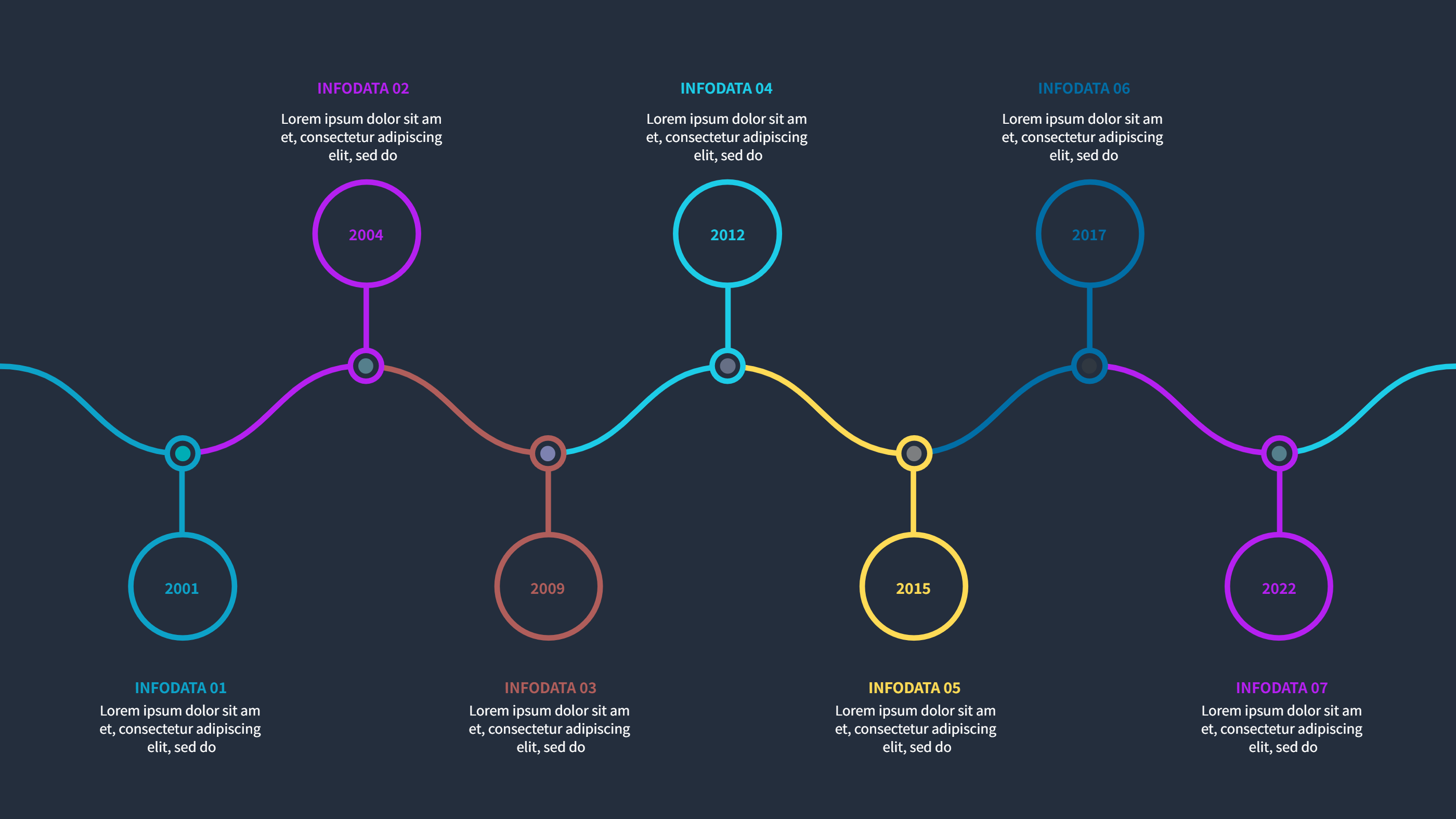
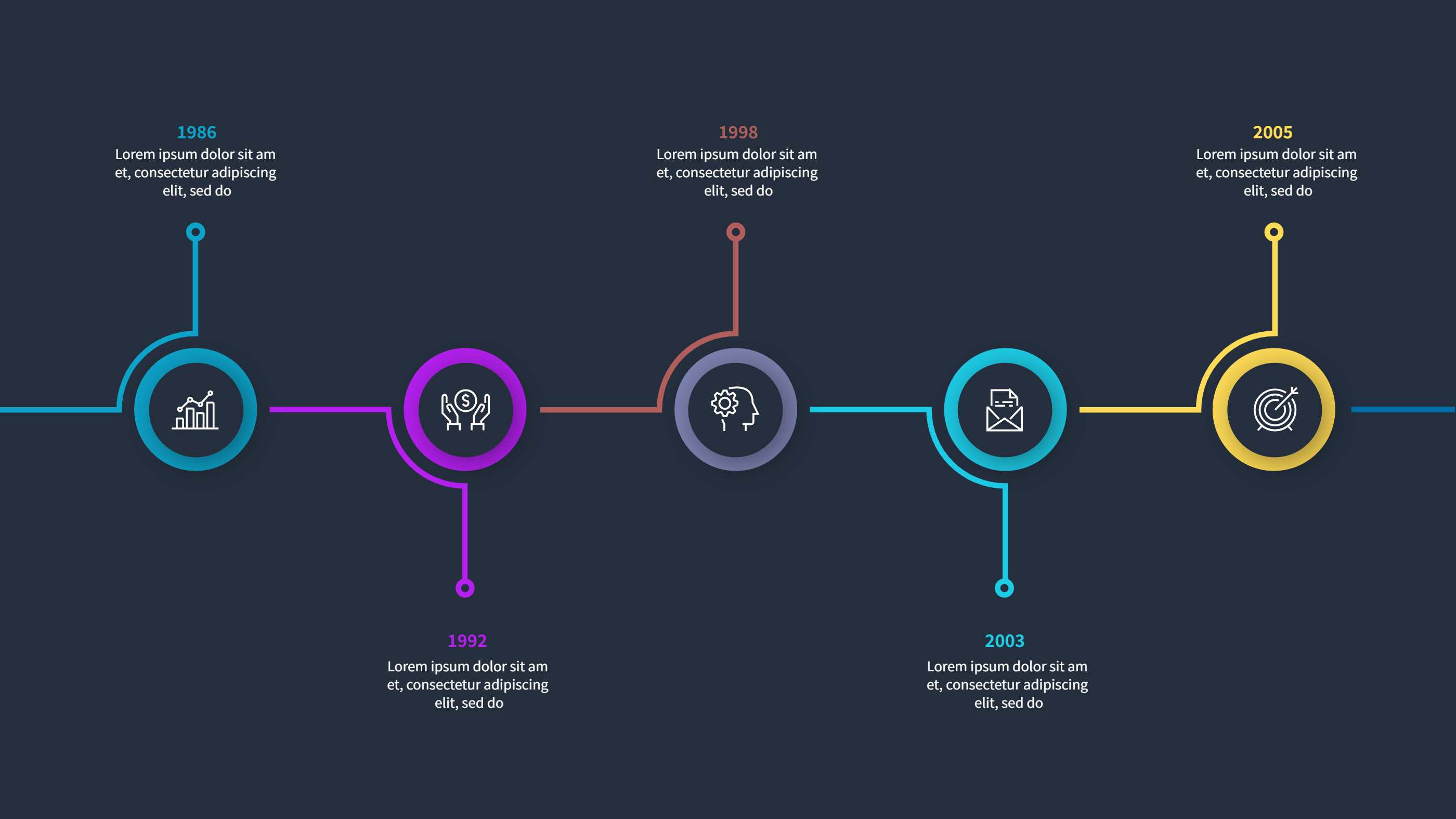
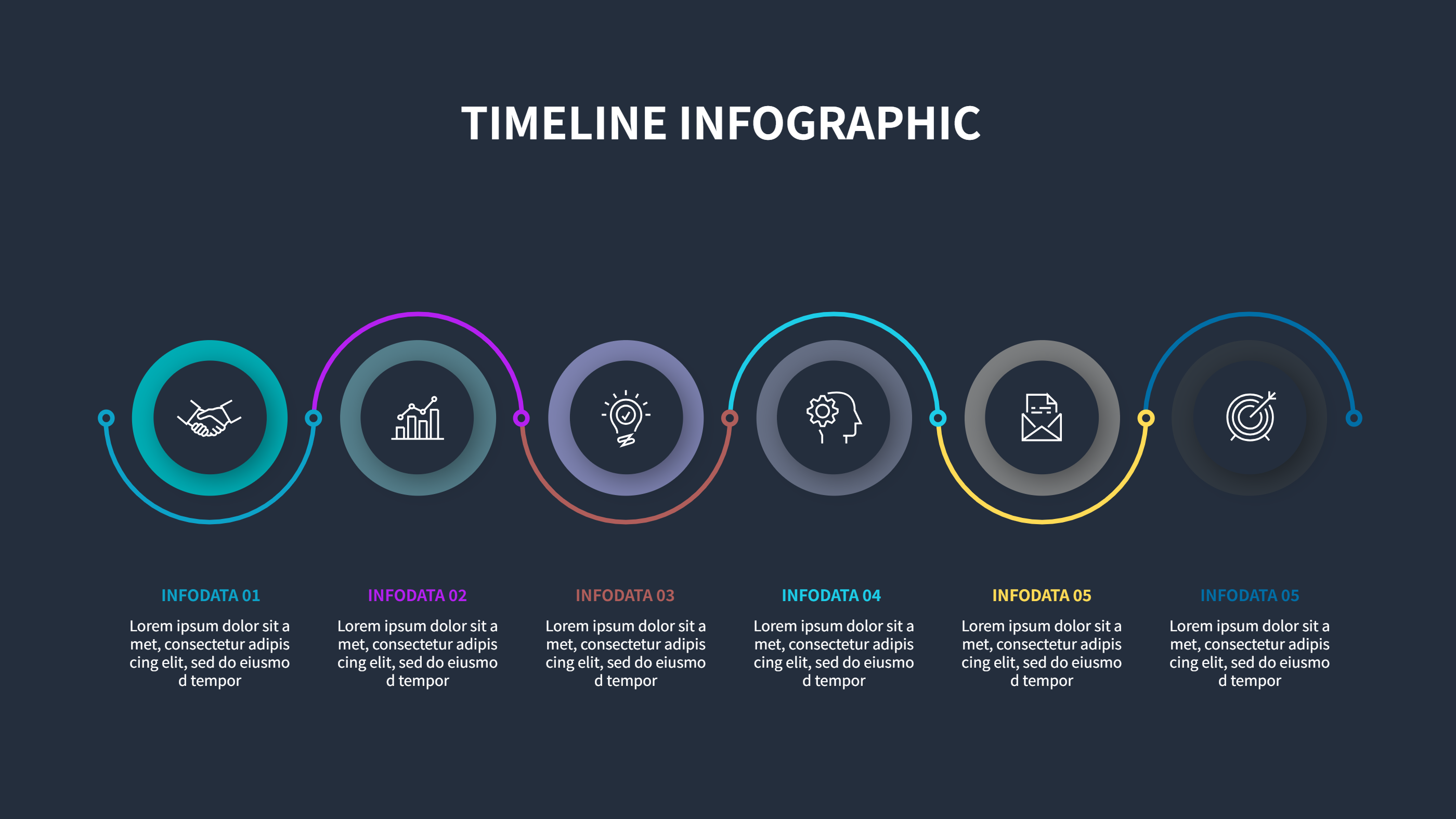
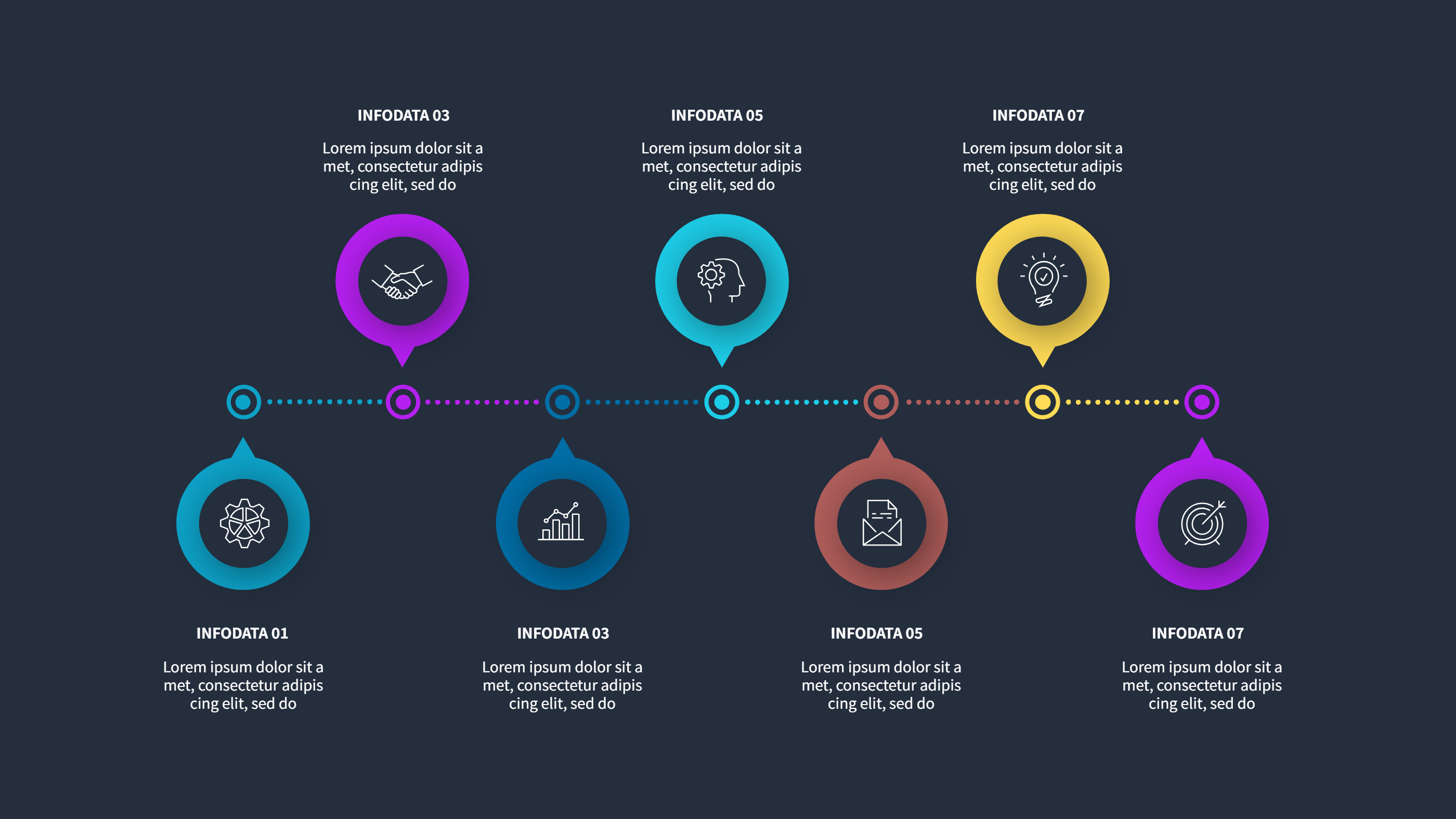
After Effects Animated Infographics Timeline Template
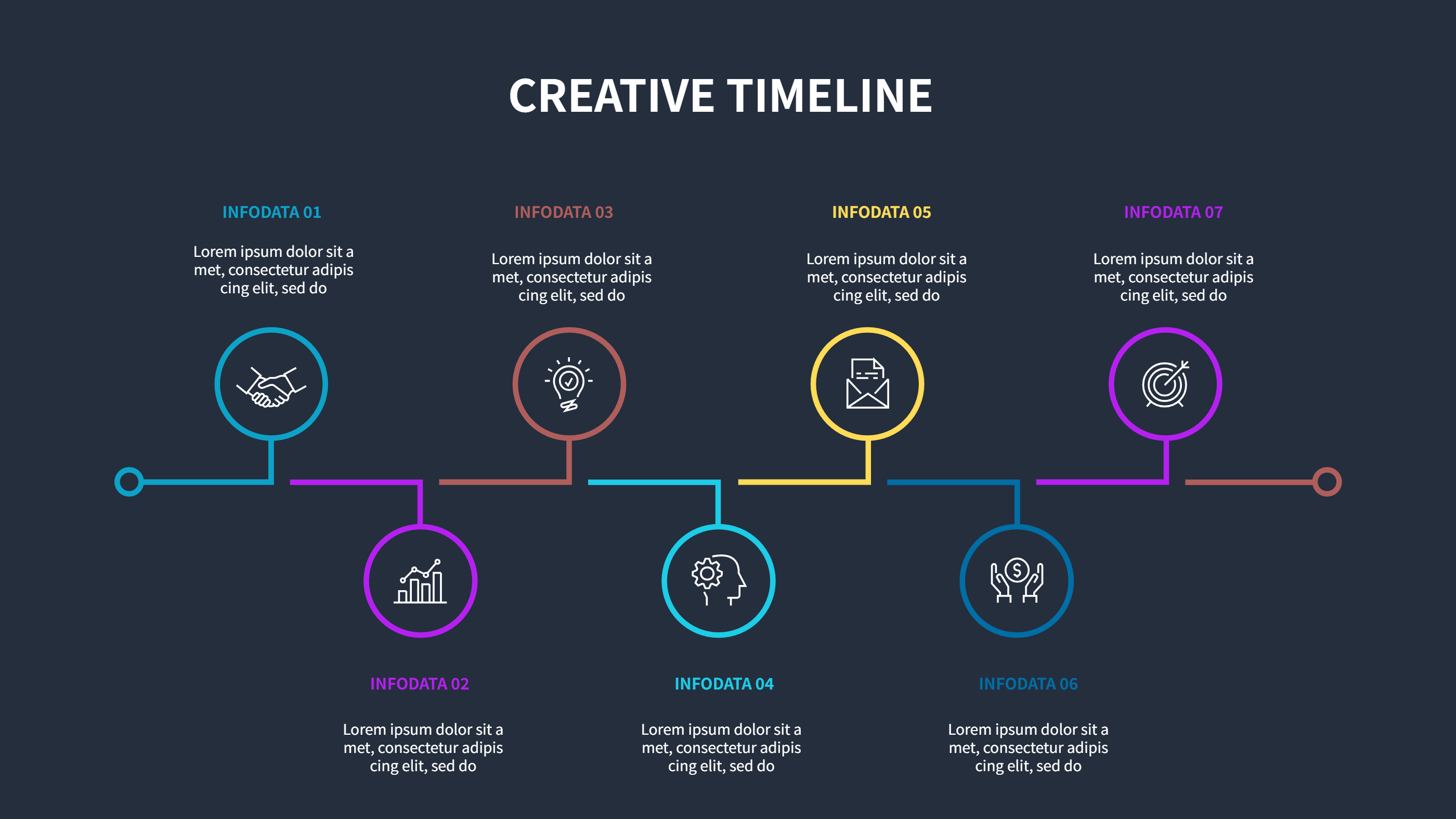
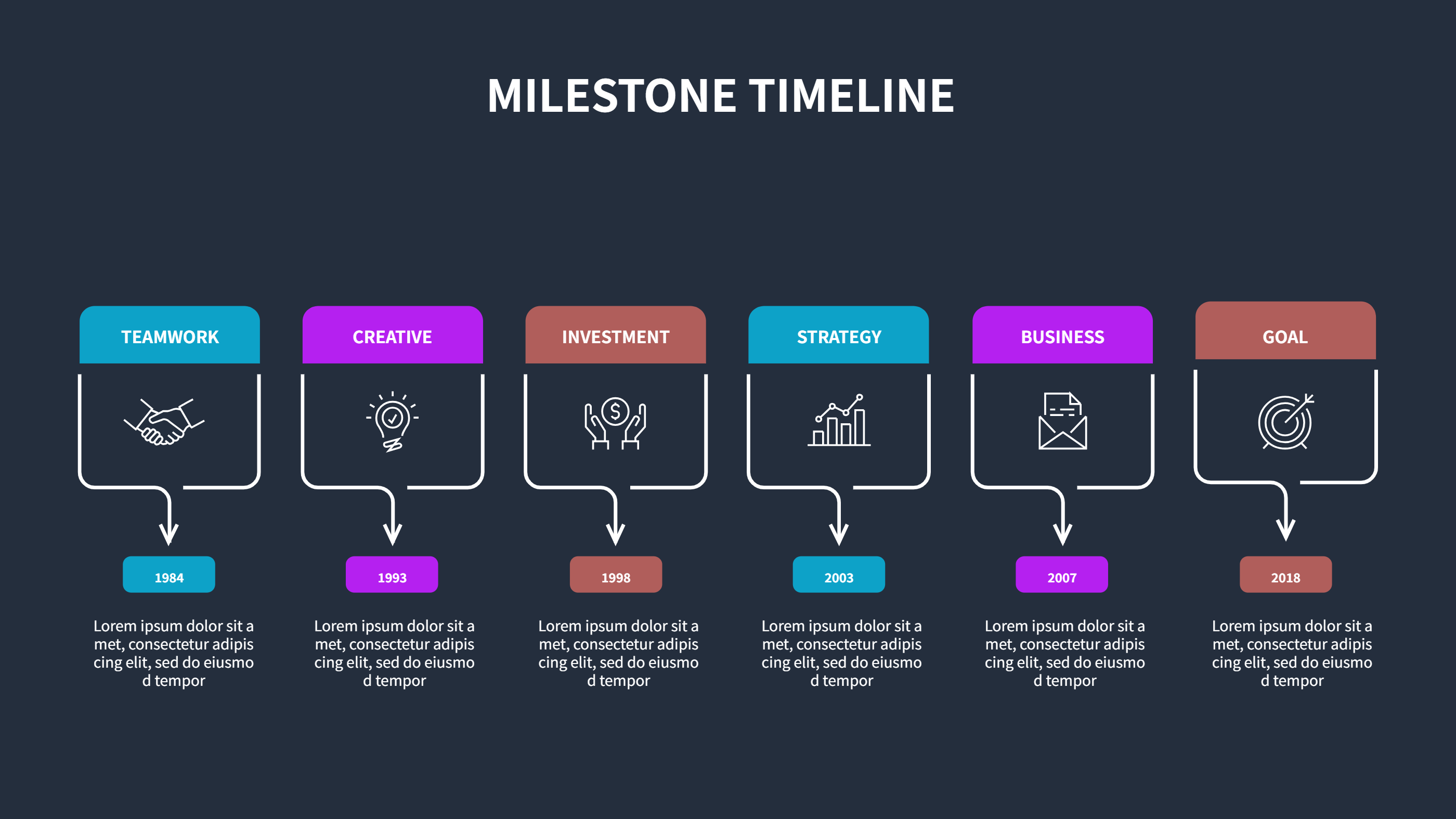
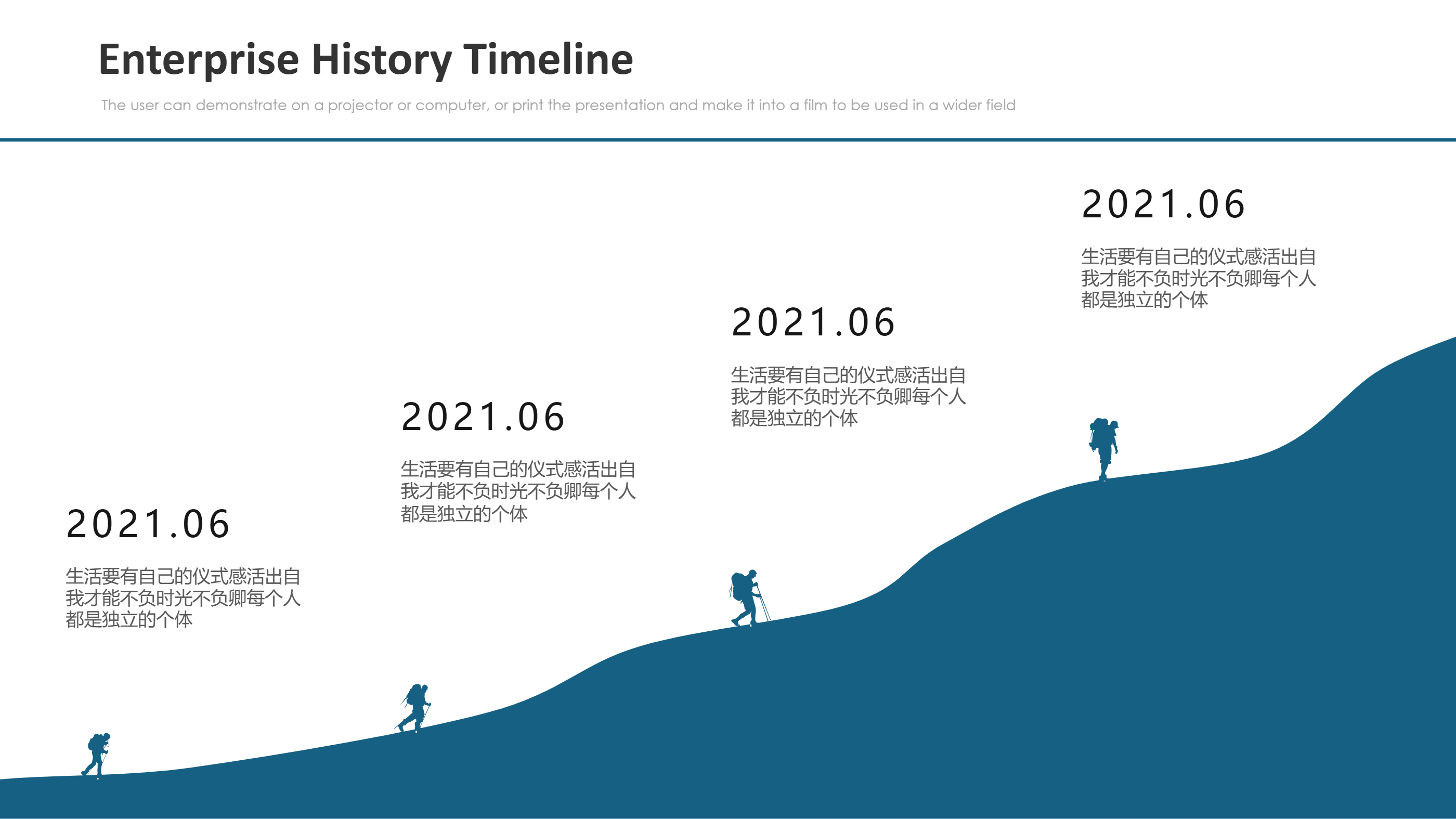
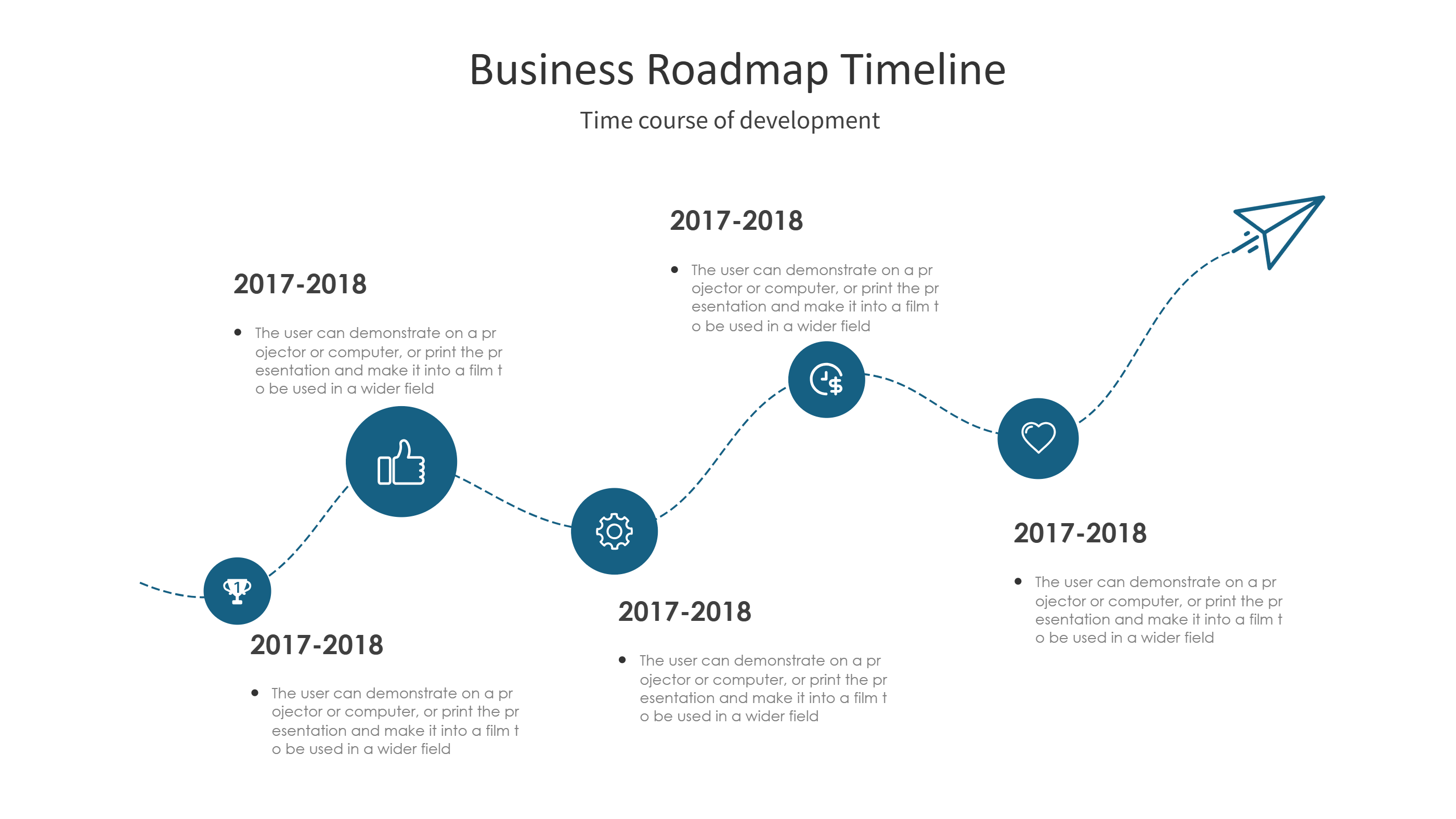
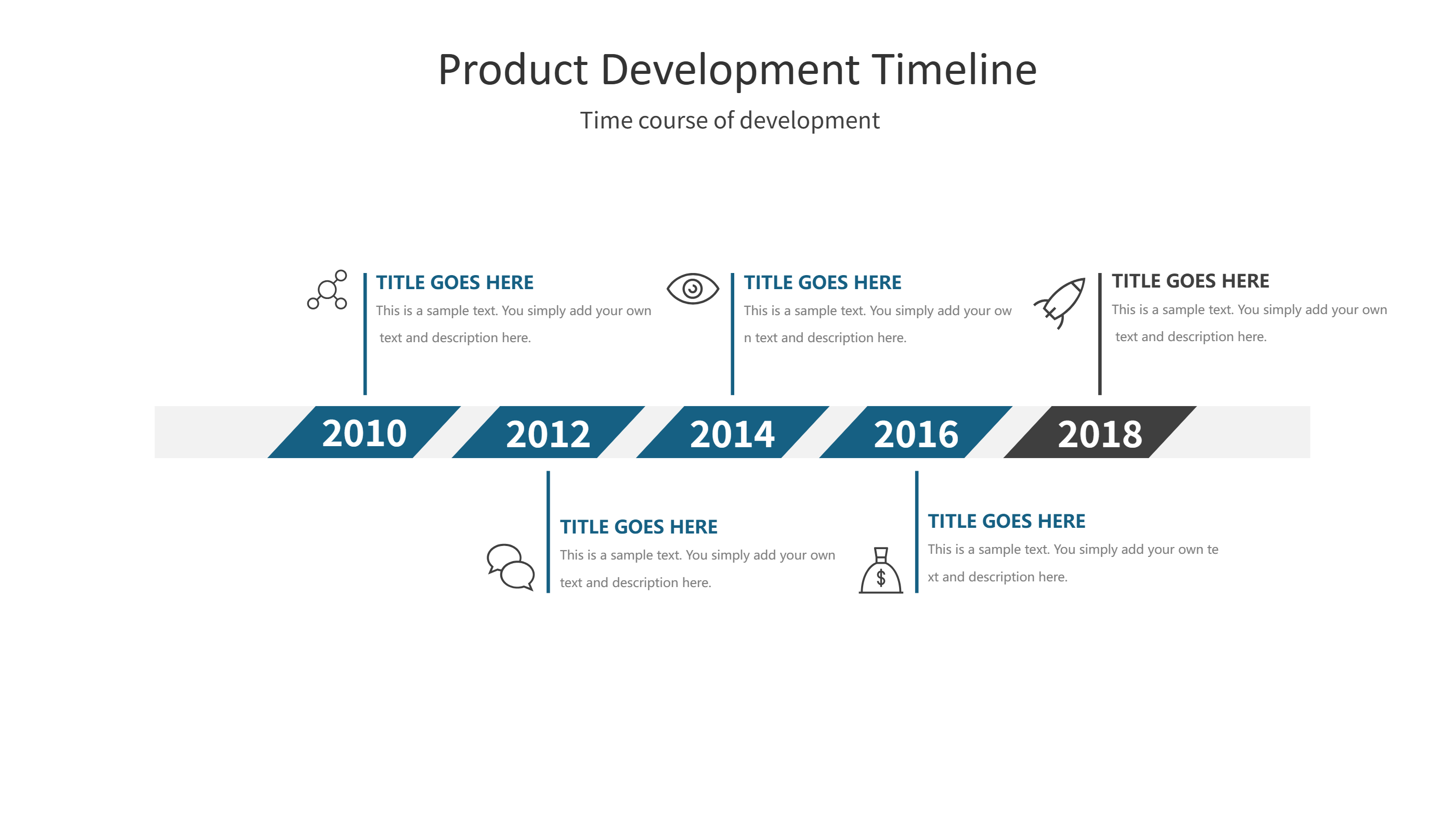
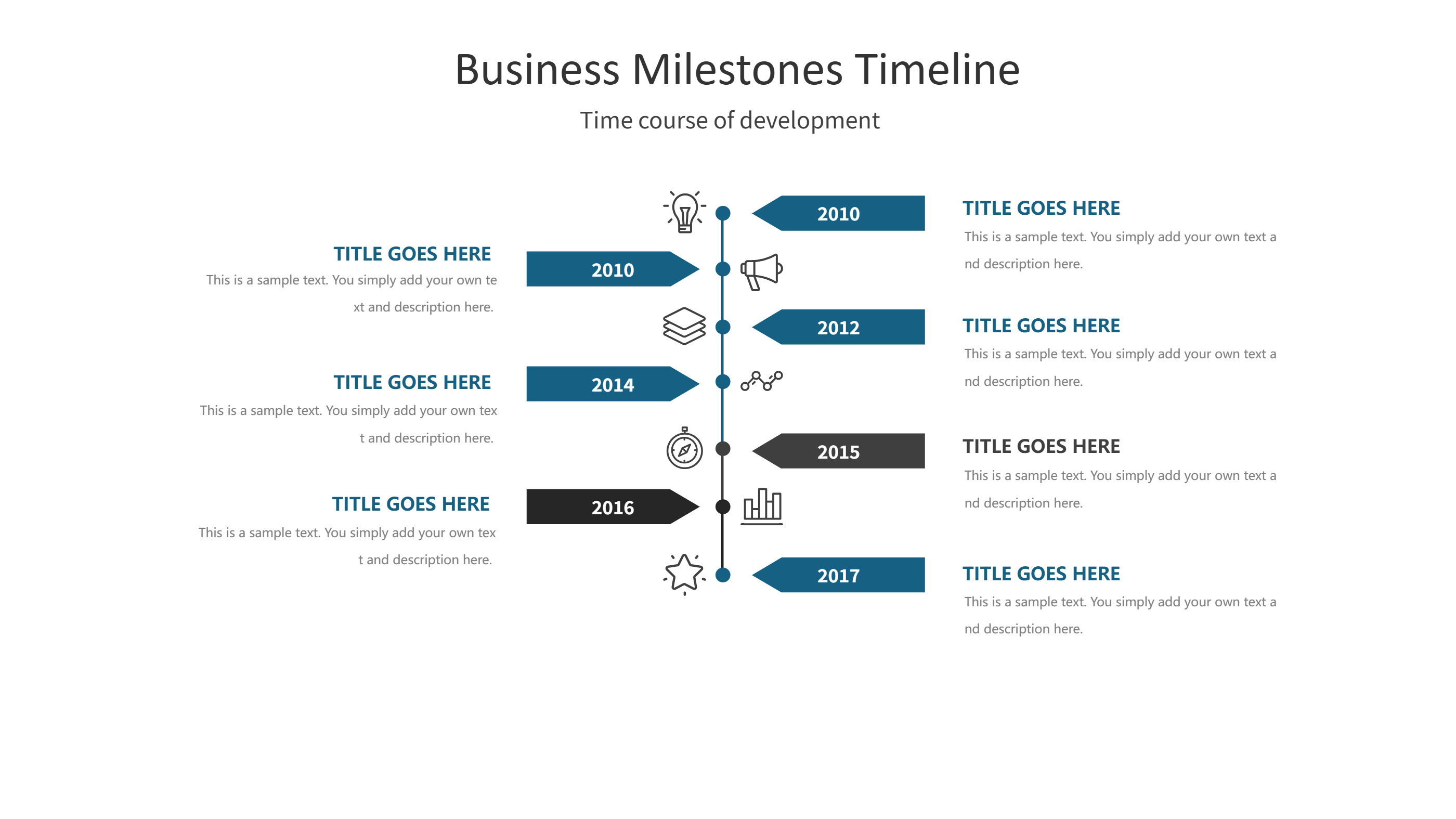
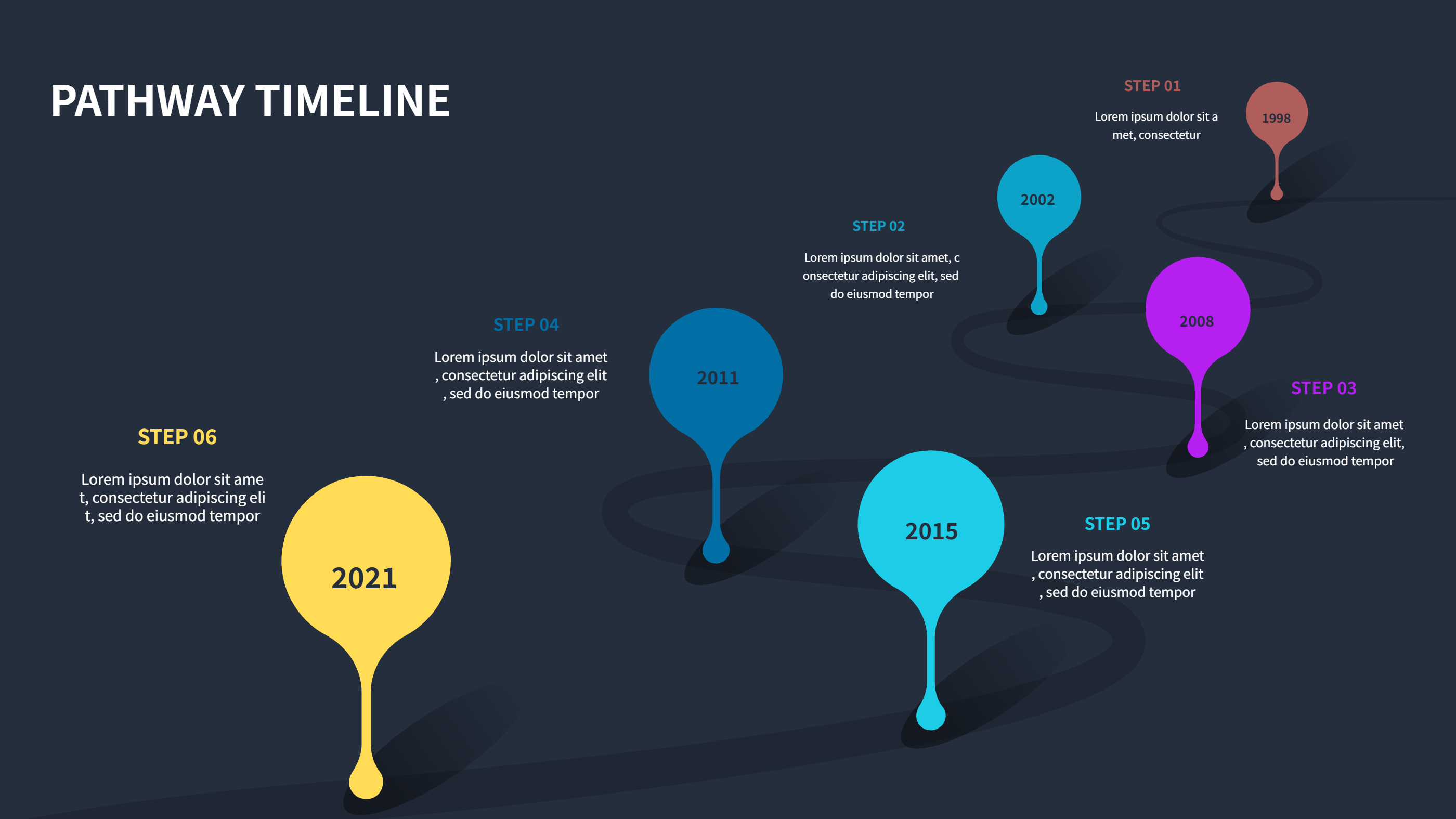
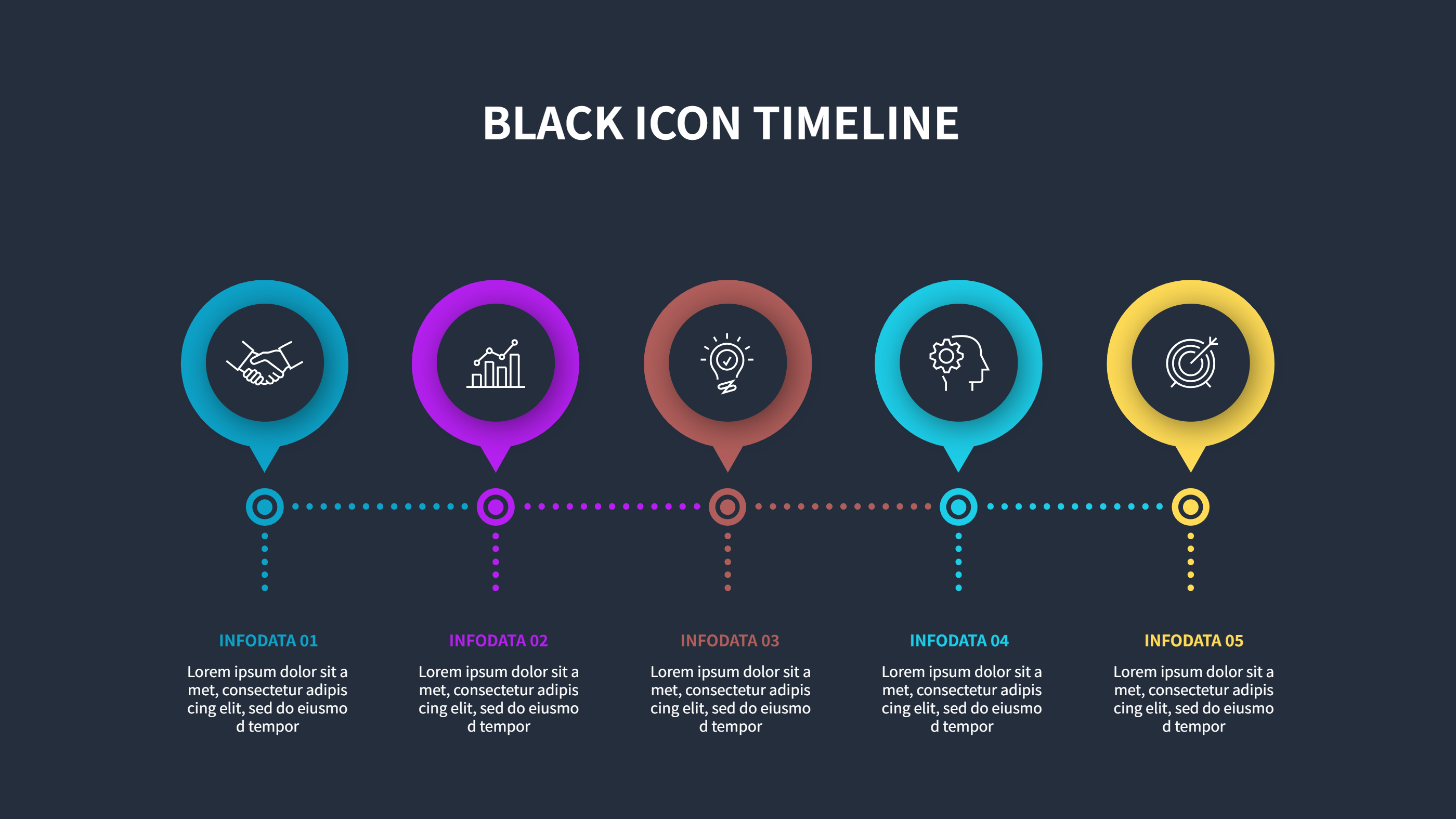
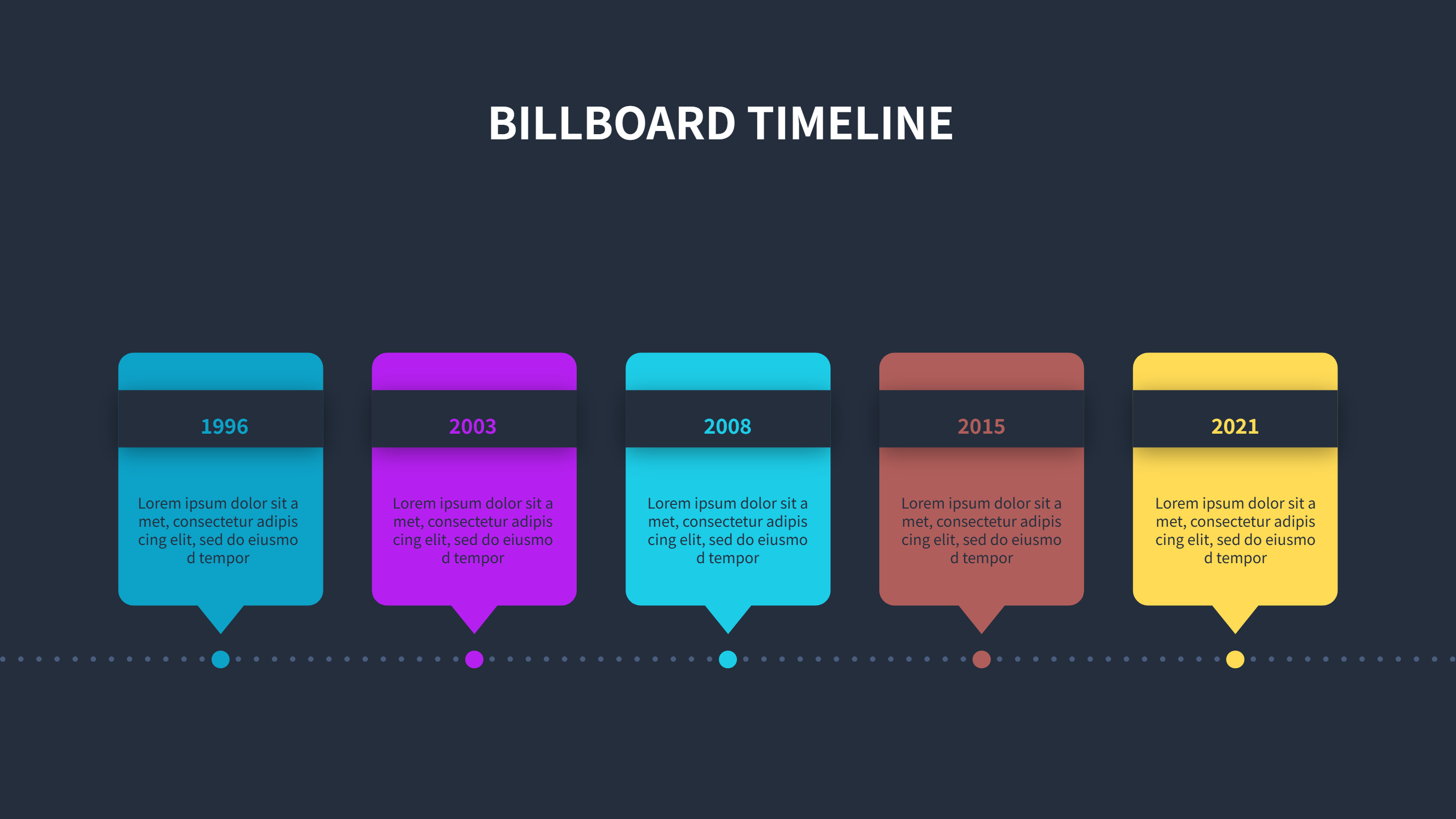
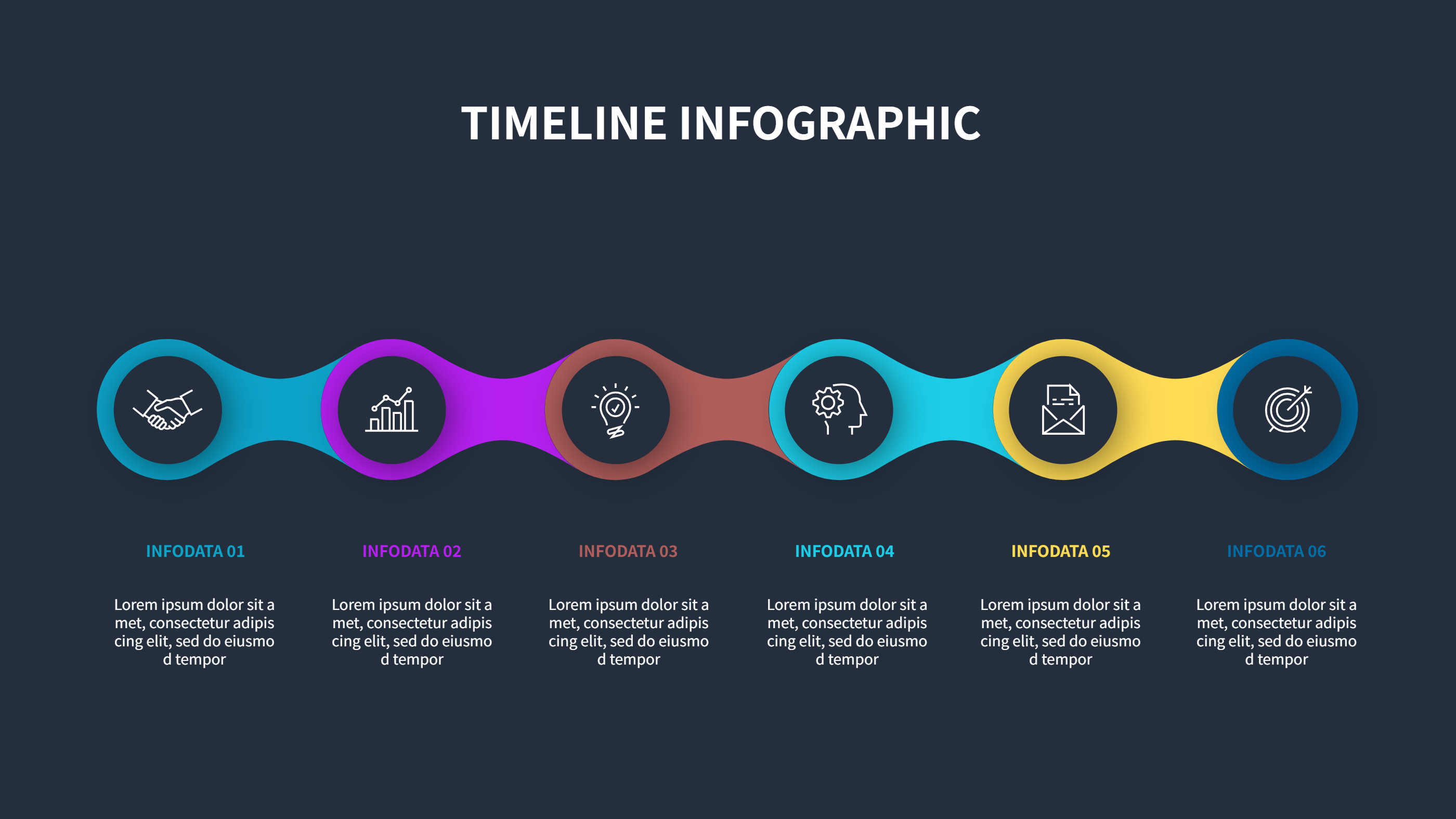
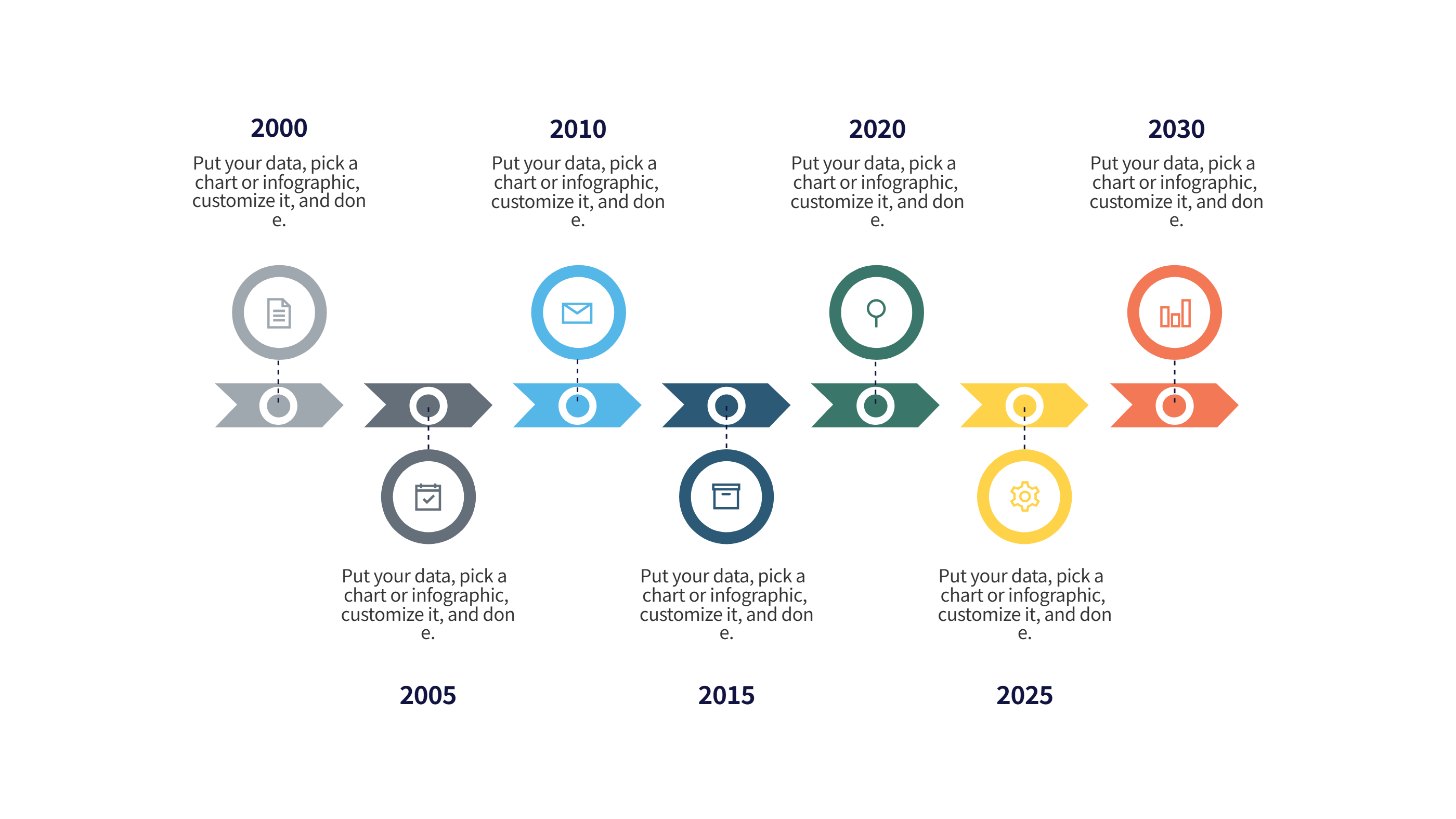
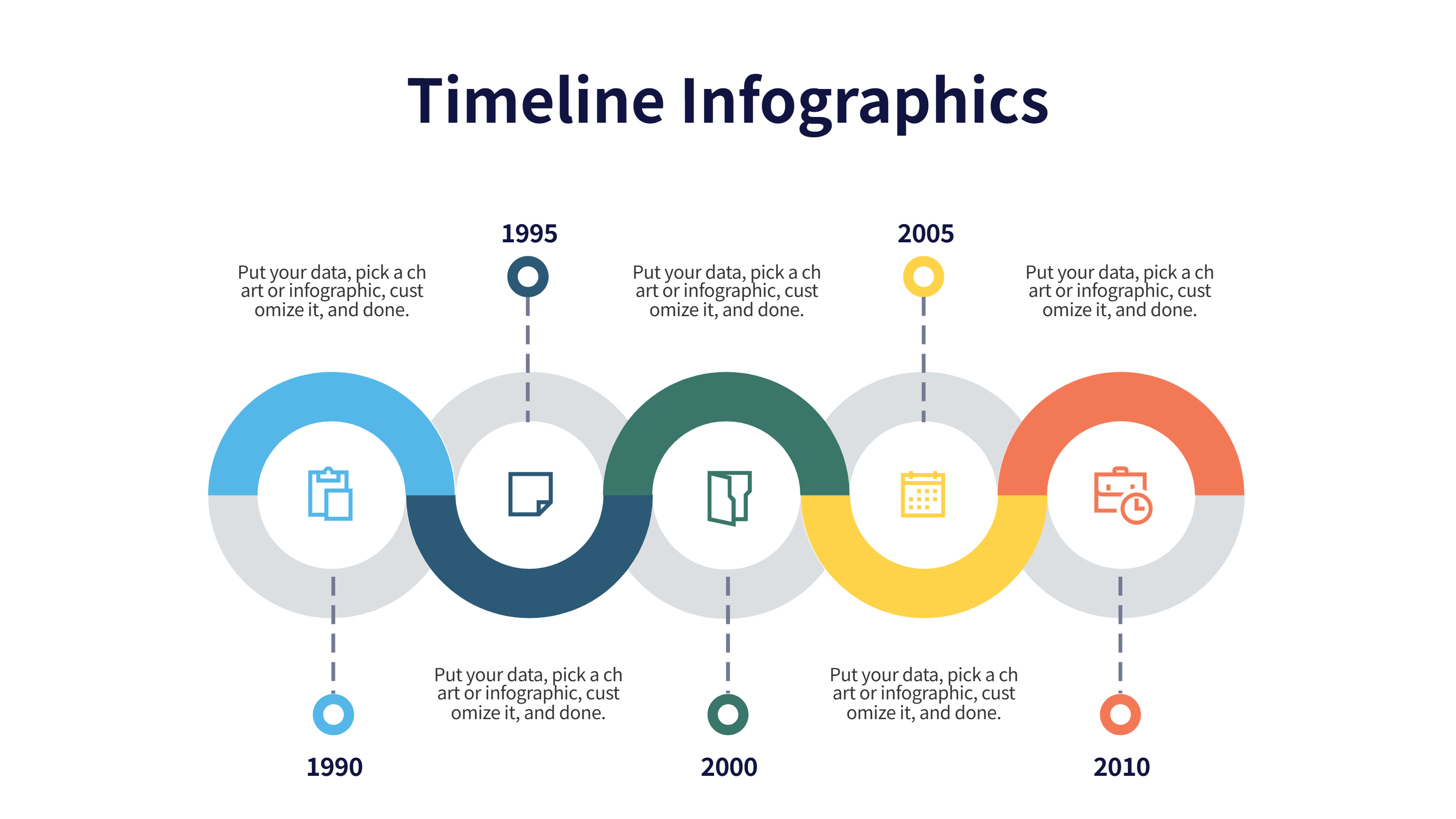
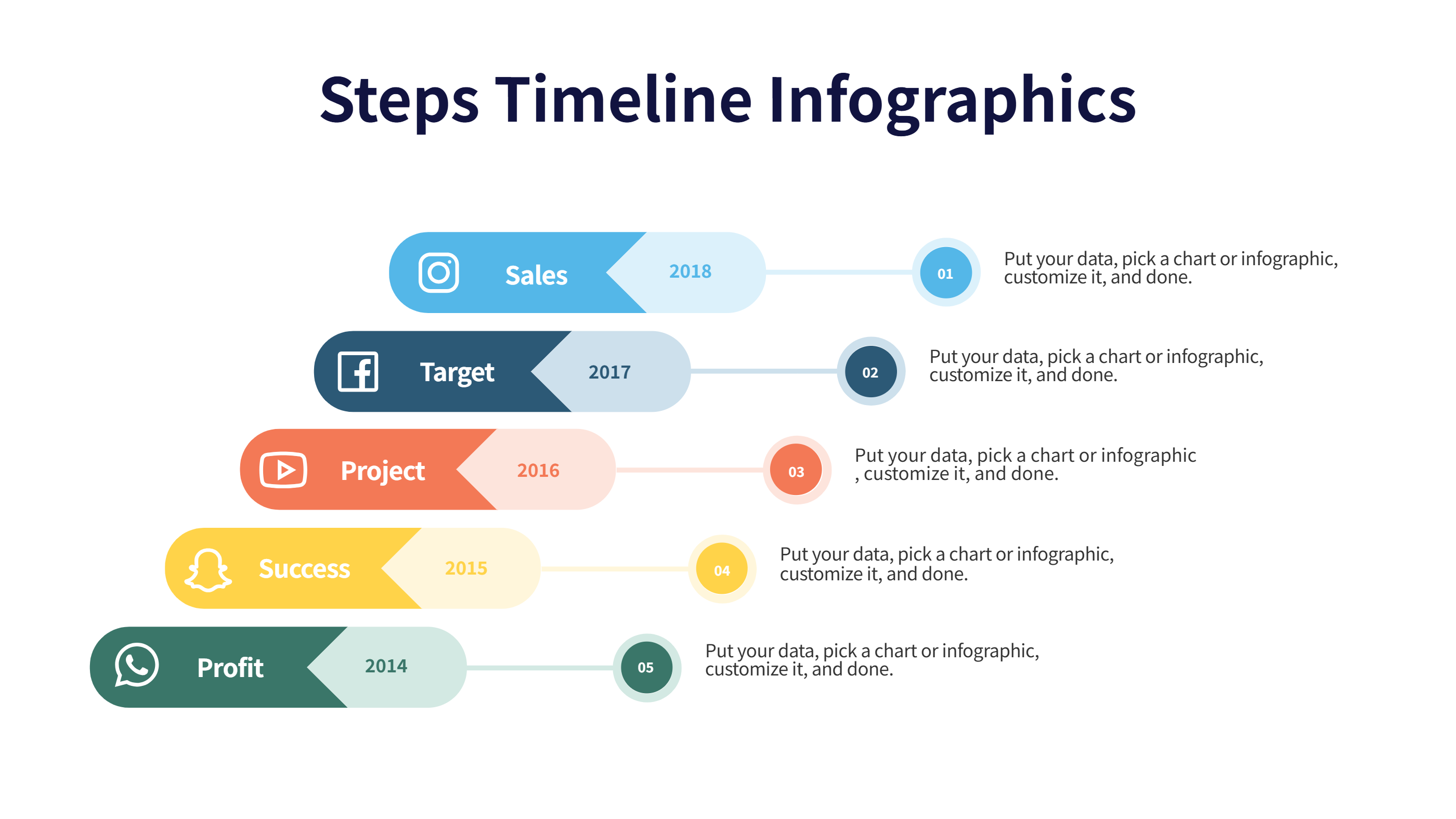
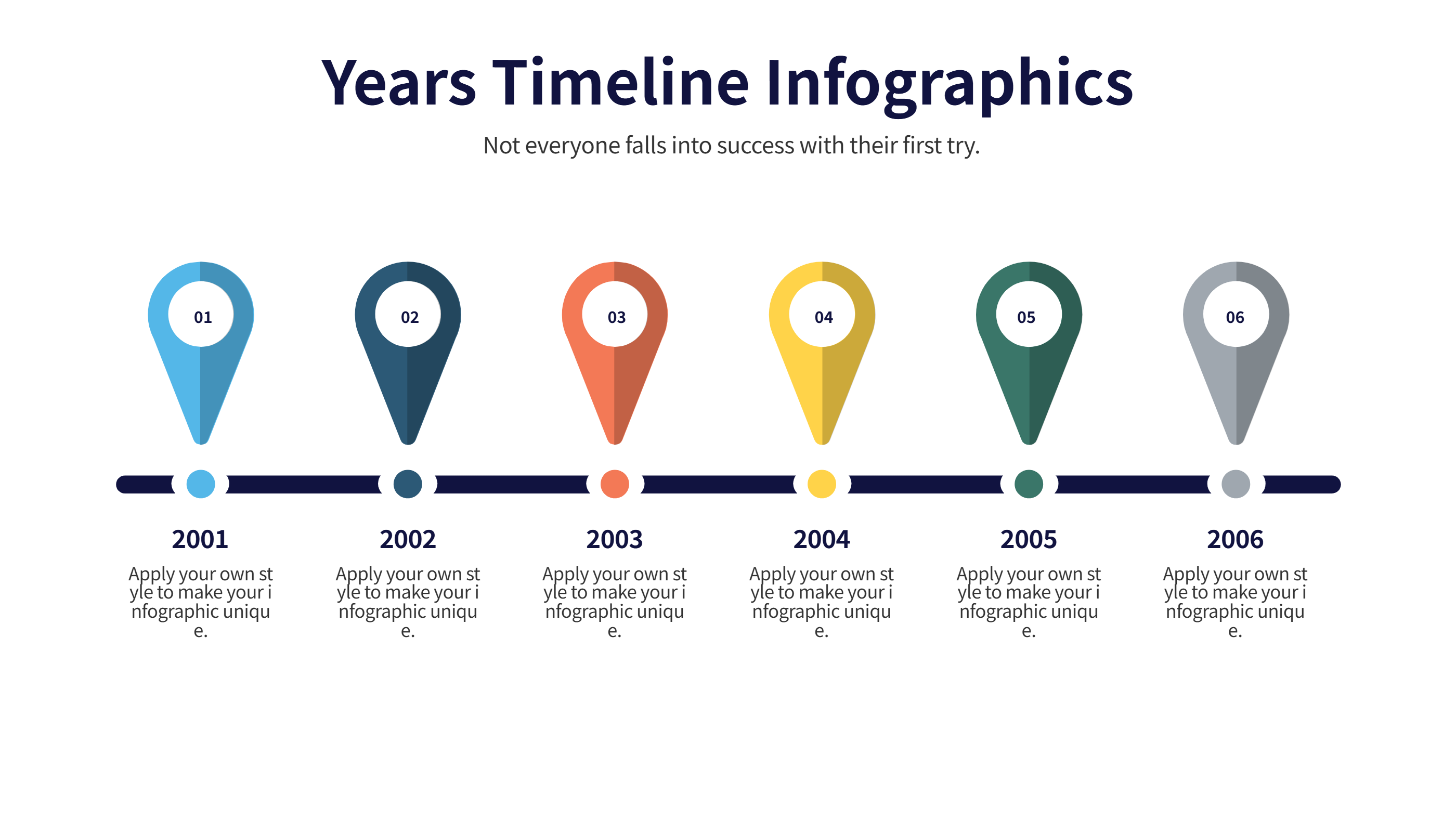
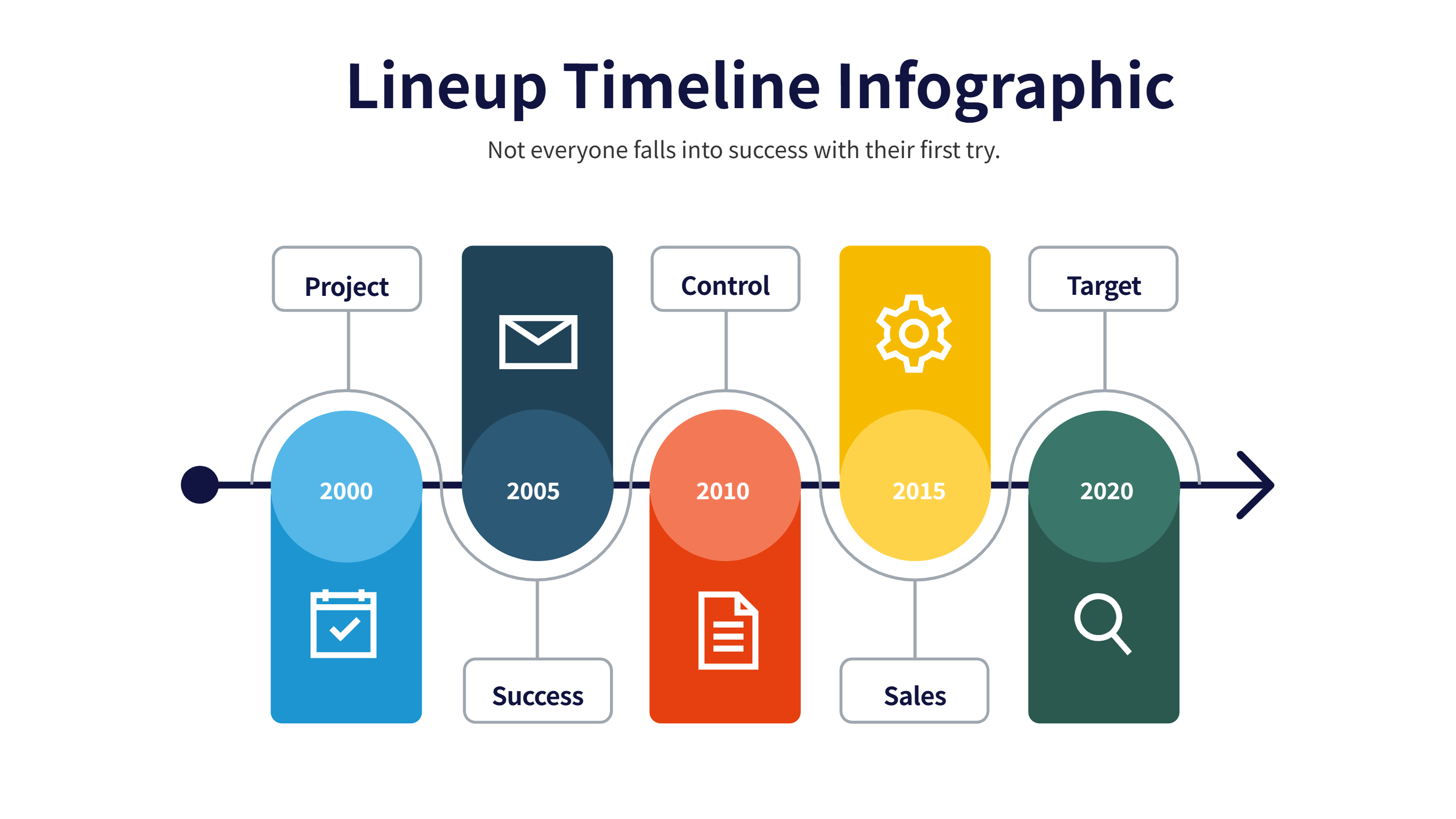
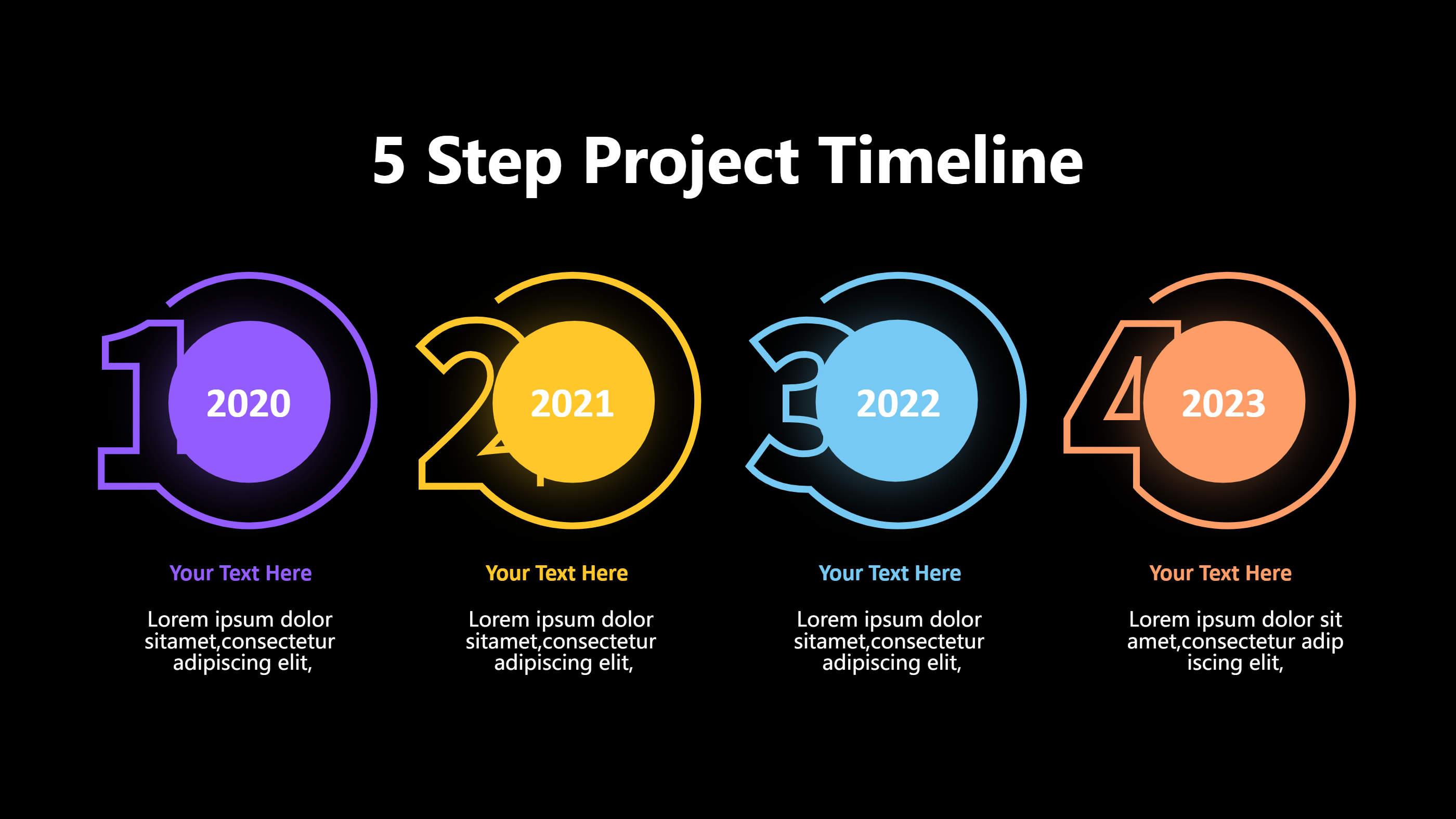
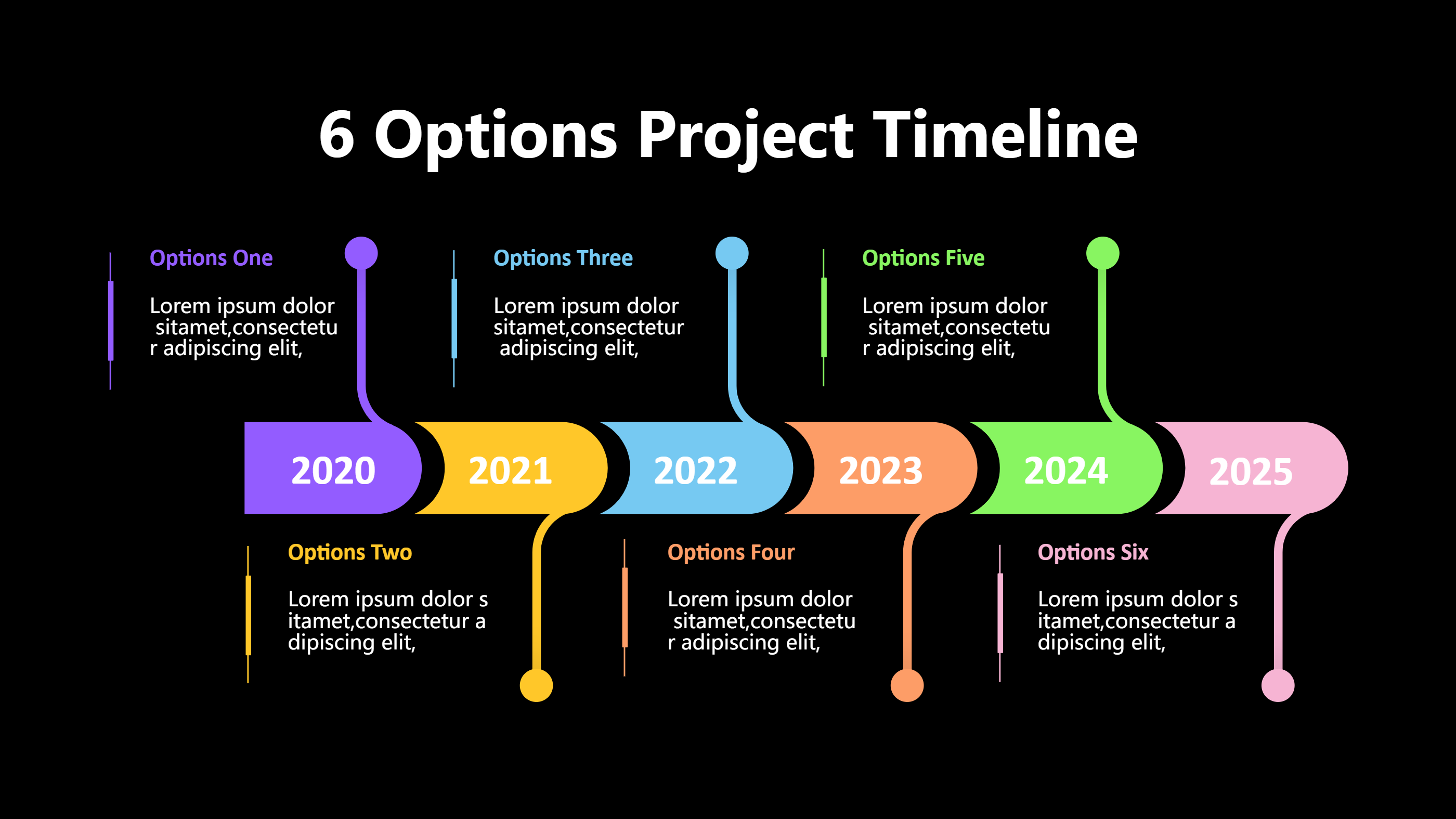
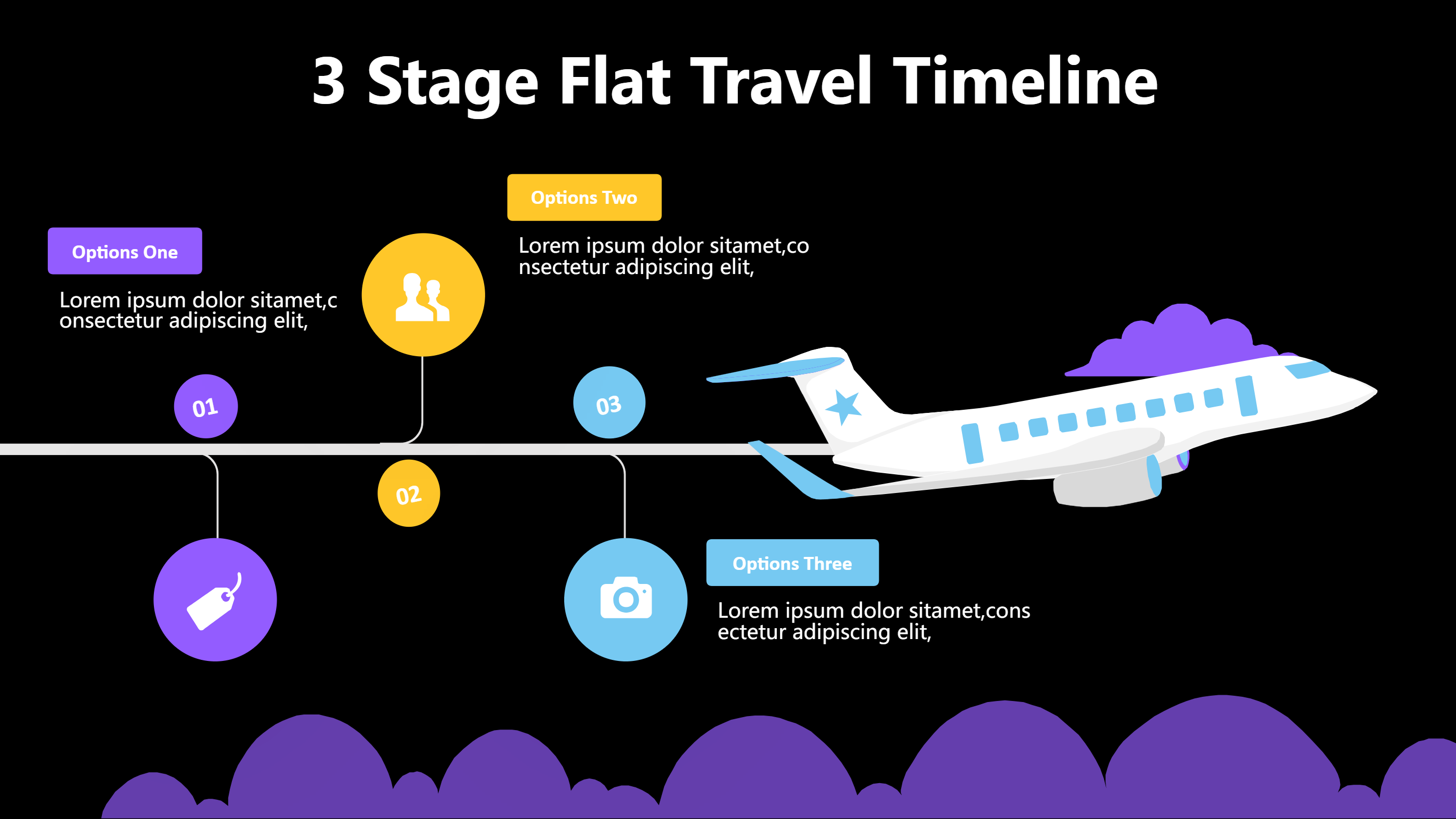
This template suits After Effects animated infographics that need a simple timeline with icons. The clean line runs across the page with clear markers for each step. Short captions under each icon keep the motion smooth because text blocks stay light.
Use it to animate product launches, learning modules, or campaign rollouts. Add icons for idea, design, build, test, and launch. Keep each label under three words so keyframes stay tidy. The design leaves room for fades, wipes, and speed ramps without clutter.
You can also export a static version for storyboards. Mark timing notes like 3s, 6s, or 9s near each stop to guide your edit. Because the layout is balanced, it works well with voiceover and background music.
To generate it fast, open the AI generation tool on the home page, choose this animated infographics template, enter a prompt with your steps, timing, and color style, and the tool will produce the graphic you can animate in After Effects.
Render it for web, social, or broadcast. Swap colors to match a brand kit. Add subtle glow or line trim animations for a modern feel. The simple timeline keeps attention on the message instead of heavy effects. Mention preferred frame rates and export settings like 24fps with ProRes or H.264 so the animated infographics render smoothly. A small note about safe margins helps avoid clipping text on social platforms. Remind editors to check both 16:9 and square previews before publishing. Note that captions should use high contrast to stay readable during quick motion.