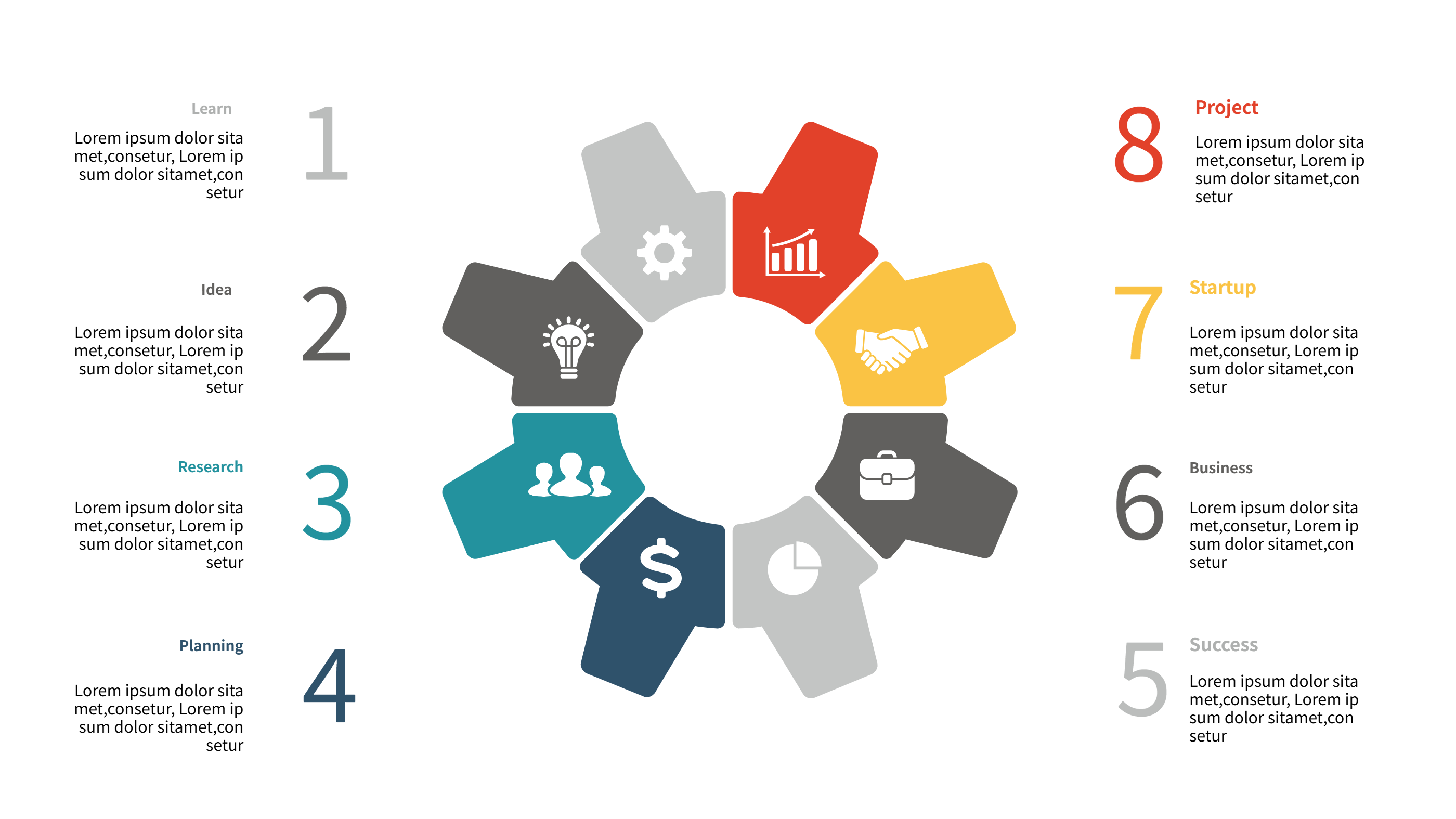
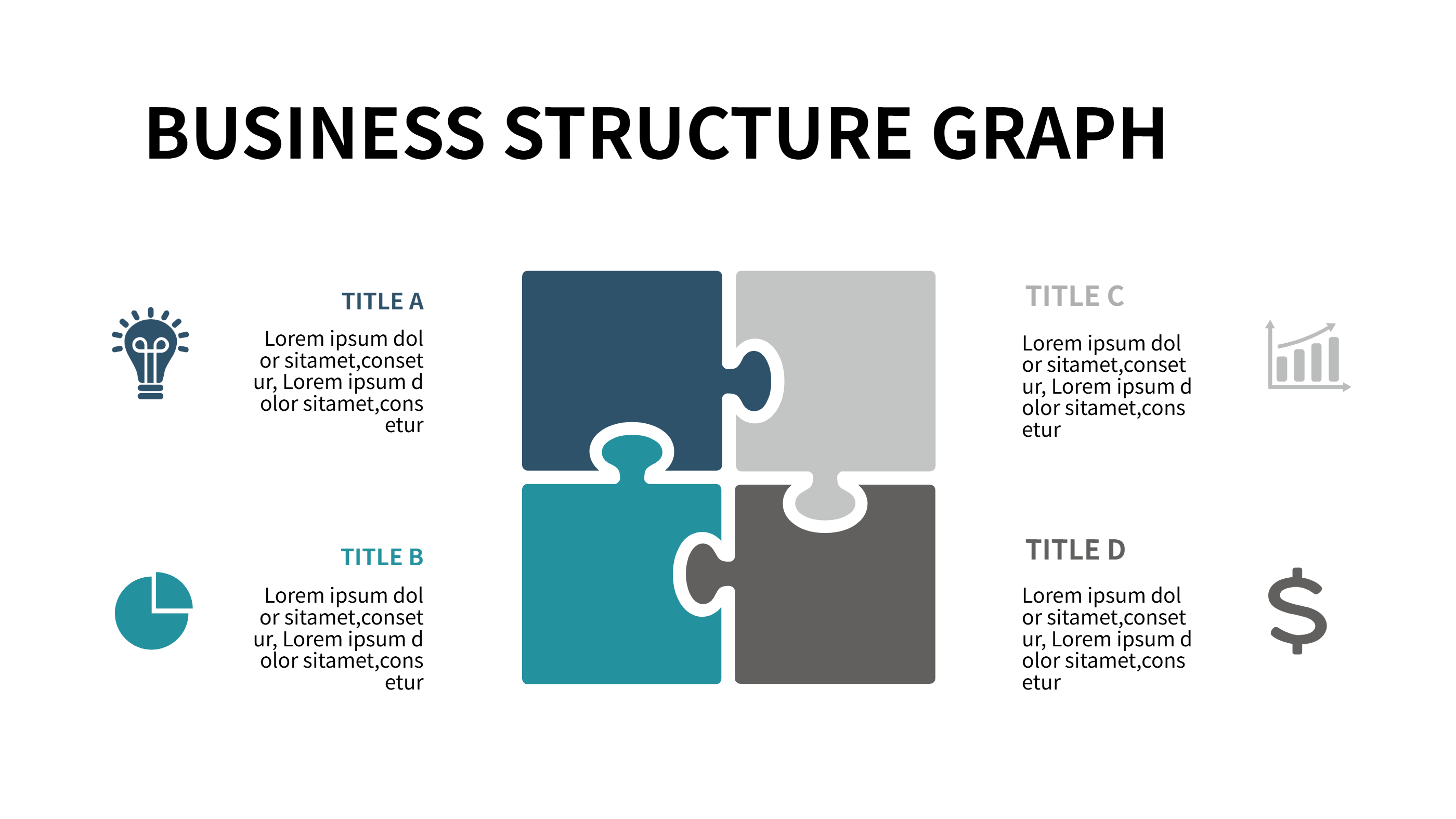
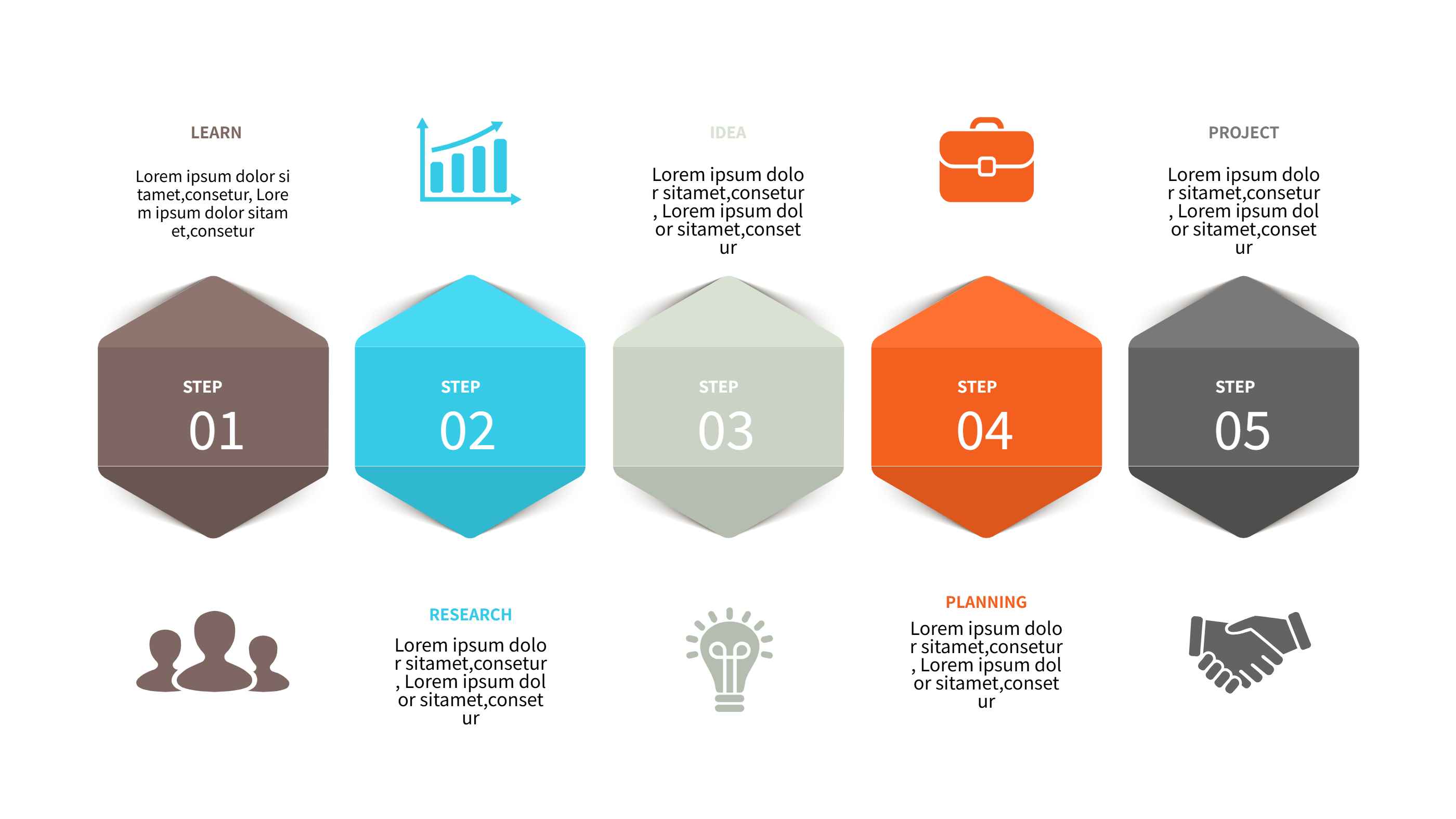
Holiday Office Hours Template for Clear Closure Schedules
Size
Landscape
Color
Gray
Industry
Arts
Style
Modern
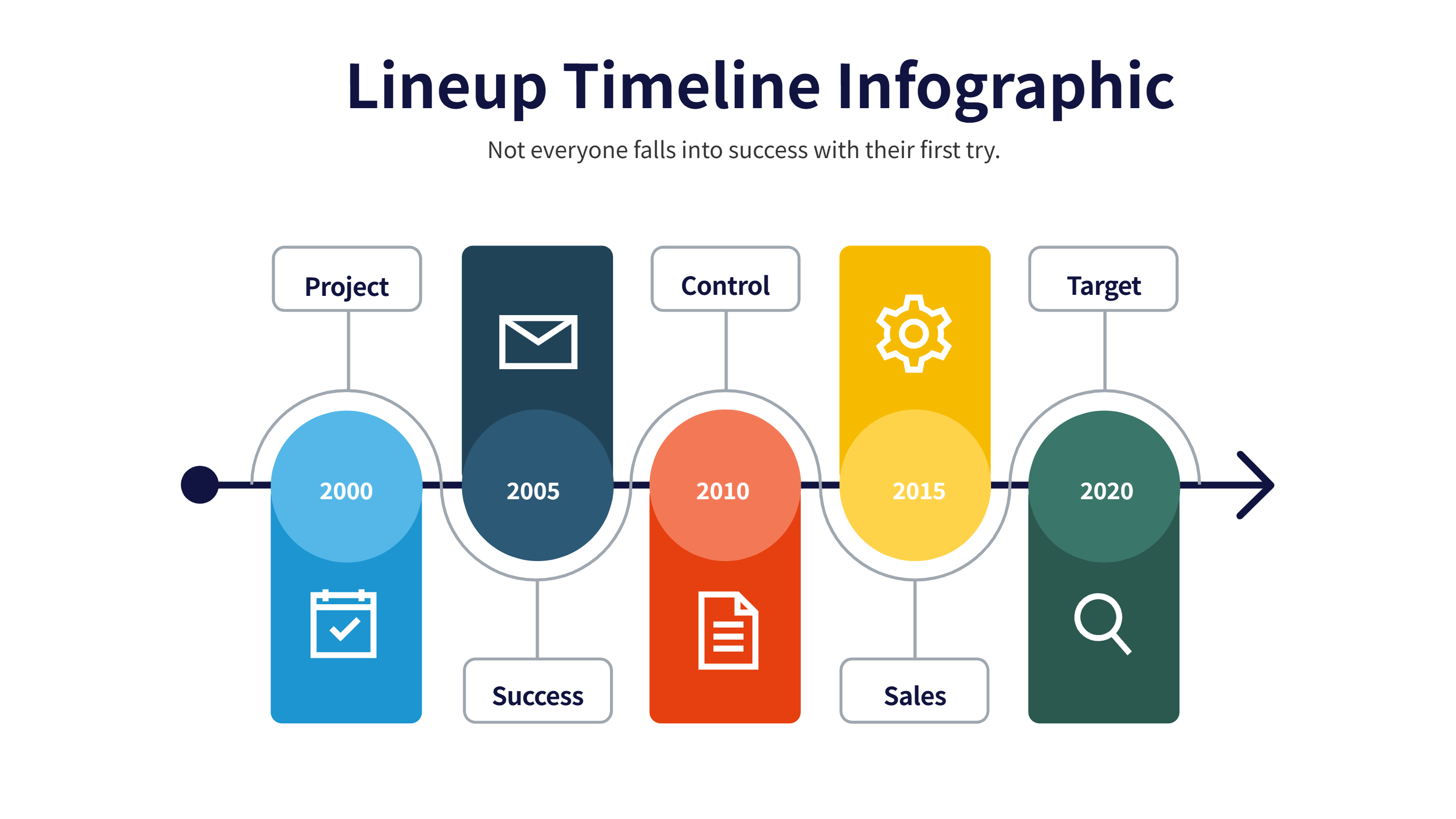
What is Holiday Office Hours Template Infographic
A holiday office hours template infographic is a simple schedule that shows open and closed times around holidays. It places dates and hours in a clear order so people can see them fast. The layout works for a single office or multiple branches. It keeps the message short and easy to read.
This template is useful for customer service teams, clinics, and small shops. It can include special hours, closure dates, and contact notes. It can also show early closing times and return dates. The design keeps the schedule easy to scan at a glance.
When to Use Lineup Timeline Infographic
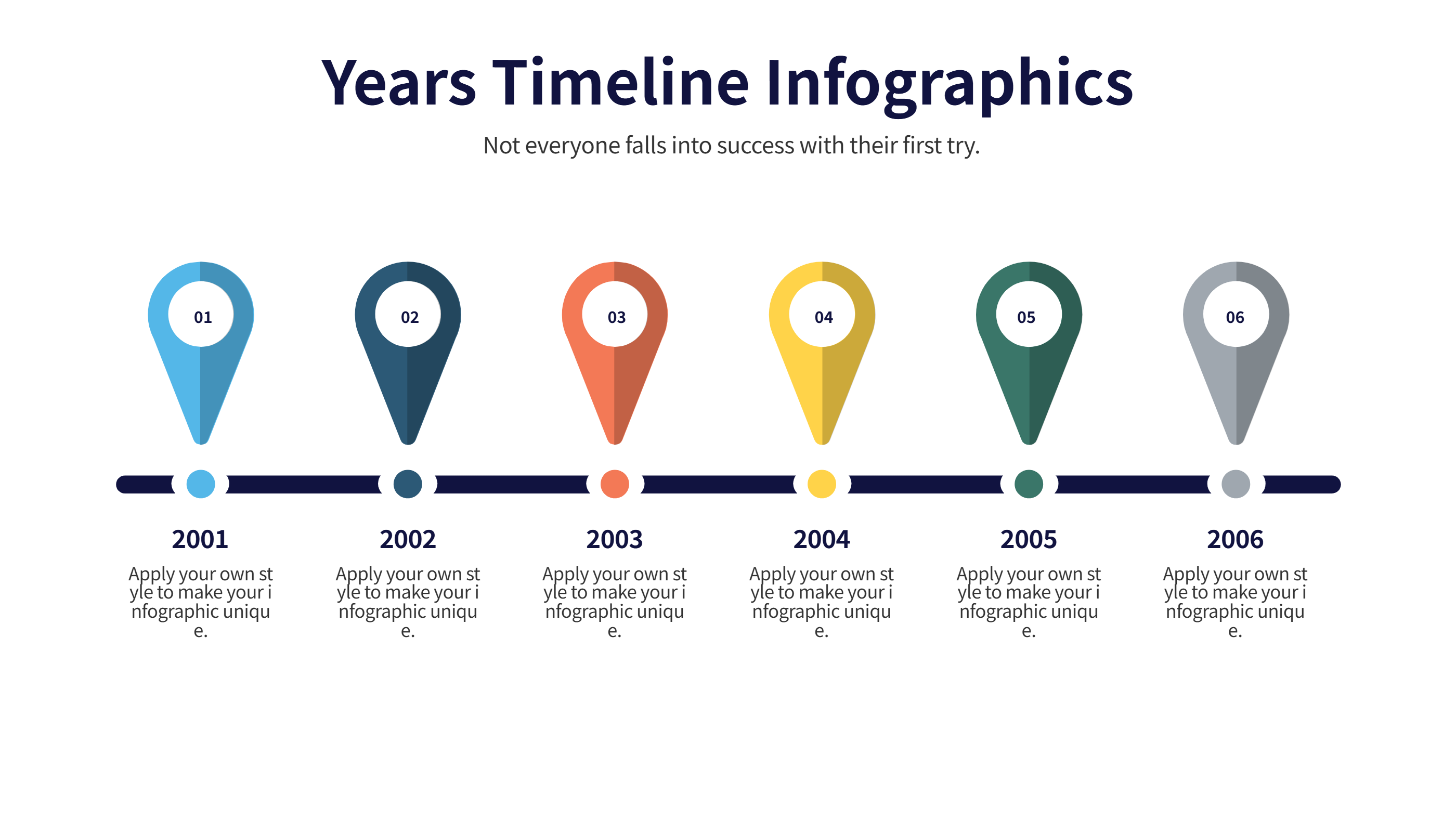
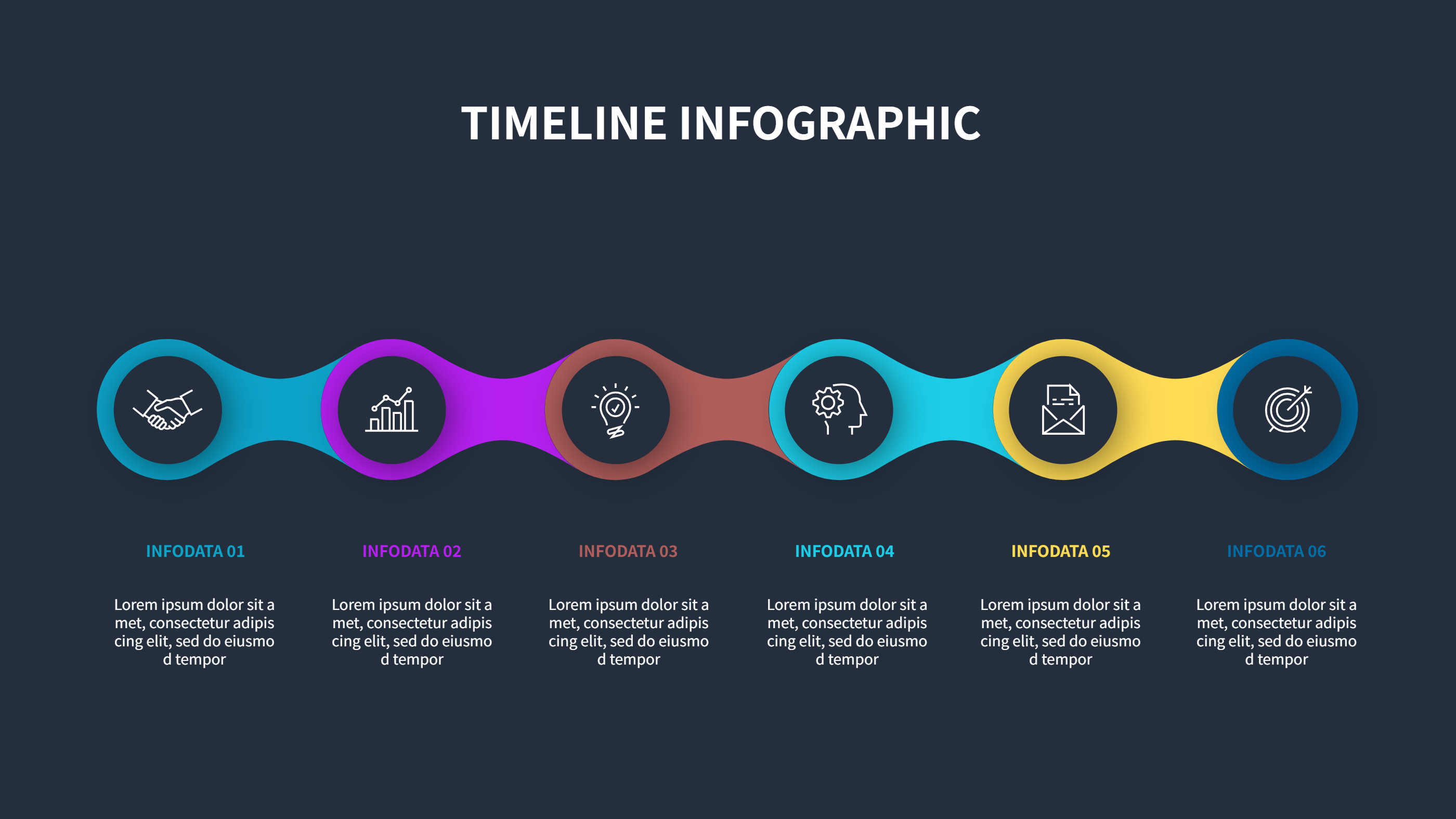
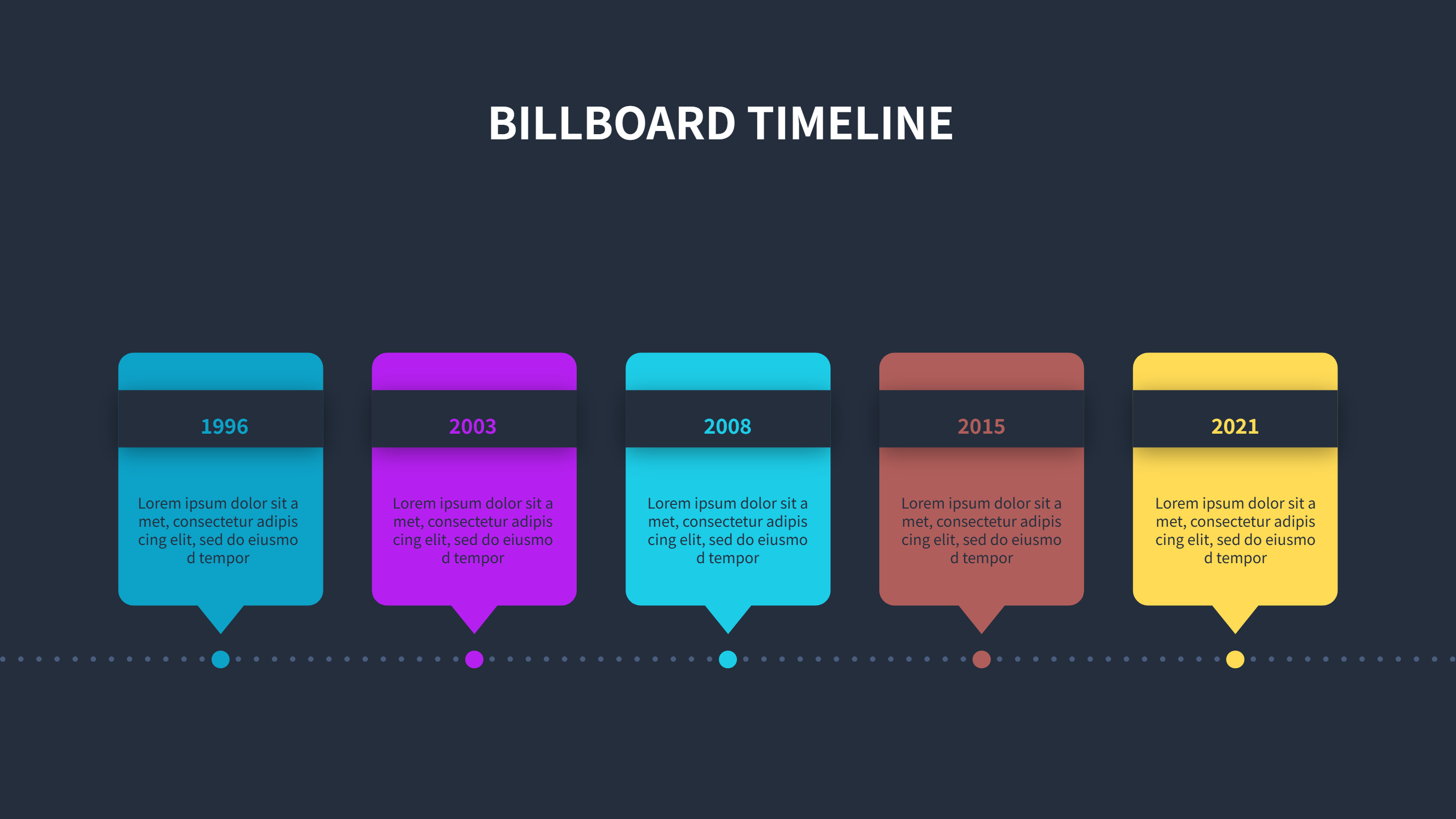
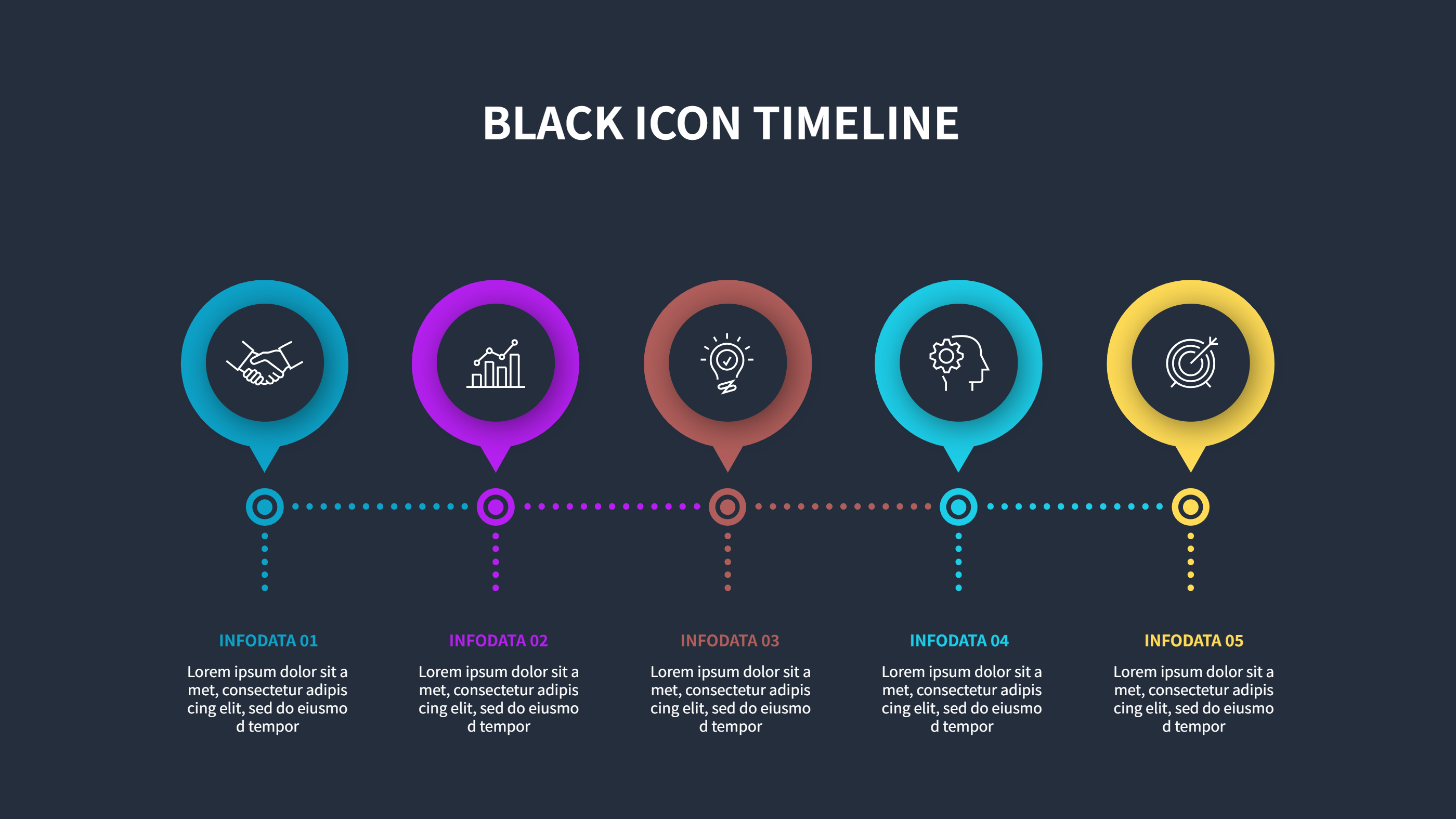
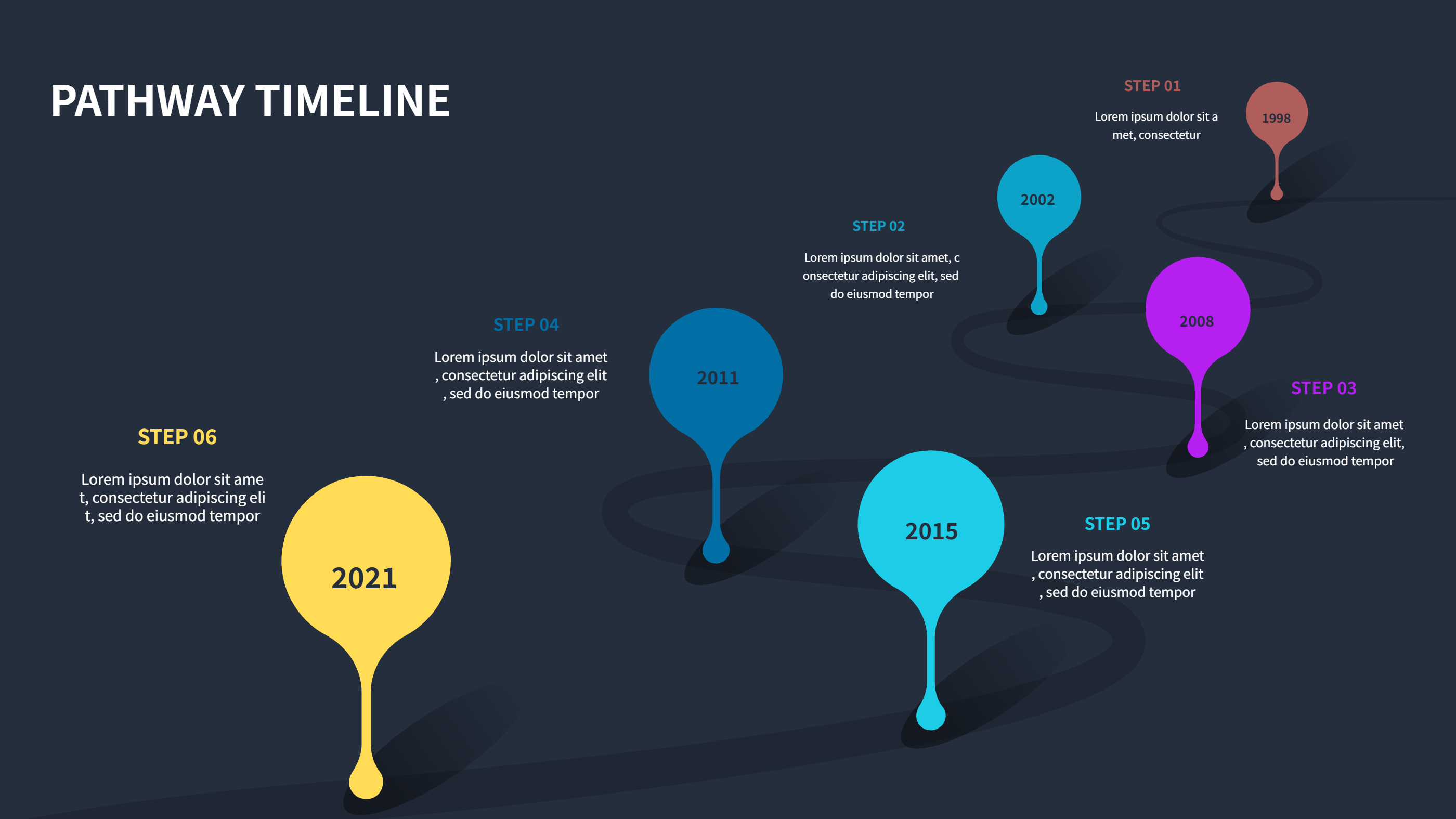
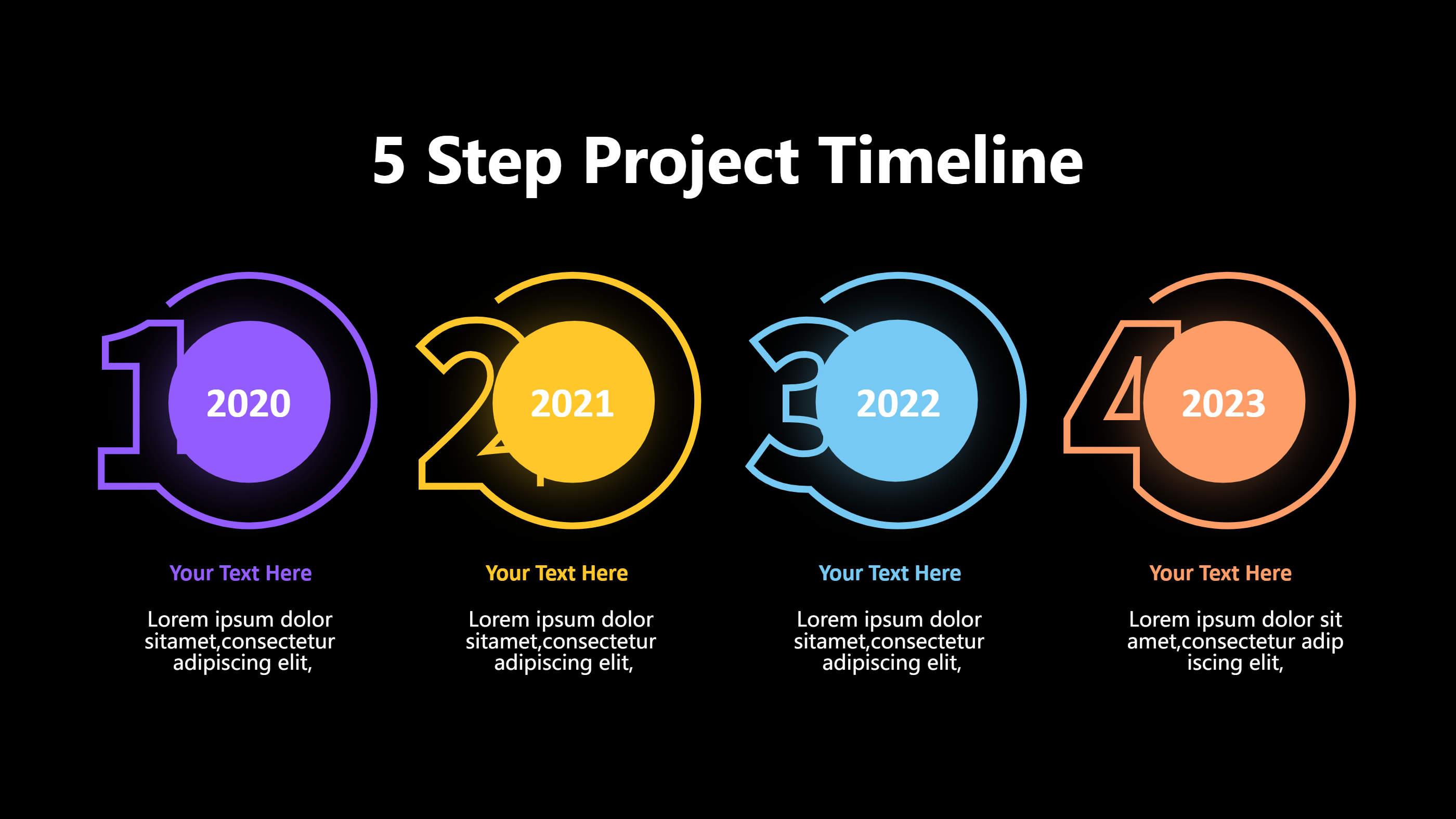
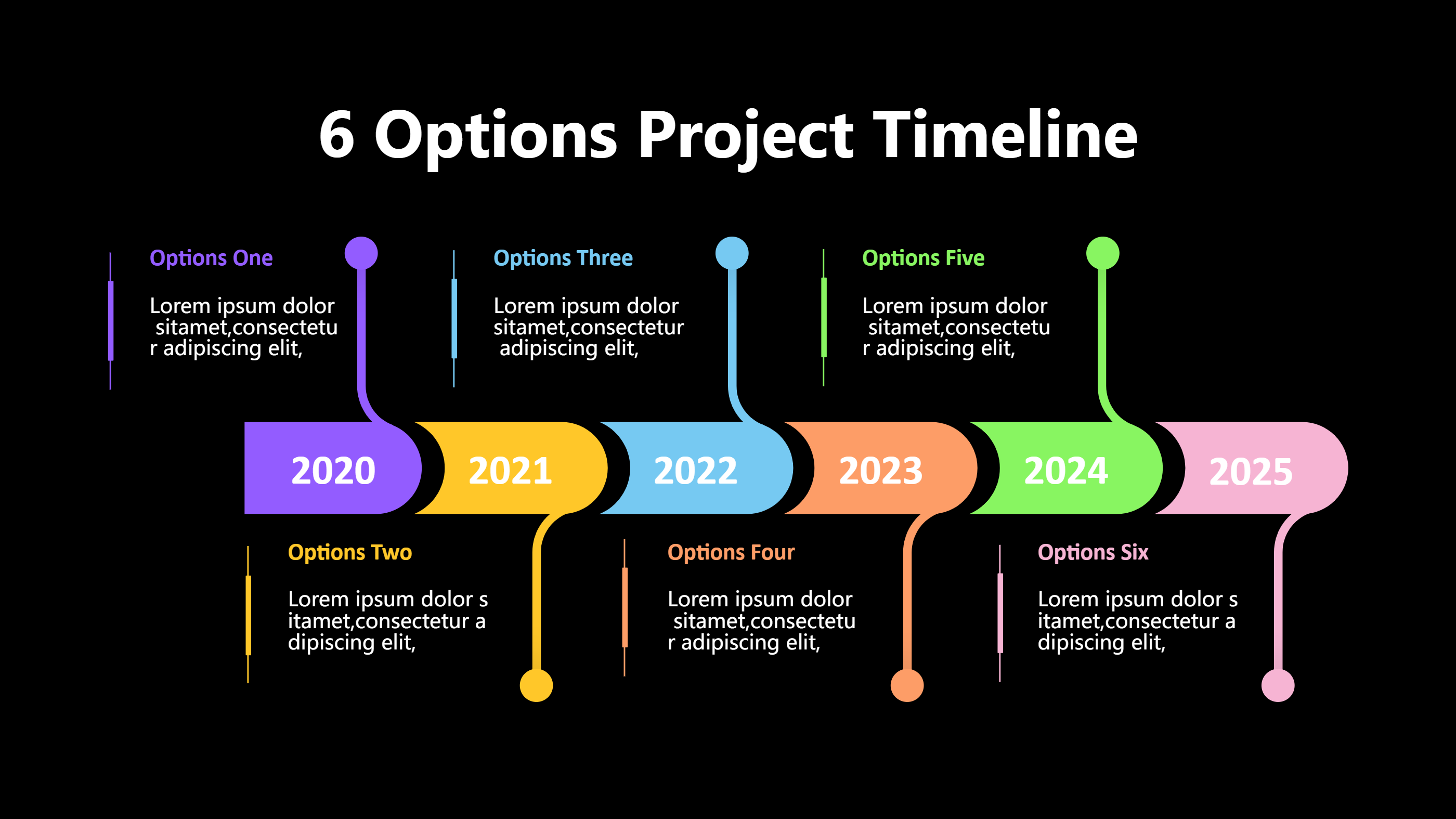
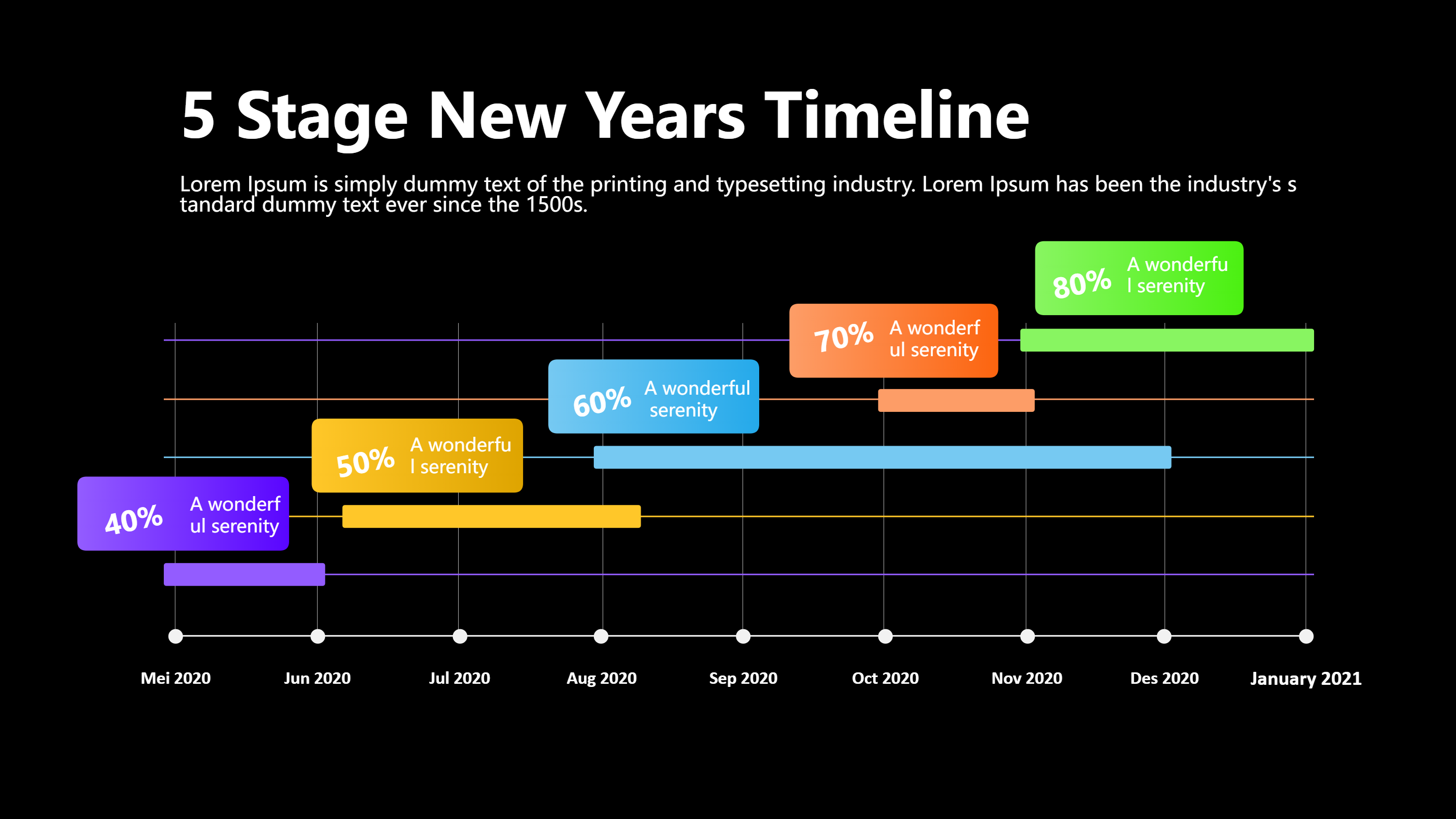
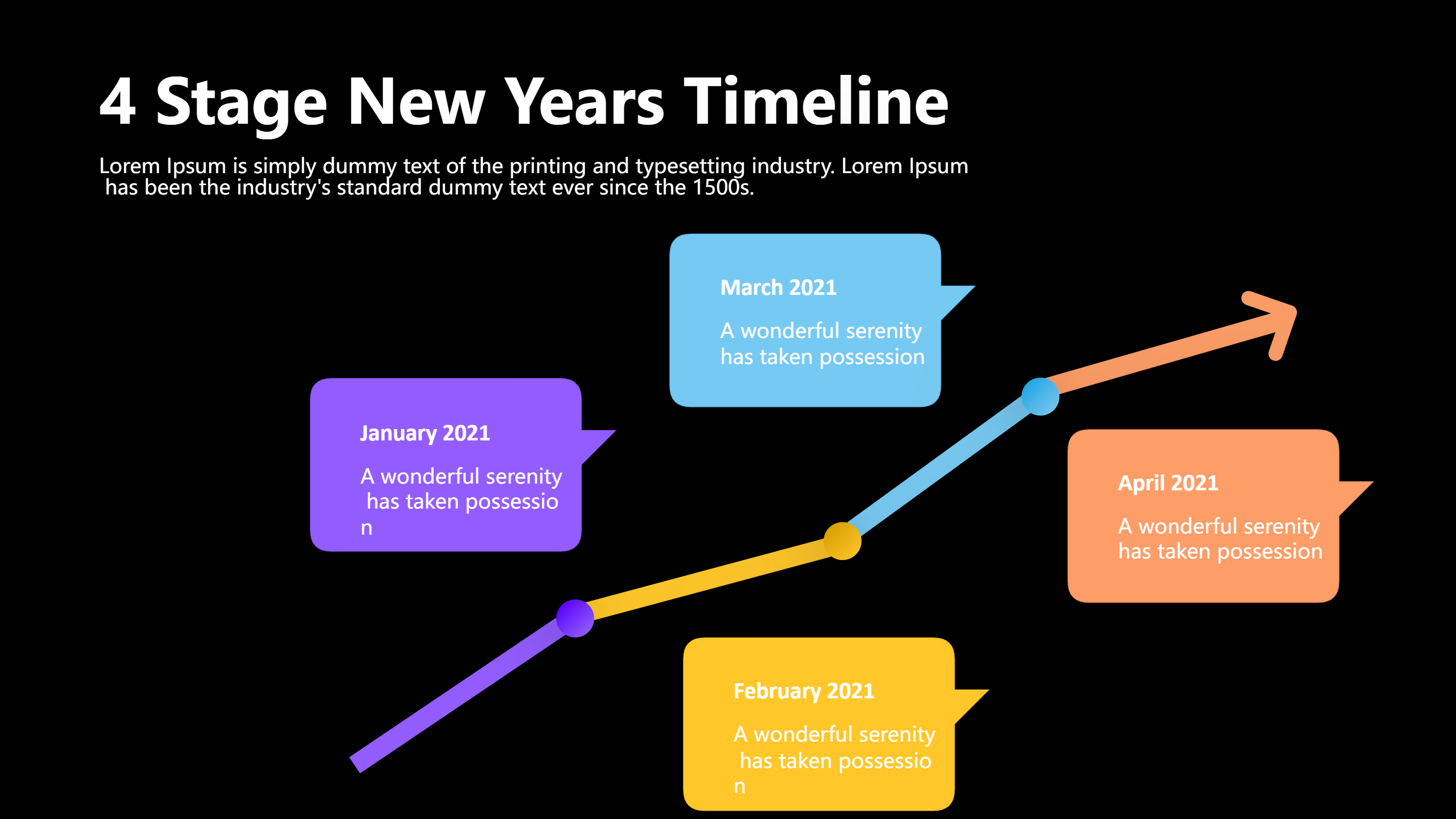
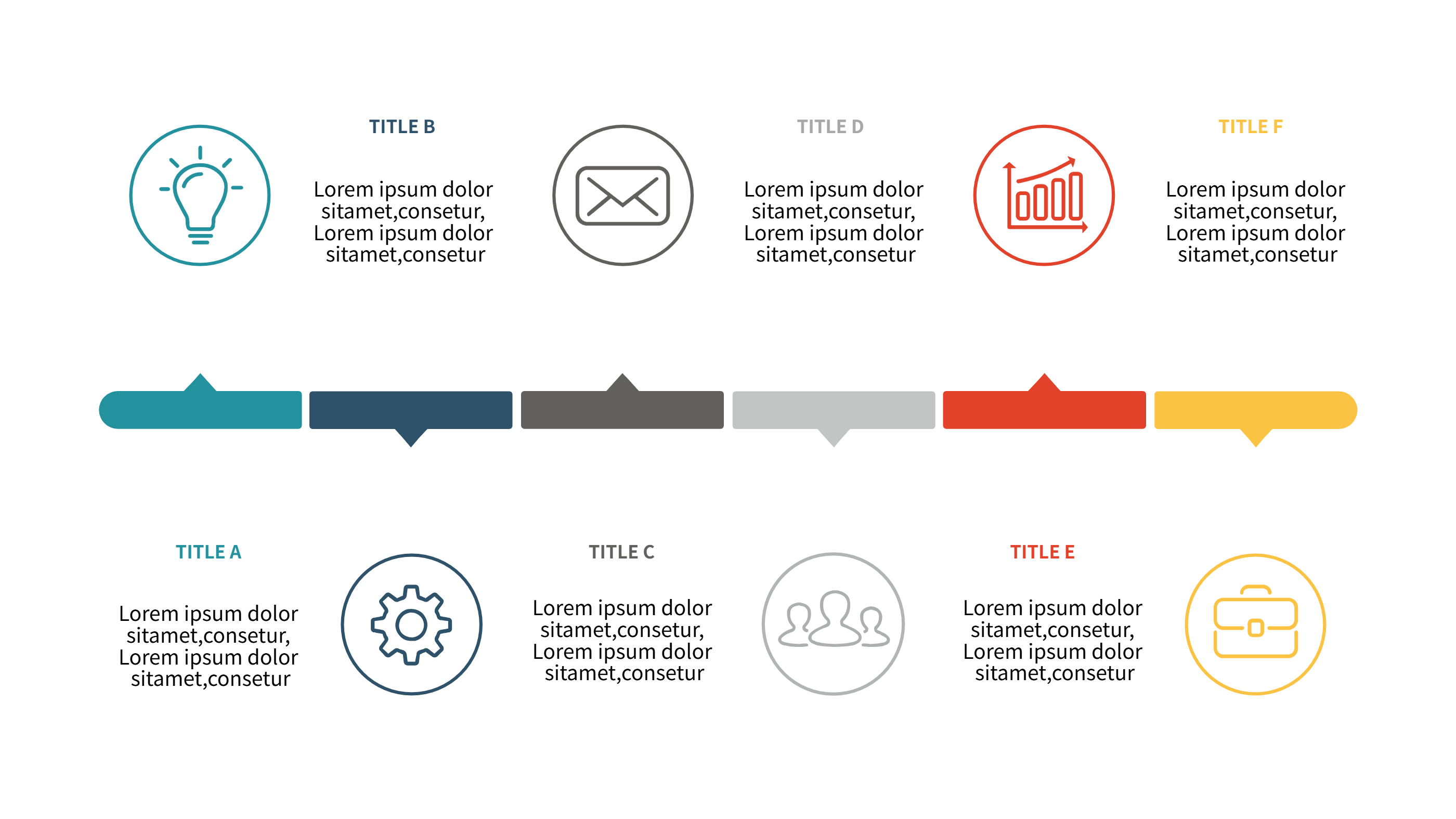
Use this infographic when you need a clean timeline view of holiday hours. A lineup timeline layout keeps each date in order and makes gaps easy to see. It is useful for end of year closures, seasonal updates, or short term schedule changes. It helps reduce confusion for staff and customers.
It also works for sharing across email and social posts. You can show a clear list of dates with short labels. It is easy to update when a time changes. The format keeps the schedule simple for everyone.
Download and Edit the Template
Click the download button and an online editor opens in a new page. You can edit dates, hours, and short notes. You can adjust colors and icons to match your brand. Use the save button when you are done. Choose PPT, PNG, or SVG as the export format. The steps stay the same even if the wording is different.
How to Use Holiday Office Hours Template for Clear Closure Schedules
Open the AI generator on the home page and choose the holiday hours template. Enter a short prompt that lists the holiday dates, open times, and closure notes. The tool creates an infographic that follows the layout. You can edit the result and adjust text to match your schedule. The meaning stays the same, even if your wording changes.
Examples of Holiday Office Hours Template AI Prompt Usage
Example 1:
A year end office hours list with early closure on two dates and full closure on three holidays. Add a short note for emergency contact hours.
Example 2:
A clinic holiday schedule for December and January with open times for weekdays and closure dates for public holidays. Keep labels short and clear.
Example 3:
A retail store holiday hours timeline with extended weekend hours and two full closure days. Include a short note for online support hours.
Example Infographic Image
[Example Image Placeholder, image will be added manually]
Recommended Similar Infographic Templates
Related Template 1: Timeline Infographics Template
Related Template 2: PowerPoint Timeline Template (Free Simple Layout)
Related Template 3: Project Timeline Template (Excel-Friendly Free)
Related Template 4: Timeline Infographic Template
FAQs
Q: Can I show different hours for different locations?
A: Yes, add a short label for each location line.
Q: Can I include a note for phone or email support?
A: Yes, add a short note block near the dates.
Q: Is this template good for social media posts?
A: Yes, the layout is clear and easy to share.
Q: Can I update a single date without changing the full design?
A: Yes, each date block can be edited on its own.
Q: Can I export the schedule as an image file?
A: Yes, PNG and SVG export are supported.