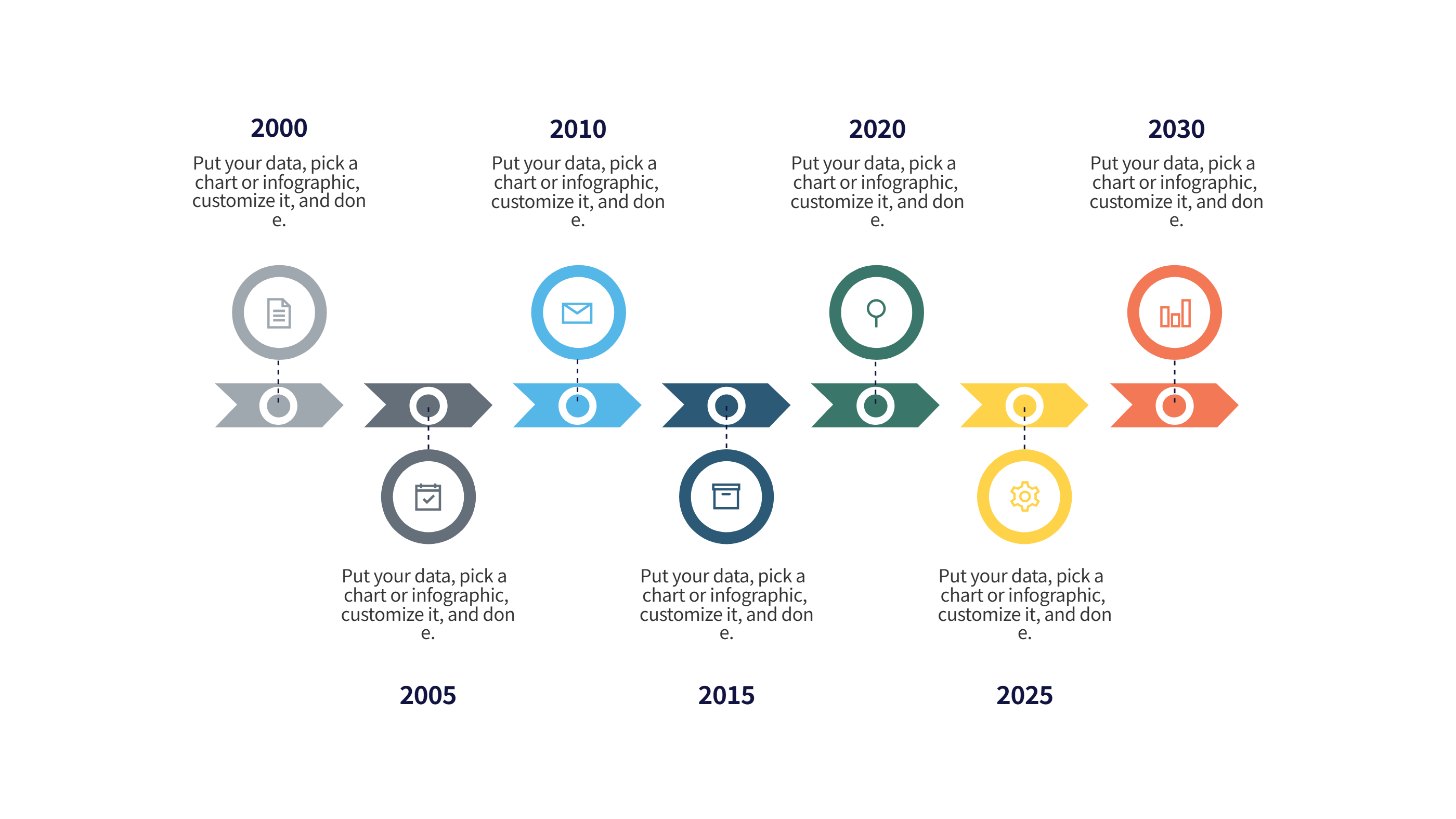
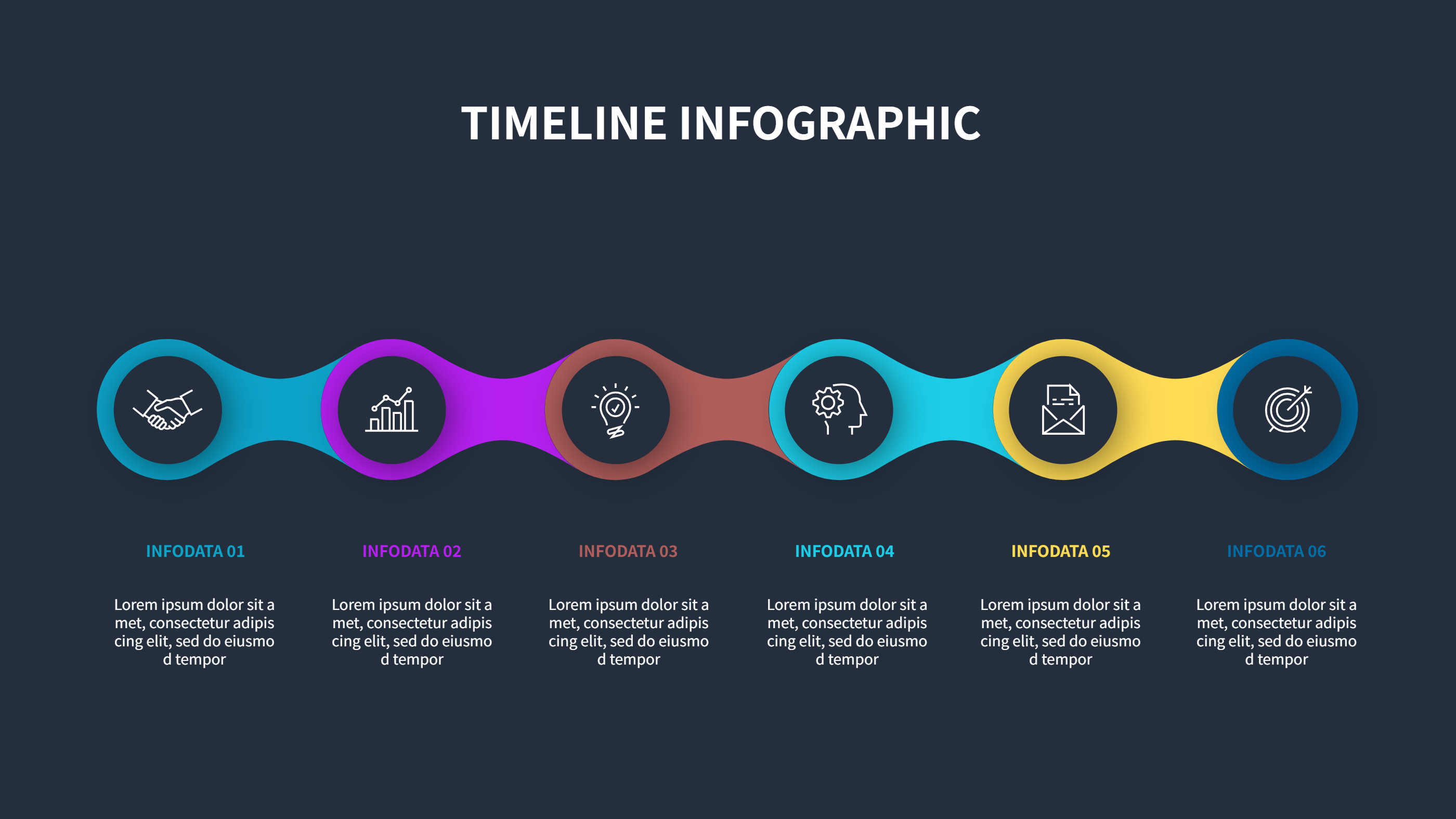
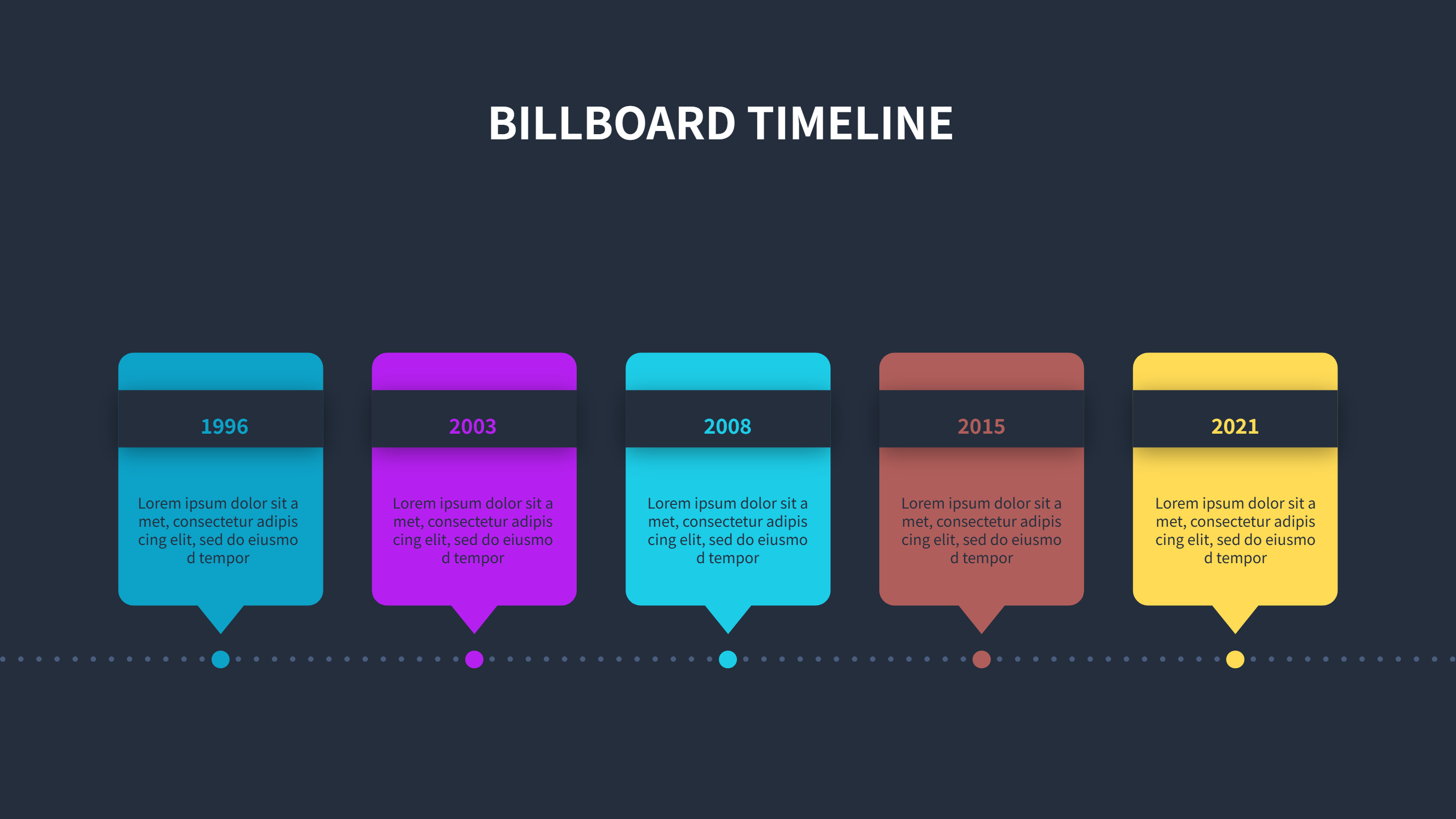
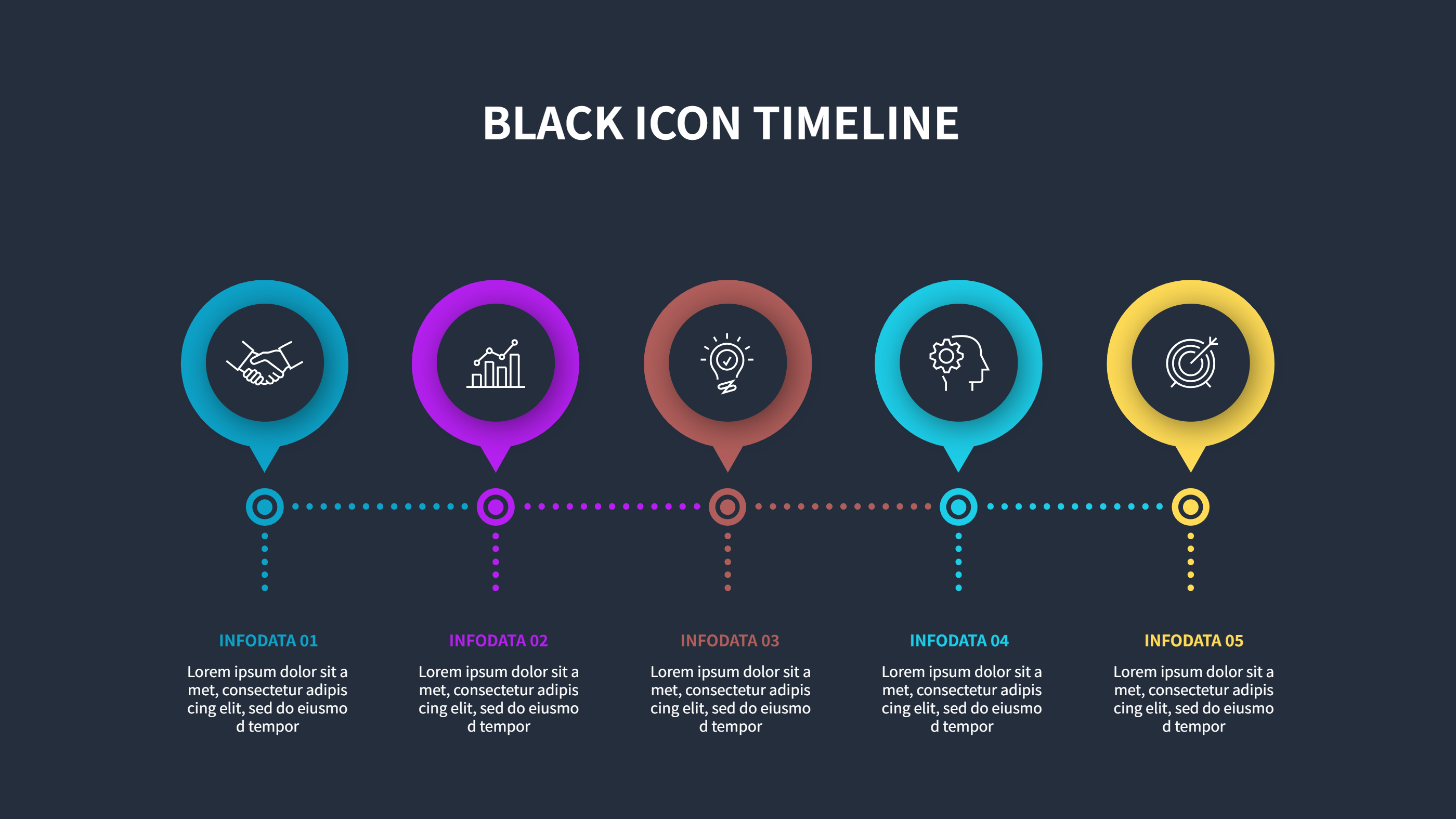
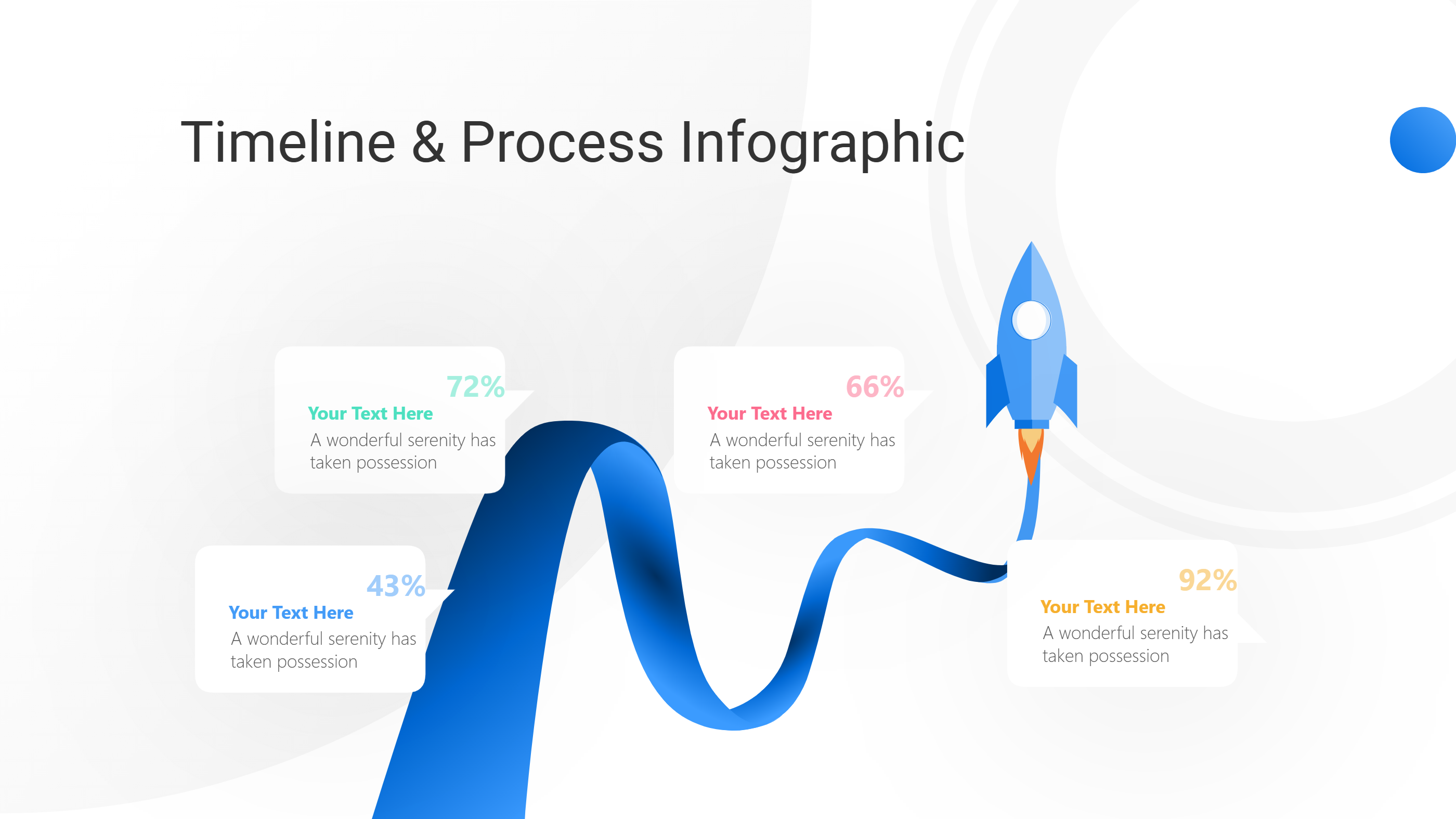
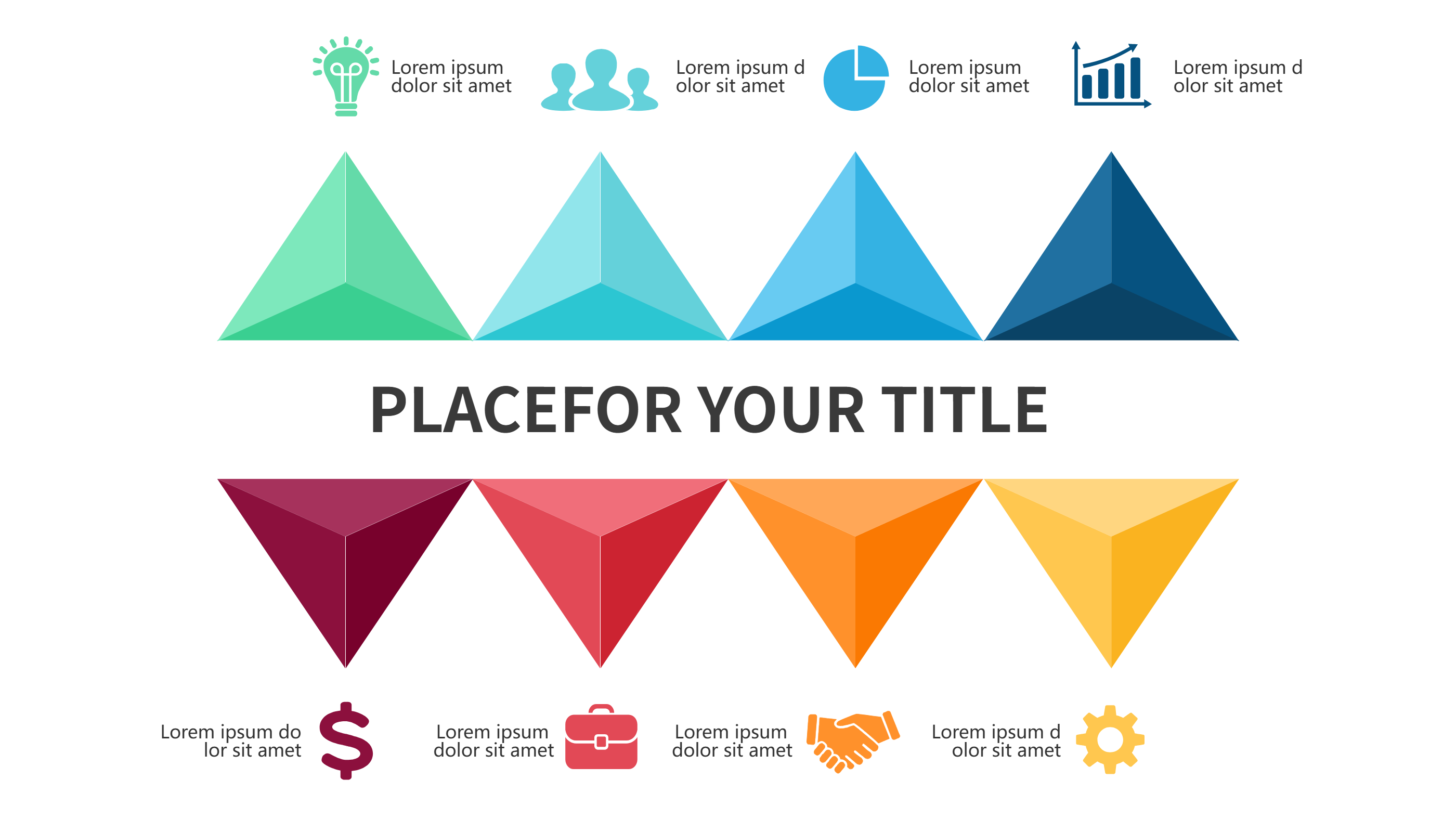
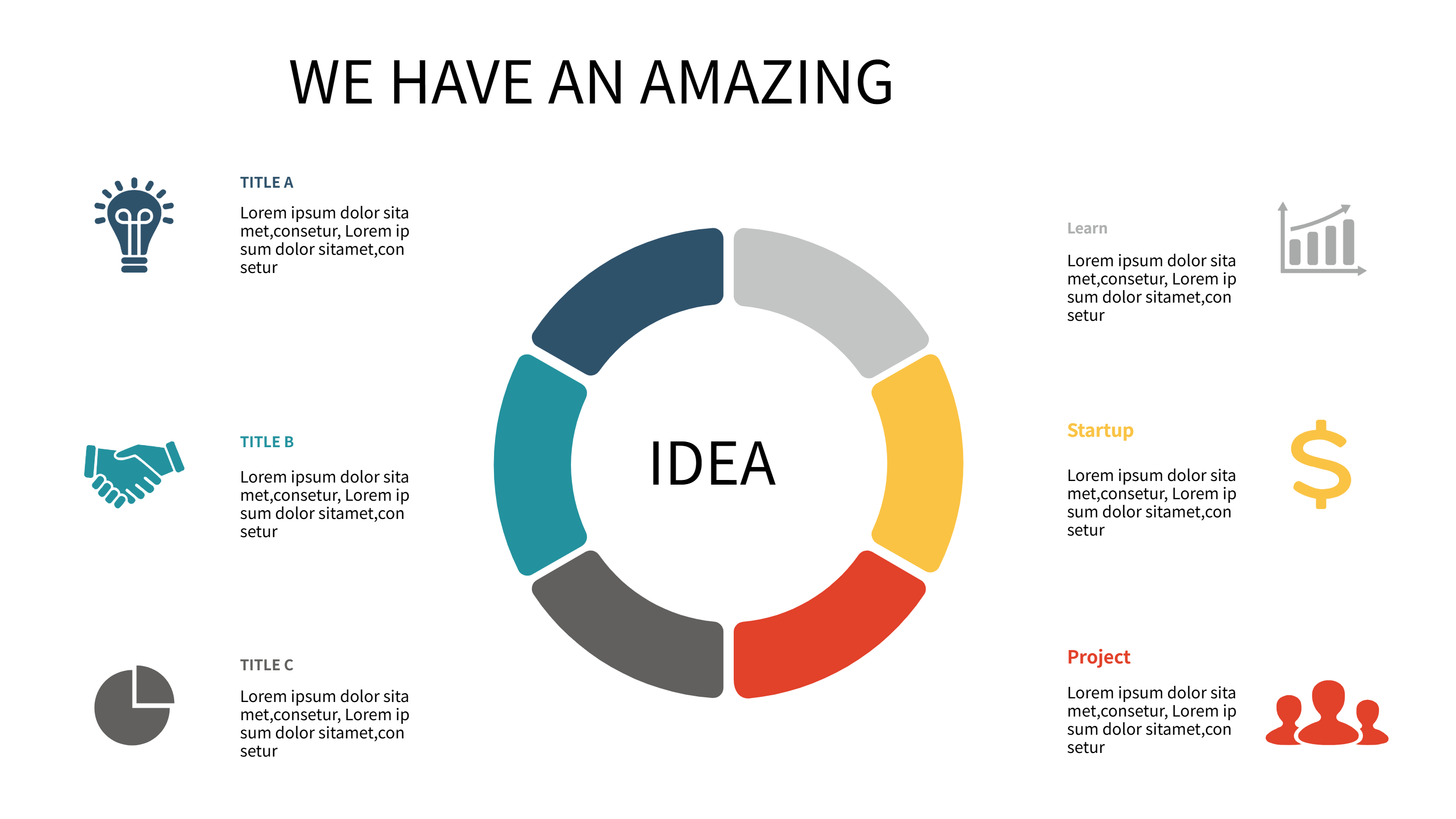
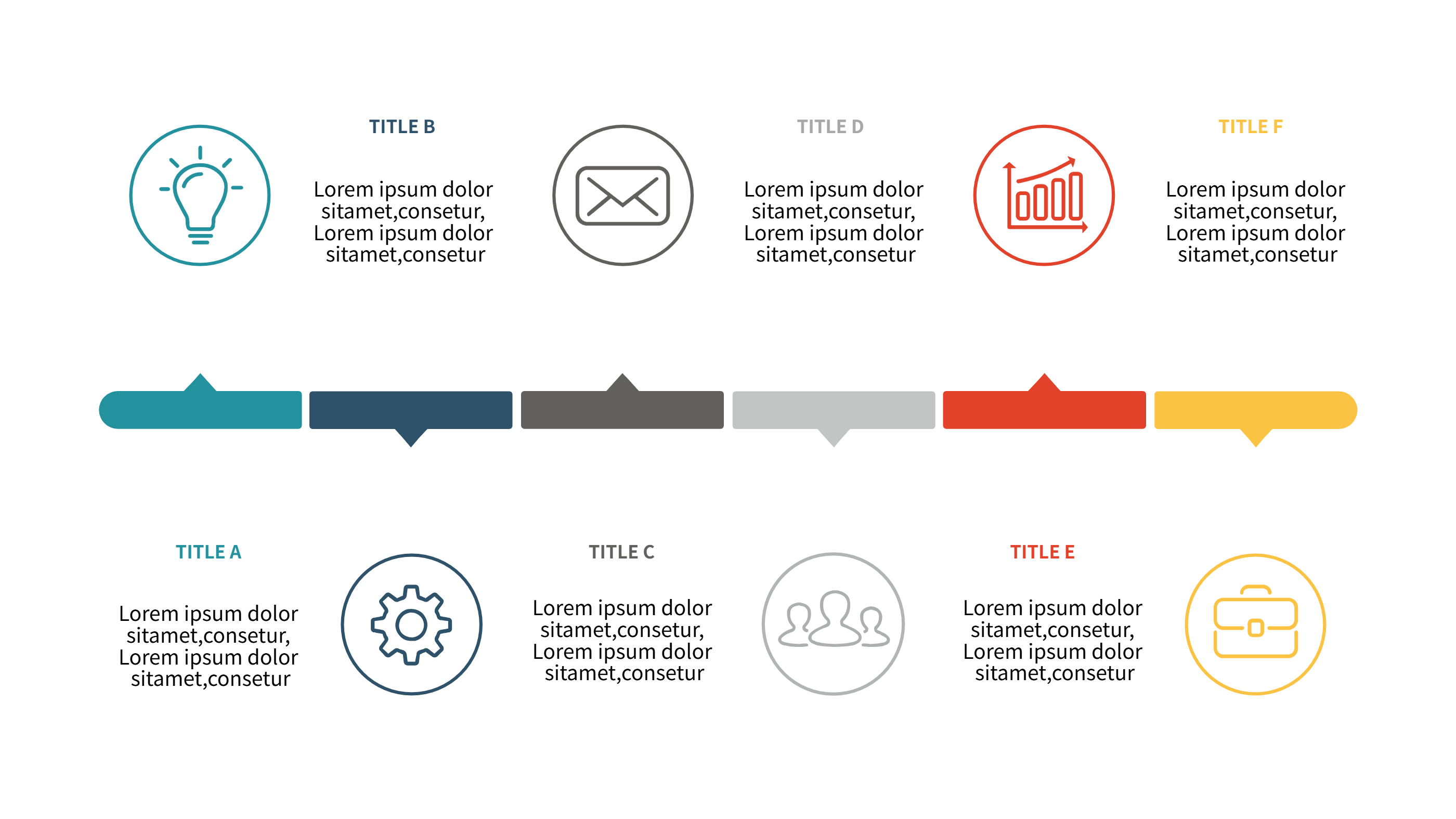
Timeline Infographic Template
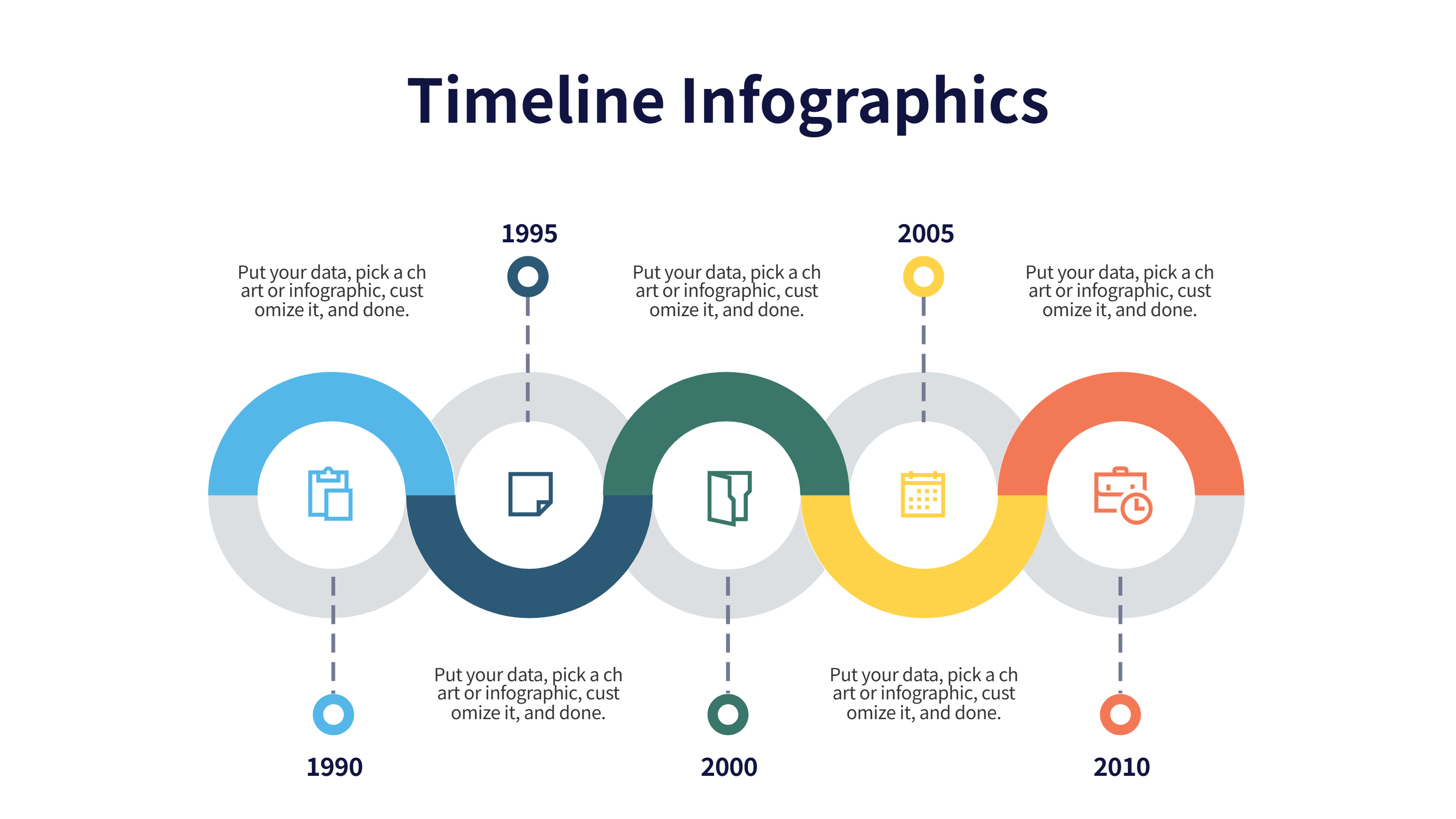
What is Timeline Infographic
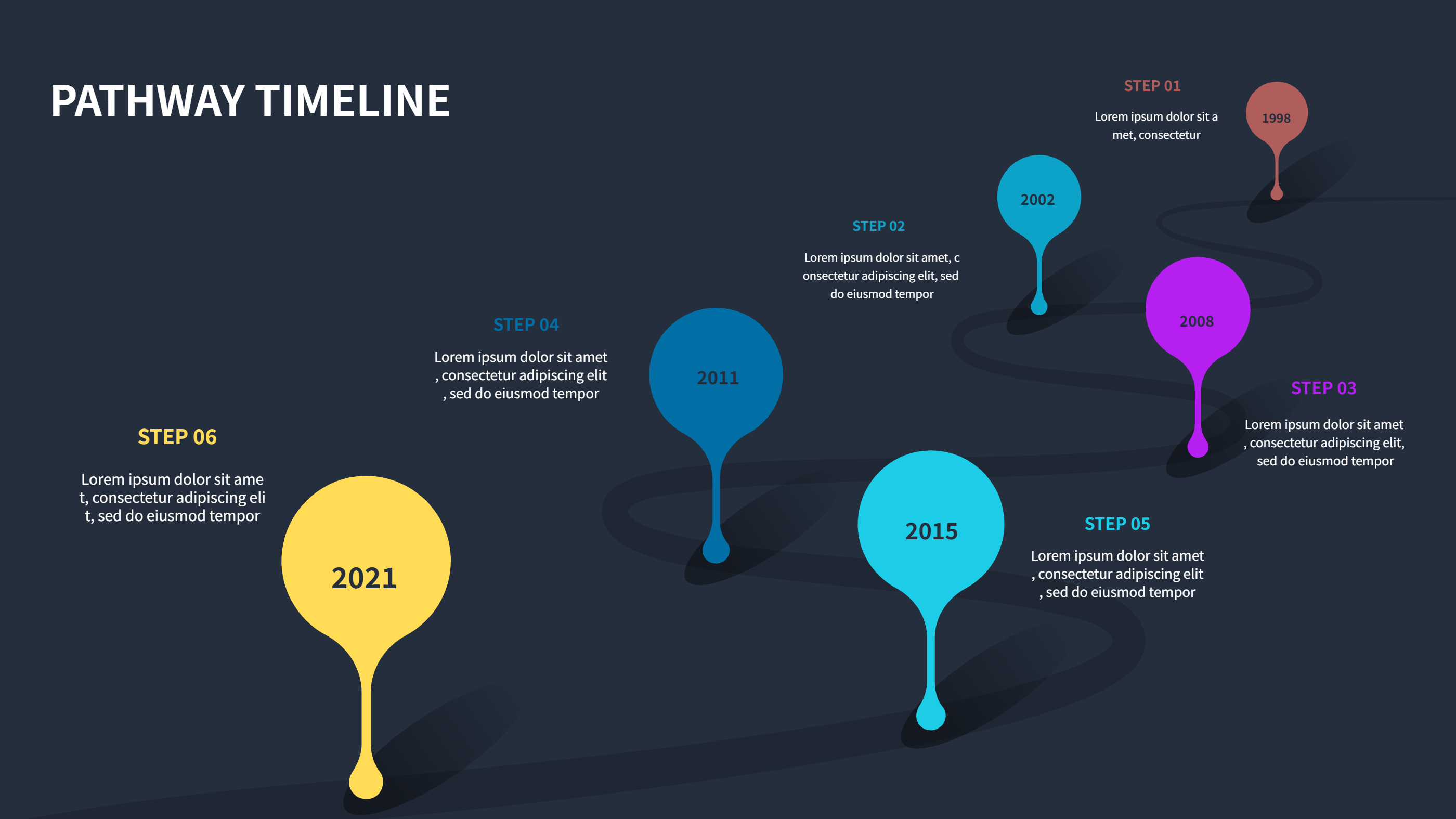
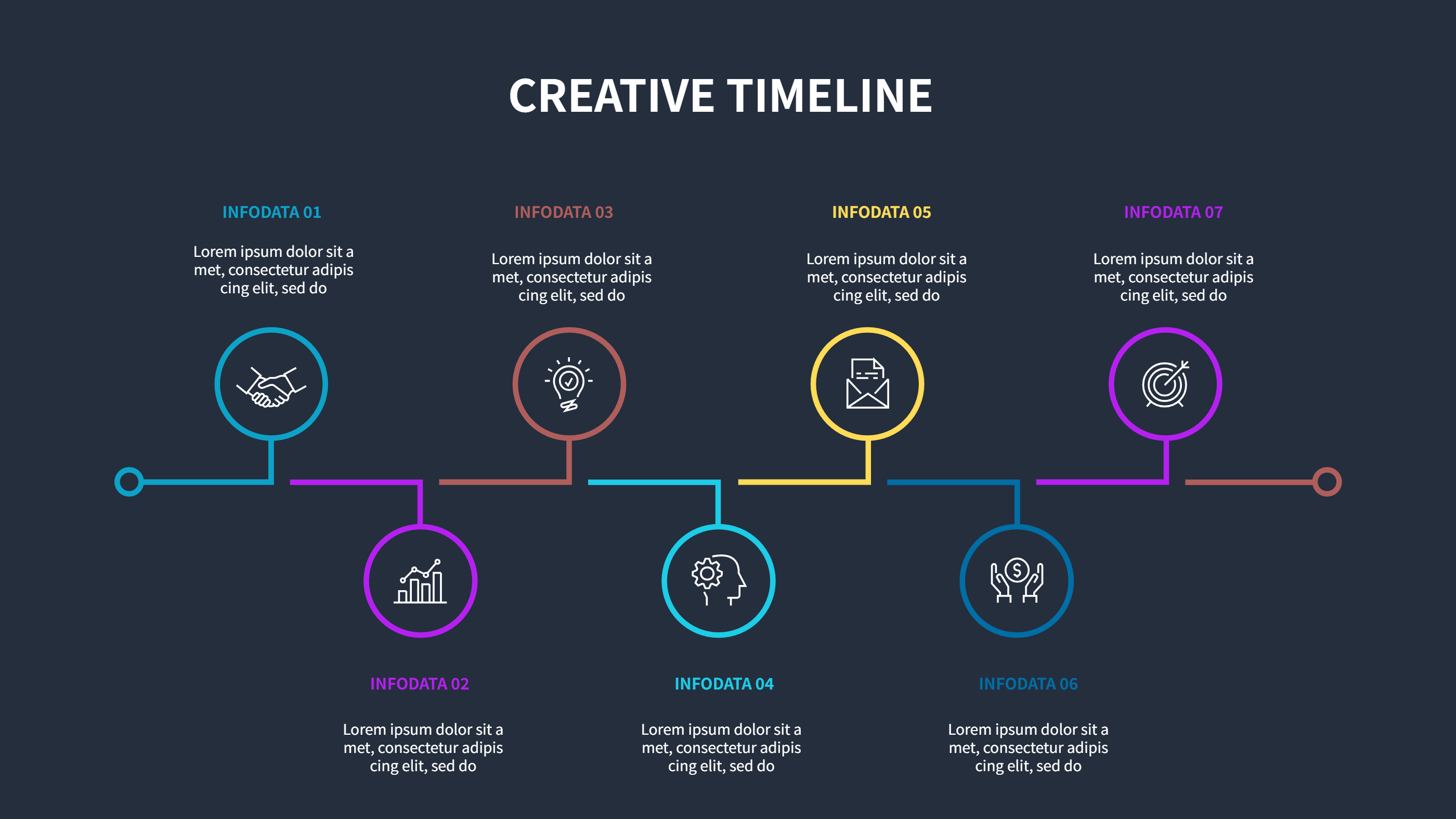
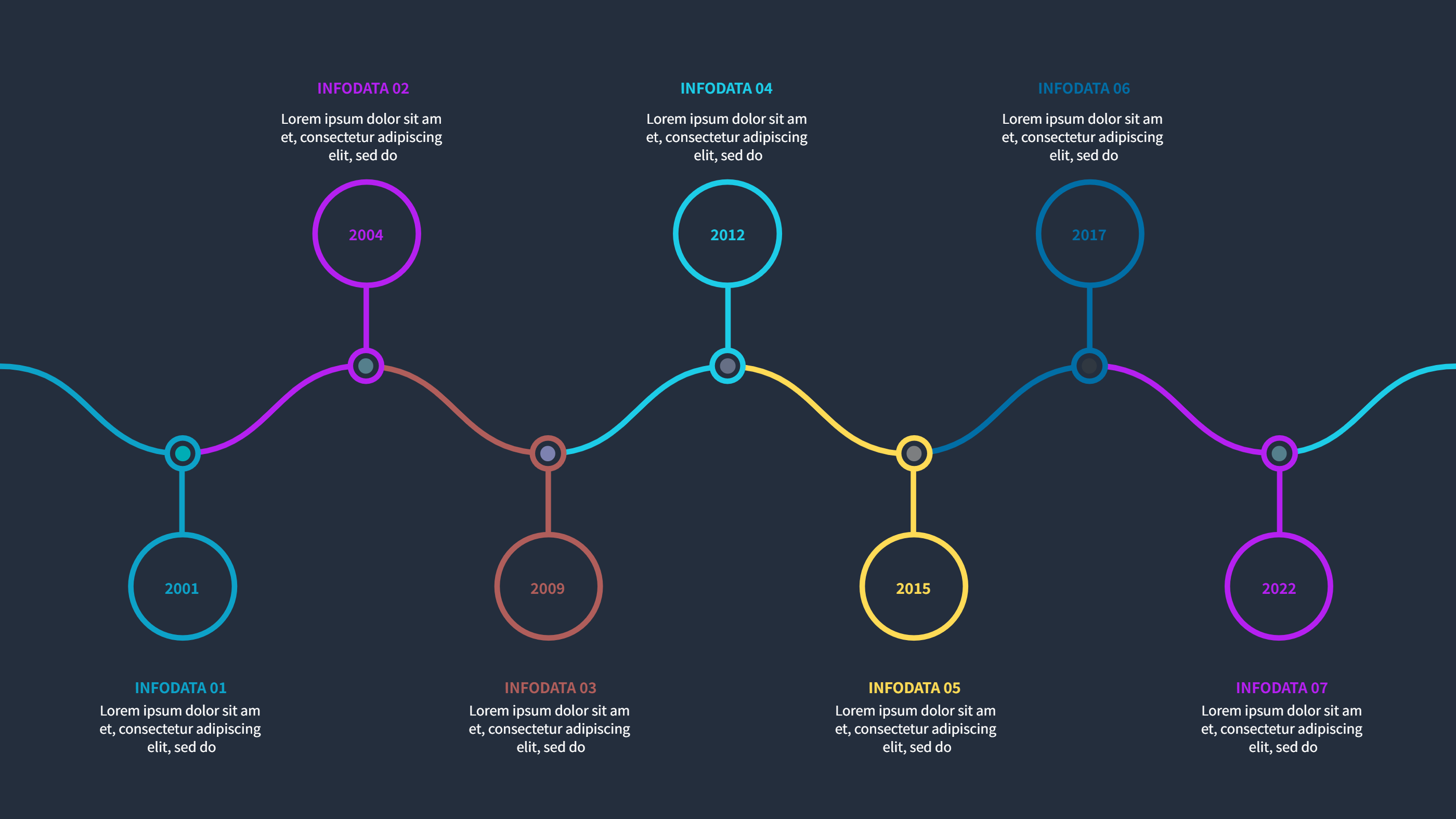
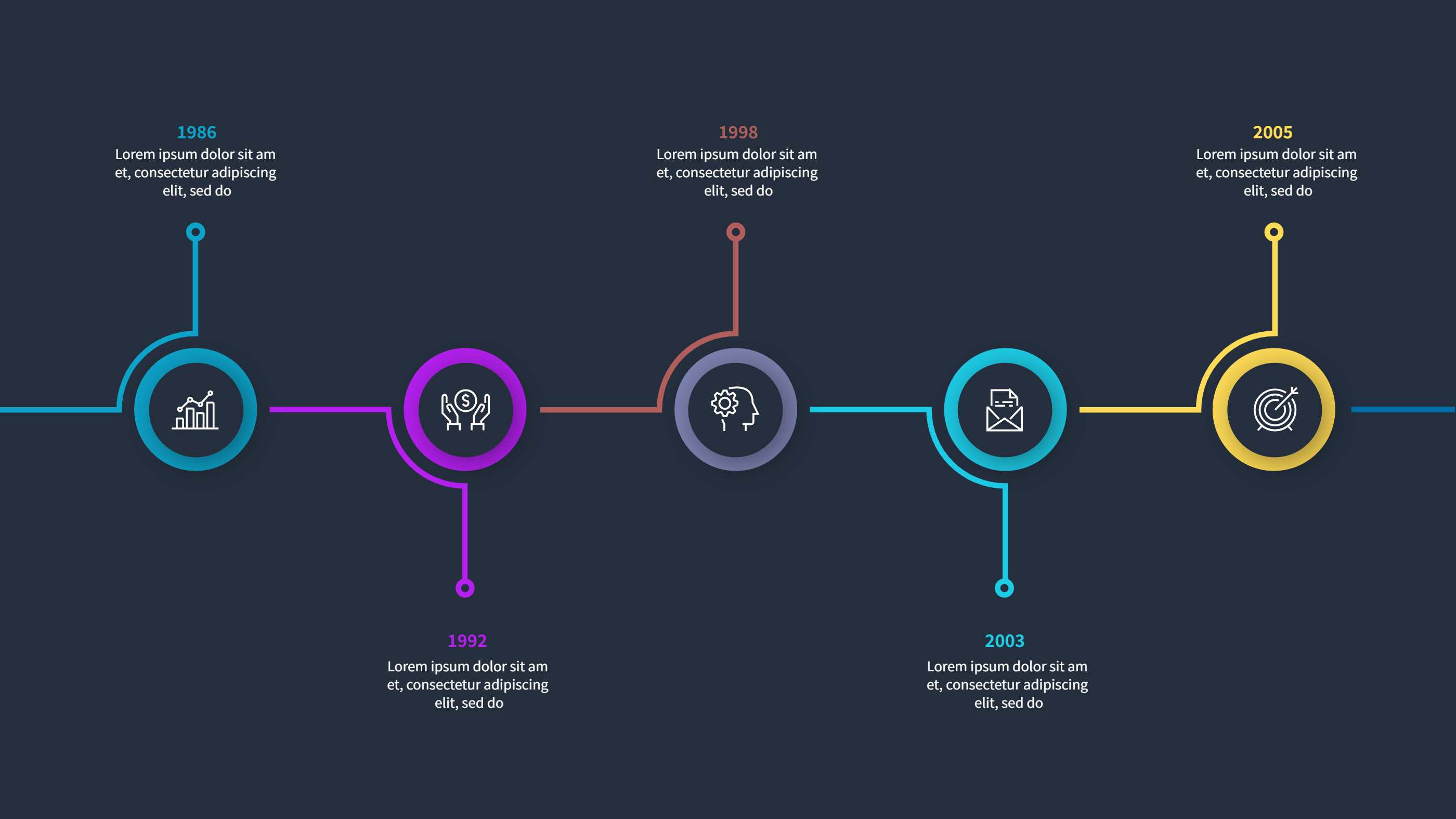
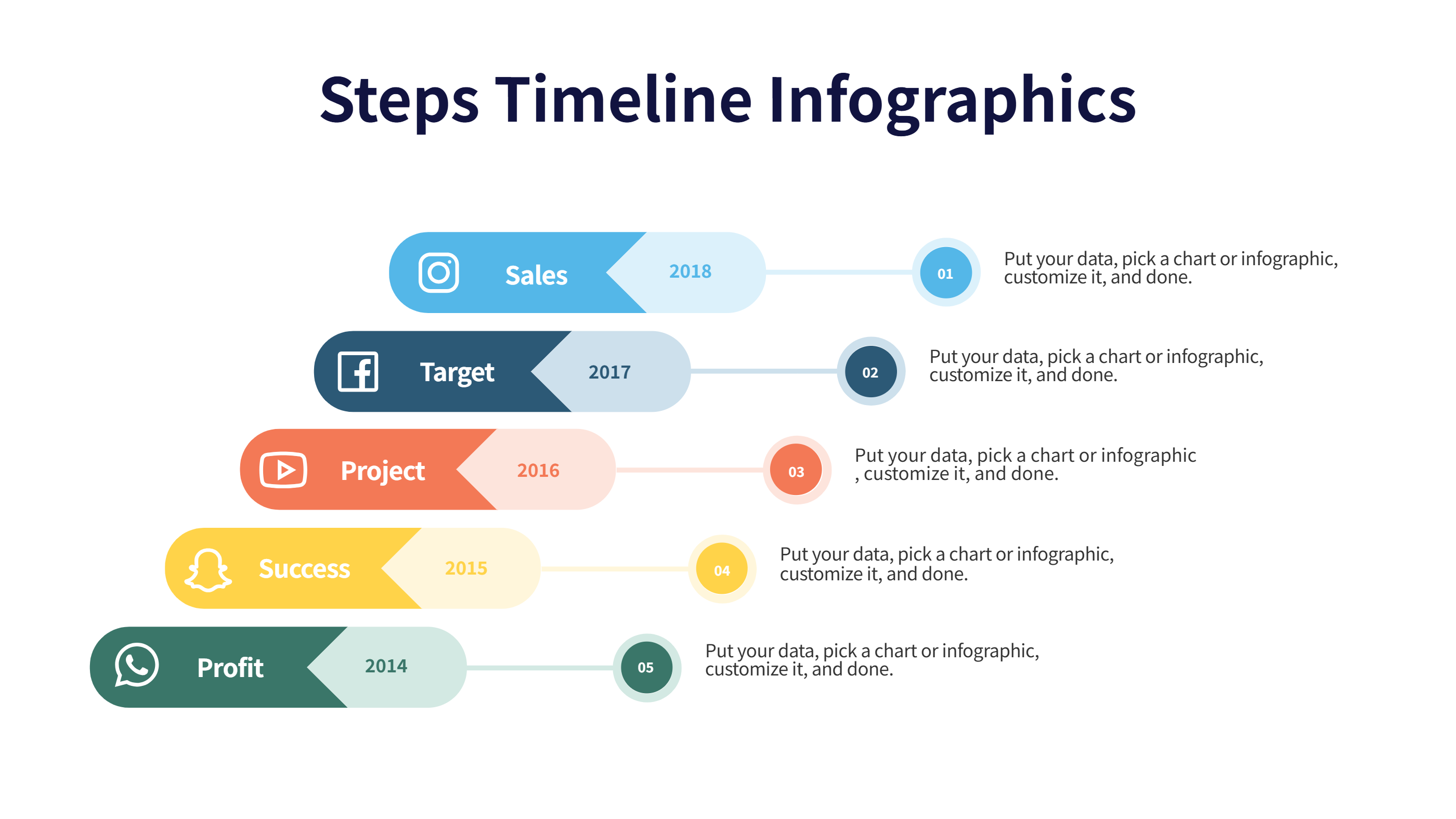
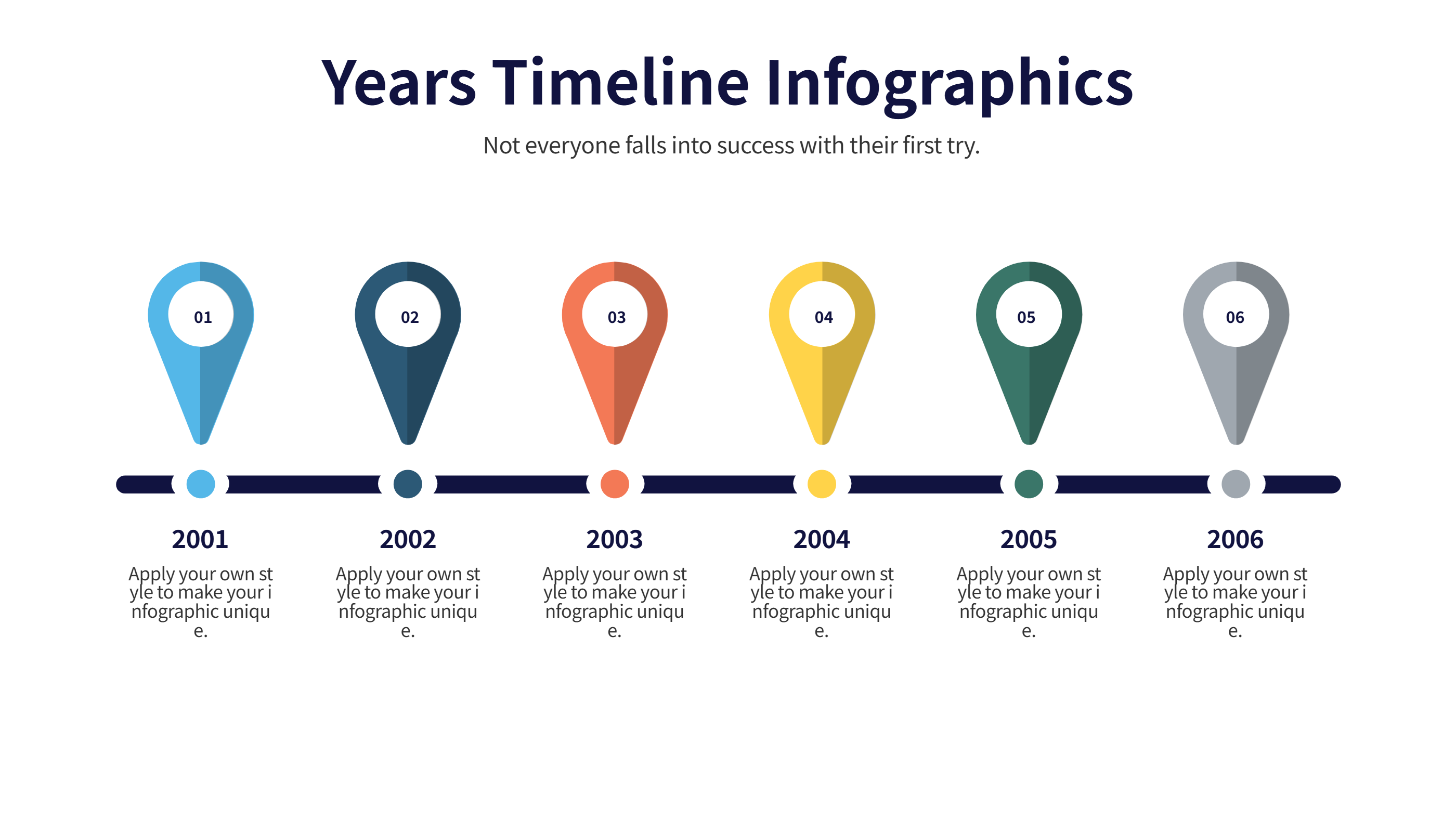
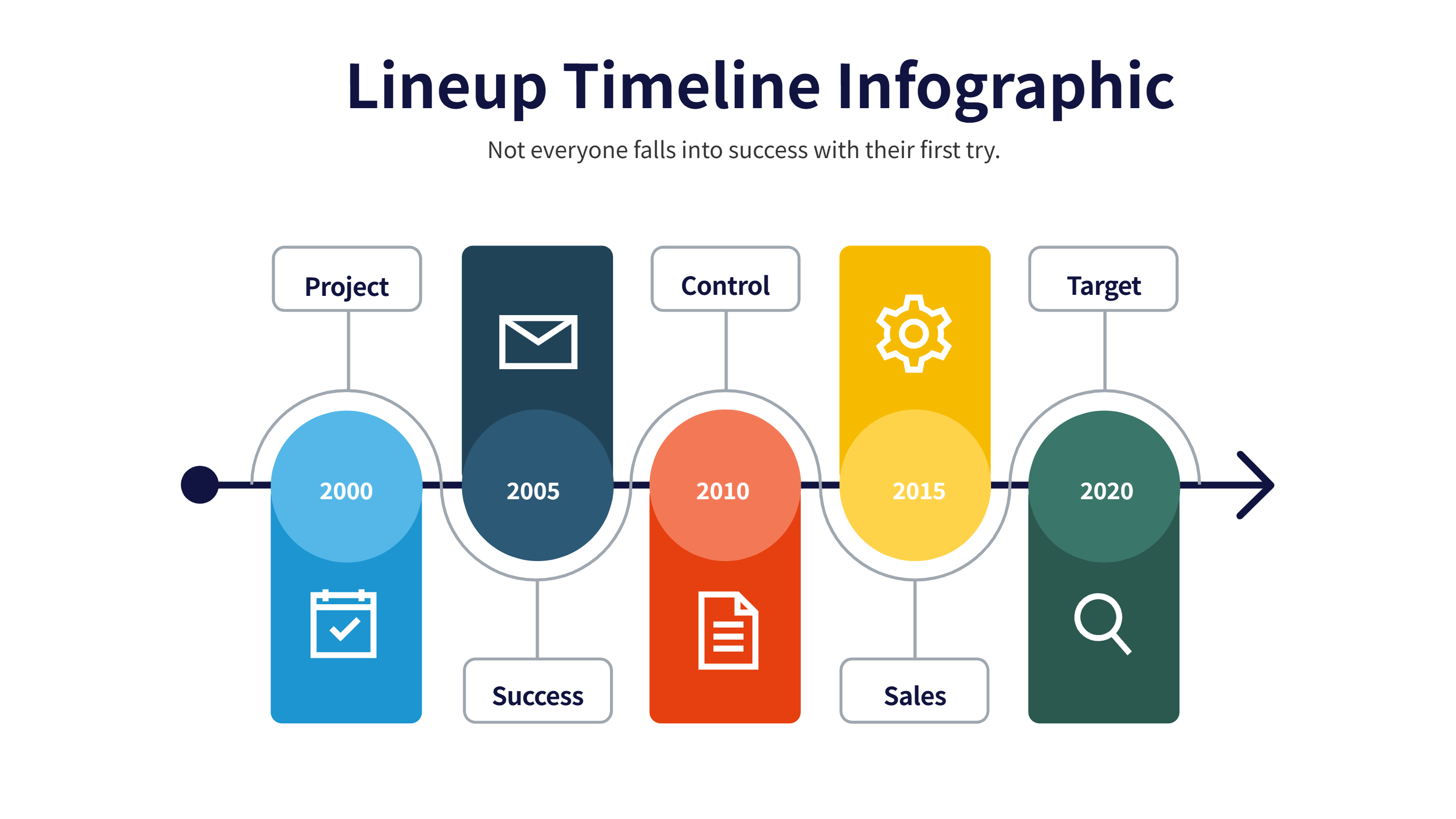
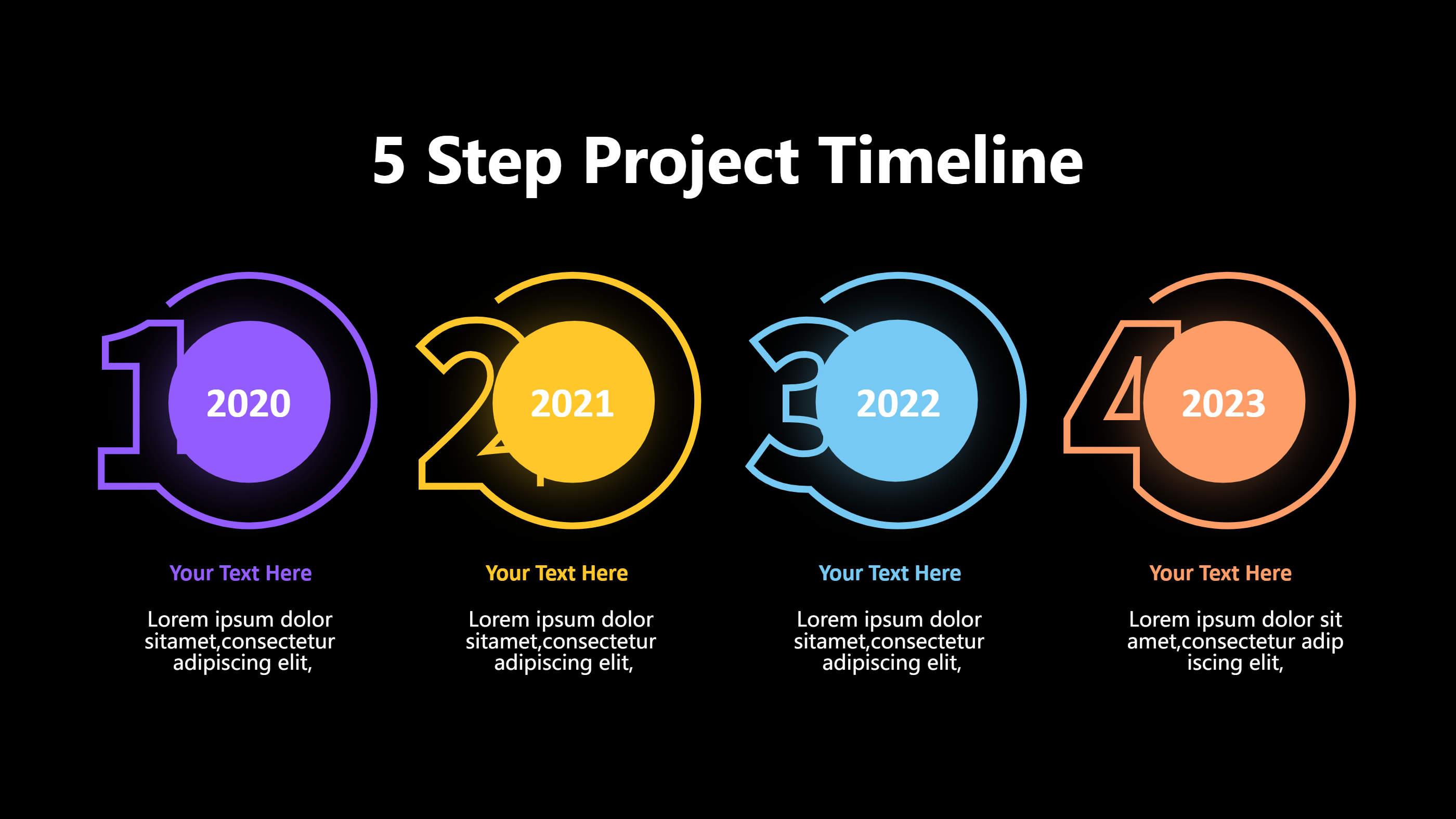
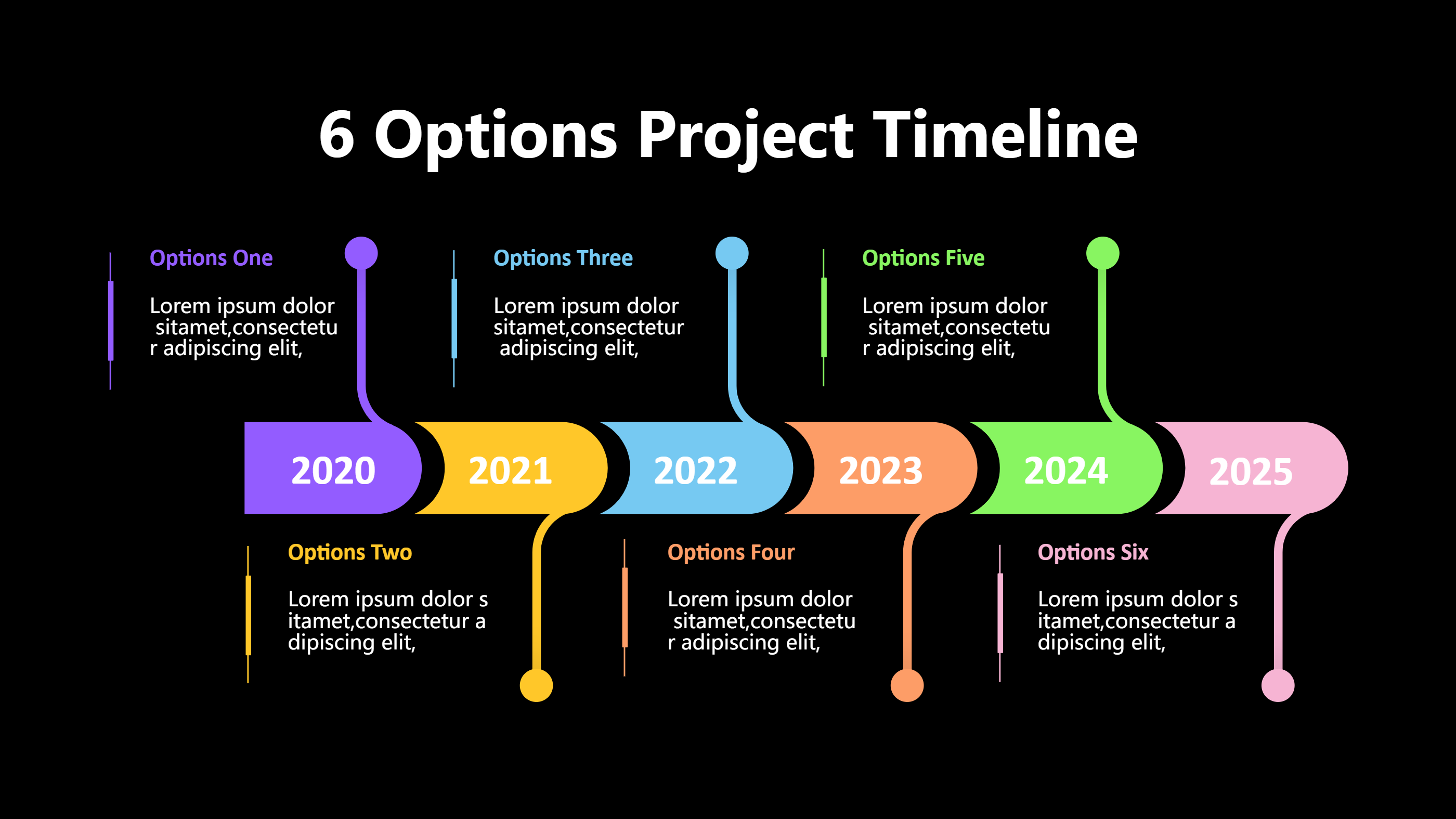
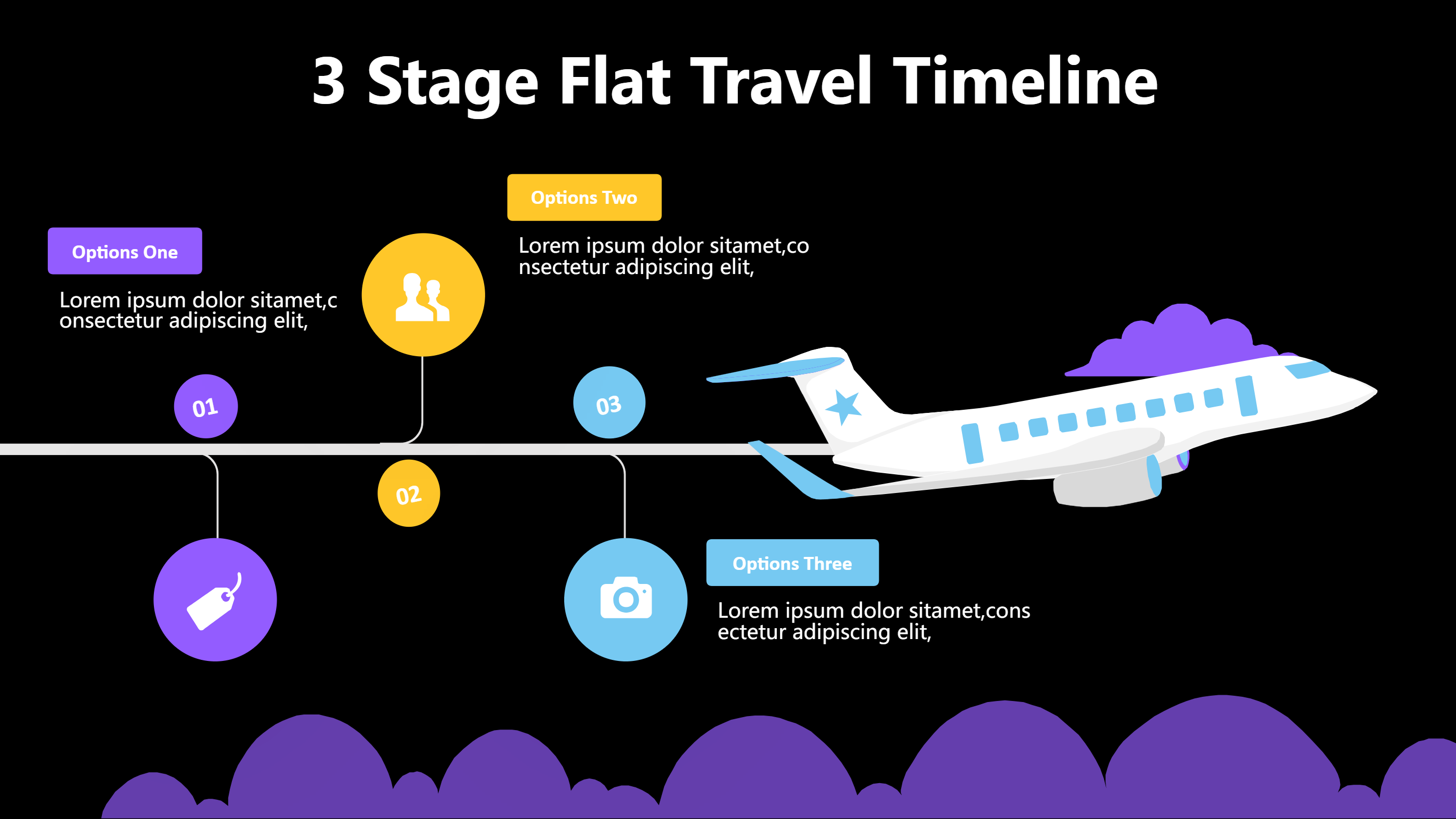
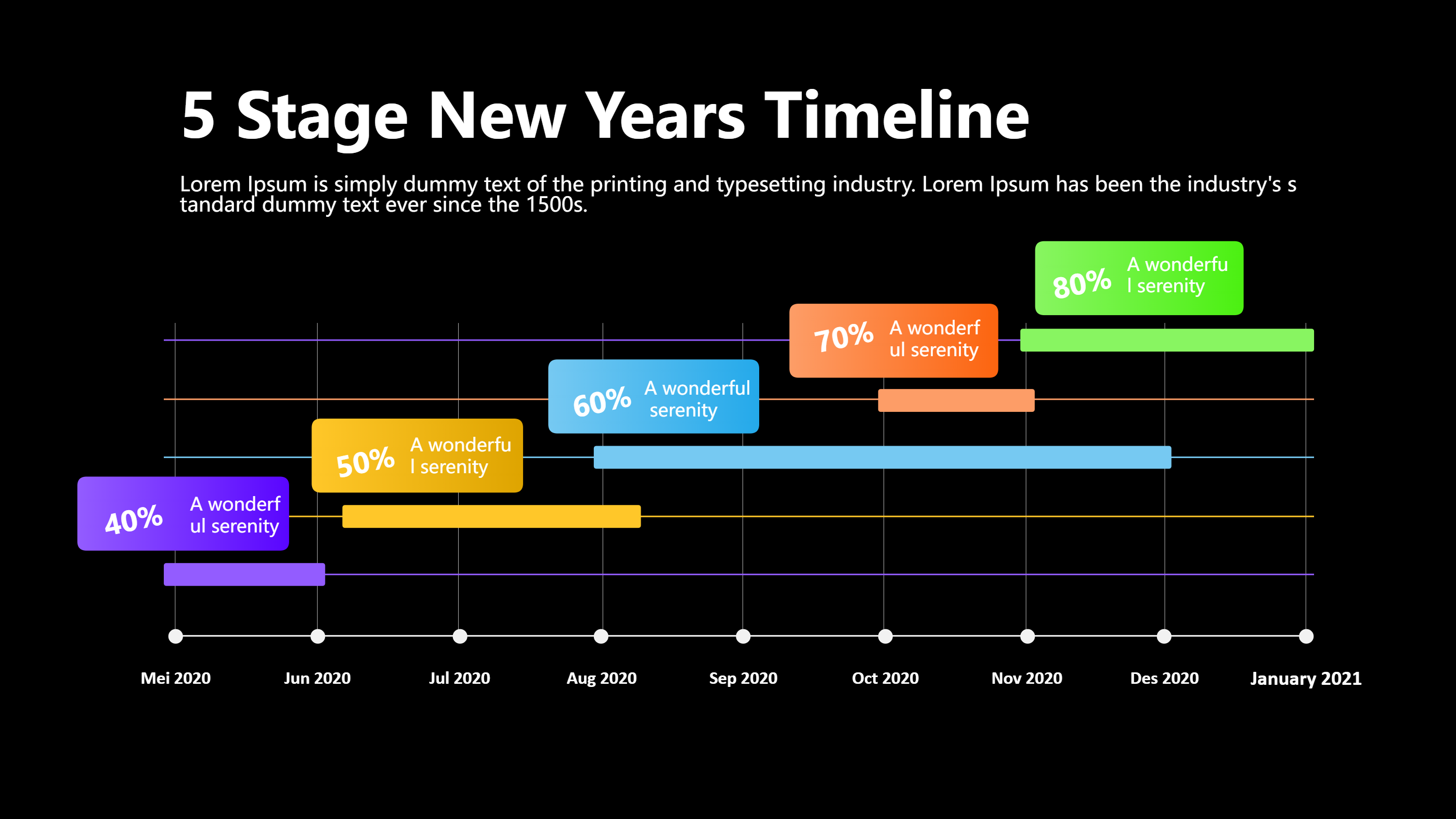
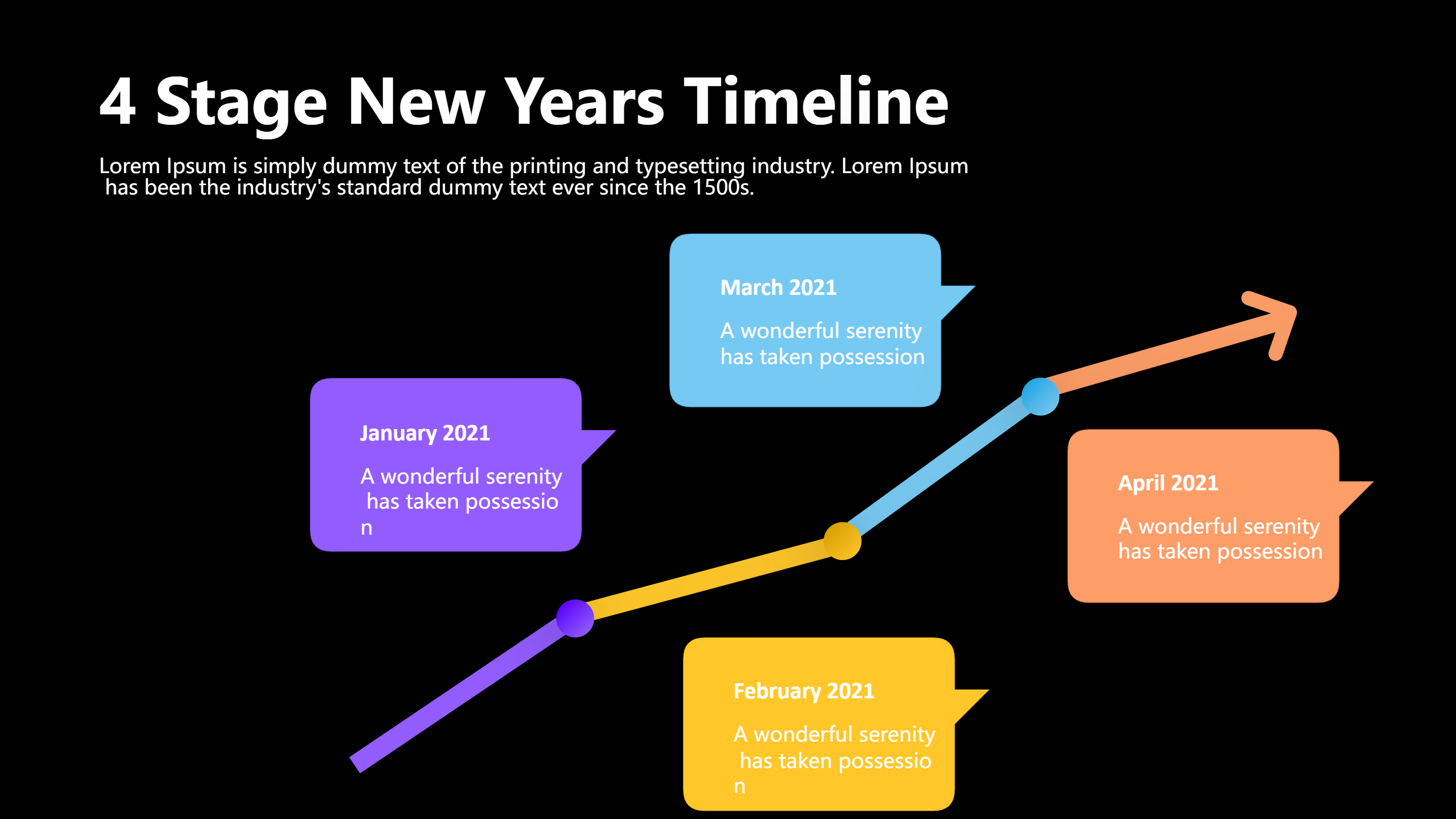
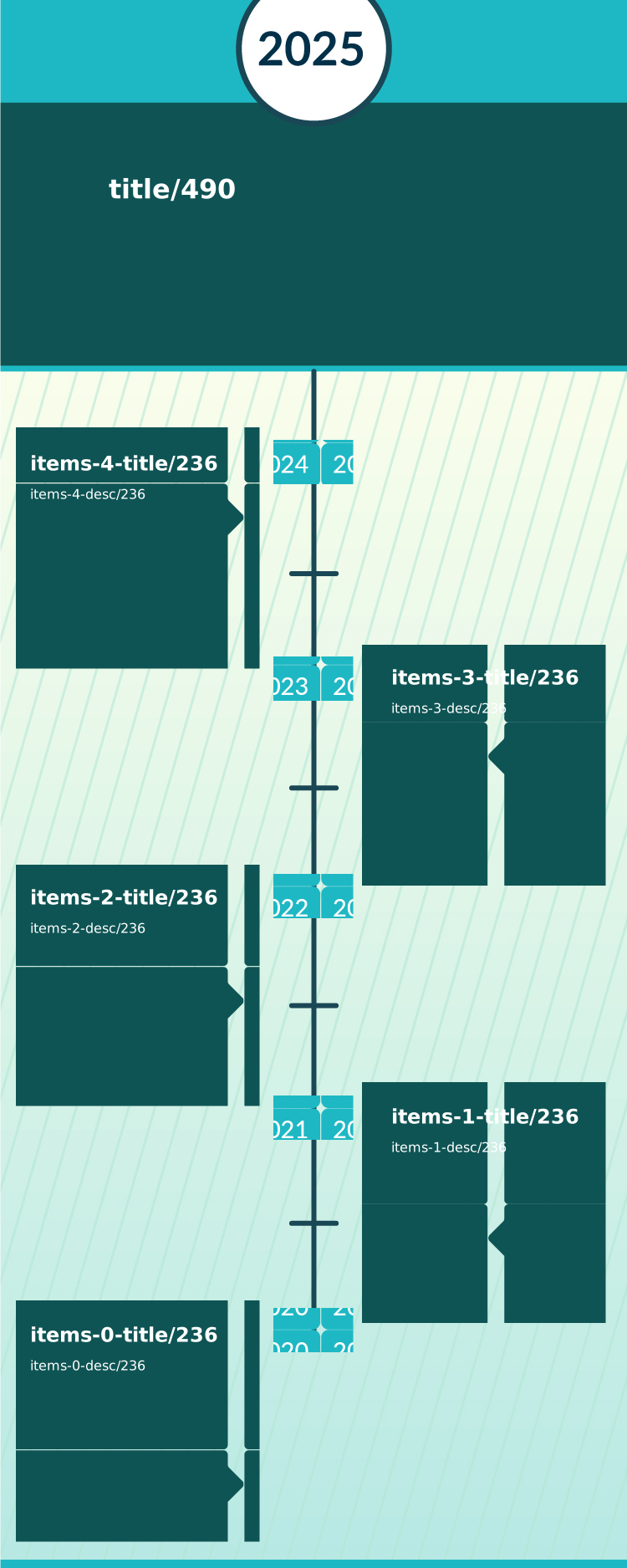
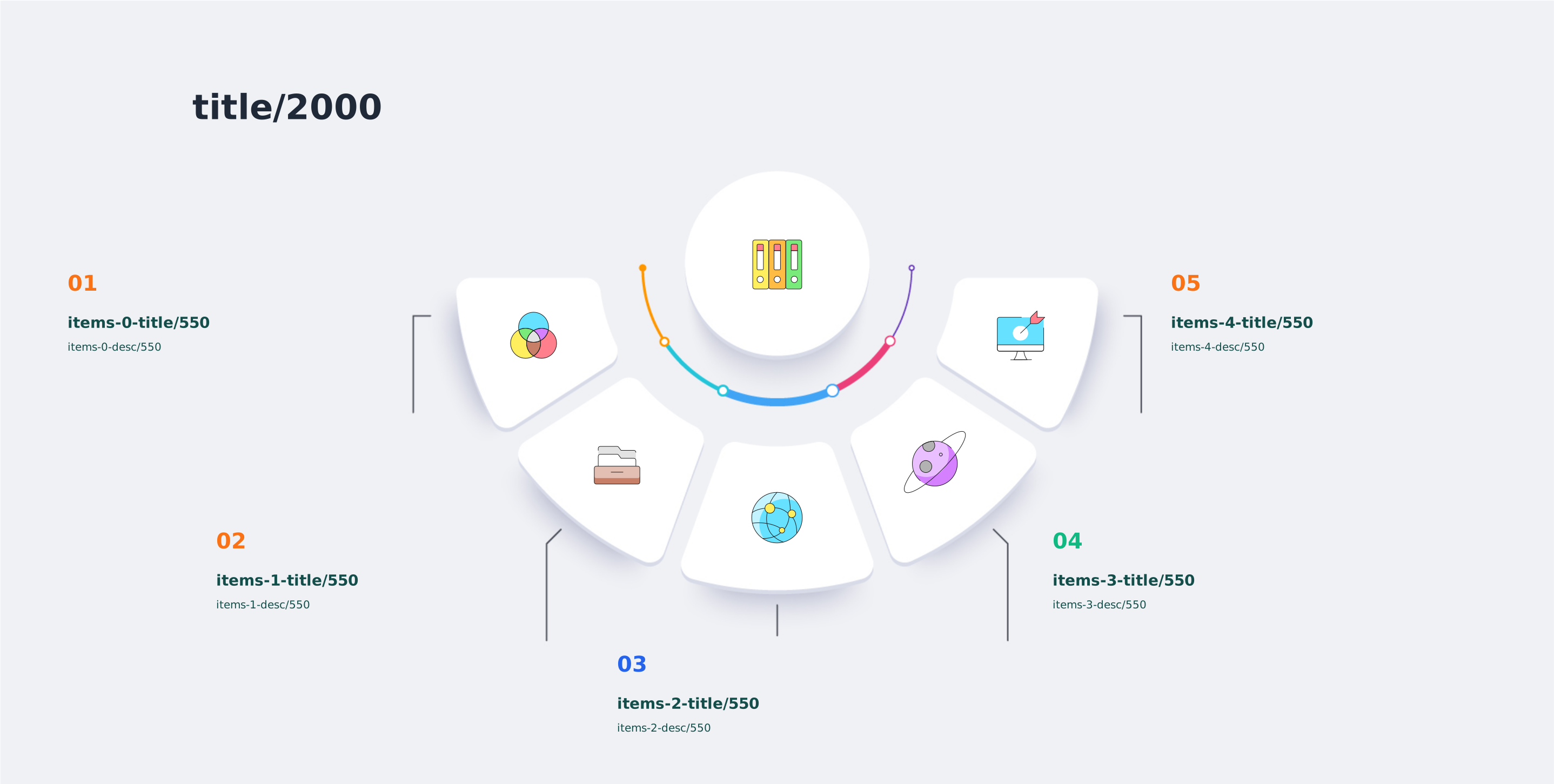
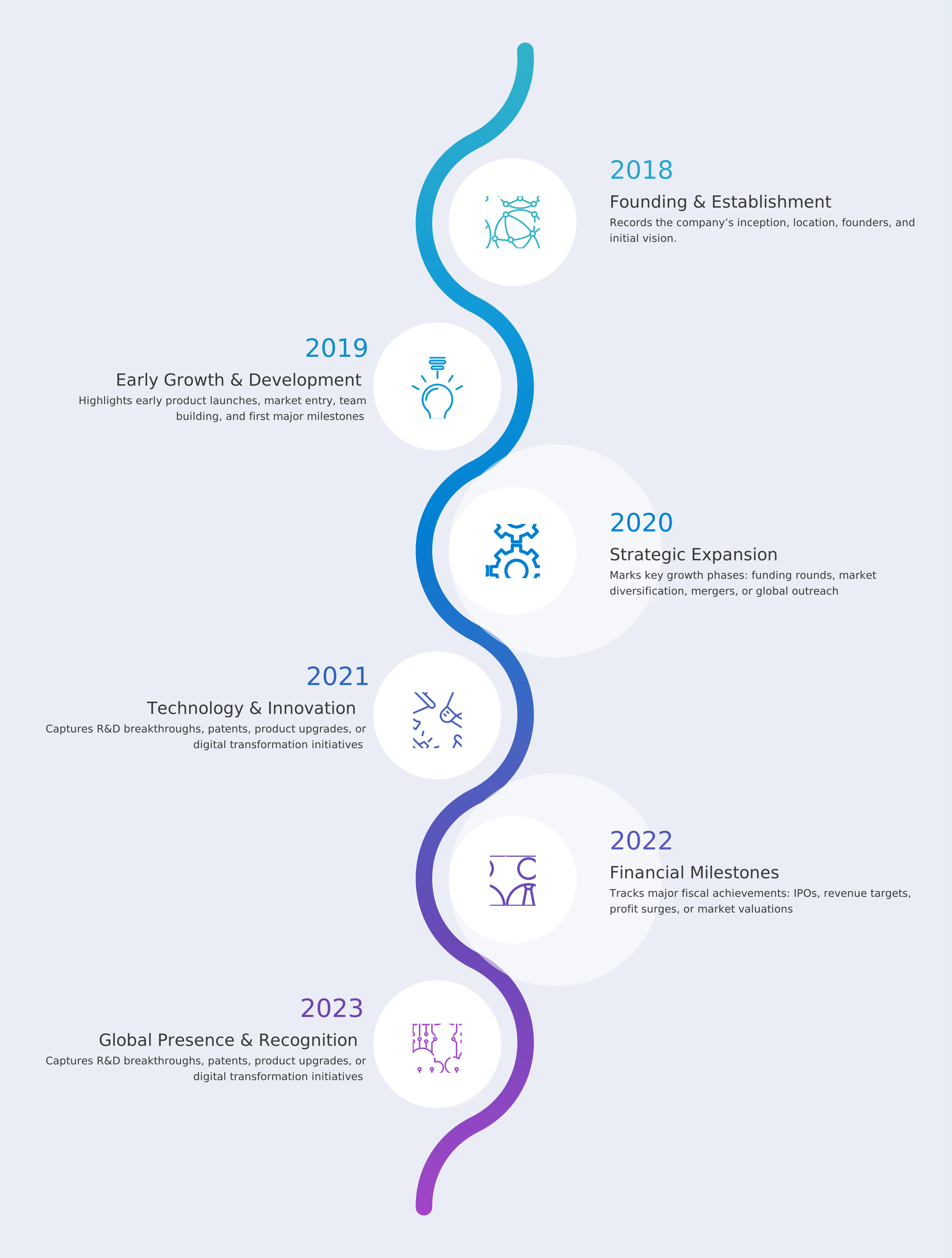
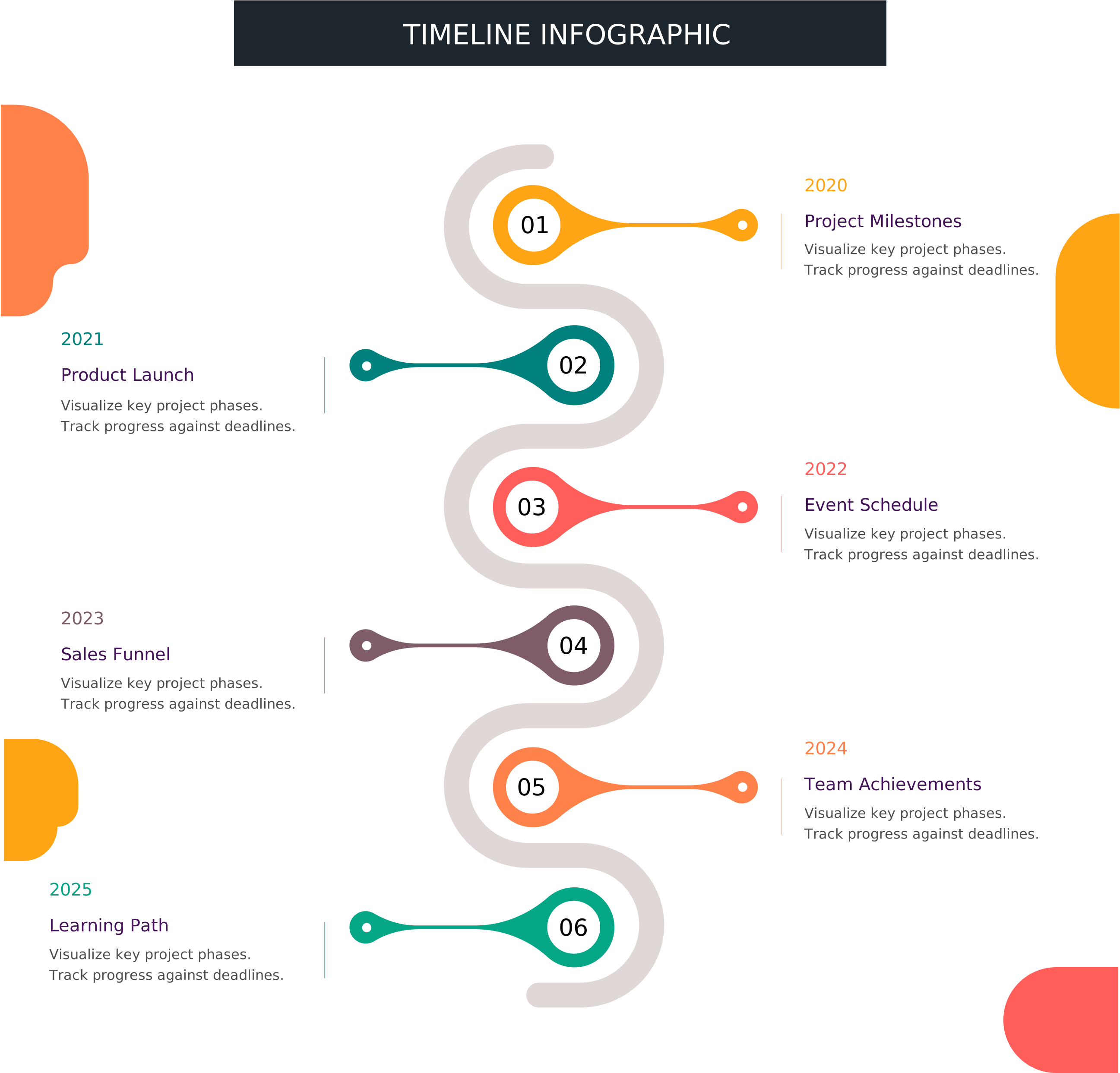
A timeline infographic is a simple visual line that shows events in order. It uses points and short labels so people see the flow at a glance. The layout keeps the story clear and easy to follow. It is useful for showing progress, milestones, or a plan that moves forward. The design focuses on clarity, not decoration. A timeline infographic template gives you a ready layout so you can add your own items fast.
In this template, each point can hold a short phrase, a date, or a small icon. The spacing keeps the eye moving in one direction. You can use colors to group phases or show status. The format fits slides, reports, and quick handouts. It works well on screens and in print because the text stays short. The goal is a clean view of time and sequence.
When to Use Timeline Template Infographic
Use a timeline template infographic when you need to explain a plan with clear steps. It helps for project schedules, launches, lessons, and event agendas. It is also great for showing growth across months or years. When people must understand the order quickly, the timeline keeps it simple. It reduces confusion in meetings and status updates.
This format is helpful when you need a shared view for a team. Each person can see what is coming and what is done. It also works for customer journeys, process maps, or product release notes. If you have many details, the timeline keeps each item short and clear. The layout also supports updates because you can add or remove points without a full redesign.
How to Use Timeline Infographic Template
Open the AI creation tool on the homepage and choose the timeline infographic template. Enter a prompt that names the topic and the number of points you want. The tool builds a draft with labels and a clean line. Review the text and adjust the order to match your story. Keep each label brief so the line stays neat.
Add dates, owners, or short actions where needed. Use simple words and calm colors so the flow stays easy to read. Save a copy when it looks right. You can make another version for a different audience by changing the labels and colors.
Download and Edit the Template
Click the download button to open the online editor. You can edit text, change icons, and adjust colors with simple controls. Keep spacing even so the flow is easy to read. Use short phrases that fit in each point.
When you are done, click save and choose a format like PPT, PNG, or SVG. You can print it or share it in slides and emails. A clean export makes it readable on mobile screens. Save a copy for future updates so you can refresh the timeline quickly.
Examples of Timeline AI Prompt Usage
Prompt 1: Create a timeline infographic that shows a product launch across six months. Use a straight line with six points, each point with a date and a short action. Use calm blue for planning and warm orange for launch moments. Add small icons for research, build, test, and release. Keep text to one short line per point.
Prompt 2: Design a vertical timeline infographic for a hiring plan with five stages. Show each stage with a title, a short note, and a simple icon. Use green for active steps and gray for steps not started. Leave space for a name and a due date on each point. Keep the layout clean and friendly.
Prompt 3: Make a timeline infographic for a one day conference agenda. Use a horizontal line with time blocks from morning to evening. Add a small icon for talks, breaks, and networking. Use clear labels with short phrases so attendees can scan fast. Keep the spacing even and the text easy to read.
Recommended Similar Infographic Templates
Related Template 1: Event Timeline
Related Template 2: Timeline Graphics
Related Template 3: Company Milestones Timeline Infographic Template
Related Template 4: Timeline Infographic Template for Project Milestones and Event Schedules
FAQs
Q: Can I use this timeline infographic template for a team plan?
A: Yes, it gives everyone a clear view of the order and timing.
Q: How many points should I include on the line?
A: Five to eight points keeps the layout readable for most uses.
Q: Can I show dates and owners on the timeline?
A: Yes, short dates and names fit well beside each point.
Q: Is this template only for business topics?
A: No, it works for personal plans, school projects, and event schedules.
Q: Can I update the timeline later?
A: Yes, you can edit labels and add new points as plans change.