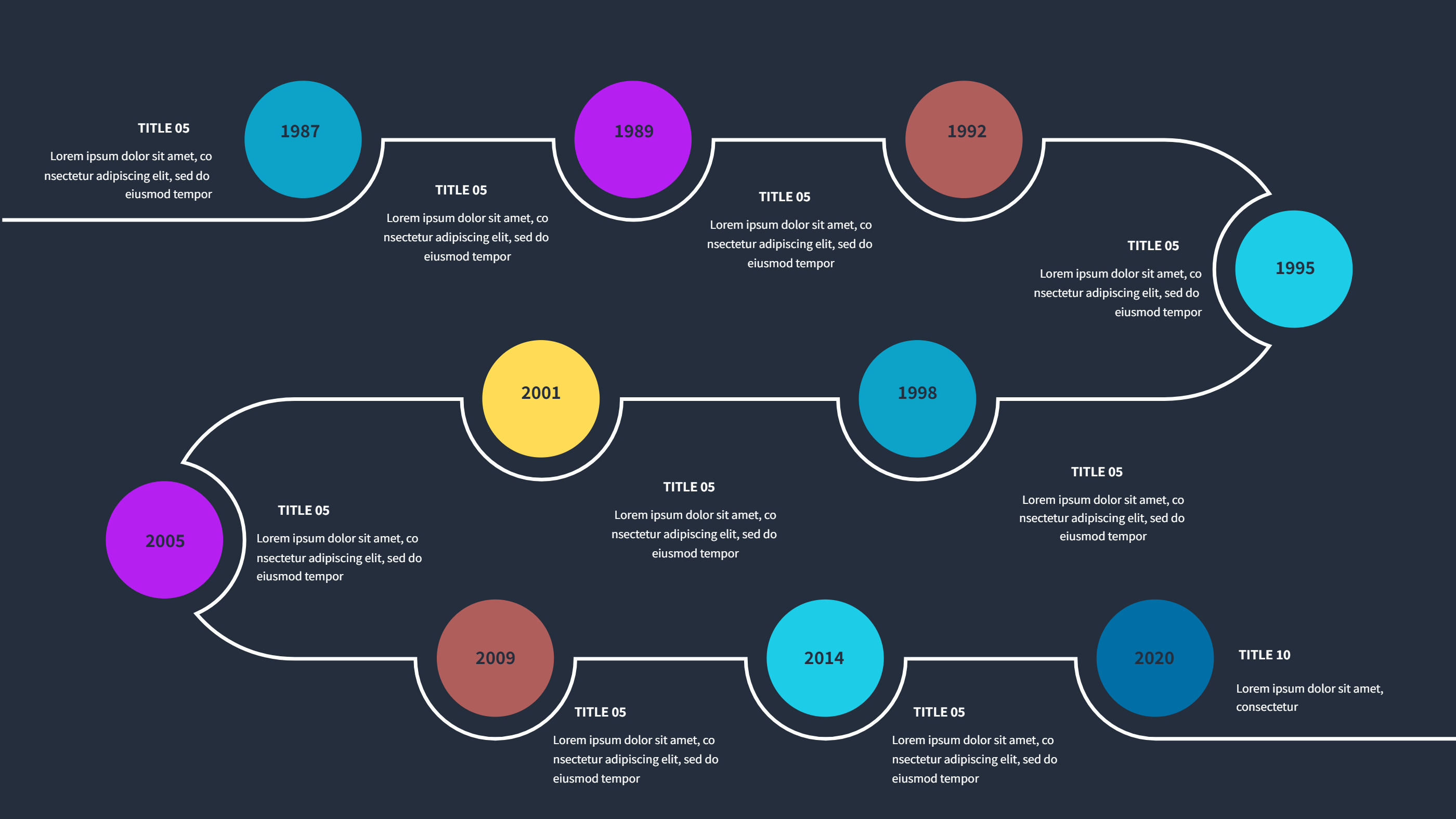
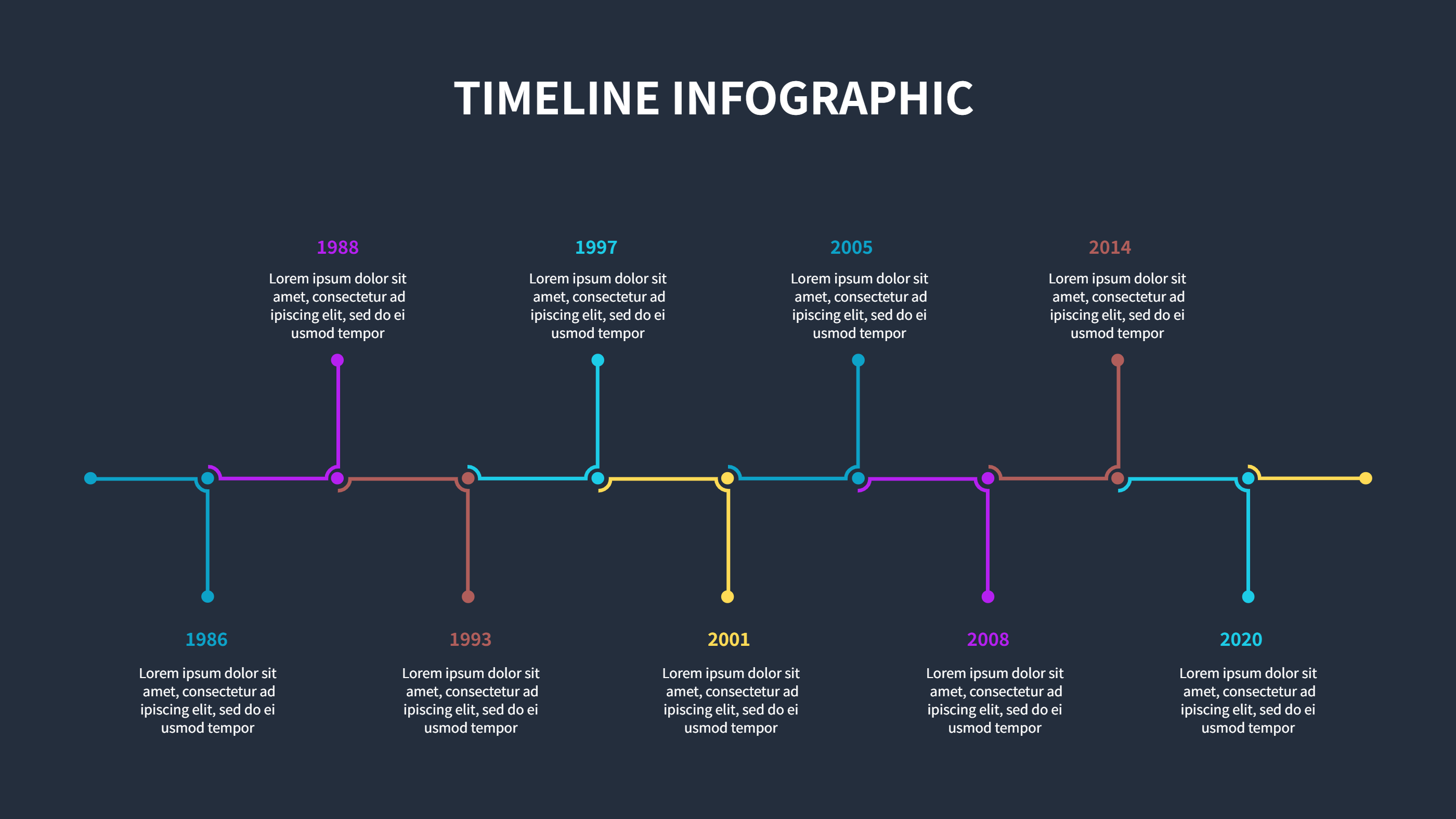
Timeline Infographics Template PPT Dark Icons
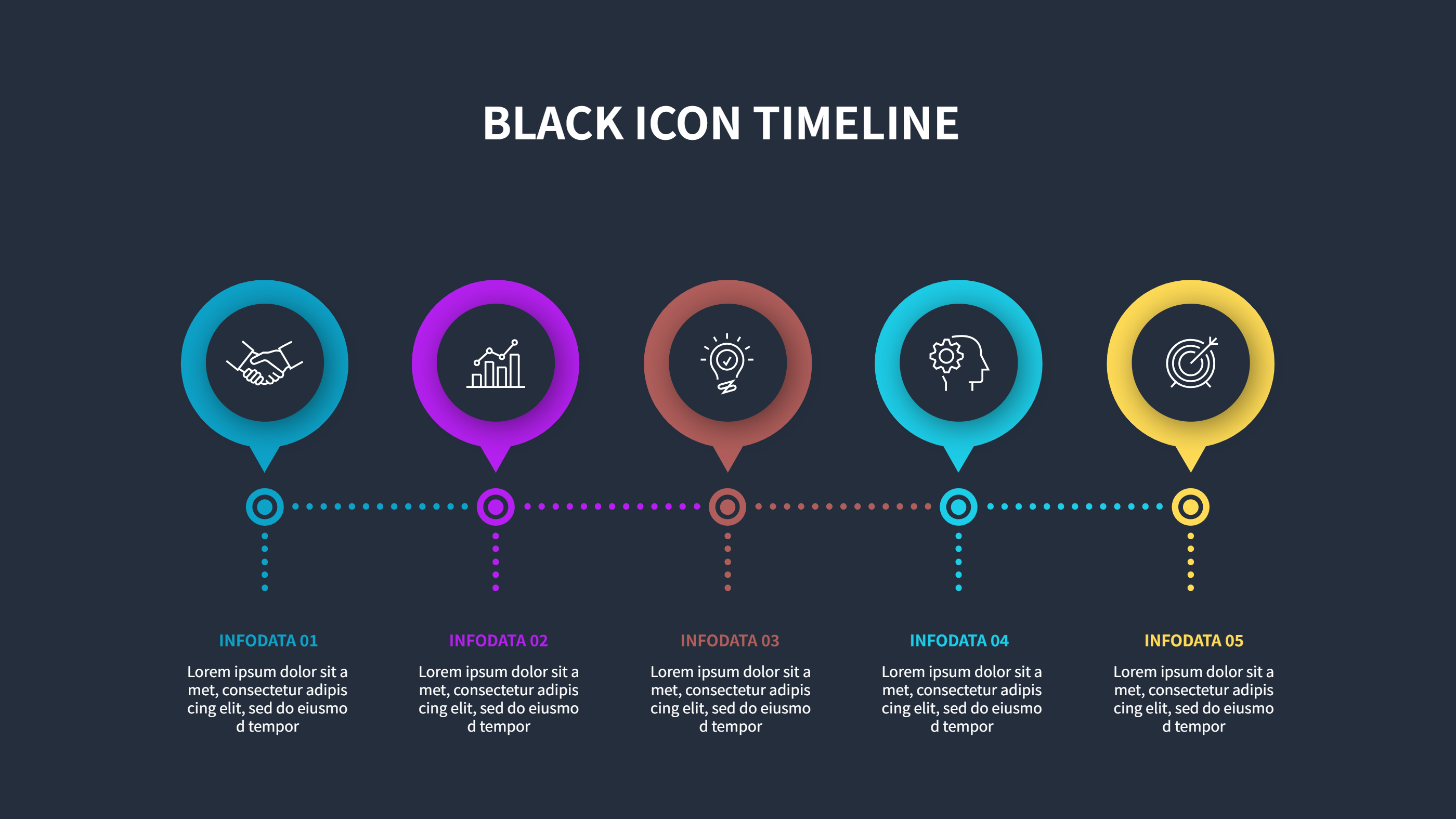
What is Timeline Infographics Template PPT Dark Icons Infographic
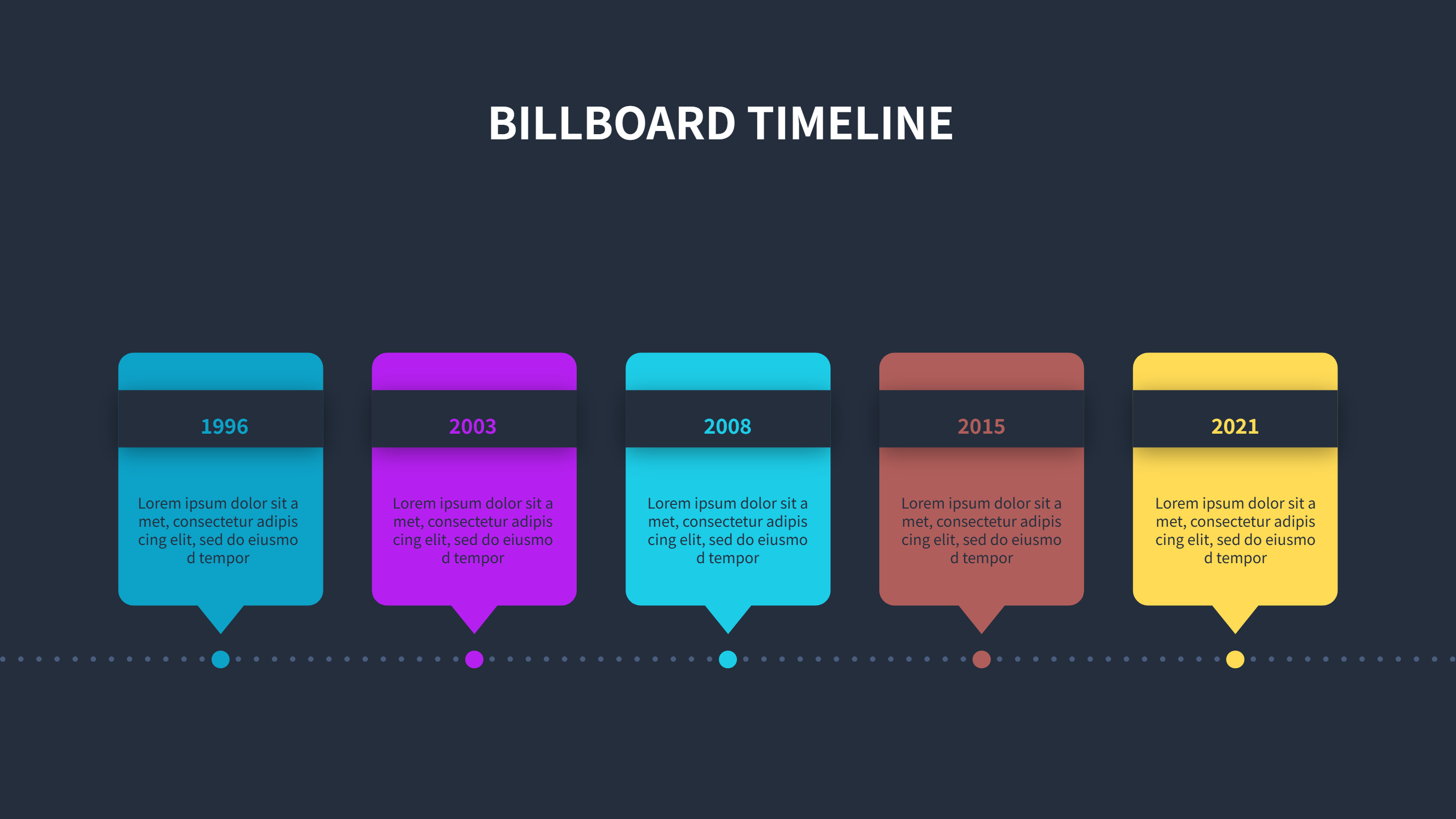
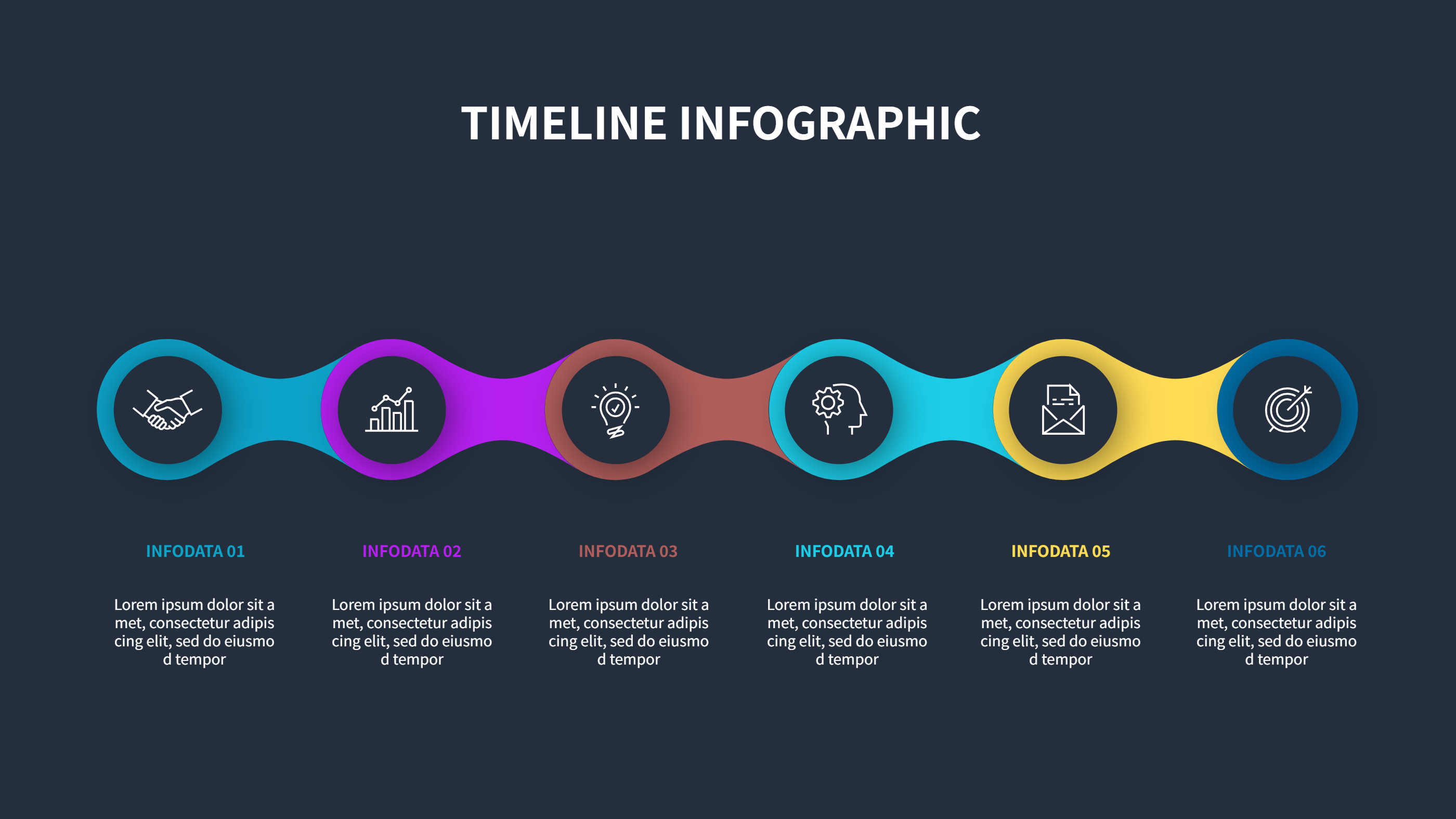
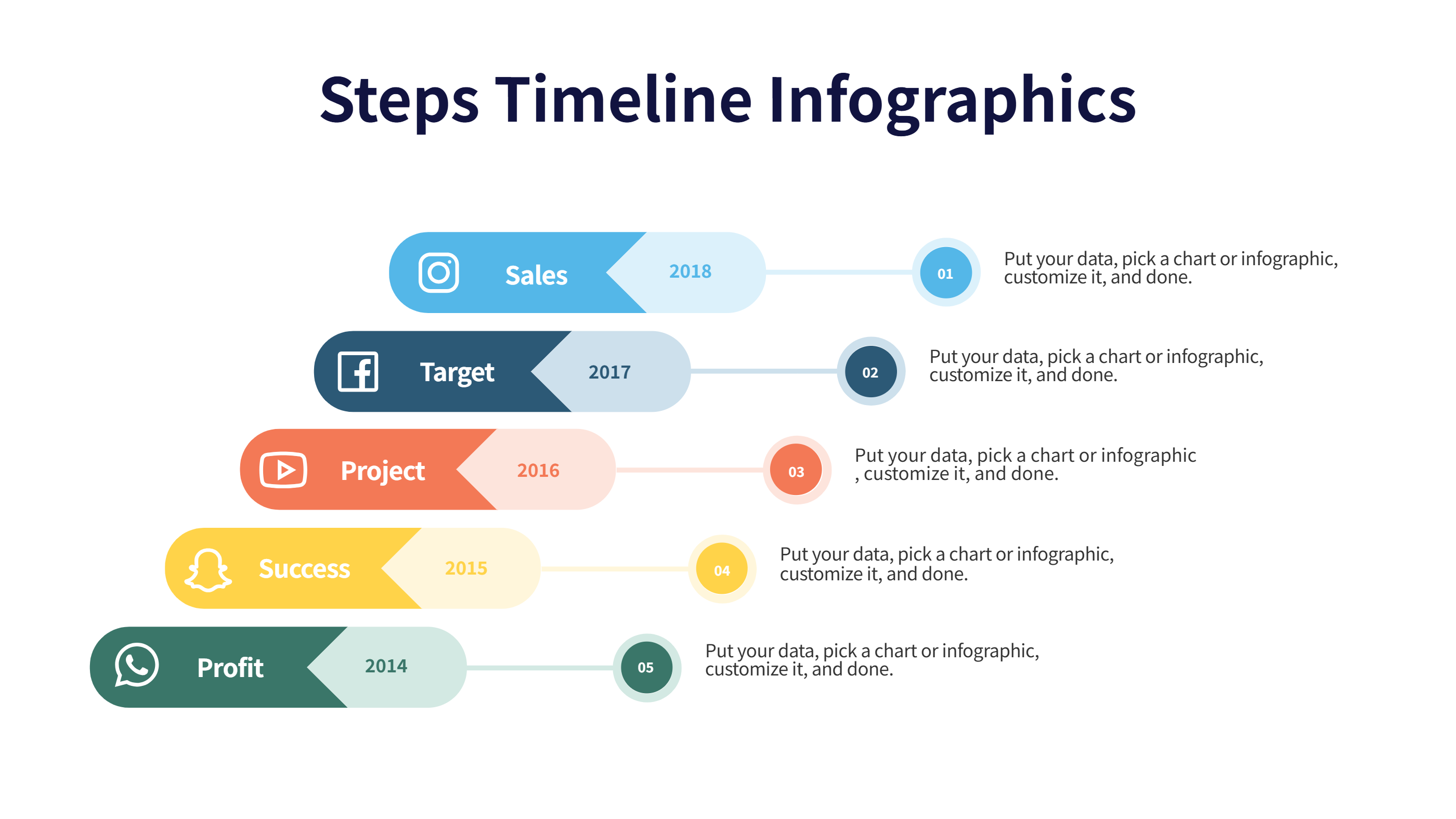
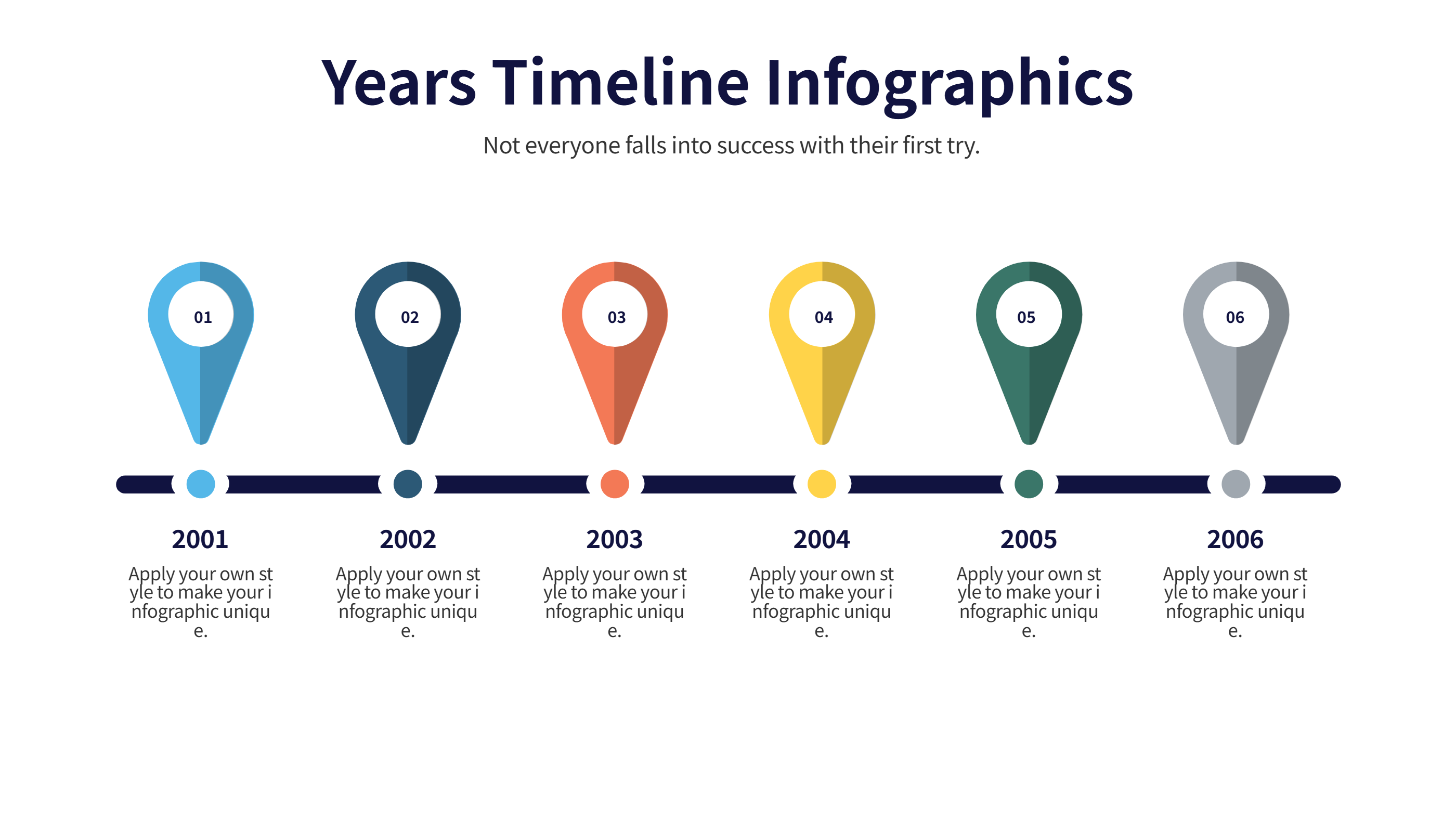
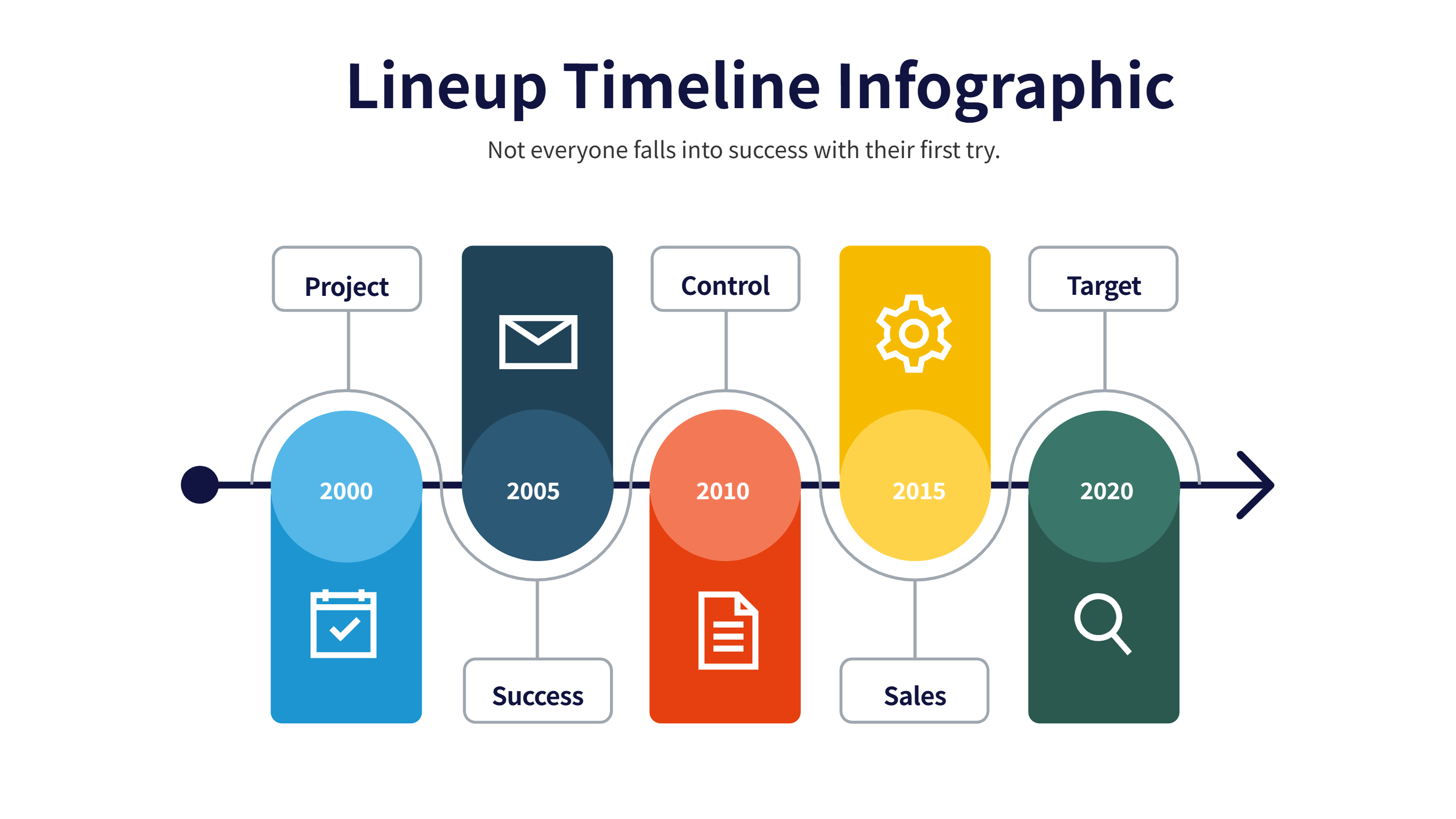
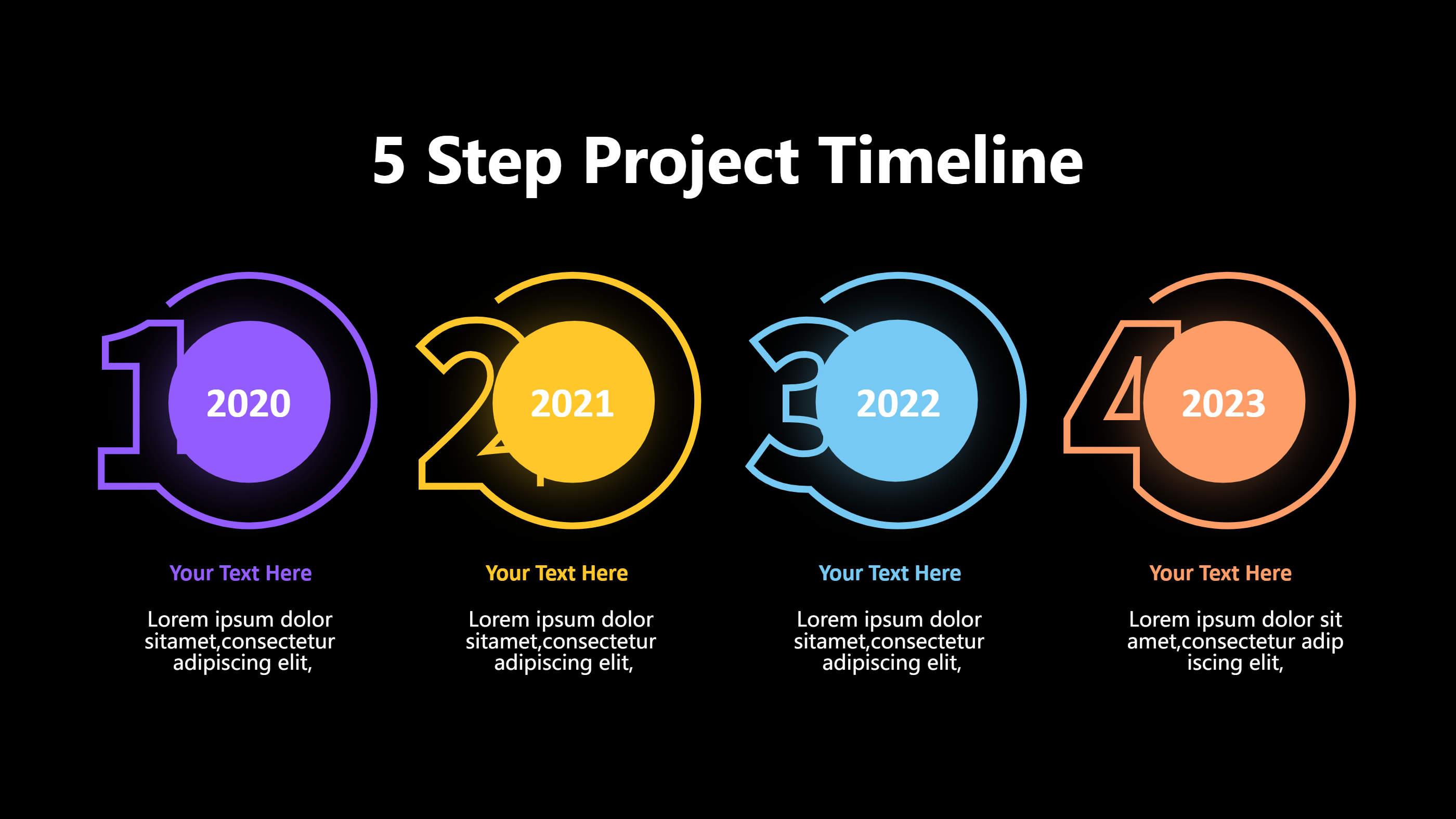
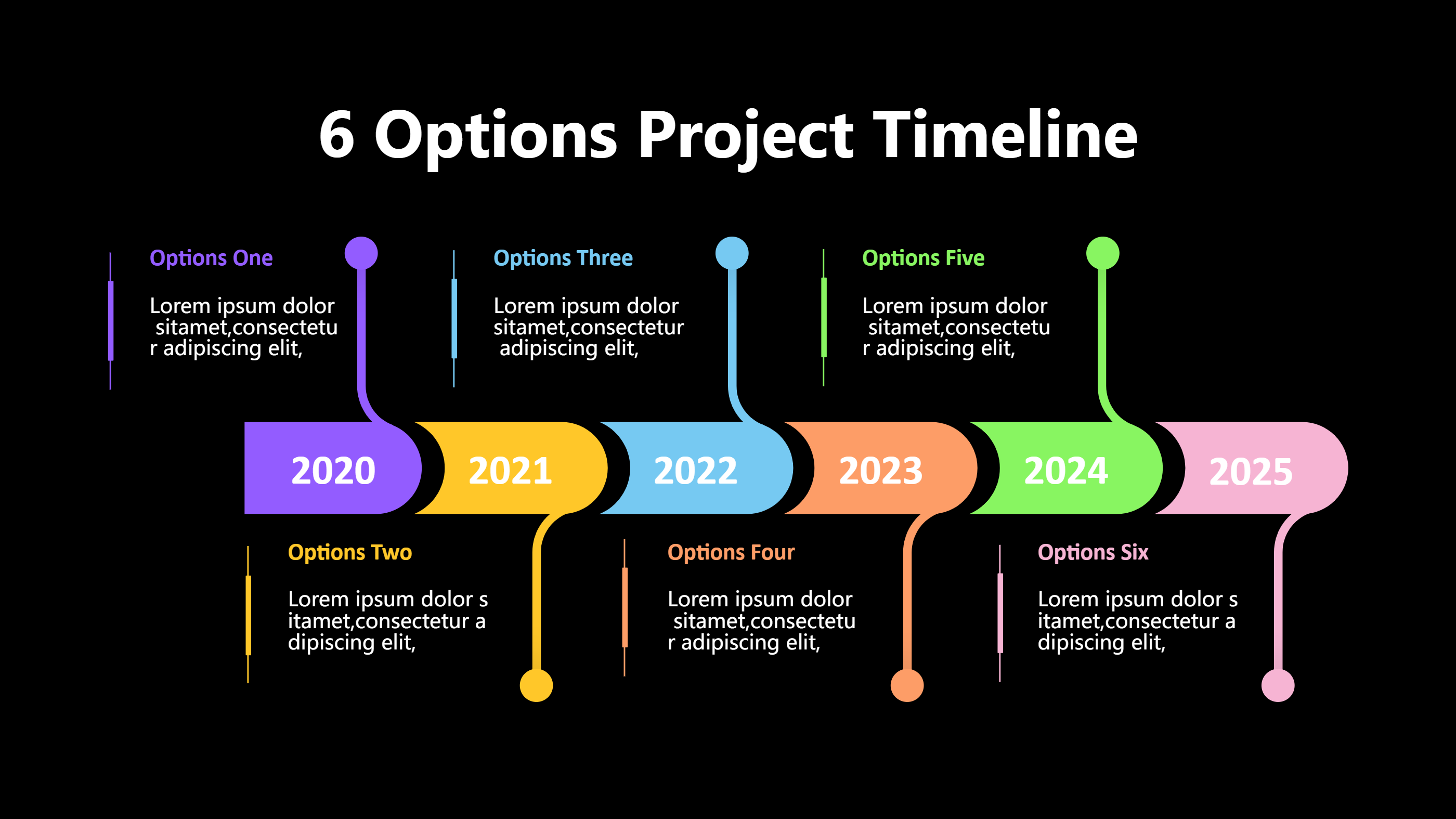
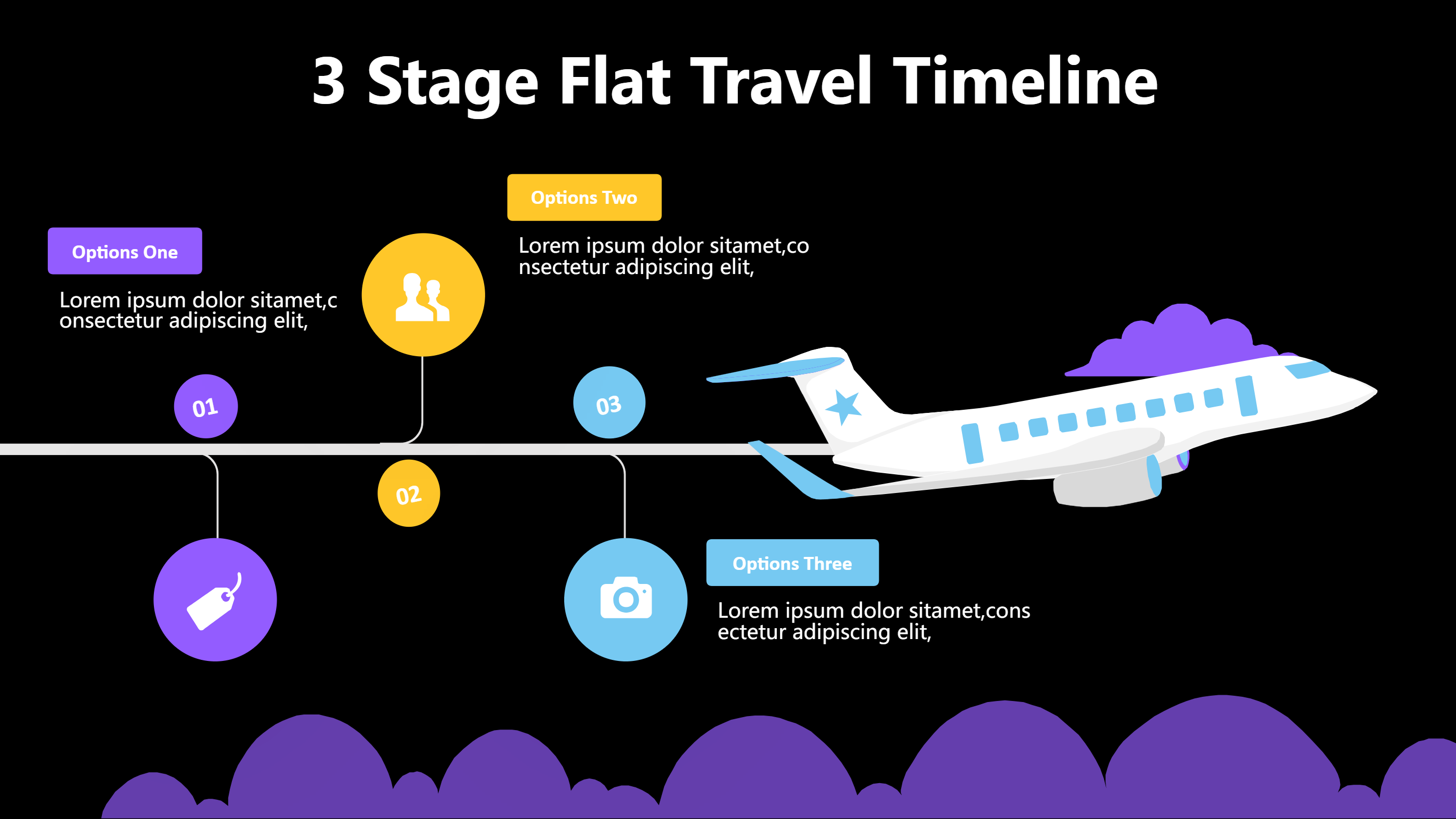
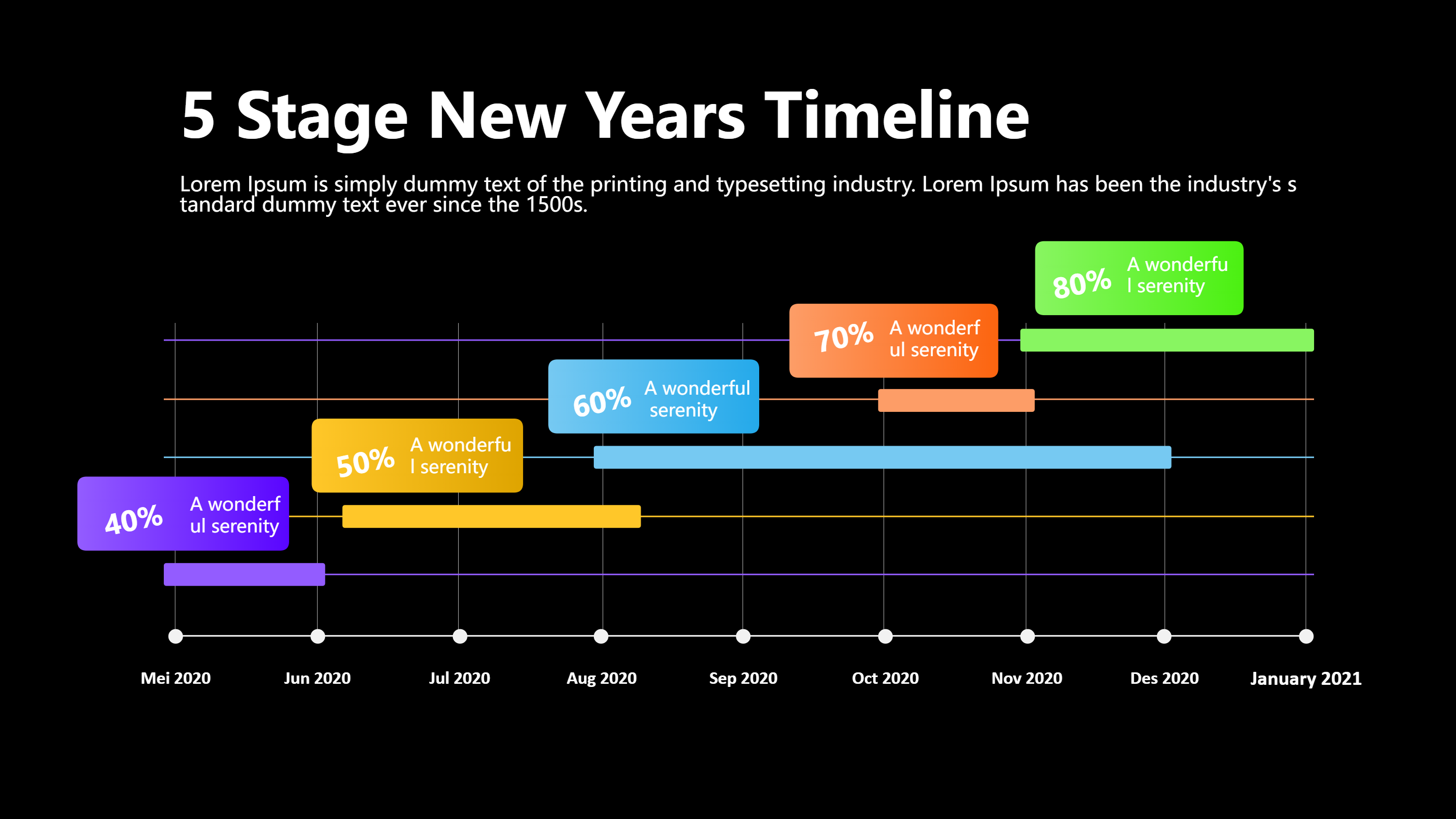
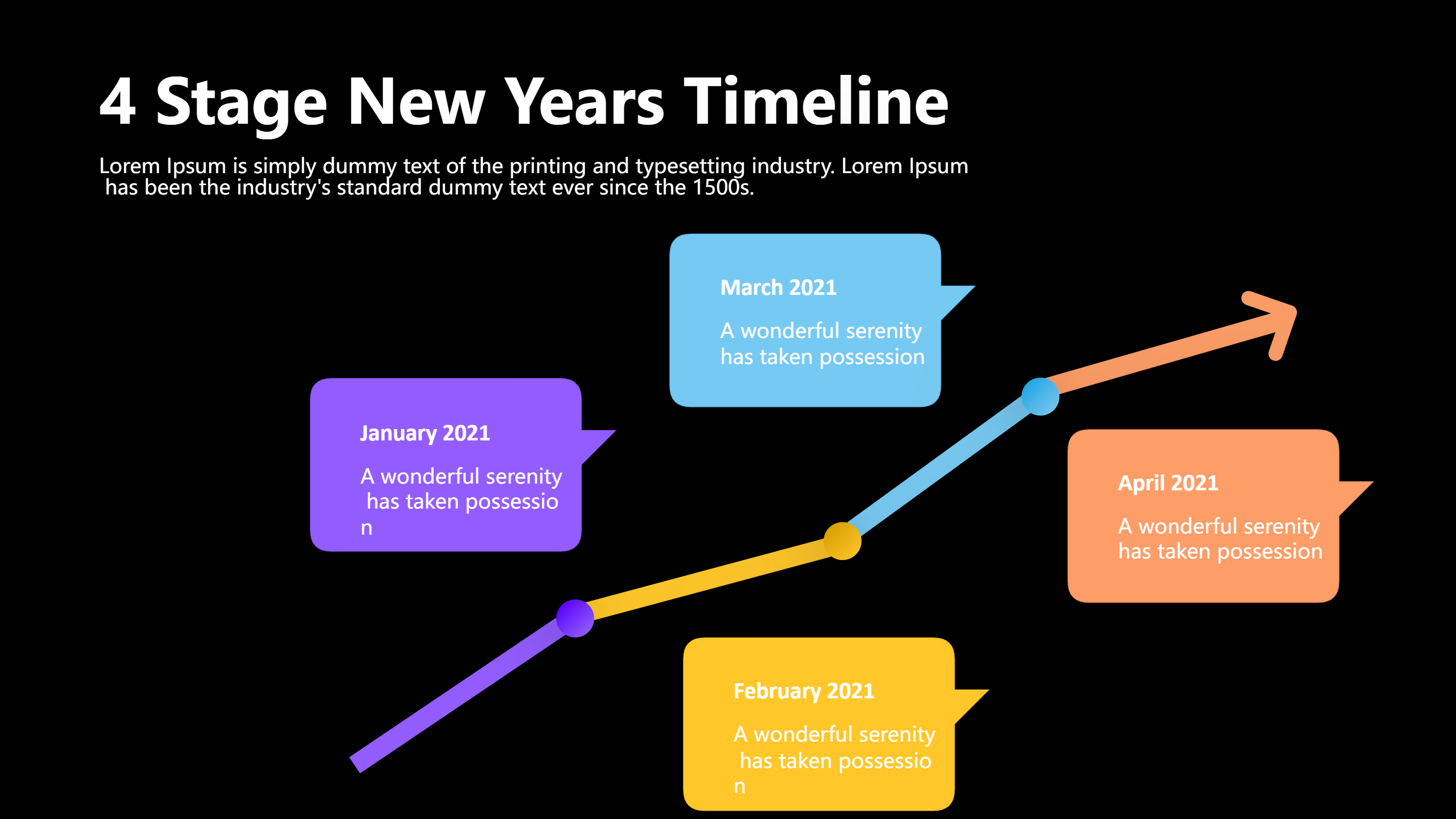
A timeline infographics template PPT dark icons infographic is a ready slide layout that shows events in a clear order. It uses a dark background with bright icon points so each step stands out. The layout keeps the eye moving from start to end with calm spacing and short labels. This timeline infographics template helps you explain a story without heavy text. It is easy to read on screen and works well for a PPT deck or a single page image. The dark icons style adds contrast so the key moments are easy to spot.
When to Use Timeline Infographics Template Infographic
Use a timeline infographics template infographic when you need to show a sequence of dates or steps. It fits project plans, product releases, event schedules, and short history stories. It also works for class lessons, team updates, and simple process guides. If you want the story to feel neat and modern, the dark icons look is a good match. The template is helpful when your audience needs a quick view and you want less text on the slide. It is also useful when you share a PPT and want a strong visual start.
How to Use the Timeline Infographics Template Infographic
On the home page, open the AI creation tool and choose the timeline infographics template that matches your topic. Enter a short prompt with your dates, steps, or milestones, and the tool will generate the infographic for you. You can edit the labels to keep them short and clear. Adjust the order if a step moves in time. Change icon shapes to match your theme, and keep the dark icons style for easy contrast. This keeps the timeline infographics template PPT layout clean and easy to scan.
Download Assets for the Timeline Infographics Template
Click the download button to open the online editor. Use the save button to choose PPT, PNG, or SVG. You can edit the text, tweak colors, and replace icons before you save. If you need a wider view, extend the timeline and keep the spacing even. Save the file and share it with your team or class. The template stays flexible for updates and new versions.
FAQ
Q: Can I use the timeline infographics template for a product roadmap?
A: Yes, it is a clear way to show releases and key steps.
Q: Will the dark icons be easy to read on a projector?
A: Yes, the contrast helps the icons and labels stand out.
Q: Can I add more steps to the timeline?
A: Yes, you can add extra points and keep the spacing consistent.
Q: Is this template suitable for a class presentation?
A: Yes, it works well for lessons and simple stories.
Q: Can I download the infographic as a PPT file?
A: Yes, PPT is one of the download formats.
Q: Can I change the icon style and colors?
A: Yes, you can update icons and colors in the editor.