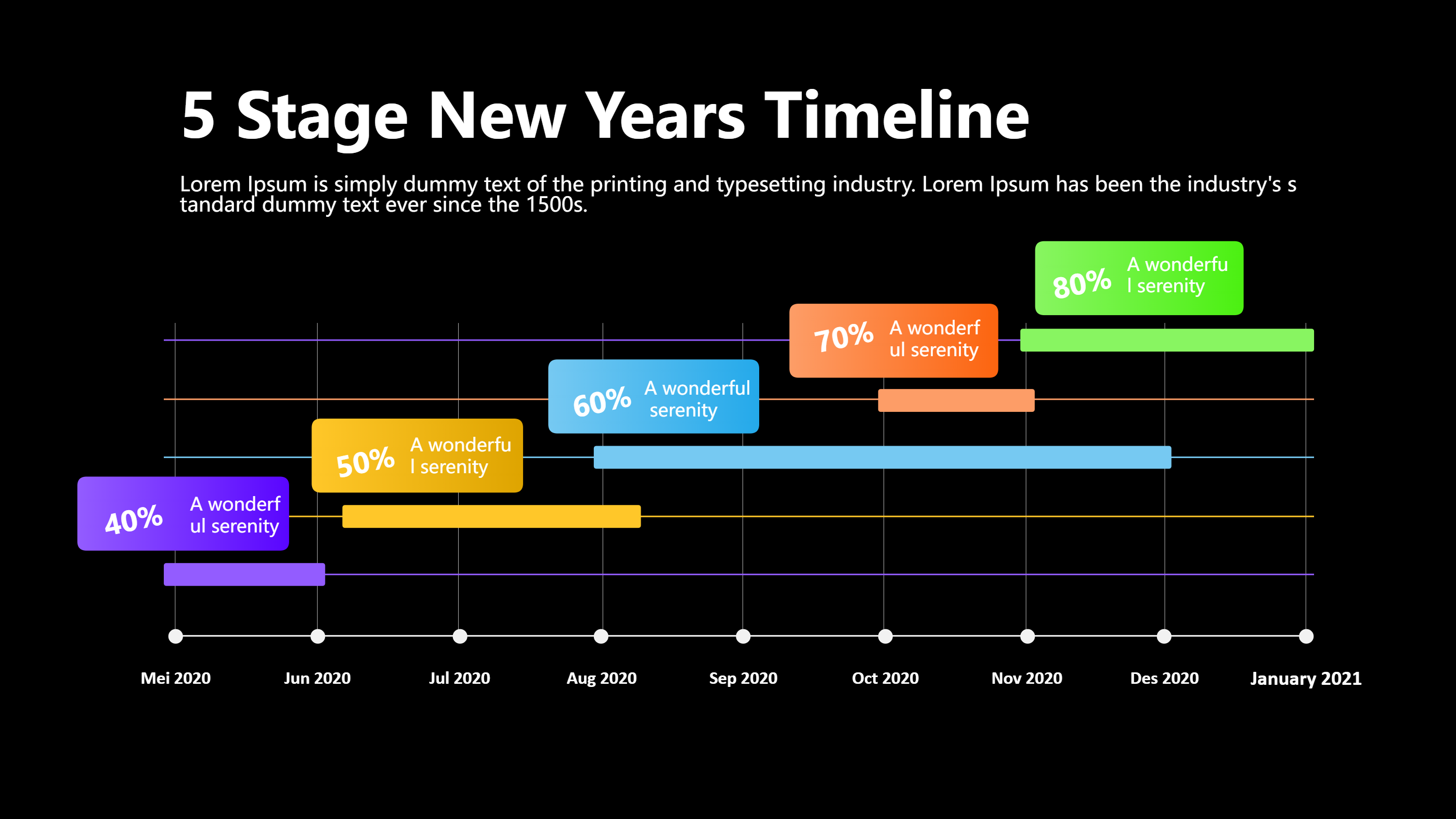
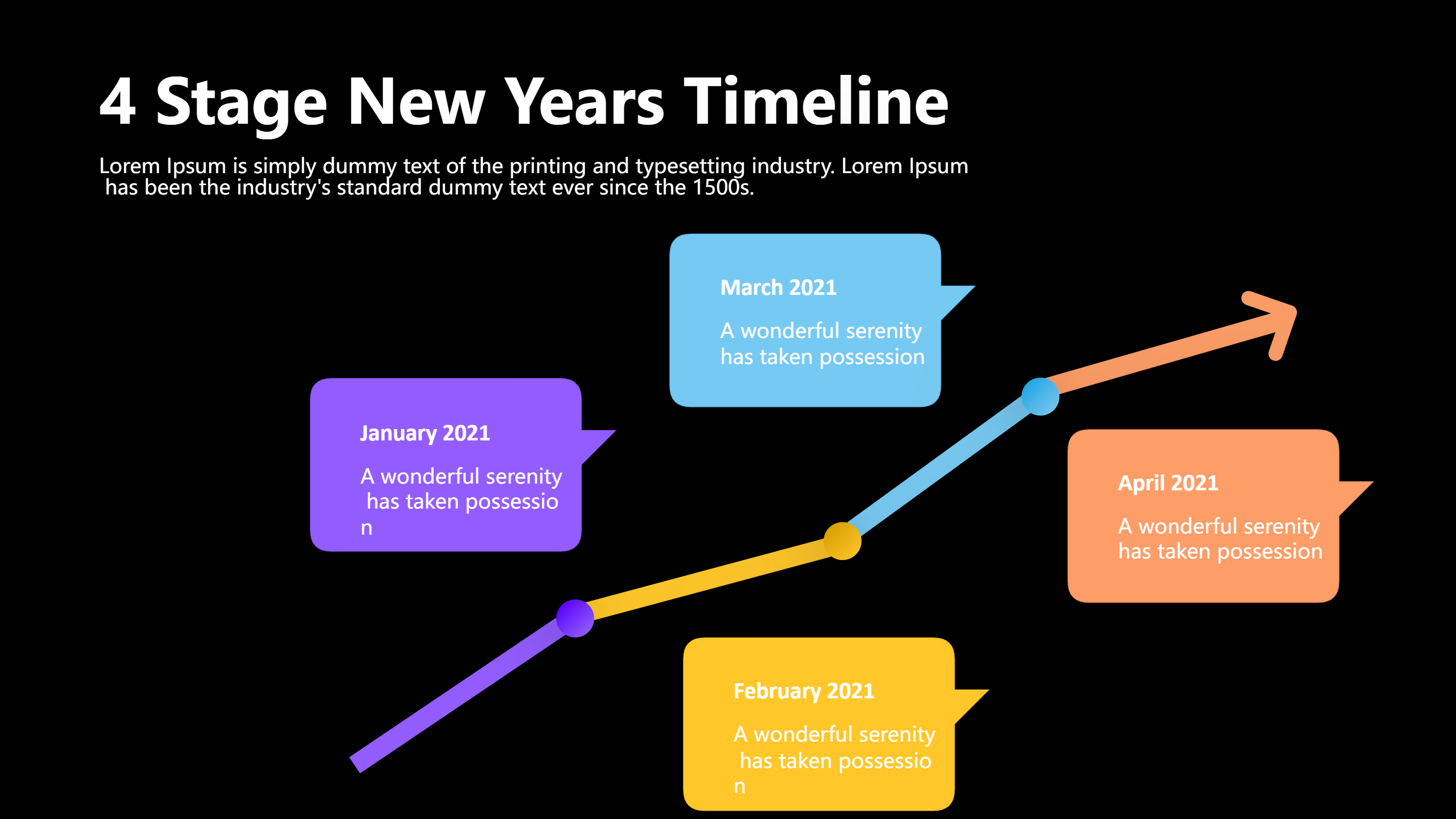
Timeline Infographic Template for PPT
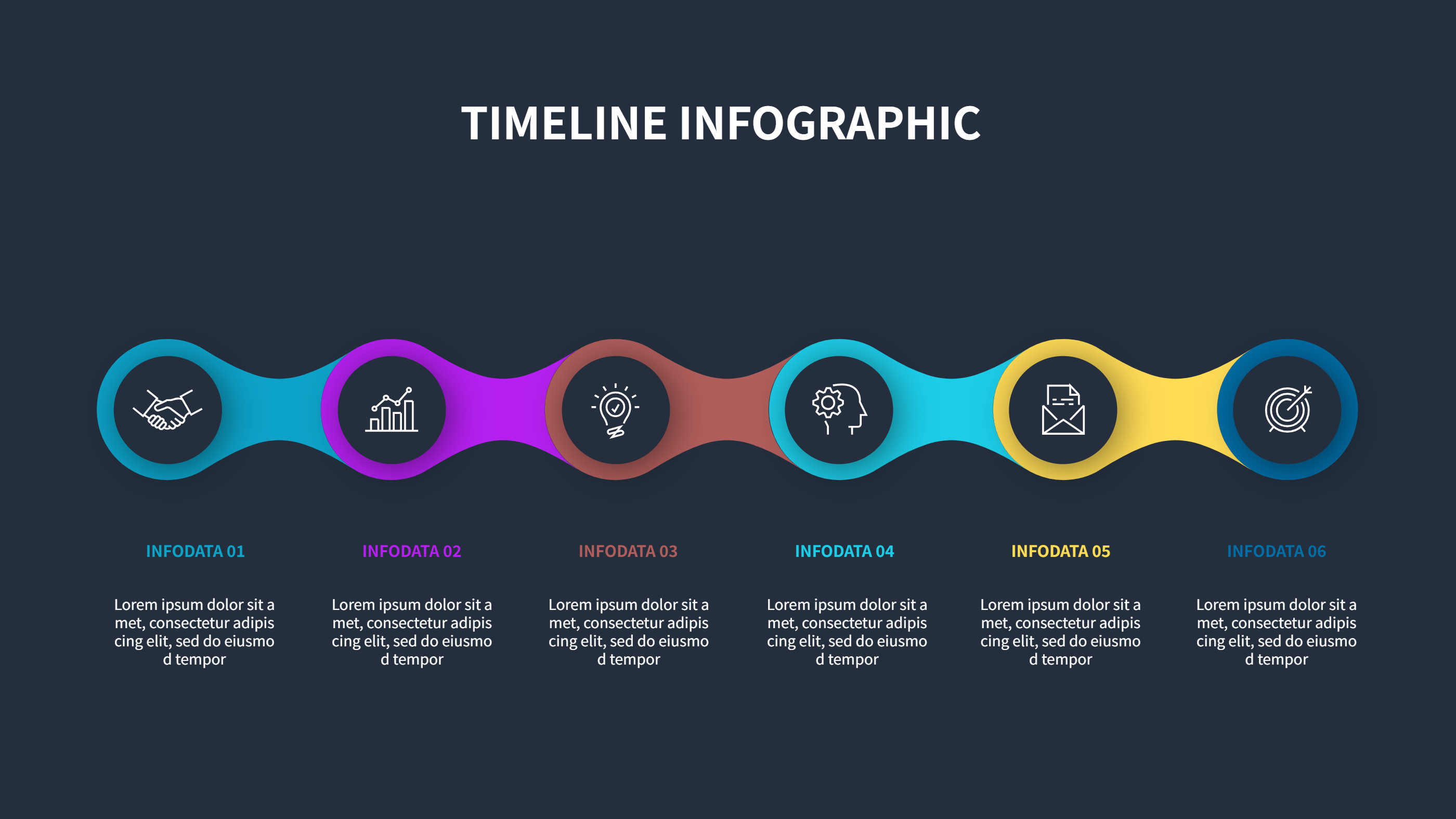
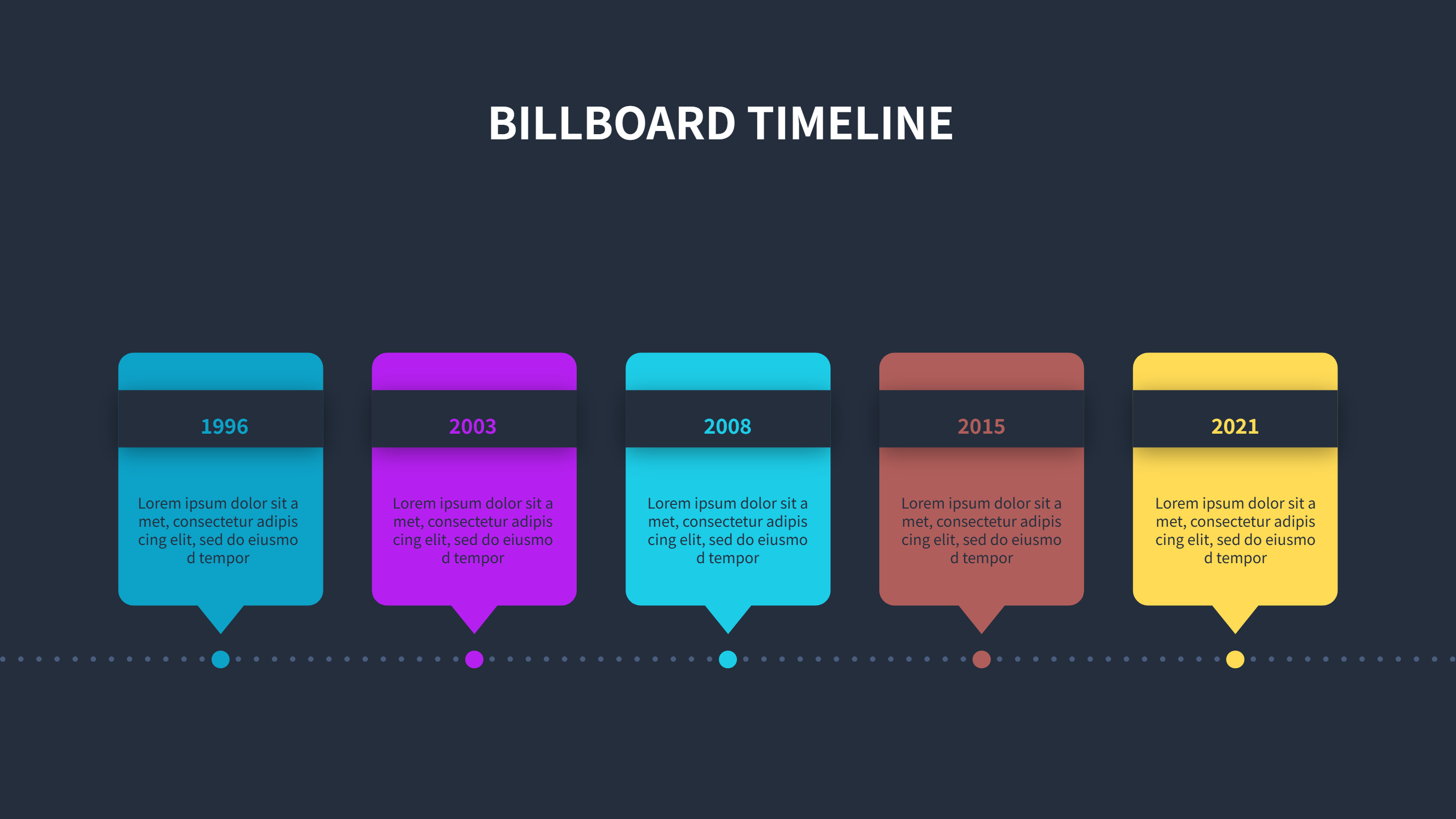
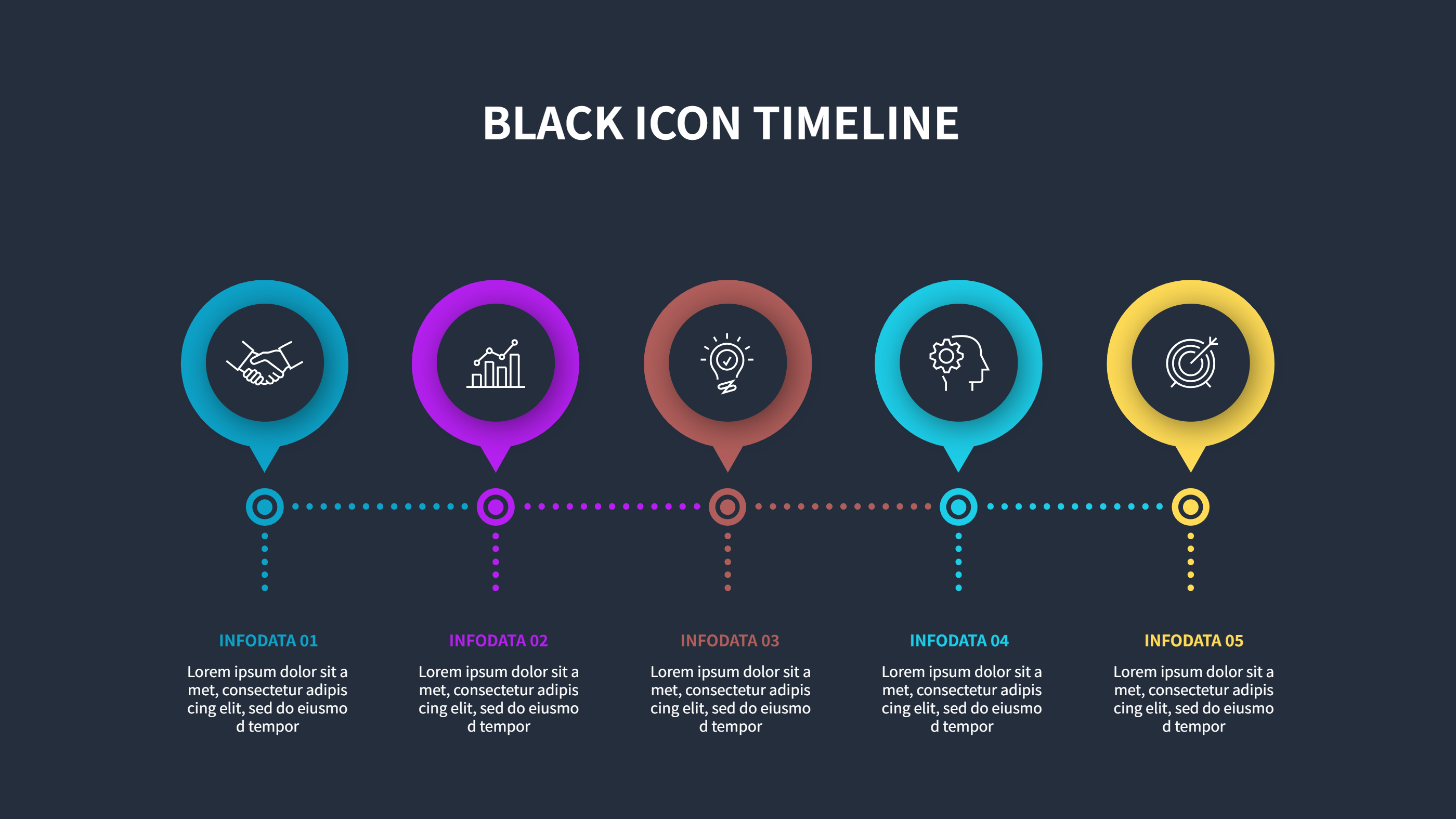
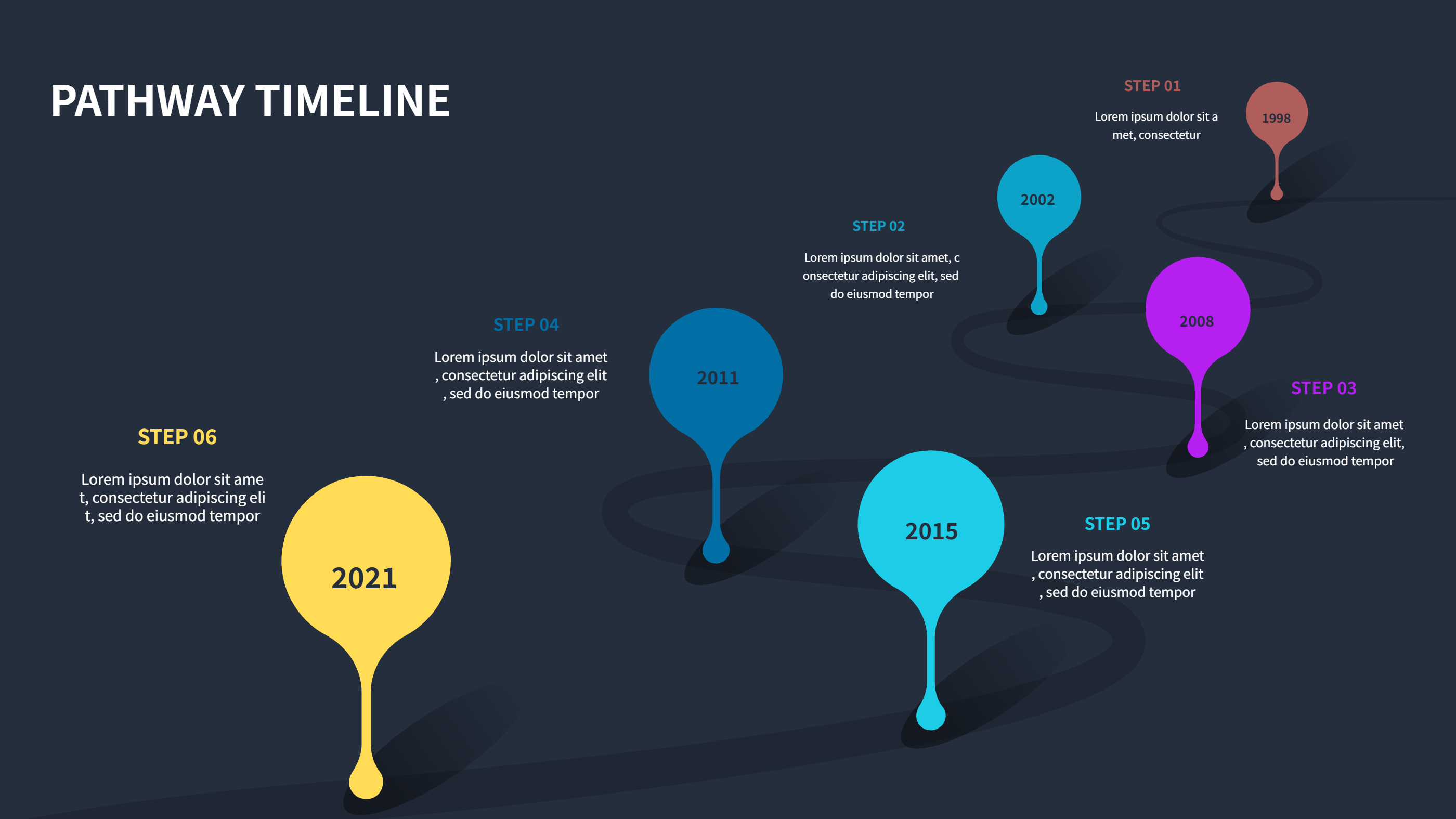
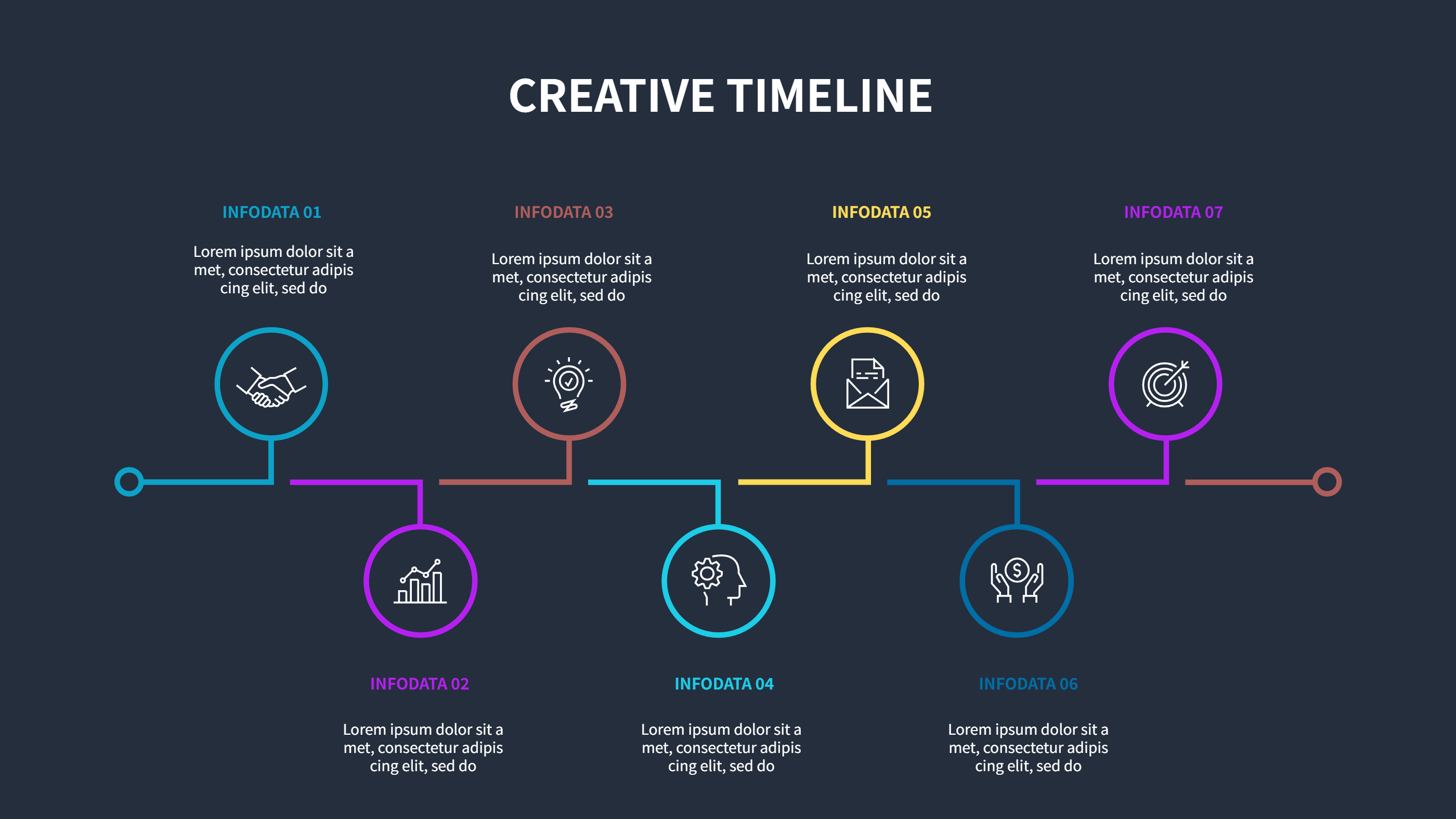
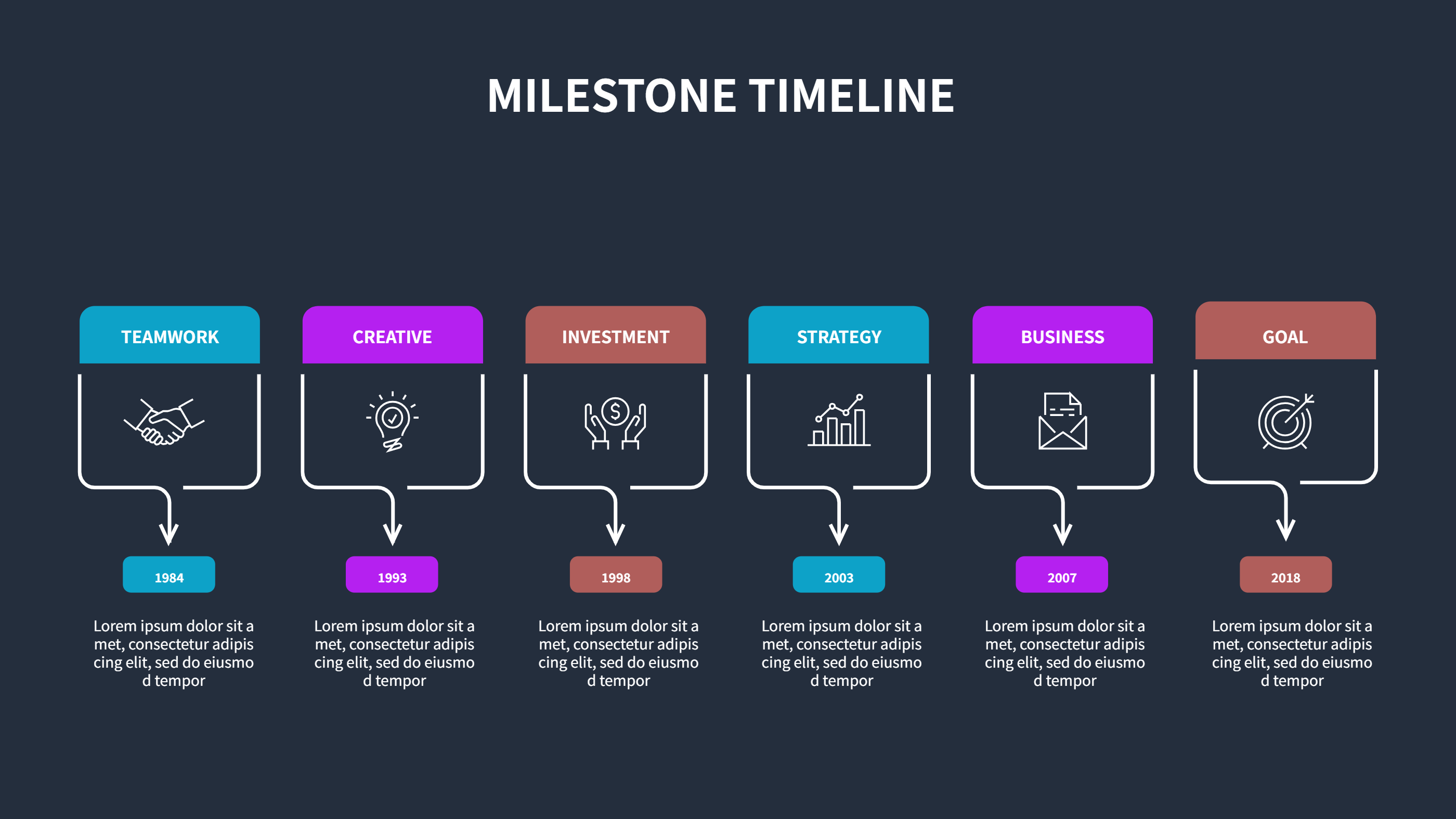
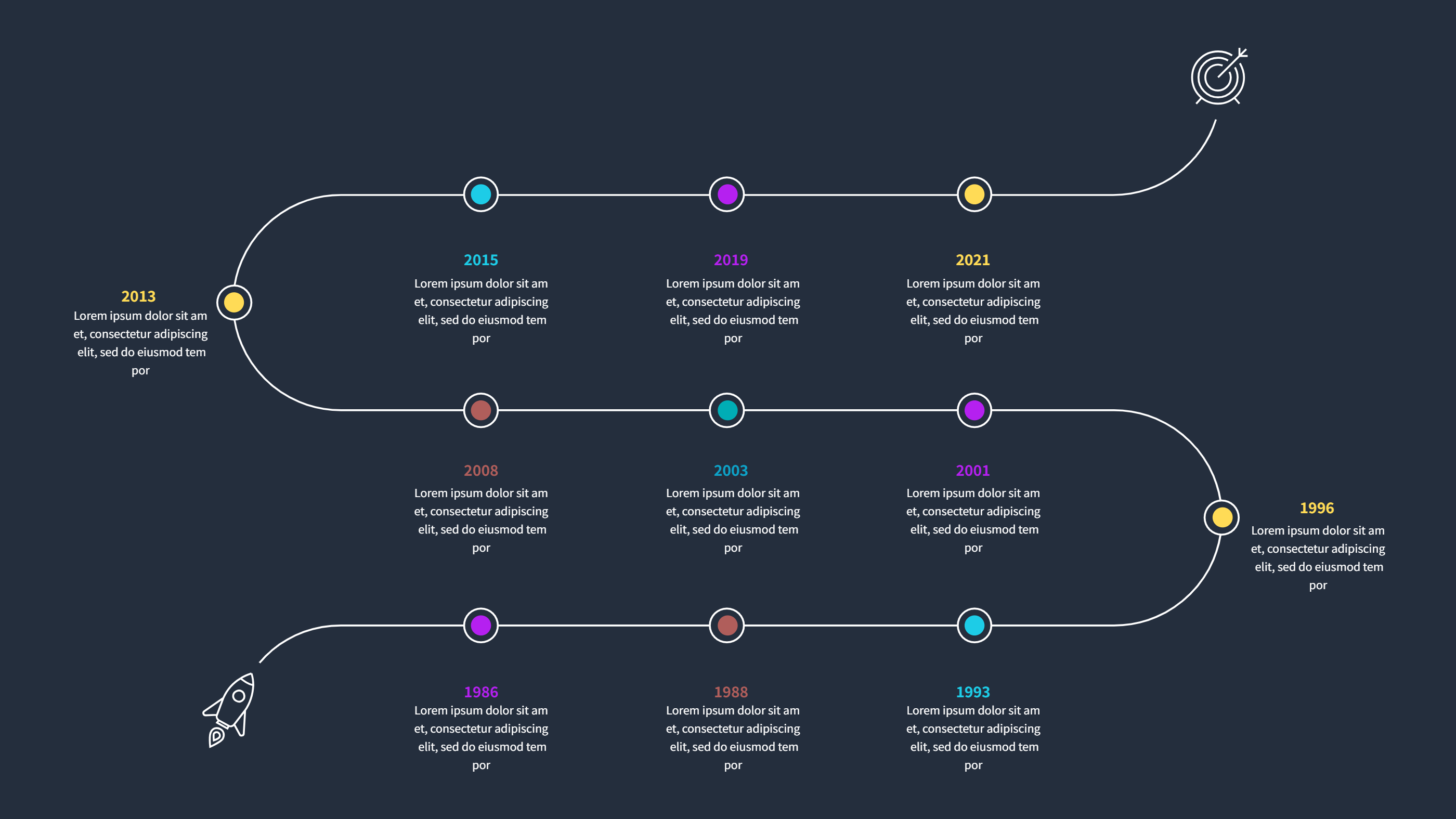
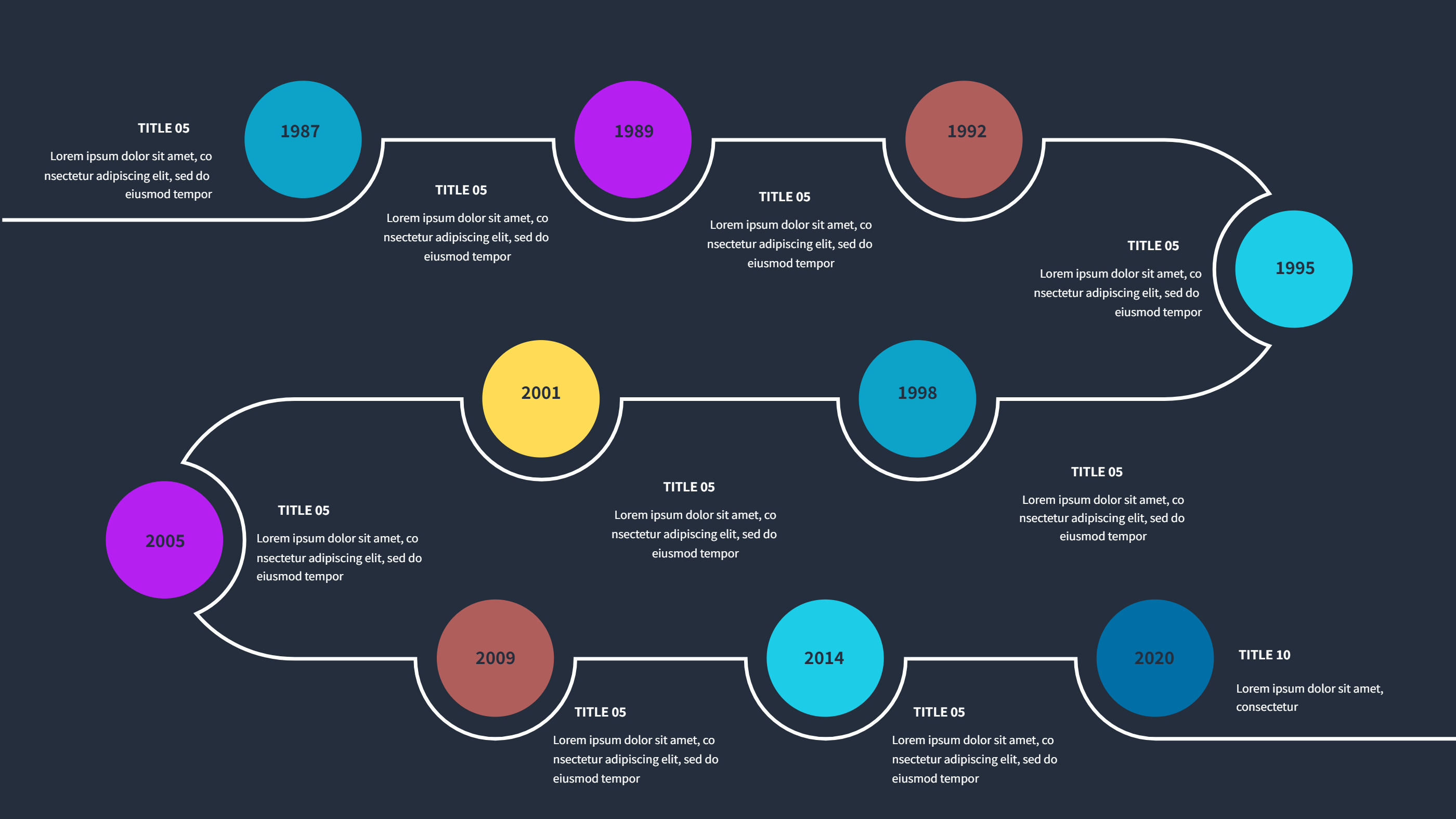
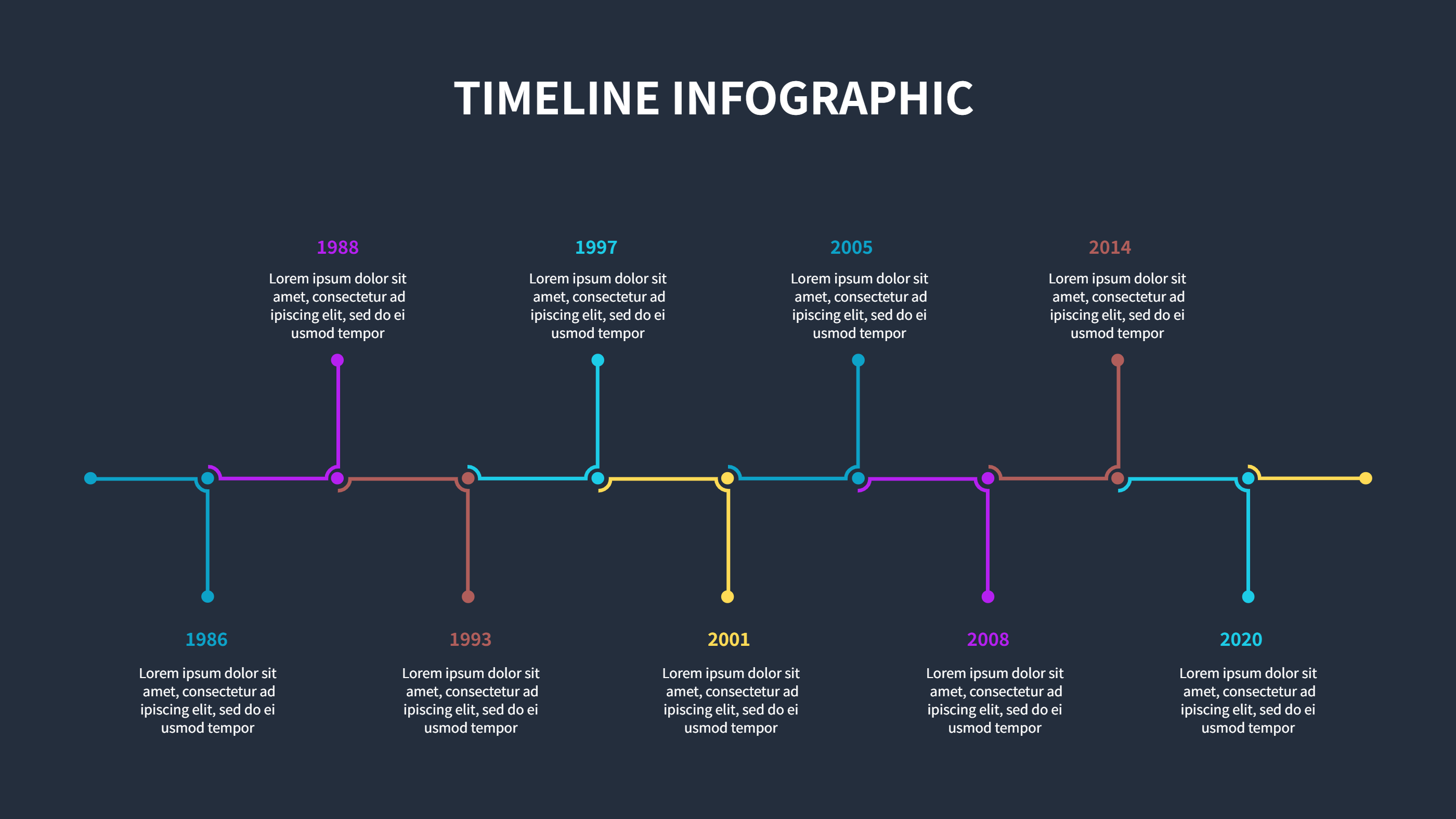
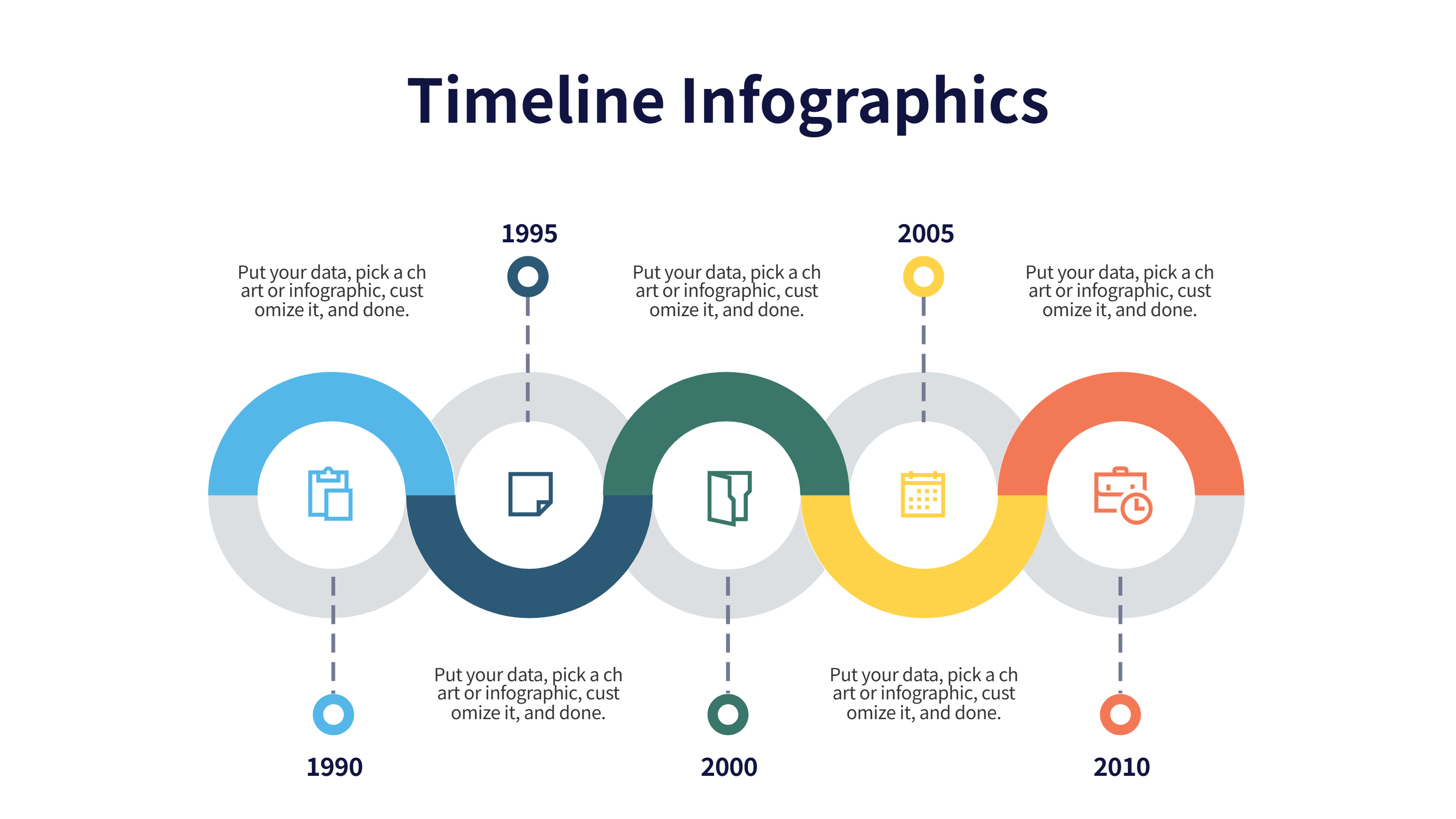
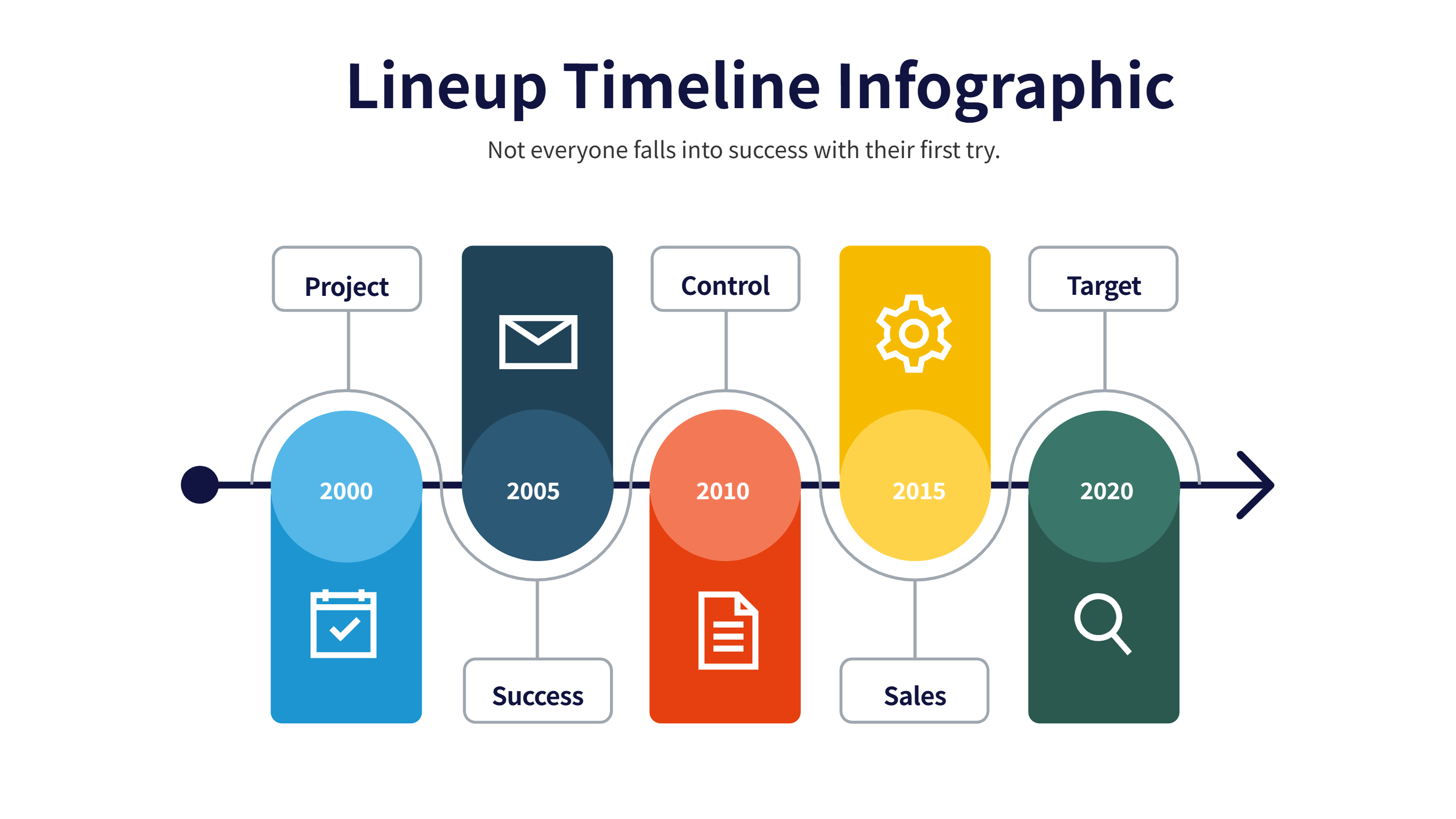
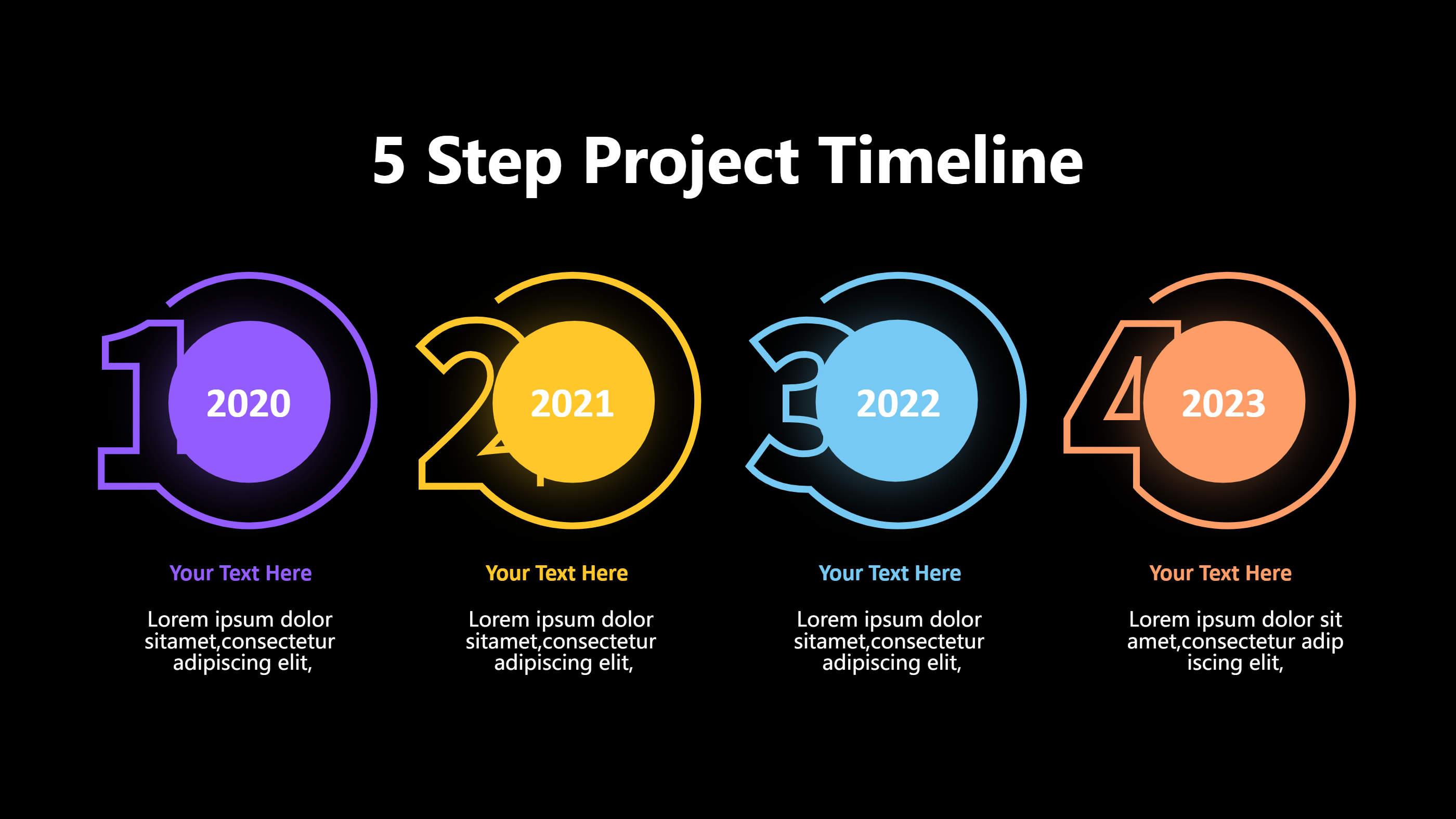
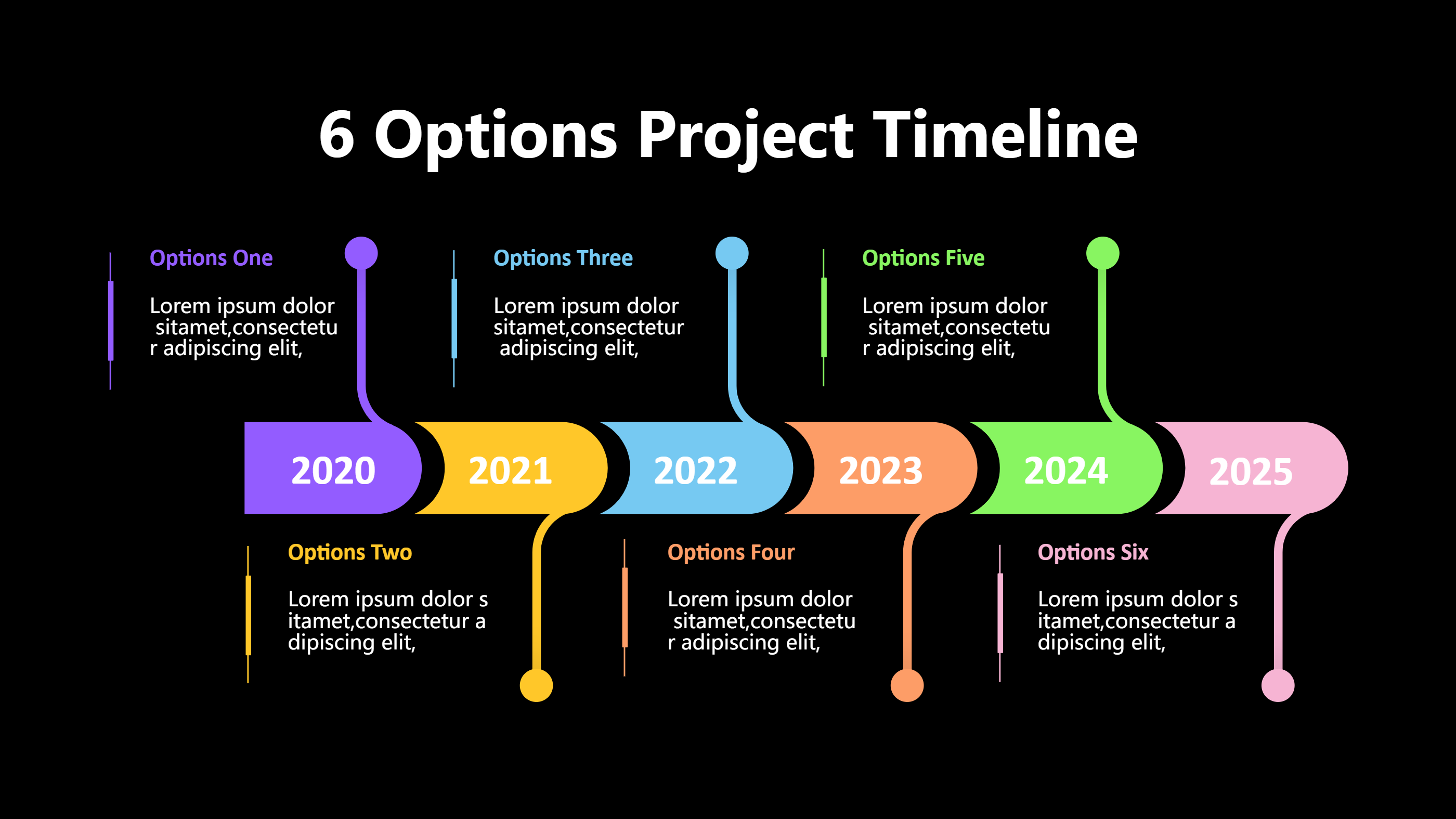
This connected circles timeline template is ready for PPT users who want a smooth visual for steps or dates. Circles link along a gentle line, giving space for short titles and notes at each stop. Use it to show a process, a product history, a rollout plan, or a study outline. The linked shapes keep the eye moving while leaving room for quick descriptions.
Keep text tight and avoid long sentences. Choose simple verbs like start, build, test, launch, grow, support. Color each circle to show phases, teams, or priority. The compact layout fits common slide sizes and exports cleanly for PDF or image use. Because it is light, you can duplicate it across slides without making the deck heavy. It also suits orientation decks for new hires who need a gentle overview.
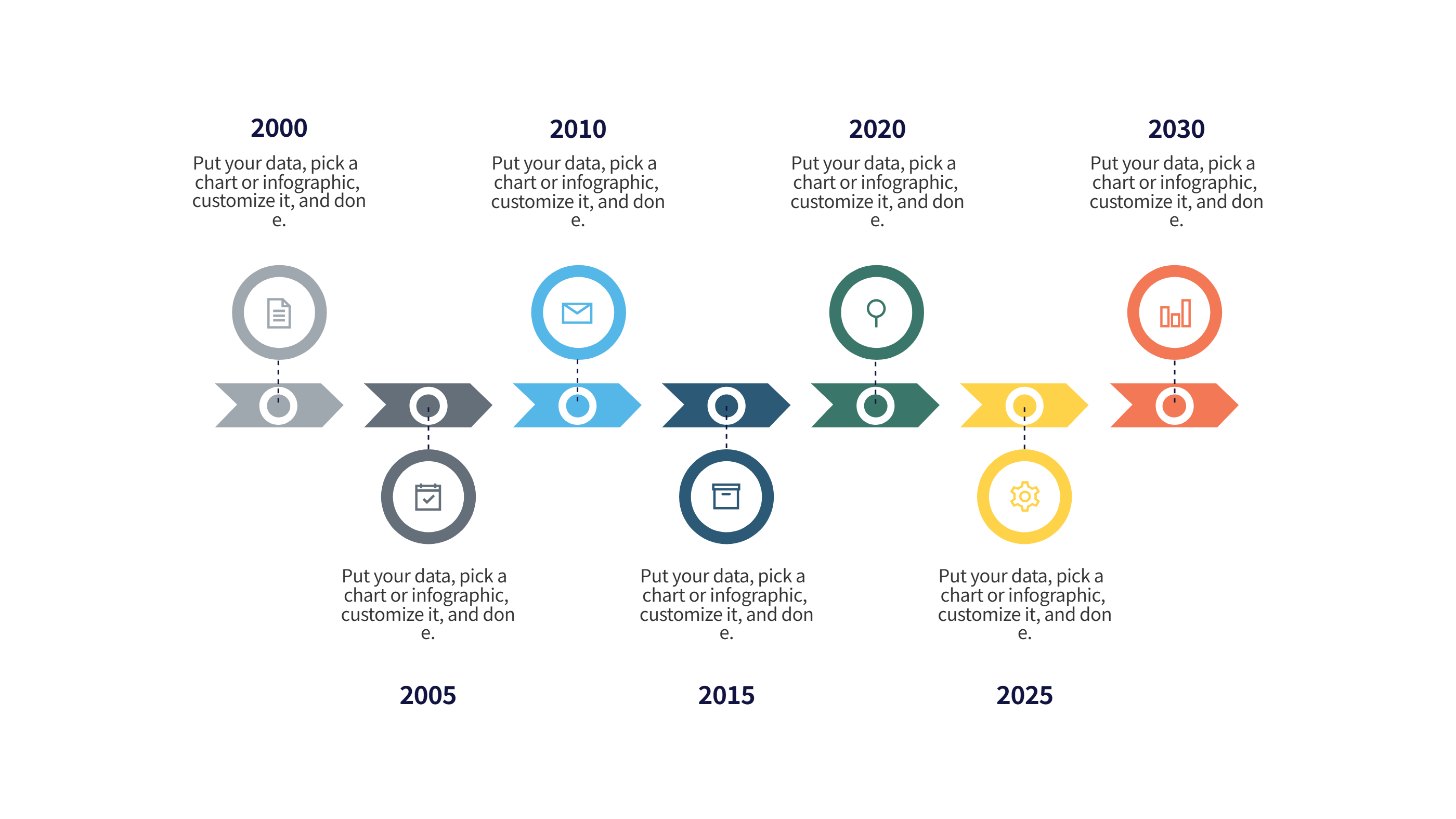
Add dates under the circles, small icons above, or brief owner names beside the line. The design stays clear even when printed because spacing protects legibility. It also works for training modules or class timelines when you need a calm style. You can reuse the same line for monthly plans, research steps, or content calendars without redesign.
Open the AI creation tool on the homepage, choose this template, and enter a prompt to generate the infographic. This PPT-friendly timeline keeps steps connected, looks modern, and helps you share a sequence without heavy design work.