Infographics Final Cut Pro Download Steps Timeline
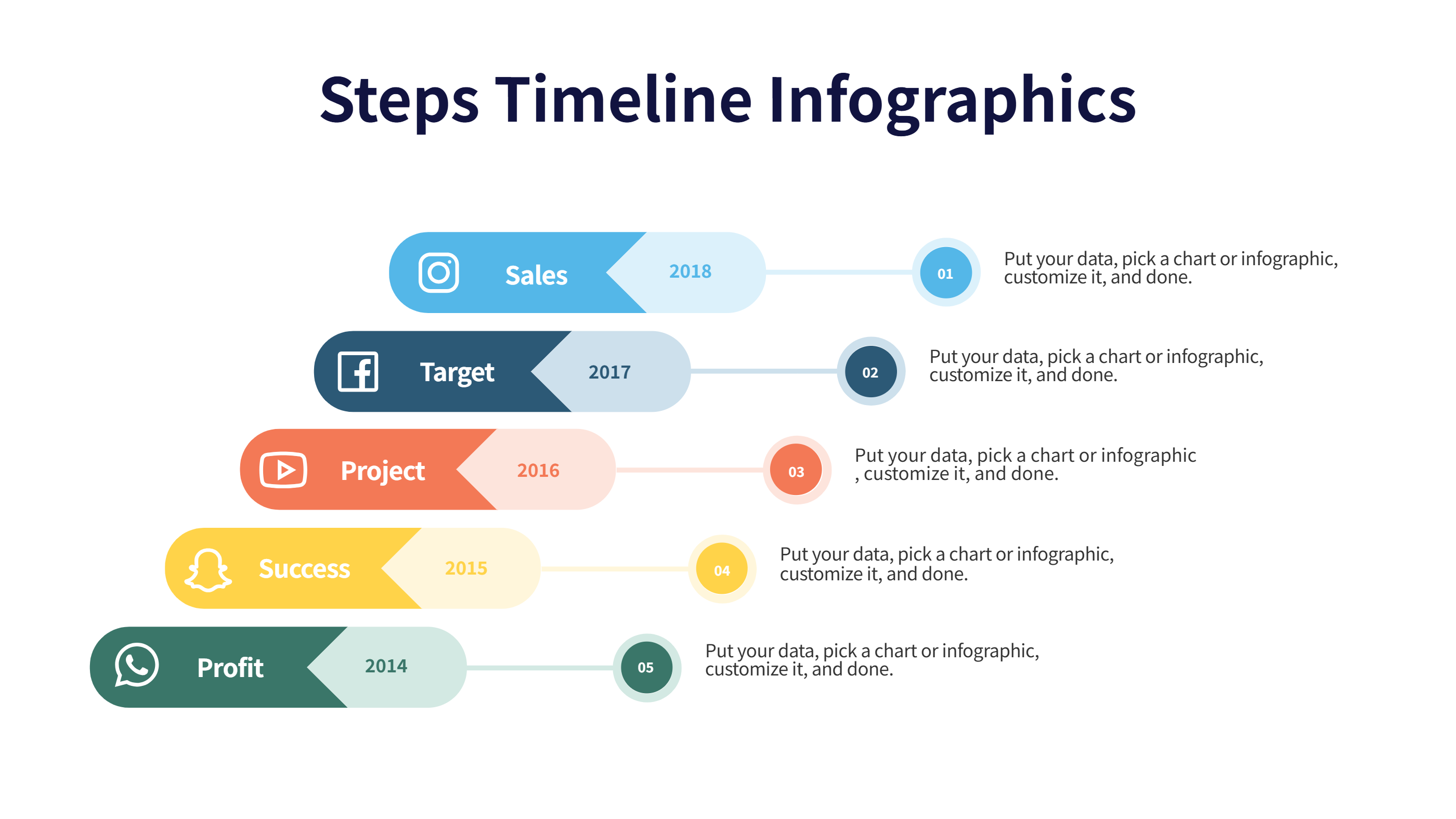
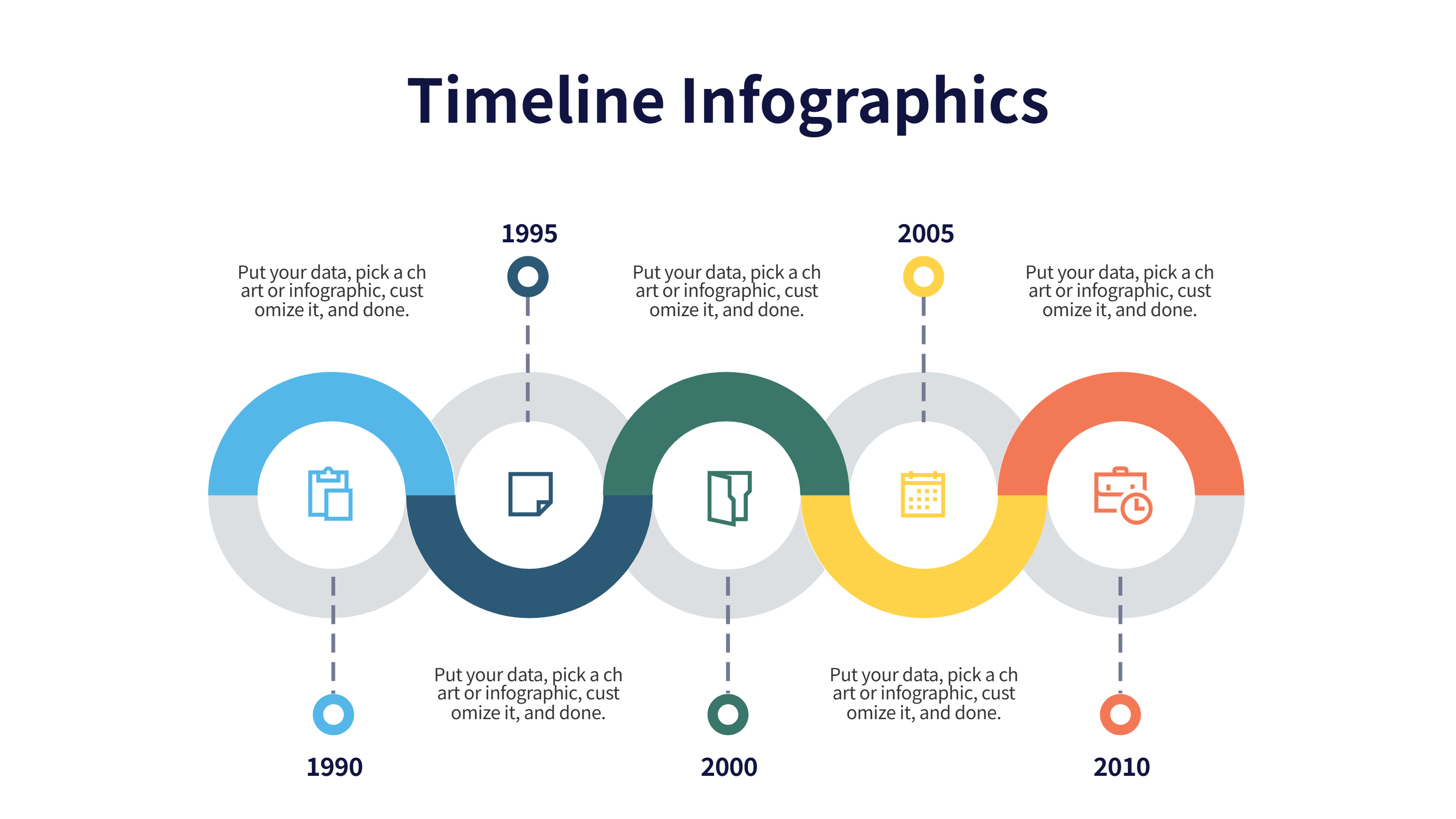
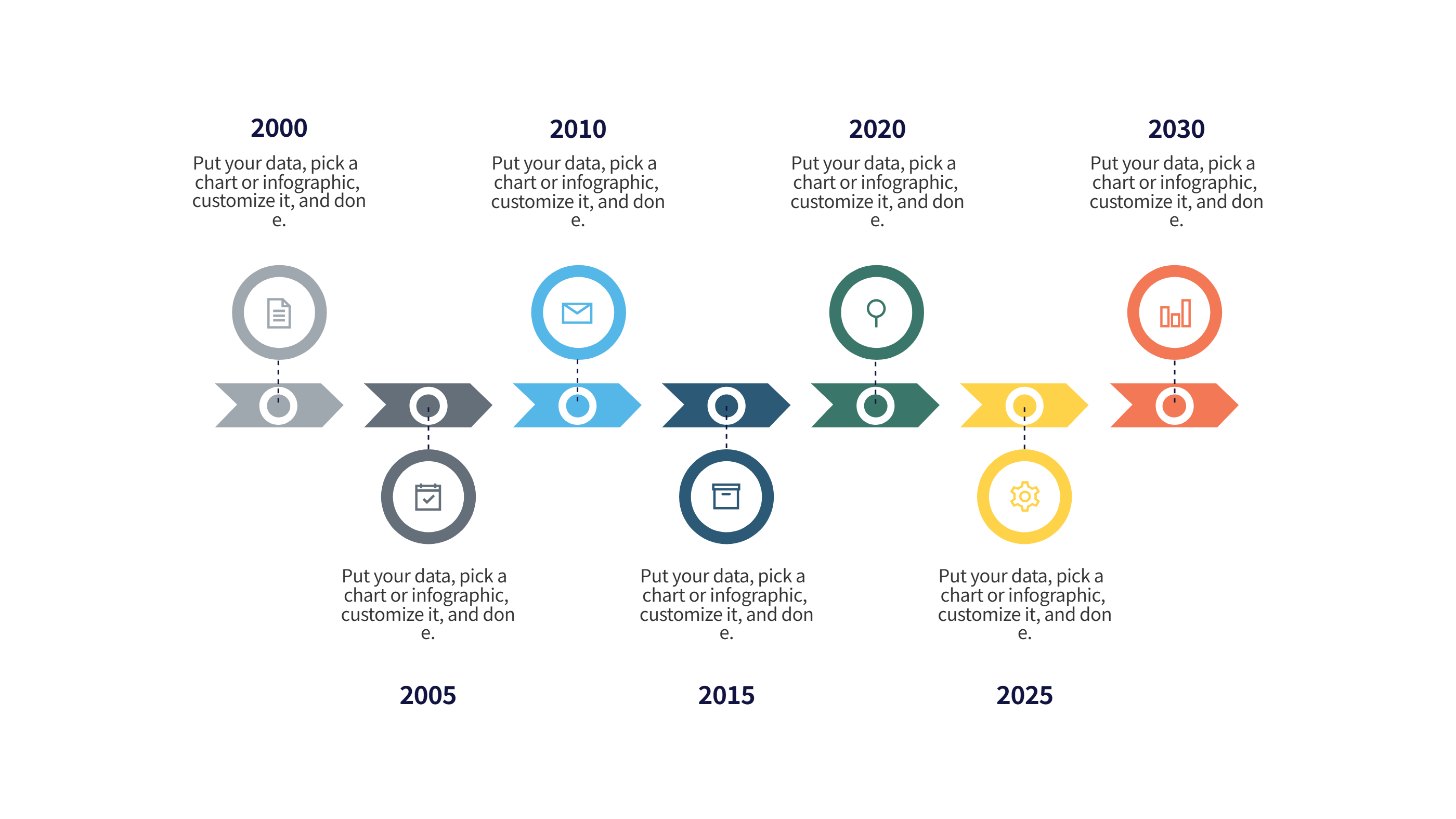
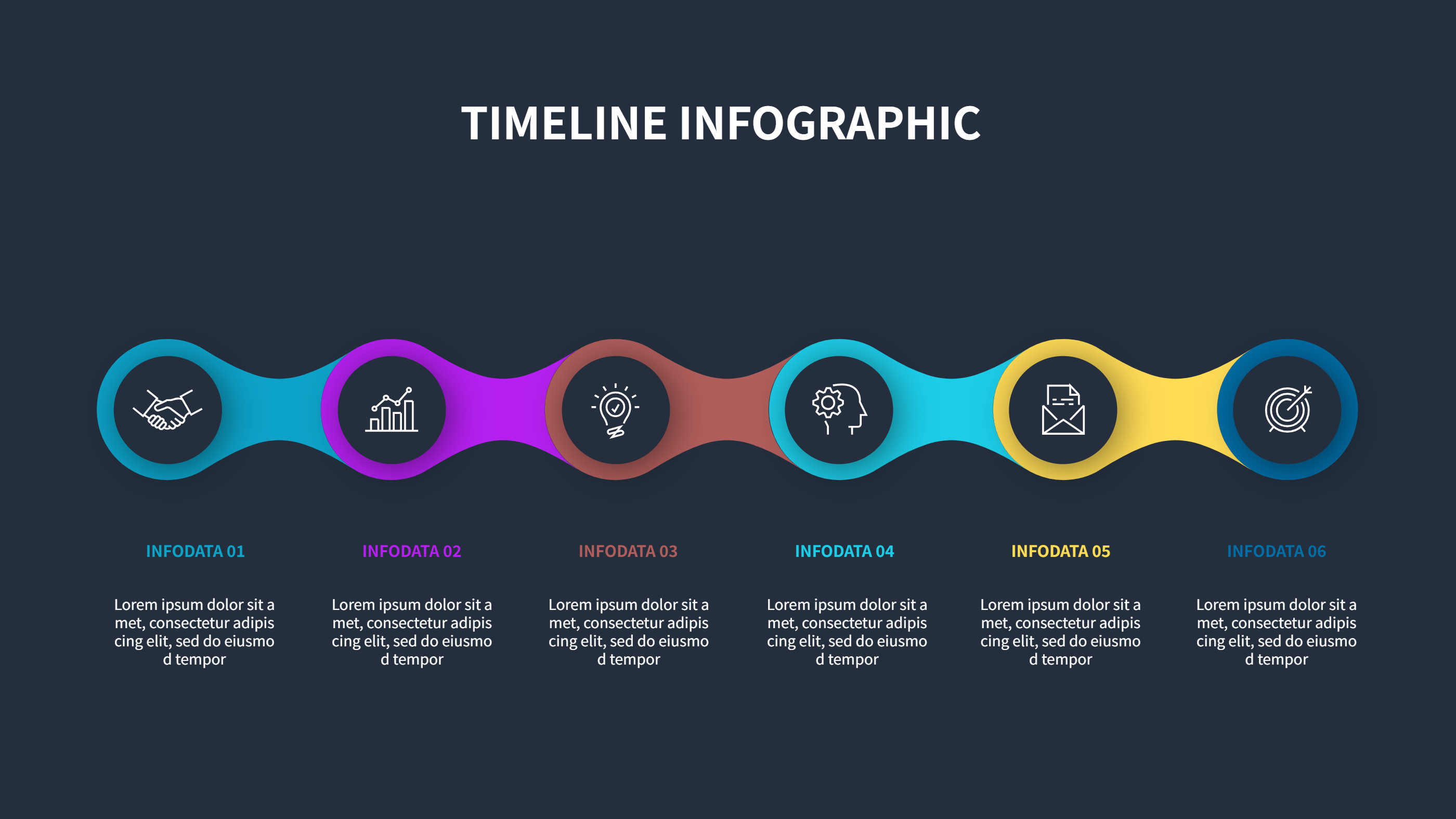
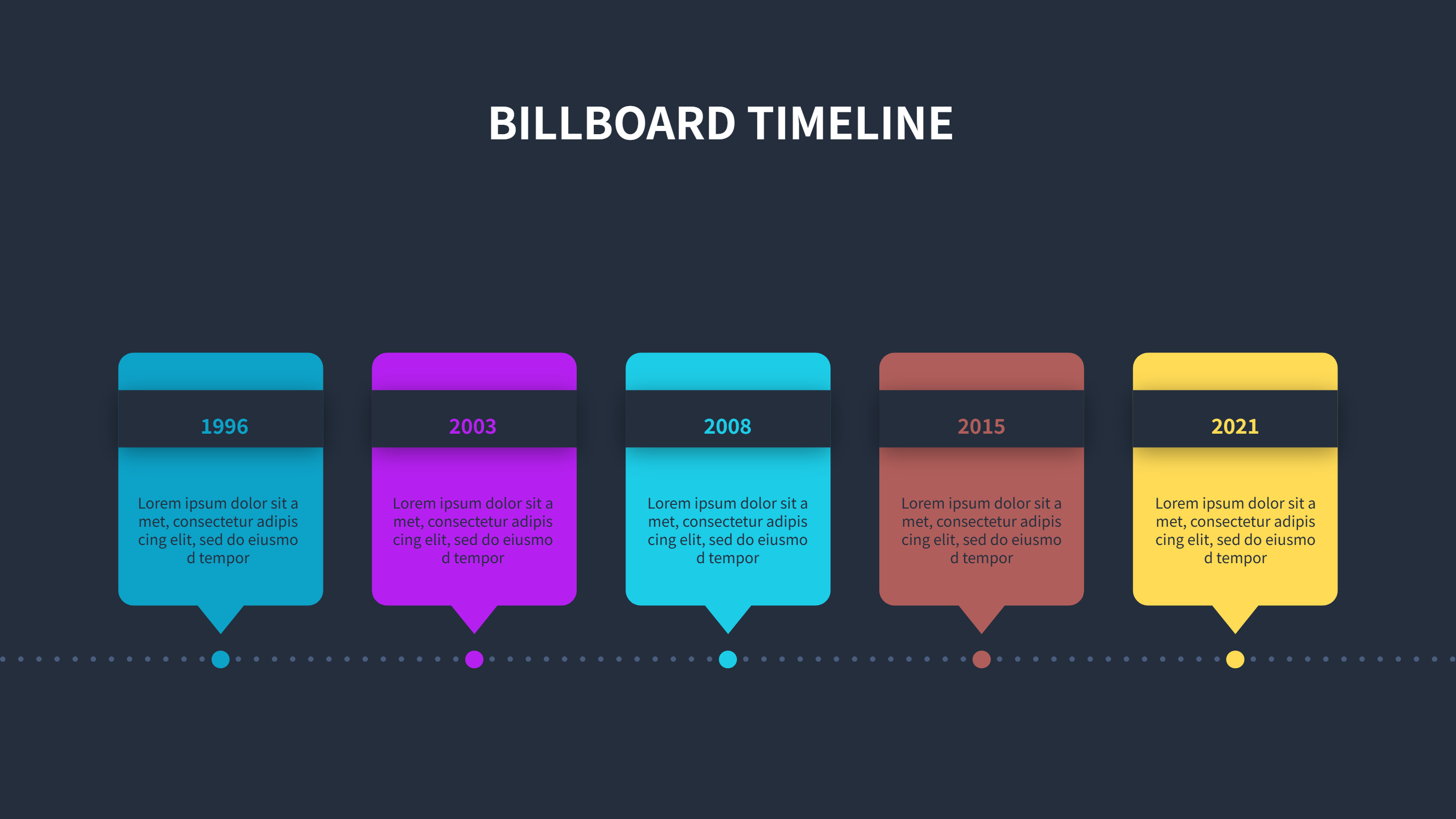
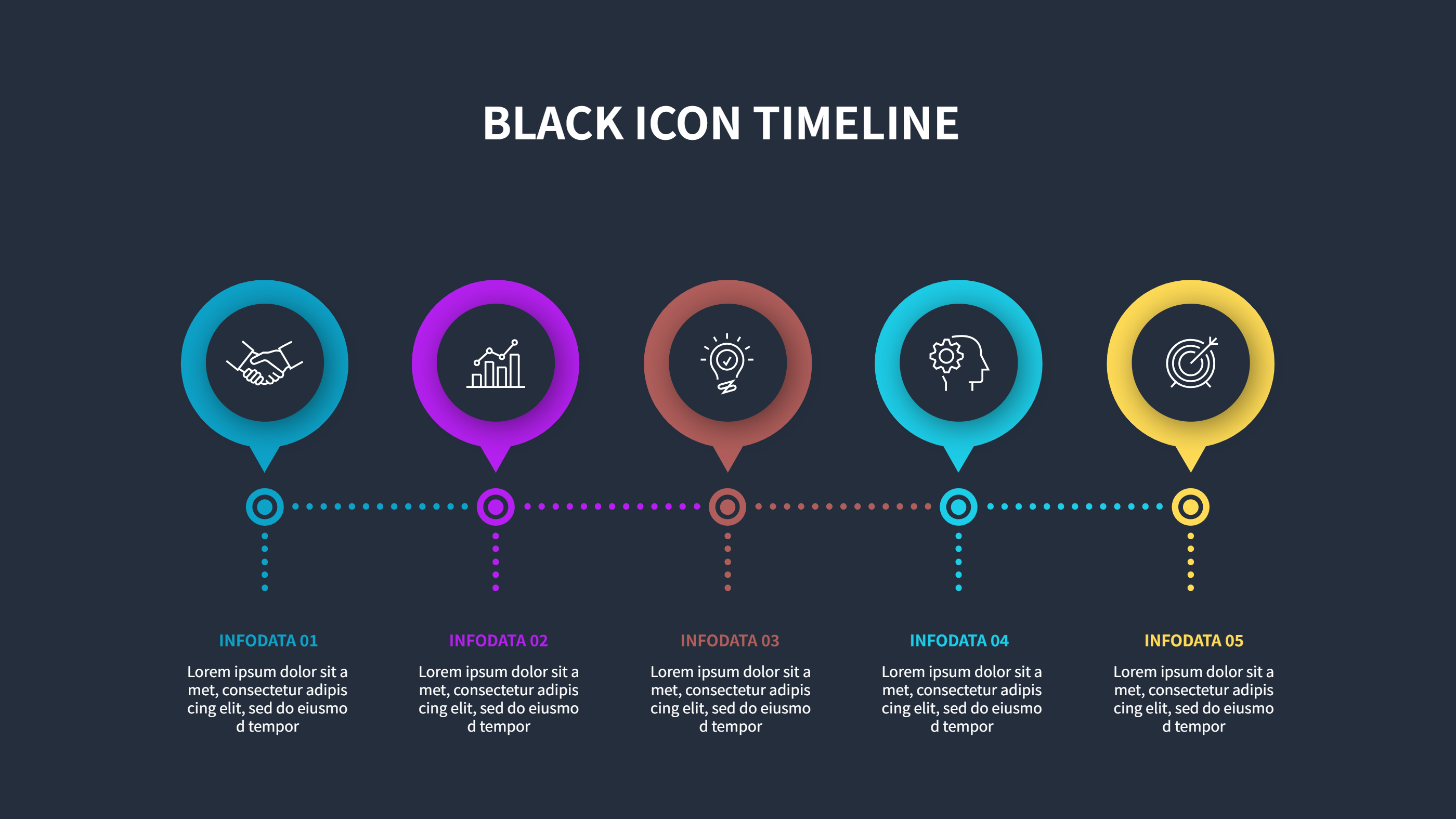
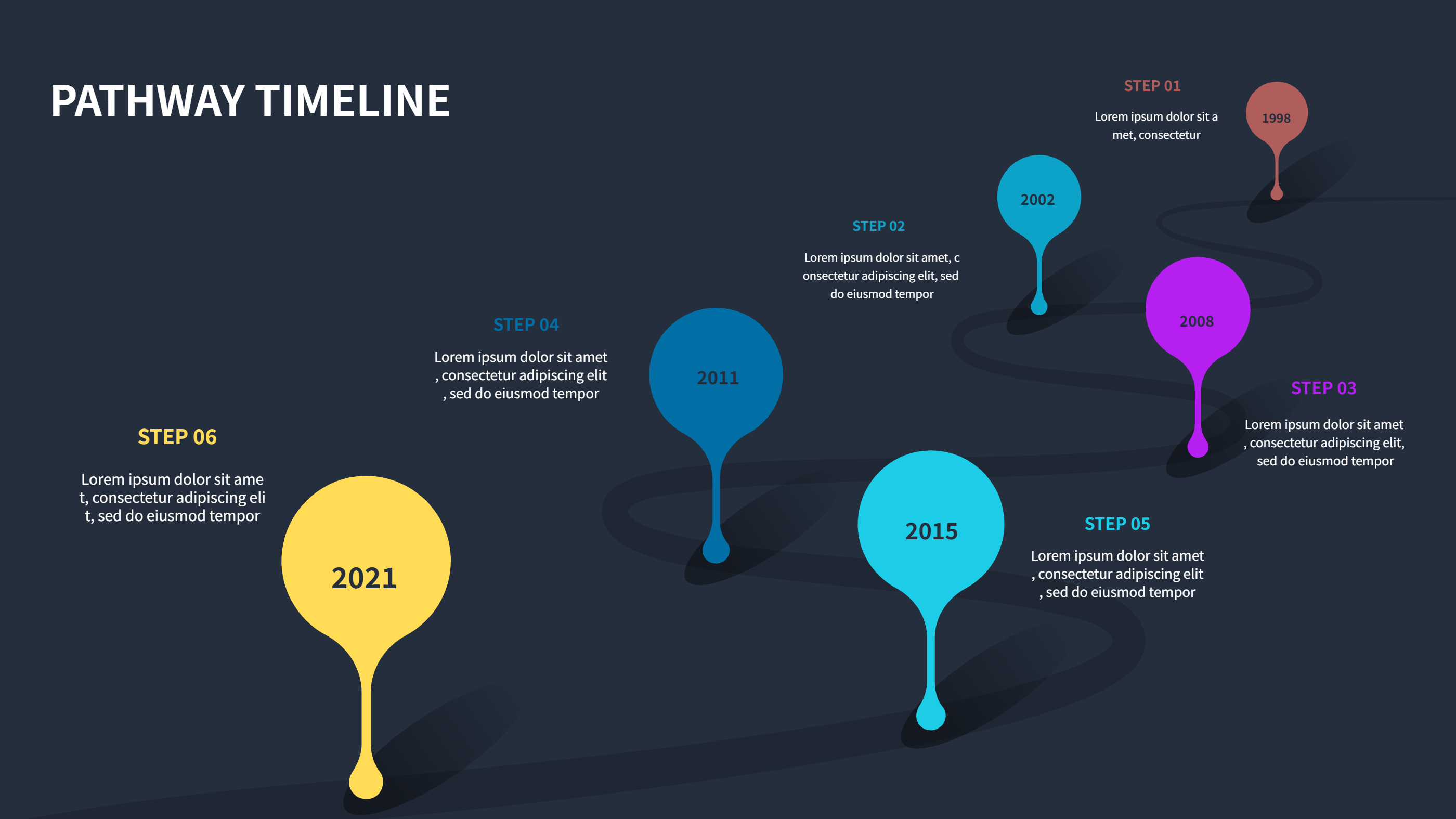
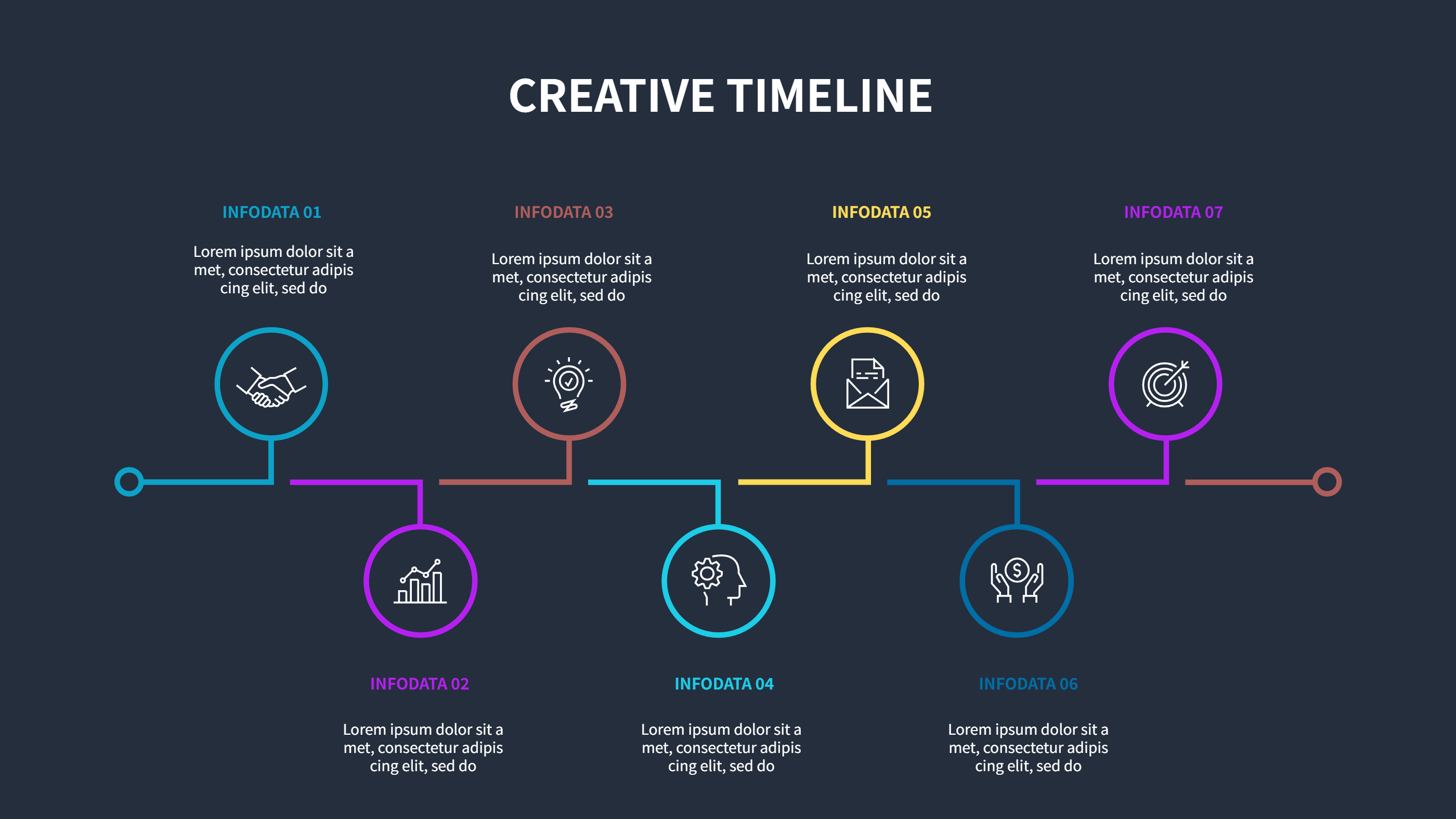
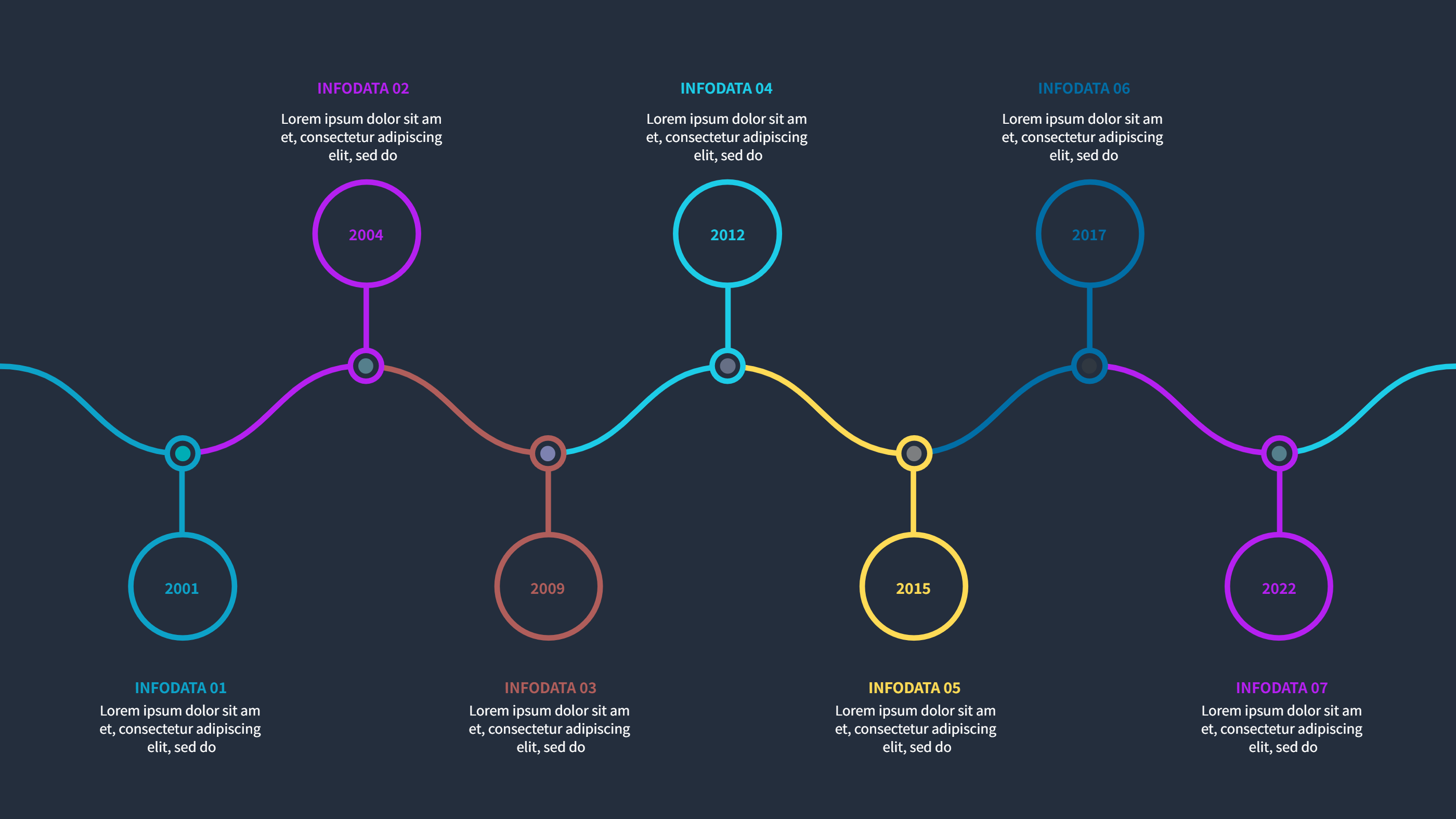
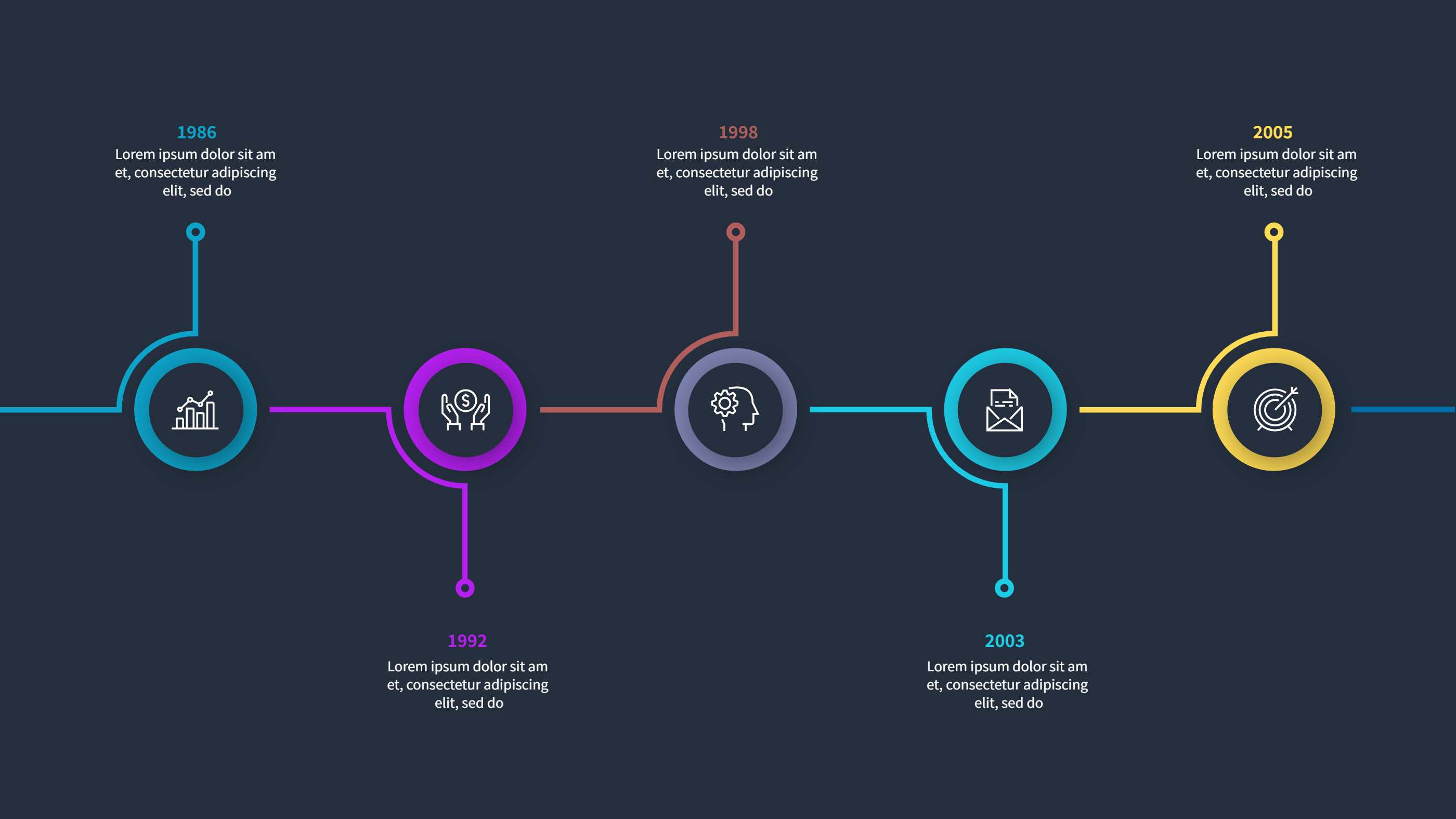
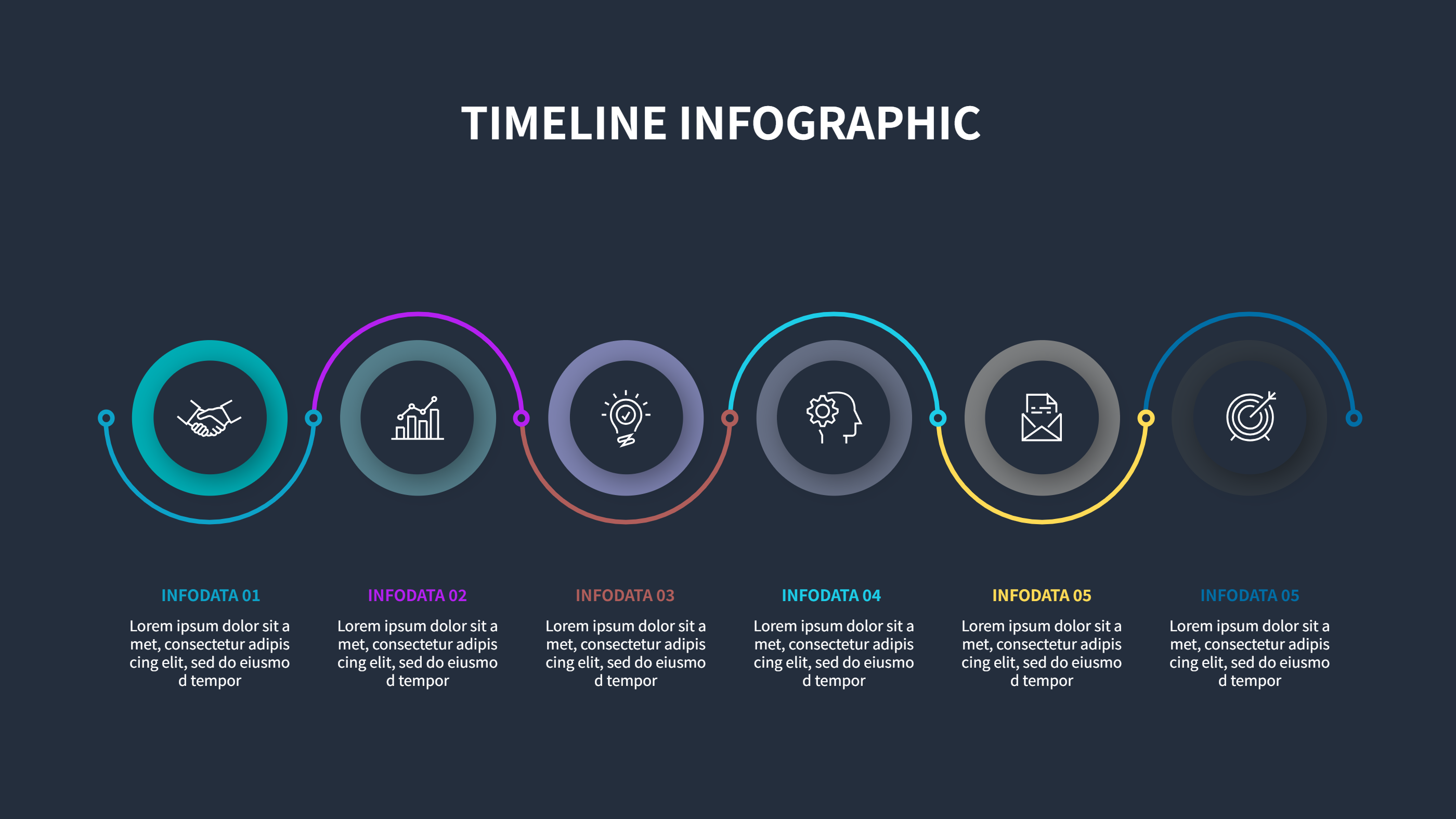
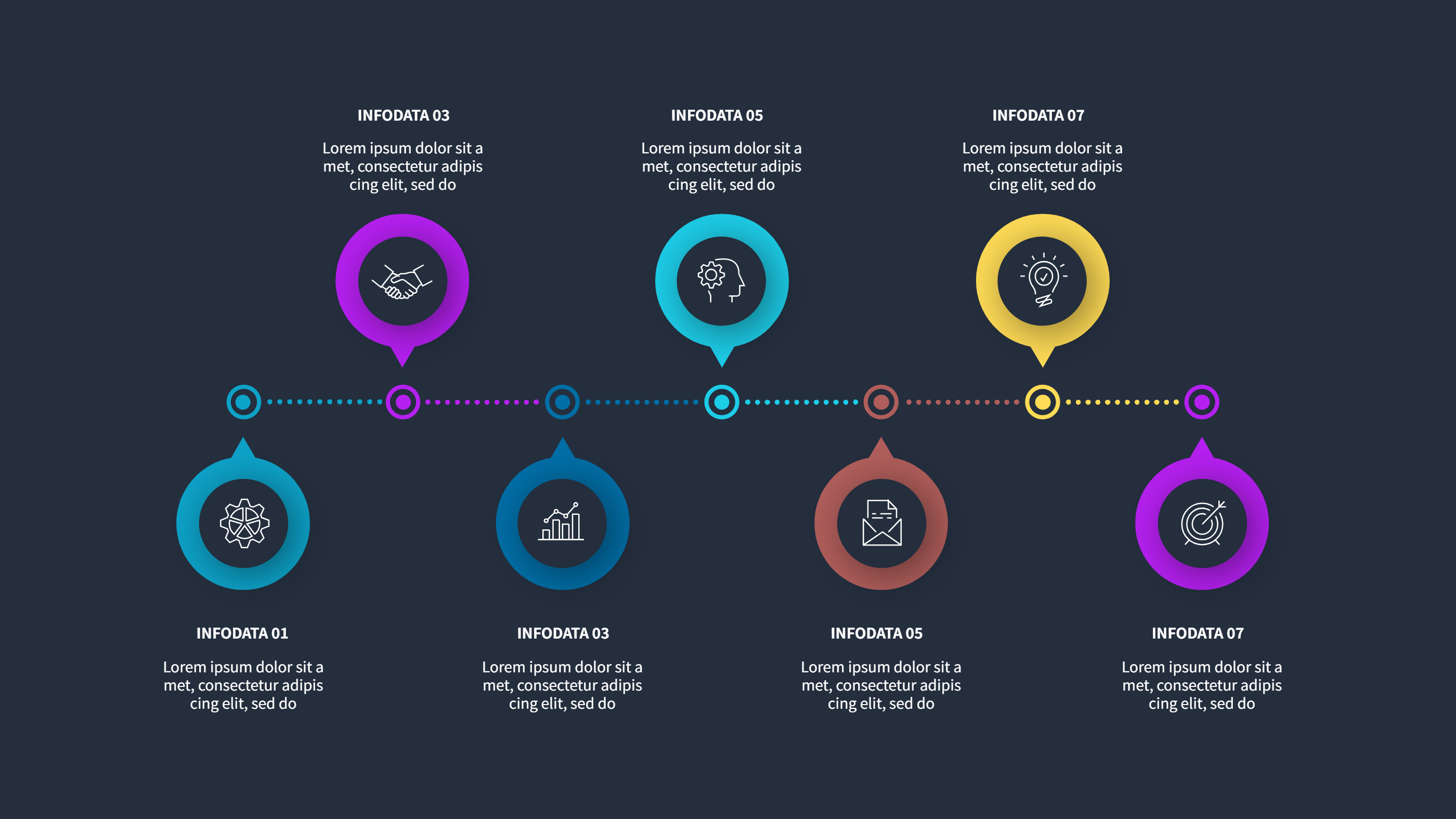
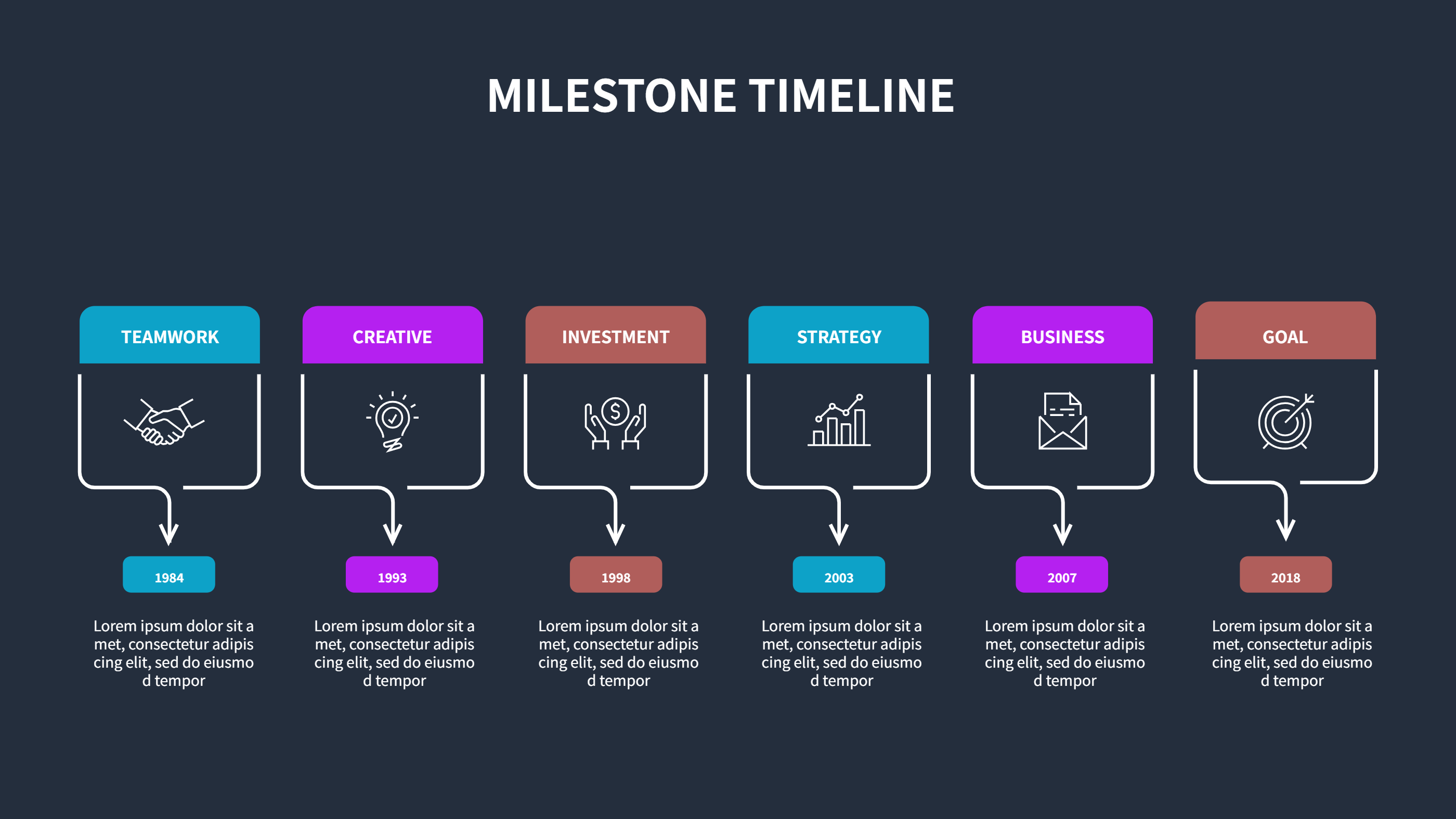
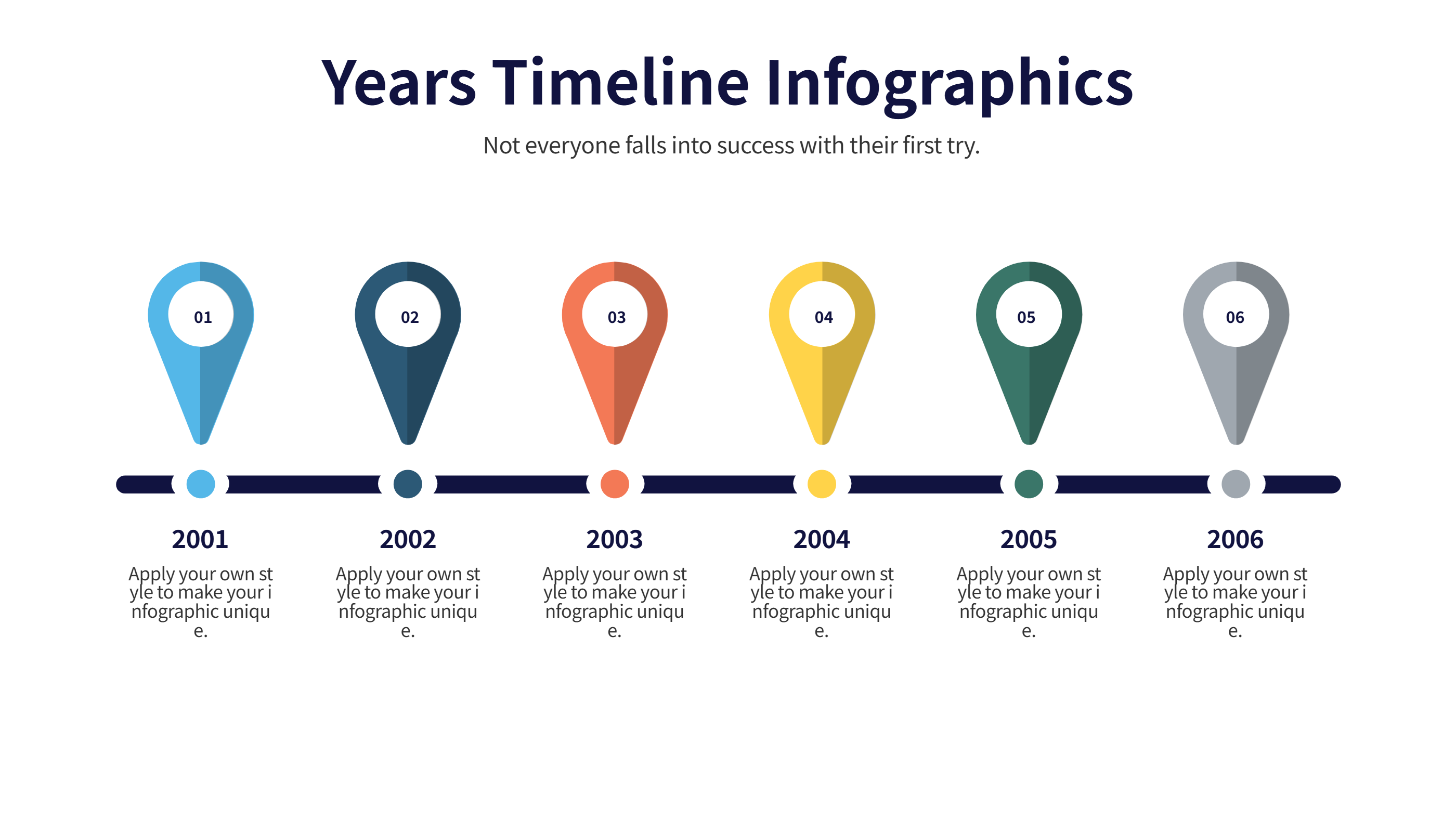
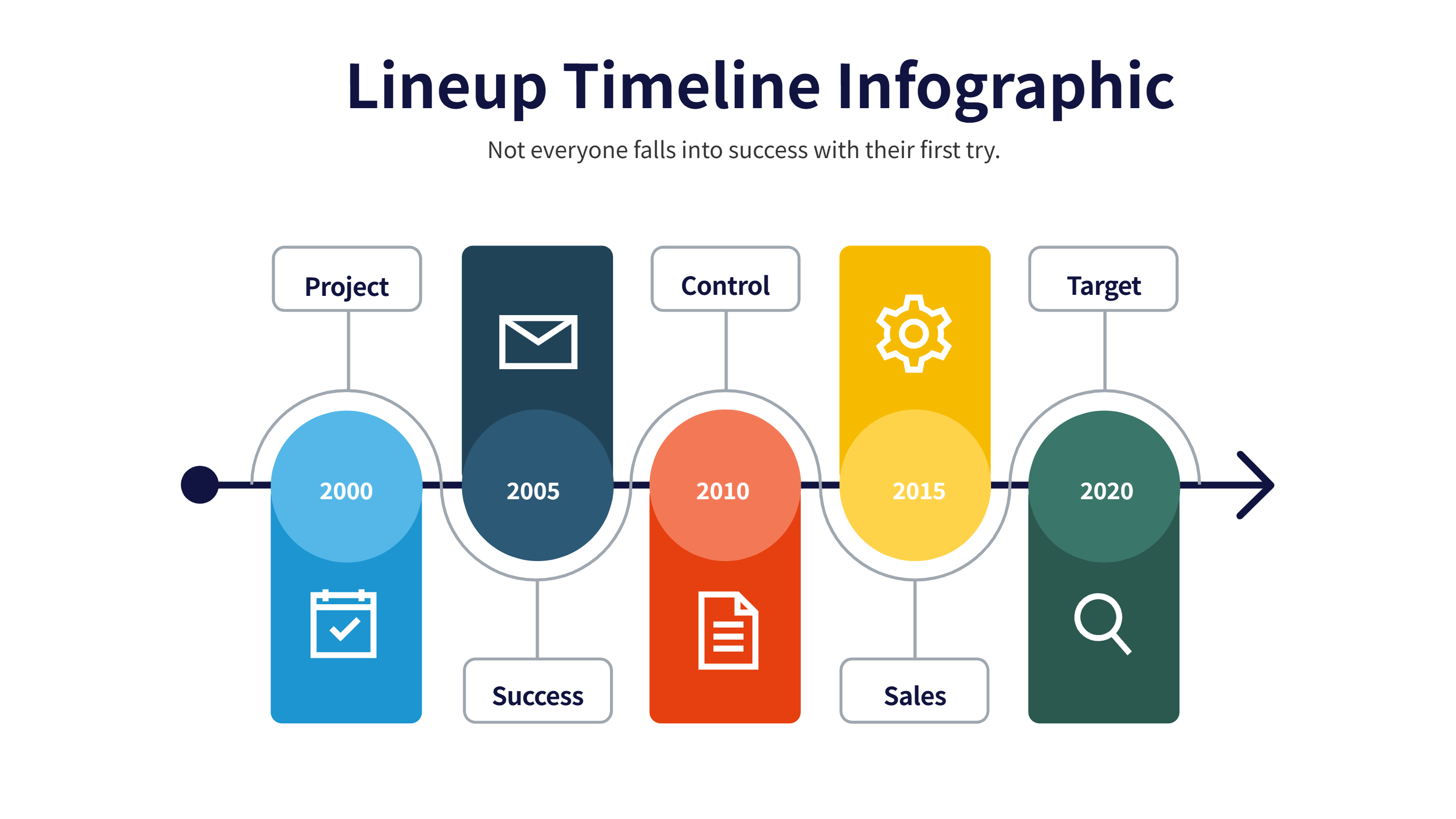
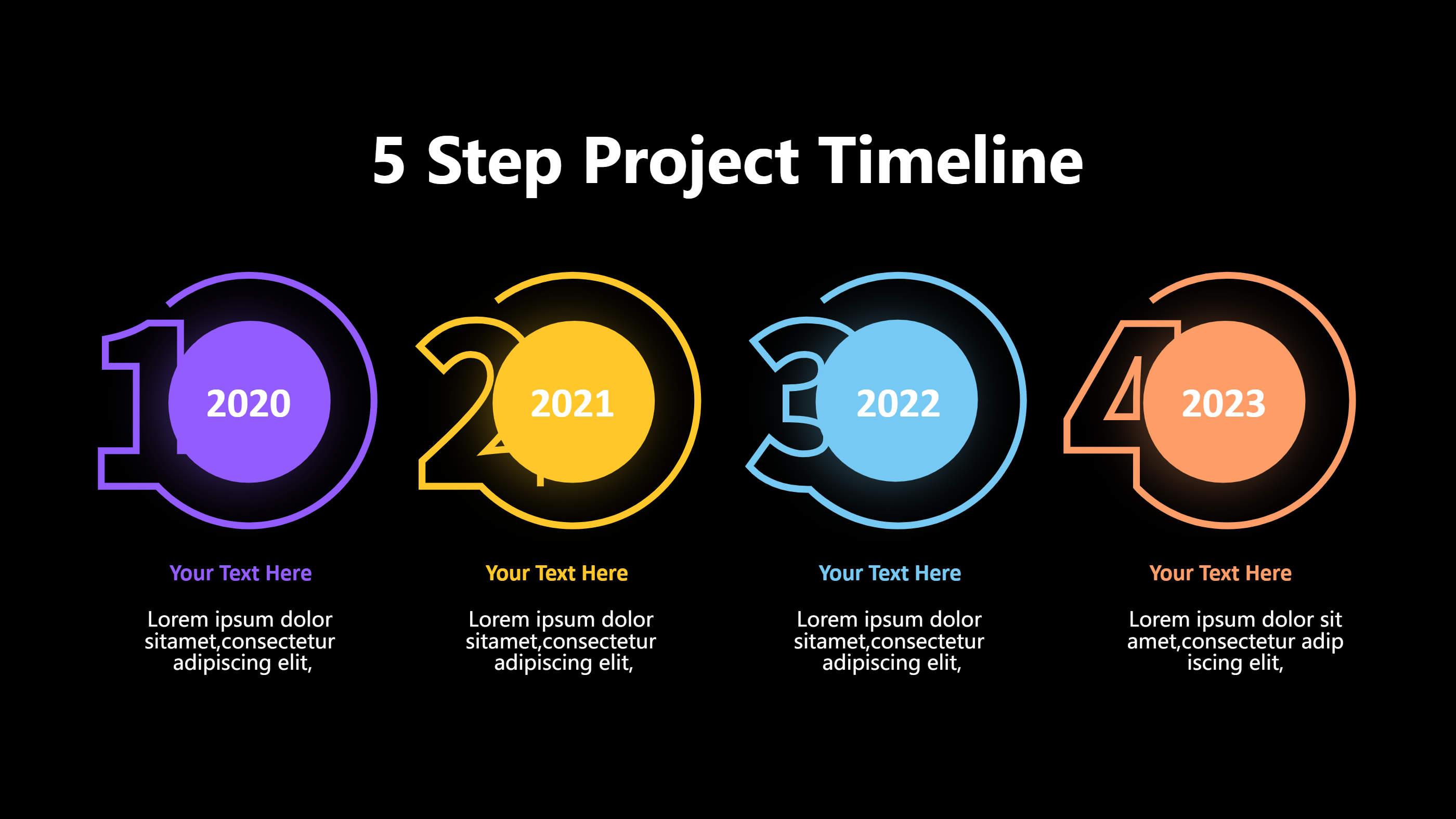
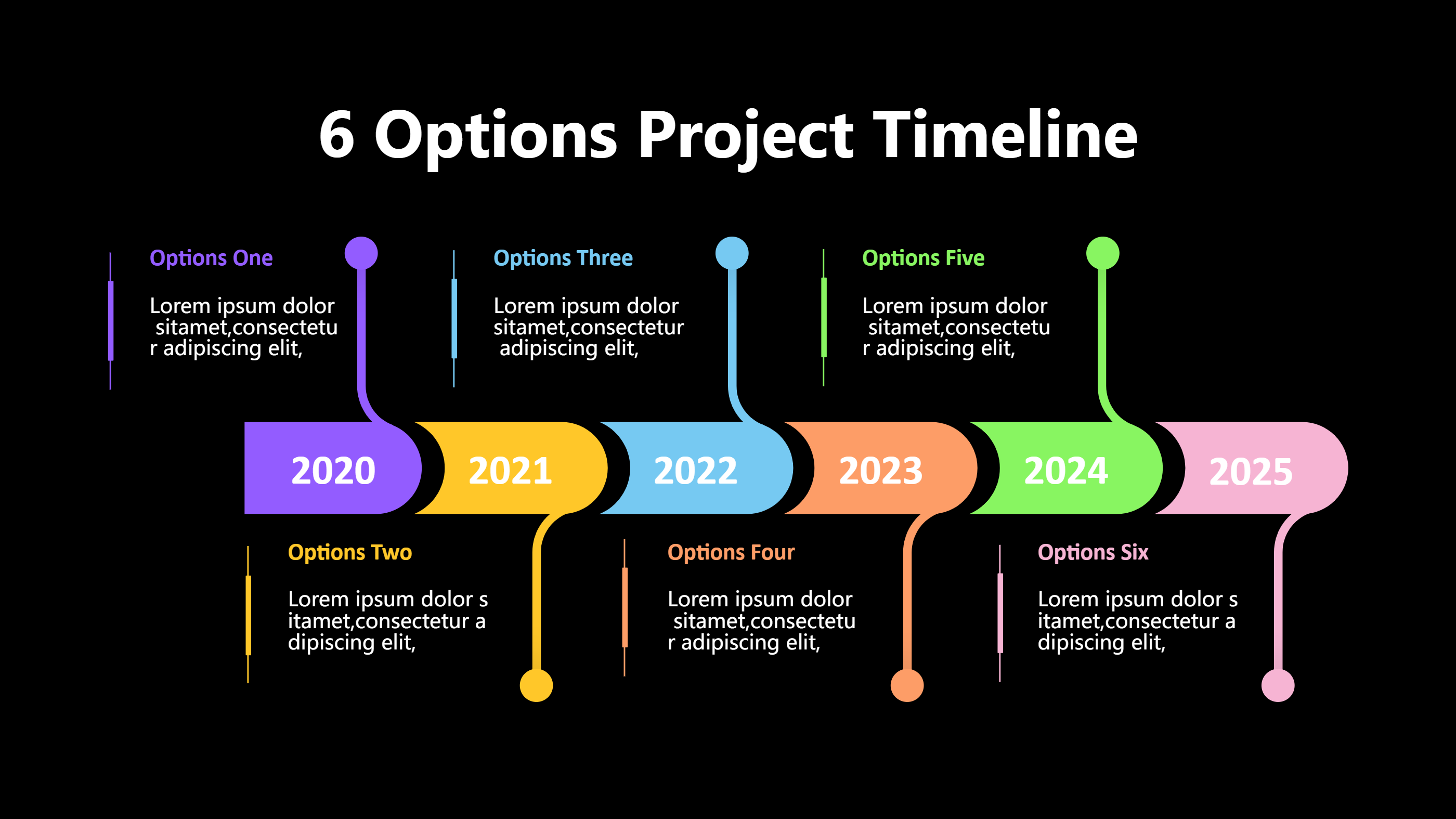
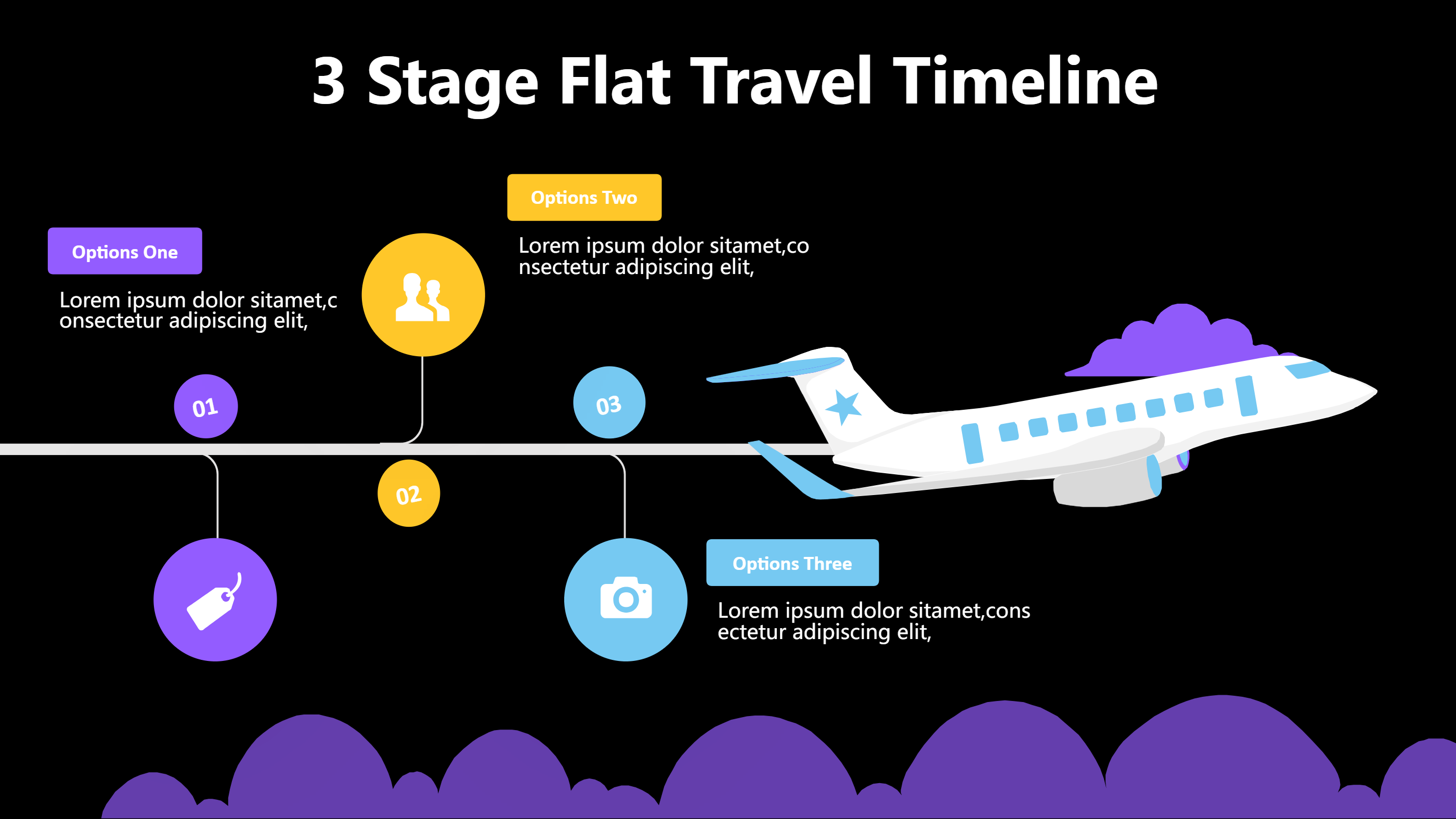
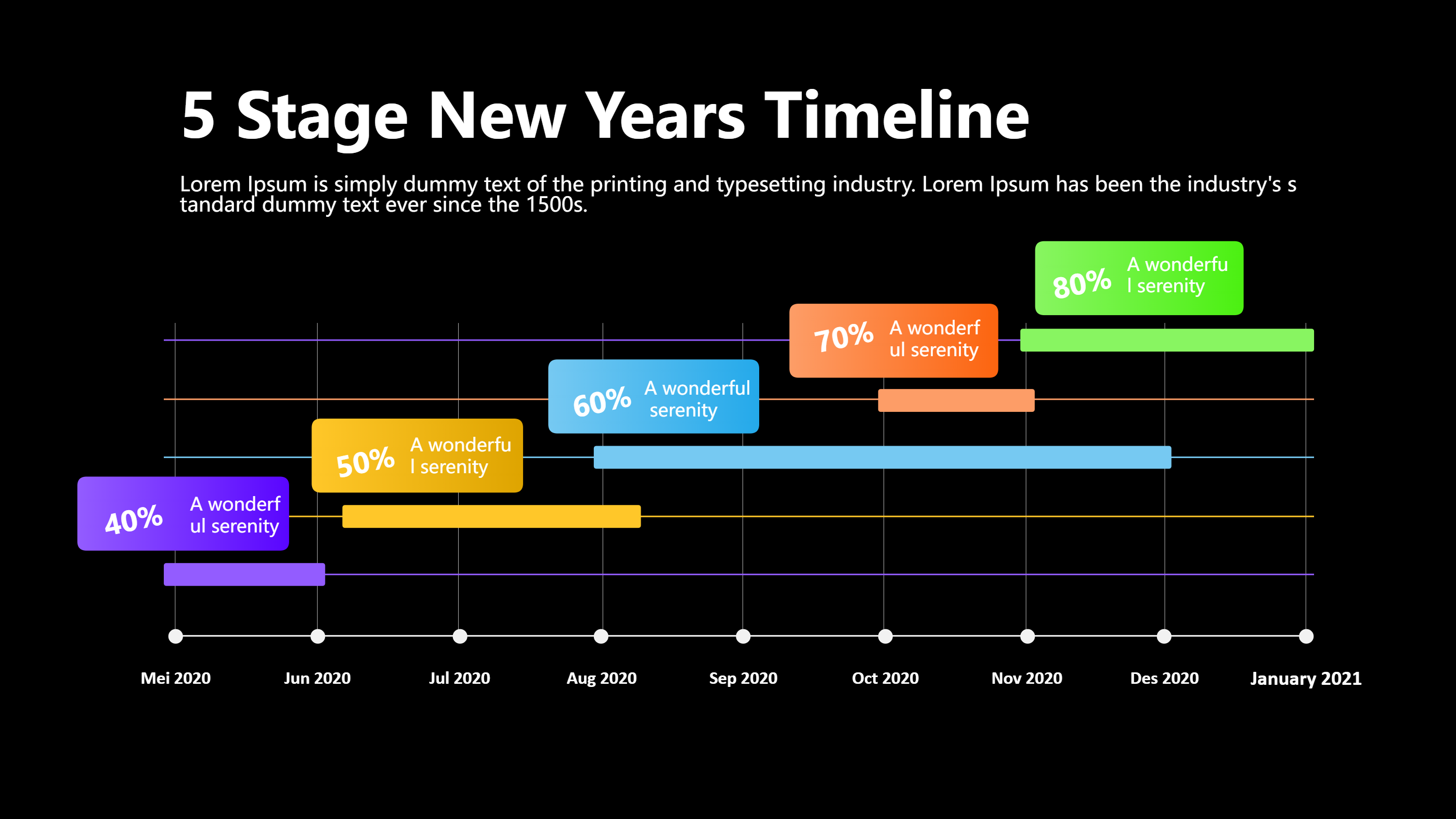
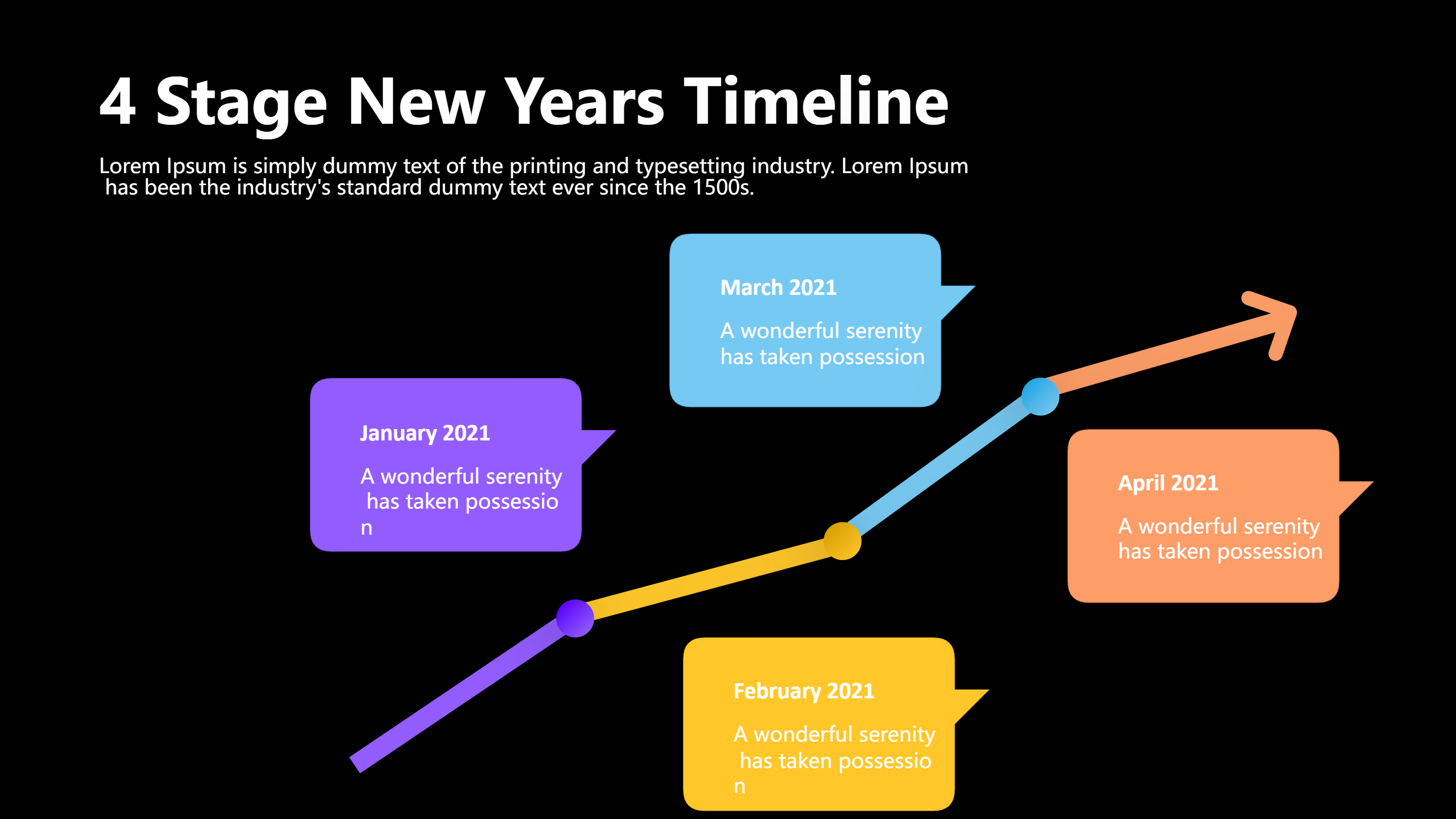
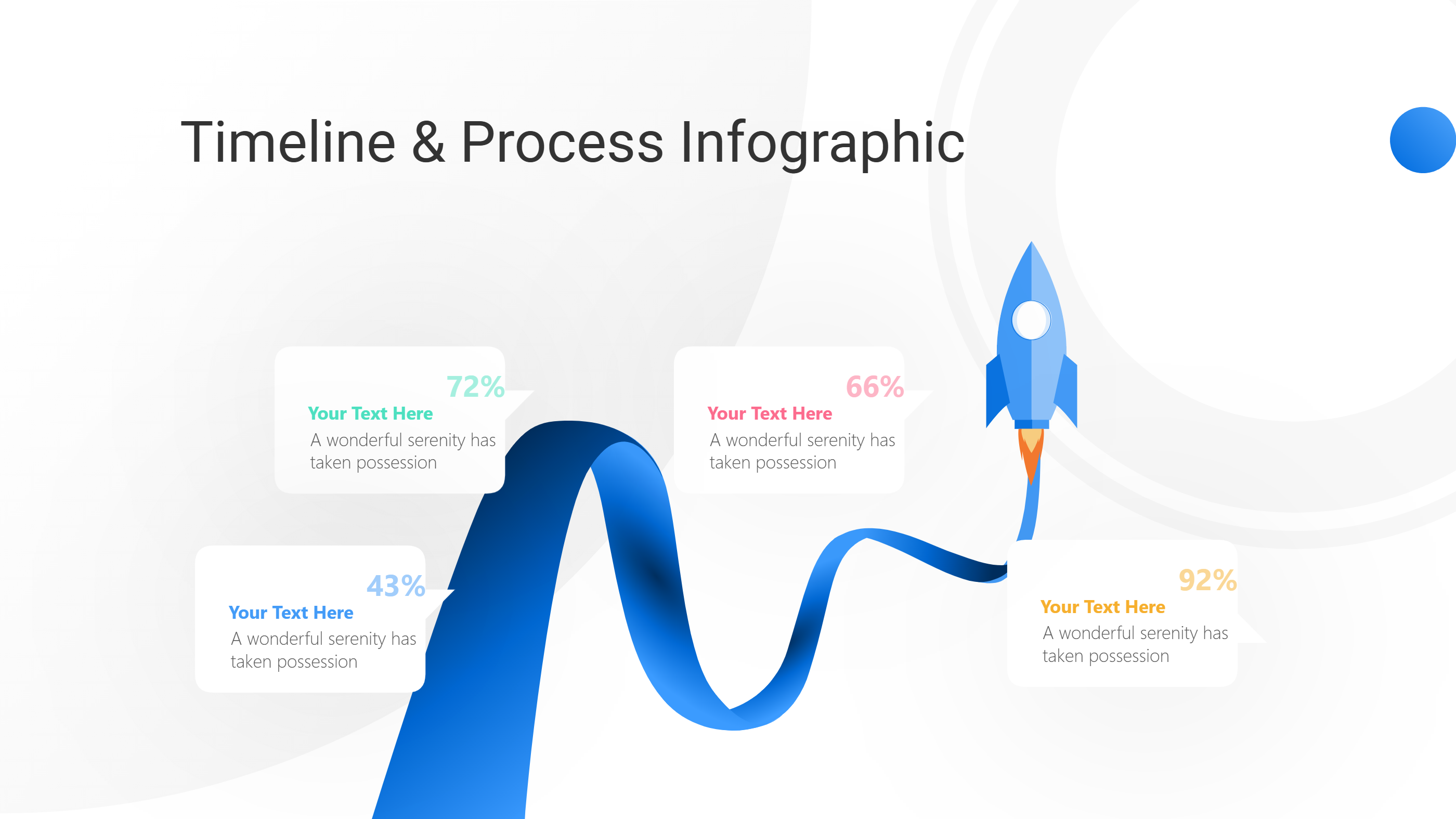
This steps timeline is ready for Final Cut Pro downloads and overlays. It stacks clear blocks in order so you can show a process without crowding the frame. The simple shapes and numbered markers stay crisp in exports and social crops.
Use it to guide viewers through plugin installs, project setup, edit steps, or delivery checks. Keep each line short, such as import clips, set frame size, sync audio, add titles, and export. The calm layout makes it easy to animate opacity or slide transitions in Final Cut Pro.
Add icons for folders, clapboards, music, captions, and upload arrows. Place a small header at the top with the video title and a concise call to action. This infographics Final Cut Pro download template fits tutorials, client handoffs, and student projects.
To generate it fast, open the AI generation tool on the home page, choose this steps timeline template, enter a prompt with your steps, timing, and color notes, and the tool will produce the infographic for you.
Export it as PNG for lower thirds or as a full-screen slide. Update the text as software versions change. The straight path keeps viewers calm and focused on the next action. Include a checklist space for keyboard shortcuts or favorite plugins used in the workflow. A brief upload reminder helps creators avoid missing captions or thumbnails when they export. Add a line about rendering presets and proxy workflows to save time on slower machines. Leave room for a quick reminder about backing up libraries and cleaning caches after delivery.