Porter 5 Forces Infographic Template
Size
Landscape
Color
Gray
Industry
Arts
Style
Modern
What is Porter 5 Forces Infographic
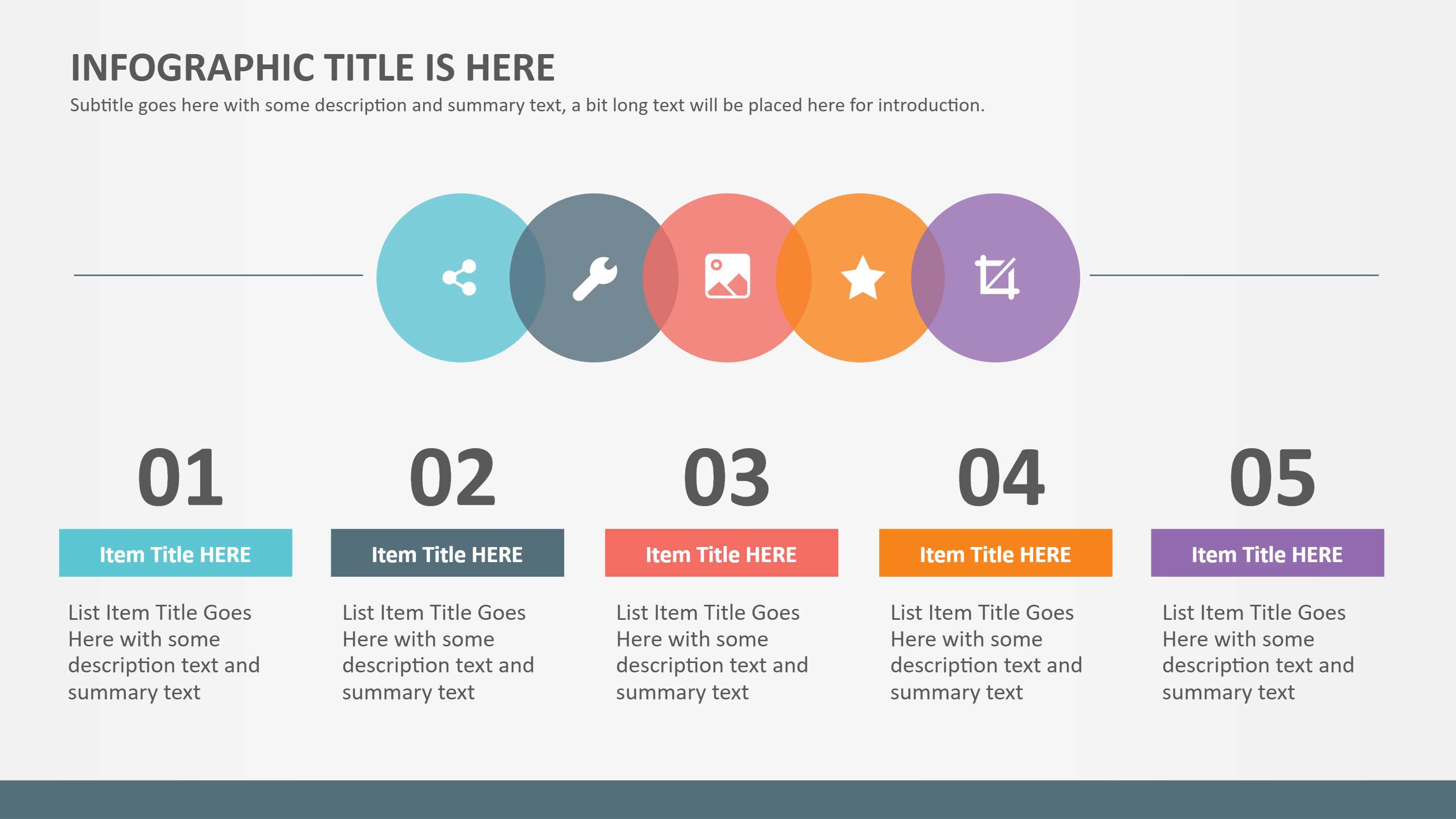
A Porter 5 forces infographic is a visual way to explain a simple market review. It shows the five forces in clear blocks so the reader can see how they connect. Each block can hold a short note about pressure from rivals, new players, suppliers, buyers, and alternatives. The layout keeps the idea easy to follow and avoids long text. It is useful for teaching, planning, or sharing a quick view with a team. The infographic format also helps compare changes over time in a clean and friendly way.
When to Use Porter 5 Forces Template Infographic
Use this template when you need to explain a market picture in a short and clear format. It works well in a class project, a small business review, or a team workshop. It also helps when you want to show how a new product might face pressure in a market. The layout is a good fit for slides, reports, or handouts. It can support a meeting where people discuss risks and opportunities in simple language. It is also a strong option for a short summary that needs to be shared fast.
Download and Edit the Template
Click the download button to open an online editor. You can change each label and add short notes. Adjust colors and icons to match your topic. Use the save button to store your changes. Export the file as PPT, PNG, or SVG. The wording can change, but the steps and meaning stay the same.
How to Use Porter 5 Forces Template
Go to the home page and open the AI generator. Pick the Porter 5 forces template. Enter a short prompt that describes the market you want to show. The tool creates a layout that matches the prompt. Update the notes in each block to fit your case. Save your version and download the final file.
Examples of Porter 5 Forces AI Prompt Usage
Example 1:
A clear five part market overview for a local coffee shop. Use five labeled areas with short notes about rivals, new shops, suppliers, buyers, and substitutes.
Example 2:
A simple forces summary for an online tutoring service. Keep each section brief and easy to scan, with a clean balance across the page.
Example 3:
A business class infographic that compares the pressures in a new fitness app market. Use small icons and short phrases in each force area.
Example Infographic Image
[Example Image Placeholder – Image will be added manually]
Recommended Similar Infographic Templates
Related Template 1: 5 Business & Market Analysis
Related Template 2: Market Growth
Related Template 3: Social Media Marketing Infographic Strategy Wheel
Related Template 4: Finance Market Share Piechart Infographic Template
FAQs
- Q: Can I use this for a school assignment?
- A: Yes. The layout is simple and easy to explain.
- Q: Do I need to include a lot of data?
- A: No. Short notes are enough for a clear view.
- Q: Can the five areas be named in my own words?
- A: Yes. You can rename them to match your topic.
- Q: Is this useful for a small business review?
- A: Yes. It helps a team talk about the market in a quick way.
- Q: Can I add a short note at the bottom?
- A: Yes. A short note fits well without crowding the page.