Notion Workout Template for Weekly Training Plan
What is Notion Workout Template Infographic
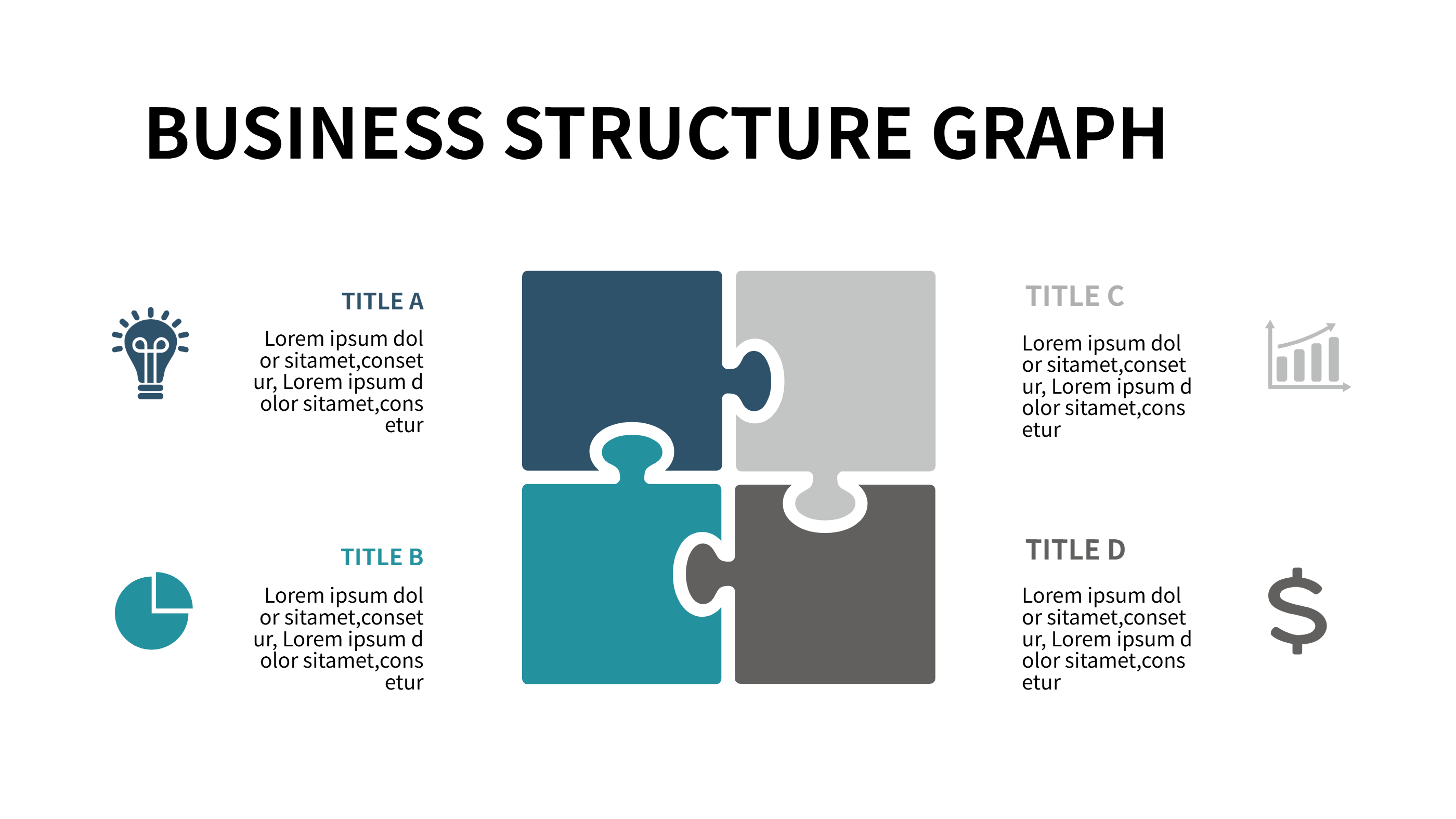
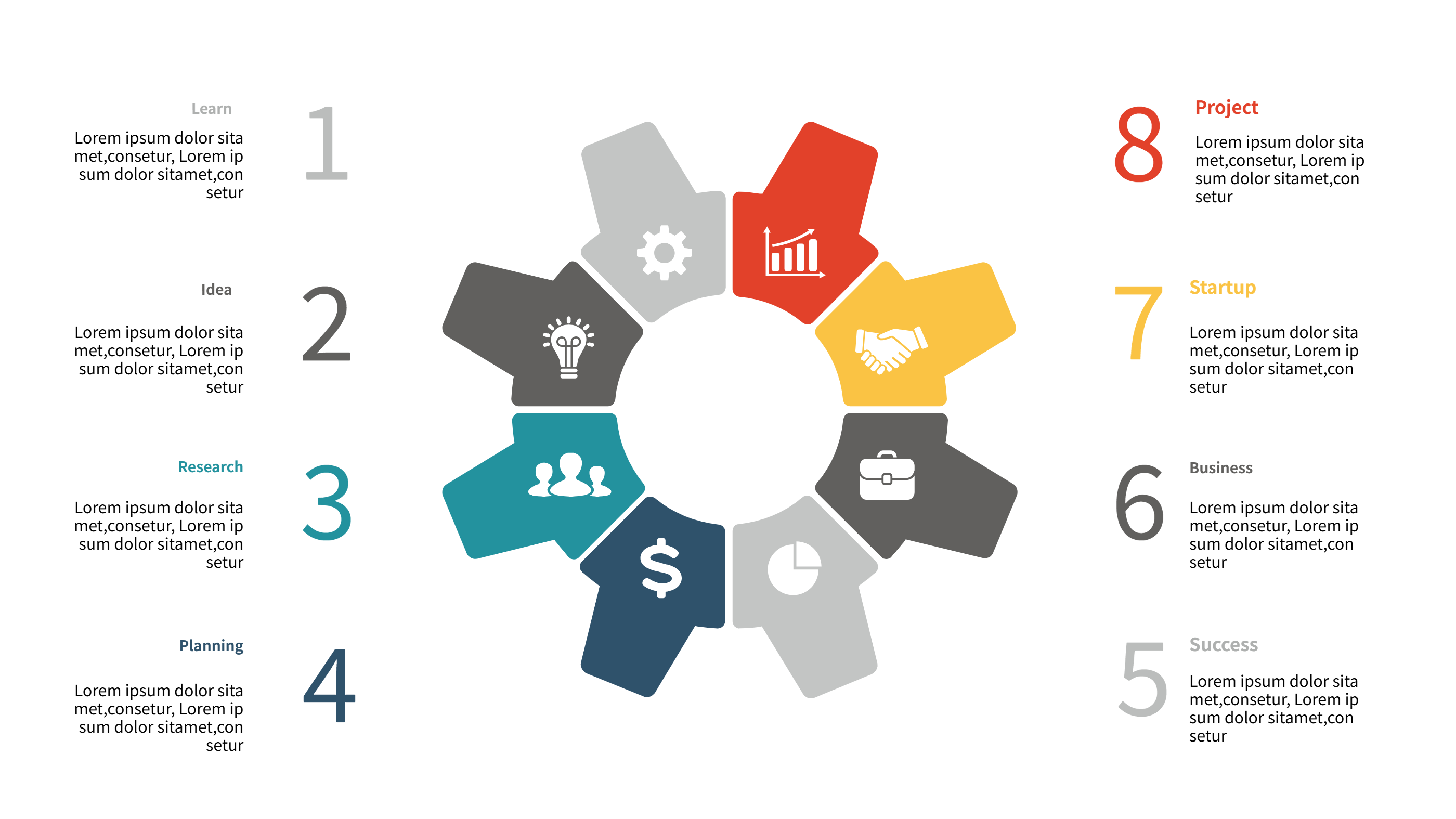
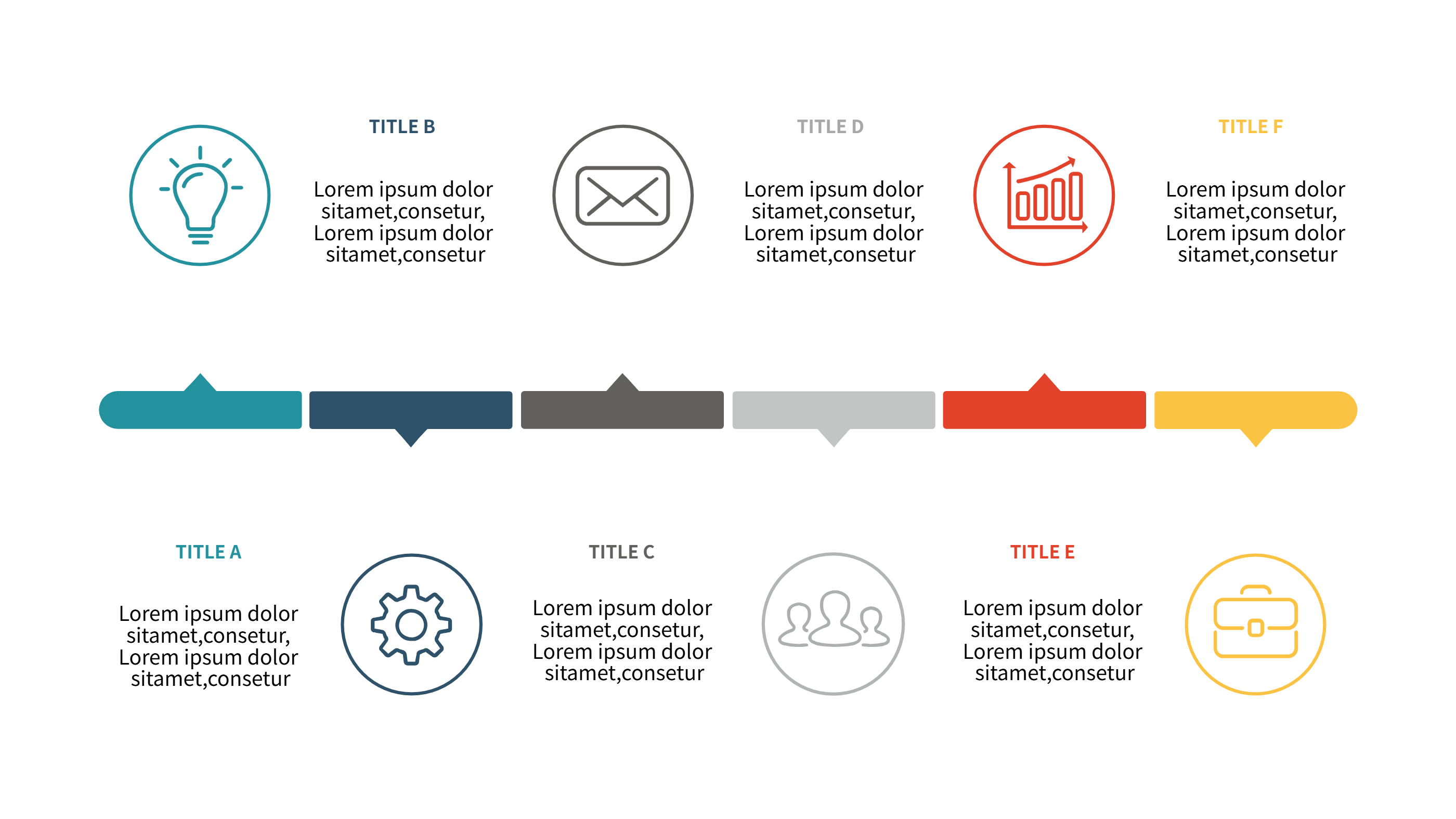
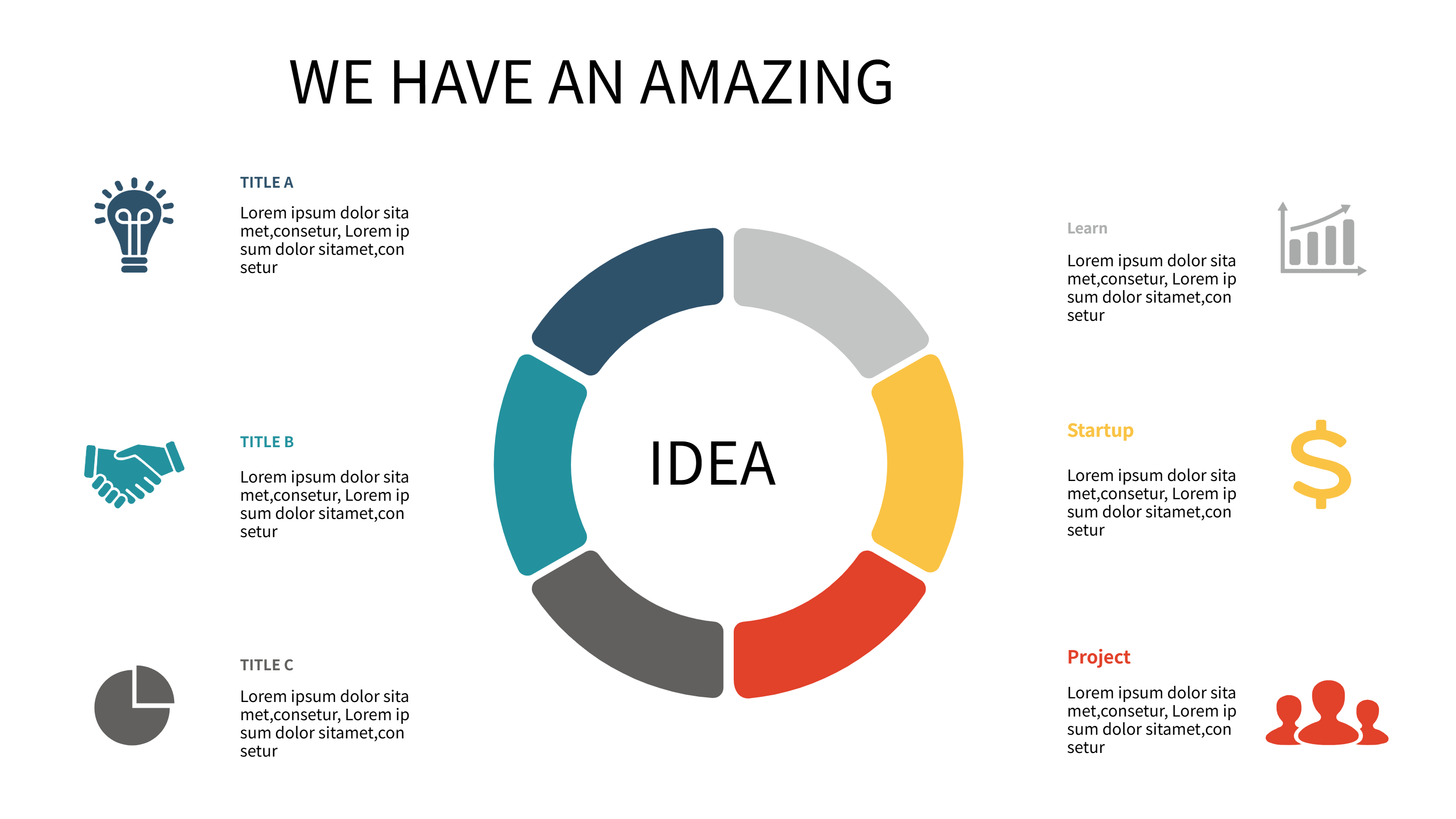
A Notion workout template infographic is a clear way to plan training in a simple grid or list. It turns a workout plan into a visual page that is easy to scan. Each block can hold a day, a focus area, and short notes. The layout keeps the plan clean and avoids long text. It fits a PPT slide and stays readable on a small screen. This template helps people track routines and stay consistent. It also makes a weekly plan feel friendly and easy to follow.
When to Use Notion Workout Template Infographic
Use this Notion workout template when you need a quick view of a weekly plan. It works for personal routines, class programs, and small team challenges. It is useful for home workouts or gym plans. The layout keeps the focus on key moves and rest days. It is also good for sharing a plan with a coach or a friend. The clean view helps people stay on track without extra detail. It is a good choice for short updates and clear PPT slides.
How to Use Notion Workout Template for Weekly Training Plan
On the home page, open the AI generation tool. Choose the Notion workout template from the list. Enter a short prompt with your days and focus areas. The tool builds the infographic in the same layout and style. Review the labels and keep them brief. Adjust colors to match your style and keep the plan easy to read. Save the result when it looks right. This gives you a ready slide that you can present or edit.
Download and Edit the Template
Click the download button to open the online editor. Replace the sample text with your workout days and notes. Keep each label short so the grid stays clear. You can add a short note for reps or time. Adjust colors if you want a calm or bright look. Click the save button when you finish. Choose PPT, PNG, or SVG for the file format you need. Download the file and share it with your team or coach.
Examples of Notion Workout Template AI Prompt Usage
Example 1:
Create a weekly workout plan for strength and cardio. Use seven blocks with short labels for each day. Keep the layout clean for a PPT slide.
Example 2:
Make a home workout schedule with five days of training and two rest days. Add short notes for each day and use calm colors.
Example 3:
Design a workout tracker for a class group. Show daily focus areas like legs, core, and mobility. Keep the text short and easy to scan.
Recommended Similar Infographic Templates
Related Template 1: Fitness Workouts
Related Template 2: Daily Habit Tracker Template for Simple PPT Infographics
Related Template 3: Google Sheets Habit Tracker Template for Simple PPT Infographic Plans
Related Template 4: Timeline Infographic Template for Project Milestones and Event Schedules
FAQs
Q: Can I keep the workout plan short?
A: Yes, you can use fewer days and keep the layout simple.
Q: Can I add rest days to the plan?
A: Yes, add rest days as labeled blocks in the grid.
Q: Can I change the colors for my style?
A: Yes, the editor lets you adjust colors and icons.
Q: Is this template good for group challenges?
A: Yes, it is easy to share and simple to read.
Q: Can I export the file as PNG or SVG?
A: Yes, you can download PPT, PNG, or SVG from the editor.