Project Timeline Template (Excel-Friendly Free)
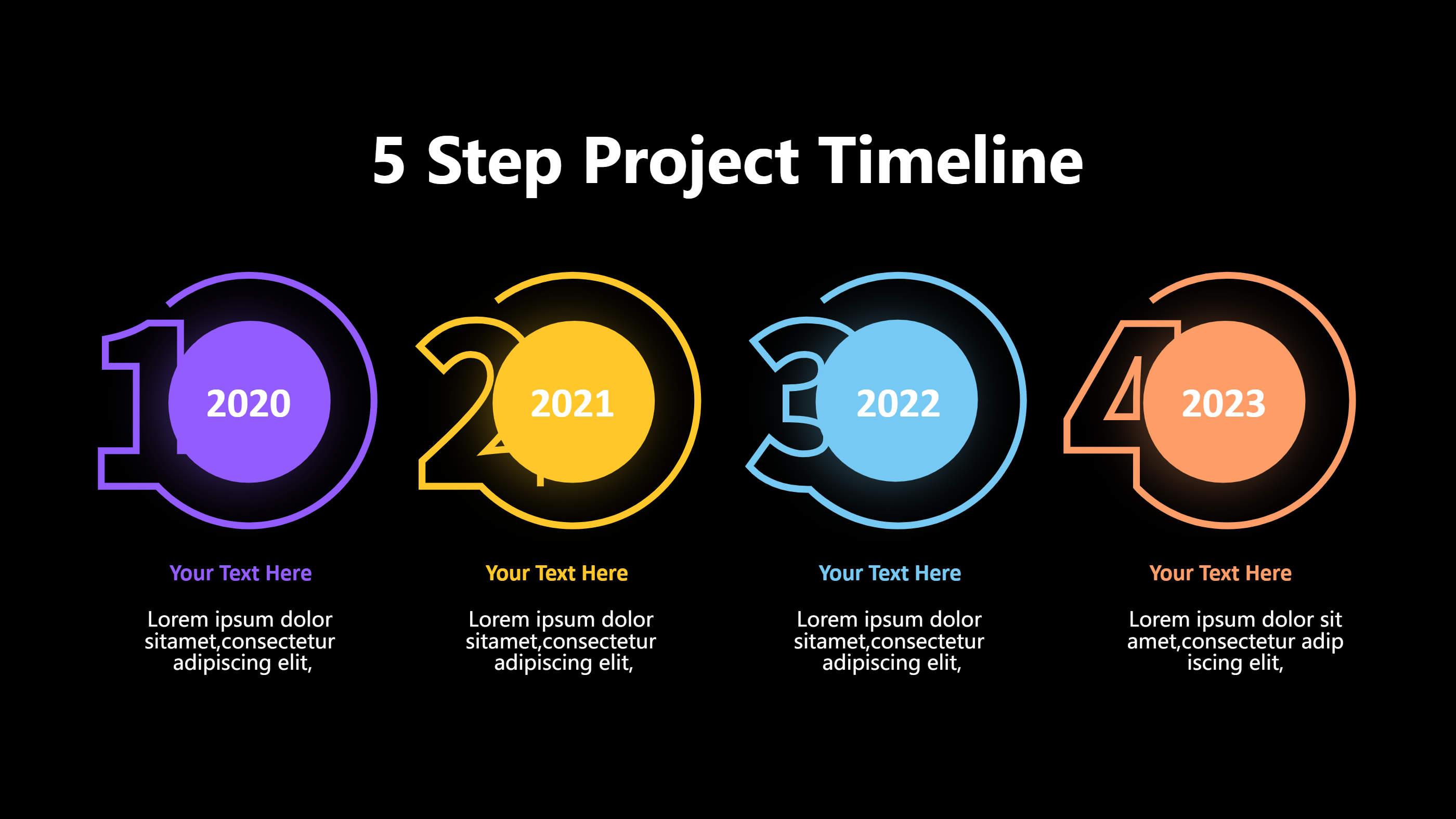
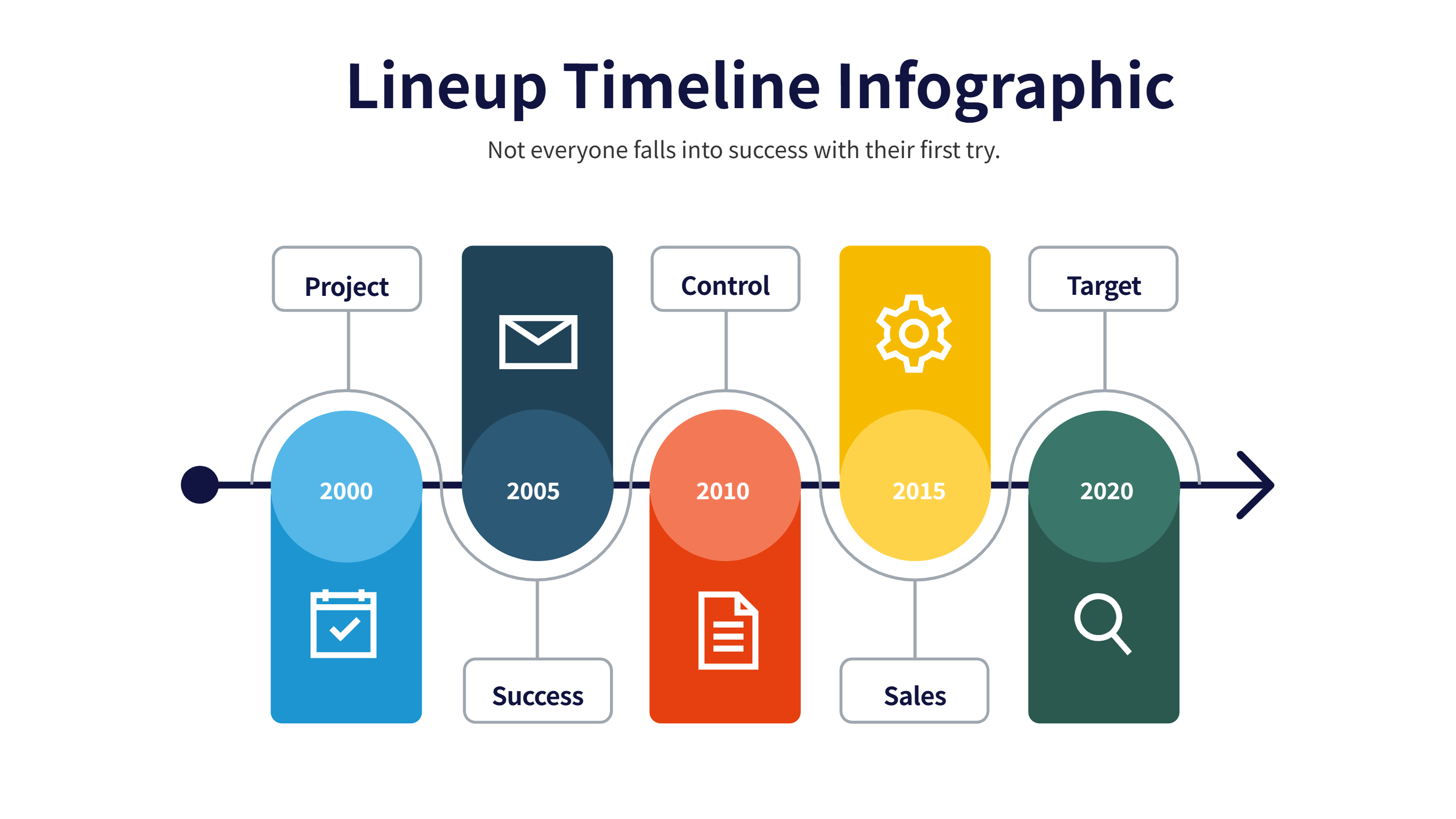
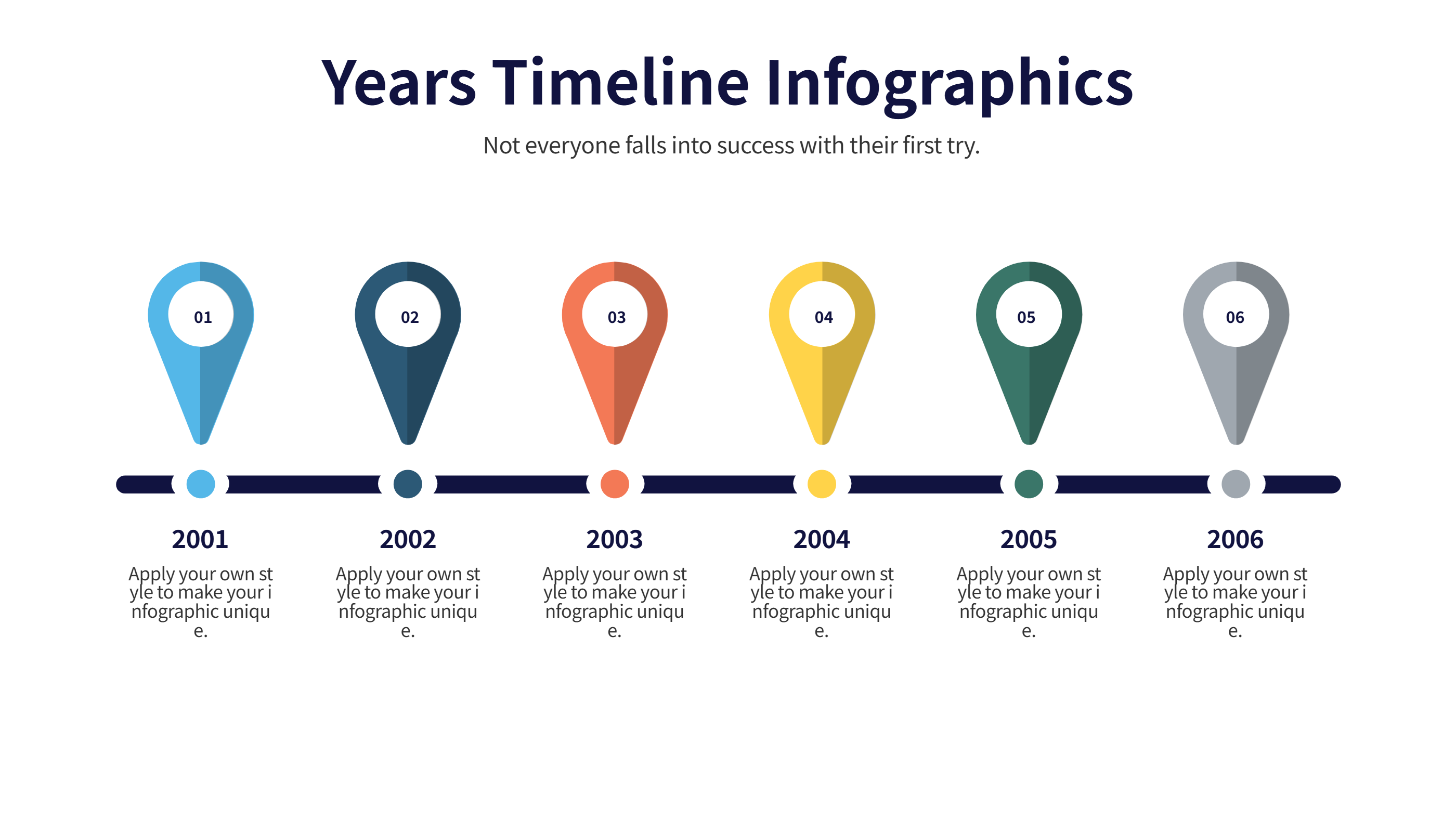
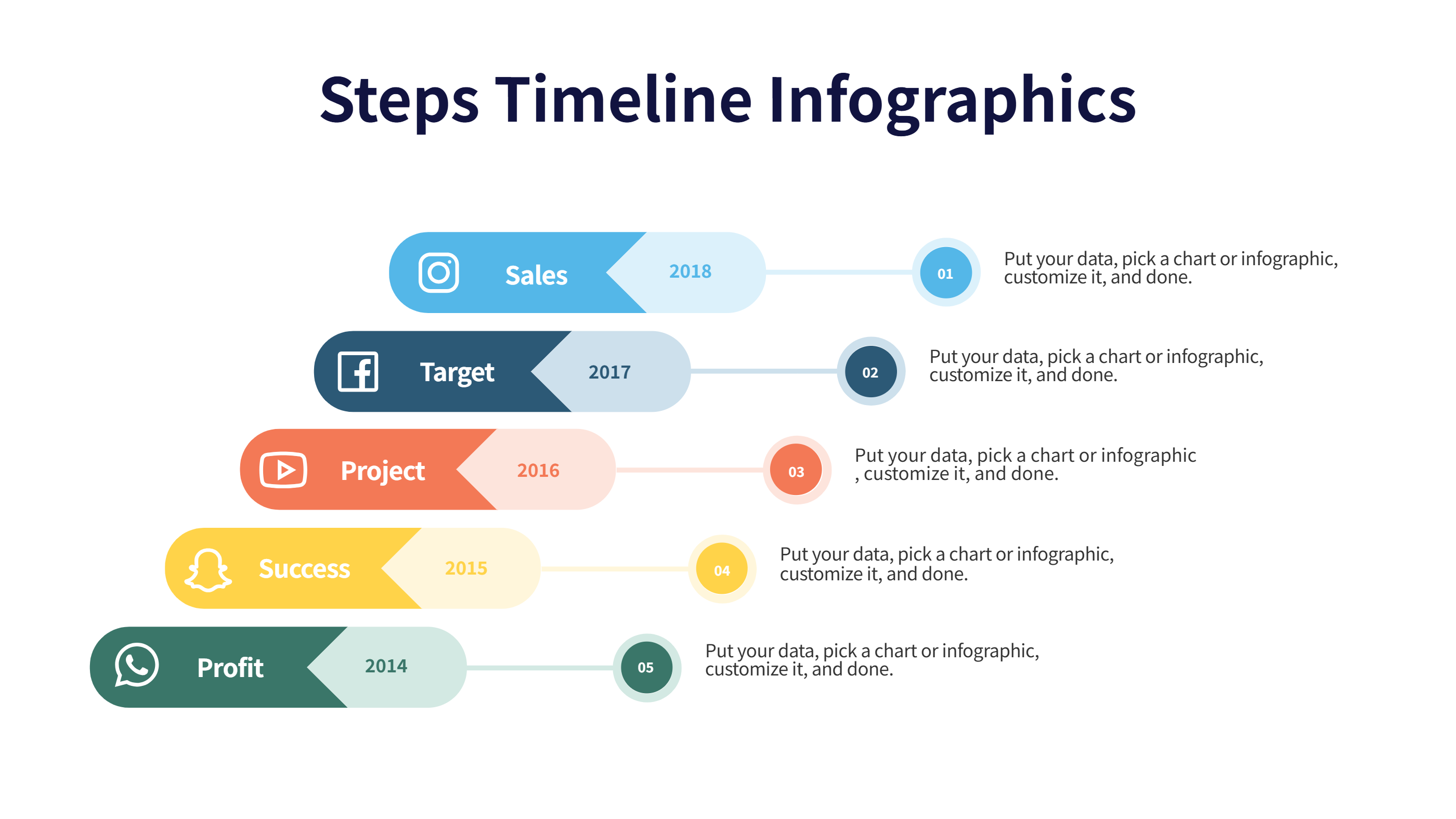
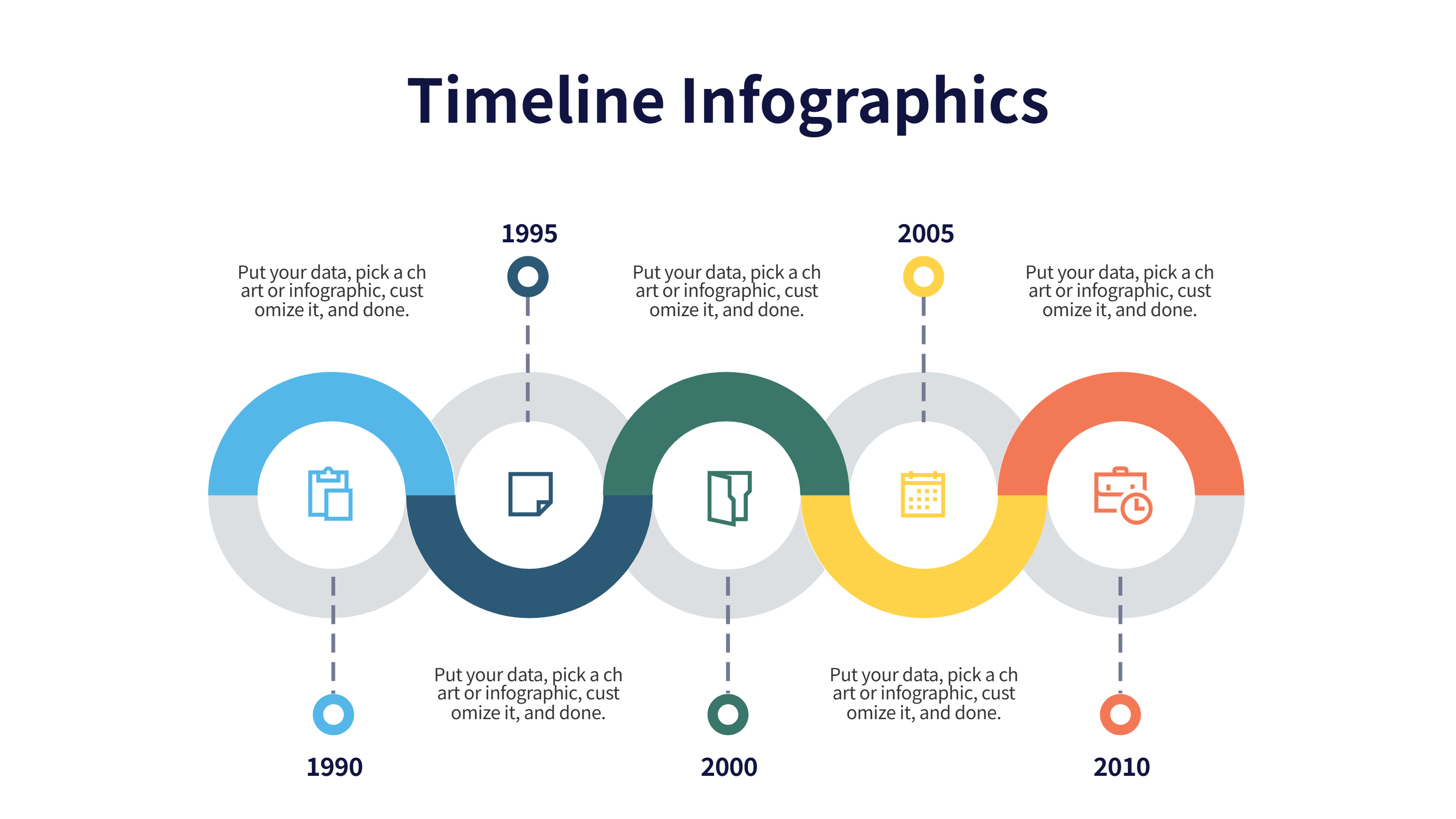
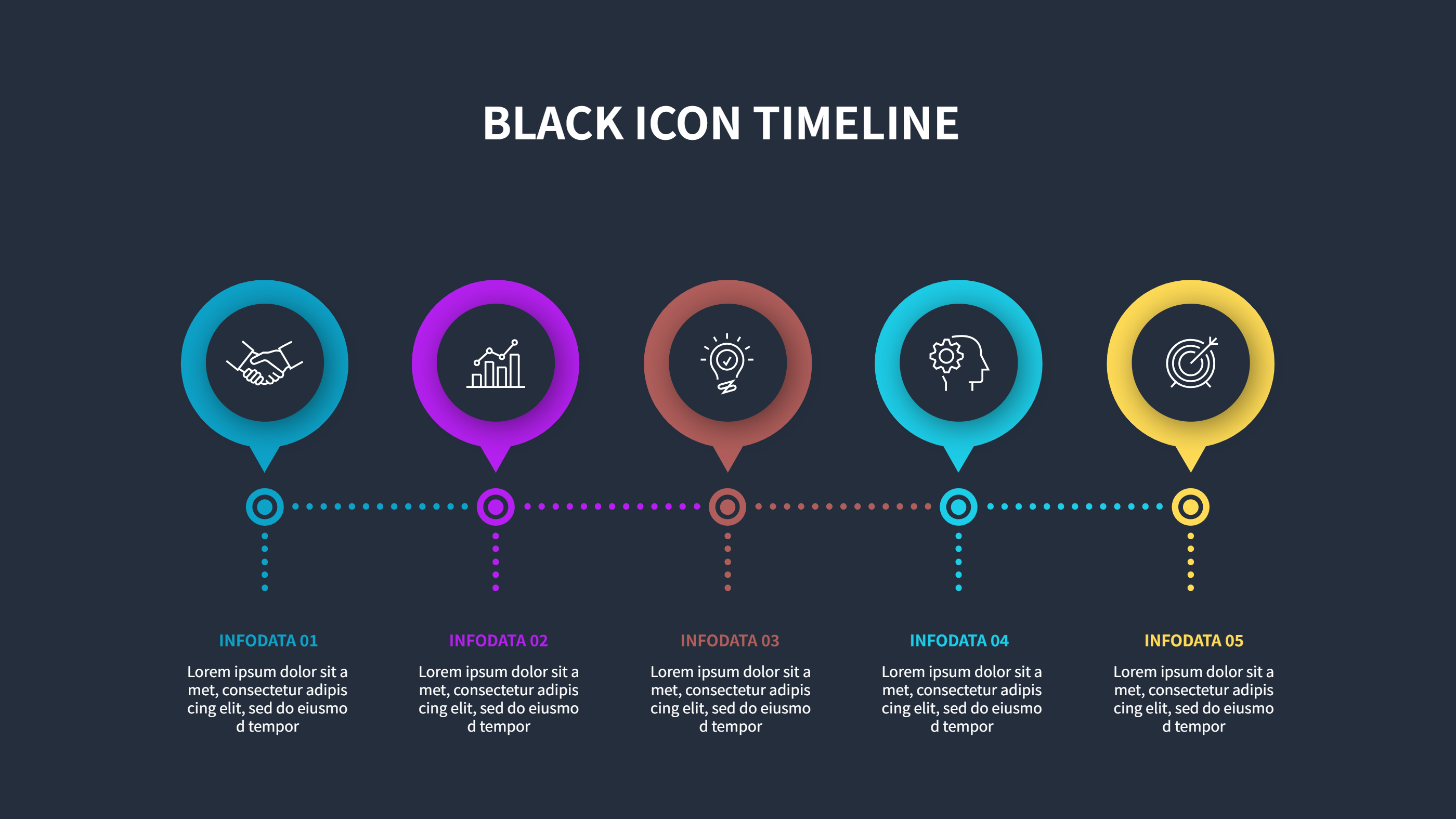
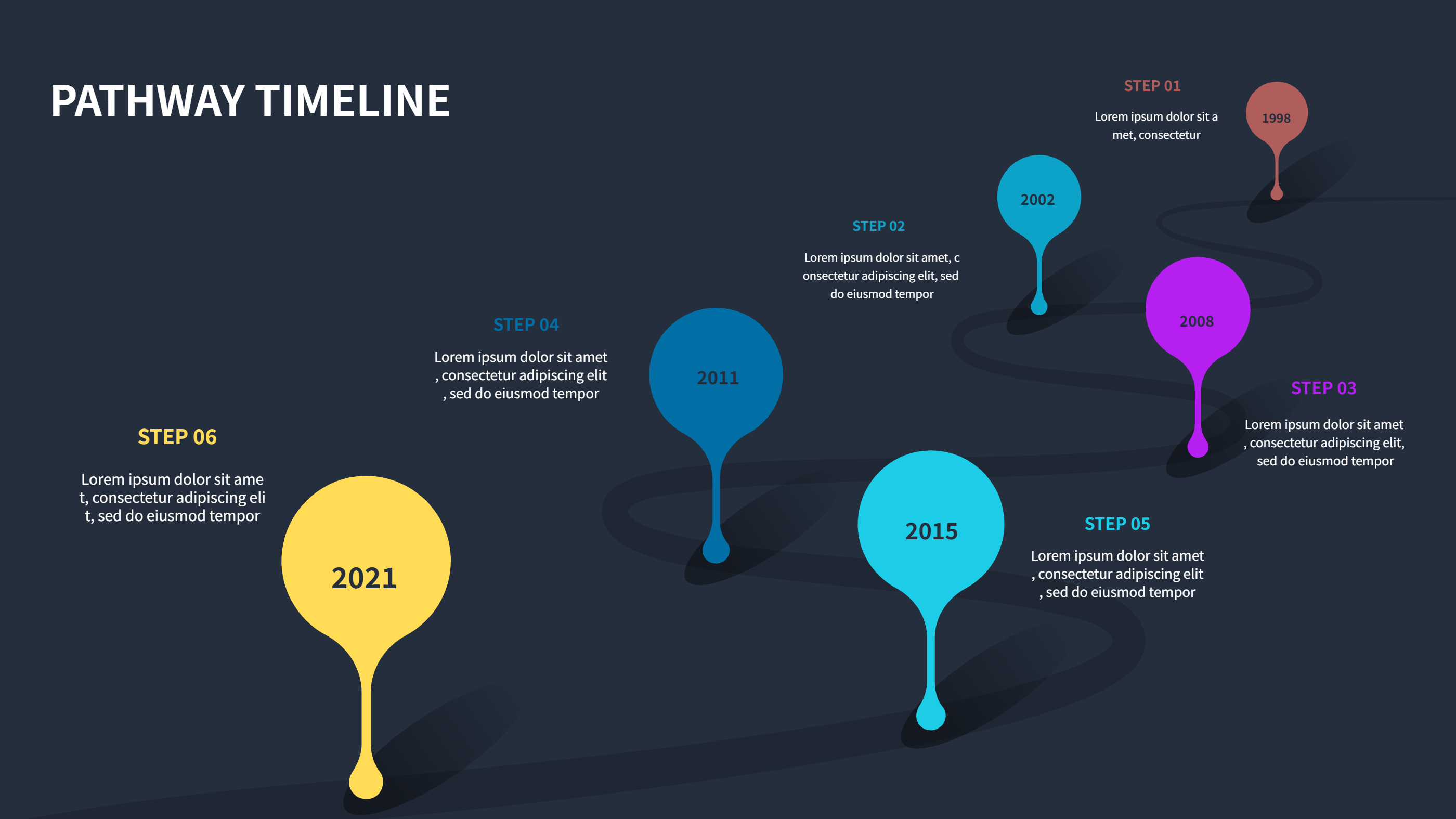
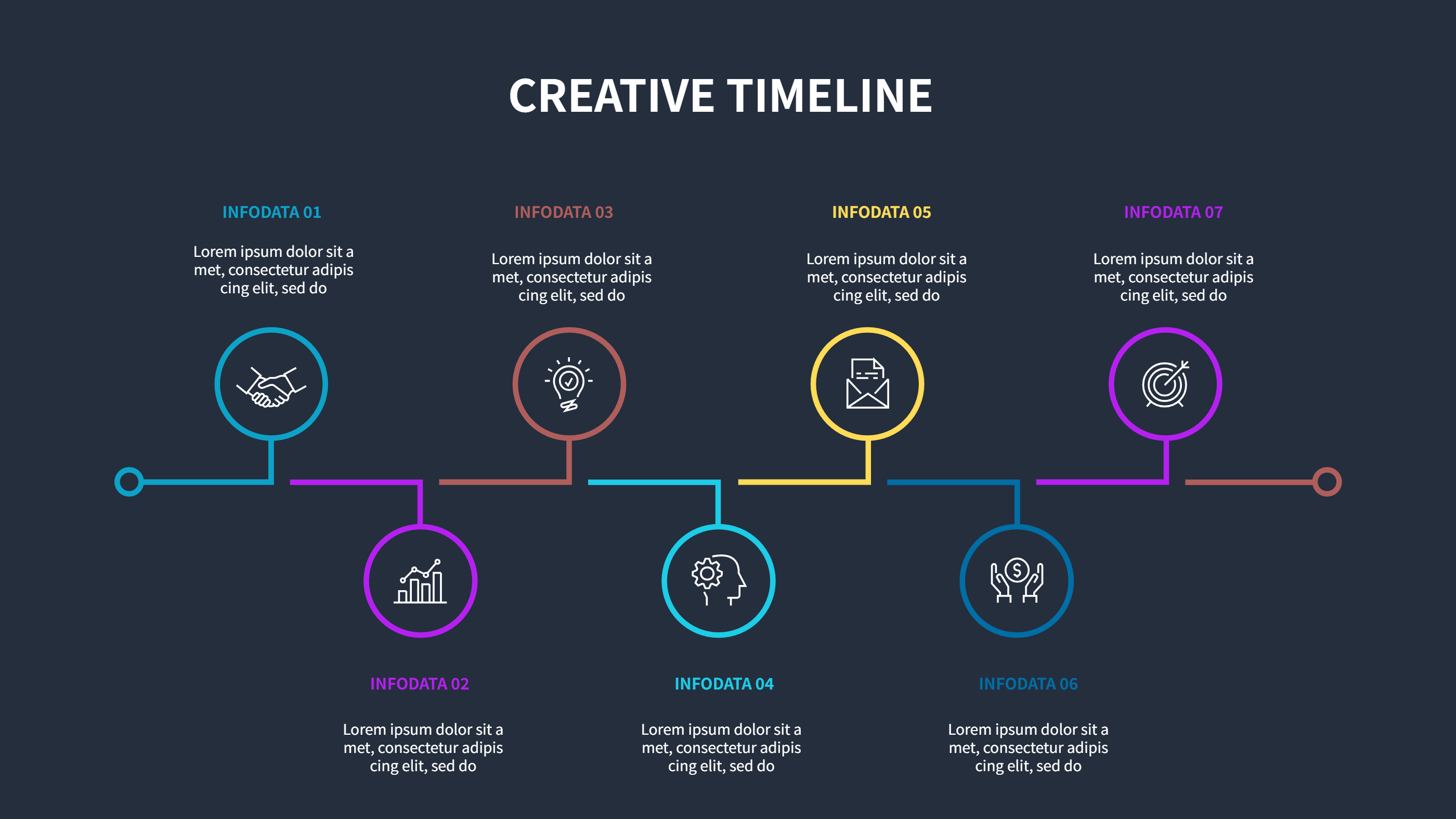
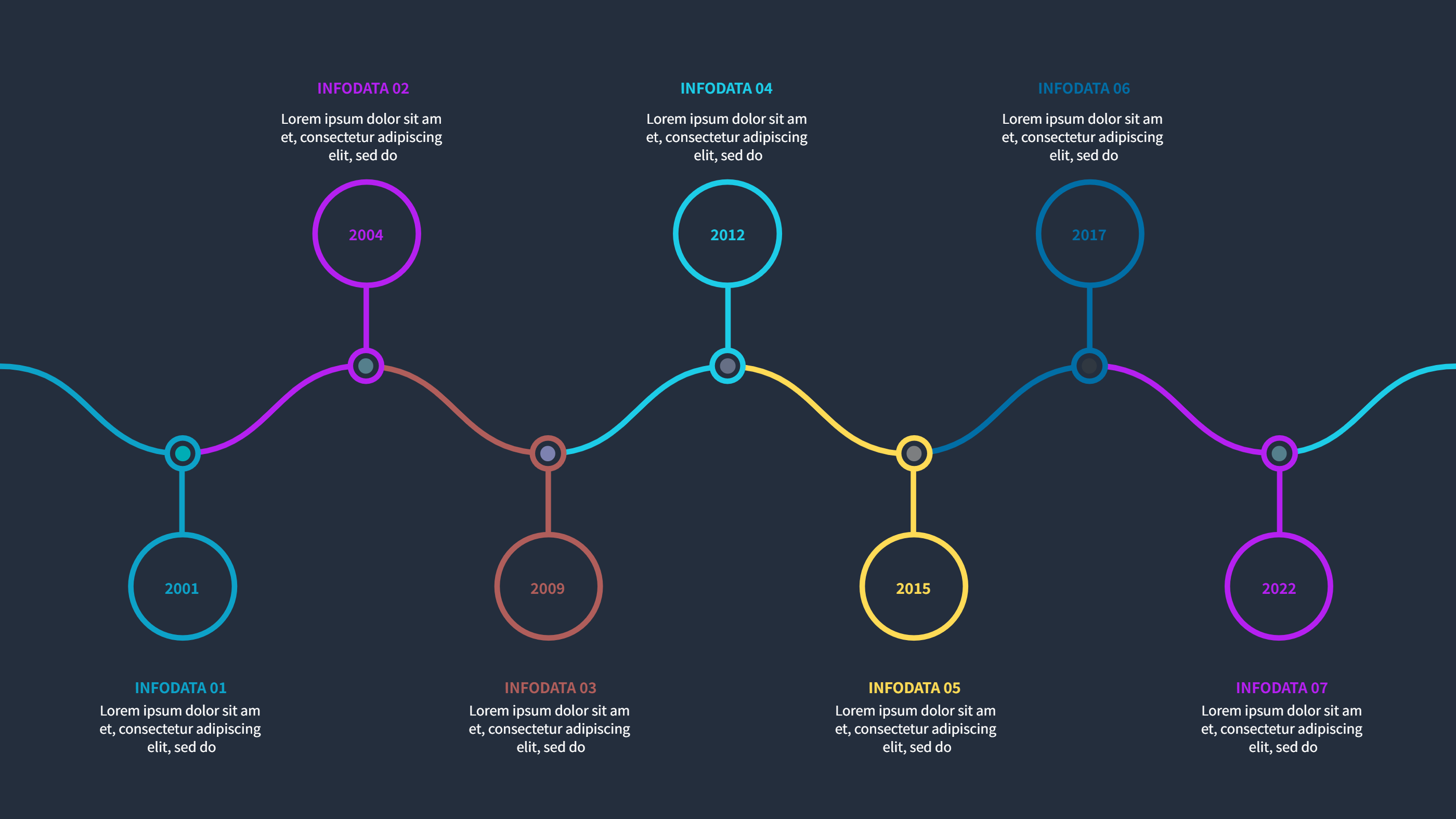
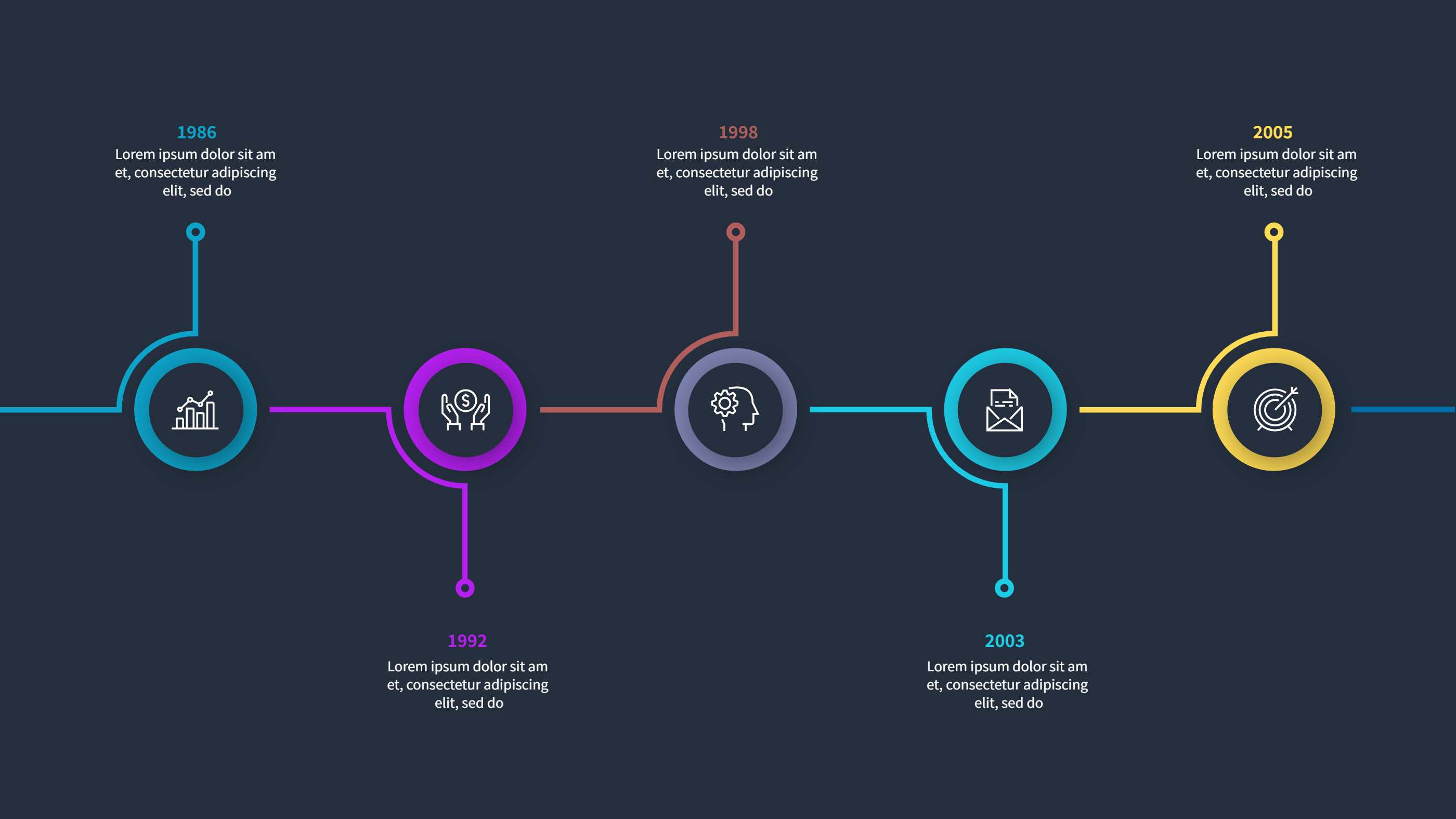
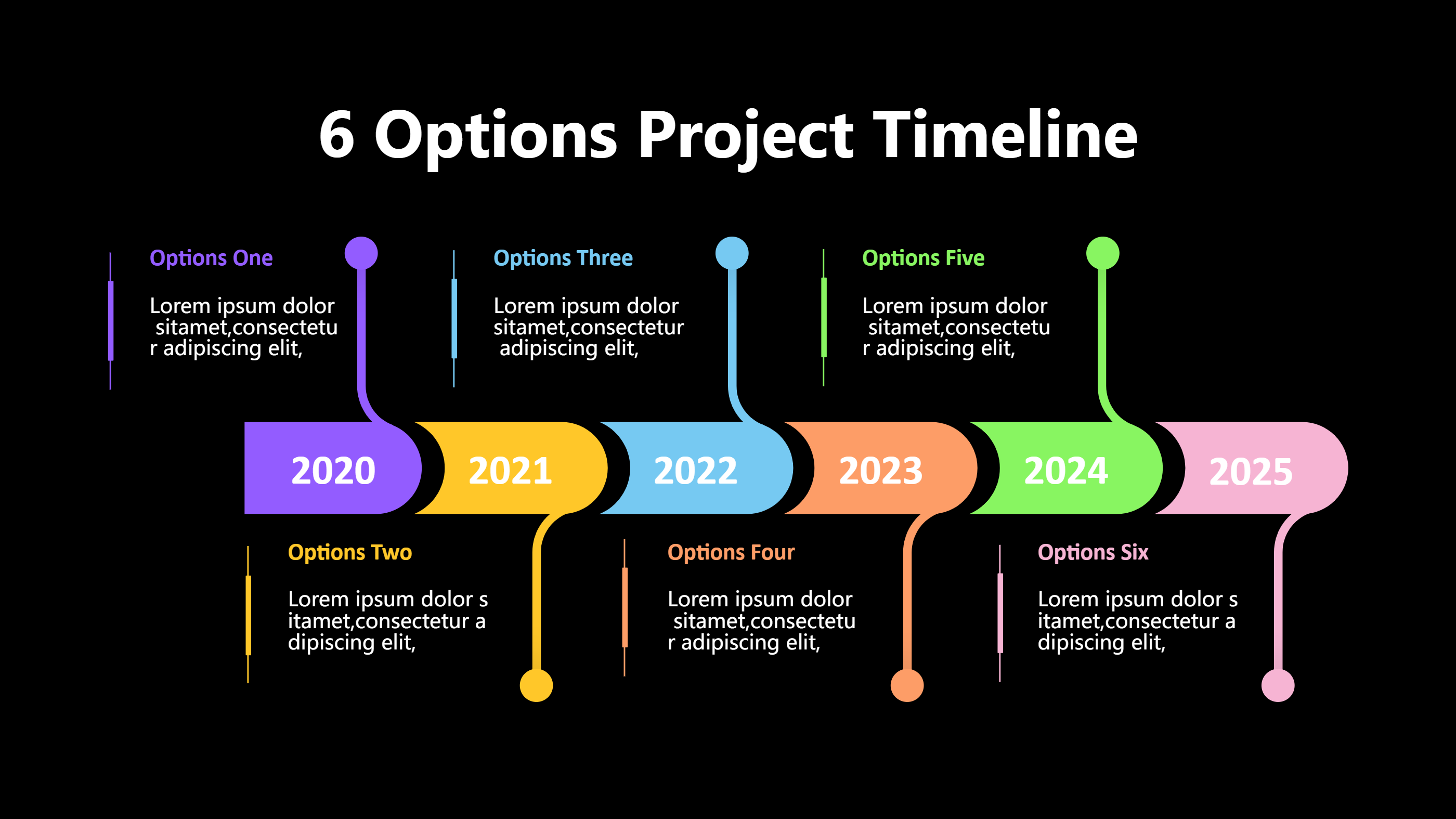
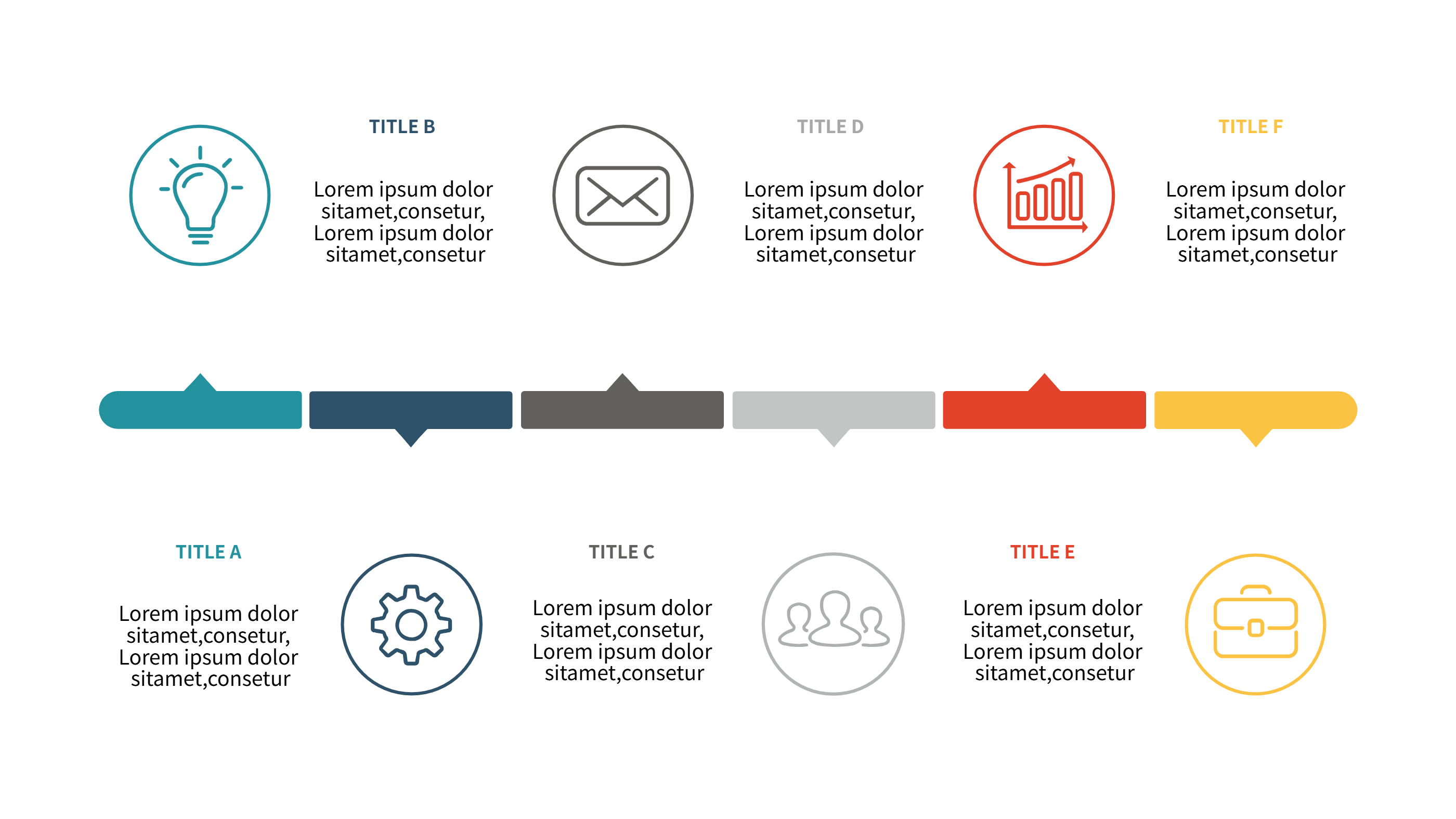
This project timeline template uses five clear steps along a single line, making it easy to drop into Excel as an image or reference. Each milestone has a short title and note so you can mark deliverables, handoffs, or reviews without crowding the view. The dark header and bright markers keep contrast high when embedded in spreadsheets or reports.
Use it for small projects, sprint plans, or rollout summaries. Keep each label short, and add brief notes like owner, date, or status. Color-code the circles for planned, in progress, and done to help teammates scan the status quickly. Because the steps are evenly spaced, you can adjust the order or rename them without breaking alignment. Add light icons if you want to show task type like design, build, test, review, or launch.
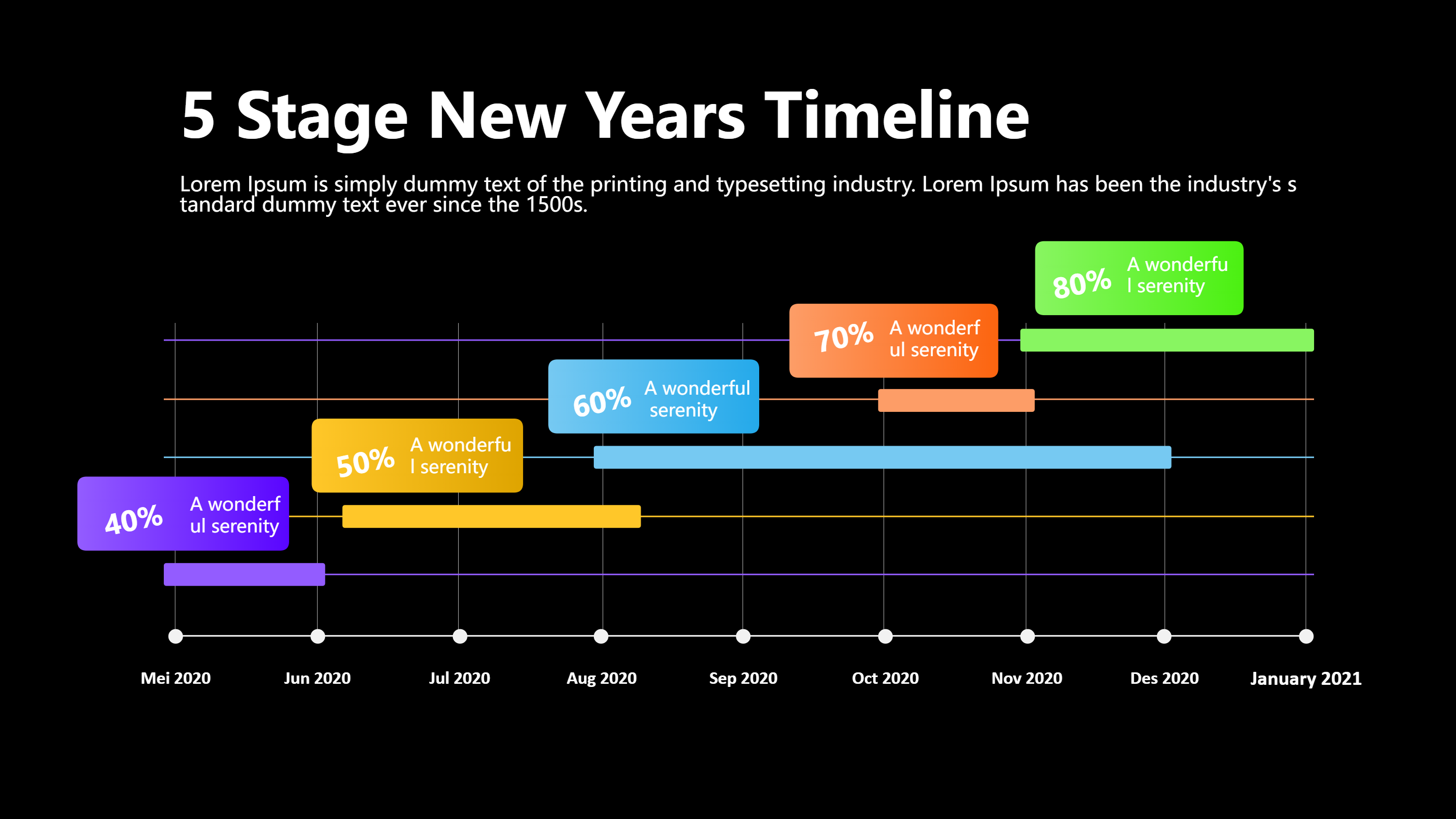
You can export the graphic to PNG for Excel, attach it in email updates, or paste it into a status deck. Reuse the layout week over week by copying the line and swapping dates. The simple structure travels well to dashboards and prints without clutter. It also works for vendor timelines or simple Gantt alternatives when you need a quick visual without heavy tables.
Open the AI creation tool on the homepage, pick this template, and enter your prompt to generate the infographic. This Excel-friendly timeline saves formatting time, keeps milestones clear, and helps teams follow the plan.