Travel PPT Template for Trip Plans and Route Highlights
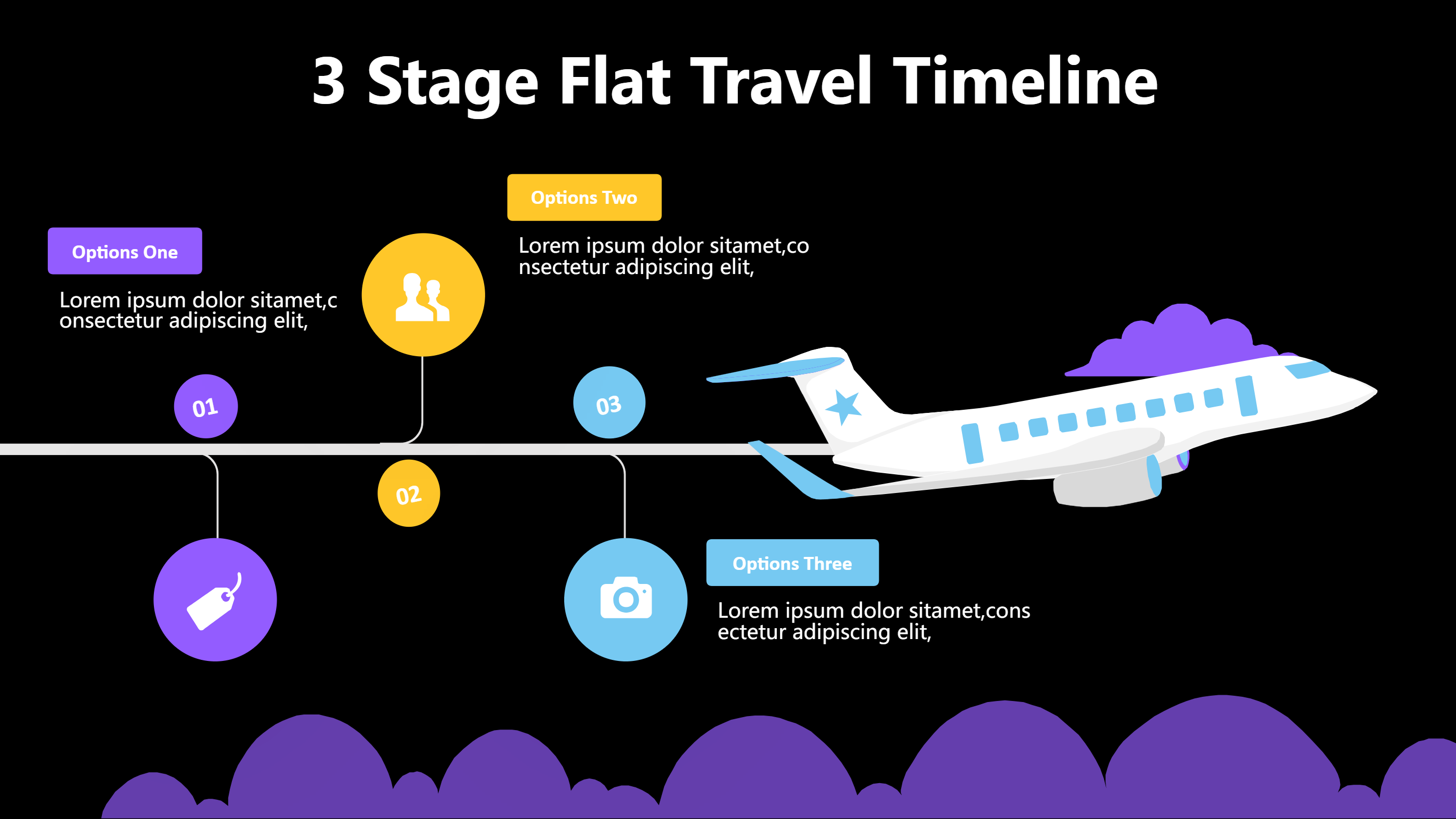
What is Travel PPT Template Infographic
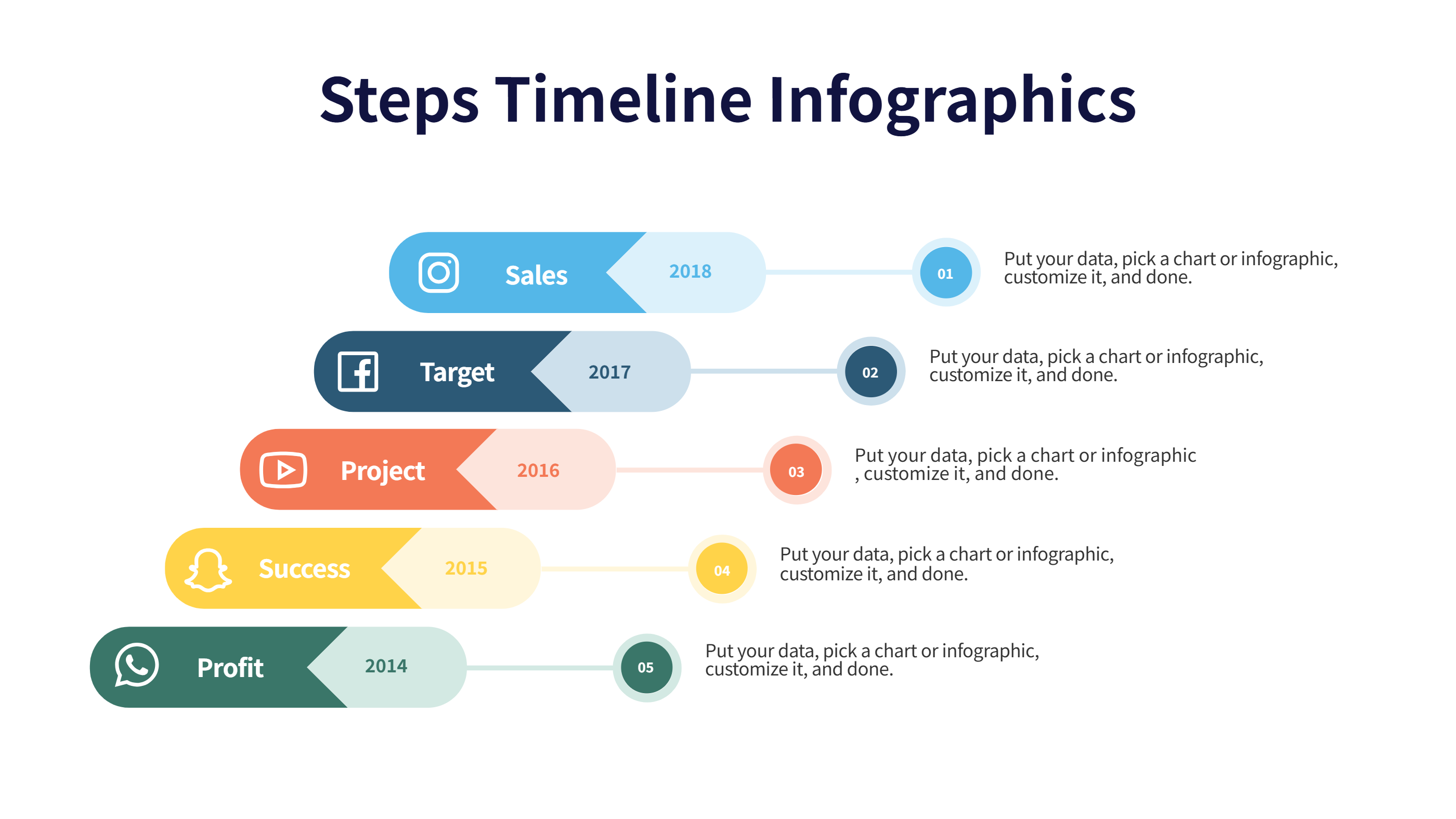
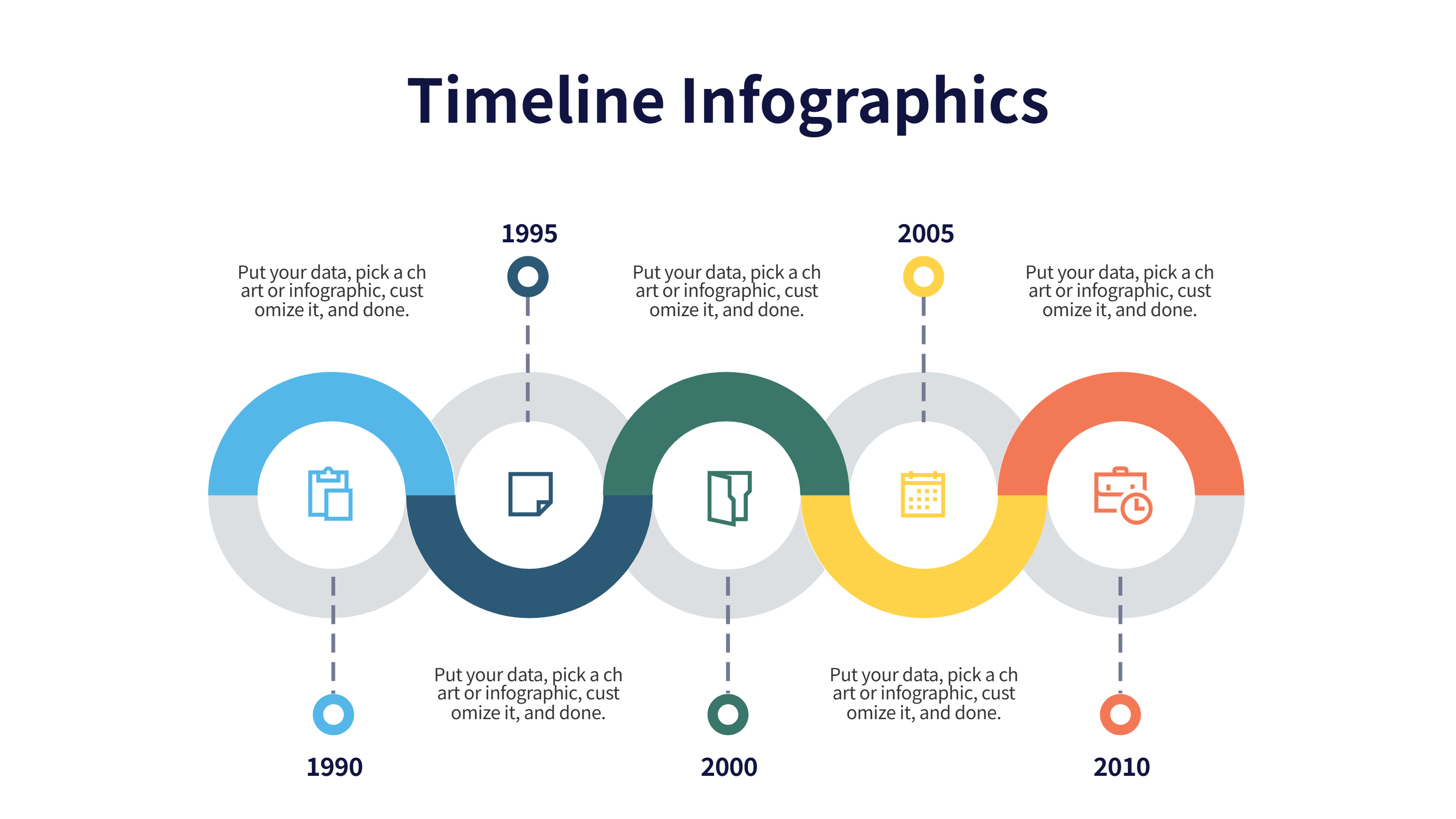
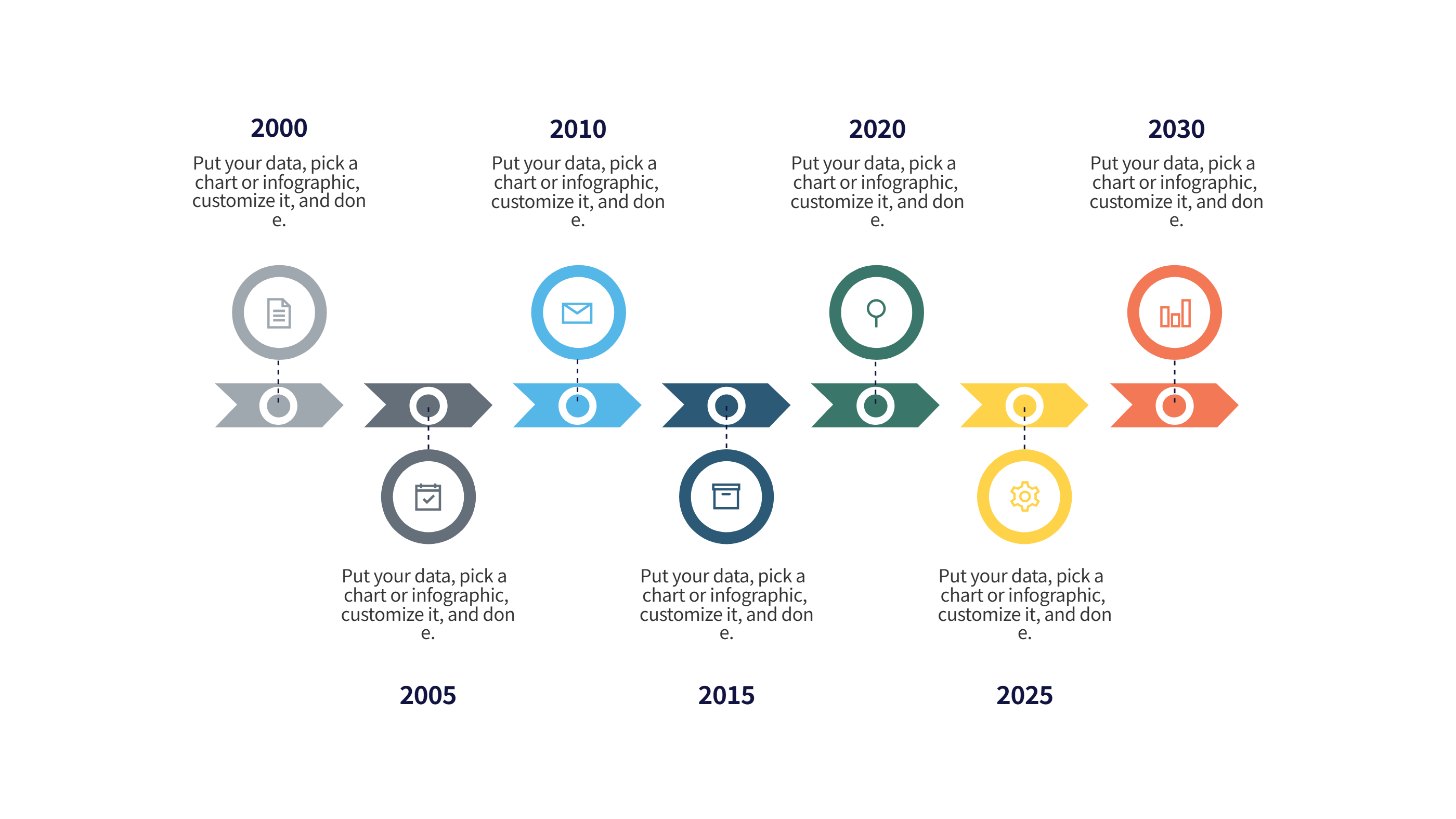
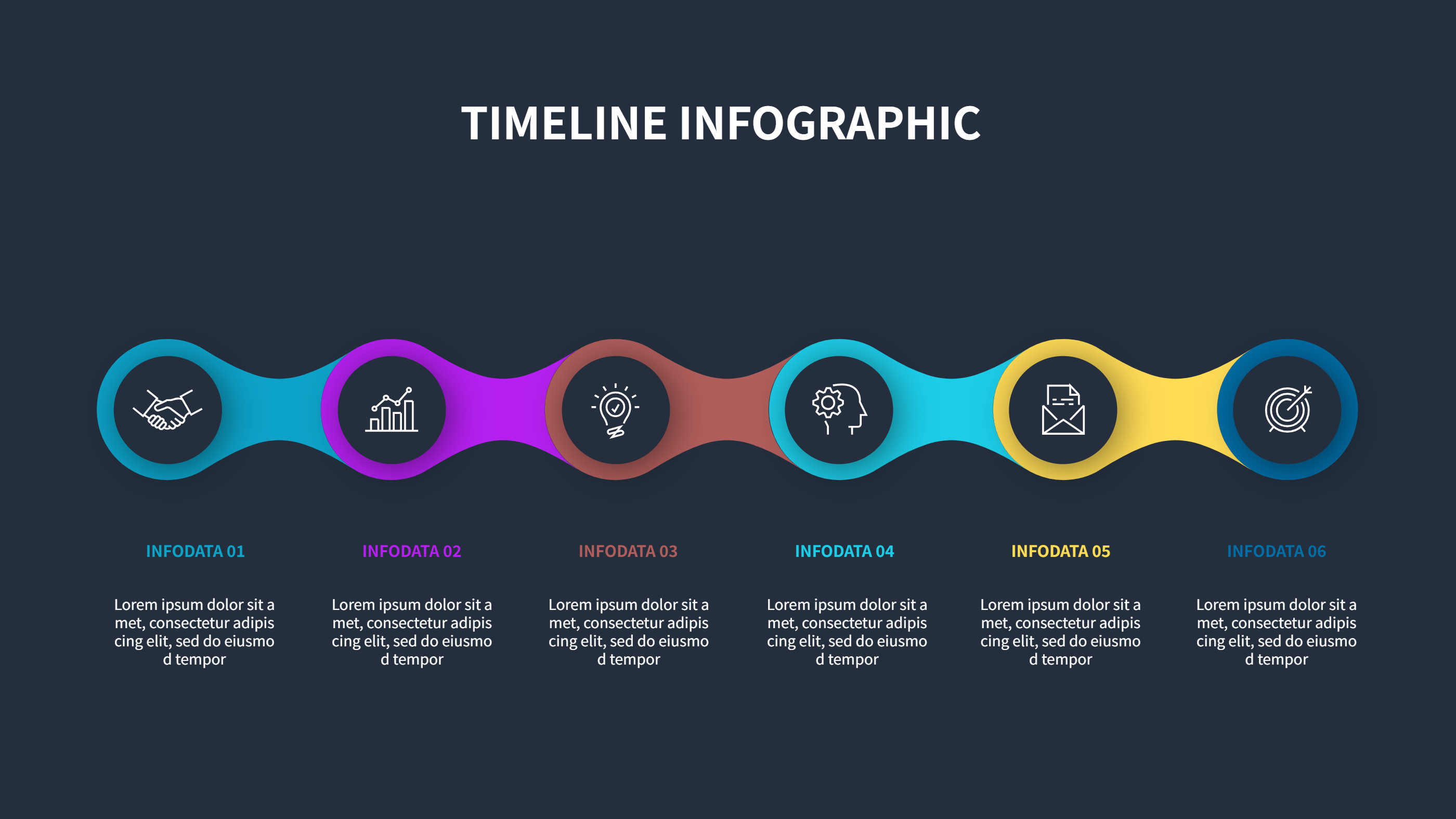
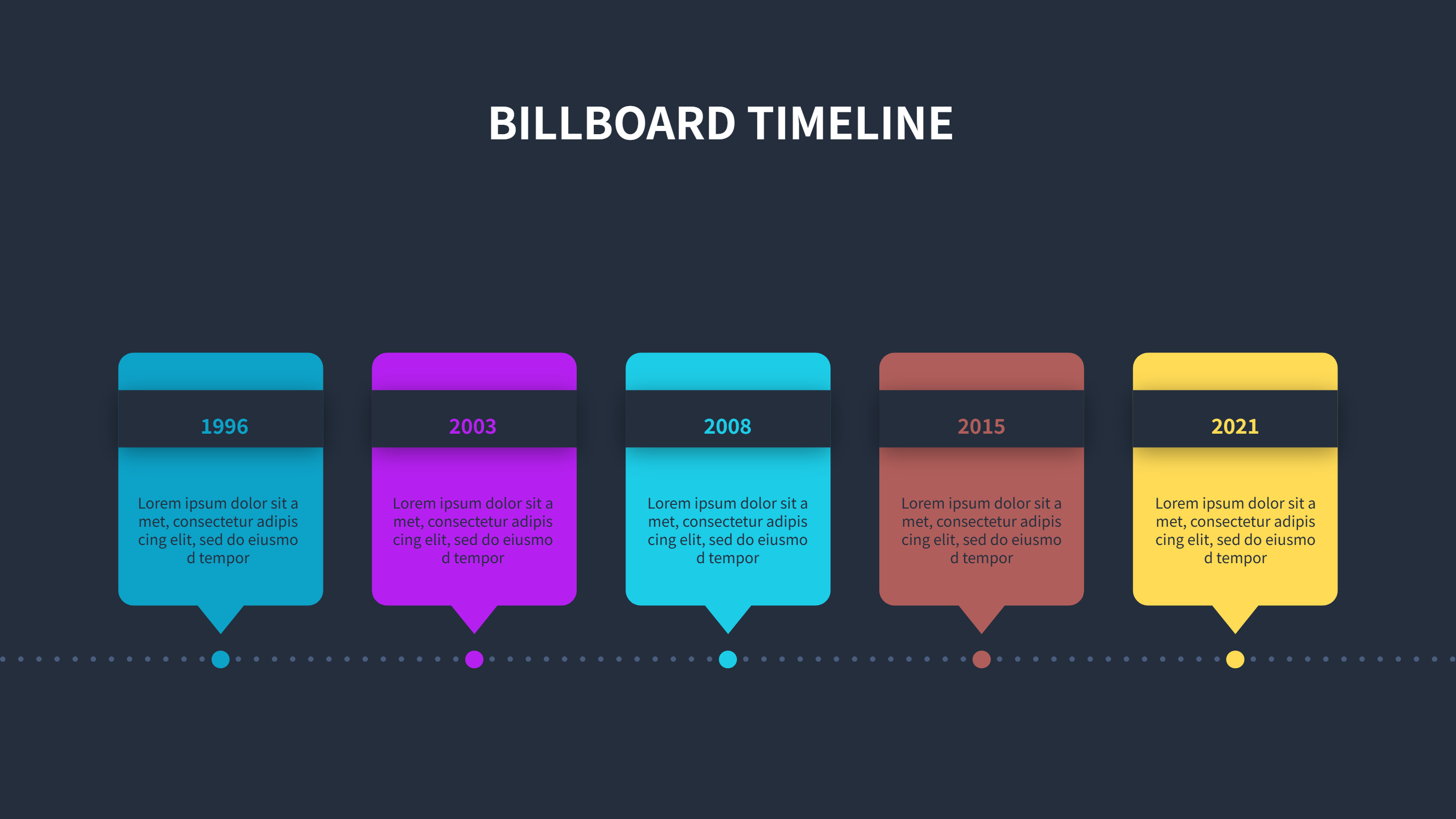
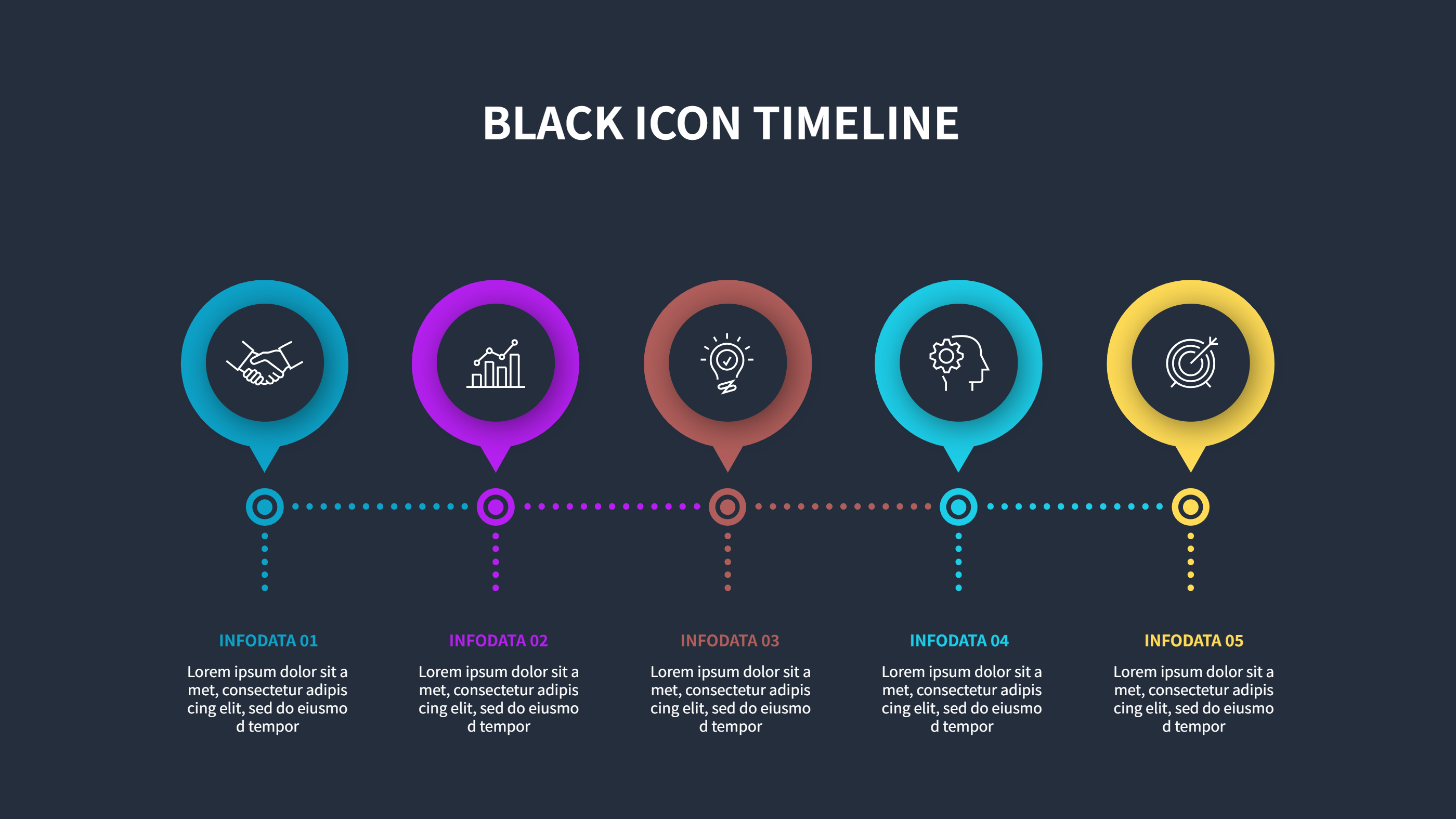
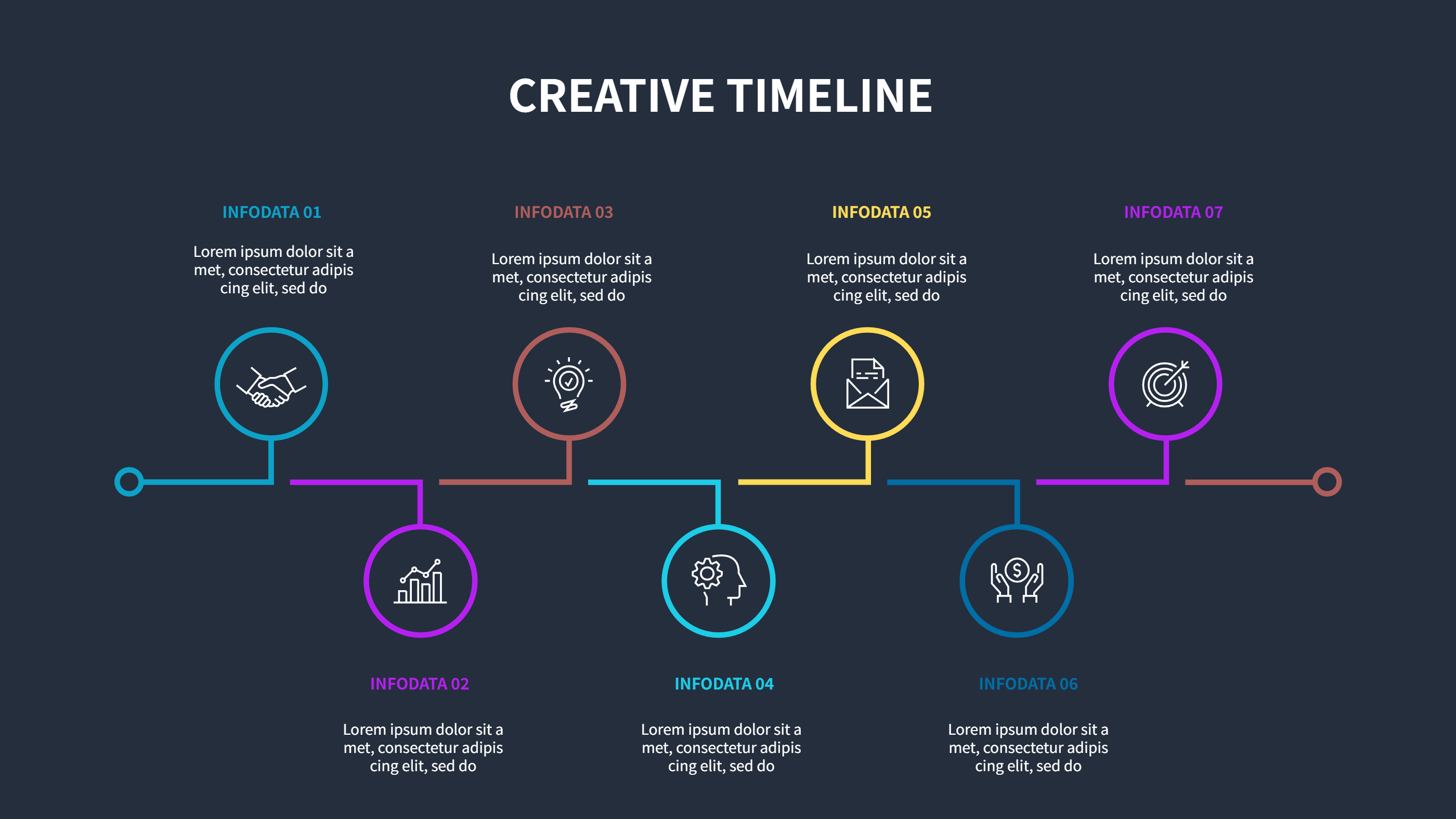
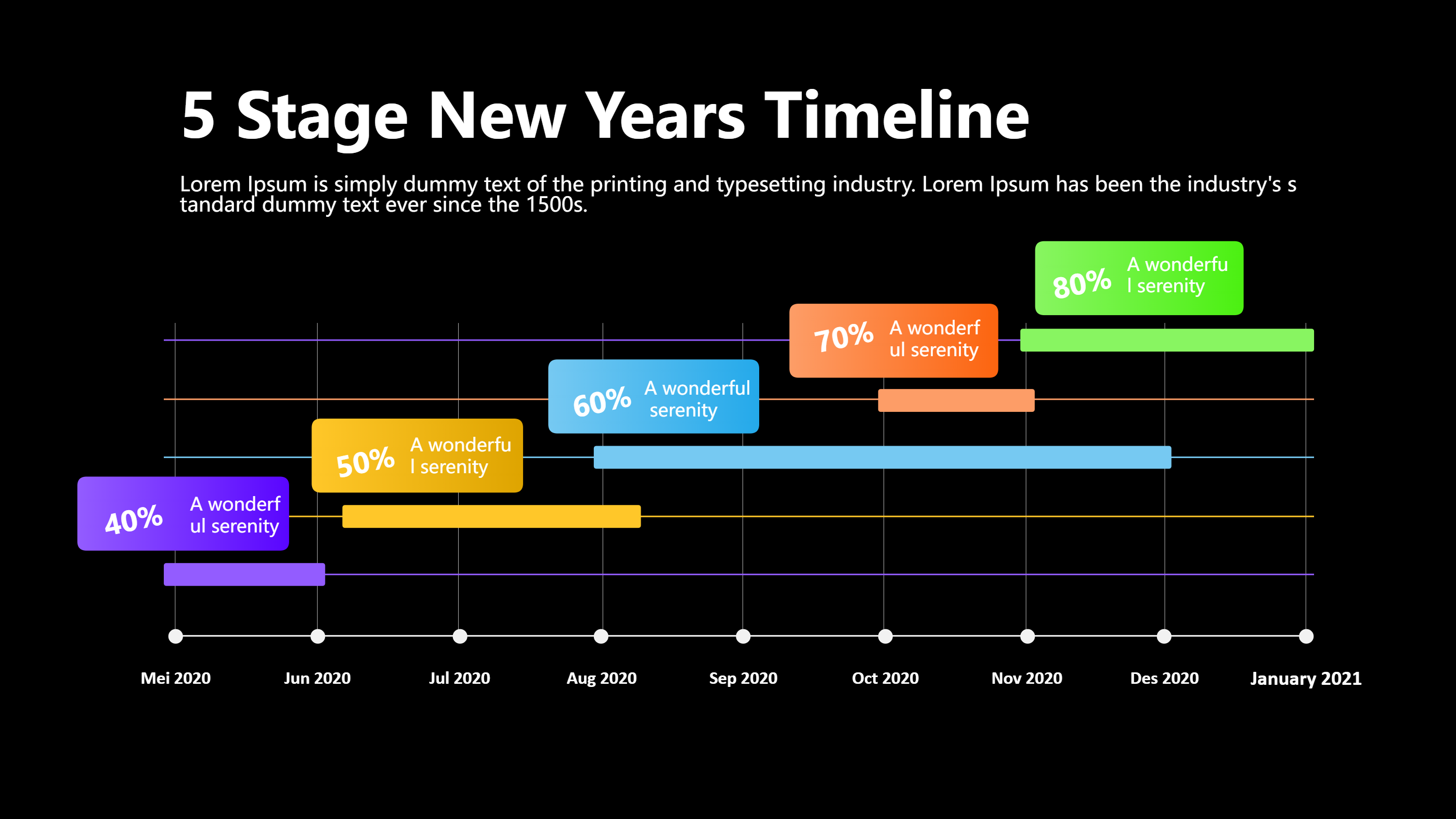
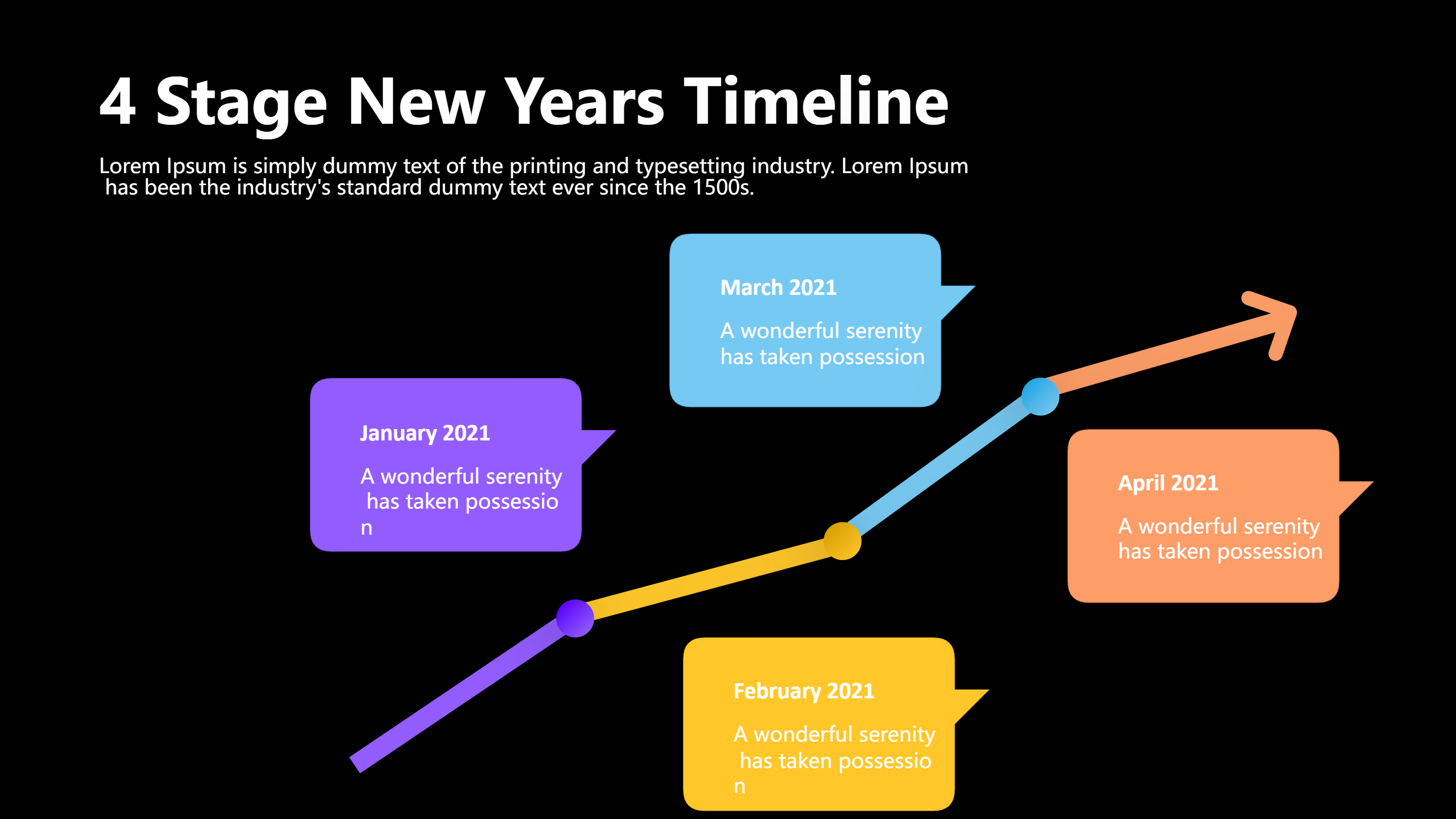
A travel PPT template infographic is a ready layout that turns a trip plan into a clear visual page. It gives space for dates, stops, and short notes in neat blocks. It can show a route line with icons for cities or sights. It can also show a day by day plan with simple time slots. The goal is fast reading. A reader can see the whole trip without scanning long text. The template keeps the style clean, so the travel story feels light and easy.
It works for a family trip, a school tour, or a small group visit. It is useful for a guide, a planner, or a friend who shares details. The layout can hold a map, a list of activities, and small budget notes. It can include contact points like a hotel name or a pickup spot. It can also show weather, packing tips, and key rules. The content stays short and clear.
When to Use Travel PPT Template Infographic
Use this infographic when you need a trip plan that people can scan in minutes. It fits a team travel schedule, a family holiday plan, or a student travel report. It works well for a tour guide who needs a simple route overview. It is also helpful for a travel blog summary or a travel agency pitch. The template keeps focus on the route and key moments.
It is also useful when you need to compare destinations. You can place two routes or two day plans side by side and highlight the main differences. It helps when plans change often, since small updates are easy to edit. It is good for sharing in a group chat or in a class slide deck. It can be printed for quick reference during a trip.
Download and Edit the Template
Click the download button and an online editor opens in a new page. You can edit the text, colors, icons, and layout blocks. You can replace images with your own photos or simple symbols. Use the save button when you are done. Choose PPT, PNG, or SVG as the export format. The steps stay the same even if the wording is different.
How to Use Travel PPT Template for Trip Plans and Route Highlights
Open the AI generator on the home page and choose the travel template that fits your plan. Enter a short prompt that describes the route, the number of days, and the key stops. The tool creates an infographic that follows the layout. You can edit the result and adjust text to match your trip. The meaning stays the same, even if your wording changes.
Examples of Travel PPT Template AI Prompt Usage
Example 1:
A simple weekend trip plan that shows two days with morning, afternoon, and evening blocks. Include a small route line between the city center and the park. Add a short packing list and two food spots.
Example 2:
A clean travel comparison between two beach towns. Show travel time, budget range, best season, and one local highlight for each. Use icons for sun, food, and transport.
Example 3:
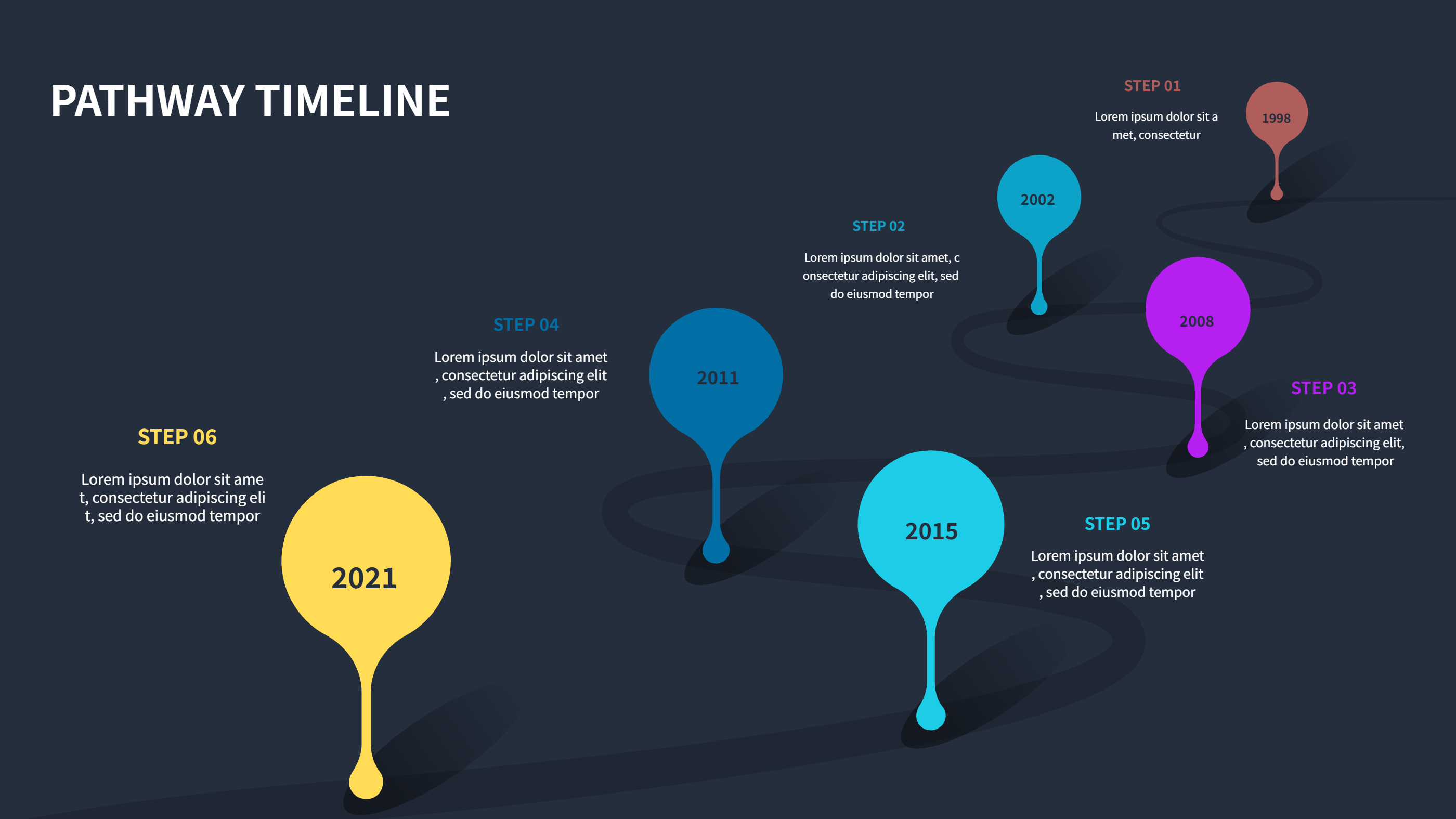
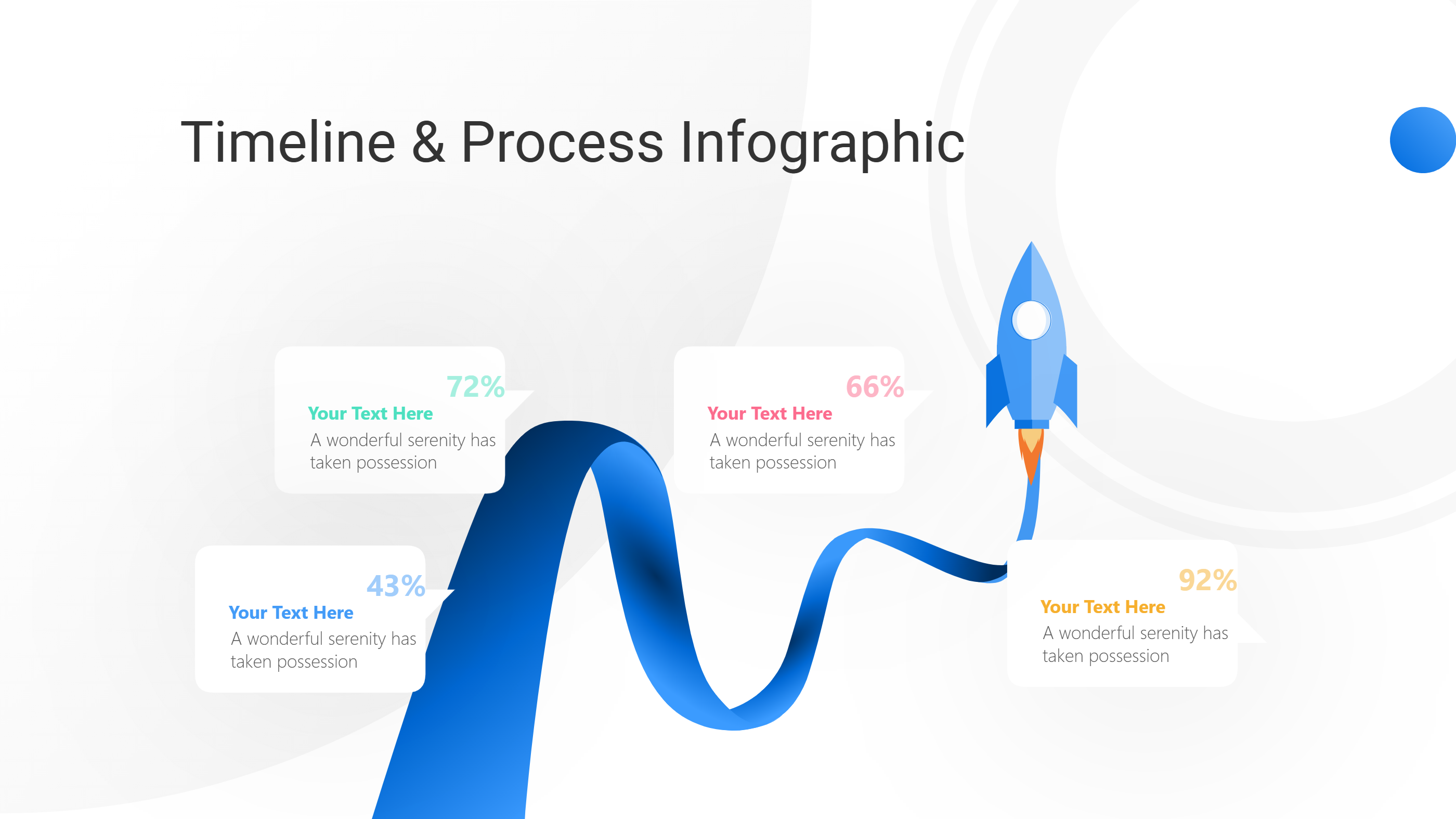
A road trip infographic with four stops along a highway. Use a curved path with small markers for each stop. Add short notes for activity ideas and rest times.
Recommended Similar Infographic Templates
Related Template 1: Trip Itinerary Template for Google Sheets and PPT Infographics
Related Template 2: Travel Itinerary Timeline Infographic Template for Google Sheets
Related Template 3: Vacation Tour
Related Template 4: Winter Activities for very Traveler
FAQs
Q: Can I use this travel PPT template for a group trip?
A: Yes, it is built for shared plans and quick updates.
Q: Can I add a map or a route line?
A: Yes, the layout has space for a simple route and location icons.
Q: Is the template useful for a one day visit?
A: Yes, it works well for short trips with a tight schedule.
Q: Can I change colors to match a brand or school theme?
A: Yes, colors and fonts are easy to edit in the online editor.
Q: Can I export the design as an image for sharing?
A: Yes, you can export to PNG or SVG for quick sharing.