Project Timeline Template Excel Free Download
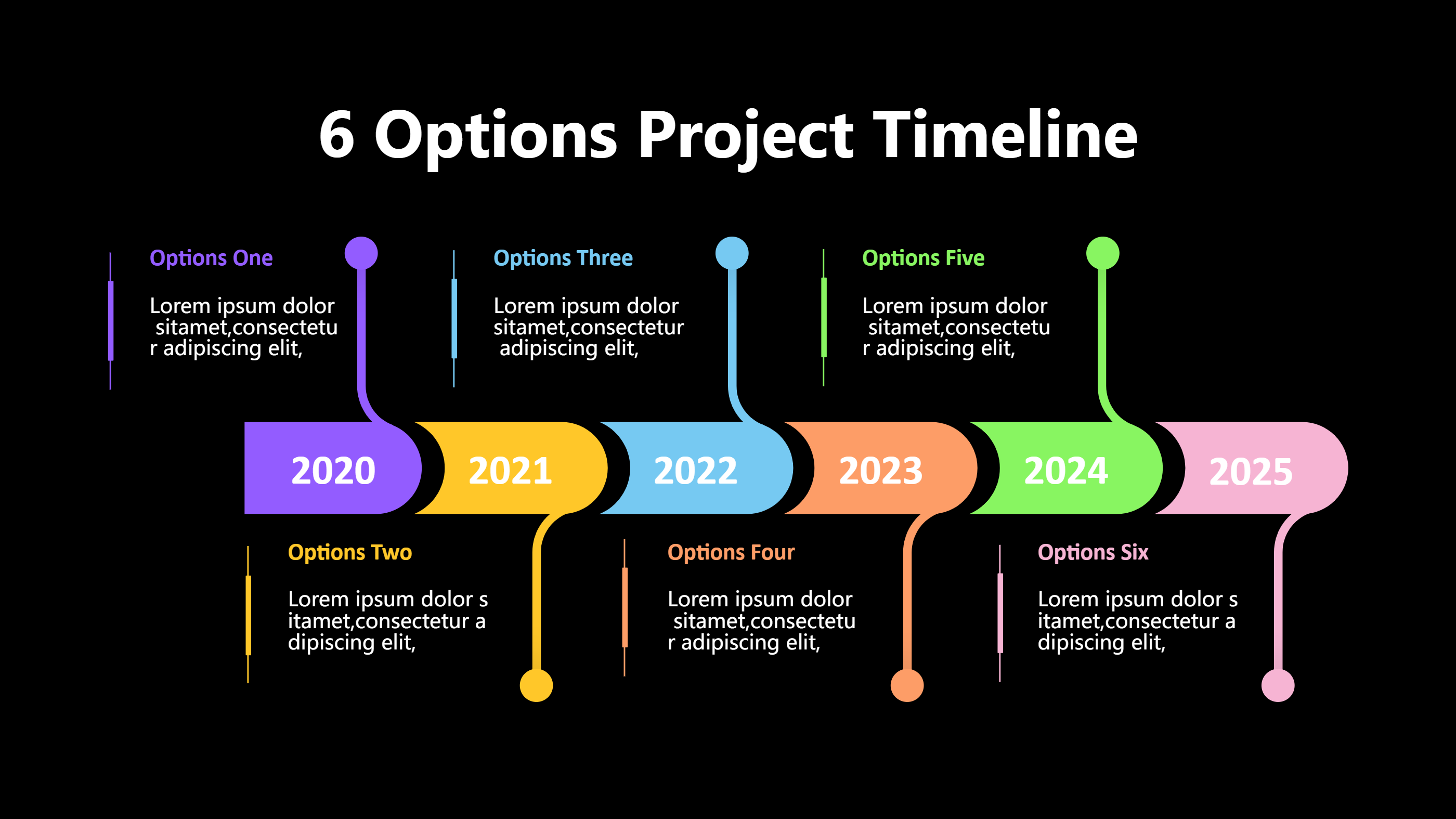
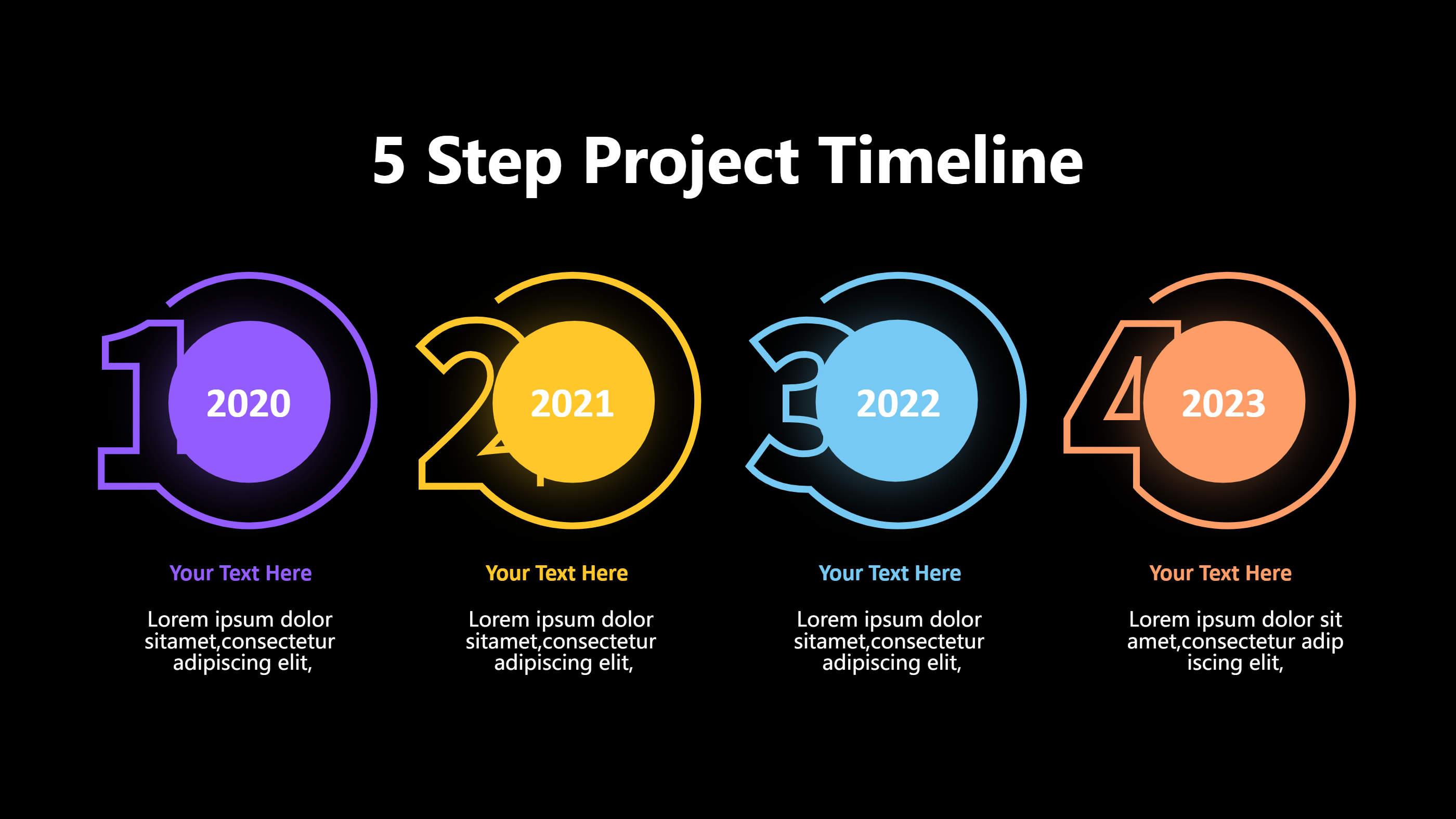
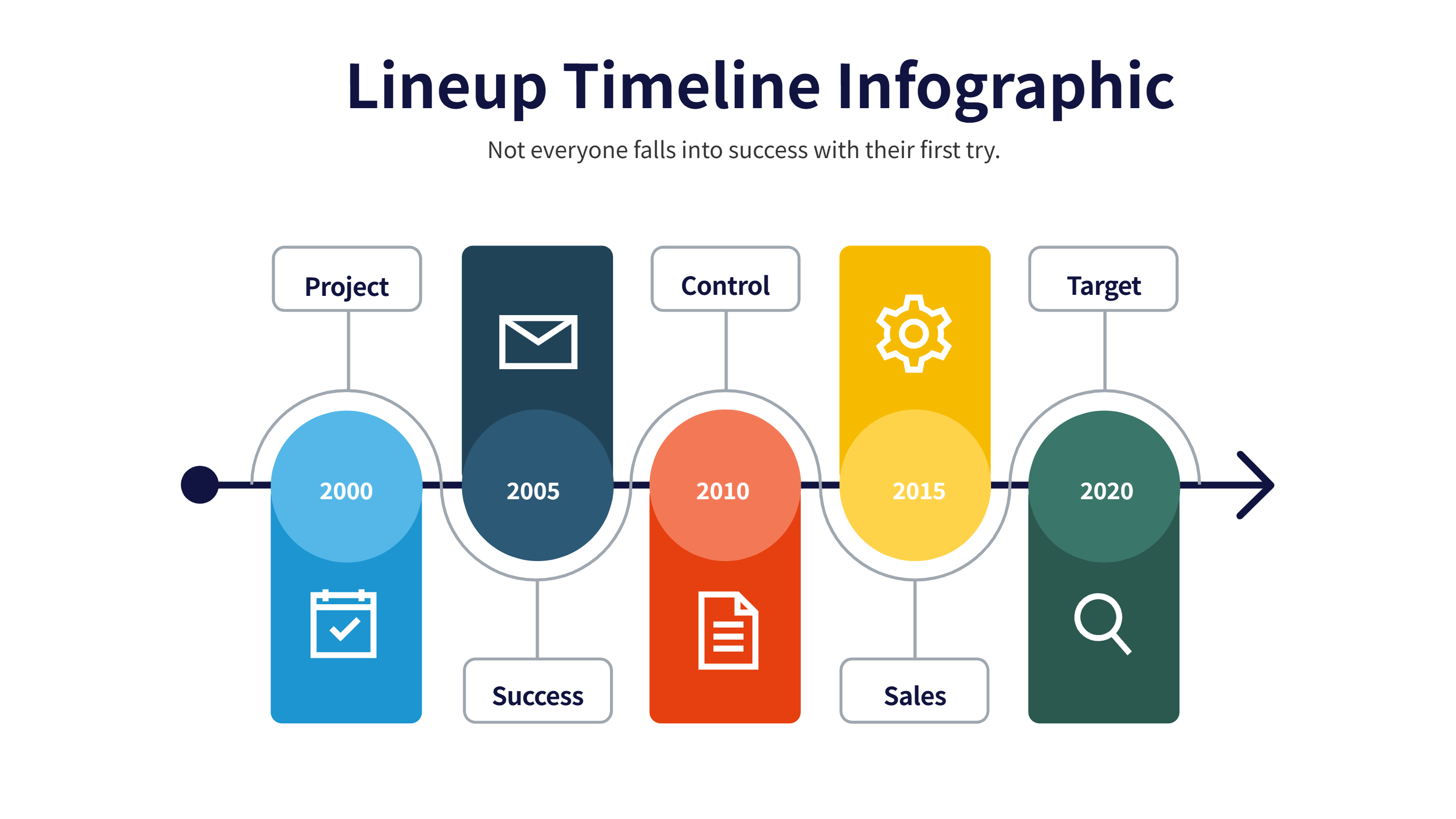
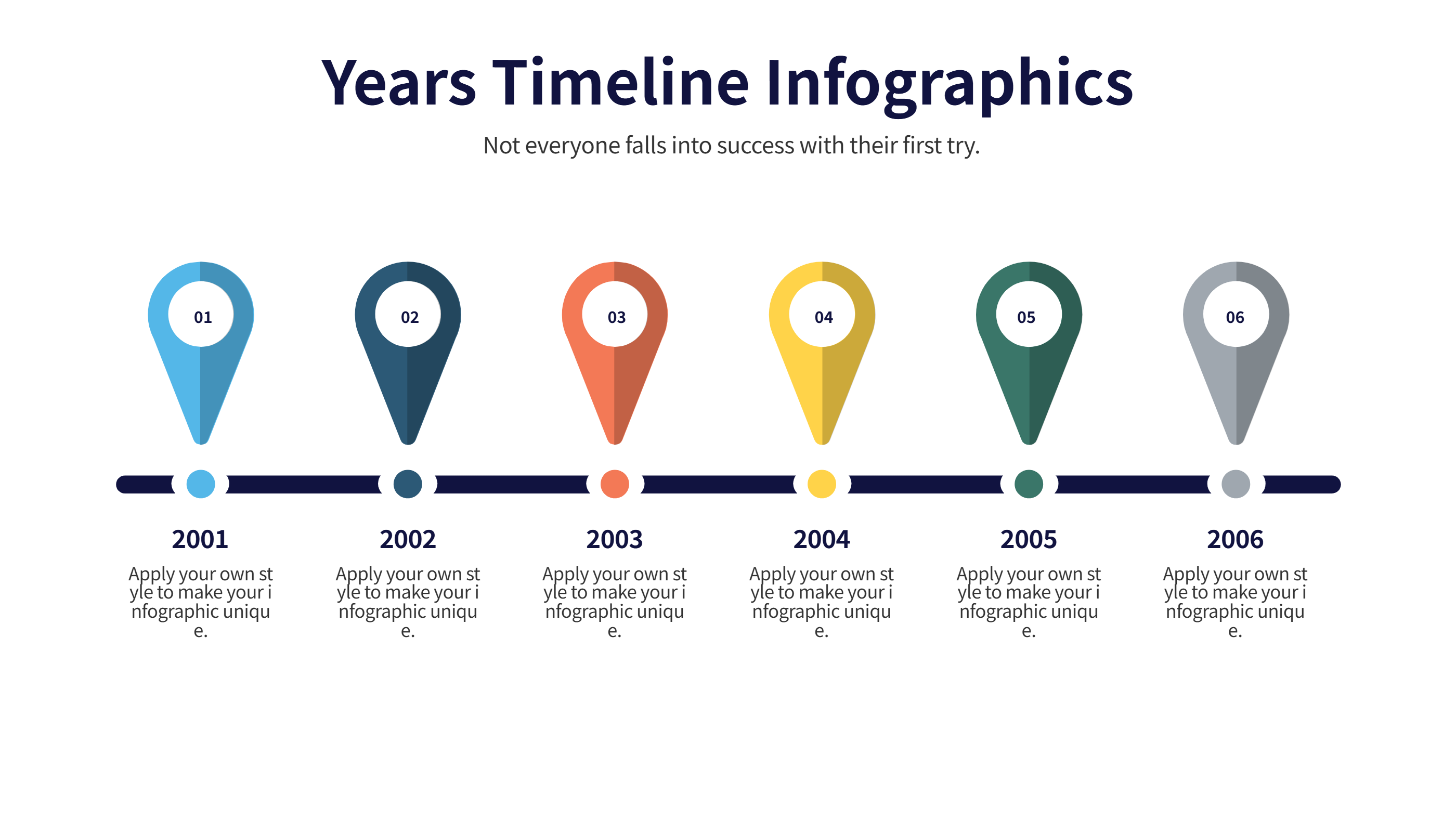
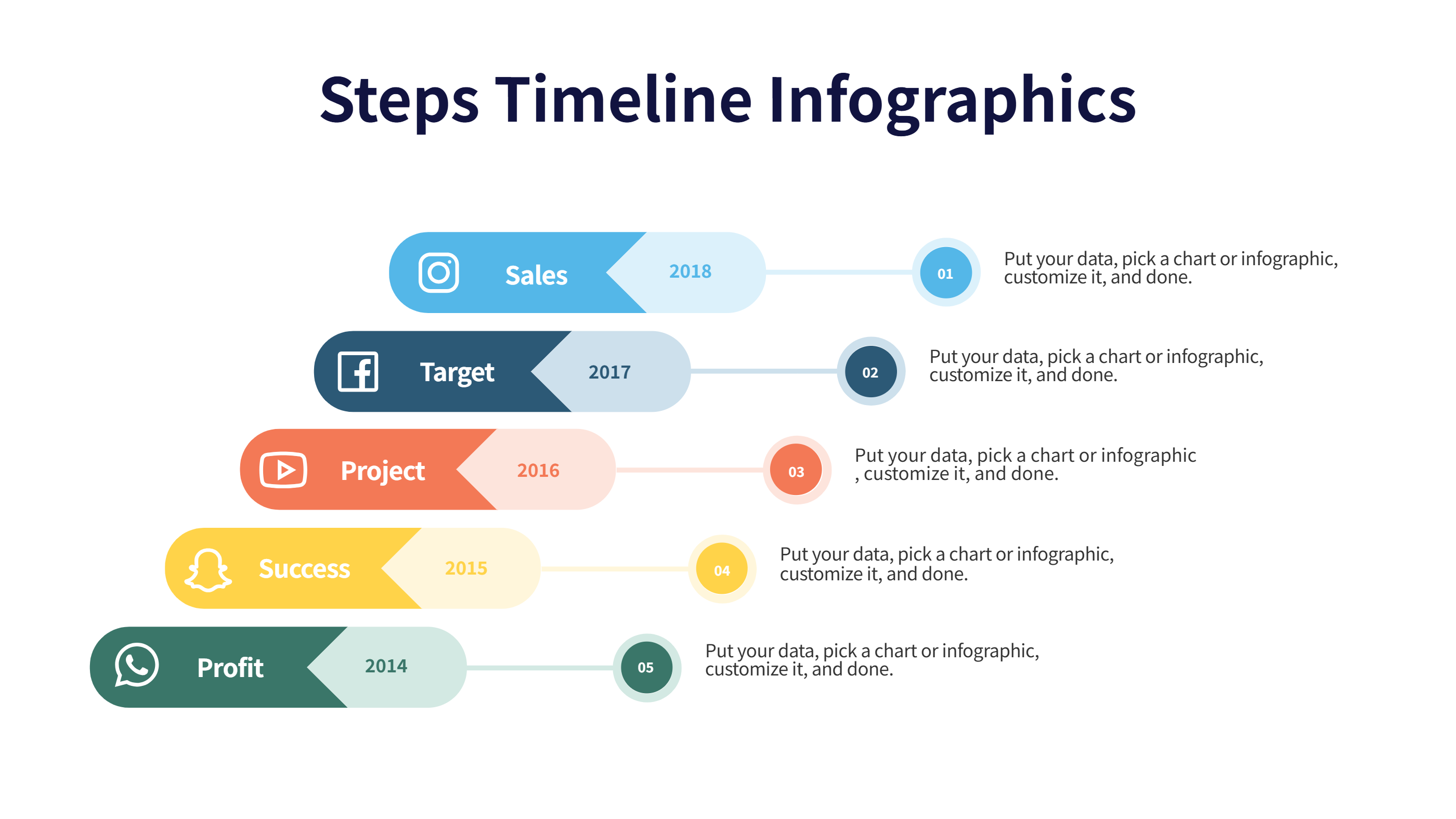
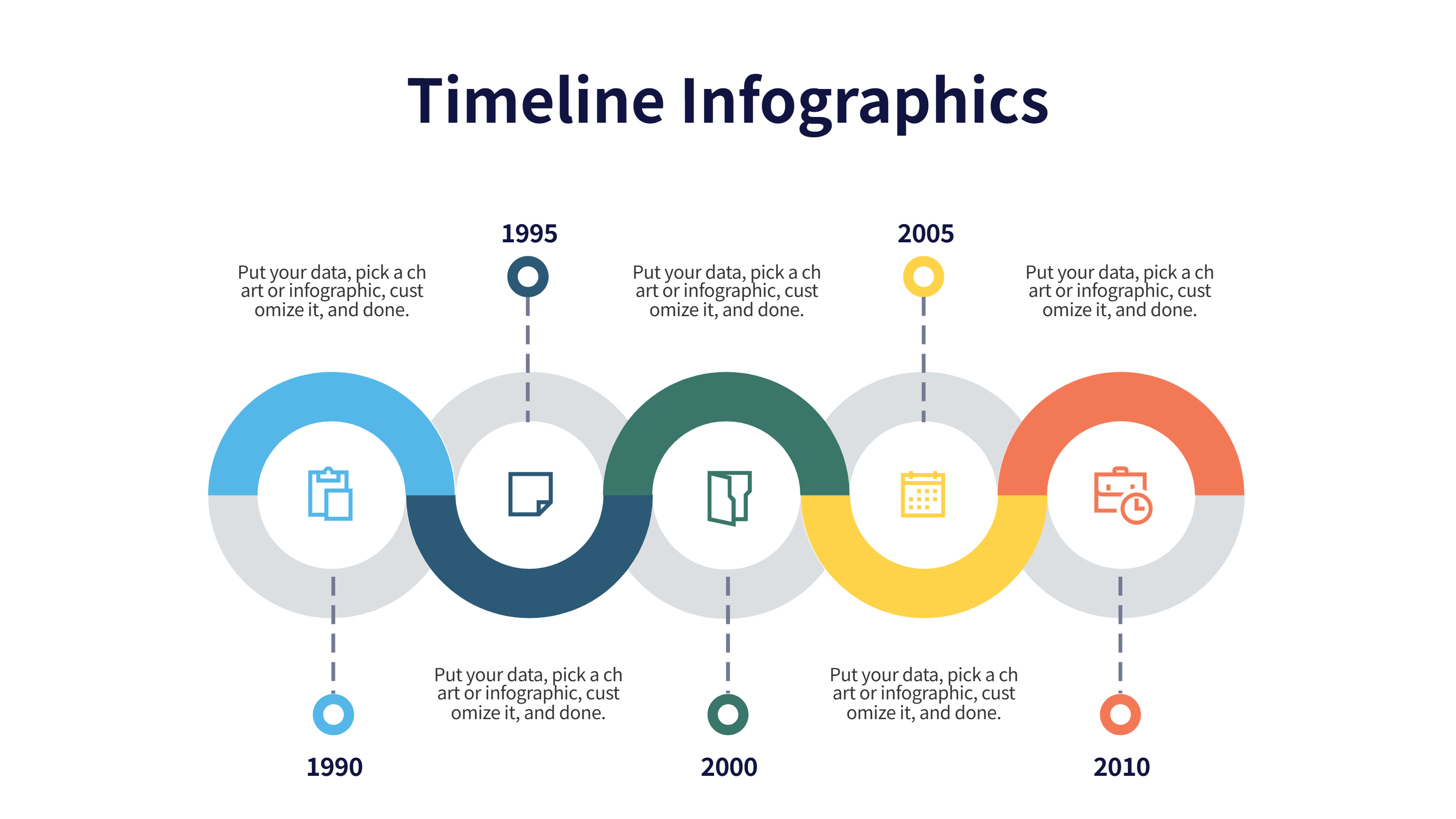
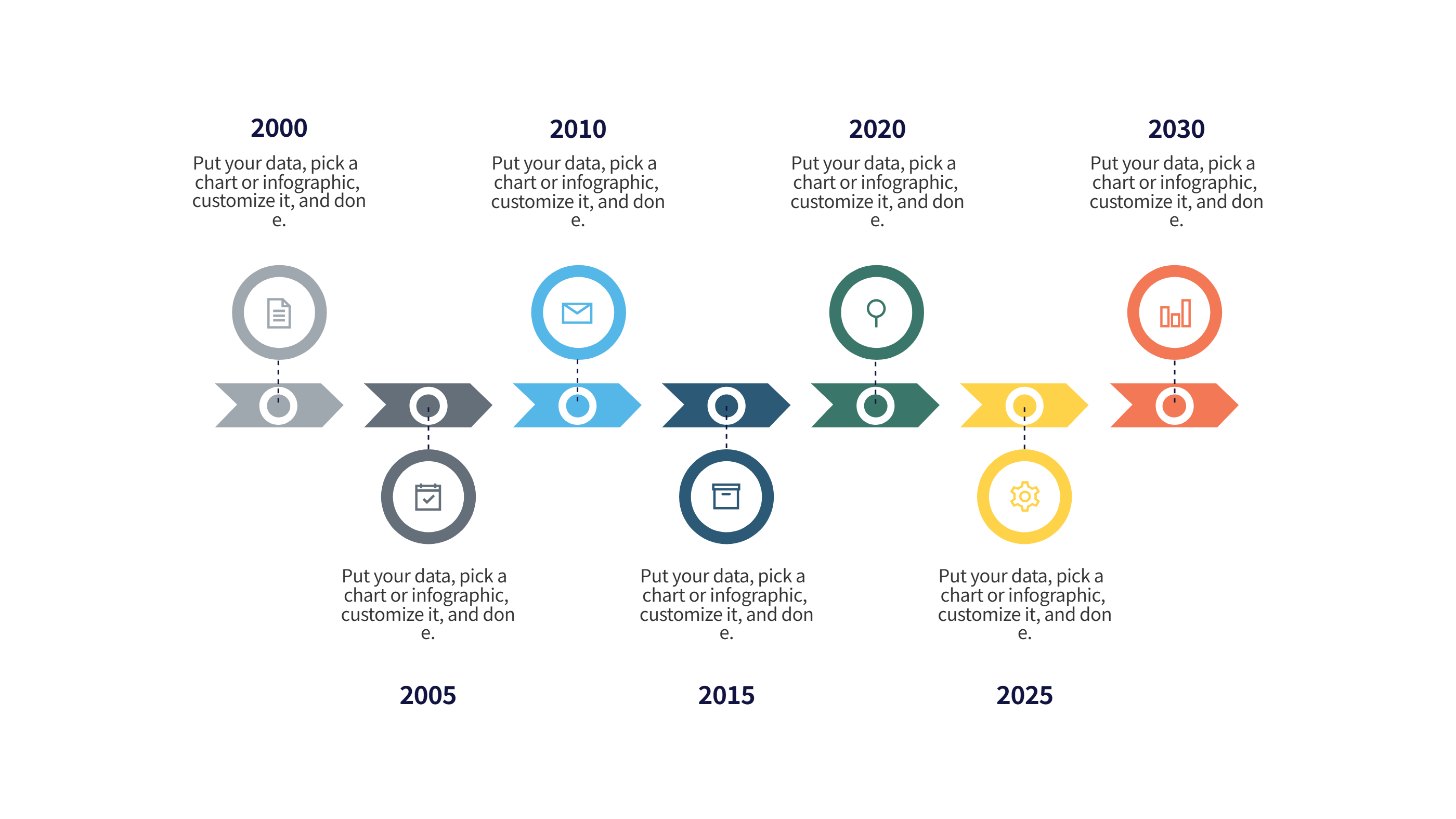
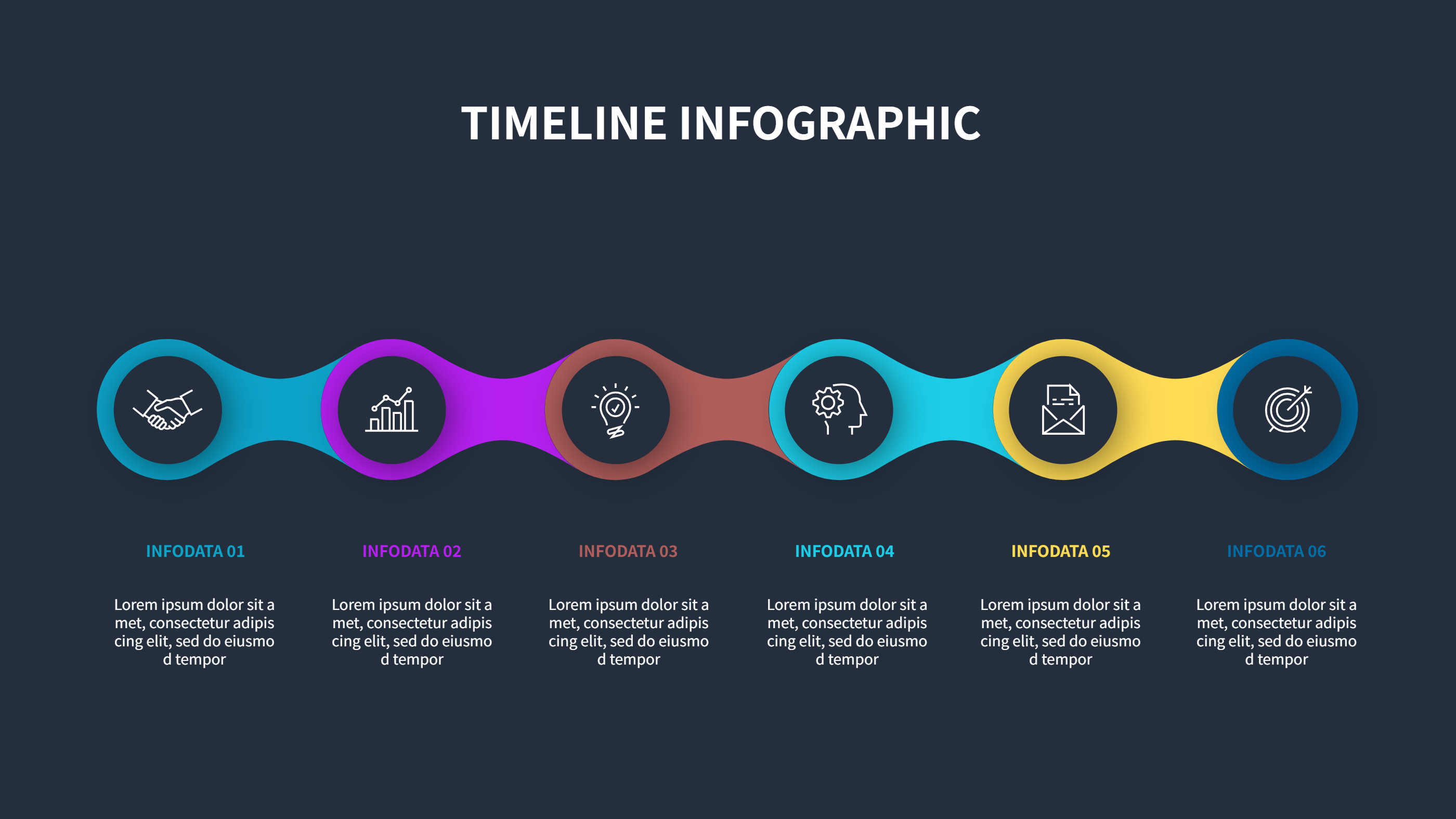
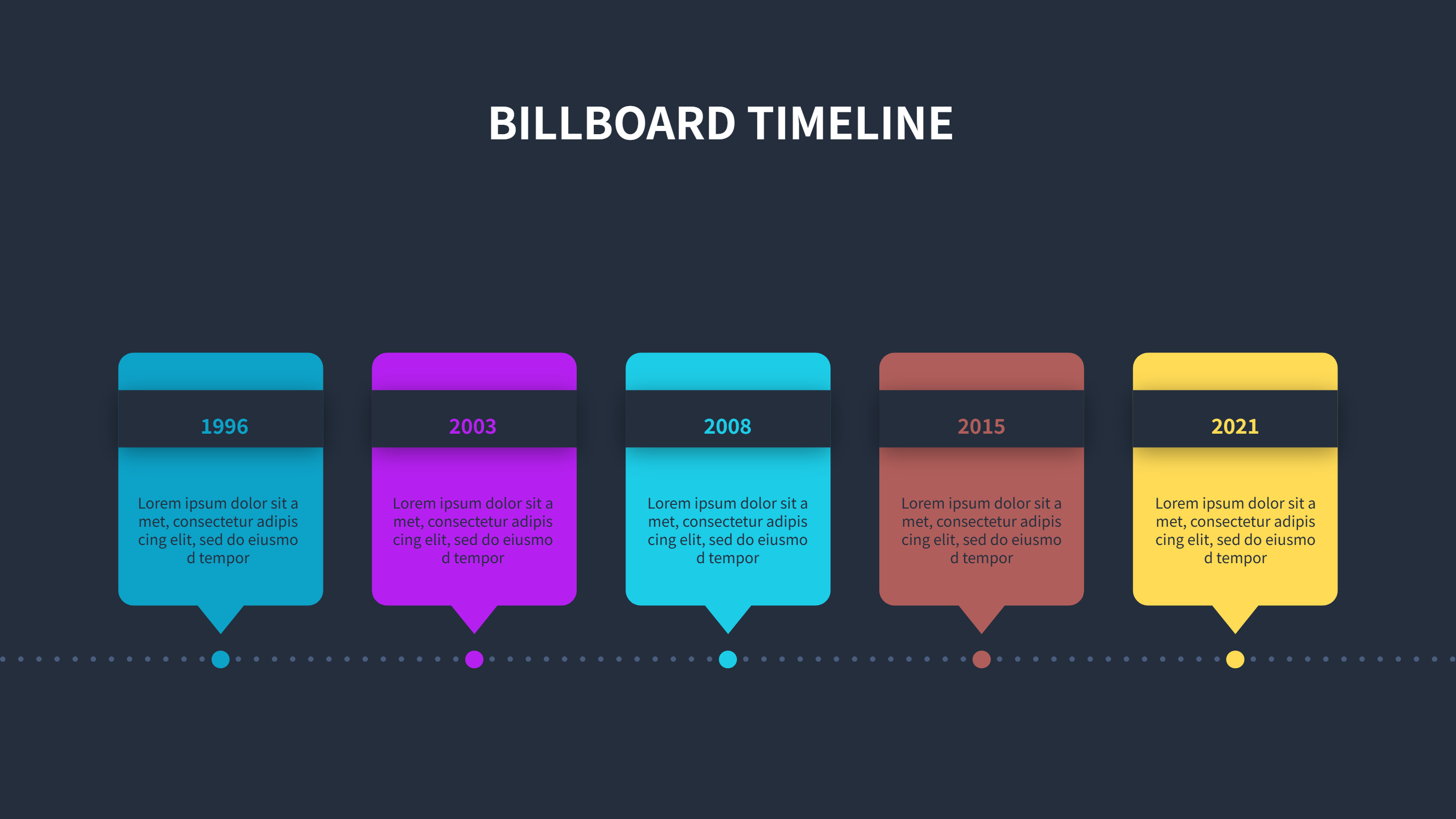
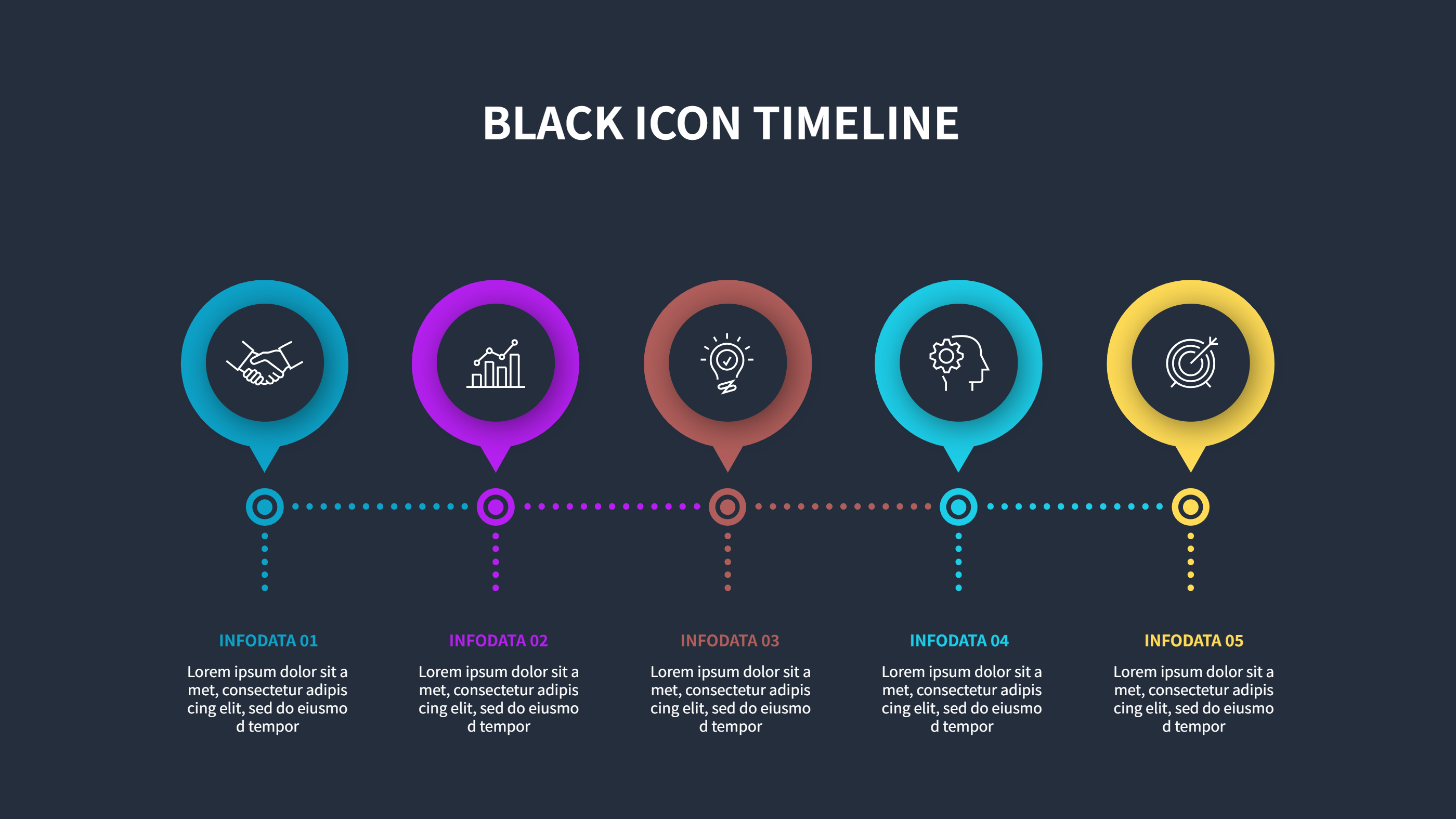
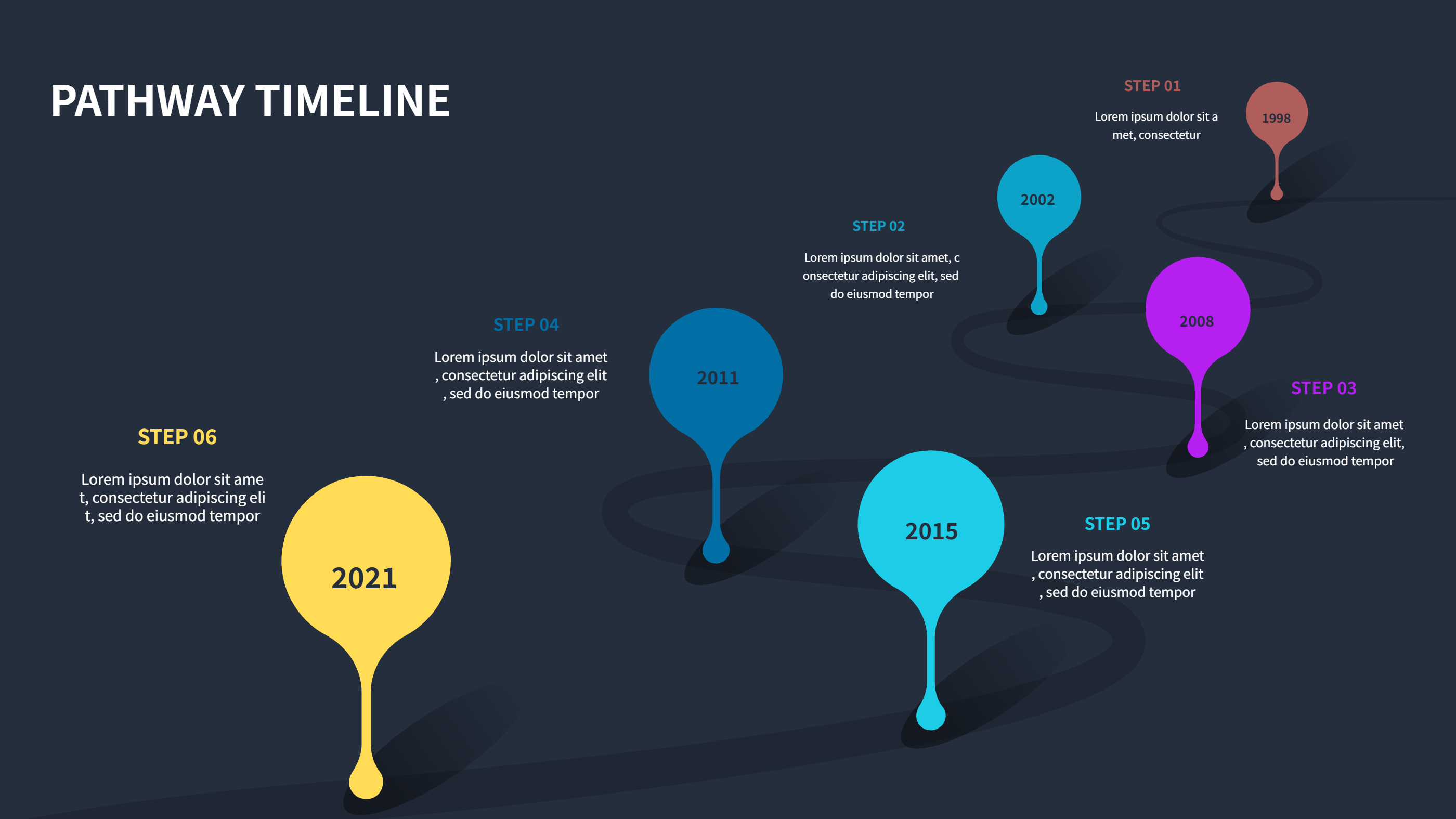
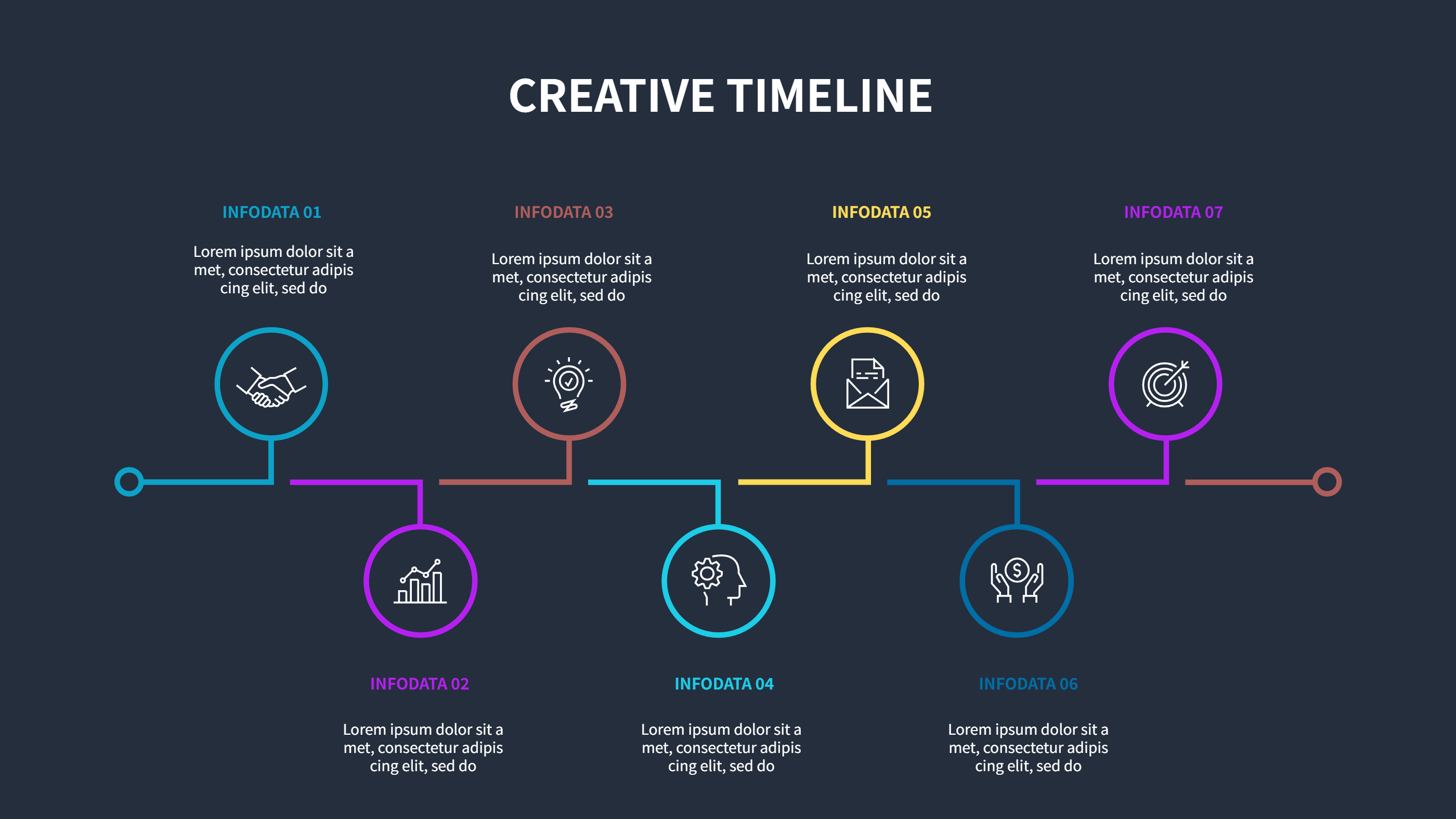
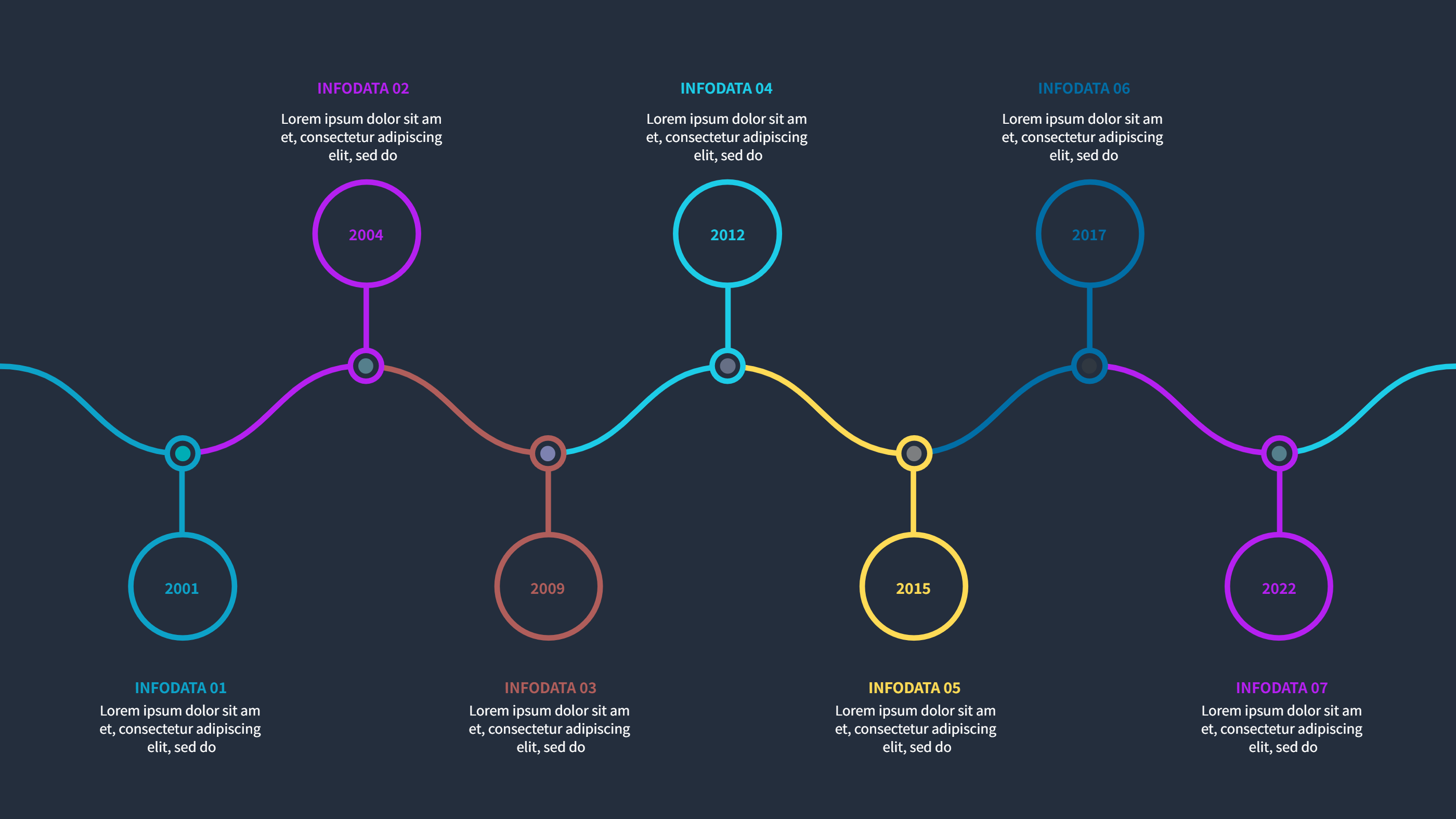
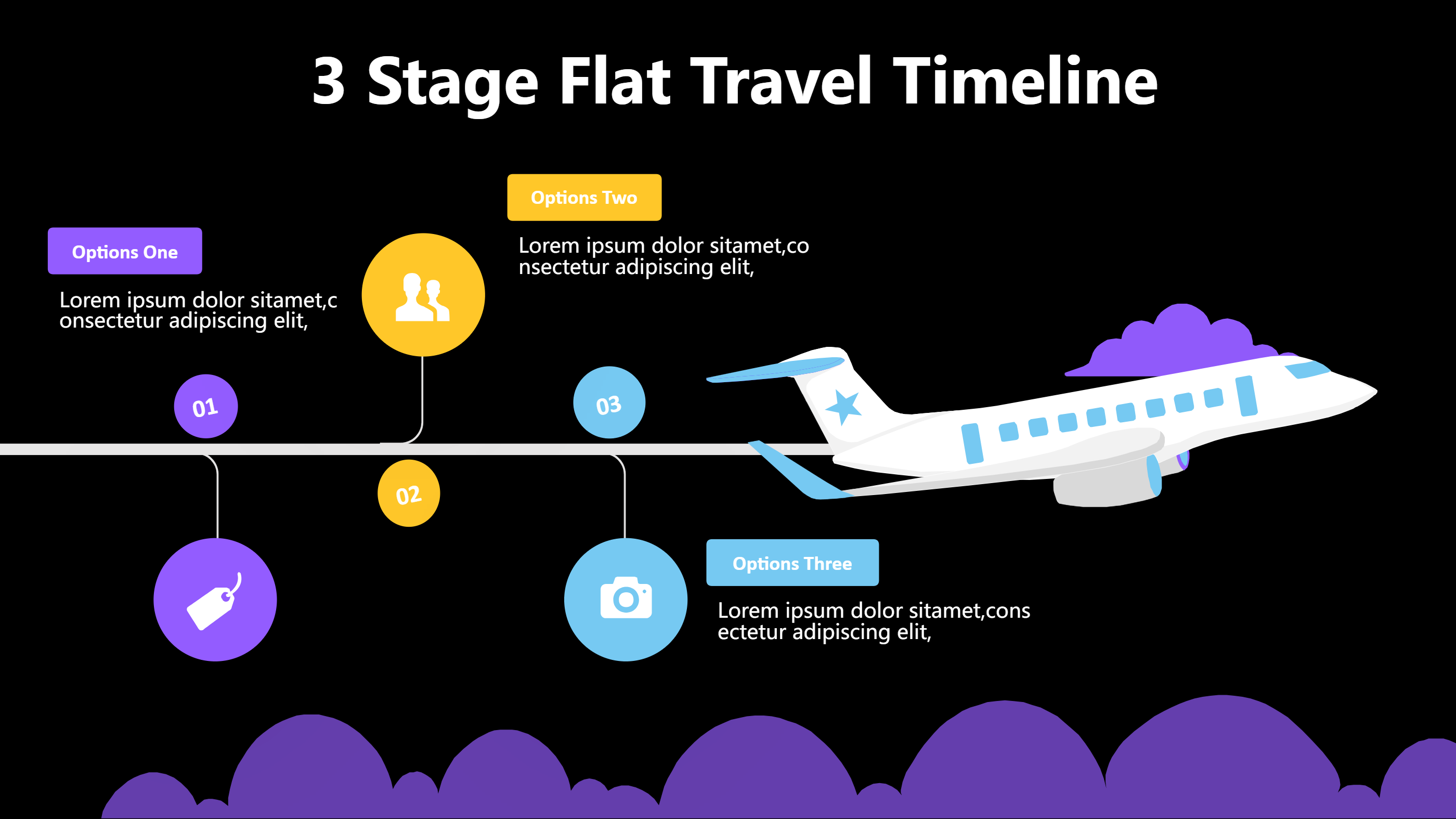
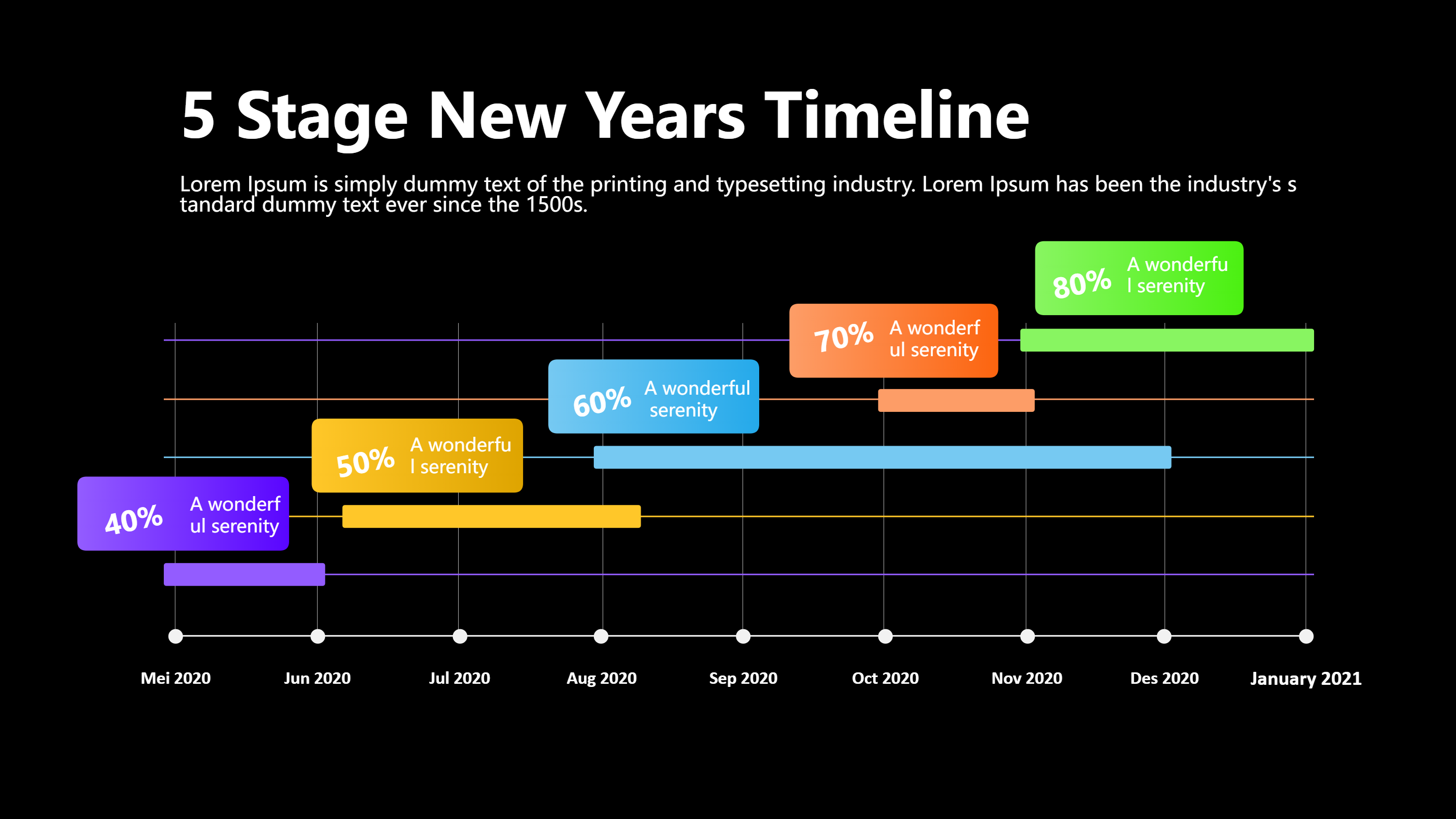
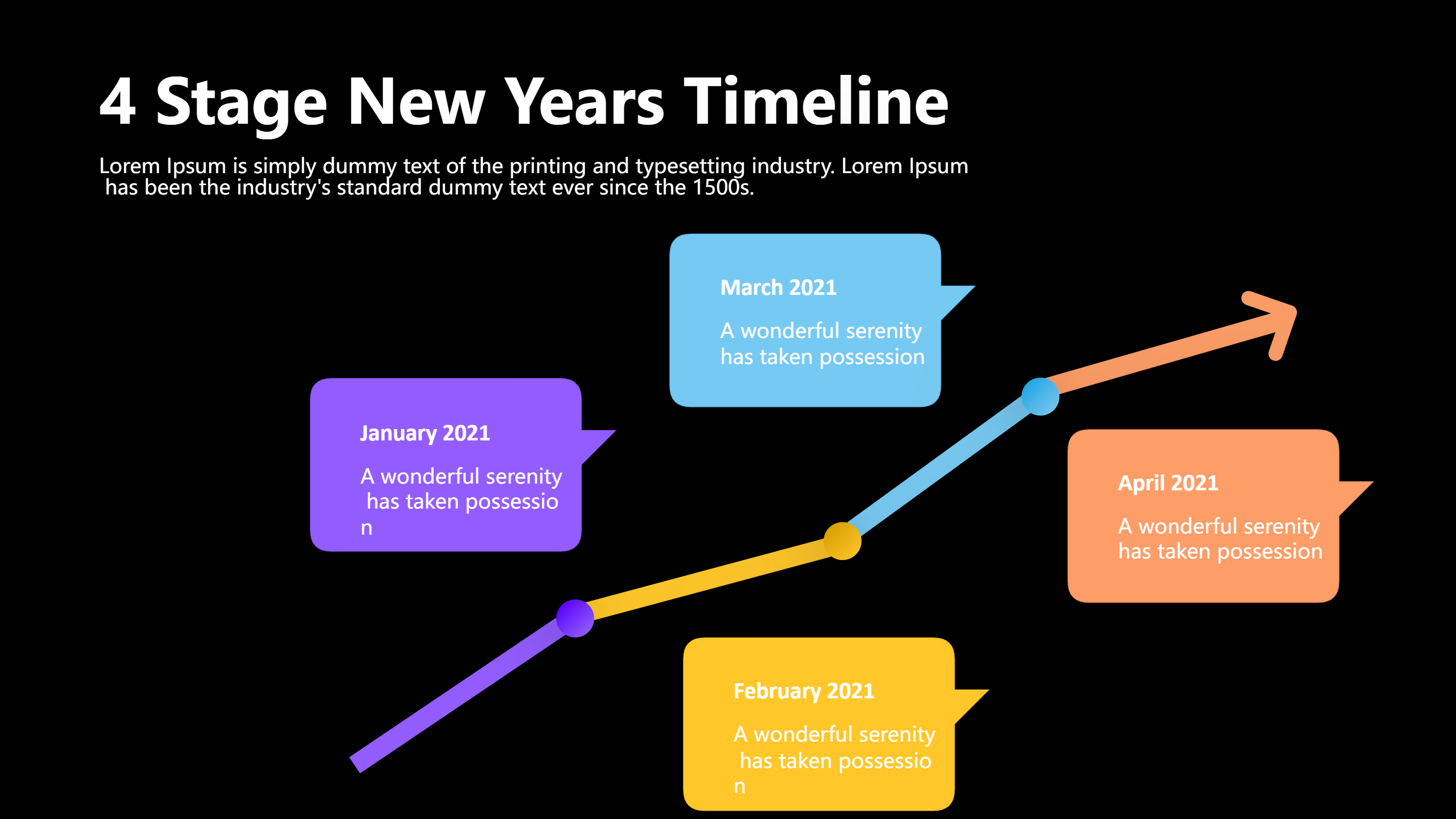
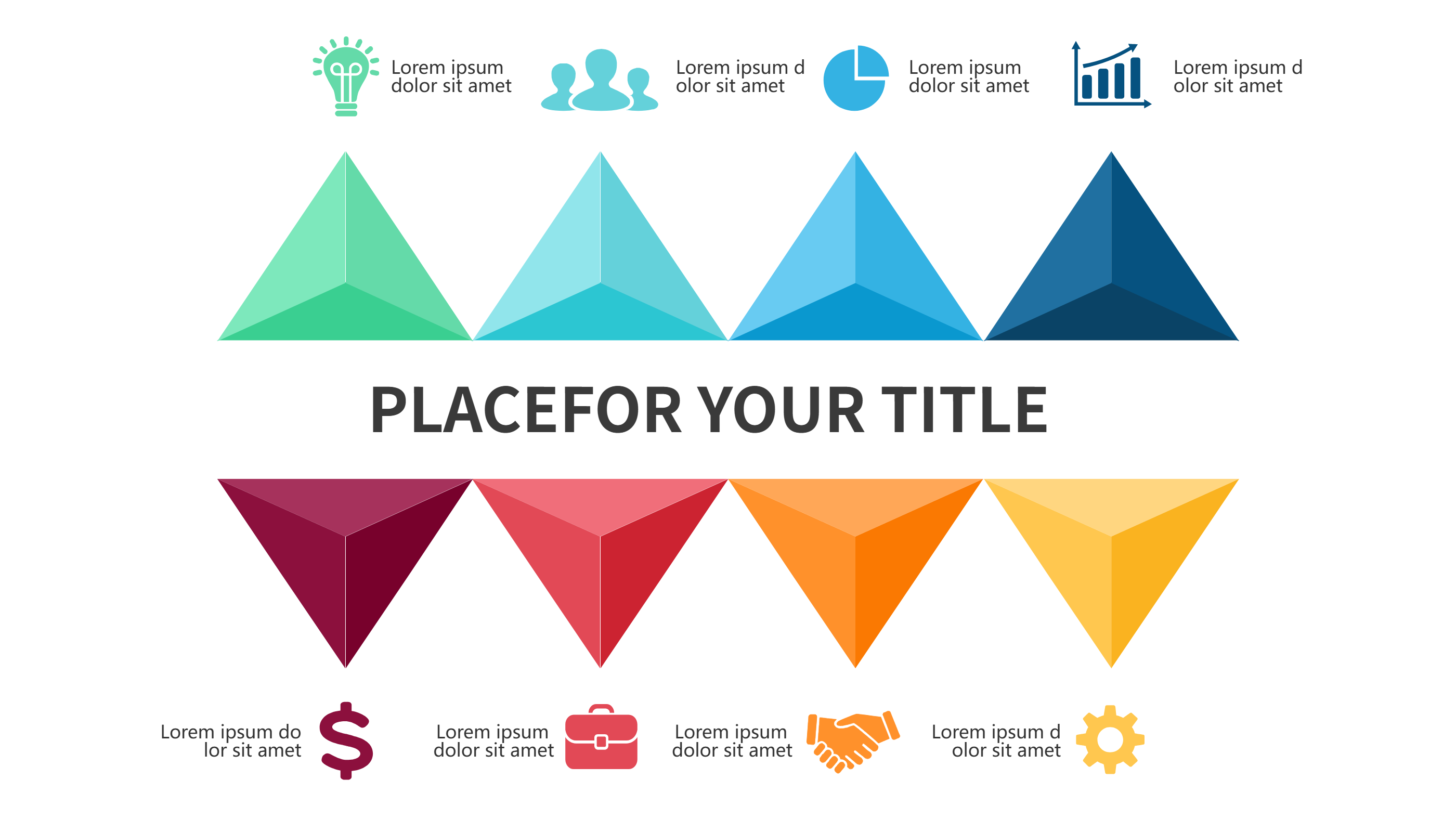
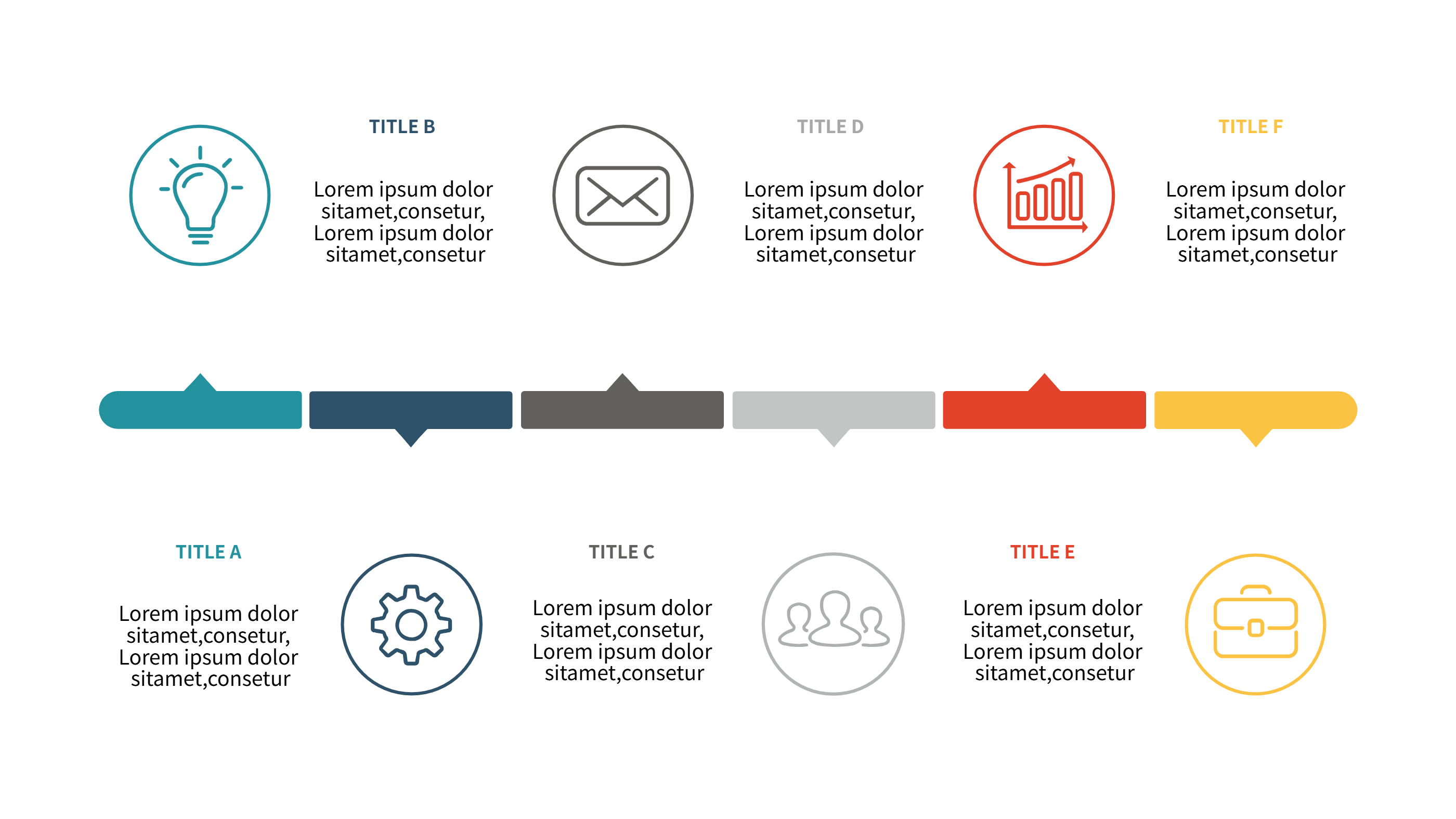
This project timeline template offers six parallel lanes so you can compare options, workstreams, or scenarios side by side. Tall colored columns feed into rounded blocks on the line, giving each path a clear label and note. It is easy to export as an image and drop into Excel, emails, or reports without extra formatting.
Use it to map feature sets, vendor choices, or team tracks. Keep titles short and notes brief so the six lanes stay readable. Color-code each lane for ownership or risk level, and use light icons if you want to show task types like design, build, test, review, or launch. The structured spacing keeps the slide neat even when you edit labels or reorder steps. Add a short header above each lane if you want to call out scope.
Export to PNG for Excel, paste into a status deck, or print for workshops. Because the layout is clean, you can duplicate it across weeks or months to keep updates consistent. The bright accents help viewers see differences between lanes without a legend. It also works as a simple comparison sheet when you need to decide between schedules.
Open the AI creation tool on the homepage, pick this template, and enter your prompt to generate the infographic. This Excel-friendly timeline reduces layout work, keeps comparisons clear, and helps teams decide which path to take.