Timeline Template Design for Clear Milestones

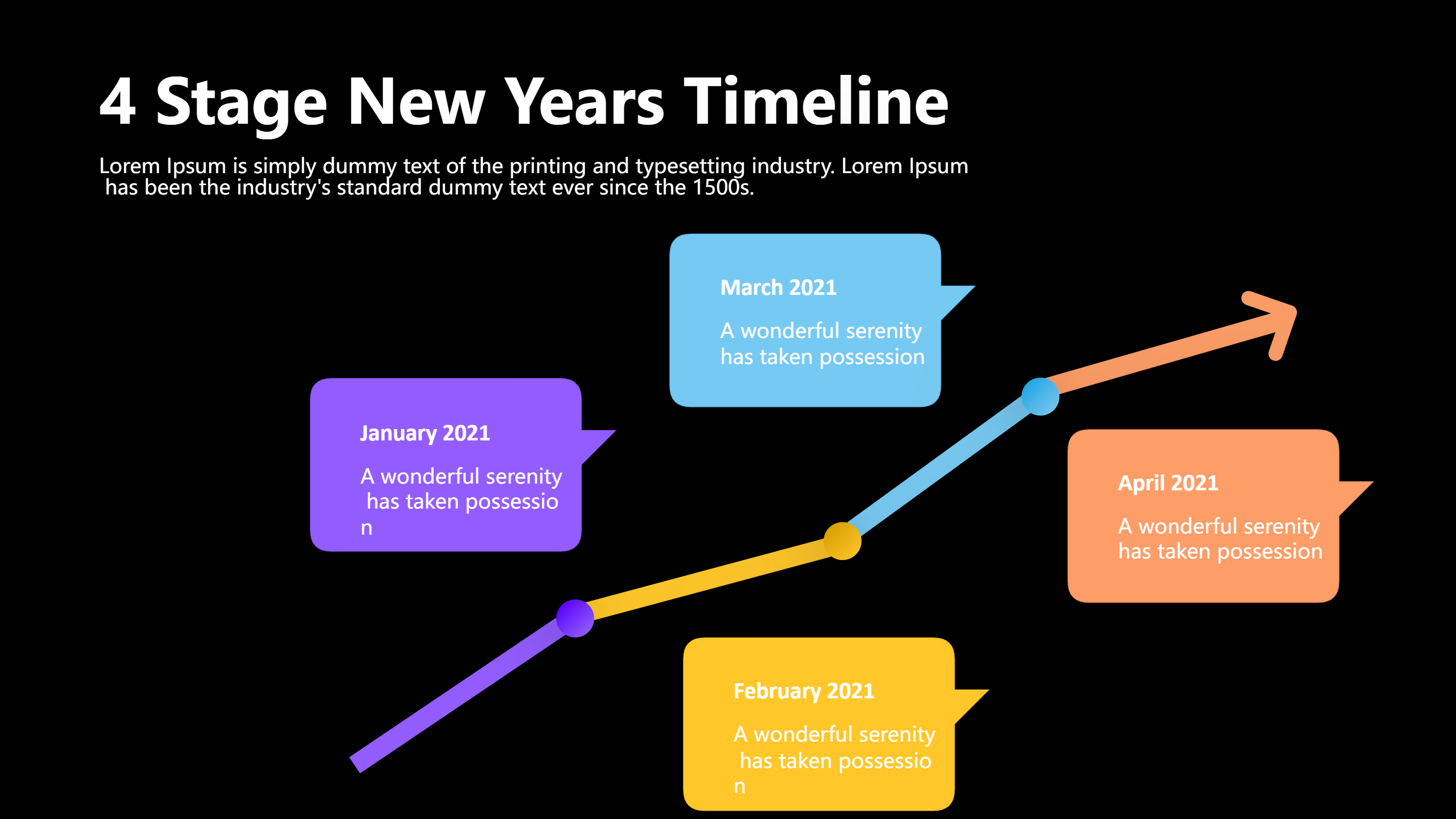
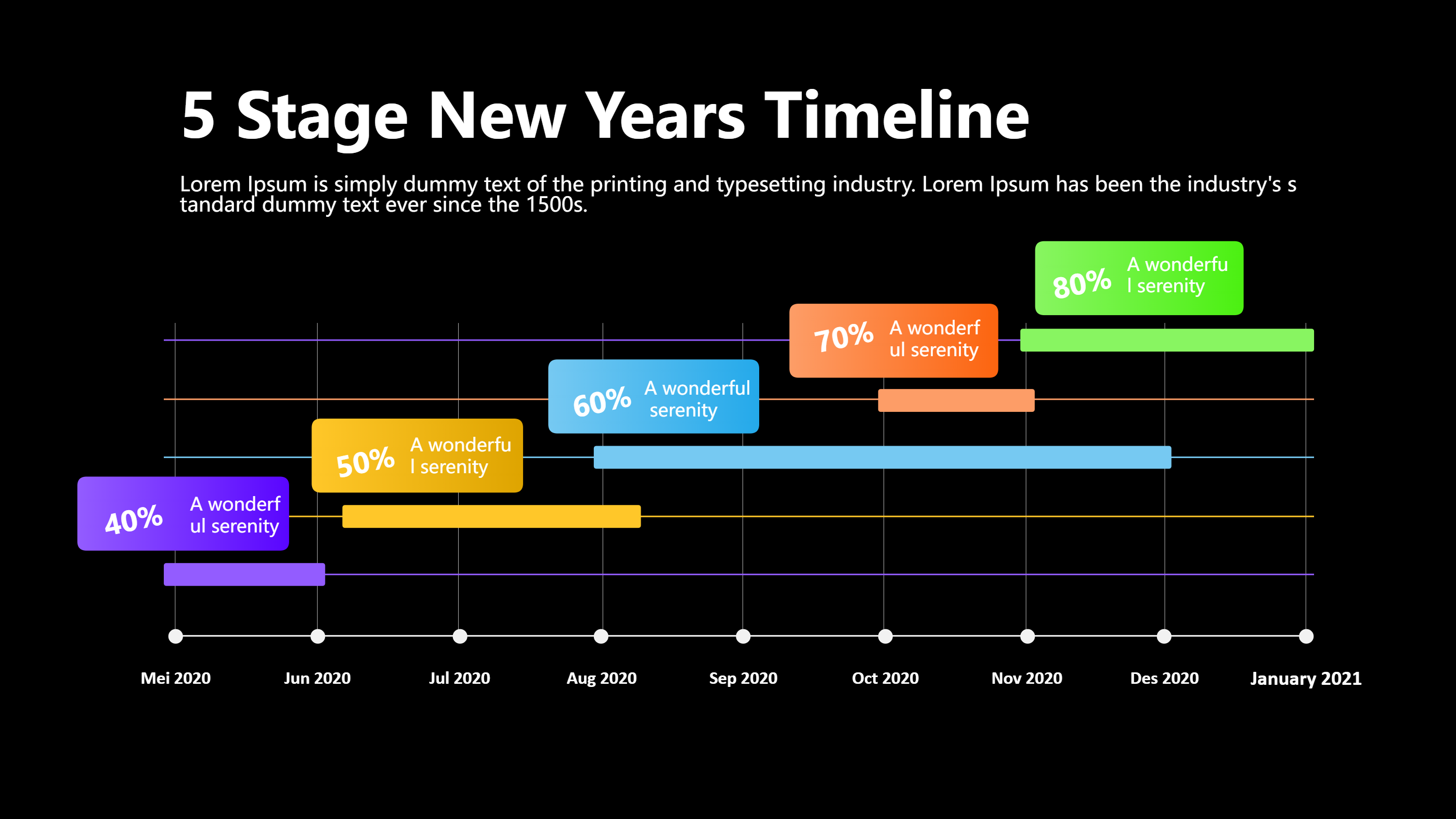
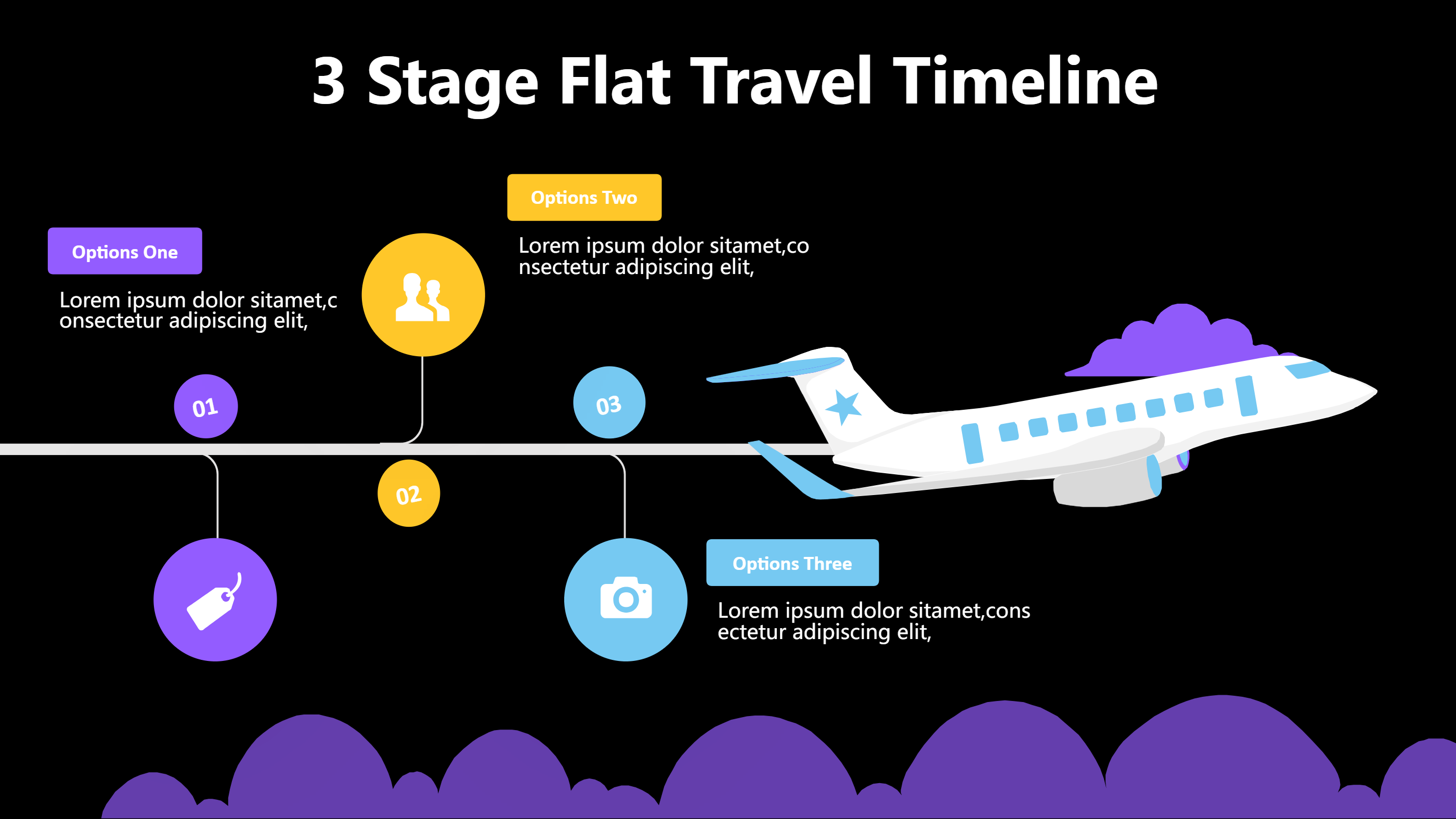
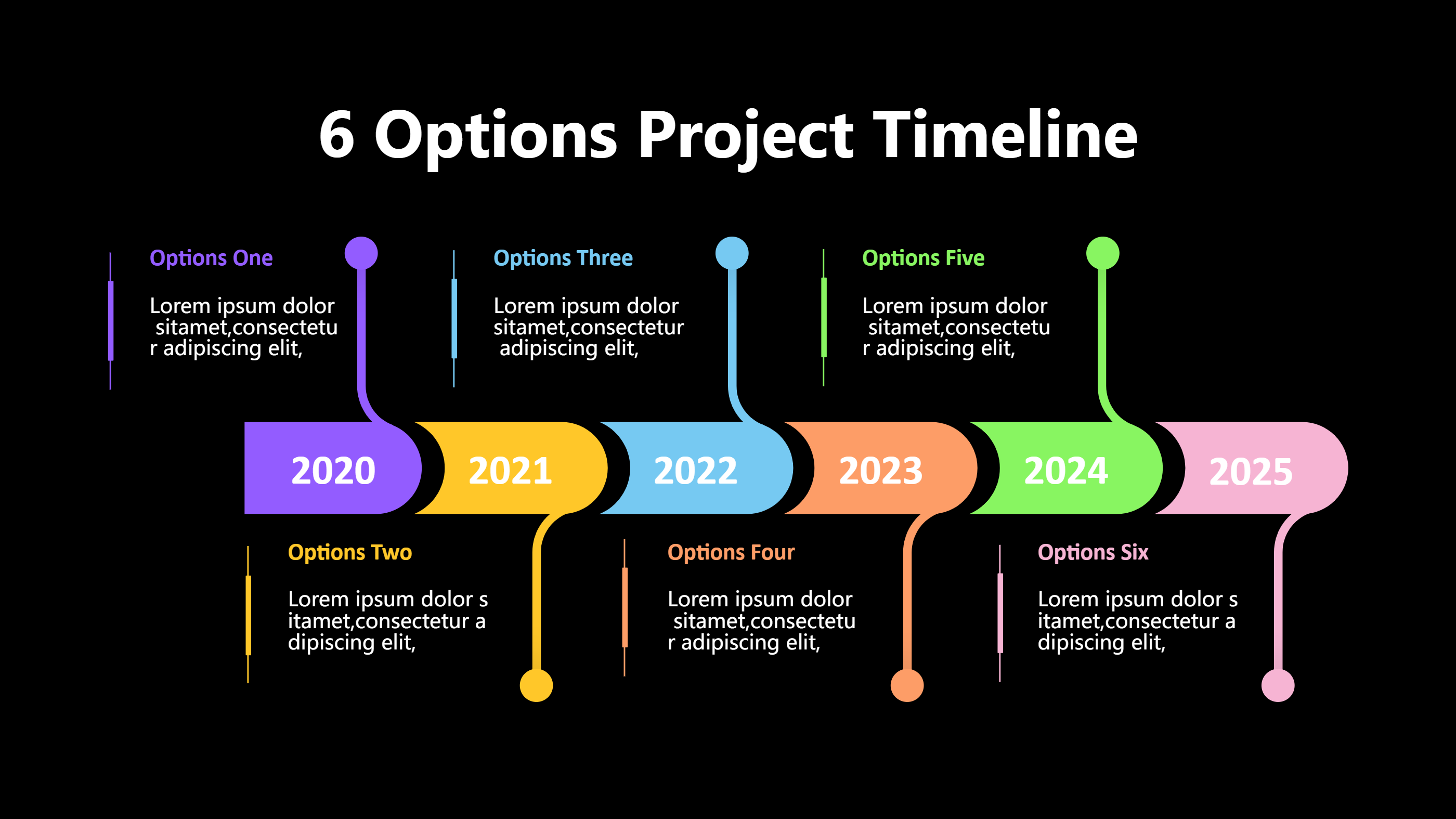
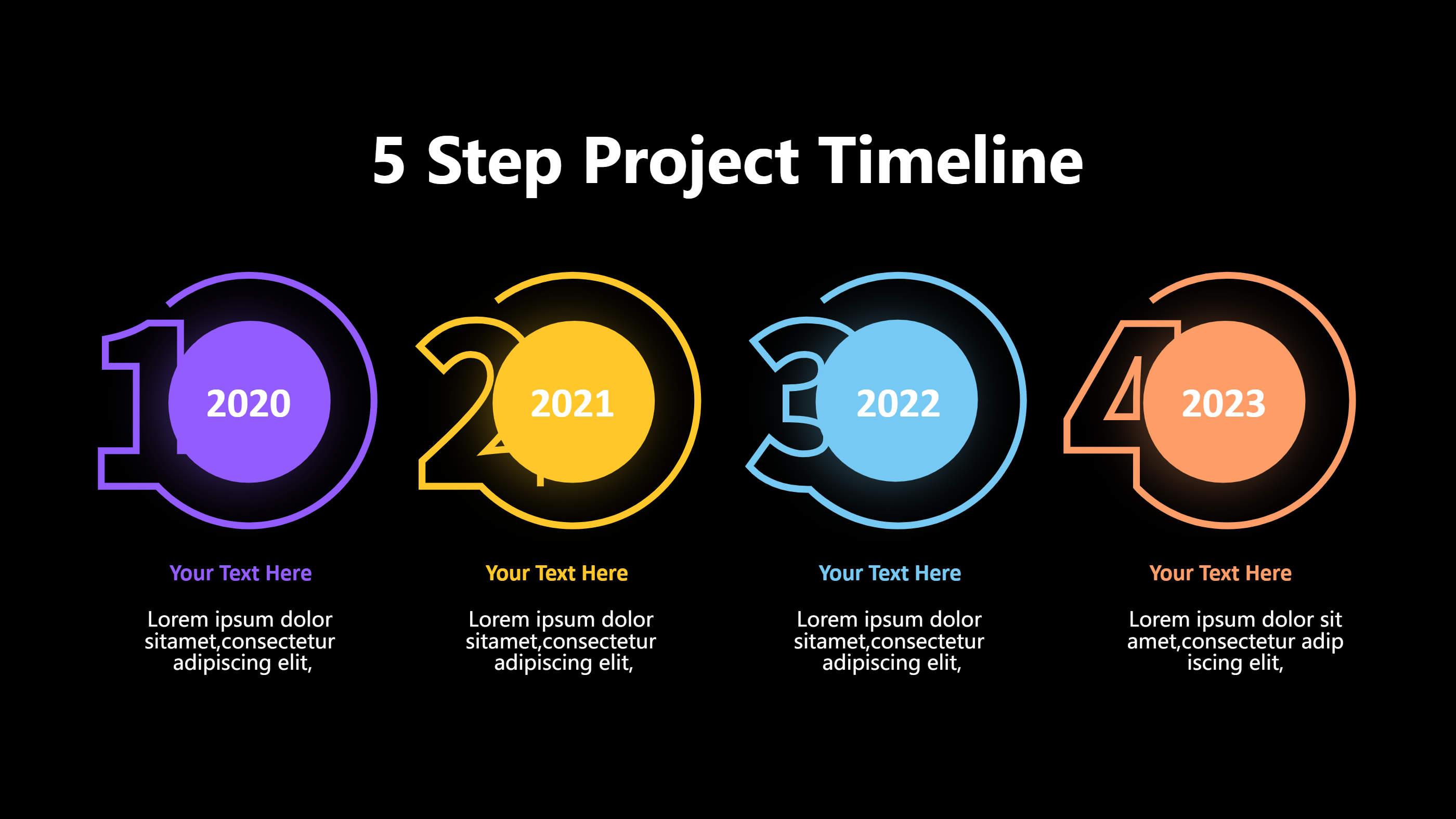
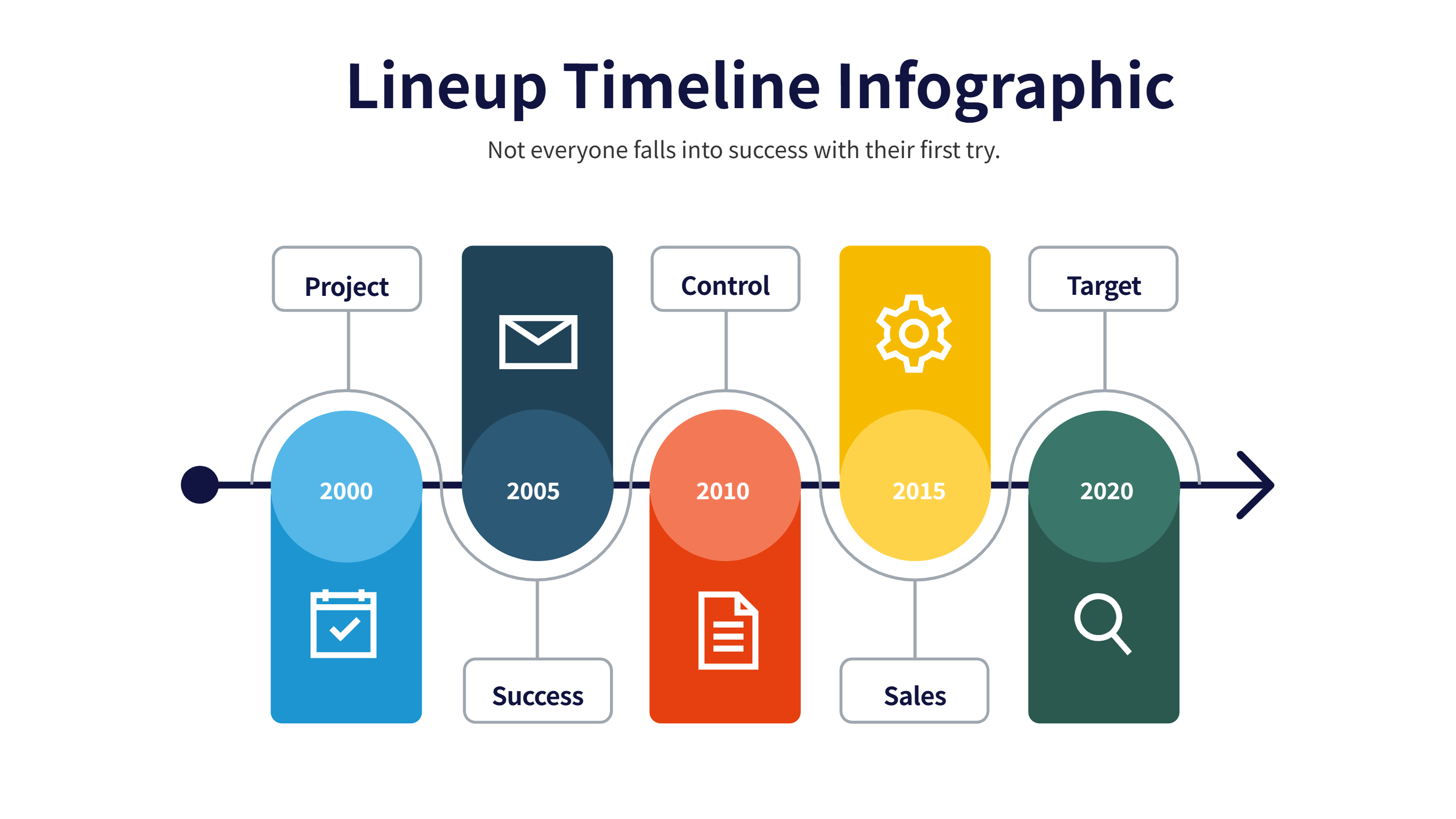
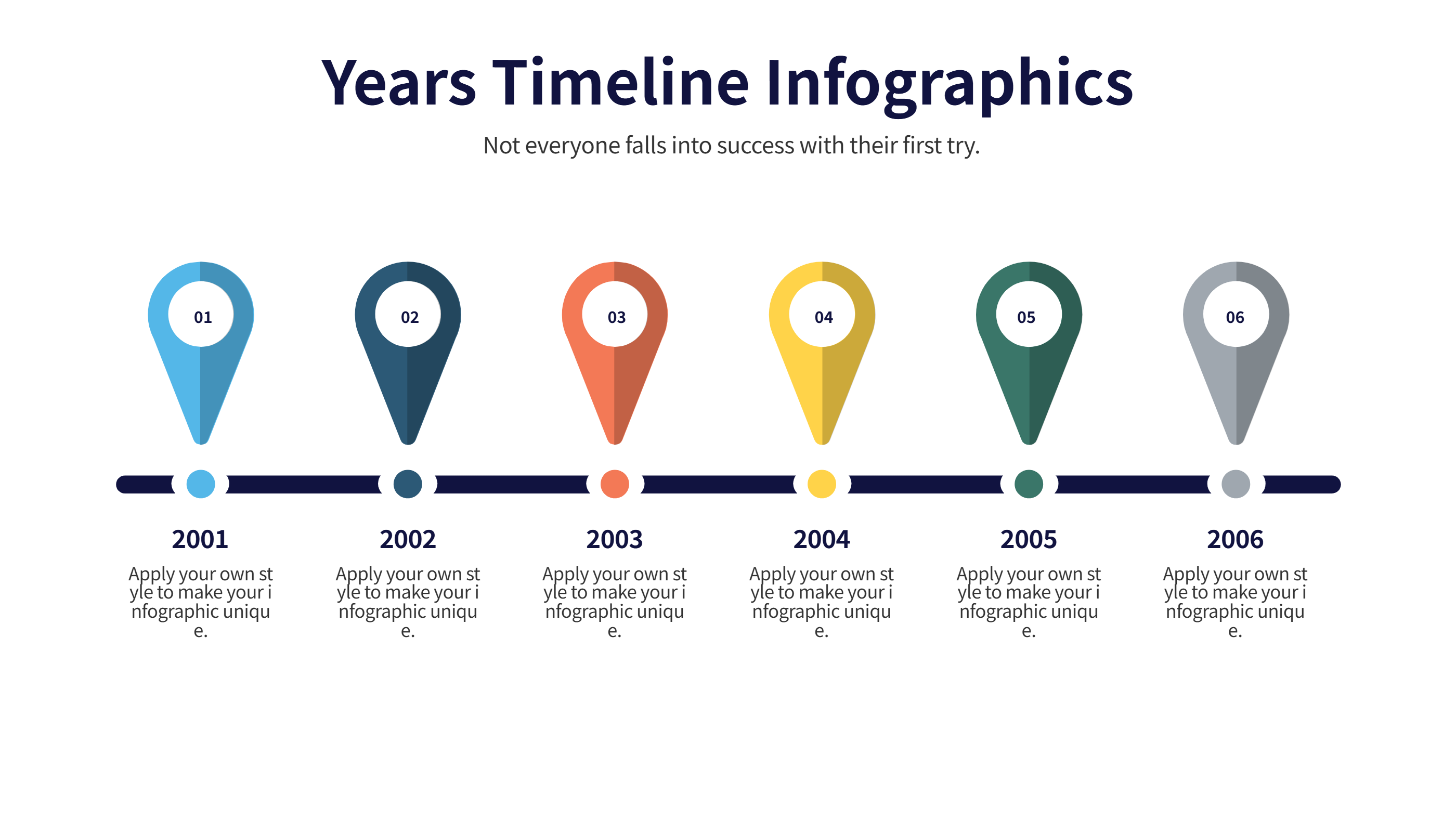
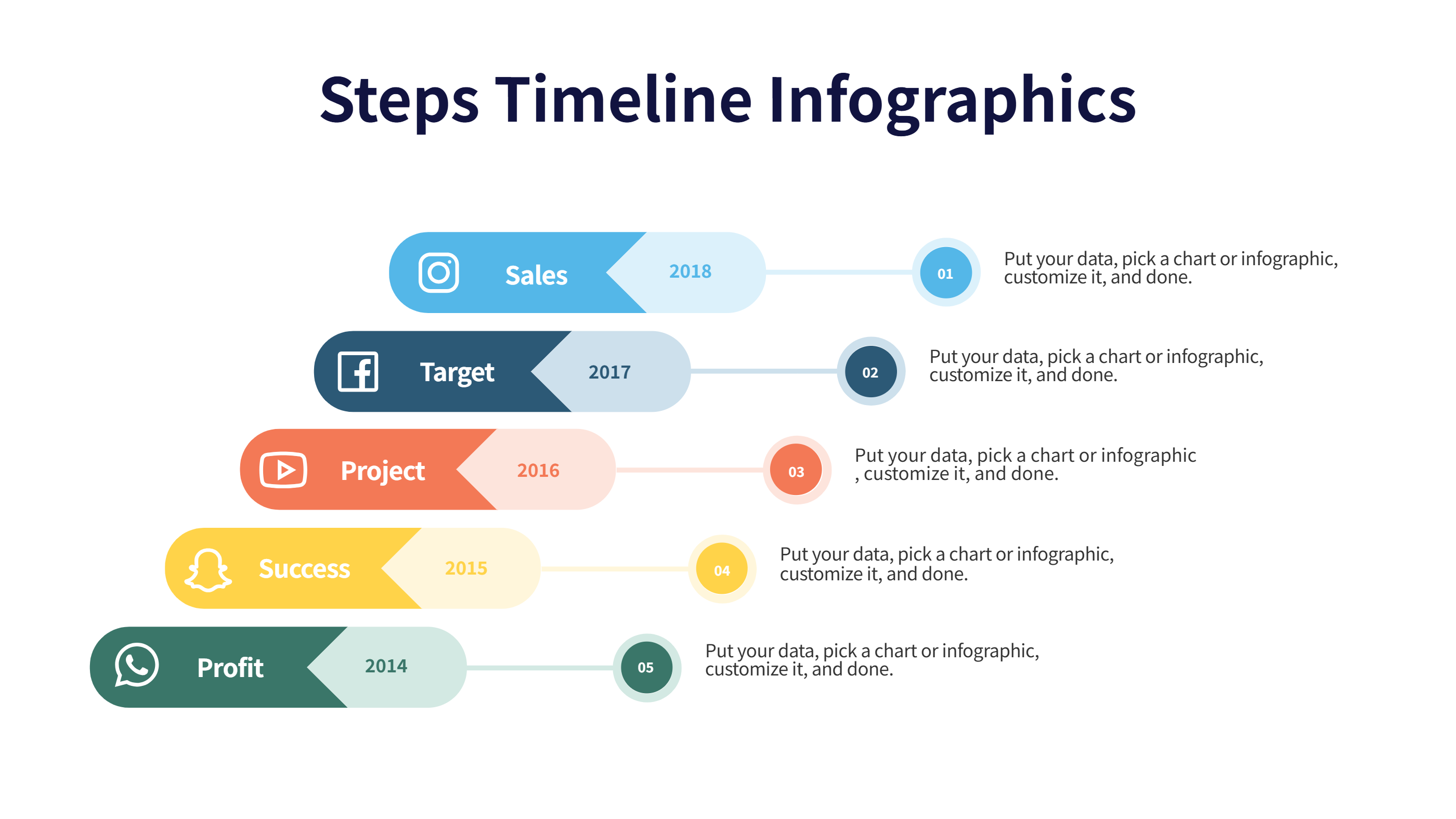
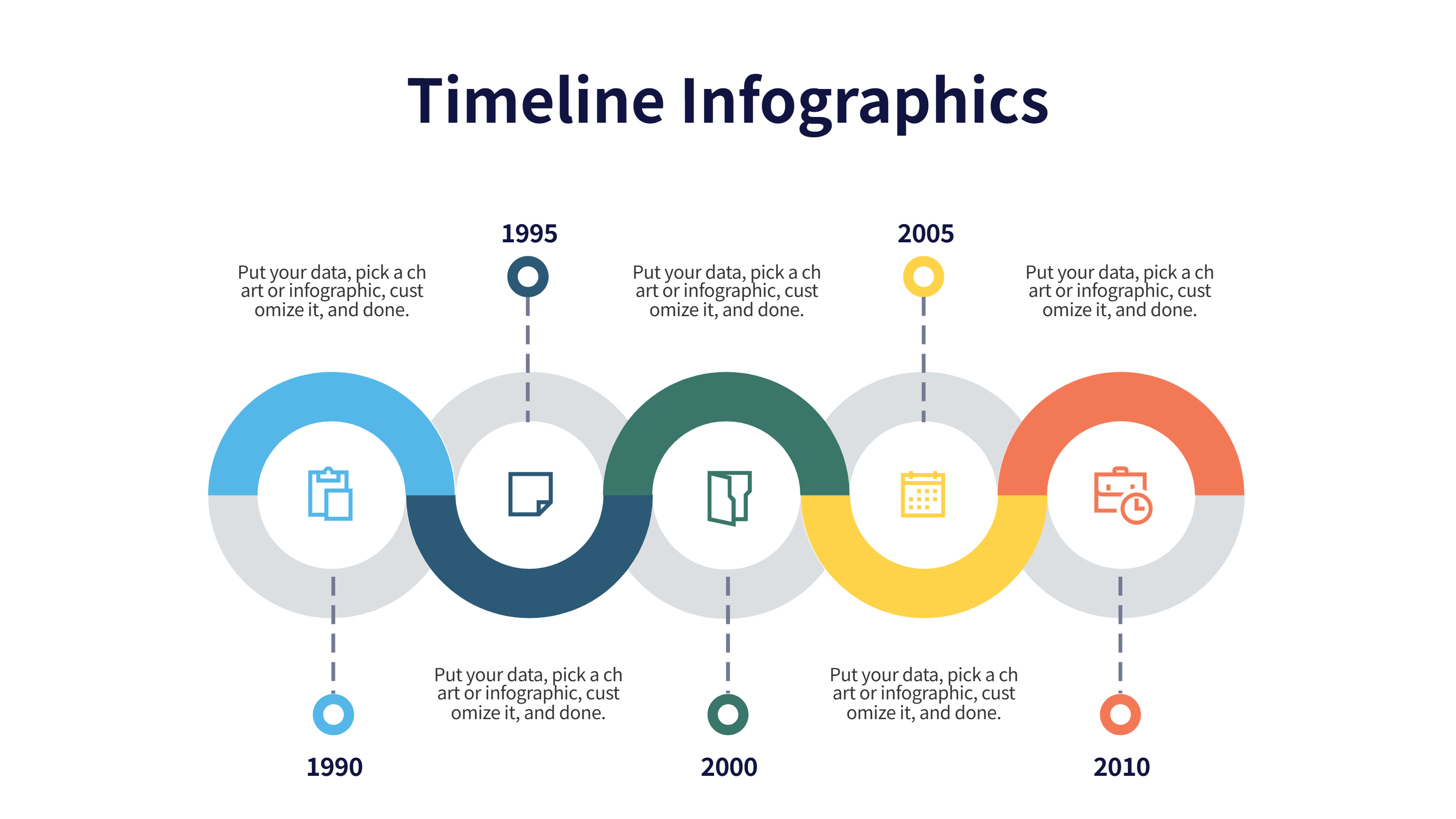
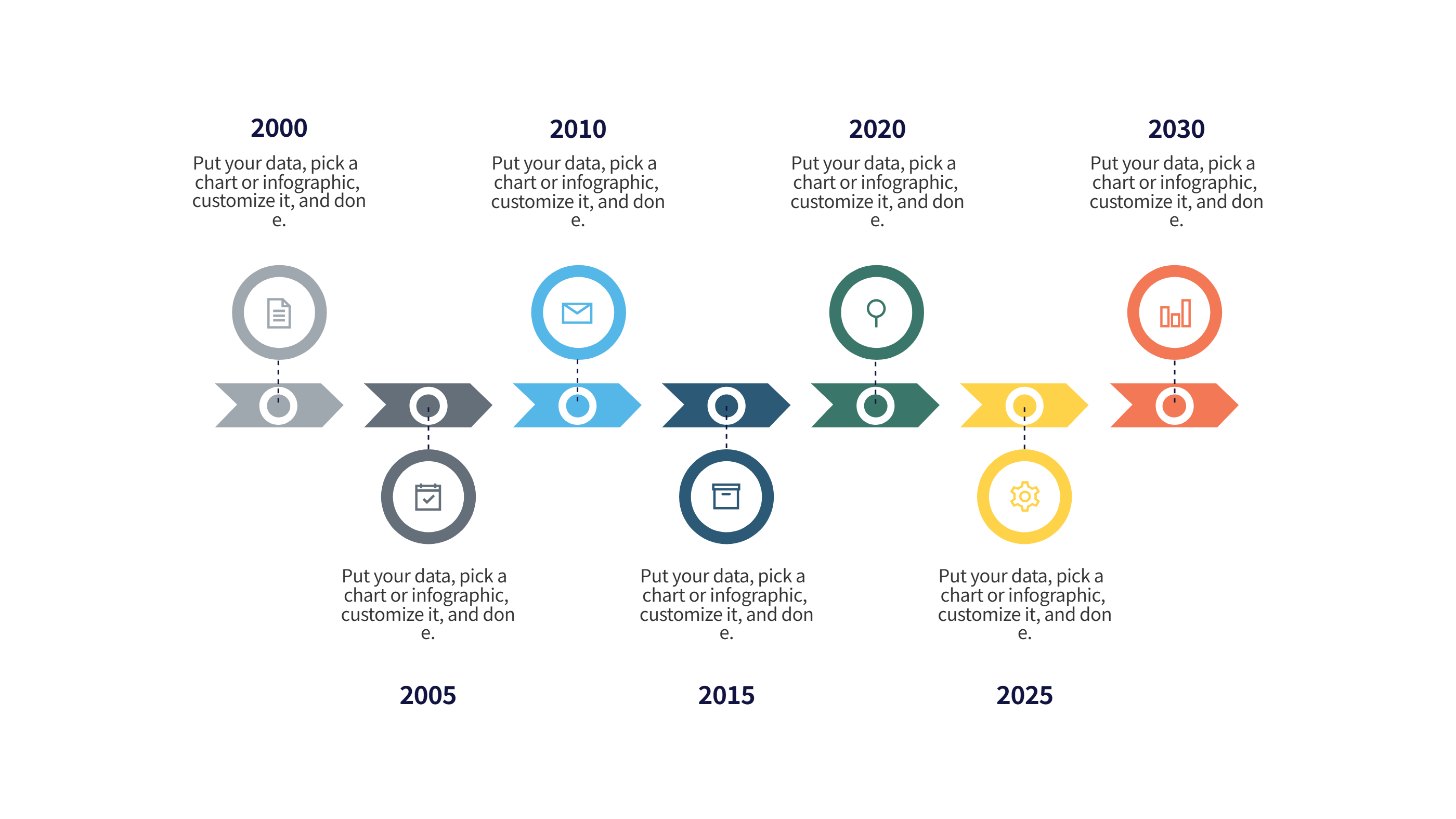
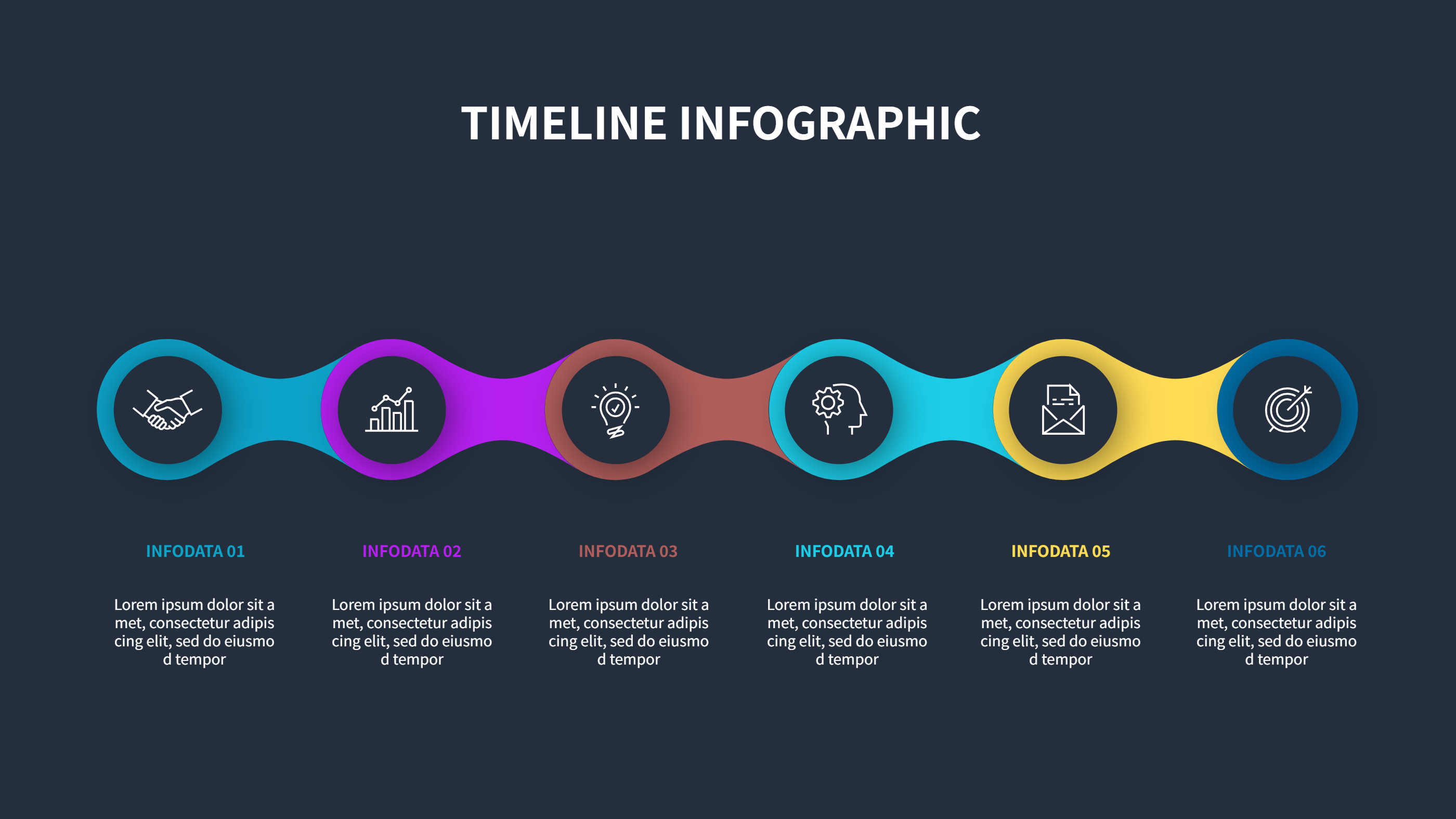
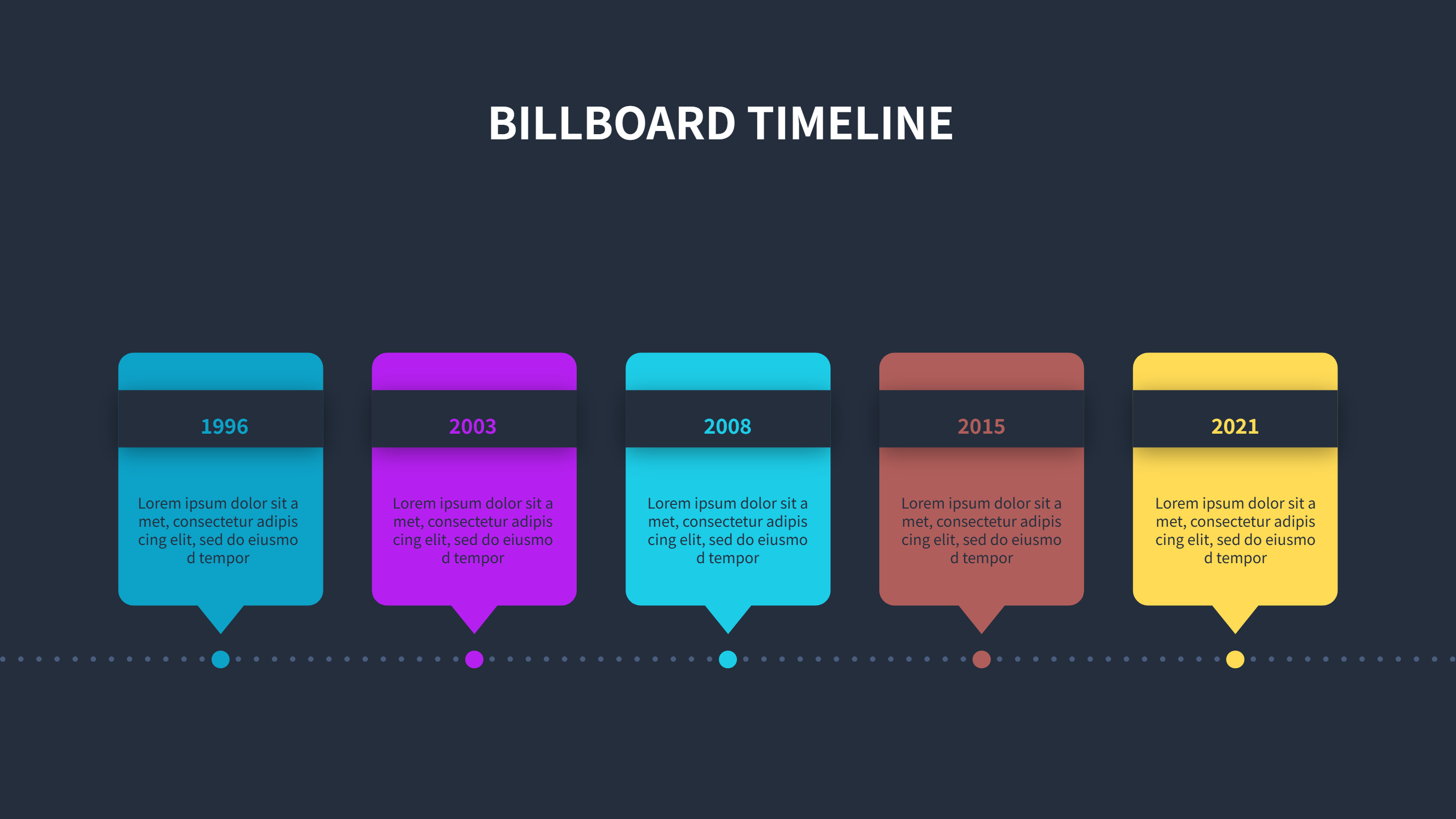
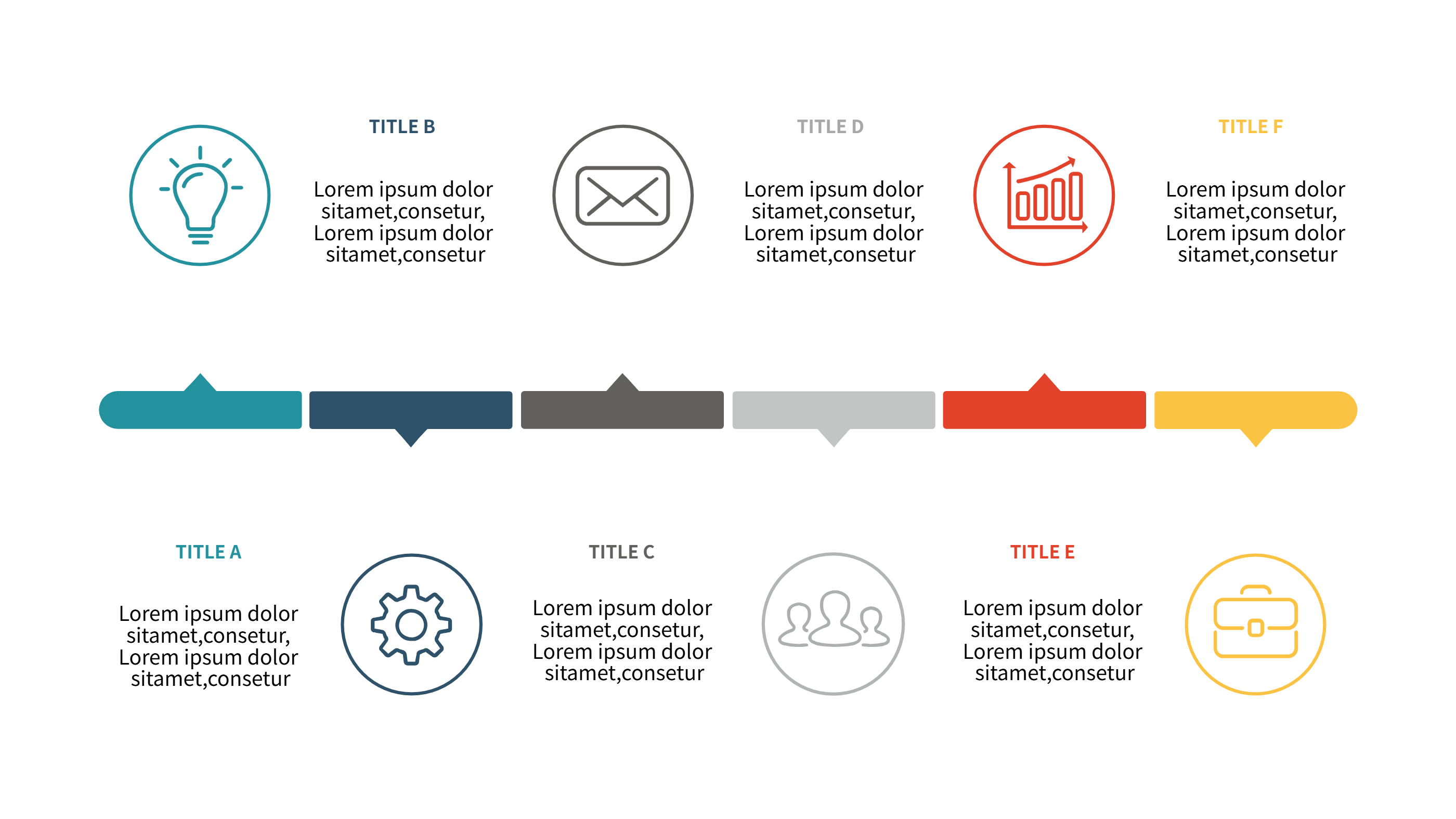
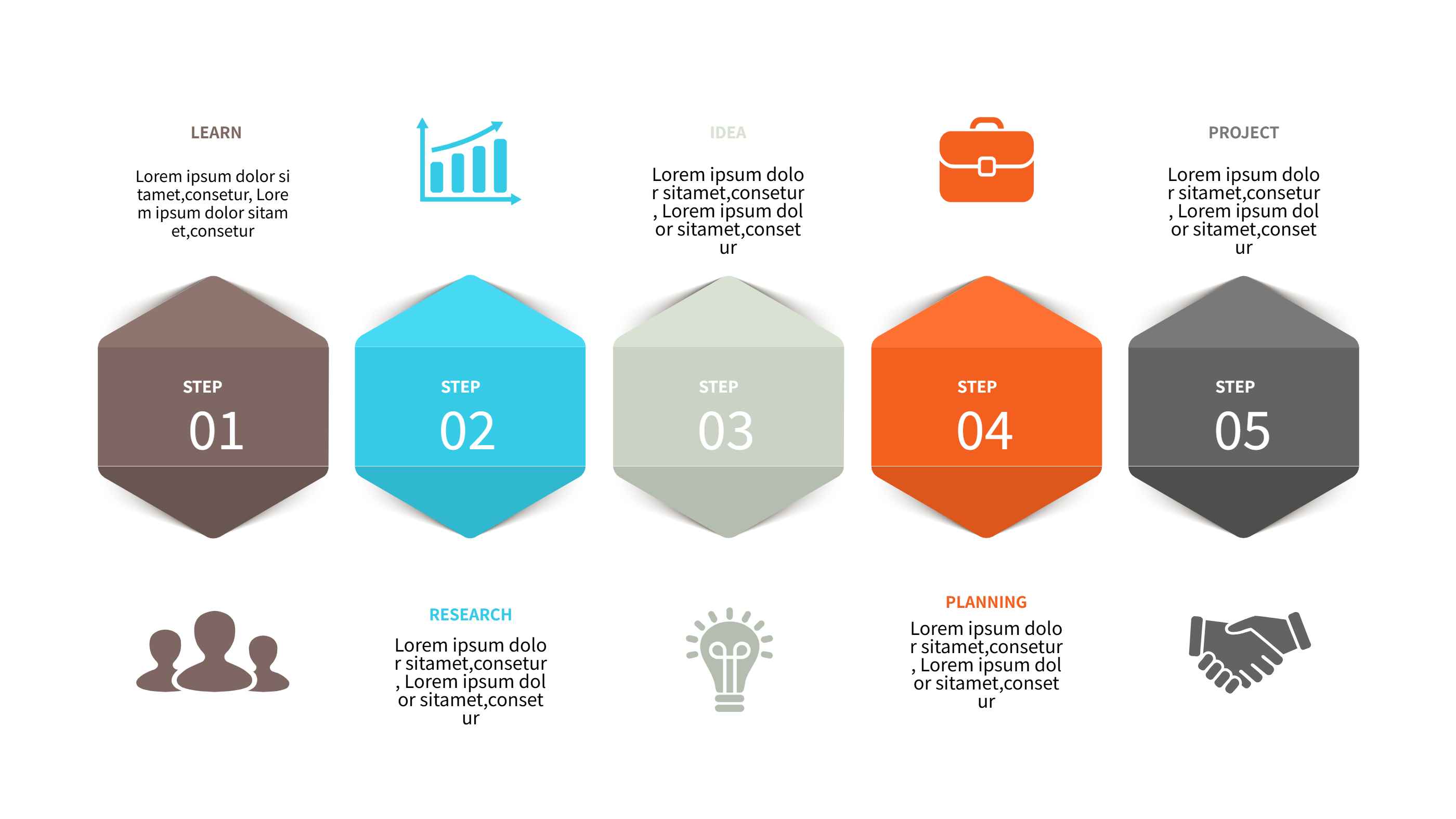
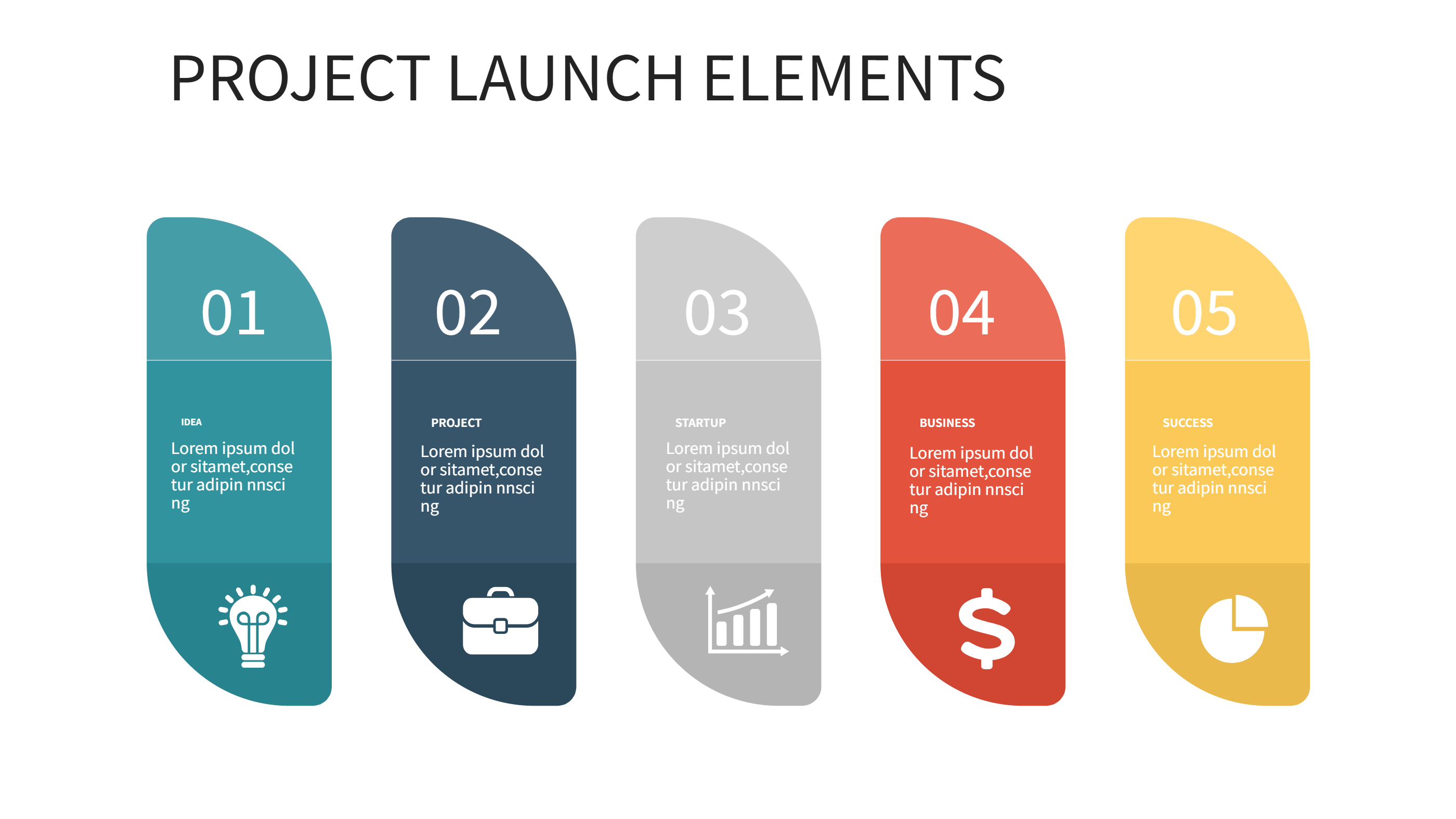
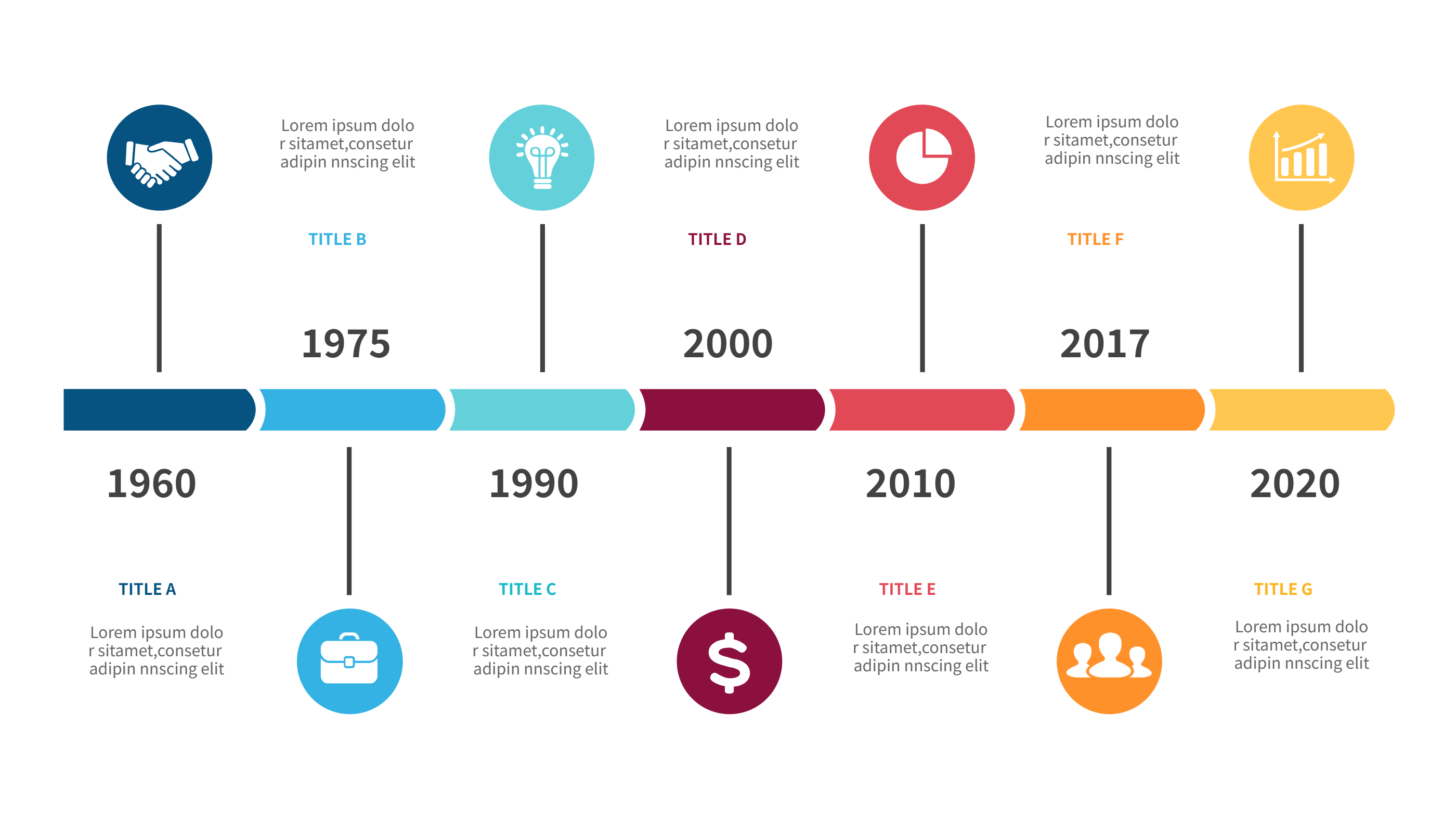
This timeline template design makes it easy to show a sequence of milestones with short text and bright accents. Cards line up along a clean strip, leaving enough white space for clear reading. Use it for project phases, product launches, training paths, or campaign steps when you need a single slide to explain the story.
Write brief labels and keep each note to one or two sentences. Color the markers by owner, risk, or status so the audience can read the state at a glance. The straight layout works for weekly sprints, quarterly goals, or multi-year plans, and it stays neat even when you swap order or add steps. You can mirror the strip for right-to-left reading if your audience prefers that view. Simple shapes stay crisp when resized for mobile or large screens.
You can export the graphic for slides, reports, or dashboards without heavy edits. Add dates, owners, links, or simple icons to show the type of work at each point. Because the spacing is balanced, it also prints cleanly for handouts or posters. Duplicate the slide to make variants for risks, dependencies, or backlog items while keeping a consistent style.
Open the AI creation tool on the homepage, choose this template, and enter your prompt to generate the infographic. This design keeps timelines readable, speeds up handoff to teams, and helps everyone align on what happens next.