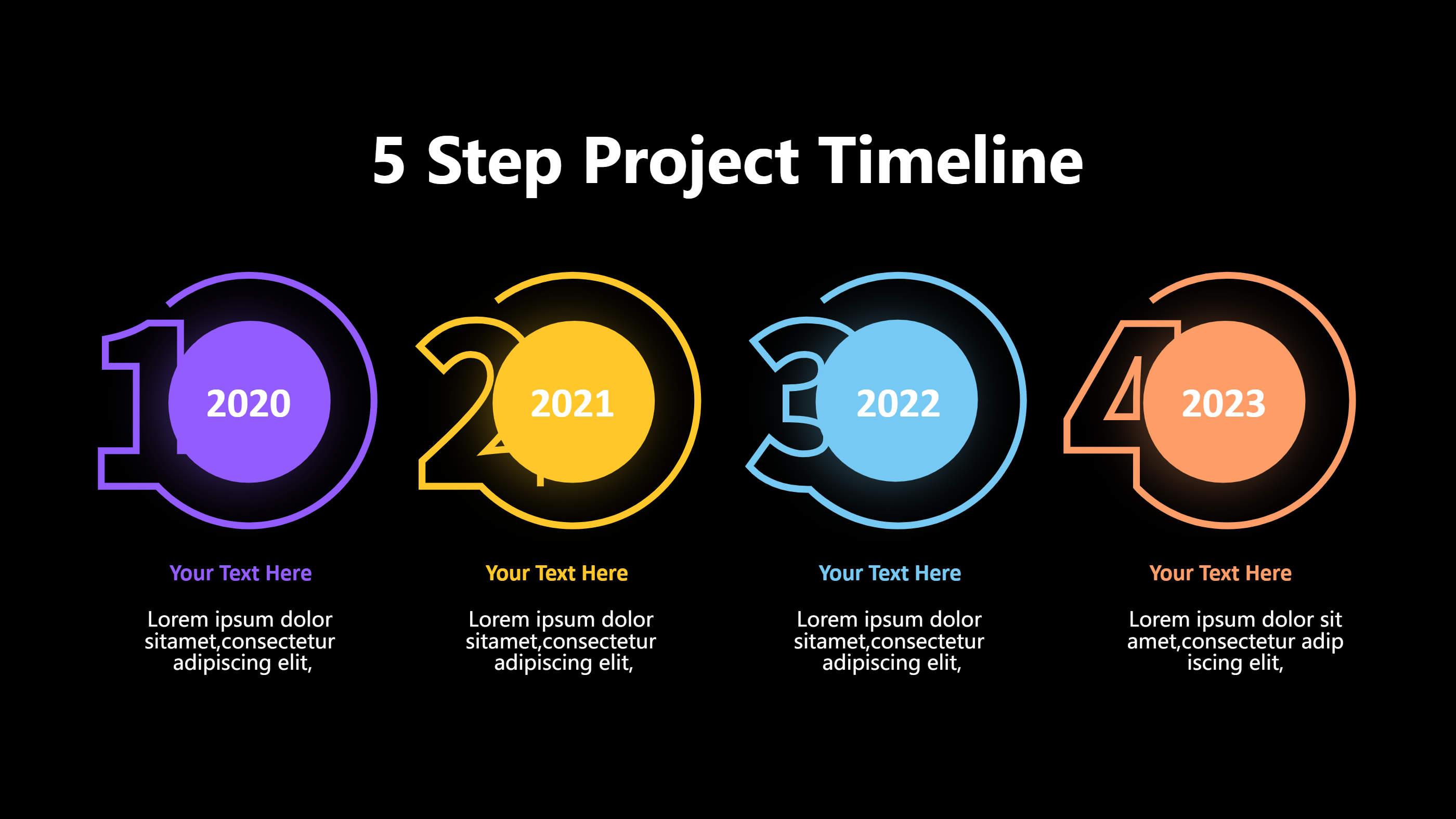
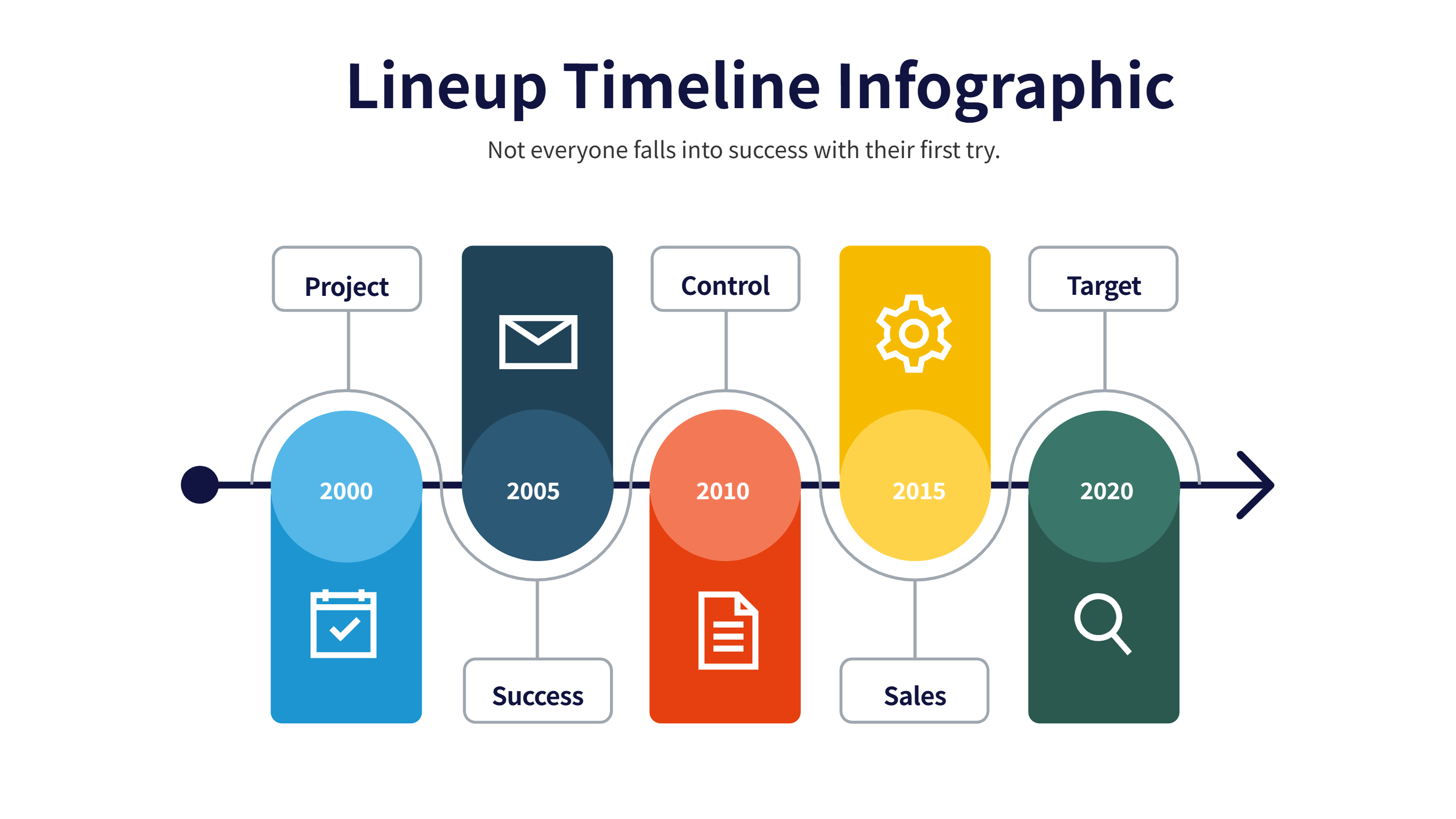
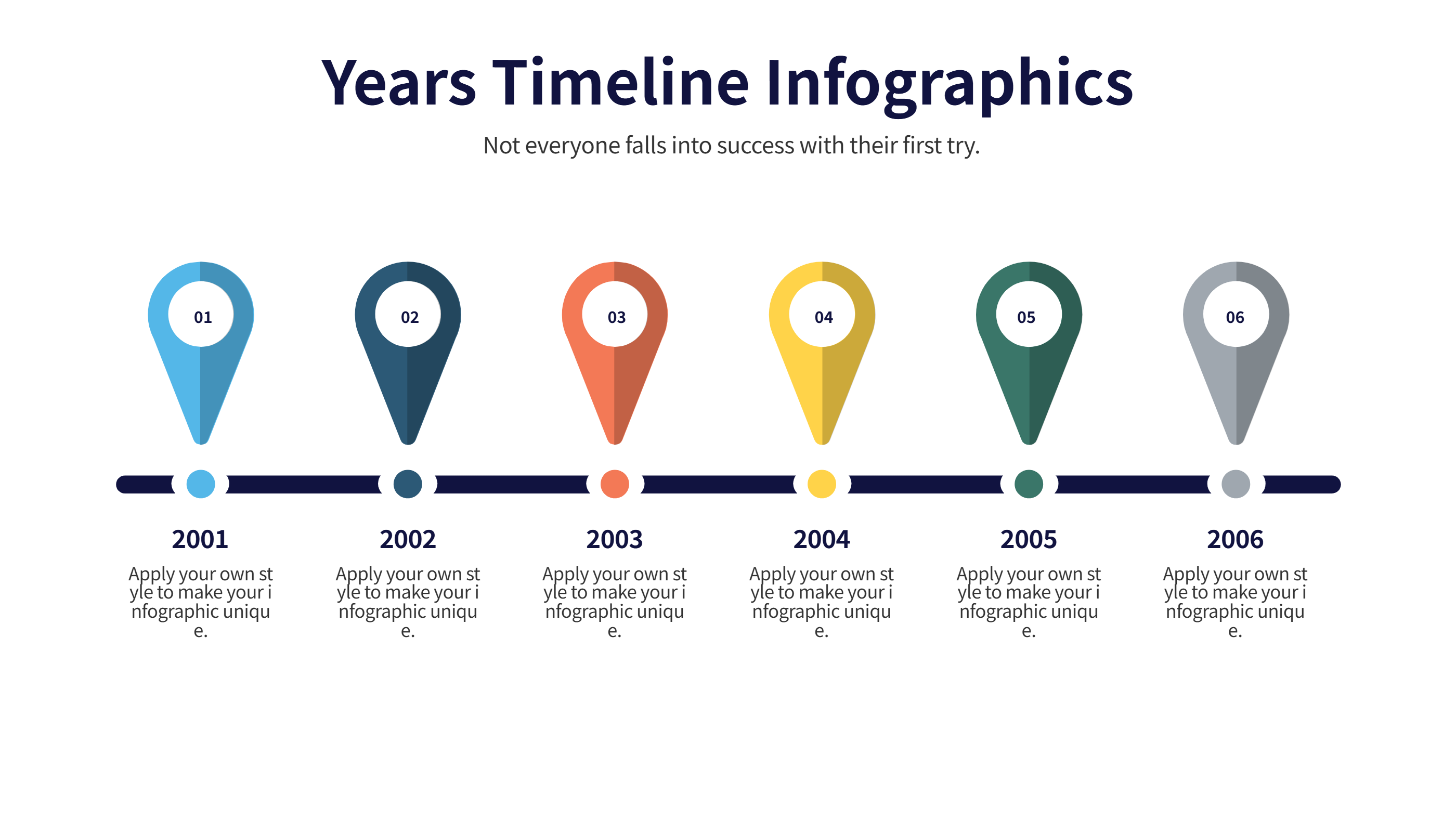
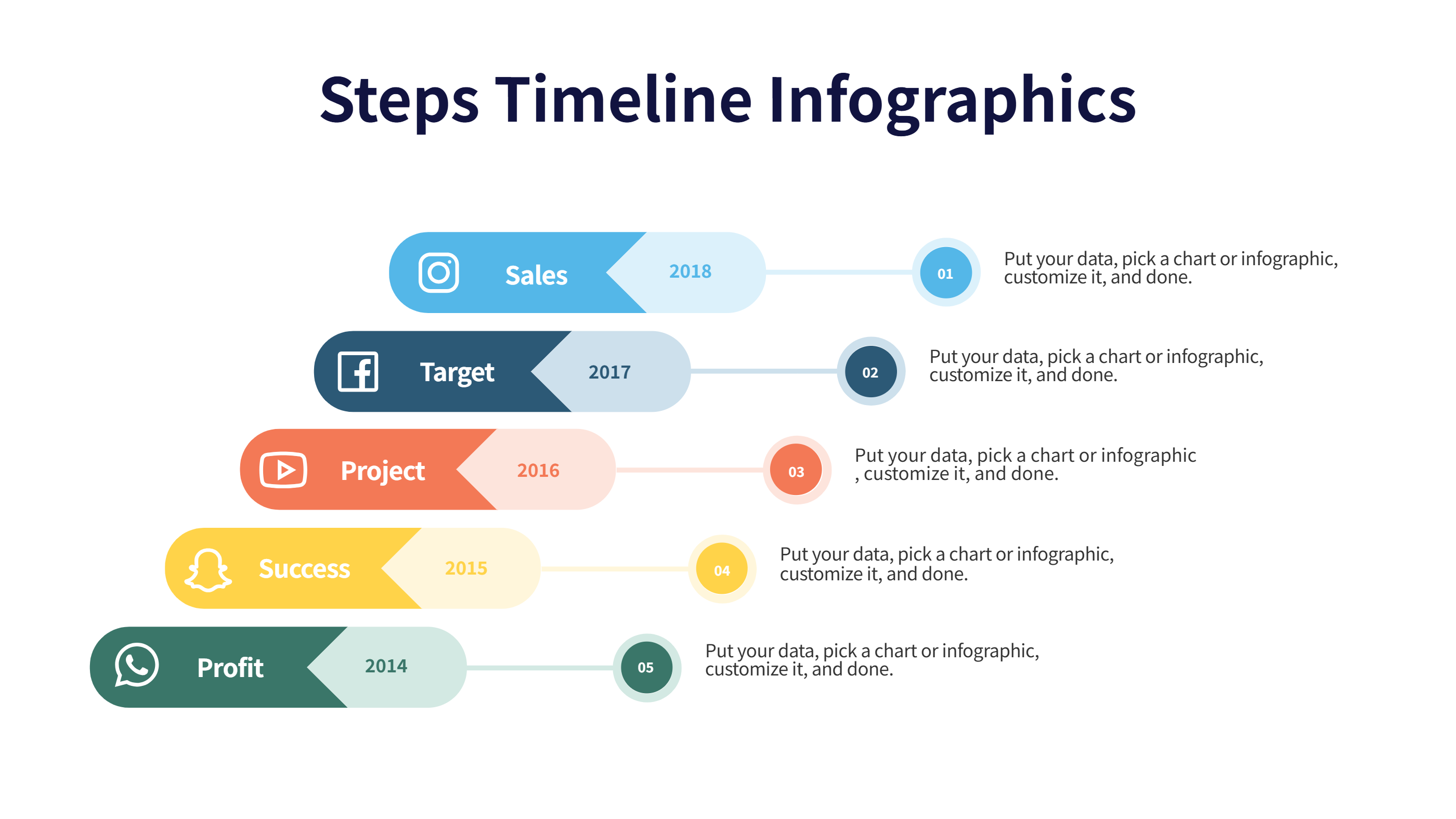
Gamification Notion Template for Level Progress and Rewards
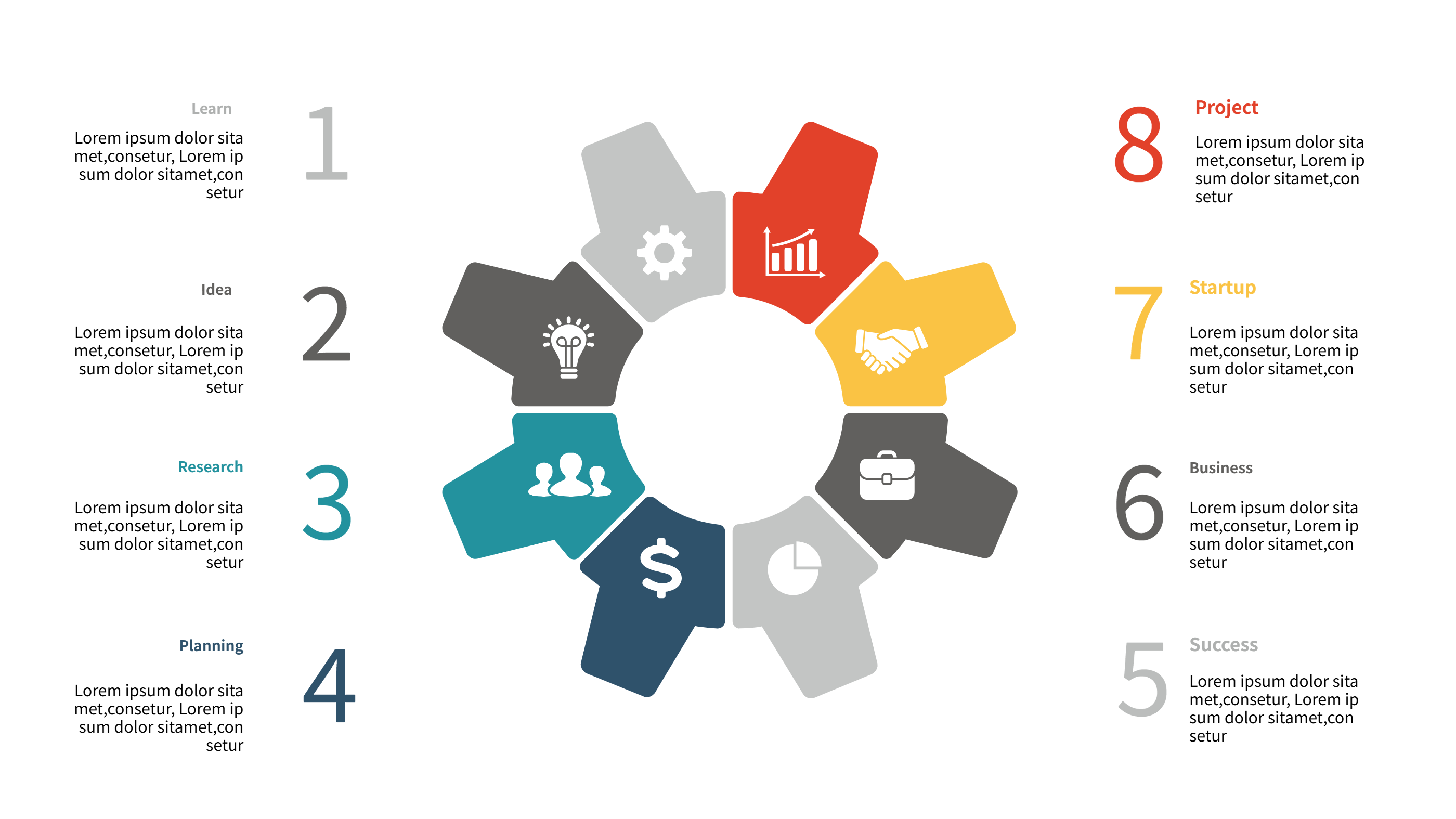
What is Gamification Notion Template Infographic
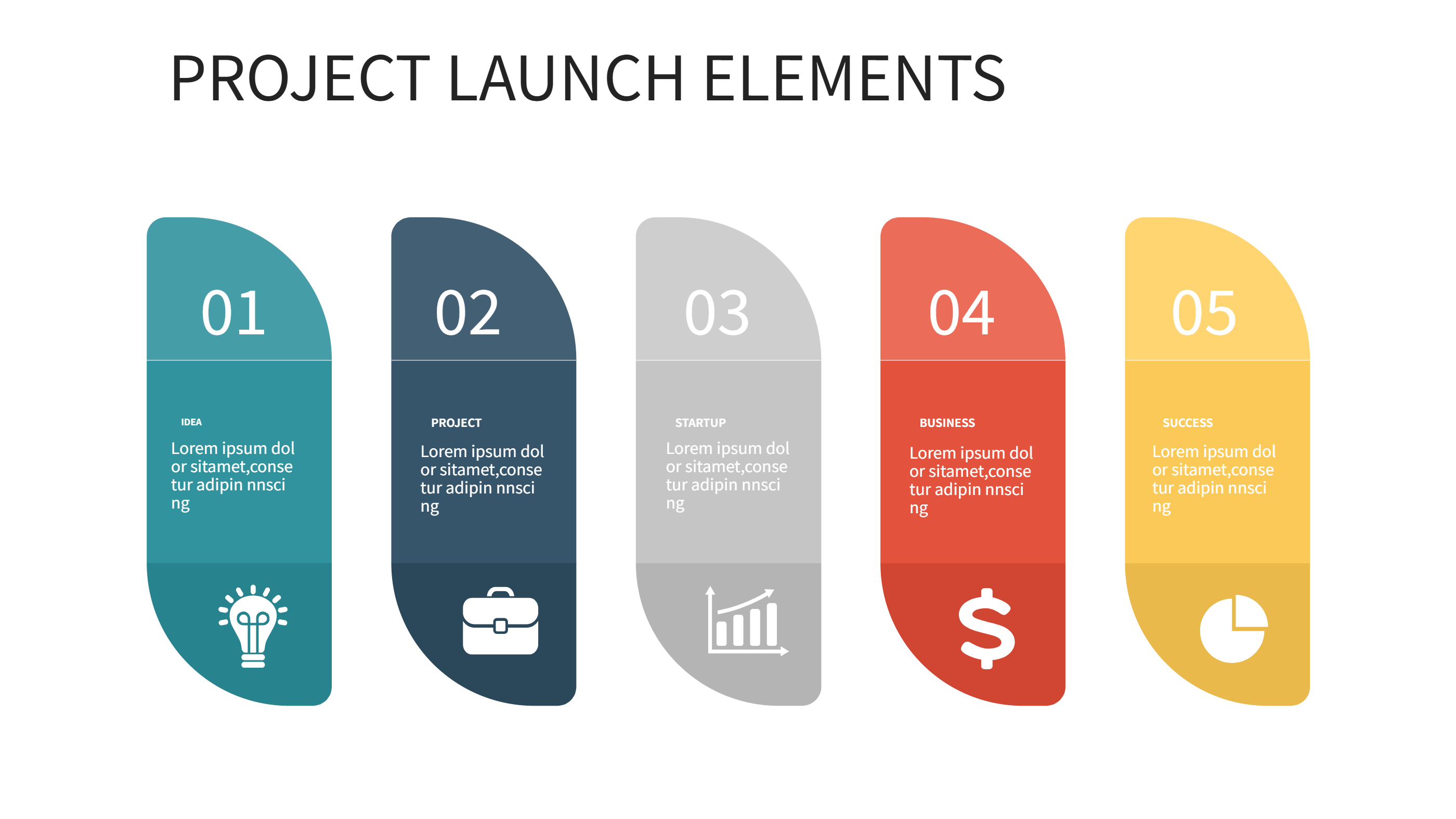
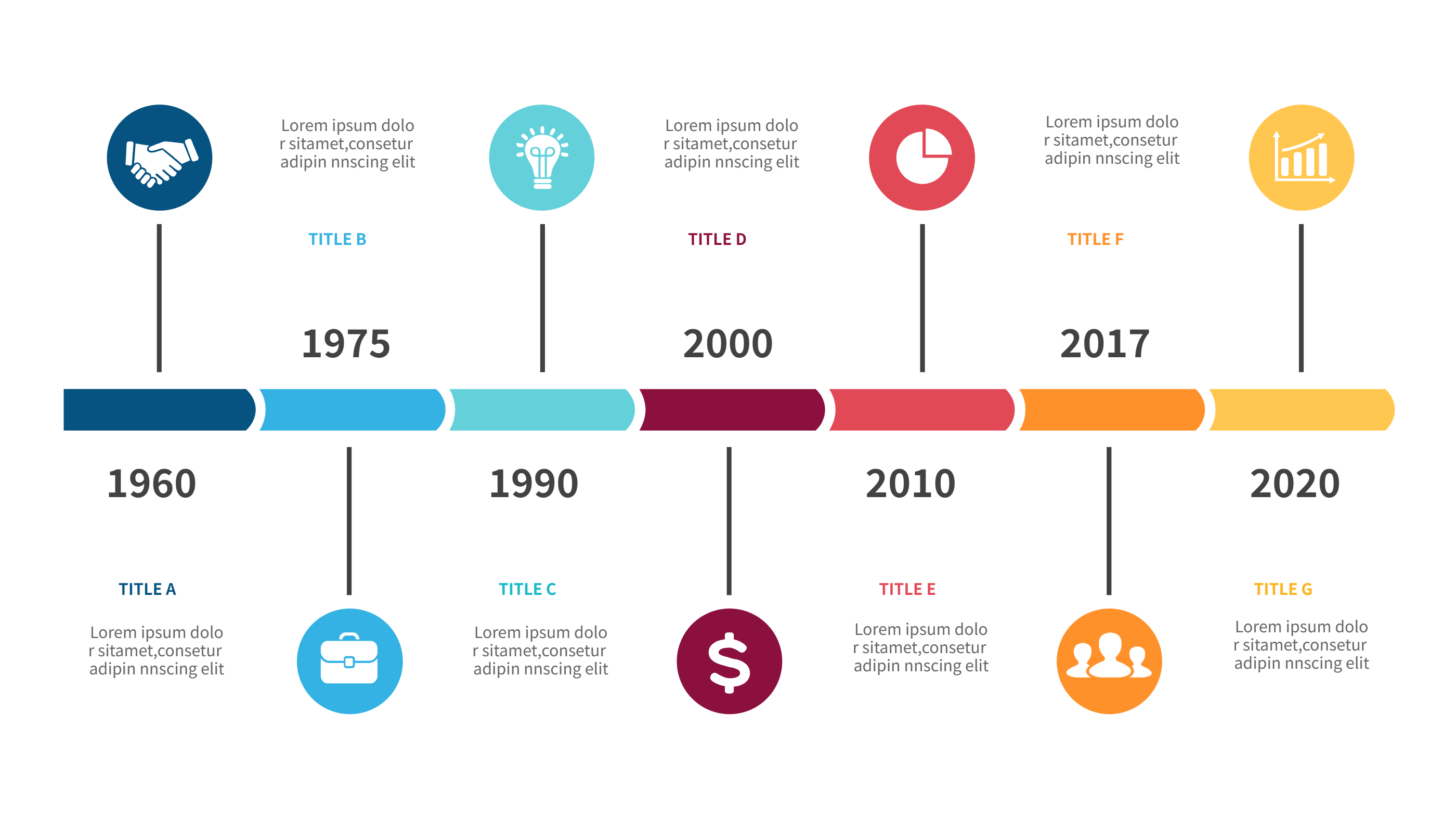
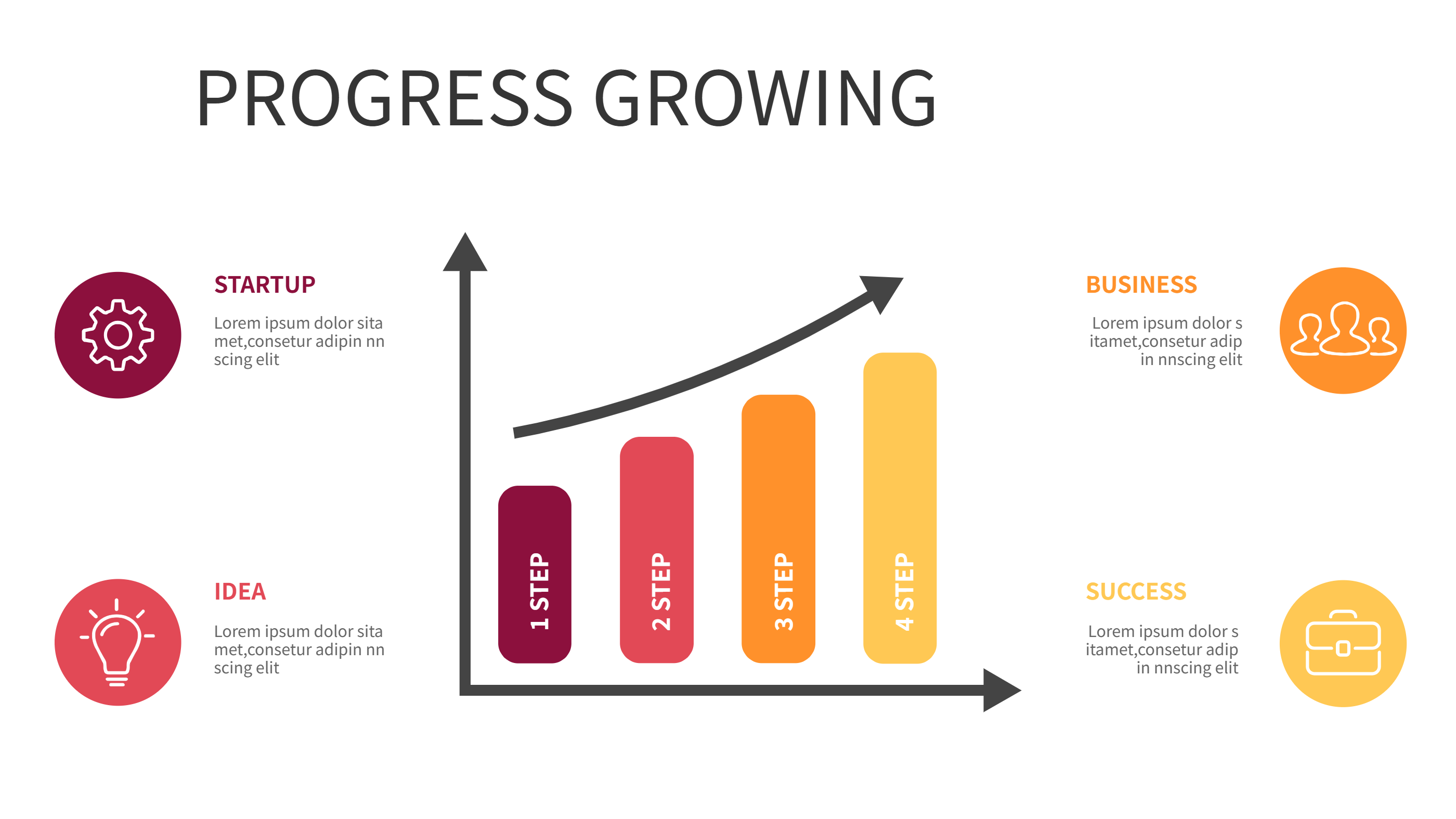
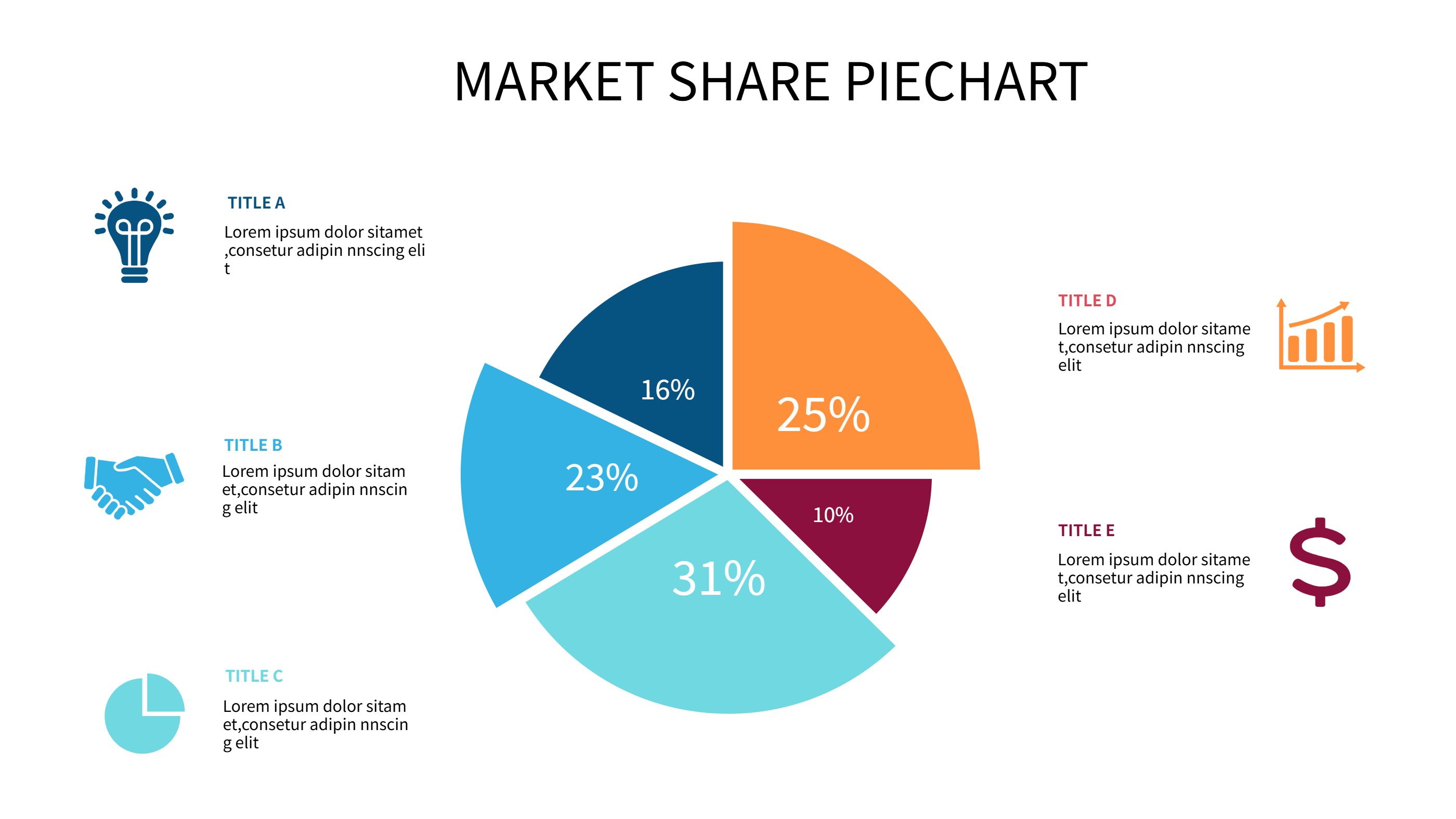
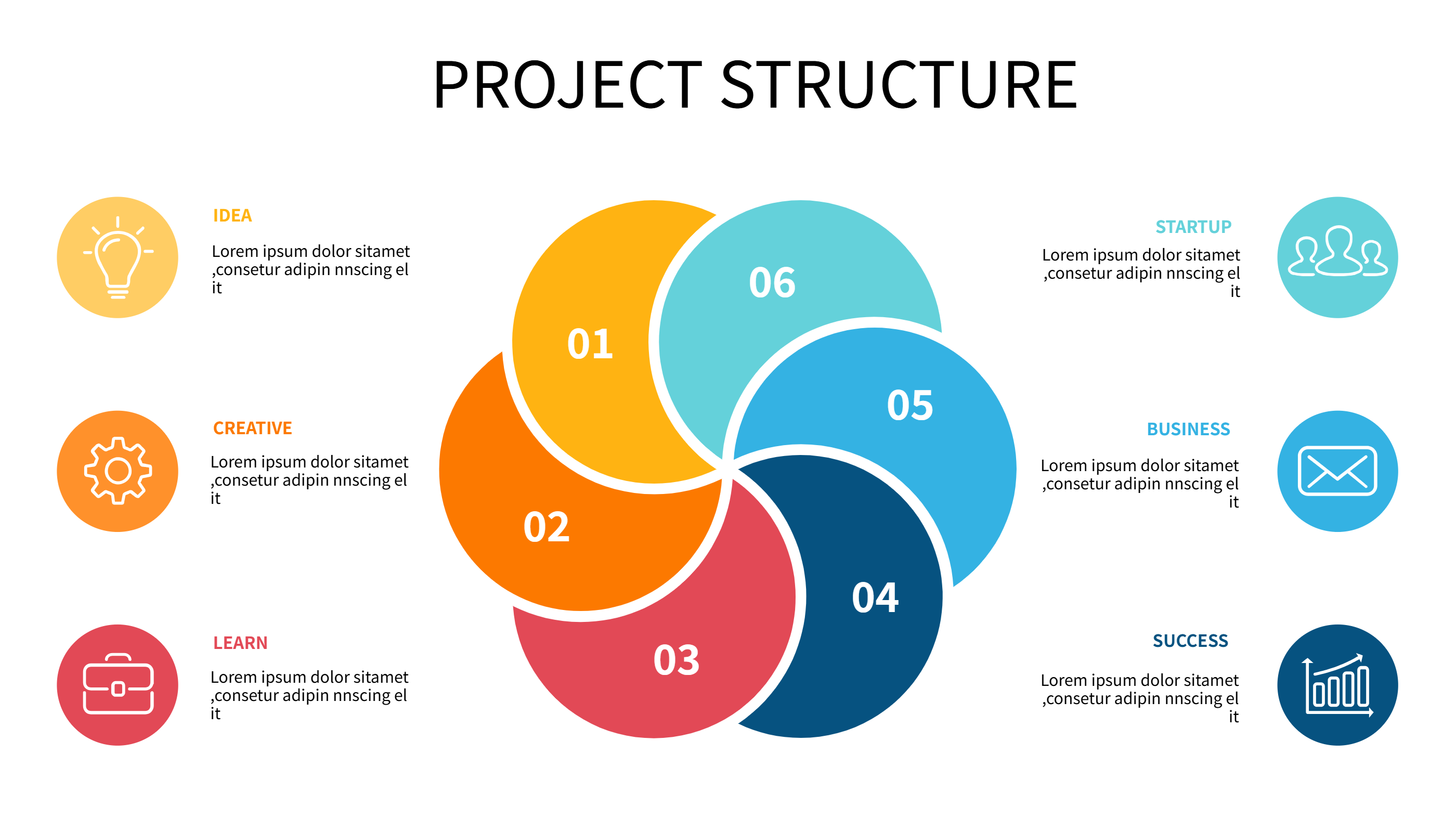
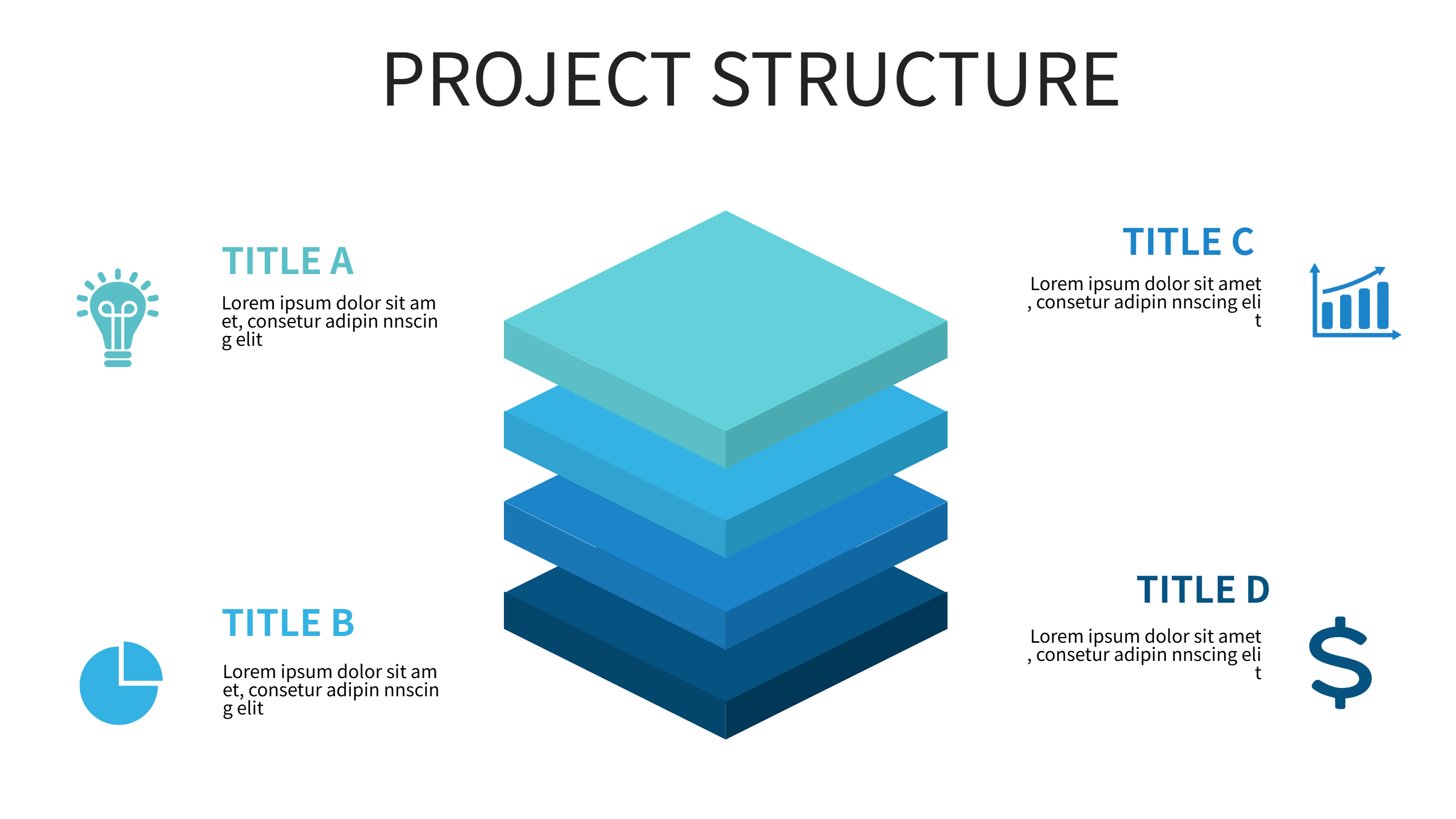
A gamification Notion template infographic is a simple layout that shows levels, points, and rewards. It turns goals into a clear progress view with short labels. The layout helps people stay motivated and track progress in a fun way. It keeps the information simple so it is easy to follow.
This template can show levels, badges, and short task lists. It works for habit building, team challenges, and learning programs. It can also include a weekly goal and a reward note. The design stays clean so the progress feels easy. It can also show simple streaks for daily tasks.
When to Use Circular Growth Infographic
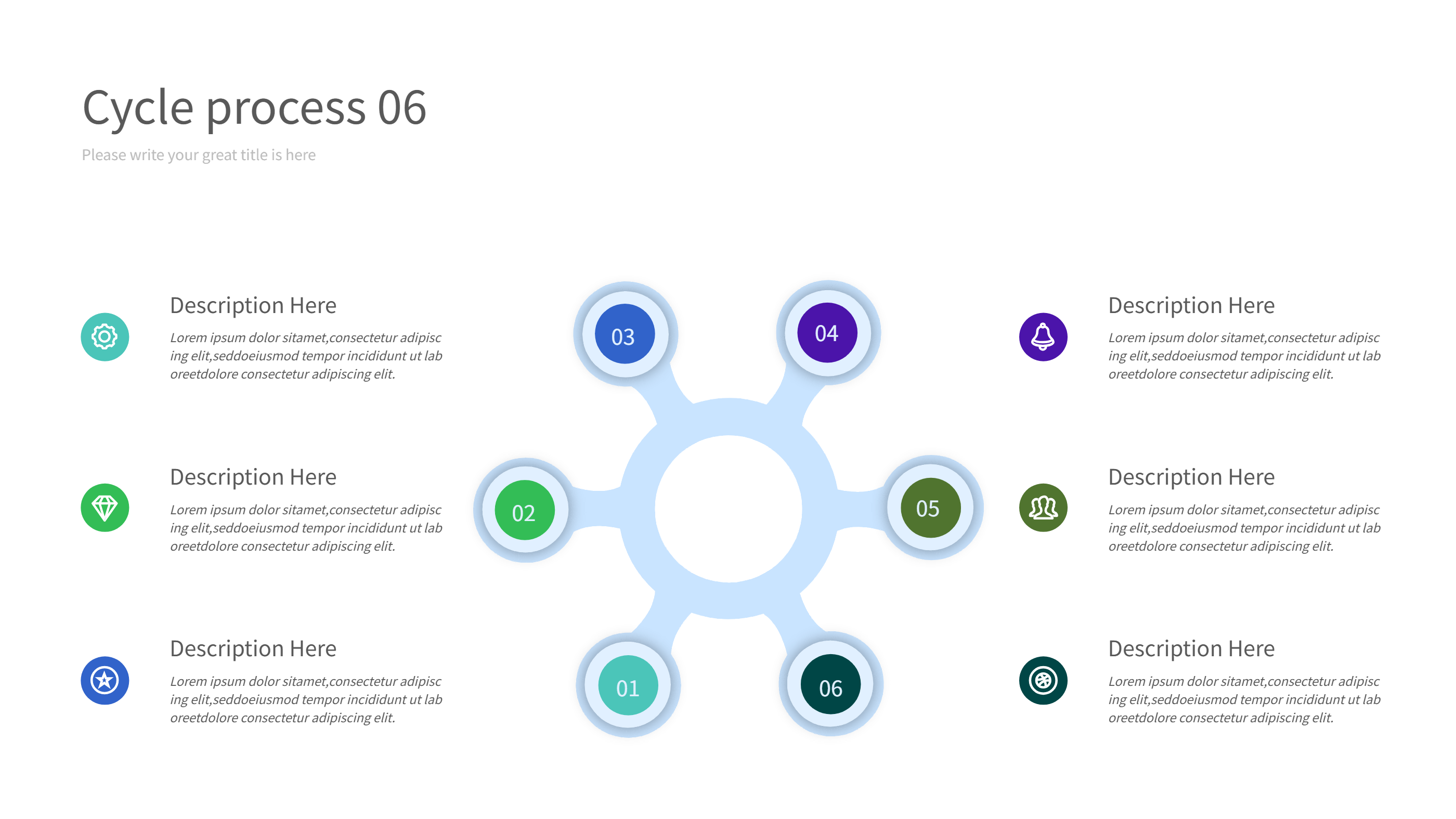
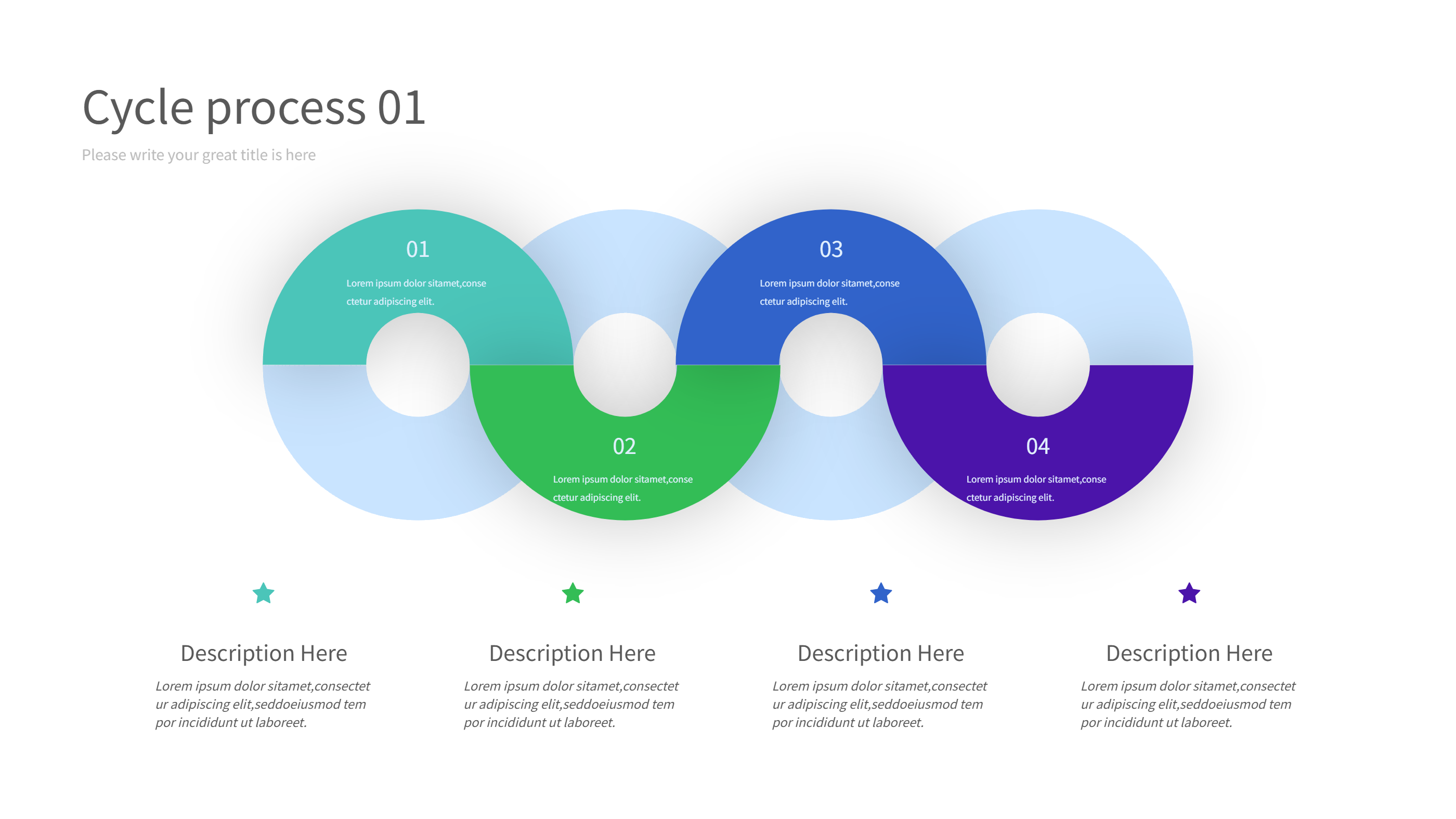
Use this infographic when you want to show progress across levels. A circular growth layout makes the journey feel complete and easy to see. It is useful for personal goals, classroom challenges, and community events. It helps people see how each level connects to the next.
It also works for team goals. You can show group progress and a shared reward at the end. It is easy to update with new points or levels. The format keeps the focus on progress and steady action.
Download and Edit the Template
Click the download button and an online editor opens in a new page. You can edit level names, points, and reward notes. You can adjust colors and icons to match your theme. Use the save button when you are done. Choose PPT, PNG, or SVG as the export format. The steps stay the same even if the wording is different.
How to Use Gamification Notion Template for Level Progress and Rewards
Open the AI generator on the home page and choose the gamification template. Enter a short prompt that lists the levels, point ranges, and reward ideas. The tool creates an infographic that follows the layout. You can edit the result and adjust text to match your plan. The meaning stays the same, even if your wording changes.
Examples of Gamification Notion Template AI Prompt Usage
Example 1:
A five level reading challenge with points for each book and a reward at the final level. Use short labels and a clear progress ring.
Example 2:
A fitness habit game with daily tasks, weekly bonus points, and three reward tiers. Keep each level name short and friendly.
Example 3:
A classroom participation system with levels for attendance, homework, and teamwork. Add a small reward note for each tier.
Recommended Similar Infographic Templates
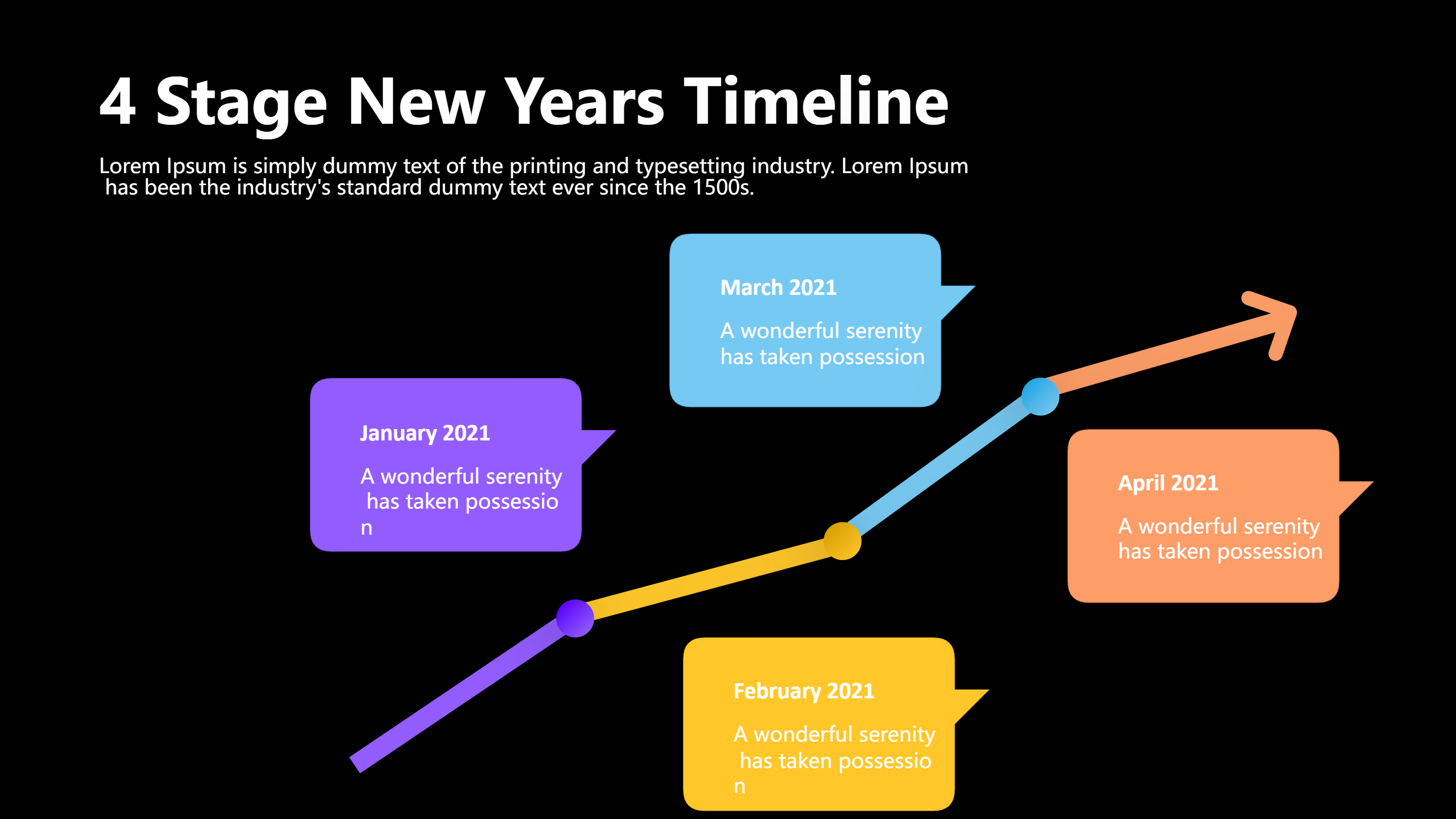
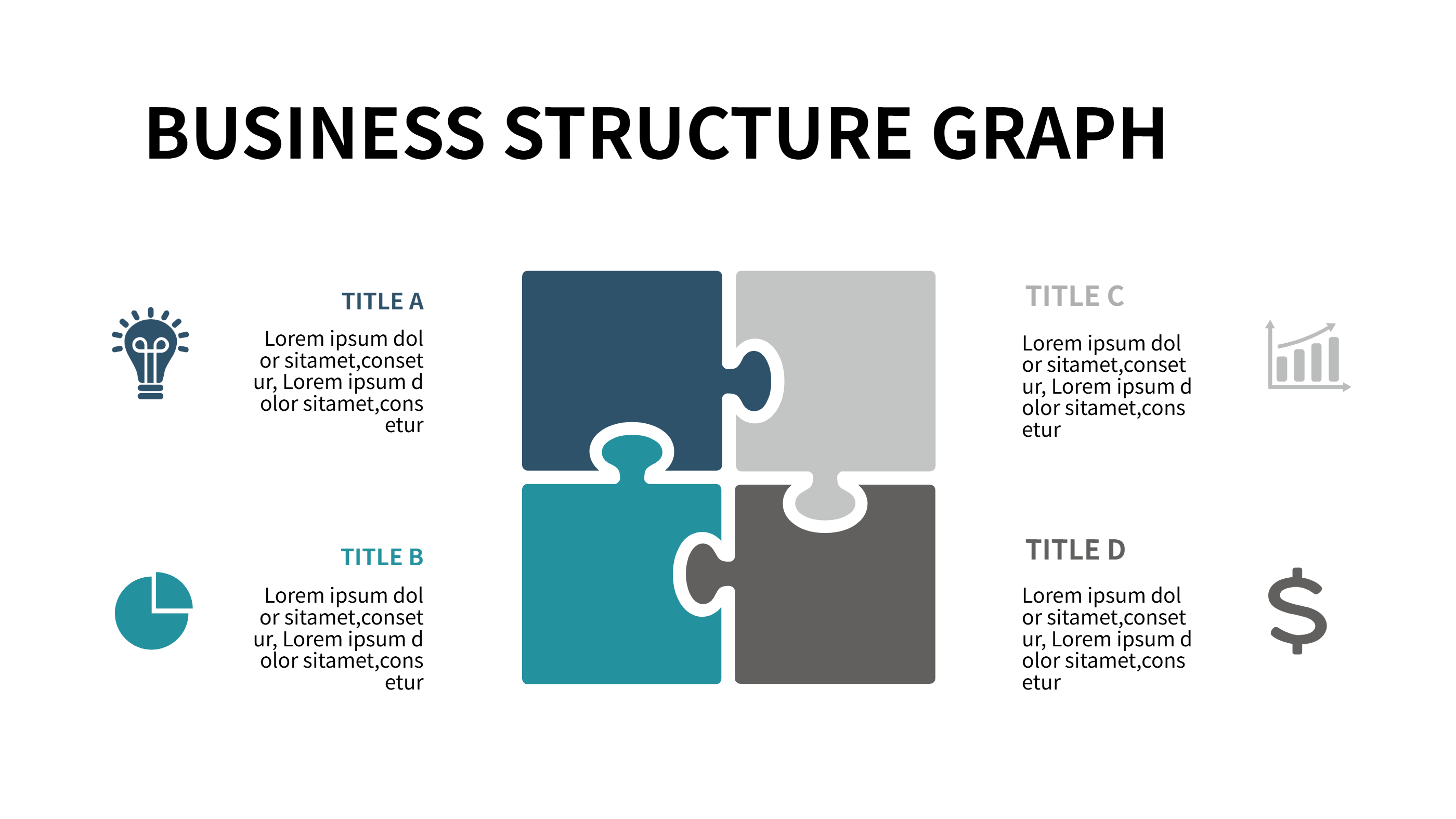
Related Template 1: 4 Steps to Achieve Your Goals: Making Every Step Count
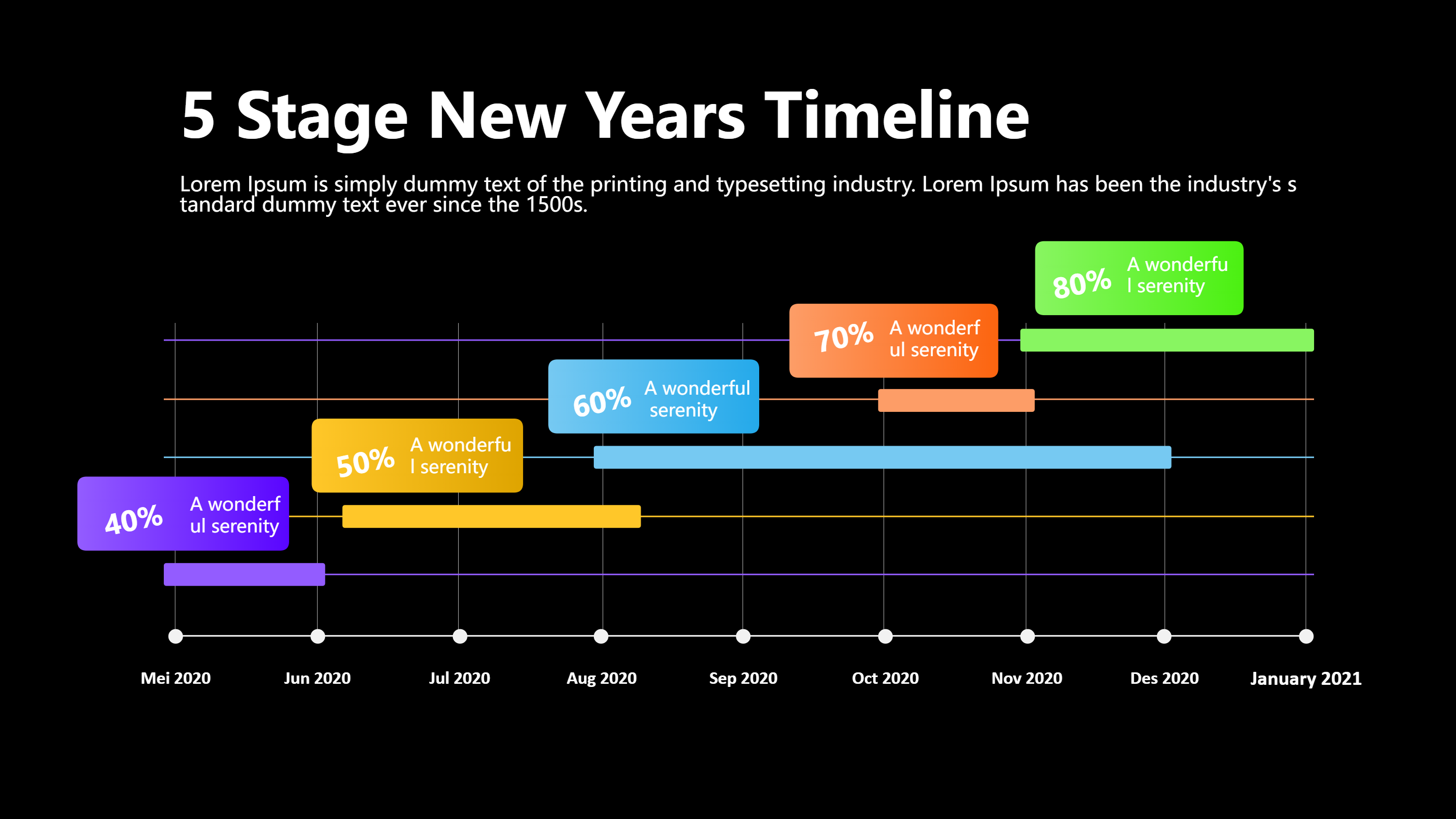
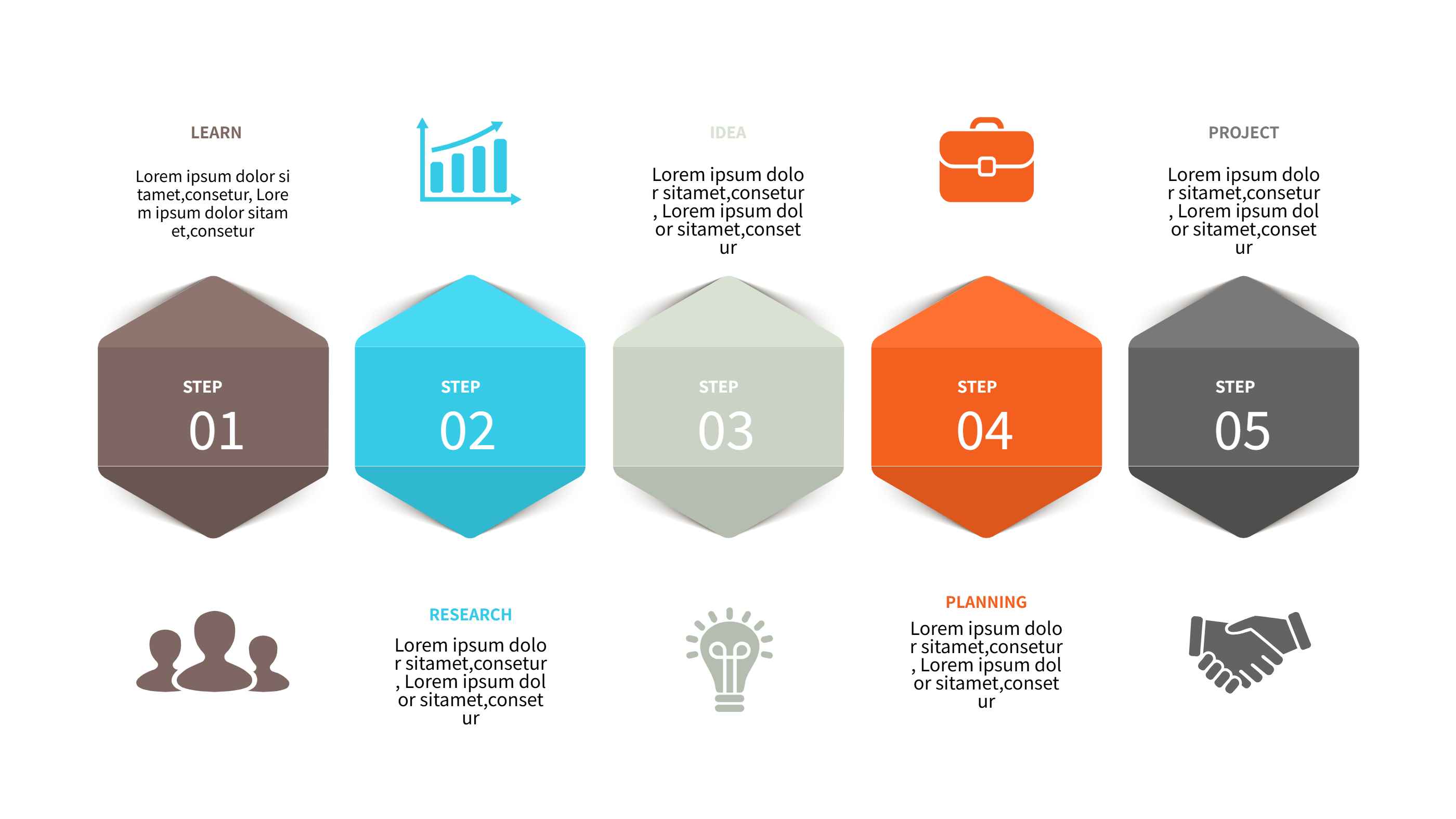
Related Template 2: 5 Steps to Achieve Corporate Goals
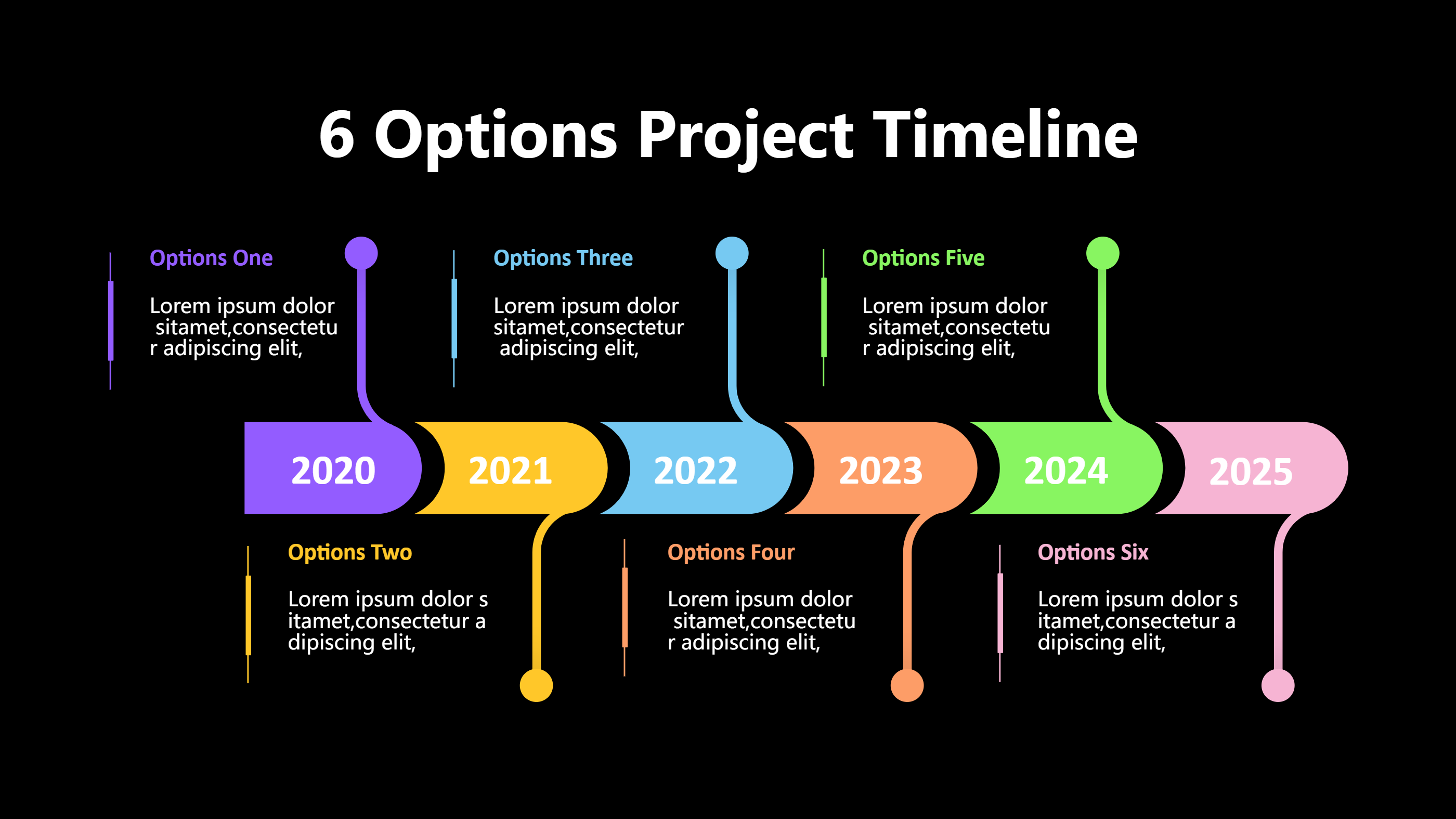
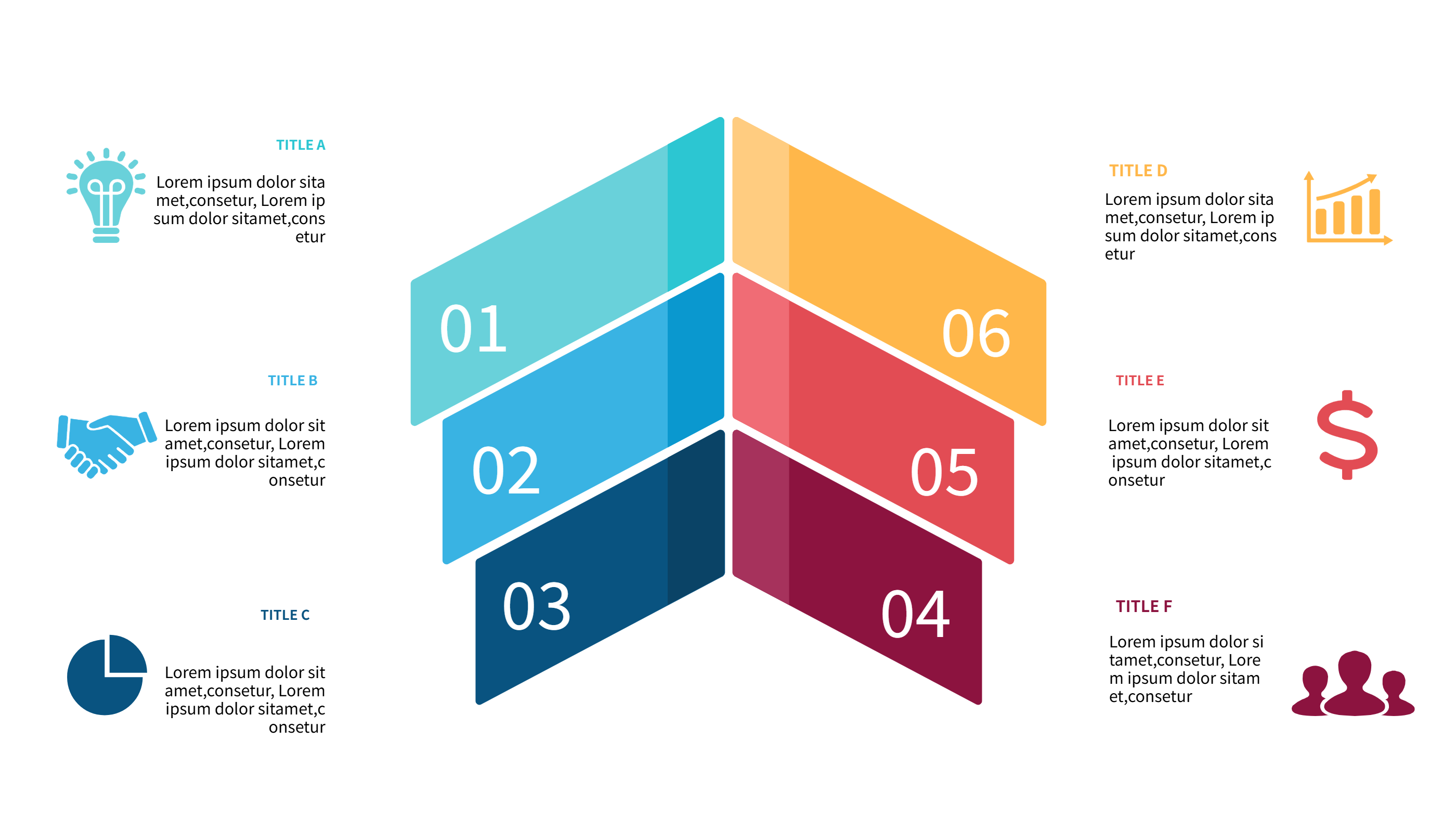
Related Template 3: 6 Steps to Achieve Corporate Goals with Teamwork
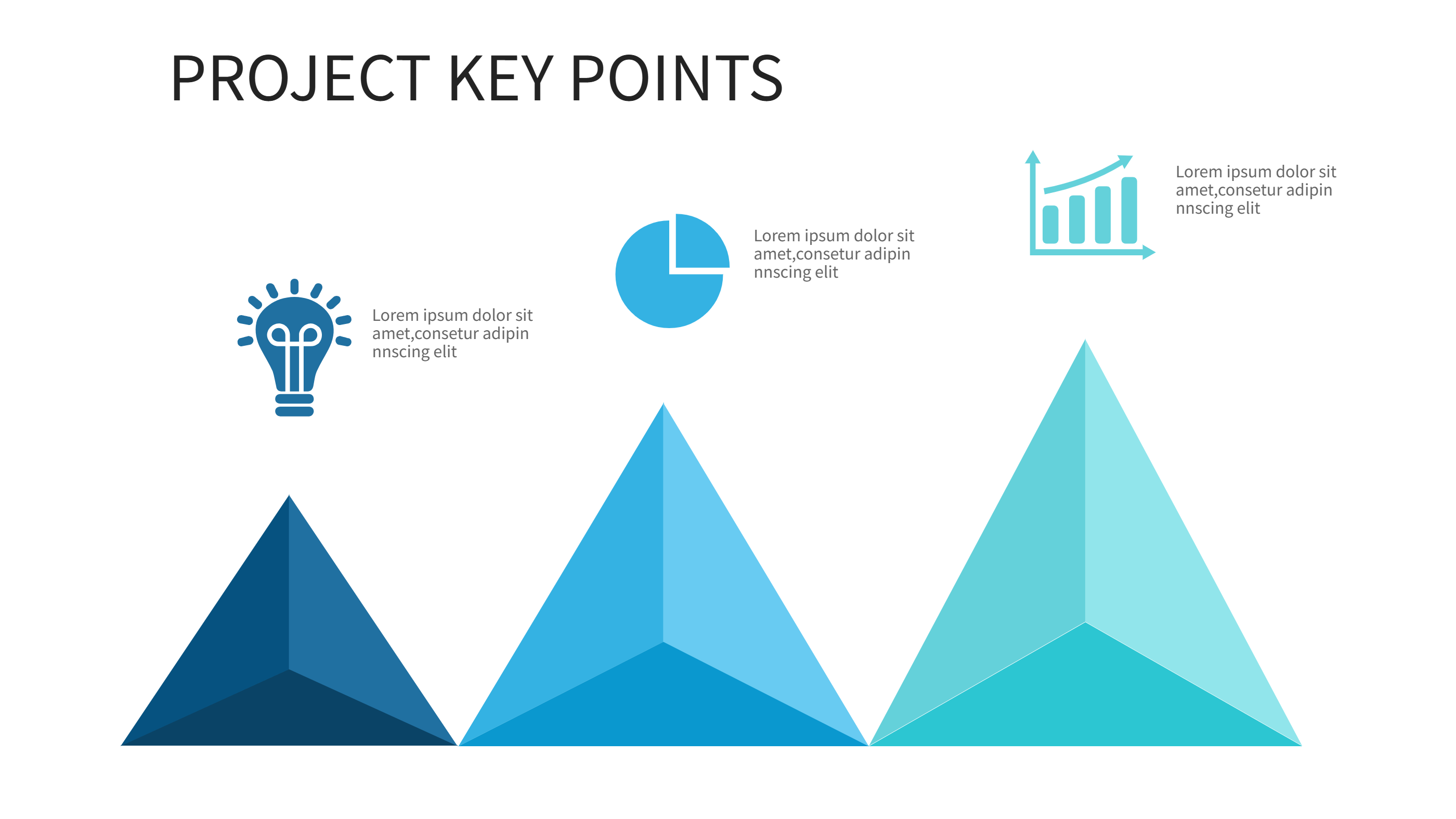
Related Template 4: Tree Infographic Template for Idea Growth
FAQs
Q: Can I use this template for a personal habit tracker?
A: Yes, it works well for simple daily goals.
Q: Can I add more levels or fewer levels?
A: Yes, the level count can be adjusted easily.
Q: Is this template good for teams or groups?
A: Yes, you can show shared progress and rewards.
Q: Can I change the icons for each level?
A: Yes, icons are simple to edit in the editor.
Q: Can I export the tracker as an image?
A: Yes, PNG and SVG export are supported.