Facebook Ads Strategy Flow Infographic Template
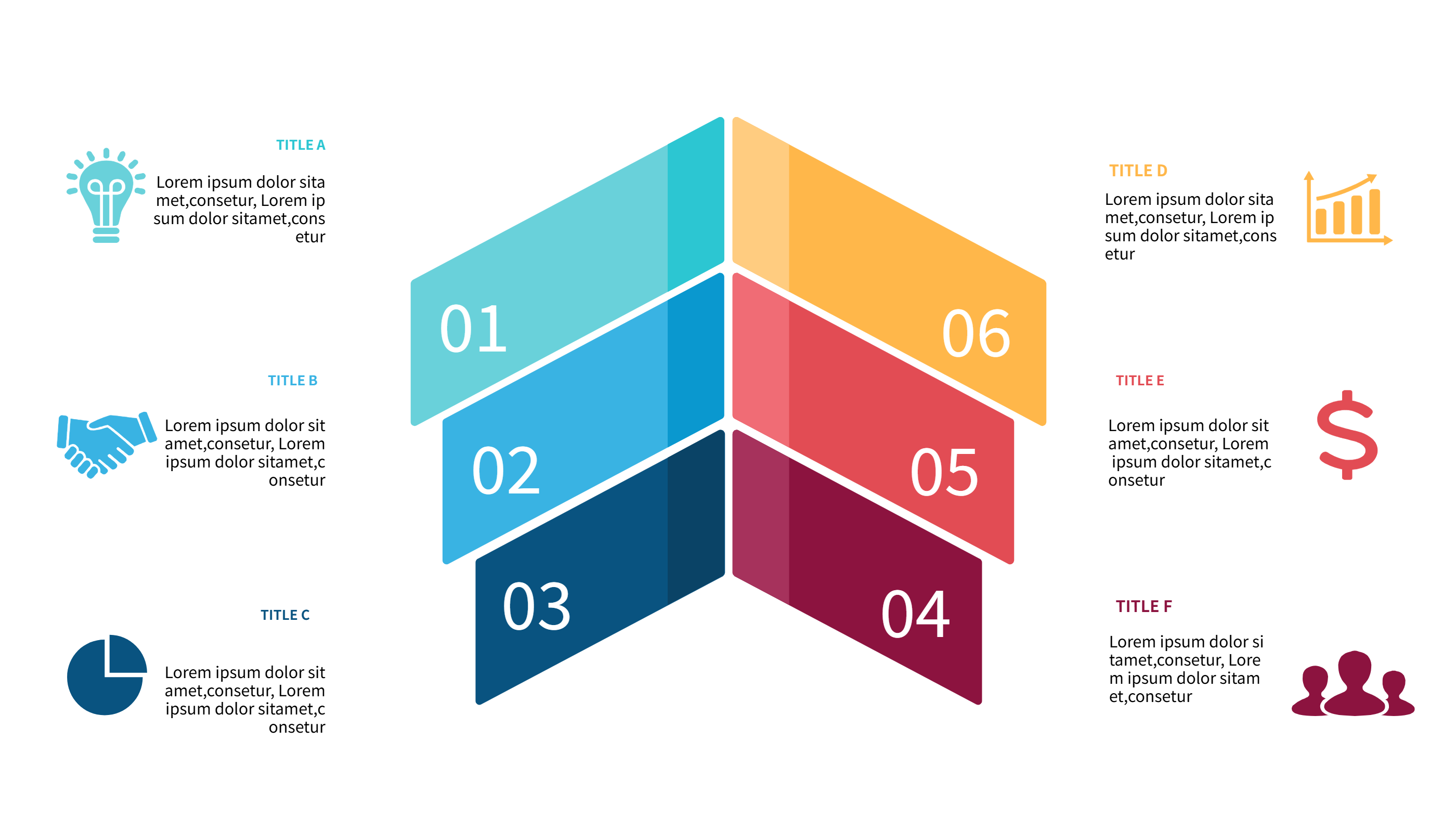
What is Facebook Ads Strategy Infographic
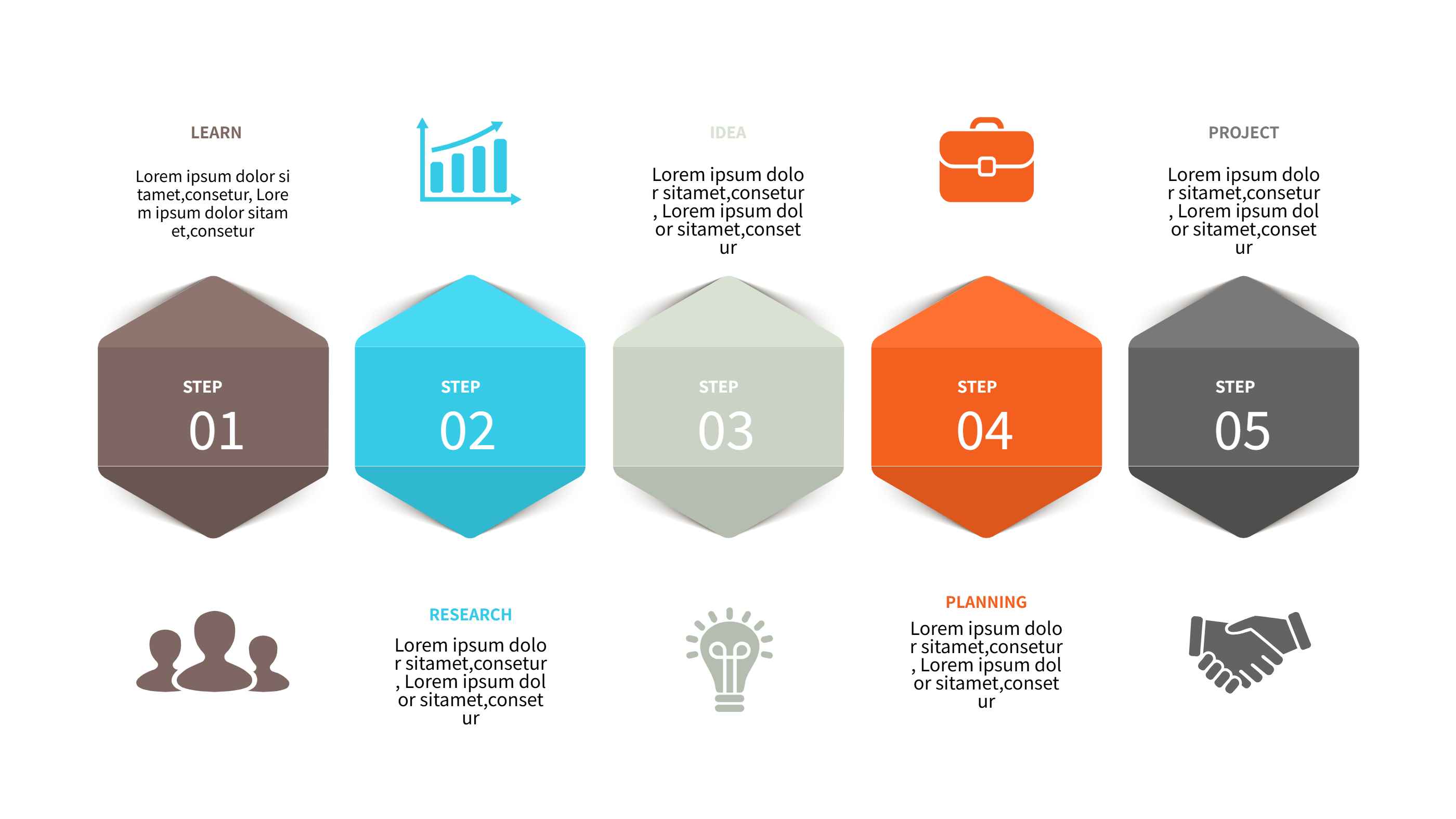
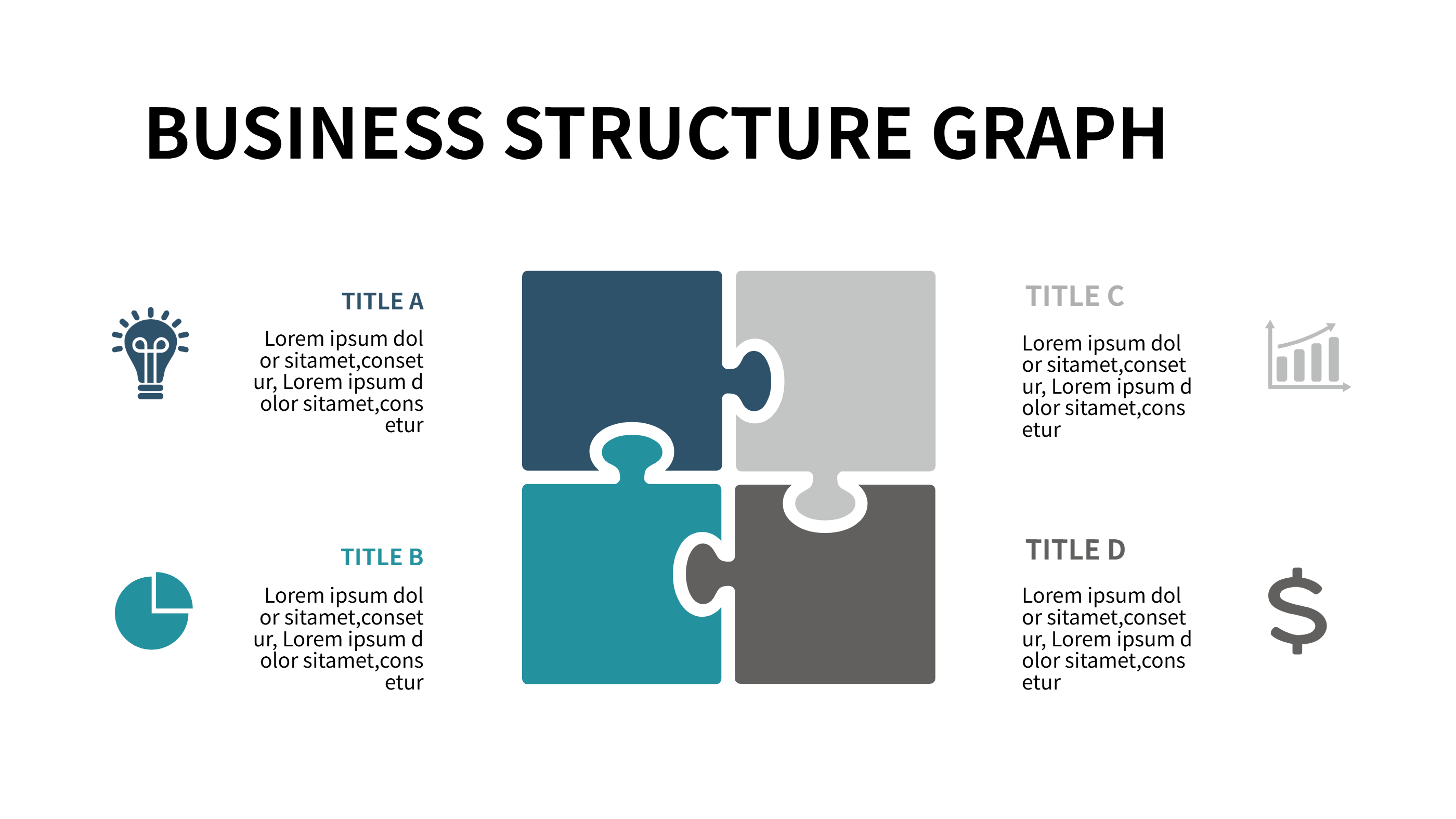
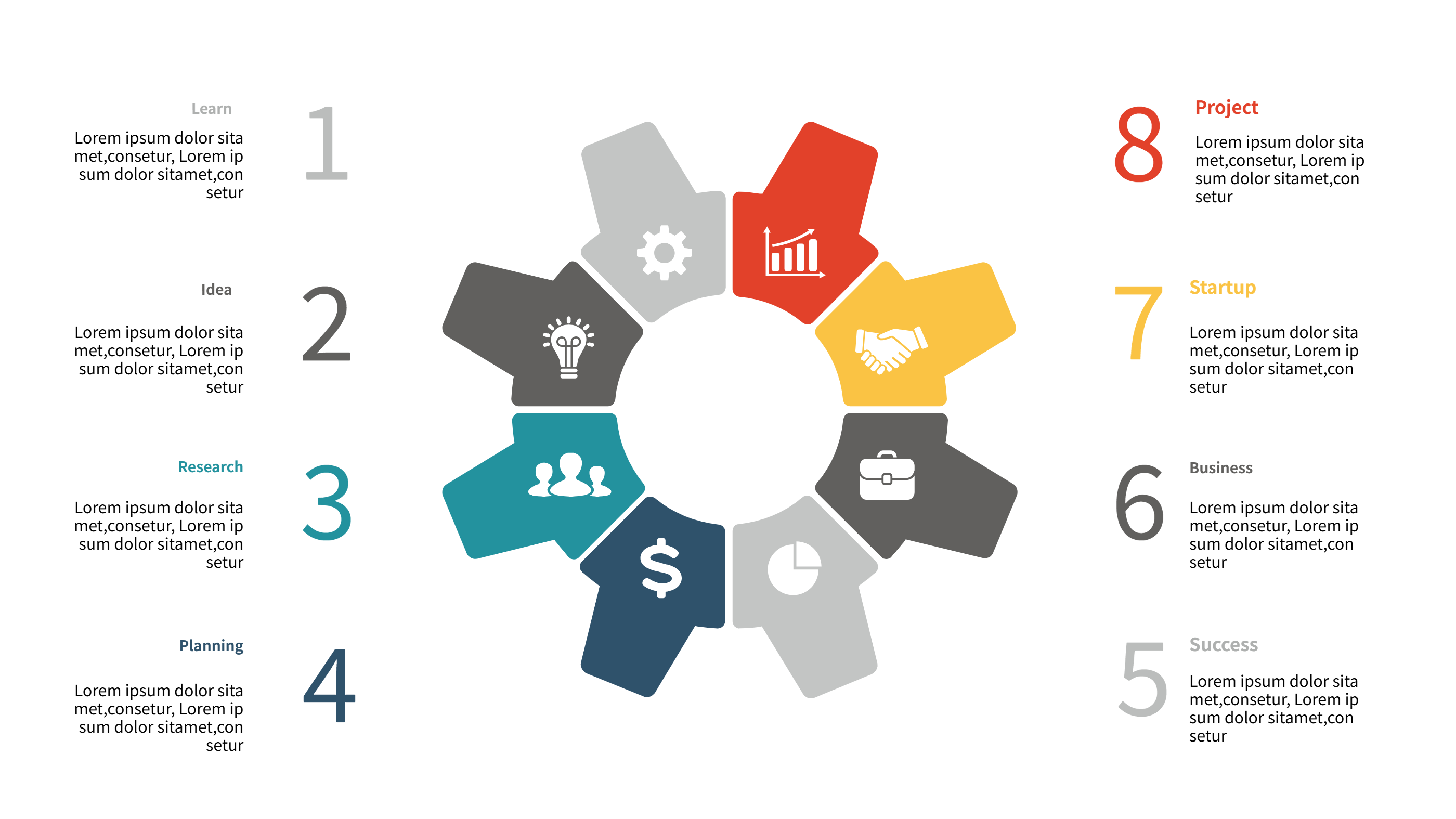
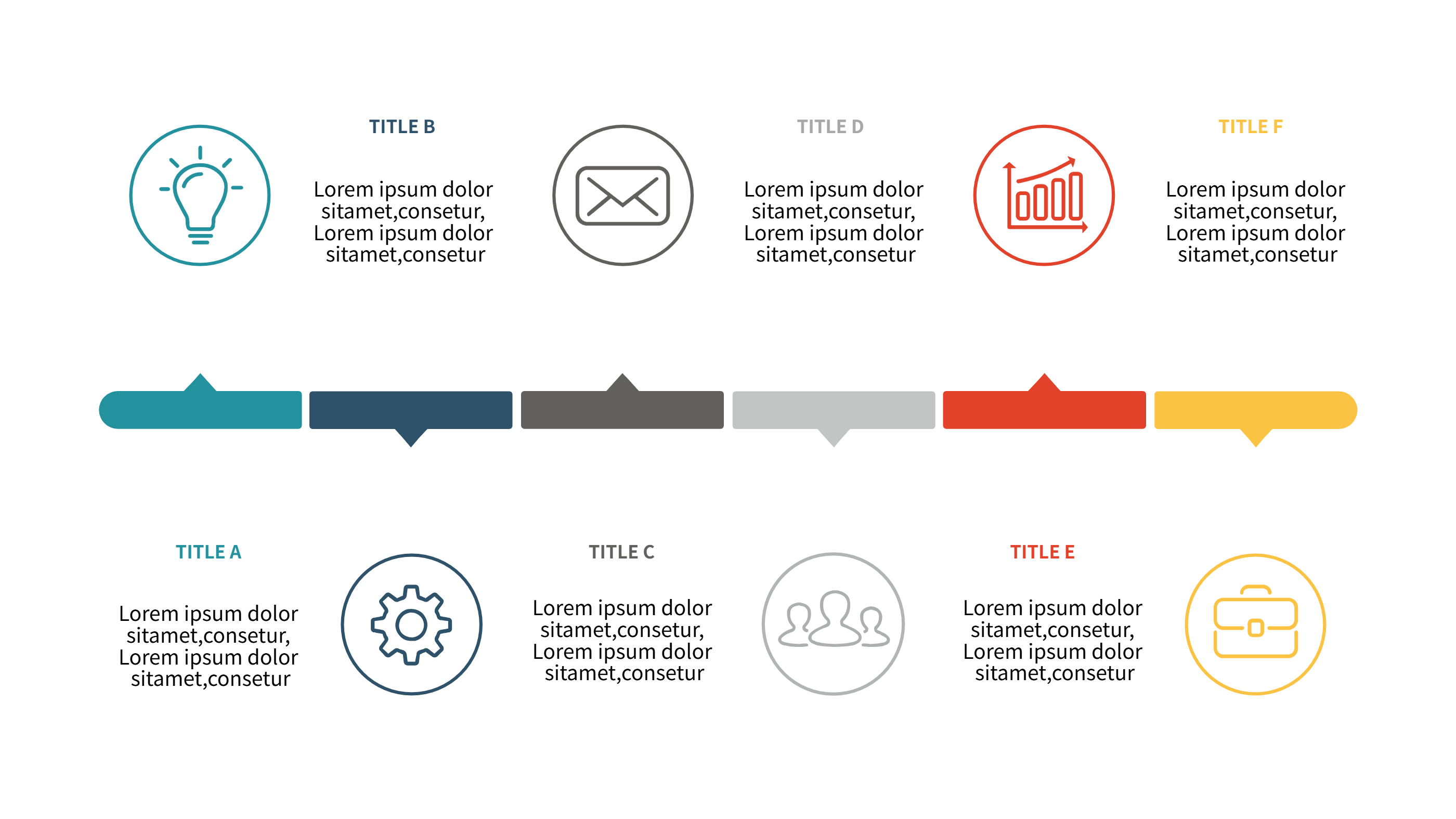
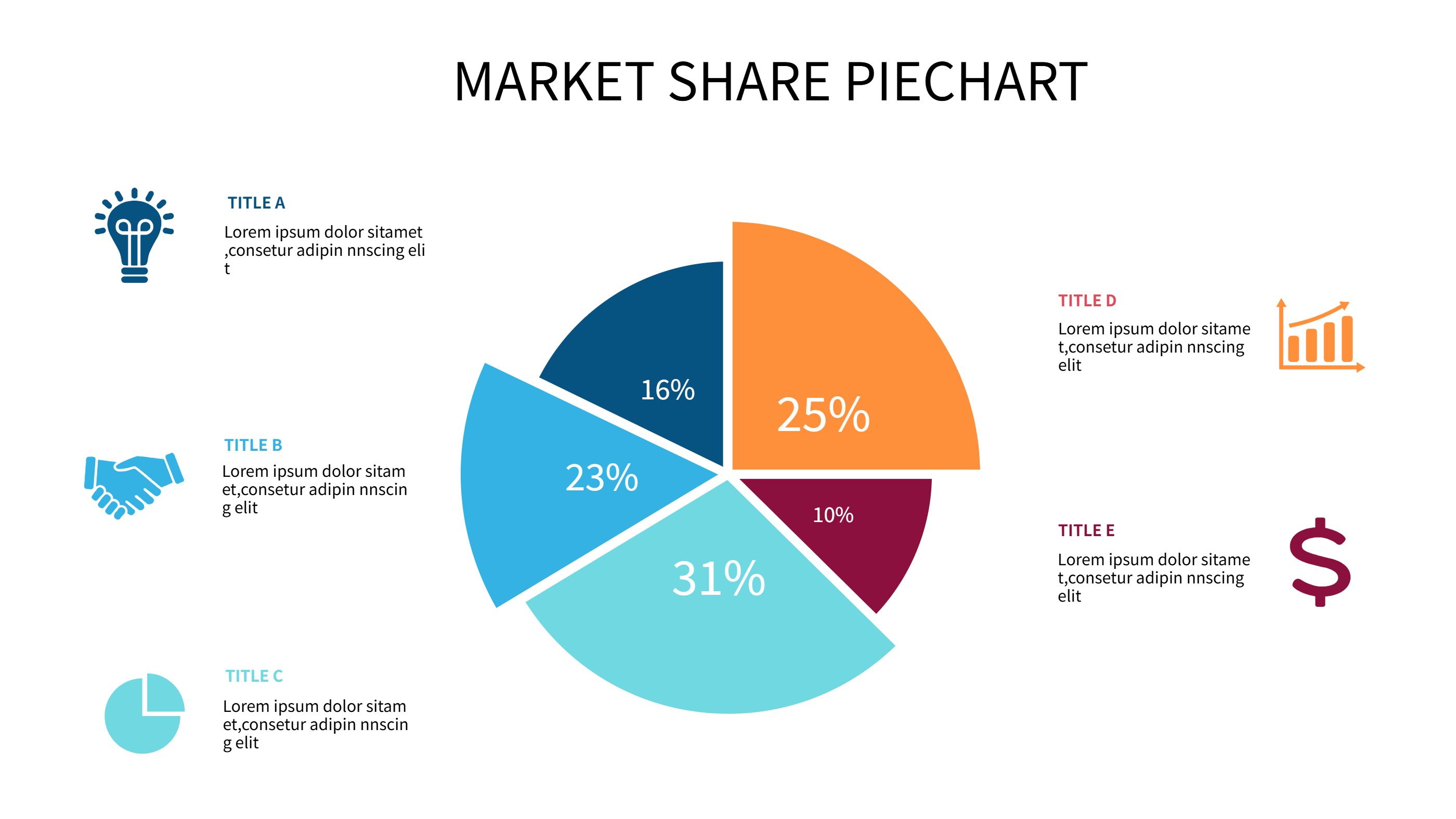
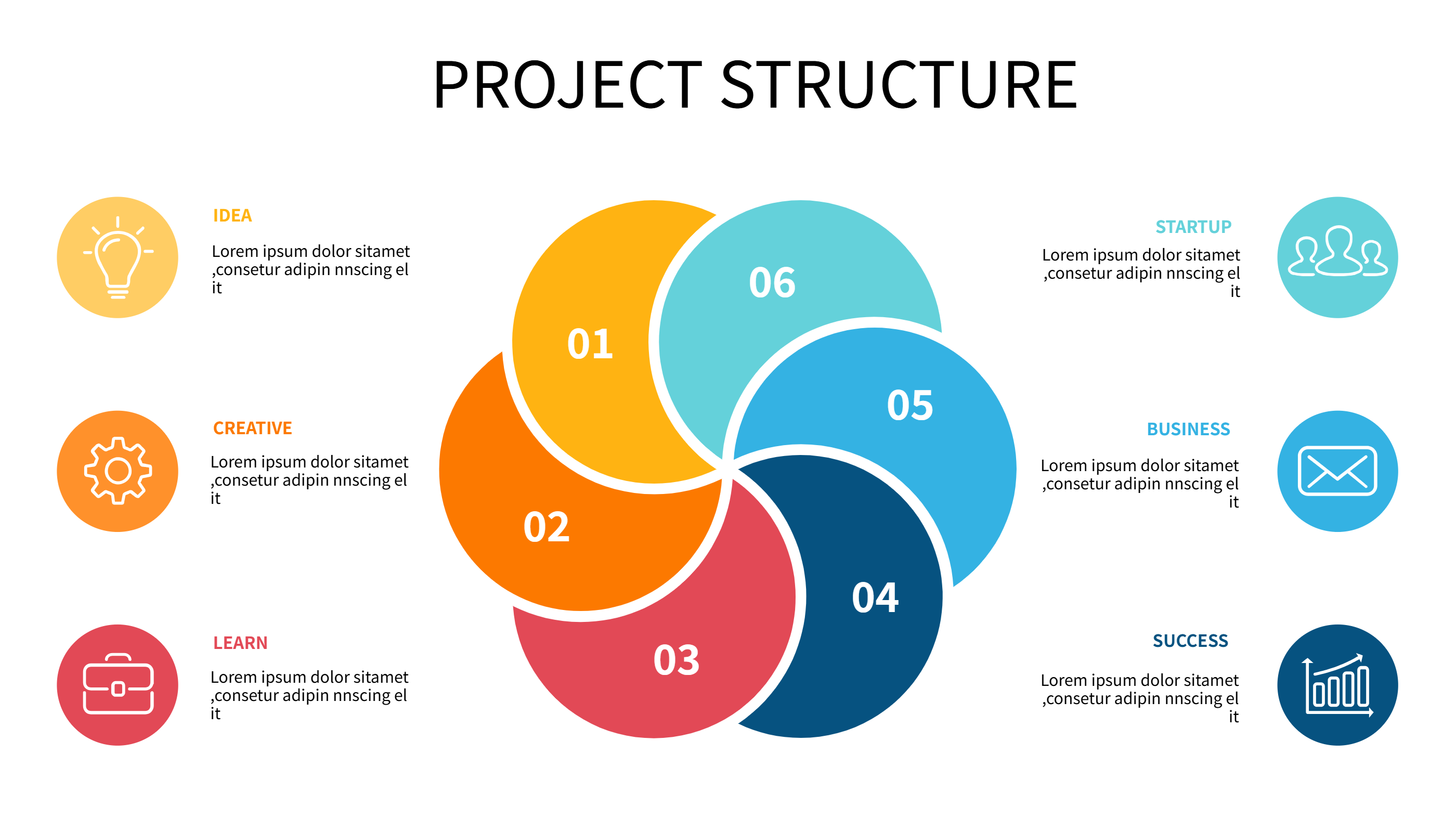
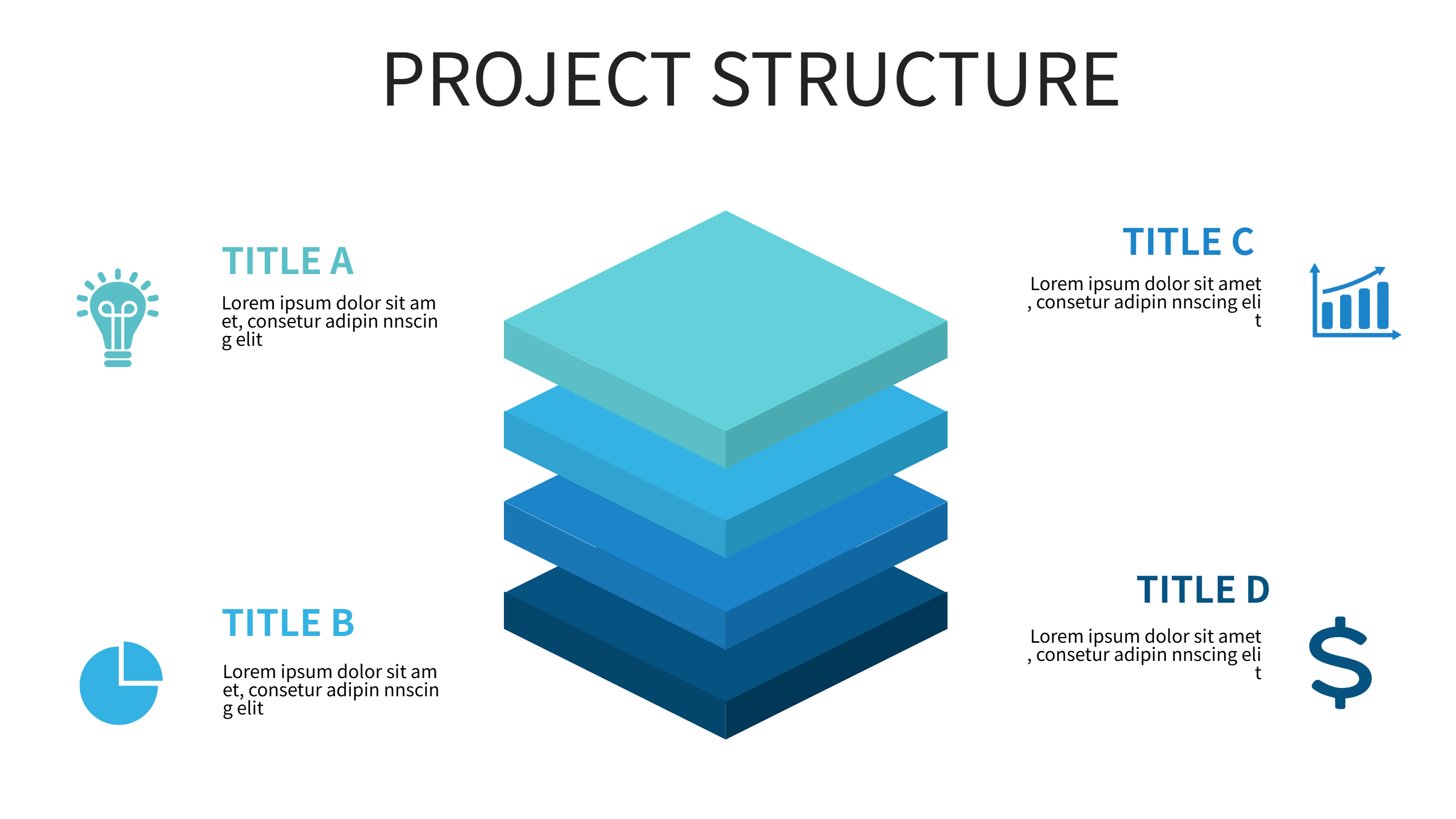
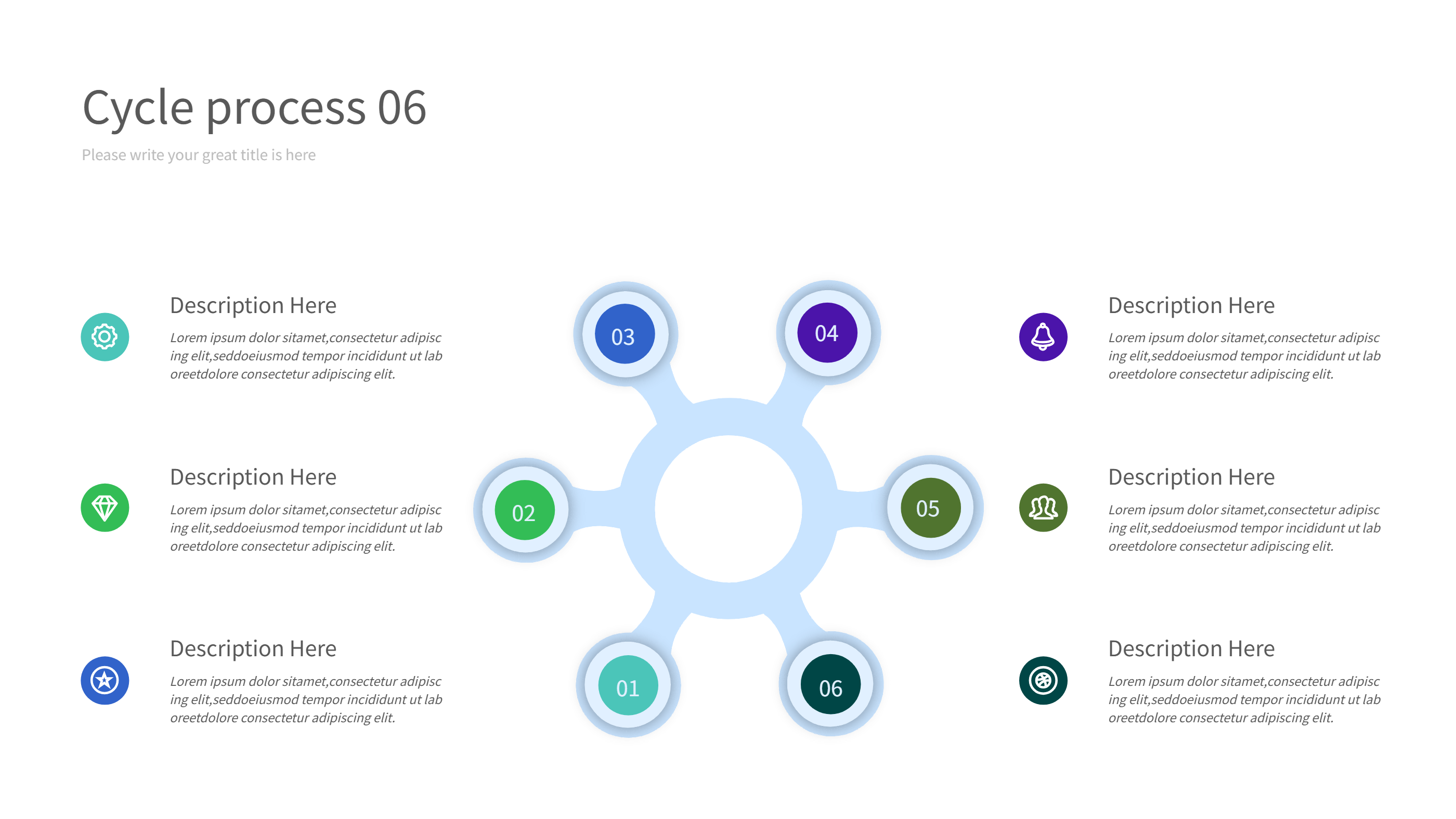
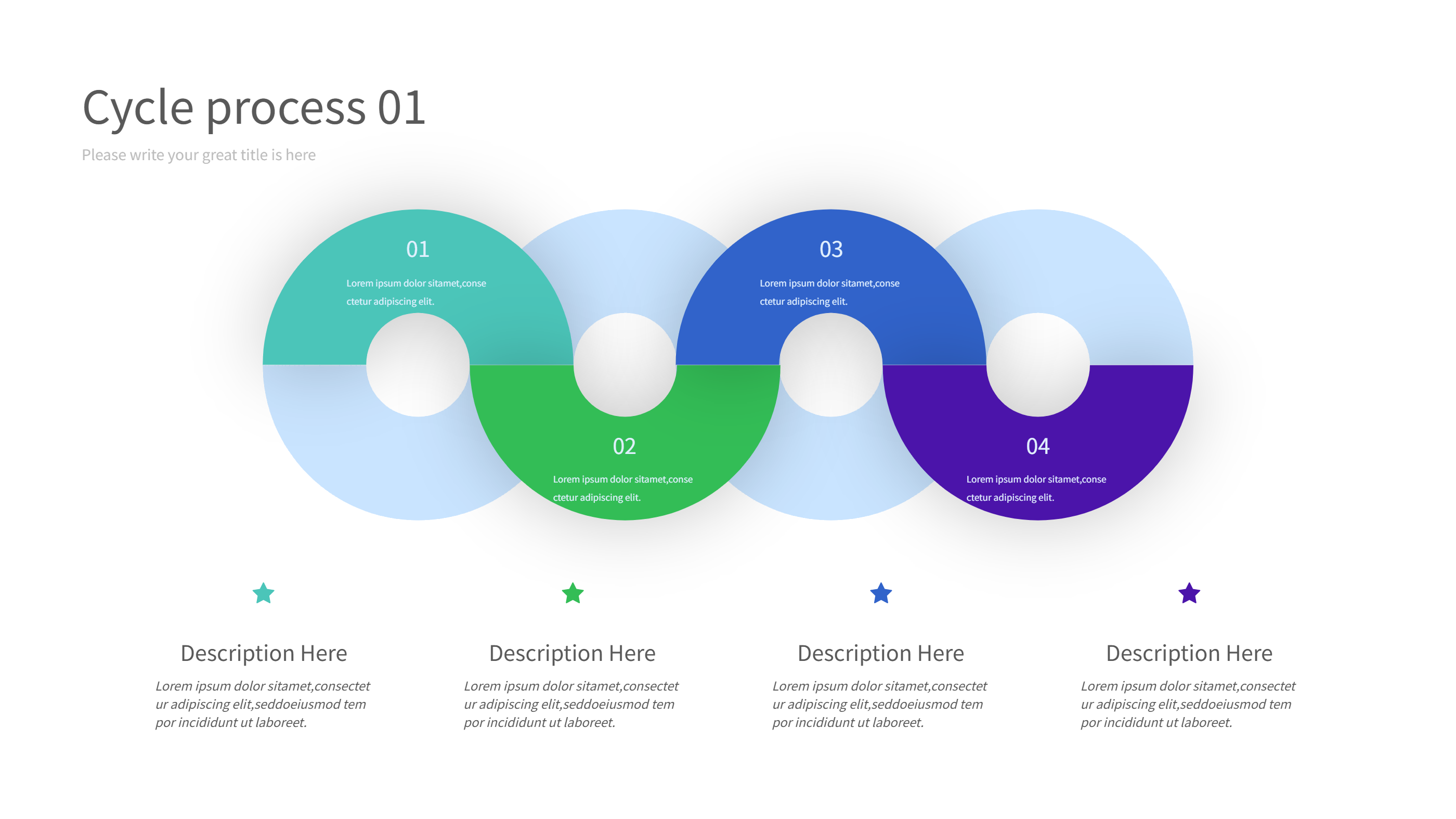
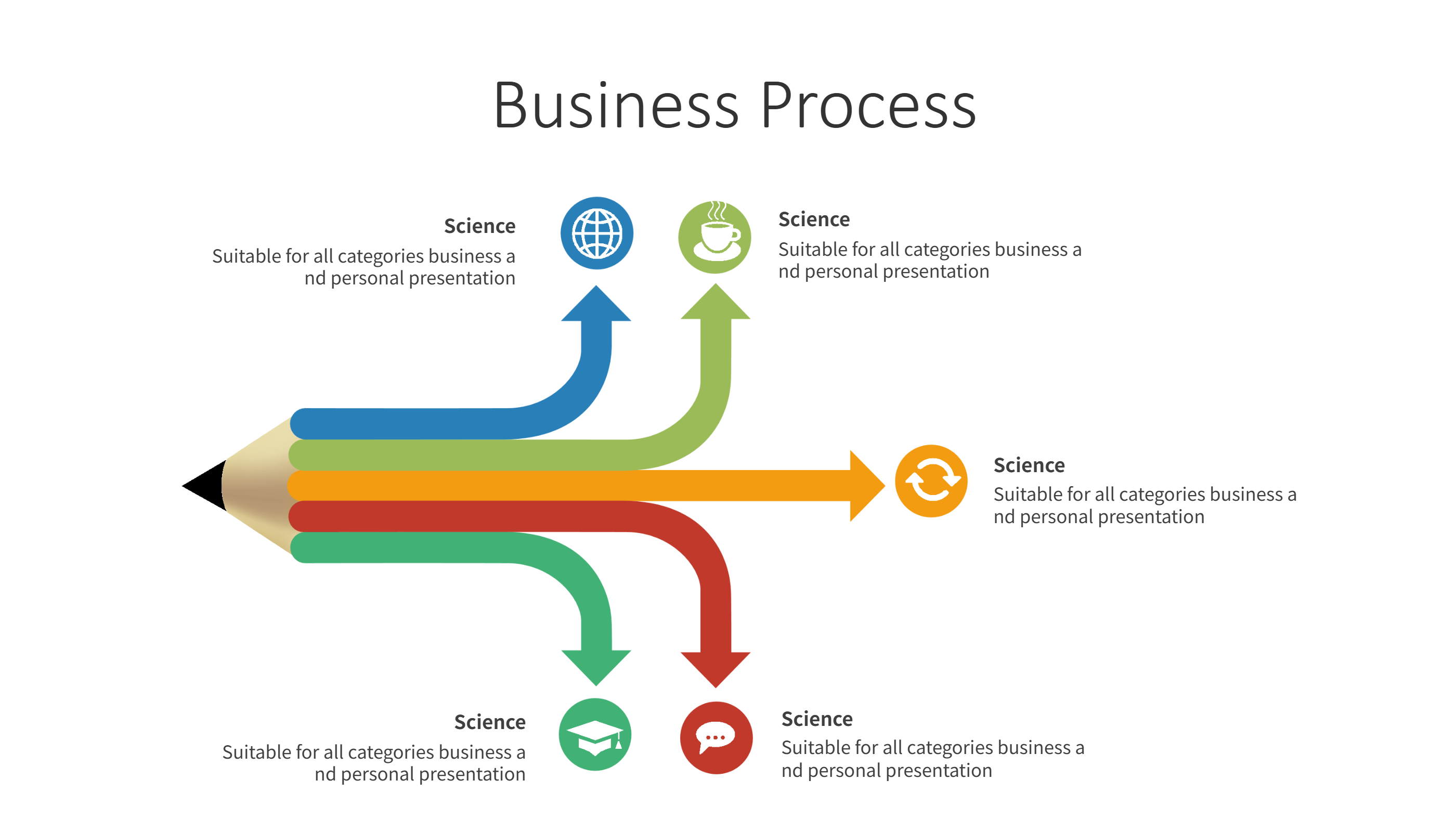
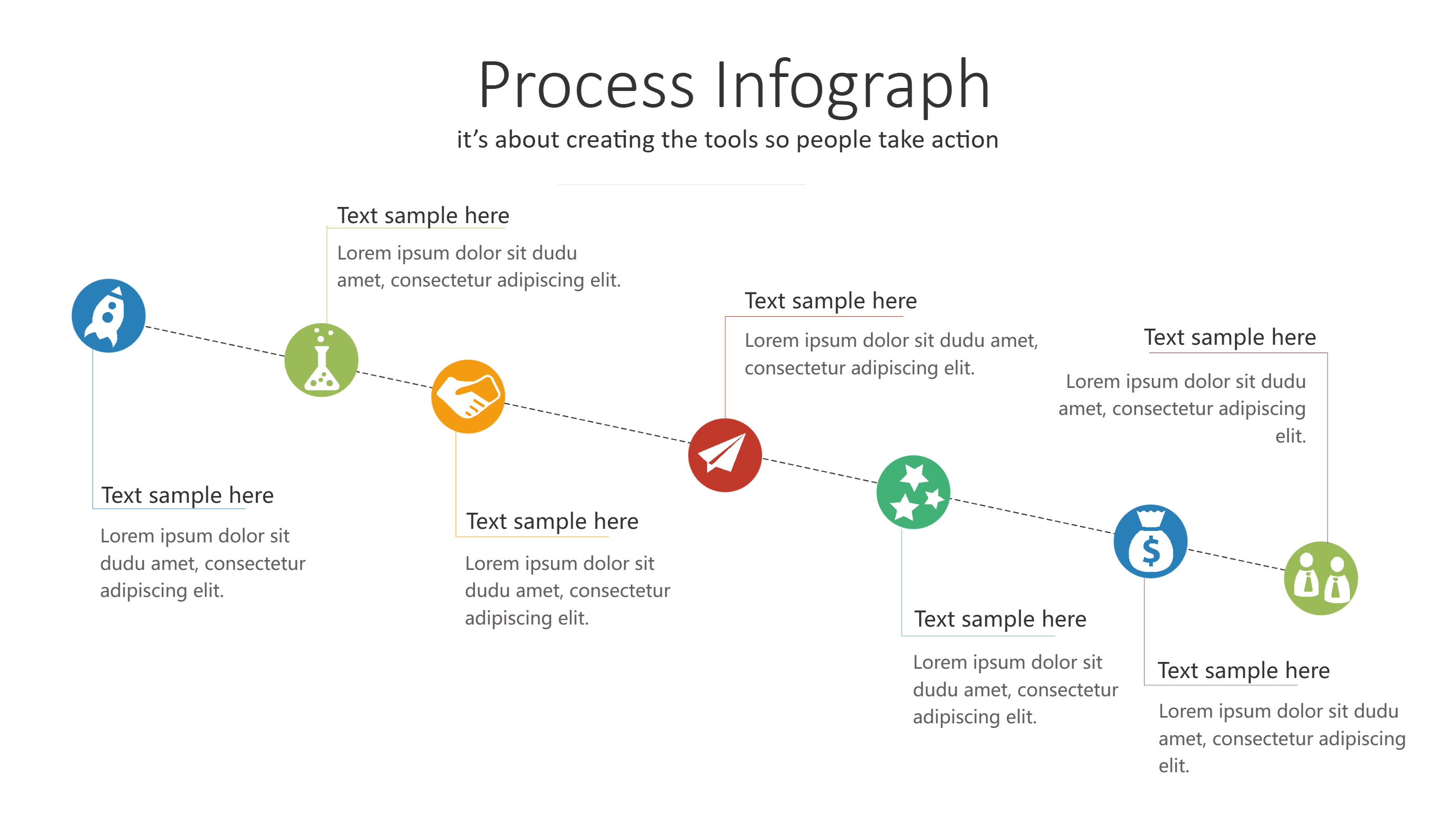
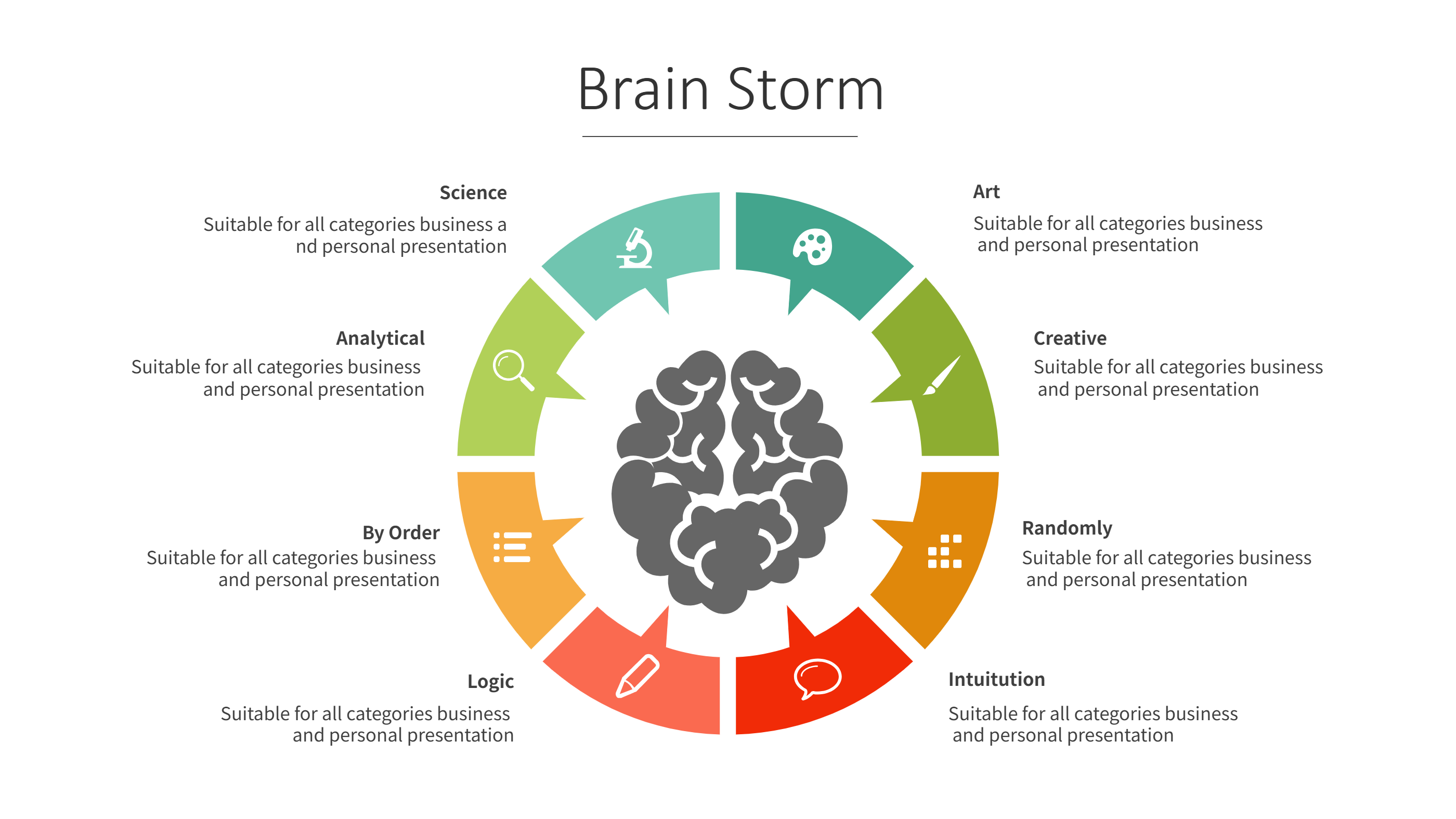
A Facebook ads strategy infographic is a visual layout that explains an ad plan in one view. It turns a strategy template into a clear flow of goals, audience, and message. Short labels and icons keep the plan easy to scan. The layout works well for slides, web pages, or a quick handout. It helps a team align on what the ad should say and who it should reach. Each block can hold one idea, a short note, or a simple metric. This keeps the plan light and easy to review.
This template style keeps a calm balance between text and space. It helps the reader focus on key points without feeling lost. You can place the main goal at the start and the key steps after it. The design supports short labels for message, audience, and budget. It is easy to adjust when the plan changes. The layout feels clear even for a small team.
When to Use Strategy Flow Infographic
Use a strategy flow infographic when you need to share a Facebook ads plan with a team. It helps you show the goal, the audience, and the main message. It is useful for weekly check ins or a campaign brief. The clear flow keeps each part visible. This layout also fits a simple spreadsheet plan when you want a visual view. It keeps the ad plan easy to scan and easy to update.
Download and Edit the Template
Click the download button and an online editor opens in a new tab. You can change the text, colors, icons, and blocks to match your content. Add or remove items to fit your story. When the layout looks right, click the save button. Choose PPT, PNG, or SVG when you download the file. You can keep a slide copy or share a clean image with your team.
How to Use Facebook Ads Strategy Template
On the home page, open the AI generator and select the Facebook Ads Strategy Template template. Write a short prompt that explains the labels and the order you need. The tool builds the infographic in the same layout style. Edit any block to match your content and save the result.
Examples of Facebook Ads Strategy AI Prompt Usage
Example 1:
A Facebook ads strategy infographic for a local cafe. Show the goal, audience, message, and budget in a simple flow. Use icons for coffee, phone, and map. Keep labels short and clear.
Example 2:
A campaign plan layout for a new app launch. Show the ad message, image ideas, and a simple weekly plan. Use a clean flow so the reader can follow the plan fast.
Recommended Similar Infographic Templates
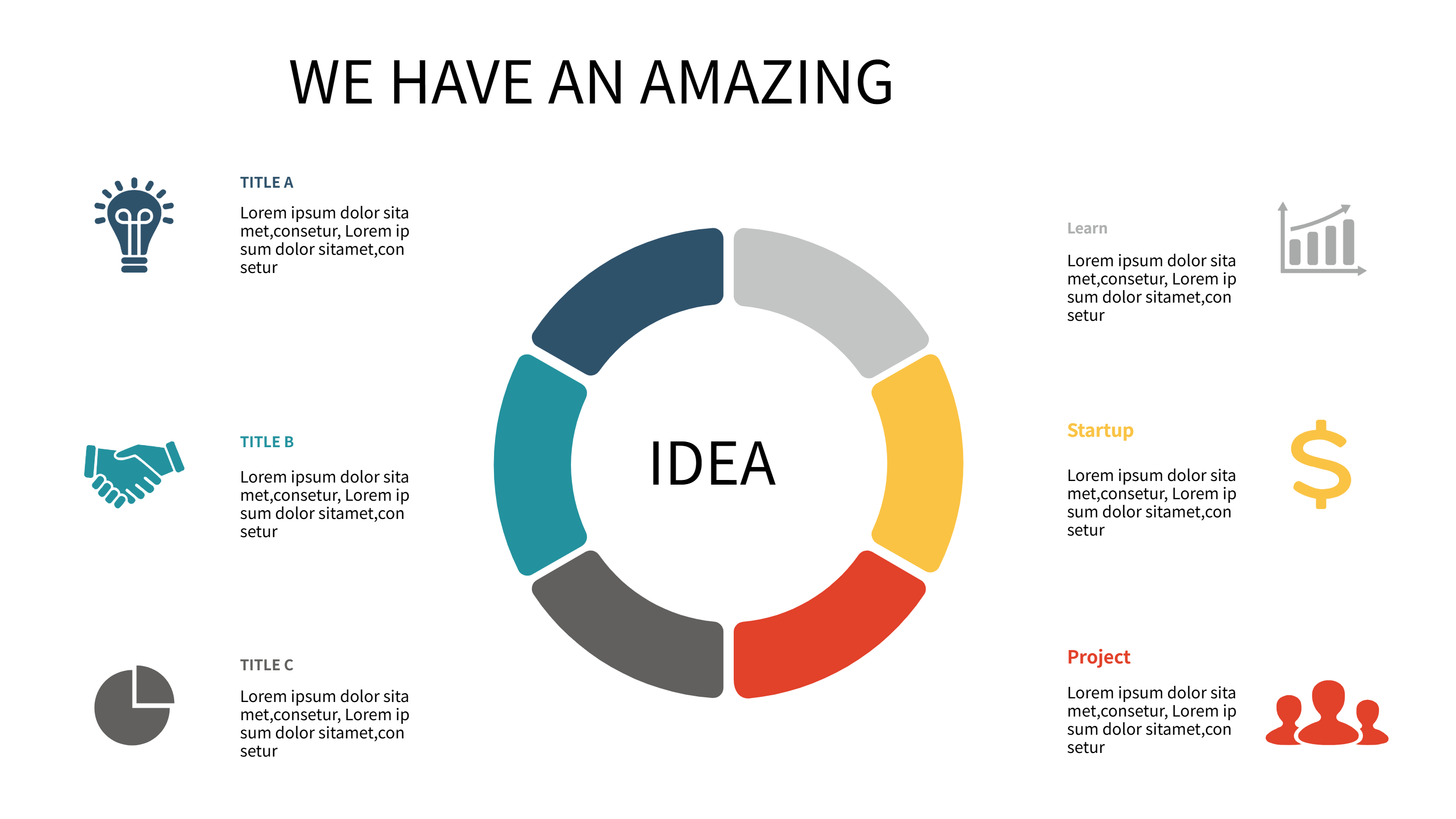
Related Template 1: Social Media Marketing Infographic Strategy Wheel
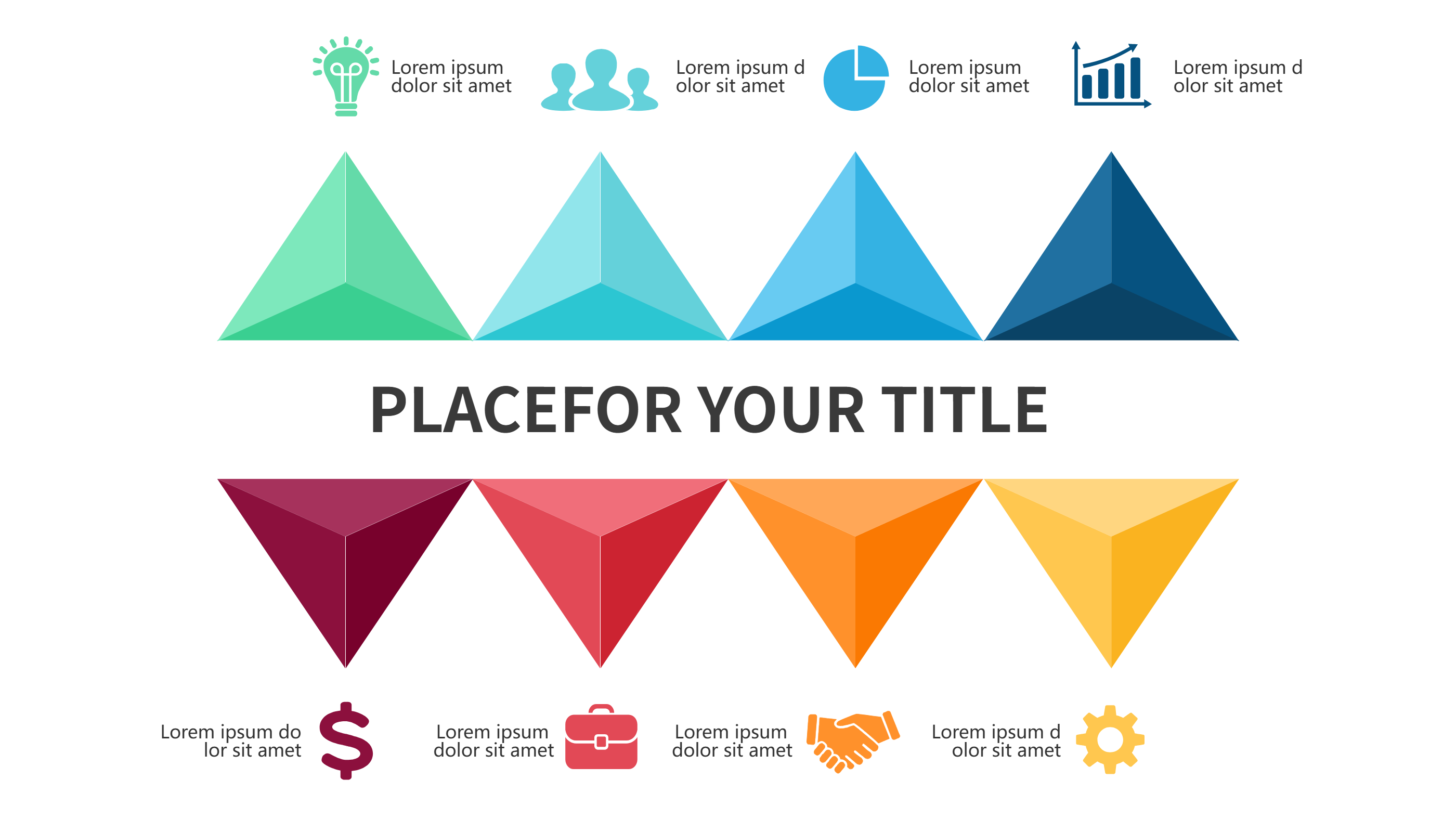
Related Template 2: 5 Key Points to Revolutionize Retail Marketing:
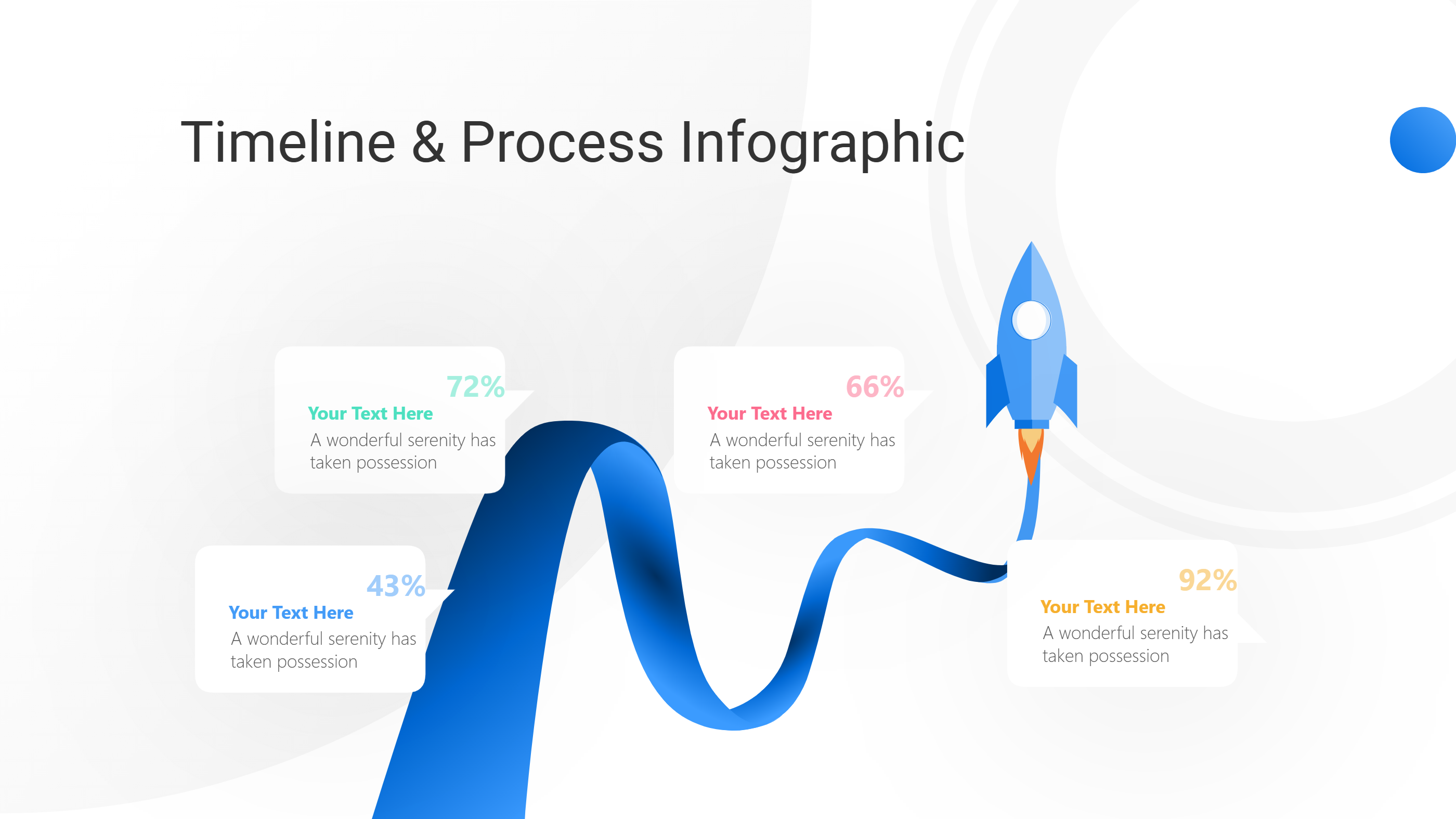
Related Template 3: DaVinci Resolve Social Media Video Infographic Template
FAQs
Q: Can I adapt this for other social channels?
A: Yes. The layout works for many ad plans.
Q: Is the strategy flow good for small teams?
A: Yes. It keeps the plan simple and easy to share.
Q: Can I add a budget note?
A: Yes. Add a short budget label in a block.
Q: Does it support short and long plans?
A: Yes. You can add or remove steps.
Q: Can I export a PNG for quick sharing?
A: Yes. PNG is available.