Train Presentation Template for Simple Route and History Slides
What is Train Presentation Template Infographic
A train presentation template infographic is a slide layout that helps explain train routes and stories. It can show a route line, key stops, and short notes in a clear order. It can also show a brief history of a train line or a rail project. The layout keeps text short and uses simple icons so the message is easy to follow.
This template works for school projects, transit updates, or tourism talks. It can include dates, station names, and time windows. It can also show safety tips or rider rules in small blocks. The design keeps the focus on the route and the main points without long paragraphs.
When to Use History Timeline Infographic
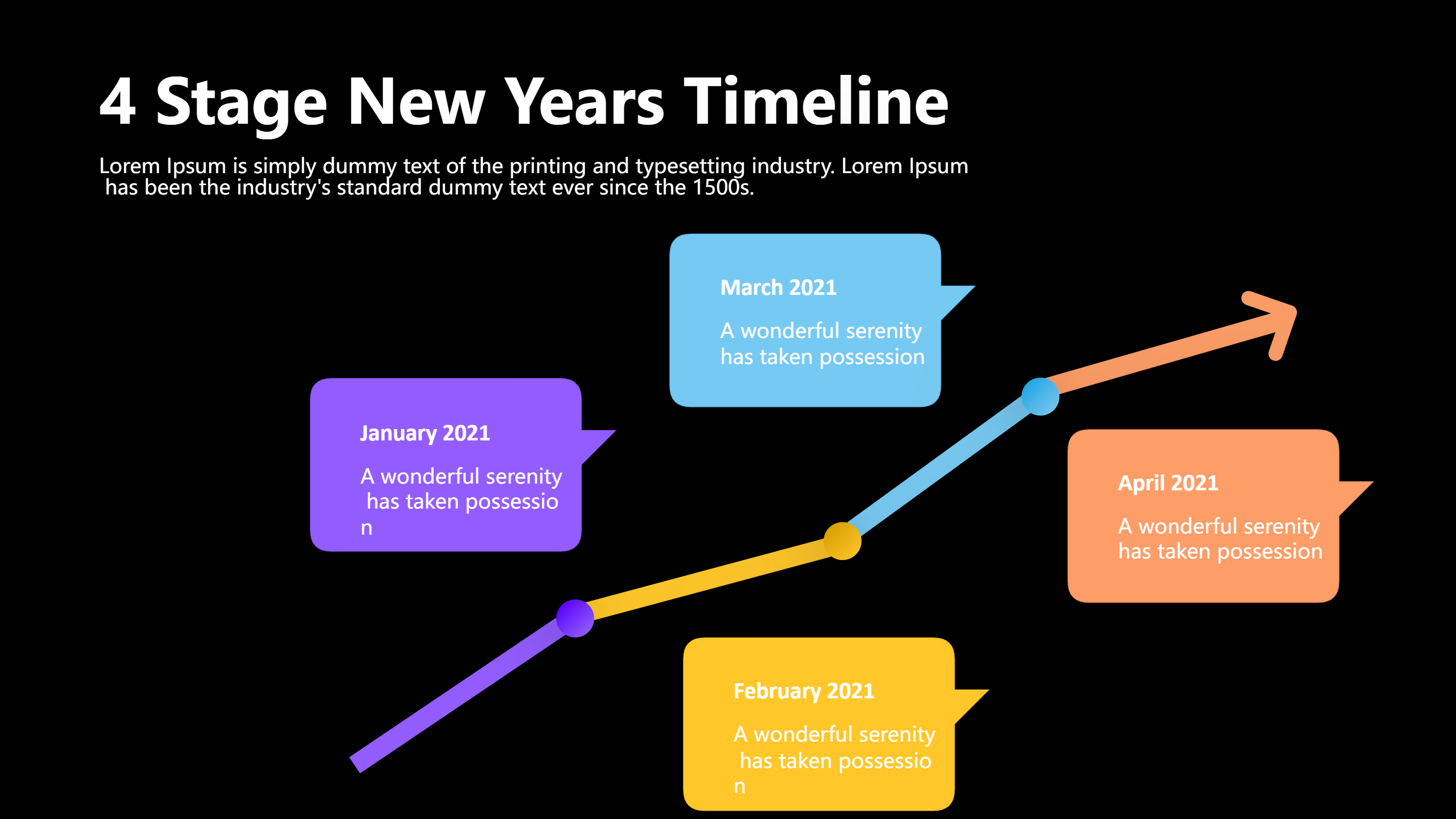
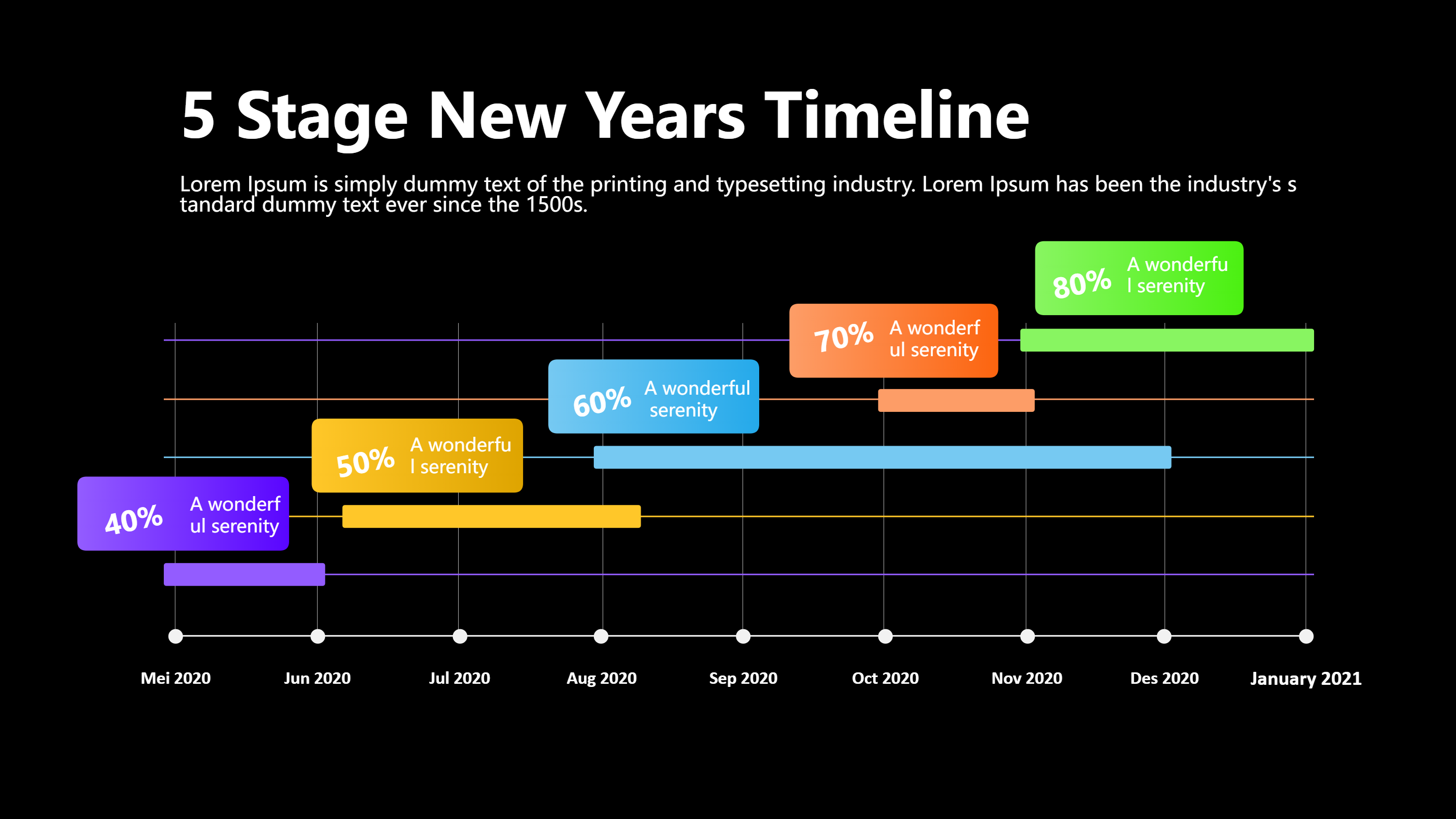
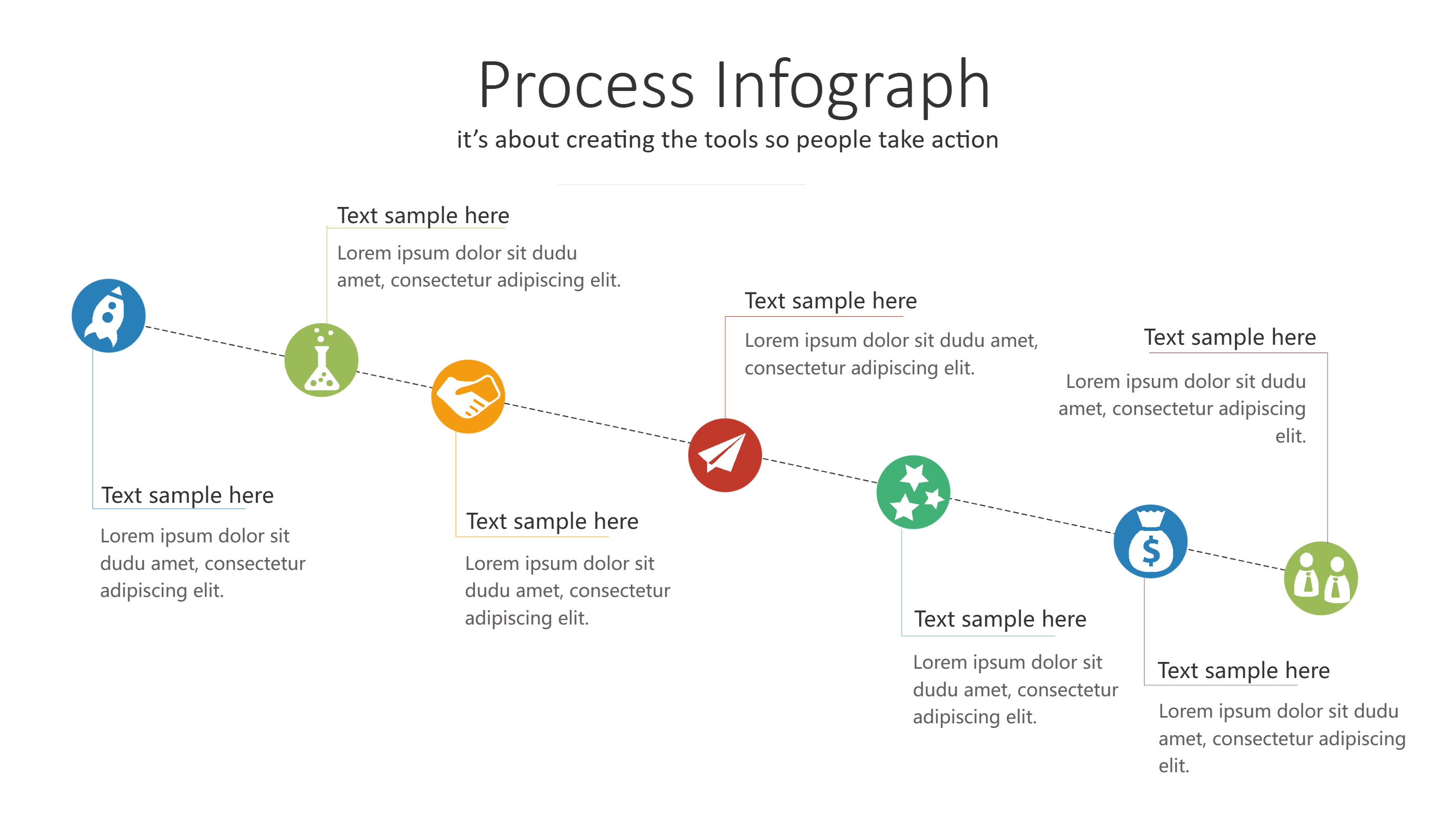
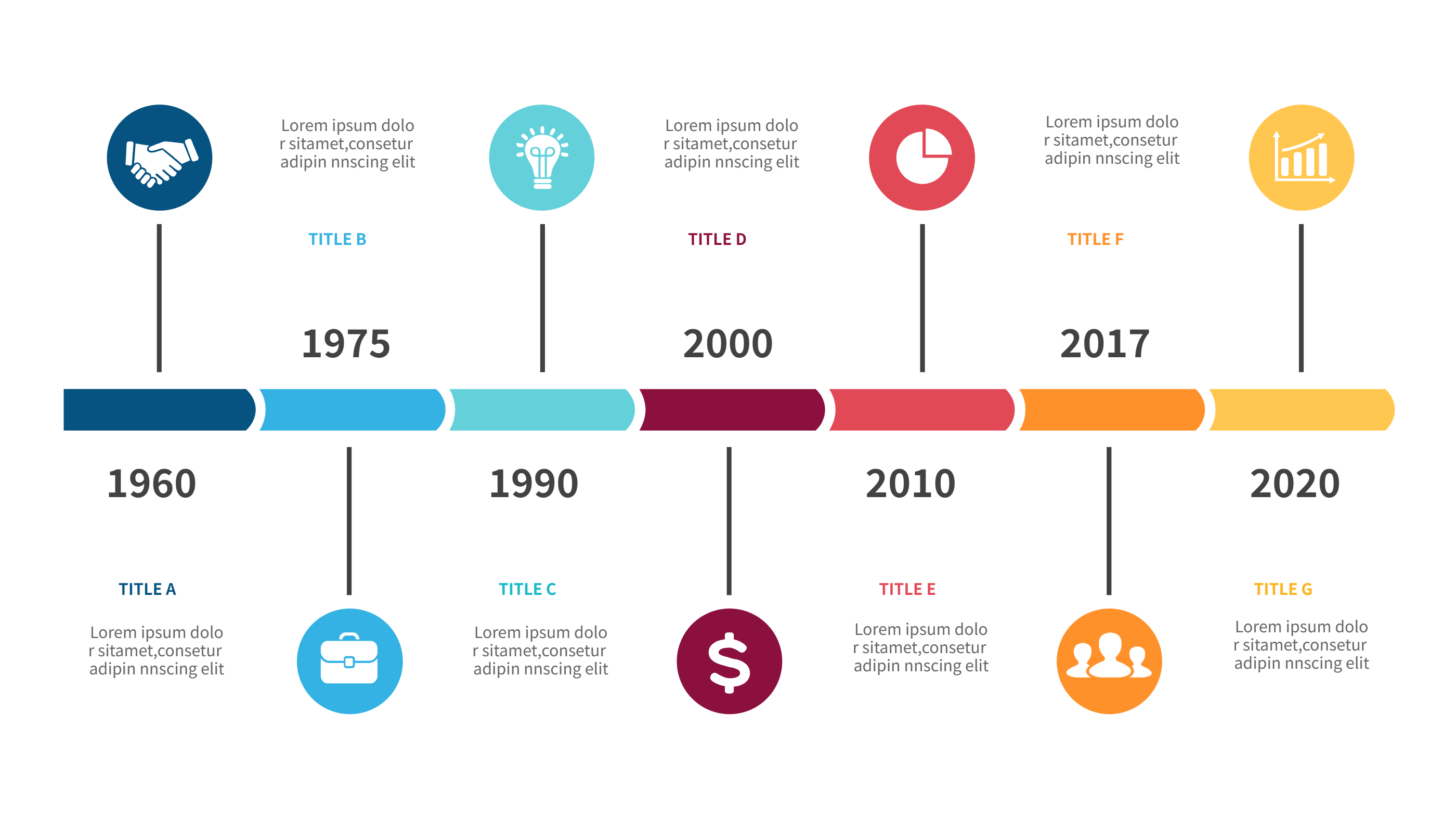
Use this infographic when you want to show a train story over time. A history timeline layout keeps events in order and helps the reader follow the flow. It is useful for a line opening story, a service change update, or a route plan. It works well in a short presentation or a printed handout.
It also helps when you need to compare changes across years. You can place milestones and show the gap between them. The timeline view is clear for a wide audience and keeps the story simple. It supports both travel topics and local history topics.
Download and Edit the Template
Click the download button and an online editor opens in a new page. You can edit station names, dates, and short notes. You can adjust colors and icons to fit your topic. Use the save button when you are done. Choose PPT, PNG, or SVG as the export format. The steps stay the same even if the wording is different.
How to Use Train Presentation Template for Simple Route and History Slides
Open the AI generator on the home page and choose the train timeline template. Enter a short prompt that lists the route, key stops, and any dates you want to show. The tool creates an infographic that follows the layout. You can edit the result and adjust text to match your story. The meaning stays the same, even if your wording changes.
Examples of Train Presentation Template AI Prompt Usage
Example 1:
A city train line overview with five main stops, travel times between each stop, and a short note on transfer points. Use a clear route line with simple icons.
Example 2:
A history timeline for a local rail line that shows opening year, major upgrades, and service expansion. Keep each milestone to one short sentence.
Example 3:
A tourism train presentation with a route map, best viewing stops, and short tips for riders. Add a small block for ticket times.
Recommended Similar Infographic Templates
Related Template 1: Event Timeline
Related Template 2: Timeline Infographic Template
Related Template 3: Tech Evolution Journey Timeline Infographic Template
Related Template 4: Timeline Template Design for Clear Milestones
FAQs
Q: Can I use this template for a school project?
A: Yes, the layout is simple and easy to explain.
Q: Can I show a route map and a timeline together?
A: Yes, the layout supports both in one slide.
Q: Is this template good for a transit update?
A: Yes, it highlights key changes in a clear order.
Q: Can I add safety tips or rider rules?
A: Yes, add a small block with short tips.
Q: Can I export the slide as an image?
A: Yes, you can export to PNG or SVG.