Trivia PowerPoint Template for Quiz Nights and Team Scores
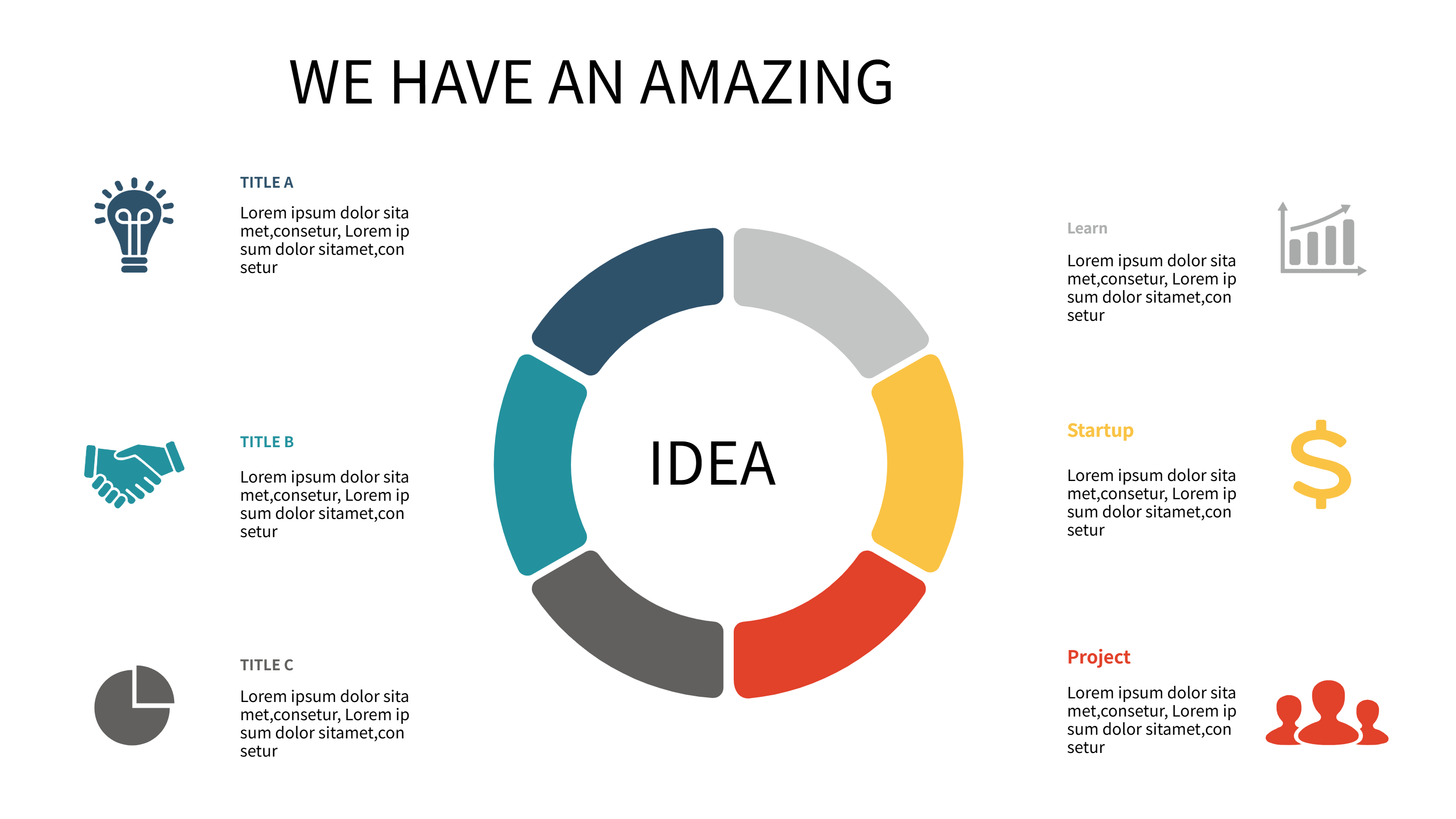
What is Trivia PowerPoint Template Infographic
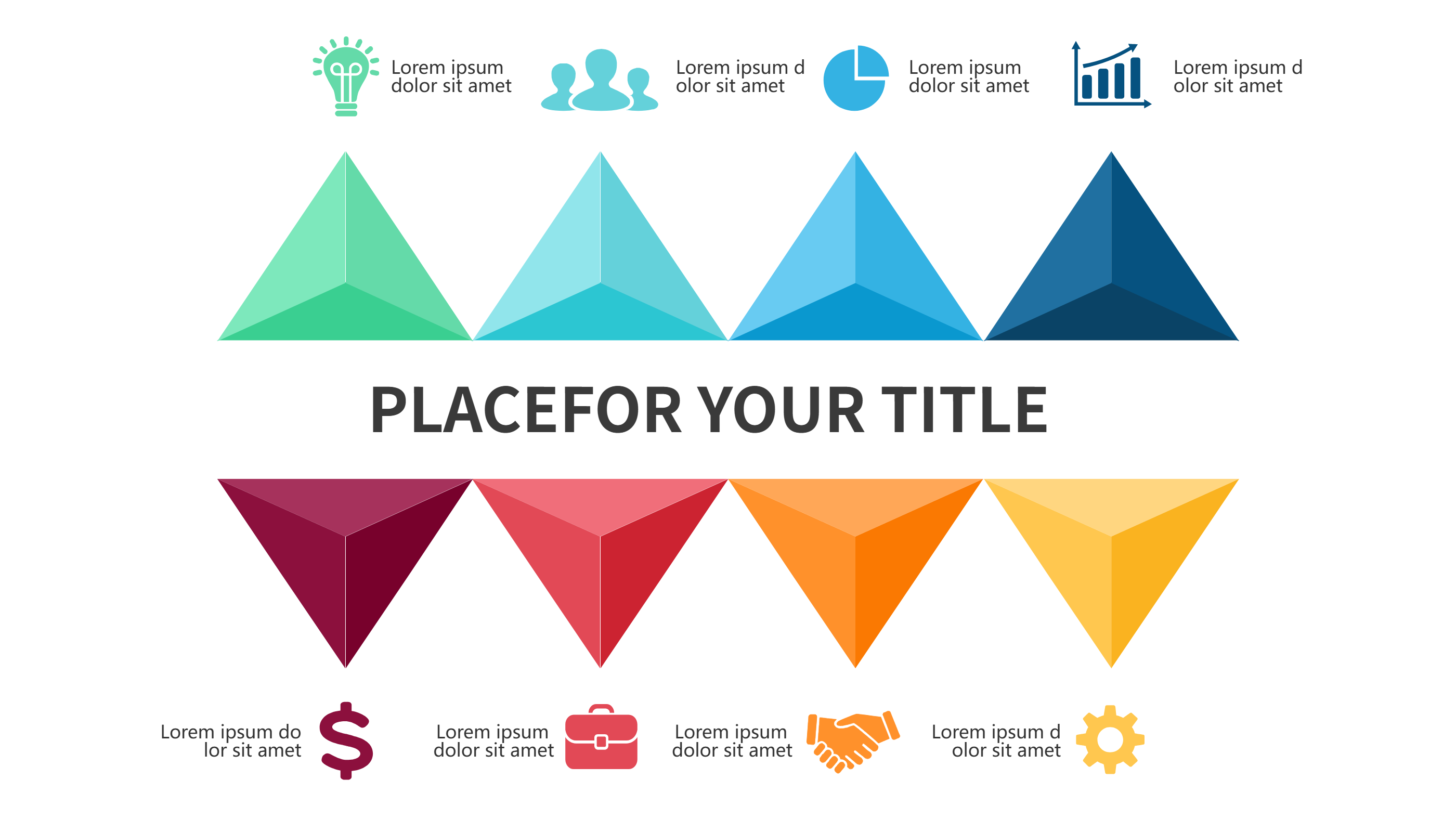
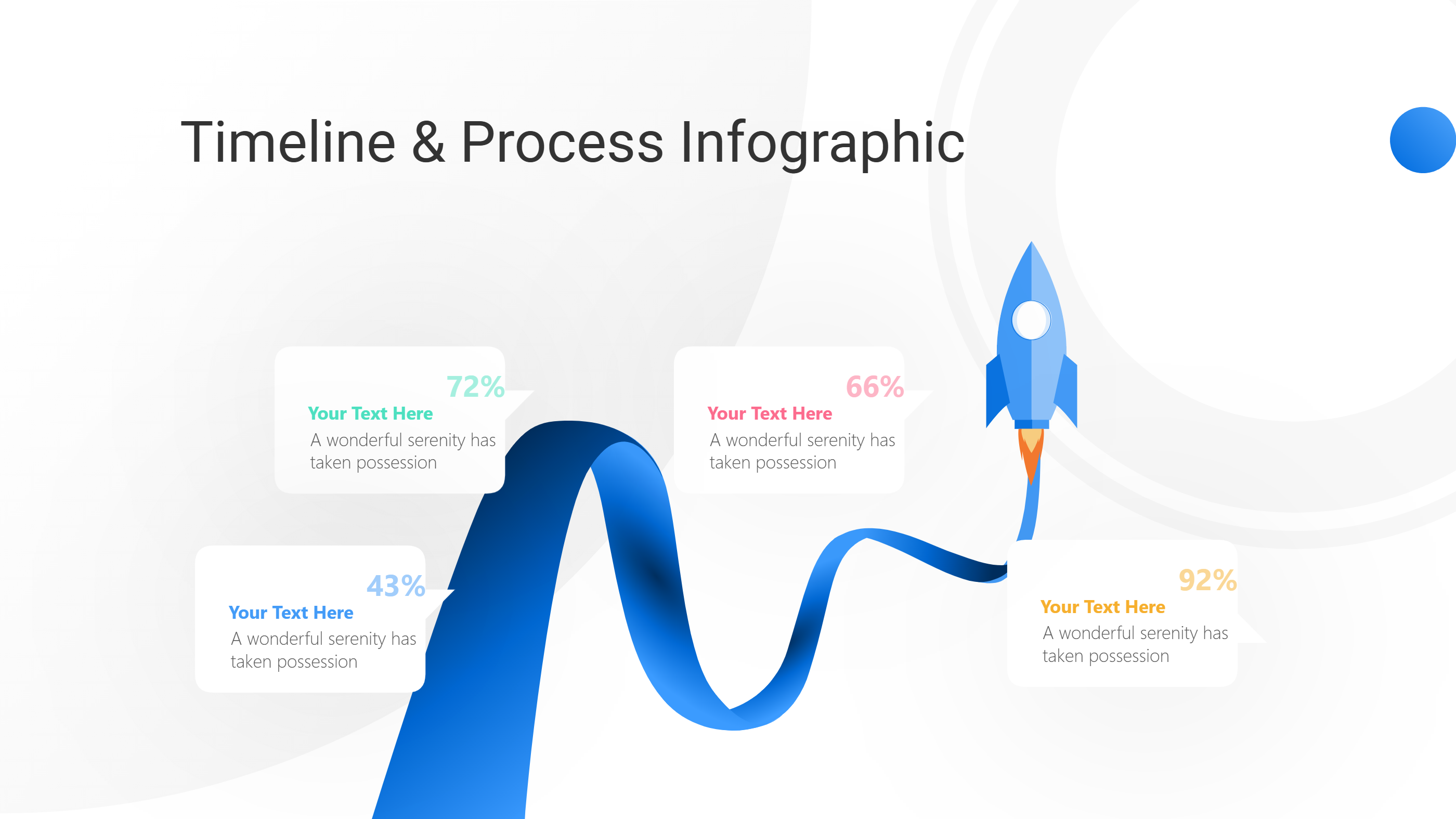
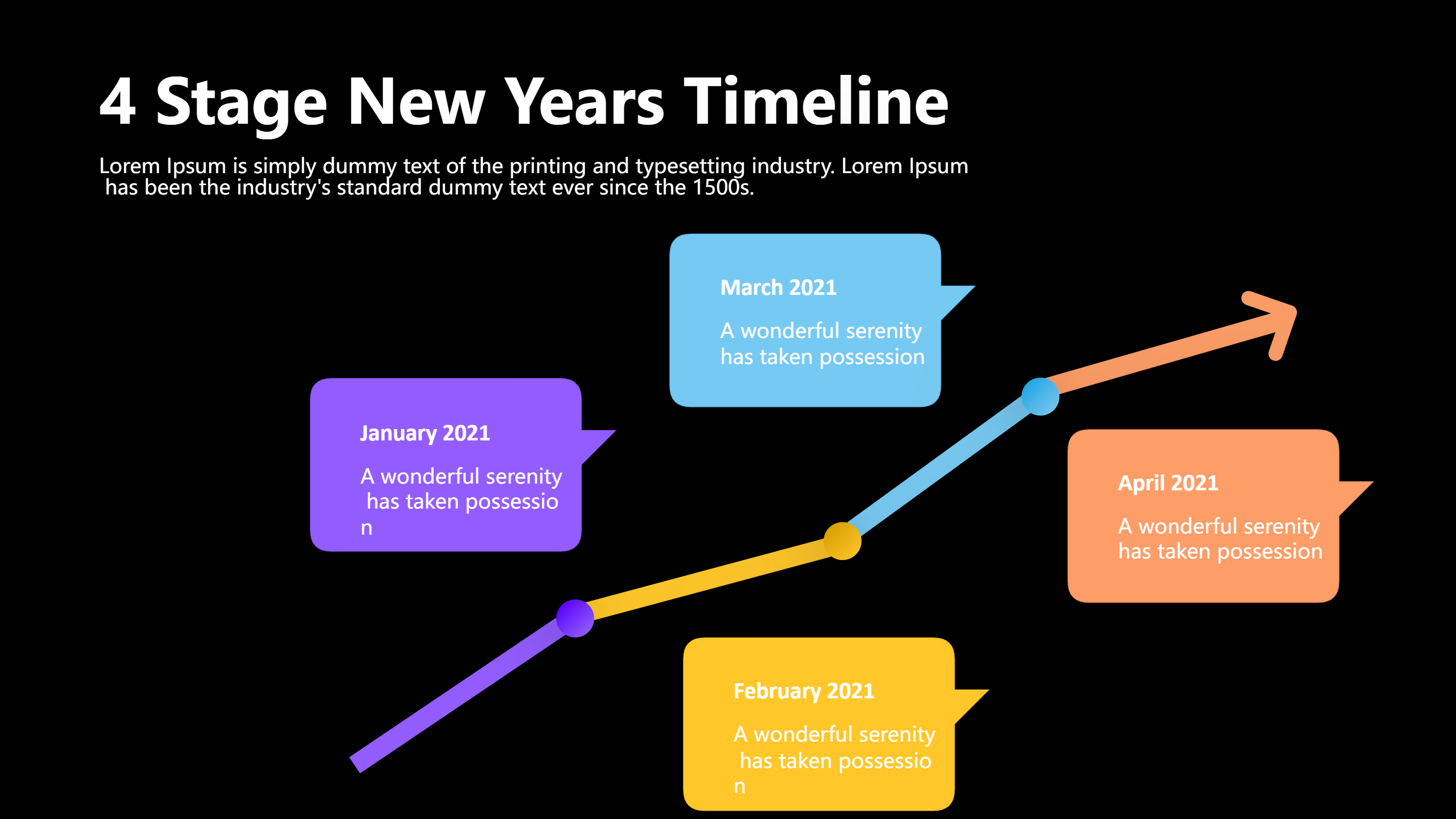
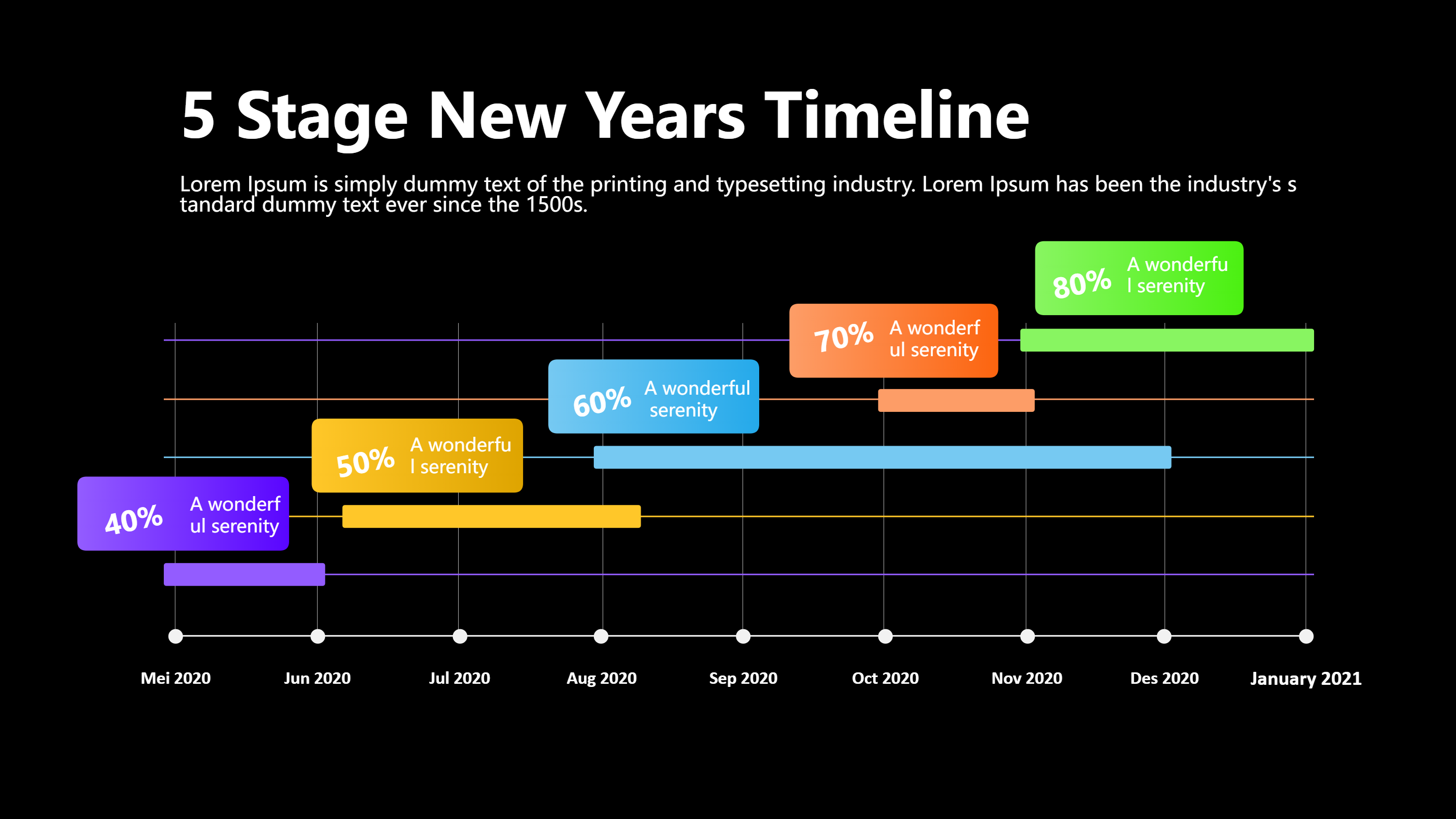
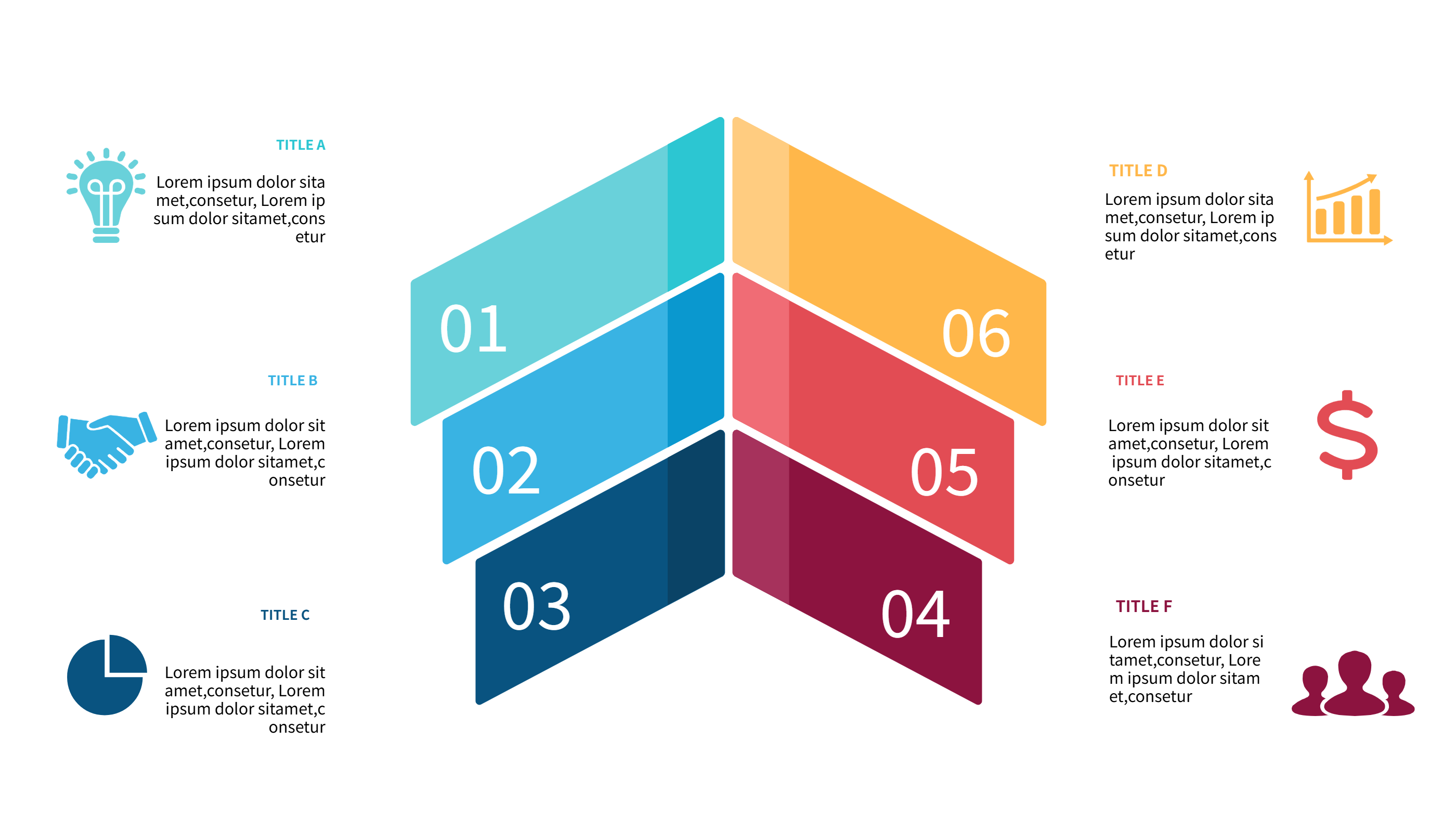
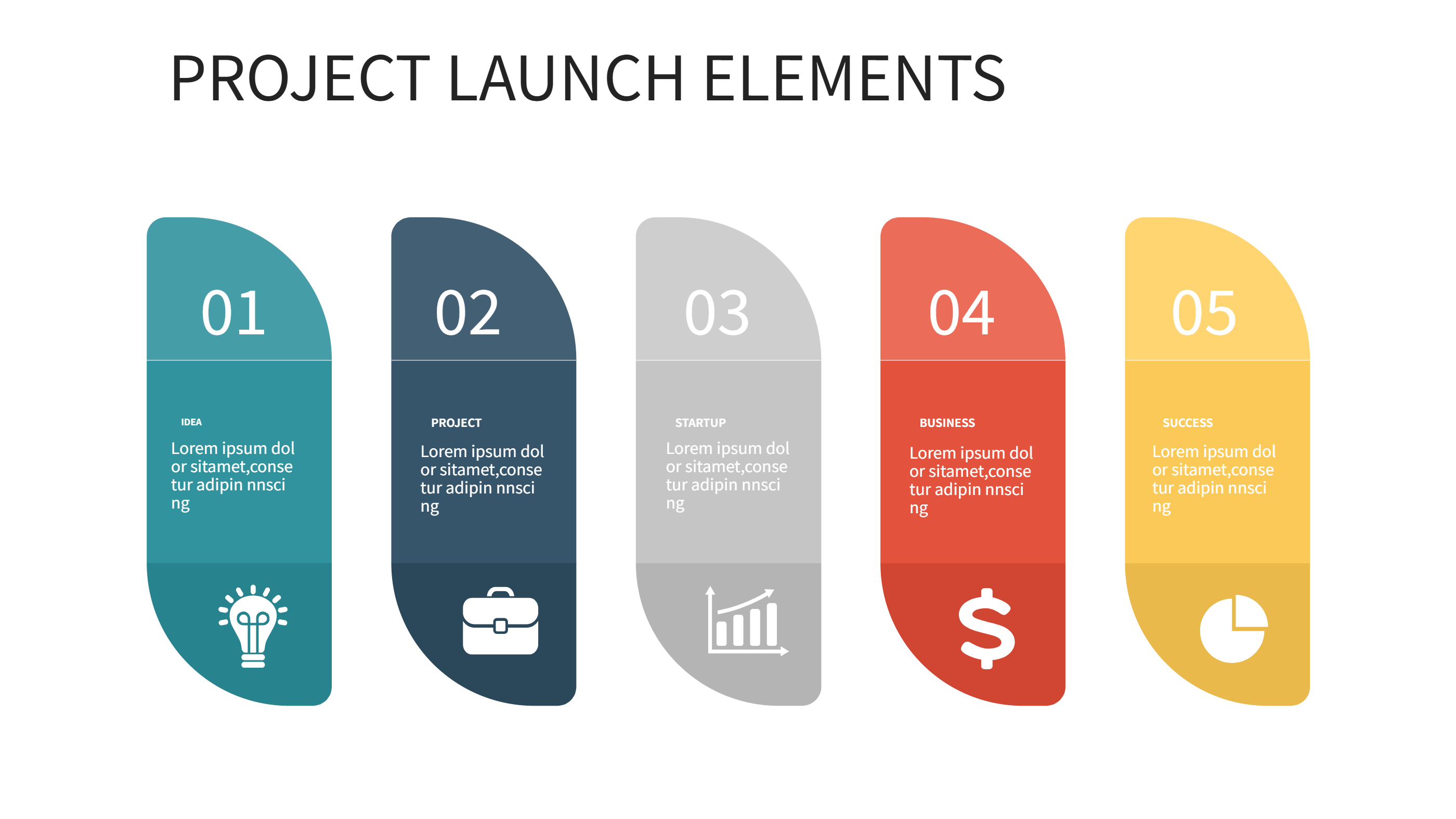
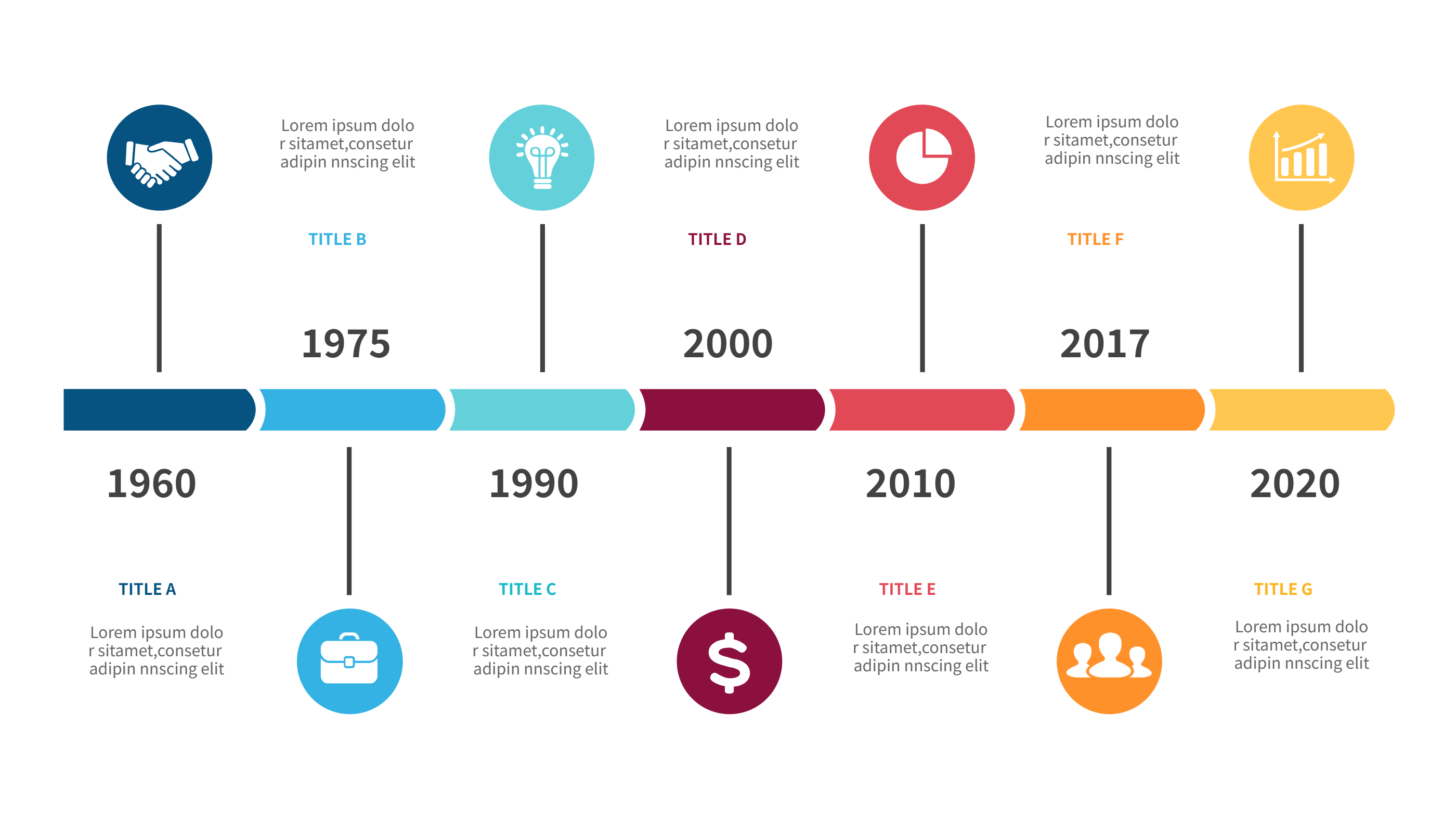
A trivia PowerPoint template infographic is a ready layout for quiz games and pub nights. It turns questions, rounds, and scores into a clear visual page. The design gives space for category titles, short rules, and points. It can show a scoreboard with team names and totals. It can also show a simple schedule for the game. The layout keeps text short so people can focus on the fun.
It works for a classroom quiz, a team event, or an online party. It is easy to read on a screen or a printed sheet. The template supports bold colors and large labels, which makes it easy to follow from a distance. It also helps the host keep the flow of the game. The content stays simple and friendly for any group.
When to Use Trivia PowerPoint Template Infographic
Use this infographic when you need a quick view of a quiz plan. It is useful for pub nights, training games, and community events. It helps explain the rules and show the round order in a single page. It also helps keep scores visible, which saves time for the host. It fits both small teams and large groups.
It is also good when you want a theme night. You can match colors and icons to a movie, music, or sports theme. You can create a version for kids or adults without changing the layout. It is a good fit for remote games too, since the slide can be shared on screen. The template gives a clear structure and reduces confusion.
Download and Edit the Template
Click the download button and an online editor opens in a new page. You can edit the question titles, score boxes, and icons. You can adjust colors to match your theme and keep labels short. Use the save button when you are done. Choose PPT, PNG, or SVG as the export format. The steps stay the same even if the wording is different.
How to Use Trivia PowerPoint Template for Quiz Nights and Team Scores
Open the AI generator on the home page and choose the trivia template that fits your event. Enter a short prompt that describes the rounds, the theme, and the scoring style. The tool creates an infographic that follows the layout. You can edit the result and adjust text to match your game. The meaning stays the same, even if your wording changes.
Examples of Trivia PowerPoint Template AI Prompt Usage
Example 1:
A pub quiz layout with five rounds and a large scoreboard. Include space for team names, points, and a short rule list. Use bold colors and clear labels.
Example 2:
A movie trivia night infographic that shows three themed rounds and a bonus question. Add small icons for film, music, and characters. Keep the score area clean and simple.
Example 3:
A classroom quiz with four short rounds and a final challenge. Show time limits for each round and a points table for three teams. Keep the text easy for students to read.
Recommended Similar Infographic Templates
Related Template 1: Balanced Scorecard Template for Simple PPT Scoreboard
Related Template 2: Flat Infographic 4 Steps
Related Template 3: Event Timeline
Related Template 4: Colorful Business Diagram Infographics with Numbers
FAQs
Q: Can I use this trivia template for an online game?
A: Yes, it reads well on screen and works with shared slides.
Q: Can I add more rounds or fewer rounds?
A: Yes, you can duplicate or remove round blocks as needed.
Q: Is the template suitable for kids and adults?
A: Yes, you can adjust the tone and icons to fit any group.
Q: Can I change the score area to show bonus points?
A: Yes, the score boxes can be edited to match your rules.
Q: Can I export the design as a PNG for quick sharing?
A: Yes, PNG export is available in the editor.