GDD Template for Simple Game Design Notes
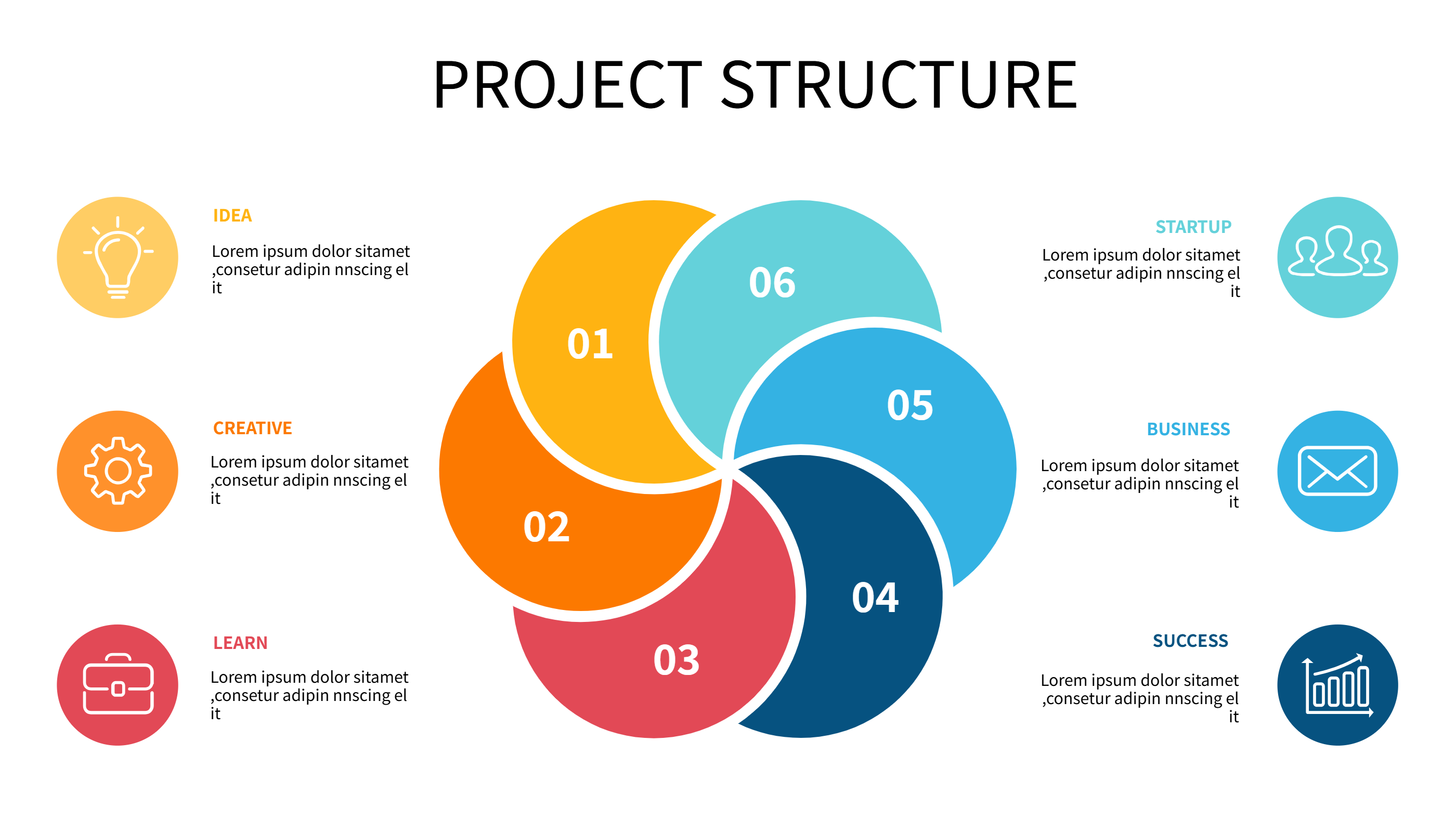
What is GDD Template Infographic
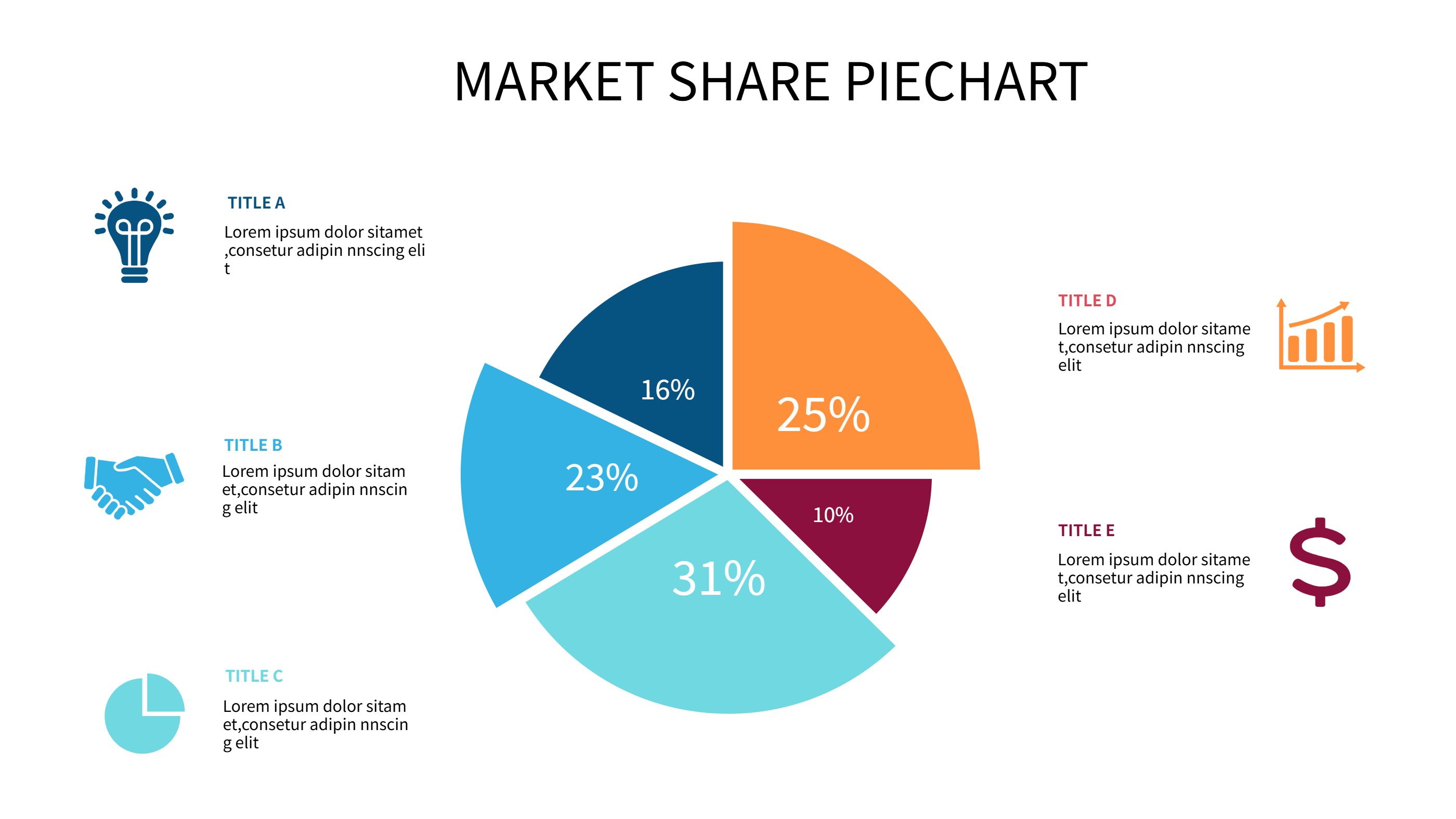
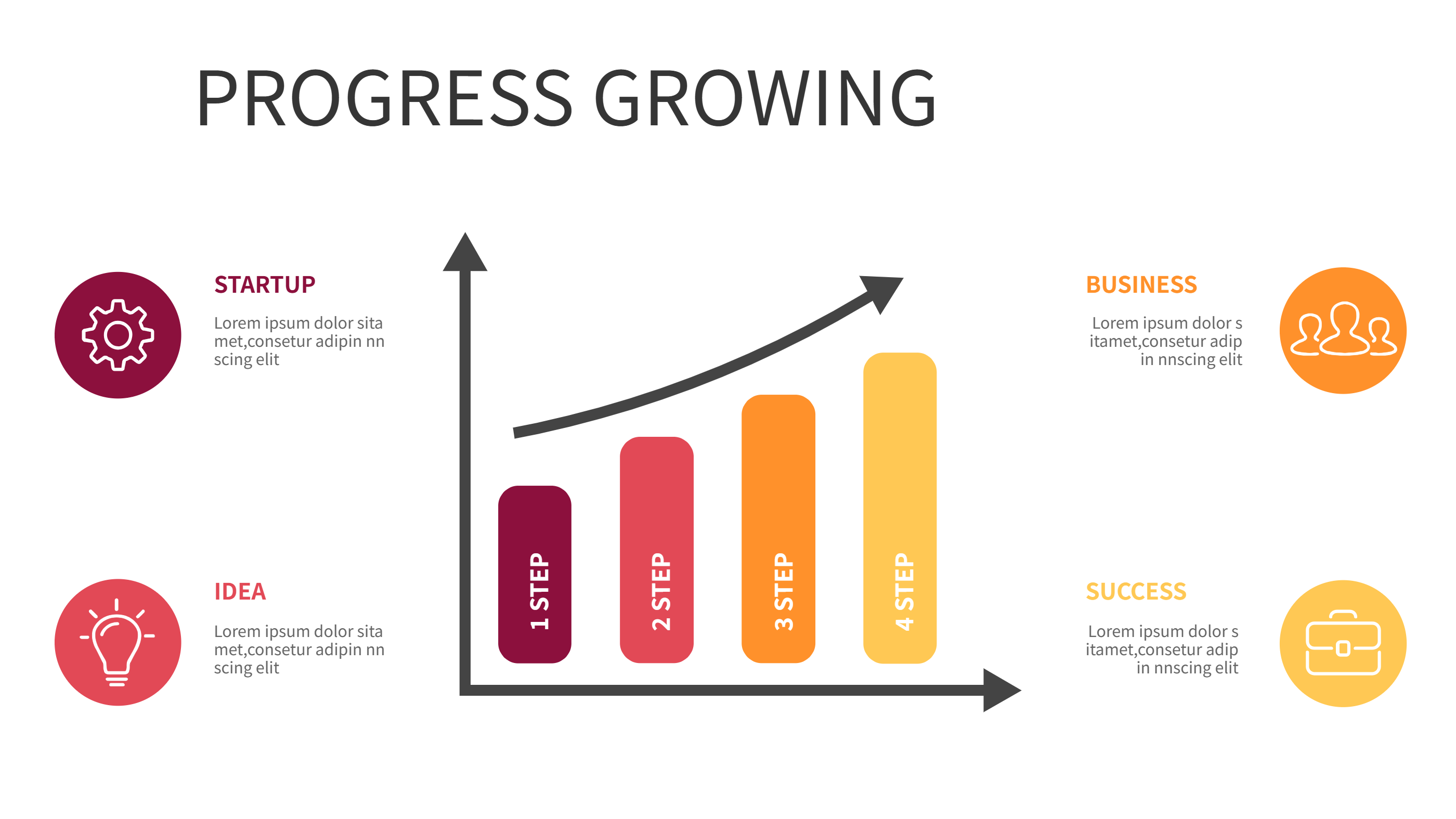
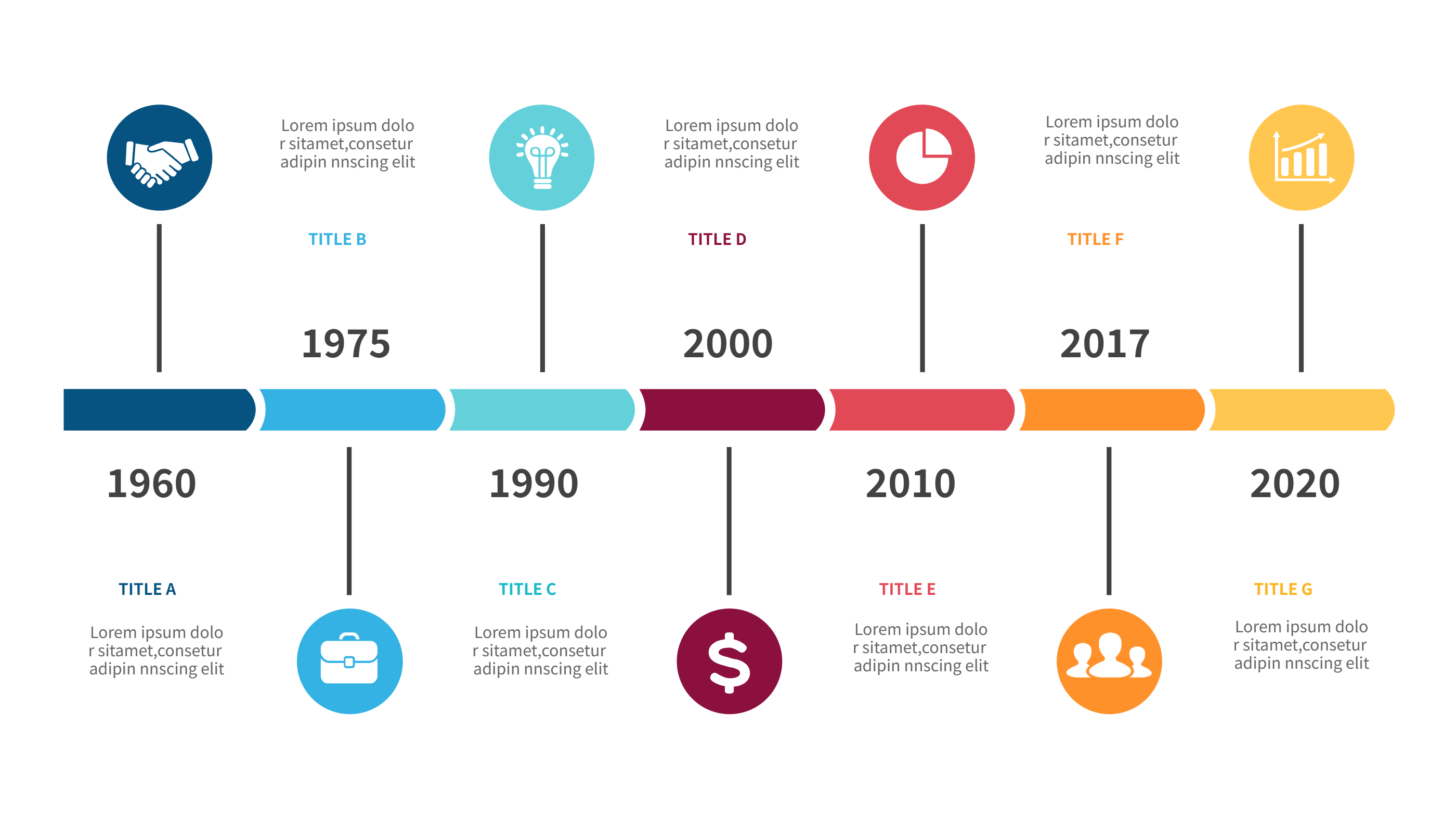
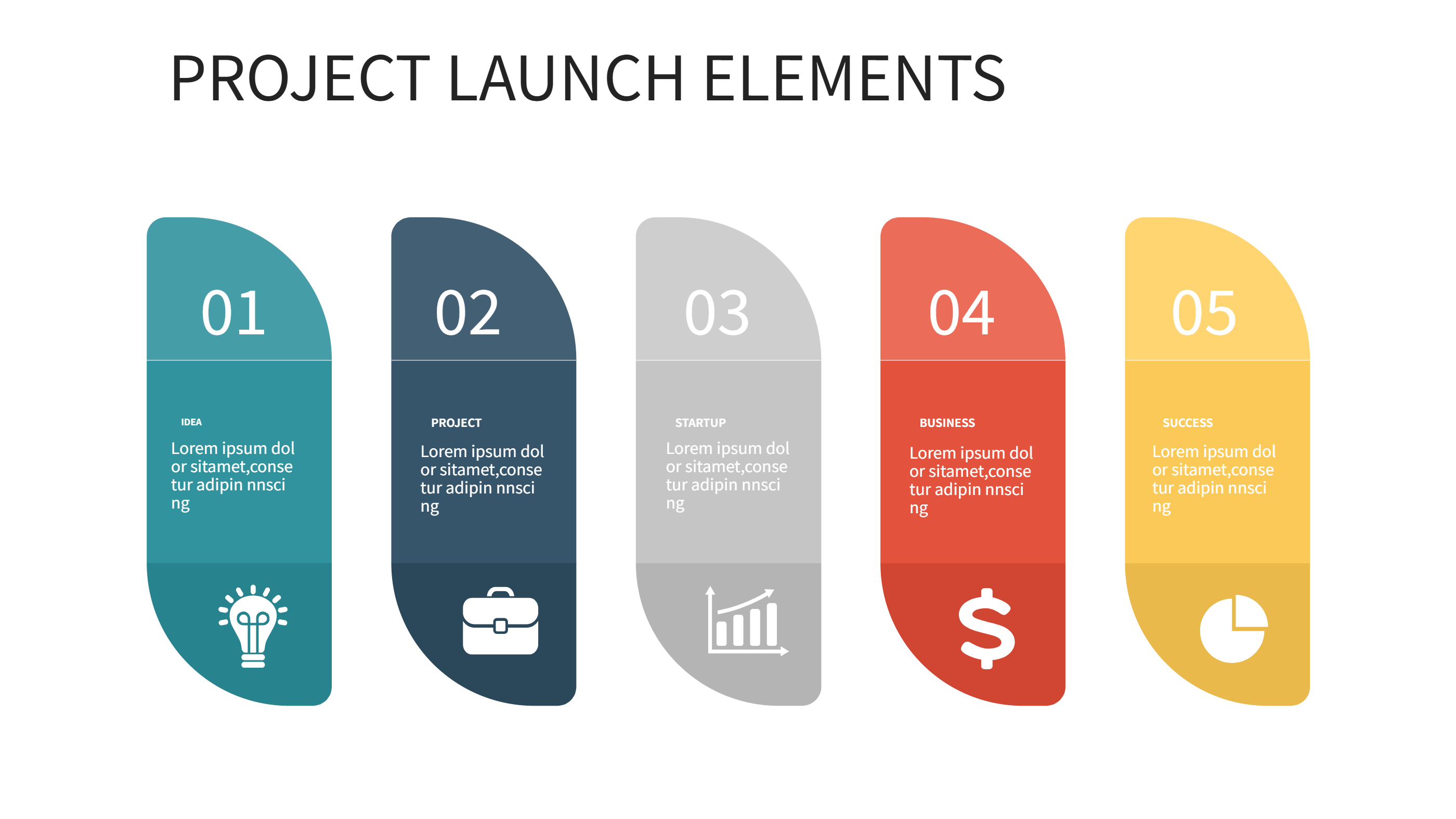
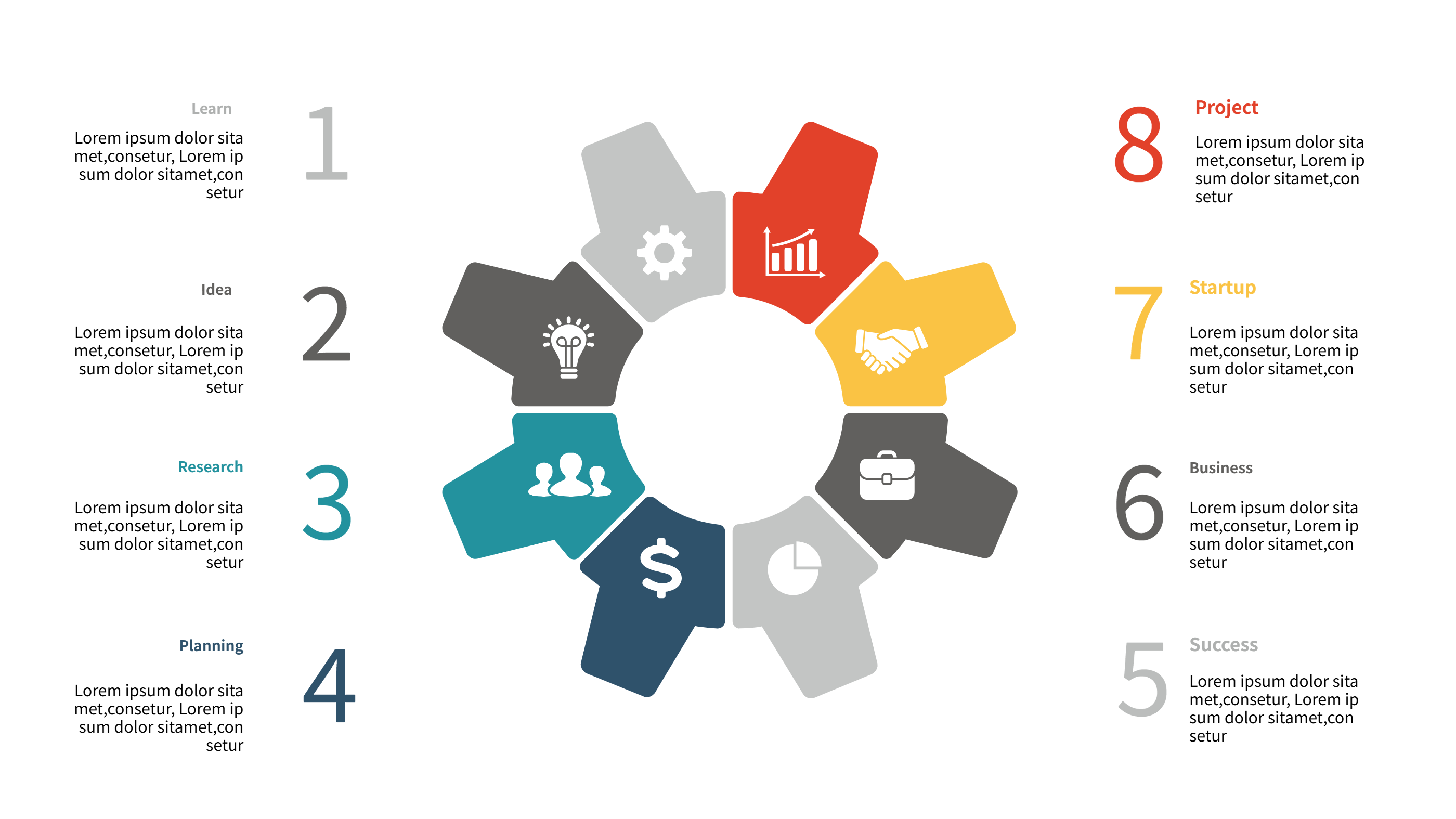
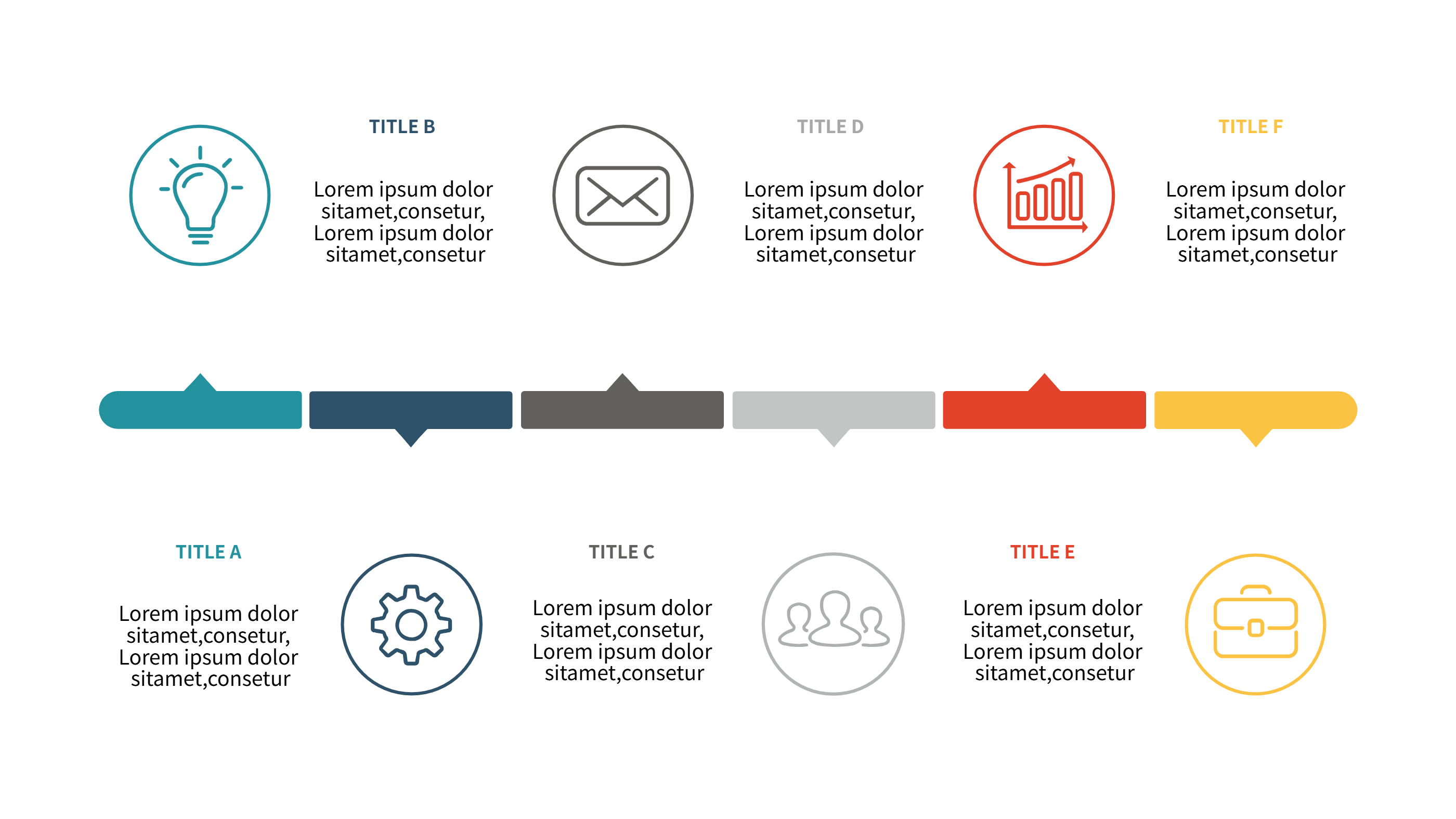
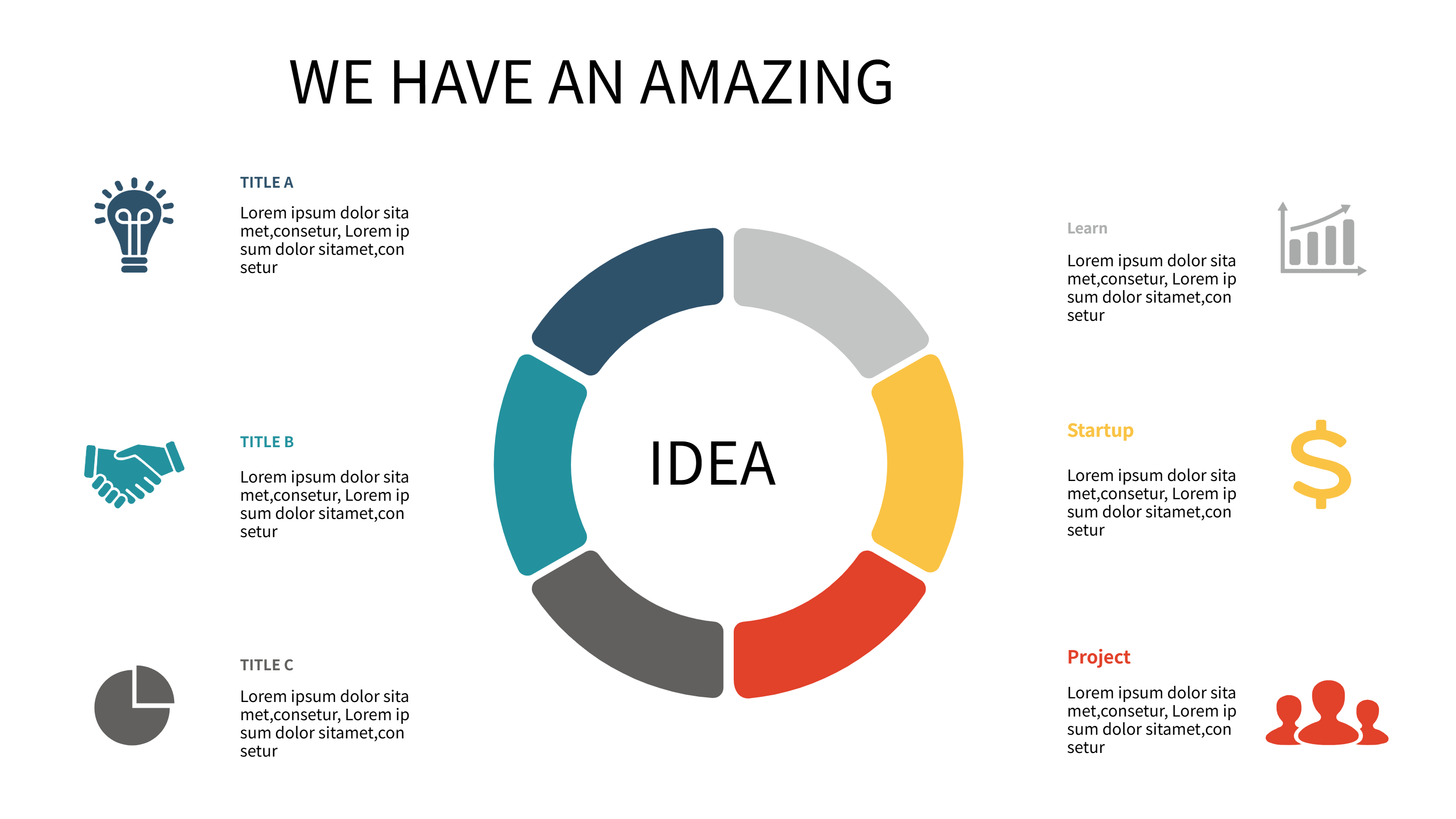
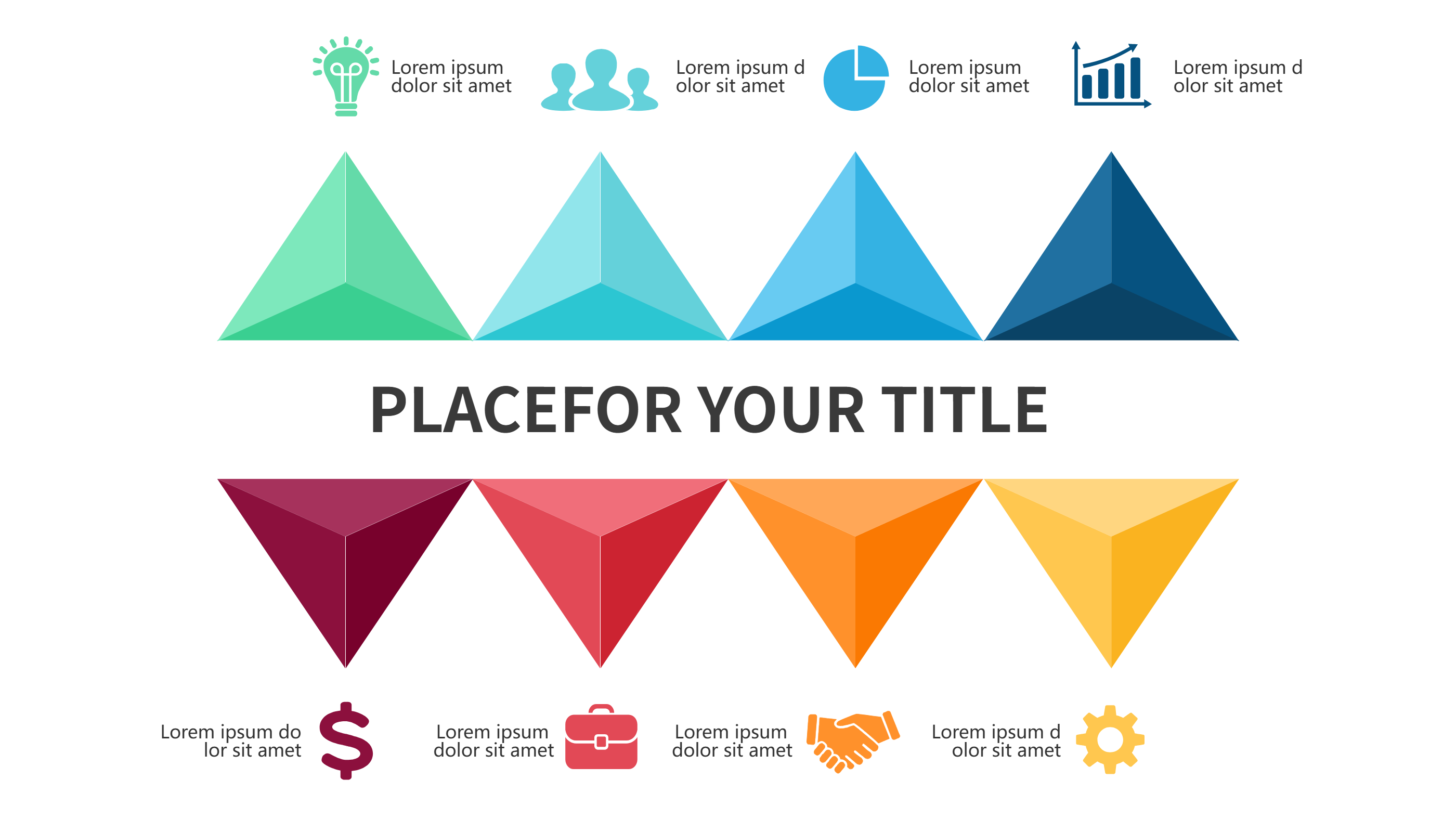
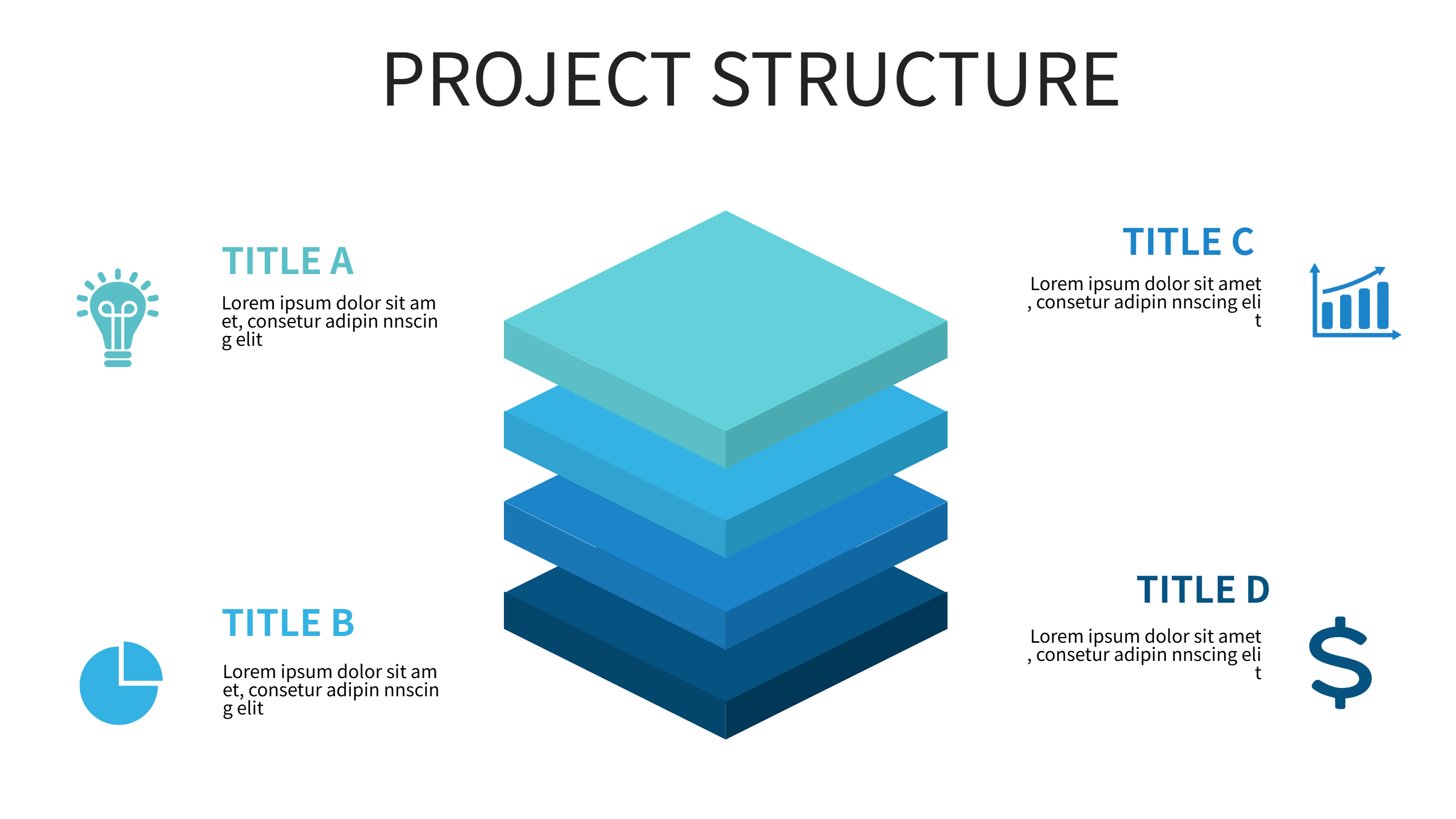
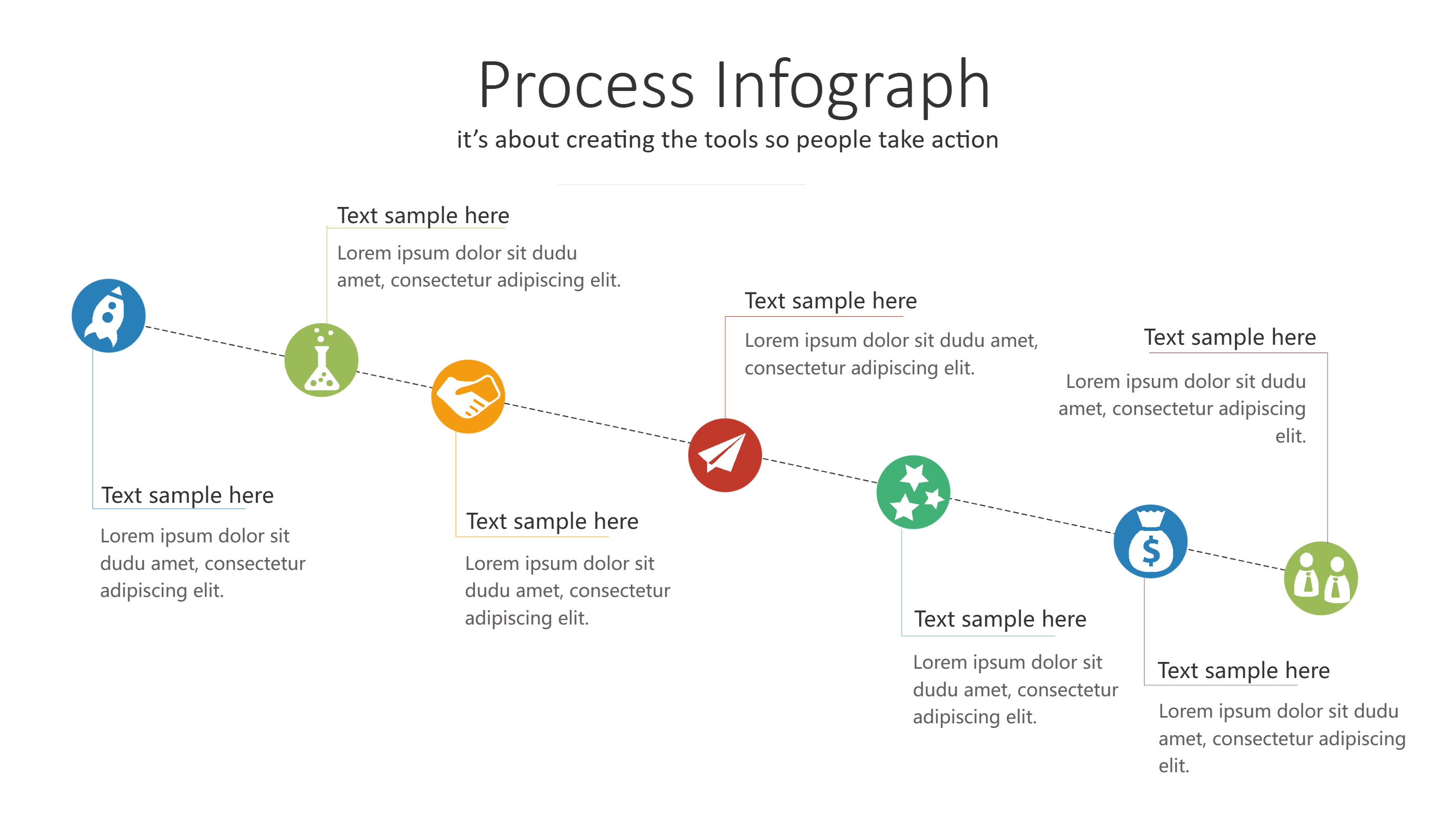
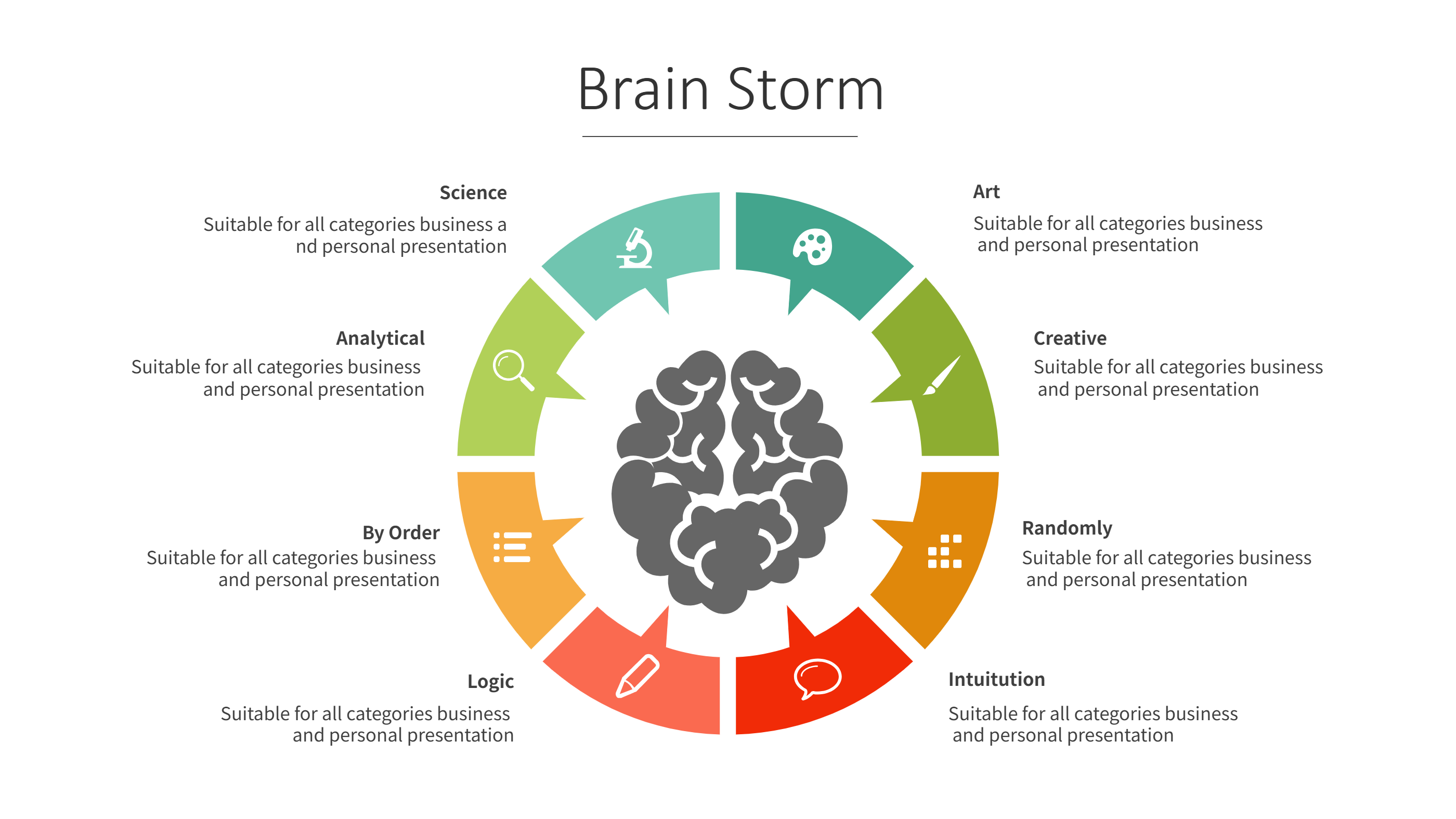
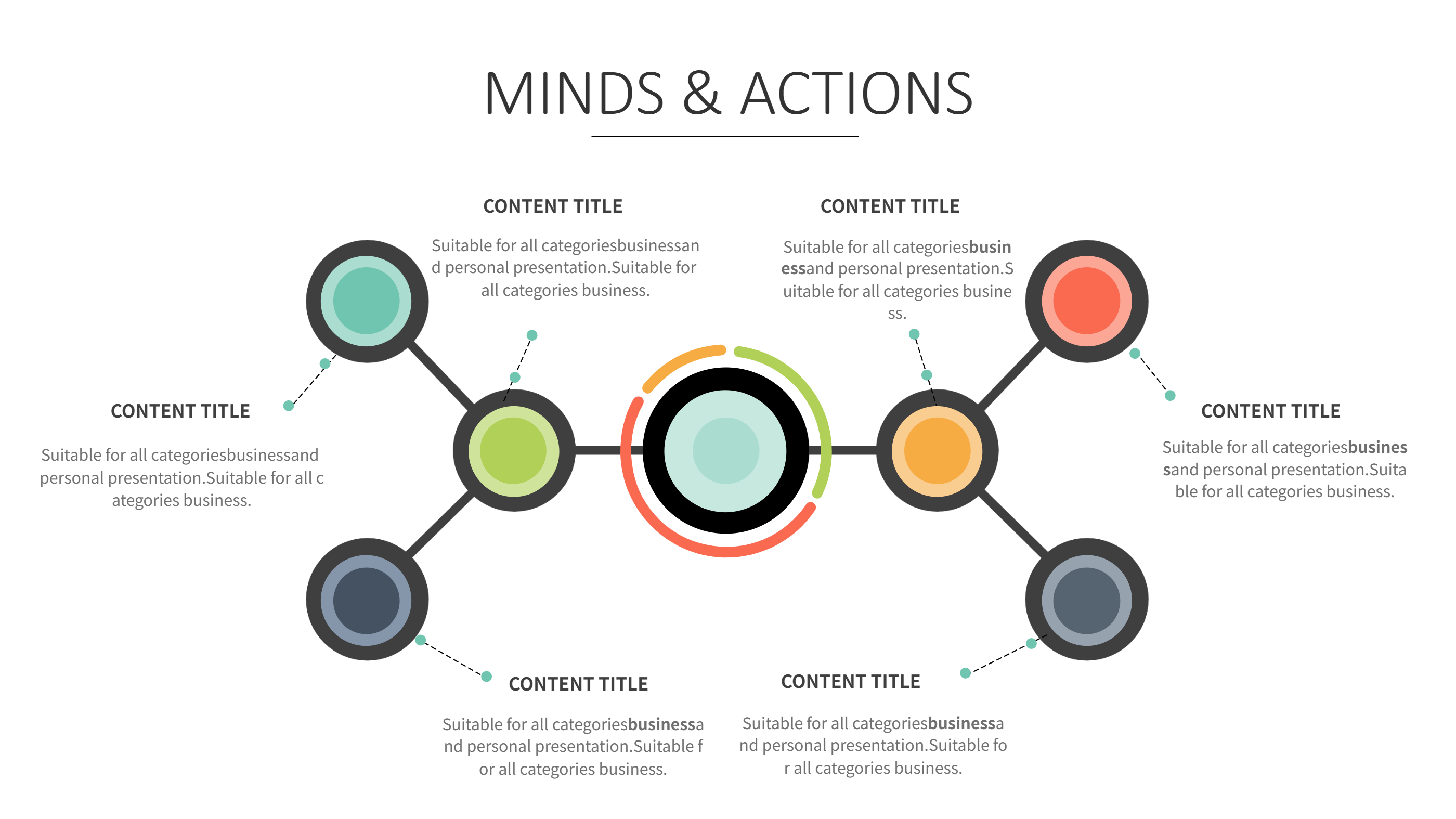
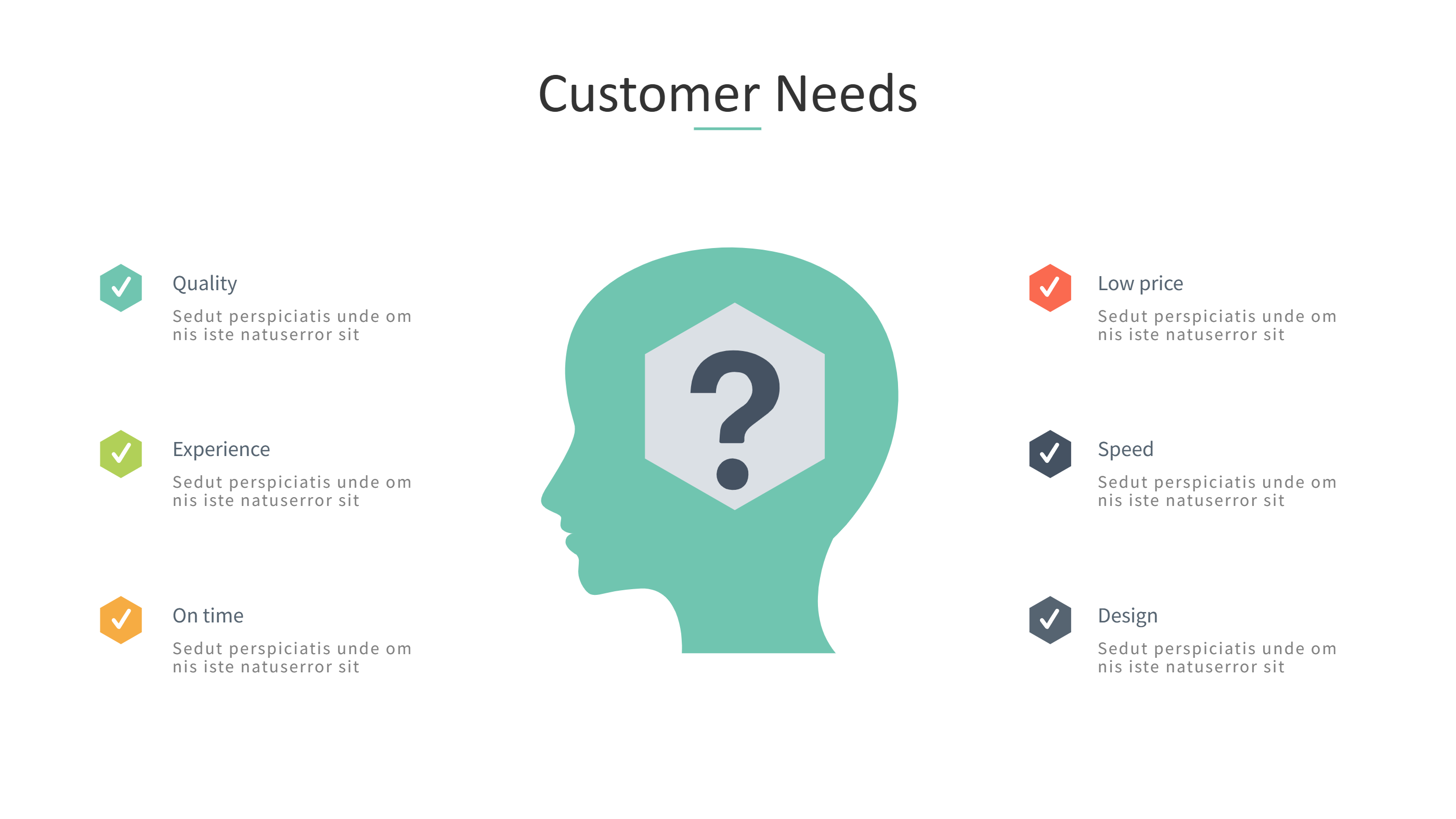
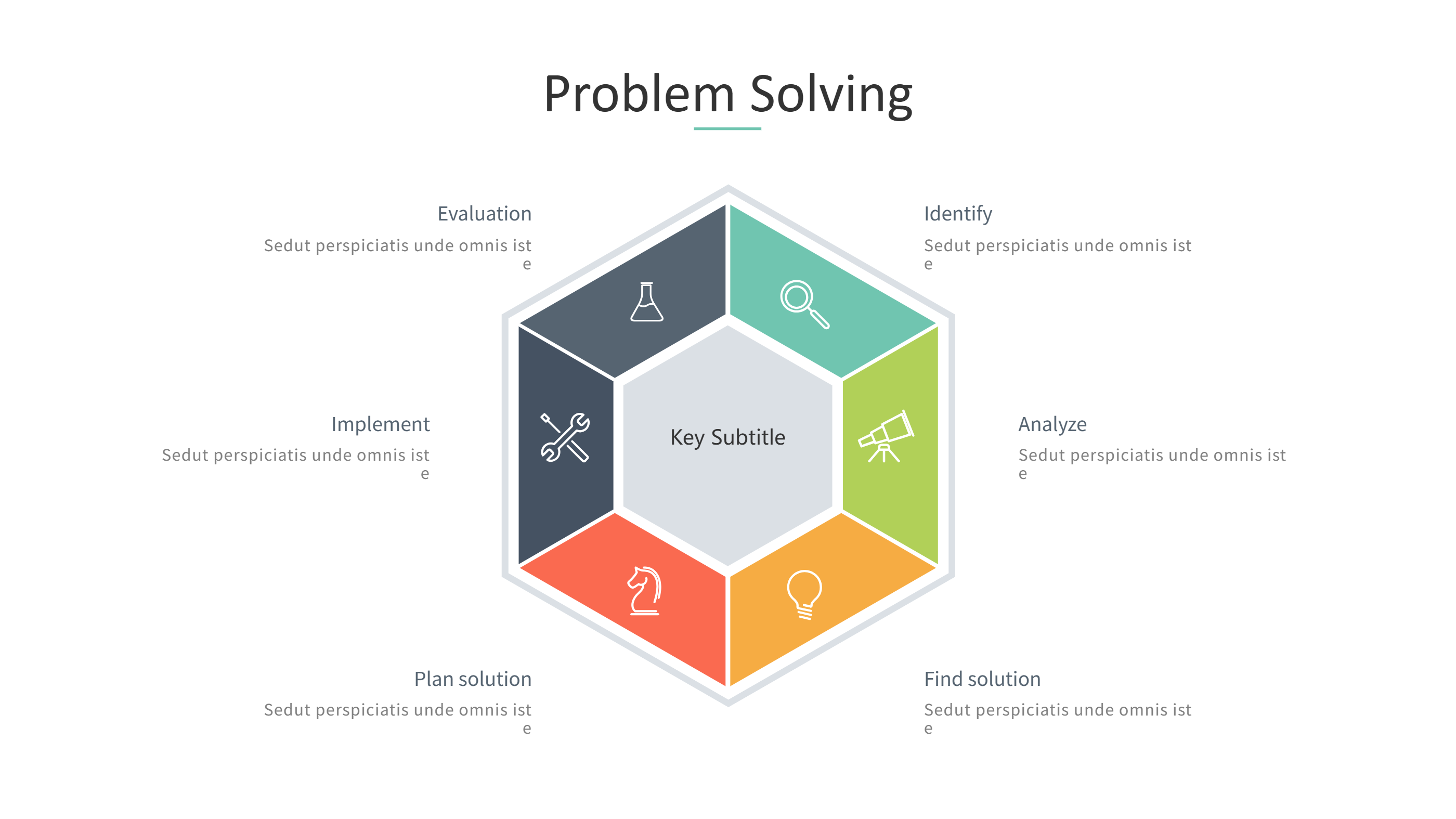
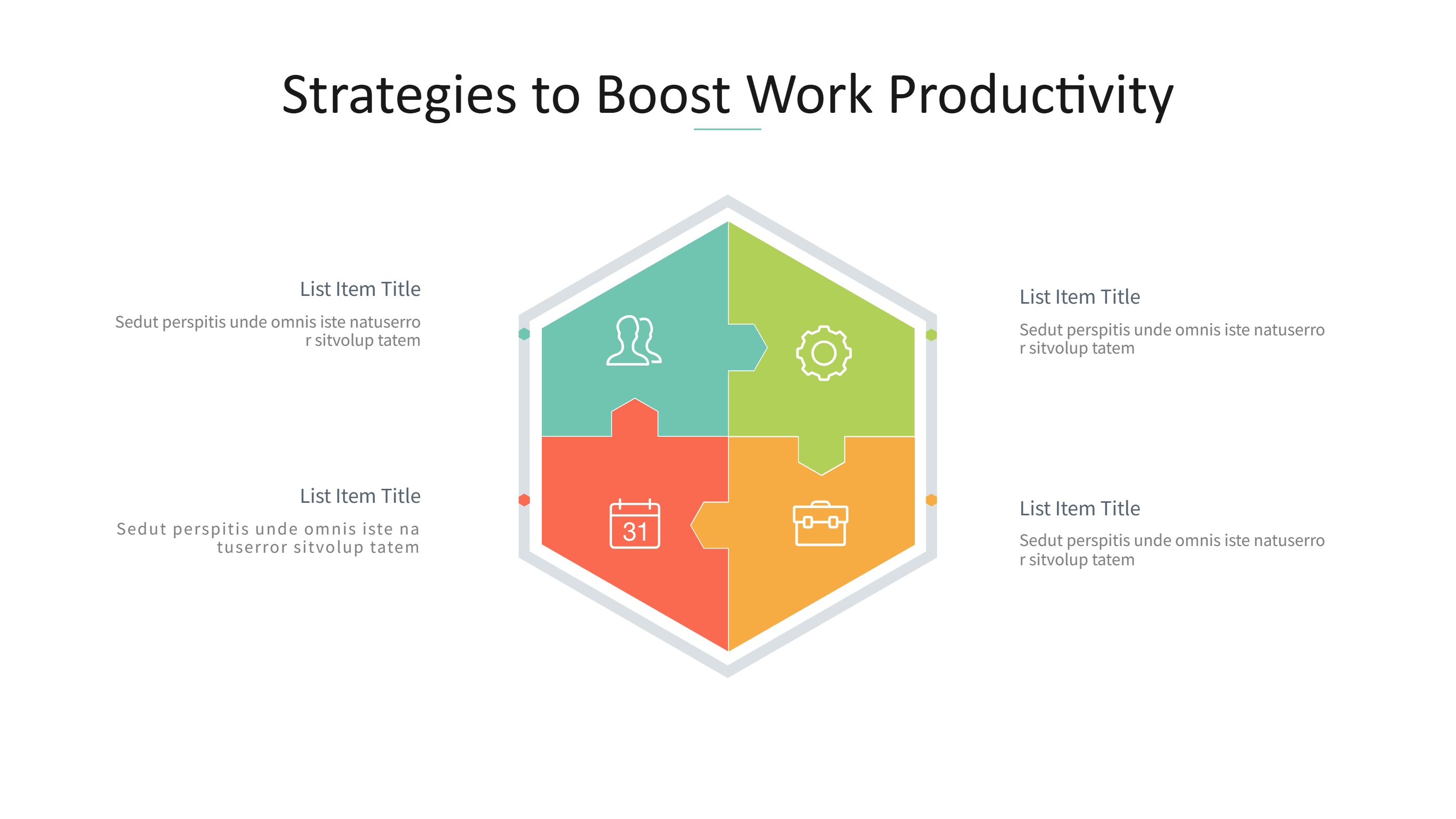
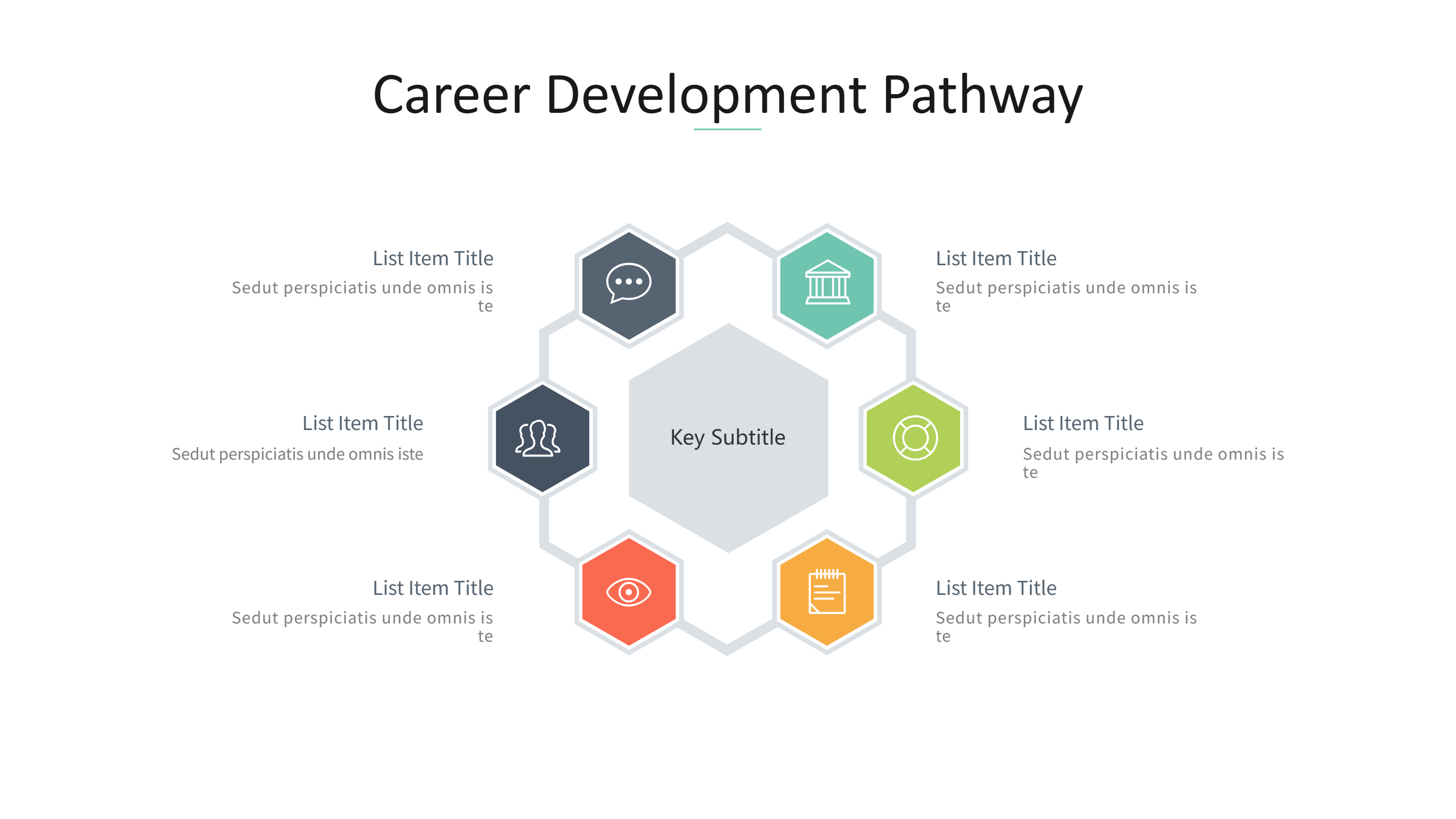
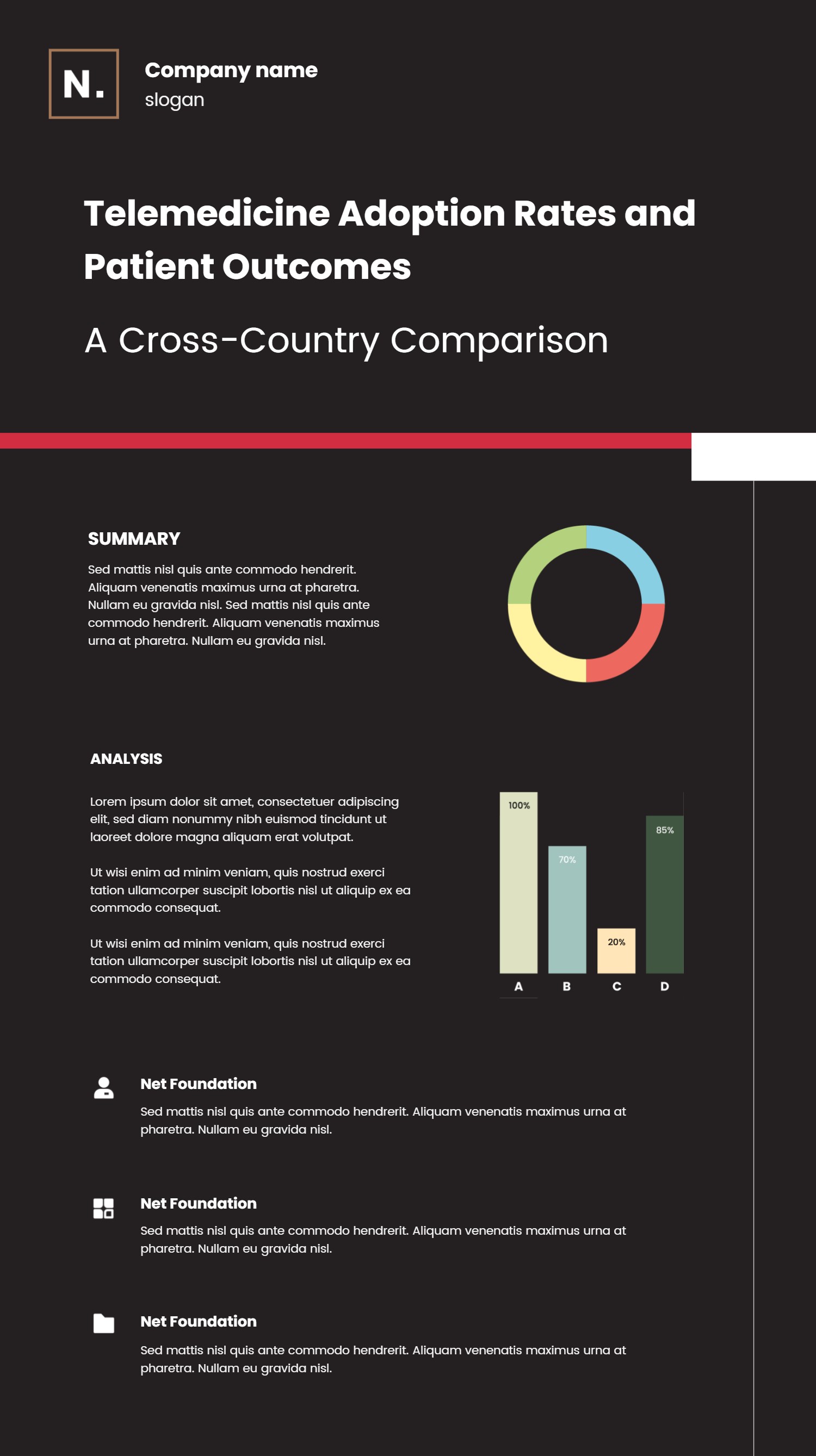
A GDD template infographic is a simple way to outline a game idea in one view. GDD stands for game design document, which is a short plan for a game. This template breaks the plan into clear sections with short labels. Each area can hold a core idea, a story note, or a rule. The layout keeps the details light and easy to scan. It fits a PPT slide and works well for quick reviews. The template helps a team agree on the main parts before building the game.
When to Use GDD Template Infographic
Use this GDD template when you want to present a game idea in a short and clear way. It is helpful for student projects, small teams, and quick pitches. It also works for game jams and early drafts. The layout keeps the focus on the main pieces such as goal, player, world, and rewards. It is a good fit for early planning when you want simple notes and a clean view. It also works for sharing a plan with a mentor or class.
How to Use GDD Template for Simple Game Design Notes
On the home page, open the AI generation tool. Choose the project structure template from the list. Enter a short prompt with your game idea and the key sections you want. The tool builds the infographic in the same layout and style. Review each label and keep it short. Adjust colors and icons to match your game theme. Save the result when it looks right. This gives you a ready slide that you can present or edit.
Download and Edit the Template
Click the download button to open the online editor. Replace the sample text with your own sections. Keep each note short so the layout stays clear. You can reorder the sections to match your plan. Adjust colors to fit your style. Click the save button when you finish. Choose PPT, PNG, or SVG for the file format you need. Download the file and share it with your team.
Examples of GDD Template AI Prompt Usage
Example 1:
Create a GDD infographic for a puzzle game. Include goal, player actions, level flow, and rewards. Keep the notes short and friendly.
Example 2:
Make a game design overview for a small adventure game. Show story, main character, challenges, and win condition. Use a clean layout for a PPT slide.
Example 3:
Design a GDD summary for a classroom project. List theme, rules, scoring, and art style with brief notes. Keep the text easy to read.
Recommended Similar Infographic Templates
Related Template 1: Software Design Document Template for Clear PPT Infographics
Related Template 2: Project Research Infographics
Related Template 3: Project Timeline Template (Excel-Friendly Free)
Related Template 4: Curved Multi-Year Product Launch Timeline Infographic Template
FAQs
Q: Is a GDD template only for large teams?
A: No, it works well for small projects and student teams.
Q: Can I keep the GDD very short?
A: Yes, the template supports short notes and quick summaries.
Q: Can I add more sections if needed?
A: Yes, you can add sections and keep the layout simple.
Q: Does this template work for game jams?
A: Yes, it is useful for quick planning and fast sharing.
Q: Can I export the file as PNG or SVG?
A: Yes, you can download PPT, PNG, or SVG from the editor.